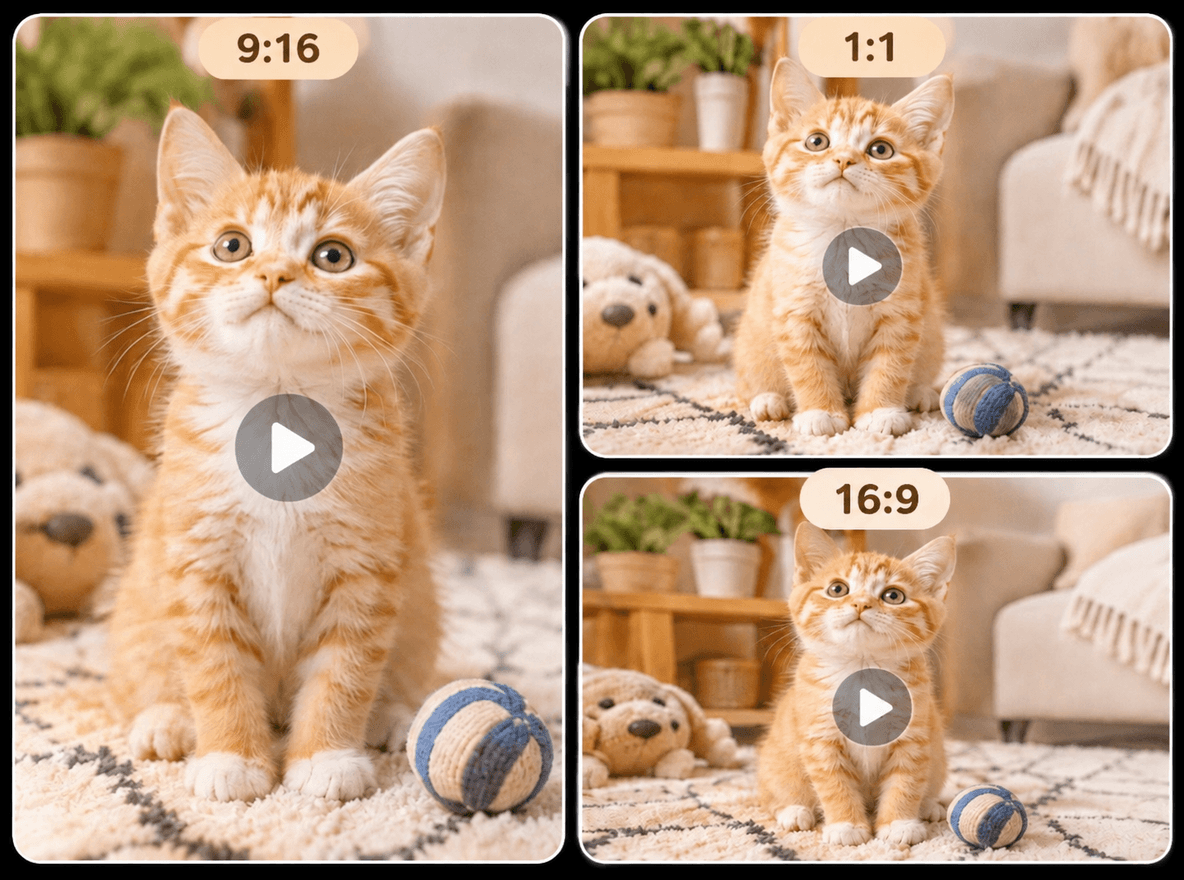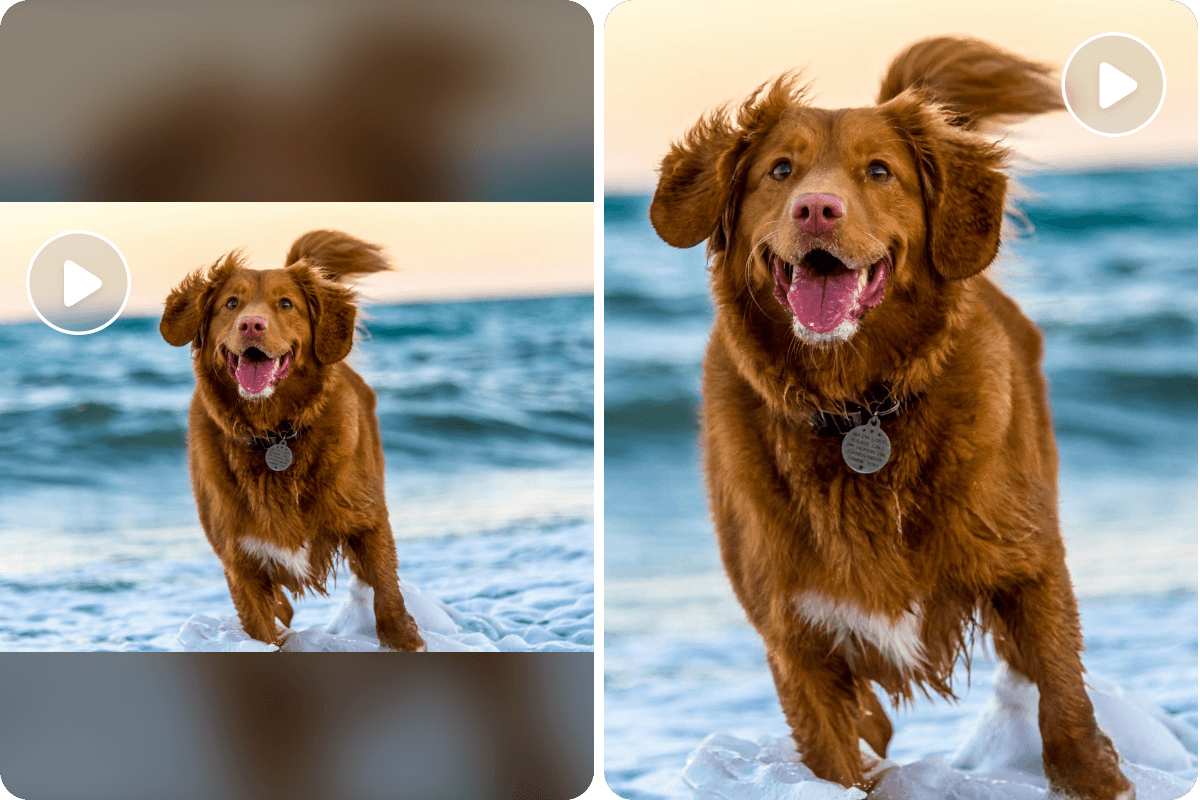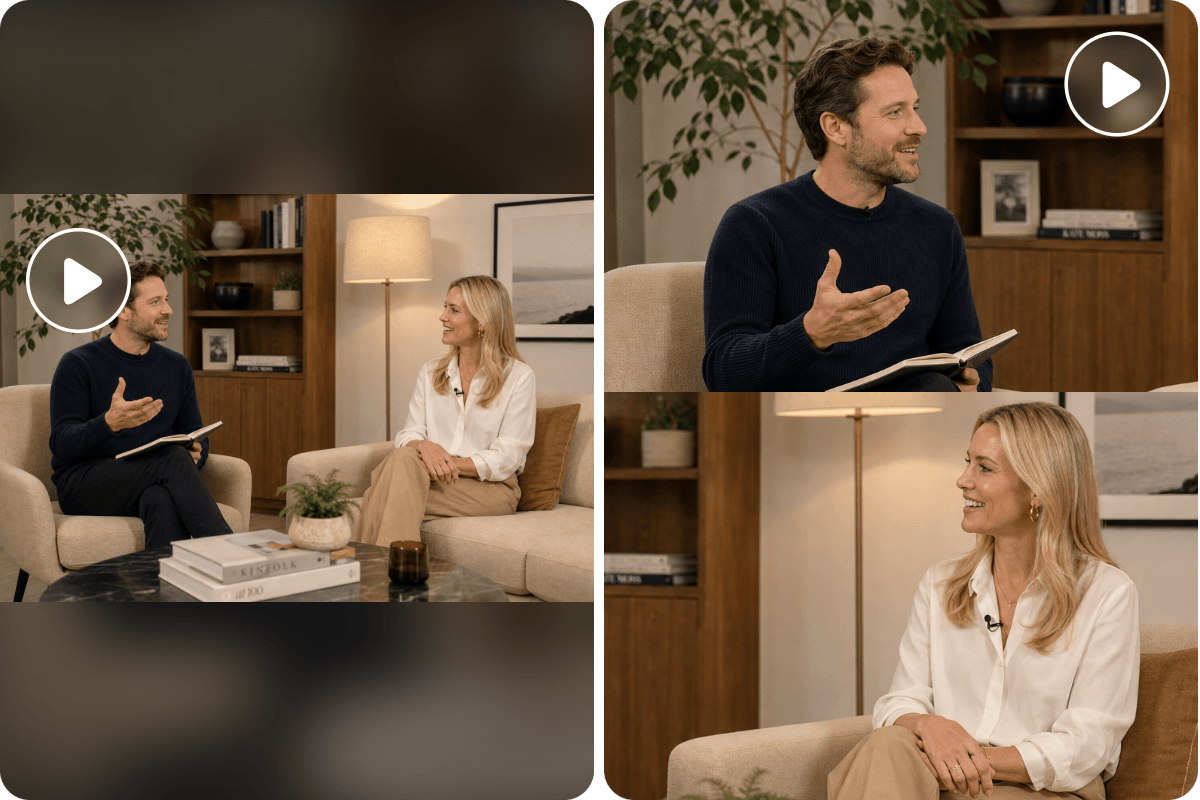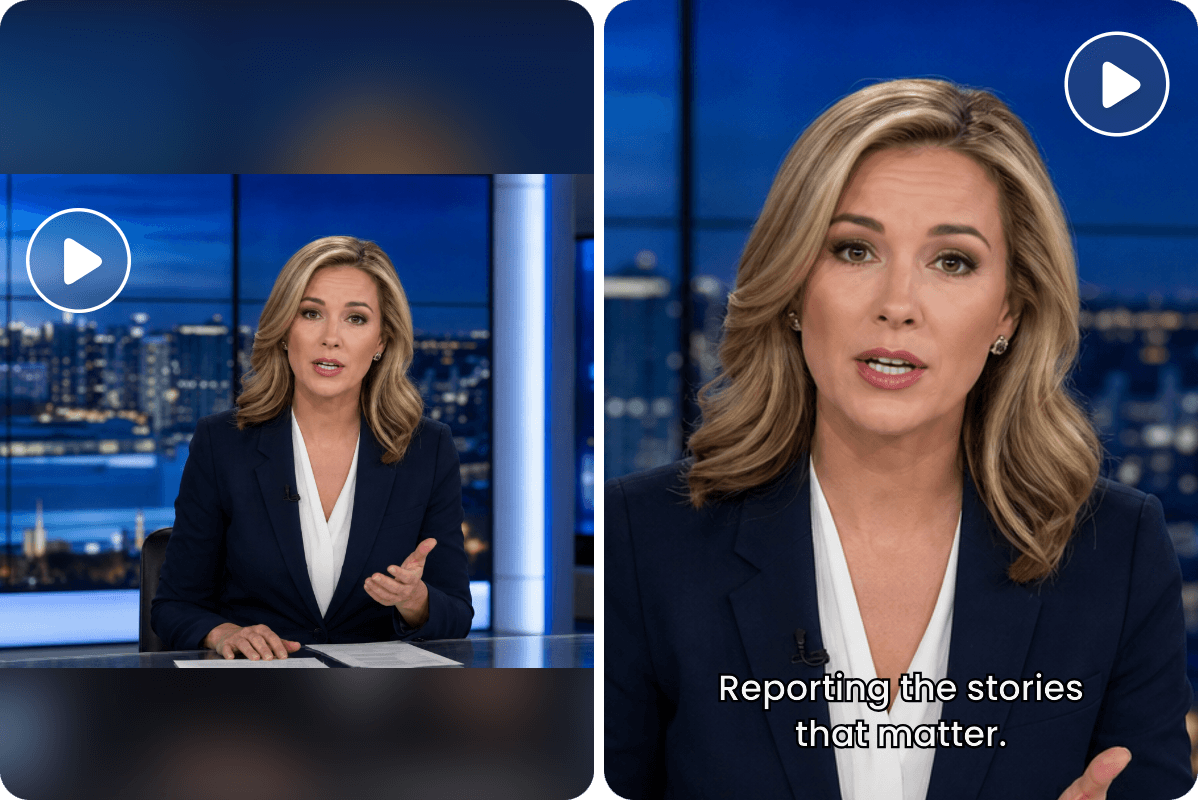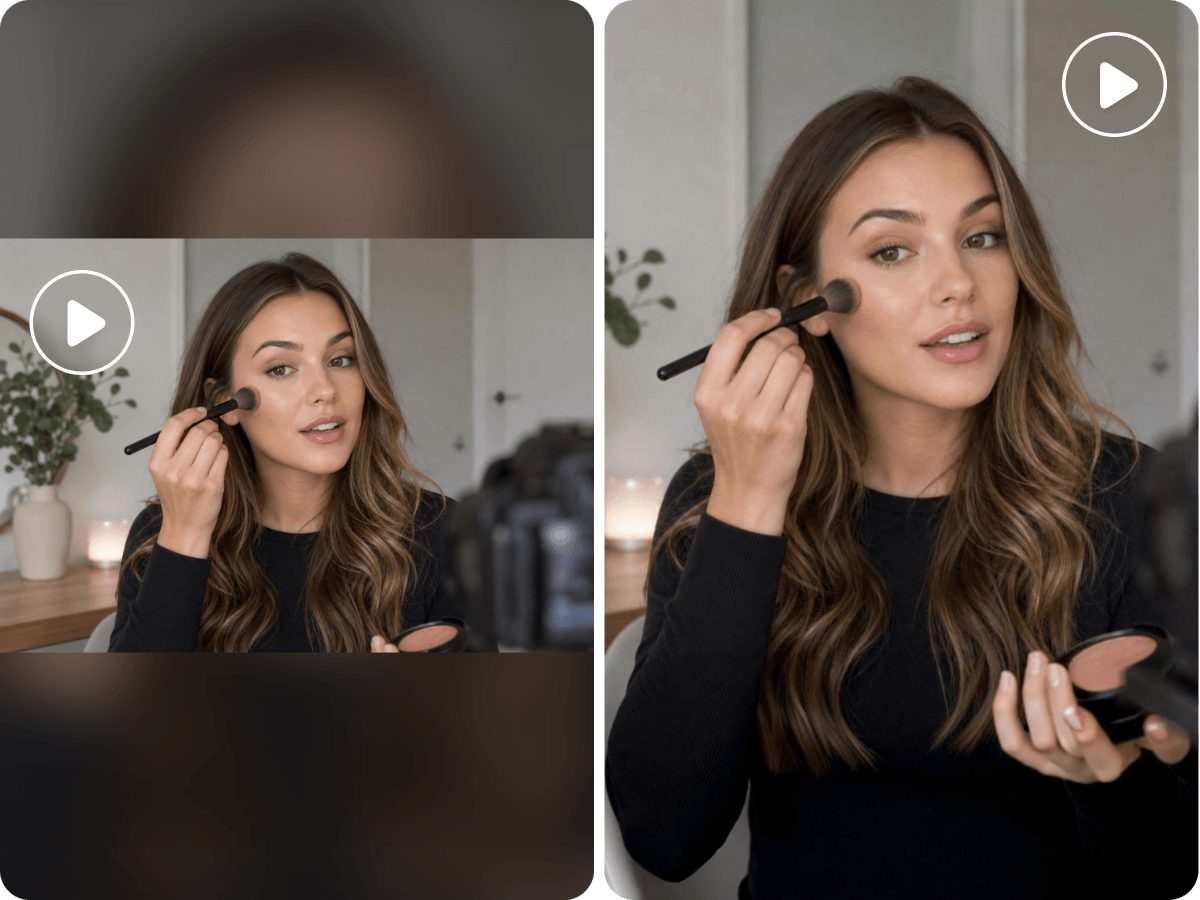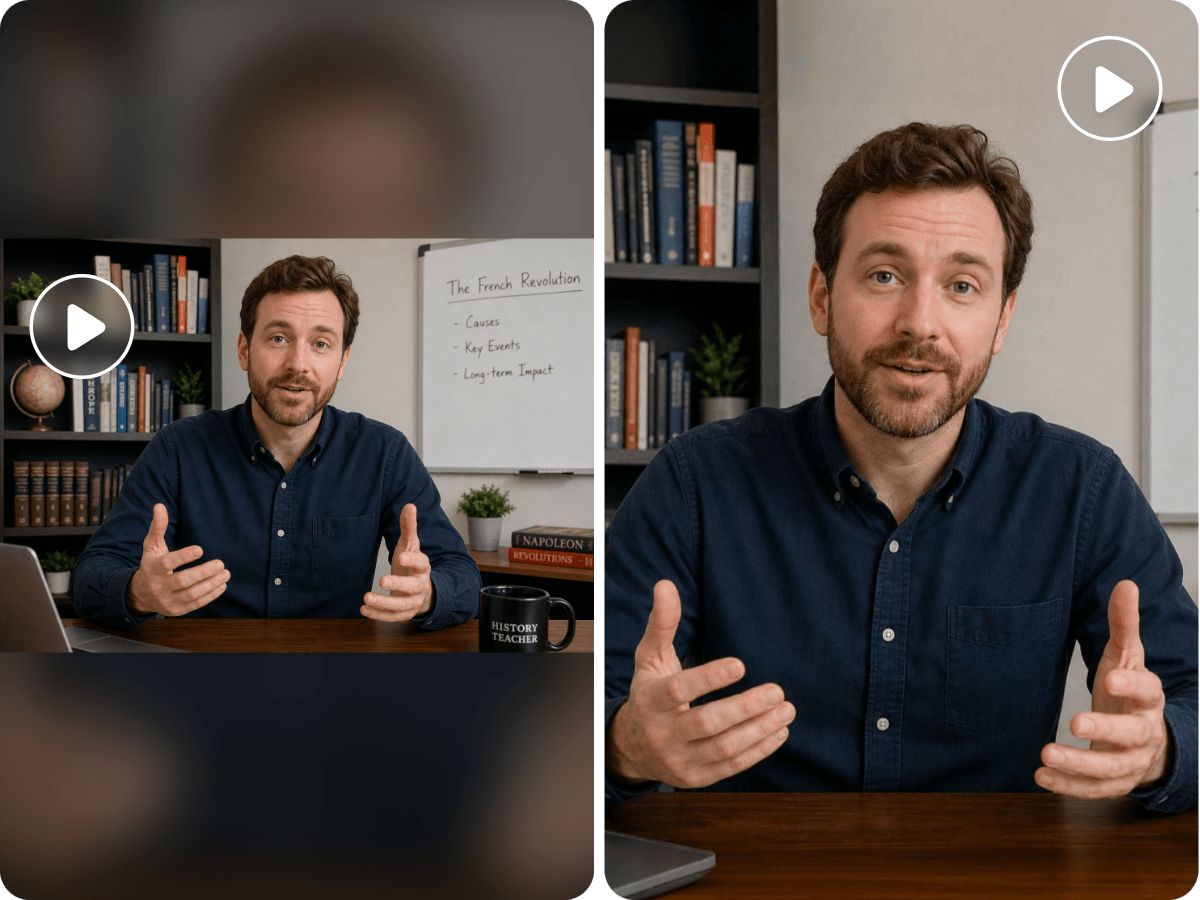
No Video Skills Needed
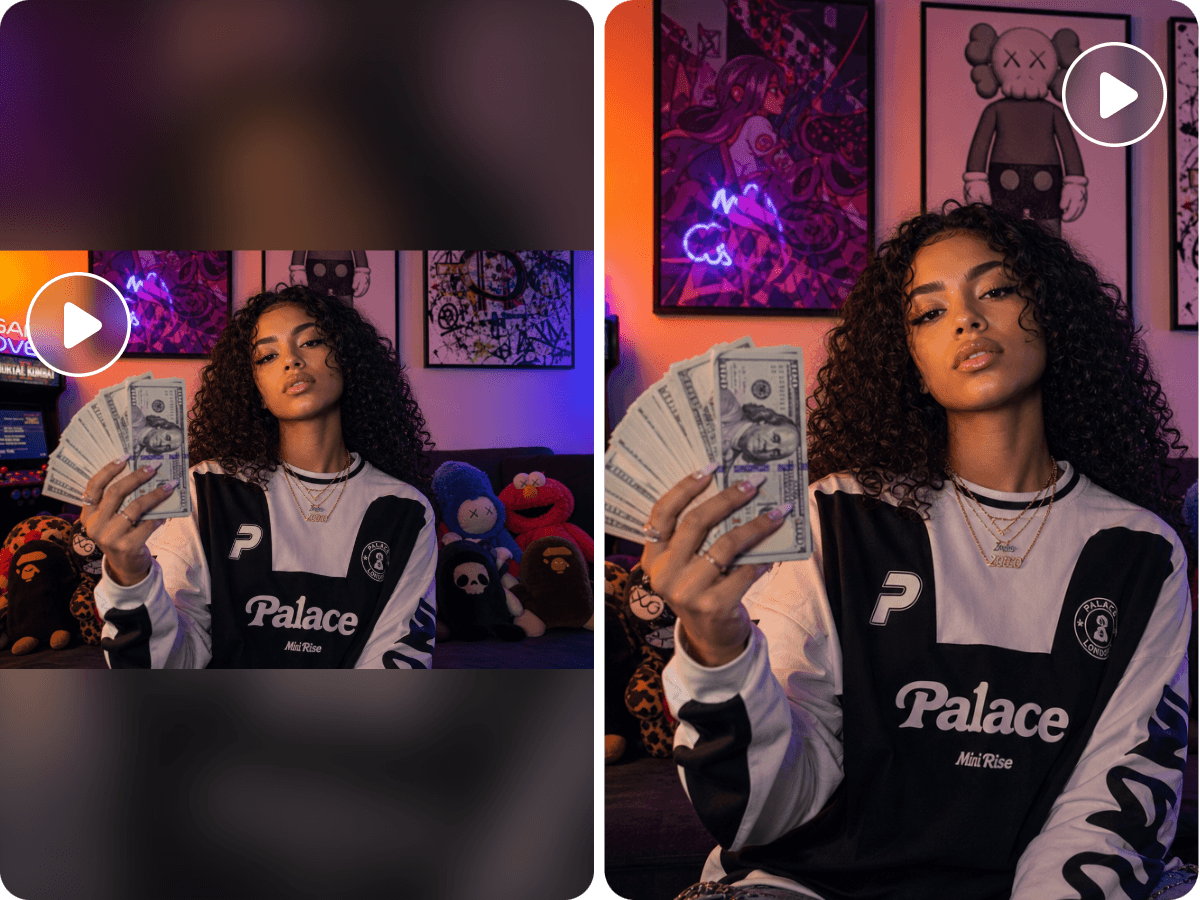
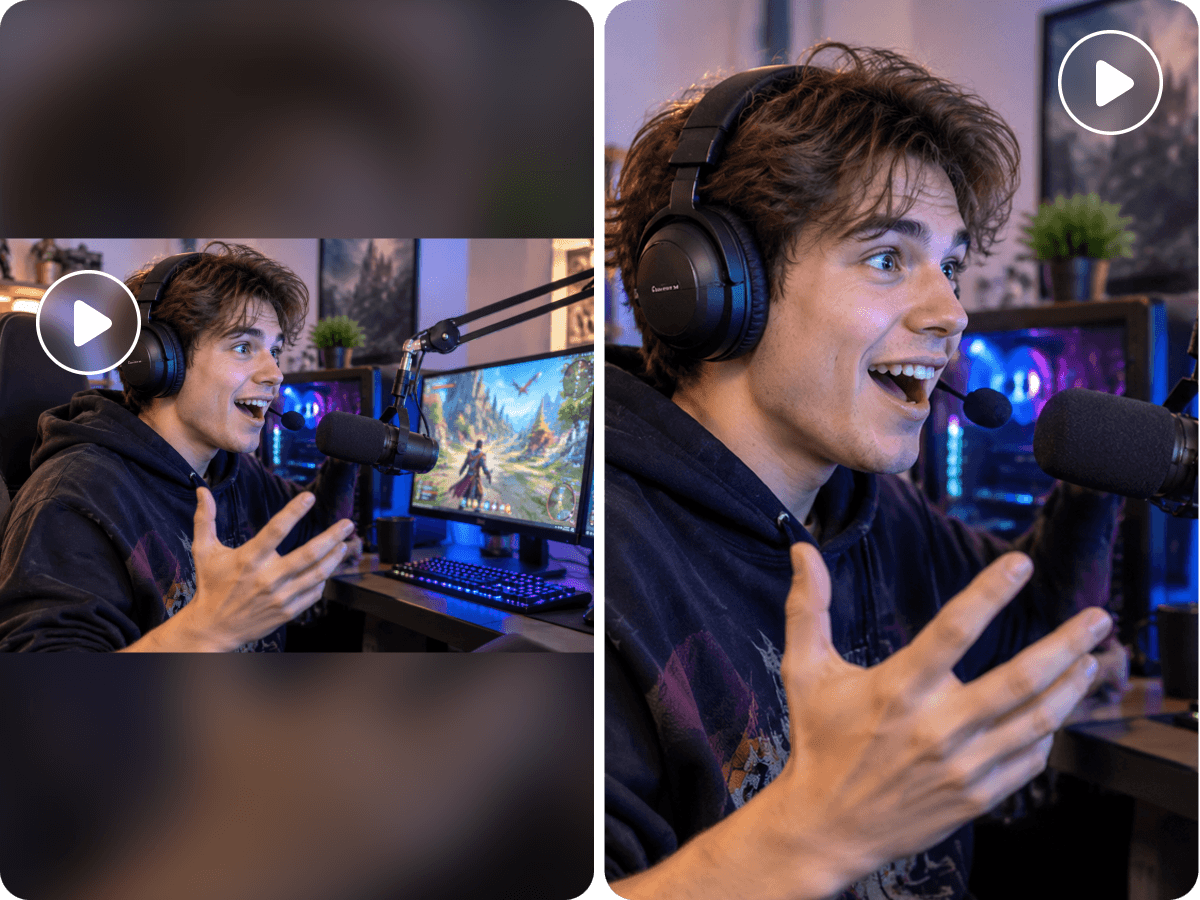
Powered by advanced AI technology, our reframe video AI tool can automatically resize your video to any desired aspect ratio. Little manual work is required.


Automatically reframe your existing footage with Fotor’s AI video reframer. Intelligently resize landscape videos to vertical, square or other aspect ratios while keeping important subjects in frame.
Powered by advanced AI technology, our reframe video AI tool can automatically resize your video to any desired aspect ratio. Little manual work is required.
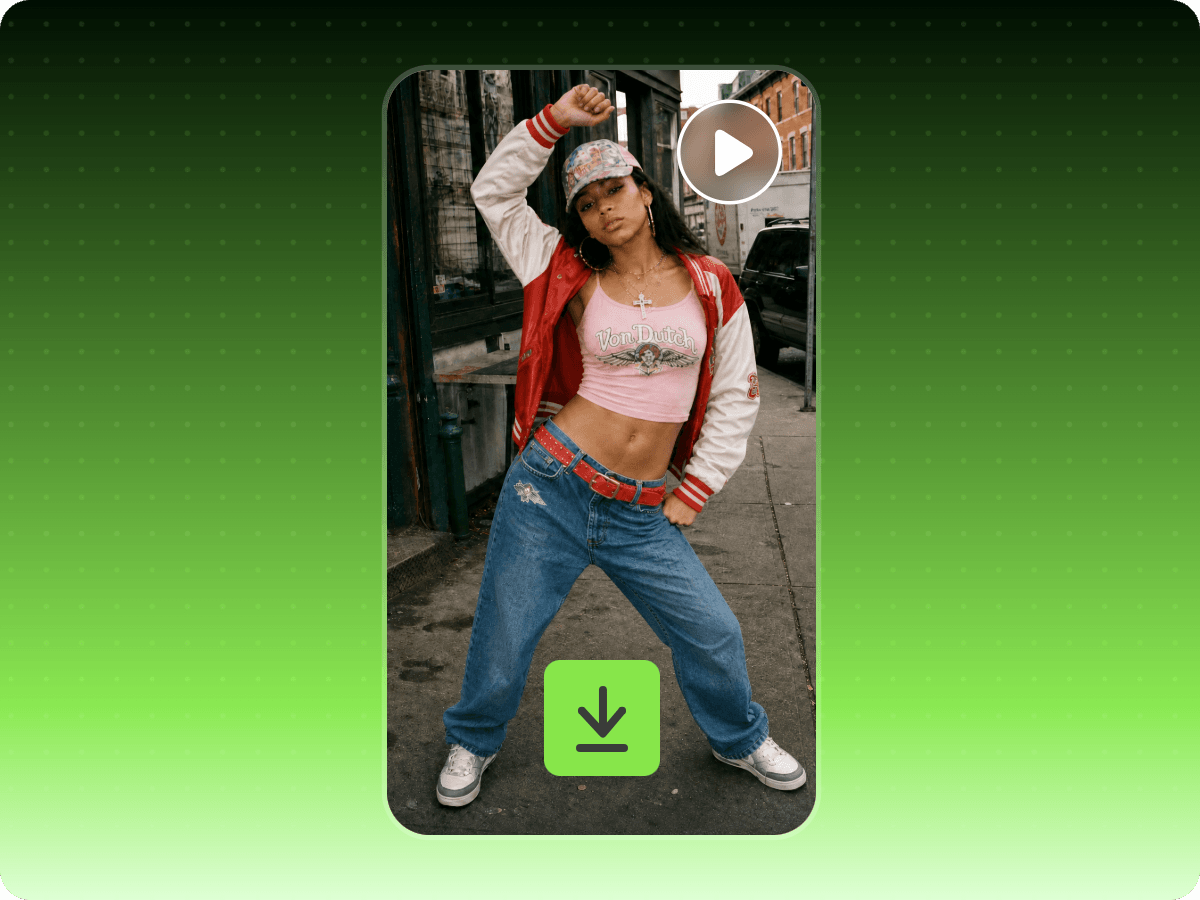
Easily and quickly turn your existing or online landscape videos into vertical, square or any specific aspect ratio you want.
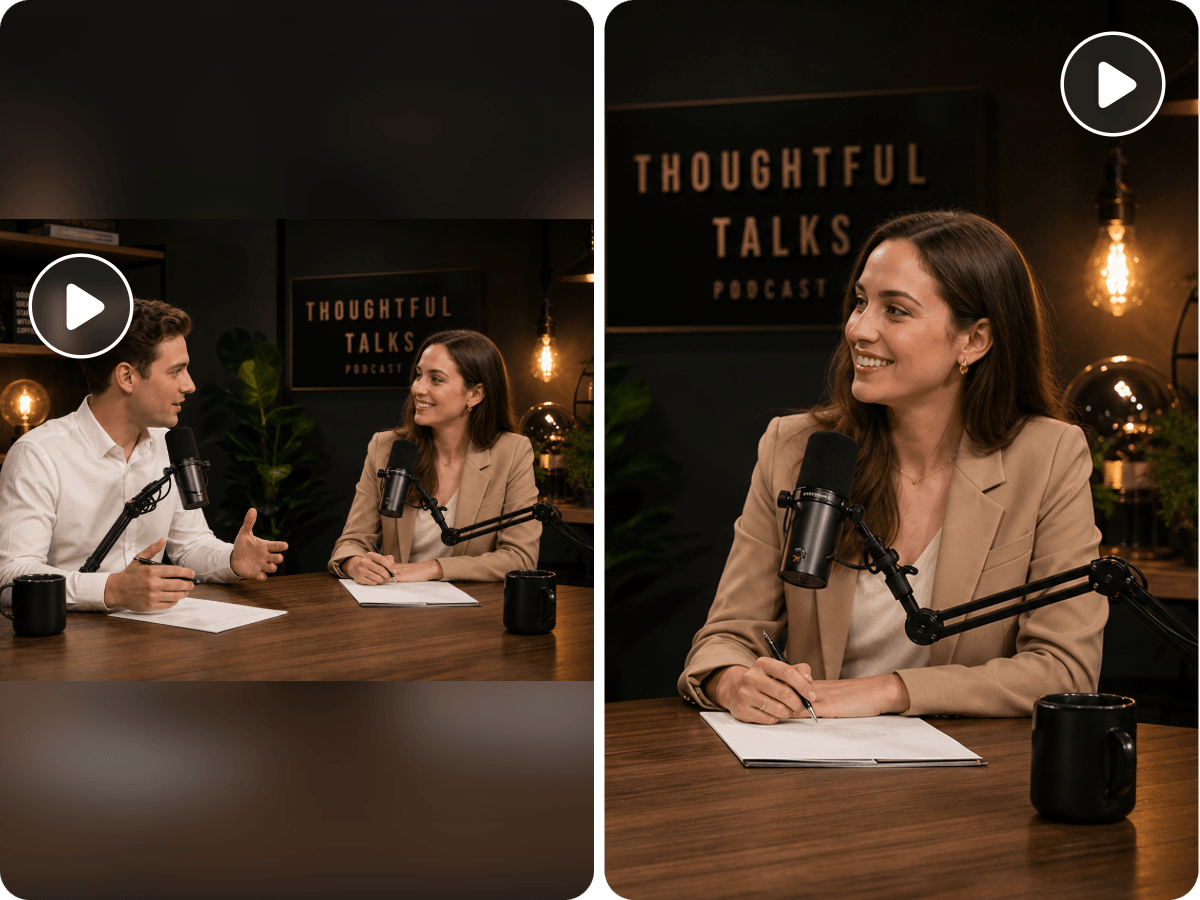
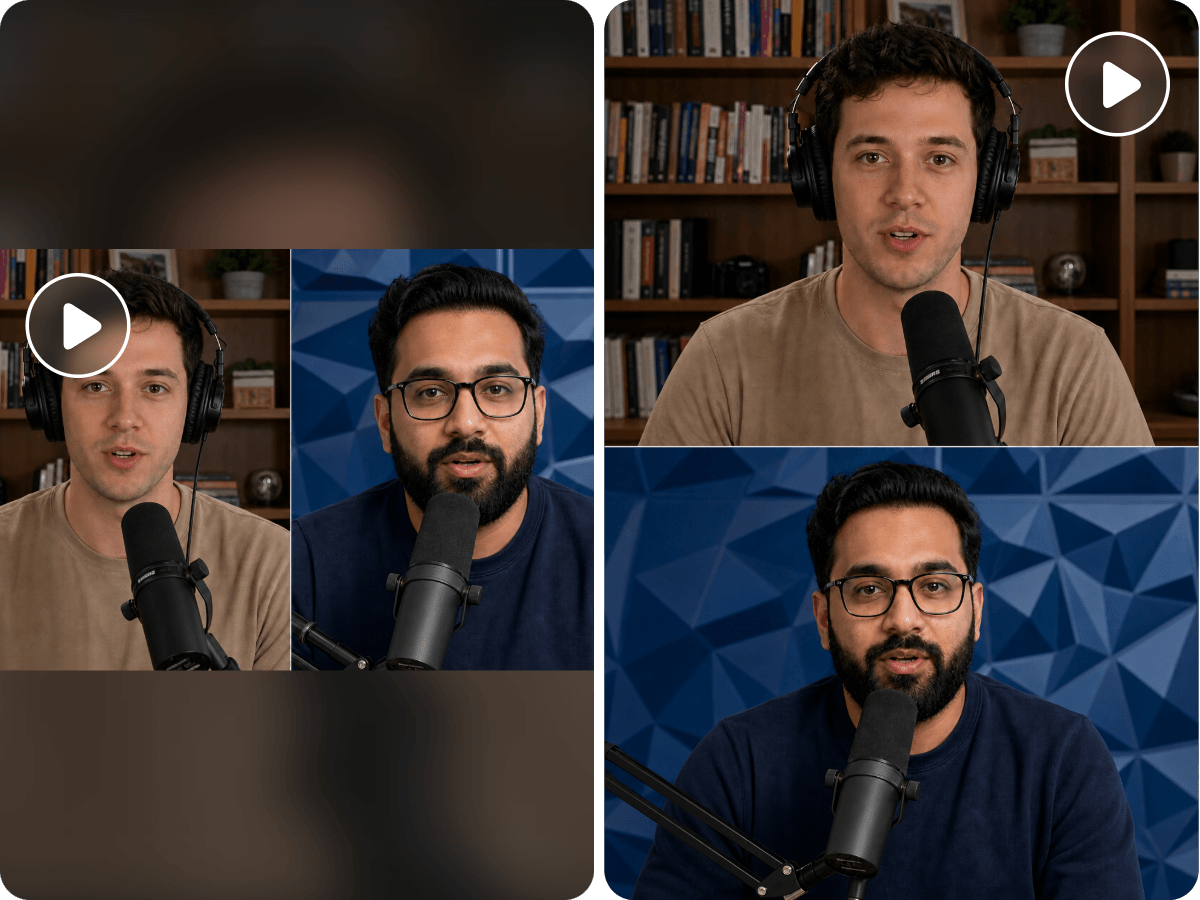
Whether a single-person podcast or a multi-person interview video, our video reframe AI tool can keep your main subjects visible and properly positioned throughout your video with AI-powered subject tracking.
You can expect a high-quality video reframing result and export it as a 4K MP4 without a watermark, which can be conveniently shared on your social media or applied to your project.
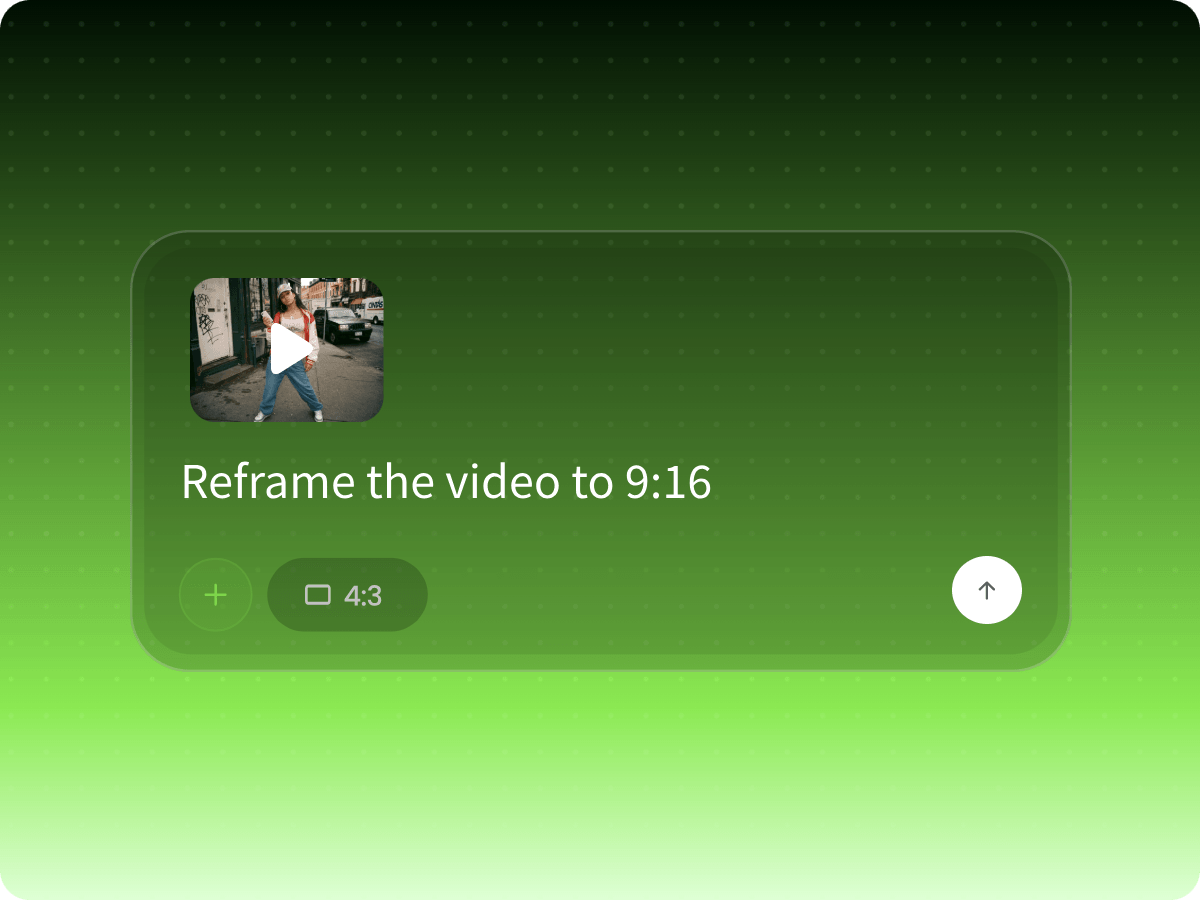
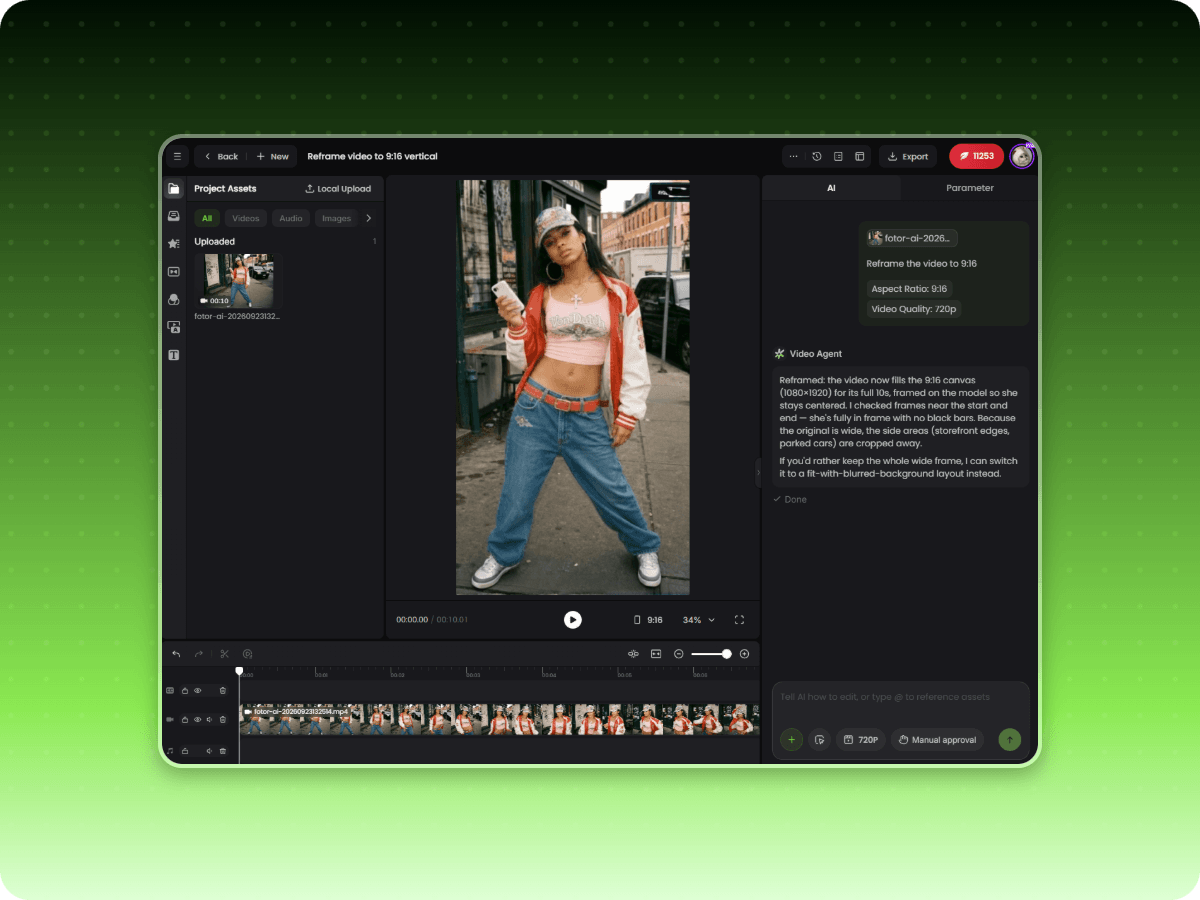
Upload your video or paste your video URL to our video agent, and select the wanted aspect ratio from our preset options or enter your prompt to specify your desired video resolution.
Turn horizontal videos into vertical content with Fotor’s AI-powered content-aware reframing. Automatically detect and track the main subjects, adjust the framing, and keep important visual elements in view as the action moves across the screen. No need to manually crop or reposition every scene. Repurpose landscape videos into mobile-friendly content faster without compromising the original viewing experience.
Enjoy AI automatic reframing to adapt your videos to any aspect ratio. Simply upload your video or paste your video link and choose your target format or describe what you want, whether it's vertical 9:16, square 1:1 or widescreen 16:9. Our tool will automatically adjust the composition to fit; for example, resizing video for Instagram. Create well-framed, platform-ready videos faster while preserving the key moments and visual details.
Never lose sight of the people or objects that matter in your videos. Our AI video reframer boasts AI tracking that automatically detects your main subjects and important foreground elements, and follows their movements to keep them centered and clearly visible throughout each scene. Whether someone walks across the frame, moves around during a presentation, or shifts position in an action shot, AI dynamically adjusts the framing to maintain a balanced composition without drifting him or her out of view and manually adjusting the camera frame for every scene.
Effortlessly reframe videos featuring conversations and group discussions. Our tool can automatically detect multiple people, track their positions and adjust the frame to keep active speakers and important participants visible. Whether you want a split-screen clip, picture-in-picture video or a single footage that contains multiple participants, you can adapt wide footage into vertical or other aspect ratios without cutting off speakers or losing important interactions.
Our AI video resizer can automatically generate synchronized subtitles and add background music, voiceovers, B-roll and visual effects based on your specific needs to complement your reframed footage and make it more engaging and ready to share. Also, flexibly use your prompt to customize text styles, refine timing and adjust other details to match your content and target platform. Whether you are repurposing interviews, podcasts, tutorials or social media videos, bring everything together in one workflow and turn automatically reframed footage into polished, platform-ready content.
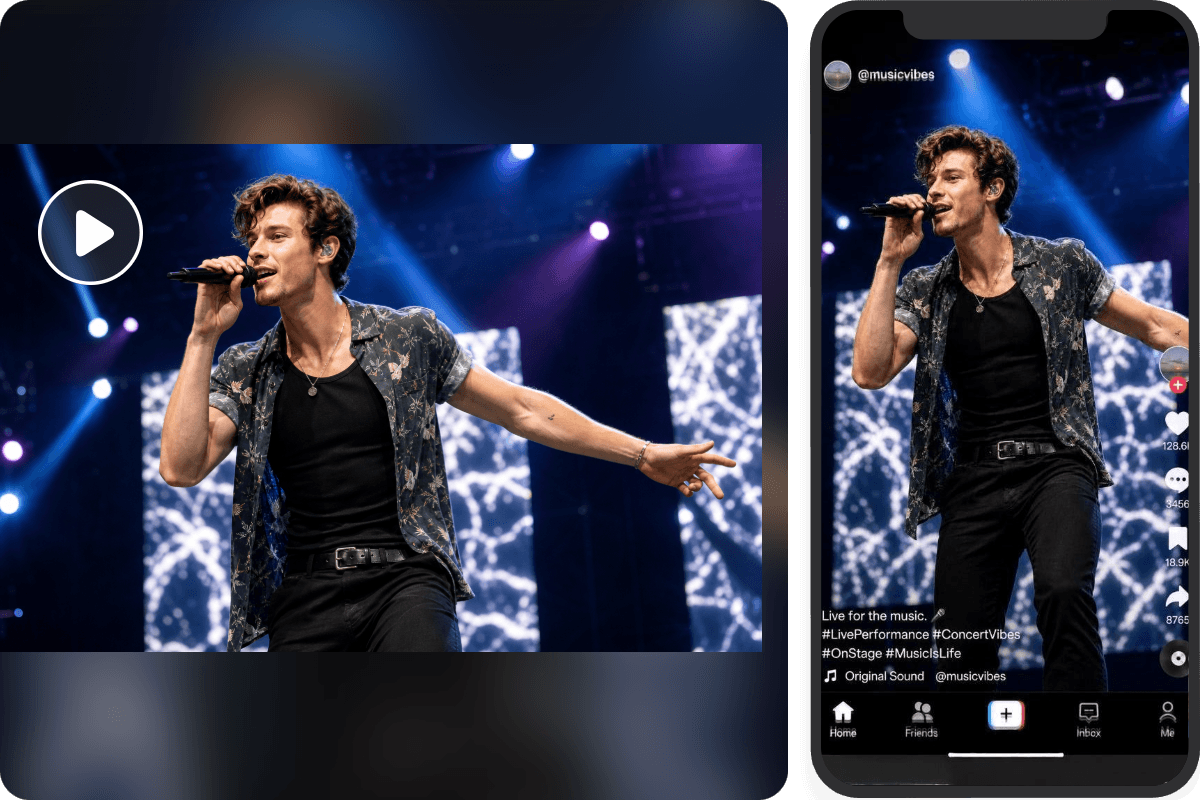
Repurpose a single video into multiple platform-ready versions without manually adjusting every frame. Our AI video reframer can automatically resize and reframe your footage to fit platform-specific aspect ratios, including vertical videos for TikTok, Instagram Reels and YouTube Shorts, square clips for Instagram feeds and widescreen formats for YouTube. Quickly expect a video with your important subjects kept properly positioned and their key visual details preserved across different screen sizes.
Get the right framing for every video type with our AI video cropper. Rely on it to keep speakers centered in talking-avatar videos, capture multiple participants in interviews, follow fast-moving action in sports footage or highlight products in demonstration videos.
AI video reframing is a technology that automatically adjusts a video's framing, aspect ratio and composition to fit different screen sizes and social media platforms. By detecting and tracking key subjects, an AI video reframer keeps people and important objects in view when converting videos, such as landscape footage into vertical formats for TikTok, Instagram Reels and YouTube Shorts.
The main difference between AI video reframing and video cropping is how they adjust the video composition.
Video cropping manually removes unwanted areas from the edges of a video to create a new frame or aspect ratio, but it does not automatically adjust the subject's position.
AI video reframing uses artificial intelligence to detect and track important subjects, automatically adjusting the frame to keep them visible and well-positioned as they move.
While video cropping works well for static shots or simple framing adjustments, AI video reframing is more suitable for converting videos into different aspect ratios, such as landscape videos to vertical formats, without losing sight of moving subjects.
You can rely on our AI video reframing tool to automatically reframe a landscape video to vertical.
Yes. Our AI video reframer boasts advanced AI technology to offer subject- or content-aware resizing. So, it will smartly detect the main subject and follow its motion based on your requirements, and keep it in frame across every scene, without manually cropping it or drifting it out of view.
Feel free to use Fotor’s reframe video AI tool to automatically resize a video for TikTok, Instagram Reels and YouTube Shorts. These are the common aspect ratio options.
Our reframe video AI tool is an ideal solution to reframing a video with two people or multiple speakers. You can include how you want to reframe your multi-person video in your prompt and our tool can present a reframed video that aligns with your needs, such as a clip that keeps every person in a single frame, a video montage of every speaker, split-screen video, picture-in-picture footage and more.
You can add this requirement to your prompt. For example, reframe the video to 9:16, while keeping all the important captions, logo or text overlays across every frame. Then, our tool will try to automatically insert the wanted elements into your reframed video.
However, even if the information is incomplete, you can always add new text or your brand logo to your reframed video manually, since it is displayed in our built-in video editor when it is finished.
Fotor offers every new user 30-100 free credits based on their region, which allows them to create a short reframed video clip at no cost. However, if you intend to make longer videos or run out of them, you need to become a Pro + or Pro Max subscriber to get more credits and continue accessing this service.
For input formats, Fotor supports MP4, WEBM, MOV, AVI, MKV and FLV.
For output formats, only MP4 is supported.
Fotor is equipped with the latest encryption technology to safeguard your data privacy. All your files will be stored in your own cloud folder and nobody but you can gain full access. Besides, your uploaded files won’t be used for AI training.
It depends. If the reframed video comes from your own footage or one for which you hold the copyright, you can definitely use it commercially. However, it is forbidden to use a reframed video made from another creator’s work without their consent or without owning its copyright for commercial purposes.