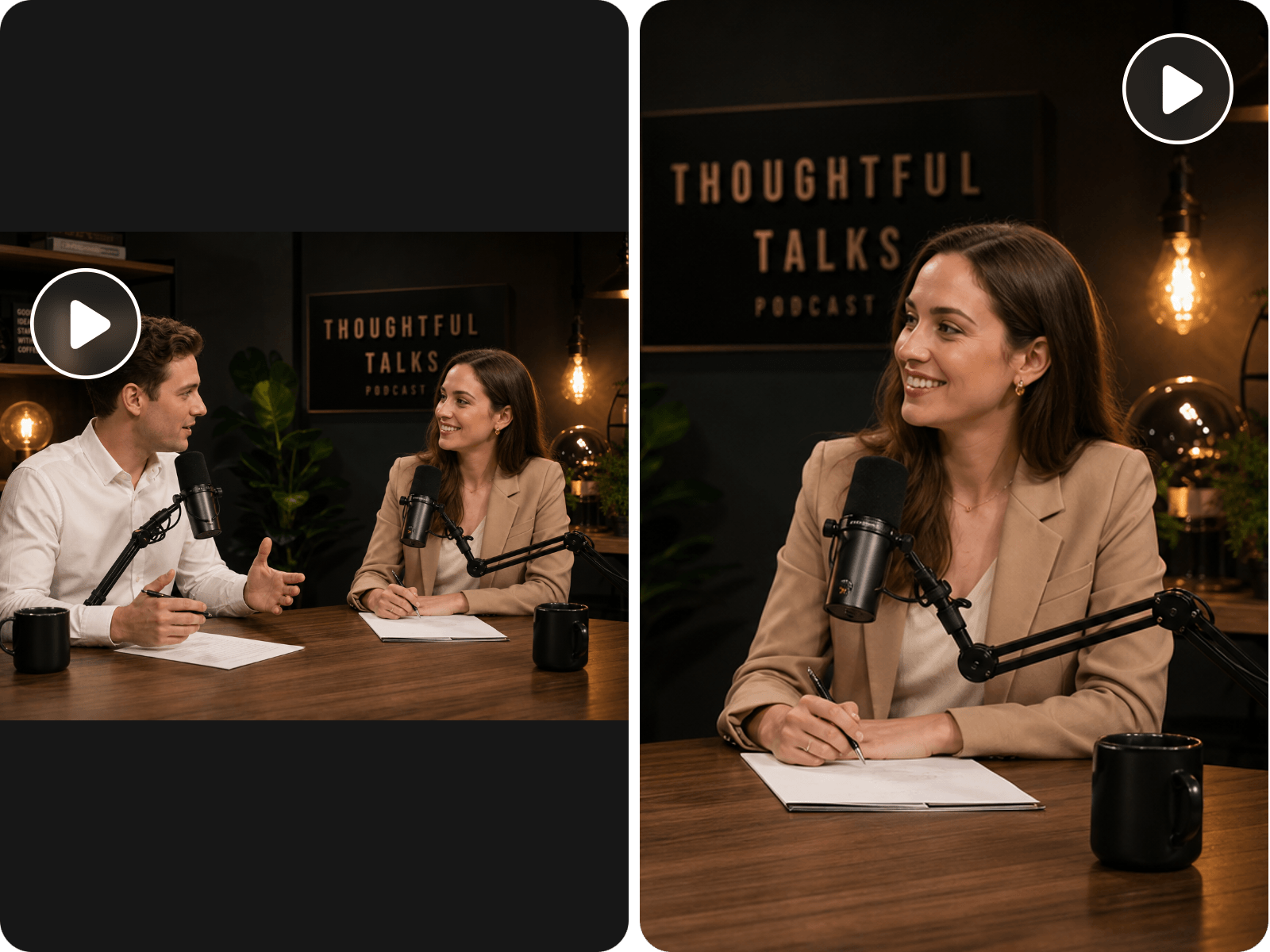
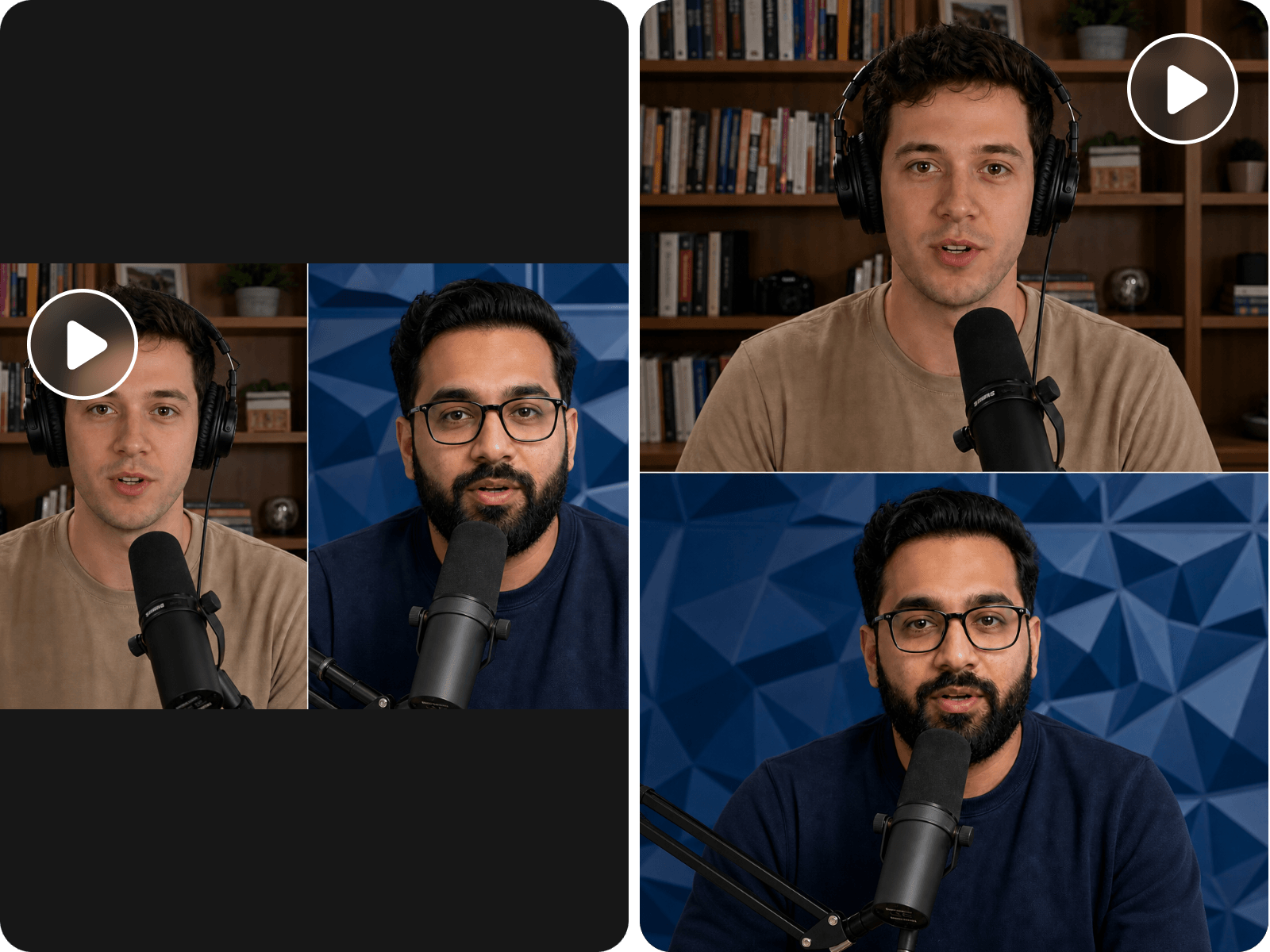
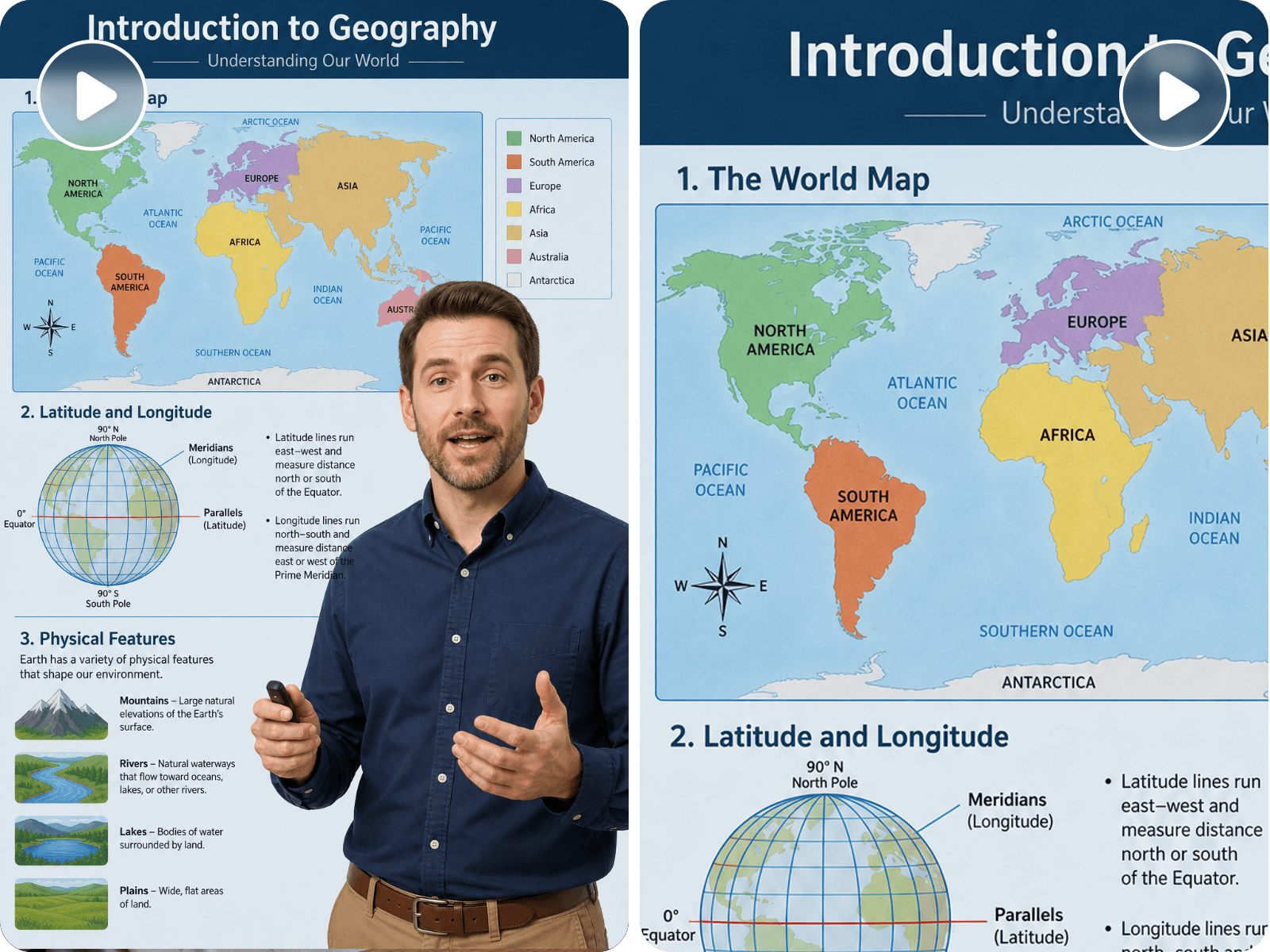
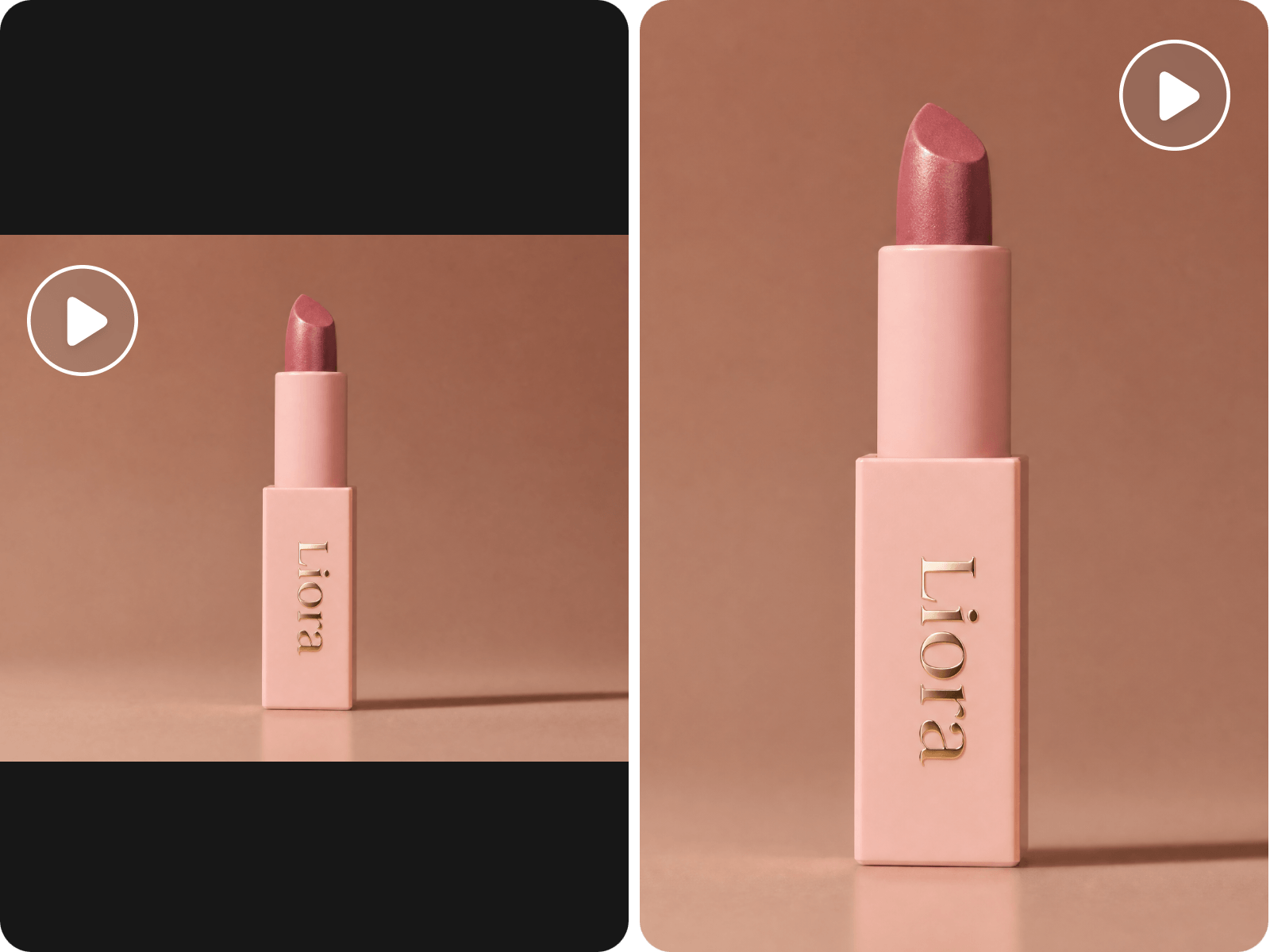
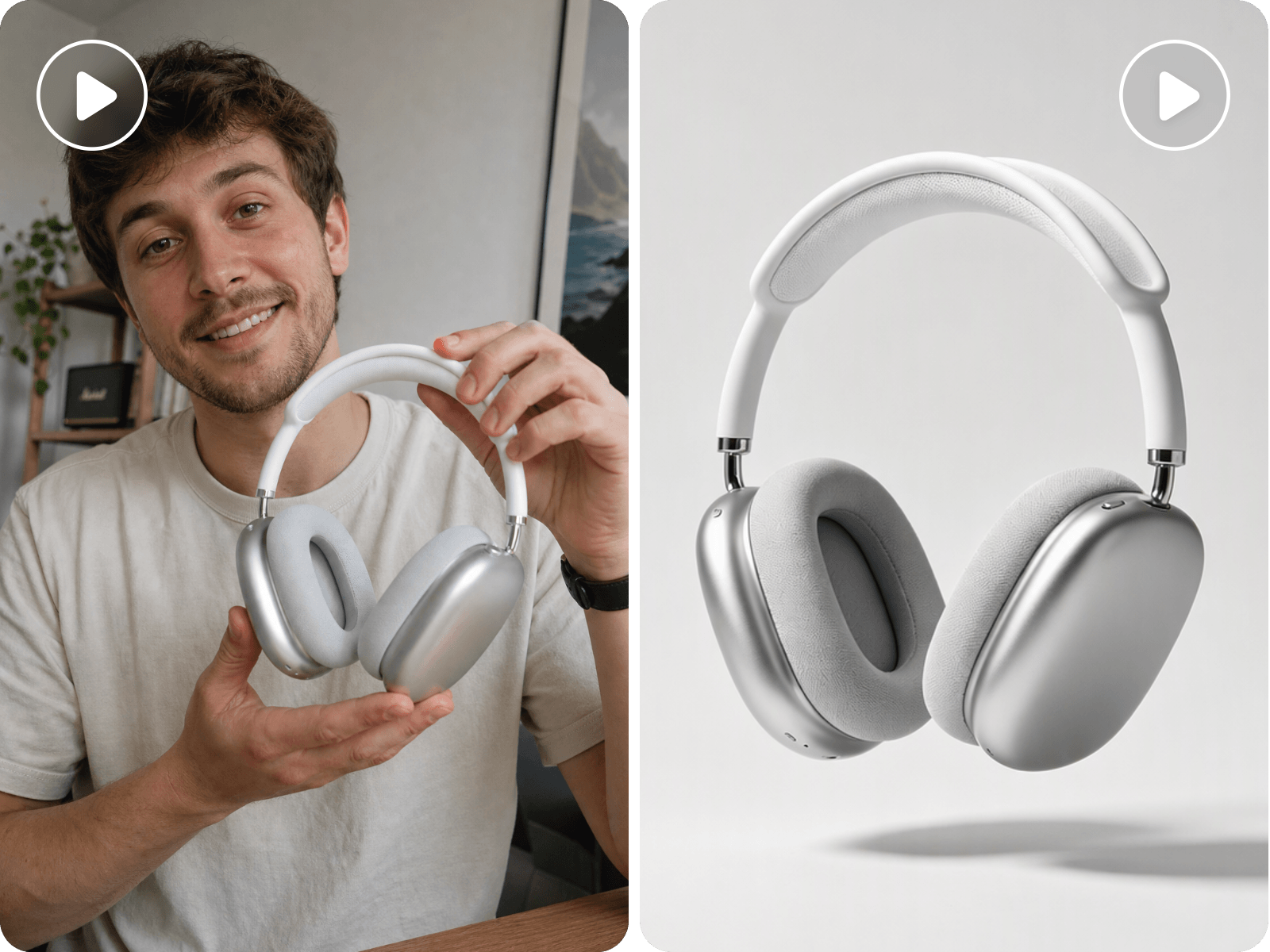
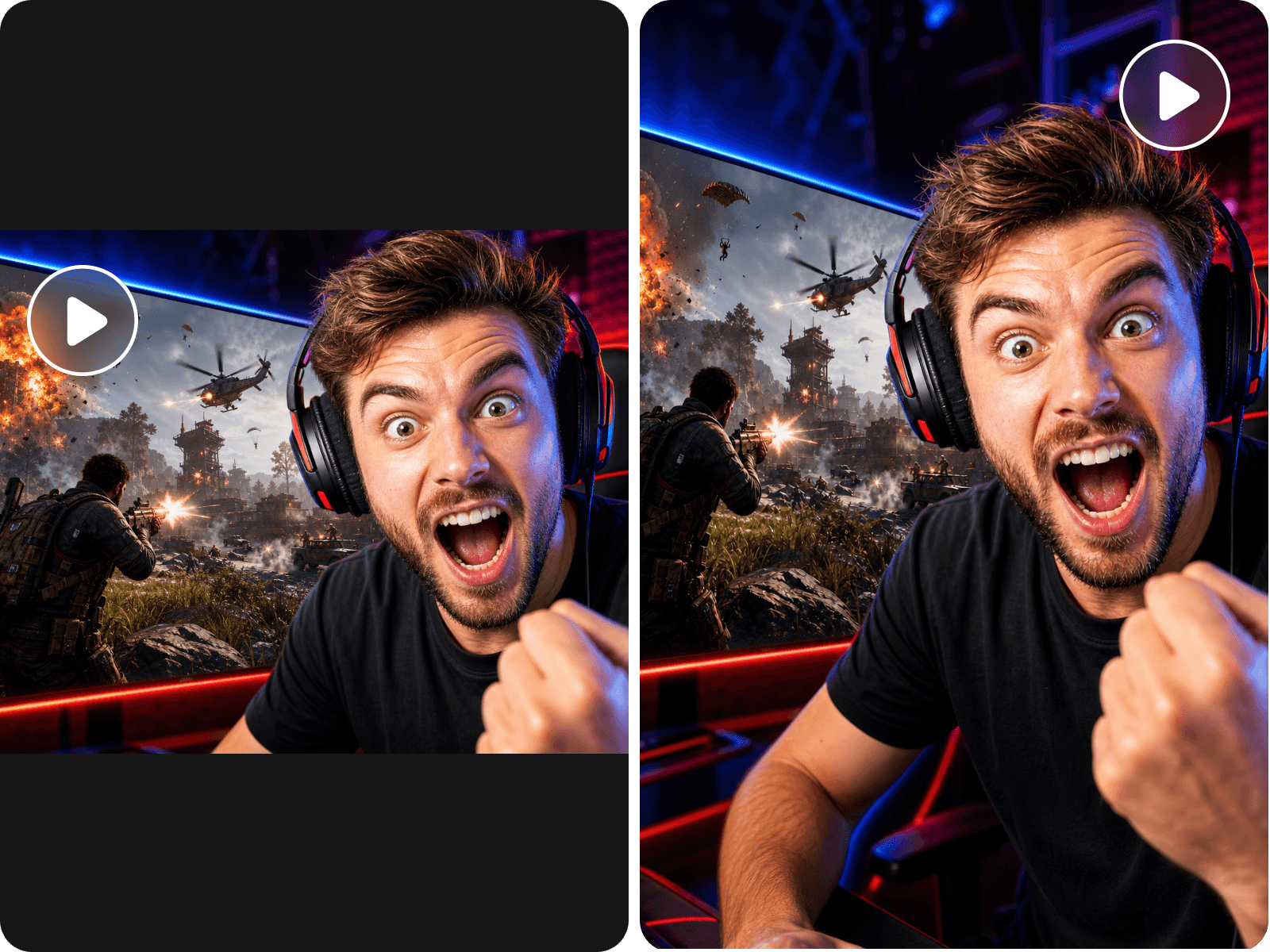

Auto-Find Highlights
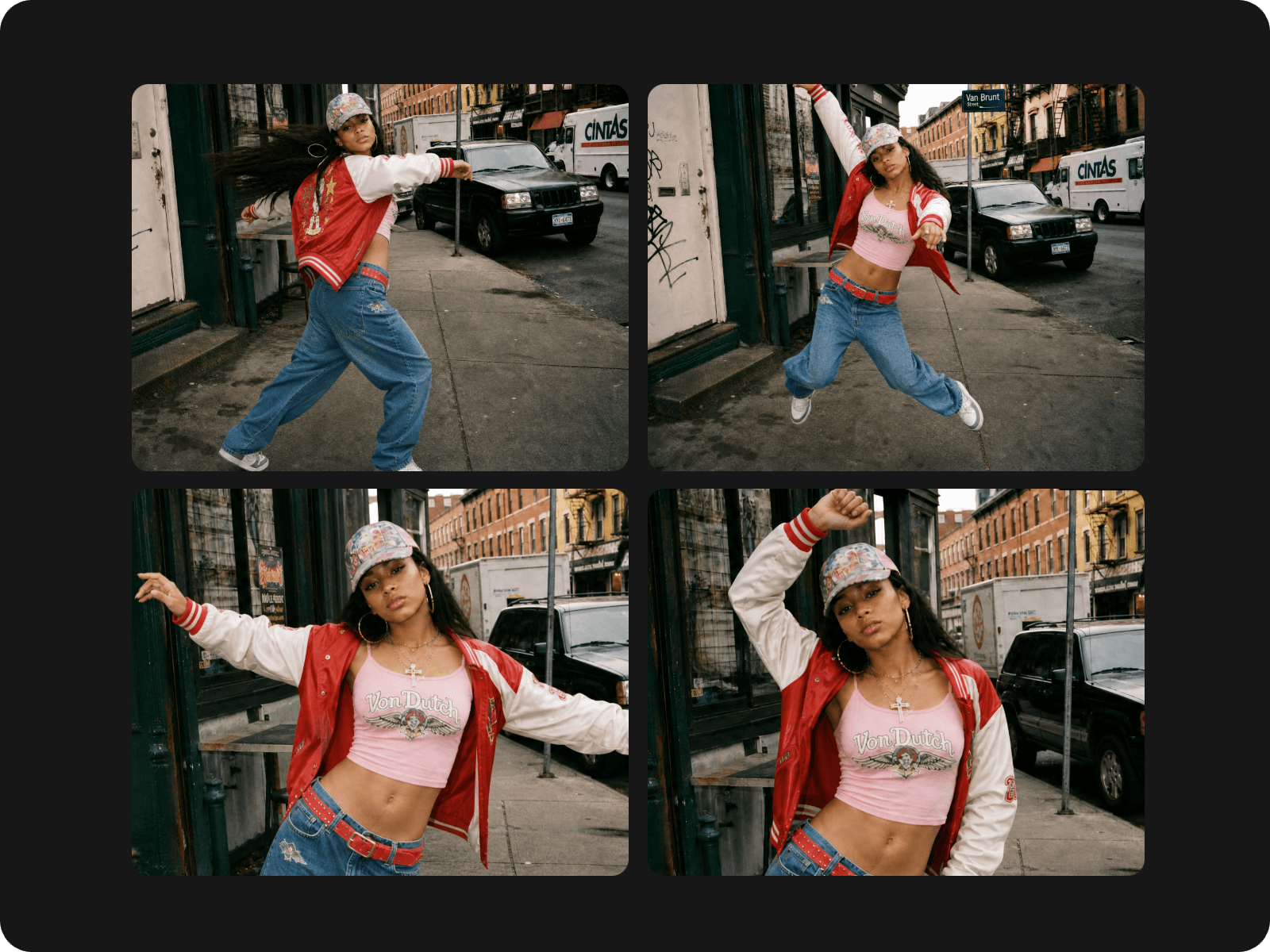
No need to spend hours manually finding key moments by yourself. Our tool, powered by advanced AI technology, can automatically identify and extract highlights from your complete footage based on its analysis.


Convert your long videos to various forms in minutes with Fotor’s AI video repurposing tool. Effortlessly and instantly get short reels, audio files, transcripts and more from your existing footage.
Whether it is a podcast, webinar, product, livestream or tutorial video, our AI content repurposing tool can help you create eye-catching short clips ready to share on your social media channels.
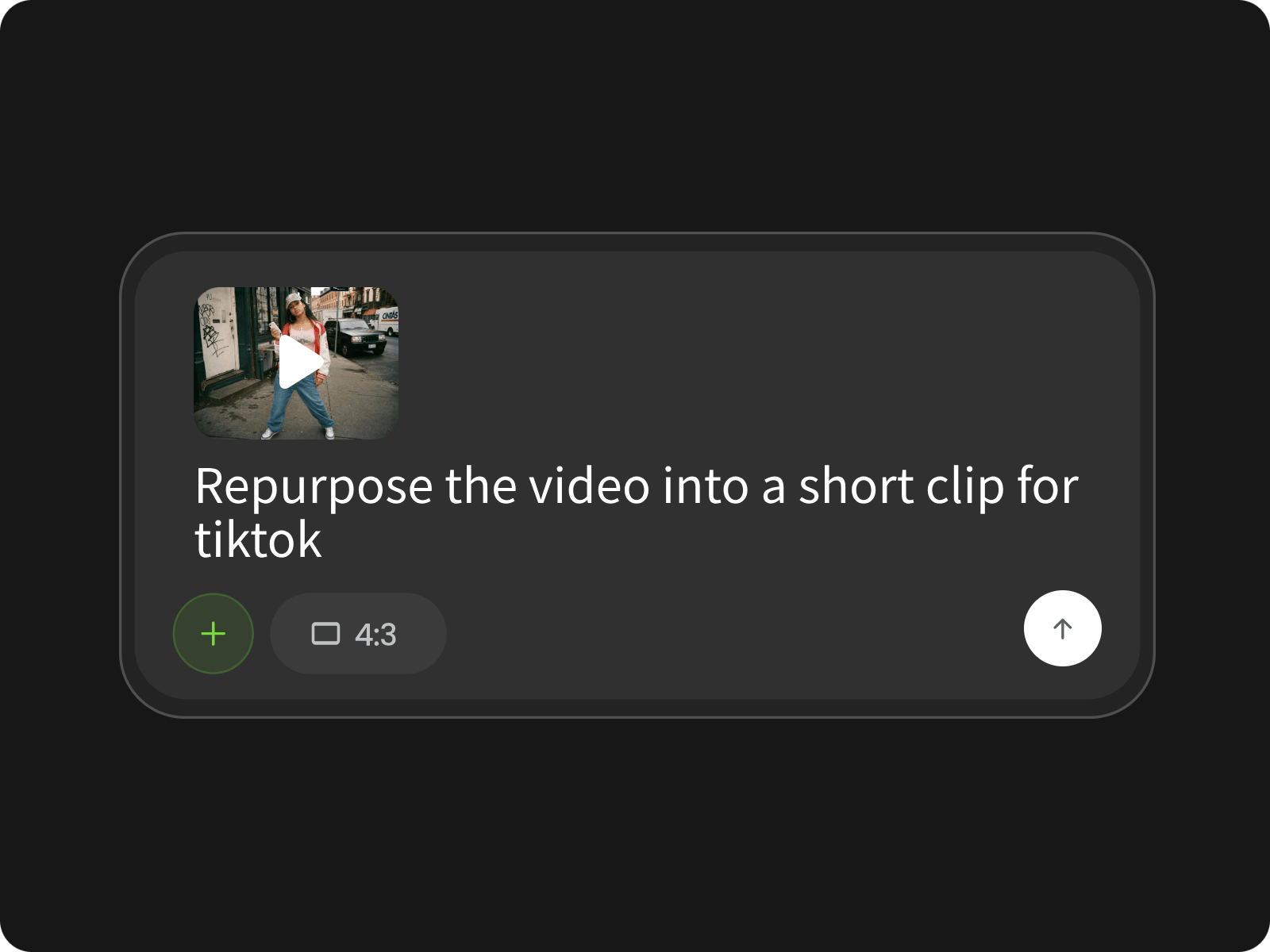
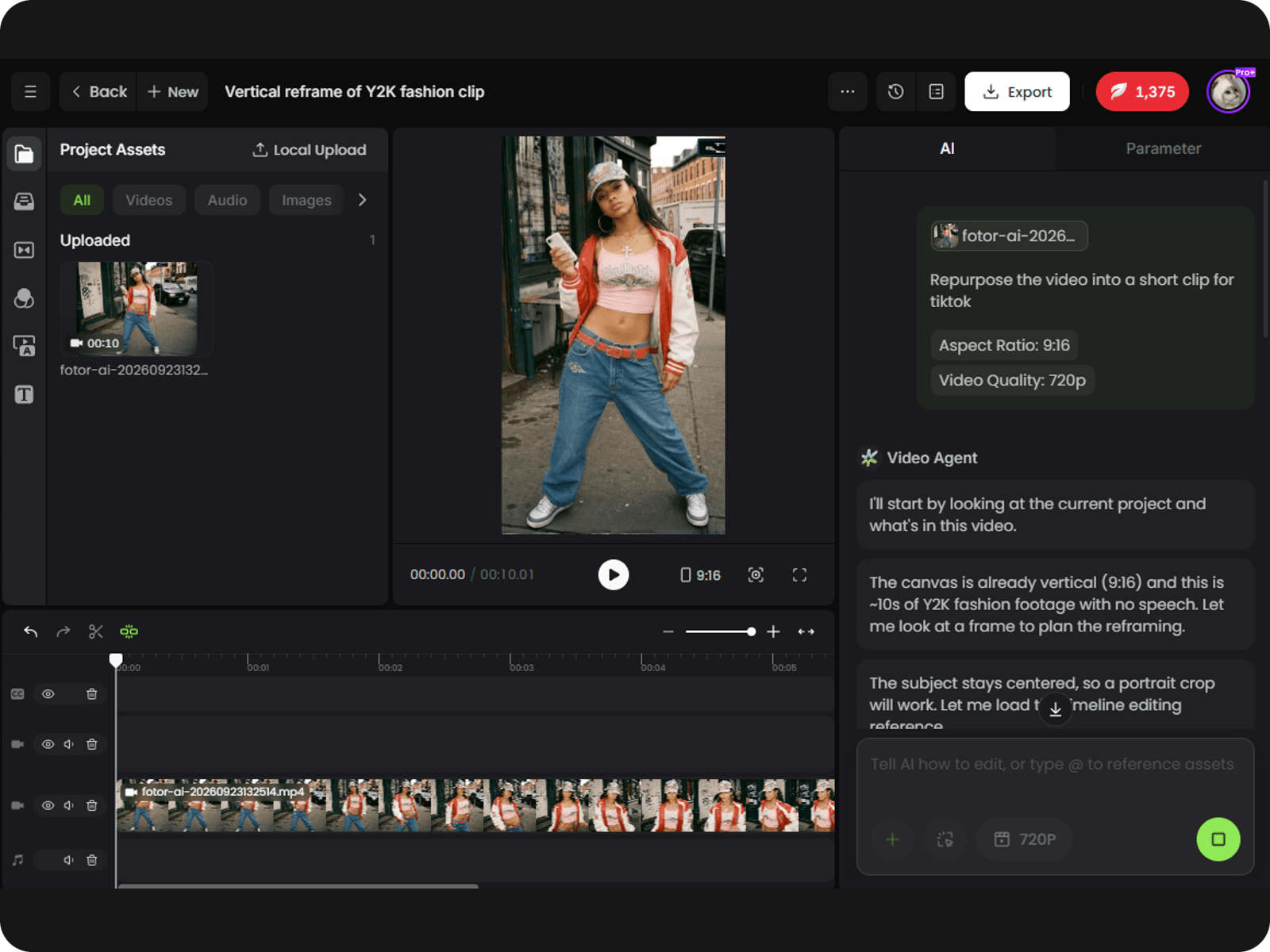
Access our video agent, upload your video and enter your prompt to describe your video repurposing ideas. Set the aspect ratio to 9:16 if you intend to share the result on social media like TikTok, YouTube Shorts or Instagram Reels.
Convert long videos to short clips without spending hours searching for the right moments. Simply upload your footage and our AI will analyze it to identify key highlights, complete thoughts, and natural story beats, ensuring each clip makes sense on its own without losing essential context. Repurpose any video into social-ready, engaging content while saving editing time and getting more value from every video with minimal effort.
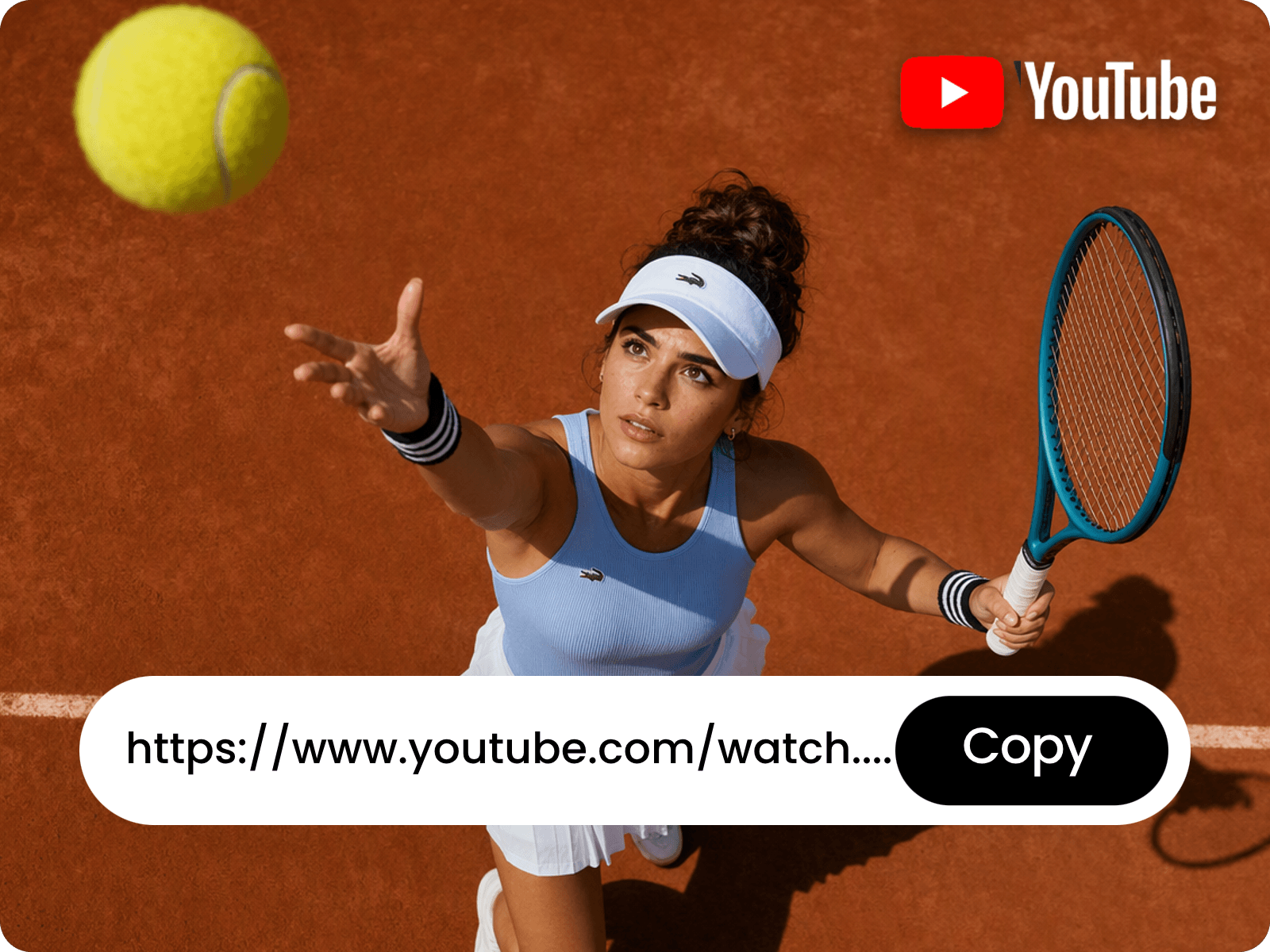
Want to repurpose your video already uploaded to your YouTube channel? No problem. Our video content repurposing tool allows you to turn video links into ready-to-edit short clips. Simply paste your video URL and let Fotor analyze the content to recognize key insights and complete story beats, generating concise clips with relevant captions, smart cuts and natural pacing while preserving the original message and context. No more manually downloading footage or reviewing the entire video.
For YouTube videos you plan to publish on Instagram, try Fotor's YouTube to Instagram Video Converter to prepare clips for Reels, Stories, or Feed.
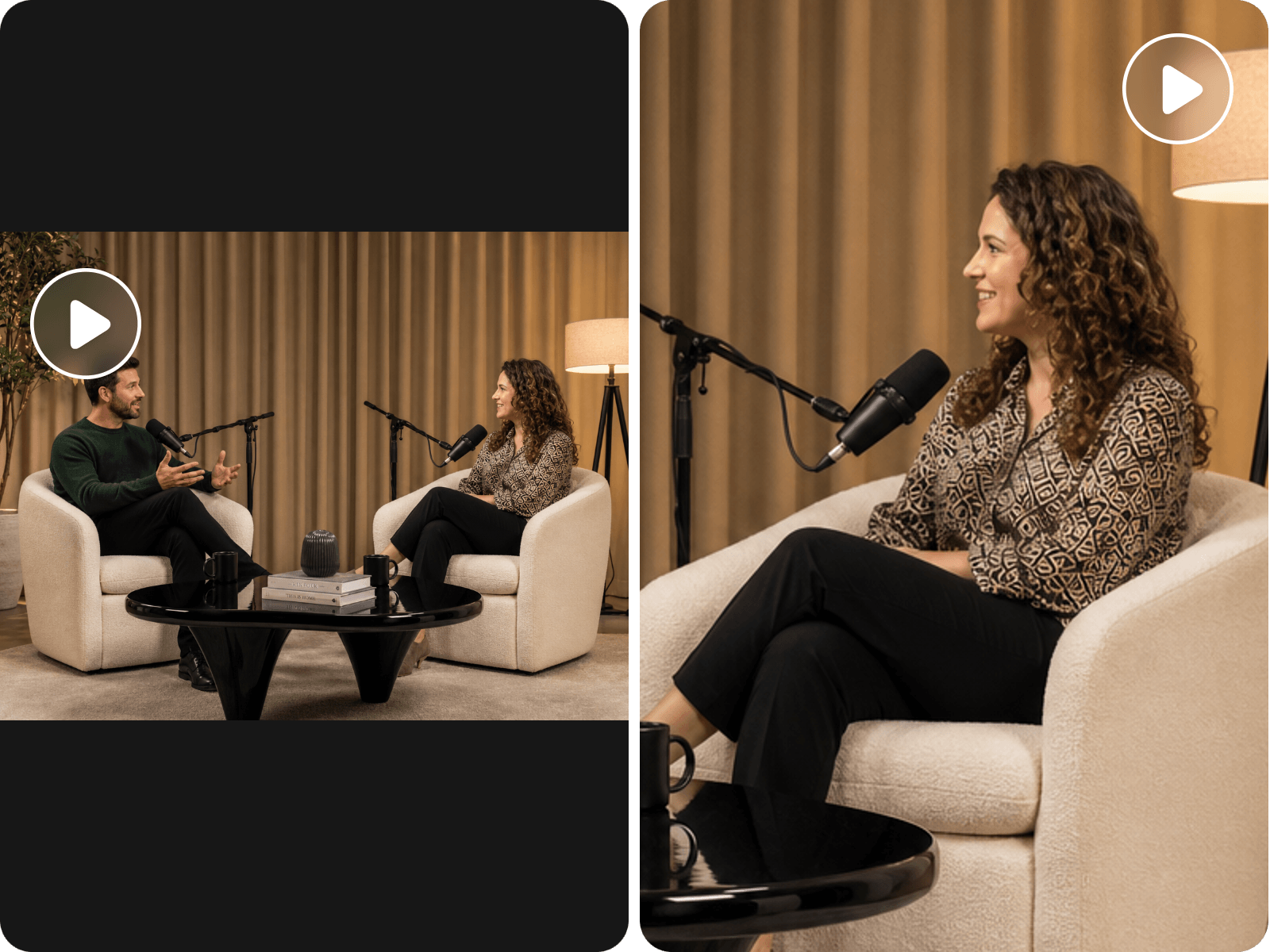
Say goodbye to the cumbersome process of manually finding meaningful moments and editing them into a mind-gripping video clip. Our AI video repurposing tool can automatically identify standout moments, track active speakers and reframe footage to keep the right people and key action in focus. For more control over Instagram video dimensions, use Fotor's Instagram Video Resizer to adjust your footage to 9:16 or 4:5 formats.
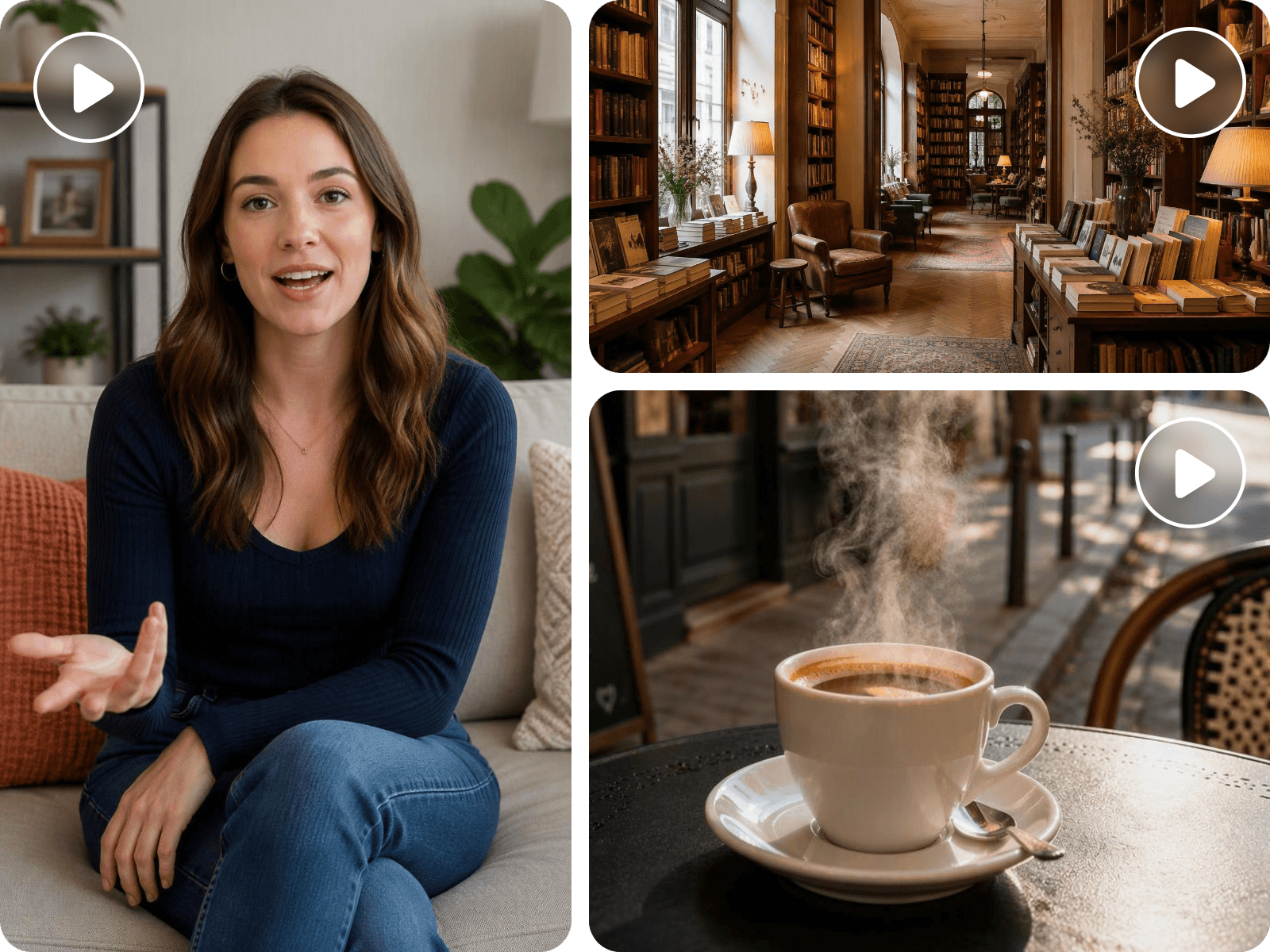
Make every short clip more captivating with AI-generated captions and relevant B-roll footage. Fotor can generate synchronized captions and identify opportunities to add supporting visuals that match the content and context based on its analysis of your original video. Highlight key points, illustrate important ideas and break up long talking avatar shots without time-consuming manual editing. Whether you intend to repurpose podcasts, interviews, tutorials or marketing videos, use Fotor to create polished, easy-to-follow clips that keep viewers interested while preserving your original message.
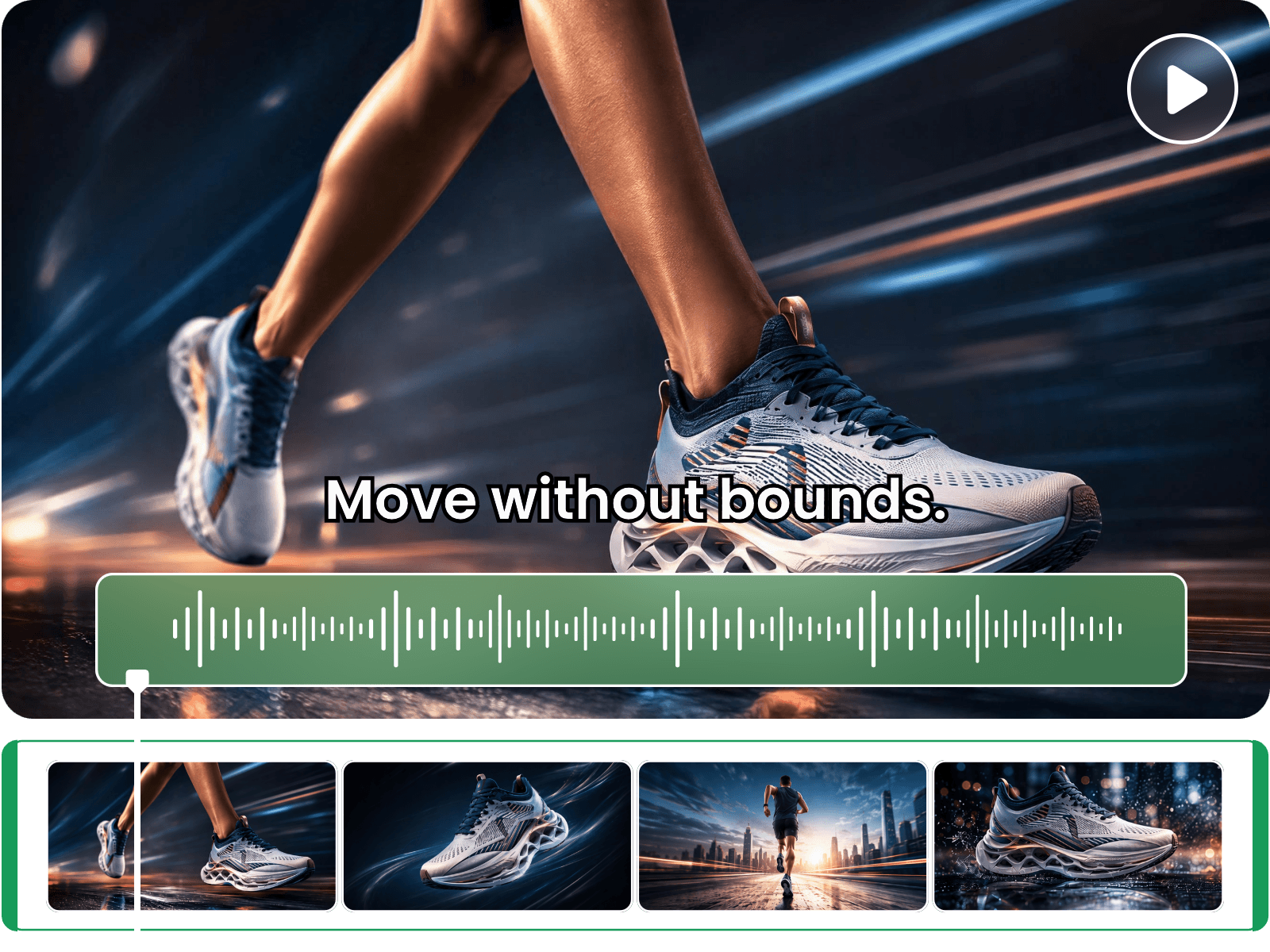
Can I edit my finished repurposed video content? No problem. Since your final result will be displayed in our built-in video editor with multiple timelines, you can edit its scenes and audio with great convenience. Quickly trim the unwanted parts, add custom background music, replace the subtitles with new ones, adjust the playback speed, insert your prepared footage and more. With Fotor, you can become your own creative director.
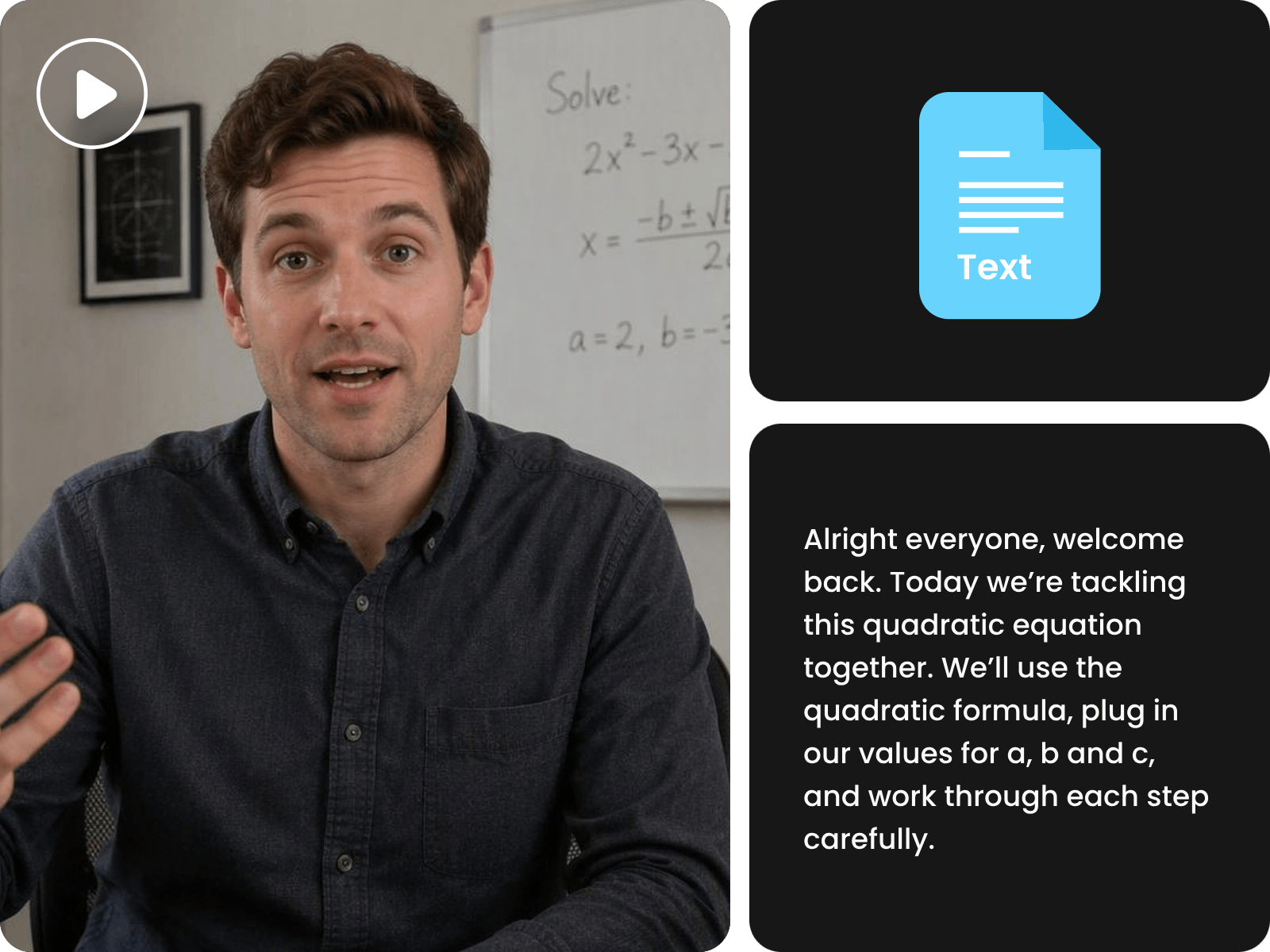
More than a video-to-video AI tool, Fotor can repurpose your footage into other reusable content and get more value from it. For example, you can use it to convert video to text and get editable scripts, concise summaries, notes, social media posts and more, thanks to its ability to automatically extract spoken dialogue and organize key points. Also, rely on it to extract audio from your video and add it to your creative projects. Capture valuable insights and reach new audiences through diverse repurposed content in different formats for diverse purposes.
No need to spend hours manually finding key moments by yourself. Our tool, powered by advanced AI technology, can automatically identify and extract highlights from your complete footage based on its analysis.
Our AI video content repurposing tool can intelligently track speakers in your video and present you with a short clip that keeps the wanted subject and main action in focus for your target platform.
In addition to short clips, Fotor enables you to repurpose your videos into other reusable content, such as transcripts, summaries, audio files and more.
Our AI video repurposing tool supports a wide range of input formats, such as MP4, WEBM, MOV, AVI, MKV, FLV and more.
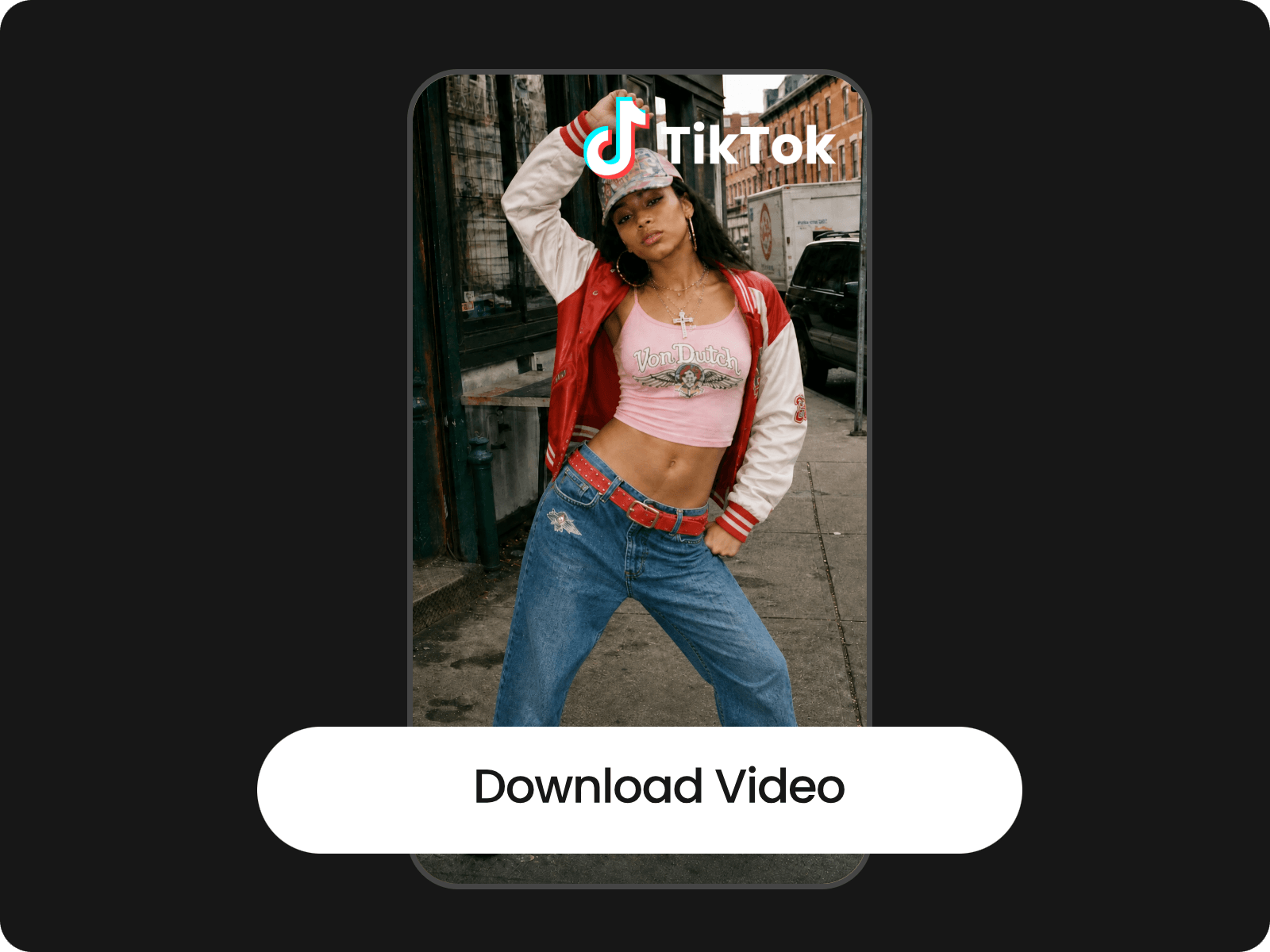
You can take advantage of Fotor to repurpose your videos into high-quality clips and download them as high-res MP4s.
No distracting watermark or brand logo will be added to your repurposed video clip, which can be directly applied to your personal or professional projects.
AI video repurposing is the process of using AI technology to turn existing videos into multiple pieces of content for different platforms and audiences. Instead of manually reviewing and editing an entire video, AI can identify key moments, extract meaningful clips, add captions, reframe footage for vertical viewing, and generate transcripts or summaries.
If you choose Fotor, you can rely on it to repurpose existing content into short clips or even create new content based on the theme or the idea in your existing footage.
A good repurposed video delivers the original content’s key message in a format that suits its new audience and platform. It should start with a strong hook, focus on one clear idea and provide enough context to make sense without the original video. Clear captions, suitable pacing and platform-friendly aspect ratios also help keep viewers engaged. Most importantly, a good repurposed video feels like content made for its new audience, not just a shortened version of the original.
Our AI chooses the best moments from a long video by analyzing its transcript, context and audio or visual cues. It can identify strong hooks, key insights, surprising statements, emotional reactions and other moments that may capture viewers’ attention.
It also evaluates how each segment fits into the surrounding conversation to avoid cutting off important information or leaving clips without enough context. The goal is to find engaging, self-contained moments that communicate a clear idea and work well as standalone short videos. The exact selection criteria depend on the AI video repurposing tool.
Yes. Our AI video repurposing tool can help you turn one long video into multiple Shorts, Reels and TikTok clips. You just need to upload your video and type your repurposing ideas. Our tool will build a script to plan the structure of your repurposed video and then generate relevant scenes with contextual captions, b-roll and more. You can preview the scenes, chat with our agent to edit their details or undertake basic edits in our built-in video editor. Once you are satisfied with the result, just click “Export” to save it.
You can repurpose any type of videos with Fotor, such as podcasts, interviews, YouTube videos, webinars, meeting recordings, tutorials, talking-head videos, product demos, UGC videos, livestreams, gaming videos and more.
To repurpose videos without awkward cuts or losing context, you need to choose clips that capture a complete thought, rather than cutting footage based on length alone. Use our AI video repurposing tool to analyze the transcript and surrounding context to identify natural start and end points. Keep enough of the original dialogue to explain the main idea and avoid cutting off sentences, reactions, or important explanations. Then review each clip, adjust the timing and add captions or brief context where needed. The goal is to create short videos that feel complete and natural on their own, even when viewers haven't watched the original video.
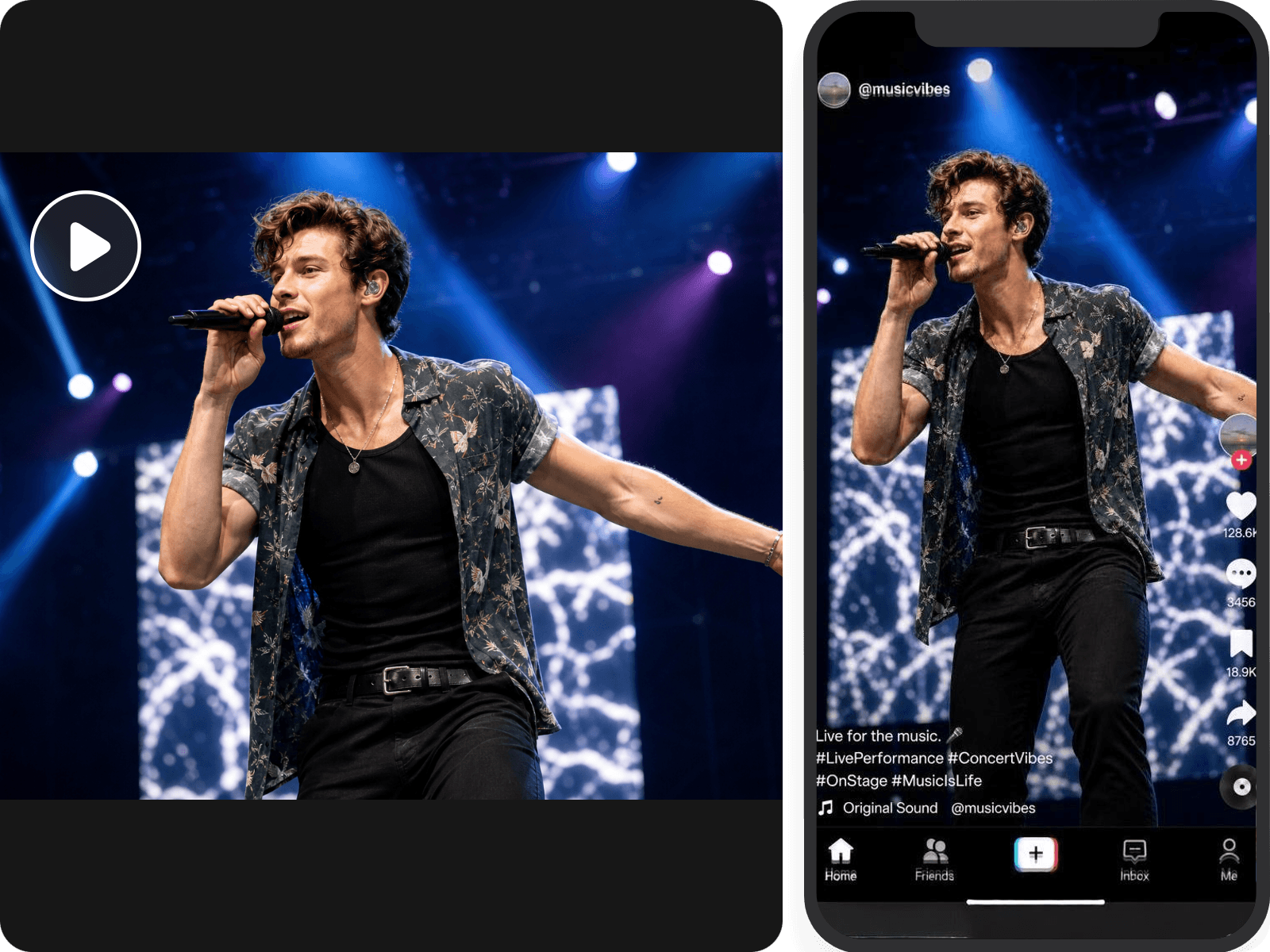
For our AI video content repurposing tool, you can set the desired aspect ratio (9:16, 16:9, 4:3, 3:4 and 1:1) for your video result at the beginning, ensuring that you get a video automatically cropped for different social media platforms.
Yes. You can include these caption and B-roll requirements in your prompt. So, our tool can automatically add captions and contextual B-roll footage to your video. Also, you can upload your branding assets and ask our tool to naturally integrate them into your repurposed video that maintains your branding consistency.
Yes. Fotor can convert video to text content. Simply describe your needs and it can help you transform your uploaded video into a blog post, a newsletter and social media captions.
Fotor offers 30-100 free credits to every new user based on the region they are in, allowing them to repurpose videos at no cost. However, if they run out, you need to purchase more credits or become a Pro+ or Pro Max subscriber to continue using this service.
Yes. You can monetize or commercially use AI-repurposed videos, provided you have the necessary content rights and meet the rules of your platform and AI tool.
To use AI-repurposed videos commercially, keep these points in mind: