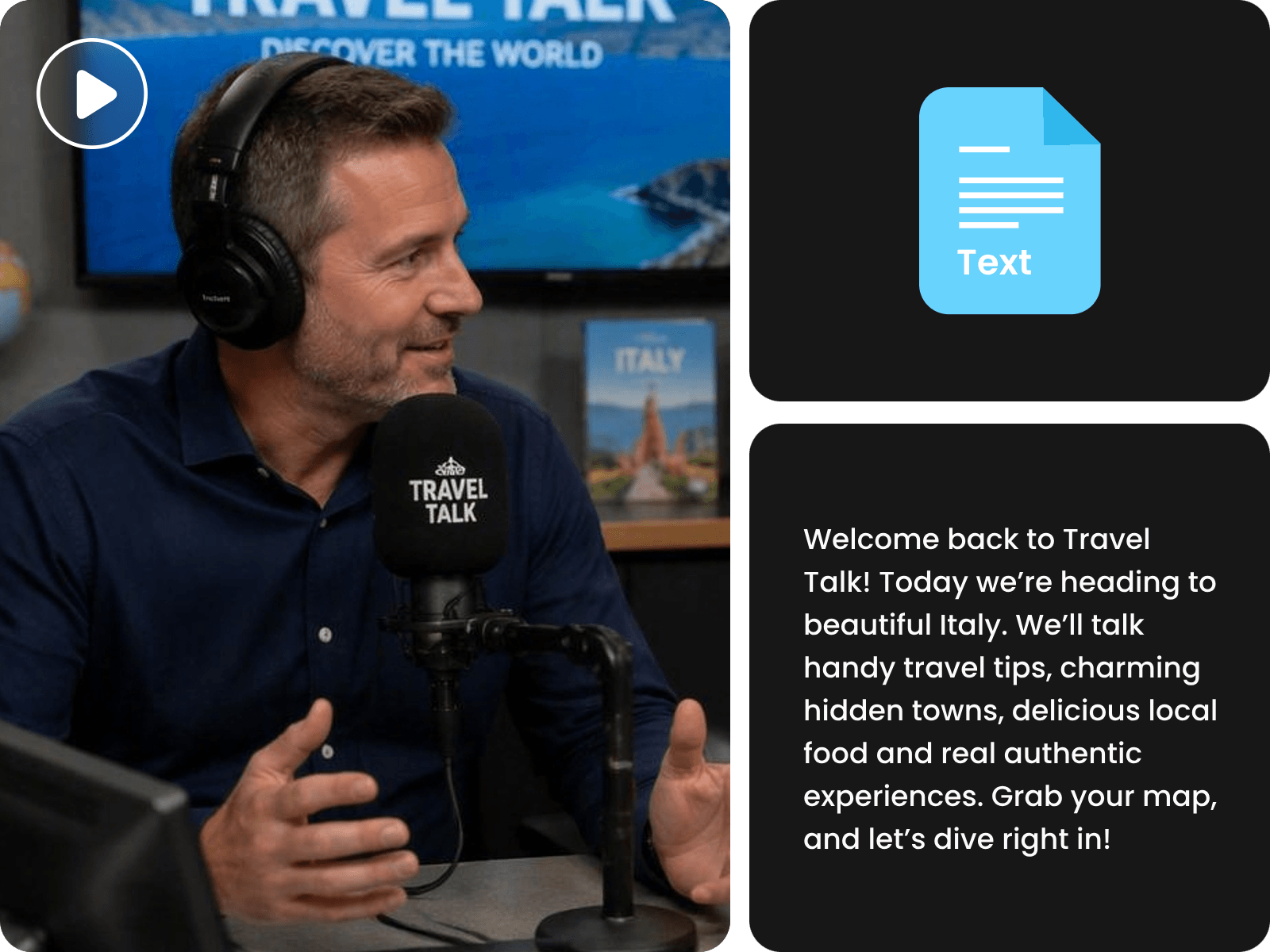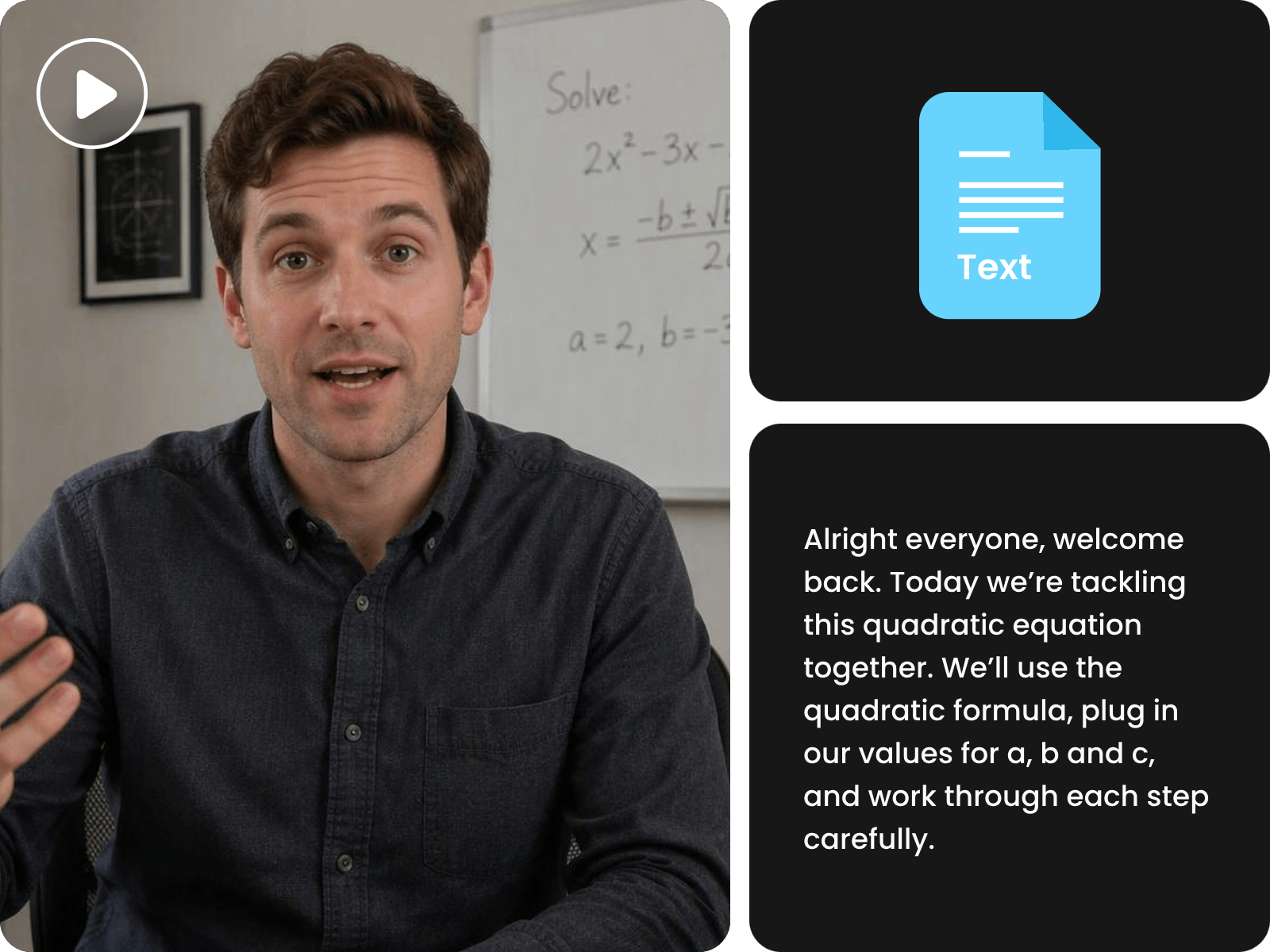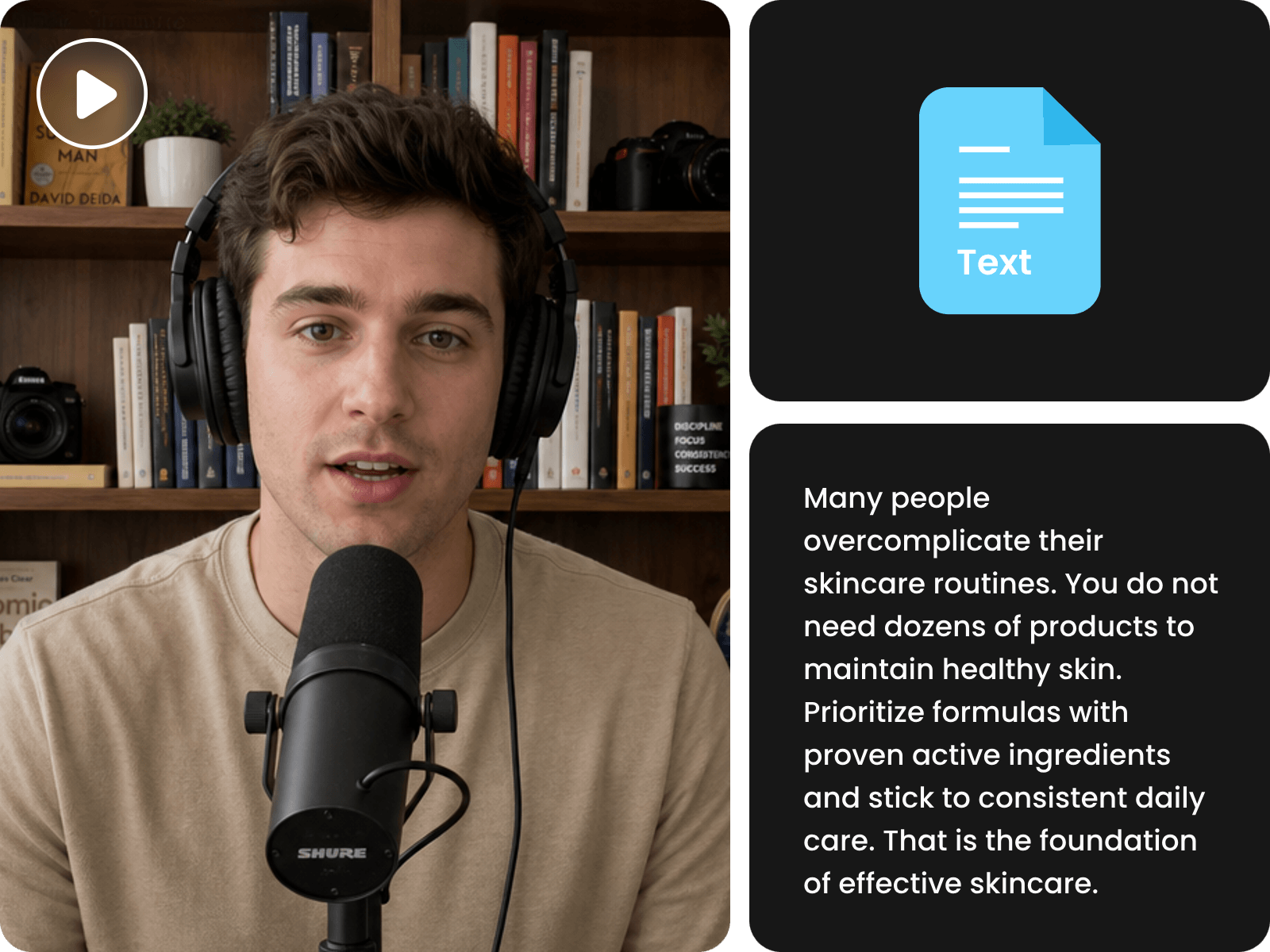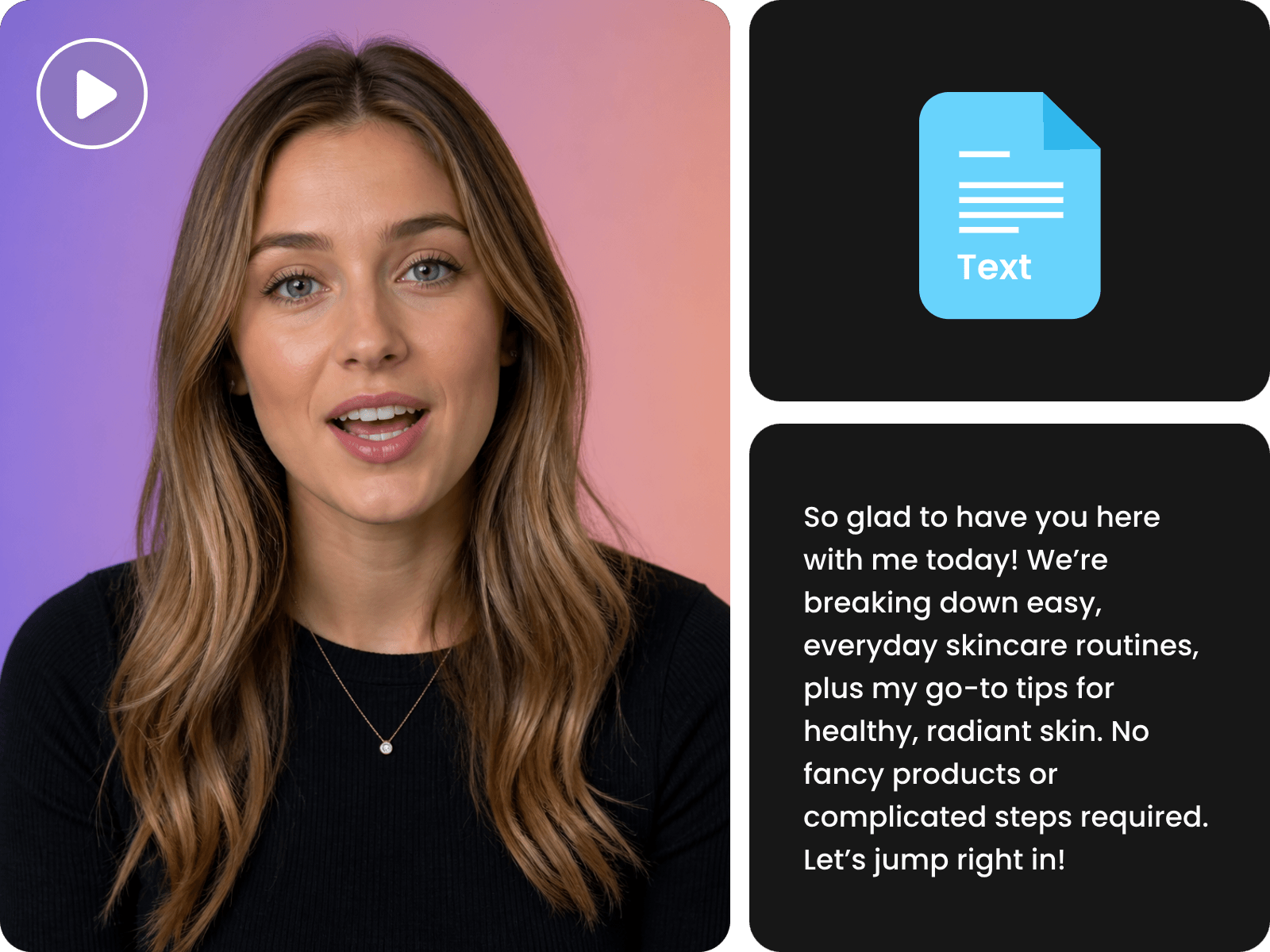
Video or Video Link to Text
Whether it is existing footage on your computer or a link to your social media video, our AI video transcriber can help you conveniently extract text from it.


Conveniently transcribe video to text without complex skills or typing it yourself through our AI video-to-text converter. Upload your video or paste a social video link to quickly get accurate and editable text content, such as transcripts, captions, scripts, summaries, quotes and more.
Whether it is existing footage on your computer or a link to your social media video, our AI video transcriber can help you conveniently extract text from it.
Conveniently transcribe your videos into various text content you want, from full transcripts and captions to notes, summaries, quotes and more, which can be easily searchable and reusable.
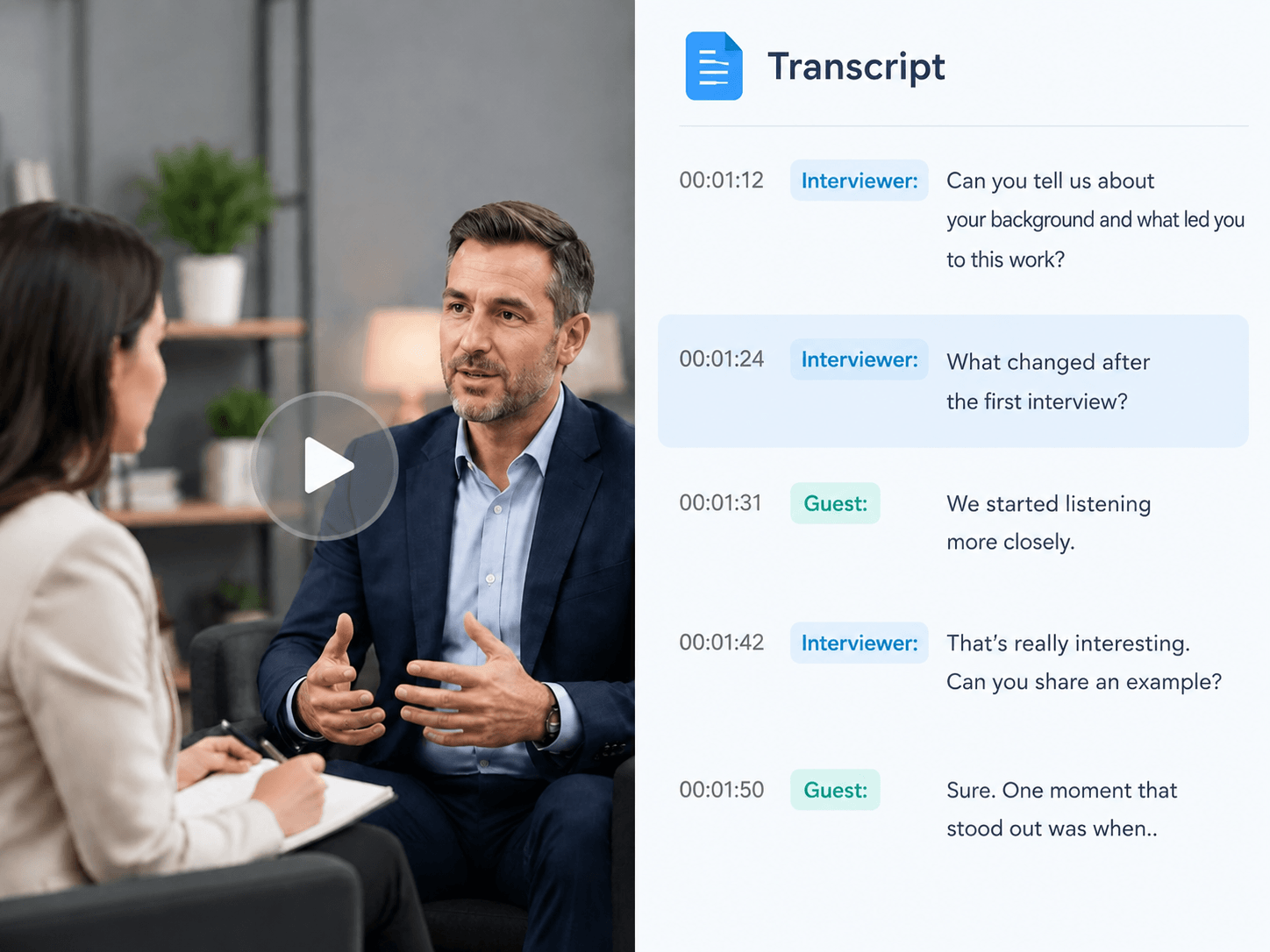
Our AI video transcription tool allows you to convert a video with multiple speakers to a clear transcript that includes speaker labels and timestamps.
Fotor, powered by advanced AI technology, provides highly accurate transcription. Almost no missing text, mistaken words or illogical sentences will be found, which greatly boosts your efficiency.
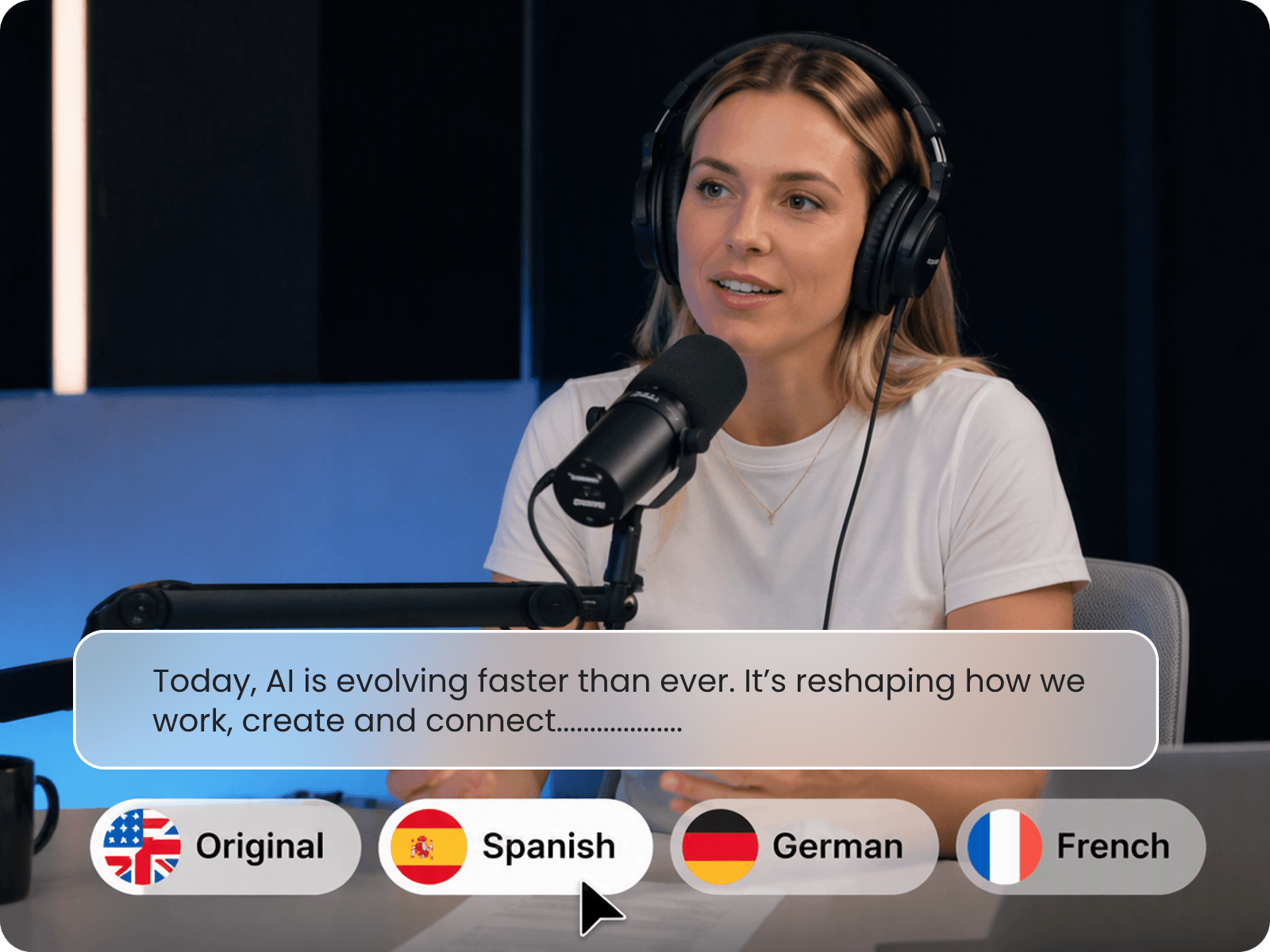
Our AI video-to-text maker supports easy and quick transcription of videos in multiple languages, from French, Spanish and Japanese to Portuguese, Turkish and Thai.
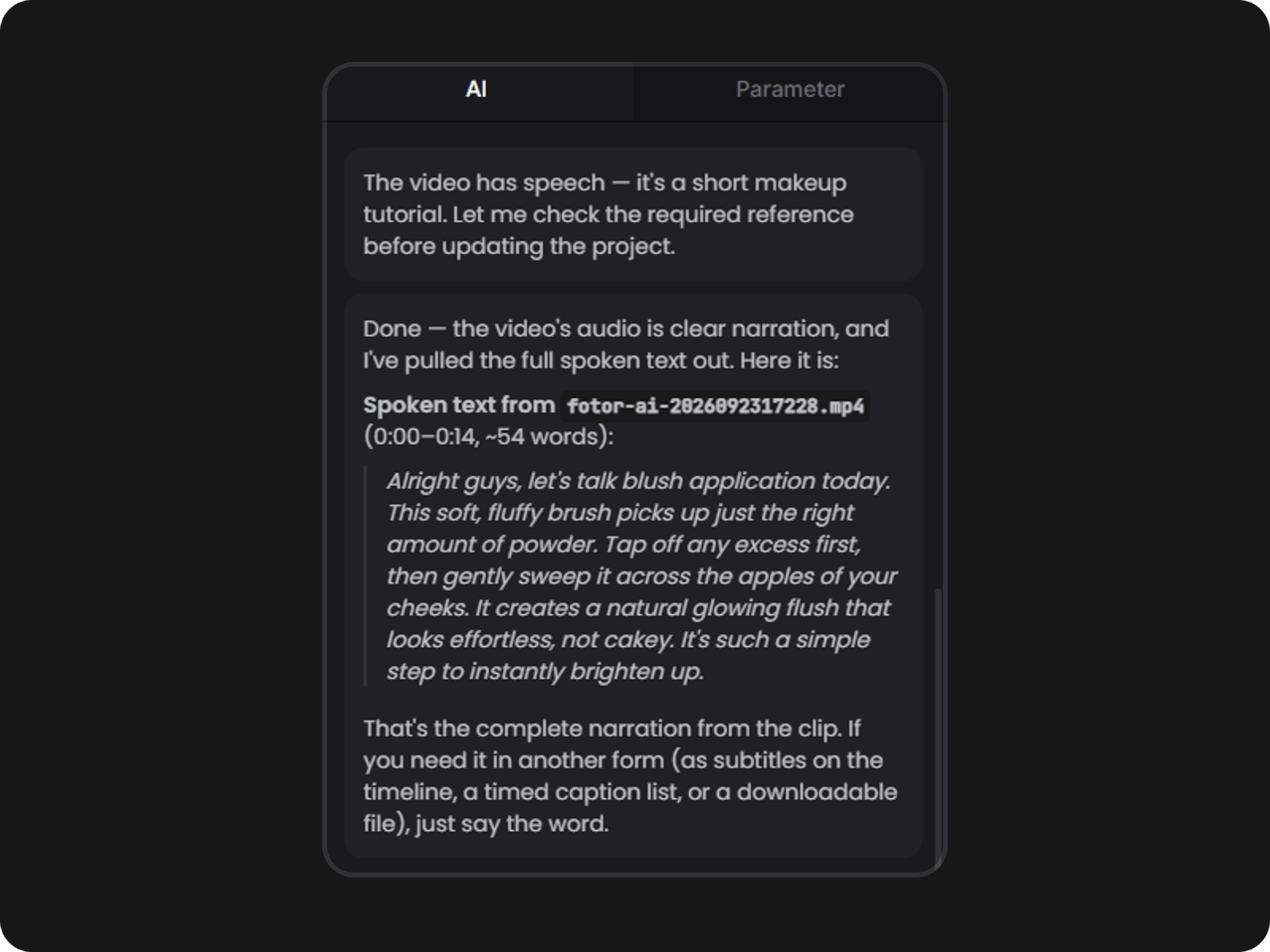
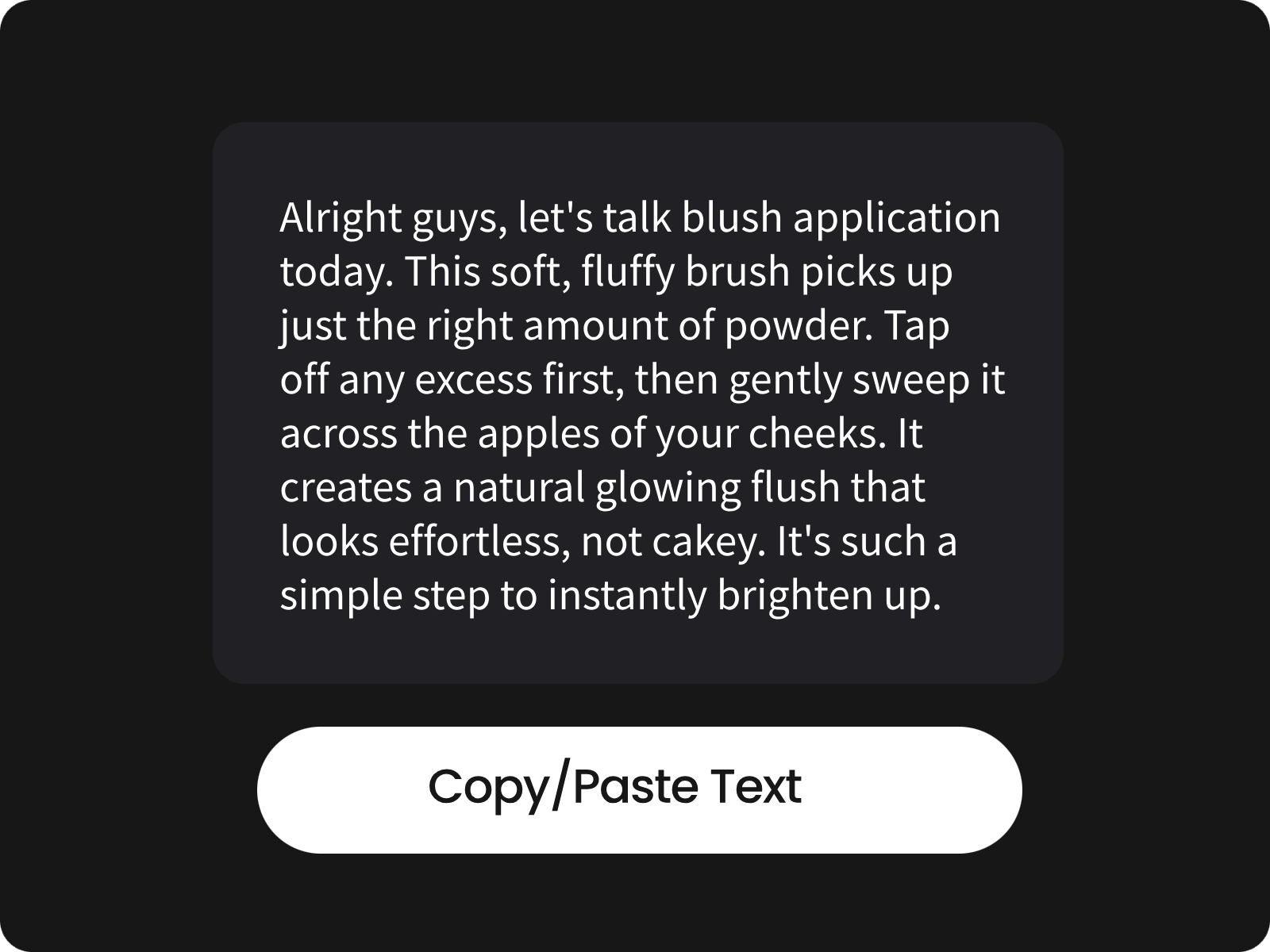
You can either chat with Fotor to adjust the details of your transcript or manually edit it after pasting it into your document.
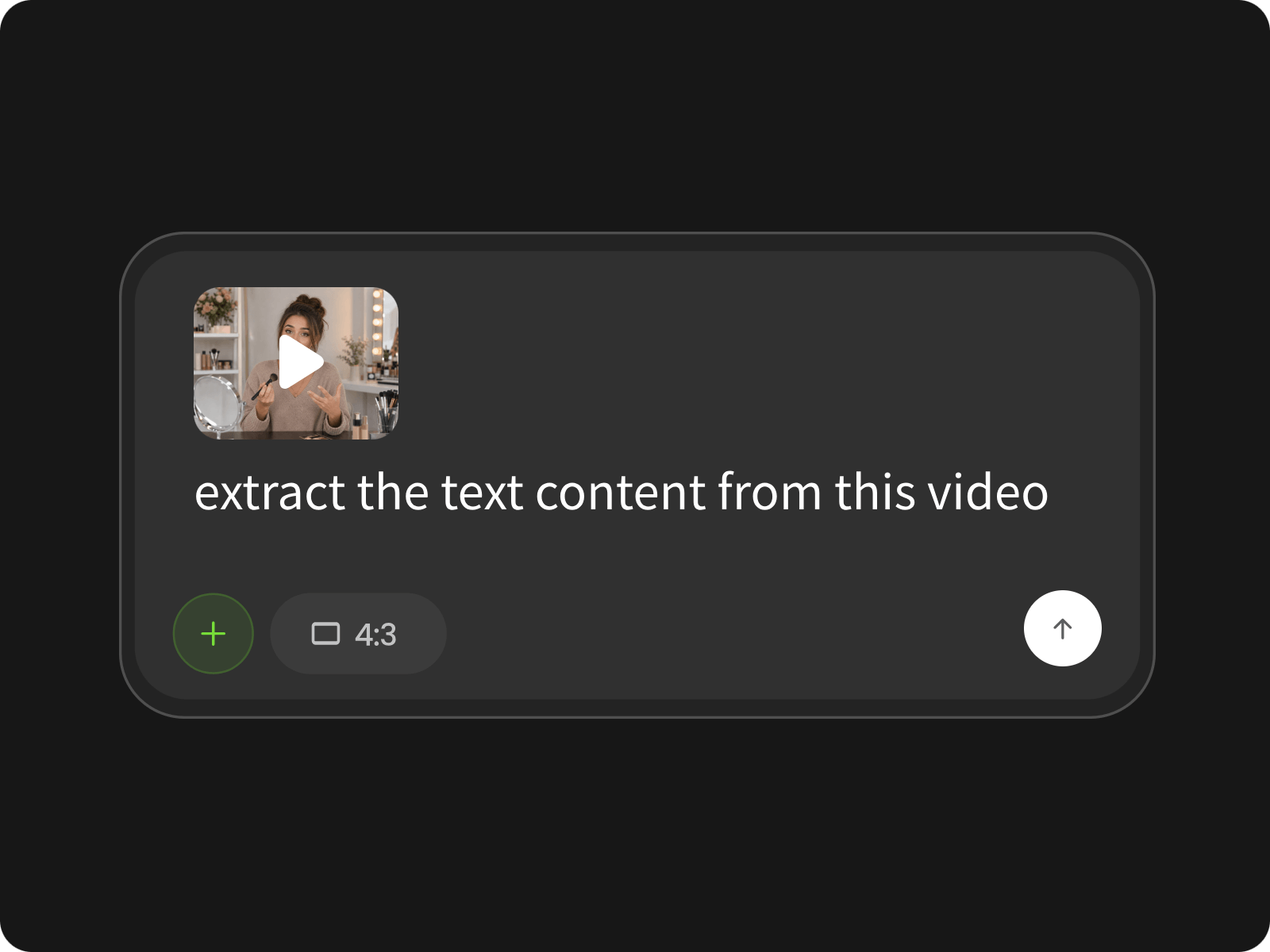
Upload your video to our video agent and type your prompt to let it convert your video to a transcript.
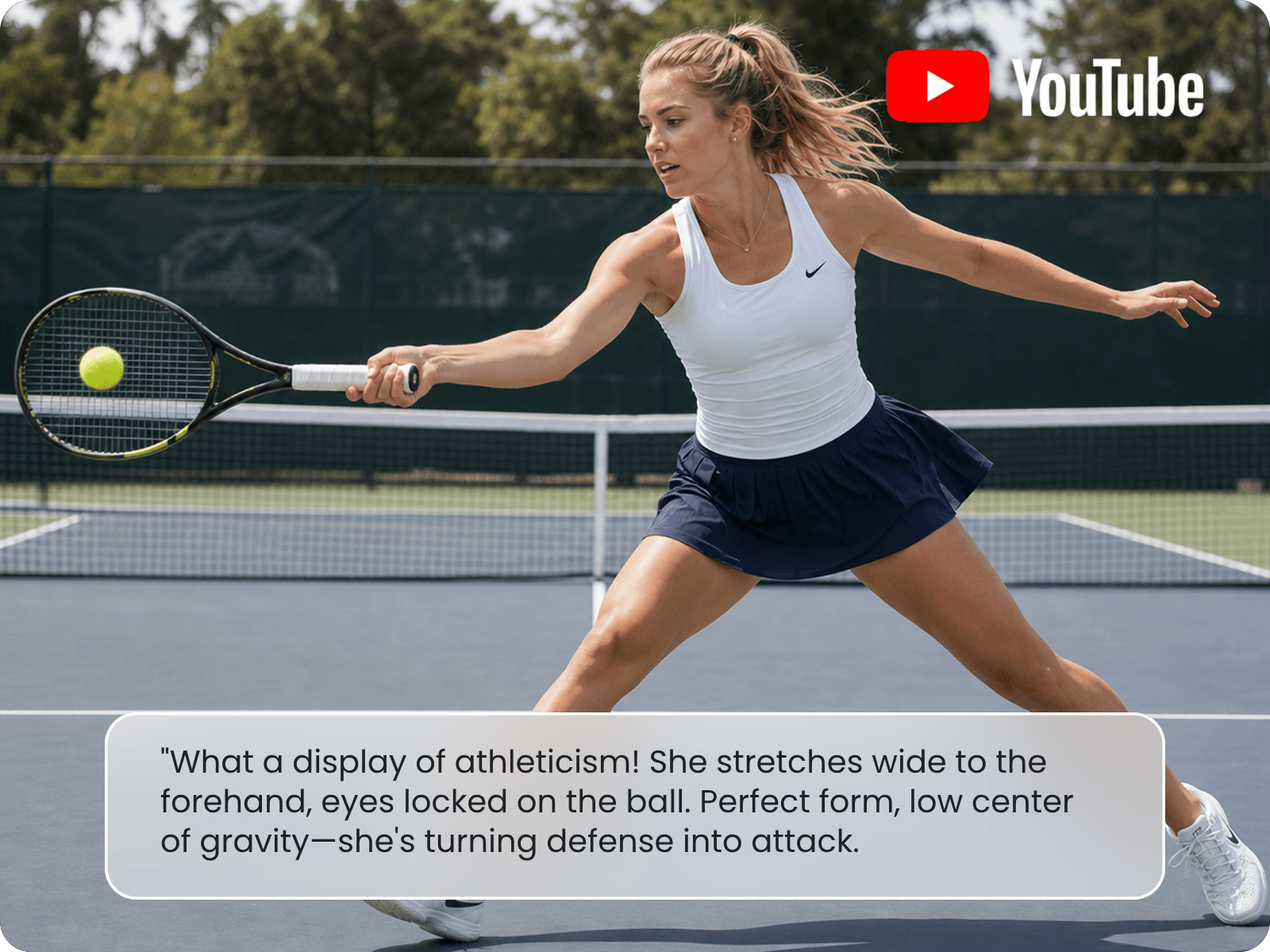
Want to get the text content of your favorite movie, podcast or documentary? Fotor has you covered. Our video-to-text converter allows you to extract spoken words and on-screen subtitles from your videos. It can automatically convert solo voiceovers or dialogue to accurate, editable captions or capture visible text from scenes for subsequent projects. Feel free to edit the transcript or captions through your conversation with our tool or paste it into your document and make manual adjustments.
Can I convert a YouTube or TikTok video to text without downloading it? With Fotor’s AI video transcription tool, you can conveniently transform YouTube, TikTok, IG Reels or other social media videos into editable text. Simply paste a video link and our tool can smartly extract spoken words, captions or other useful text and organize it into a complete transcript, a structured script, useful notes, a clear summary and more without manually downloading, watching and typing everything yourself.
Watch your interview videos become clear, organized transcripts with our AI video transcript generator. Just upload your podcast or interview video and let our tool automatically transcribe conversations and display the relevant transcript with clear speaker labels and timestamps. So, you can see who said what without manually sorting through the footage. Try Fotor to capture the full discussion, key quotes, and important details in an easy-to-edit format.
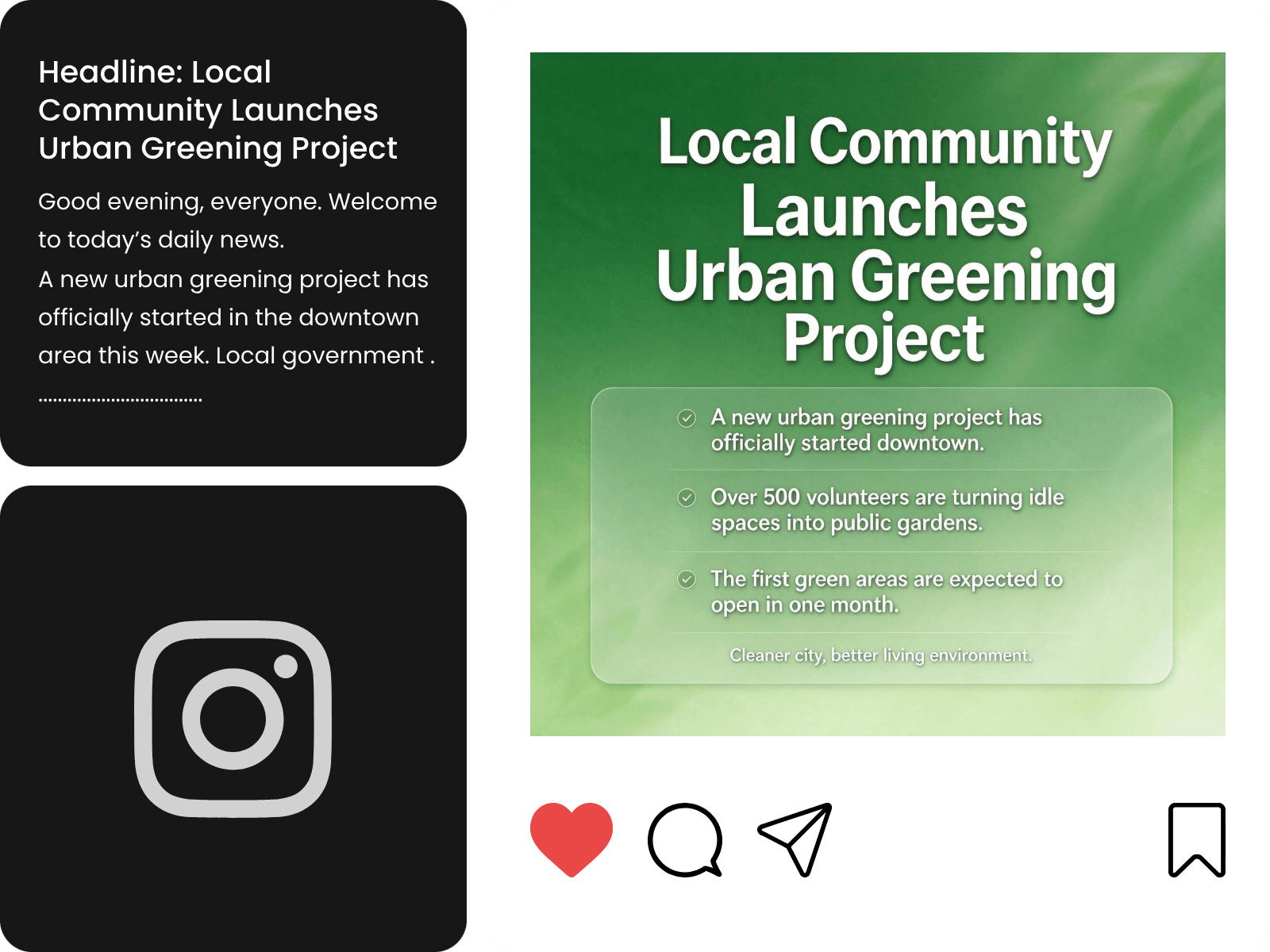
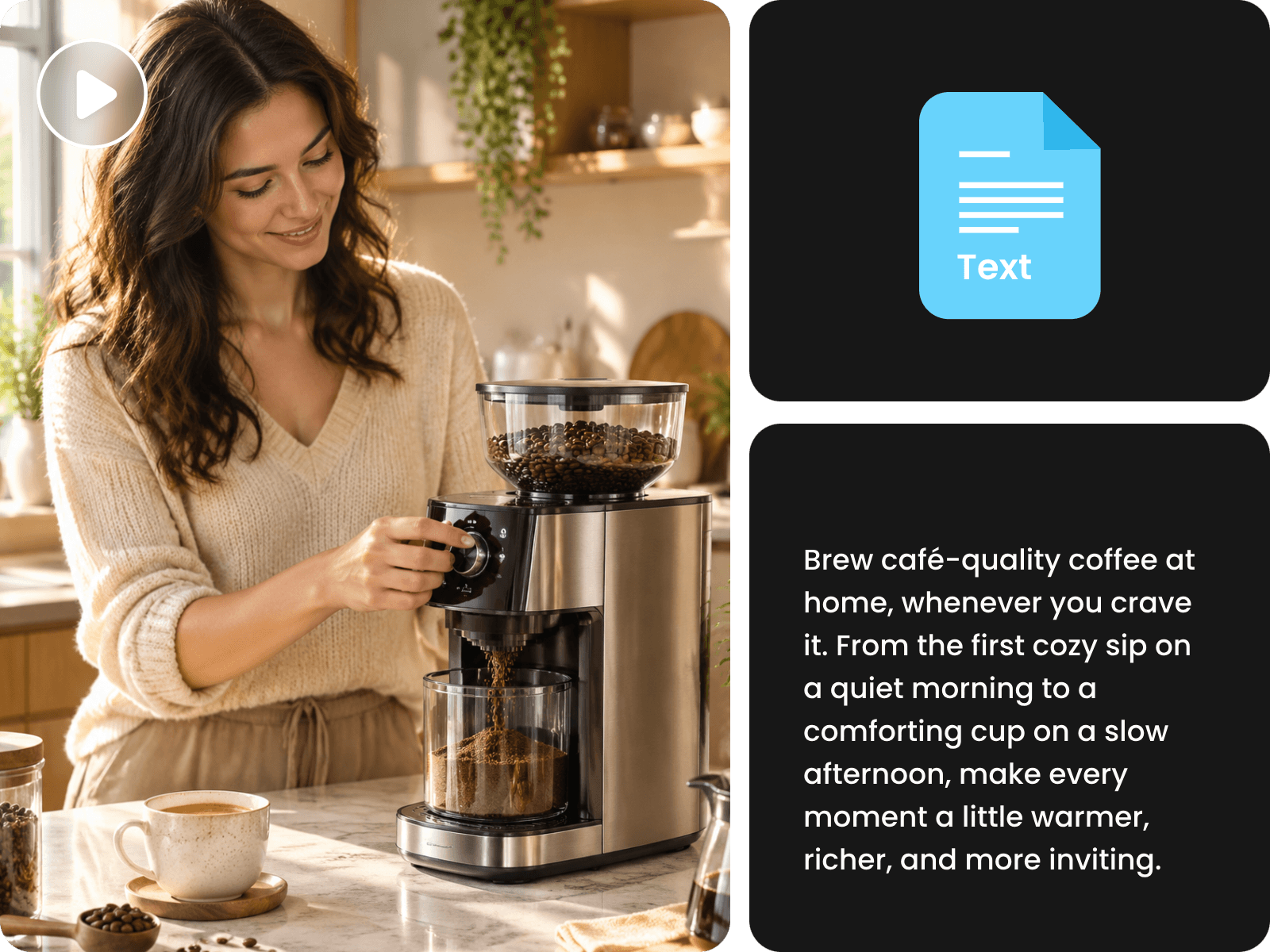
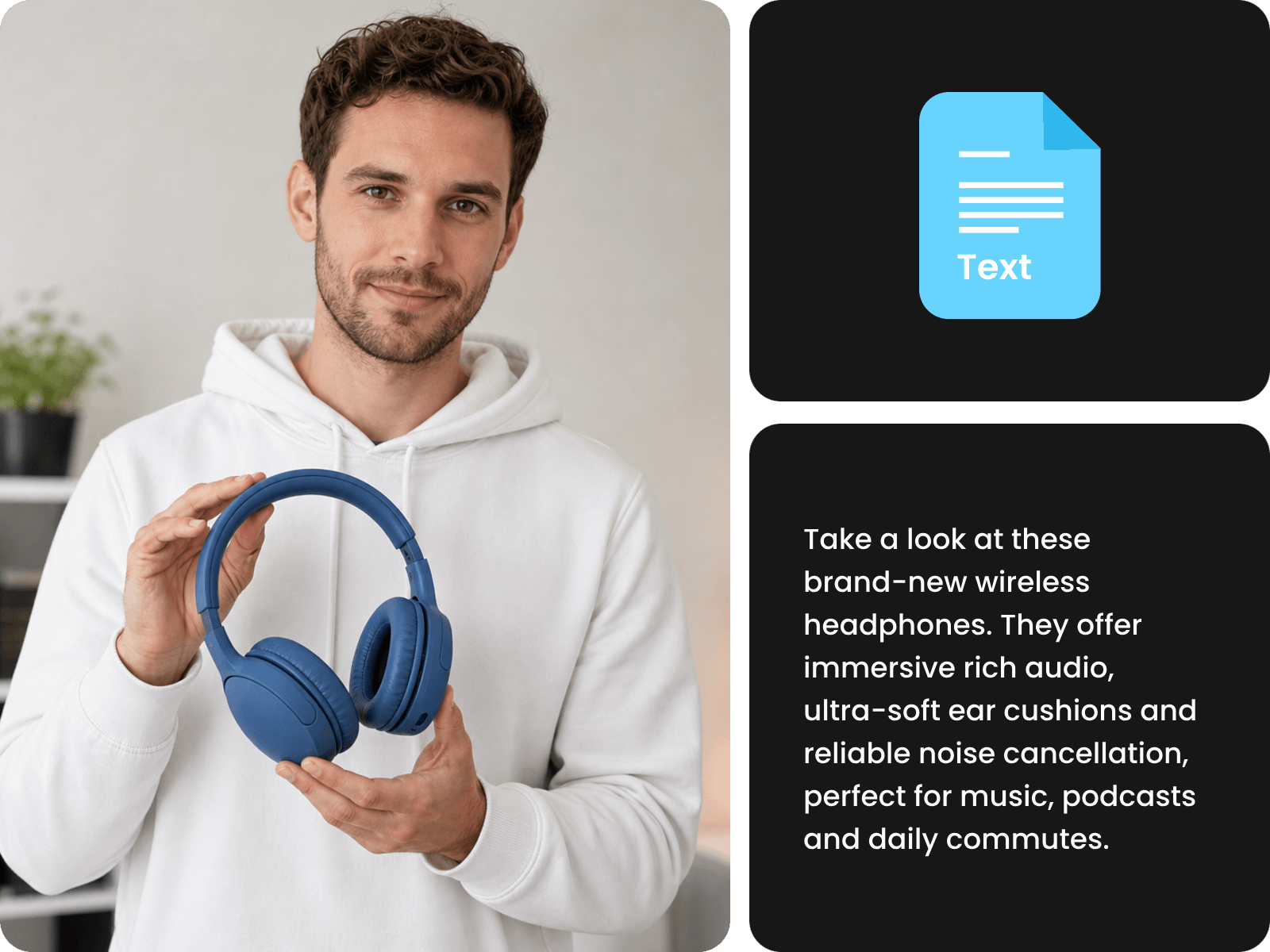
In addition to a full transcript from your video, you can rely on our video-to-text converter to transcribe a video into various text content, such as scripts, notes, summaries, quotes, blog outlines and more.
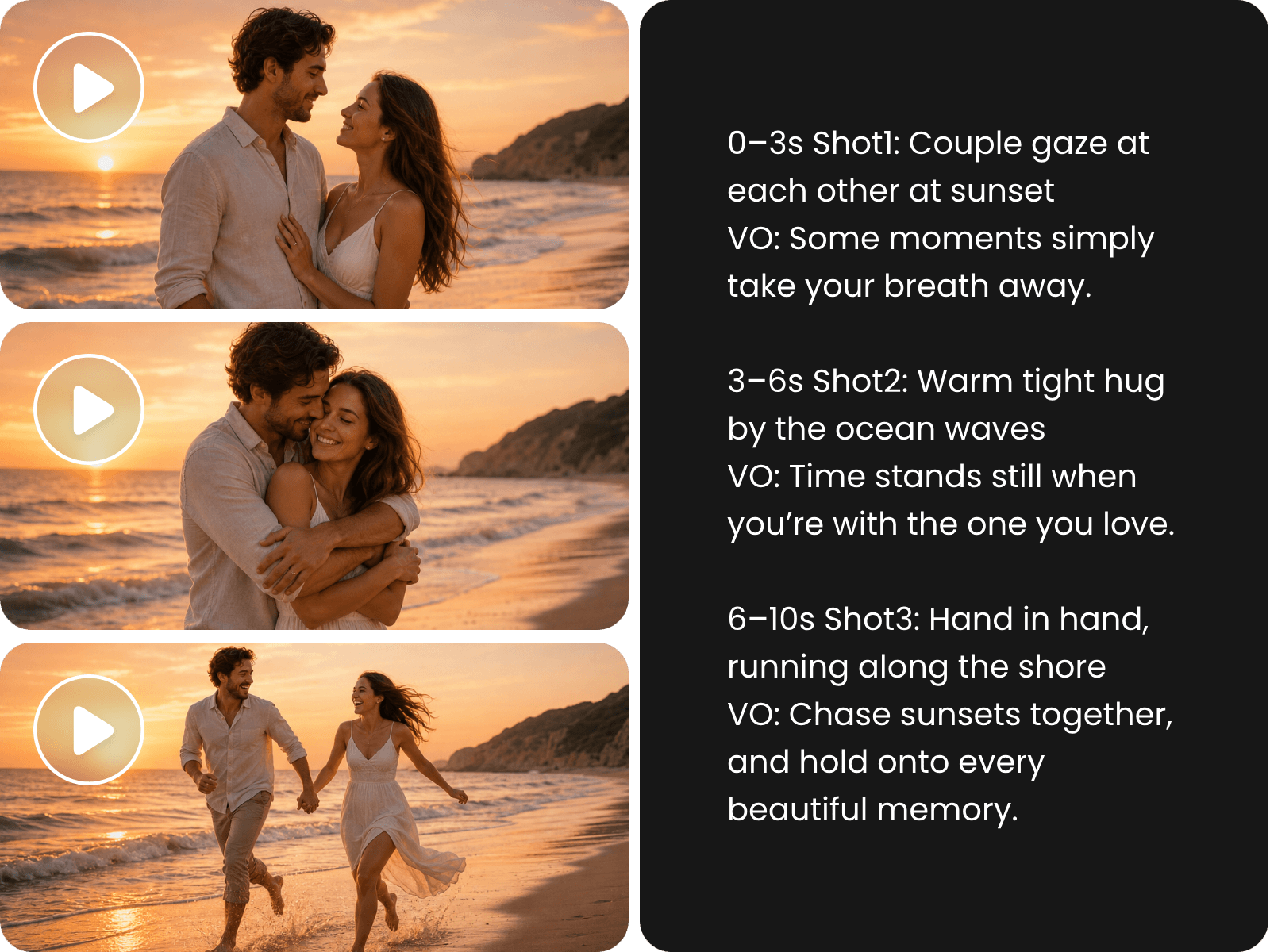
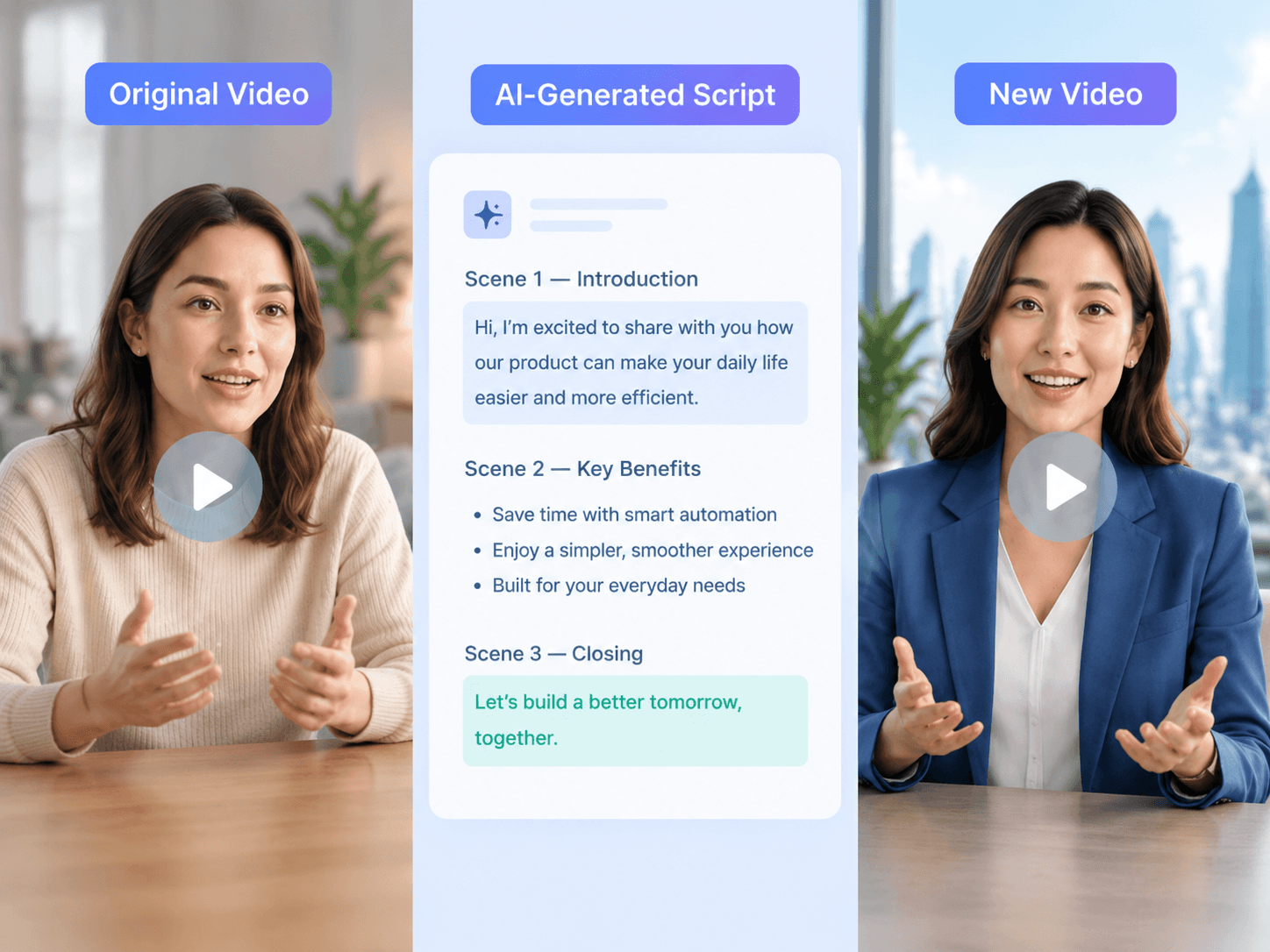
Like the script of a cinematic or marketing video? You can rely on our AI video transcriber to turn any video into a complete, structured script in minutes and draw inspiration from it. Once your video is uploaded, you can expect our tool to automatically transcribe its spoken words and organize the content into a standard script with timelines. So, use Fotor now to get a ready-to-edit script from your video without listening through the entire video or typing everything manually.
Want to get a localized transcript to target your audience in a particular region? No problem. Fotor’s video agent supports multilingual video transcription. Whether your video is presented in a mainstream foreign language like French, Spanish, Chinese and Japanese or is shot in a less mainstream one like Swedish, Portuguese, Turkish, Hindi and Thai, it can be conveniently and precisely transcribed into clearly structured text content. So, upload your video in a foreign language and easily create multilingual subtitles, scripts or localized content for audiences around the world and quickly take your video content global.
Want to combine the creativity of your successful video campaign with your new video concept? Fotor can help you achieve this goal. Make use of it to get the complete transcript of your video and feel free to edit, rewrite or adapt it. Then, ask Fotor to convert your adjusted script to a completely new video with fresh scenes, B-roll, voiceovers, captions and transitions. Keep the key ideas you want while giving your content a fresh style and story without starting from scratch.
In addition to social media videos and interviews, you can try Fotor’s AI video transcriber to get the desired text context from your meetings, lectures, tutorials, webinars and more in minutes. Easily review, edit, quote, summarize or repurpose your content for new projects.
You can rely on Fotor’s AI video transcription tool to convert a video to text. Here is what you should do:
Fotor offers every new user 30- 100 credits, depending on the region, which enables you to transcribe several videos at no cost. Different credits apply to videos with different durations. Usually, more credits will be required if your video is longer. However, if they run out, you need to upgrade your subscription plan or purchase more credits.
Fotor can ensure an accuracy rate of 99% according to our trial. Almost every word can be clearly transcribed with no spelling errors or illogical sentences.
Yes. You can easily and quickly convert YouTube videos to text. Simply upload a saved YouTube video or paste a YouTube video link, and our AI video transcriber can intelligently extract both spoken words and on-screen text and present you with a complete transcript.
Attention: You can only transcribe your own YouTube clips or those you own the copyright to. Otherwise, you may face legal consequences.
Yes. Fotor’s video-to-text converter allows you to transcribe a video with multiple speakers. Ensure you add descriptions that include “speaker labels”, and you will get a clearly structured transcript with speaker labels and timestamps.
Our AI video-to-text tool supports the following video formats: MP4, WEBM, MOV, AVI, MKV, FLV and more.
Yes. To make your transcript meet your request more, you’d better add this kind of information in your prompt. For example, transcribe the video to a complete transcript with timestamps and speaker labels.
Yes. Our video-to-text converter can intelligently identify the text shown on your video screen, automatically extract it and organize it into the desired context, such as a full transcript, a structured script, notes, a summary report and more.
If you have the copyright to these videos or have the creators' written permission, you can. However, you should not do that if you do not have the copyright or the creators’ written consent. Otherwise, you may violate intellectual property laws and be legally penalized.