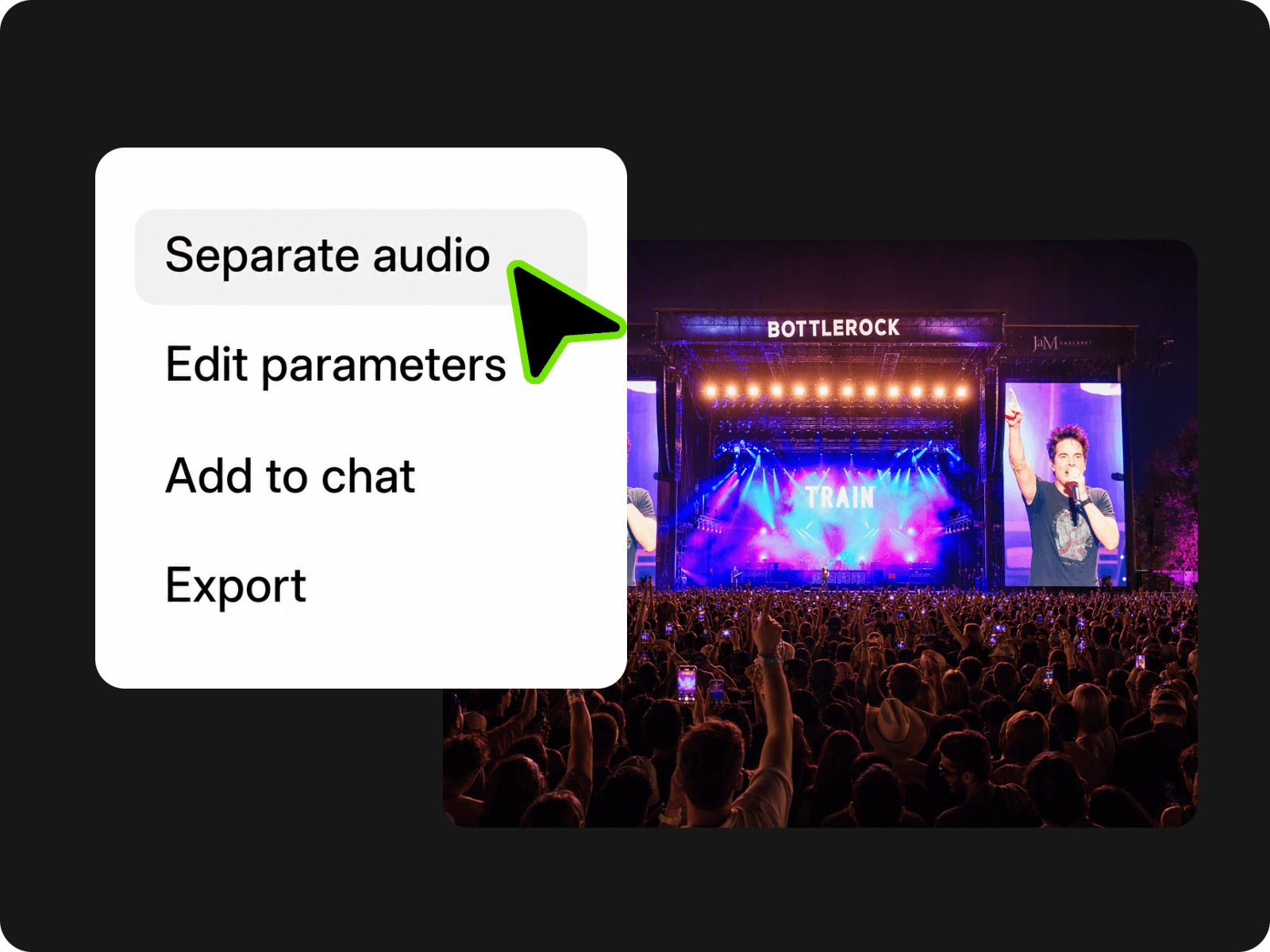
Support Multiple Video Formats
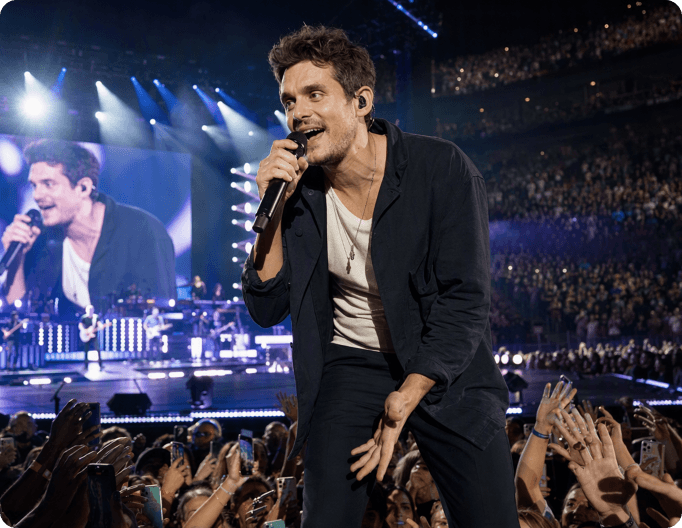
Upload MP4, MOV, MKV, and other common formats to extract audio directly without changing formats.


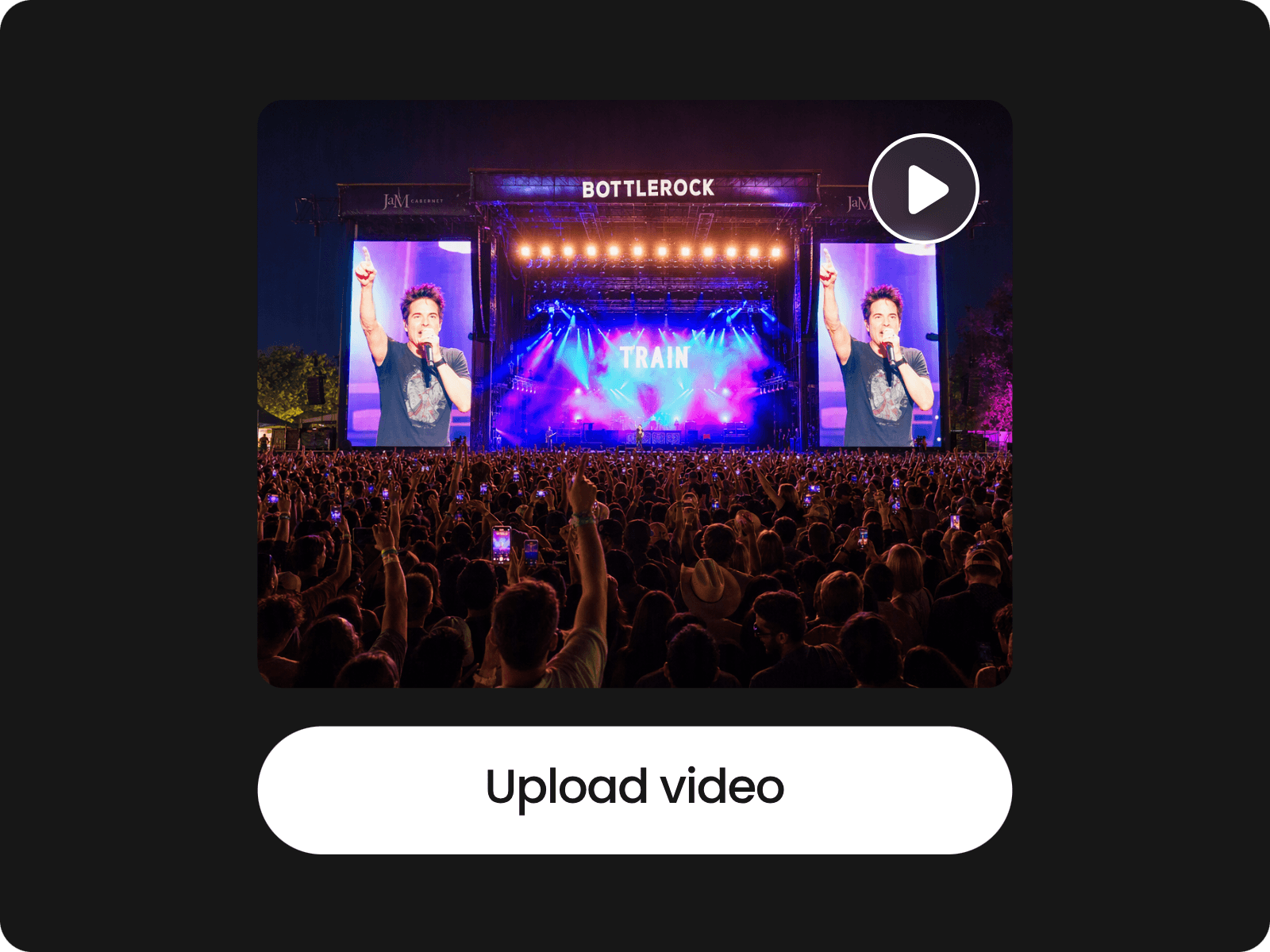
Upload a video or paste a YouTube URL to separate its audio track, edit it with Fotor agent, and save the result as an MP3 file for audio extraction fore free.
Upload MP4, MOV, MKV, and other common formats to extract audio directly without changing formats.
Paste a YouTube URL to pull audio directly, instead of downloading the video file first.
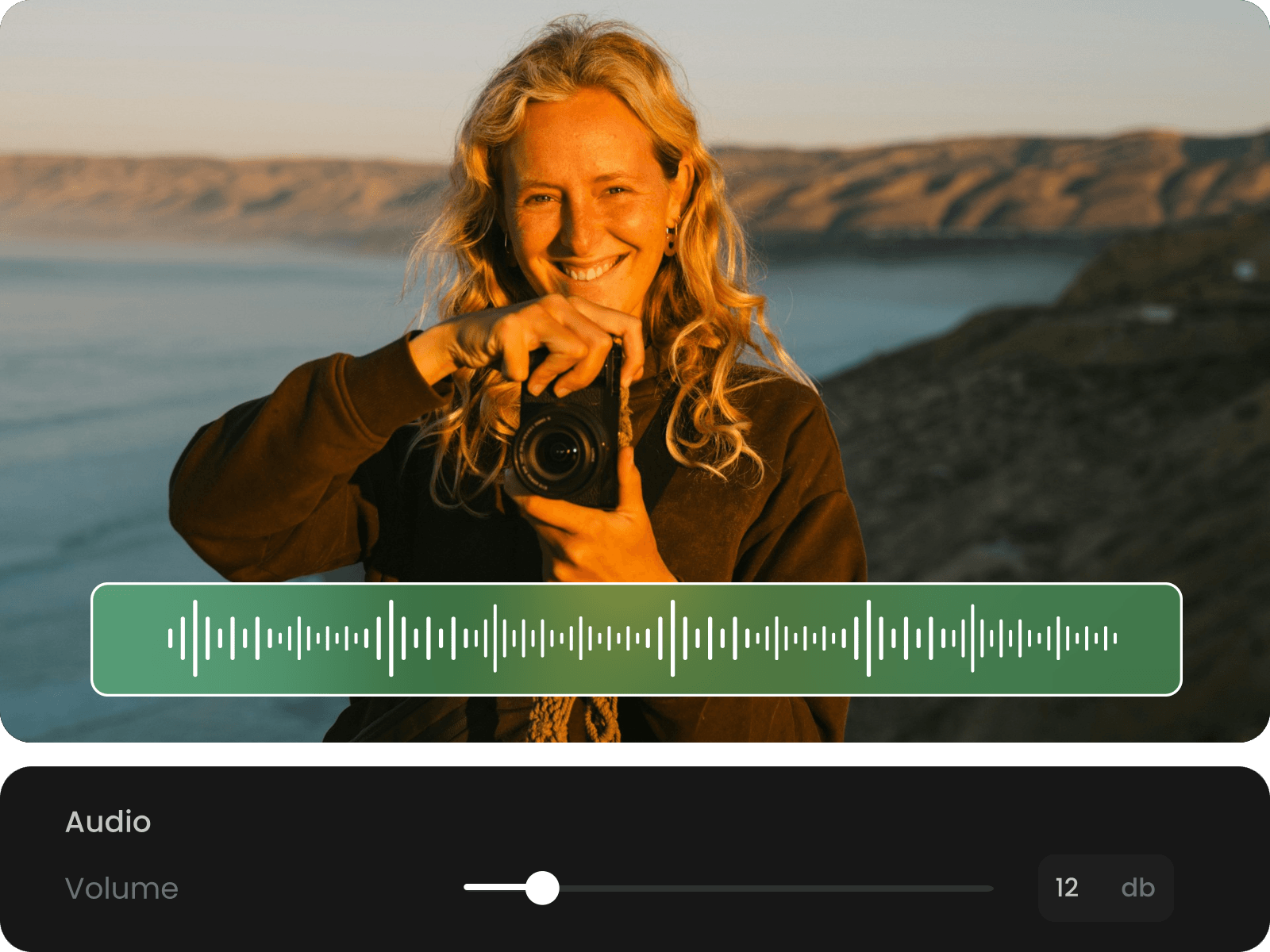
Trim and edit extracted audio before downloading, so you can keep the parts you need.
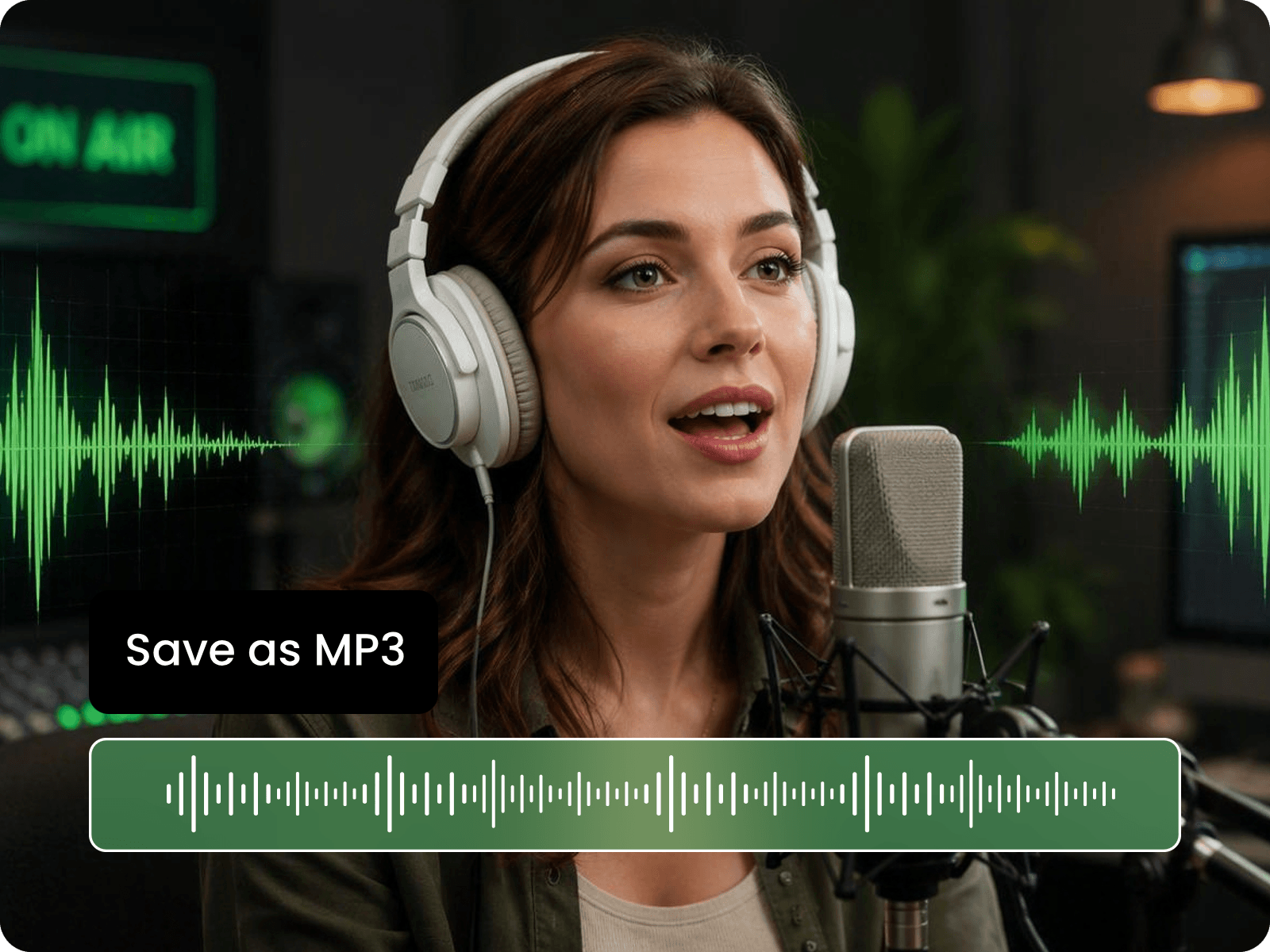
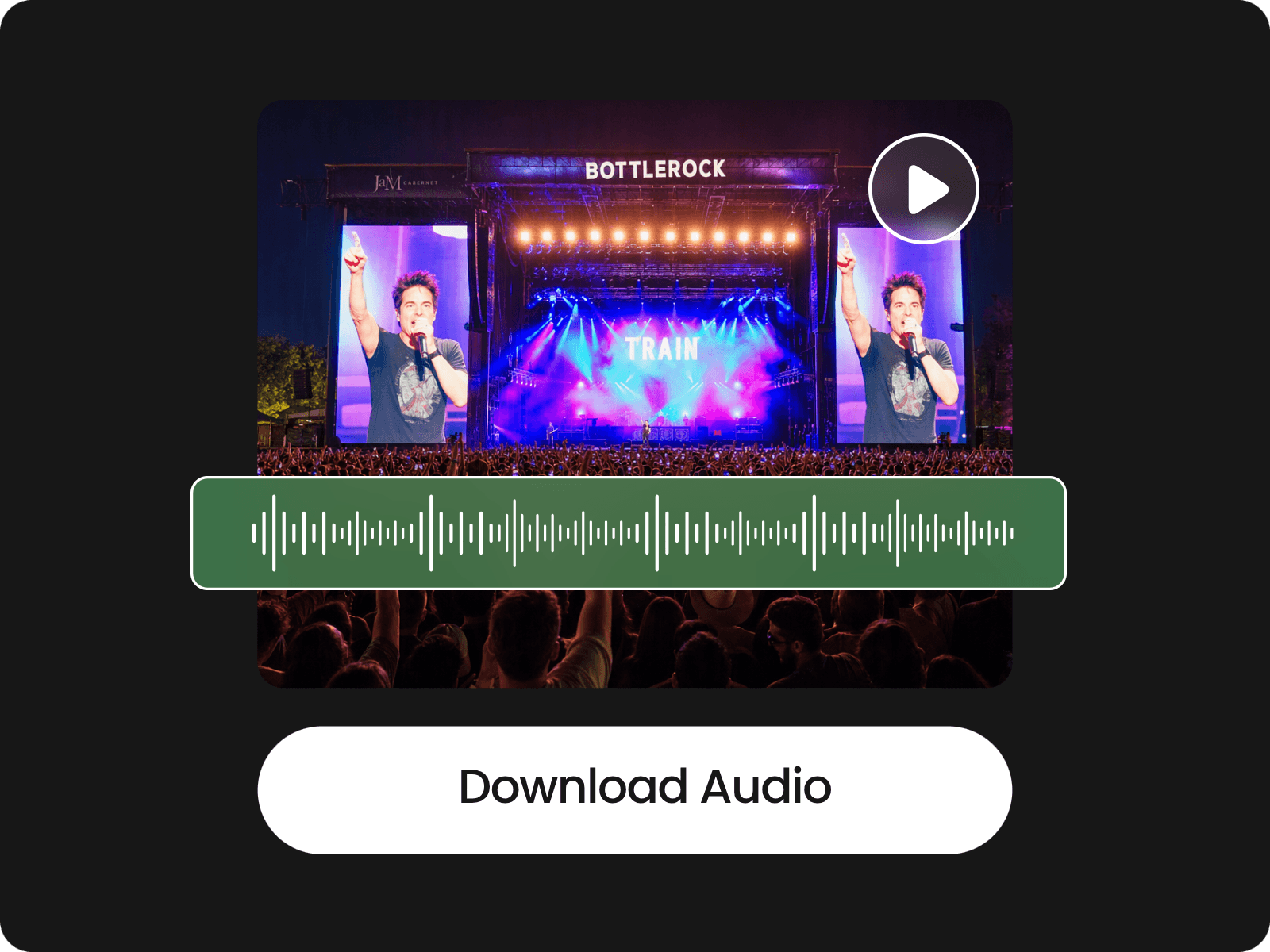
Download extracted audio as an MP3 file for playback, sharing, editing, and reuse across projects.
Upload videos in popular formats such as MP4, MOV, and MKV, then extract audio without converting the source file first. Fotor works as a video audio extractor for different types of footage, so you can get audio from video files you already have without changing your existing workflow.
After extracting audio from video, edit the track directly in Fotor's AI video editor. Trim or split clips, remove unwanted objects, mute specific parts, and drag the audio along the timeline to adjust its position. You can also shorten the track, keep selected sections, and fine-tune the timing before downloading the finished MP3 file.
Have a YouTube video instead of a local file? Paste its URL into Fotor to extract the audio directly. It gives you another way to get audio from a video without downloading the source video first, making it useful when working with online videos and other supported links.
Once the audio is ready, download it as an MP3 file for playback, editing, sharing, or reuse. Whether you need to save audio from video, get an MP3 from a video, or export audio for another project, Fotor gives you a separate audio file ready to use. You can also turn your extracted MP3 into a video with Fotor's AI audio to video generator.
Upload a video file such as MP4 or MOV to Fotor to start extracting audio from video.
Yes. Fotor’s audio extractor is free to use online. You can extract audio from supported video files and download the result as an MP3 without paying for the basic extraction feature.
Yes. Separating audio creates an independent audio track while leaving your original video unchanged. You can keep the source video and work with the extracted file separately for editing, playback, or reuse.
A video without an audio track cannot produce an audio file. This can happen with muted screen recordings, silent clips, or videos where the original sound has already been removed.
Yes. You can use Fotor in a mobile browser to extract audio from supported video files. This is useful for videos already saved on an iPhone or Android device without installing a separate audio extractor app. Mobile browser tools are commonly used for this type of task.
The final MP3 quality depends on the source audio and the conversion process. Since MP3 is a compressed format, some quality may differ from the original audio track after conversion.
Yes, when you only need a specific section, you can edit the extracted track and remove parts you do not want before downloading the final audio file.
You should only extract or reuse audio when you have the necessary rights or permission. Extracting audio does not change the copyright status of the original video or its soundtrack. YouTube’s own support guidance also distinguishes between using your own videos and reusing someone else’s content.
Yes. An extracted MP3 can be used as a standalone audio file for editing, transcription, playback, and other supported content workflows.