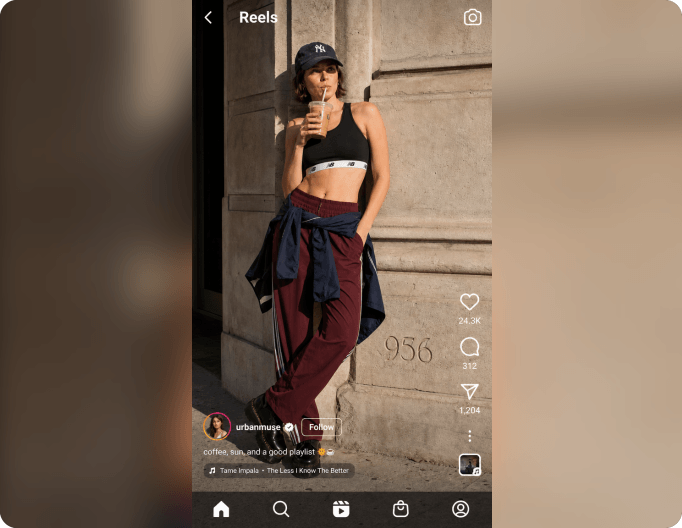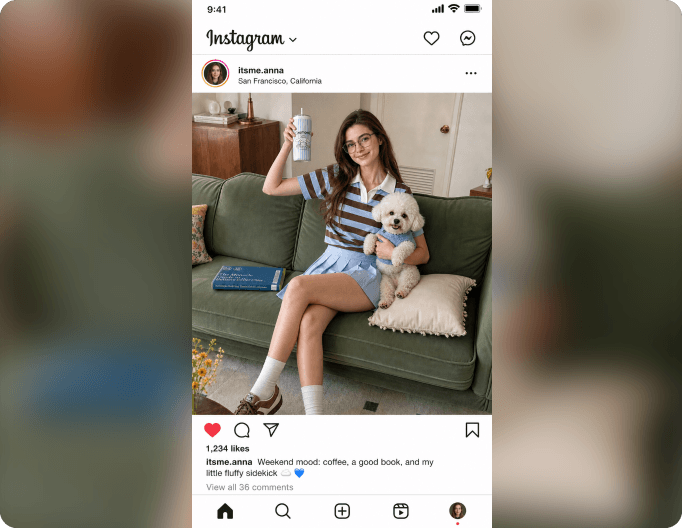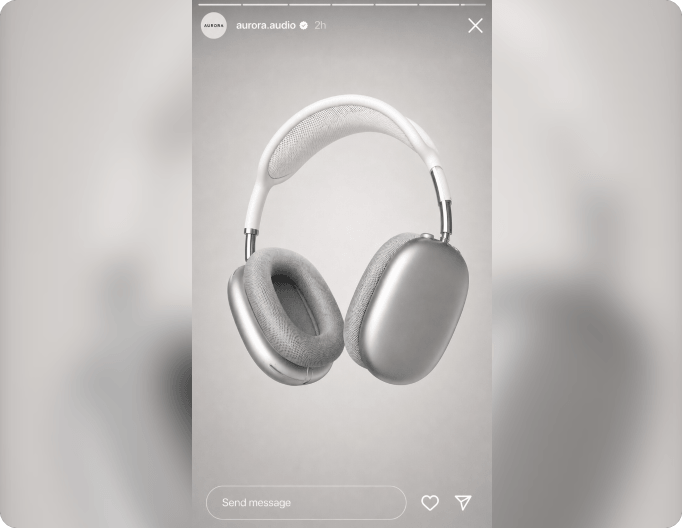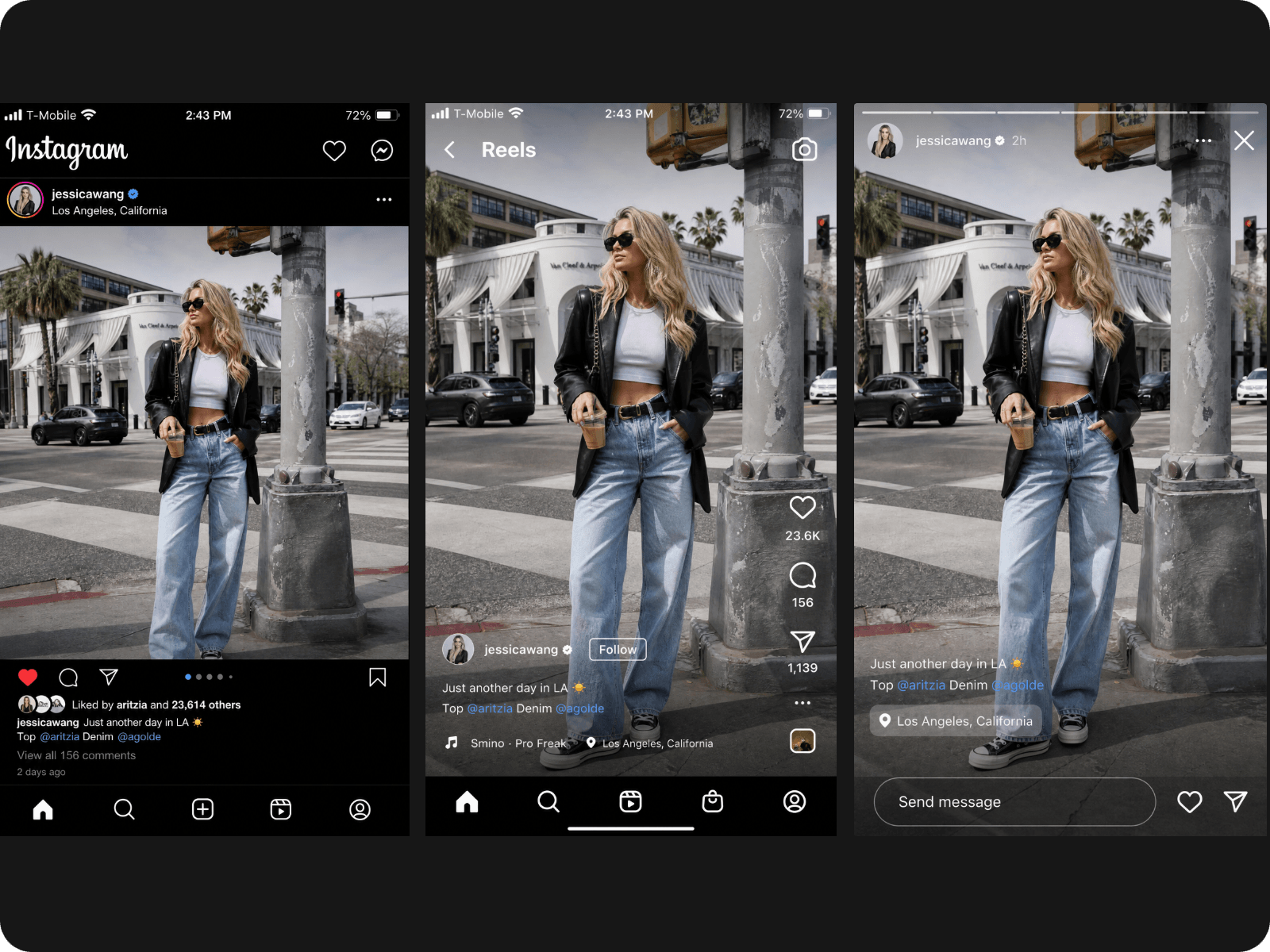
Resize to the Right Size
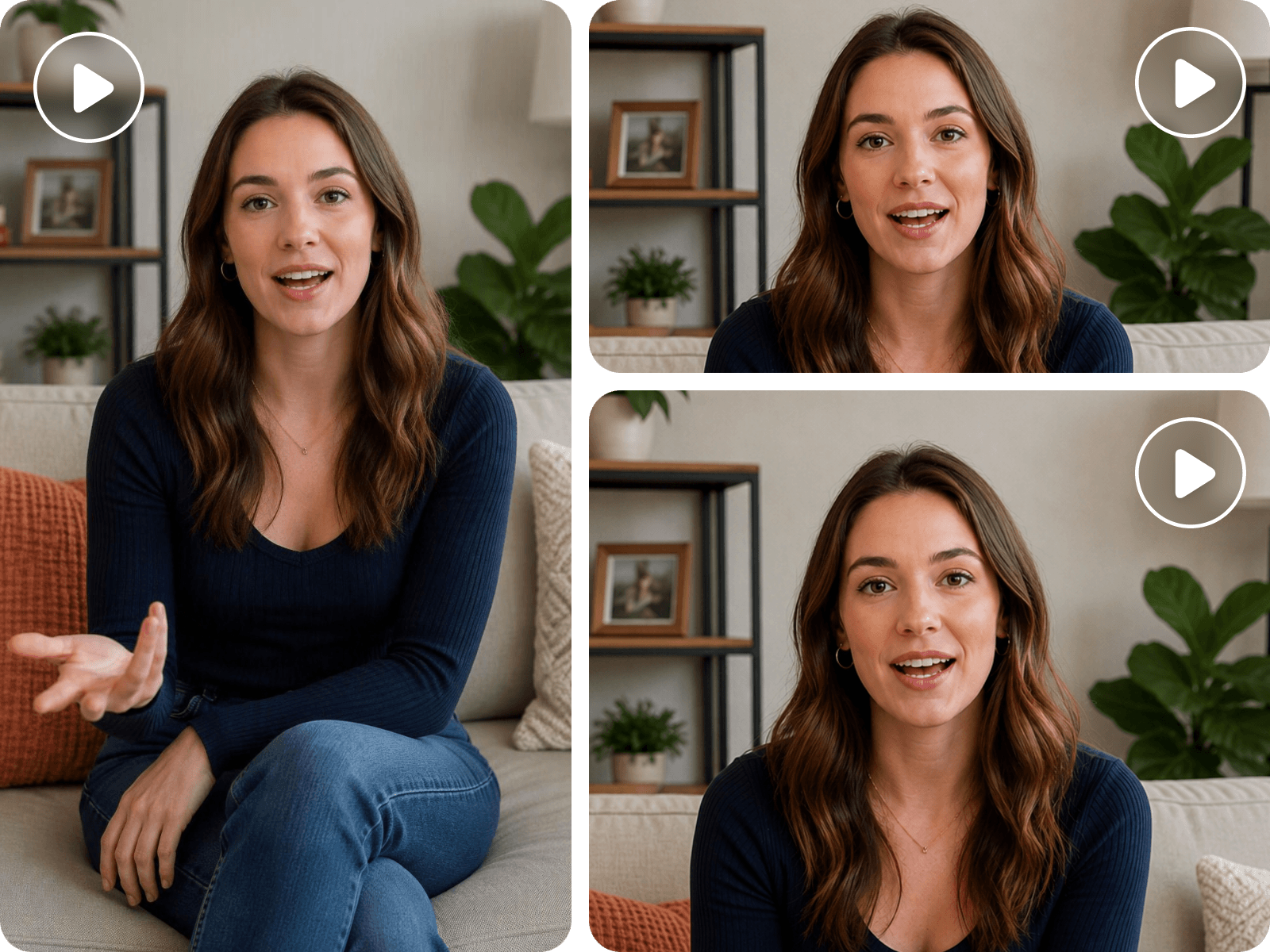
Choose the right aspect ratio for Reels, Stories, or Feed without manually working out video dimensions.


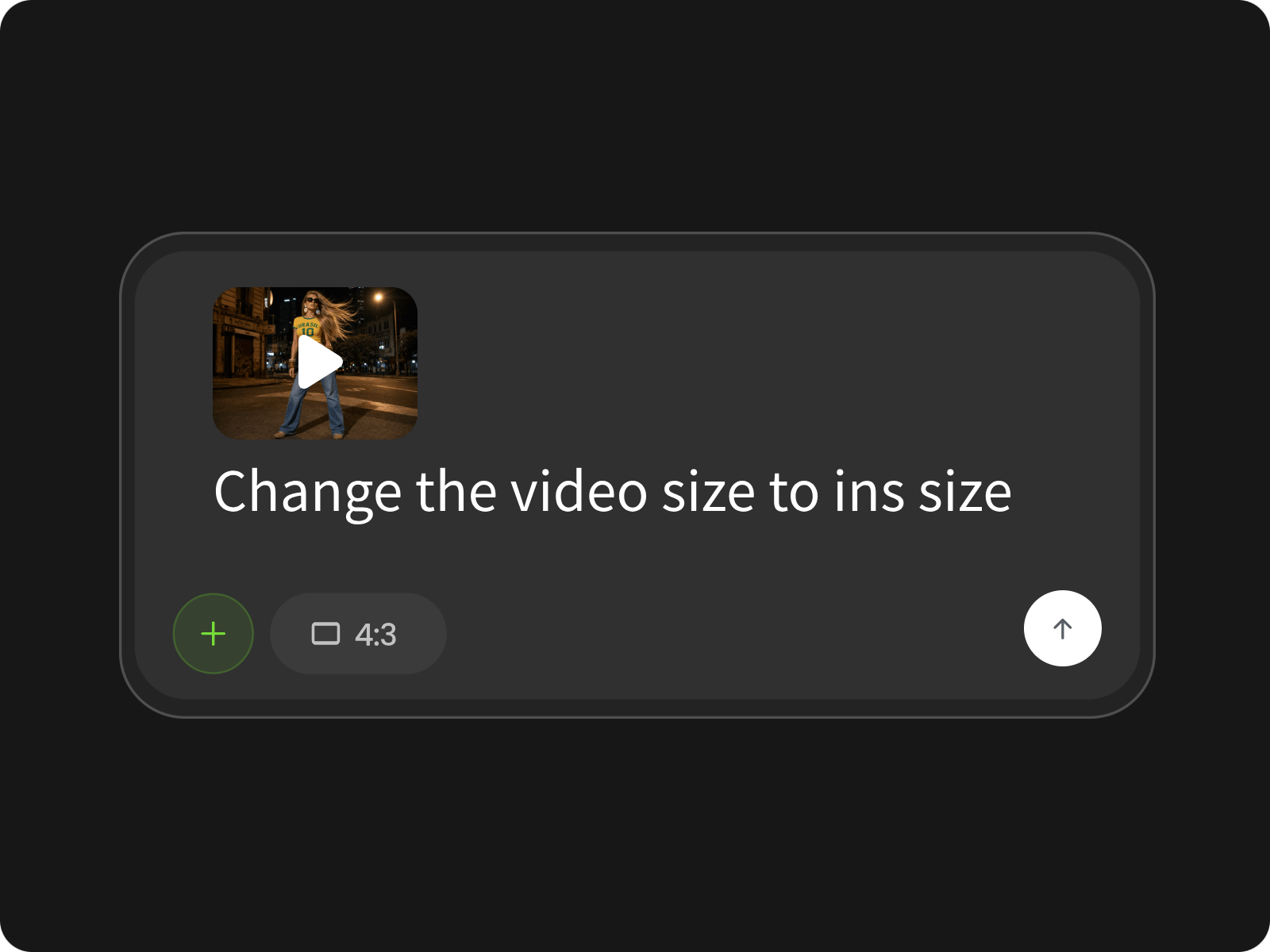
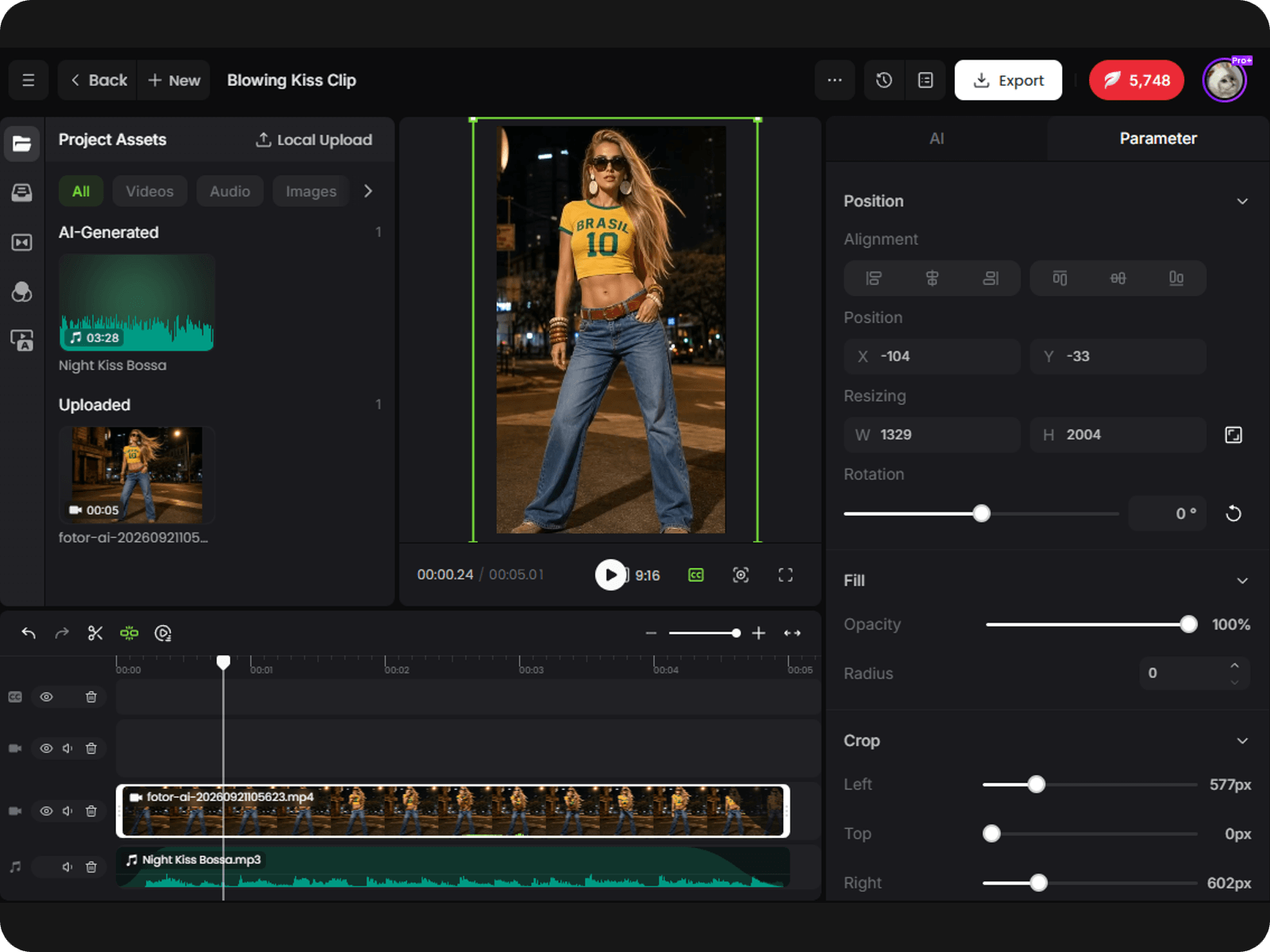
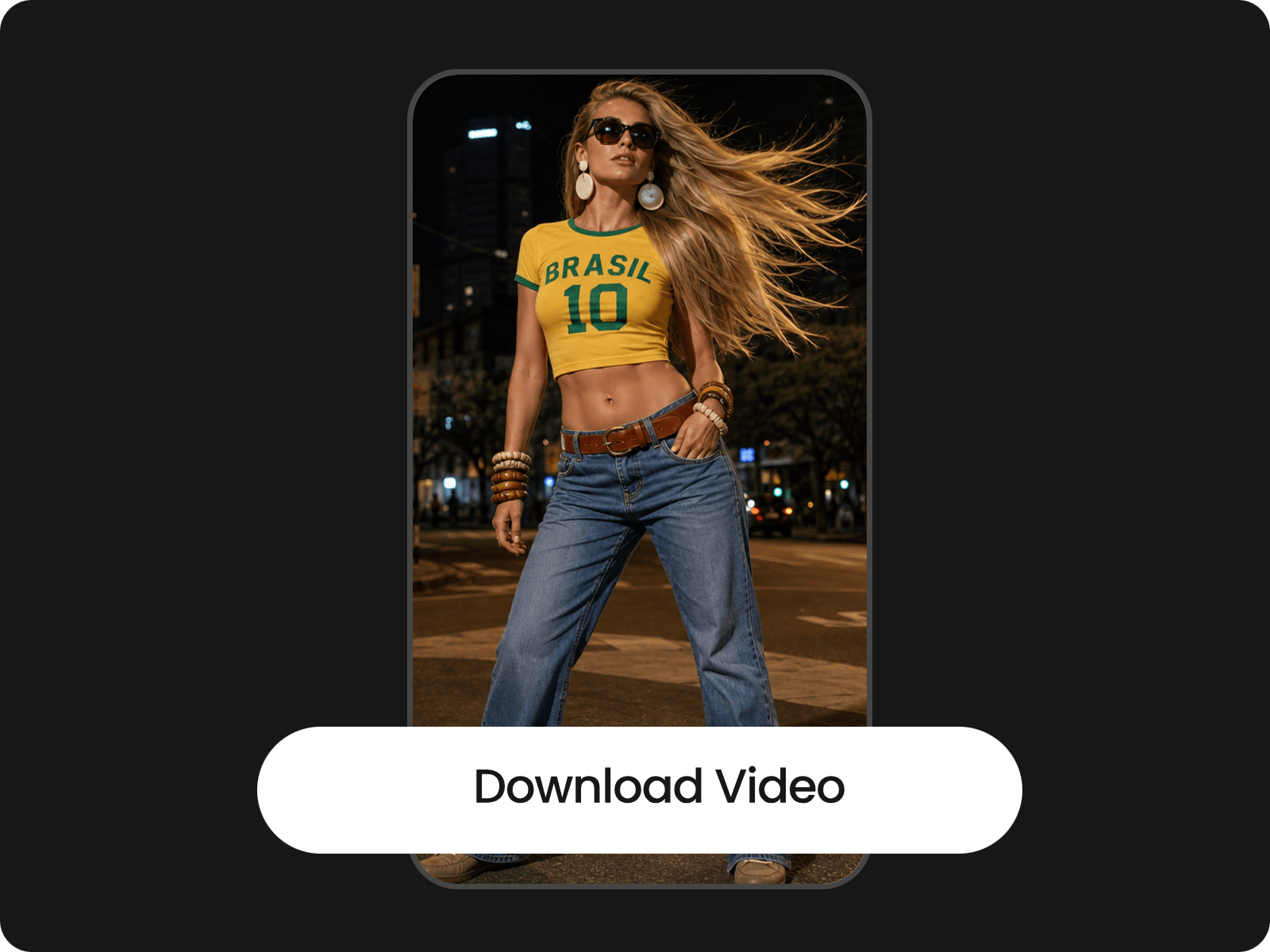
Resize videos for Instagram Reels, Stories, or Feed with the right aspect ratio. Upload your video, choose 9:16 for Reels and Stories or 4:5 for Feed, then crop and reposition the frame to keep important content visible. Preview and download your resized video, ready to post.
Choose the right aspect ratio for Reels, Stories, or Feed without manually working out video dimensions.
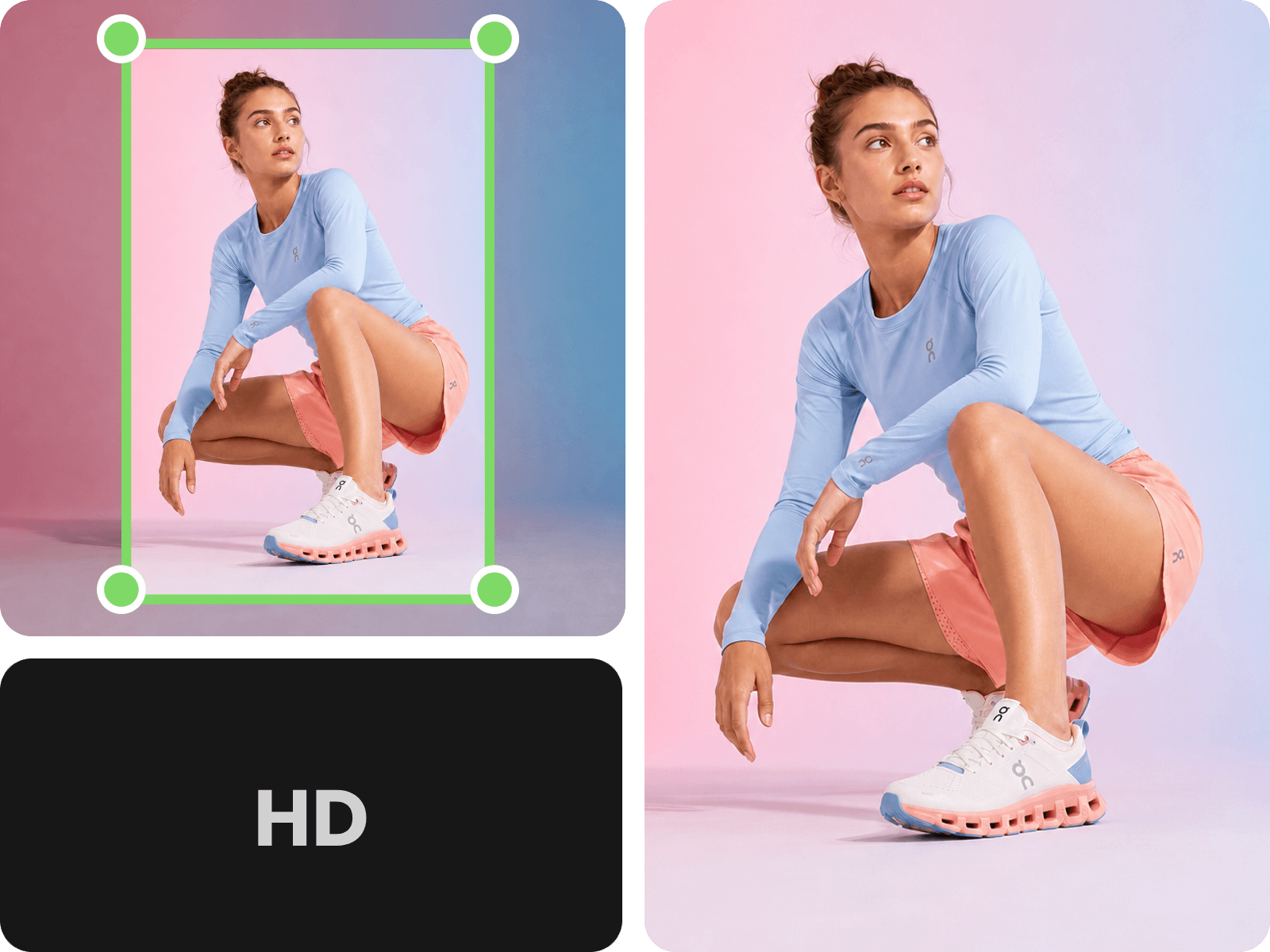
Crop and reposition your video to keep people, products, and key details visible after resizing.
Resize your video without stretching the frame or sacrificing unnecessary detail in the final export.
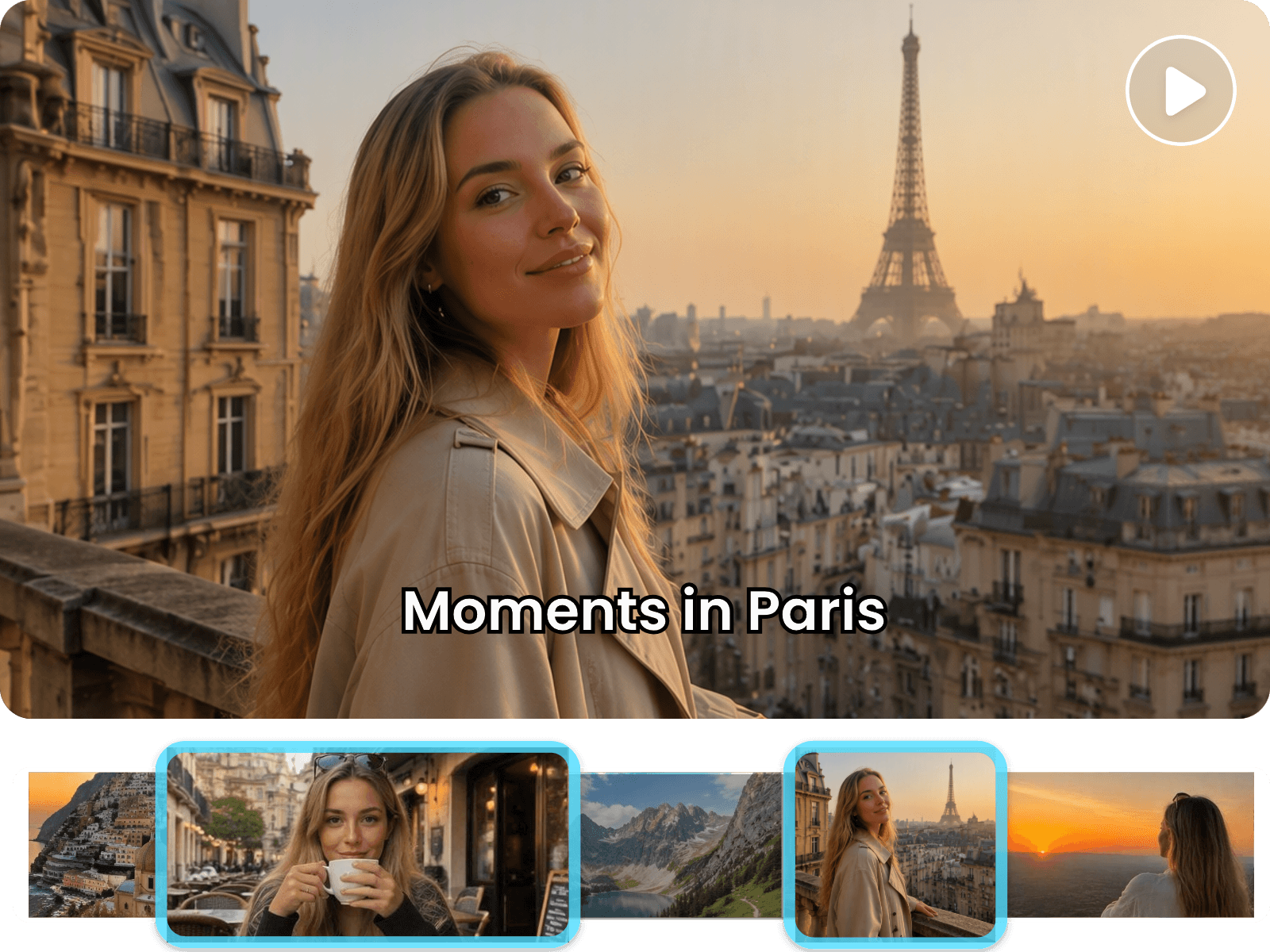
Choose an Instagram aspect ratio and crop your video to fit Reels, Stories, or Feed. Fotor lets you resize videos for Instagram without manually calculating dimensions, with presets for common formats such as 9:16 and 4:5. Adjust the frame and turn long videos to short clips for a better Instagram video vibe.
Changing a video's aspect ratio can cut off people, products, or important details near the edges. Fotor lets you reposition and crop the frame so the main subject stays visible when converting landscape footage to vertical Instagram video or portrait formats.
Resize your video for Instagram while keeping the output clear and properly proportioned. Fotor helps you avoid stretched footage and unnecessary enlargement, so your Reels, Stories, or Feed videos retain the visual detail and framing of the original source whenever possible.
Resizing is only one step in getting a video ready for Instagram. Continue editing in Fotor’s AI video editor to trim clips, add text, adjust captions, refine the timeline, and make other changes before exporting your final video. for Reels, Stories, or Feed.
Upload the video you want to resize and start adapting it for your preferred Instagram format.
No. Resizing changes the video's frame size or aspect ratio, not its duration. Your clip will keep the same timing unless you trim or edit it separately.
Choosing an Instagram-friendly aspect ratio helps reduce unwanted cropping after upload. For the most predictable result, resize your video to match the format you plan to publish.
Changing the aspect ratio can bring edge content closer to the crop area. Check the preview after resizing and reposition the frame when needed to keep important text, logos, or graphics visible.
Yes. A vertical video can still be resized for a different Instagram format. Choose the target ratio based on where you plan to publish it, then adjust the framing if the new canvas changes the composition.
You can resize a low-resolution source, but changing its dimensions cannot create detail that was not present in the original. Starting with the highest-quality source available generally gives you a cleaner final result.
Resizing changes the video's visual dimensions and does not require you to remove the original soundtrack. Your video's existing audio can remain with the exported clip unless you change it during editing.
Yes. You can adapt the same source video to different Instagram placements, such as a 9:16 version for Reels or Stories and a 4:5 version for Feed.
No. The goal of resizing is to change the frame while keeping the original proportions of the content. When the source and target ratios differ, cropping or repositioning is used instead of stretching the video.