

Transition Templates
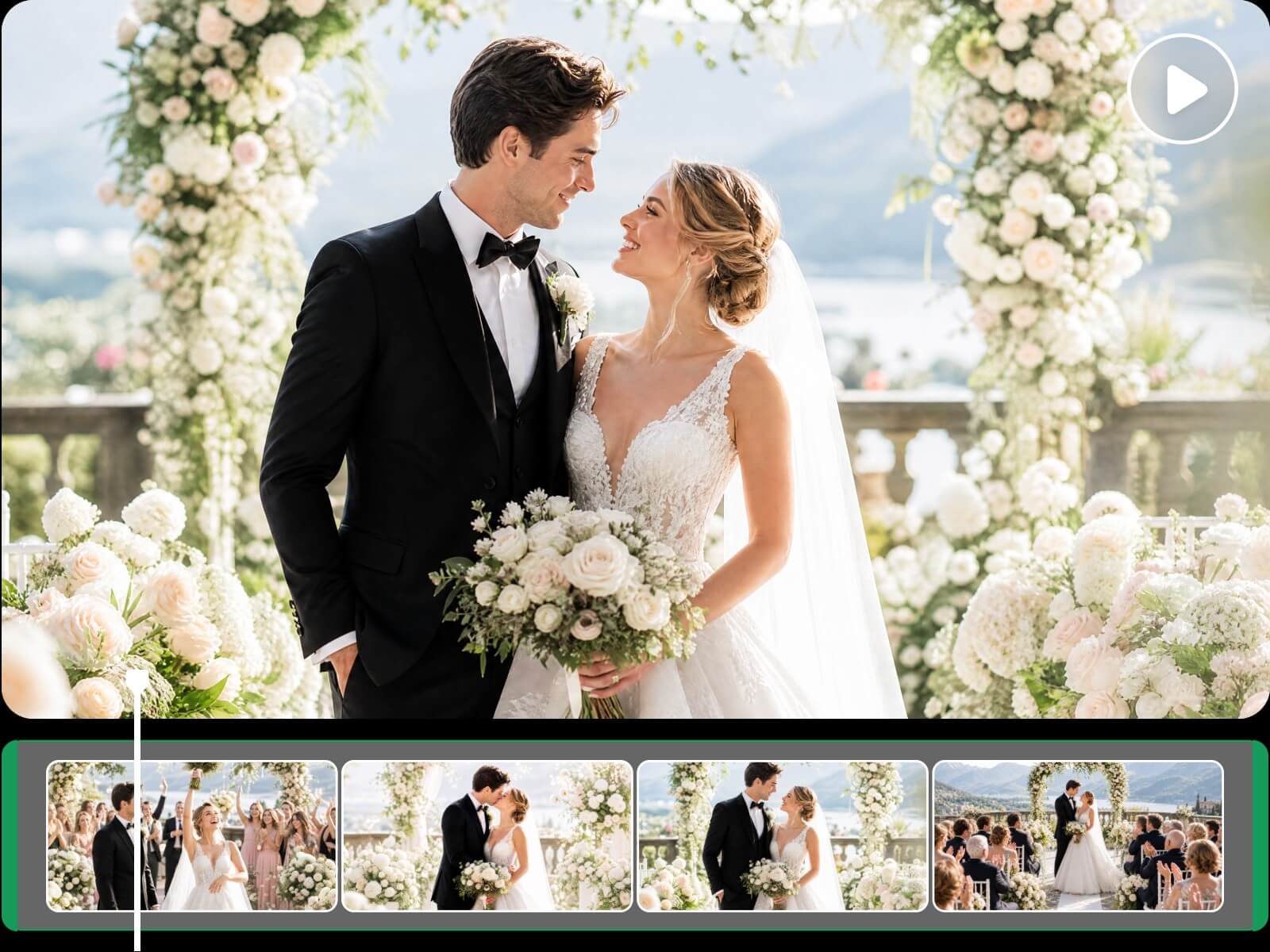
Our montage creator offers a library of transitions. Easily drag and drop them onto your timeline and manually adjust their duration for flawless scene changes.


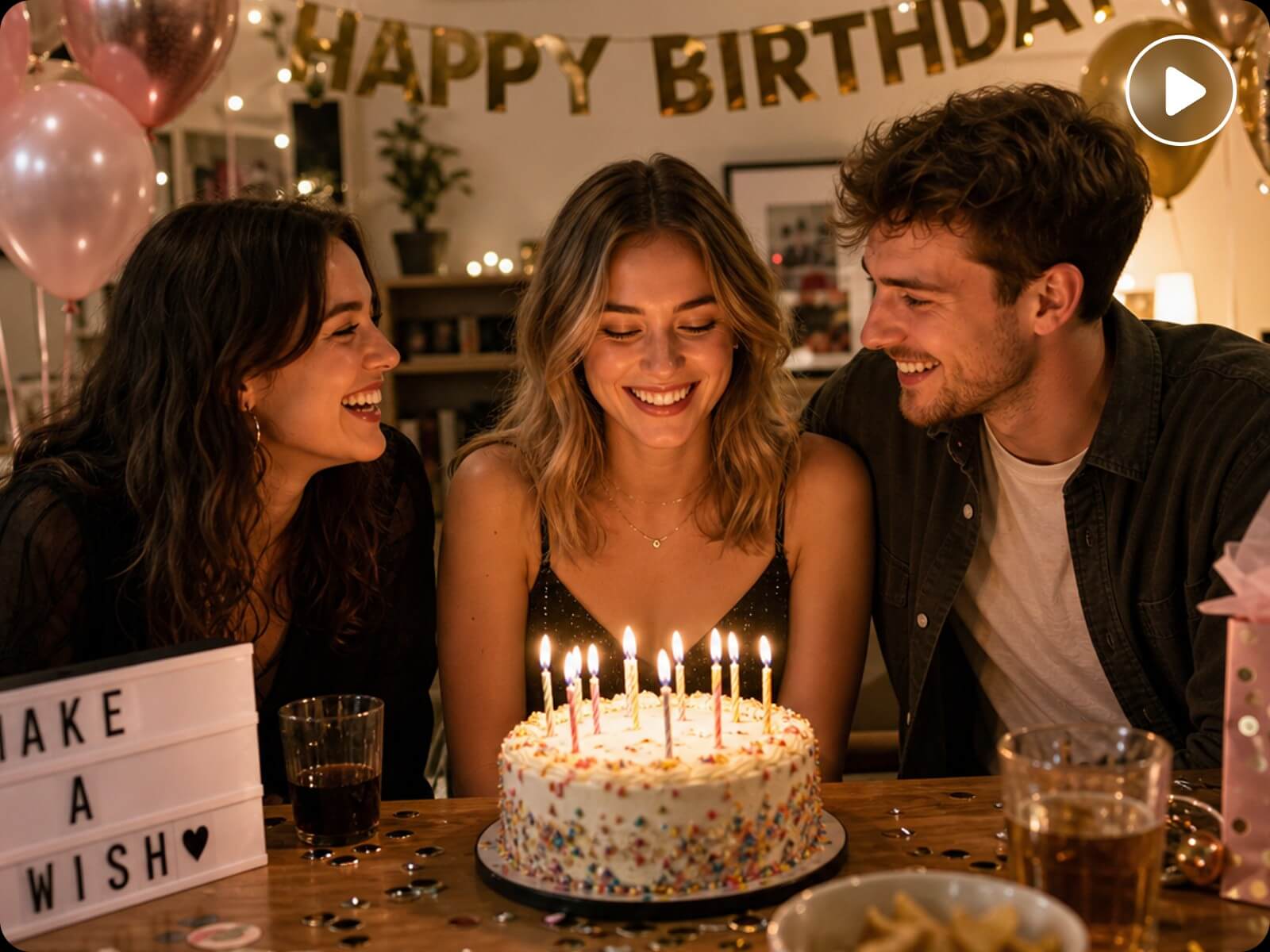
Use Fotor's video montage maker to easily transform raw video or photo assets into a montage video with smart background music, smooth transitions, auto captions, and customizable filters. Ideal for making vlogs, event recaps, and storytelling. No skills are needed.
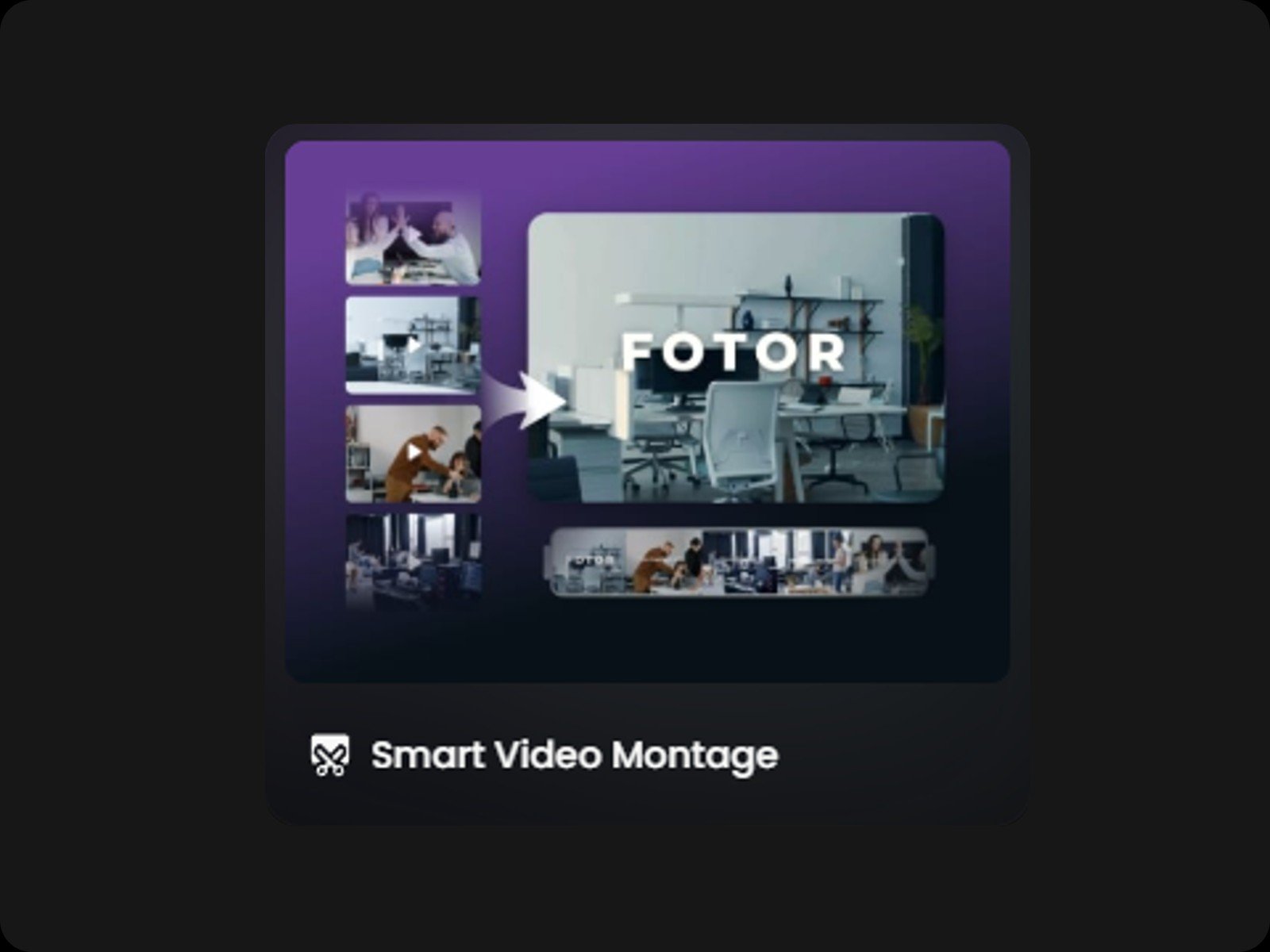
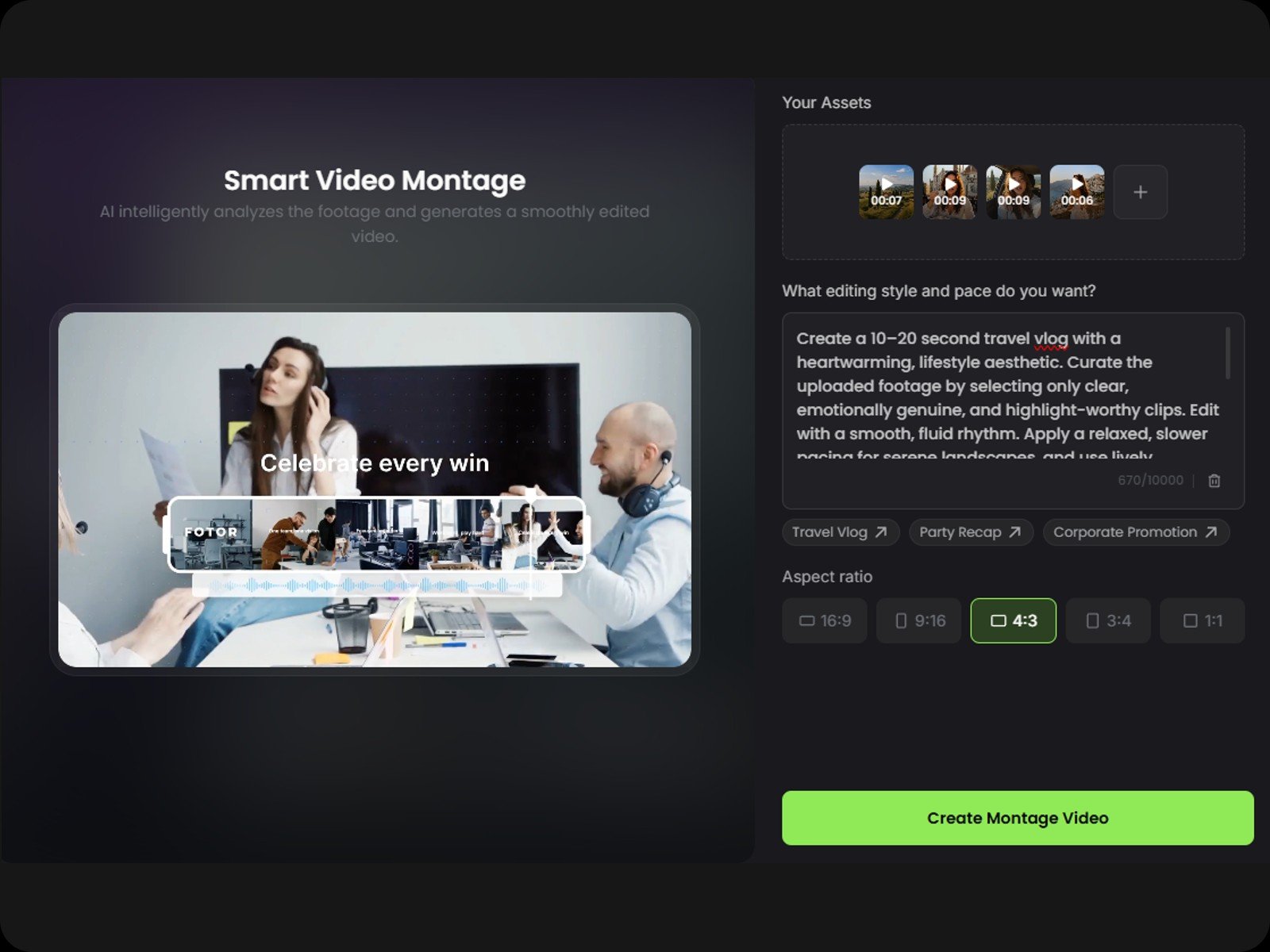
No clue how to make a video montage? Leave it to our video montage maker. Upload videos or photos, enter a text description, then Fotor will transform the assets into a video montage with transitions, background music, text layers, and filters.
All you need to do is tell the AI your preferred style and pacing. Our tool intelligently analyzes your uploaded media by extracting highlight clips from videos, setting durations for images, and arranging everything into a polished montage video.
Music sets the tone for a video montage. Describe the mood you want for your montage video, then Fotor generates original music that matches the vibe and syncs with your video content.
Have your own soundtrack? Upload your audio file as custom background music, and our auto montage maker will precisely cut your video to the beat of the music, saving you hours of tedious manual editing.
Enrich your AI video montage by adding captions, stickers, motion graphics, and more to enhance visual appeal and add narrative context.
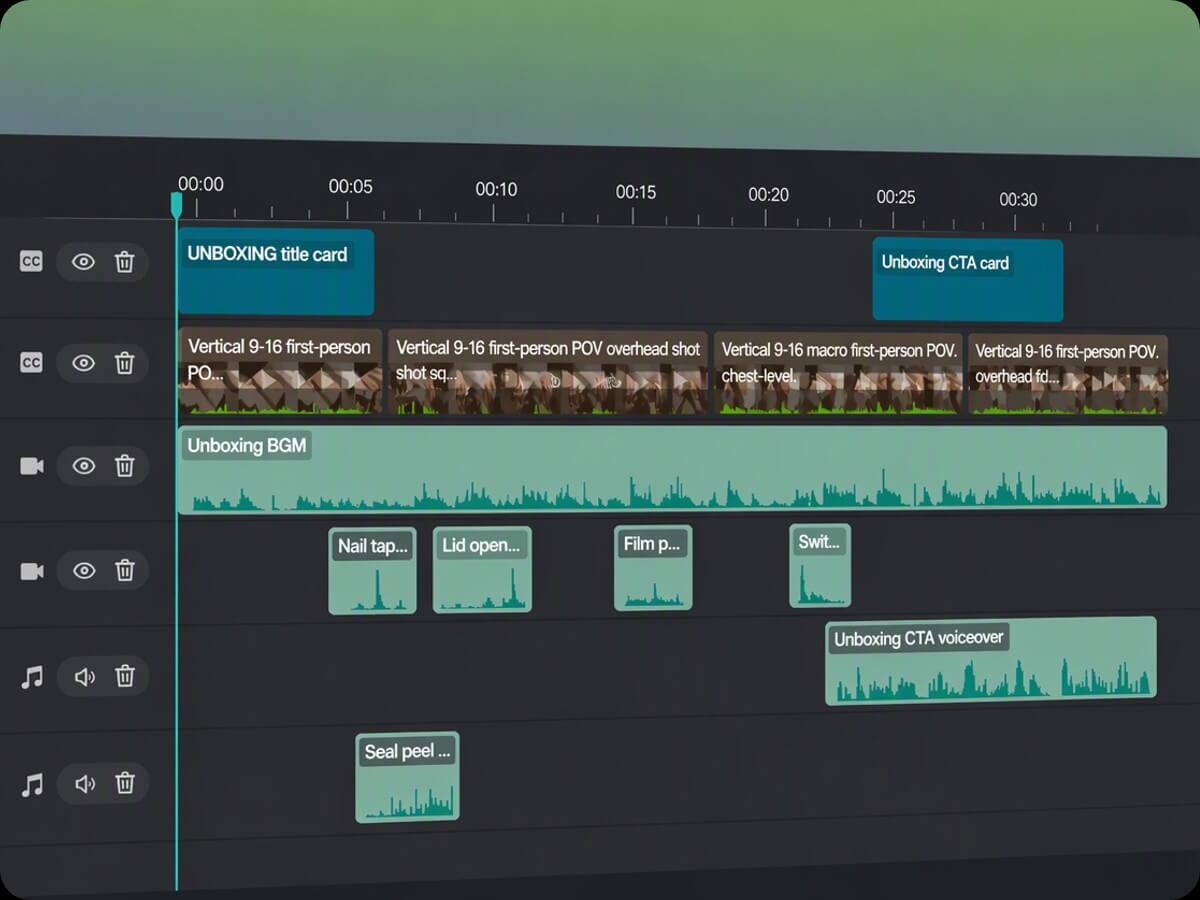
All elements sit on separate tracks and layers, allowing you to drag, resize, and rotate each one independently without affecting the rest of your video. Try adding location tags to your vlog or timestamps to your event recap to bring your visual montage to life.
Fotor's video montage creator features a user-friendly interface combining an AI agent chatbox with a full multi-track timeline, giving beginners effortless automation and creators precise editing control.
The AI creates the montage and places every asset onto separate tracks for manual adjustments. Or you can simply instruct the AI chatbox to reorder clips, tweak the pacing, or regenerate specific segments instantly.
Our montage creator offers a library of transitions. Easily drag and drop them onto your timeline and manually adjust their duration for flawless scene changes.
Explore a wide variety of preset filters to elevate your visual montage. Effortlessly set filter intensity using intuitive sliders.
Our montage editor lets you customize subtitle fonts, sizes, colors, and animations, either manually or using simple text prompts. Subtitles reside on a separate layer, allowing effortless repositioning and resizing.
Fotor’s automatic montage maker reframes your video into multiple aspect ratios (16:9, 9:16, 1:1) while intelligently tracking the subject to keep it centered in every frame.
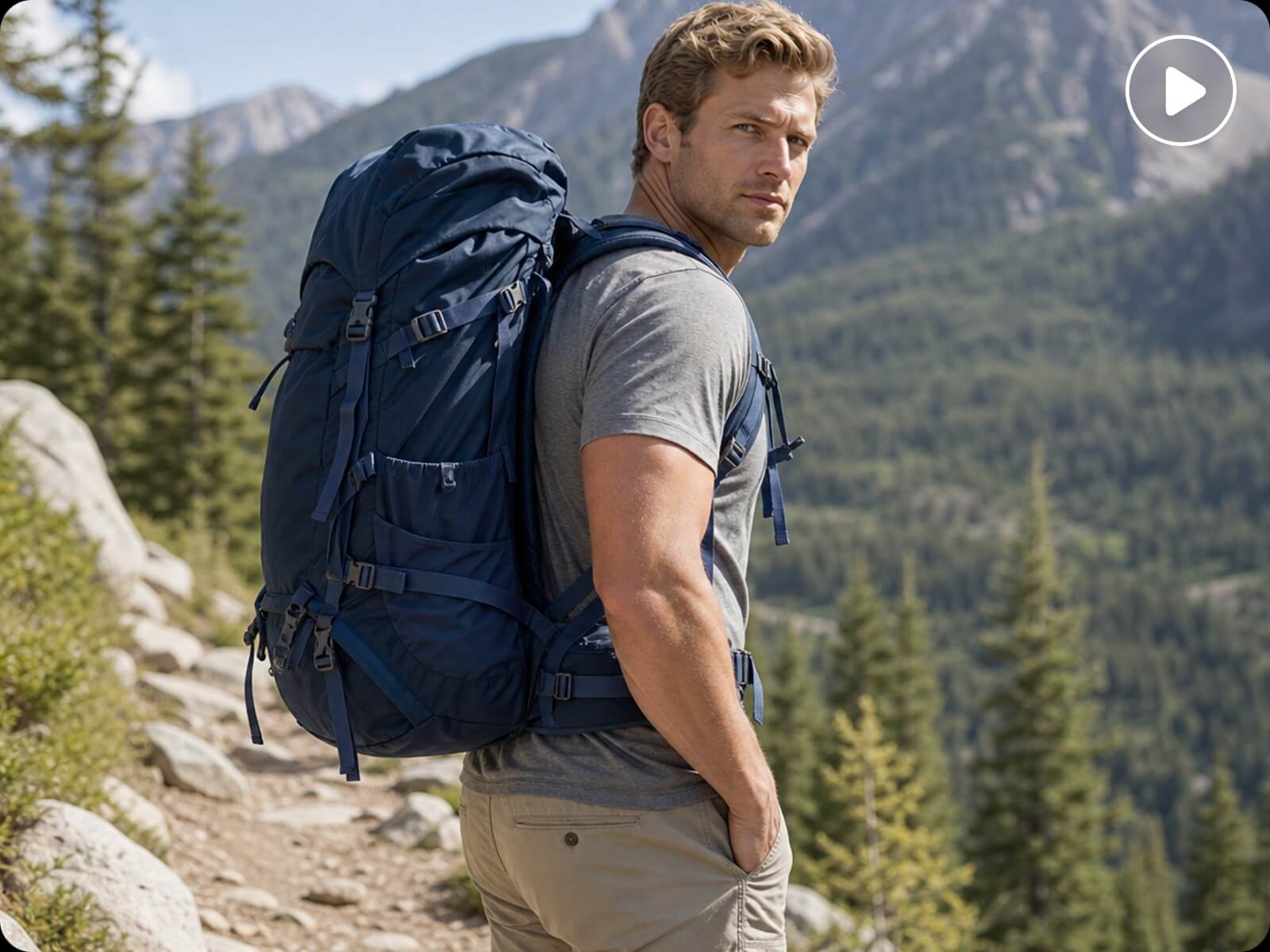
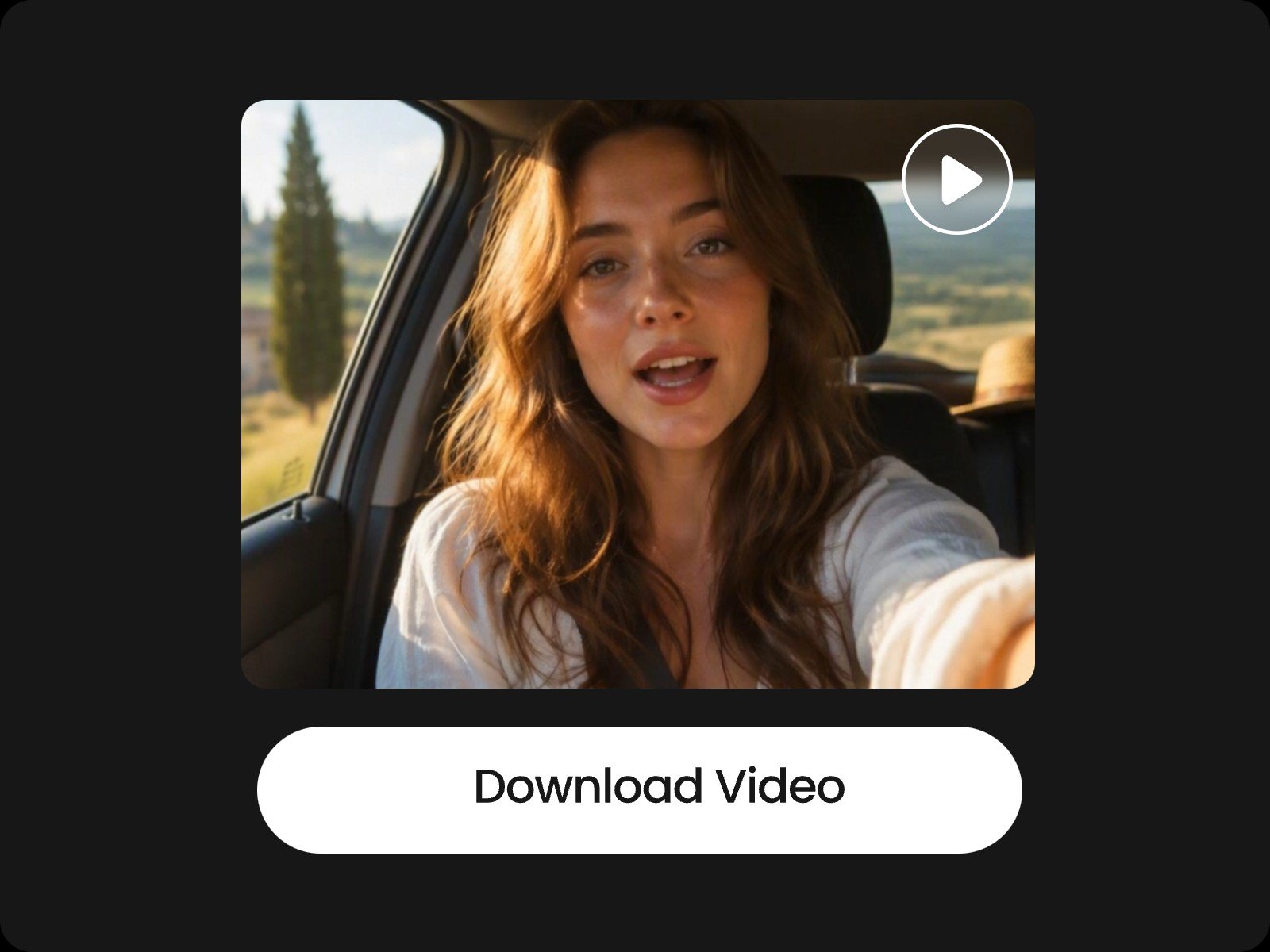
Editing vlogs often means sorting through hours of raw footage. Simply upload your clips to Fotor’s AI montage video maker to automatically extract highlights and arrange them into a ready-to-publish video. Need to post across multiple channels? Easily auto-resize your video for YouTube, TikTok, and Instagram Reels.
Open Fotor Agent and select the "Smart Video Montage" preset.
The ideal length depends on your platform and purpose.
For social media like TikTok, Instagram Reels, and YouTube Shorts, a montage video usually works best between 40 and 60 seconds to keep viewers engaged. For detailed vlogs, wedding highlights, or enterprise event recaps, 1 to 3 minutes is standard.
Fotor’s AI video montage maker lets you easily adjust pacing, clip durations, and transitions to fit your desired video length seamlessly.
Adding music in Fotor is effortless. You can either describe the mood and style you want in the AI prompt box to generate original, royalty-free background music, or upload your own audio file. Once uploaded, Fotor’s auto montage maker can automatically sync your video clips and photos to the beat of the music.
Yes. Fotor supports both photo and video montages. You can upload a series of images, and Fotor’s AI will analyze them, set display durations, and add smooth transitions, zoom effects, background music, and text layers to bring your static photos to life in a dynamic video montage.
Yes. Simply tell the AI your desired video length in the prompt, and Fotor’s video montage maker will automatically trim, reorder, and arrange your assets to fit your vision.
Additionally, all clips and layers are placed on a multi-track timeline, allowing you to manually fine-tune the order and duration of any segment whenever you like.
Fotor supports a wide range of popular media and document formats for maximum versatility: