


Photo EditorAI ImageAI VideoDesignVibe MarketingAppsPricing
Enhance & Adjust
Remove & Replace
Effects & Style

Auto Video Editor Online

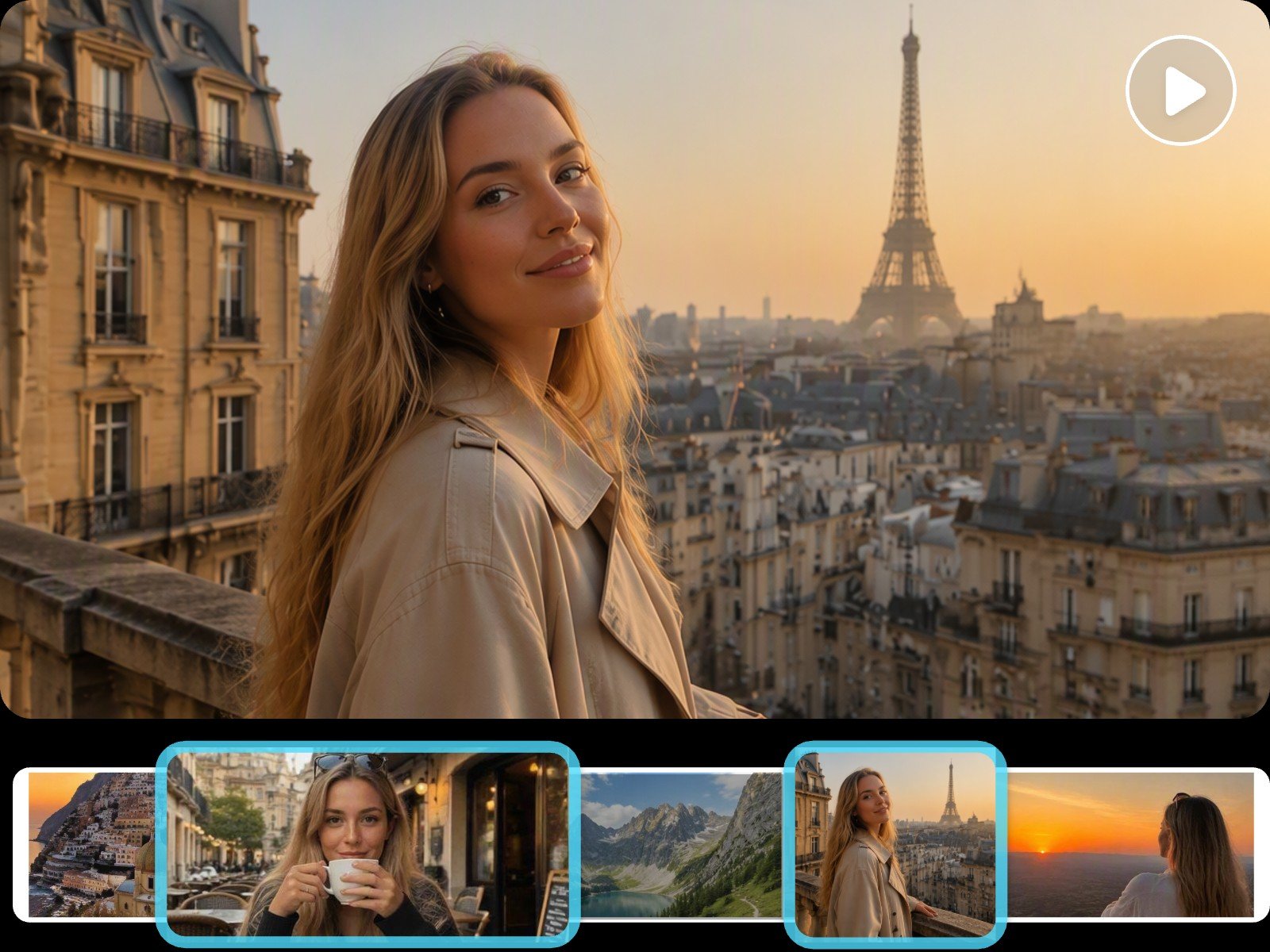
Fotors auto video editor can intelligently extracts highlight footage and merge it into a polished video
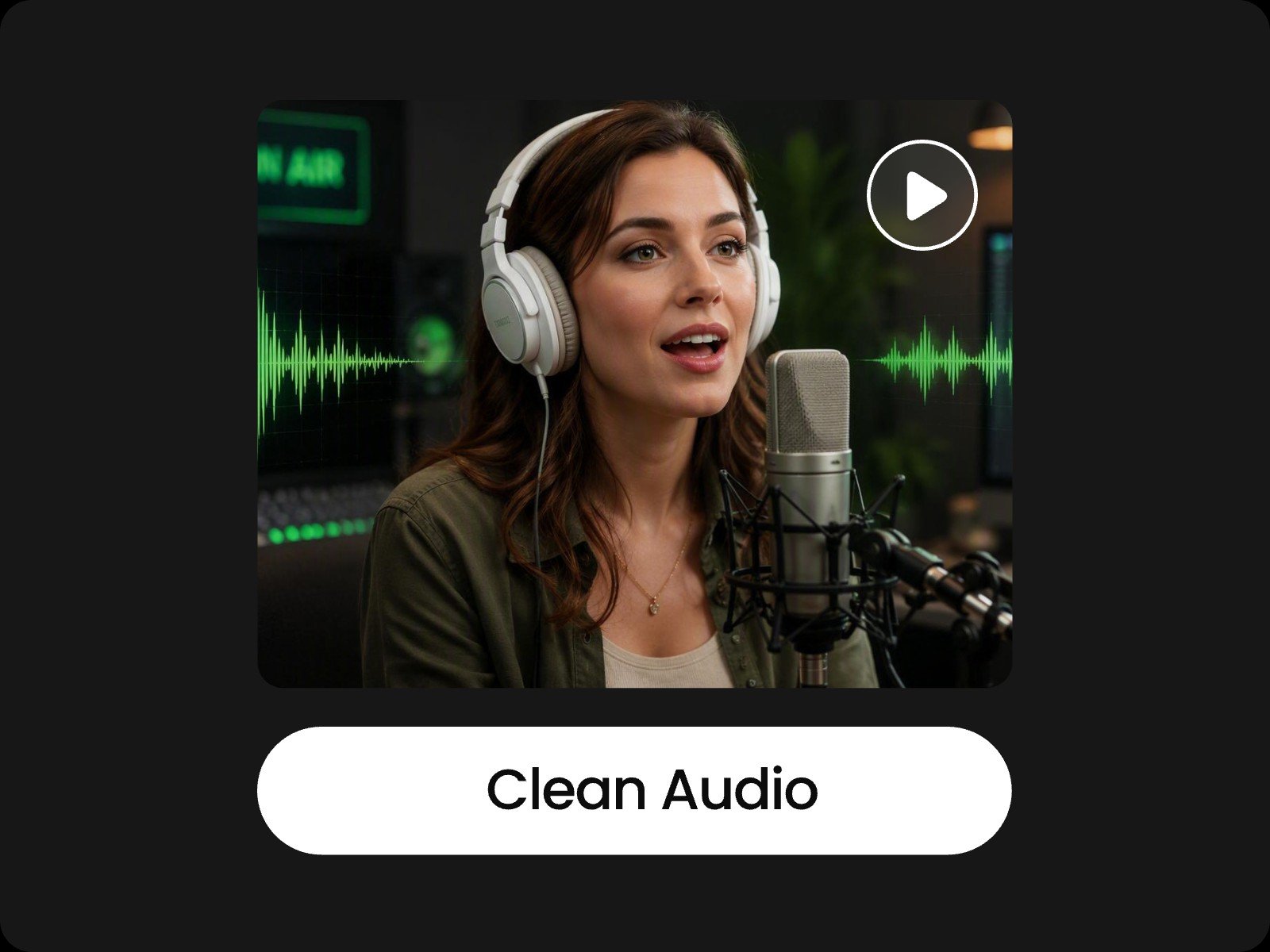
Fotors auto video editor can reduce noise in videos
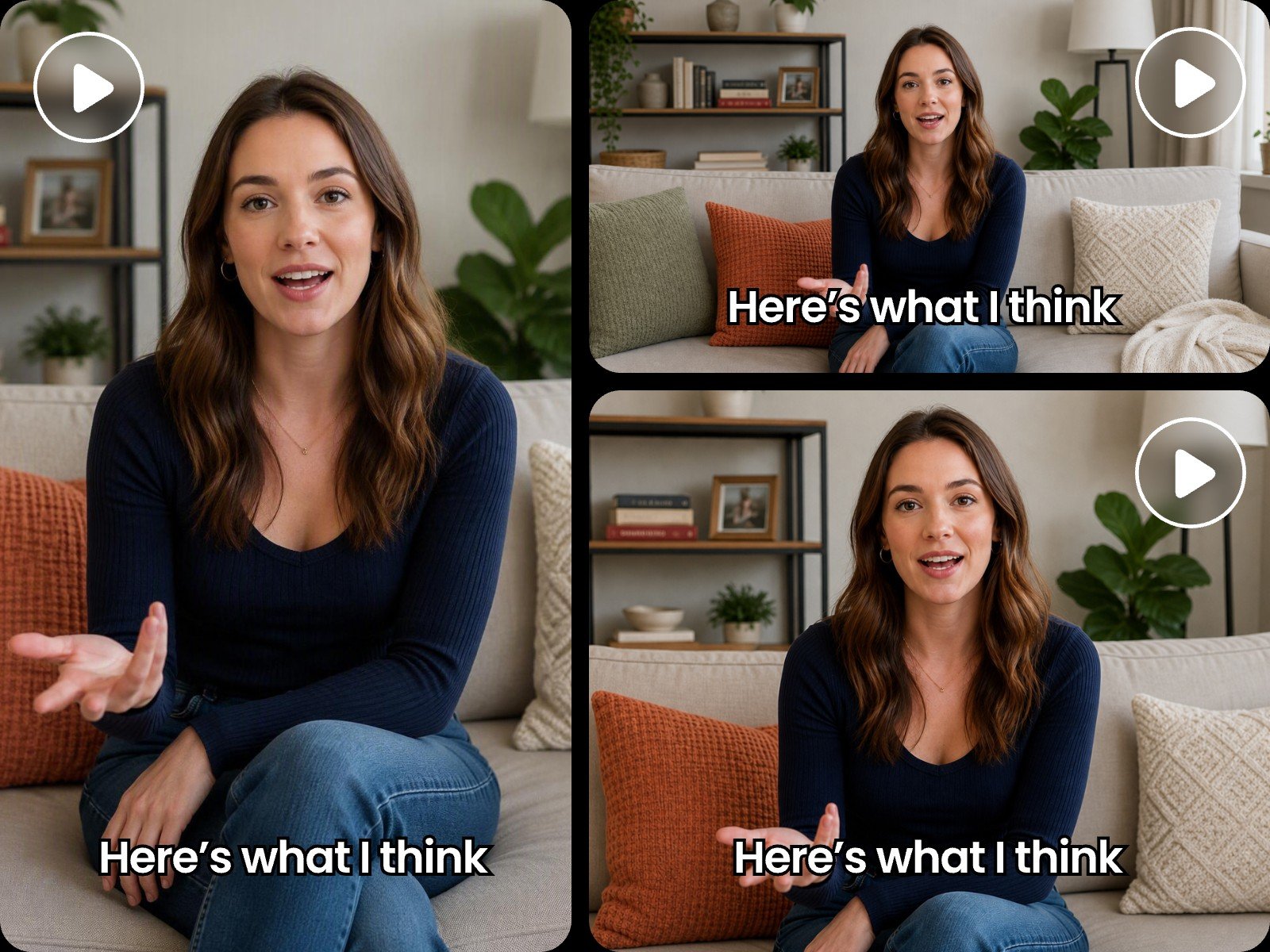
Fotors auto video editor can reframe one video for aspecs ratios of different platforms
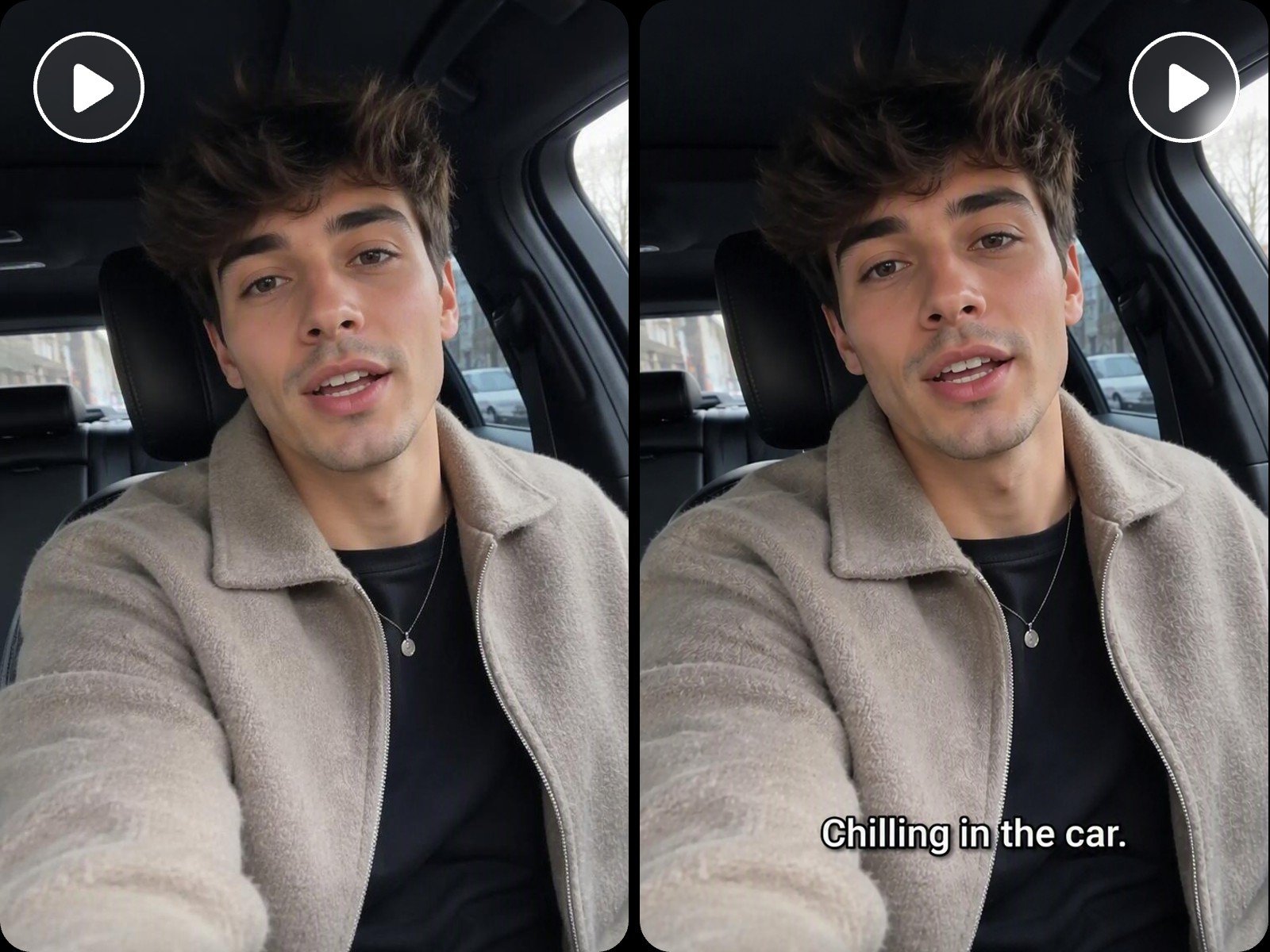
Fotors auto video editor can add subtitles to your video
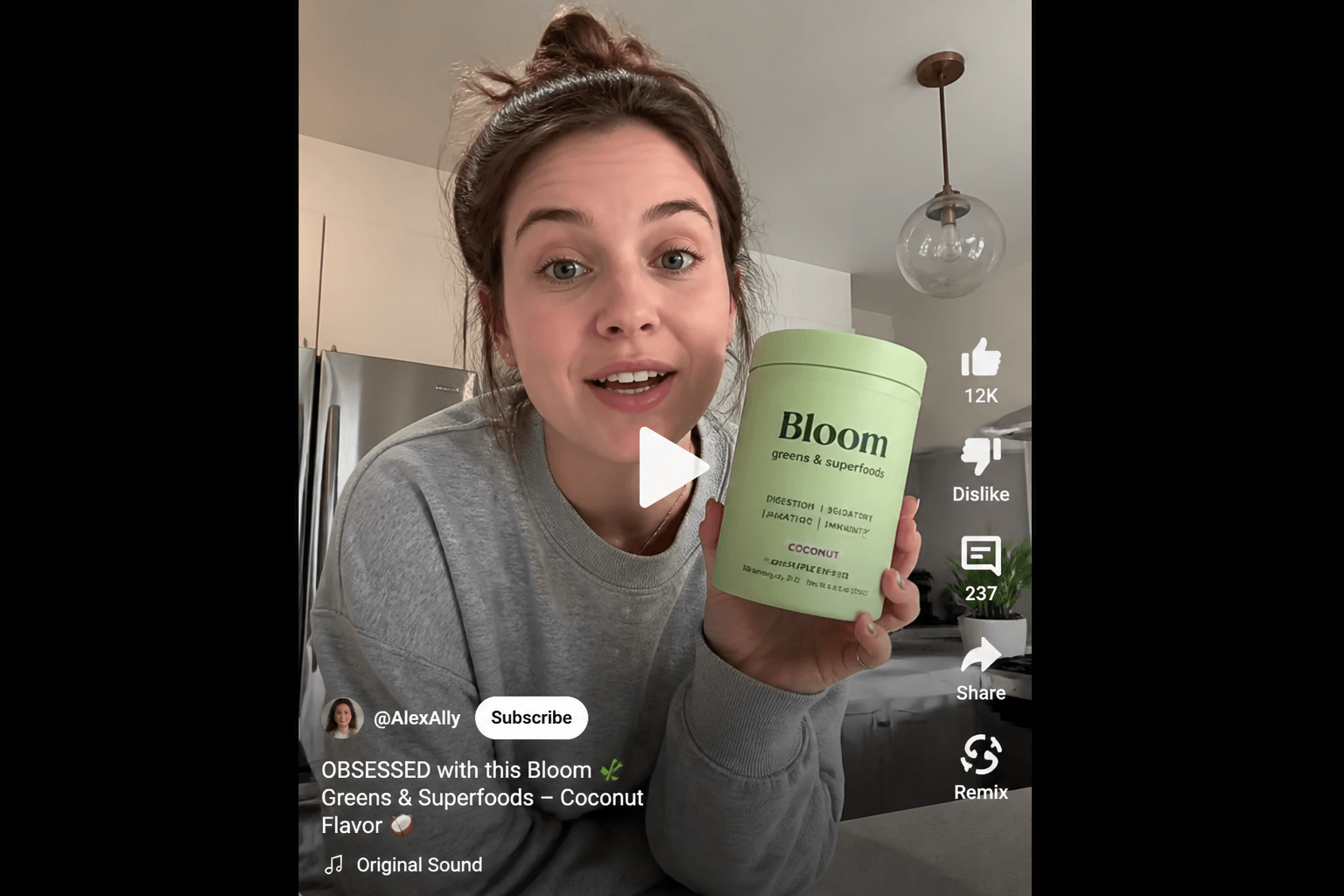
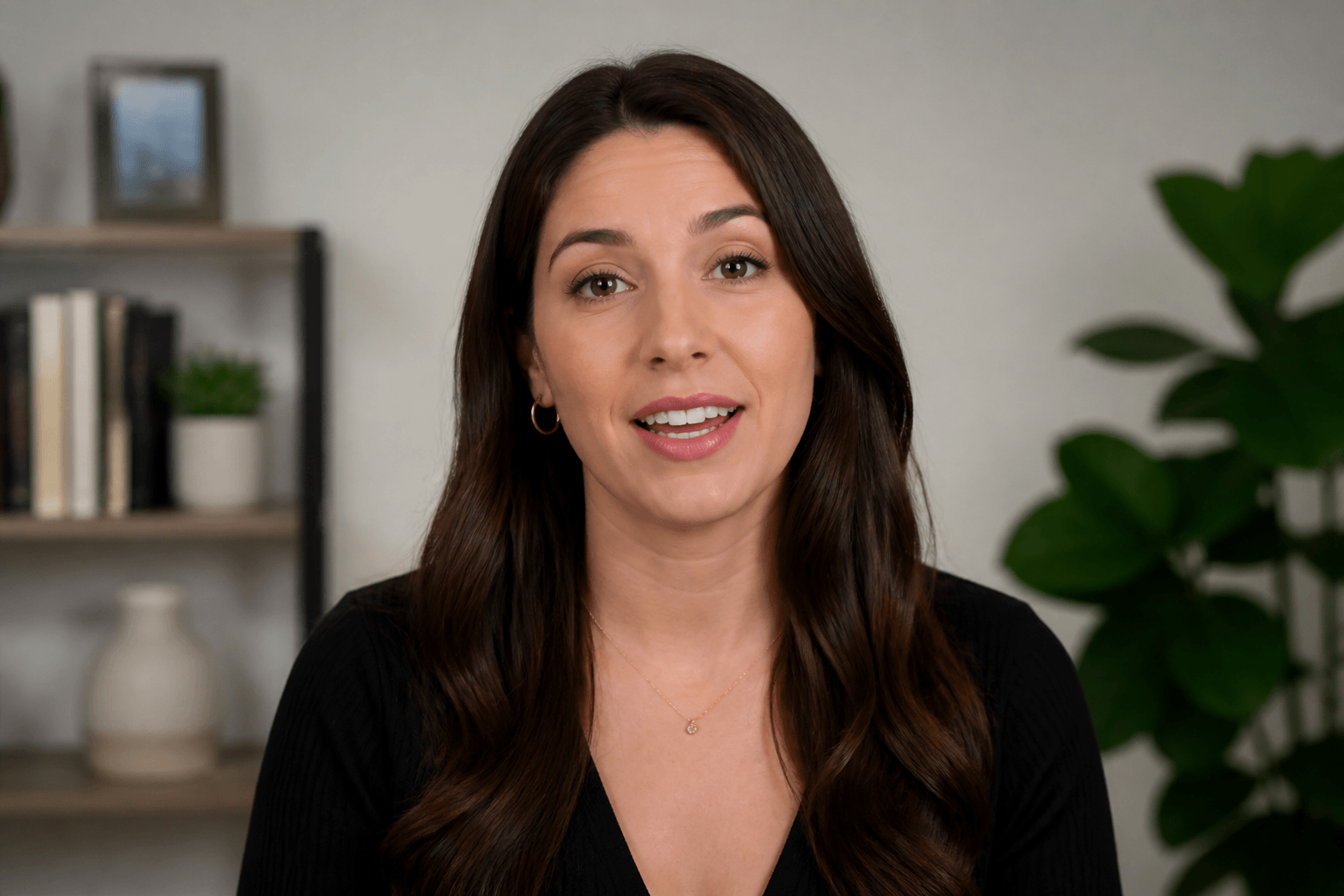
Use fotors auto video editor to modify your ugc video

Highlights of Our Auto AI Video Editor

  • Fast youtube shorts creation icon

    Large-Capacity Multimodal Uploads

  • Highlight moment icon

    Precise Multi-Track Timeline Editing

  • Mutiple makeup selections icon

    Transitions, Motion Graphics, and Cutouts

  • Ai icon

    Intelligent B-Roll Integration

How to Edit Videos with Fotor's AI Auto Video Editor?

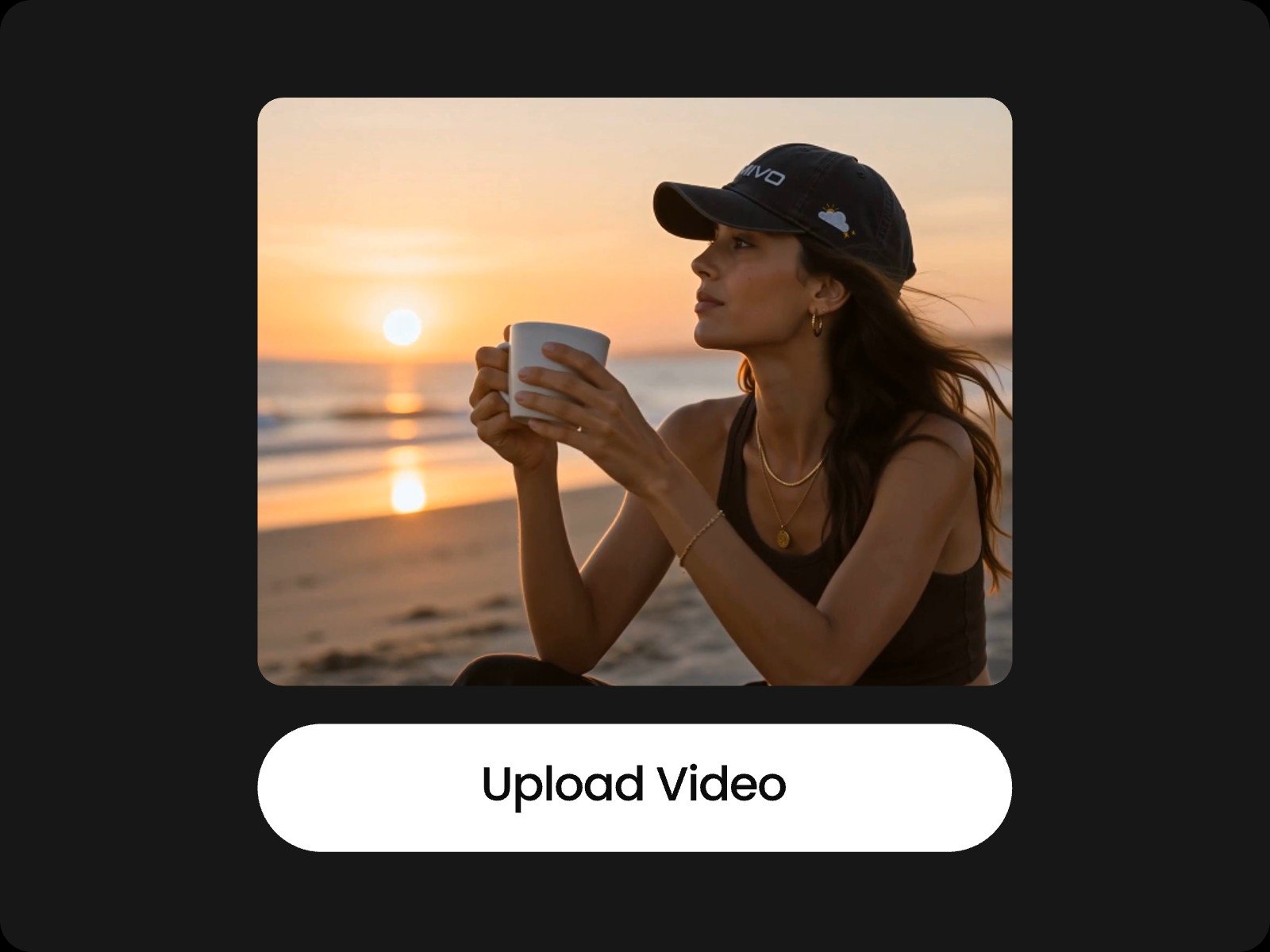
Upload your long video onto fotors auto video editor
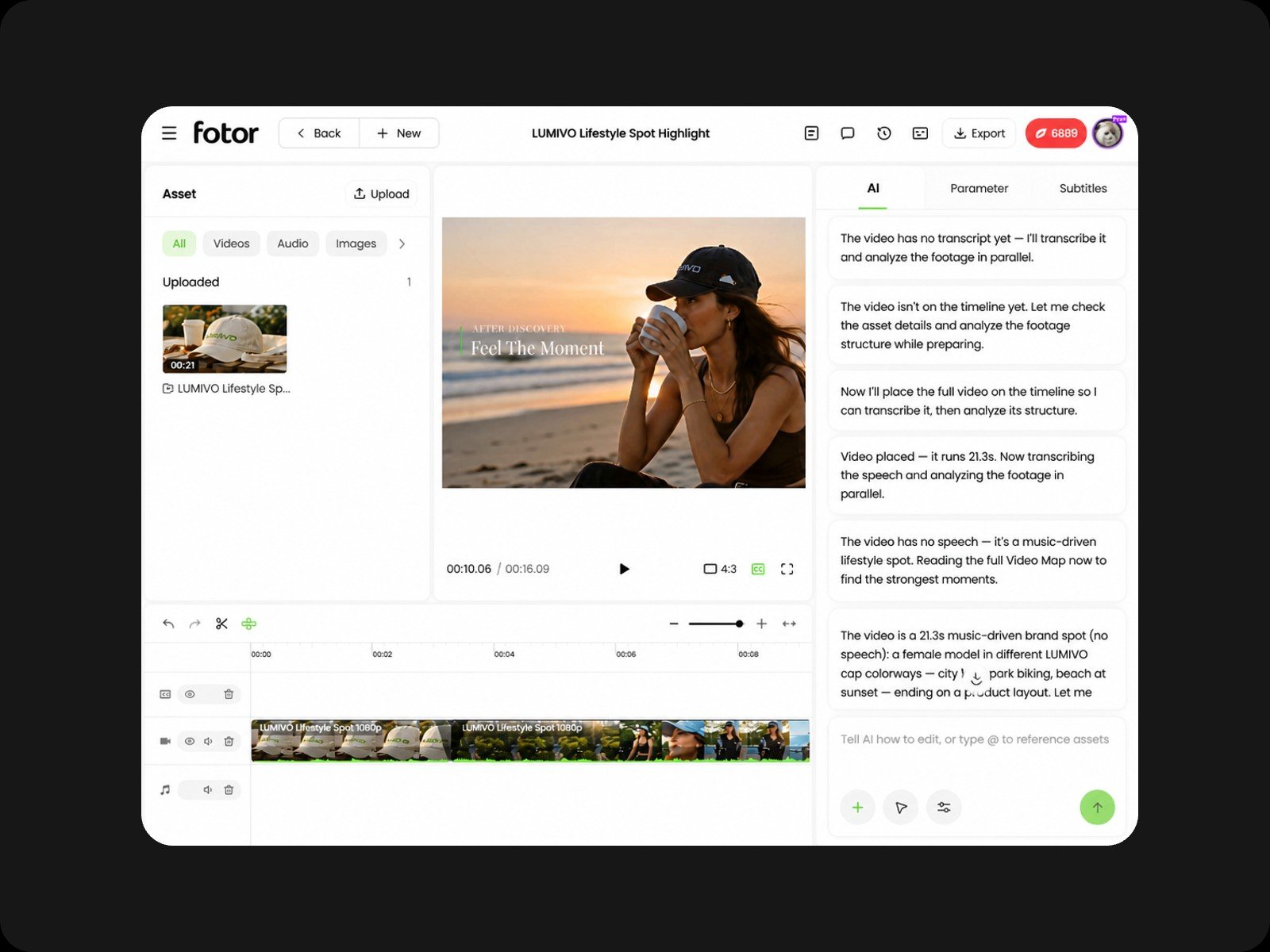
Chat with fotors video agent and AI will edit your video automatically
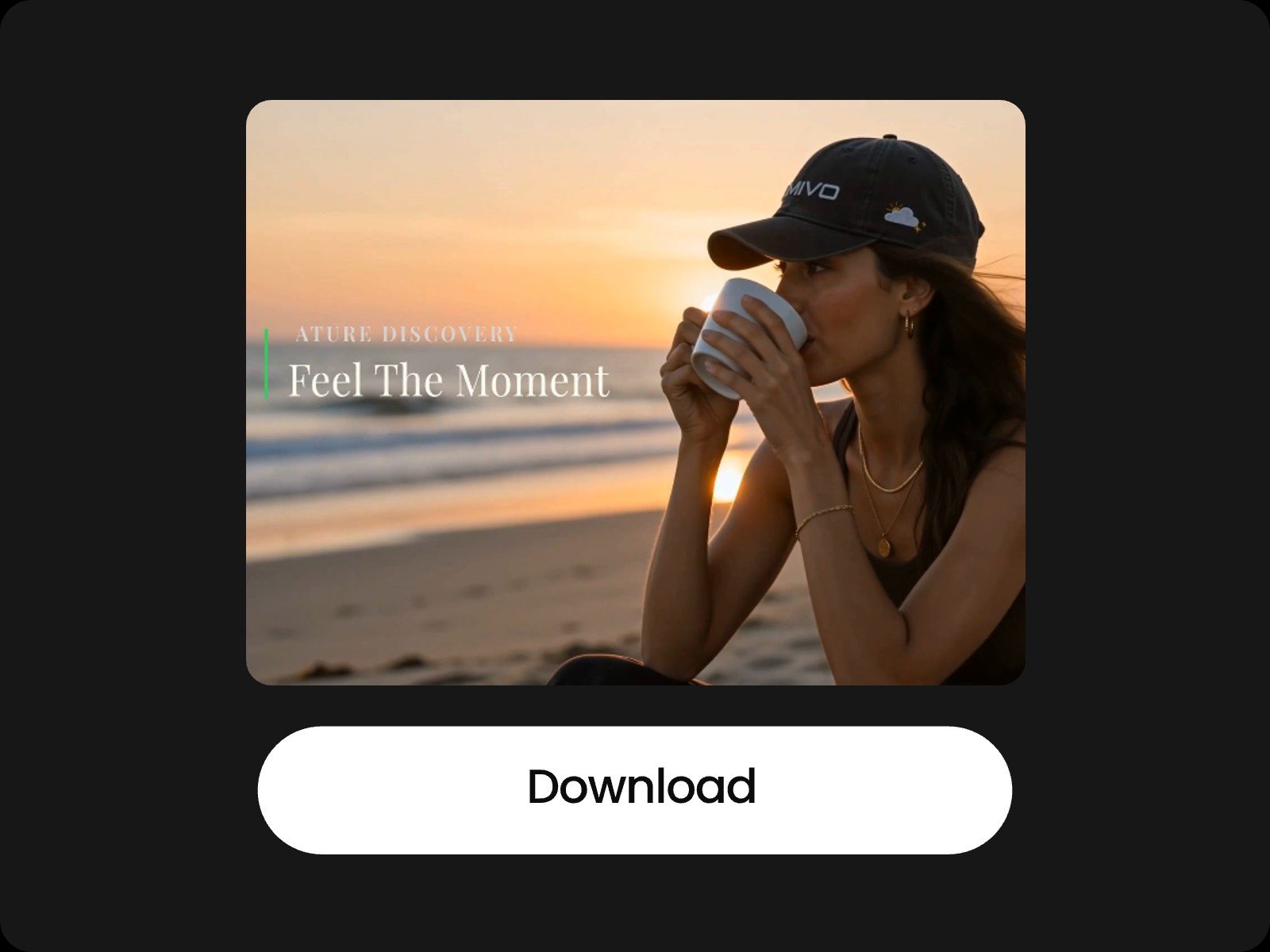
Download the video edited with fotor
  • Step One: Upload Your Assets & Enter a Prompt

  • Step Two: AI Automatically Edit for You

  • Step Three: Export & Download

Auto Cut Video Editor FAQs

What file formats does the tool support?
Can I use the generated videos for commercial purposes?
Does Fotor's auto video editor work on mobile devices?
Is my data and privacy secure?
Will the auto editor cut off mid-sentence when trimming videos?
Can I specify the exact length of the final video?