

AI Highlight Video Maker
Make a highlight video from raw footage in minutes on Fotor Agent. Our AI highlight video maker automatically extracts key moments, adds captions, and reframes clips for viral success on any platform. Effortlessly create a highlight reel for sports videos, podcasts, live streams, and teasers.
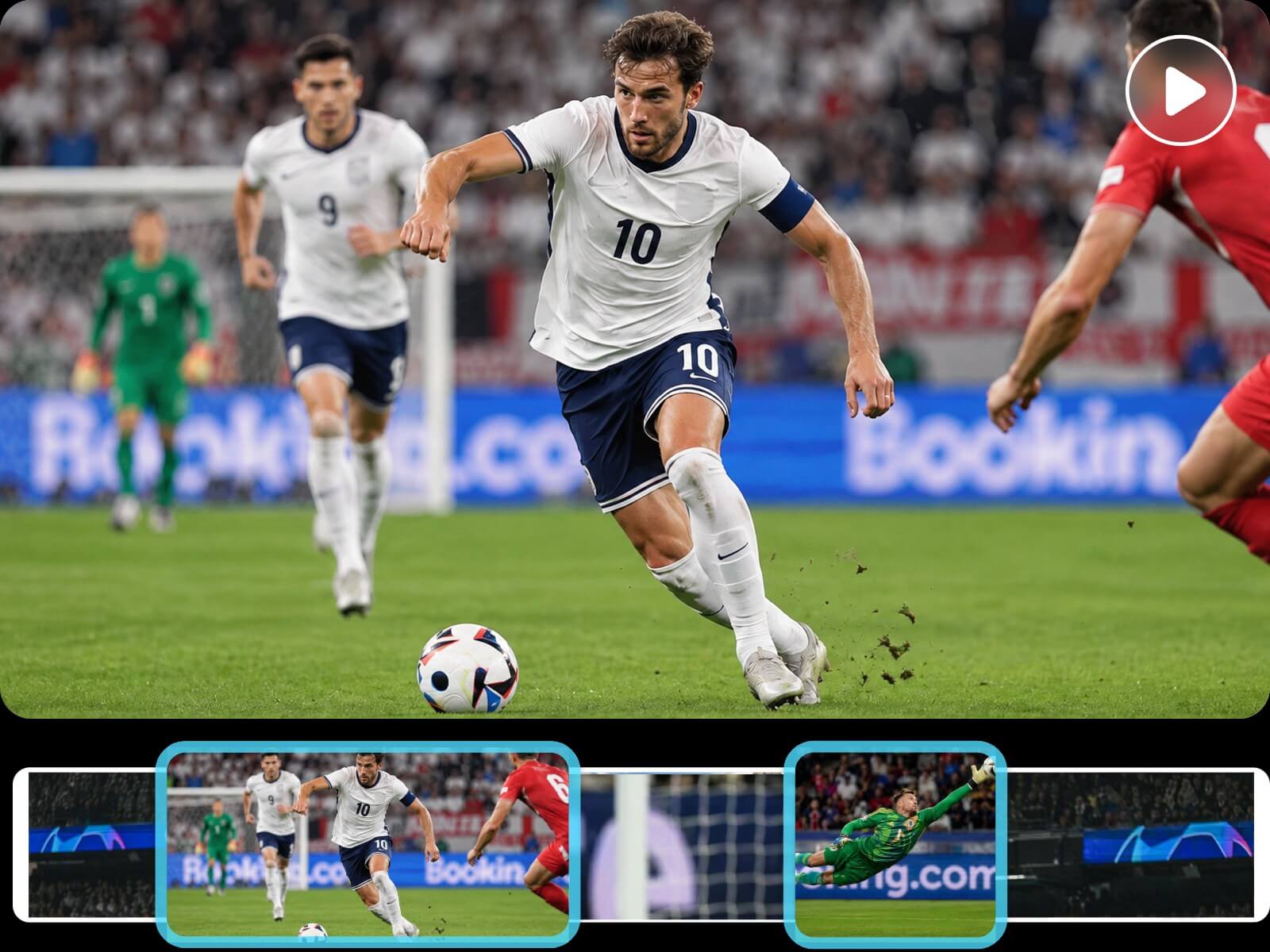
Extract and Combine Video Highlights in Minutes
Upload footage to Fotor's AI highlight video maker and it will automatically extract the most engaging clips, saving you hours of manual editing.
Powered by an advanced algorithm, this tool intelligently analyzes audio transcripts and visual content to identify high-impact hooks, dramatic reactions, and key insights. You can also use text prompts to specify the exact moments you want to retain.
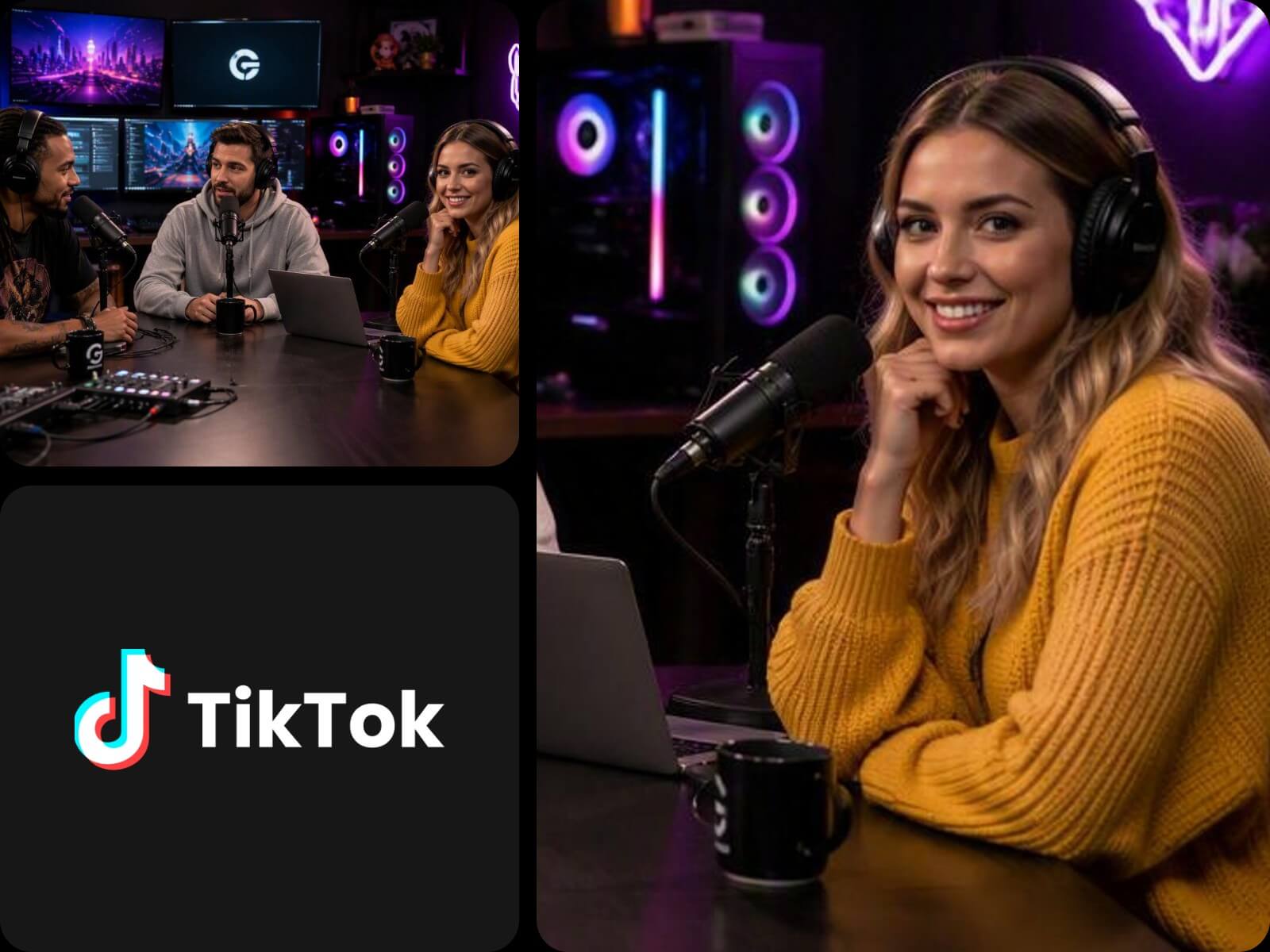
Highlight Video Maker with Customizable Duration & Auto Reframing
Our tool lets you customize the duration and aspect ratio of the highlight video through text description. The AI will organize the video content based on your target length and generate an outline for your approval before rendering.
The auto-reframing feature of our highlight video maker can track faces and keep the subject centered across different aspect ratios. Effortlessly make highlight videos ready to publish on multiple platforms.
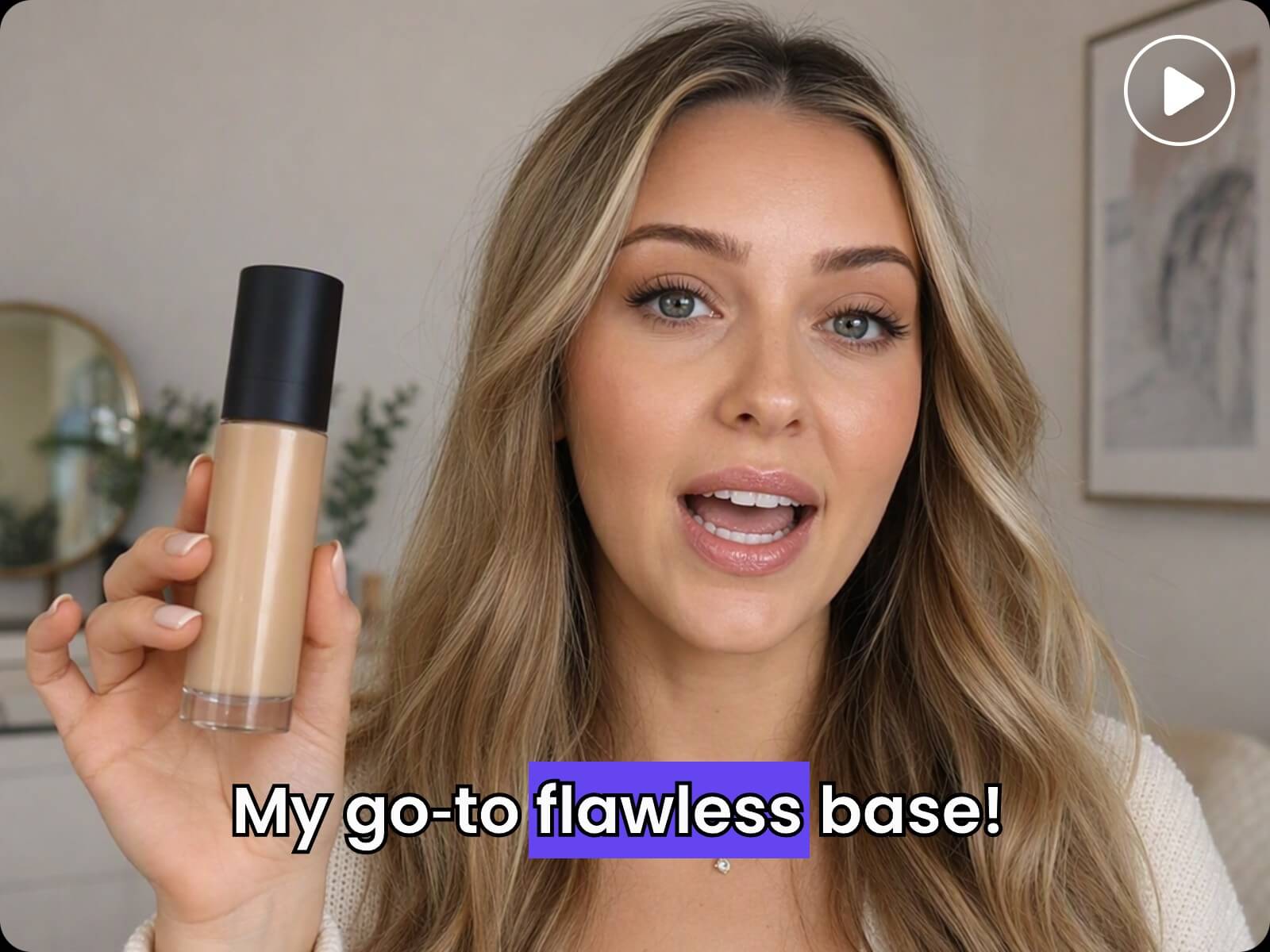
Effortlessly Add Subtitles to Your Highlight Video
Add subtitles to your highlight reel to boost viewer engagement. Fotor's highlight video editor can automatically add subtitles that sync to the video content or speaker's lips.
Explore various types of captions through prompts, like the viral animated subtitles or bold accent colors. Our highlight creator also lets you personalize font, size, and color in the right toolbar and edit the text content directly on the dashboard.
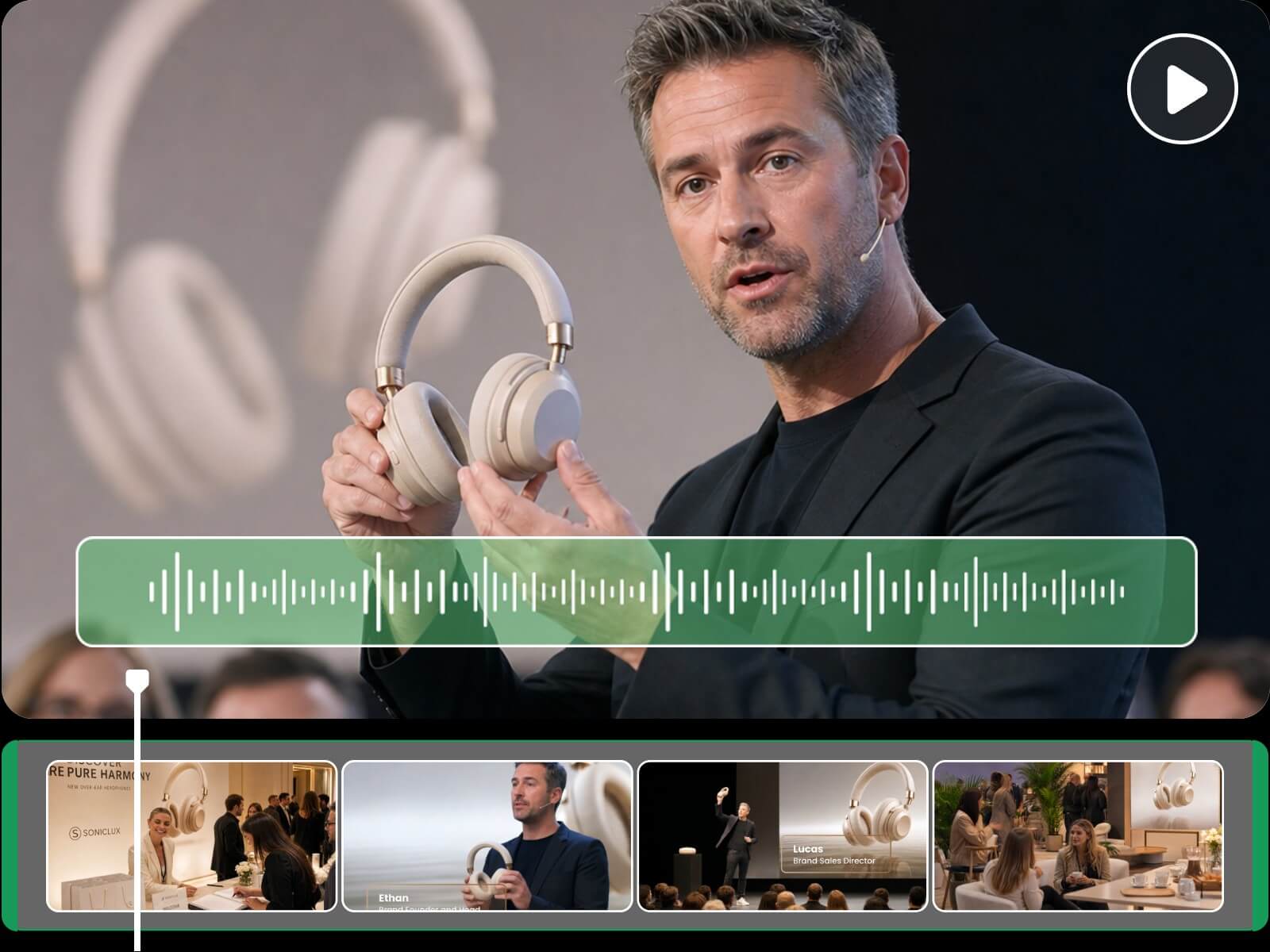
Elevate the Highlight Reel with Music & Transitions
We can do more than simply stitch together video highlights, but also add background music and transitions to your footage. The highlight reel creator generates music and smooth transitions tailored to your video's pacing.
You can also upload your own music files and let the AI arrange the video content based on the beat. Ideal for making viral jump cuts with fast scene changes and strong music beats.
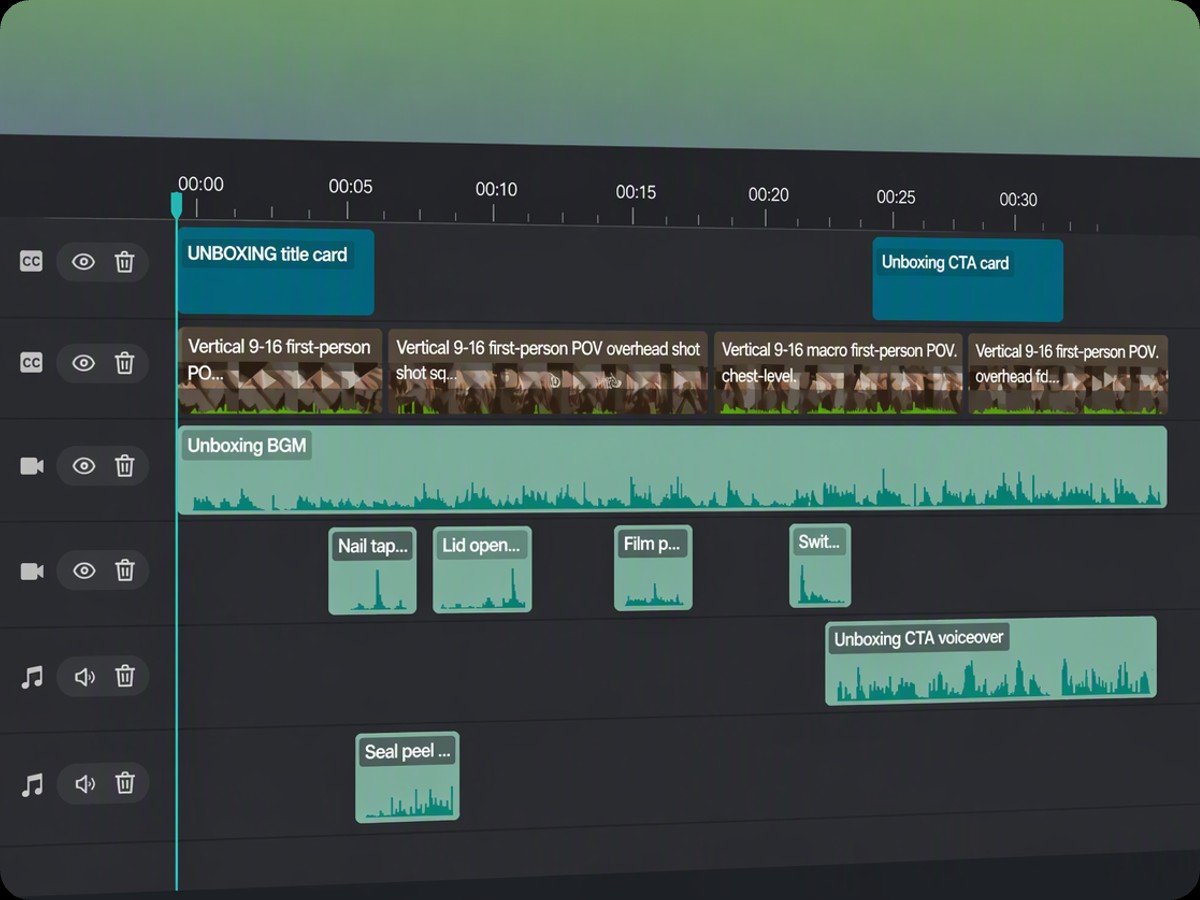
A Highlight Video Editor with a Multi-Track Timeline
With Fotor, you can create a highlight video that is editable right on the dashboard before exporting. On our multi-track timeline, audio, video, and subtitles sit on separate tracks. So you can edit any part simply by dragging, trimming, and resizing.
Take a step further and elevate the AI highlight video by adding motion graphics, annotations, or stickers. Just chat with AI and let it handle the rest.
The AI Video Highlight Generator for Any Use
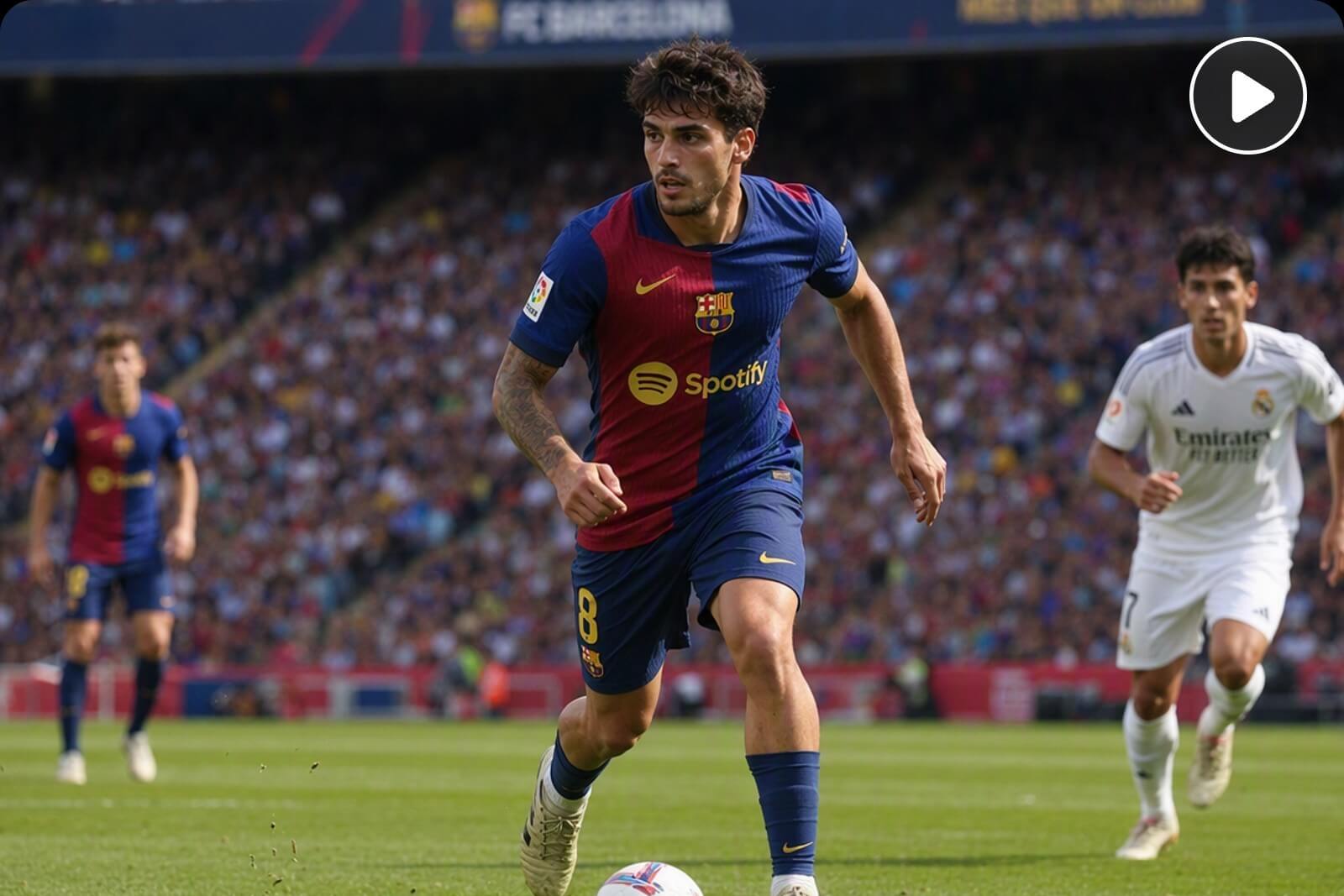
Sports Highlight Reels
Use our sports highlight maker to extract game-winning plays, crowd reactions, and key moments. Whether you are producing promotional recaps for school sports teams, creating fan edits for your favorite athletes, or crafting tournament highlights, Fotor streamlines the entire workflow.
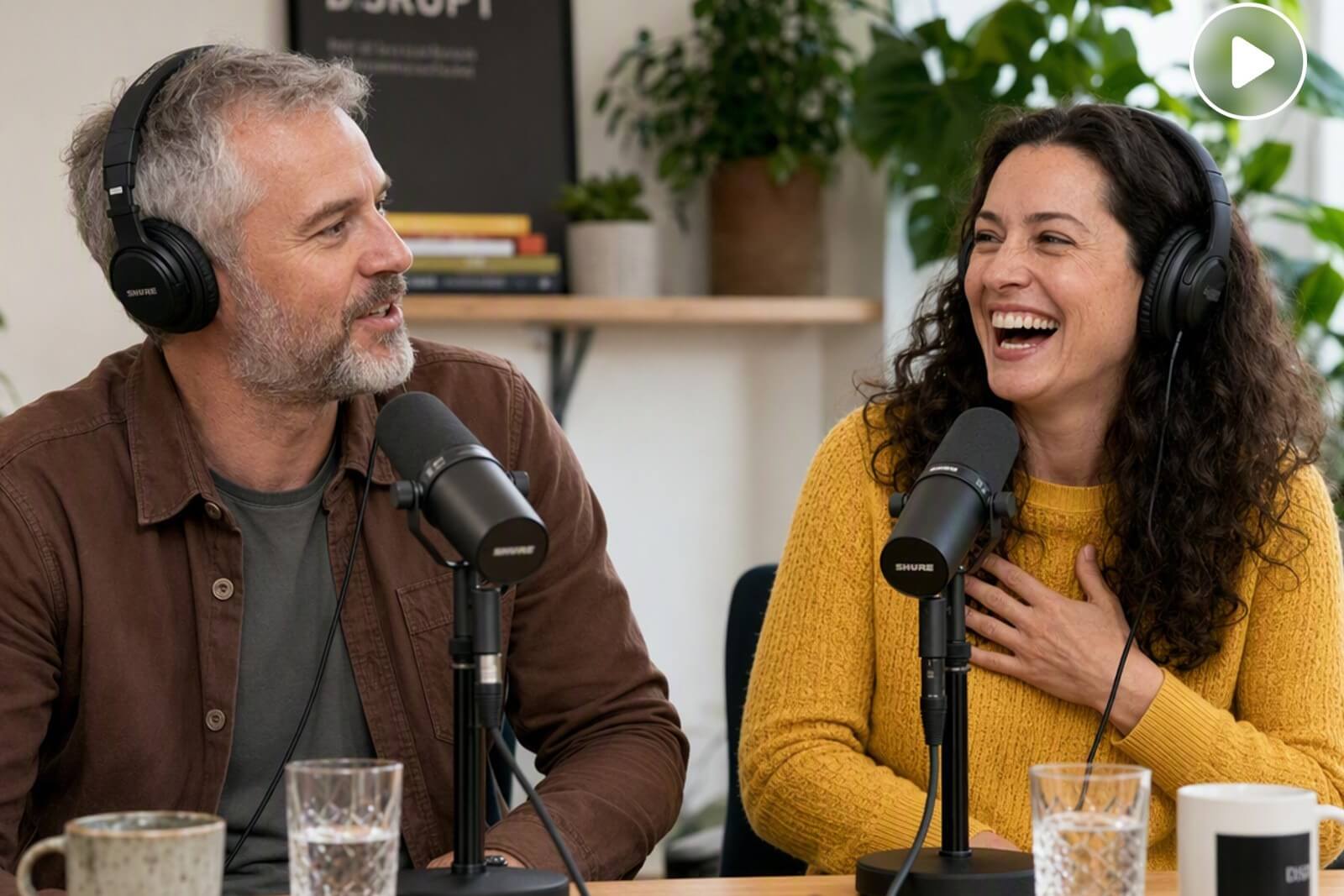
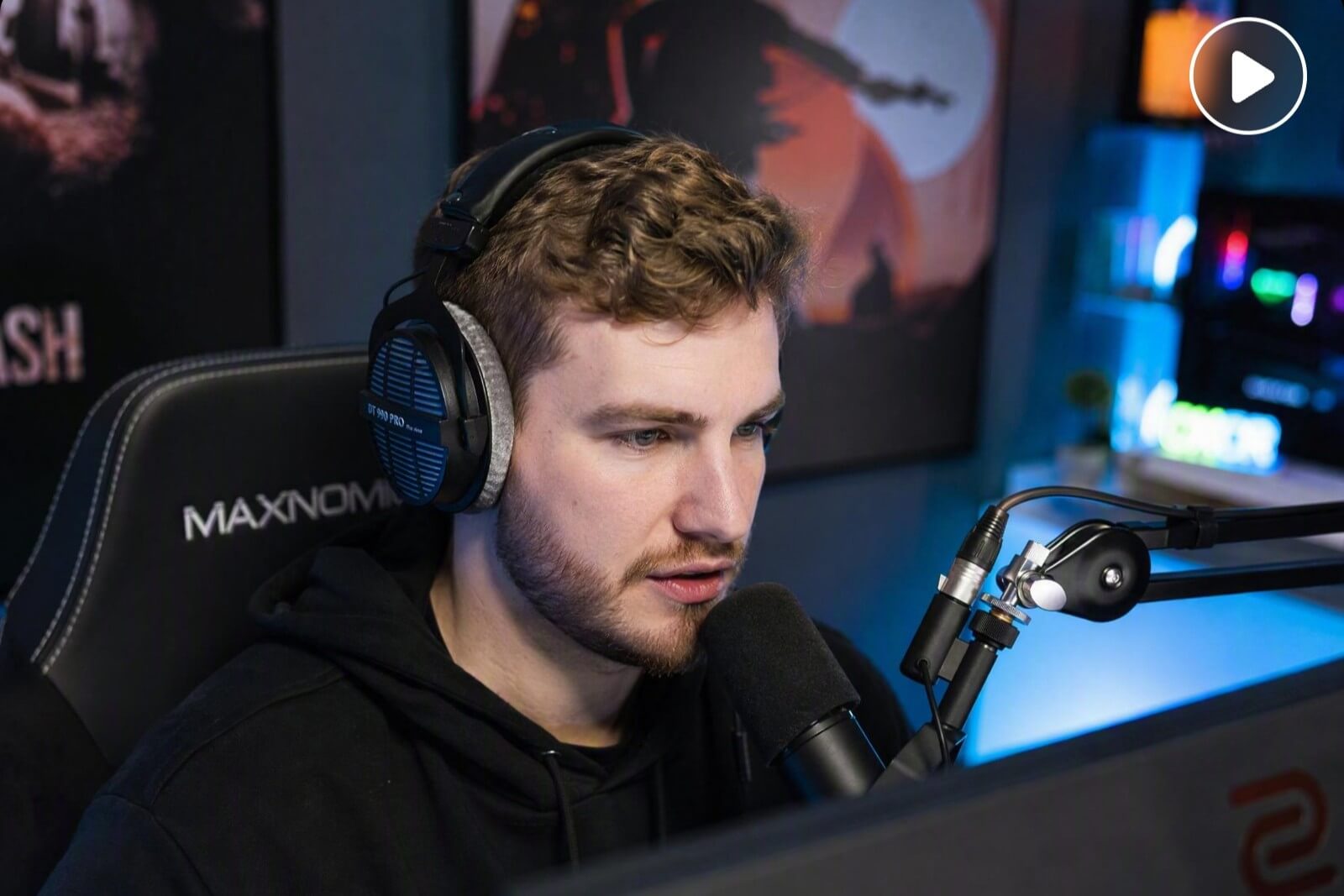

How to Make a Highlight Video in Three Simple Steps?
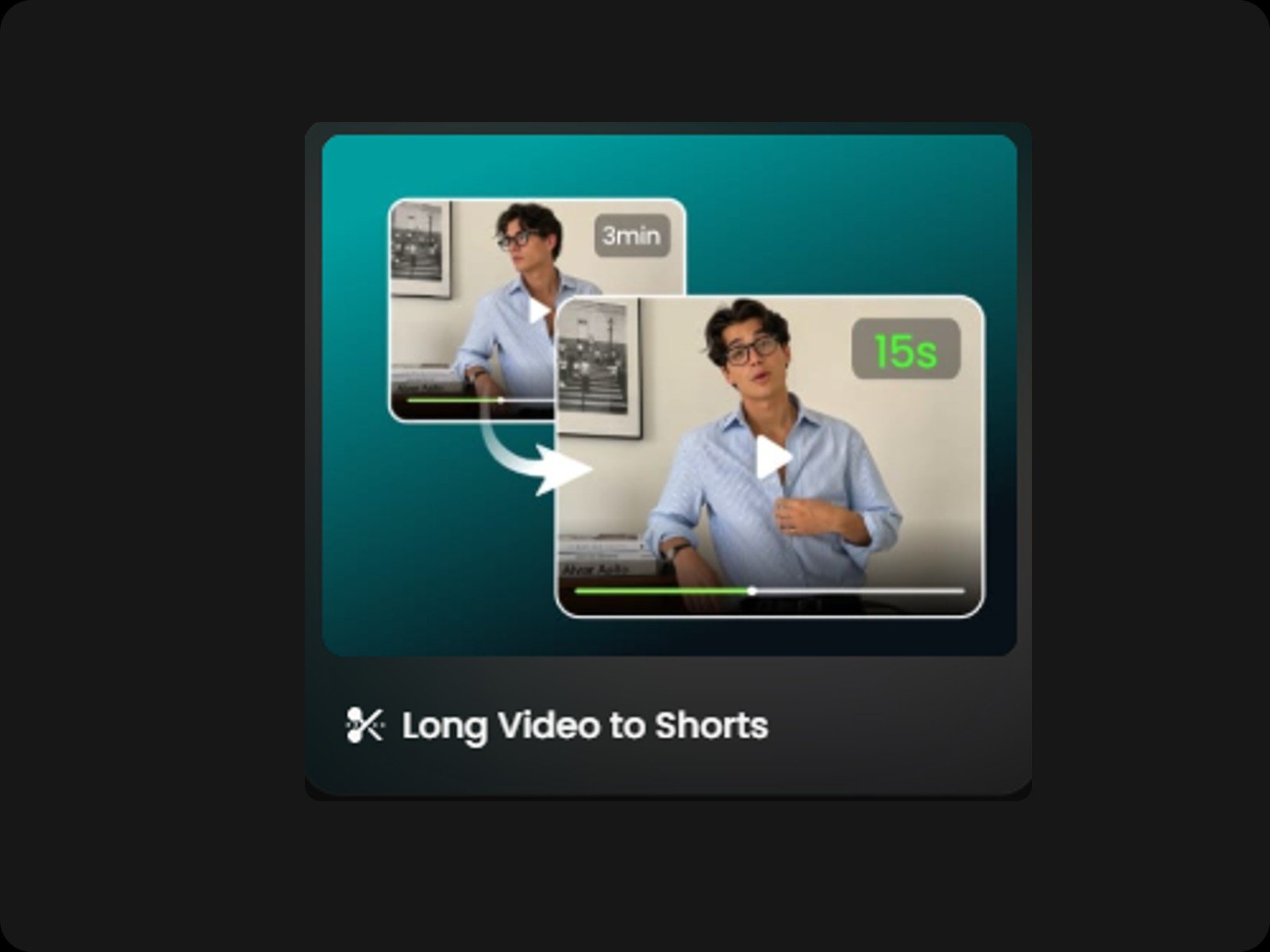
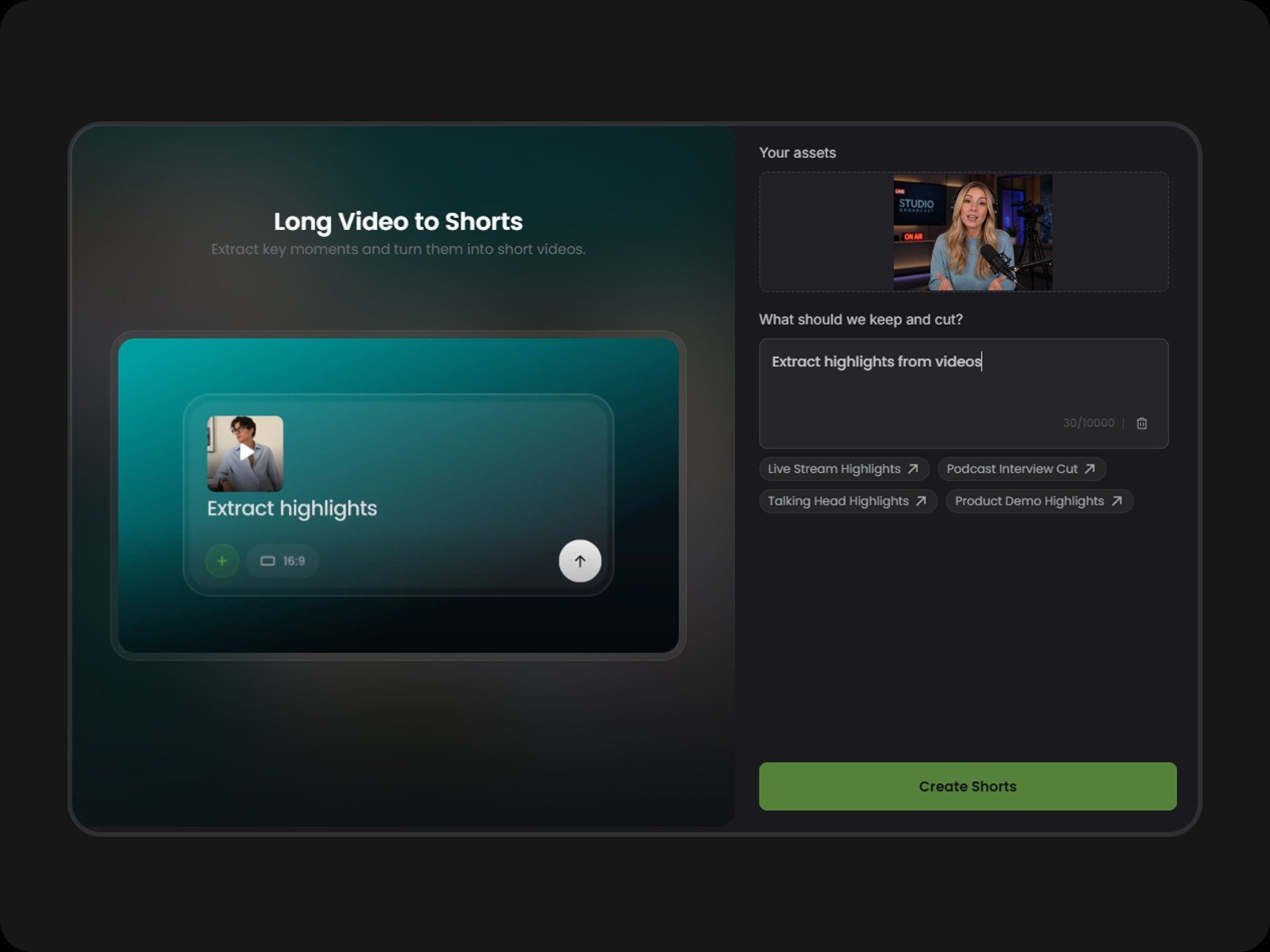
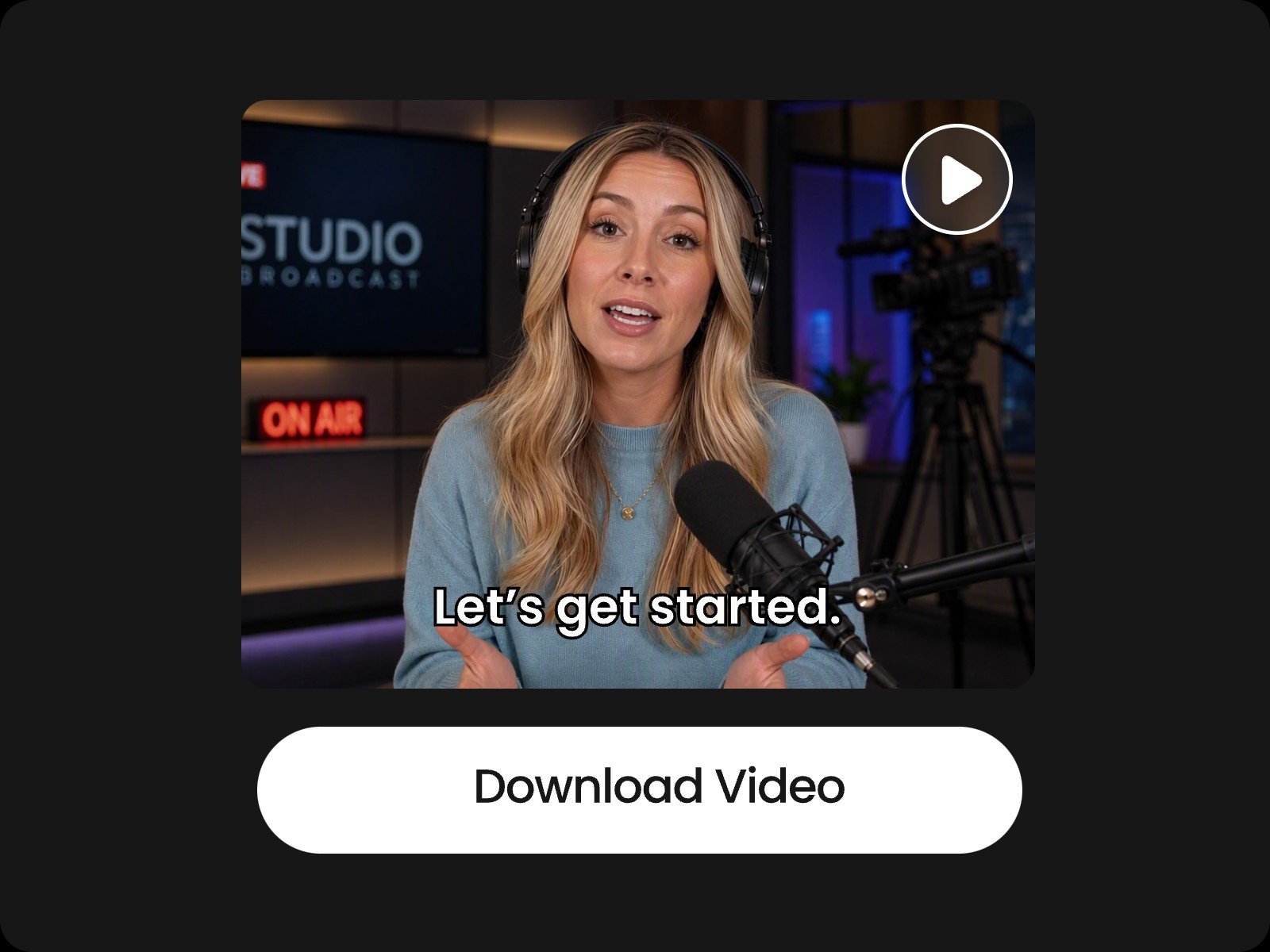
Step One: Select the "Long Video to Shorts" preset
Select the "Long Video to Shorts" preset on the home page to open the tool.
Step Two: Upload your video & enter a description
Step Three: Fine-Tune & Download
Video Highlight Maker FAQs
Are there any limitations on the file size of my uploaded video?
Single video uploads must be under 5GB. If you are uploading multiple clips, please ensure the total file size for a single project does not exceed 10GB.
What video aspect ratios do you support?
Our AI highlight video maker supports 16:9, 9:16, 4:3, 3:4, and 1:1 aspect ratios for both video input and output.
Can I input multiple videos or URLs as references?
Yes. To create highlight reels from multiple videos or URLs, start your prompt directly in the main text box at the top of the page rather than selecting a preset. Please ensure you have the appropriate rights to use all submitted assets before generating.
How to make my highlight video more engaging?
Add dynamic animated captions, background music that matches the pacing, and subtle sound effects. Keep scene transitions fast-paced, trim silent gaps, and use custom text prompts to isolate the most dramatic reactions or key takeaways.
What is the recommended duration of a highlight reel?
For social media shorts like TikTok, Reels, or Shorts, aim for 15 to 60 seconds to maximize retention. For YouTube intros, event recaps, or podcast highlights, 1 to 3 minutes works best. Focus on density over length and keep only the highest-value moments to maintain viewer engagement.
Will my speech be cut off mid-sentence?
No. Powered by an advanced natural language understanding engine, Fotor's AI highlight video maker naturally preserves full speech patterns and prevents awkward mid-sentence cuts.