Restore Old Photos Online with AI
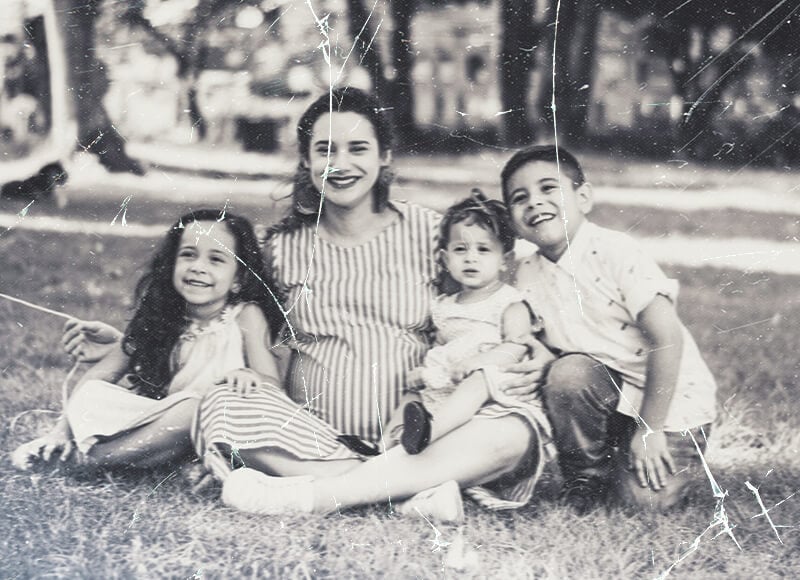
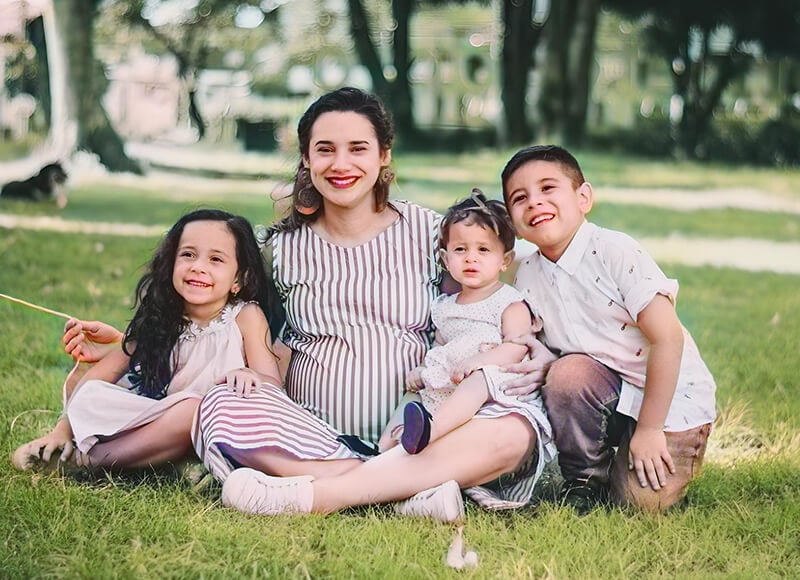
Bring faded, scratched, or blurry pictures back to life - fast, natural, and print-ready. Repair damage, recover true color and detail, and sharpen faces with one click. Try it on sample images or upload your own.
Private & secure. Files auto-deleted within 24 hours.
Private & secure. Files auto-deleted within 24 hours.


Old Photo to New Photo in Numbers
How to Restore Old Photos
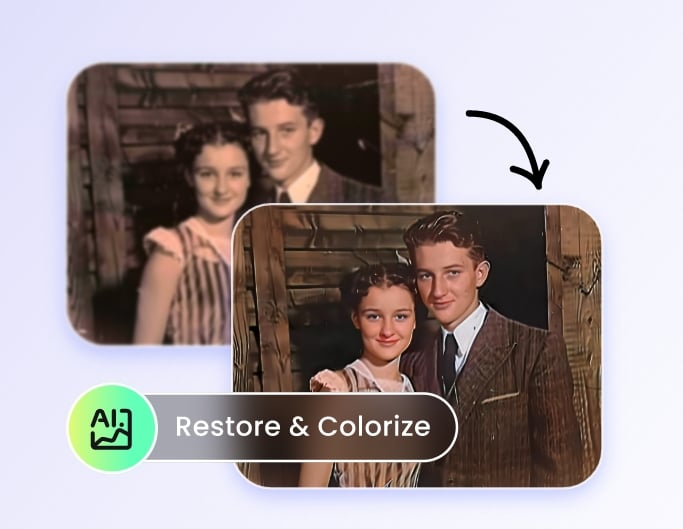
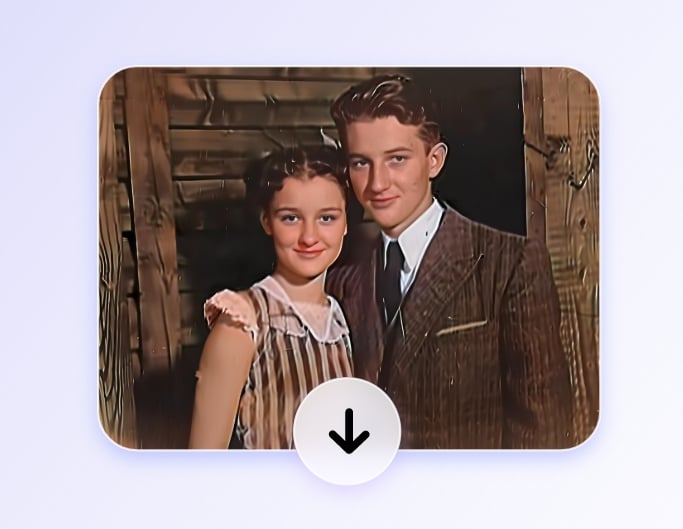
Unlock the Power of AI for Old Photo Recovery
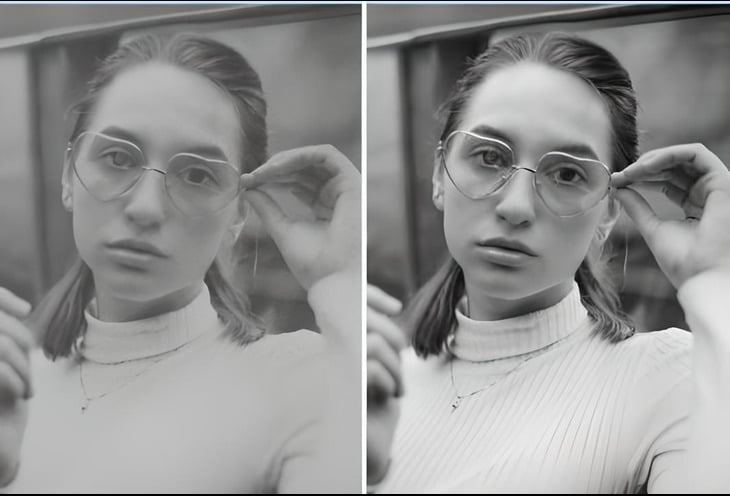
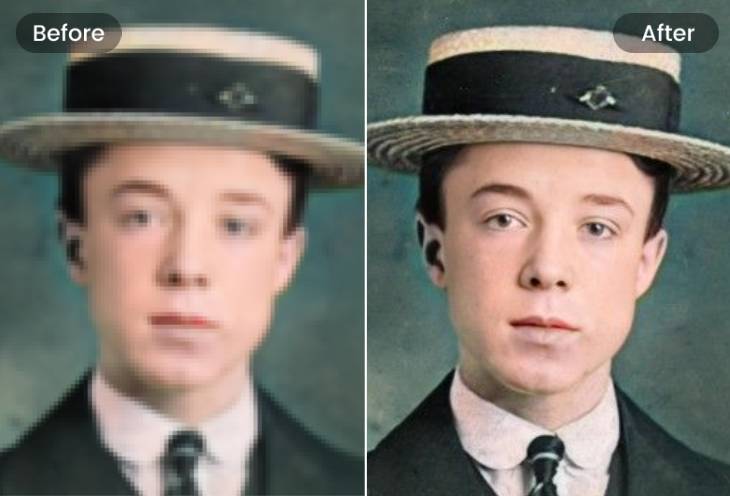
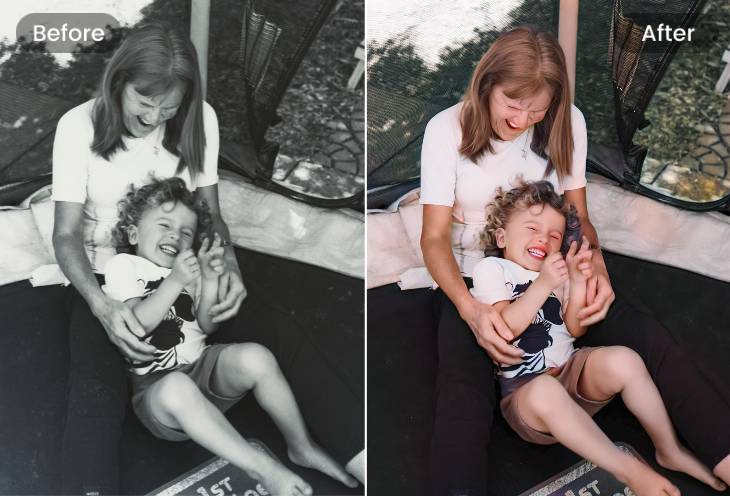
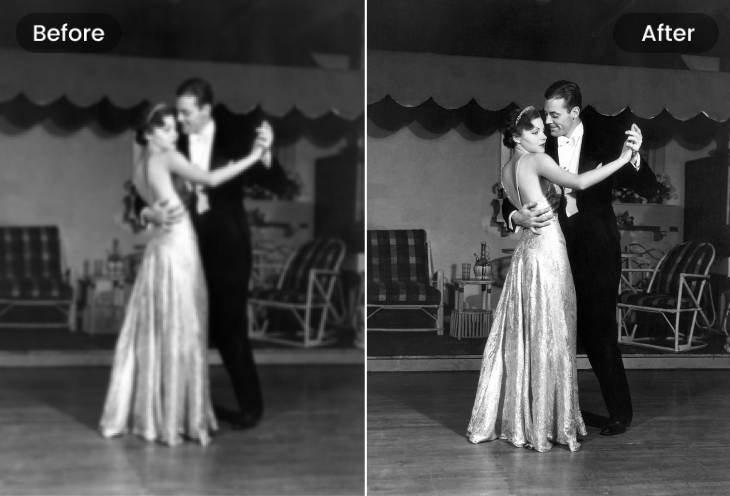
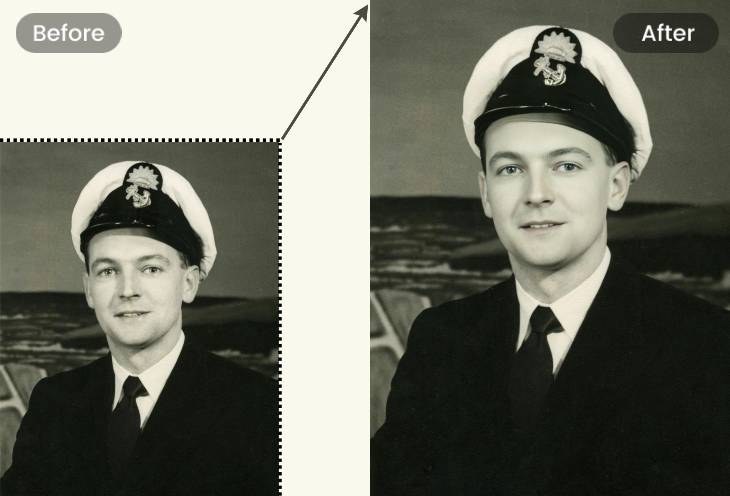
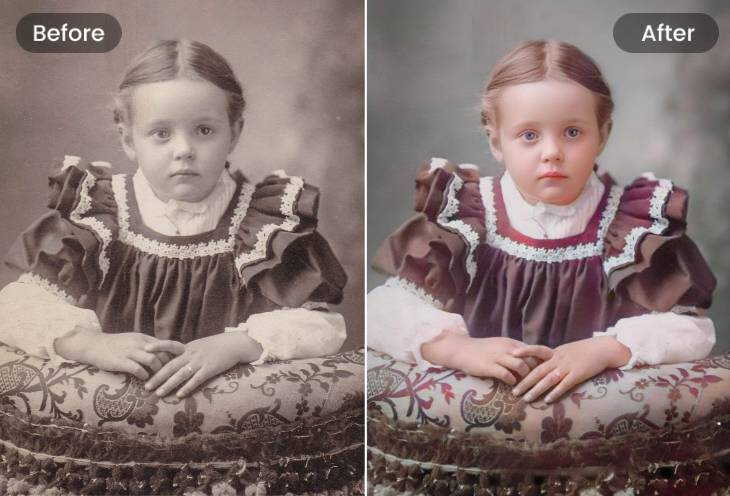
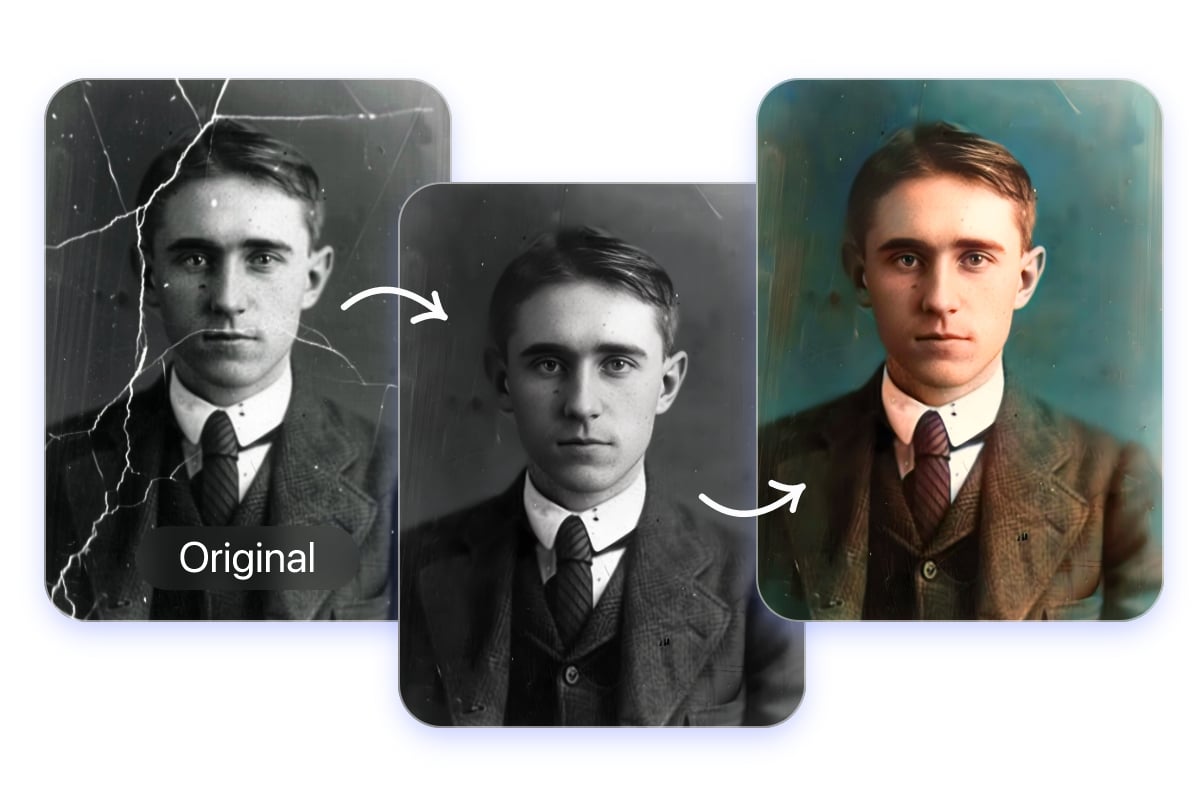
Revive Old Photos in Batch
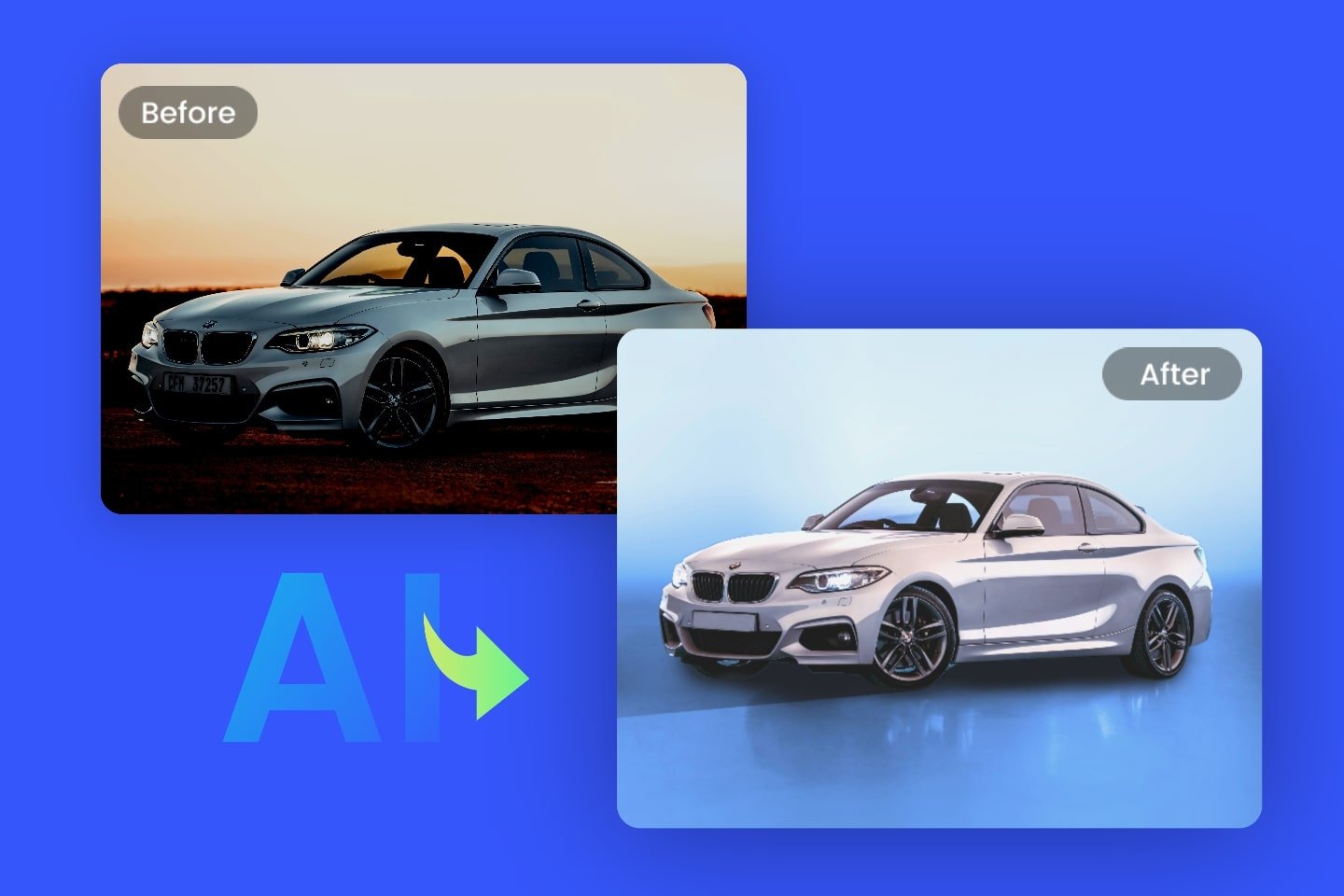
Revive old photos in batch with Fotor. Upload many photos at once, and our AI clears cracks, water stains, and yellow edges, fixes fading and blur, and upscales for print.
Preview results, tweak strength if needed, then export all as high-resolution, print-ready files. Fotor also offers a variety of batch photo editors: remove backgrounds, remove watermarks, convert formats seamlessly.
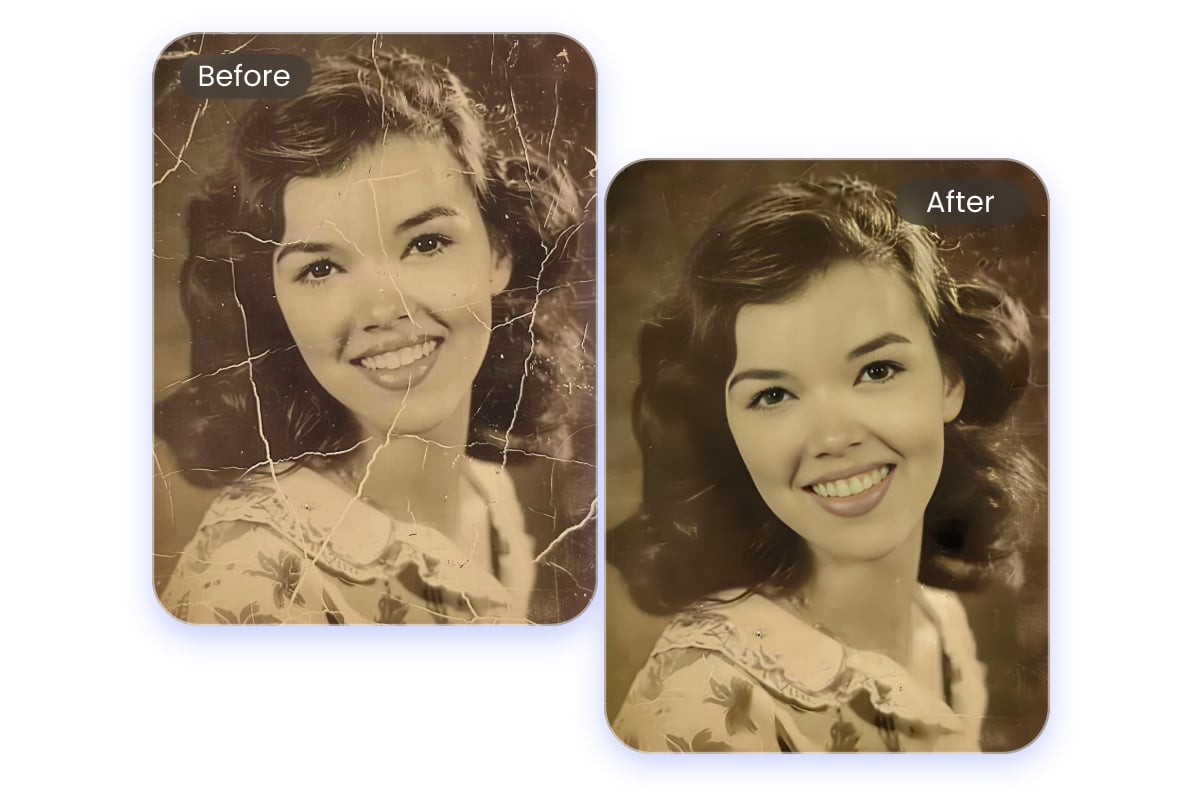
Fix Scratches, Creases, and Tears on Damaged Photos
Don't let your memories fade. Fotor cutting-edge online AI reconstruction tool can fix a wide range of issues, including scratches, tears, creases, and chemical spots. It automatically detects missing pixels in your black-and-white photographs and reconstructs them to bring your image back to life.
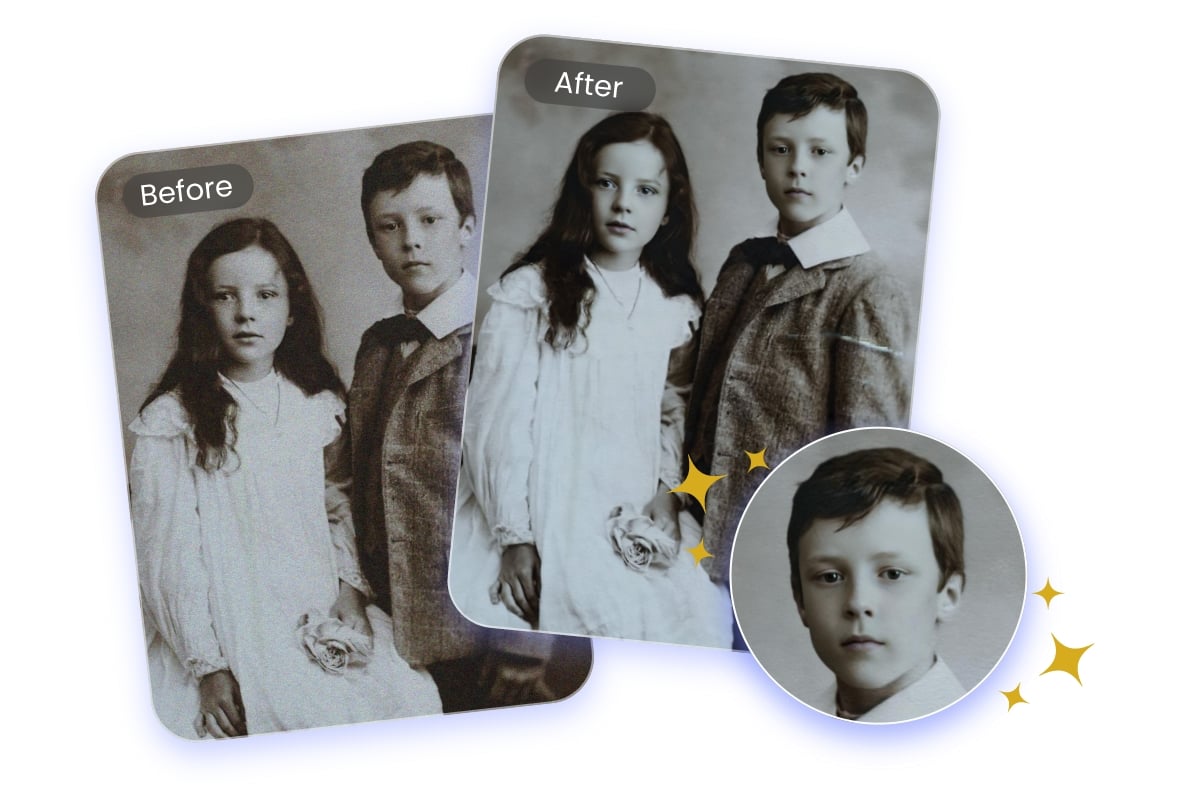
Enhance Photo Details and Restore Facial Clarity with AI
Pictures can fade in clarity and detail as time passes, but Fotor's AI-powered face recovery technology analyzes the era and content to sharpen images and remove blurriness.
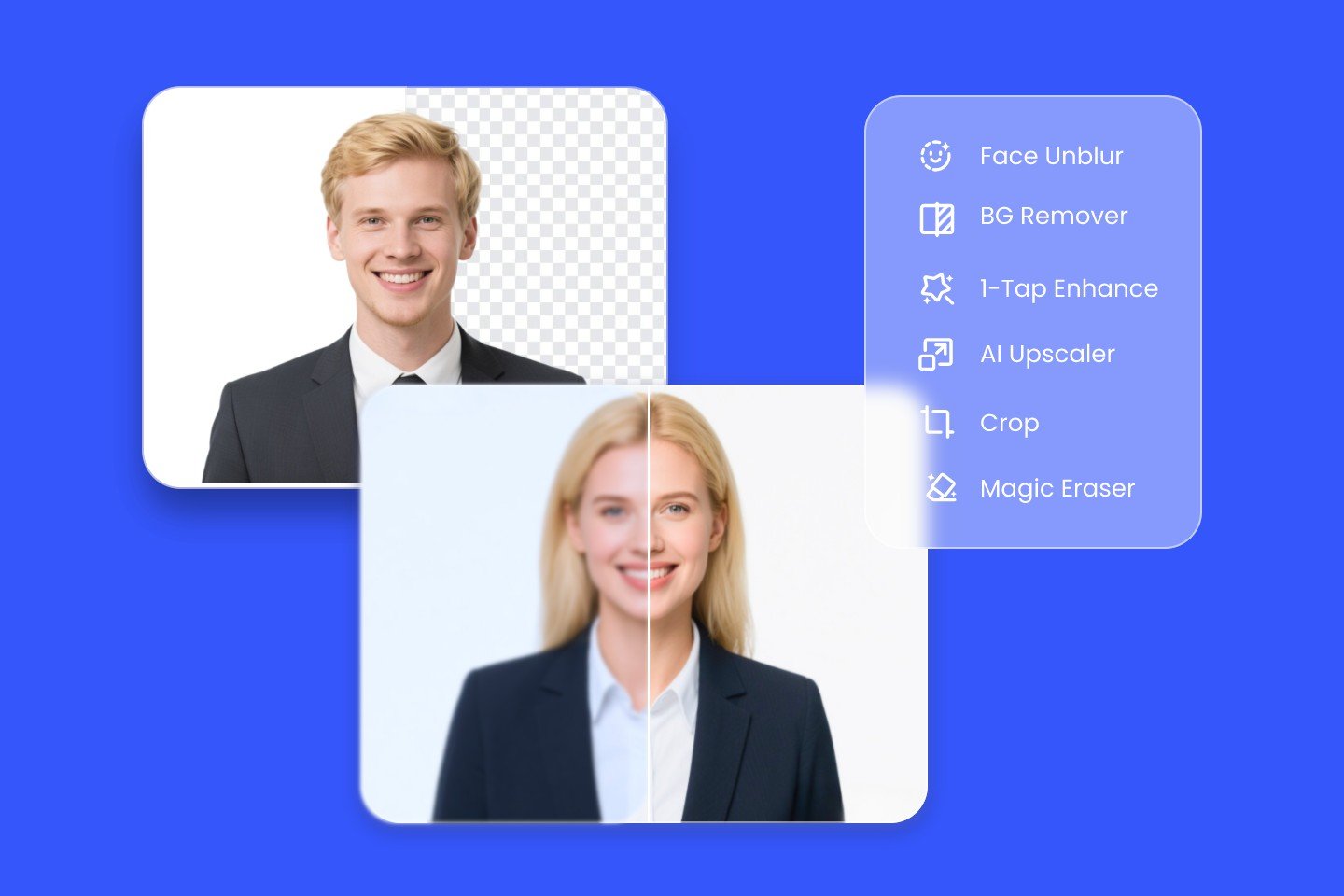
Fotor’s advanced face enhancement feature automatically recognizes faces in group photos and restores fine facial biomarkers and textures. Say goodbye to faded and blurry images with our photo enhancer for good!
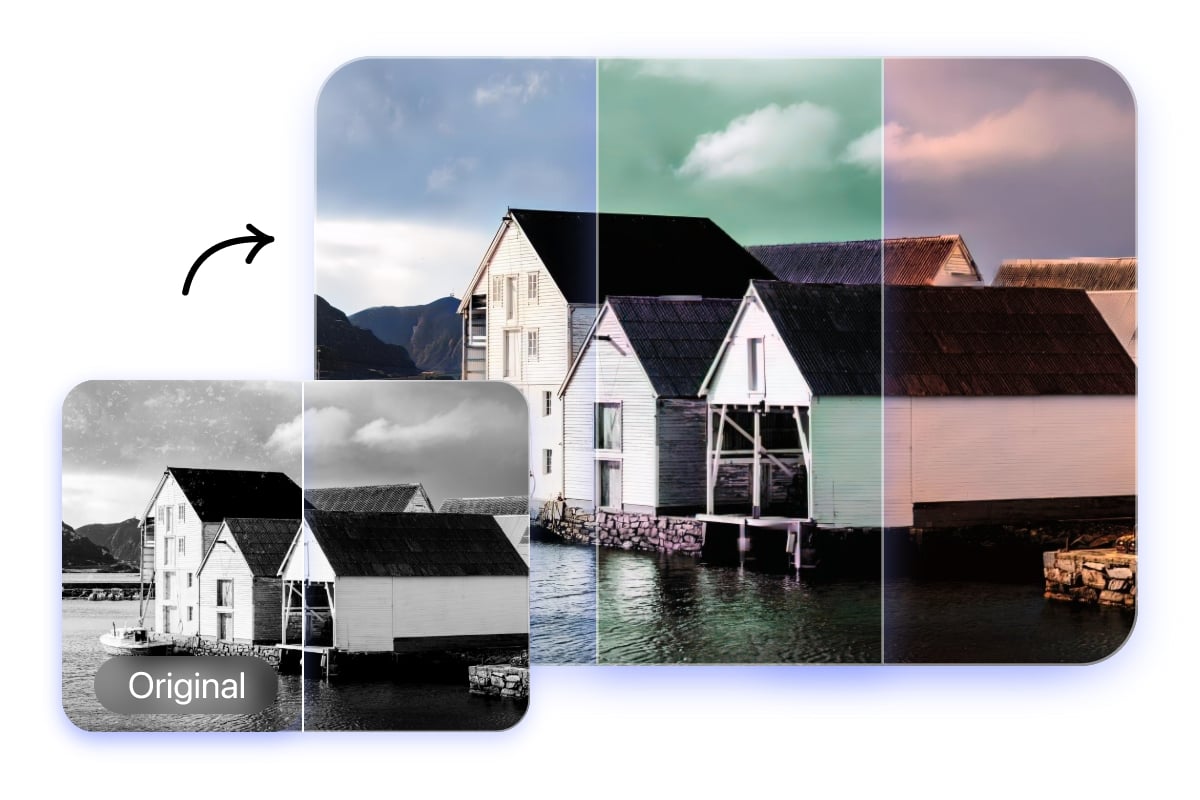
Renew Your Black-and-White Photos with Unique, Vivid Colors
Our tool goes beyond basic repair. With advanced AI colorization, we bring your sepia-toned scenes into vibrant reality! The AI will carefully analyze the context of your old photo, including the era, environment, clothing, and skin tones, and then predict and apply natural, realistic colors.
From 19th-century landscapes to mid-century wedding Photos, Fotor reimagine the past with precision. Add colors and photo effects to give your photos a vibrant mood.
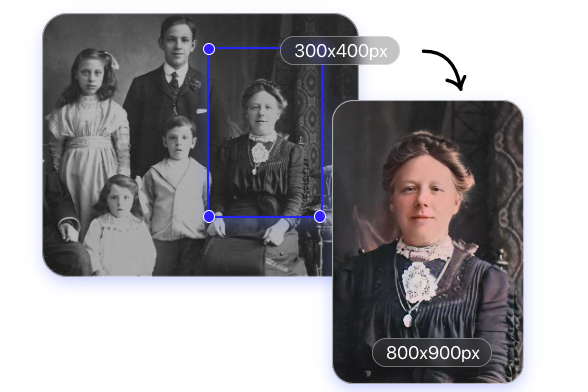
Upscale Your Restored Old Pictures
Further enhance your images with the AI upscaling feature. Restore details, fix imperfections, and improve sharpness to a higher resolution while preserving their quality. Make restored photos look sharper and more detailed.
Cut out the part you want to keep from a photo, and use our integrated workflow to easily improve the photo quality and share it on any social platform.
Reviews from Trusted Sources


Fotor is almost as powerful as other much more expensive photo editing software, but since it's web-based, it's a lot simpler to use. I've found myself defaulting to it over my downloadable programs since it's much more user-friendly.

Overall, I like using the watercolor and monet style enhancements. There are other enhancements that I enjoy as well such as the clay modeling AI style features and others. It's fun to experiment with different style variations of which FOTOR has a wide range. I feel that for the monthly fee I pay, I should get more credits however.

The AI Upscaler is by far the best tool to use for taking tiny jpegs and making them look like the original, the image to video feature is a great feature - I'm looking forward to it's AI perception evolving to a point where it understands simple prompts