





















8 Best AI Headshot Generators for Beginners in 2025 (Paid and Free)
Summary: This blog will introduce the 8 best AI headshot generators (paid and free) of 2025 with an analysis of the user experience, pros, cons, and pricing. It will help beginners choose the most suitable AI headshot generator.
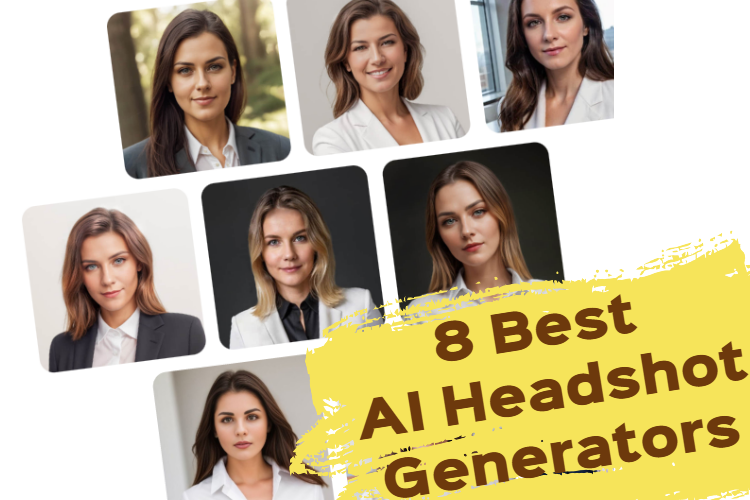
Want to get a high-quality professional headshot photo without leaving your home? AI Headshot Generator is the tool you need. However, there is a wide range of products on the market, and it is difficult to choose.
To save you time and energy, we have selected eight of the best AI headshot generators based on actual usage experience. This blog will help you easily choose the best AI headshot generator.
What is AI Headshot Generator?
AI headshot generator is a tool that uses AI technology to create realistic profile pictures or headshots based on user-provided photos and specific input details. These online tools often generate high-quality, professional-looking images. These generated headshots can be used for social media profiles, resumes, websites, or other professional contexts.
Why Use an AI Headshot Generator?
In this digital age, online headshot has become an important part of our online identity. Whether it’s for a LinkedIn profile, a personal blog, or a company website, a unique and compelling headshot represents the first impression and a lasting impact.
However, finding a professional photo as a social media headshot is often a challenging task. Going to a professional photo studio just to fulfill the need for a headshot for work, a resume, or social media doesn't seem like a cost-effective option.
Fortunately, with the rapid development of AI technology, AI headshot generators have emerged. These tools are designed to save time and effort, especially for those who may not have access to professional photography services.
How We Tested
To ensure the list is reliable and helpful for beginners, we personally tested each tool mentioned in this article with the same evaluation. The input images are neutral and identical. This ensures that only the tool’s performance could affect the output quality. From these differences in output, we can find the best AI headshot generator.
We evaluated each tool based on these key aspects:
1. Output Quality of Generated Headshots
Everyone is most concerned about it. The best AI headshot generator should create high-resolution, realistic profile pictures. The generated images must be natural and clear. This means that the skin tones and textures, facial features and proportions, and lighting should match the person’s original appearance.
2. Ease of Use
From uploading and generating to receiving the results, the process should be easy and smooth. The interface should be intuitive and beginner-friendly.
3. Turnaround Time
The speed always matters. Since you have chosen an AI headshot generator, it means that you do not want to wait as long as or longer than traditional headshot photography. Although faster does not necessarily mean better, it’s also important that speed and quality are matched.
4. Customization Options
Some tools offer a variety of customization options for you to choose from, but some don't. It should be flexible and allow users to personalize the output for various needs such as business, casual, creative, or social media use.
5. Cost-Effective
Pricing is important. The pricing should be flexible, reasonable, and worthy for different needs. We are looking for the best overall value.
6. Mobile Access
Is the tool accessible on mobile or desktop only? The cross-platform operation brings you more convenience.
7. Regeneration
If not satisfied, can you regenerate your images? Users also have the right to raise objections to the results.
8 Best AI Headshot Generators: Paid and Free
The reviews of these AI headshot generators are based on my personal experience and opinions. Although I try my best to provide an objective and comprehensive analysis, the needs and usage feelings of each user may be different.
|
Product |
Output Quality |
Customization Options |
Turnaround Time |
Pricing | Mobile APP |
Regeneration |
|
Fotor |
High definition, professional, and Realistic |
Style Background Hairstyle Clothes |
A few minutes |
Free styles $13.99-$20 | √ |
√ |
|
Aragon |
Studio quality, realistic, and natural |
Outfit Background Pose |
At least 30 min |
$35-$75 | × |
√ |
|
Headshot Pro |
Professional and business |
Outfit Background |
1-2 hours |
$29-59 | √ |
Refund support |
|
The Multiverse AI |
Professional and natural |
Outfit Background |
Wait for hours |
$29 | × |
× |
|
Dreamwave AI |
High quality but unnatural expression |
Hairstyle Outfits Background Ethnic |
2 hours |
$35-$99 | √ |
Packages of $59 and above can redo |
| Canva |
AI-like and unrealistic |
Lighting Background |
A few seconds |
Free trial $5.83-$7.99 per month | × |
× |
|
Try it on |
Some pictures are virtual |
Styles Background |
90 min turnaround | Starting from $21 | √ | × |
|
Media.io |
Some results are unrealistic |
Styles Background Hairstyles Ethnic |
About 25 minutes |
$0.46-$6.99 per week | × | × |
1. Fotor
Fotor is recognized as the best free AI LinkedIn photo generator. It provides a seamless and simple way to create professional headshots. Whether you need a free photo for LinkedIn, resumes, or other social media, this tool delivers studio-quality results.
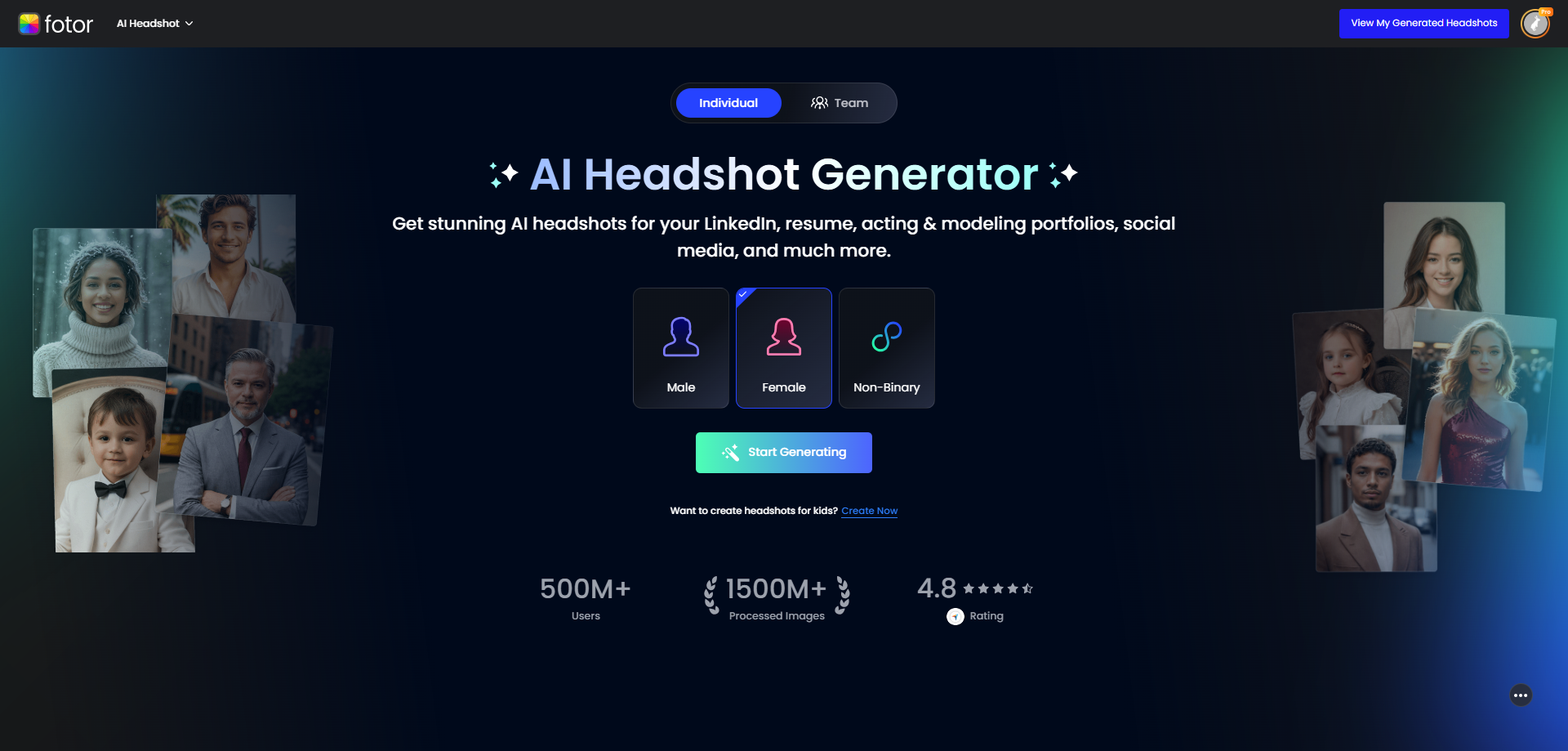
Unlike other software, this tool requires no signup. All it takes is selecting your gender and uploading a single photo; then, you can get started immediately. Quickly generate realistic profile pictures with minimal time and effort.
In addition, it offers rich customization options. Multiple styles allow you to change the clothes, background, hairstyles, and poses of your headshot.
Fotor also takes data privacy seriously. All uploaded images are automatically deleted after processing, ensuring your personal photos are never leaked or misused.
What's more, if you are not satisfied with the result, you can regenerate your headshots at no cost.
All things considered, Fotor is undoubtedly the most cost-effective option.
Pros
√ Perfect for LinkedIn: Generate clean, studio headshots tailored for job-seeking and resume.
√ Free trial: It offers some free styles for users.
√ High-quality images: Fotor generates professional-looking headshots. The images are high-definition, and the facial features are realistic and natural.
√ Fast generation: The generation process is fast, and you can get the result in almost seconds, which is suitable for people who need headshots urgently.
√ Easy to use: The interface is intuitive and easy to use. It’s suitable for all types of users, including the beginner who is not familiar with AI technology. Users only need to upload one photo, and the system will automatically generate many headshot images.
√ Various styles: Fotor offers a wide range of styles including professional, casual and creative.
√ Mobile app available: Create professional headshots anytime on both desktop and mobile.
√ Regenerate: If you are not satisfied with the generated photos, Fotor supports free re-generation.
Cons
× Few artistic styles: If users want to create anime and art-style avatars, Fotor is not suitable because its style is more traditional and professional.
× Limited customization: There are few customization options.
Pricing
$13.99 20 images
$14.99 40 images
$20 80 images
2. Aragon.ai
The style of Aragon AI headshot generator is simple, clean and workplace-appropriate. For users who need profiles for LinkedIn, resumes, or other professional social platforms, Aragon is able to provide fine-grained generation. Before generating, it asks some basic questions including gender, age, hair color, and ethnicity.
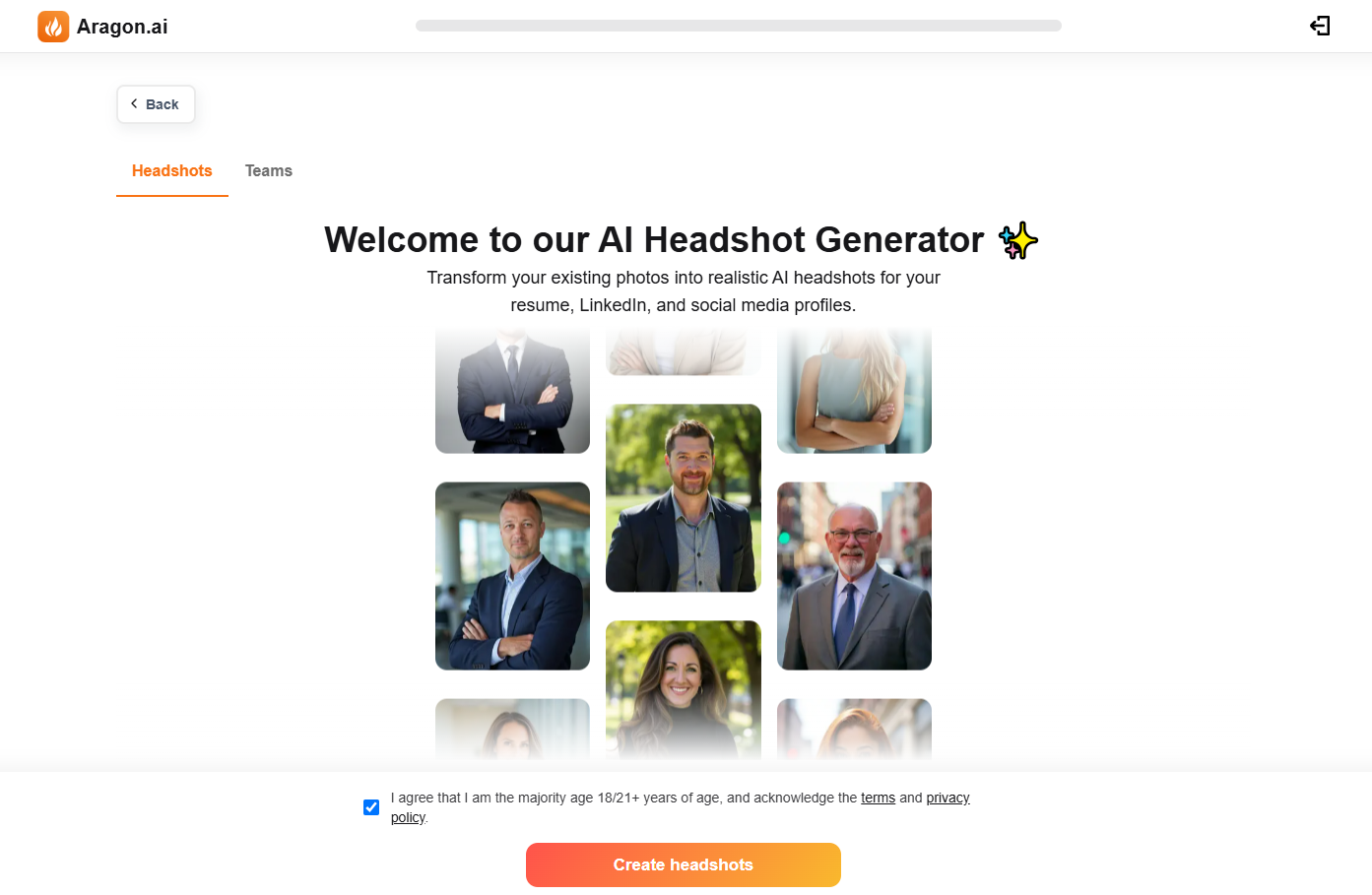
It also allows users to adjust facial features, expressions, backgrounds, and color tones. This flexibility allows users to adjust features such as hairstyle, glasses, and skin tone for more personalized results.
You need to upload at least 6 various photos and wait a long processing time.
Pros
√ Provide professional photoshoots for individuals and teams
√ Realistic and natural output results
√ The generated image can be edited
√ Based on the user's basic information
Cons
× Long processing time
× No mobile app
× Better pictures cost more money
× Height proportions and posture may be a bit strange
Pricing
Starter: $35 20 images wait 2h
Basic: $45 60 images wait 1h
Premium: $75 100 images wait 30min
3. Headshot Pro
Headshot Pro is a professional AI headshot generation tool designed for people who need a high-quality professional headshot. It features very fine processing and a headshot with very high quality and detail that emphasizes your professional image.
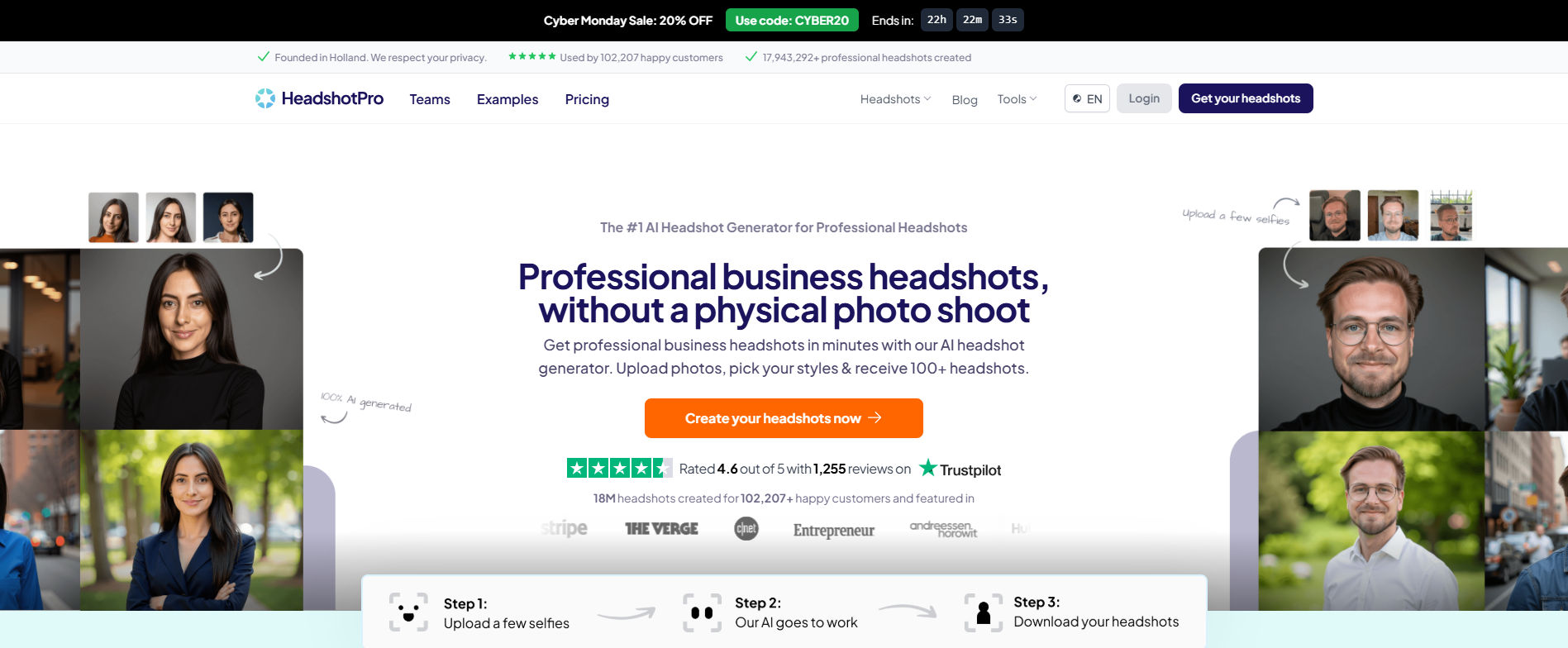
It offers a user-friendly experience. It allows users to adjust details such as smile intensity, eye contact, and head positioning. The service supports various backgrounds and delivers high-resolution images. But each photo shows a similar facial expression, poses, backgrounds and other personalized settings change slightly.
The processing time is too long that the basic package needs to wait 3 hours. Three hours is enough to go to the studio for a professional photo shoot.
Pros
√ Personal editing
√ More styles and outfits
√ Mobile app available
√ No difference from the real photo
Cons
× Generated images are similar: Each photo shows a similar facial expression, poses, backgrounds and other personalized settings change slightly.
× Long processing time: you need to wait 1-2 hours.
× Need to upload more photos: it’s difficult for users to find ten or more suitable photos.
Pricing
Basic: $29 40 images wait 3h
Professional: $39 100 images wait 2h
Executive: $59 200 images wait 1h
4. The Multiverse AI
The Multiverse AI is an AI headshot generator that analyzes your selfie and returns a bunch of high-quality professional headshots for you. It’s ideal for individuals and teams looking to improve their professional image without spending the same time and expense of traditional photoshoots.
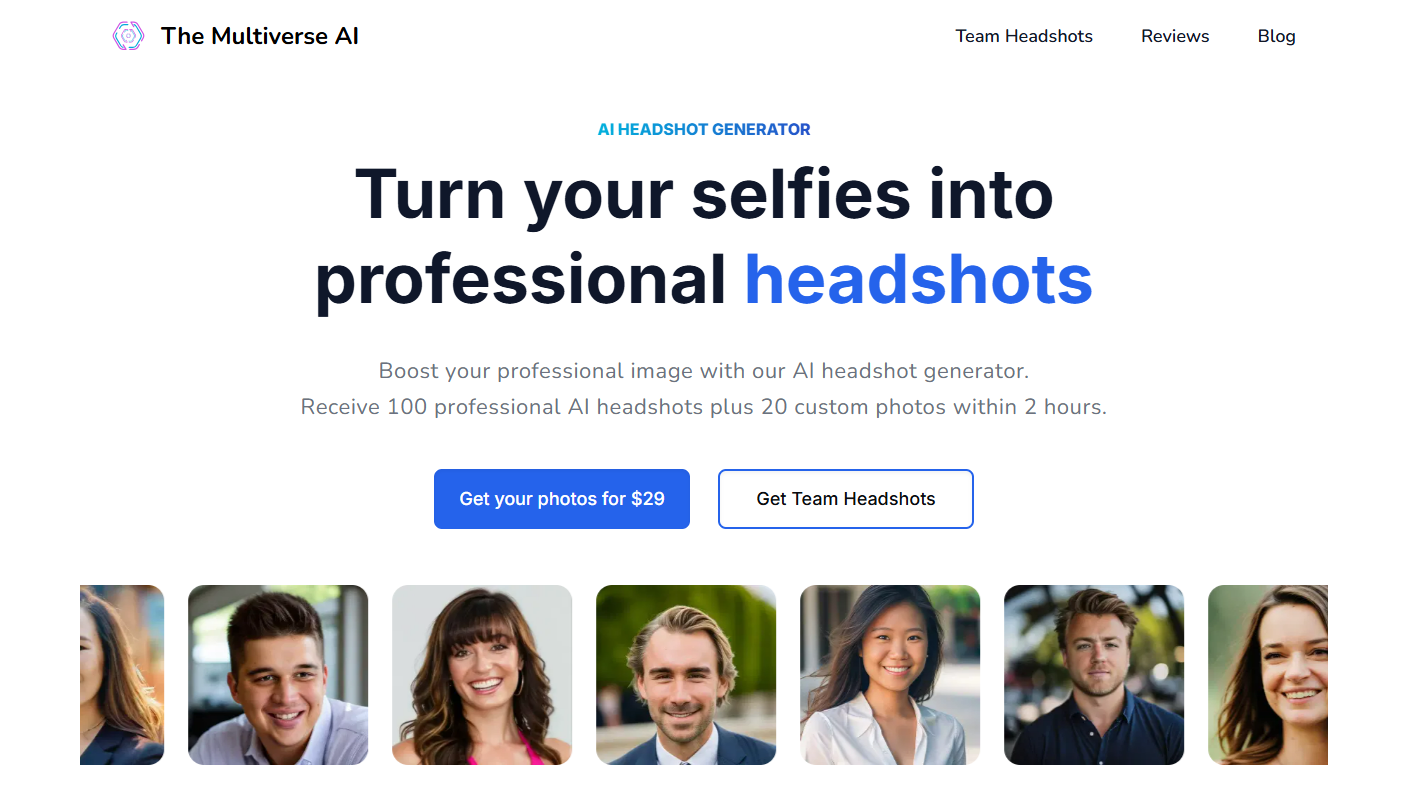
This tool has a clean and intuitive interface. It organizes tools for photo uploads, style selection, and customization efficiently. Even you can fix the smile and eye color of your favorite pictures. It’s very convenient and user-friendly.
But you need to upload 12 to 15 different selfies to generate 100 professional headshots. It may be a bit hard to find suitable photos. And you can't redo it if you're not satisfied.
Pros
√ Safe
√ Easy to use
√ Realistic headshots
√ High resolution
√ Face detail editing
Cons
× Long processing time
× Higher requirements for uploaded photos (It takes a lot of time to select the right pictures from your selfies)
× No mobile app
× No free trial
× No redo
Pricing
Starting from $29
5. Dreamwave AI
Dreamwave AI Headshot Generator is a powerful tool that stands out for the rich number of headshots it generates and the subsequent editing capabilities. But the overall quality of generation varies.
The pricing may be higher than other generators, but the high number of images generated (120-500) and the ability to personalize adjustments make it a practical choice for those looking for high-quality, adjustable images.
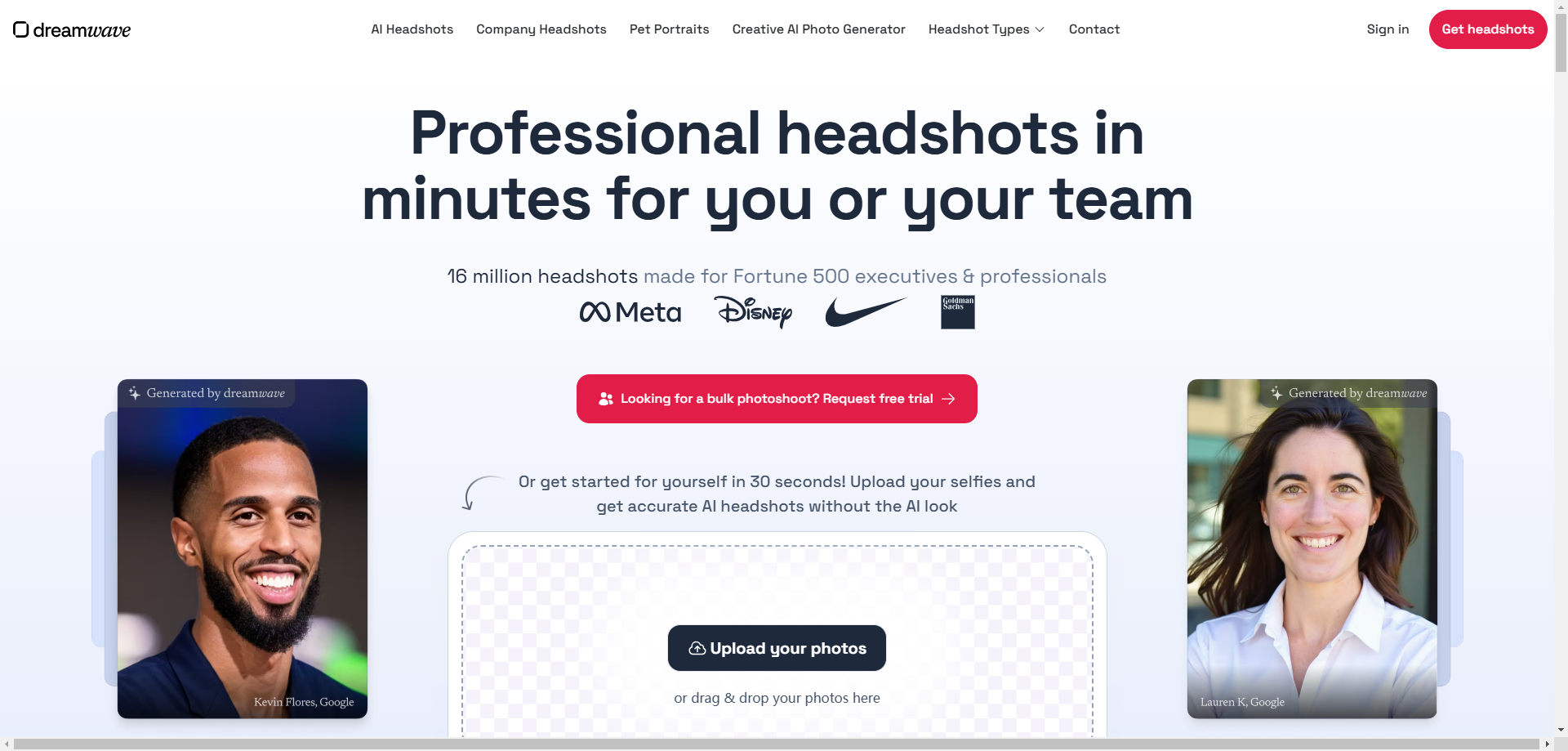
You need to upload at least 5 photos to generate professional headshots. The minimum pixel of each photo is 512x512px. When uploading, you have to pay attention to the dimensions of your selfies. Remember to be careful not to choose similar images or images which your face is not clear.
But the waiting time is also long and the expression of the generated image is not natural.
Pros
√ Unlimited scenes, hairstyles, outfits, and more
√ Great value for the number of photos generated
√ One-stop editing
Cons
× Users must upload a photo to see the pricing
× 2-hour turnaround
× The expression is unnatural
× No mobile app
Pricing
Starter: $35 120 photos
Standard: $59 250 photos
Best Value: $99 500 photos
6. Canva
Canva AI Headshot Generator combines the strengths of its graphic design tools with AI generation to provide a simple, fast, and one-stop headshot generation service. It’s suitable for users who need to generate professional headshots and complete other design tasks. But users seeking highly customized or artistic style headshots may need other specialized tools.
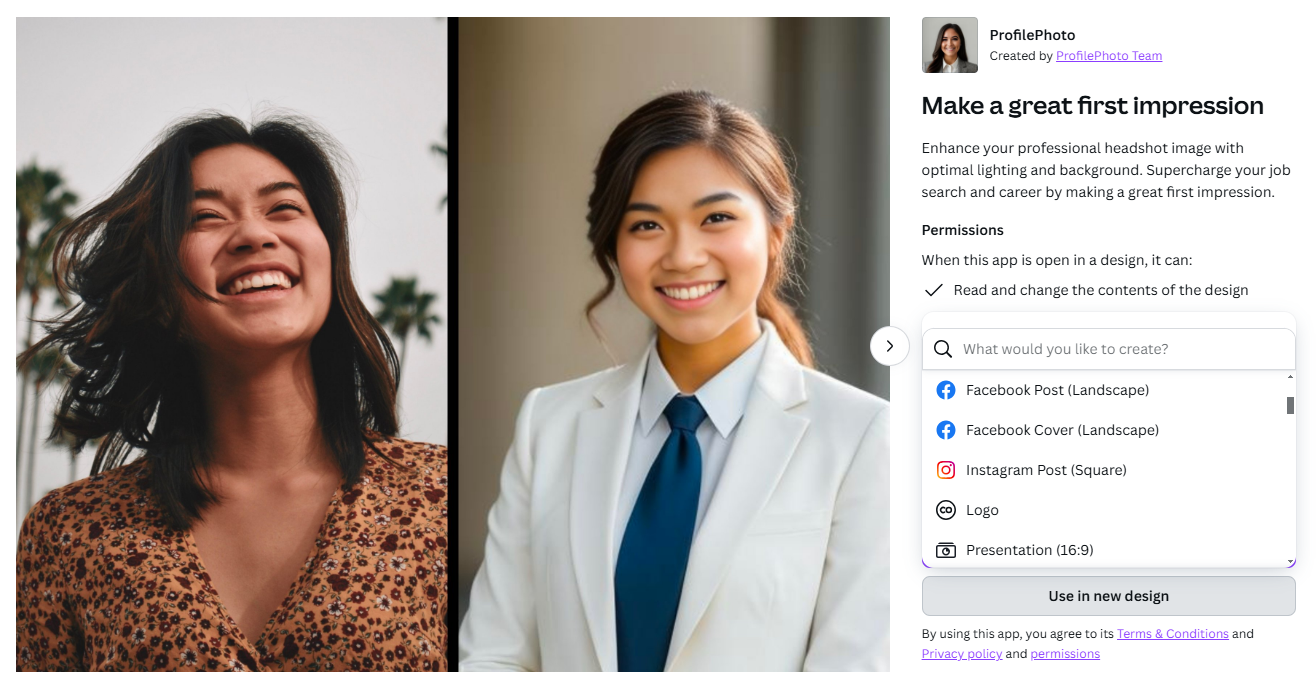
It only supports personal generation. Every time you can only upload a photo and generate one profile. But the generated images can be directly combined with Canva's design templates for resumes, posters or social media content. I think the headshot may be a little virtual and should not be used on the resume.
Pros
√ Free credits: Canva provides users with free credits that you can try to generate several images. The free credits will refresh after 24 hours.
√ Very fast in generating
√ Customization: Canva supports to adjust the color, light, background, and overall effect of the images, with great flexibility no need to switch to other tools.
√ Mobile app available
Cons
× Only one photo can be uploaded and generated at a time
× The generated images are not realistic, more like cartoon images
× No personalization options before the generation
Pricing
Free trial
$5.83-$7.99 per month
7. Try it on
“Try it on” is an AI-powered headshot generator to create professional-grade portraits for personal branding, corporate use, or social media. It uses your uploaded selfies to produce hundreds of customized headshots. The styles of the images are ranging from business, casual to creative.
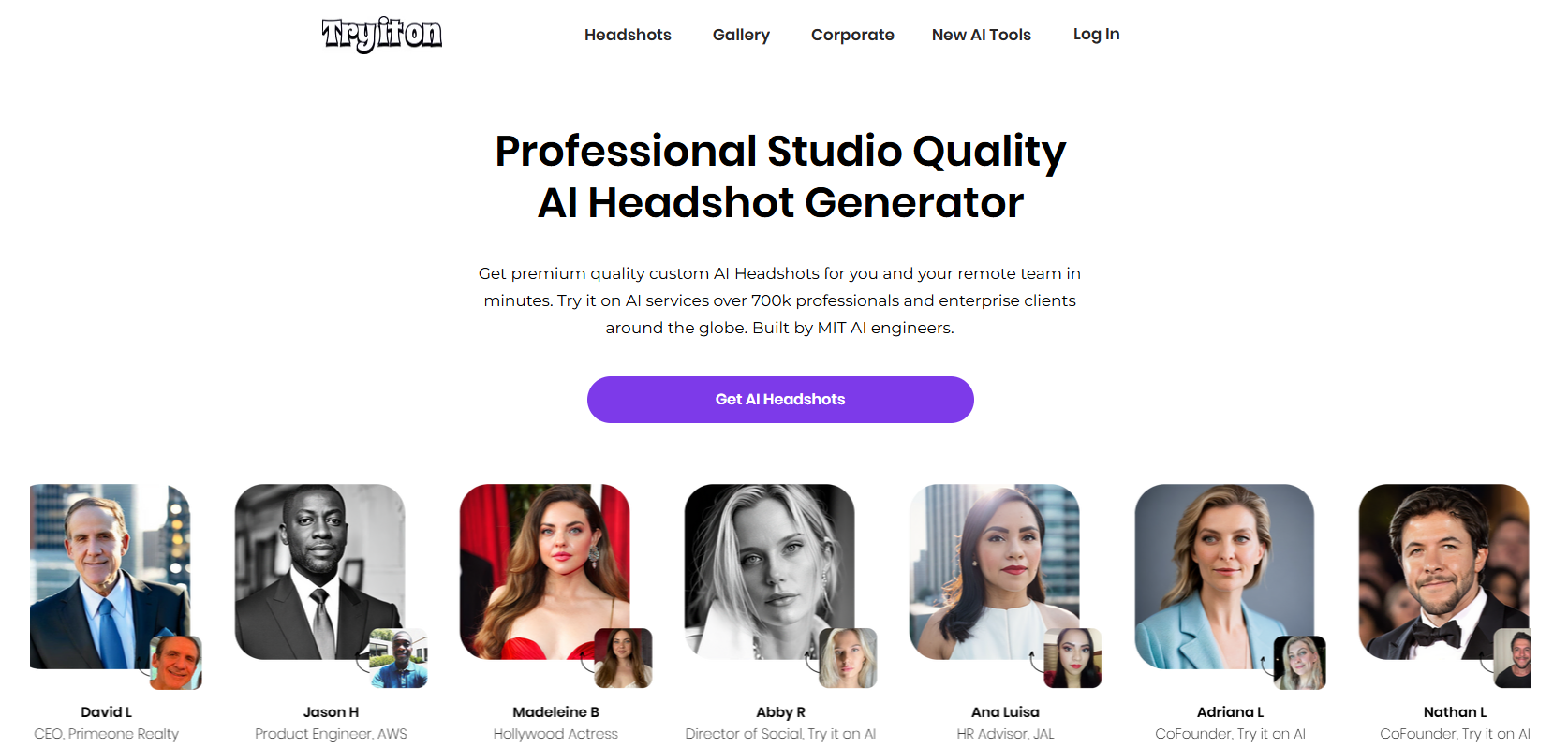
You need to upload 10 to 30 close-up images and can get hundreds of results. It may be a bit tired when selecting photos to upload. Results are generated in 1-2 hours. It may be a little long. But optional human editing for refinement makes the headshots more natural.
Pros
√ Variety and Customization: provide hundreds of styles
√ It caters to individuals and teams
√ Mobile app available
√ Easy to use
Cons
× Paid human editing
× Long processing time
× Some pictures are virtual
× The results can’t be regenerated
Pricing
Starting form $21
8. Media.io
Media.io's AI Portrait Generator is a tool to transform regular photos into professional or artistic portraits. It offers a range of styles, including business headshots, social media profile pictures, graduation portraits, and creative themes like sci-fi or fantasy.
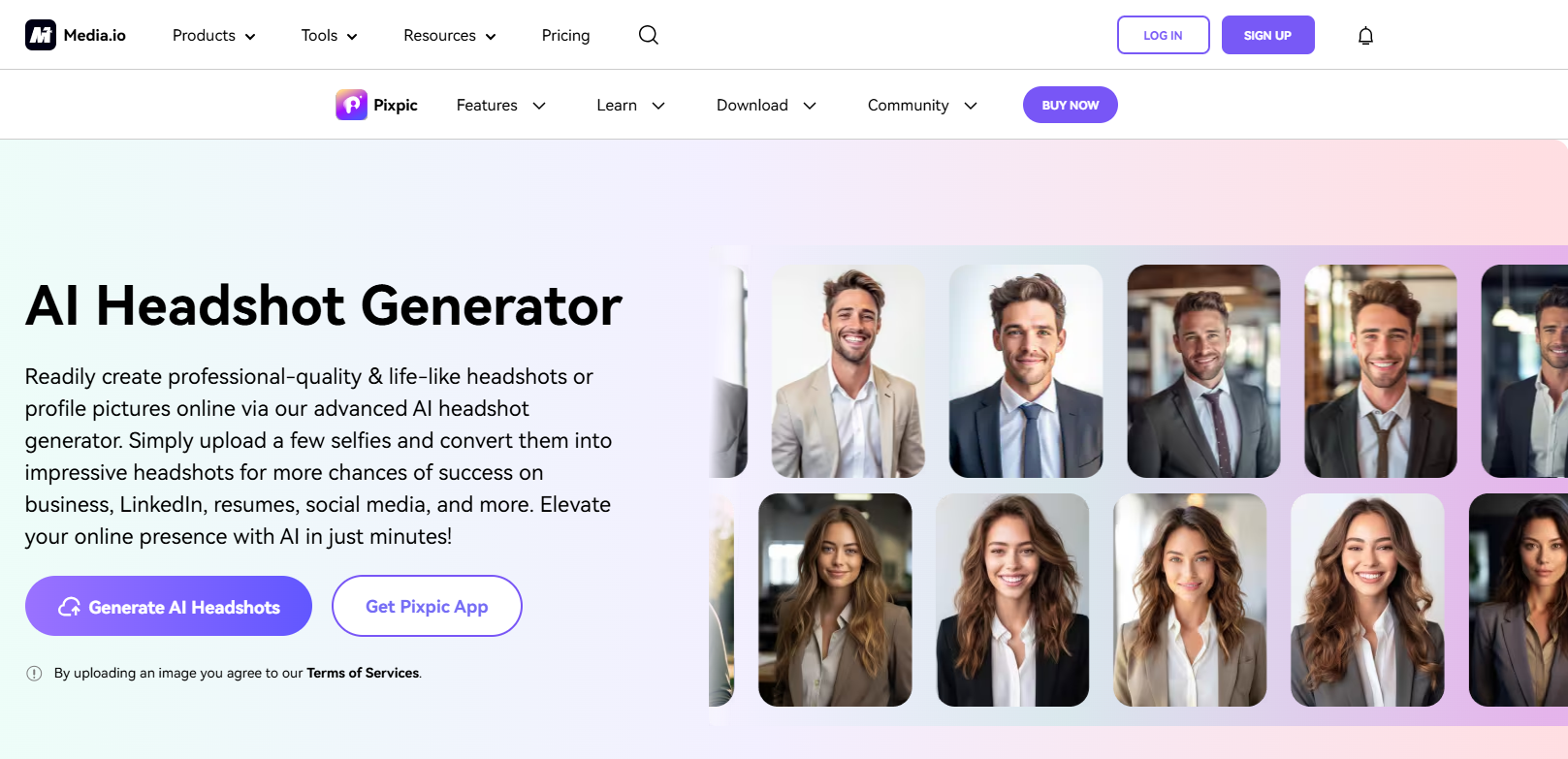
First, you need to select one style to start. The style includes a headshot, job, hairstyle, travel place, and ethnic features. Upload at least 5 clear photos to show AI with your facial features. Wait less than 25 min, you can get the portraits, which is faster than many other AI headshot generators. But generated image styles can sometimes be too uniform.
Pros
√ Lower pricing
√ Fast generation
√ A variety of unique styles
Cons
× Some results are not realistic
× Style overlap
× Limited customization
× No mobile app
Pricing
$0.46-$6.99 per week
AI Headshot Generator FAQs
What is the best AI image generator for headshots?
Fotor is the best AI image generator for headshots. The software allows users to input text instructions and a personal image to create headshot generation. Users can describe detailed elements like gender, clothing, or style. Fotor will produce realistic results matching the description. Users can choose various styles, such as business, creative, and casual, and receive multiple results.
Is there a free AI headshot generator?
Yes, there are free AI headshot generators. Canva provides free credits for users that you can generate several profile photos. AI Ease and Supawork.ai are both free to generate high-quality headshots.
How to make an AI headshot look more realistic?
Use Fotor’s photo editor to improve your headshots after AI generates them. You can adjust the brightness, contrast, and color of the images. Adding a grain filter to the AI-generated headshot is also a good idea to make it more human-like.
The Bottom Line
Among the many impressive software, I would especially like to highly recommend Fotor’s AI headshot generator as the best AI headshot generator. But All the other software mentioned in this blog are also well worth trying. Everyone has the best AI headshot generator of his or her own.