Ready-to-Use AI Image Prompts
These prompts are designed for common scenarios, including portraits, pets, products, and environments. You can copy them to Fotor's AI image generator to enhance your photo, create professional-looking images, or generate realistic transformations.
Prompts for People
Makeup & Beauty
Test different makeup looks and beauty styles on your portrait.
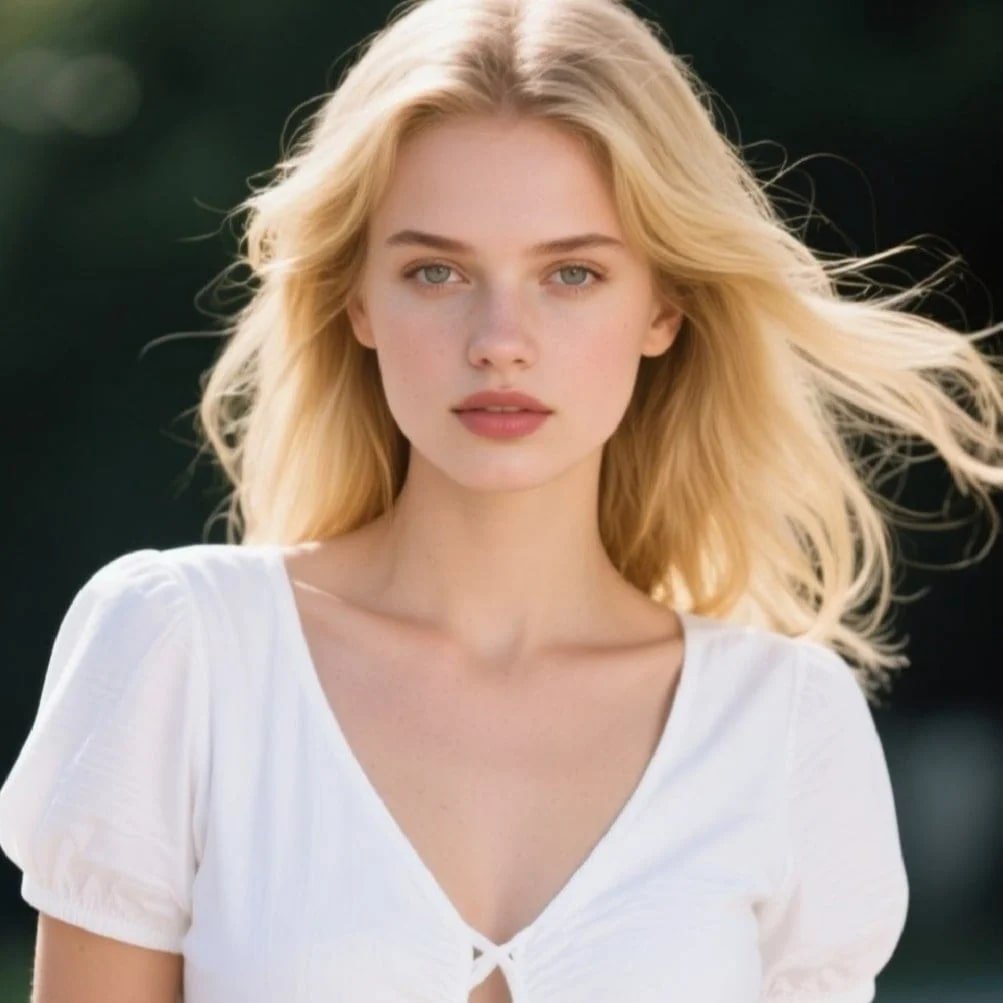
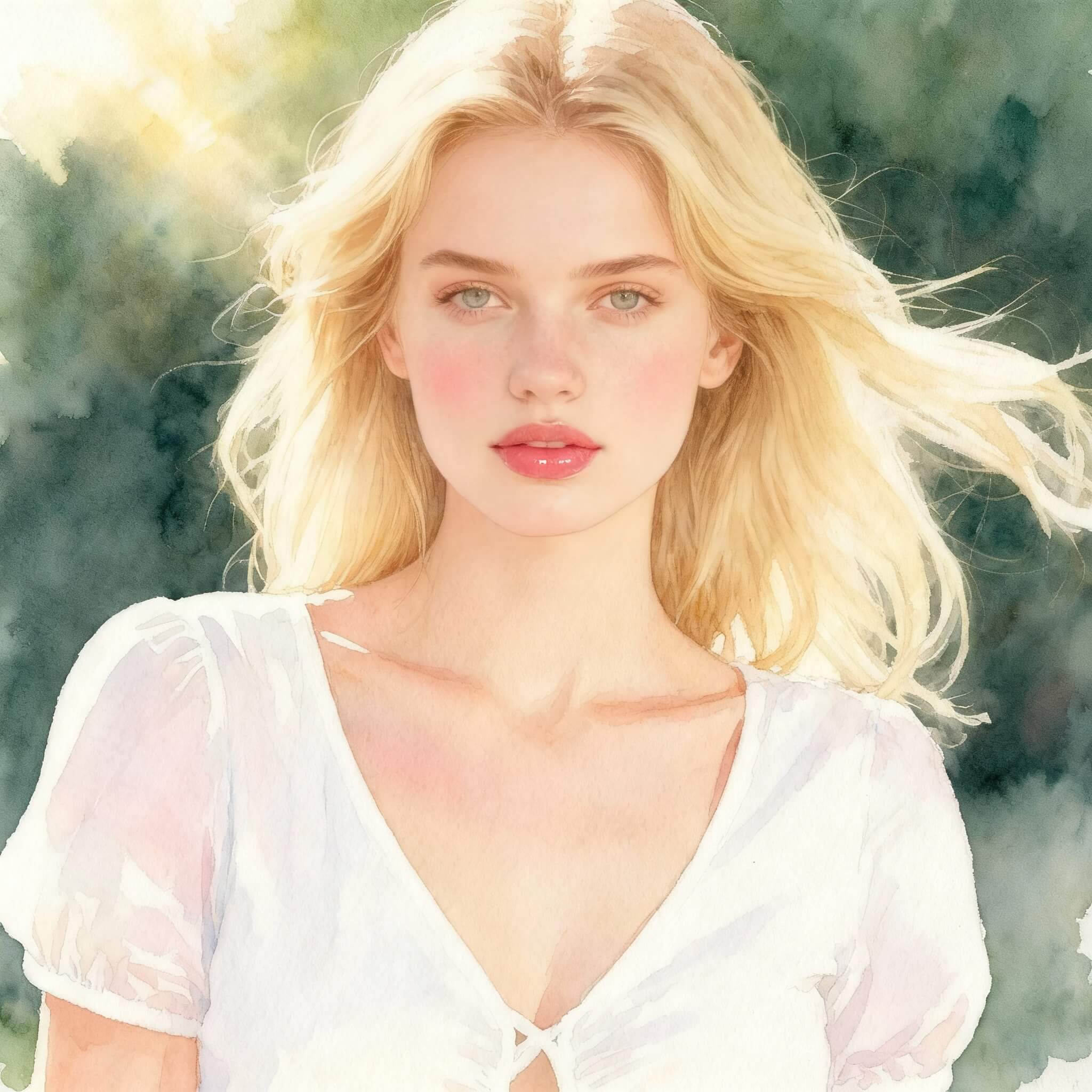
Prompt 1: Use the uploaded photo to enhance the portrait with natural pink makeup, soft blush, and glossy lips, rendered in watercolor painting style with gentle morning sunlight.
Prompt 2: Transform the uploaded portrait into a high-fashion magazine cover photo, flawless skin, styled makeup, dramatic spotlight studio lighting.
Tip: Replace "smoky eye makeup" with "natural pink makeup" or "glam red lipstick" for different beauty looks.
Hairstyle & Styling
Experiment with new hairstyles and fashion looks without cutting or dyeing in real life.
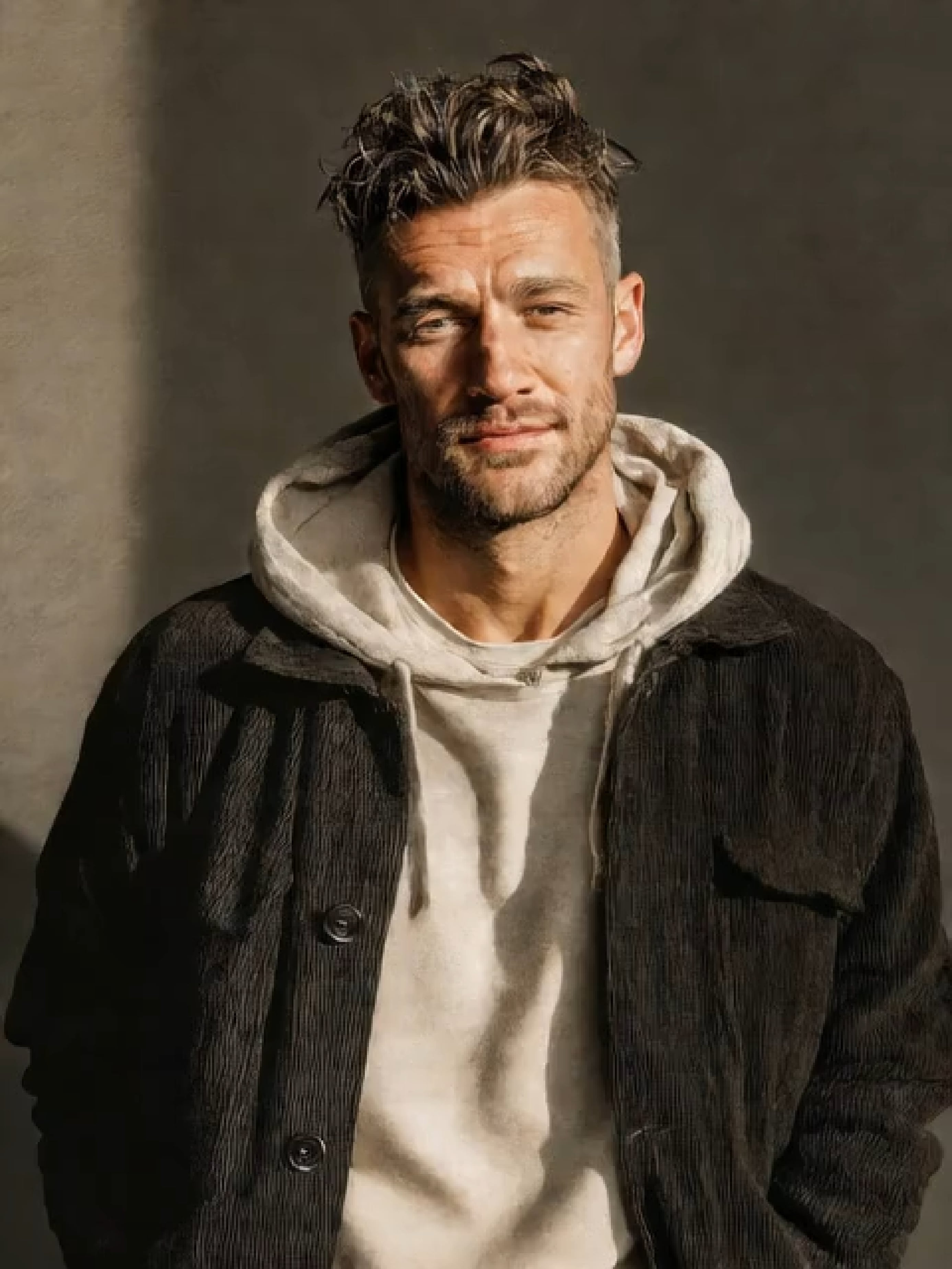
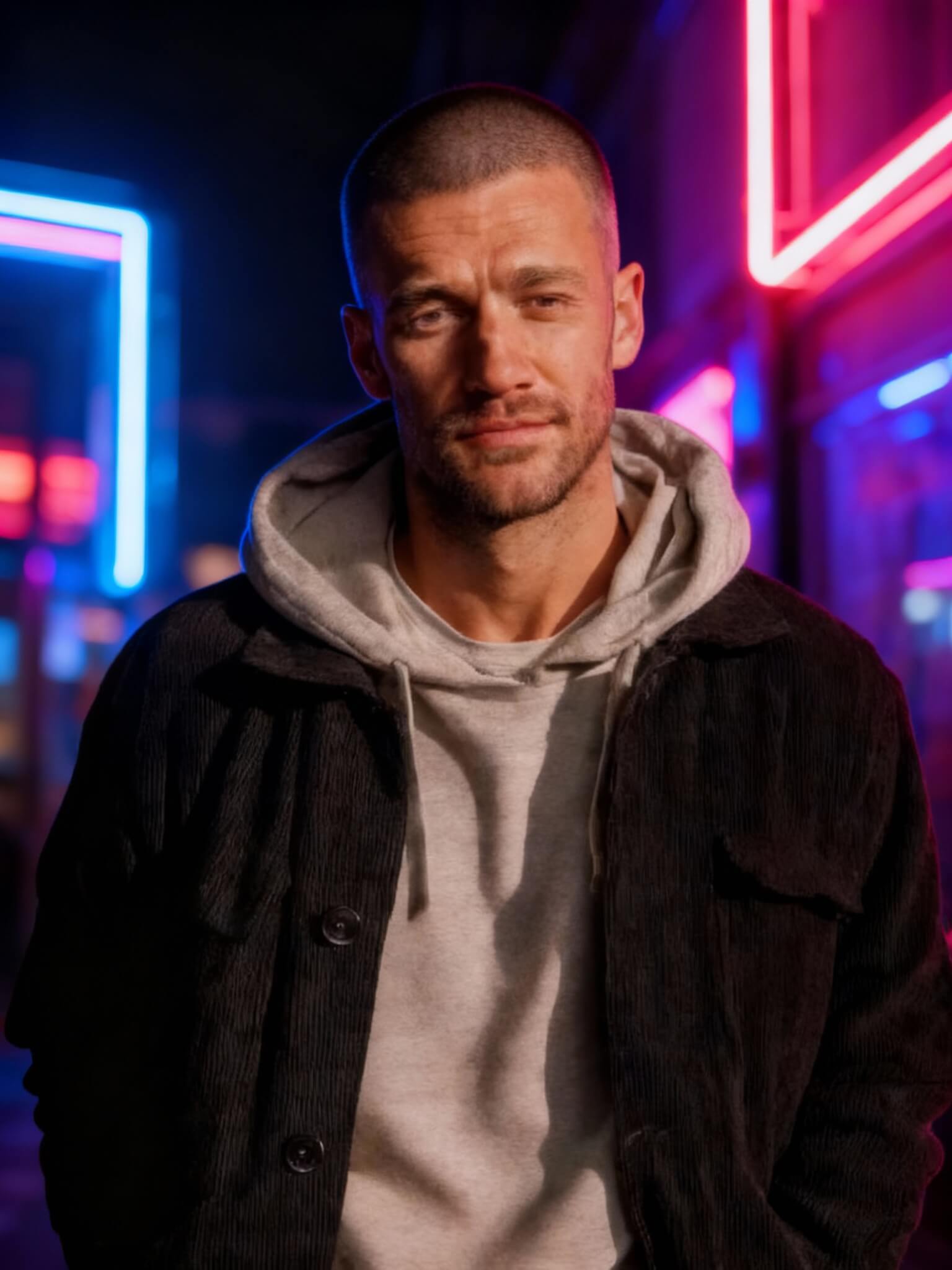
Prompt 1: Use the uploaded headshot to change the hairstyle into a fresh buzz cut, cinematic street style, neon lights in the background.
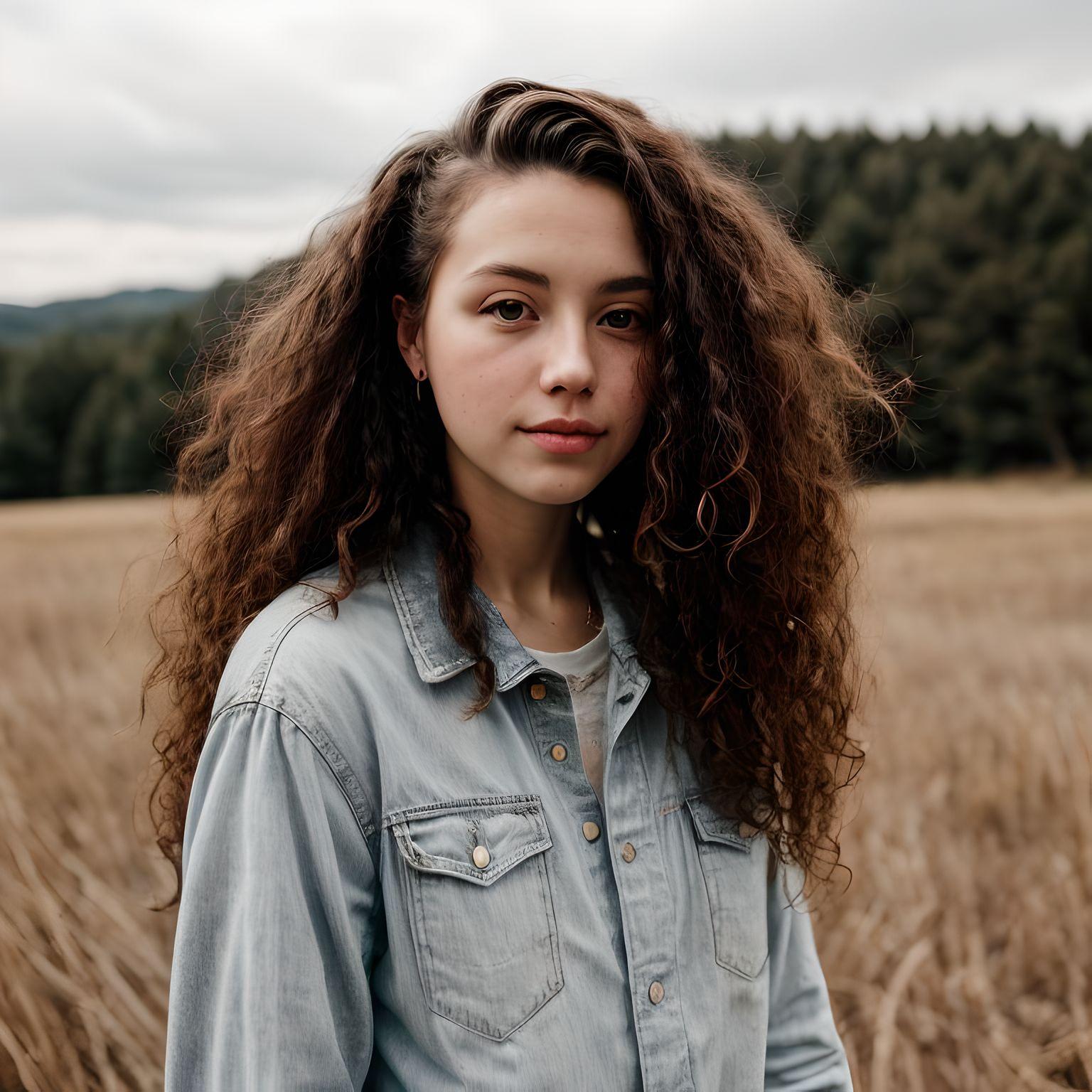
Prompt 2: Transform the uploaded portrait into a woman with curly long hair, wearing a summer dress, dreamy oil painting style, golden hour sunlight.
Tip: Swap "buzz cut" with "bob cut" or "long wavy hair" to explore more styles.
Pose & Expression
Change body posture or facial expressions for creative or professional purposes.
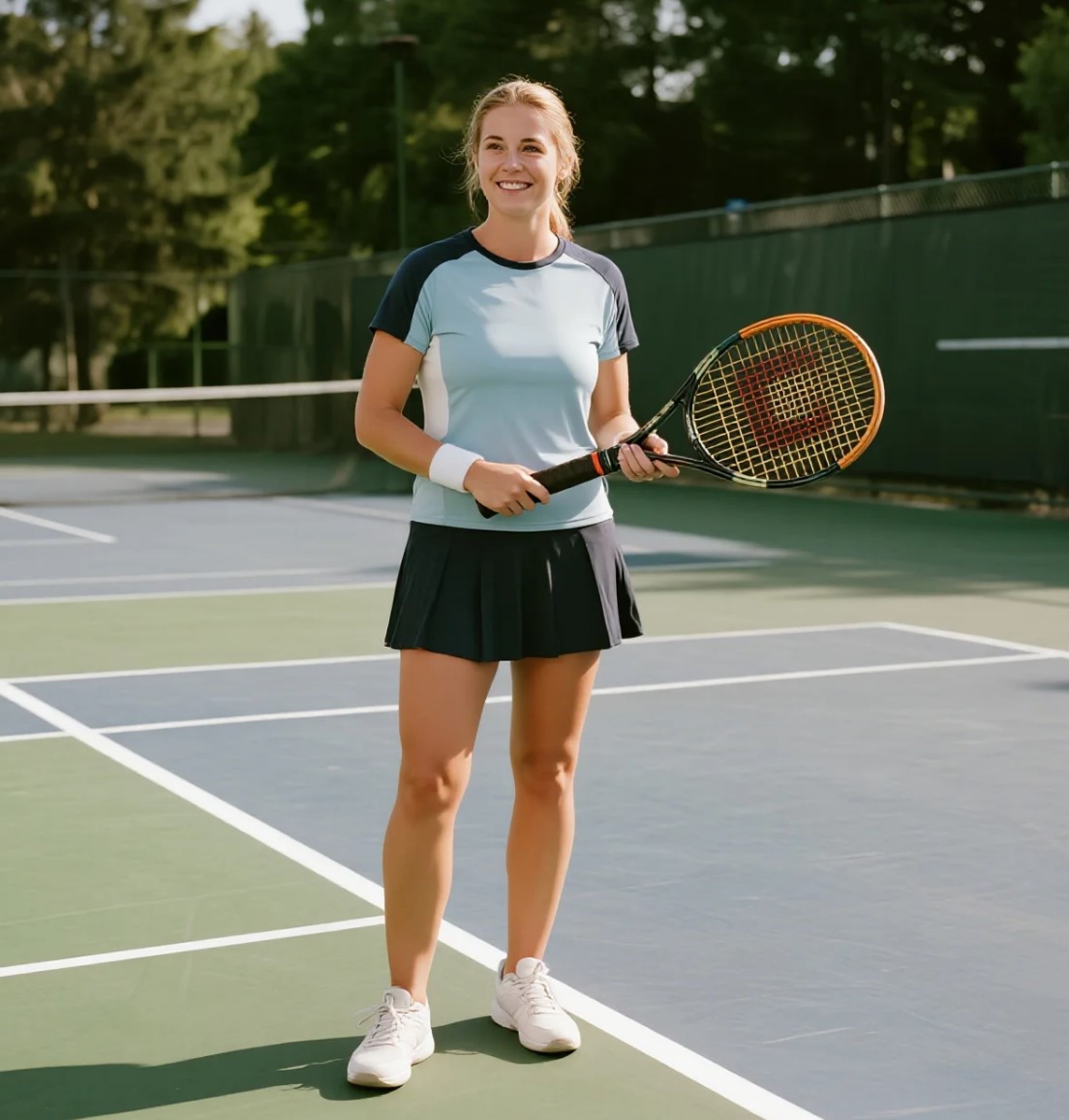
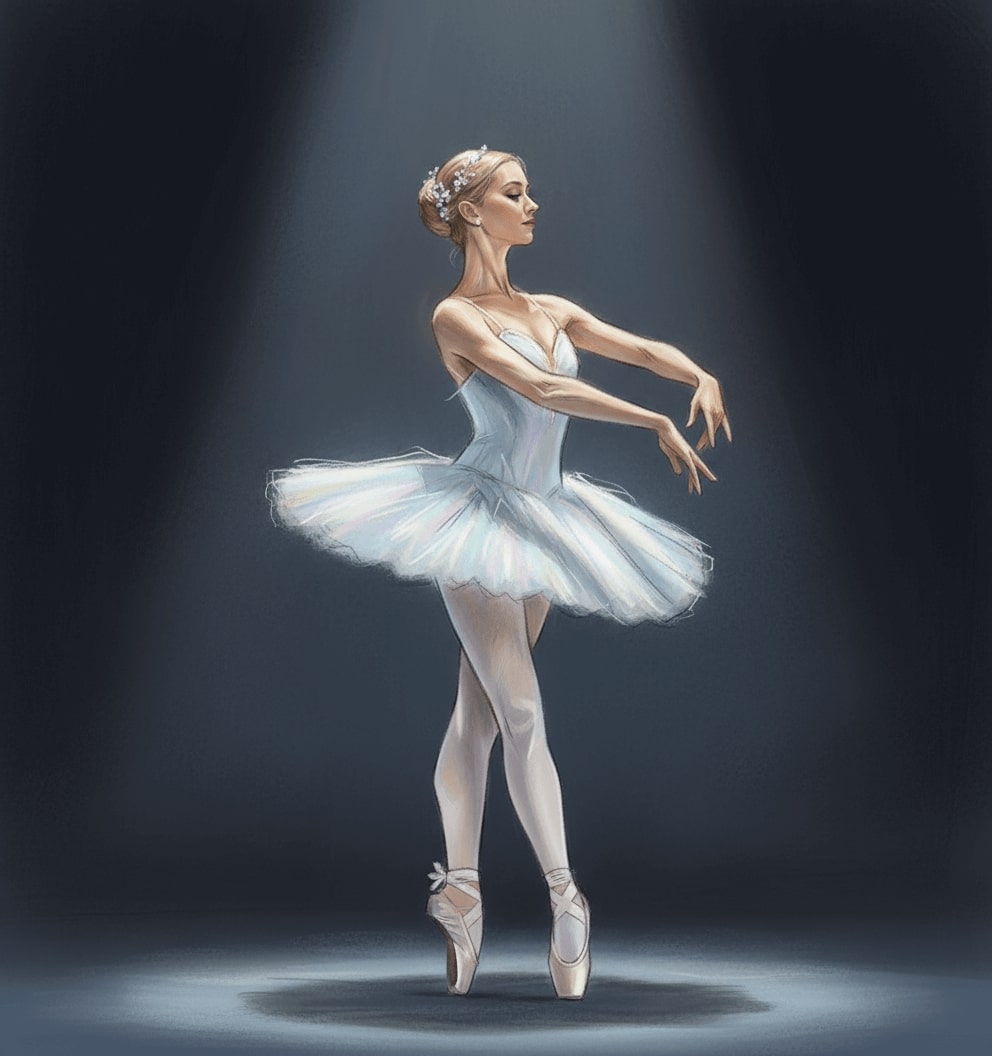
Prompt 1: Take the uploaded full-body photo and turn it into an elegant ballerina pose, painted in pastel sketch style with spotlight lighting.
Prompt 2: Use the uploaded portrait to add a cheerful, surprised expression, illustrated in cartoon comic style, clear daytime sky in the background.
Tip: Replace "elegant ballerina pose" with "yoga pose" or "superhero stance" to diversify posture.
Fashion & Virtual Try-on
Visualize different outfits, from formal dresses to trendy streetwear.
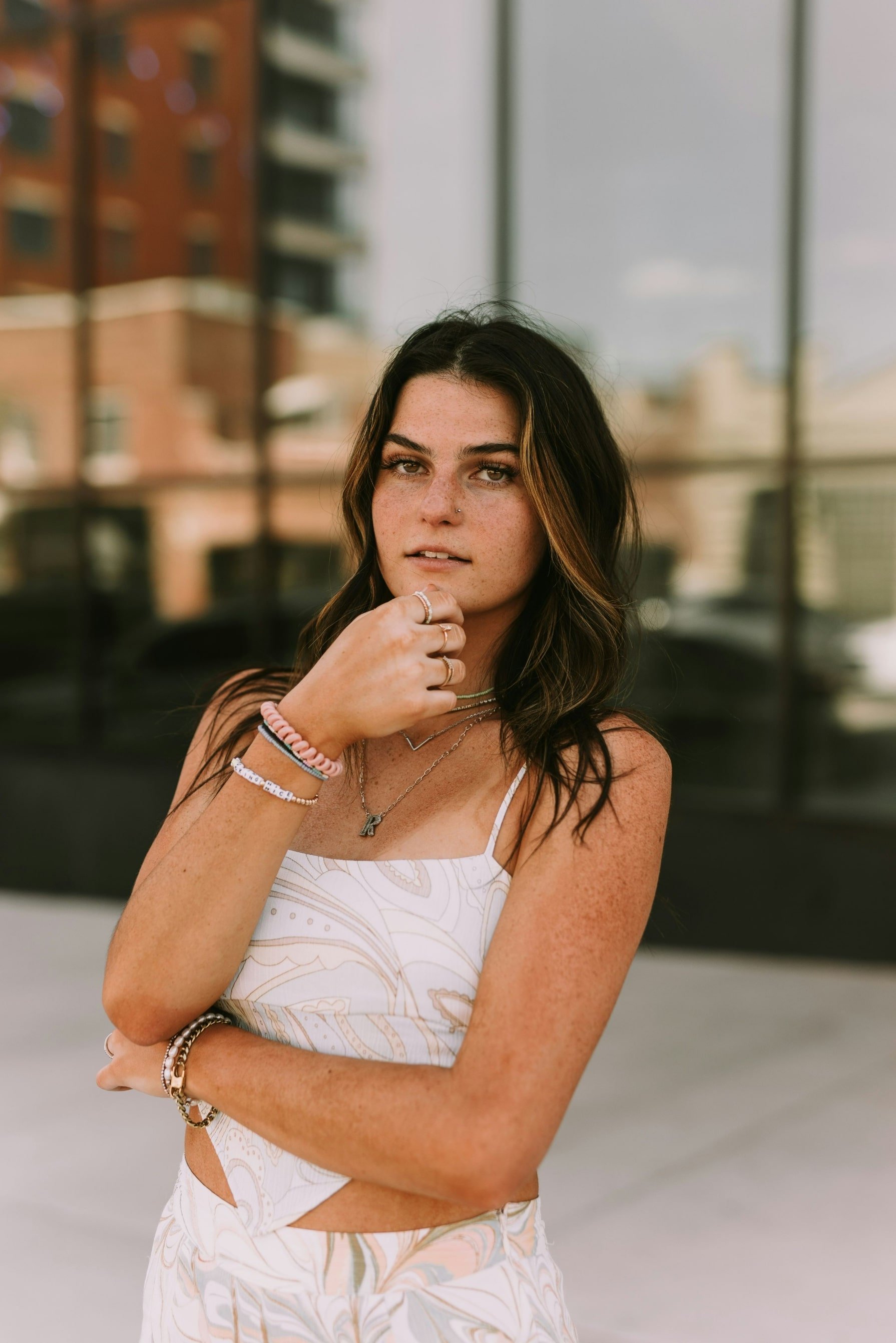
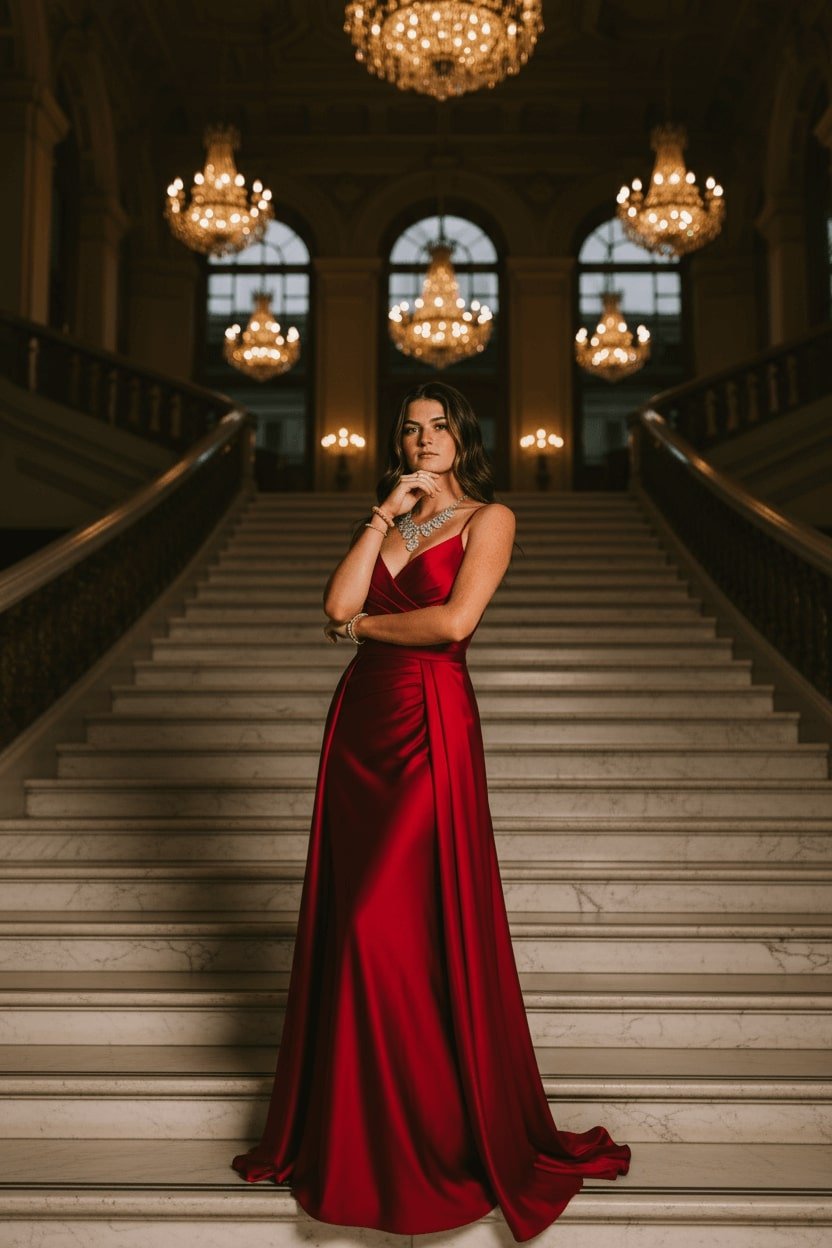
Prompt 1: Use the uploaded image to generate a model photo wearing a red evening gown and diamond necklace, standing on a marble staircase, hyper-realistic style, golden chandelier lighting.
Prompt 2: Turn the uploaded portrait into a streetwear look with sneakers and a baseball cap, urban cyberpunk background, glowing neon lights.
Tip: Replace outfit keywords like "red evening gown" with "wedding dress " or "casual hoodie" to try new looks.
Prompts for Animals
Pets as Characters
Transform your pet into fantasy or professional roles.
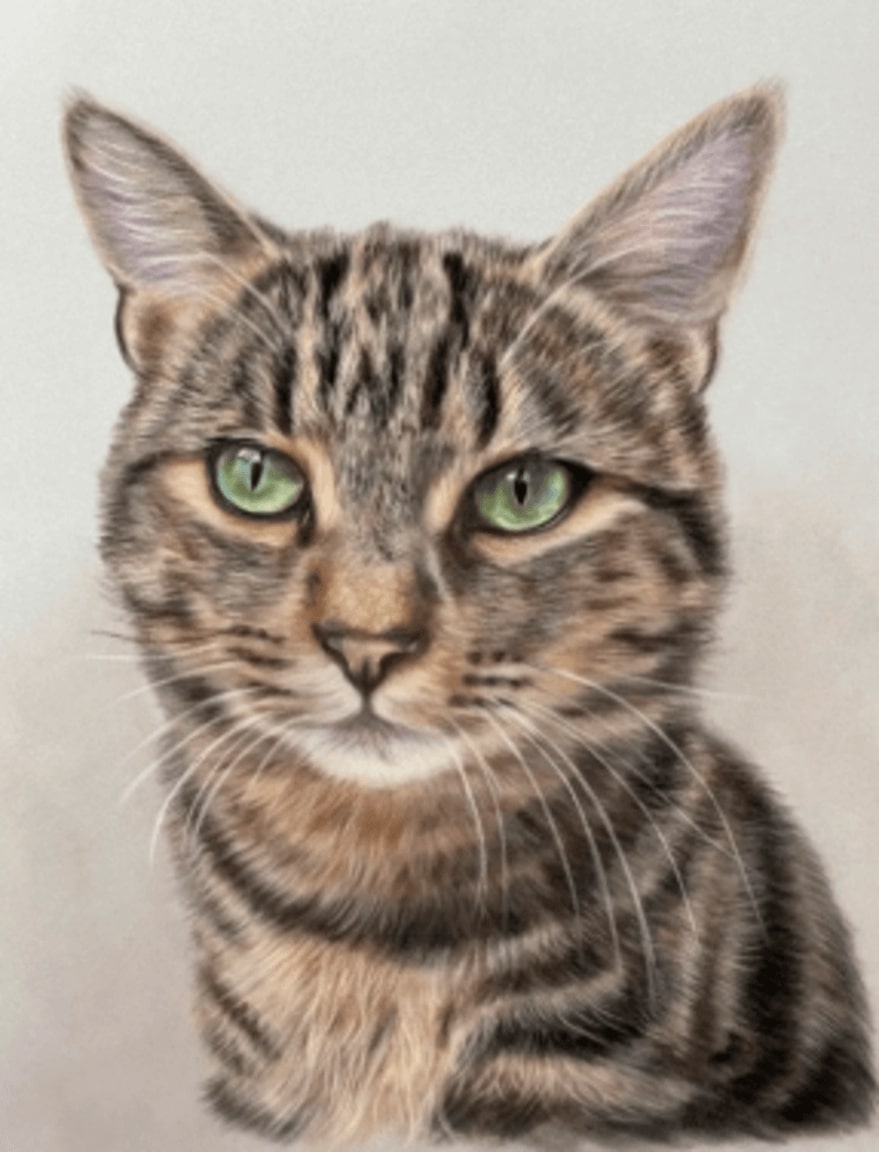
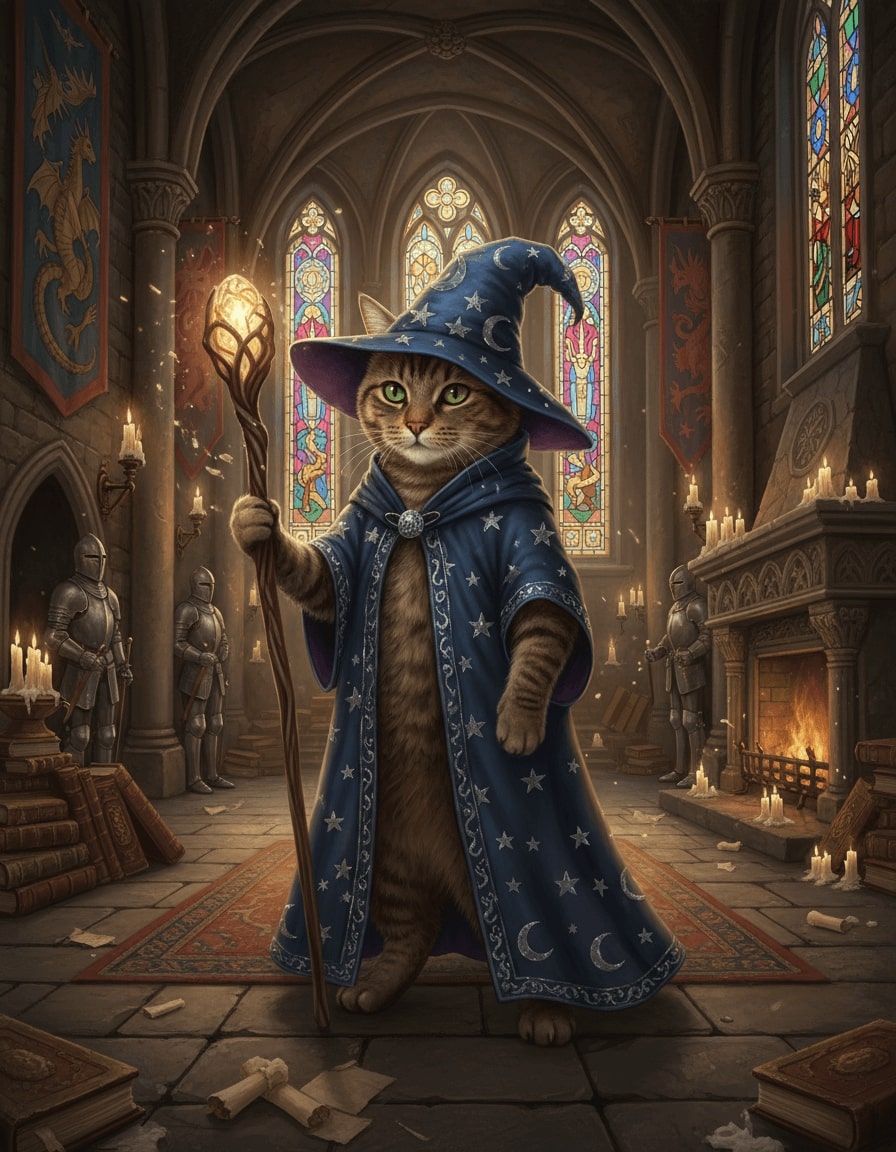
Prompt 1: Use the uploaded pet photo to turn the animal into a wizard with a magic staff, standing in a medieval castle hall, glowing candlelight, fantasy style.
Prompt 2: Transform the uploaded dog portrait into a chef wearing a hat, baking cookies in a cozy kitchen, cartoon illustration style.
Tip: Swap "wizard" for roles like "superhero" or "astronaut" for more fun.
Cute Stickers & Cartoon Style
Make your pet photo into a fun cartoon or sticker design.
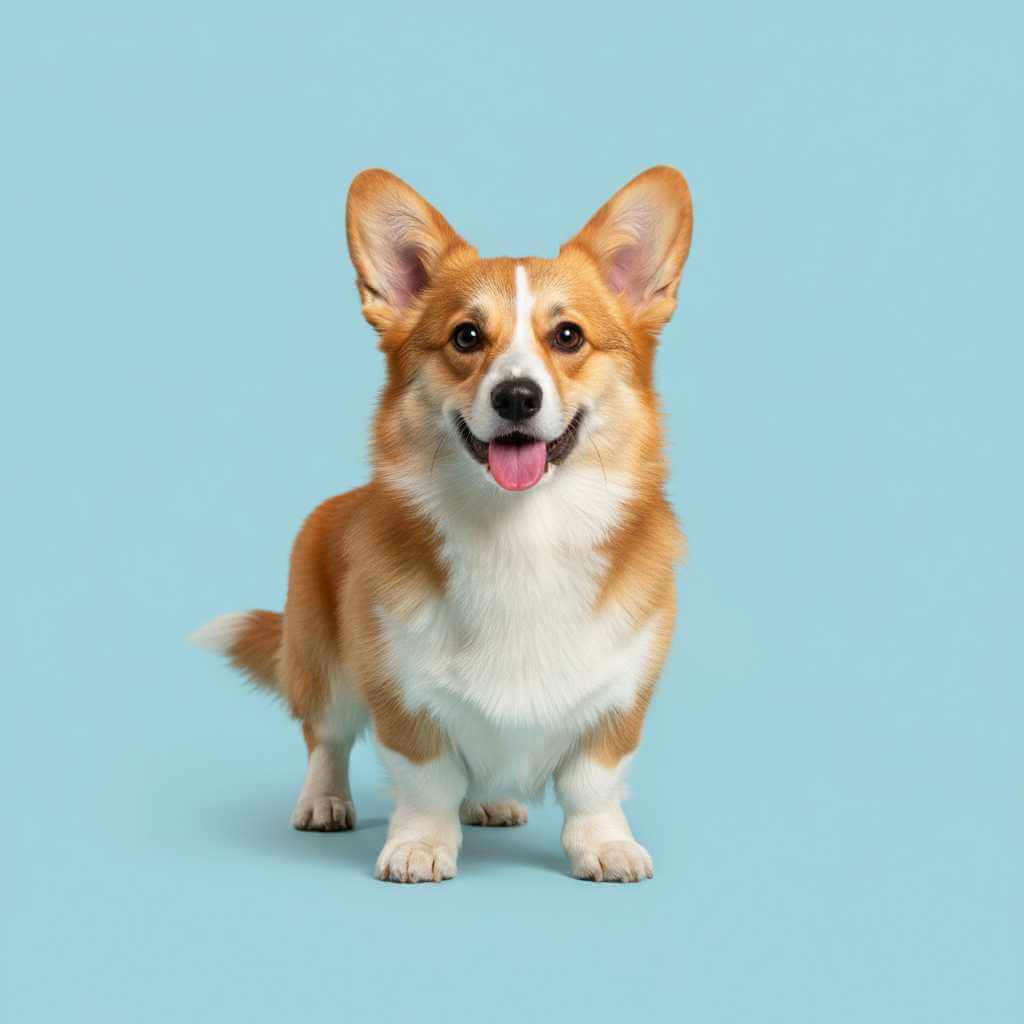
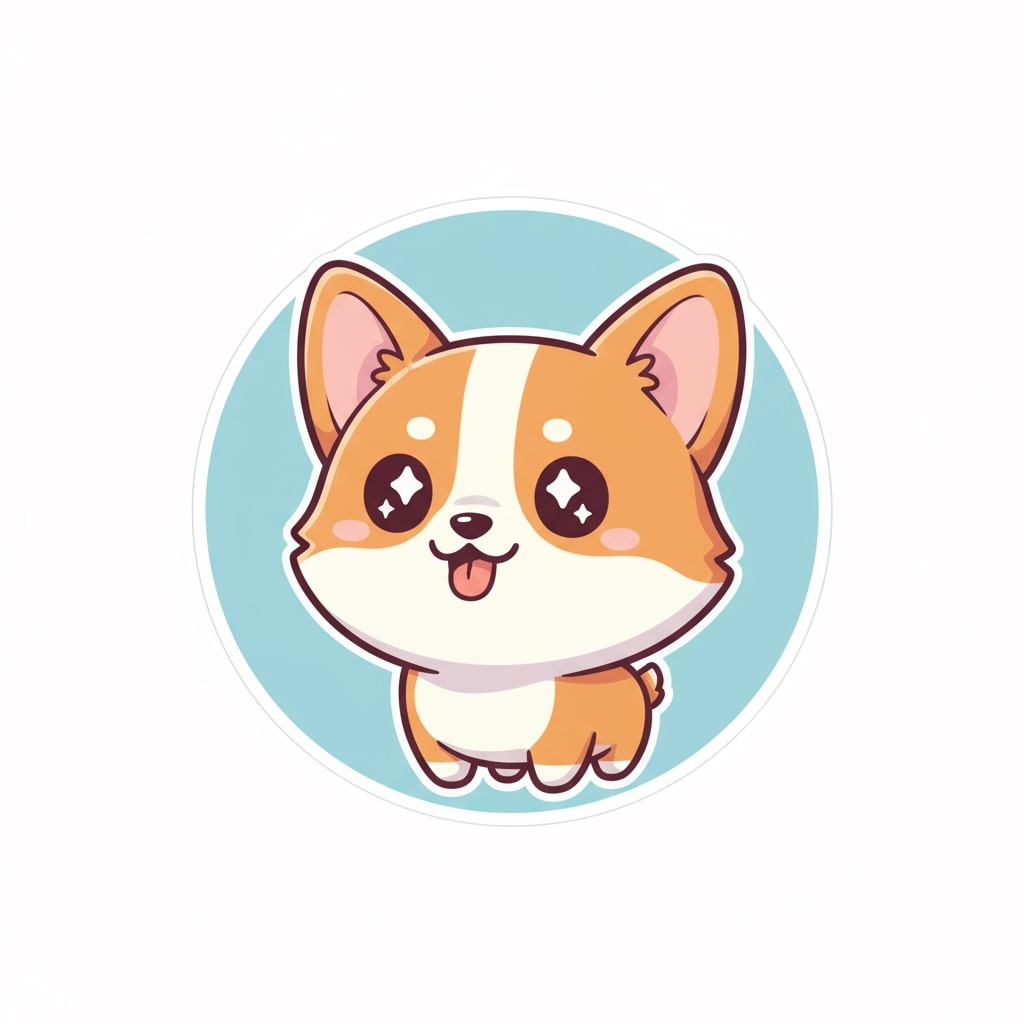
Prompt 1: Take the uploaded pet photo and redraw it as a kawaii sticker, chibi-style character with sparkling eyes, pastel colors.
Prompt 2: Use the uploaded animal photo to create a cartoon-style illustration, bright colors, cheerful expression.
Tip: Add keywords like "emoji style" or "comic panel" to create ready-to-use social media stickers.
Prompts for Still Objects
Product Showcase
Highlight your product with professional commercial visuals.
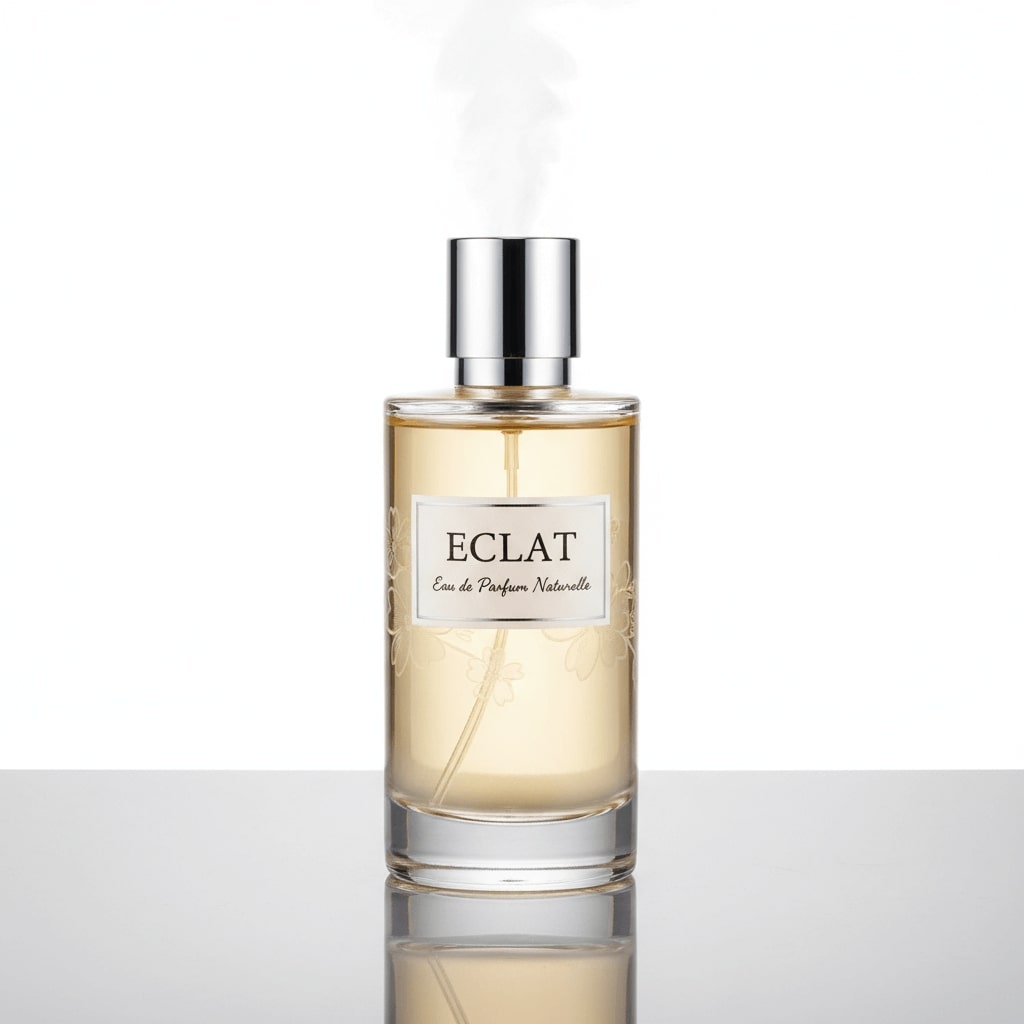
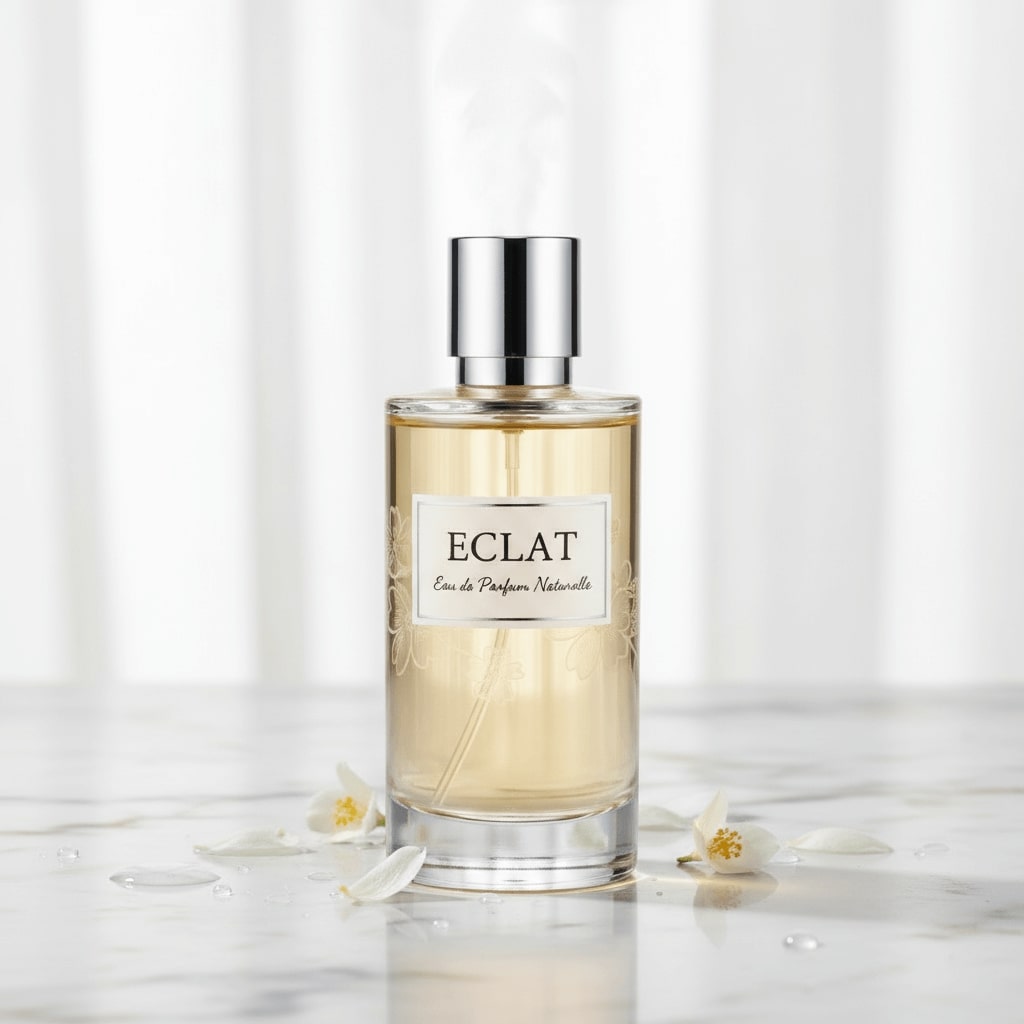
Prompt 1: Use the uploaded product photo and turn it into a luxury commercial shot on a marble table, clean studio lighting, hyper-realistic detail.
Prompt 2: Transform the uploaded sneaker photo into a futuristic product display, floating mid-air with neon glitch effects.
Tip: Change background keywords like "marble table" to "wooden desk" or "glass showcase" for different vibes.
Food & Creative Design
Turn everyday food into art or professional food photography.
Prompt 1: Take the uploaded food photo and redesign it as a surreal fantasy illustration, glowing galaxy cupcake with starlight above.
Prompt 2: Use the uploaded meal photo to make a professional restaurant-style food photograph, warm lighting, sharp textures.
Tip: Add adjectives like "gourmet", "Instagram-ready", or "minimalist" to refine the style.
Prompts for Backgrounds & Environments
Urban & Street Scene
Add city atmosphere or stylized street scenes.
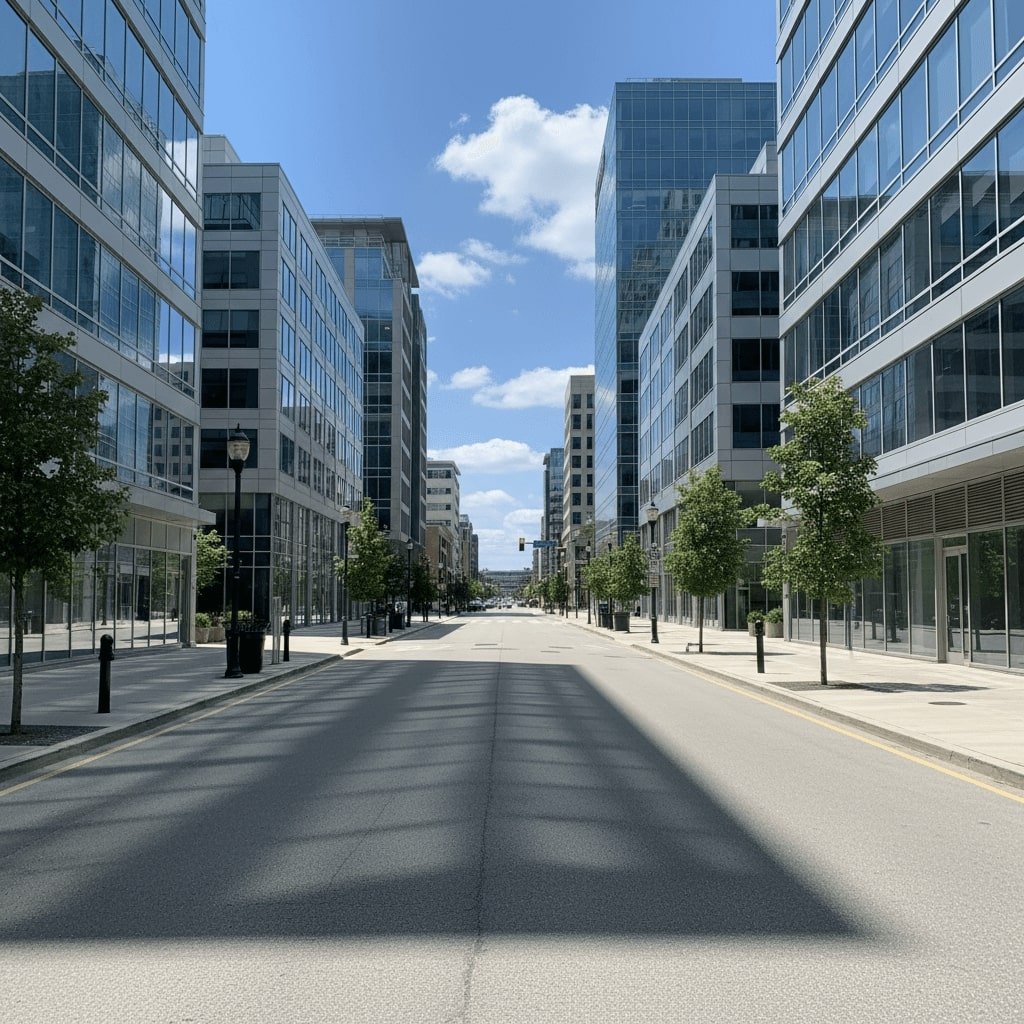
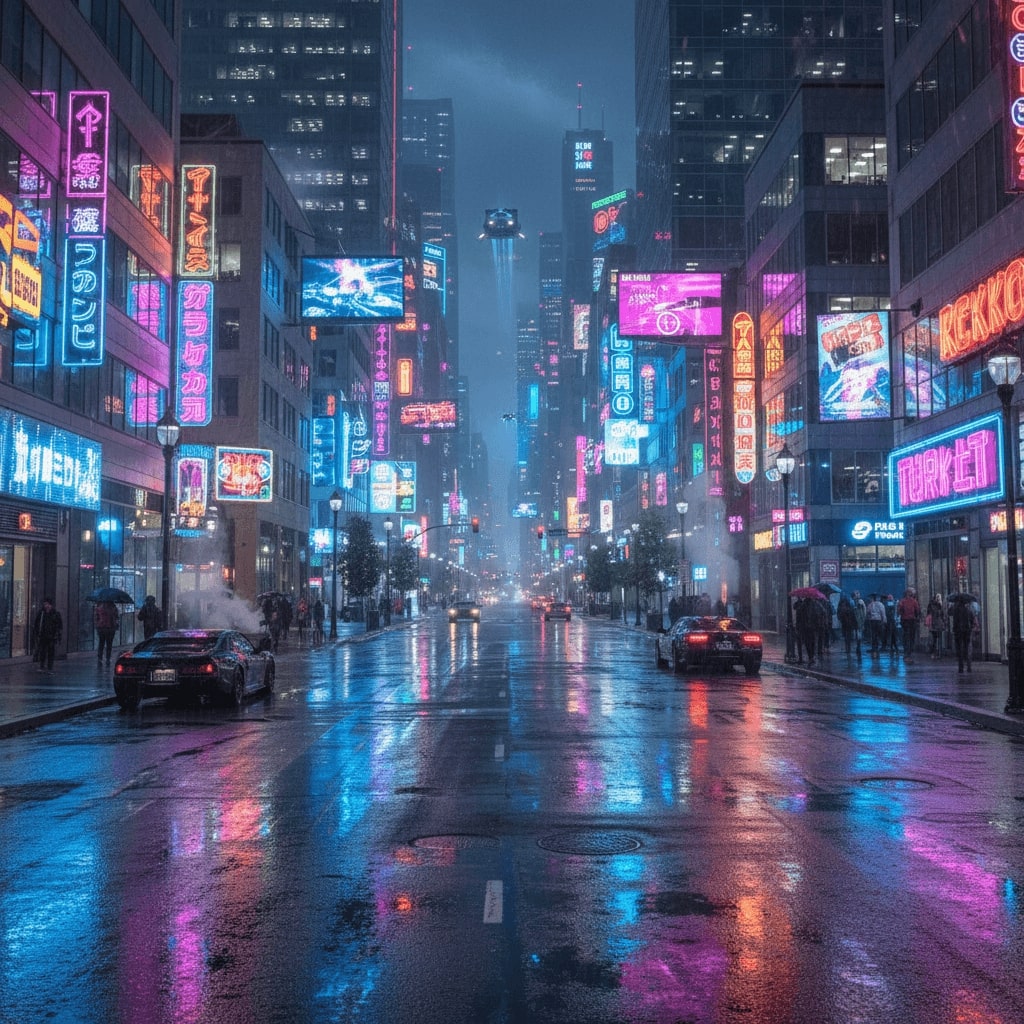
Prompt 1: Use the uploaded picture to generate a cyberpunk city street at night, neon reflections, cinematic atmosphere.
Prompt 2: Transform the uploaded outdoor photo into a cozy European café illustration, watercolor style, warm lantern glow.
Tip: Replace "cyberpunk" with "steampunk" or "futuristic sci-fi" for genre variation.
Interior Design & Furniture
Redesign room photos with different decoration styles.
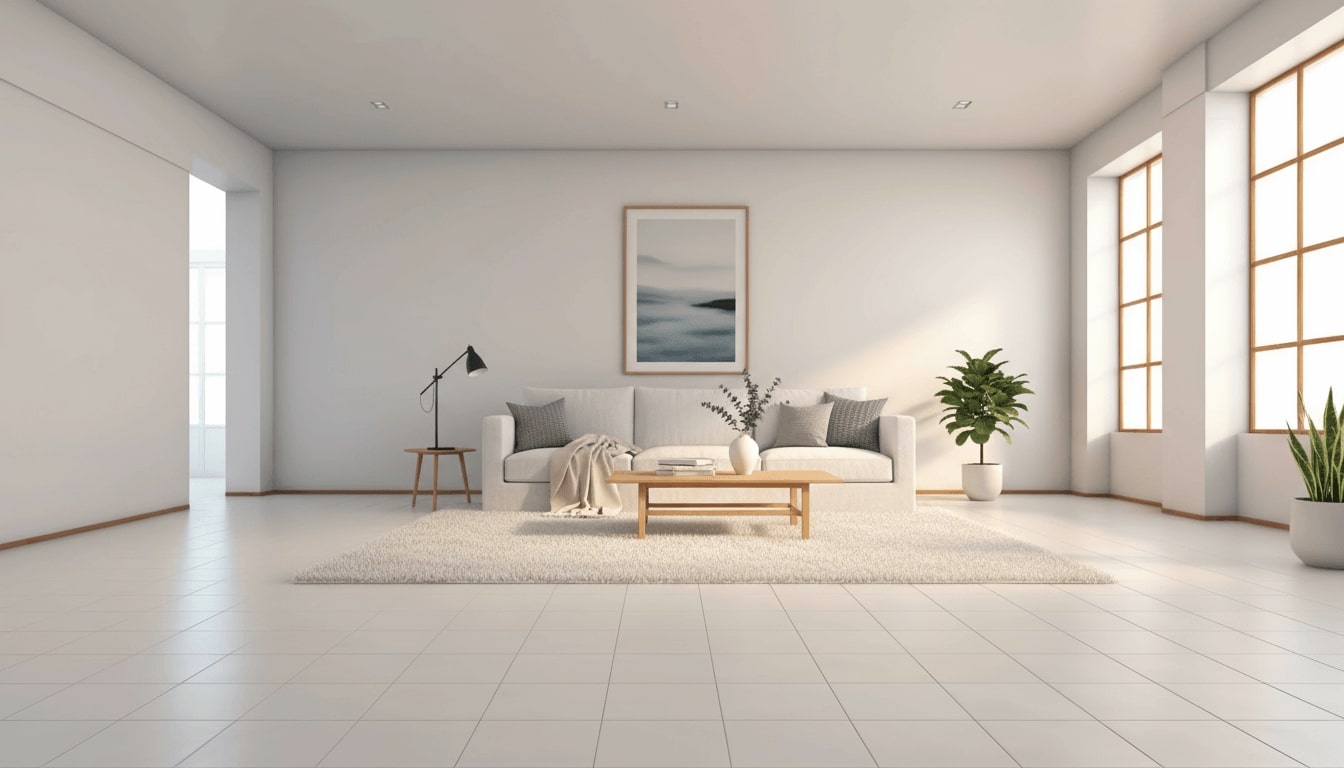
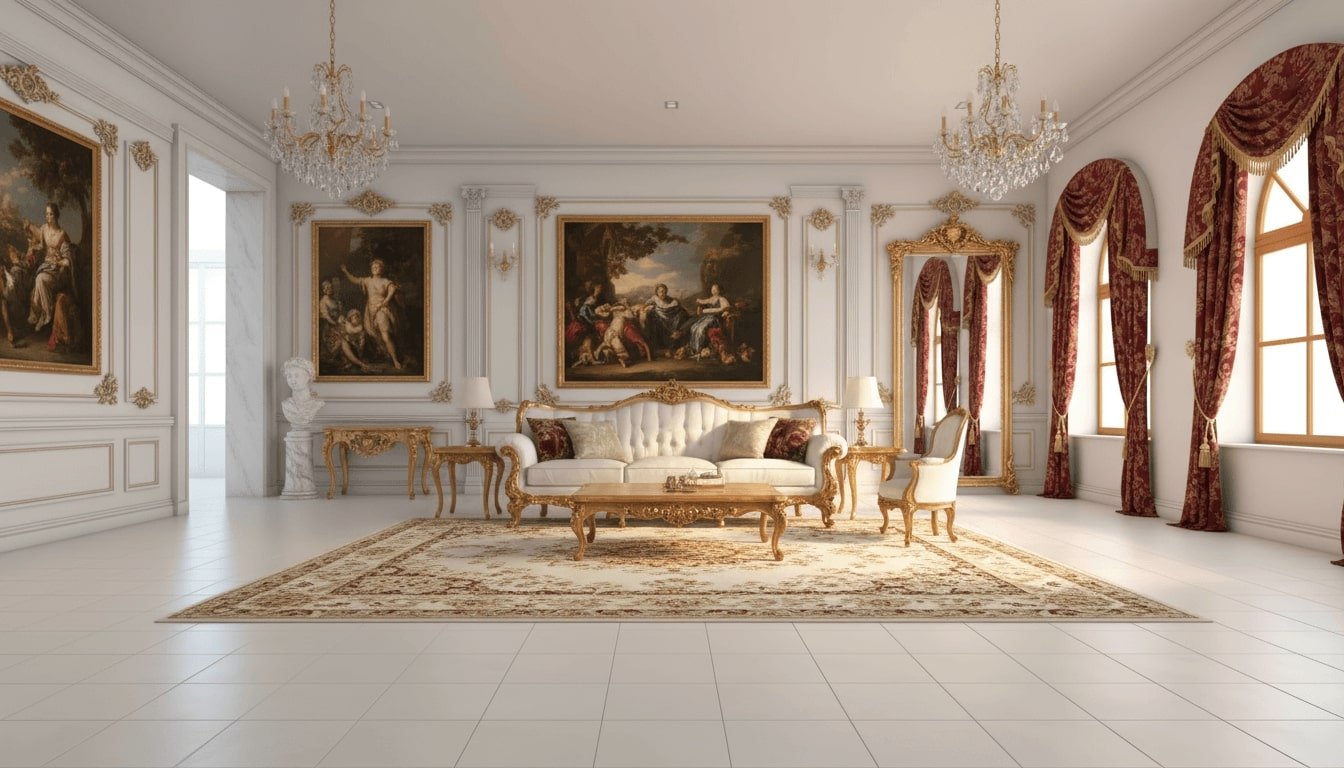
Prompt 1: Use the uploaded room photo to redesign it in luxury baroque style, white sofa, wooden table, photorealistic 3D render.
Prompt 2: Transform the uploaded room image into a cozy anime-style bedroom, pastel walls, warm sunset glow.
Tip: Try design terms like "minimalist Japanese" or "Scandinavian" to explore styles.
Note: These prompts are written both for image-to-image generation, just upload your photo and paste the prompt. However, if you don't have image, you can adjust the following prompts to use text-to-image. For example, replace "use the uploaded photo to..." with "generate a photo of..."
Conclusion
Good AI image prompts are the bridge between your imagination and a high-quality AI output. Therefore, learning how to compose a precise prompt is extremely essential generating images that truly meet your needs. Now, use the pre-made prompts above or craft your own with the right structure and formula to unlock new creative possibilities and enjoyable experiments.