
PDF to Video
Convert PDF to video with AI avatars, voiceovers, and automatic subtitles. Transform complex ebooks, reports, and whitepapers into visual stories in seconds.


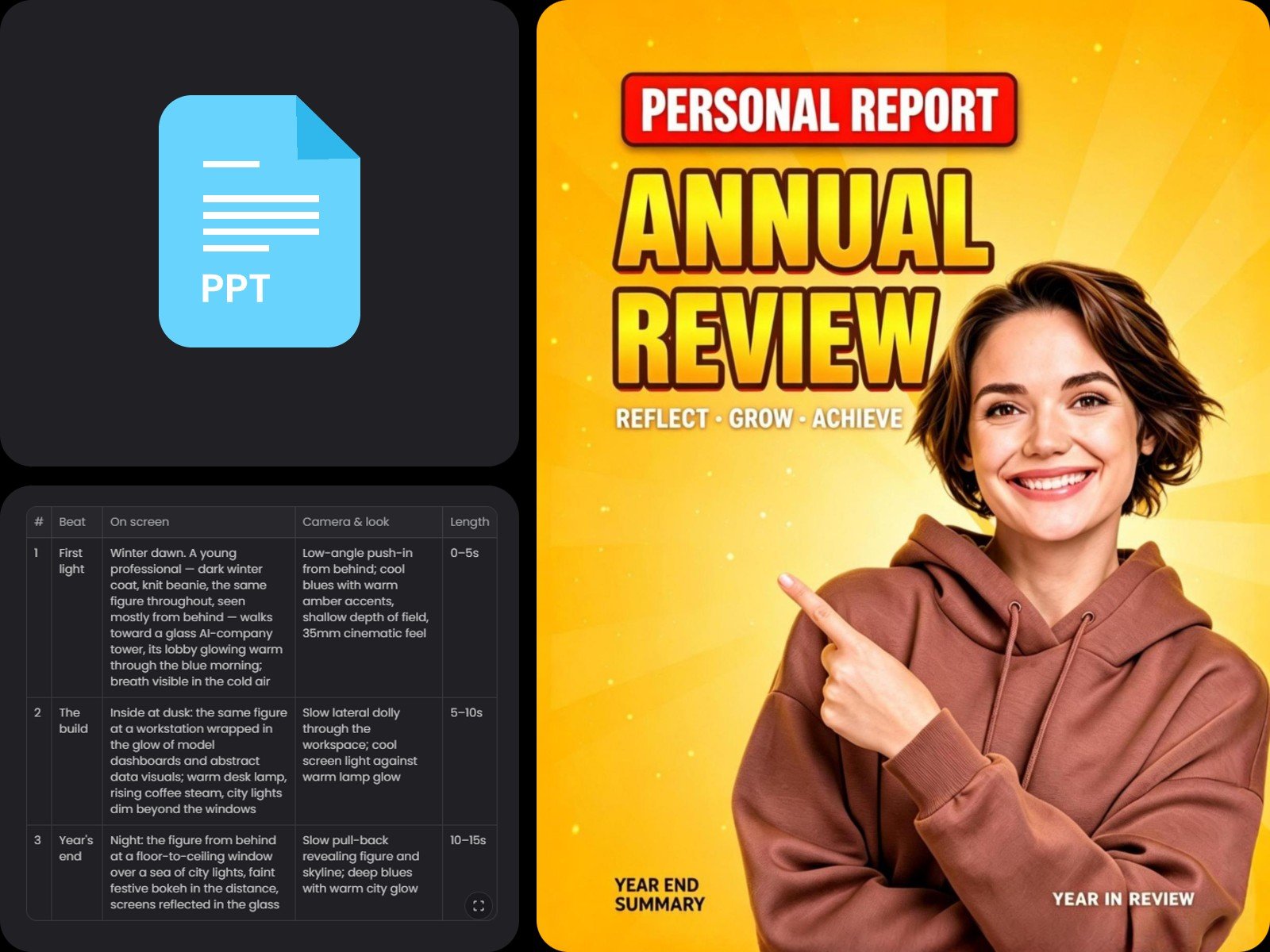
Convert PPT to a video with audio, a talking avatar, subtitles, and animations with Fotor. Bring your presentations to life to engage audiences and convey information more effectively with our PPTX to video AI. Ideal for data reports, product showcases, pitch decks, and educational content.
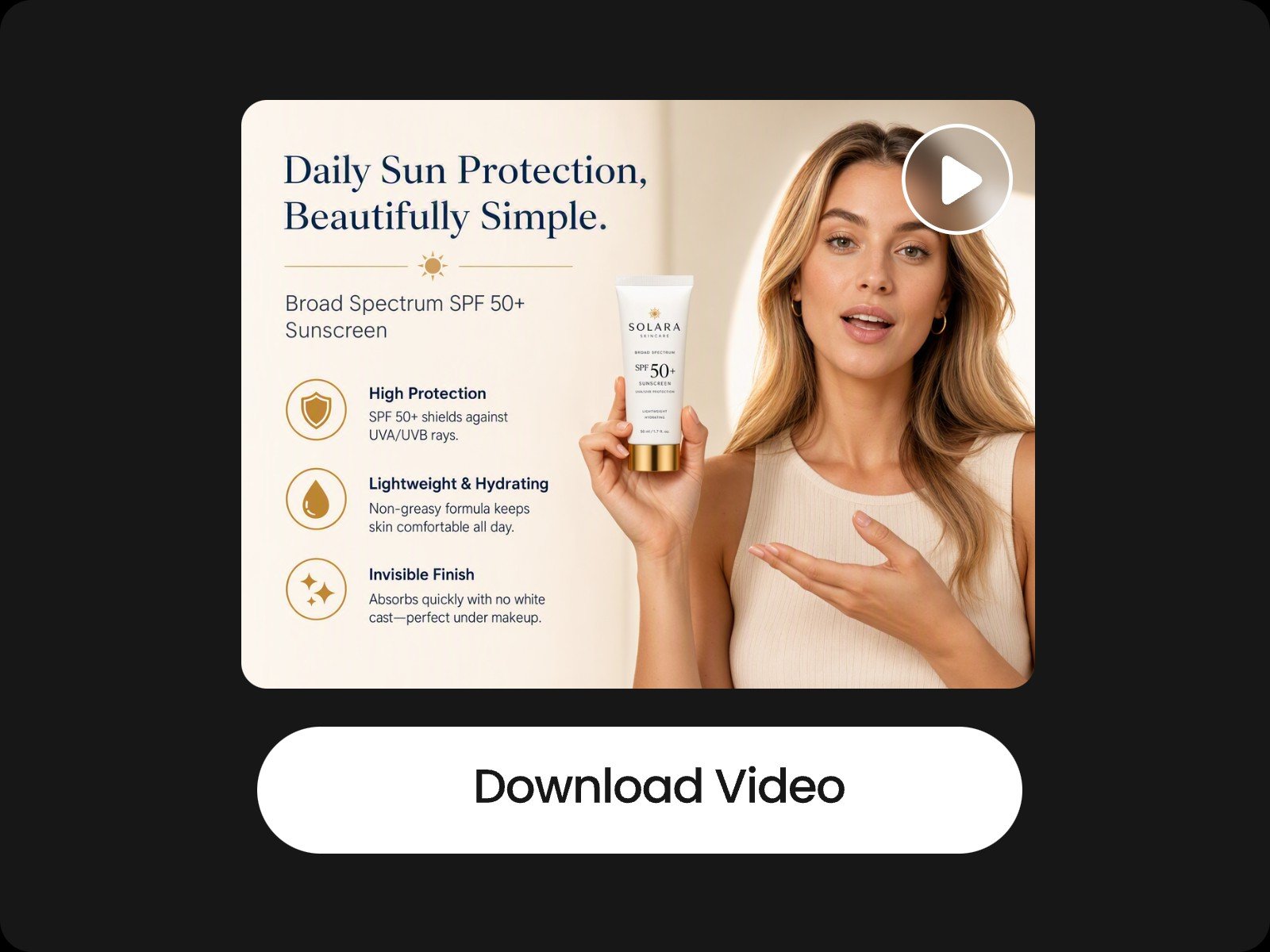
Upload your PPT, enter a brief prompt, and our PPT to video converter creates a video featuring an AI presenter delivering your slides. You can easily customize the avatar's appearance and voice tone with simple text prompts.
Instead of spending hours recording presentation videos in person, use Fotor's PPT to video AI to create high-quality, ready-to-share videos in minutes.
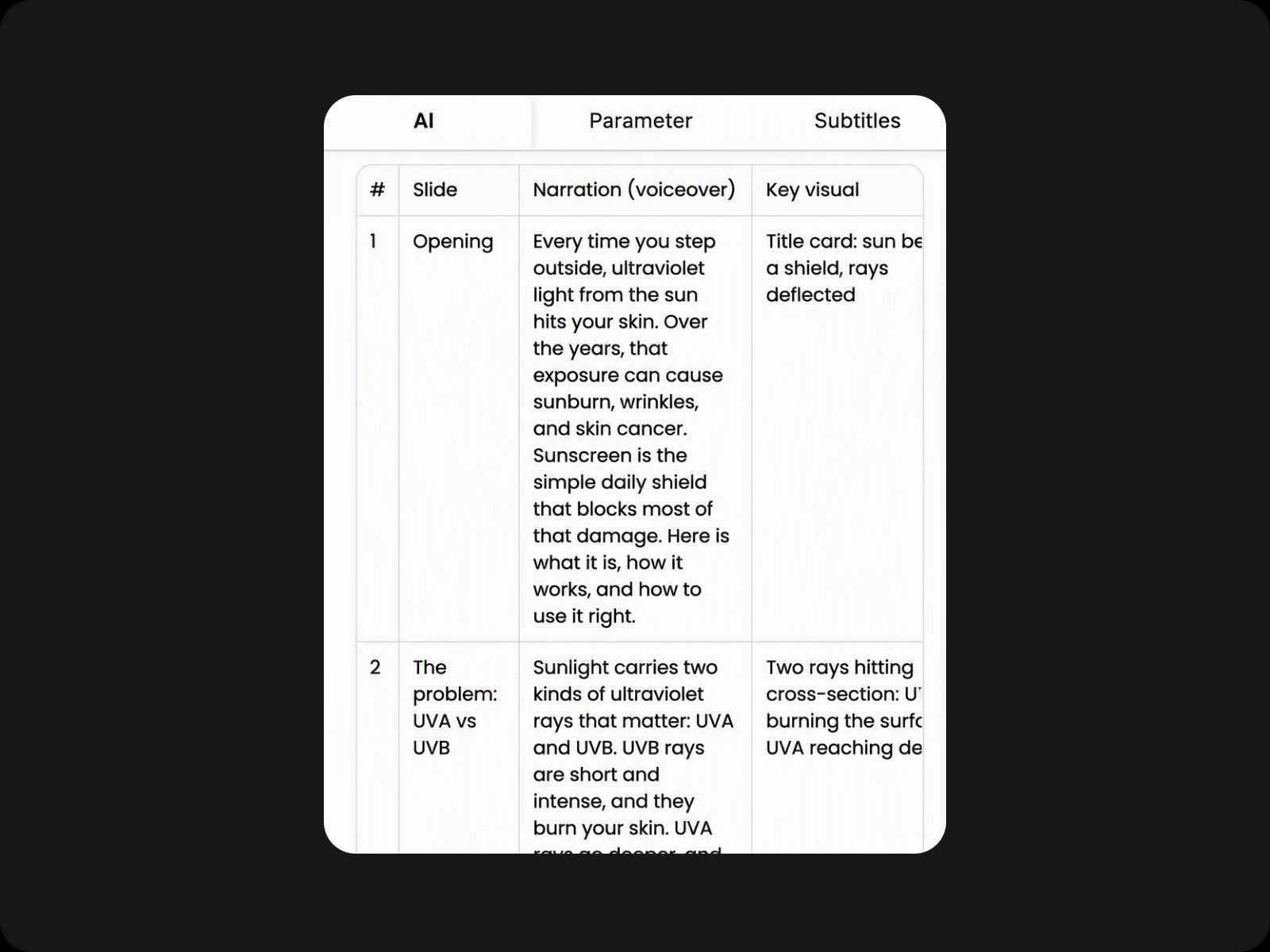
Instead of static, silent slides, your generated video includes natural-sounding voiceovers and synchronized subtitles. Our PPT to video converter AI analyzes your slides to write the presentation script automatically, no manual writing required.
To save your credits, the PowerPoint into video AI requests your approval on the script before generating the final audio. You can edit the text directly on the dashboard or prompt the AI to rewrite specific sections.
An AI presenter is optional. If you simply want to enhance your slides with motion graphics, our PowerPoint to video converter can also help you.
The AI can convert PPT into video with animations and transitions intelligently tailored for your slides. So you don't have to spend time testing PPT motion templates before you find one that truly suits your content.
Convert PPTX into video with full creative control. Feel free to customize anything, including the video duration, pacing, subtitle patterns, AI avatars, AI voiceovers, and more. You just need to act like a director, giving ideas and let our AI do the heavy lifting.
For detailed edits, use the multi-track timeline to drag and trim individual elements manually. You can also select a specific clip and prompt the AI to regenerate only that segment without re-rendering the entire video.
Convert PPT to an infographic video with audio, a talking avatar, subtitles, and smooth animations. Bring static slides to life, engage audiences, and convey complex ideas effectively. It is ideal for corporate data reports, product showcases, and startup pitch decks.
Convert PDF to video with AI avatars, voiceovers, and automatic subtitles. Transform complex ebooks, reports, and whitepapers into visual stories in seconds.
Turn a raw script to video complete with automatically generated scenes, voiceovers, and background music for making talking head videos, UGCs, or movies.
Transform audio to video to create podcasts, faceless videos, and audiograms. An ideal way to produce, publish, or even monetize content without going on camera.
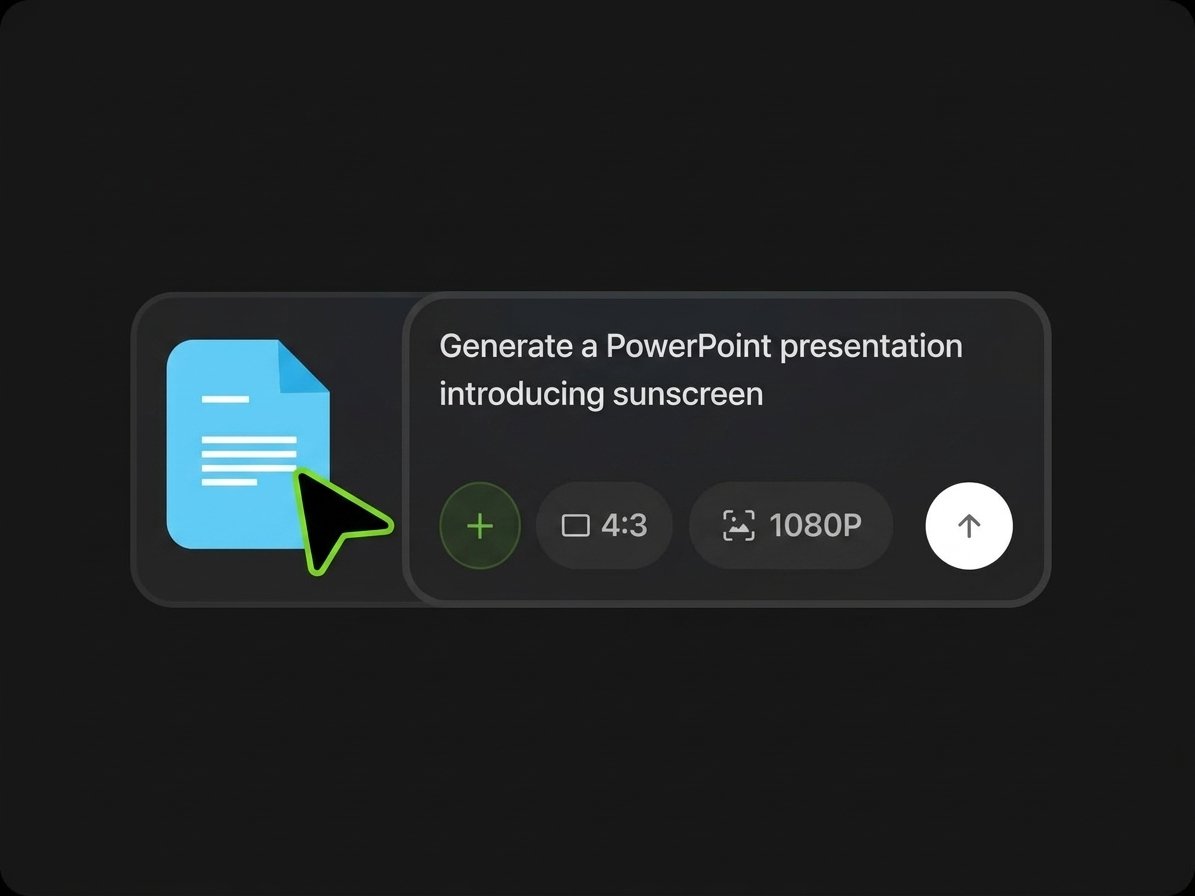
Upload a PPT file to Fotor, select the aspect ratio and resolution, enter your instructions in a text prompt, and click "Generate" to start the AI analysis.
Yes. Your data is protected with enterprise-grade security and will never be shared with any third parties.
You can customize virtually every element using text prompts, including video duration, pacing, AI presenters, tone of voice, subtitle styles, fonts, transitions, layouts, and more.
Yes. Our AI acts as your assistant and understands natural language, so simply describe what you need and let the AI handle the rest.
Yes. Simply describe your requirements in a simple text prompt. Our PPT to video converter will analyze the content and generate a text outline. Once you approve it, the AI will create new storyboards as visual assets and compile them into a complete video.
This may happen because our AI is designed to pause for user confirmation during complex processing. Simply request the AI to generate the audio and subtitles, and it will proceed immediately.
Yes. Videos created with Fotor's PPT to video converter are royalty-free and approved for commercial use. However, please ensure you hold the rights to all original assets you upload.
Yes. You can upload various types of reference files to guide the AI, including images, videos, audio tracks, Word documents, Excel sheets, and PDFs.
Yes. You can upload a talking-head video of yourself to our PPT to video converter and prompt the AI to remove the background or crop it into a circular frame. Place it on your slides, and the final video will feature you delivering the presentation.
Yes. Click the "Export" button on the dashboard, select "Audio," and you can download the file in MP3 format.