

Script to Video AI with Voiceovers & Subtitles
Turn any script into a polished video with Fotor's script to video AI. Enjoy automatic voiceovers and subtitles, and no more worrying about being on camera. Input your script as text, a file, or a link, and let our AI script to video generator handle the rest.
Examples of Our Script to Video Maker
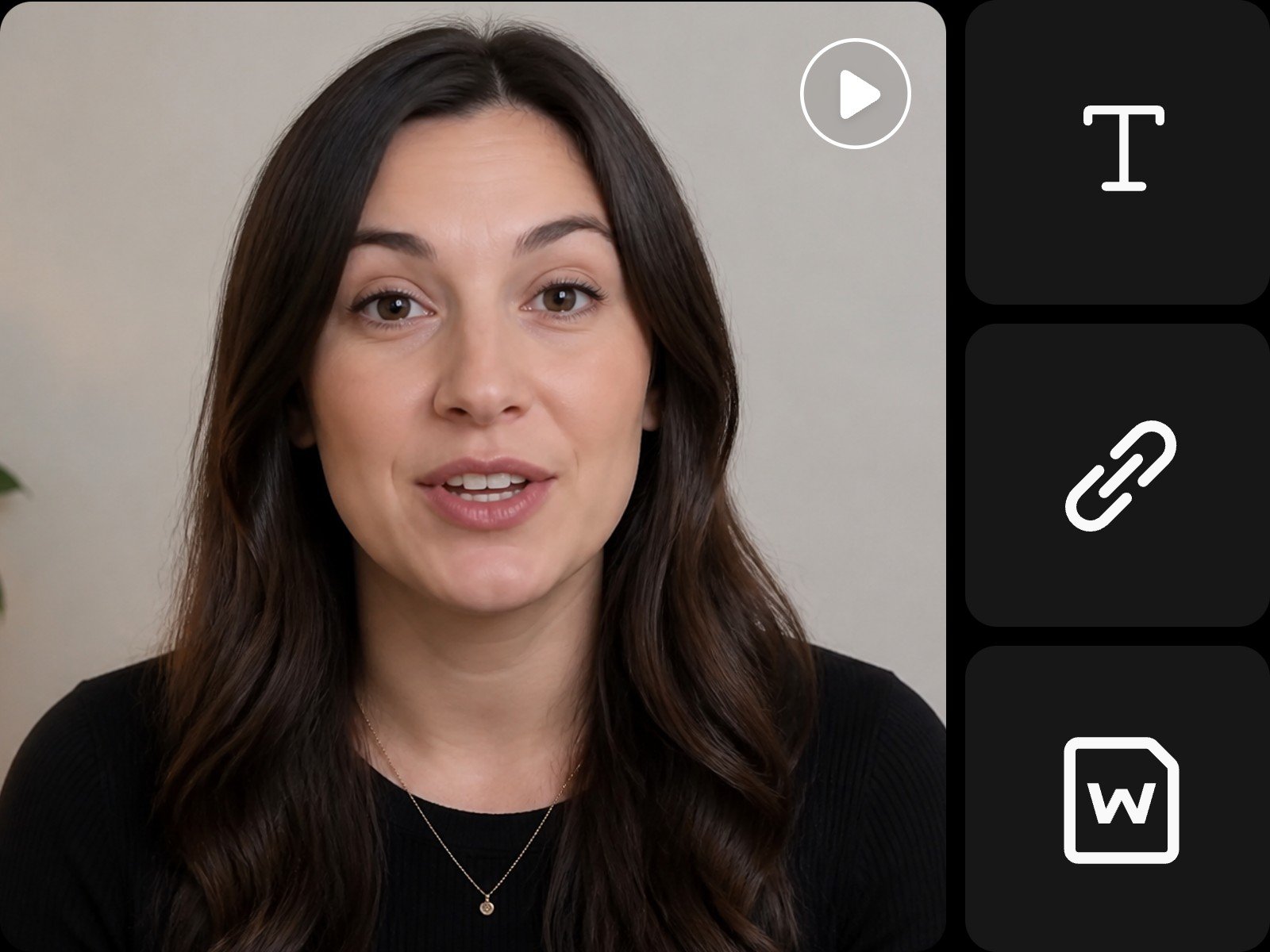
Script to Video Generator That Anyone Can Use
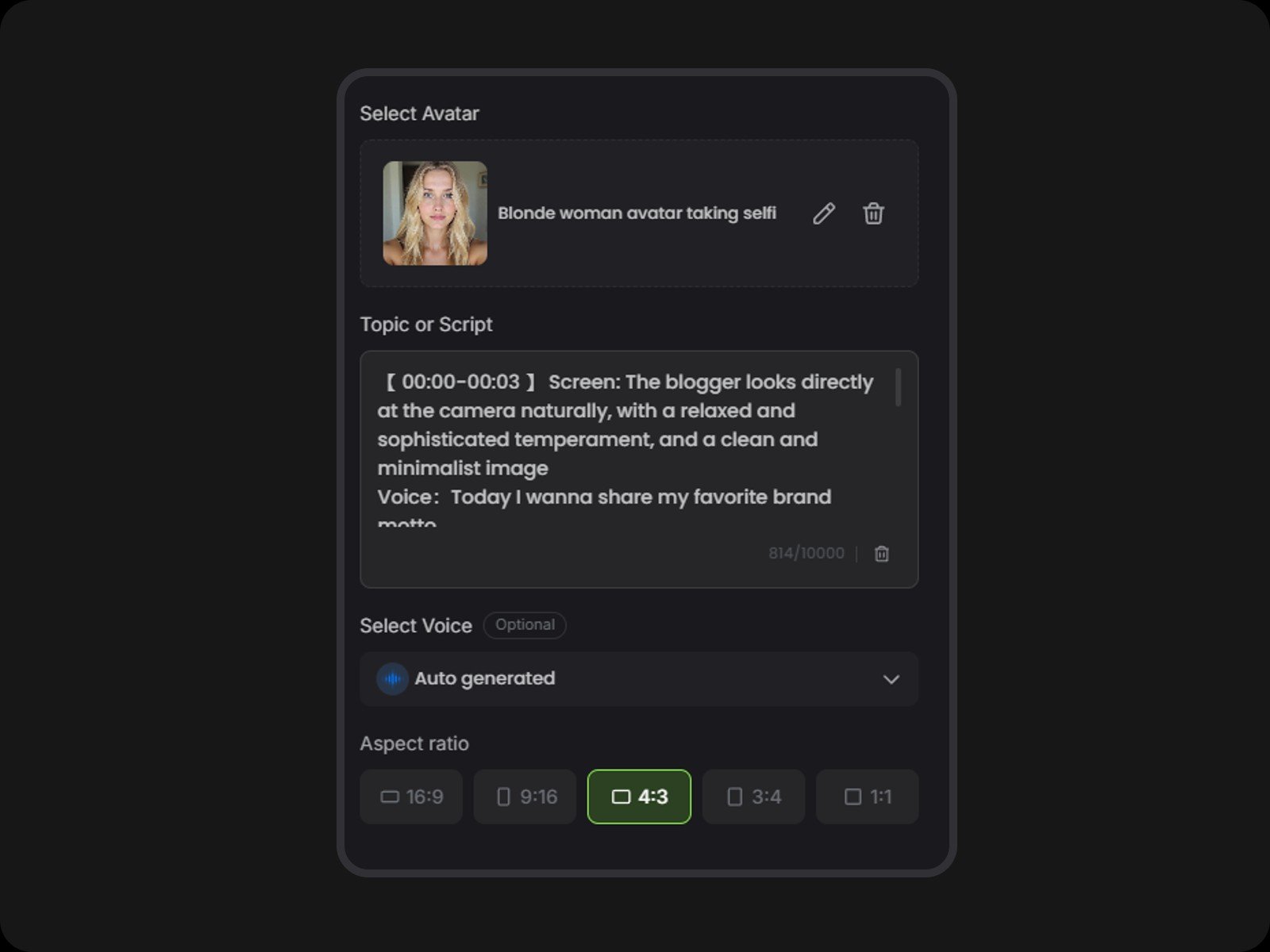
Enter your script, pick a preset avatar or upload your own, then let Fotor convert your script to video in minutes. Our advanced engine gives each avatar natural facial expressions and a lively AI voiceover.
What makes our AI script to video generator unique is that it supports multiple inputs, including text, Word, TXT, and PDF files, and links like a Google Doc. Pasting long text can strip headings and structure, but uploading a file keeps that formatting intact.
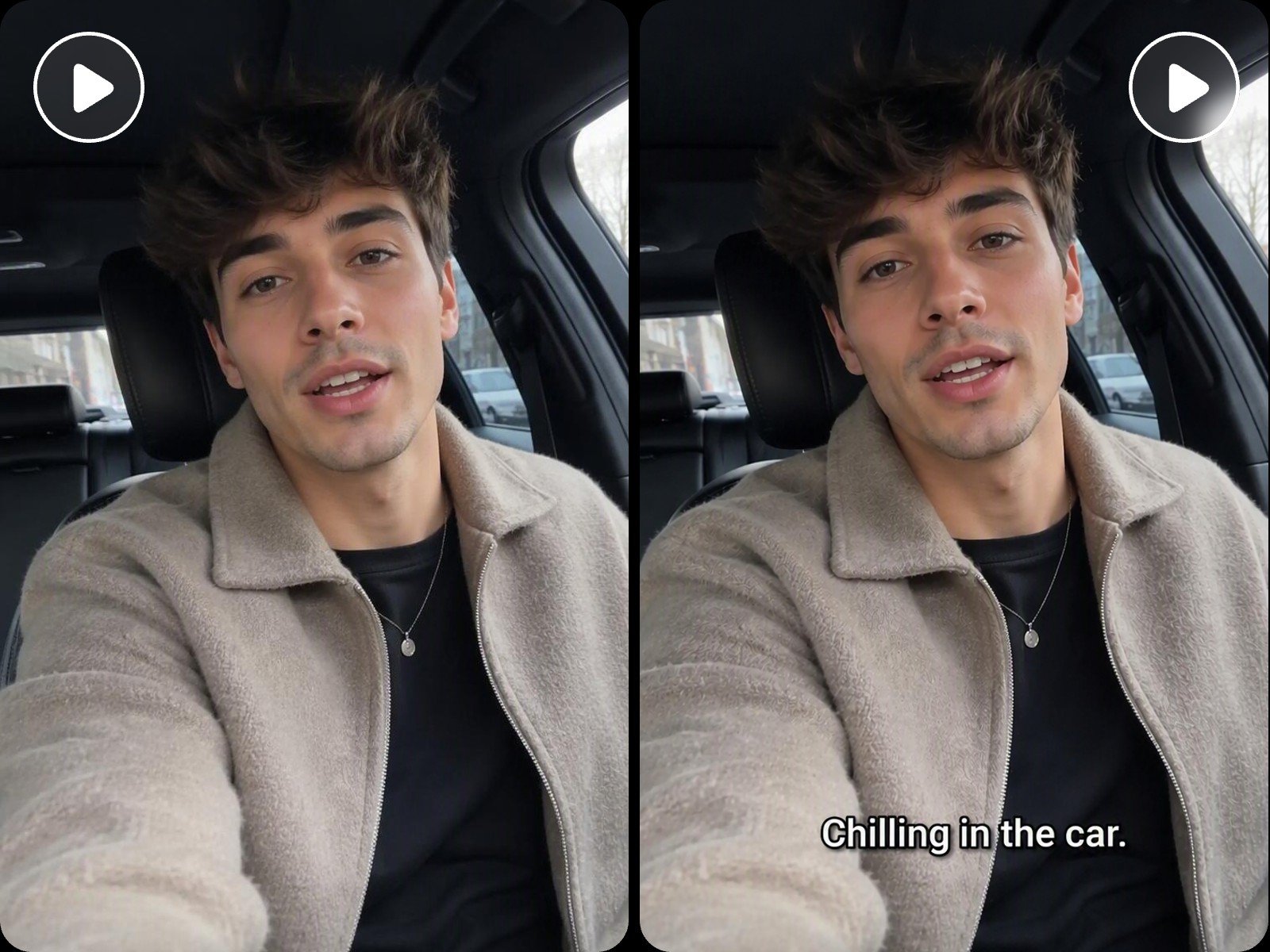
From Script to Videos with AI Voiceovers & Auto Subtitles
Based on your input script, our AI generates voiceovers, narration, subtitles, or background music, all synced to the video. This script to video AI generator also lets you customize the tone of voice and subtitle style.
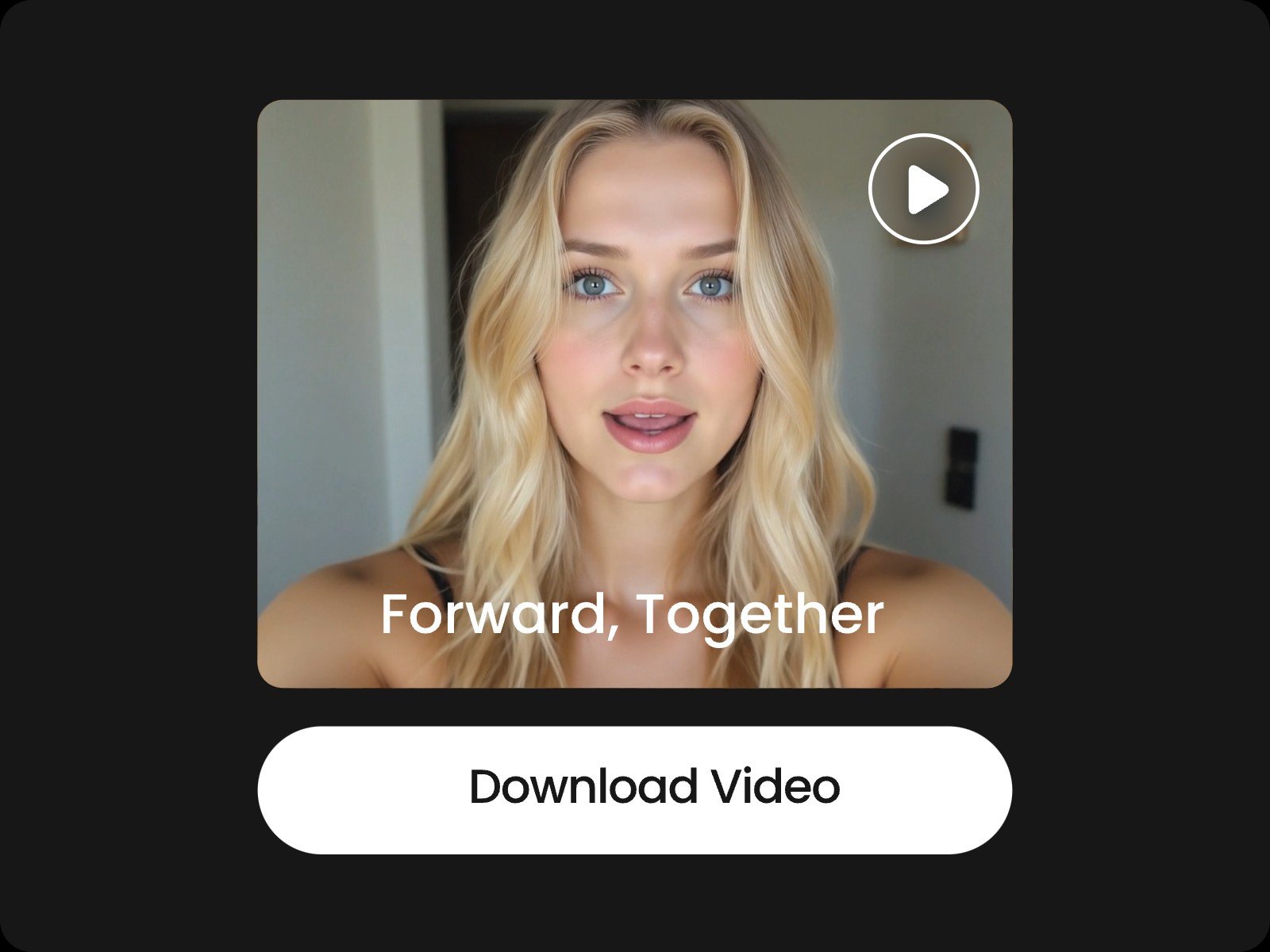
The finished video is ready to use, saving you hours of recording voiceover and typing subtitles by hand. Create video from script in one place on Fotor.
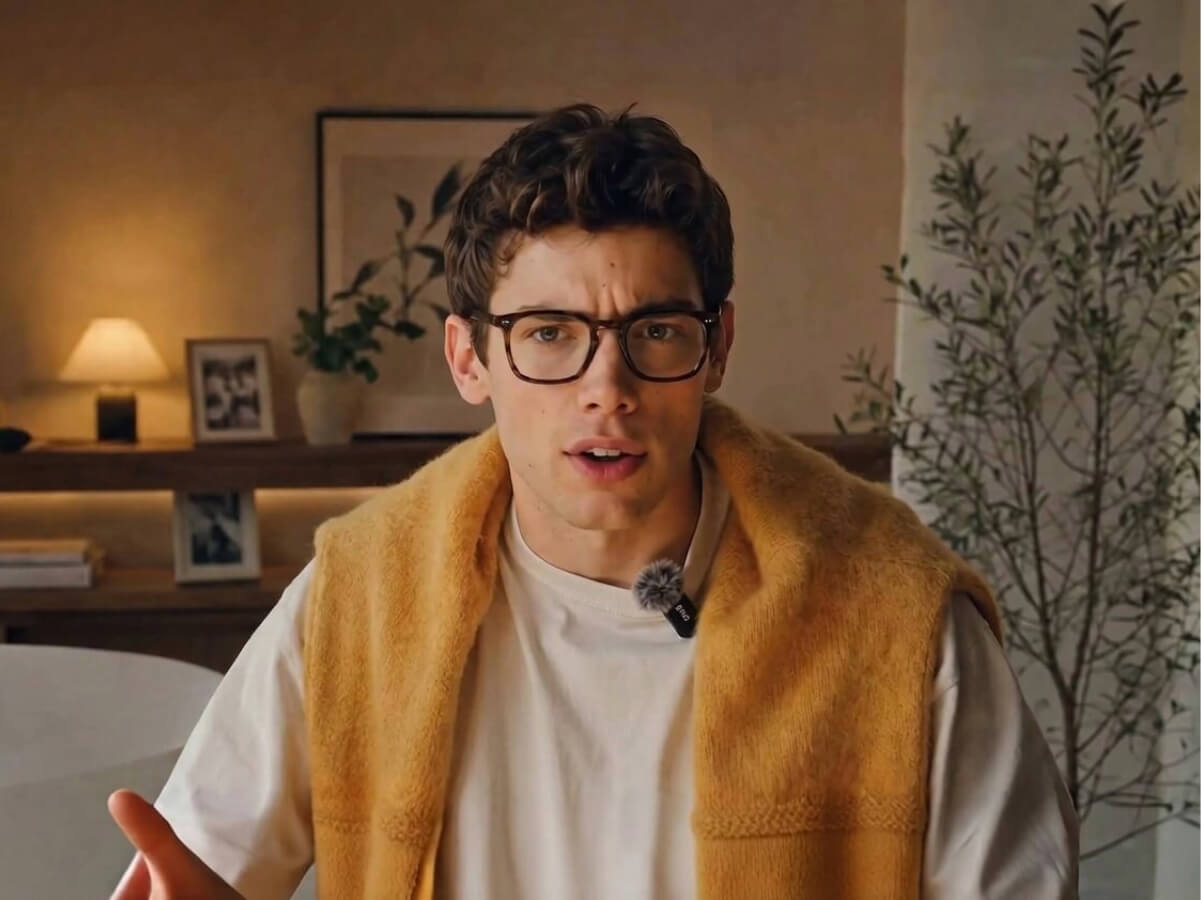
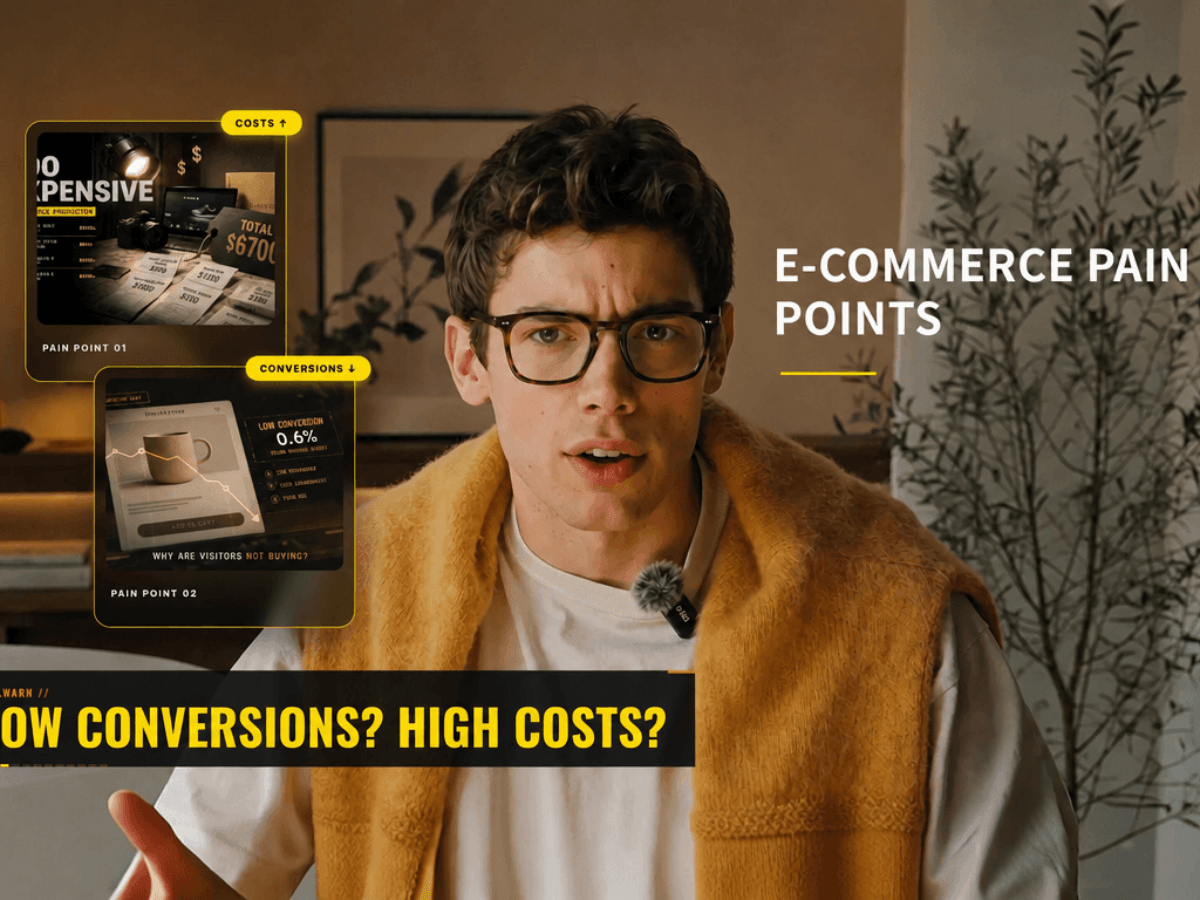
Elevate Your Script to Video Projects with Motion Graphics & B-Roll
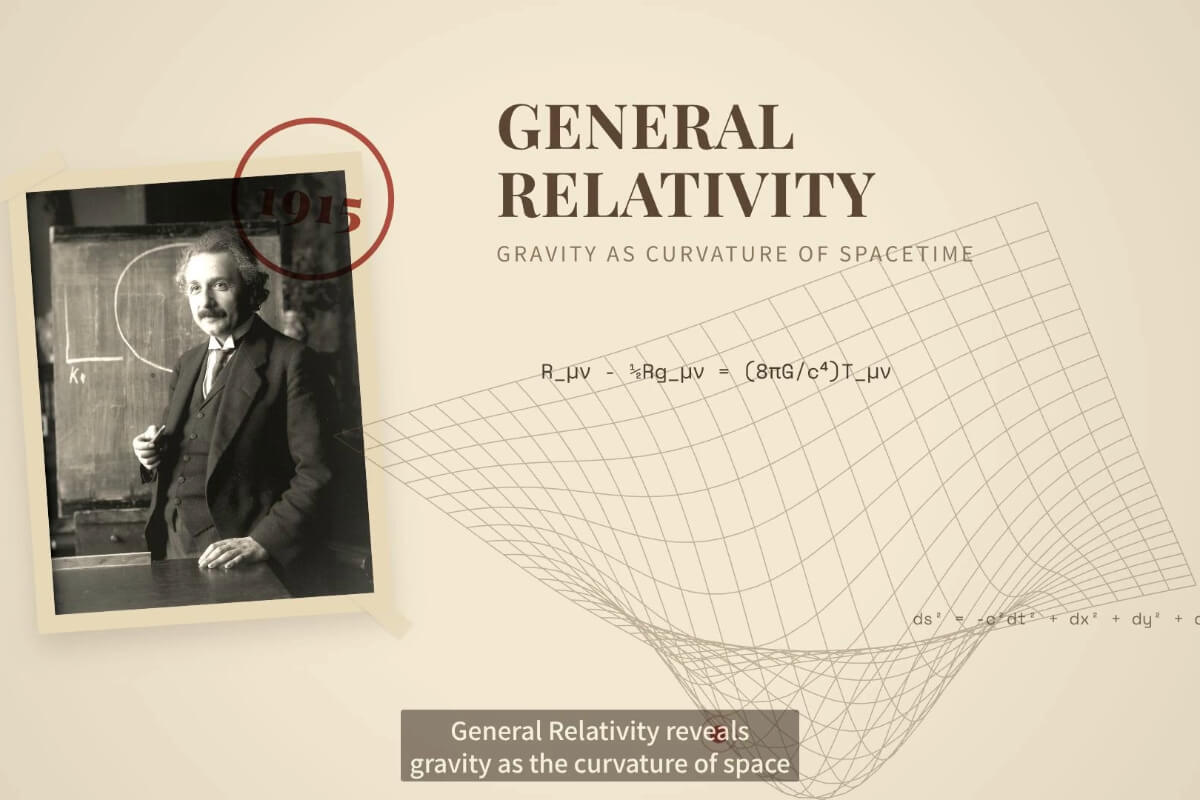
Compared with other tools, our script to video AI tool creates more engaging videos with AI-generated motion graphics and B-roll. No animation skills or prompt crafting skills are needed. Simply chat with AI and let it handle the rest.
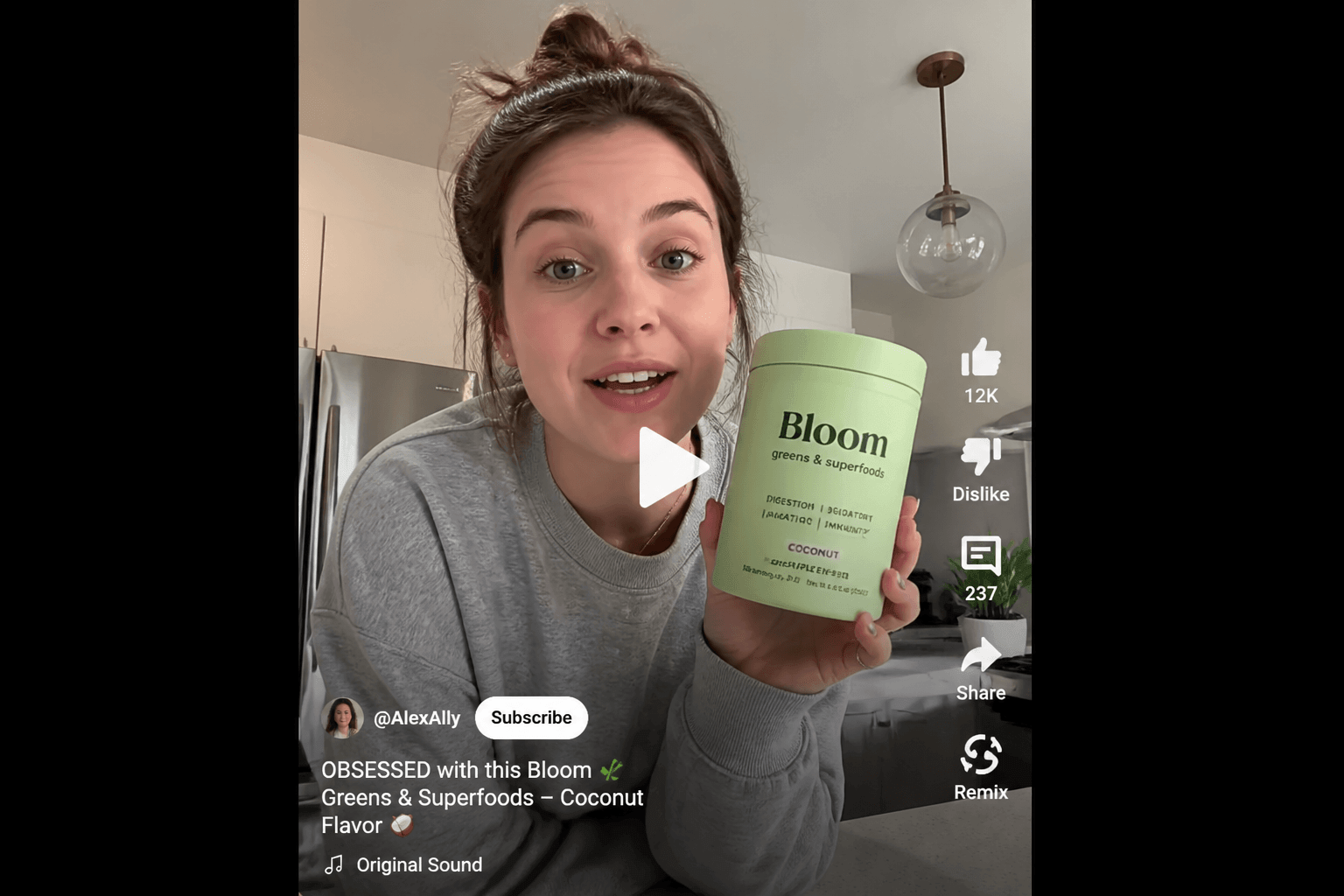
Convert scripts into videos that can help you retain your audience, grow subscribers, and monetize your content. Ideal for YouTube content creation, like tutorials, product reviews, explainers, and faceless videos.
An AI Script to Video Tool for More Than Talking Head Videos
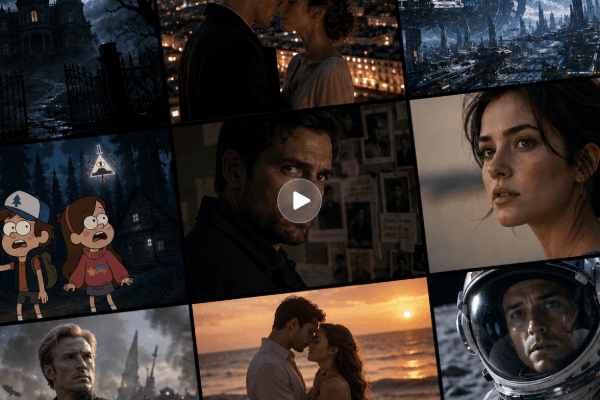
We can do more than turn script into videos of talking avatar; we can also visualize scene changes, character motion, and camera movement described in your script.
Therefore, you can use our script to video converter for a wide range of videos, from product ads and explainers to branding footage and movies. You act as the director and leave the heavy lifting to us.
Convert Script into Video for Any Use
UGC Videos
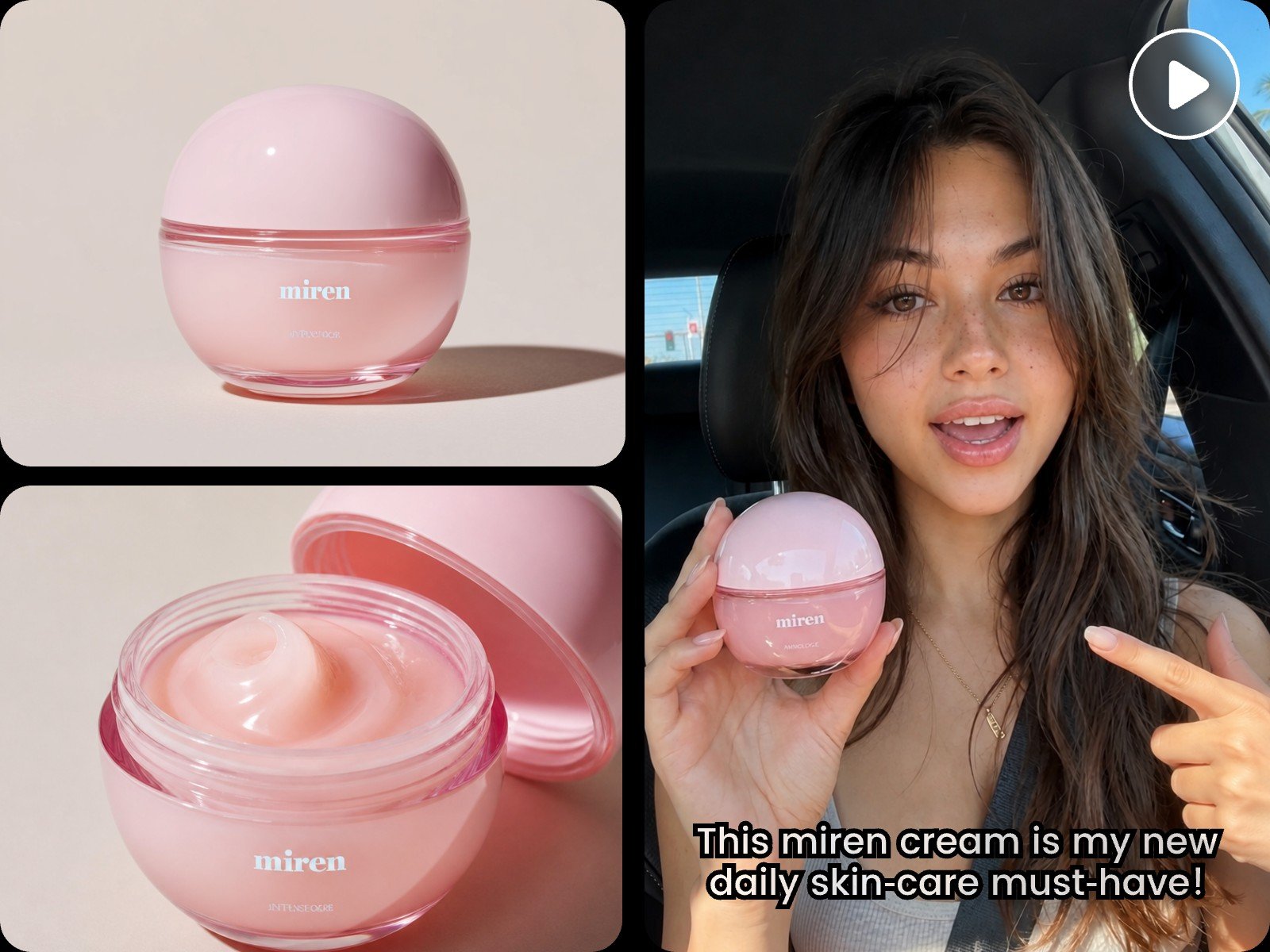
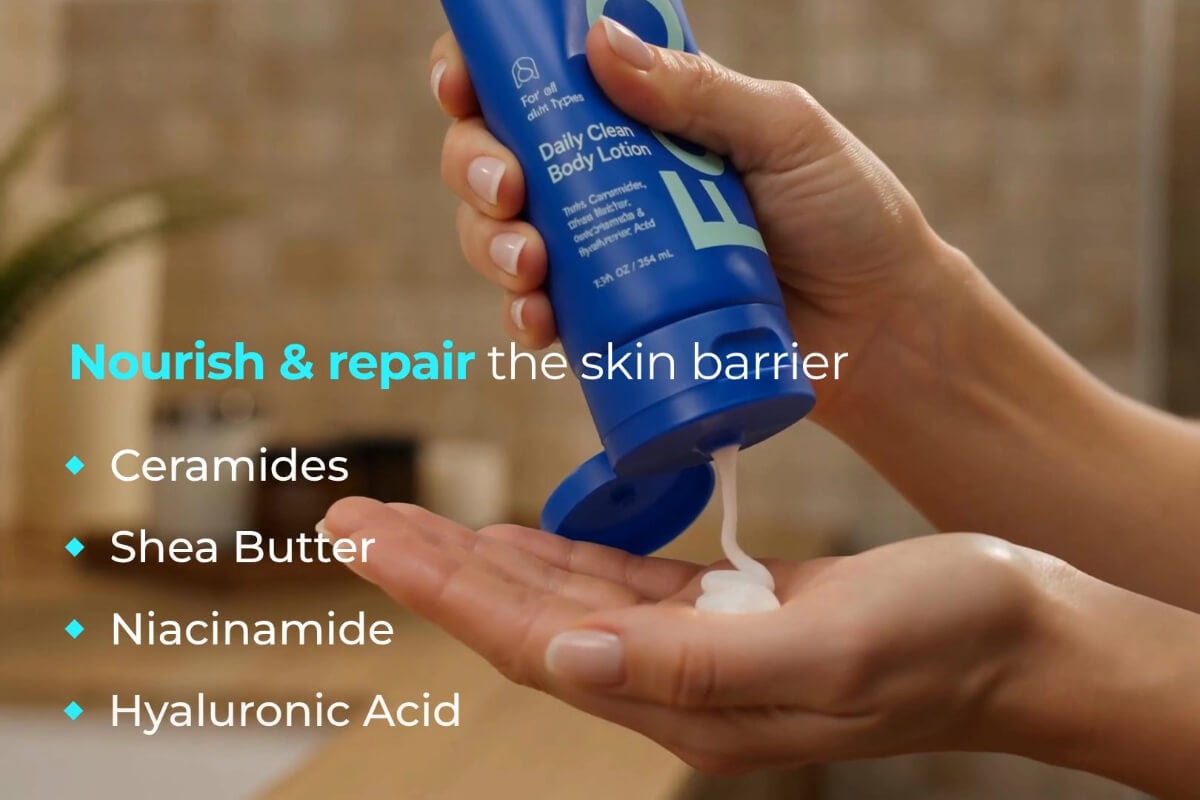
Use our AI script to video maker to create UGC videos in minutes, without manual recording or editing. The AI renders realistic footage of a character introducing or using a product, even handling detailed actions like applying skincare cream or eating chips.
How to Create AI Video from Script?
Step One: Open the AI Talking Presenter Preset
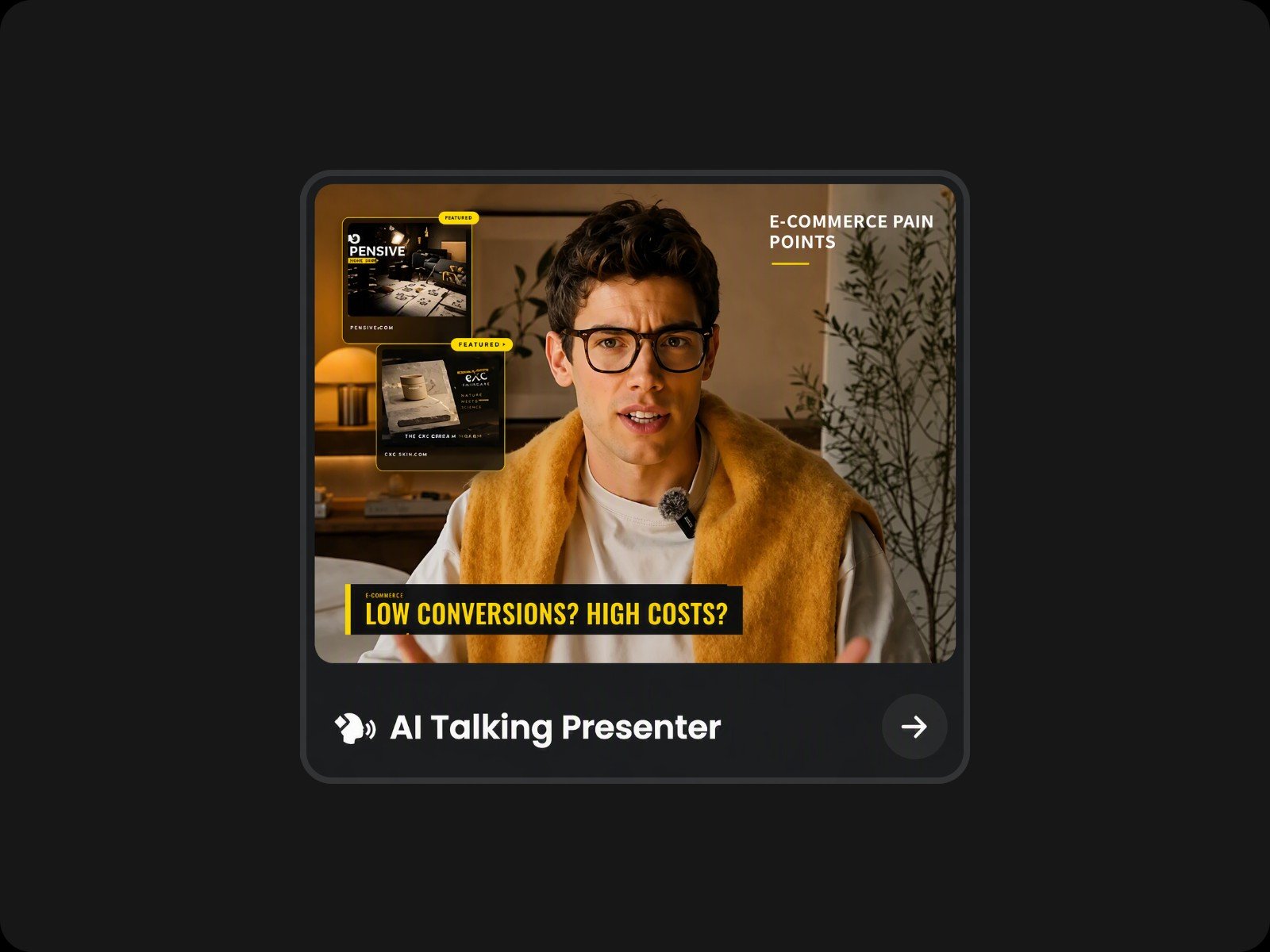
Scroll down our homepage to find the "AI Talking Presenter" preset. Click it to open our script to video AI and start creating.
Step Two: Choose an Avatar & Enter Your Script
Step Three: Fine-Tune and Download
AI Video from Script FAQs
Will the AI generate a script for me if I don't have one?
Yes. You don't need a finished script to create videos on Fotor. Enter a topic, and the AI will write a complete script, then turn it into a video.
Can I edit the generated subtitles?
Yes. Subtitles sit on their own layer, so you can edit them without affecting the video. Change the text manually, or adjust font style, size, and color from the right toolbar. Ask the AI to try a different subtitle animation if you'd like another look.
What if the generated video has no subtitles?
This can happen because our script to video AI pauses for your confirmation during long content processing. Just ask the AI to generate the subtitles, and it will.
Is this script to video AI free to use?
Every new account receives free credits for a trial run of our script to video AI.
Can I use the generated video for commercial use?
Yes. Video, audio, avatars, and motion graphics generated with our script to video AI are royalty-free and safe for commercial use. Just make sure you hold the rights to any assets you upload.
Will there be any watermark on the video?
Your downloaded videos are watermark-free and ready to use right away.