
Voice Cloning
Upload a 30-second audio clip to clone any voice and personalize your podcasts with unique vocal styles.


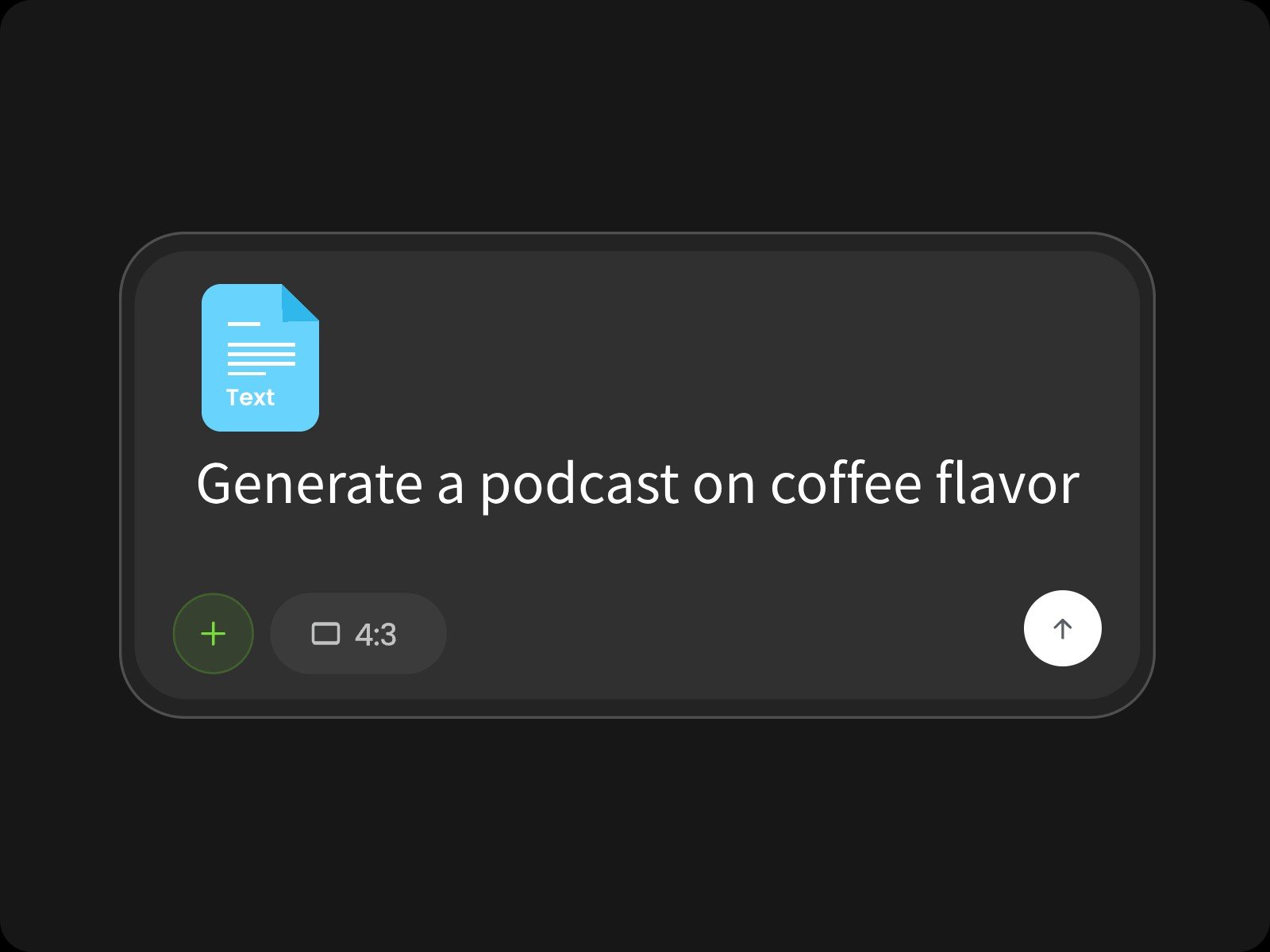
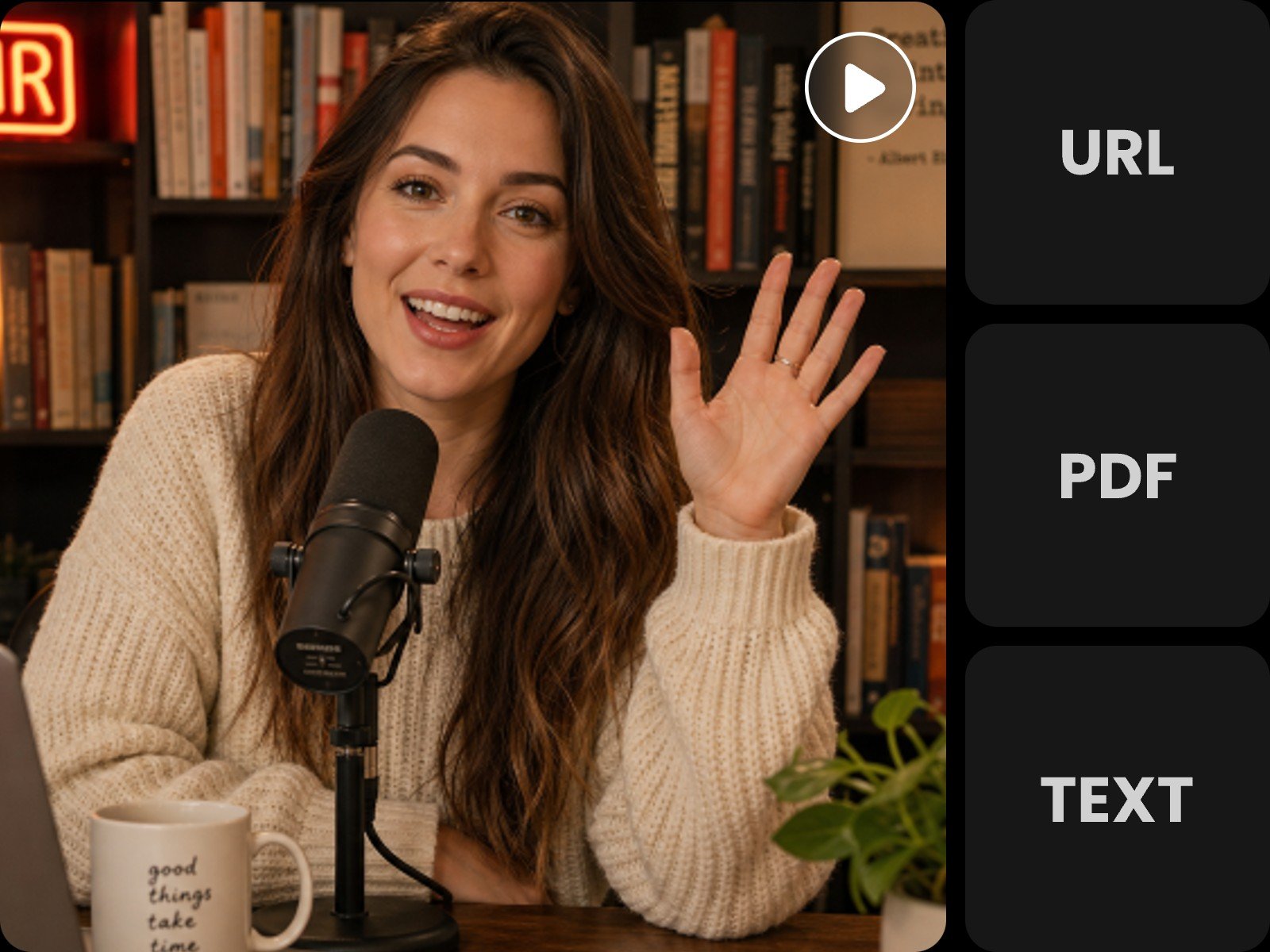
Use Fotor's AI podcast generator to convert any text, PDF, or Web URL into single-host or multi-host podcasts in minutes. Simply import your content, choose from preset voices, and transform scripts, blogs, or lecture notes into studio-quality audio.
Convert links, PDFs, or raw text into engaging, lifelike podcasts in seconds. Our podcast AI generator turns materials, like blog posts, scripts, and lecture notes, into polished audio ready for Spotify, YouTube, or personal study.
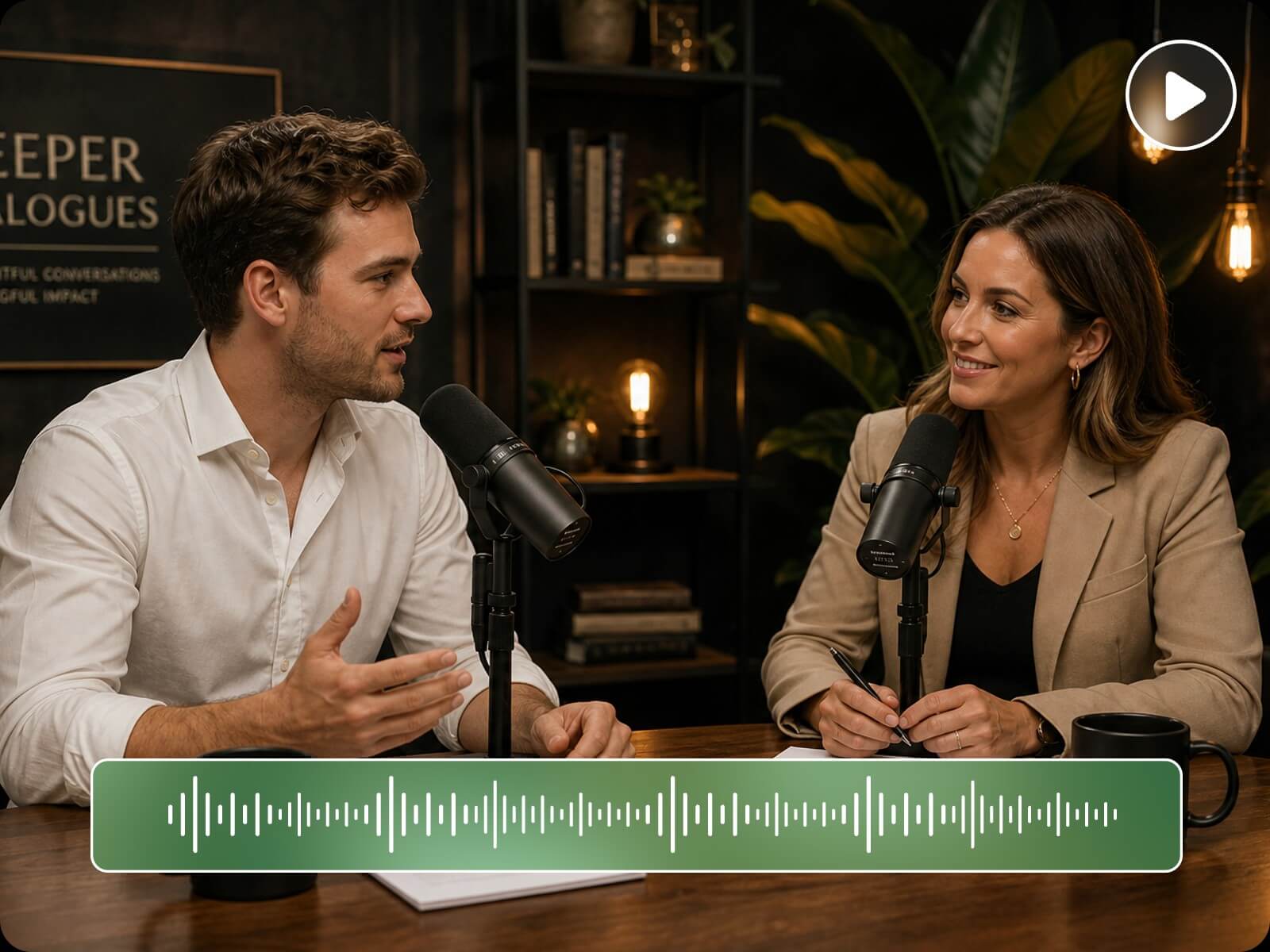
Build dynamic solo commentary, two-host discussions, or multi-speaker conversations using 16 preset AI voices featuring distinct tones and personalities. The AI podcast generator automatically adjusts conversational pacing and natural pauses to deliver realistic, human-like dialogue.
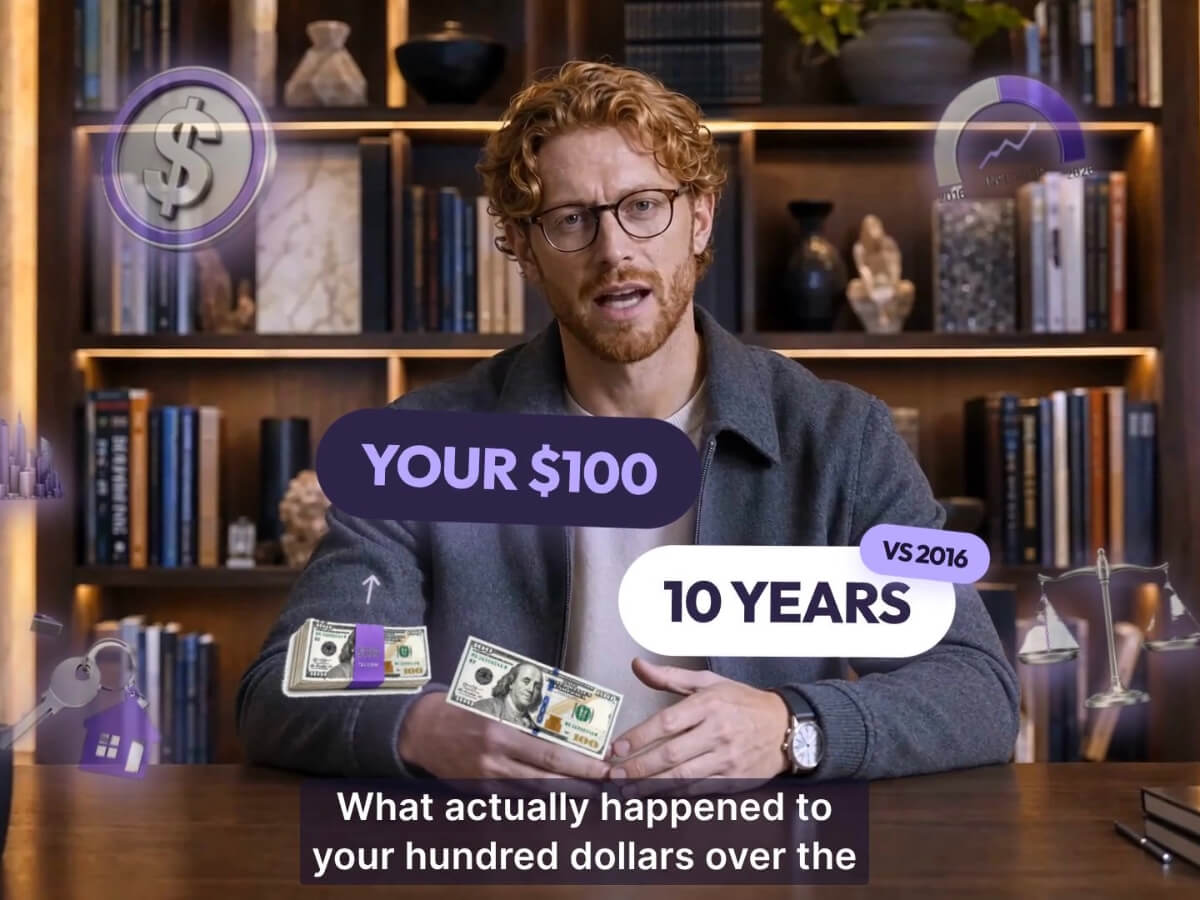
Expand your content reach beyond audio. Fotor lets you build complete video podcasts featuring customizable AI talking avatars and dynamic visual backgrounds. Ideal for creating virtual influencers and sharing content across YouTube, TikTok, and Instagram.
Upload a 30-second audio clip to clone any voice and personalize your podcasts with unique vocal styles.
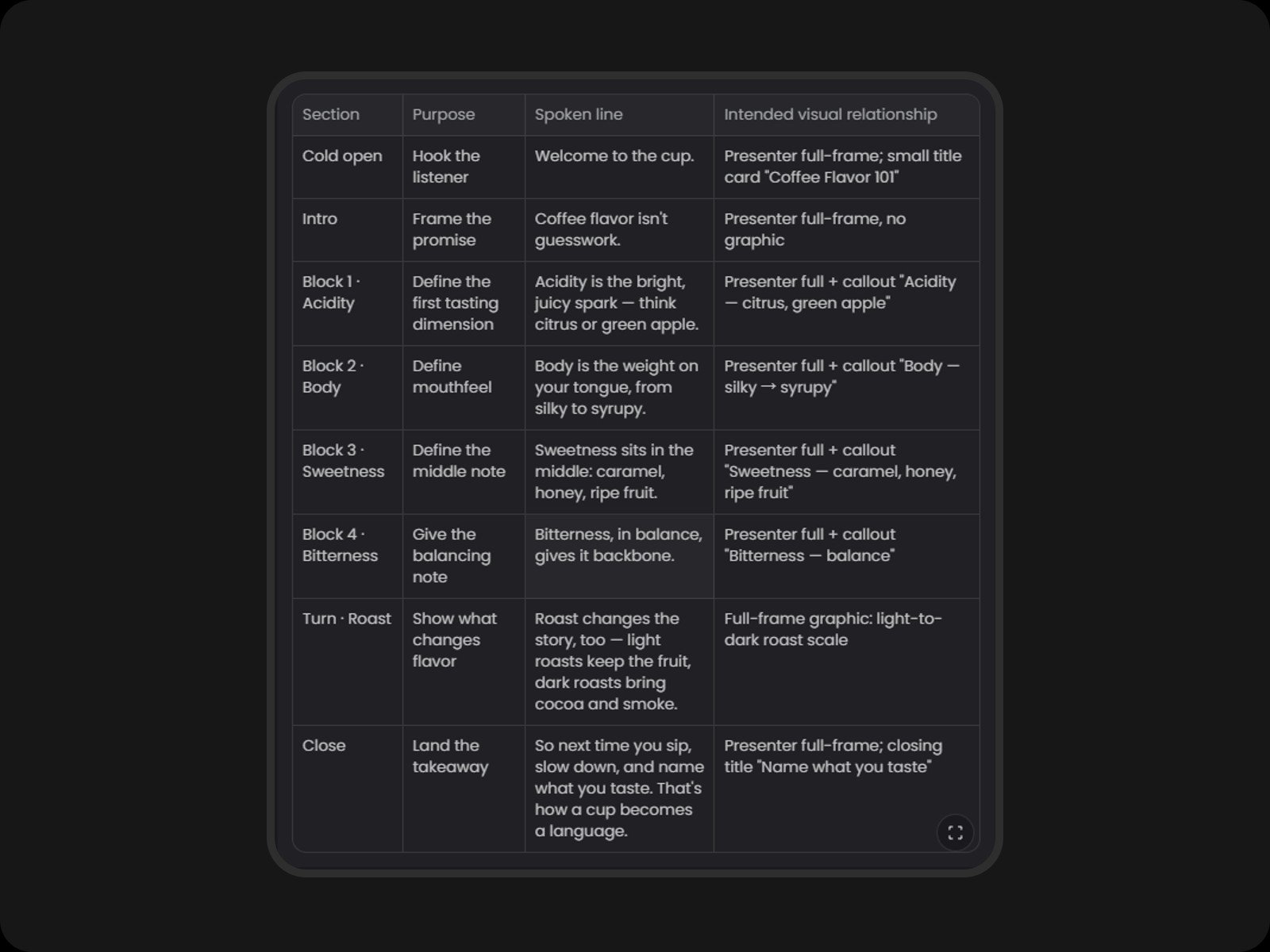
Generate full podcast scripts and structured outlines from a simple text prompt or topic idea.
Produce natural, native-sounding podcasts across 10 major languages.
Paste a URL or upload your files (PDF, Word, TXT, Markdown, or plain text), then specify your preferred podcast style and host dynamic.
Yes. Every newcomer will receive multiple free credits with which you can generate podcasts for free.
Yes. The generated audio is royalty-free and safe for commercial uses on platforms like Spotify, Apple Podcasts, and YouTube. Please ensure you own the rights to any source content you upload.
Fotor supports 10 major languages with natural native pronunciations: English, Chinese, Japanese, Korean, German, French, Spanish, Italian, Portuguese, and Russian.
You can import content via live Web URLs or file formats including PDF, TXT, Word, Markdown, CSV, and plain text.
Simply upload a clear, high-quality audio recording of your voice (at least 30 seconds long). Fotor's AI will analyze and replicate your vocal characteristics for your podcast tracks.
Yes. You can add background music or sound effects to the podcast. Simply upload your own audio assets and edit them on the timeline. You can also ask the AI to generate background music or sound effects and intelligently arrange them to sync with the podcast content.