
AI-Powered Enhancement
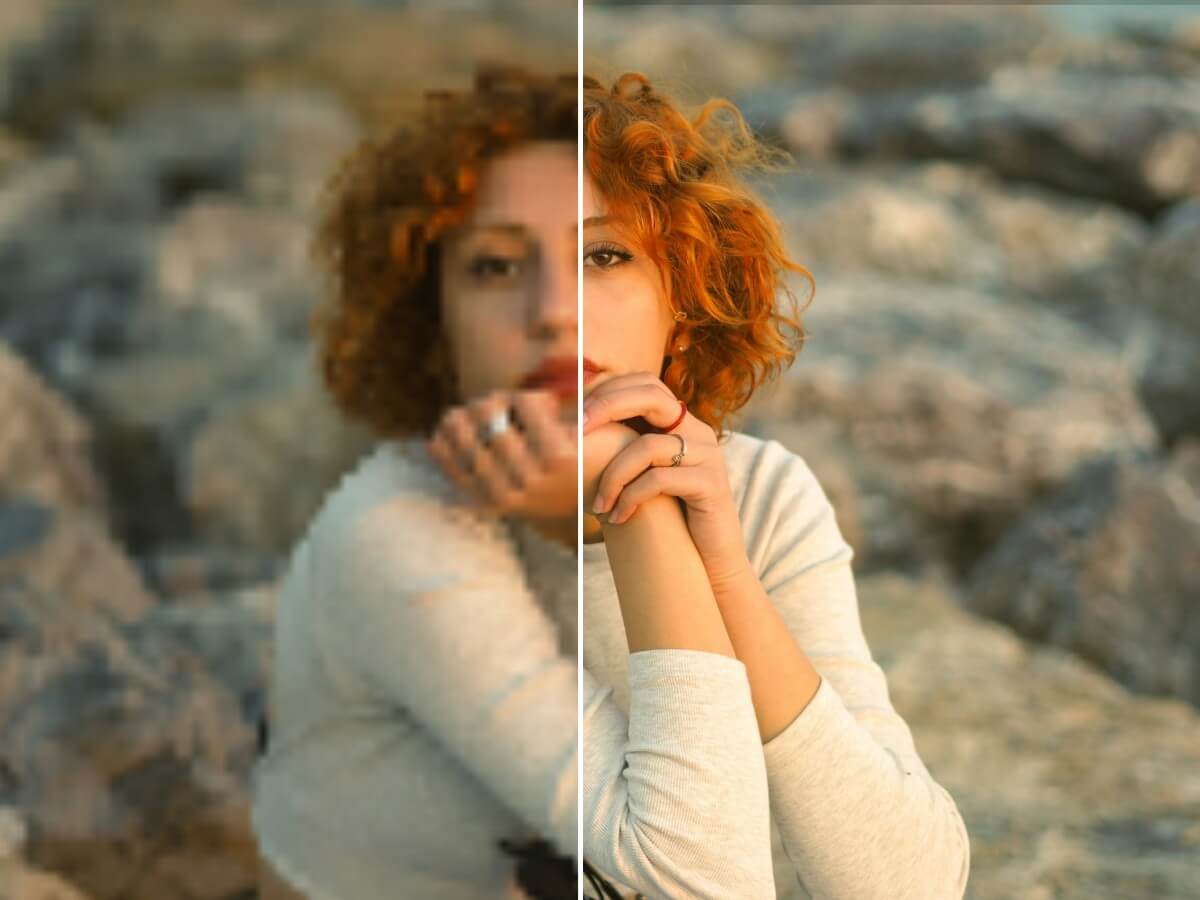
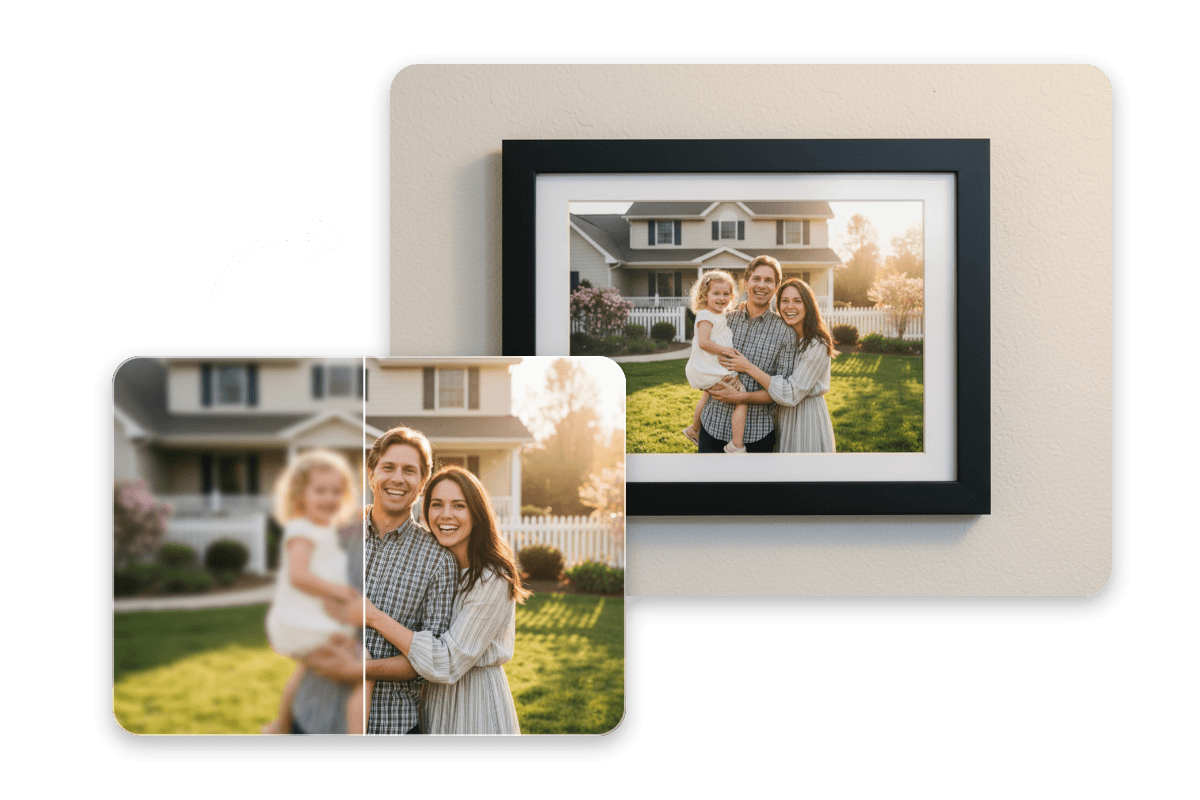
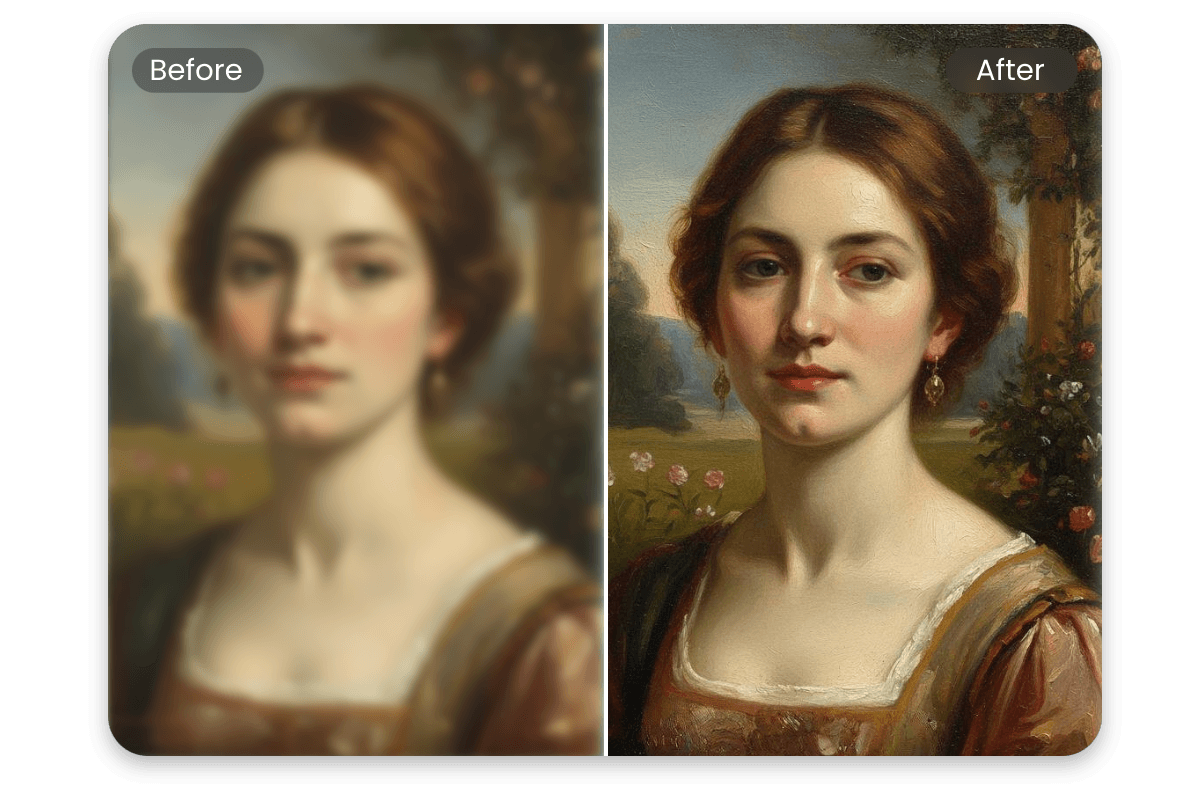
Use advanced AI algorithms to analyze image content and automatically enhance photo quality, clarity, colors, and details.


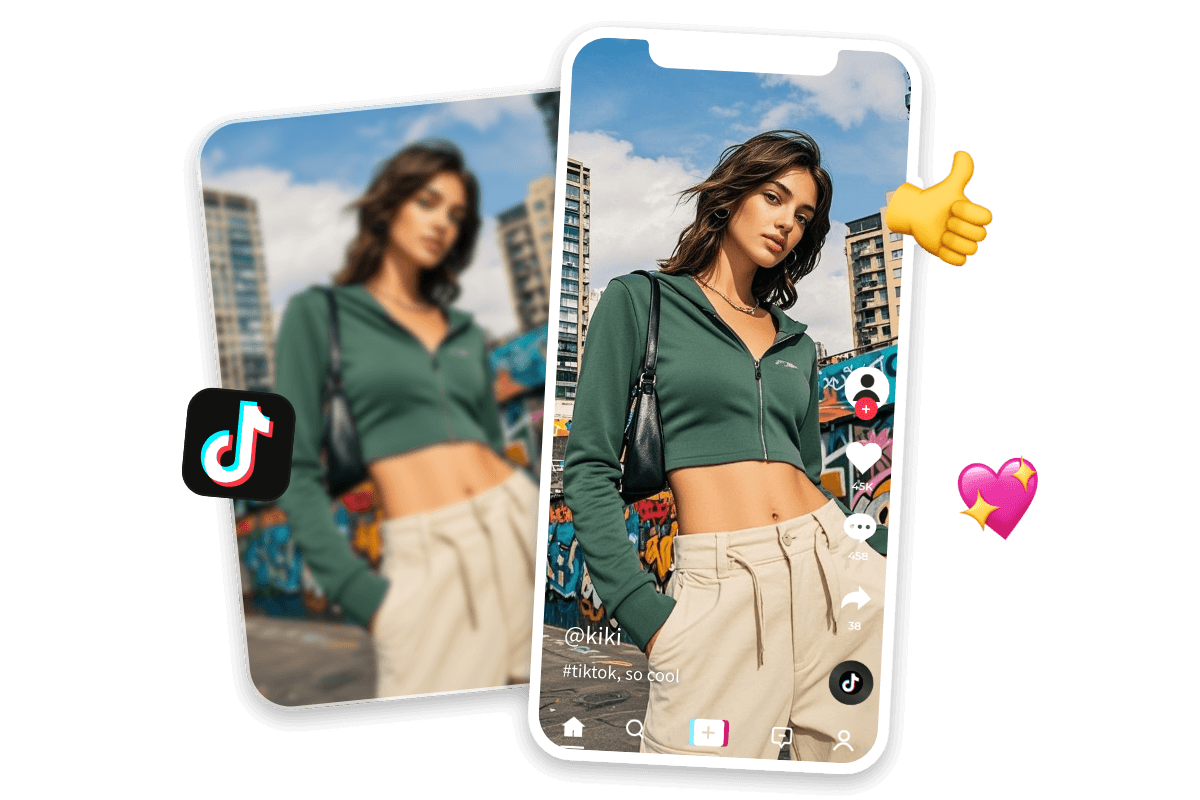
Fix blurry, noisy, or low-resolution photos in seconds with Fotor’s free AI photo enhancer. Enhance and upscale images automatically — perfect for e-commerce, social media, printing, and more.
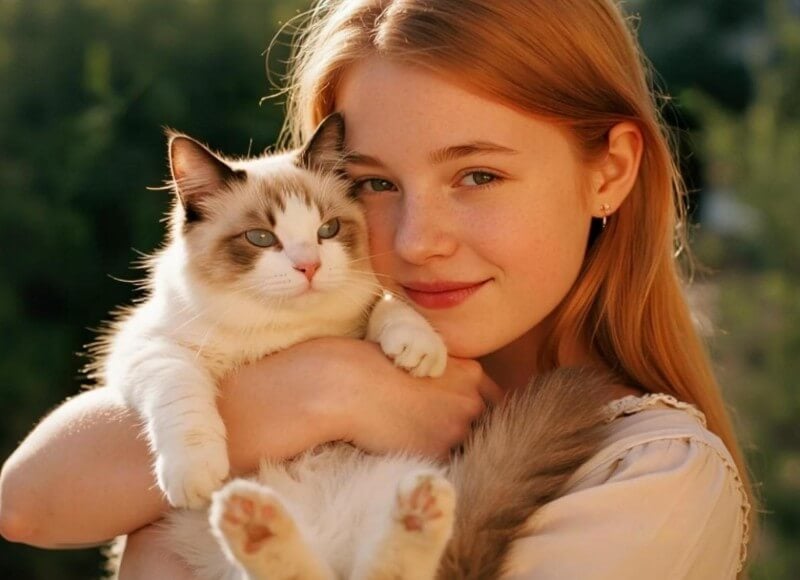
Upload or drop your image here

Upload or drop your image here
Use advanced AI algorithms to analyze image content and automatically enhance photo quality, clarity, colors, and details.
Enhance photo quality from multiple aspects, including clarity, colors, lighting, and details, for a more polished and balanced look.
Enhance image resolution up to 2x or 4x while improving overall image quality.
Enhance photos while maintaining natural details, textures, and colors for a realistic and high-quality result.
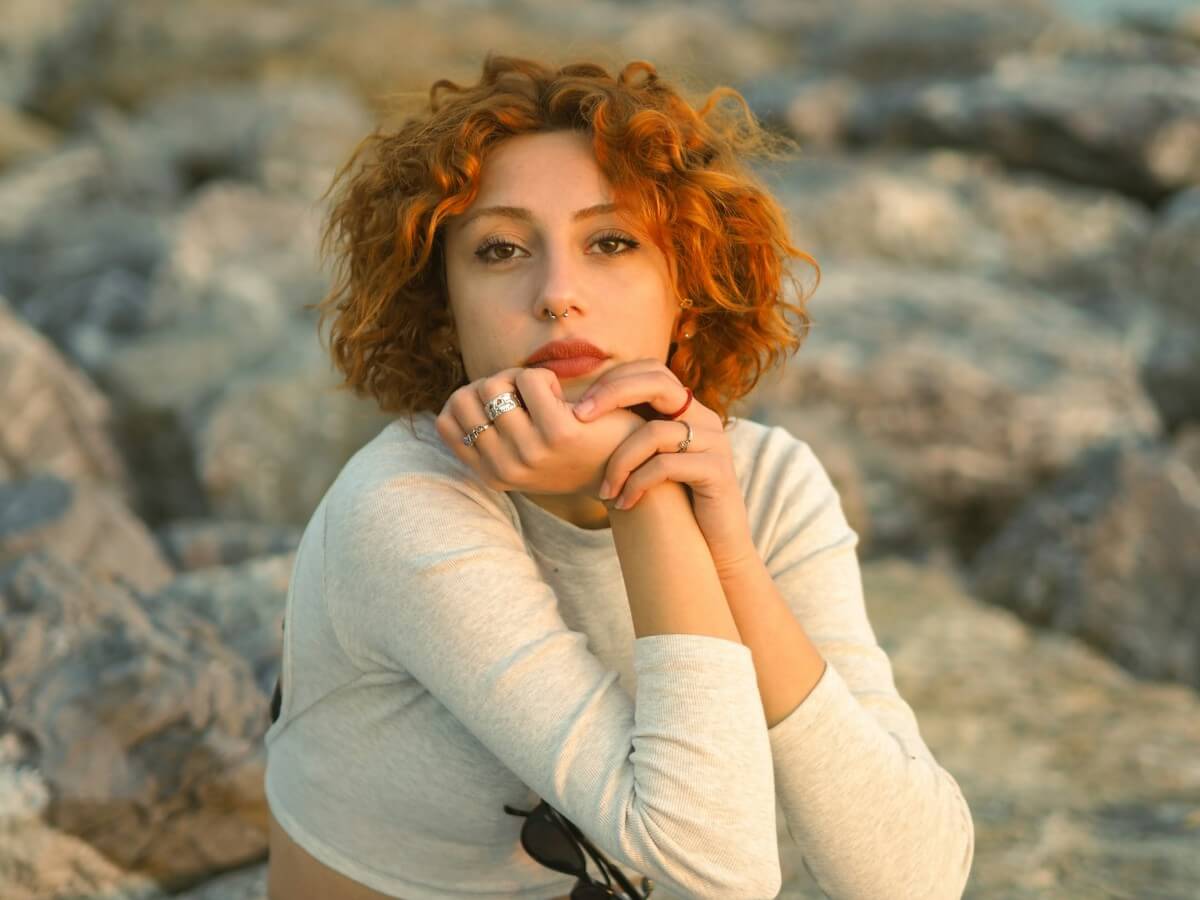
Enhance various types of photos, including portraits, selfies, product images, landscapes, old photos, artwork, and more.
Enhance your photos quickly with one click and improve image quality in seconds.
Click the "Upload Image" button to upload the photo you want to enhance. Supports JPG, PNG, JPEG, HEIF, HEIC, WEBP, and other image formats.

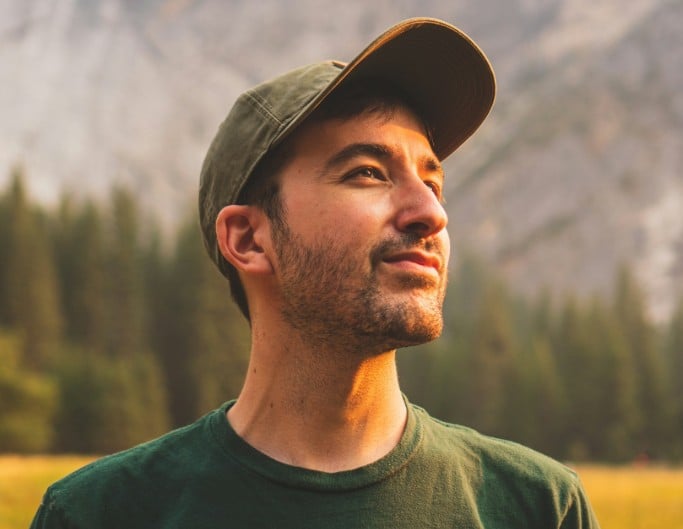
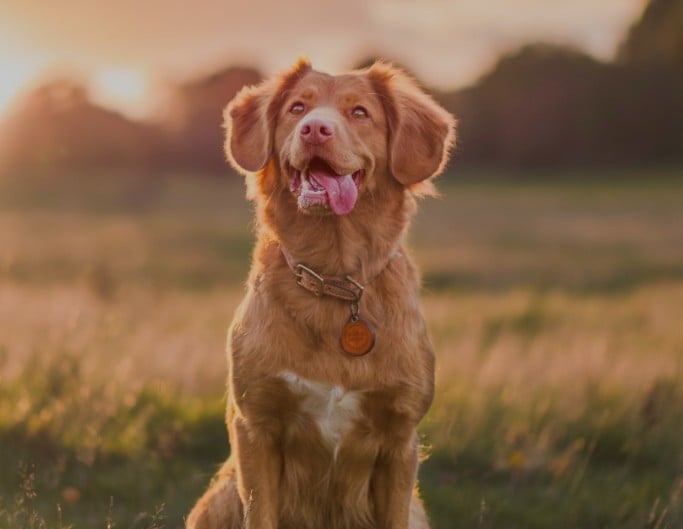
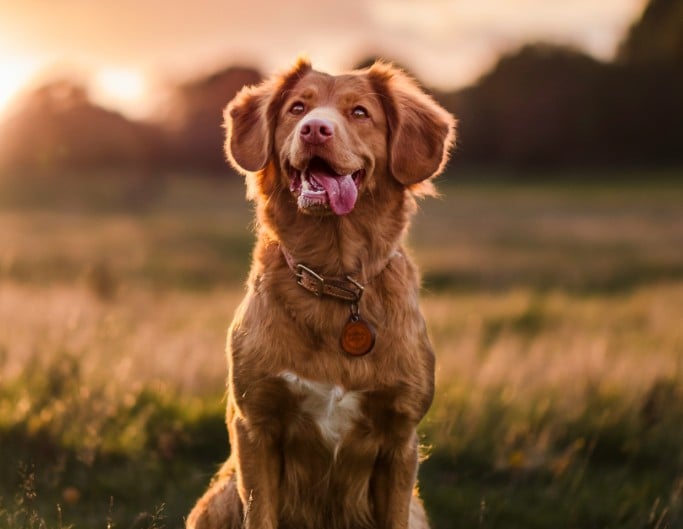
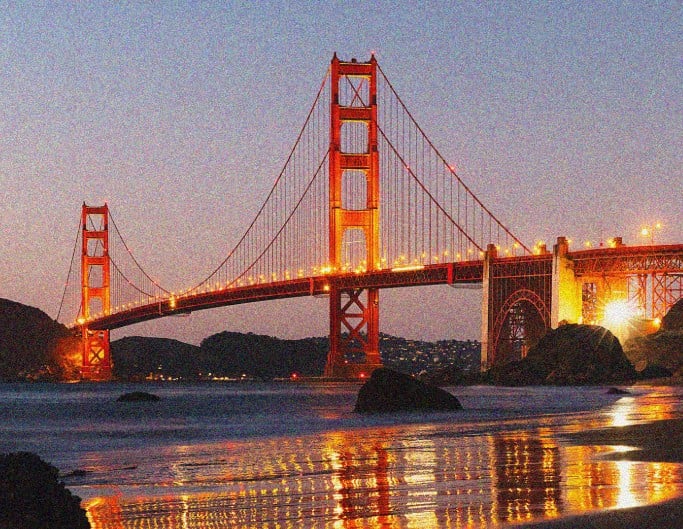
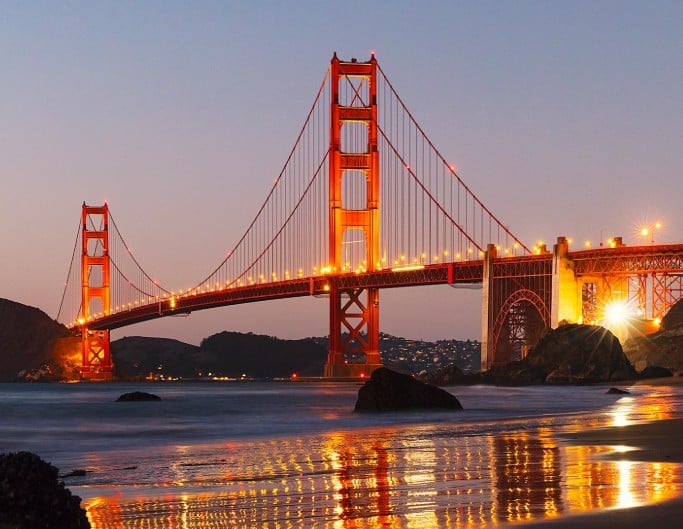
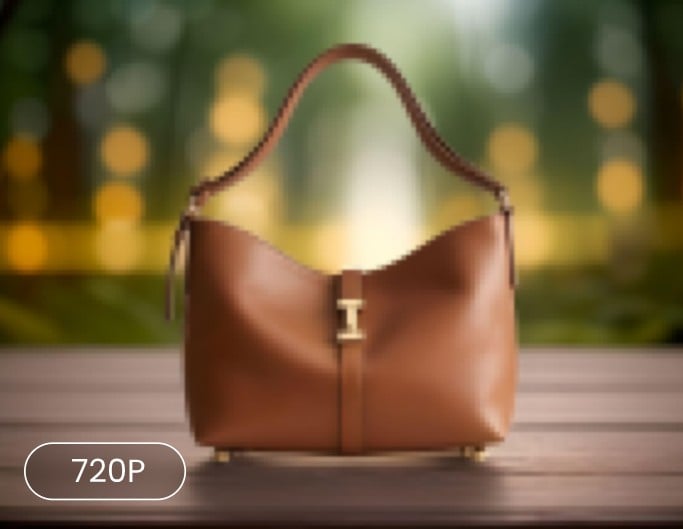
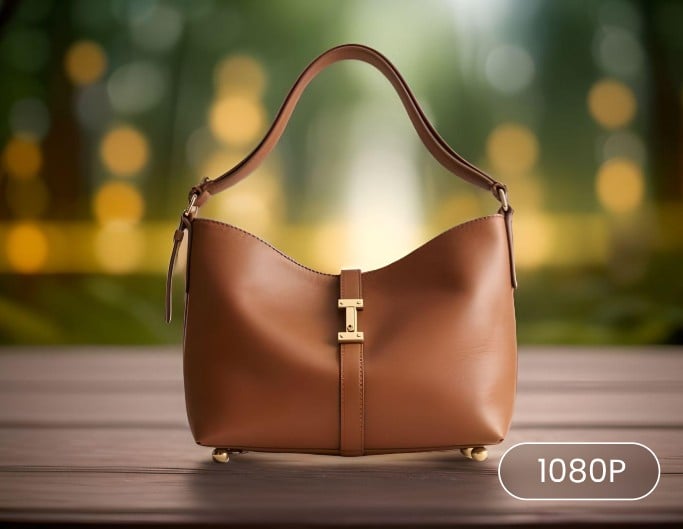
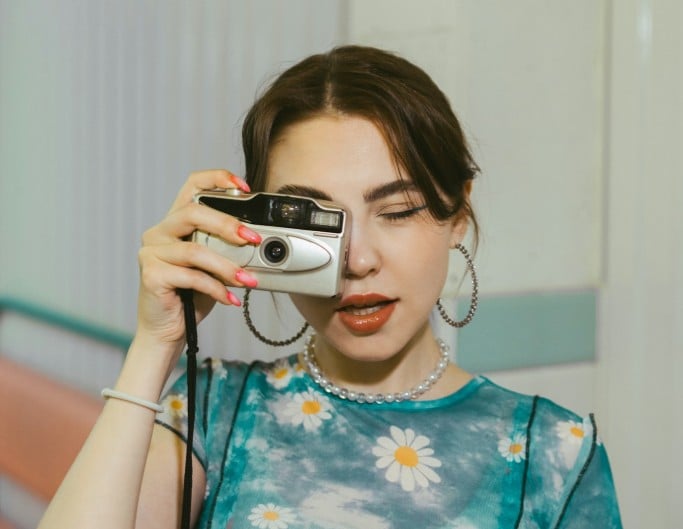
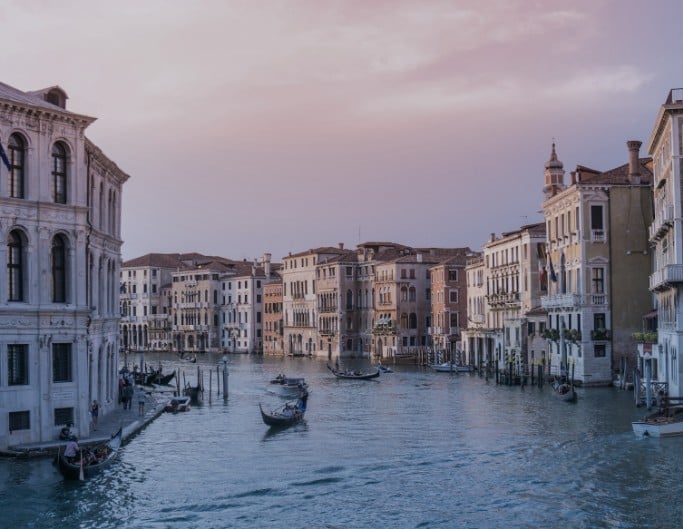
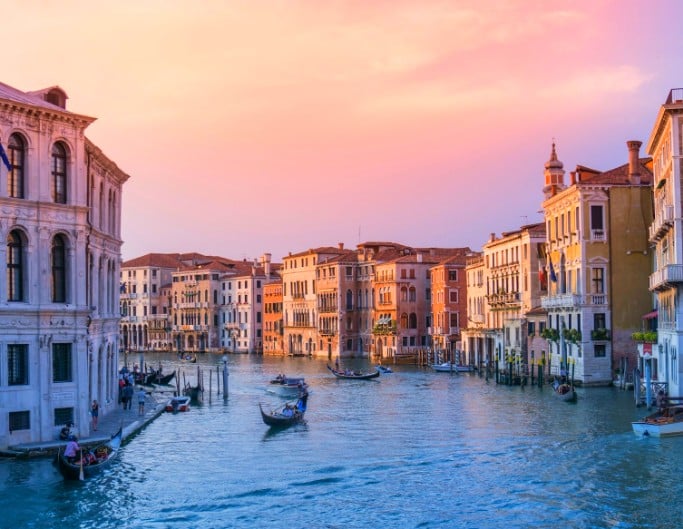
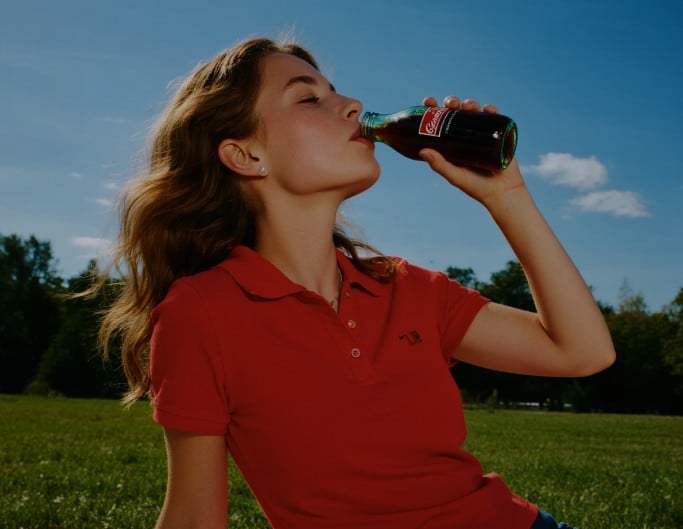
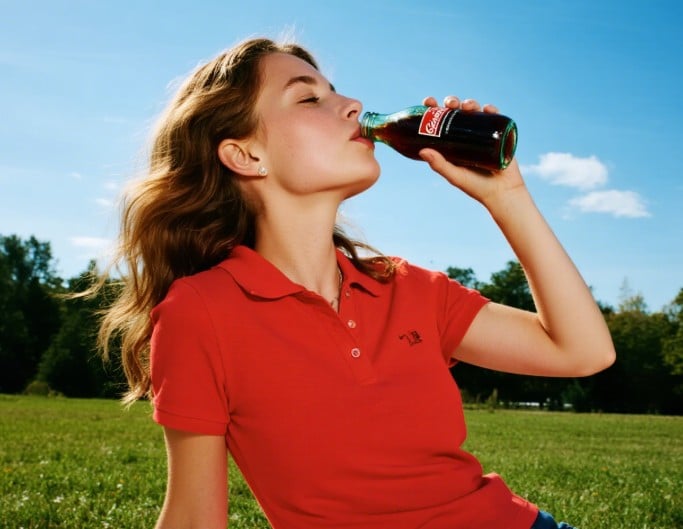
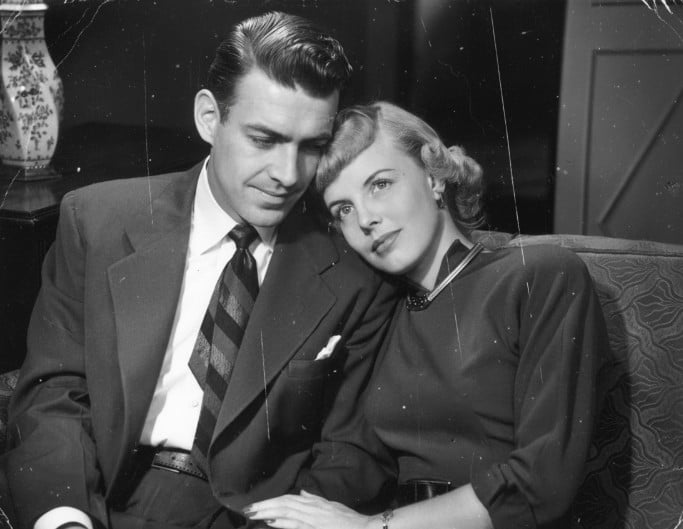

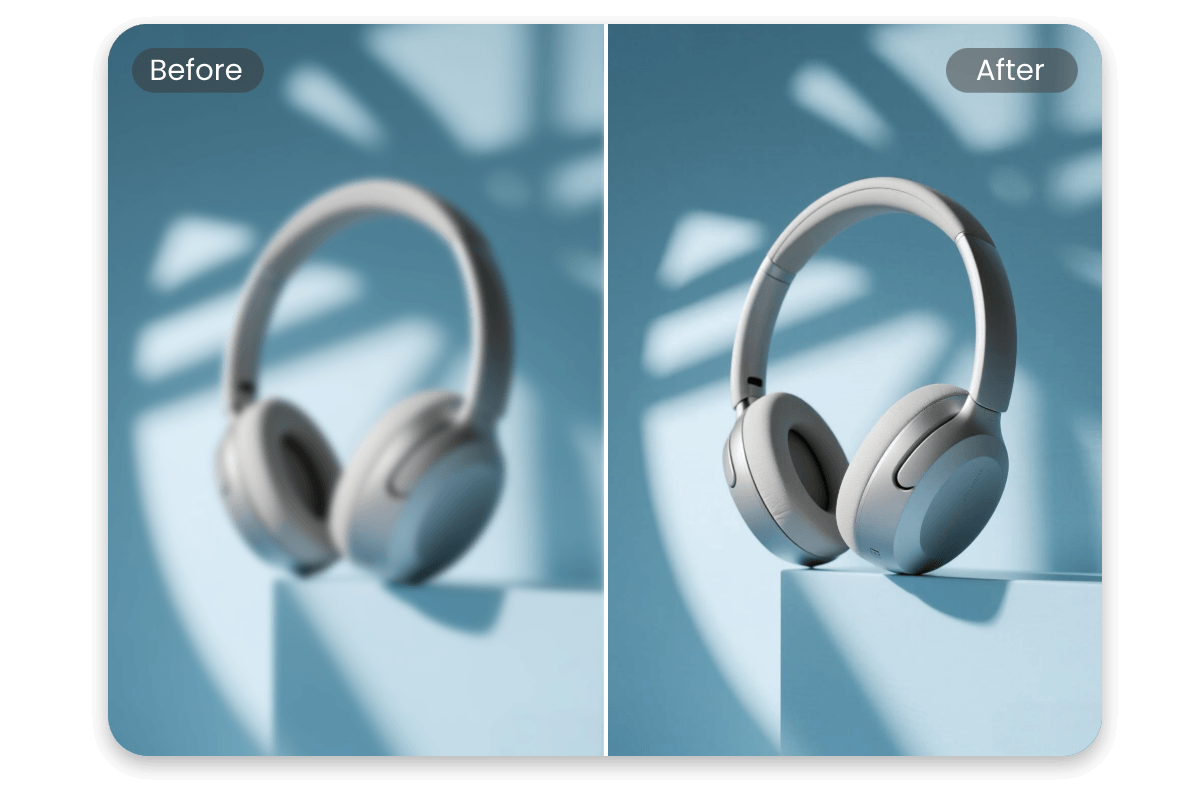
High-quality product images help attract attention and build customer trust. Improve clarity, refine colors, and enhance details so your products look polished and professional—optimized for Amazon product listings, thumbnails, and detail pages, eBay item listings, and Shopify product pages—helping you stand out and drive more clicks and purchases.

If you have a photo and need it to look perfect everywhere from LinkedIn to your website, Fotor AI image enhancer is just that friend who quietly fixes everything for you without taking much time or effort.

As one of the best AI image enhancer tools for beginners, Fotor's AI image enhancer is designed to make professional-grade image restoration and enhancement accessible to everyone, leveraging cutting-edge deep learning to transform blurry or low-quality images into high-definition masterpieces in seconds.

Fotor’s Photo Enhancer is a one-tap tool that automatically enhances images by adjusting brightness, contrast, saturation, and sharpness to improve overall photo quality.
Enhance image quality anytime, anywhere—online in your browser, on desktop software, or via the Fotor mobile app.
Enhance photos safely and privately, with all images processed securely and protected from unauthorized access.
Enhance and download your photos without watermarks, allowing you to use them freely for personal and commercial purposes.
Fotor’s batch photo enhancer lets you enhance up to 50 images at once, saving time and boosting efficiency.
Fotor’s AI photo enhancer uses advanced deep-learning technology to analyze your image and intelligently restore lost details. Instead of simply sharpening, it enhances image quality by rebuilding clarity — delivering sharper, more natural-looking results in just seconds.
The best photo enhancer improves image quality without making photos look over-processed. Fotor’s AI photo enhancer focuses on delivering clean, natural results with minimal effort.
Using Fotor’s AI photo quality enhancer is very simple. Just upload your photo, and the AI will automatically analyze and enhance the image quality, making your photo clearer and sharper. No manual editing is needed, and your improved photo is ready instantly.
Yes, Fotor’s AI image enhancer is free to use online. If you need more advanced features, you can upgrade to Fotor Pro for additional capabilities.
You can enhance image quality, fix blurry or low-resolution photos, and restore old images for various uses like social media, e-commerce, and printing.
Our photo enhancer supports a wide range of common image formats, including JPG, PNG, WebP, PDF, and others.
Fotor’s image quality enhancer supports a wide range of common image formats, including JPG, JPEG, PNG, HEIF, HEIC, WebP, and others.
Fotor’s AI photo quality enhancer works for various photo types, including portraits, landscapes, product images, old photos, historical photos, night scenes, graphics, digital AI art, and other creative works.
No. Fotor’s AI photo enhancer improves clarity and sharpness naturally, keeping your photos realistic and true to life.
Yes. Enhanced photos are clear and high-quality, suitable for prints, product images, social media, and marketing materials.
Absolutely. You can upload multiple photos at once, and our batch photo editor will automatically improve photo quality in bulk. This saves a lot of time, perfect for users who need to process many images quickly.
Yes, Fotor offers the Fotor AI image enhancer API that allows developers to automatically improve image quality at scale. It can be easily integrated into apps or workflows to enhance images with AI efficiently.