


Free Auto Subtitle Generator
Easily add captions to video using our free subtitle generator. Our tool automatically recognizes speech, generates accurate subtitles, and syncs them with your video. You can also customize subtitle styles through various templates.
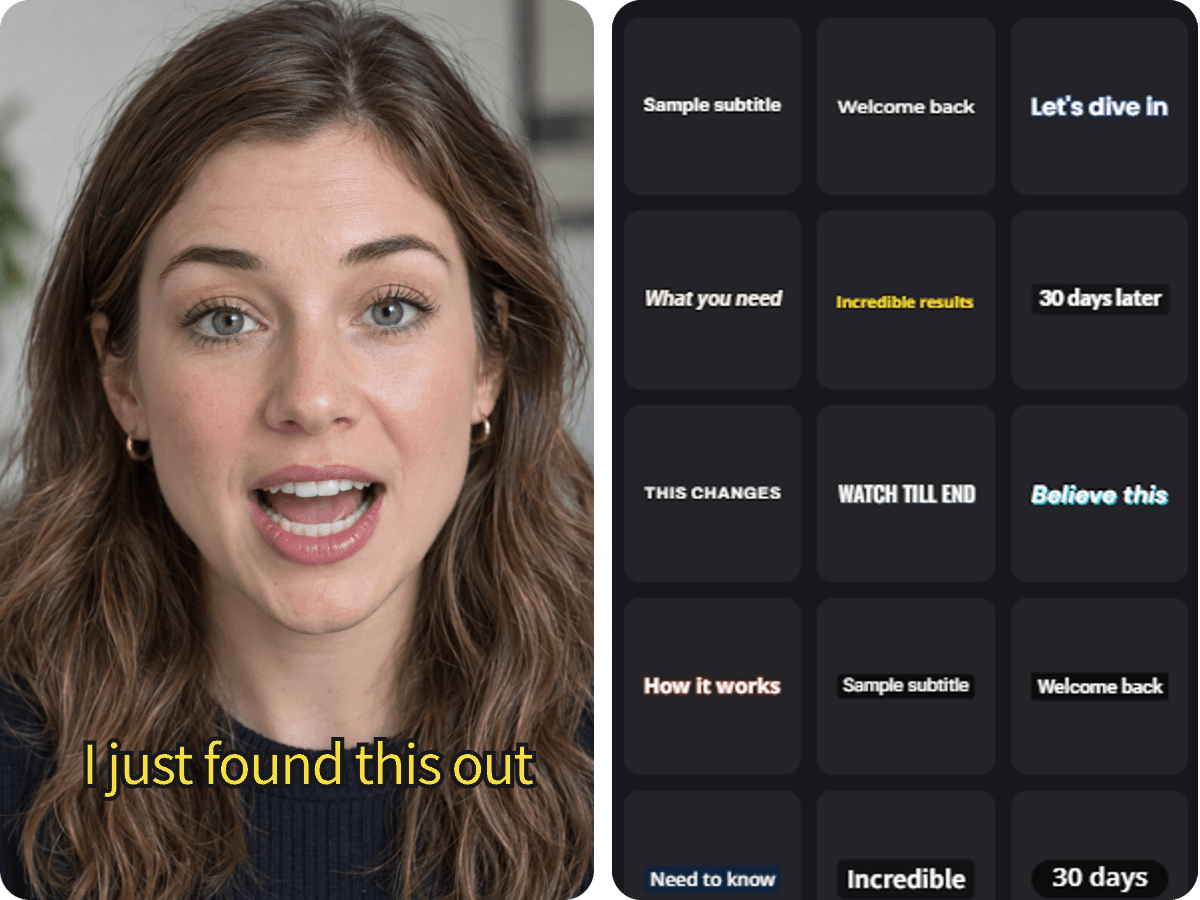
Automatic Caption Generator for Fast & Accurate Subtitles
An automatic caption generator helps you generate subtitles from video quickly without typing anything by hand. Our smart AI listens to your audio, recognizes speech with high accuracy, and turns it into natural, error-free text.
The tool automatically syncs the text with your video timing so there are no awkward delays. You can easily add subtitles to video in seconds and skip the tedious manual work.
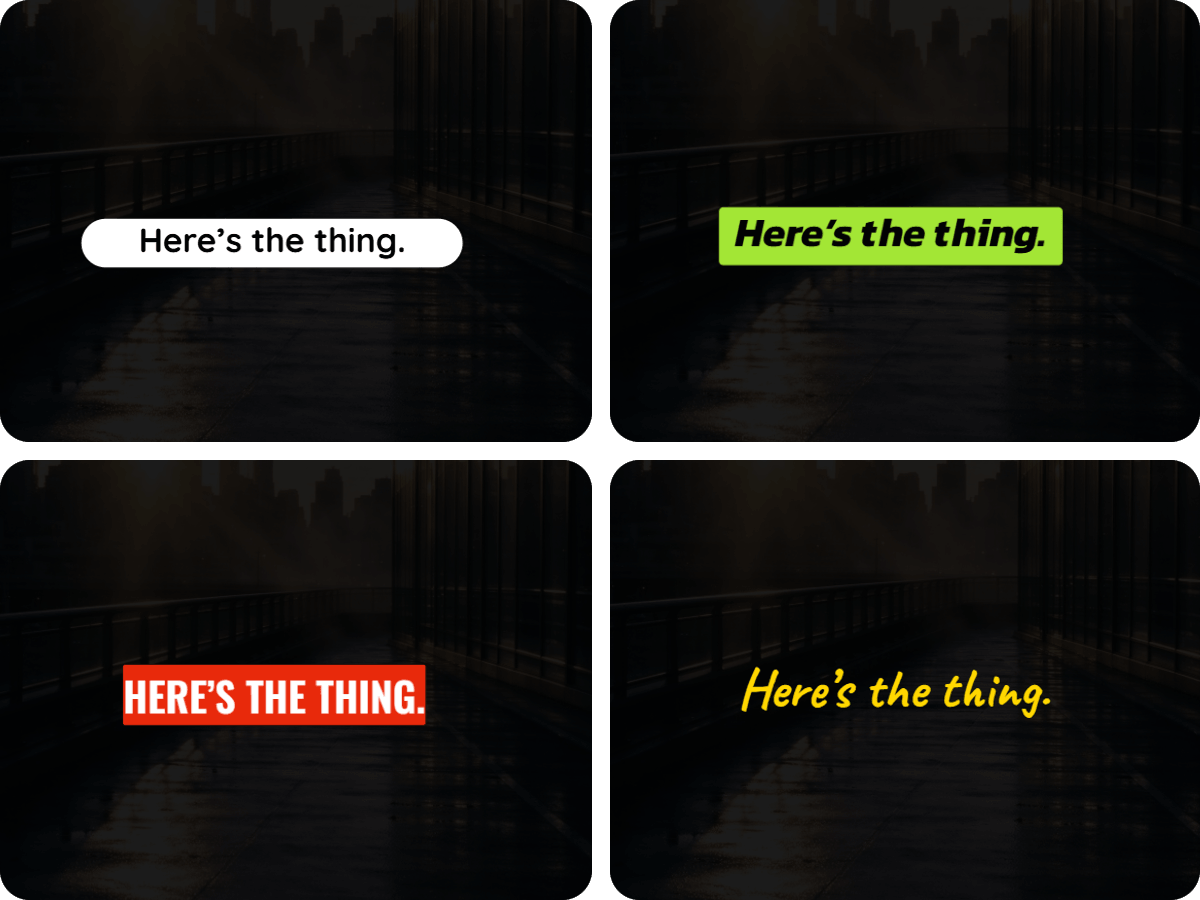
Customizable Video Caption Maker with Diverse Templates
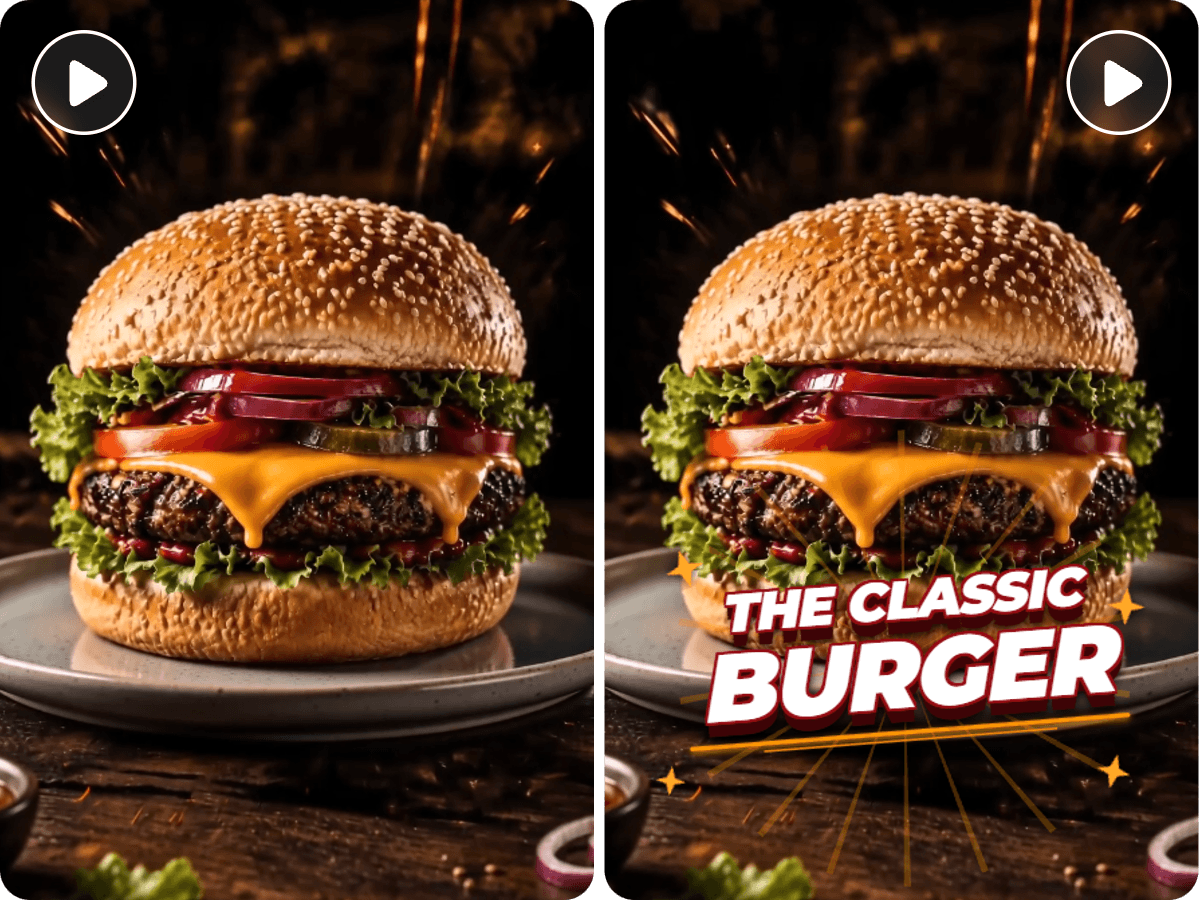
Fotor's versatile video caption maker gives you ready-to-use templates to make your video pop instantly. Choose from over 100 preset styles and eye-catching text animations that fit any video vibe.
These dynamic captions help highlight key points, hook your audience's attention early, and keep them watching instead of scrolling away.
You also get full control to customize every detail directly on the timeline. Feel free to tweak font styles, sizes, colors, and positions to easily create subtitles for video that match your brand.
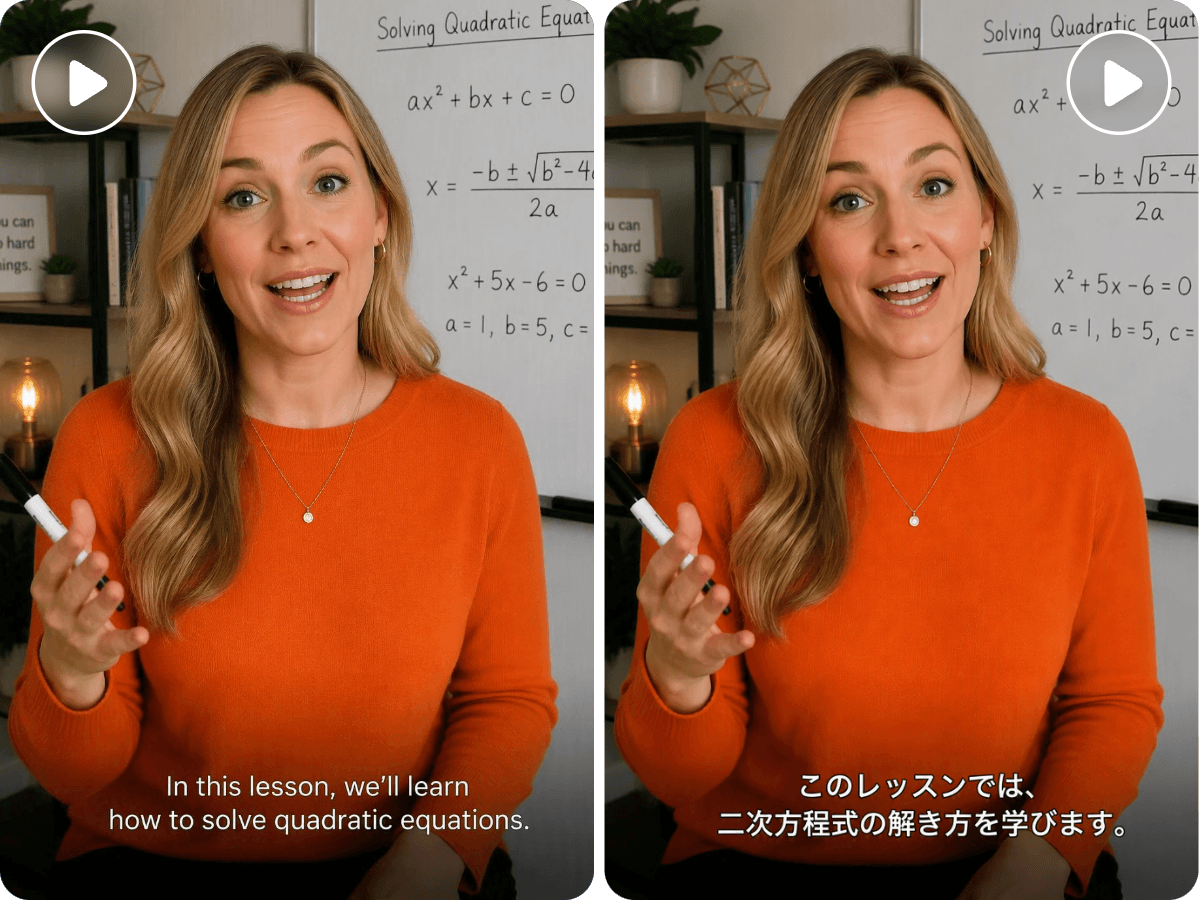
Add Subtitles to Video in Multiple Languages
Our smart AI model helps you add subtitles to video in different languages with high accuracy. It smoothly processes both English and non-English videos and generates native-sounding text so your global viewers can read along effortlessly.
You can also use this AI subtitle generator to translate text between English and other languages, like converting Japanese to English captions in a single click. It breaks down language barriers and helps your content reach a much wider audience worldwide.

Export Subtitle Files Separately as SRT, VTT, or TXT
You can easily export standalone subtitle files separately in multiple formats. Simply download the subtitles as SRT, VTT, or plain TXT files with a single click.
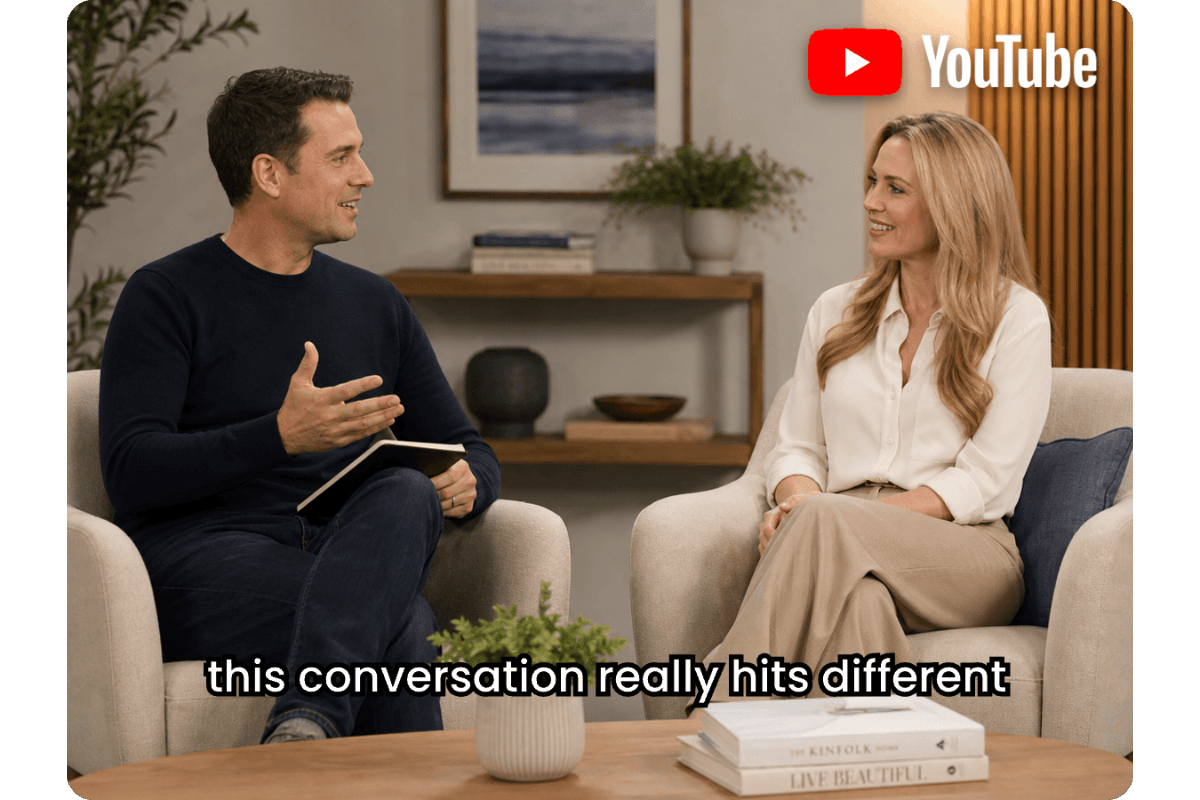
Having standalone subtitle files makes it easy to upload captions directly to platforms like YouTube. This allows your viewers to toggle captions on or off freely.
More Than an AI Subtitle Generator
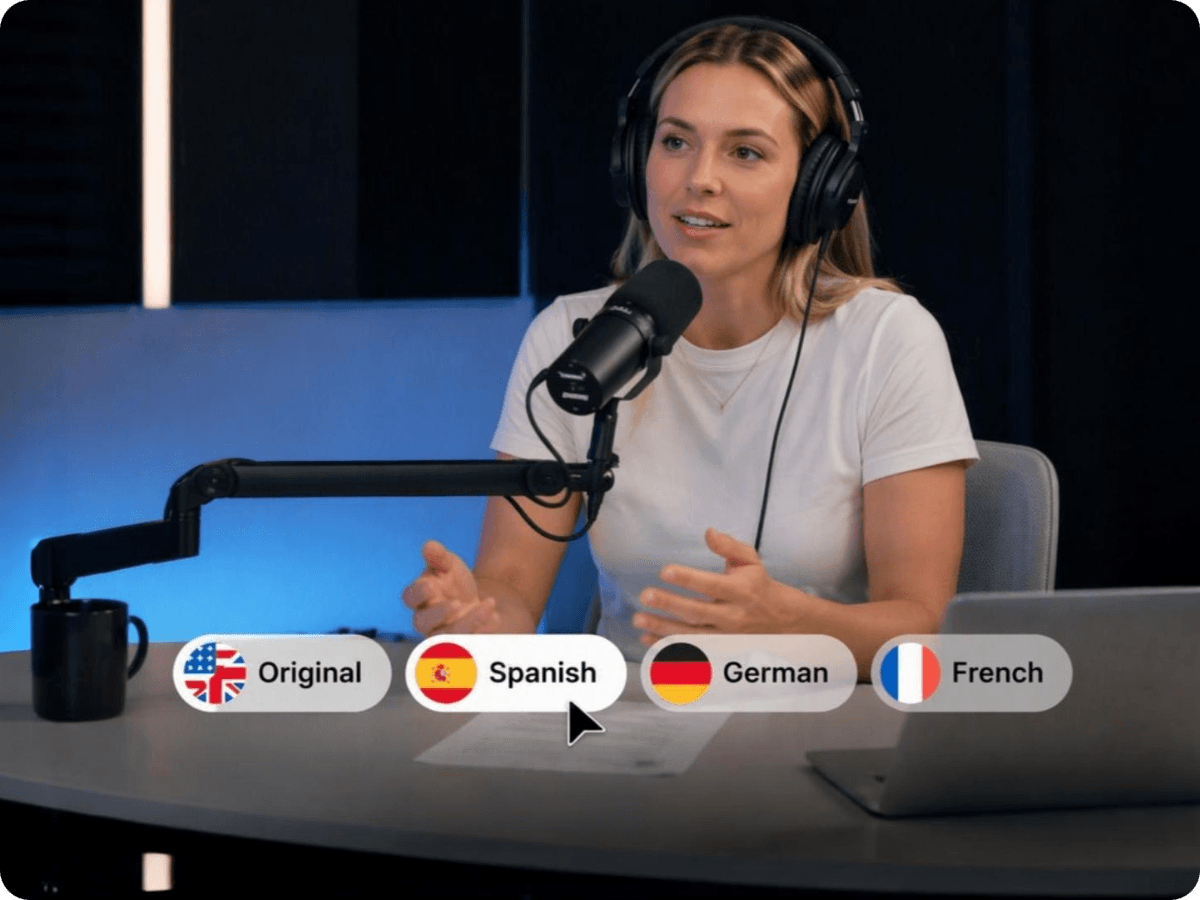

Use Cases of Video Subtitle Generator
Short Social Videos
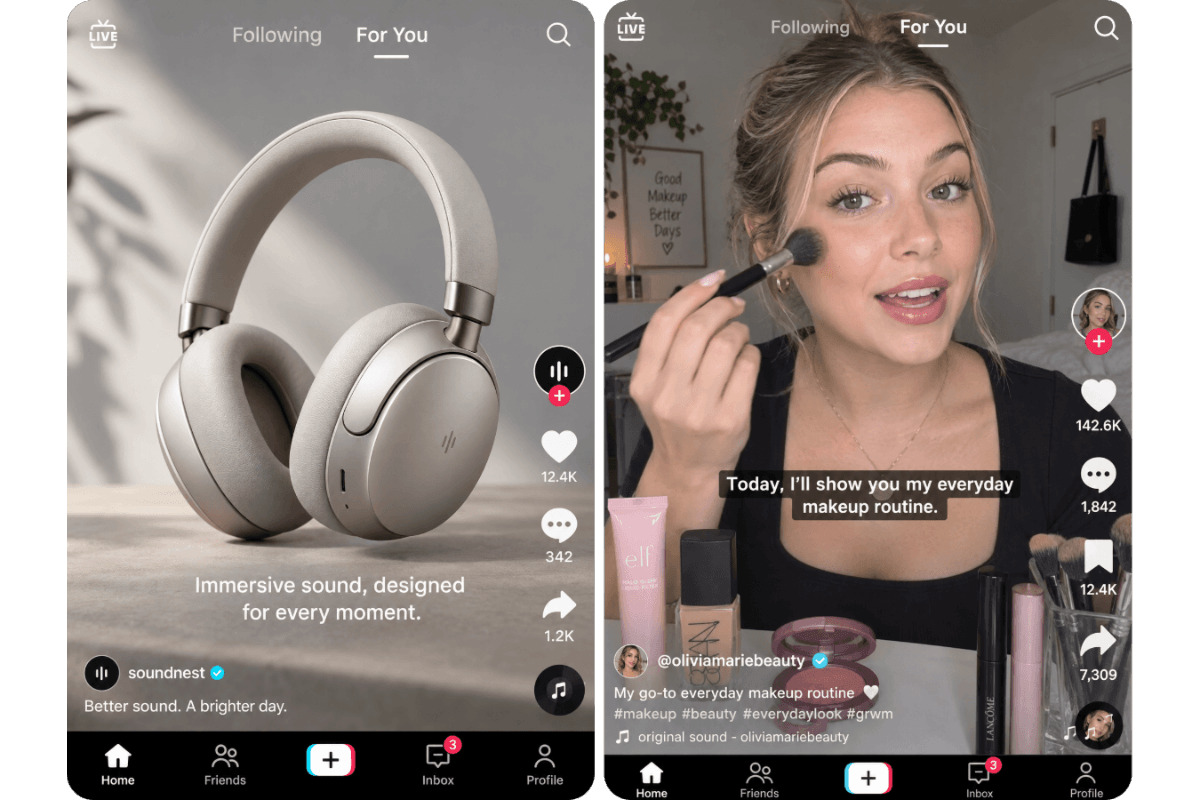
In fast-scrolling social feeds, clear captions hook viewer attention instantly. They encourage users to pause and watch your videos instead of scrolling past, boosting overall views even when audio is turned off.


How to Add Subtitles to Video in 3 Easy Steps
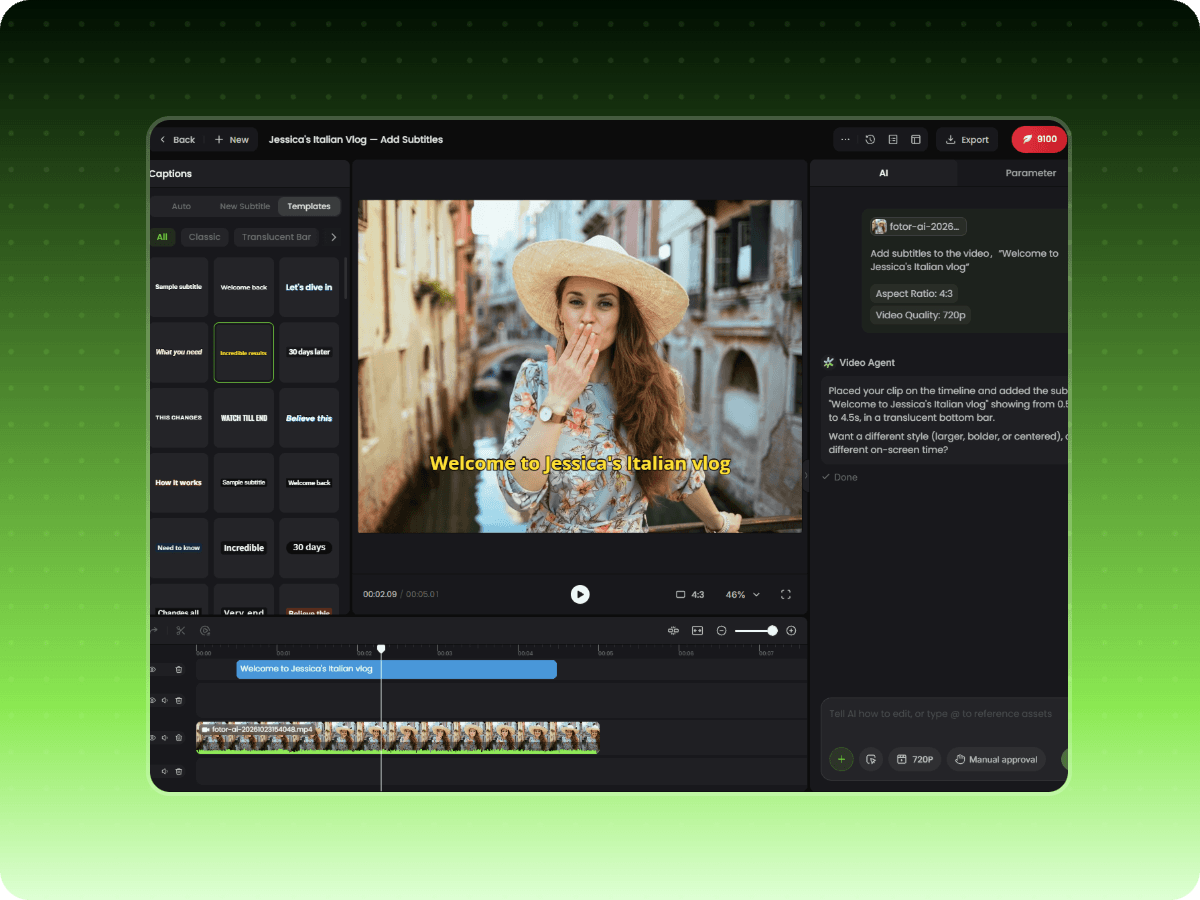
Step 1. Upload & Prompt
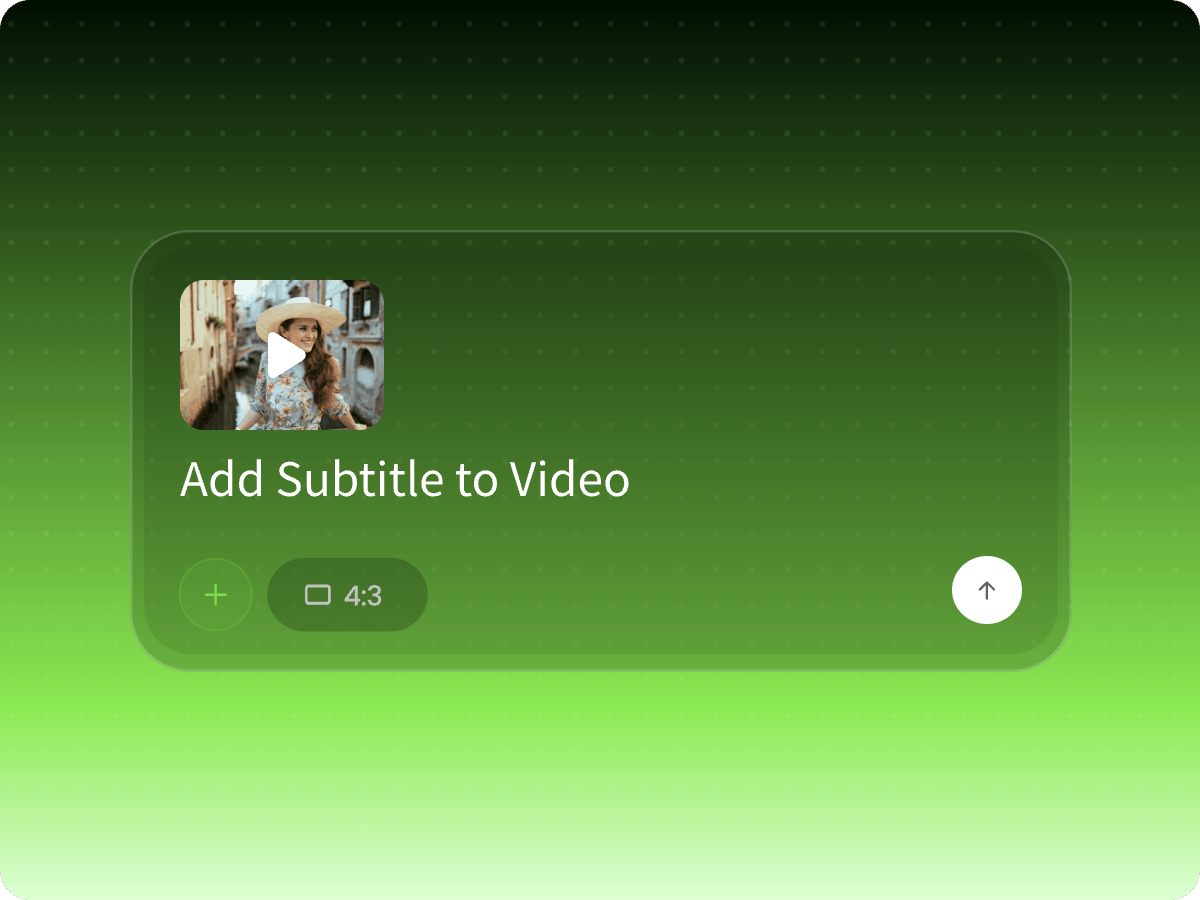
Upload your video clip into the workspace and type your instruction in the prompt box, like "Add subtitles to this video" to start the process.
Step 2. Customize & Edit
Step 3. Export & Download
Video Caption Generator FAQs
What subtitle formats can I export?
You can export standalone subtitle files in multiple standard formats, including SRT (.srt), VTT (.vtt), TXT, CSV, Markdown, and JSON.
Can I edit the generated subtitles?
Yes. You can click directly on the text on the editing canvas to change the words. You can also adjust caption assets on the timeline to reorder, drag, or change duration.
Is this subtitle generator free to use?
Yes. New users get free credits to generate accurate subtitles for multiple videos without any cost.
Are my uploaded videos safe and private?
Absolutely. Your uploaded video files and personal information are protected and will never be shared with third parties.
Which video formats are supported?
Our tool supports all popular video formats, including MP4, MOV, AVI, MKV, and WebM.
Does this subtitle generator support bilingual subtitles?
Yes. Simply instruct the AI in the chat box. The tool will automatically translate your captions and align the translated text side-by-side with the original language.
How do I translate video subtitles into another language?
Just tell the AI in the chat box which language you want, such as "Translate subtitles to Japanese," and it will generate translated captions instantly.
Can I embed an existing SRT file into my video?
Yes. Click the "+" button to upload your SRT or subtitle file, then ask the AI in the prompt box to embed it directly into your video.