

AI Style Transfer: AI Image Style Changer Online Free
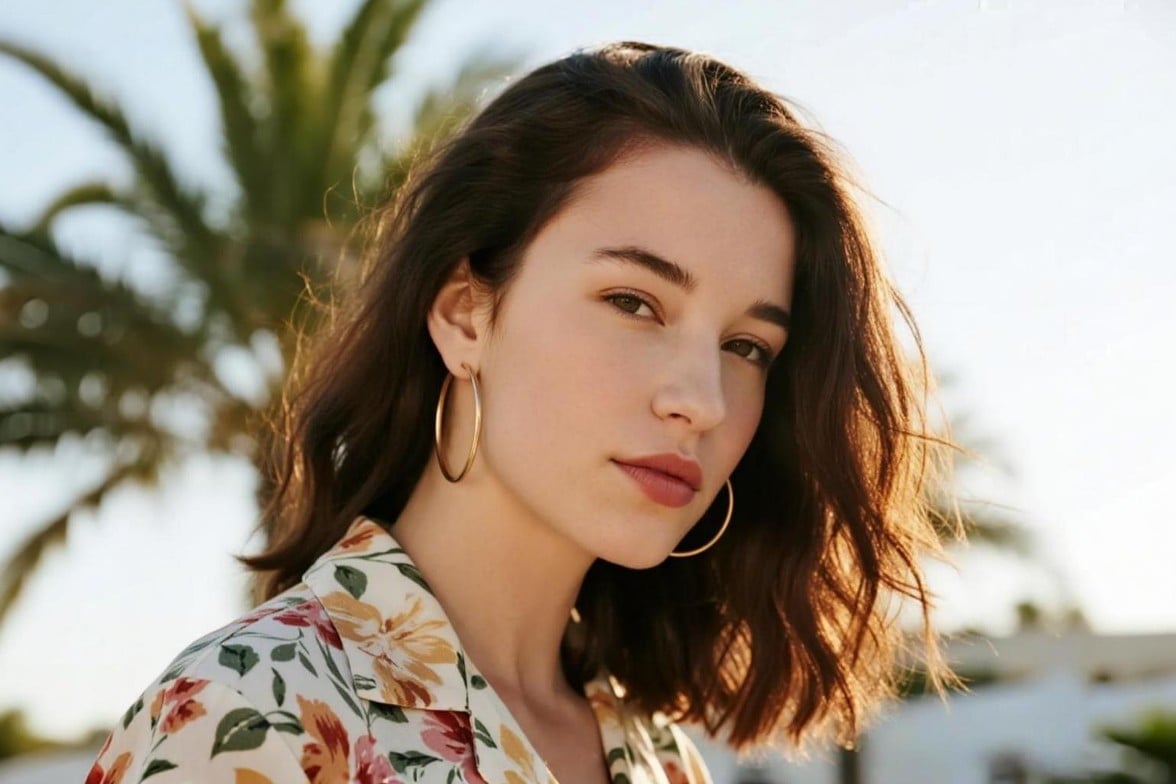
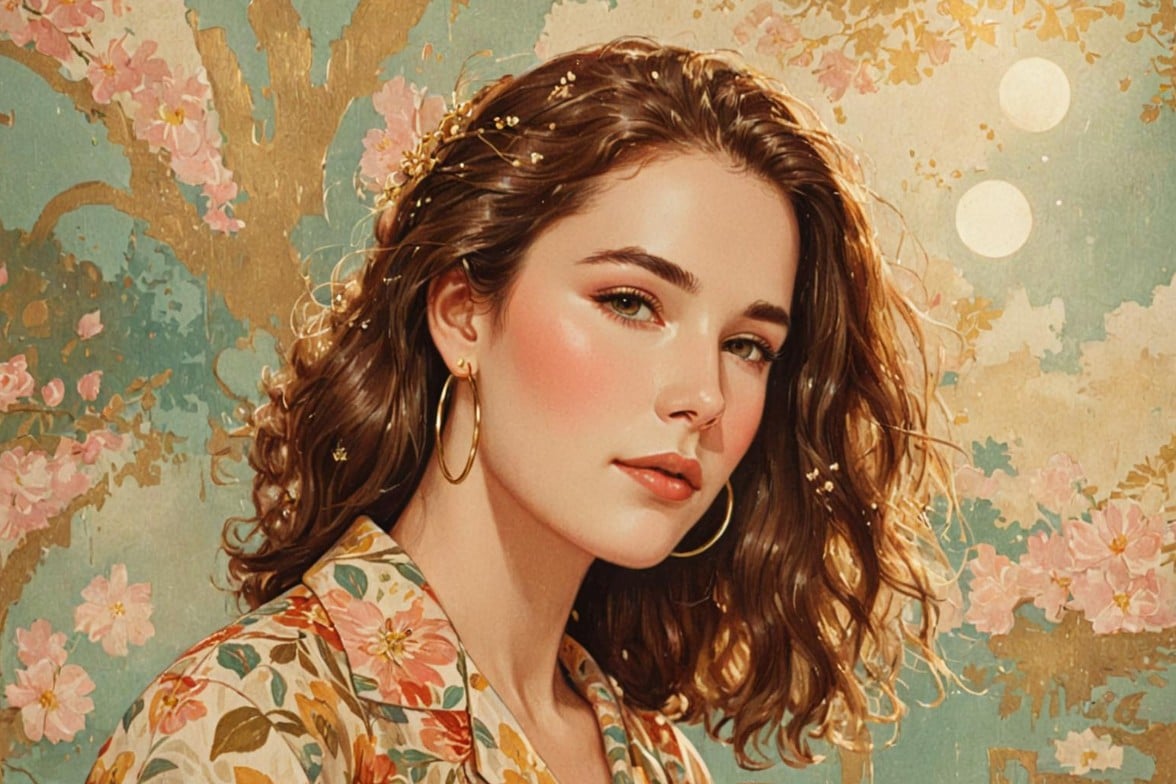
Try Fotor’s AI image style changer to achieve creative AI style transfer for your images. Use one click to turn them into any desired style, such as celebrity-inspired art, watercolor, sketch, oil painting, anime, cartoon, pixel art and more, while keeping the main subject recognizable.
✅Various AI art styles ✅One-click image stylization ✅AI style integration from reference image
Drag image here or click to upload
Drag image here or click to upload

Fotor trusted and loved by





Learn about Fotor's upload formats and requirements. See how we use your content in our Privacy Policy.
Change Image Style with Various Photo Effects
Fotor’s art style changer provides various neural artistic styles to turn your pictures into creative digital art, ranging from classic art celebrities’ styles, such as Van Gogh, Monet and Picasso, to popular artistic effects like anime, cartoon, vintage, sketch, watercolor and more.
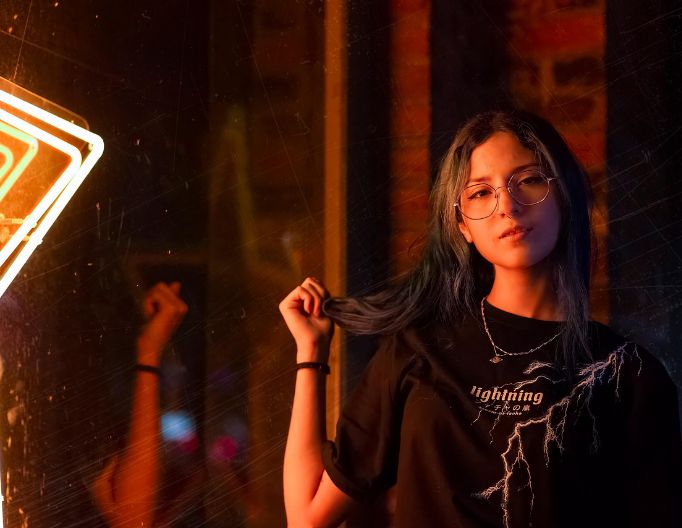
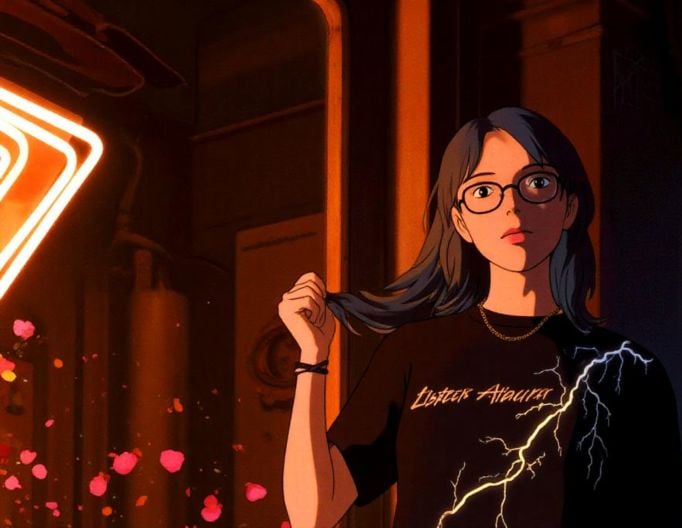
Anime
Change your realistic photos to iconic Japanese Anime styles like Studio Ghibli.

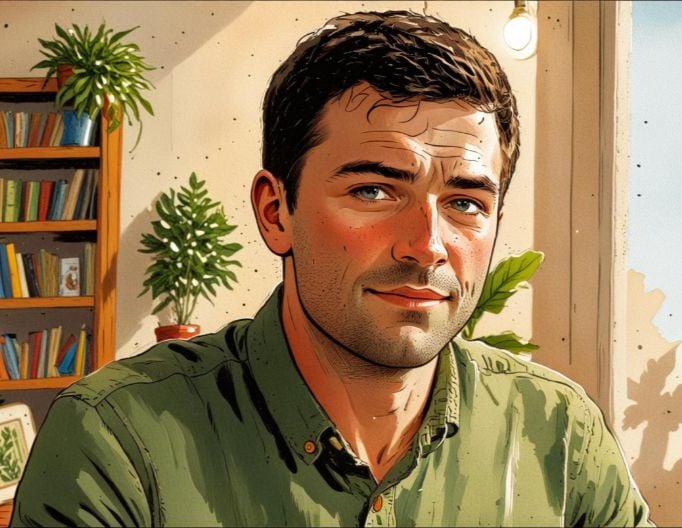
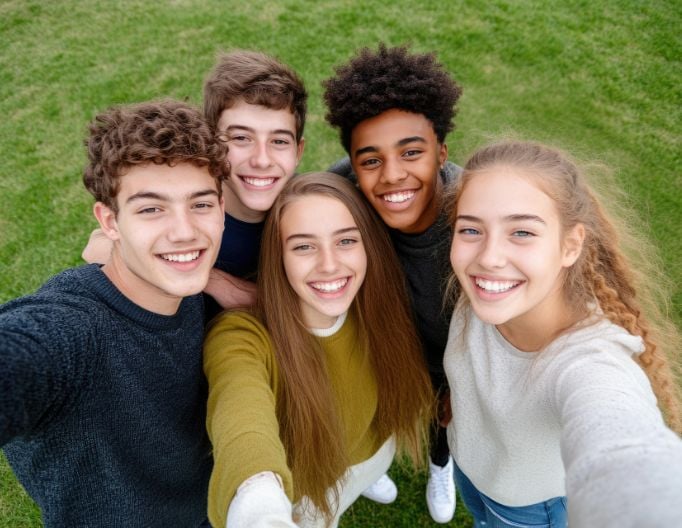
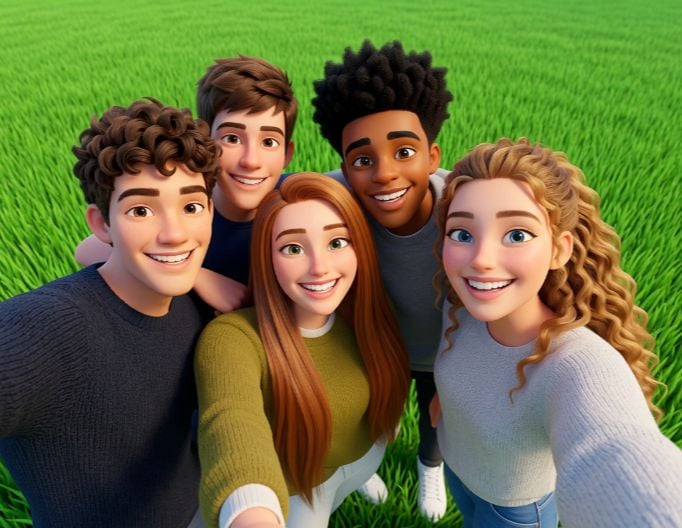
3D Cartoon
See your portrait or pet quickly become a vivid 3D cartoon character or even an action figure.
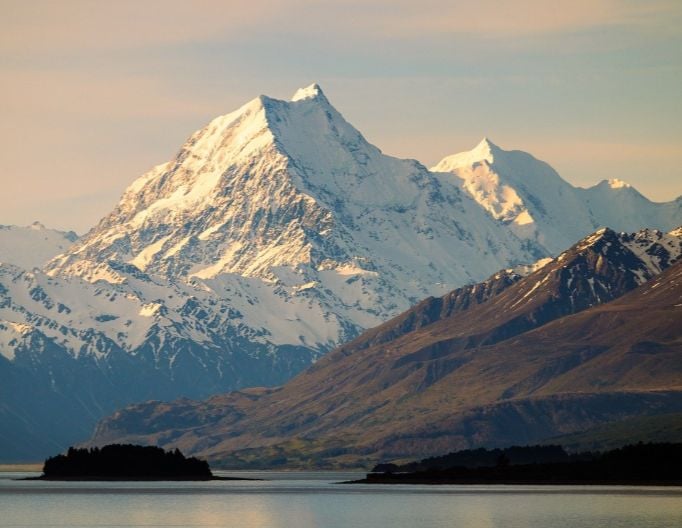
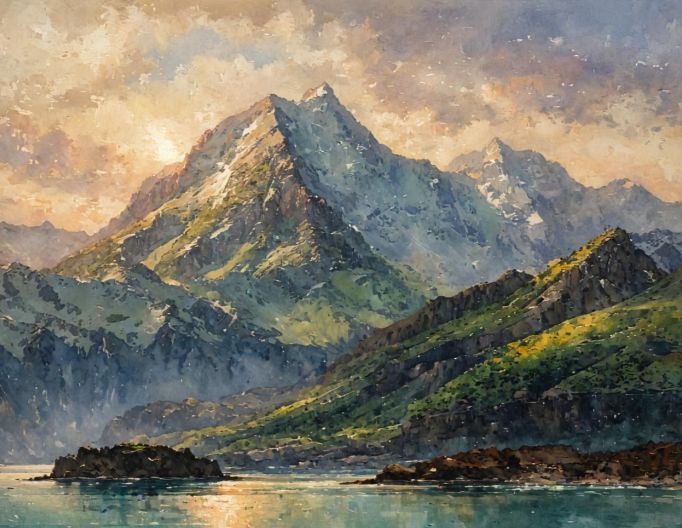
Artistic Painting
Transform your images into artistic oil painting or watercolor drawings without losing original details.
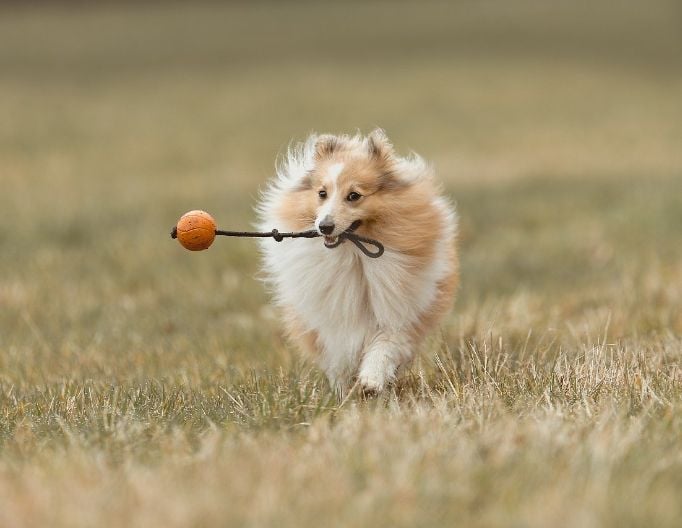
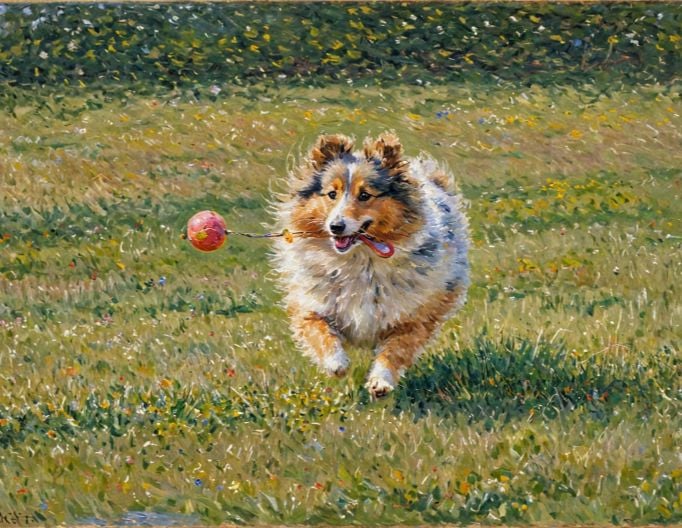
Celebrity Art
Apply iconic celebrity-inspired art styles to recreate your original photos, featuring visible brushstrokes and soft colour blending, such as those of Van Gogh and Monet.
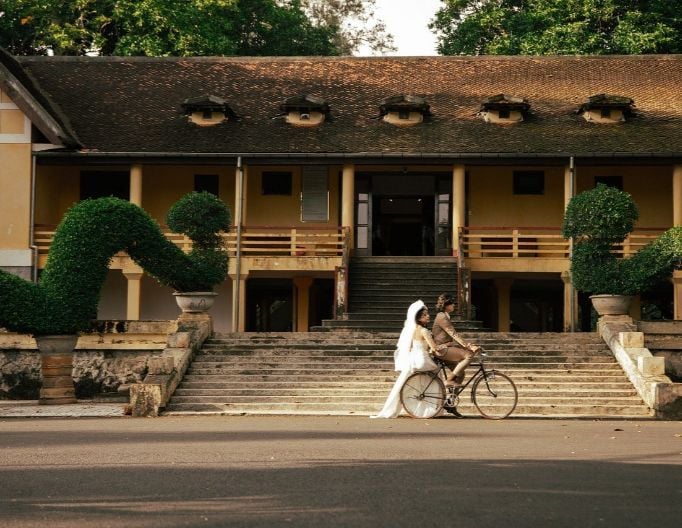
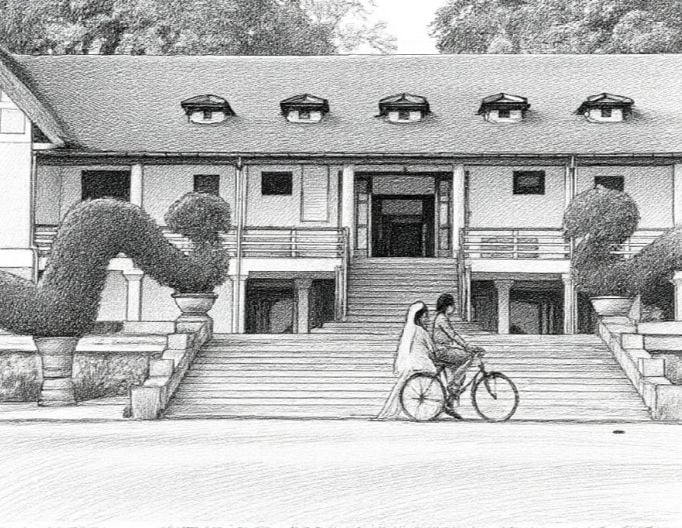
Sketch
Reimagine your realistic photos in styles that vividly mimic B&W or colorful line drawing or sketch art.
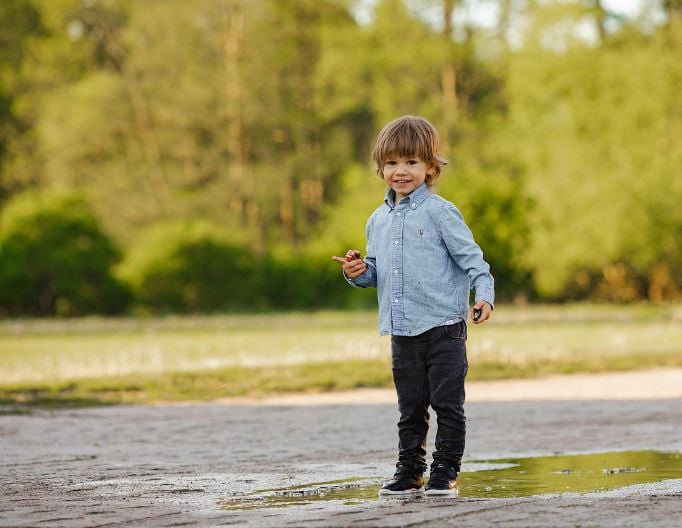
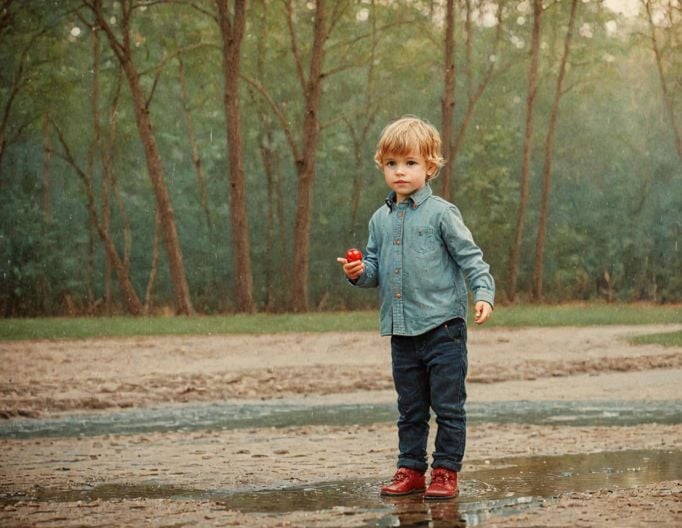
Vintage
Convert your photos to elegant black-and-white vintage or other retro visuals.
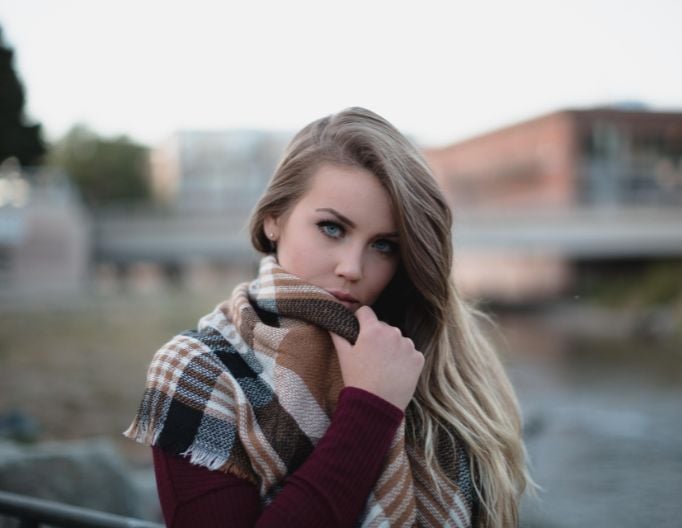
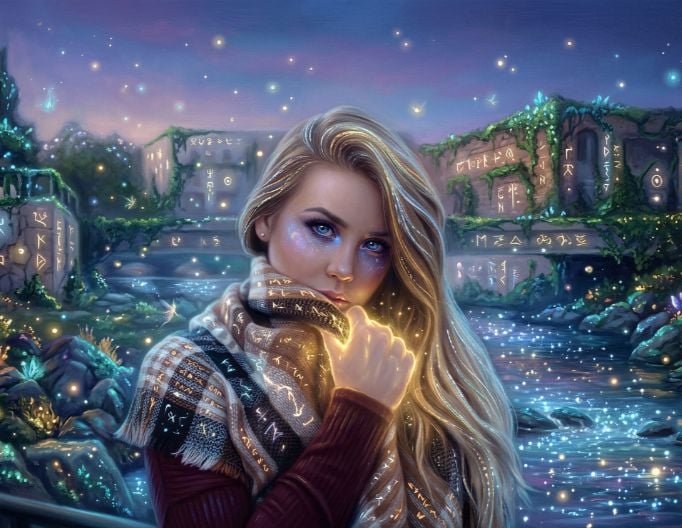
Fantasy
Turn your ordinary images into dreamy fantasy visuals with magical and imaginative elements.
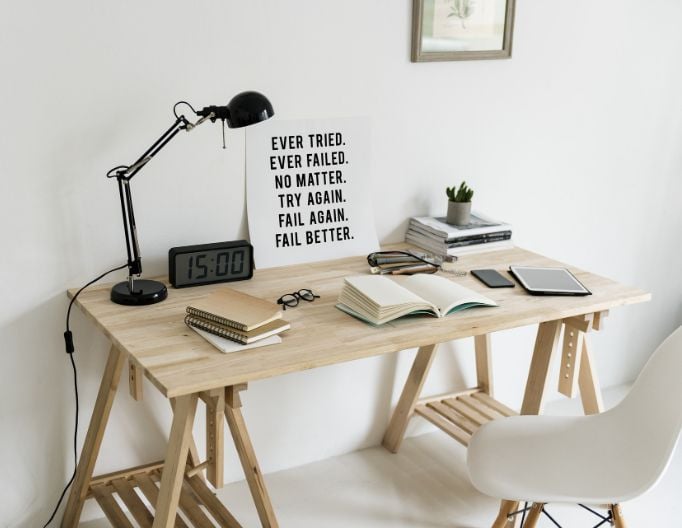
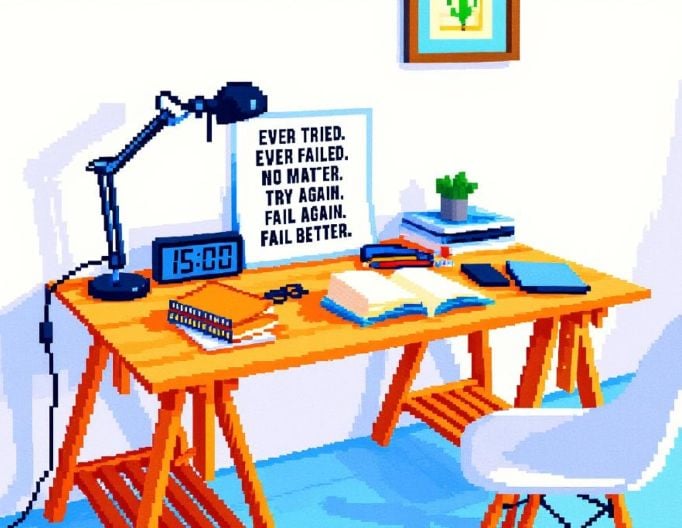
Pixel Art
Reimagine your original portrait, pet, landscape and object pictures as captivating pixel art images.
How to Use Fotor’s AI Photo Style Changer?
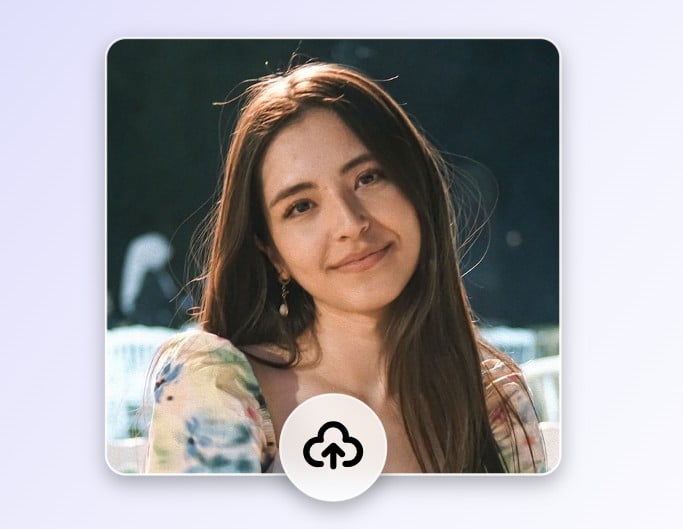
Step 1. Upload Photo
Upload your photo to our AI art style changer.
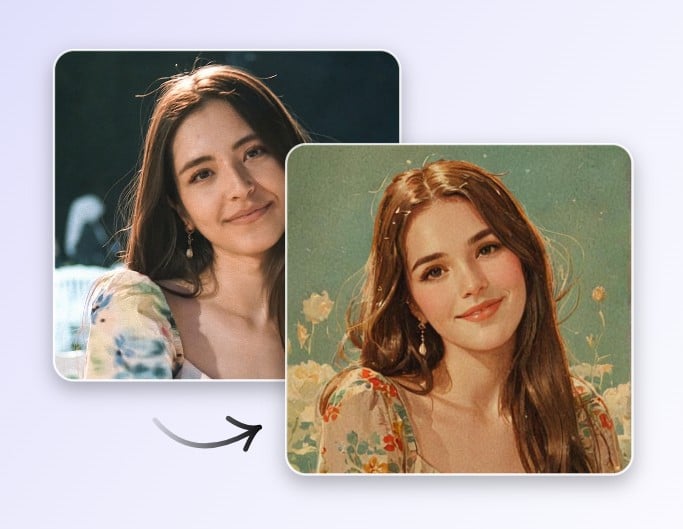
Step 2. Change Photo Style
Pick a style for your image and our tool will automatically apply it to your picture. No manual editing is required.
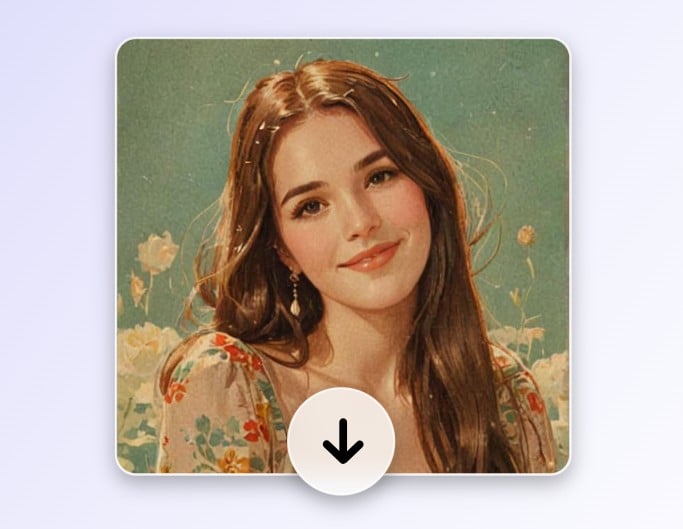
Step 3. Preview and Download
Preview your stylized image and then click “Download” to save it.
800M
Users
4.5★
on Capterra
1B+
Image, videos processing
Effortlessly Turn Any Photo into Artistic Look
As a well-trained stable diffusion style transfer tool, our picture style changer helps you conveniently change art style of a portrait, pet, object or landscape image with AI.
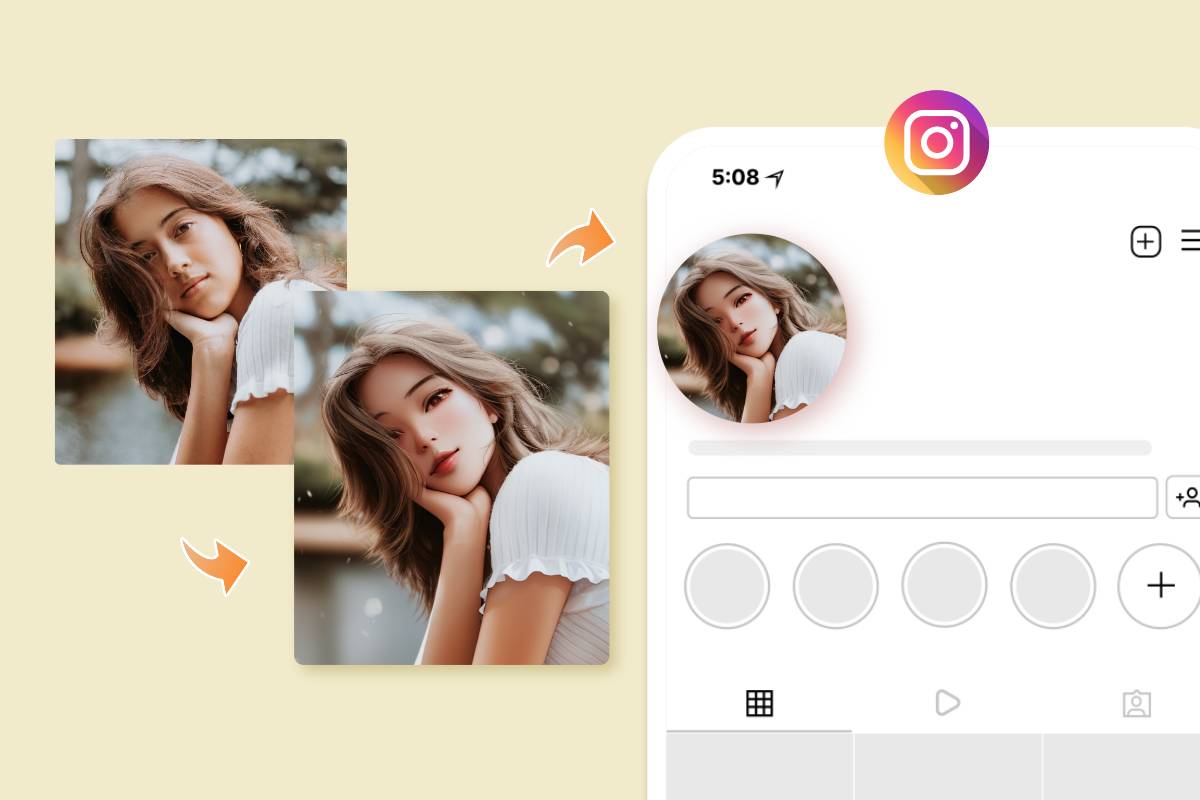
AI Style Transfer for Portraits
Instantly transform your selfies or other portraits into artistic or creative ones with our AI image style converter. Easily add a cinematic, anime or cartoon-inspired, artistic, fantasy or professional vibe to your portrait photos and use them as your unique social media avatar or profile picture.

Change Photo Style for Animals
With our change art style AI, you can give your pet image a chance to be a cute 3D cartoon character, a kawaii plush toy, a LEGO-like toy or a pop-art visual. Save and download your stylized furry friend image to create an exclusive illustration or print it as wall art or a special gift.
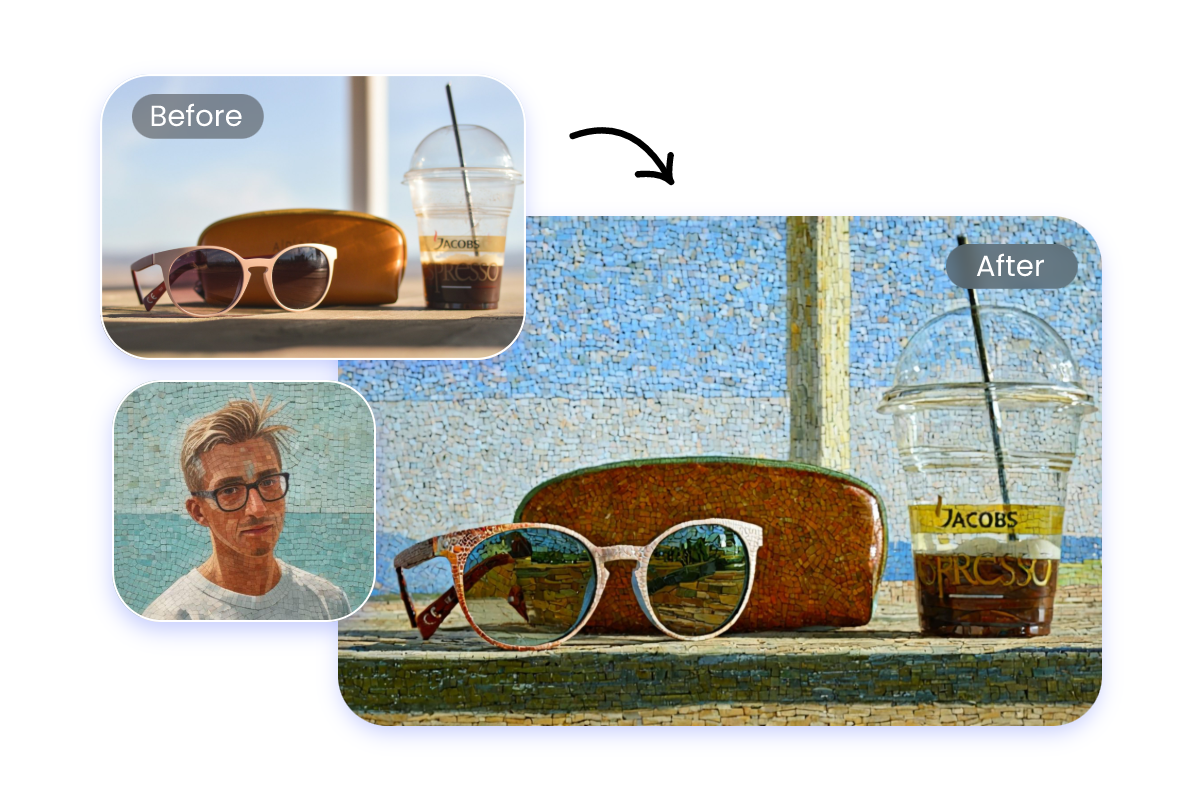
AI Stylize a Photo of Objects
Our style transfer AI lets you effortlessly and quickly convert your doll, robot, car, room design or house to unique visuals, such as classic line drawing, vivid pixel art or artistic mosaic effect. Then, find inspiration for your creative projects with these stylish object photos or share them on your Instagram or Pinterest.
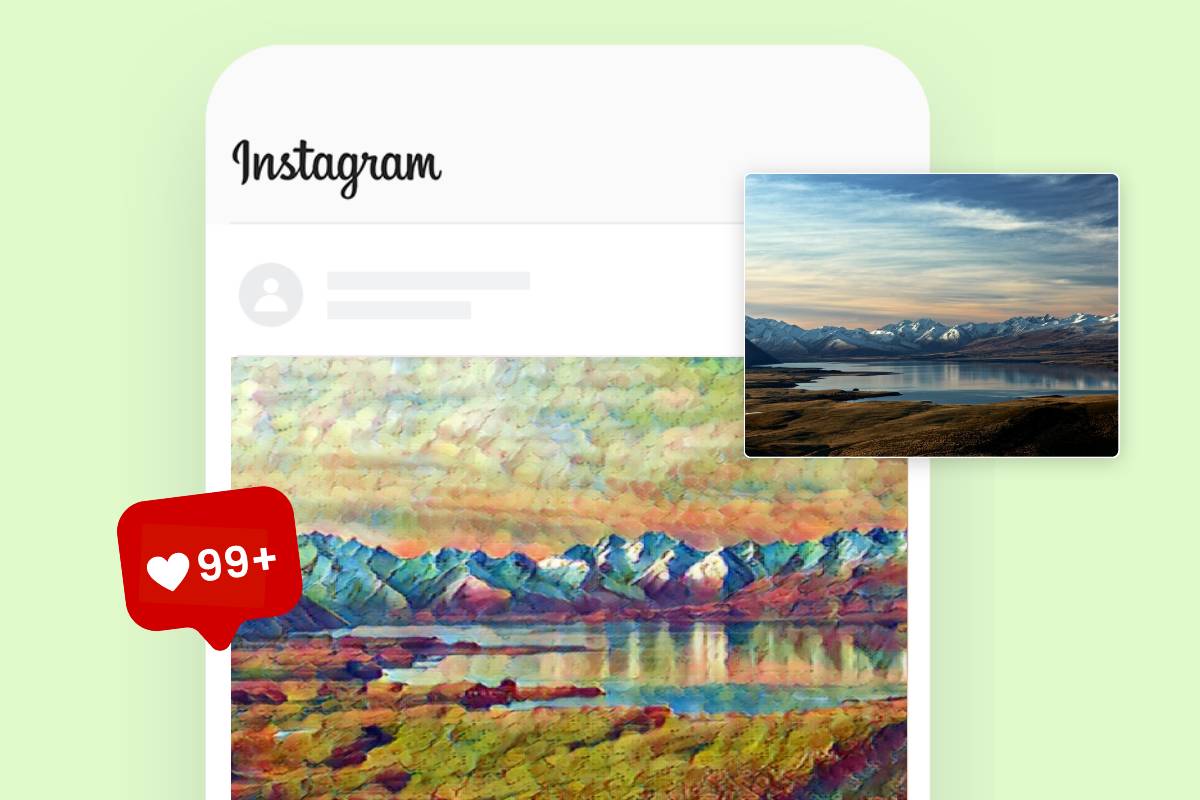
Add AI Styles to Landscape Photos
Make your landscape aesthetically attractive with our image style changer. Simply turn your scenery images into elegant sketch, watercolor or oil painting drawings. Then, create one-of-a-kind poster, flyer, banner or cover designs with these stylistic landscape pictures.
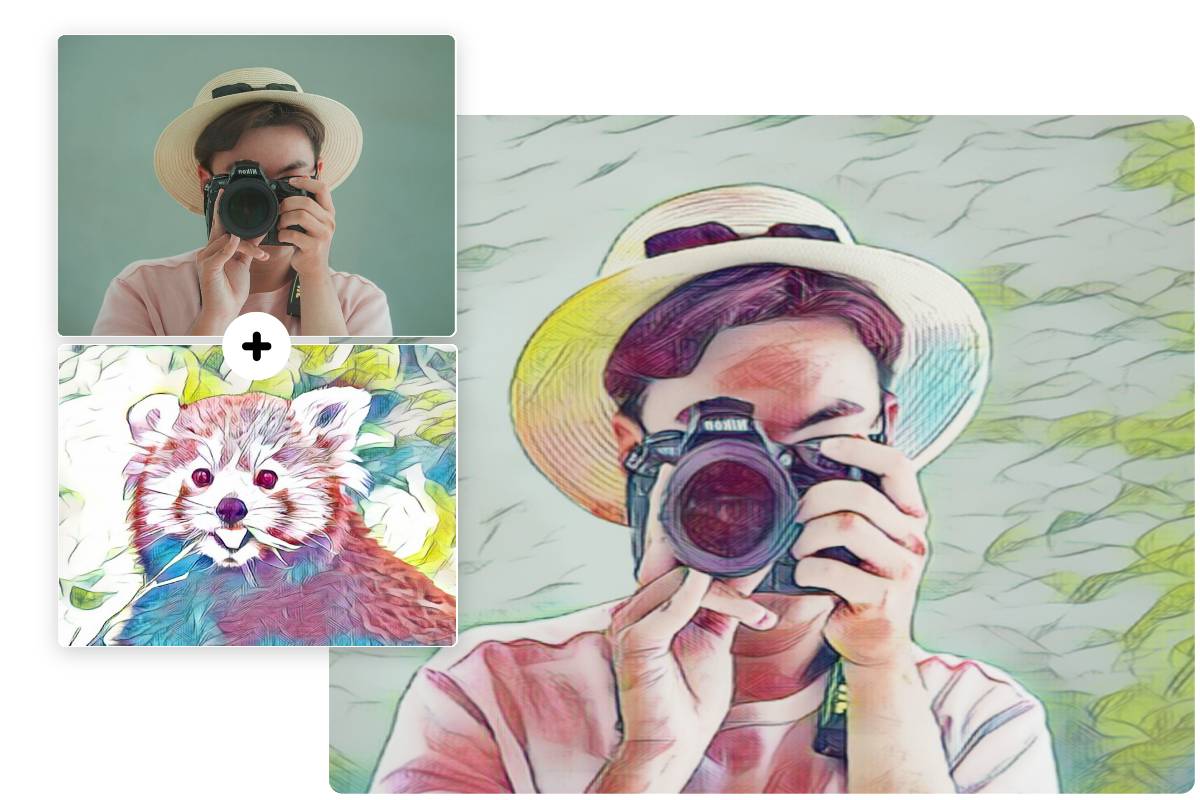
Apply Unique Styles from Reference Photos
Our AI image generator, powered by advanced AI models like Nano Banana, ChatGPT and more, helps you change the style of an image based on your reference photo. By analyzing the color palettes, textures and artistic elements, our AI art style copier can automatically add the chosen style in your reference photo to the other image without damaging the original subject and structure.
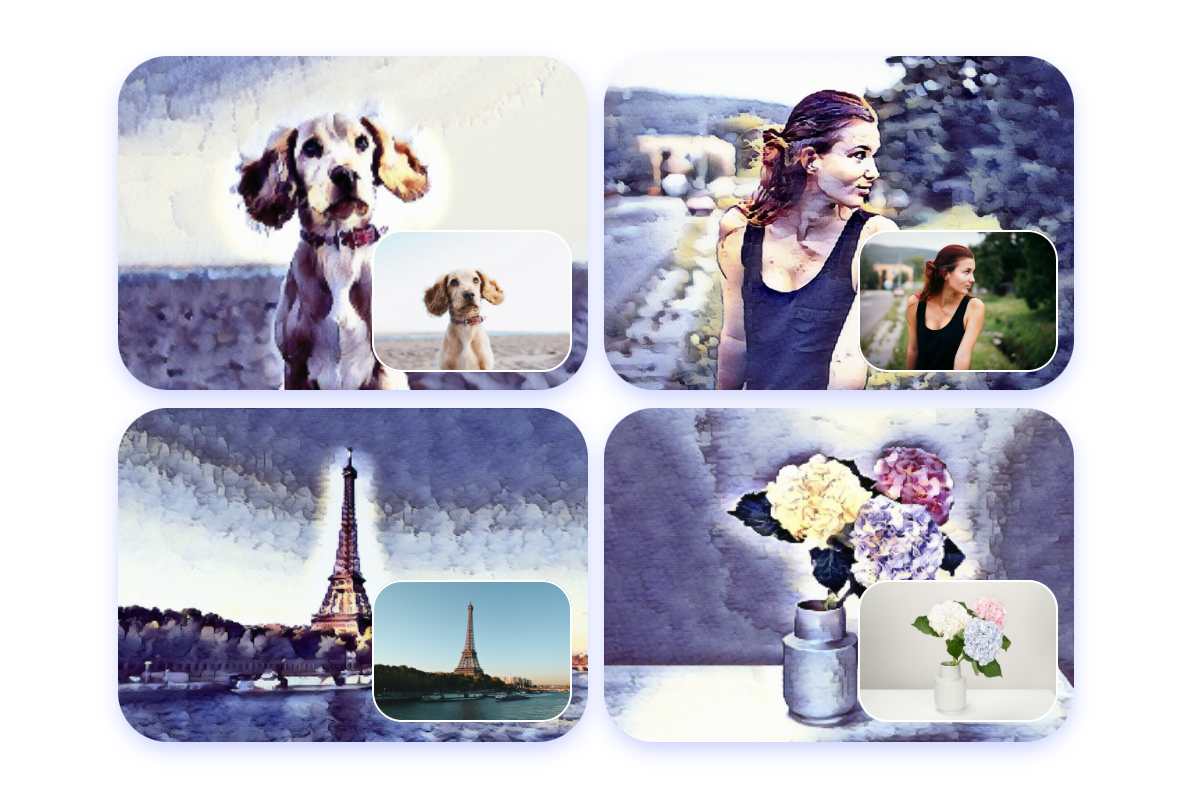
Create a Consistent Visual Theme for Different Photos
Looking for a way to make all your images look cohesive? Try our AI photo stylizer to apply your chosen art style to your pictures and give a cohesive look across all of them. Whether you plan to make a carousel Instagram post feed, get materials for your art portfolio or gather visual elements for your website, Fotor’s AI style transfer tool makes it easy to create a unified visual look.
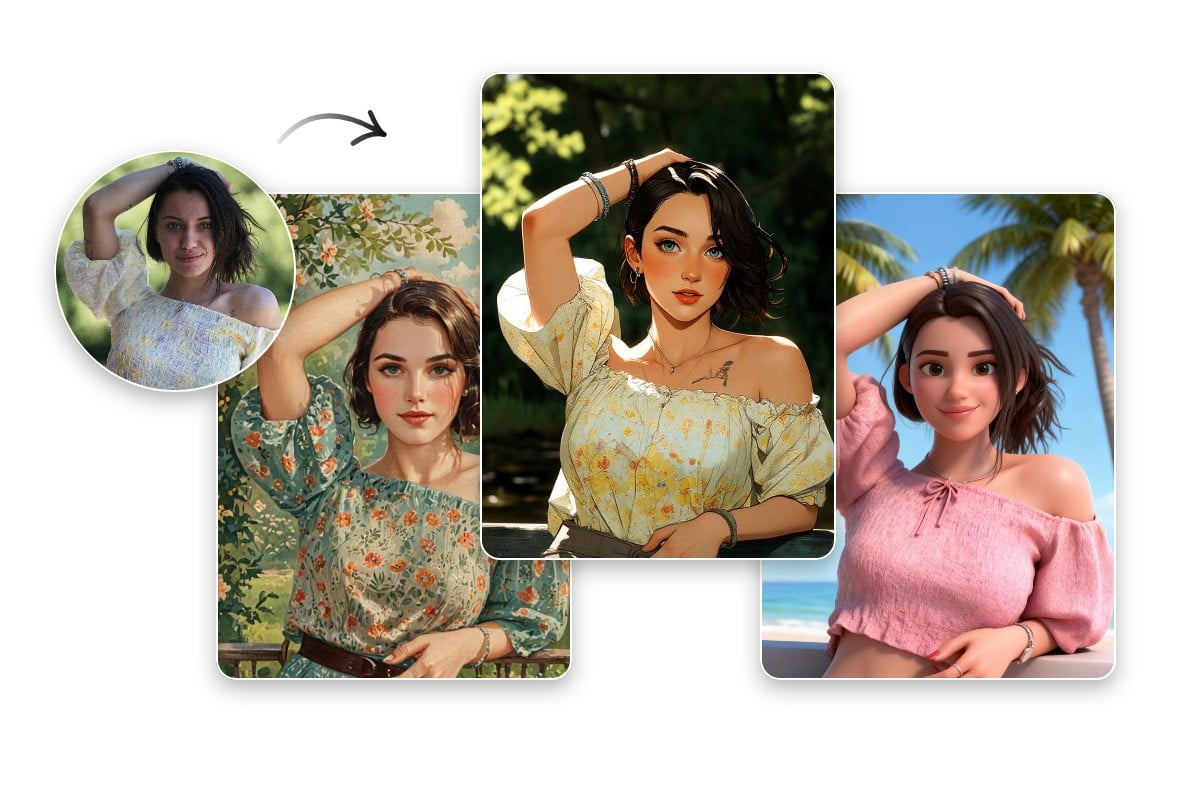
Good Identity or Character Consistency Across Multiple Images
Our AI style changer will ensure good identity or character consistency across multiple images in most cases. Whichever style you select, our tool will bring fewest damages to the key features of the main subjects, including facial features, proportions, hairstyle, clothing, color palette and more, making the same person or character remain visually recognizable in every stylish output.
Why Choose Fotor’s AI Style Transfer Tool?
![without watermark]()
Various Art Styles
Fotor offers users lots of stunning and eye-catching art styles, ranging from prestigious painting and classic artistic styles (waterclolor, sketch, painting, etc.) to trending and fashionable ones like Anime, cartoon, clay 3D, GTA, Joker and more.
![Easy to use icon]()
Effortless Style Change
Fotor boasts a user-friendly interface and lets you turn their original images into artistic photos with just one click. It is suitable for users of all levels.
![AI graph icon]()
AI Style Change
In addition to one-click style transformation, Fotor enables you to copy the style of a reference photo, including color palette, texture and artistic elements, and add it to the other photo seamlessly.
![studio quality icon]()
High-Quality Results
Expect an HD artistic photo created from your original one. Share it online or print it out to make a lasting impression.




Explore More of Fotor’s AI Style Transfer Power
Fotor provides more solutions to photo style transfer. You can discover it by yourself and have fun changing your image style as you like.
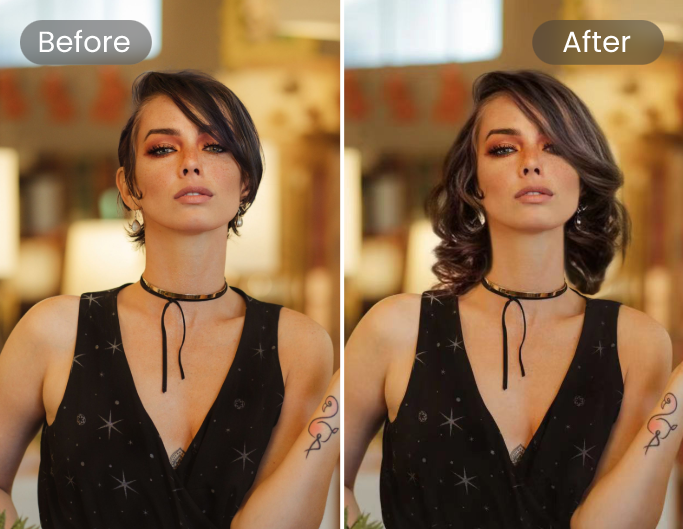
AI Hairstyle Change
Use one click to change the portrait’s hairstyle and hair color in the photo.
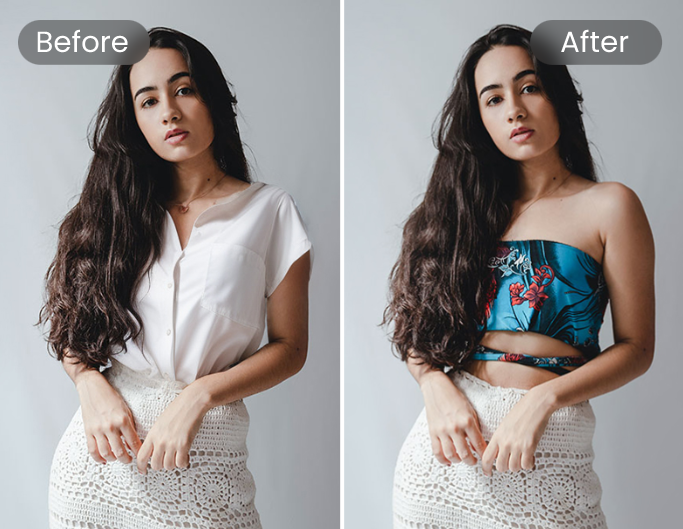
AI Clothes Changer
Create a piece of new AI-generated clothes from text and have it replace the original one in your picture.
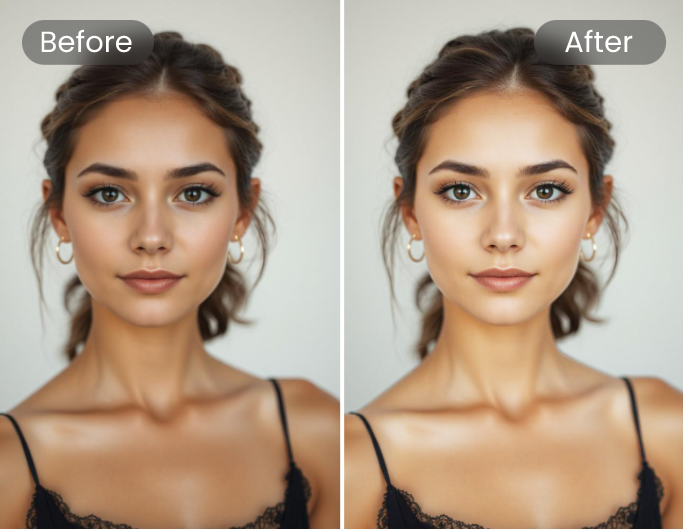
AI Skin Color Changer
Try our AI Skin Retouch tool to adjust the skin color of the portrait in your image.