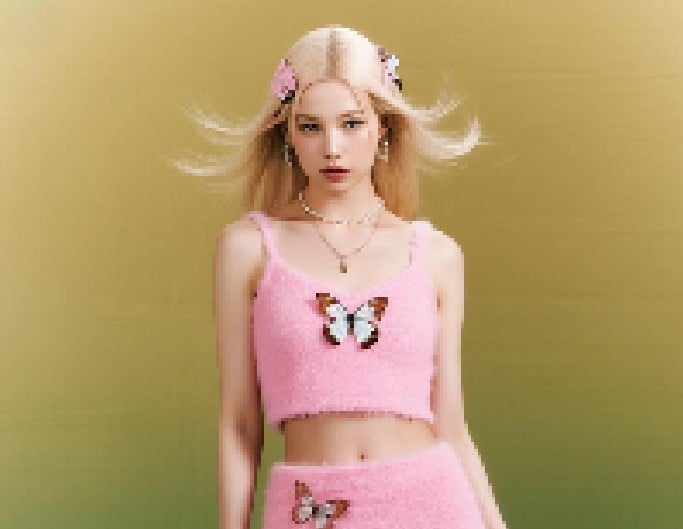
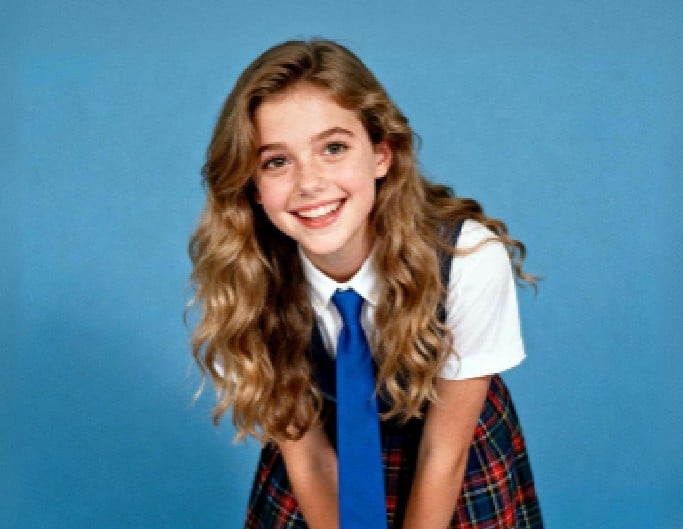
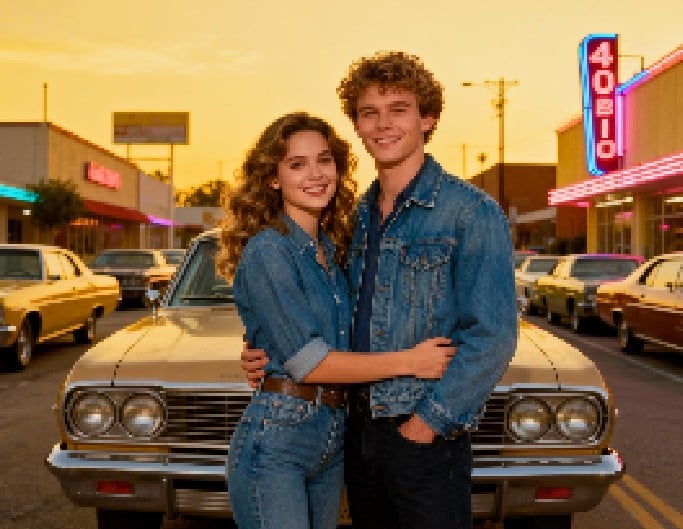

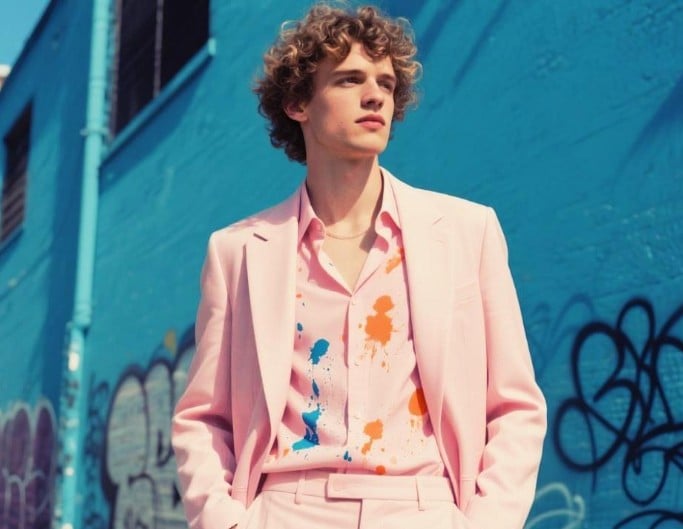


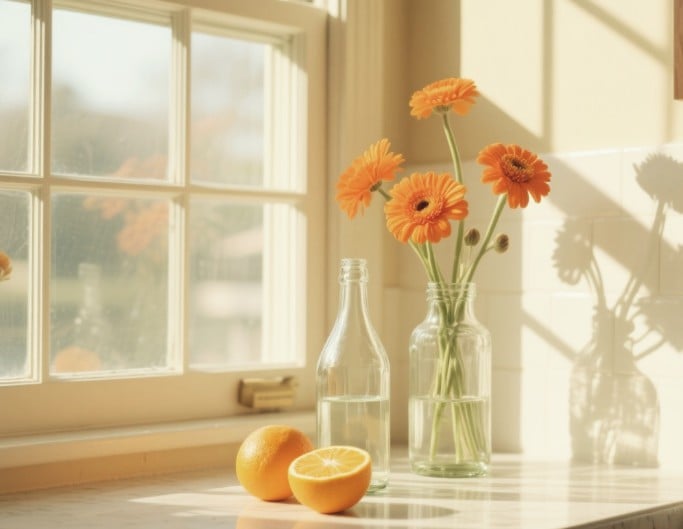
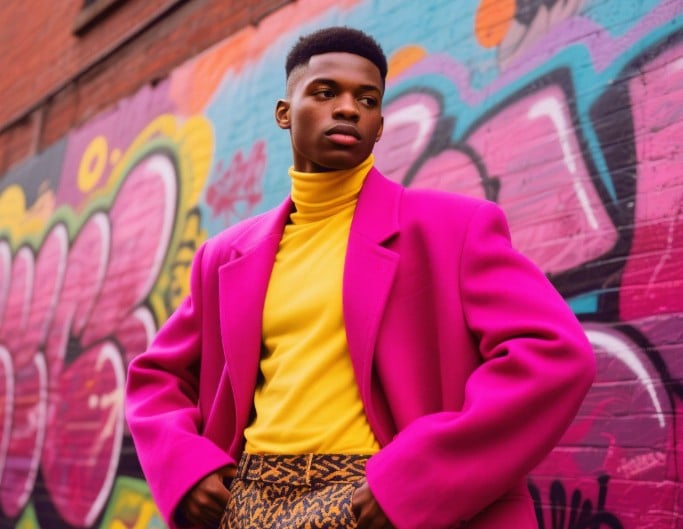
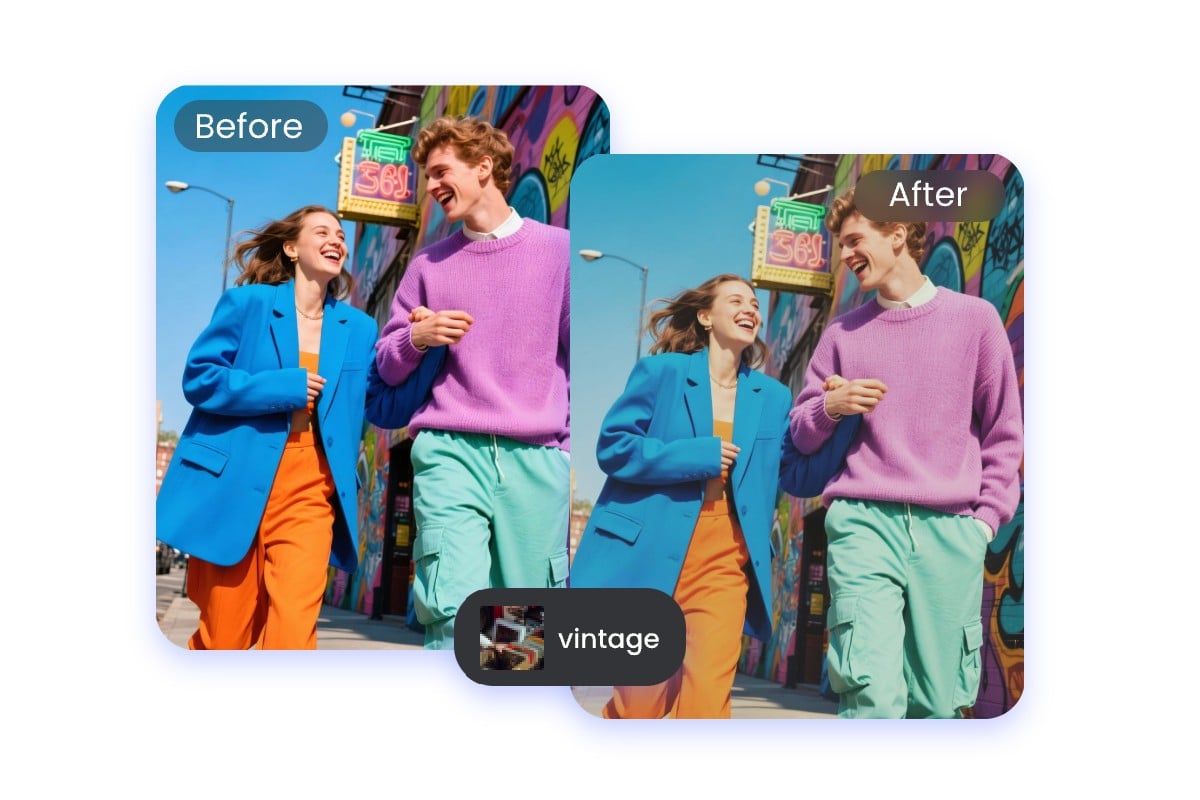
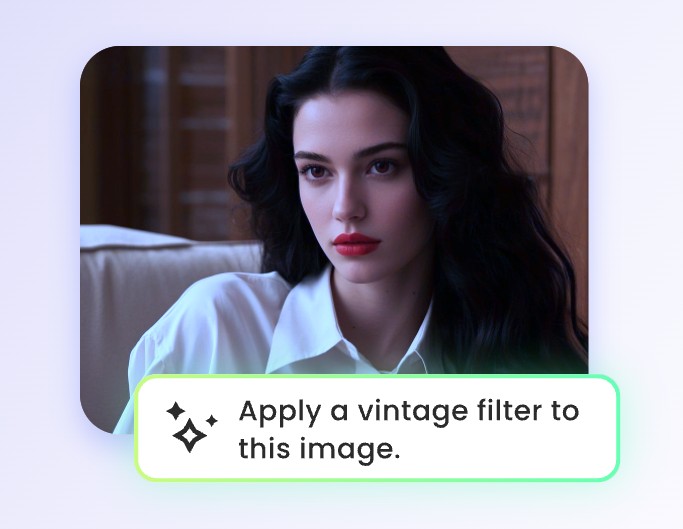
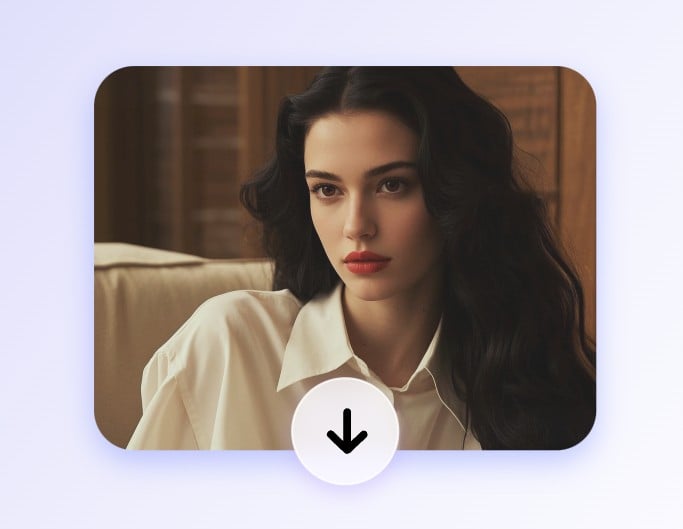

Multiple Presets
Apply a range of built-in old camera filters. Or try Google Gemini AI image editoron Fotor to transform pictures into any style.


Want to give your photo a retro look? Upload your photo and instantly try vintage filters like 80s filter, 90s filter, 2000s filter, and more. Explore a variety of old camera filters to transform your photo online in just one click.
Fotor's vintage photo editor is an online tool that can apply retro effects like 2000s filter and 90s to uploaded photos. To create a nostalgic aesthetic, our vintage filters replicate typical features of old camera shots, such as classic film grain, light leaks, high contrast, and vivid saturation.
Fotor's retro filter library offers multiple presets, including 2000s filter, 90s filter, 80s filter, CCD effect, Y2K Style, and Polaroid filter. Use our vintage photo filters to elevate TikTok or Instagram content, design projects, commercial uses, or personal photography.
Upload a picture from your device to Fotor. It could be a portrait, a scenery image, and more.
Apply a range of built-in old camera filters. Or try Google Gemini AI image editoron Fotor to transform pictures into any style.
Fotor's vintage filter requires no login or signup. Just a clean, smooth editing experience.
You can use our nostalgic photo filter for commercial purposes without copyright concerns.
You can get a professional retro flavor filter in under 5 seconds. Our vintage photo editor is optimized for fast processing.
Fotor's vintage filter supports common image formats, including JPG, JPEG, PNG, and WEBP.
We will not share your personal information with any third party. Your privacy is our top priority.

Whether I wanted a vintage vibe, a cinematic look, or a moody black-and-white feel, the preset filters had me covered.

Users love the simple and powerful photo editing capabilities of Fotor, enhancing their images with ease.

Fotor Photo Editor is an excellent tool for anyone looking to enhance and edit photos with ease.
A vintage photo filter is a digital effect that makes a modern image look as if it were captured in the past.
It can change colors, add soft fading and textures, or adjust lighting to mimic the look of classic cameras and film.
Vintage filters add atmosphere, emotion, and a sense of storytelling to pictures. They connect with viewers emotionally, making the images stand out on social media.
Yes. You can use Google Gemini AI image editor on Fotor to recreate the look of any classic camera. Just describe the old camera filter you want.
It could be the warm tones of a Polaroid SX-70, the high-contrast feel of a Leica M6, the dreamy colors of a Canon AE-1, or the rich cinematic vibe of a Kodak Ektachrome.