



What is Flat Lay Photography
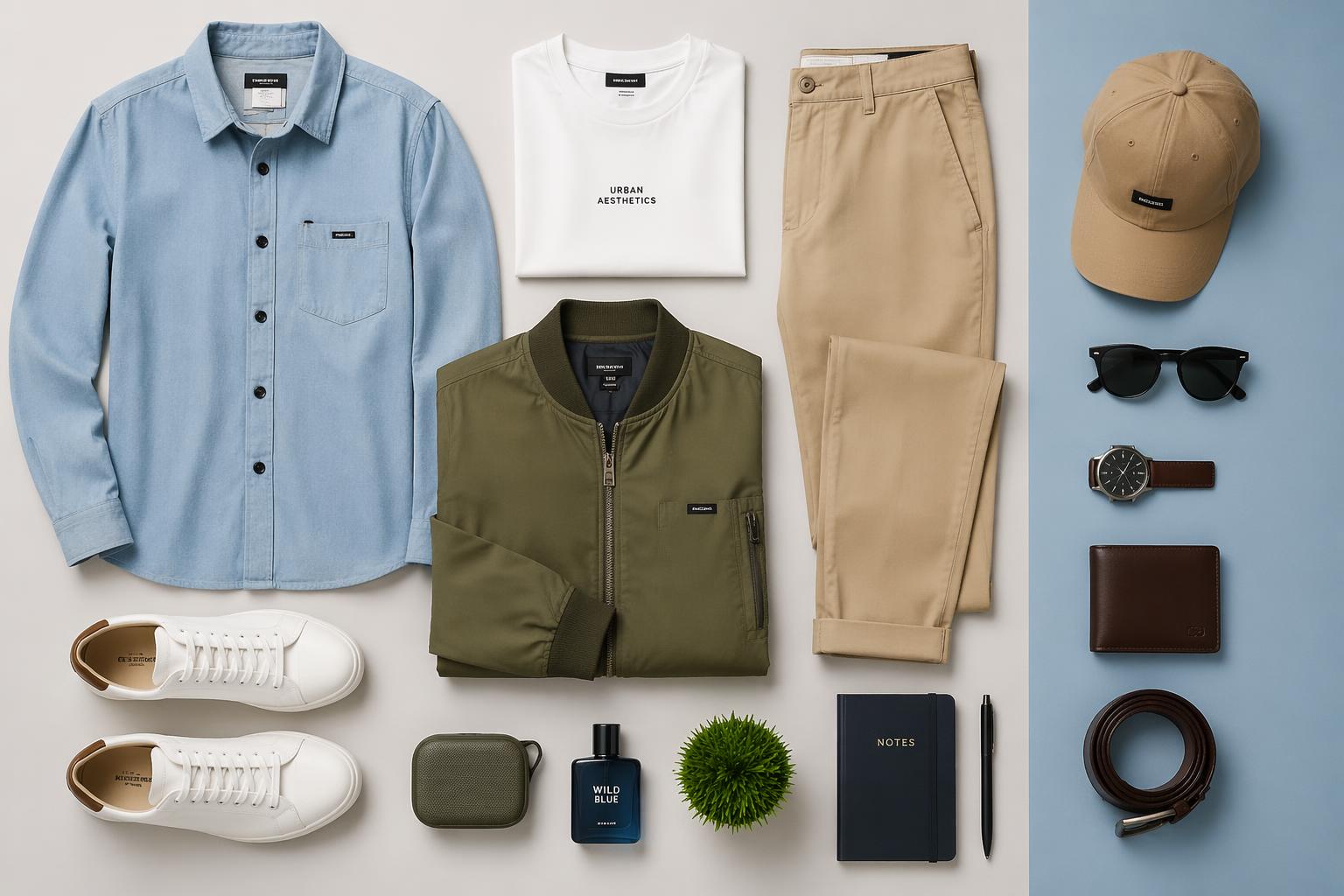
Flat lay photography is a style of photography where products or objects are arranged on a flat surface and photographed from directly above.
It’s commonly used in eCommerce, social media, and product marketing because it creates clean and easy-to-understand visuals. Instead of focusing on models or environments, flat lay photography keeps attention on the products themselves.
Today, flat lay images are widely used for product listing pages, brand campaigns, and online store visuals because they help present products in a simple and organized way.
Flat Lay Photography in Modern eCommerce
If you look at modern online stores, flat lay images show up constantly. That’s not a coincidence.
One reason is clarity. When products are shown from above in a clean layout, customers don’t have to interpret anything. They immediately understand what’s included.
Another reason is consistency. Whether it’s skincare, clothing, or accessories, flat lay photography keeps everything visually aligned across a store or catalog.
And finally, it fits how people shop today. Most users scroll quickly on mobile, so images need to communicate value instantly without needing explanation.
That’s why flat lay photography is so common in ecommerce product photography, especially for product listing images and ad creatives.

Where Brands Actually Use Flat Lay Images
In real eCommerce workflows, flat lay photos are not just decorative visuals. They serve specific roles across different stages of marketing.
Most commonly, you’ll see them used in:
- Product listing pages on Amazon or Shopify
- Paid advertising on platforms like Meta or Google
- Instagram and Pinterest content
- Product bundle or kit presentations
- Landing page storytelling sections
They are especially useful when a brand needs to show multiple items together or present a product set in a clean, structured way.
How to Take Flat Lay Photos
Flat lay photos are created by arranging products on a flat surface and photographing them from above in a clean, organized composition.
1. Start with a Clean Background
Most flat lay photos begin with a simple surface that keeps attention on the product. Common choices include paper backdrops, wooden tables, fabric textures, or neutral-colored boards.
For eCommerce product photography, clean backgrounds usually work best because they make products easier to see across product pages, mobile screens, and online ads.
2. Use Soft, Even Lighting
Lighting has a bigger impact on flat lay photography than many people expect. Harsh shadows or uneven brightness can make products look distracting or inconsistent.
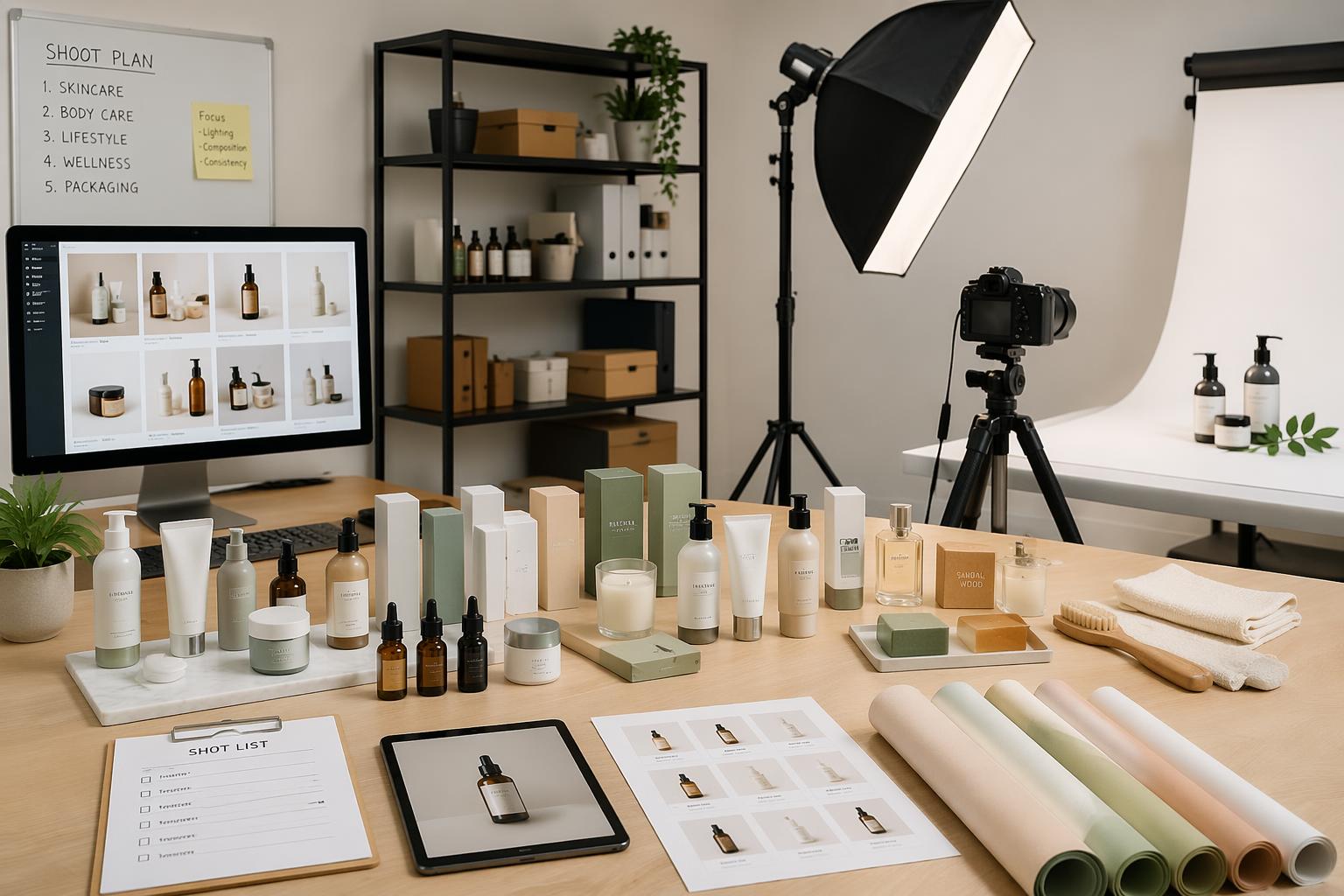
Many creators use natural window light or soft studio lighting to keep shadows balanced and colors accurate. Soft lighting also helps product textures appear more natural in ecommerce product images.
3. Position the Camera Above the Scene
Flat lay photography is typically shot from directly above. To keep the angle stable, most setups use a tripod or overhead mount.
Keeping the camera centered helps create cleaner product images and makes the layout feel more organized, especially when multiple products are included in the same frame.
4. Arrange Products Carefully
Composition is one of the most important parts of flat lay photography. Products usually need to be repositioned multiple times before the layout feels balanced.
Spacing, alignment, and visual hierarchy all affect how easy the image is to understand. Many eCommerce brands also use props like packaging, fabric, or accessories to create more structured product visuals without distracting from the main item.
5. Keep the Layout Simple and Organized
The best flat lay photos are usually the easiest to scan quickly. Instead of overcrowding the frame, most ecommerce product photography setups focus on keeping products clearly visible and visually organized.
A clean composition helps customers understand products faster, especially on Shopify product pages, Amazon listings, and mobile-first shopping experiences.

The Real Limitation Most Brands Run Into
Flat lay photography works well, but it doesn’t scale easily. If you only have a few products, it’s manageable. But once a brand starts working with dozens or hundreds of SKUs, things become more complex.
The same process has to be repeated again and again:
- Set up the scene
- Adjust lighting
- Arrange products
- Take multiple shots
- Edit everything afterward
And if you want to test different visual styles—different backgrounds, layouts, or campaign variations—you usually have to repeat the entire process from scratch.
That’s where many eCommerce teams start to feel the bottleneck.
A Faster Workflow for Product Image Creation
Traditional flat lay photography still works well, but creating every layout manually can slow down production, especially for eCommerce brands managing large numbers of product images.
That’s why many teams now combine photography with AI vibe marketing tools to speed up the workflow after the shoot is finished.
Fotor Background Remover can quickly separate the product from the original background. This makes it easier to place products into different flat lay compositions without rebuilding the entire scene physically.
Fotor Background Generator creates new flat lay-style environments with different colors, textures, seasonal themes, or ecommerce layouts. Instead of reshooting products on multiple surfaces, teams can generate different visual styles digitally from the same original product photo.
Fotor Photo Enhancer can help improve lighting balance, sharpen product details, and clean up image quality after shooting. This is especially useful for product listing images where texture clarity and consistent brightness matter.
Fotor Image Generator quickly creates flat lay-style concept scenes for marketing campaigns, seasonal promotions, or social media visuals. Instead of arranging props manually, they can generate organized product compositions digitally and test different visual directions much faster.
This type of workflow is especially useful when brands need to:
- Create multiple campaign variations
- Produce ecommerce product images at scale
- Update seasonal product visuals quickly
- Test different ad creatives
- Repurpose the same product photo across multiple platforms
It doesn’t completely replace traditional photography, especially for hero campaign visuals. But it helps ecommerce teams reduce production time while creating more flexible flat lay product images from the same original assets.
When Traditional Flat Lay Photography Still Makes Sense
This doesn’t mean traditional photography is outdated. It still matters in many cases.
It works best when:
- You need high-end brand visuals
- You’re creating hero images for a campaign
- Lighting and texture accuracy are important
- You’re building core product page visuals
In these situations, physical setups still give the highest level of control and realism.
When a Faster Workflow Is More Practical
On the other hand, a more flexible workflow works better when:
- You need a high volume of product images
- You’re testing multiple ad creatives
- You manage a large product catalog
- You need fast turnaround for campaigns
Most growing eCommerce brands actually don’t choose one over the other. They combine both depending on the goal.
Final Thoughts
Flat lay photography is still one of the most effective ways to present products online. It keeps things clear, structured, and easy to understand, which is exactly what eCommerce needs. But the way it’s produced is changing.
Instead of treating every image as a separate photoshoot, more brands are moving toward faster and more flexible ways of creating product visuals. Not to replace photography, but to make it easier to scale content across channels.
Tools like Fotor help reduce the time needed to create and test product images, making it easier for teams to stay consistent while keeping up with the pace of online marketing. At the end of the day, what matters most is not how the image is made—but how quickly it can support real selling needs.