All-in-One AI Product Image Generator & Editor
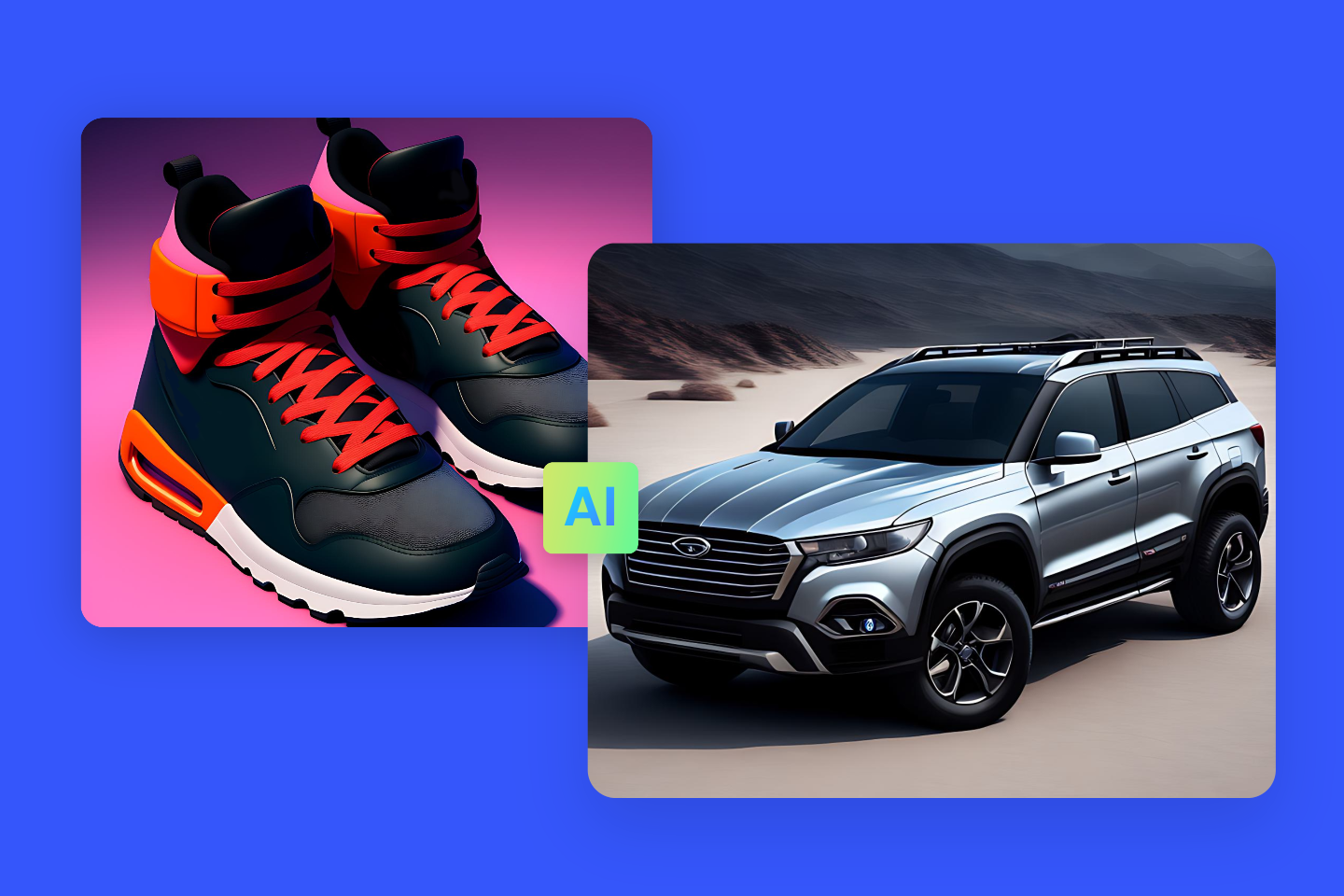
Use Fotor’s AI product image generator and editor to create studio-quality photography and marketing ads, empowering e-commerce, brands, social media, and enterprises to scale visual production and maximize conversions.

This site is protected by reCAPTCHA and the Google Privacy Policy and Terms of Service apply.

The Creative Standard for Top Brands





800M+
Users Worldwide
4.6★
Rating on Capterra
100M+
Images Processed Per Month
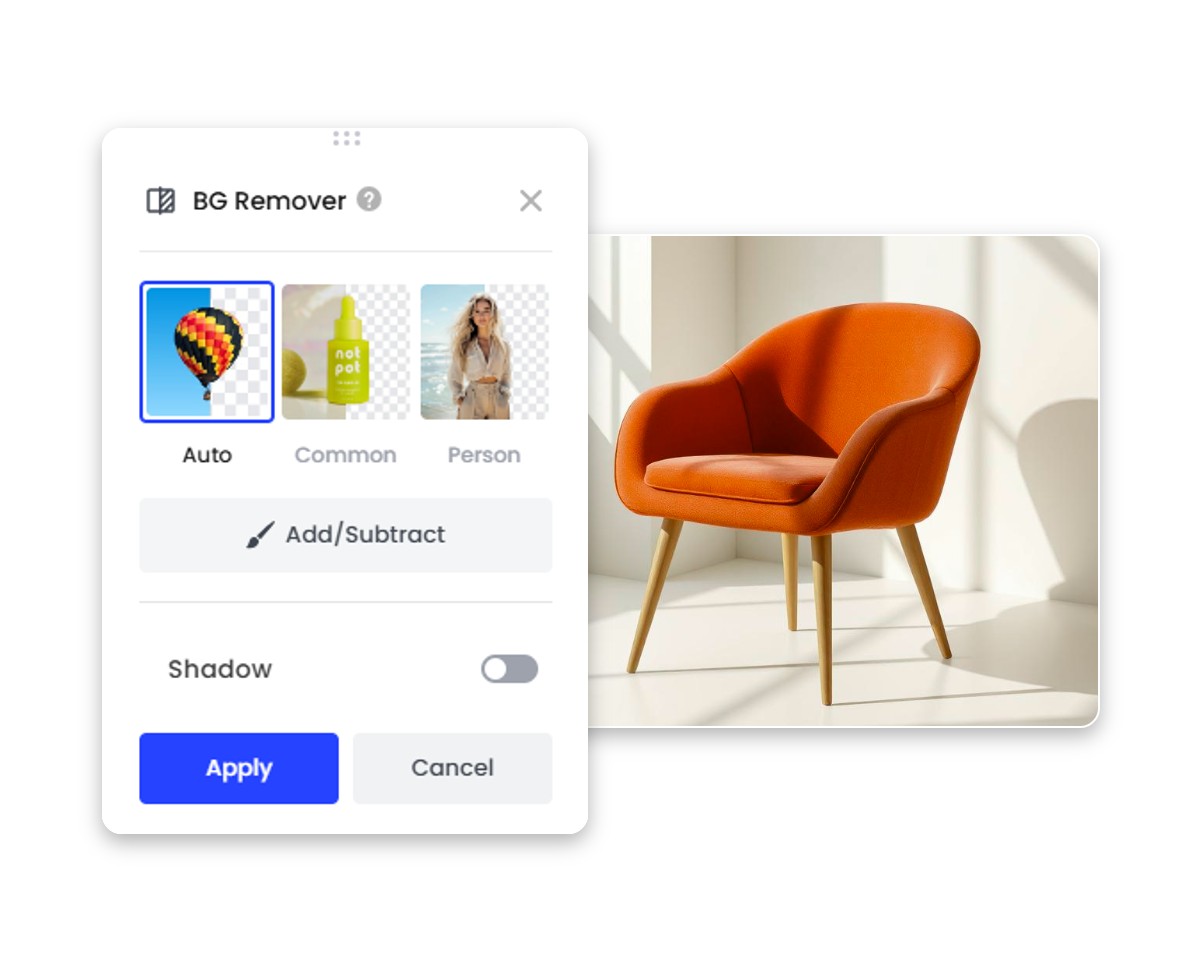
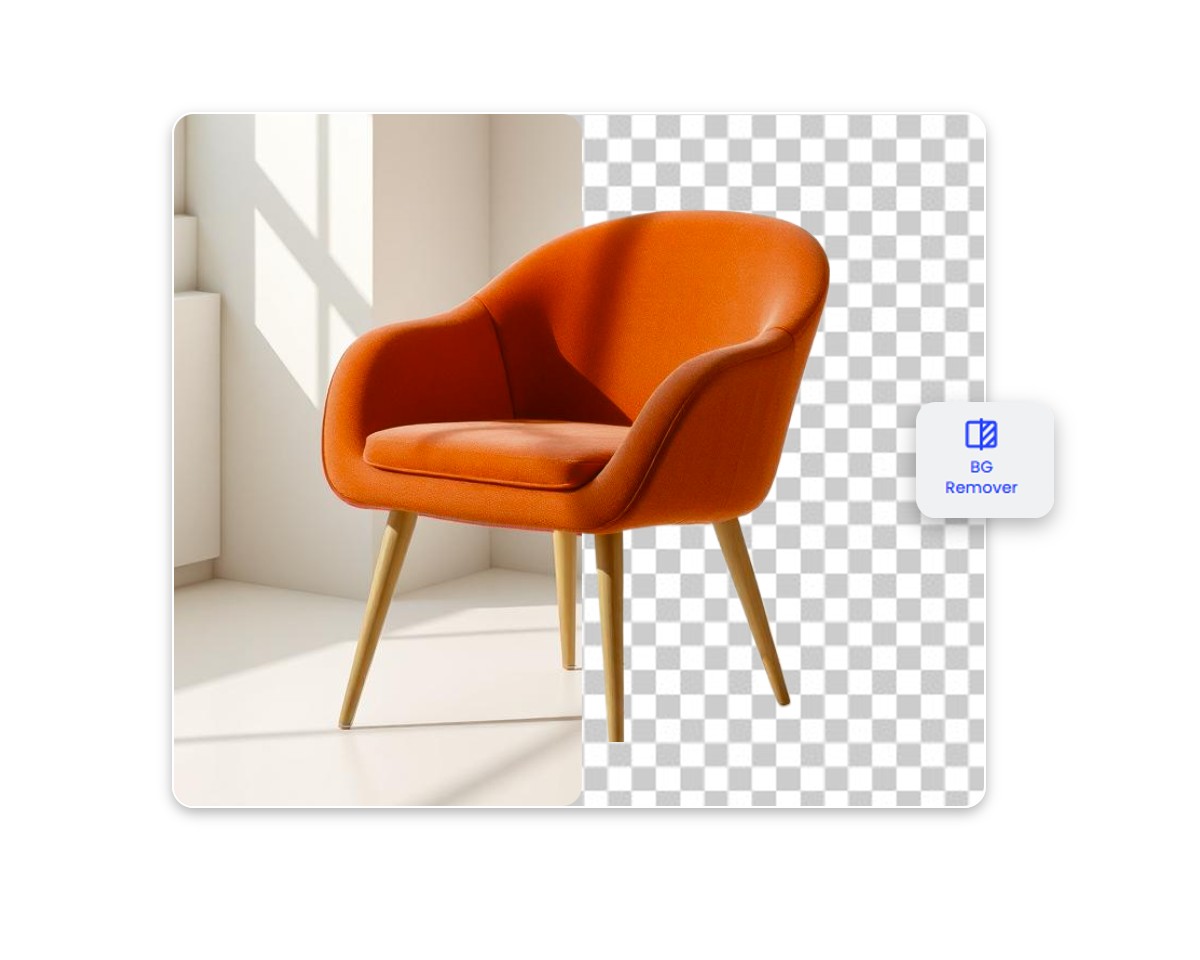
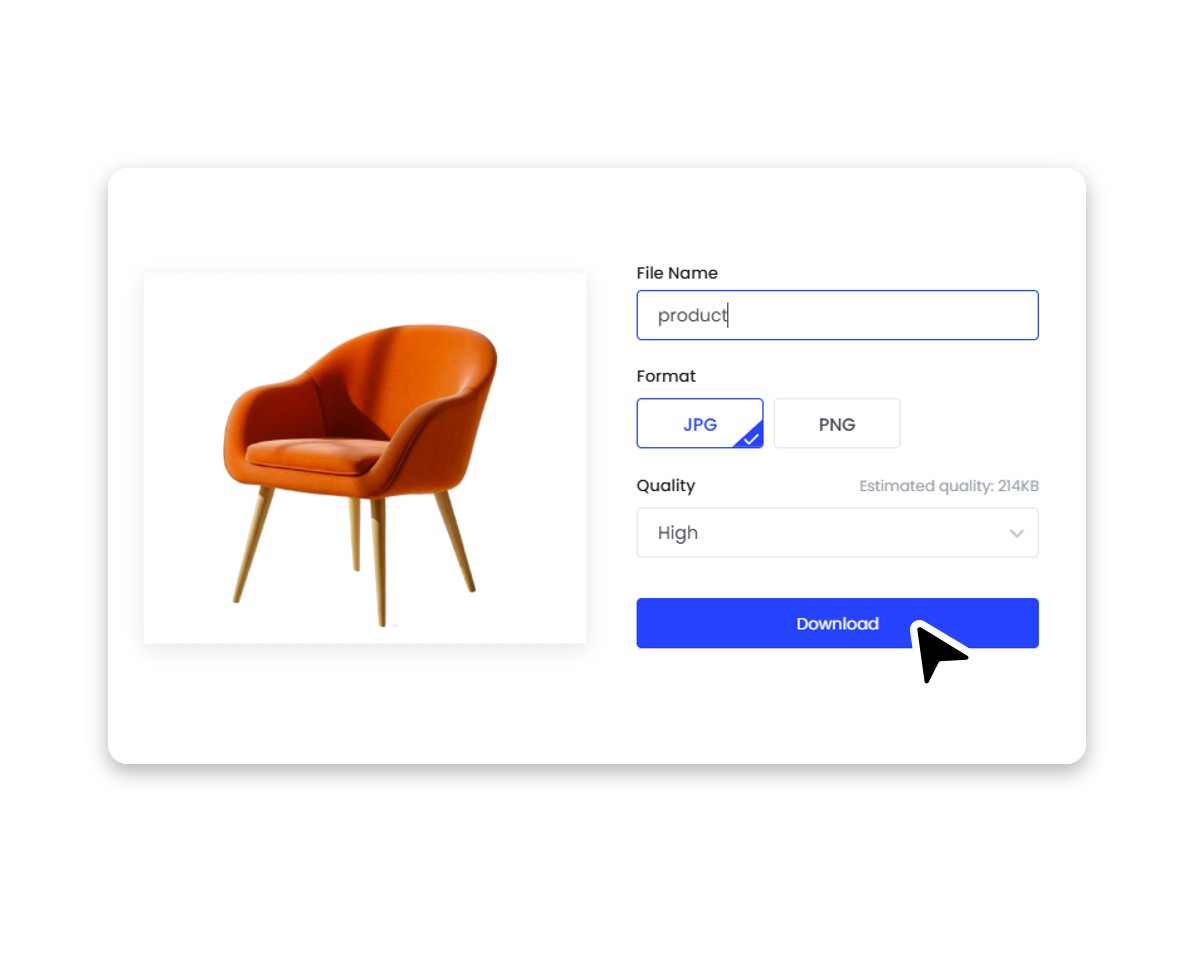
How to Generate & Edit Product Photos with AI
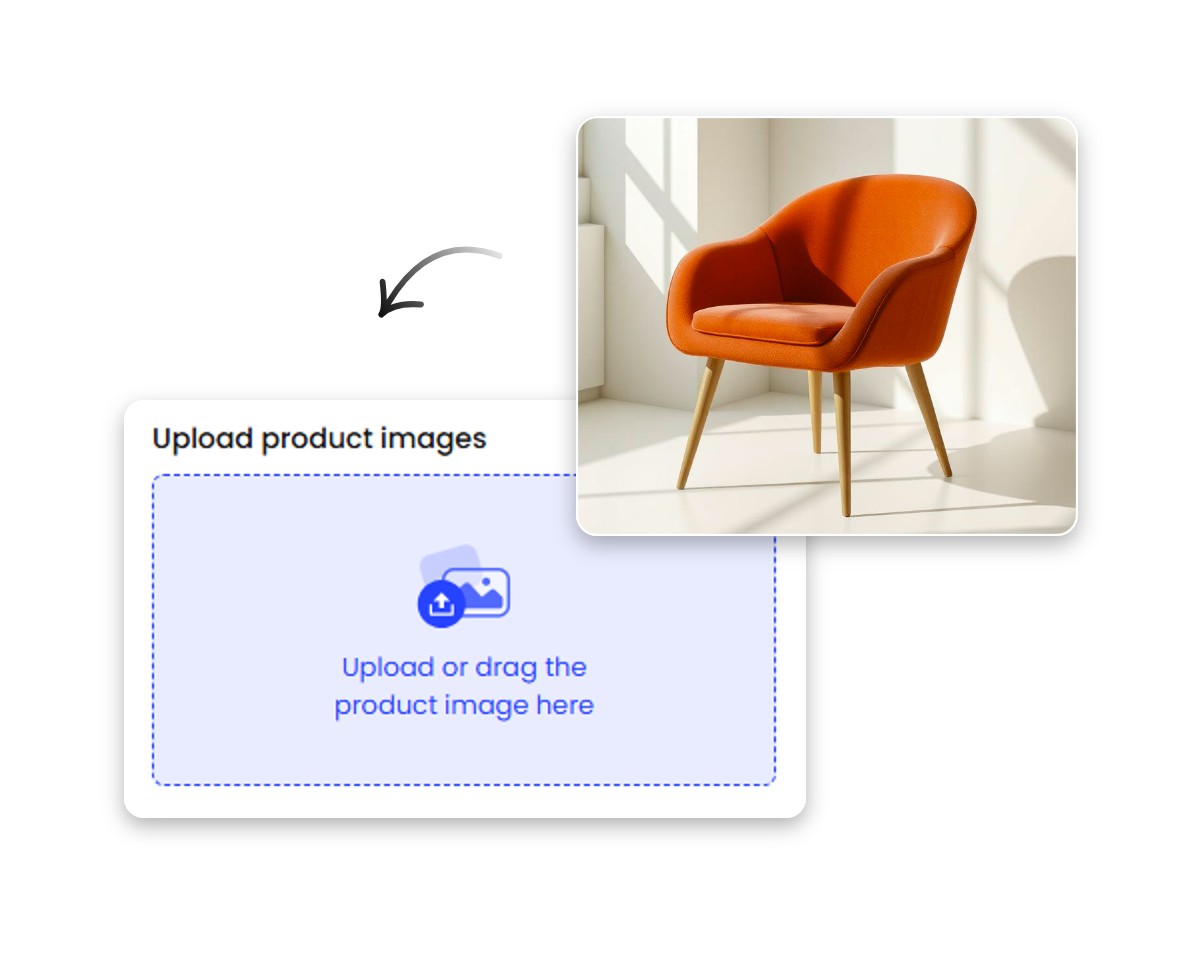
Upload Your Product Shot
Upload your original product images to Fotor’s AI product photo editor. We support various high-quality formats, including JPG, PNG, JPEG, WebP, HEIF, and HEIC.
Select AI Tools
Generate & Edit
Download Pro Visuals
Perfect Your Product Images with AI Editing Tools
Fotor's AI product photo editor offers a versatile suite of tools to refine every detail, helping you transform any image into a high-quality commercial asset. Explore the future of AI vibe marketing.
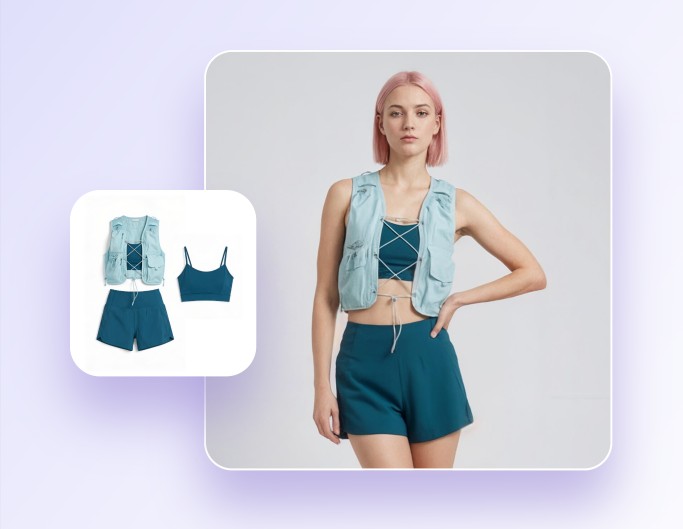
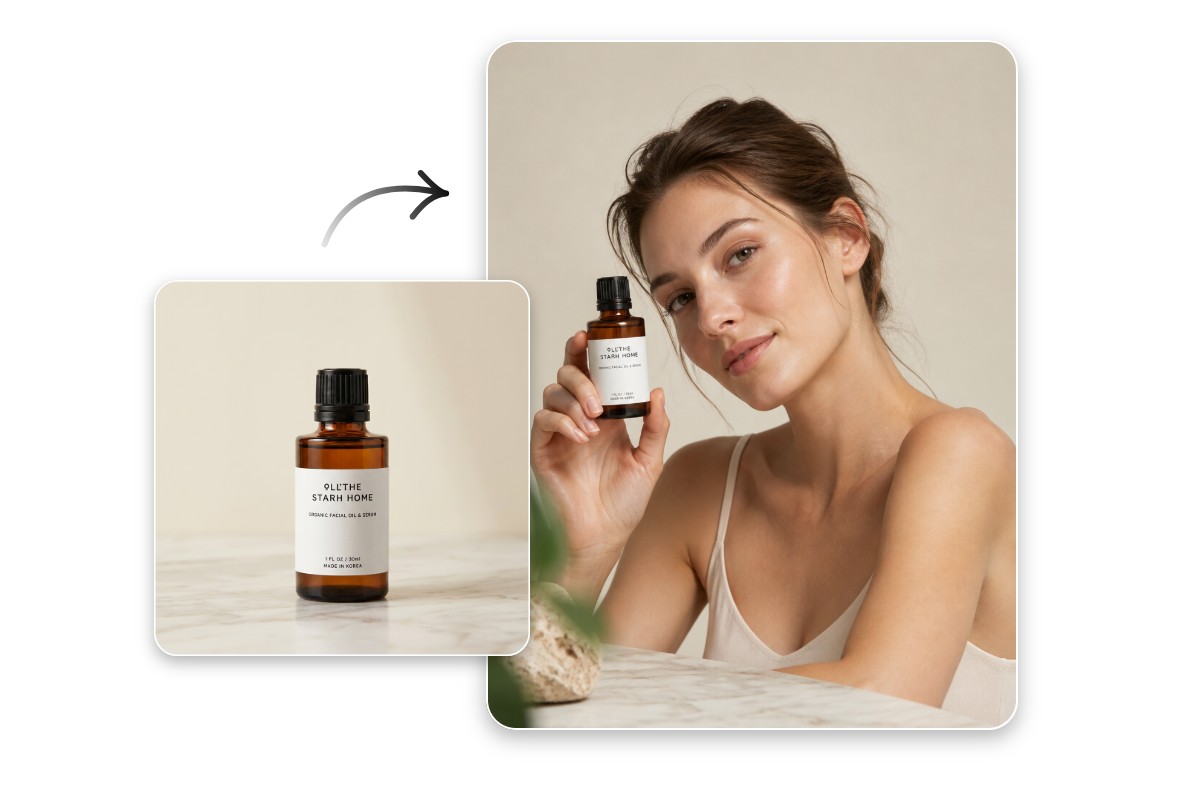
Virtual Model
Showcase any product on realistic AI models without high photography costs. Choose from diverse backgrounds and poses to elevate your brand’s visual appeal.
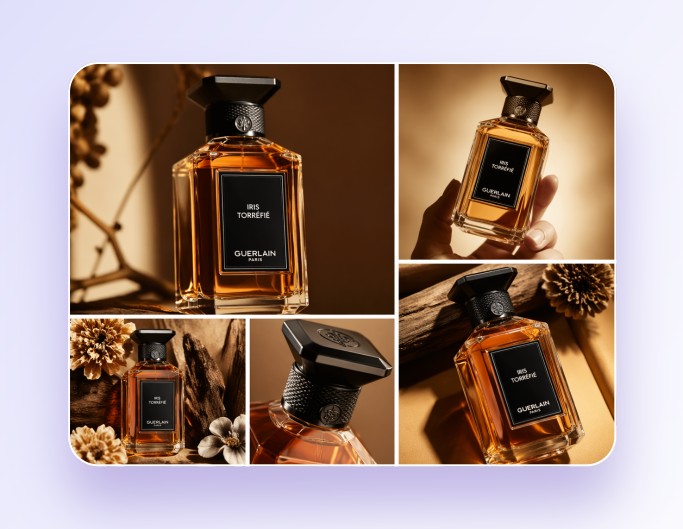
Product Shot
Turn basic product photos into professional studio-quality shots. Automatically optimize lighting, textures, and angles to make your products look high-end and ready for sale.
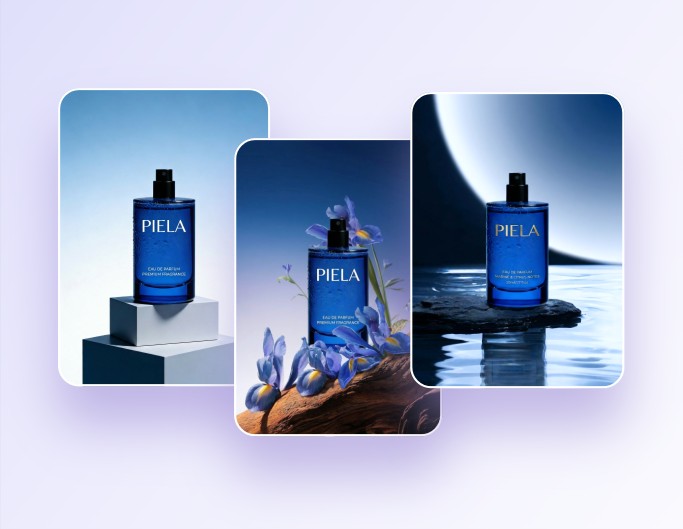
AI Background Generator
Place your products in any scene using ready-to-use AI presets or custom text prompts. Create stunning AI backgrounds that match your brand style and capture customer attention.
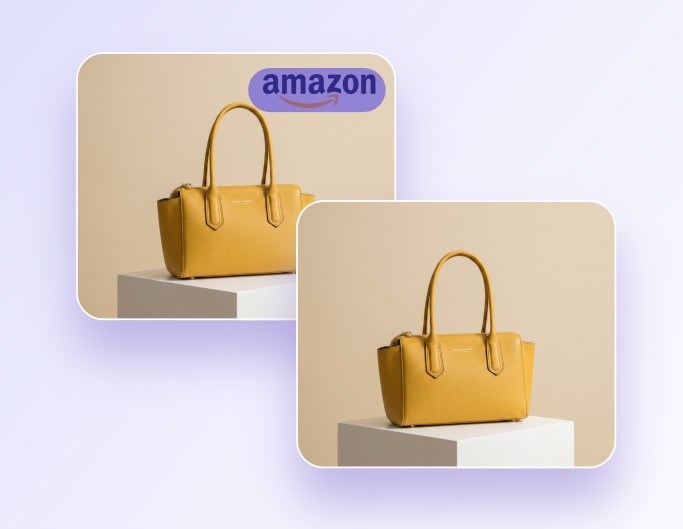
Watermark Remover
Identify and remove watermarks or logos from your images in one click. Clean up your product visuals while maintaining the original image quality and details.
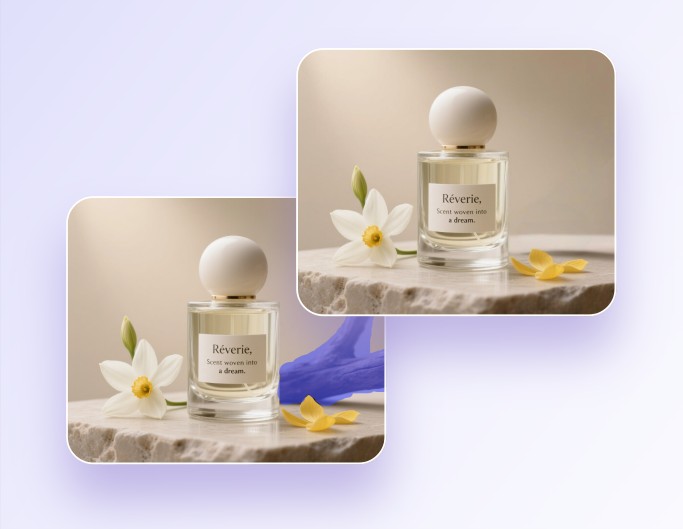
Magic Eraser
Wipe away unwanted objects, shadows, or distracting elements from your photos. Simply brush over any area to refine your product shot and keep the focus on what matters.
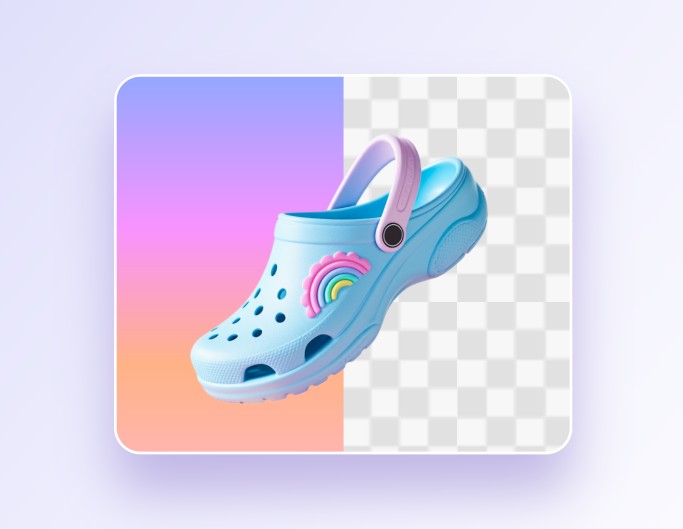
Background Remover
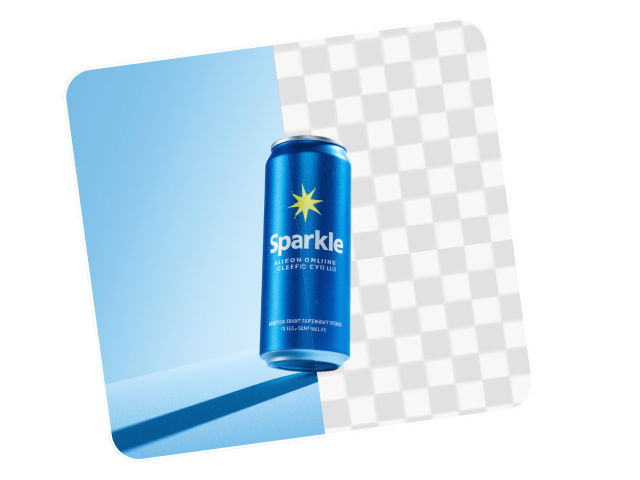
Extract your product from any background with our BG remover. Automatically create transparent PNGs or solid color backdrops for your e-commerce listing.
Generate Studio-Quality Product Photos at Scale
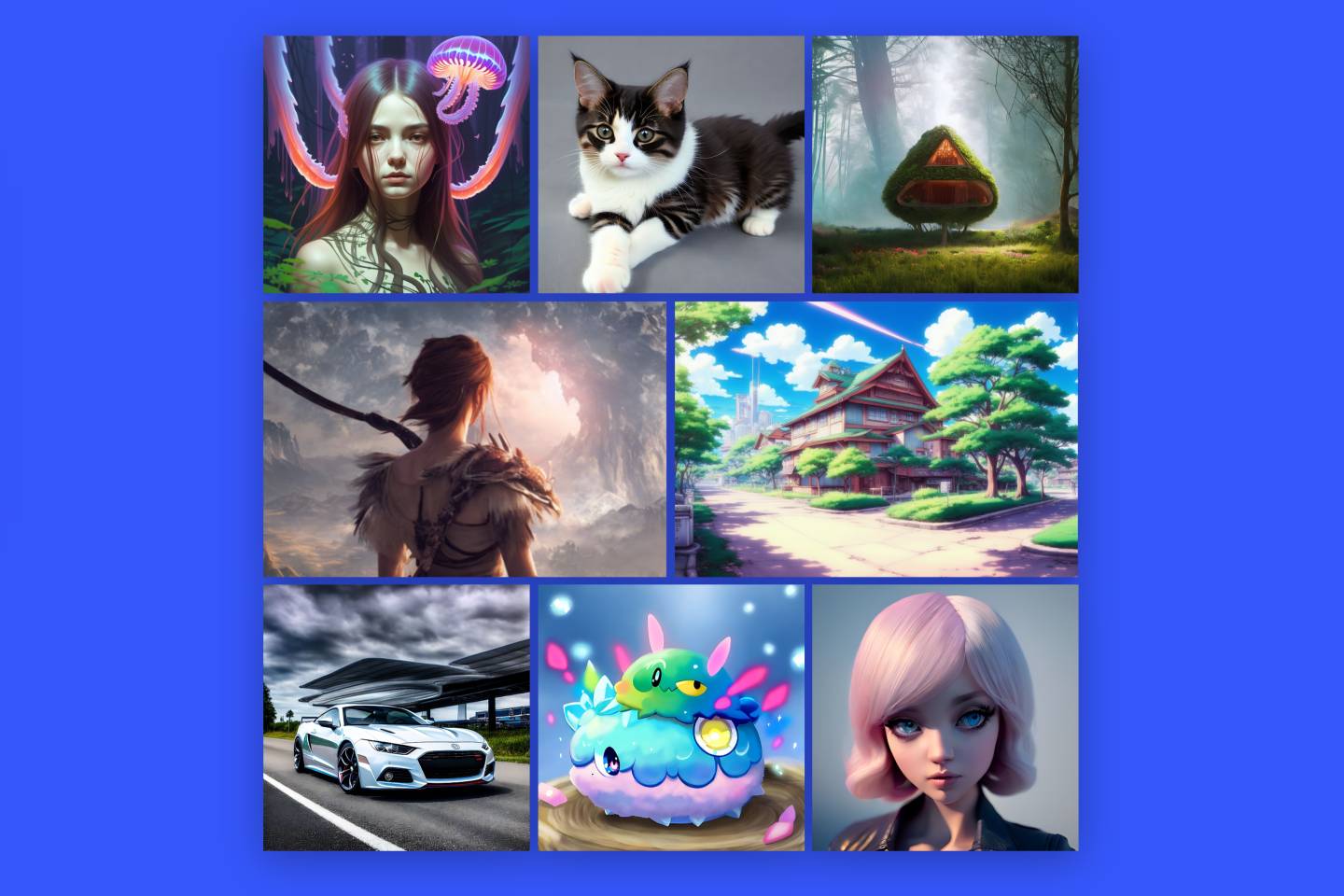
Unlock endless creativity with our AI product image generator. From cinematic lifestyle scenes to minimalist studio shots, you can instantly produce diverse, high-end visuals that make your products stand out.
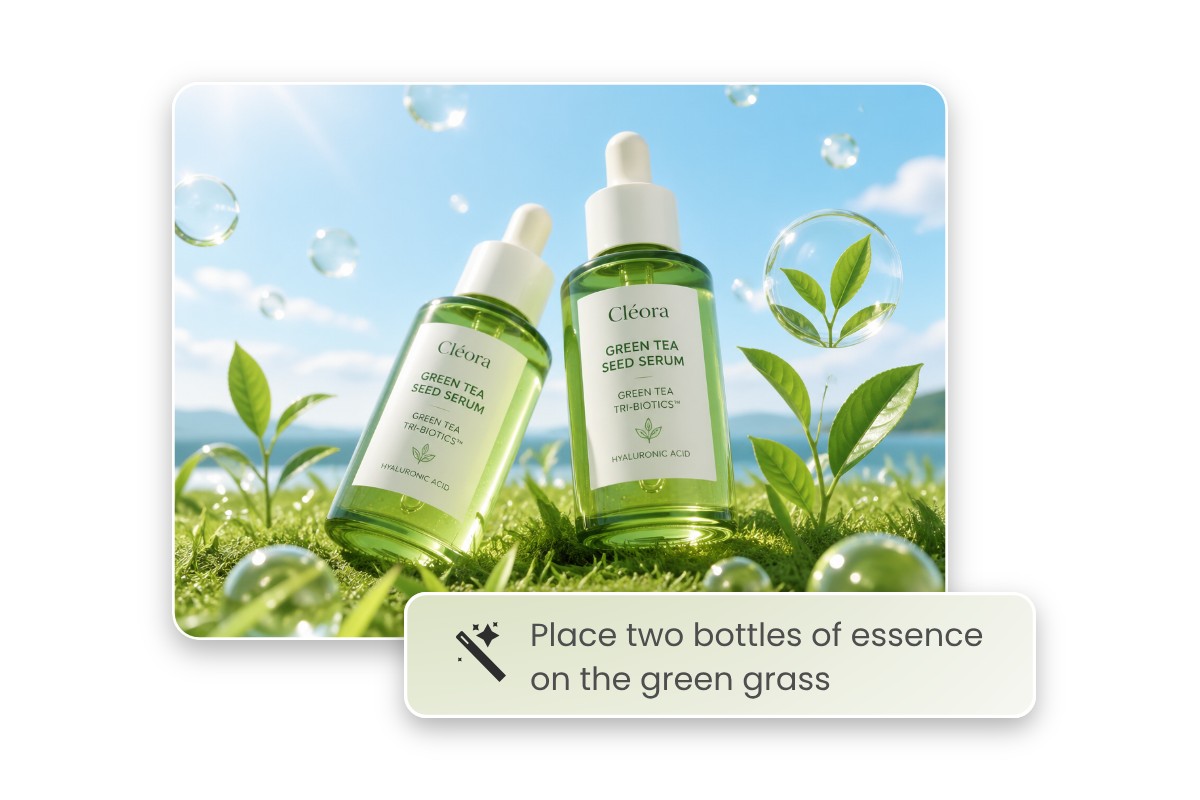
Generate Product Images from Text Descriptions
Use Fotor’s AI image generator to create professional product photos without a photoshoot. Simply describe your creative vision in text, and the AI will produce high-quality images from scratch.
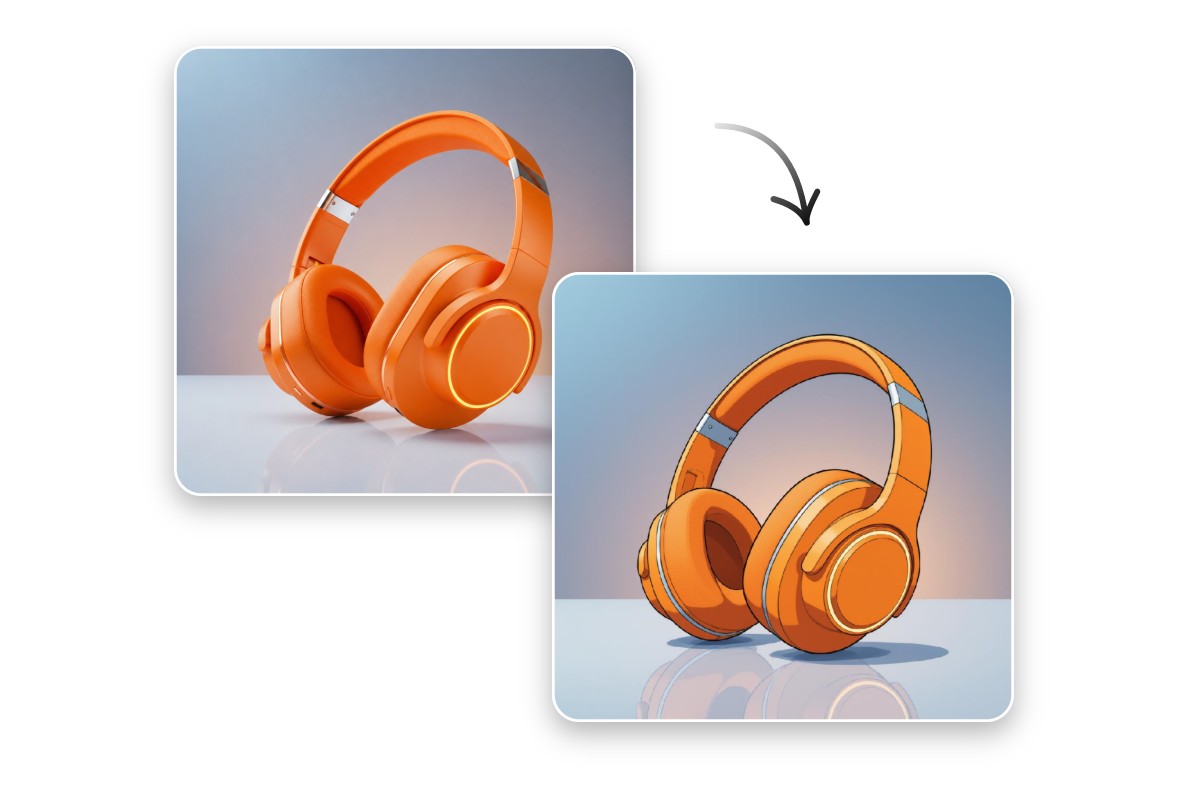
Transform Styles Based on Existing Product Photos
Upload your existing product photos and transform them into diverse creative styles beyond realism. Reimagining your products in artistic or trendy themes helps you achieve a unique brand aesthetic.
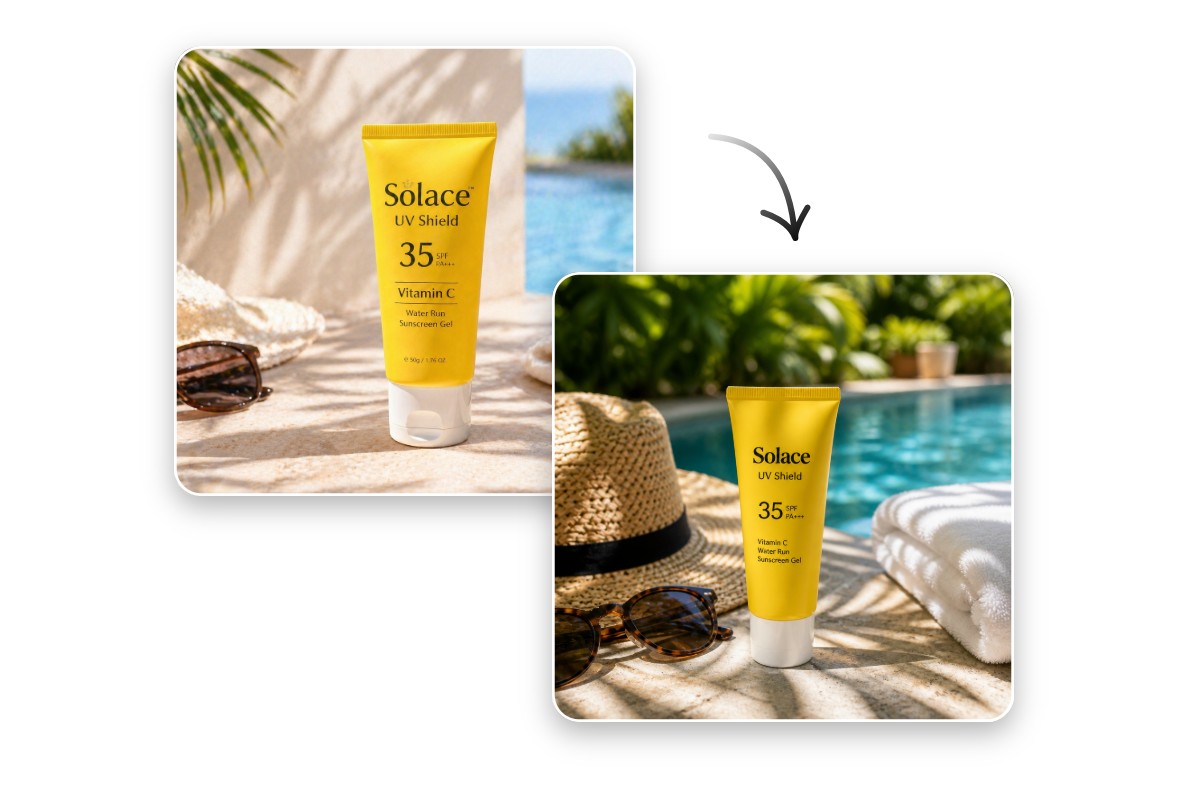
Create Product Visuals Using Reference Images
Provide a reference image along with simple prompts to guide the AI. It will generate new visuals that follow the composition and professional layout of your sample image.
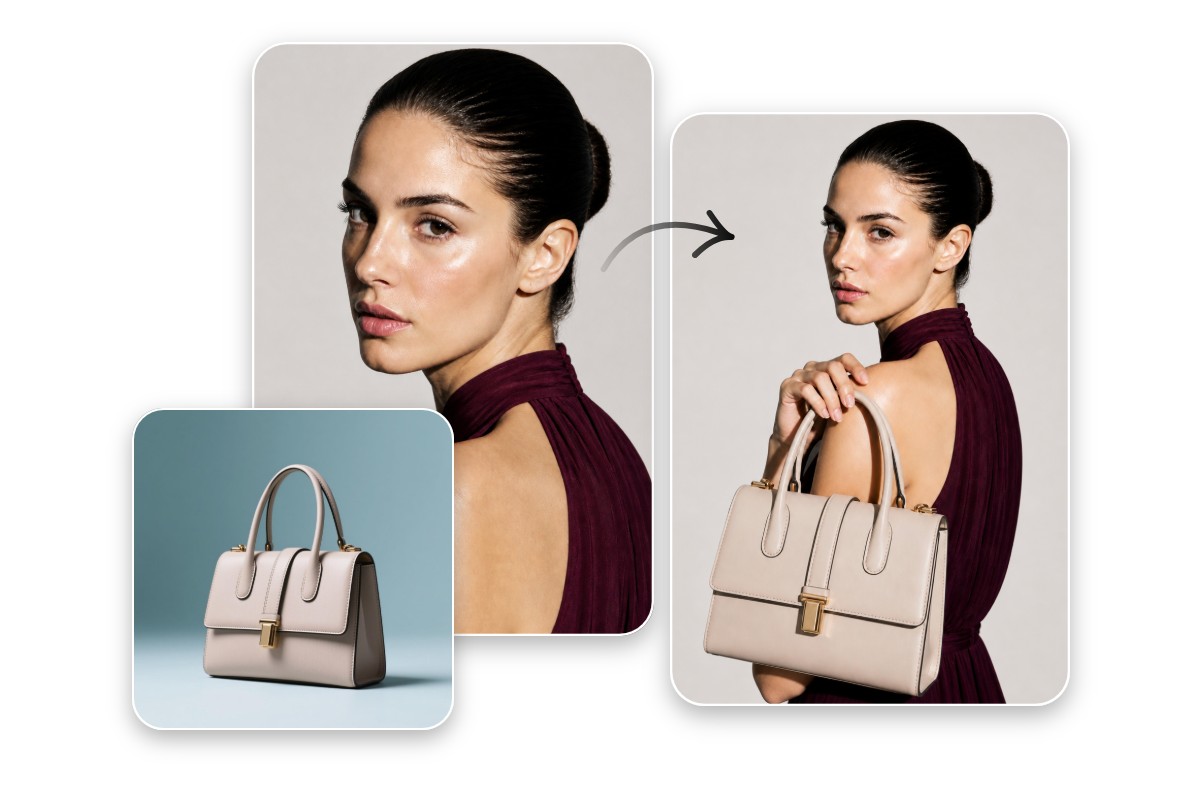
Combine Visuals into a Stunning Product Photography
Use our AI image combiner to merge multiple product photos or marketing assets into a single shot. Create complex compositions with perfectly matched lighting and perspective for high-end results.
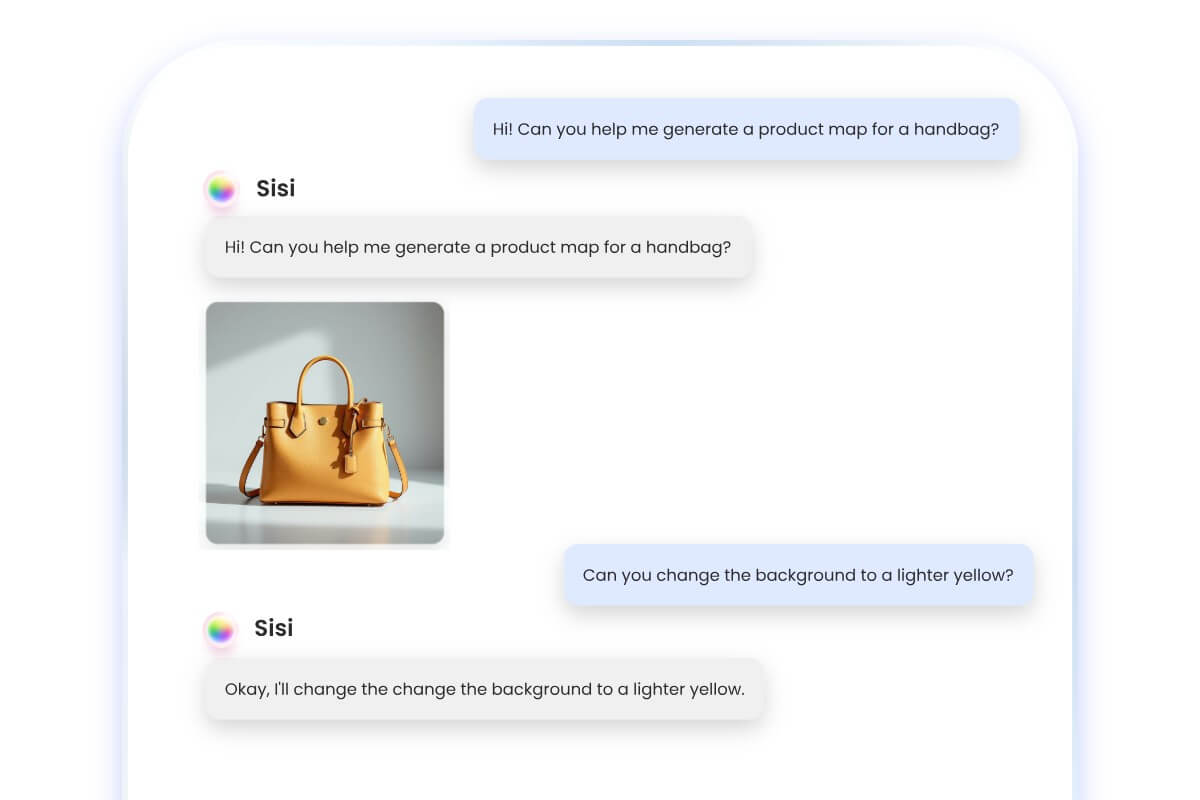
Automate Your Visual Workflow with AI Agent
Say goodbye to complex product editing. Fotor’s intelligent AI agent redefines your design process—simply talk to the AI assistant to automate your visual workflow. It makes professional product image creation faster, smarter, and easier than ever.
High-Impact Product Visuals for Every Marketing Scenario
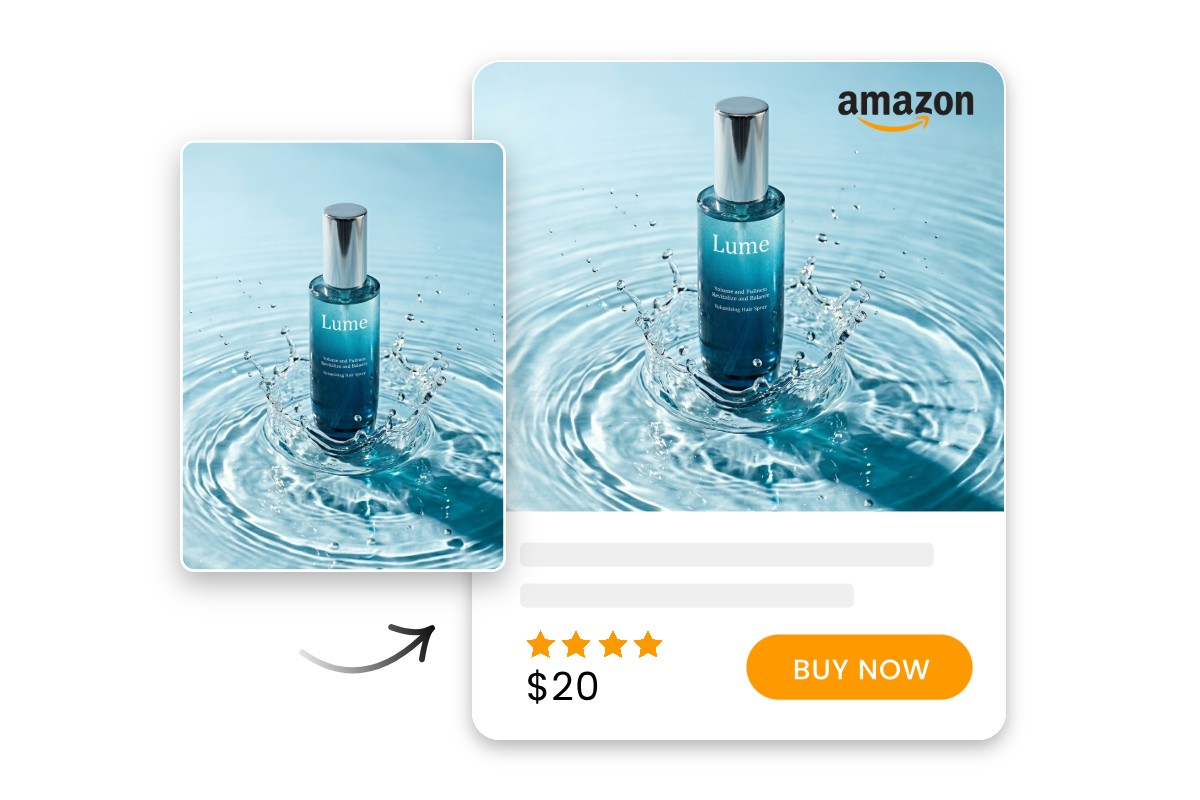
High-Converting Visuals for Your Online Store
Optimize every touchpoint for Amazon, Shopify, eBay, and more. Create high-impact product presentations that build instant trust and provide realistic previews to reduce return rates, helping you build a professional storefront that drives sustainable sales growth.
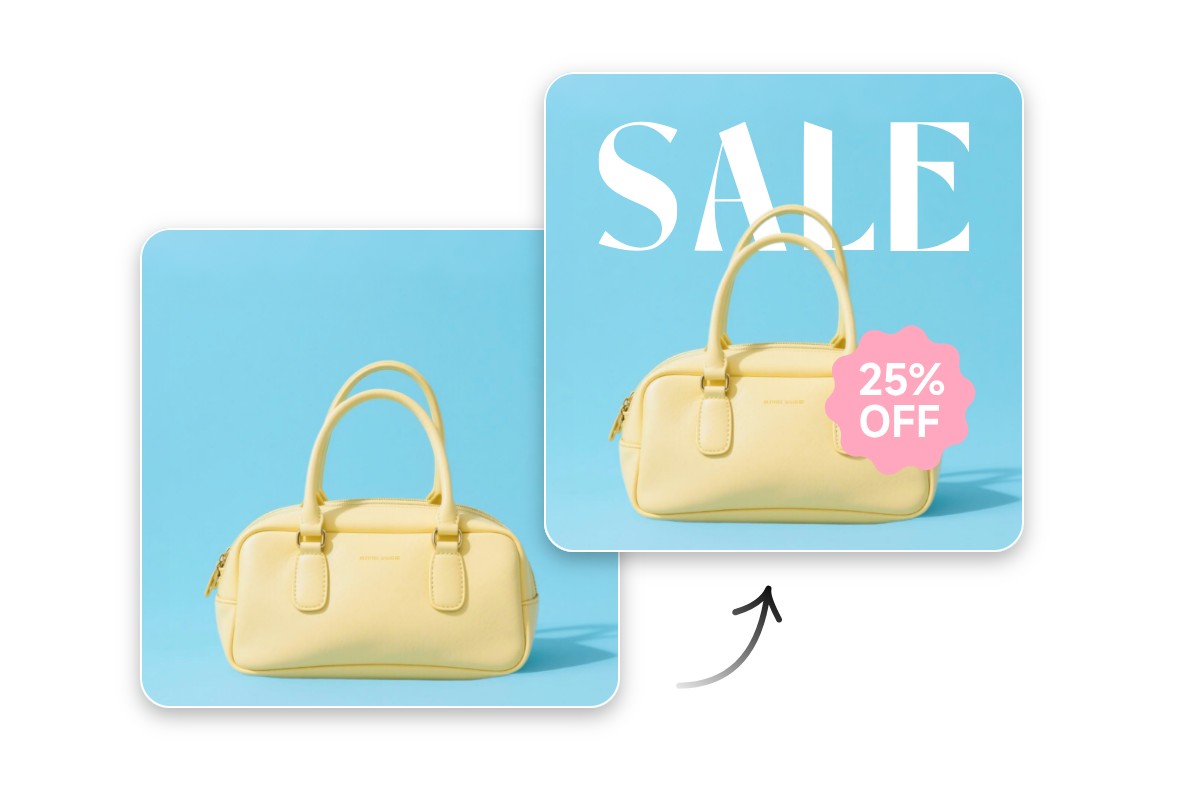
Build a Premium and Cohesive Identity
Perfect for crafting a sophisticated presence on official websites and digital lookbooks. Ensure your brand maintains a consistent, high-end aesthetic across all digital touchpoints, elevating your market positioning and leaving a lasting impression on your audience.
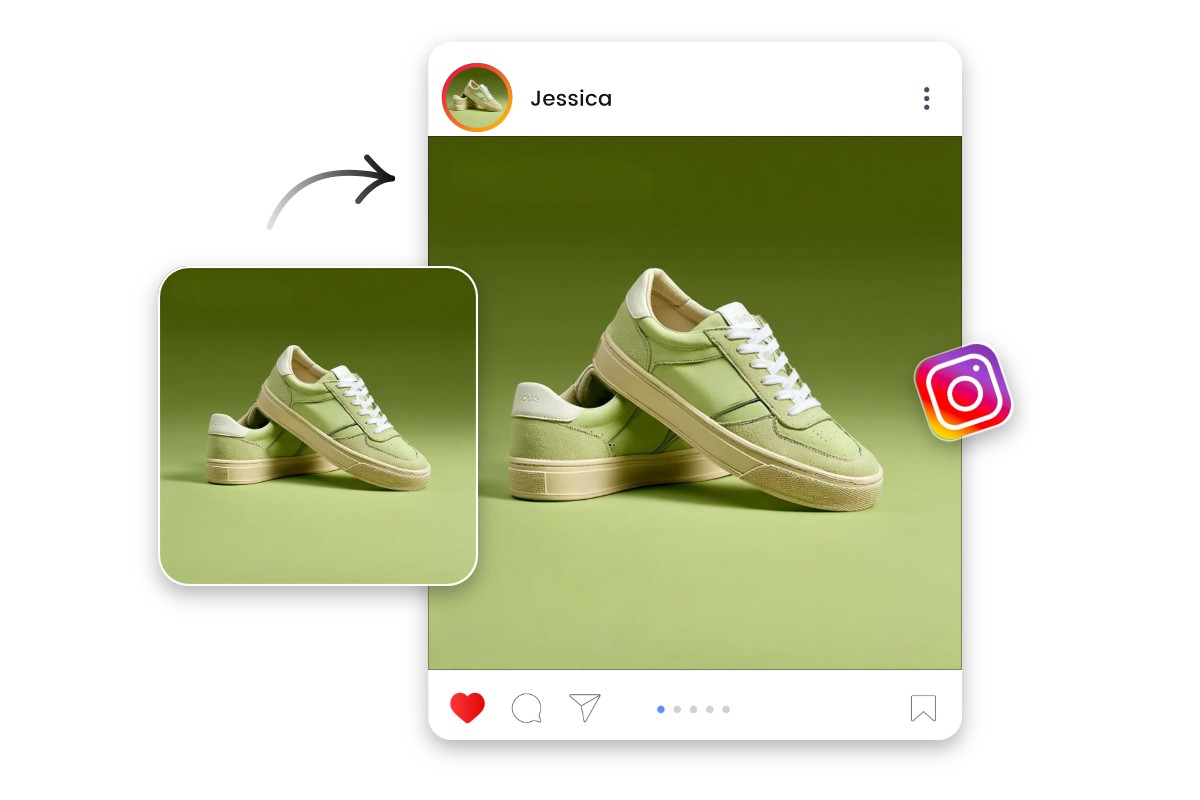
Engaging Content for Viral Social Growth
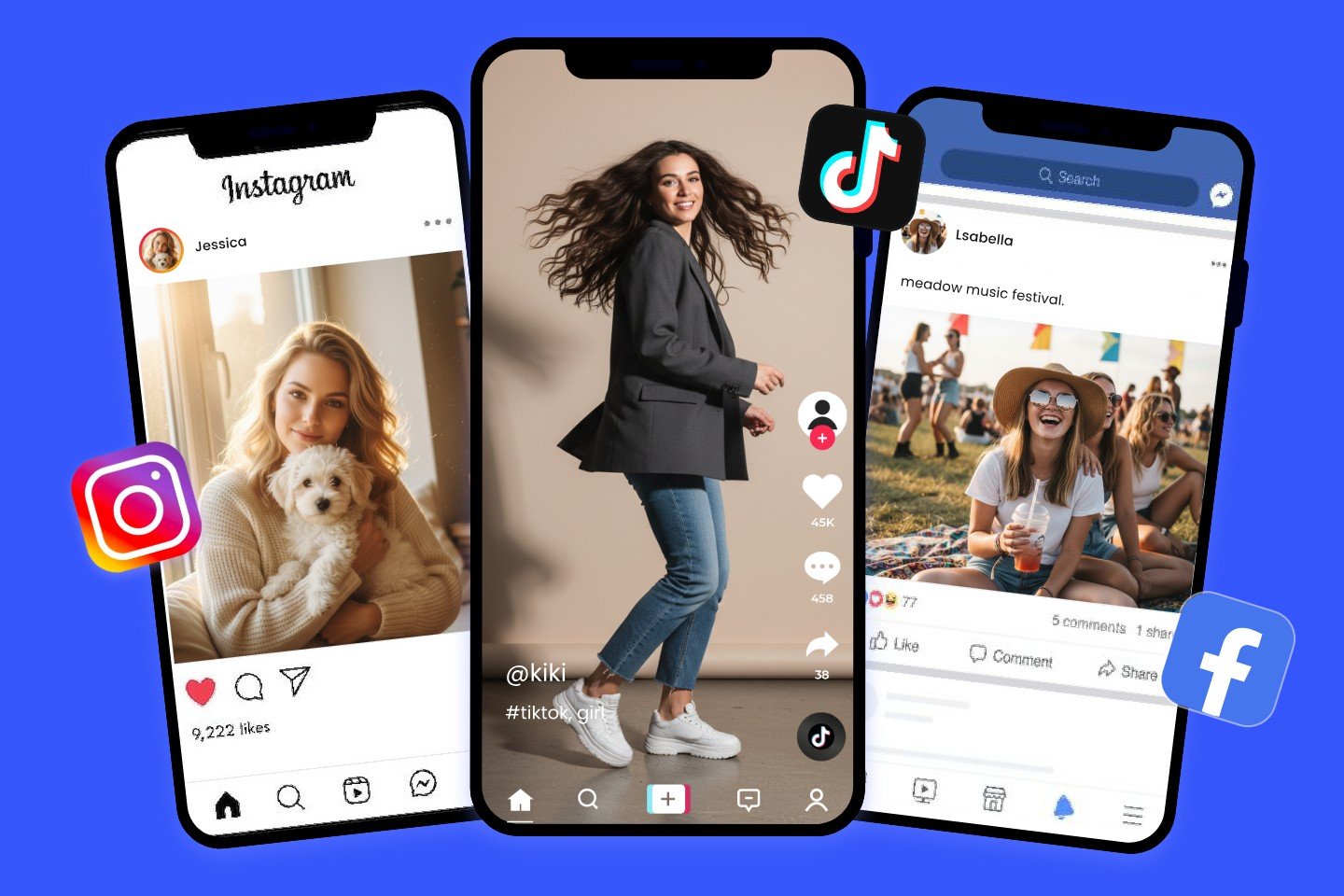
Designed for trend-setting content on Instagram, TikTok, Pinterest, and more. Produce eye-catching visuals and interactive assets that stop the scroll and encourage organic sharing, rapidly expanding your brand’s reach and influence in the social space.
Scale Operations with Unmatched Efficiency
Empowering advertising agencies and large marketing teams to manage high-volume creative tasks. Streamline your production workflow to ensure consistent quality across massive campaigns, allowing your organization to scale output without compromising on professional standards.
Why Choose Fotor’s AI Product Photography Generator
![all in one platform icon]()
All-in-One Solution
Access a rich suite of AI editing and generation tools to handle your entire product photography workflow in one place.
![studio quality icon]()
Studio-Quality Visual
Create studio-grade product images without losing original details or quality, ensuring a professional and high-definition result every time.
![Batch editor icon]()
Bulk Processing
Process multiple images at once—bulk remove backgrounds, swap scenes, generate visuals, and more to drastically boost your production efficiency.
![100% data privacy]()
Data & Privacy
We prioritize your privacy through encrypted storage and secure processing, ensuring your product designs and data remain strictly confidential.
![Cross devices icon]()
Cross-Device Access
Create and edit product visuals anytime, anywhere—accessible via web browser, desktop software, and mobile app.
![No watermarks icon]()
No Watermark
Download your product images instantly without any watermarks. Every asset is 100% ready for commercial use in your marketing campaigns.