Fast and simple
Our AI X video tool offers a user-friendly interface without complex settings. Everyone can rely on it to generate stunning AI videos for their X channels in minutes.


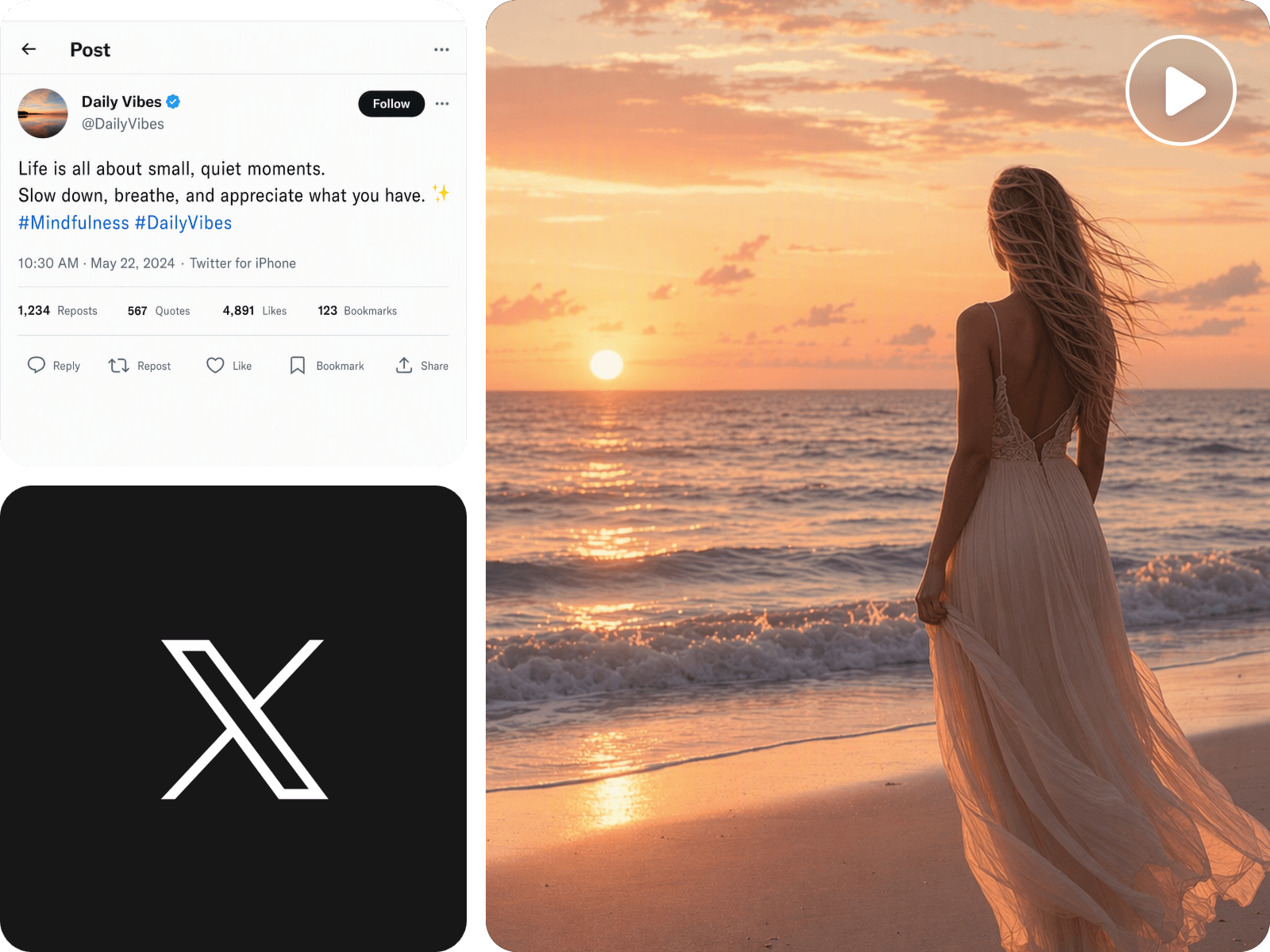
Conveniently turn your Twitter posts or threads, X links and even raw ideas into HD video clips in minutes with our AI X/Twitter video tool. Effortlessly upload and edit your existing footage into an X-ready video without video editing skills. Try Fotor now to create your tutorial, meme, product and reaction videos for your X channel.
Our AI X video tool offers a user-friendly interface without complex settings. Everyone can rely on it to generate stunning AI videos for their X channels in minutes.
You can easily create professional long and short videos from diverse inputs, including simple descriptions, X posts or threads, articles, images and even existing footage.
Our tool adapts your inputs into punchy, X-friendly videos with the right pacing, hooks, visuals, captions, and format.
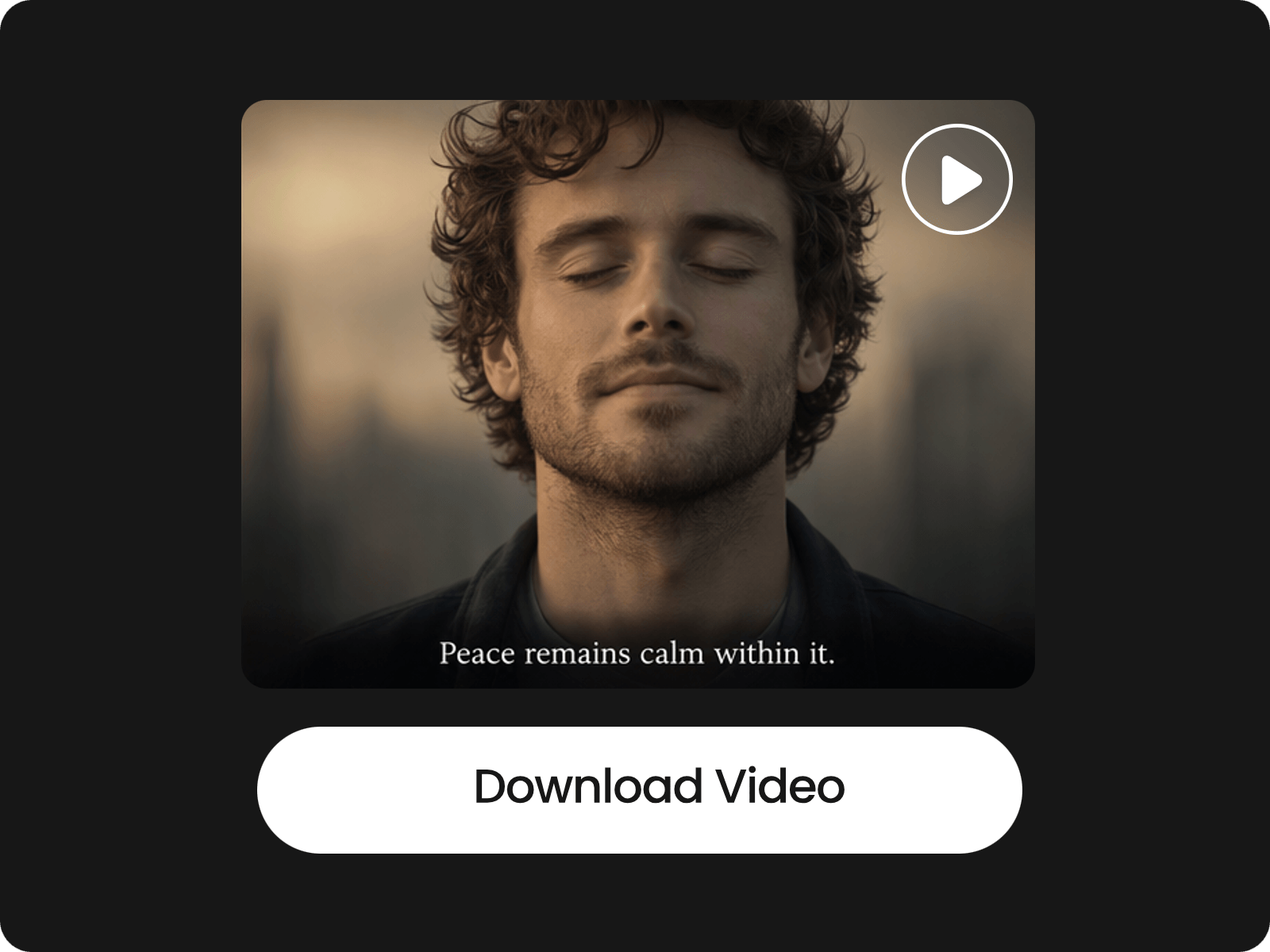
Expect high-quality AI videos featuring consistent characters and scenes, and download them as high-res MP4s.
Access our video agent and input your ideas or X posts/threads, or upload your materials, such as blog post files, product images and reference videos.
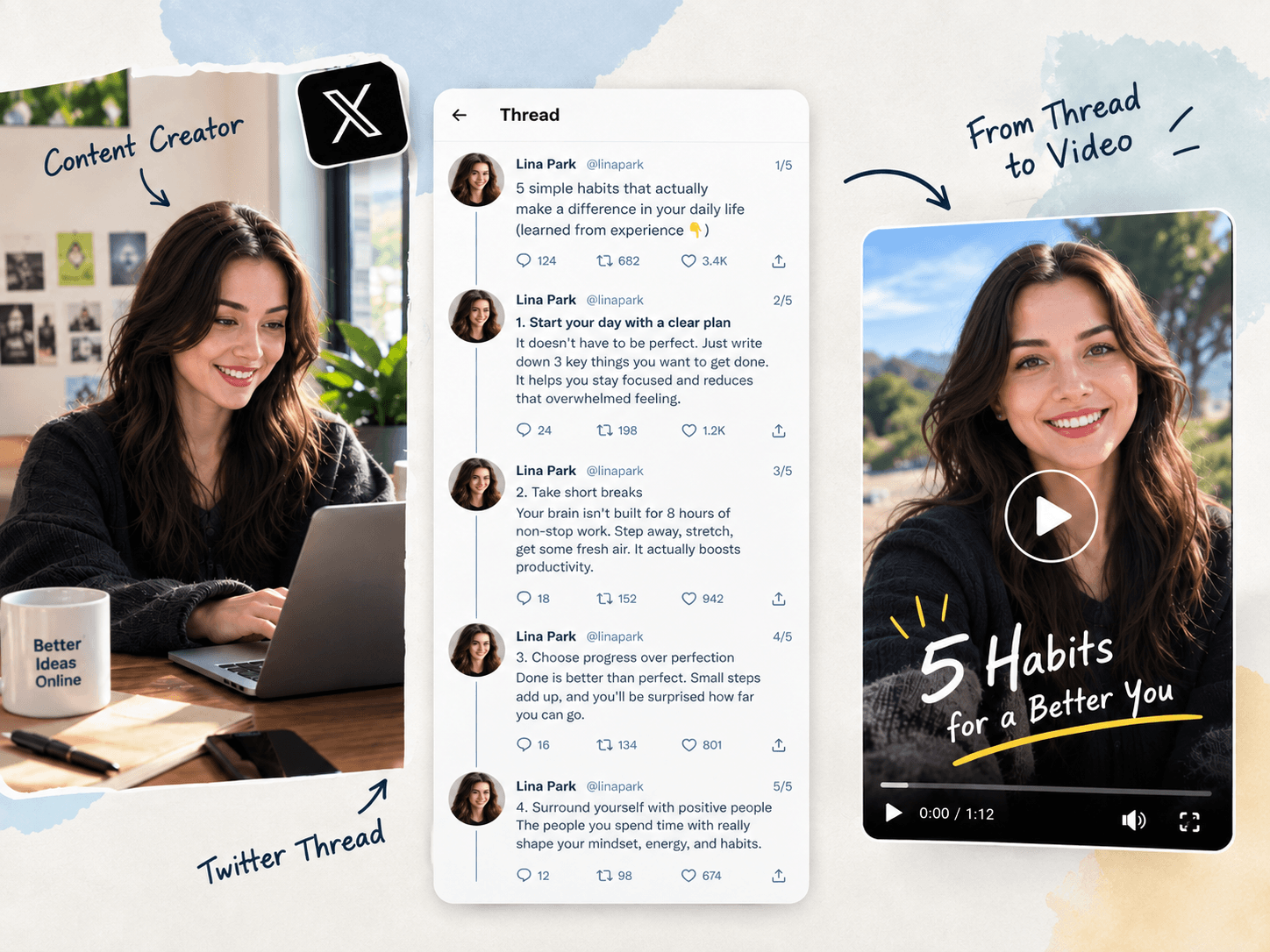
Want to repurpose your X posts or threads into mind-gripping videos? Fotor has you covered. Simply copy and paste your post or thread content into our X/Twitter video maker. Then, our tool can smartly analyze your text, highlight the key points and make them professional videos optimized for X. Just repurpose your best-performing posts into more dynamic content that makes your original ideas easier to consume and stands out in the feed without costing you too much energy and budget.
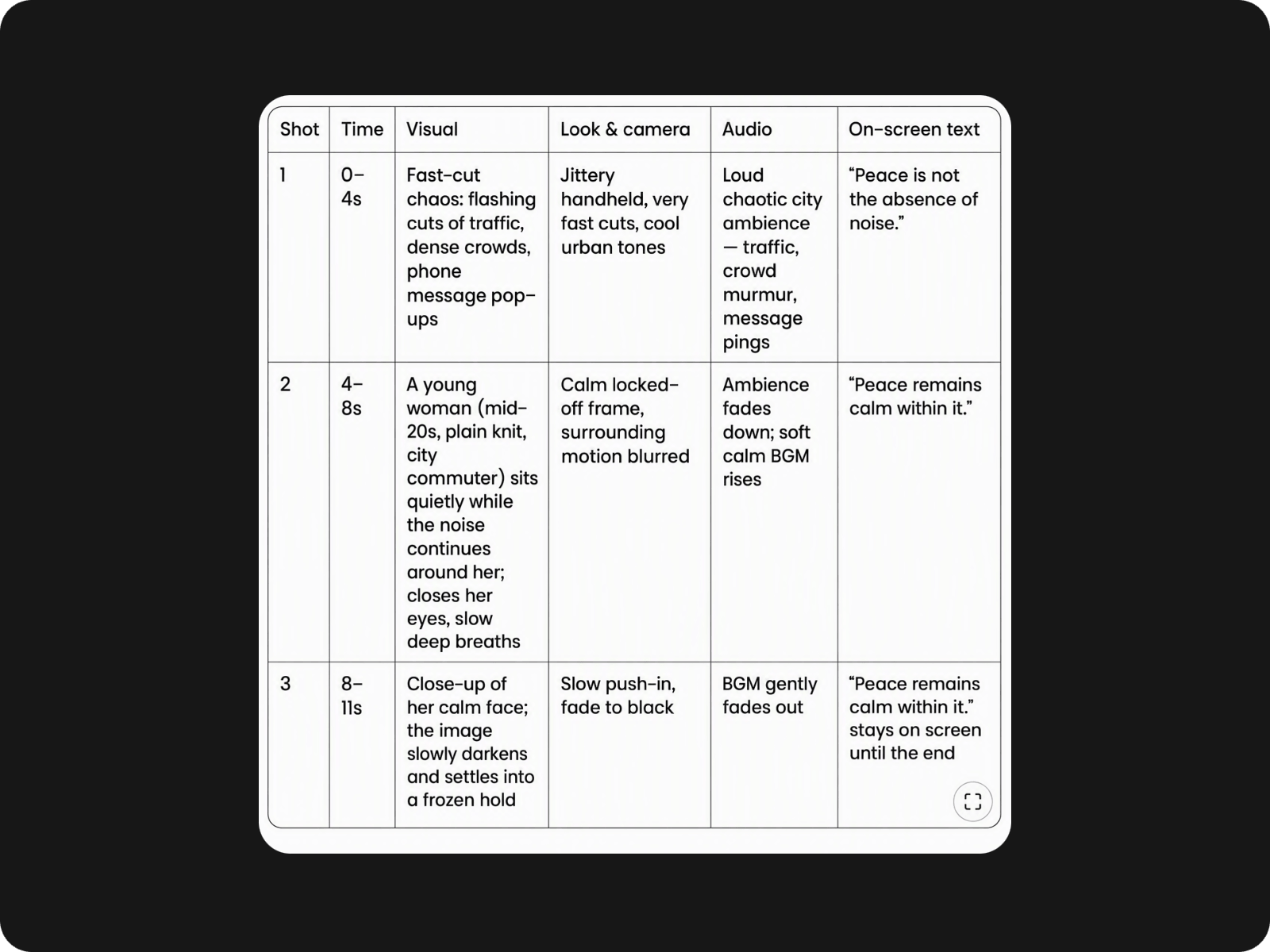
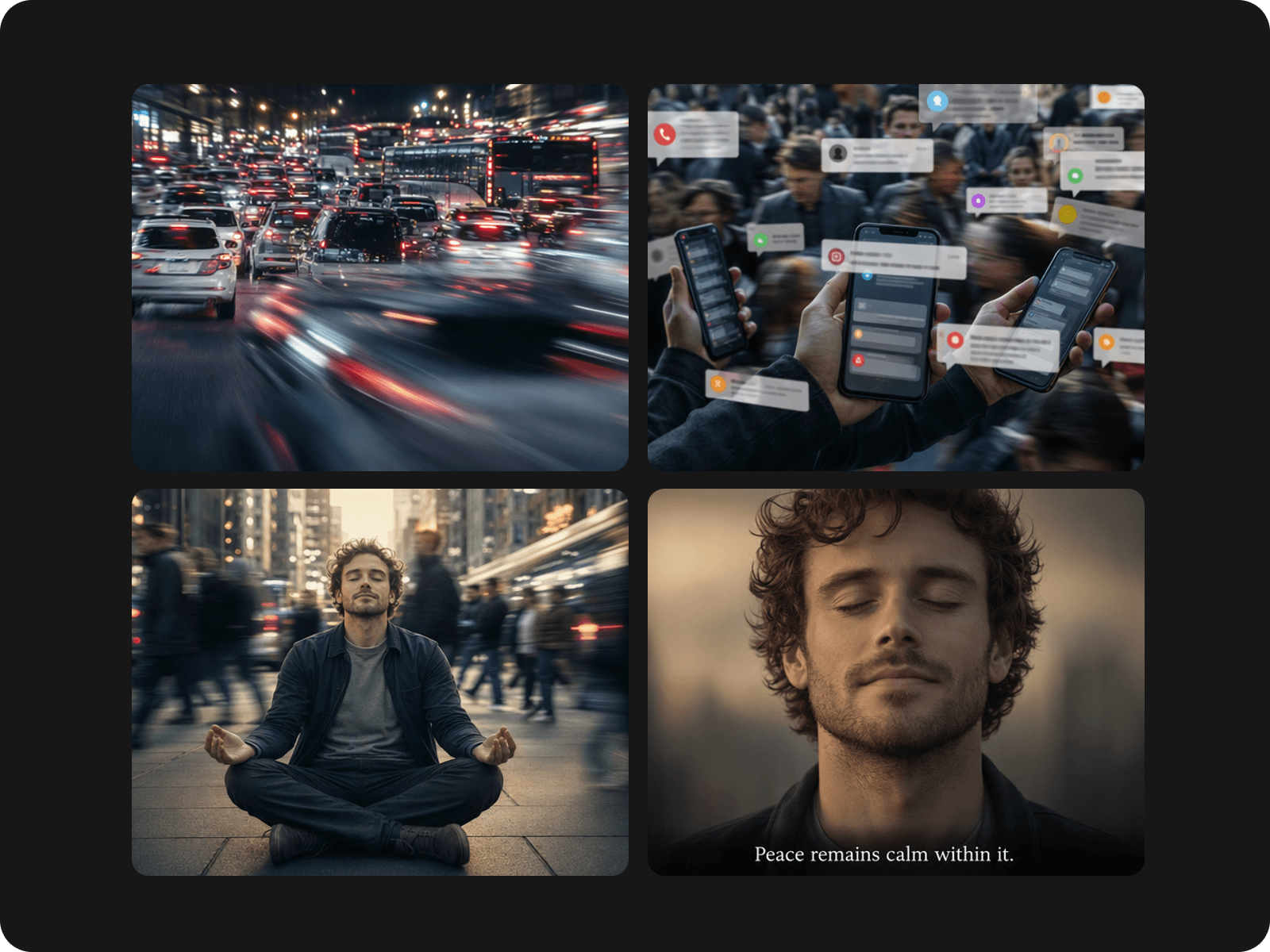
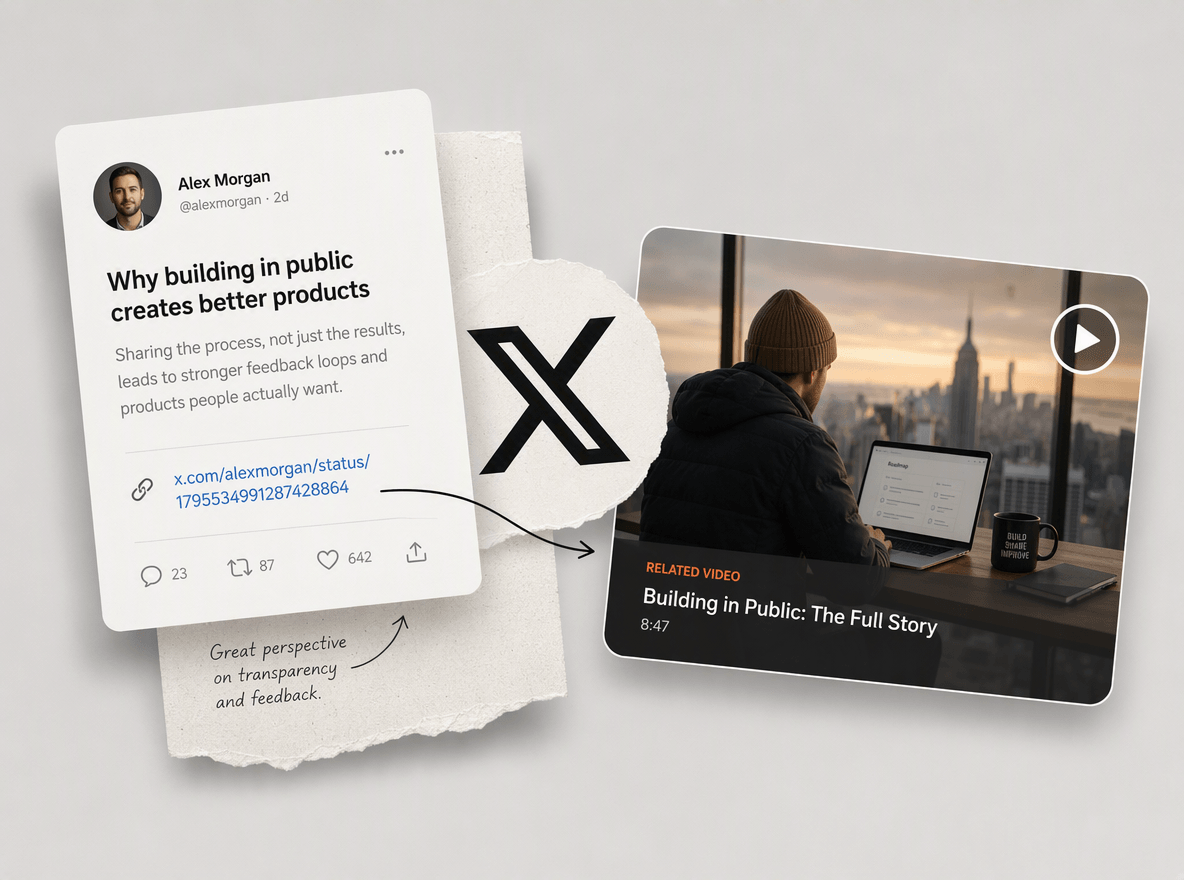
Turn X links into polished, high-quality videos without rebuilding content from scratch. Our AI Twitter video tool can intelligently extract the main content from your pasted link, suggest video ideas through a structured script and then generate an engaging video with relevant visuals, B-roll, captions, voiceovers and smooth transitions. Preserve the key message and style of the original content while adapting it into a more dynamic video format, such as a motivational video clip, an AI ad and more.
Powered by advanced AI technology, our X/Twitter video generator can effortlessly transform your simple descriptions or articles into engaging videos for your X (Twitter) without starting from scratch. It analyzes your content, pulls out the key points and changes them to concise, visually compelling videos with relevant scenes, captions and voiceovers. See your raw ideas or articles become snackable videos that are easier to watch and share in the X feed.
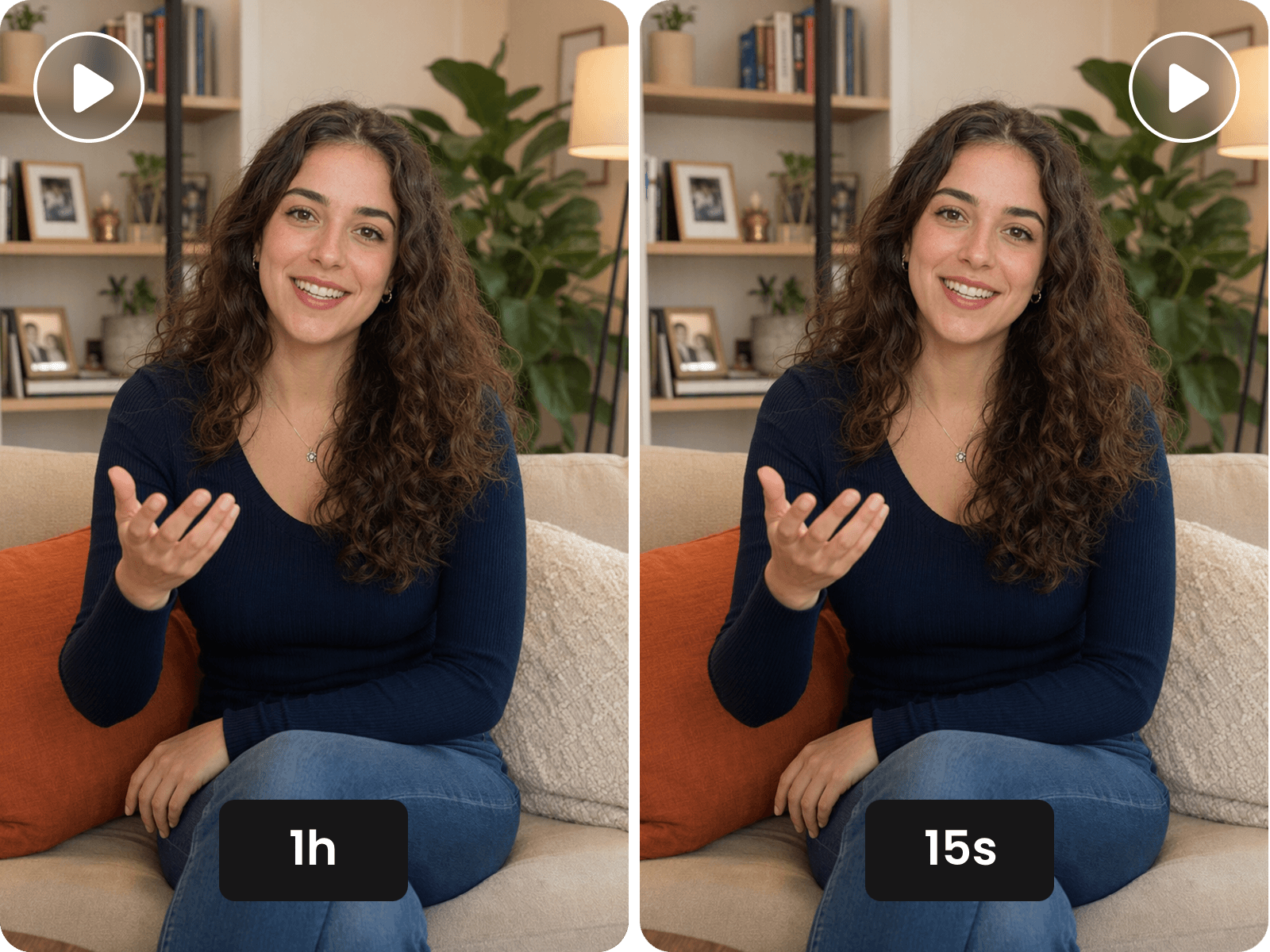
Long to effortlessly convert your long video to a short video for X? Fotor is your ideal option. Add your video to our agent and it will identify key moments, highlights, quotes and story beats. Then, it helps you create short clips with smart cuts, captions, B-roll and pacing that fit the fast-moving feed. Quickly make multiple shareable short videos from one source, from interviews and webinars to cinematic and YouTube videos. Save hours of editing, extend the value of existing content and keep your best ideas working more effectively on X.
Create almost any type of X video with our AI X/Twitter video tool, from short clips and product videos to news explainers, tutorials, storytelling clips and trending content. Spend less time editing and more time creating fresh videos that fit naturally into the X feed.
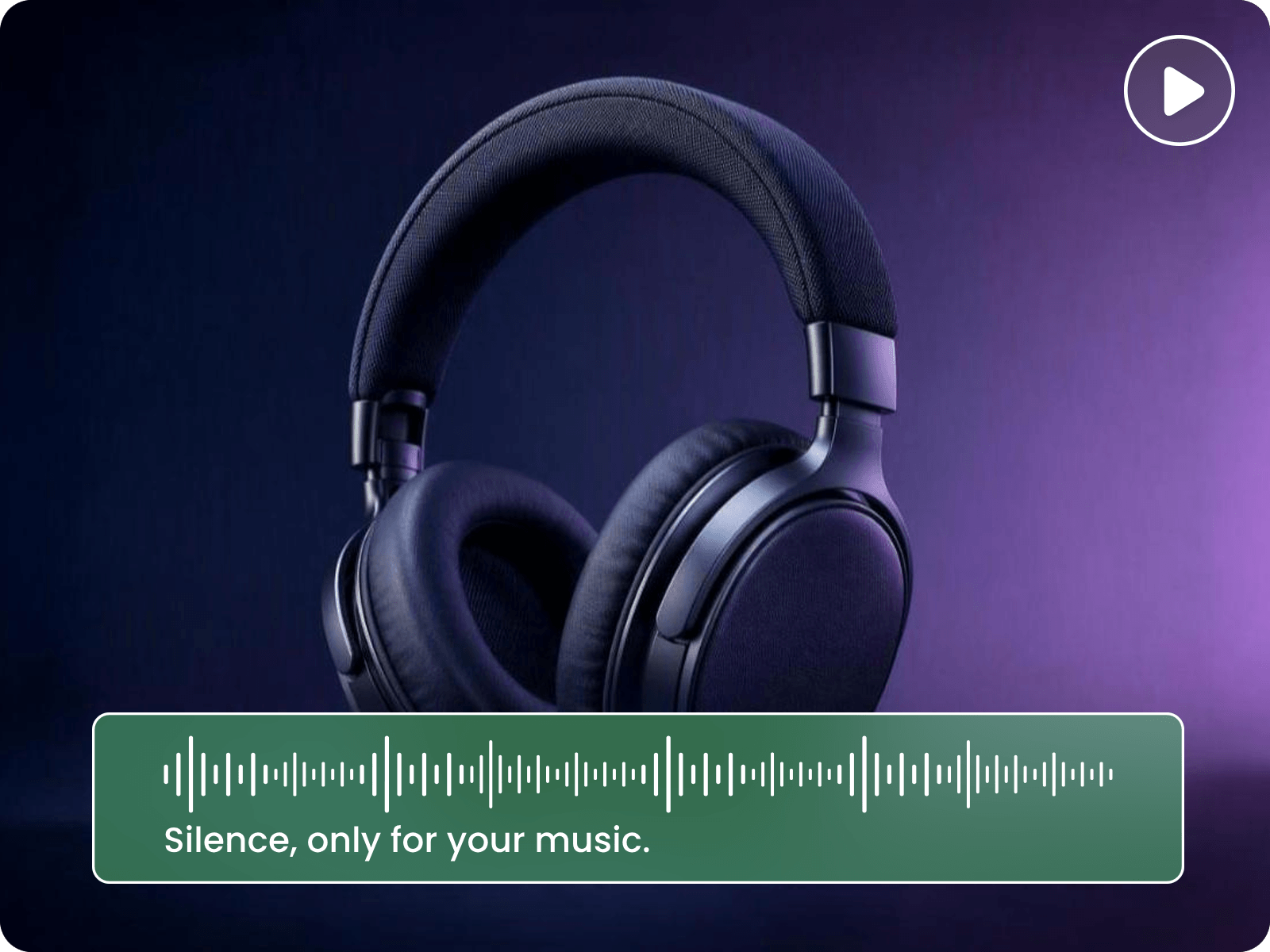
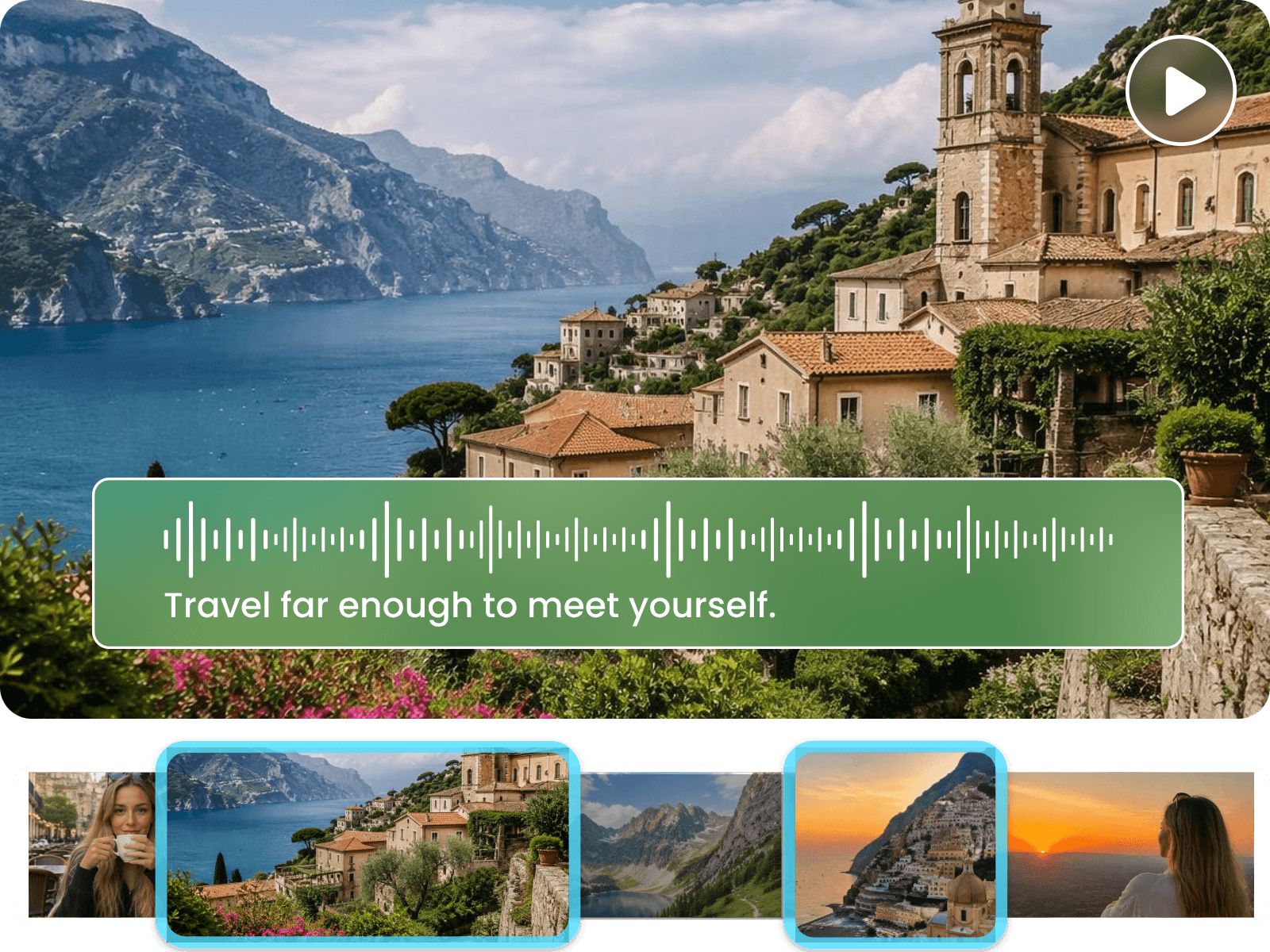
Make every video easier to follow with AI-generated voiceovers and captions matched to your content. Based on the analysis of our AI, Fotor can create natural-sounding narration and clear captions that fit the message, while keeping your visuals, narration and on-screen text in sync without manual editing.
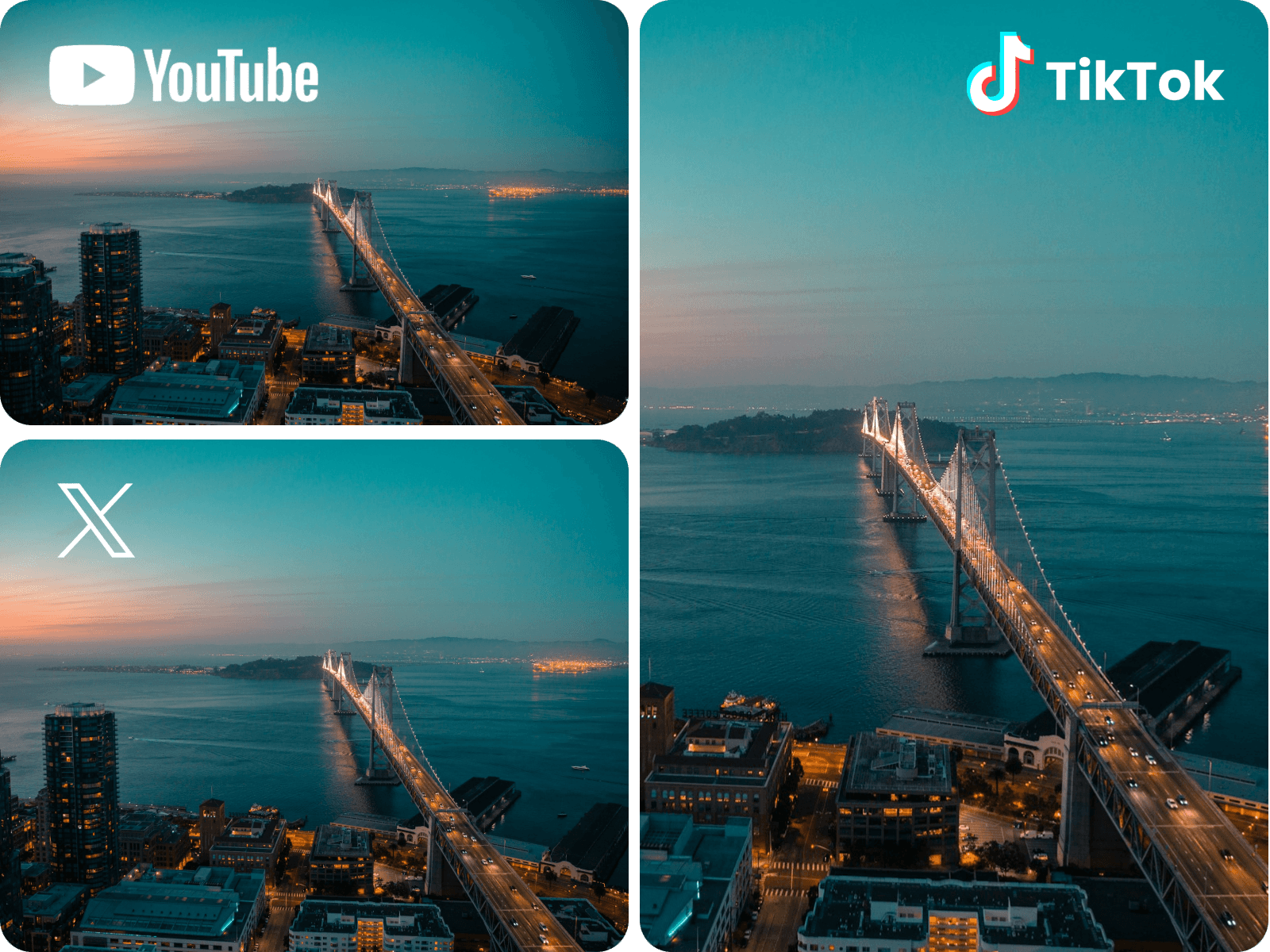
Make every video ready for X/Twitter with AI-powered optimization. Automatically adapt your content for this platform with the right aspect ratio, resolution, pacing, captions, framing and visual layout. Quickly repurpose videos created for YouTube, Instagram, TikTok or other channels into X-friendly content without rebuilding them from scratch. Keep important visuals and messages clear on smaller screens, capture attention quickly, and maintain your brand style.
Keep refining your Twitter videos until every detail feels right. Easily trim or crop them, add more captions, custom music and sound effects, adjust their playback speeds and other elements without rebuilding the video from scratch in our built-in video editor. Also, feel free to use our other practical AI tools to support your X content creation. For example, try our AI video translator to localize your content for your target audiences or HD video converter to upscale your video to 4K.
Normally, a good X or Twitter video should be like this:
Capture attention instantly: Make the opening three seconds count by featuring a person, revealing an engaging visual, or launching straight into a quick, compelling narrative.
Keep videos concise: Target a duration of roughly 15–60 seconds. Brief videos are more likely to hold attention, improve recall, and encourage engagement; clips under one minute can also loop automatically.
Use captions and text overlays: Since many viewers browse social media with the sound off or while on the move, subtitles and clear on-screen text help ensure your message still lands.
Inspire the next step: End with a specific call to action, and include a relevant link in the post caption to guide viewers to your website or landing page.
These are the videos that work best on X (Twitter):
All these videos can be conveniently generated by Fotor’s AI X video maker.
These resolutions are all accepted by X. However, the default aspect ratio of X is 16:9, which is equal to 1920 × 1080 px or 1280 × 720 px. Below are the detailed descriptions.
Landscape (16:9): It is often the strongest option for X, as the platform’s feed and desktop experience naturally accommodate widescreen video. It presents your content cleanly with minimal risk of awkward cropping.
Square (1:1): A solid middle-ground format that appears balanced across devices and uses slightly more vertical space in mobile feeds than landscape video. While it is less widely used than it once was, it remains effective for standard in-feed content.
Vertical (9:16 or 3:4): X supports portrait-oriented video, but timeline previews may crop or constrain the frame until viewers expand it. Use this format mainly for mobile-first videos created for TikTok, Reels or similar short-form platforms, particularly when some in-feed cropping is acceptable.
Different standards apply to different subscribers. Standard X accounts can upload videos up to 140 seconds (2 minutes and 20 seconds) long, while X Premium subscribers can upload videos up to 3 to 4 hours long depending on the device and platform.
Whatever duration you need, you can rely on Fotor’s Twitter/X video creator to get a satisfactory video.
Yes. You can try our AI Twitter video generator to turn an X post or thread into a complete video. You can also decide how long your video will be, whether you are expecting a 5-second short clip or a one-hour-long video. You just need to:
Yes. You can make use of Fotor’s X video generator to turn a YouTube video, podcast or webinar into short videos for X. Just upload your materials to Fotor, our tool will smartly read and analyze the content in them and auto-generate a structured script. Then, it will generate the relevant scenes based on your confirmed script.
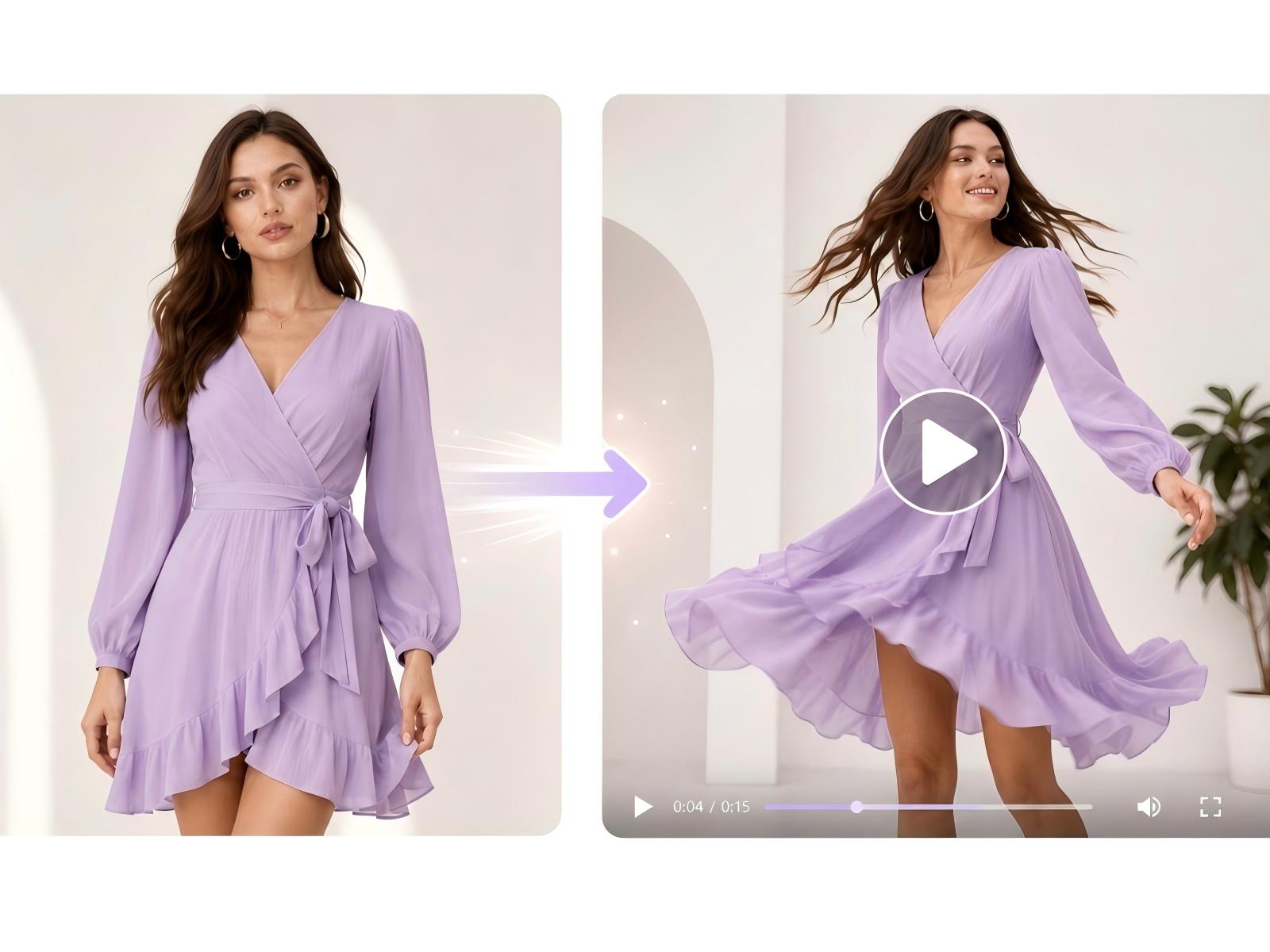
Yes. Fotor’s AI X video maker is your ideal option to create X videos from images and screenshots. Simply upload your images or screenshots and our tool will generate a full script according to its intelligent analysis of the content and create the relevant scenes based on your confirmed script.
Fotor will provide every new user with 30-100 credits, depending on the region, which allows you to create a very short clip at no cost. However, if you intend to create a longer video, you need to purchase more credits or become a paid subscriber.
Yes. AI-generated videos can be monetized on X, but X does not treat “AI-generated” as automatically monetizable or non-monetizable. The key issue is whether the content qualifies as original content and complies with X’s monetization, authenticity, copyright and safety rules.
Also, when it comes to copyright issues, AI-generated content is normally royalty-free unless the character in it is someone in the real world or an IP from a company. X requires monetized content to comply with its Copyright Policy, and creators to monetize only content that is original or that they have the rights to monetize.
So, for an AI video made with Fotor, you should be careful about using: