


Free AI Text Animation: Add Animation to Text Online
Animate your static text design or add animated text to your video with our AI text animation maker. Create animated titles, slogans, captions and more without complex editing skills.
What Animated Text Can You Generate?
Whichever styles or motion effects you want, our AI animated text generator can help you add the preferred animation effects without intricate editing skills.
How to Add Animation to Text with Fotor?
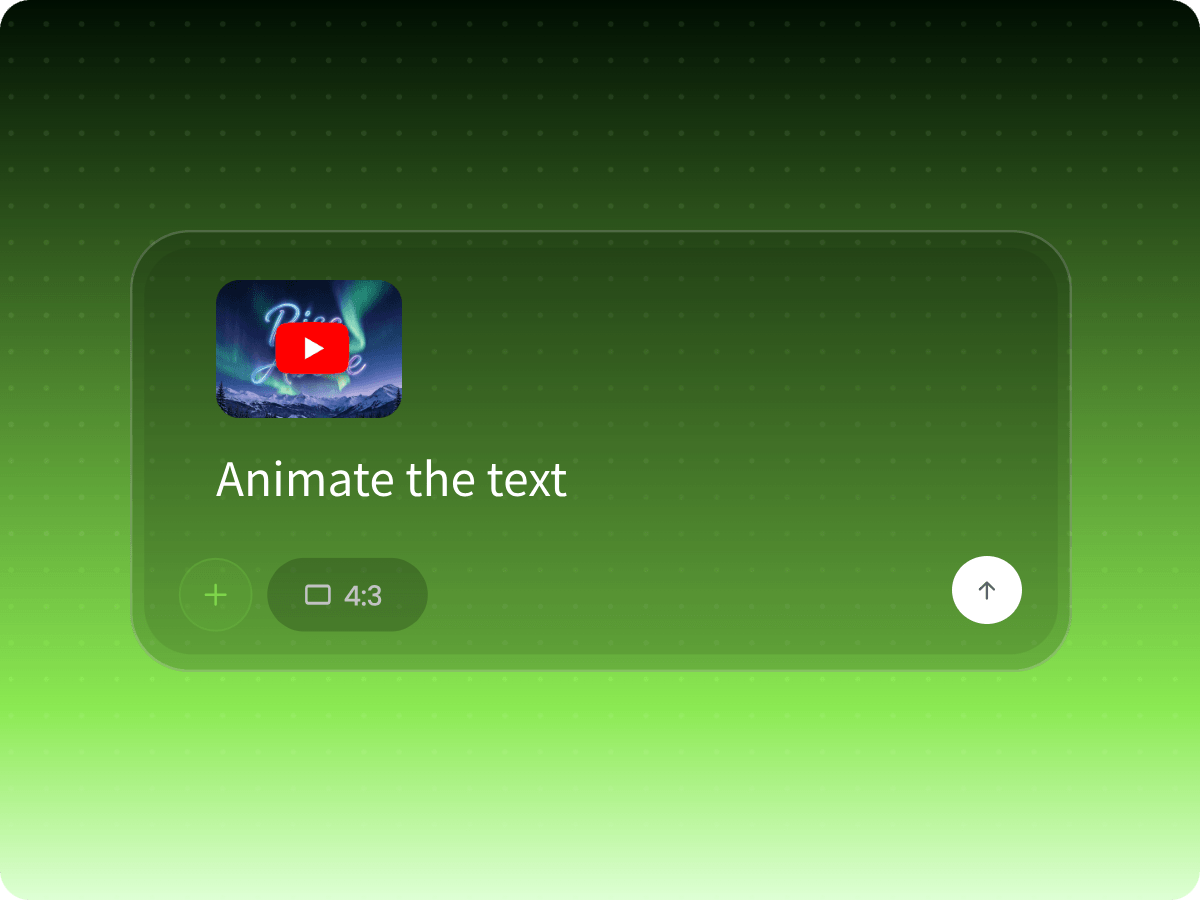
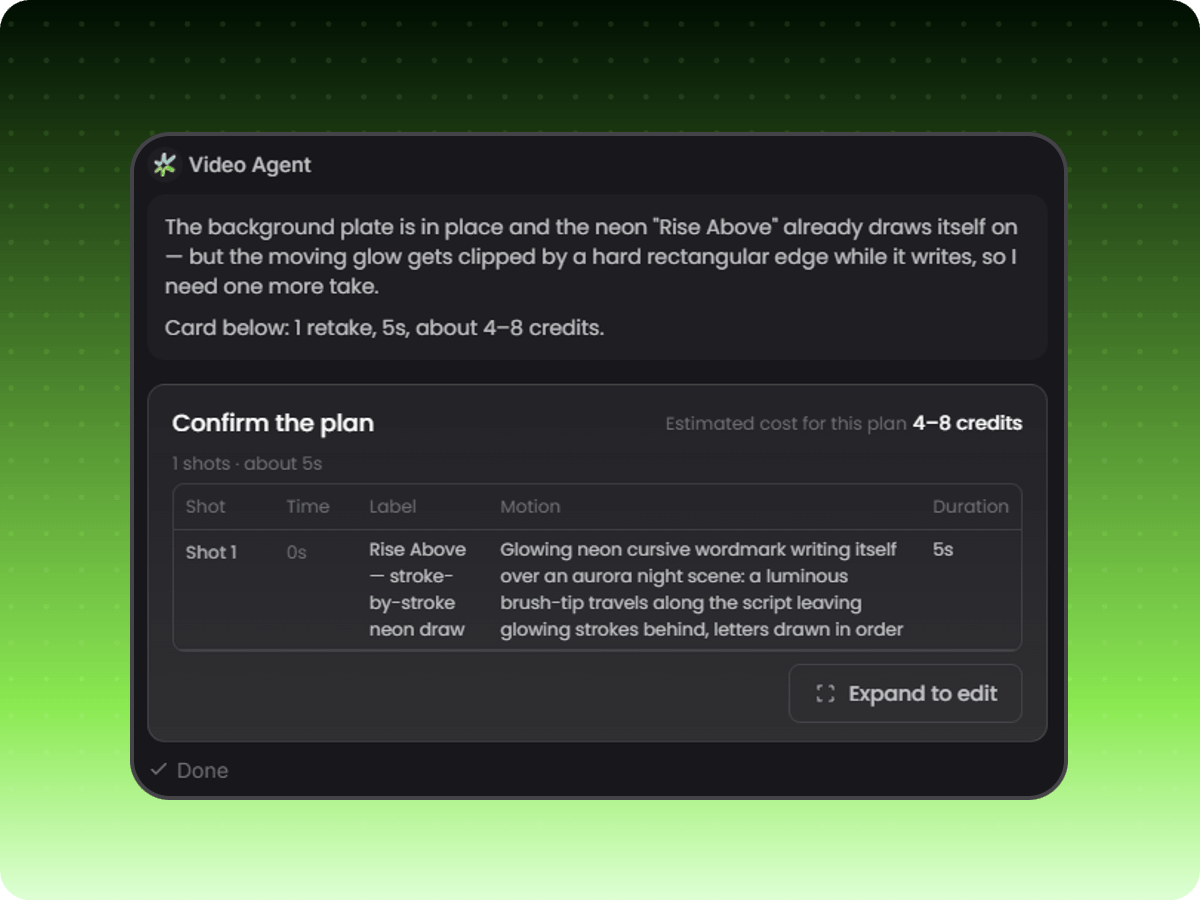
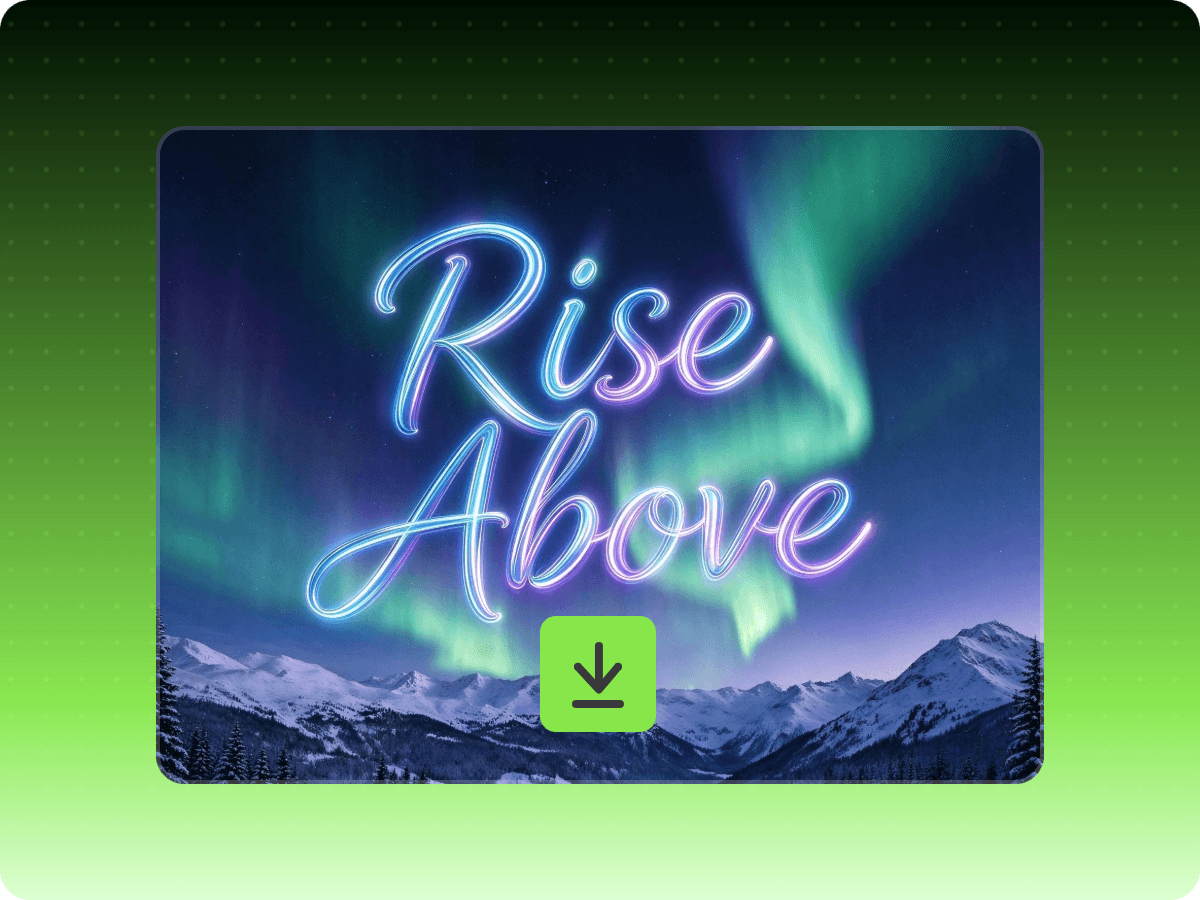
Step 1. Upload Text Image or Video
Upload your text image or video to our video agent and then enter the prompt to describe the specific text to animate and the preferred motion and animation effect.
Step 2. Plan and Generate Your Animation
Step 3. Preview, Edit and Export
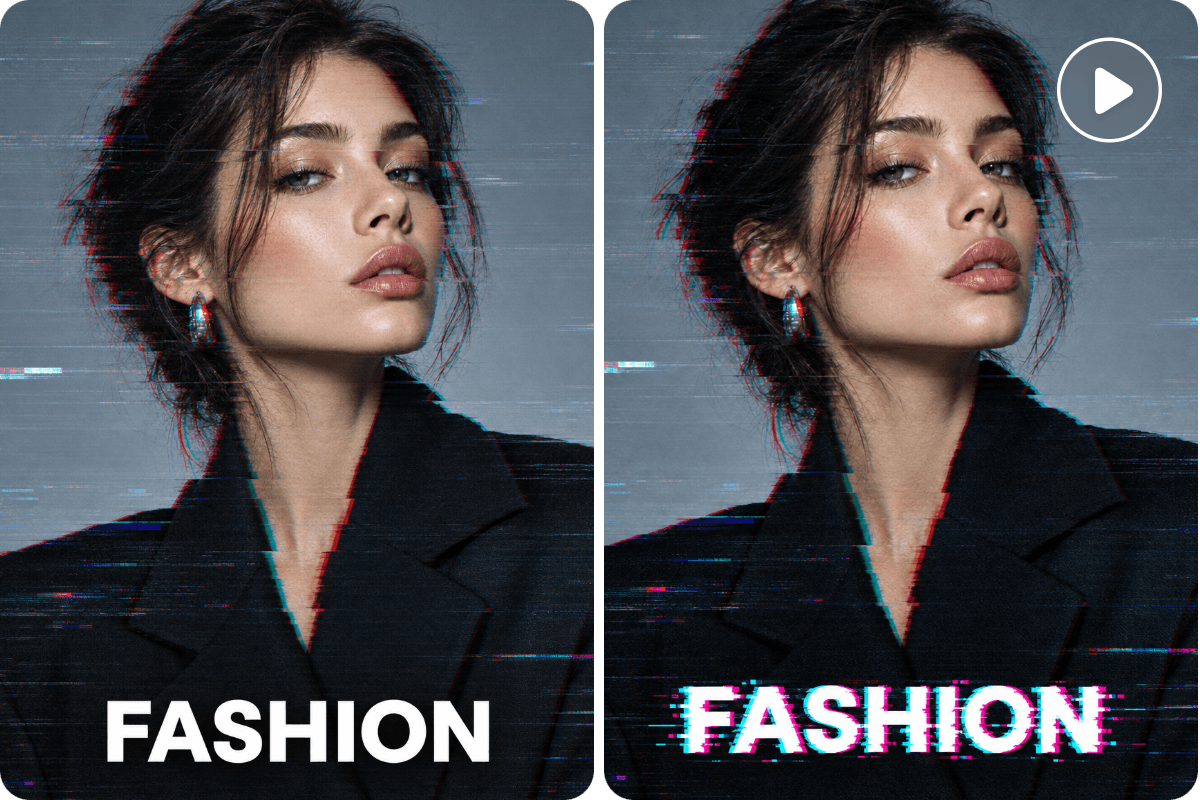
Conveniently Add Animated Text to Video
Animate text in your video to make your information more obvious. Rely on our AI animated text generator to turn a static text image into moving text or add new animated text with stylish motion, smooth transitions and creative effects that match your video's mood and message. So, try Fotor to highlight important information, emphasize key phrases, and make titles, subtitles and CTA stand out on screen.
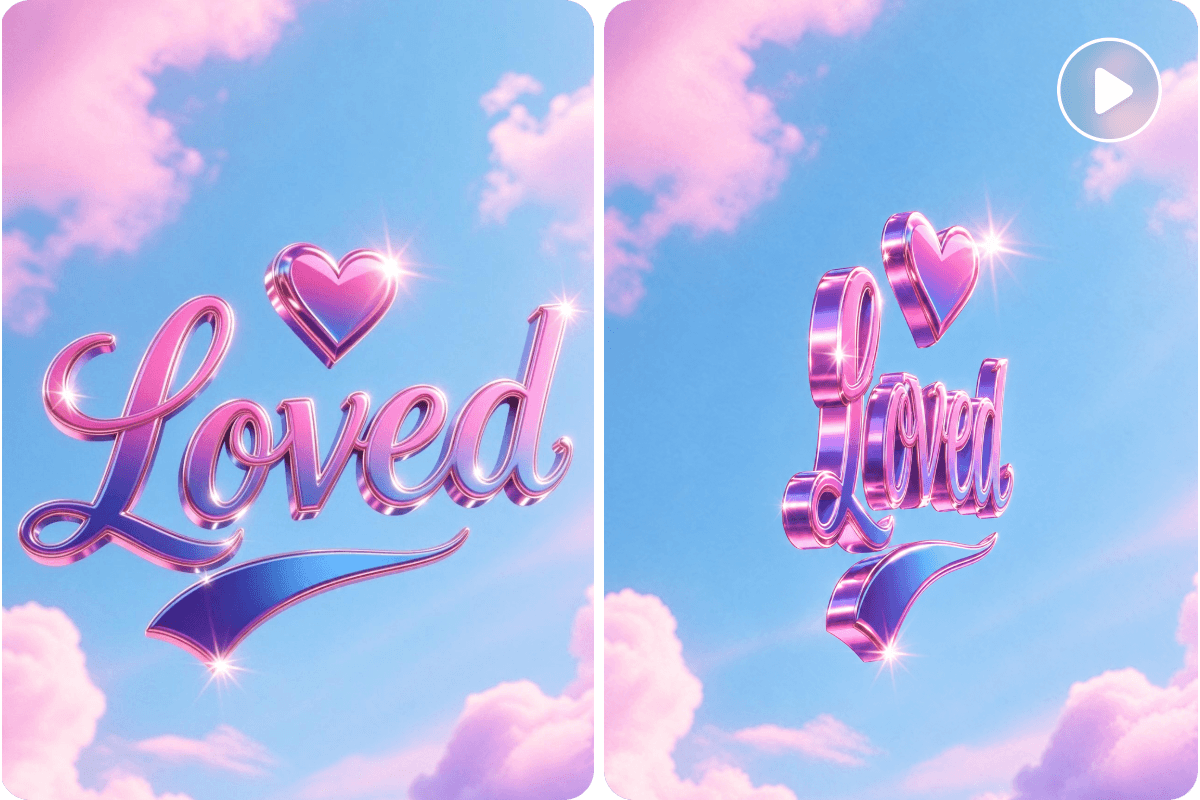
Easily Convert Static Text Image to Text Animation
Bring static text images to life with our AI text animation creator. Upload your text picture and transform it into dynamic visuals with eye-catching motion, animated effects and smooth transitions. Make titles, slogans, quotes, logos and promotional messages more engaging without too much manual work. Try Fotor to turn ordinary text graphics into attention-grabbing animations that help your message stand out.
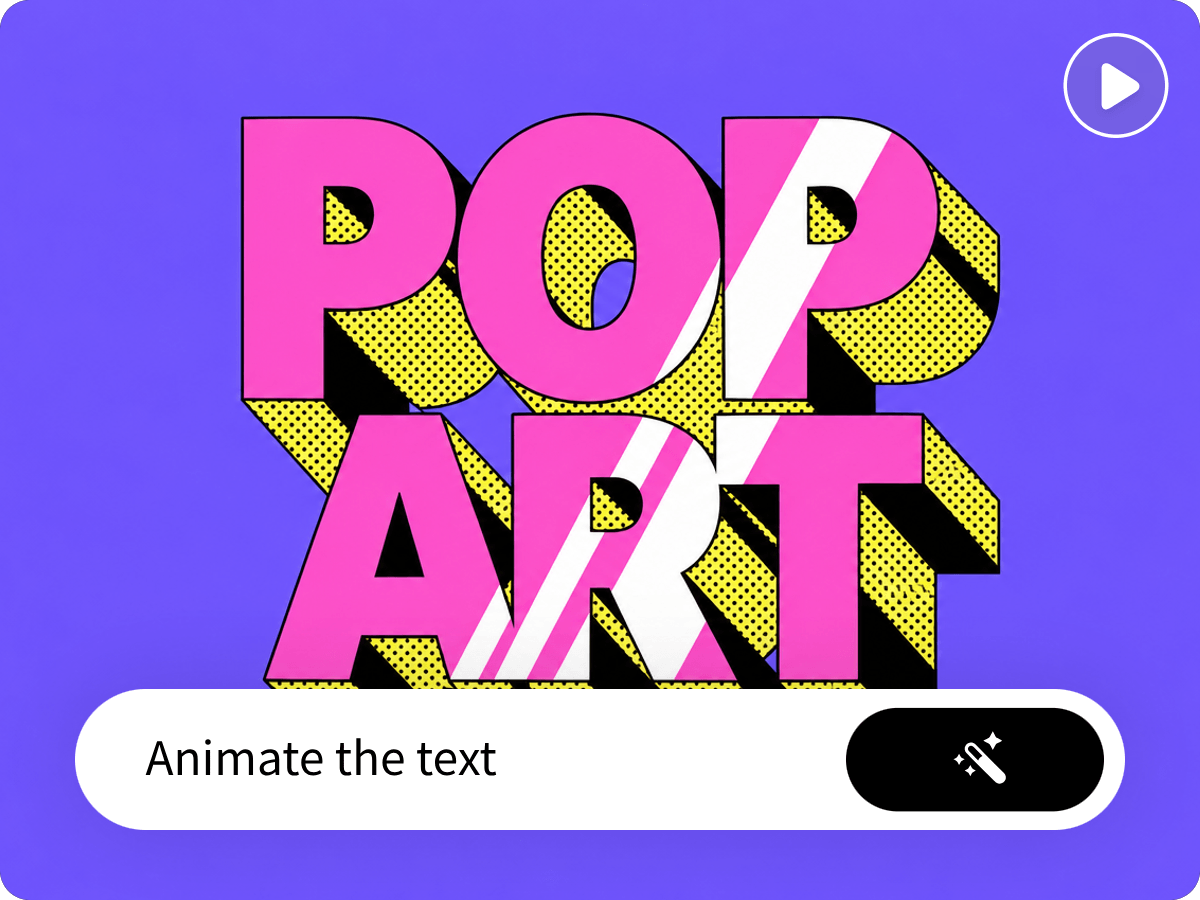
Turn Prompts into Vivid Text Animation Clips
Want to visualize your unique animated text for your creative projects? Fotor has you covered. Describe your desired message, visual style or animation effect, and let our tool transform your ideas into moving text visuals with smooth motion, creative transitions and engaging effects. See your fresh slogans, quotes, titles, announcements and promotional messages come to life without manually designing or animating every element. Also, feel free to create your own AI motion graphics with vividly animated text to convey your messages more effectively.
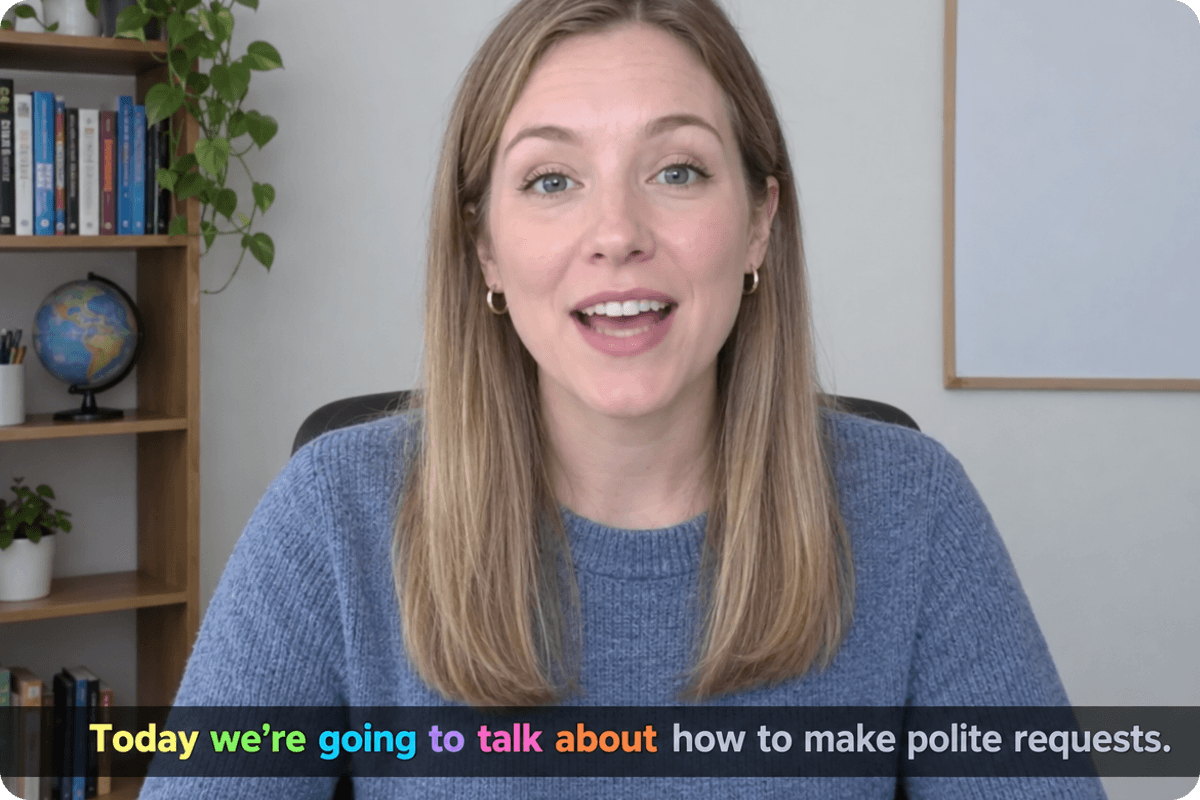
Enrich Your Video with Animated Titles & Captions
Whether you want to add an interesting dropping title to your TikTok video or put Karaoke-style, word-by-word subtitles in your YouTube video, you can turn to our AI kinetic typography generator for help. Our tool can convert the static title to on-screen moving words and the still captions to dynamic subtitles synchronized with the voice or music and the pacing, without overwhelming the main visuals. Use Fotor to add a polished touch to your content and keep your audience focused from beginning to end.
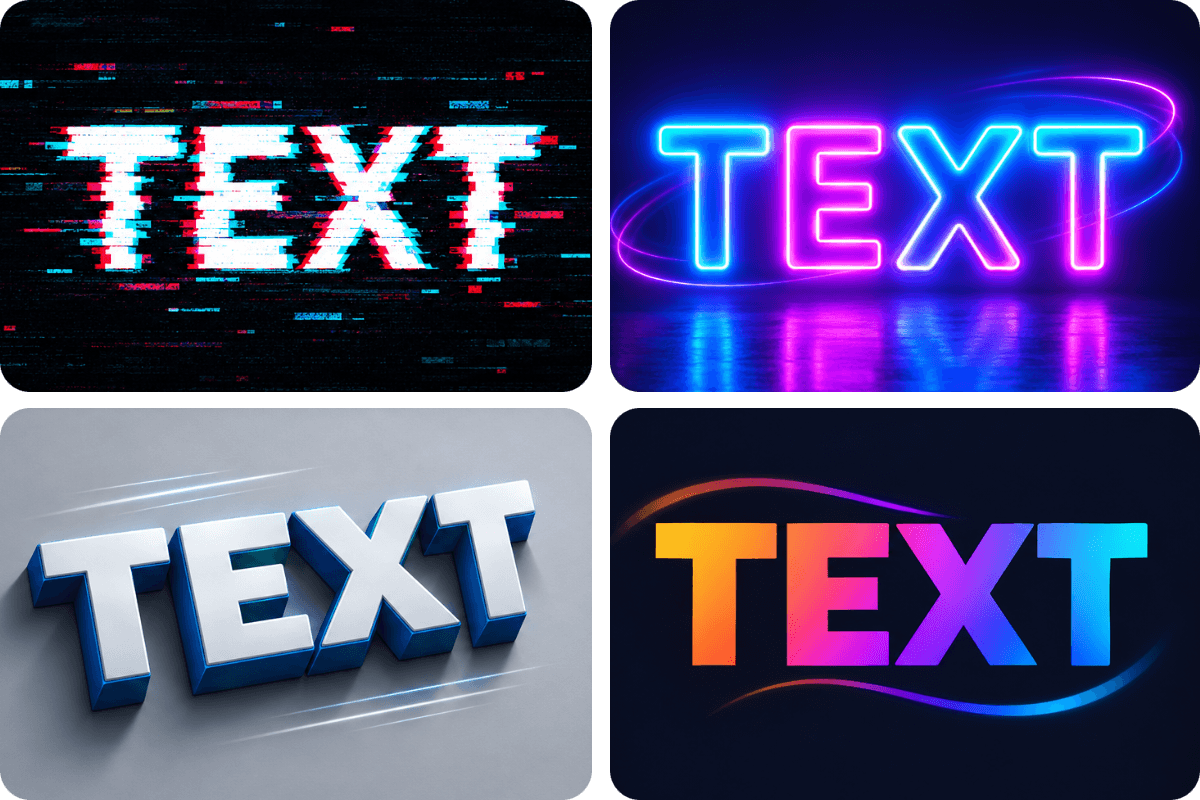
Bring Words to Life with Multiple Animation Effects
Make your text stand out with various eye-catching animation effects. Transform ordinary words into dynamic visuals with smooth fades, kinetic typography, bouncing effects, sliding transitions, flickering effects and other creative motion styles. Experiment with different looks for your moving text and find the perfect motion style to make every word more fascinating and memorable.
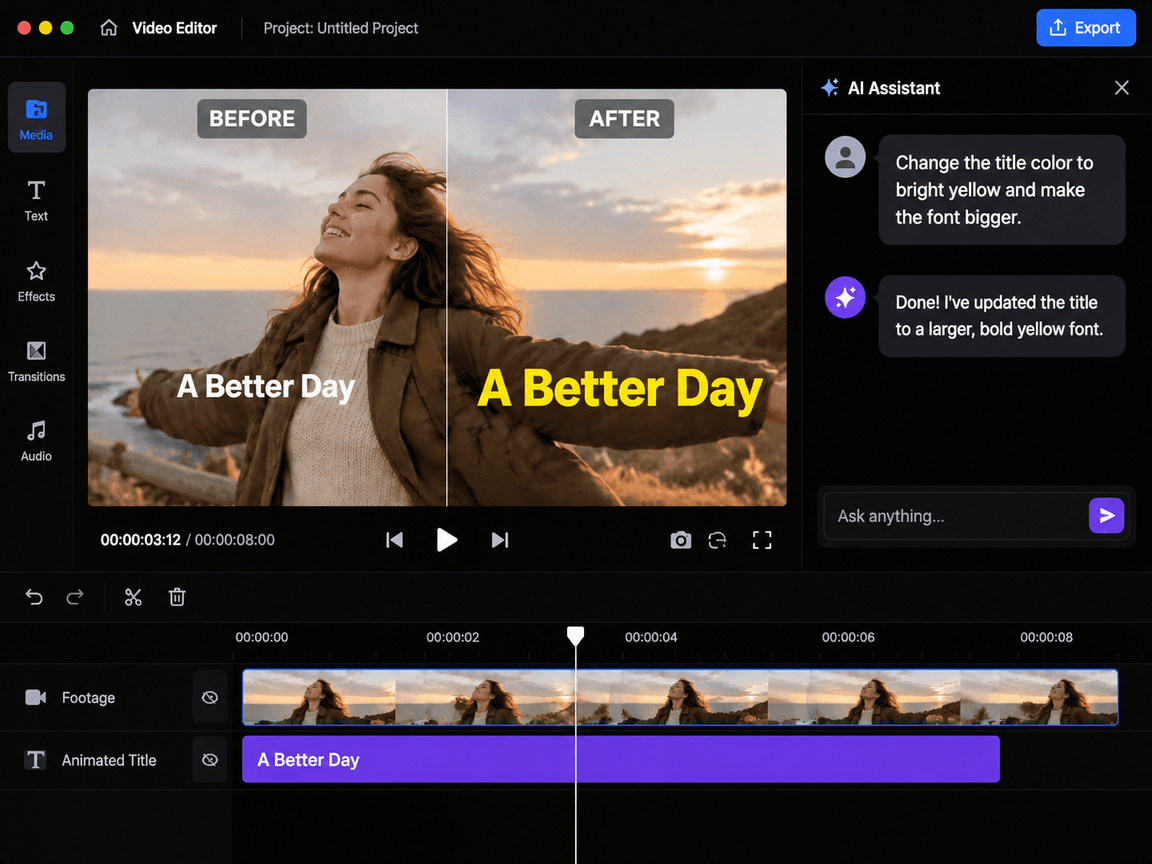
Flexibly Edit Animated Text Through Conversation
Fine-tune your animated text with simple, natural-language instructions; no need to start from scratch. Chat with our video agent to rewrite text, transform font size and color, change animation styles, adjust motion effects, refine transparency and position or explore different visual directions. Make quick revisions, experiment with creative ideas, and customize every detail to match your message and style.
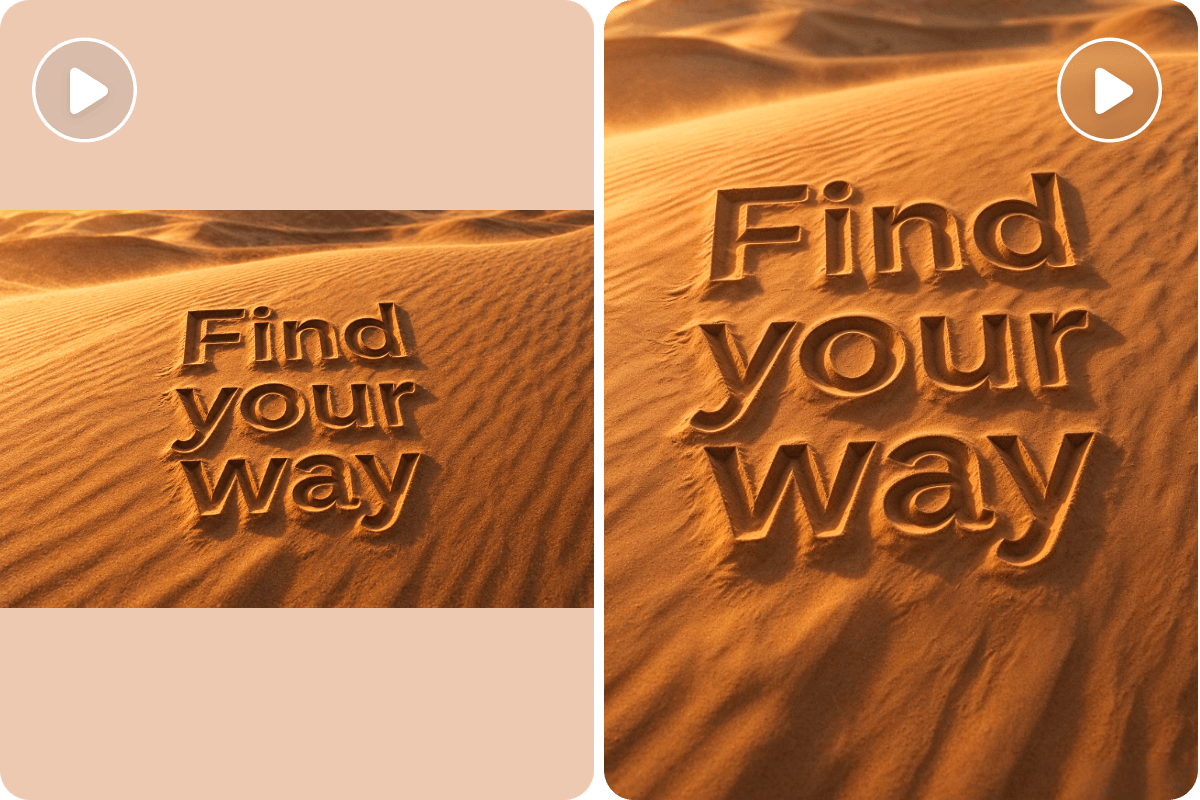
Smartly Optimize Text Animation for Different Platforms
Whether you plan to create a YouTube video with an interesting animated intro or a TikTok clip with funny text animation, our AI text animation creator makes your animated text look great across different platforms and screen sizes with smart video reframing. It can automatically adapt your text animations to vertical, square, and widescreen formats while keeping important words, titles, and visual elements properly positioned when you resize content for diverse platforms.
FAQs
What is text animation?
Text animation is the use of motion effects to make text move, appear, disappear or change on screen. Instead of displaying static words, you can add styles like flickering, neon, glitch and more, or effects like fading, sliding, bouncing, typing, or rotating to bring your message to life.
It is widely used in videos, social media posts, presentations, ads and intros to grab attention, highlight key information, and make content more engaging.
How do I add animation to text online?
You can rely on Fotor’s AI text animation maker to add animation to text online. You can either animate a static text file or add animation to text in a video.
Animate a static text
- Upload your static text image to our video agent.
- Enter your prompt to describe the motion effect and style.
- Our tool will generate a plan to guide your animation.
- Once it is confirmed, our tool will generate the text animation for you.
Add animation to text in a video
- Upload your video to our video agent.
- Input your prompt to specify the text you want to animate or new animated words to insert into the video.
- Our tool will automatically create a script to plan your text animation.
- Once you confirm it, our tool will generate the video with the desired animated text.
Can I make text animations for free without a watermark?
Fotor can help you make text animations for free without a watermark. Every new user will be offered free credits (from 30 to 100) to try this service at no cost, based on their region. However, if you intend to create a long video, you need to become a paid subscriber to gain more credits. No distracting watermark will be placed over your video result.
Can I add animated text to an existing video?
Yes. You can make use of Fotor’s AI text animation generator to add animated text to an existing video.
- Upload your video to our video agent.
- Enter your prompt to describe the text, along with the motion effect and style, to add to your video.
- Our tool will analyze your video and prompt, and intelligently present a text animation plan.
- Once you accept the plan, our tool will automatically add animated text to your video.
- Preview the result, further edit it in our built-in video editor if necessary and then click “Download” to save it.
Can AI automatically animate text based on my script or video?
Yes. Fotor’s AI animated text generator can automatically animate text based on your script or video. Our tool can intelligently read and analyze the content in your script and video, identifying and animating the desired words based on your prompt.
Which text animation effect should I use?
You can choose any text animation effect you like. However, here is our advice:
- Professional content: Fade, slide and reveal
- Short clips: Pop, zoom and bounce
- Technology & game: Glitch and neon
- Storytelling & coding: Typewriter
- Captions: Word highlight and Karaoke
- Branding: Mask reveal and blur reveal
Can I animate text letter by letter, word by word, or line by line?
Yes. You can include the relevant requirement in your prompt and then our tool will animate your words according to it. For example, animate the text in a “letter-by-letter” way.
Can I upload my own font and match the animation to my brand?
Yes. Since Fotor supports multimodal input, you can upload your own branded font visual or logo, along with your video. Then, enter your prompt to combine it with your video in the wanted animated way.
Can I export animated text with a transparent background?
Yes. You can add the relevant requirement to your prompt and let our AI text animation maker create a text animation with a transparent background.
Which formats does Fotor’s AI text animation maker support?
For input formats (video): MP4, WEBM, MOV, AVI, MKV and FLV
For input formats (image): PNG, JPG, JPEG, WEBP, BMP, TIFF, GIF, HEIC, HEIF and AVIF
For output formats (video): MP4
For output formats (image): PNG