Turn Photo into Watercolor Painting Online for Free
Easily turn your photo into a watercolor painting online with Fotor’s AI watercolor filter. Add a soft, artistic look to your images in seconds—no painting skills required.
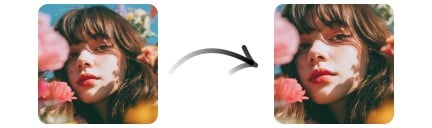
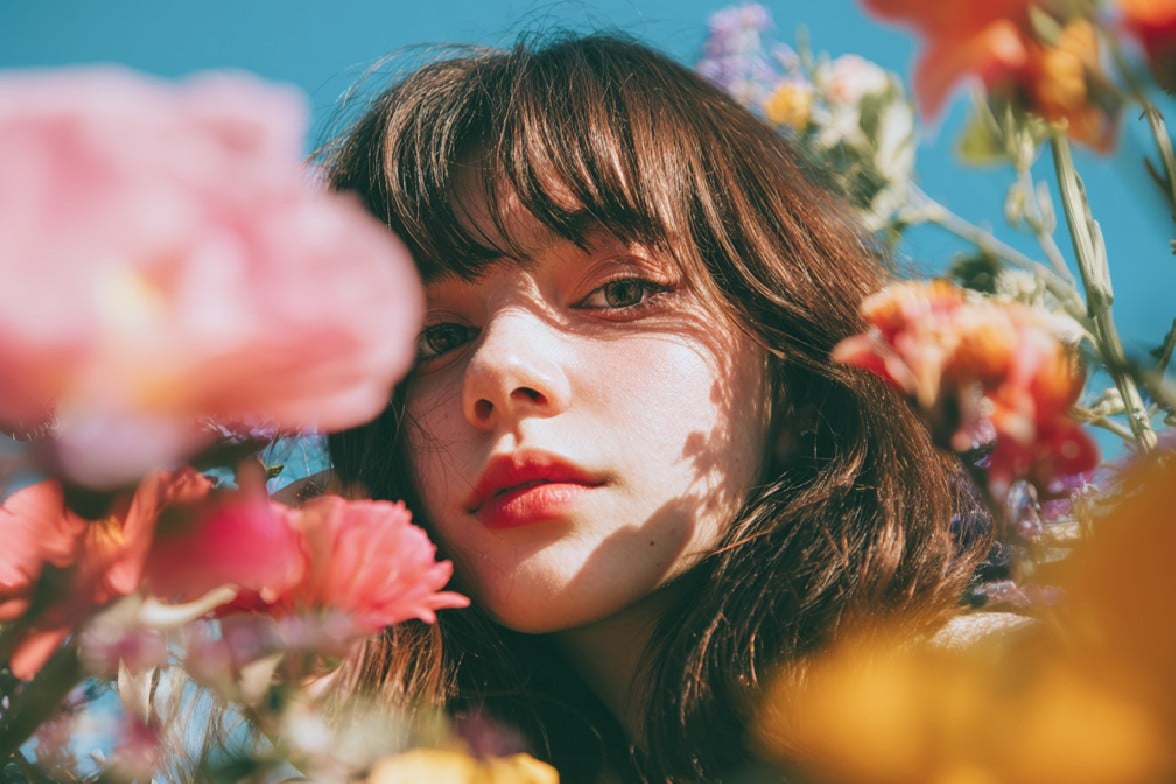
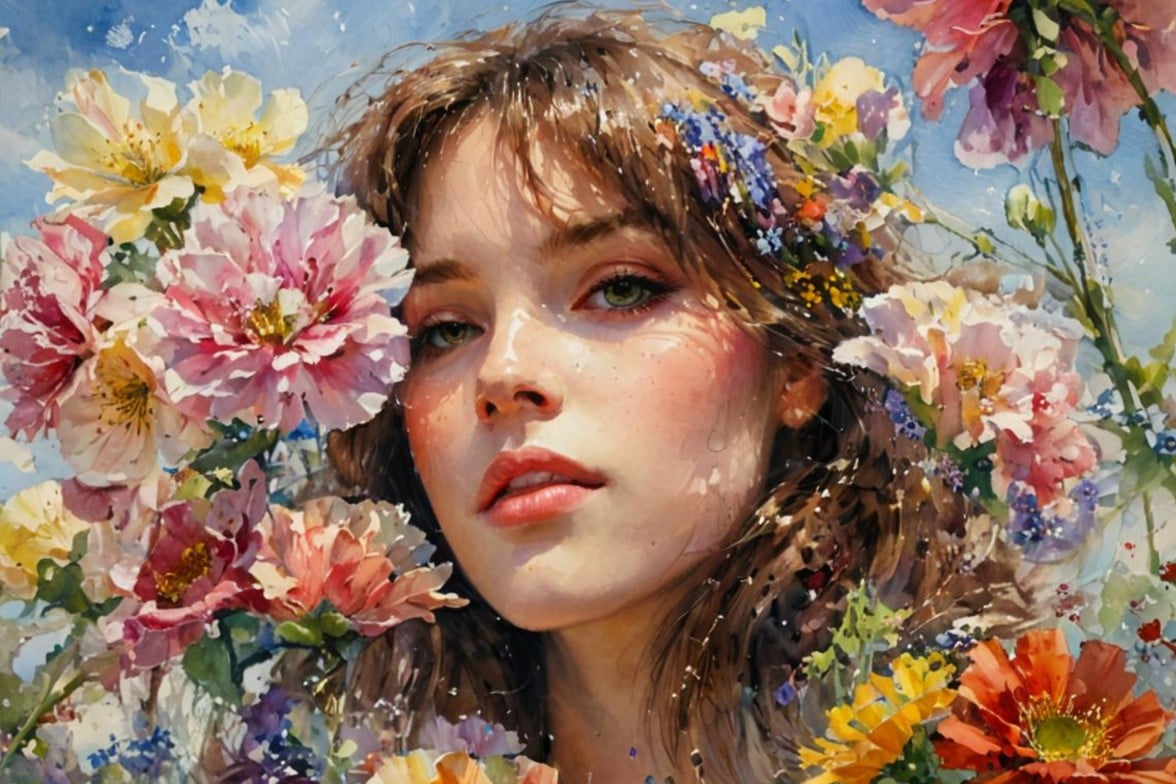
Click or drag an image here to edit
Click or drag an image here to edit


2 Secs
Processing
4.5 ★
On Capterra
98%
Satisfaction Rate
Trusted and Loved by Millions of Global Creators





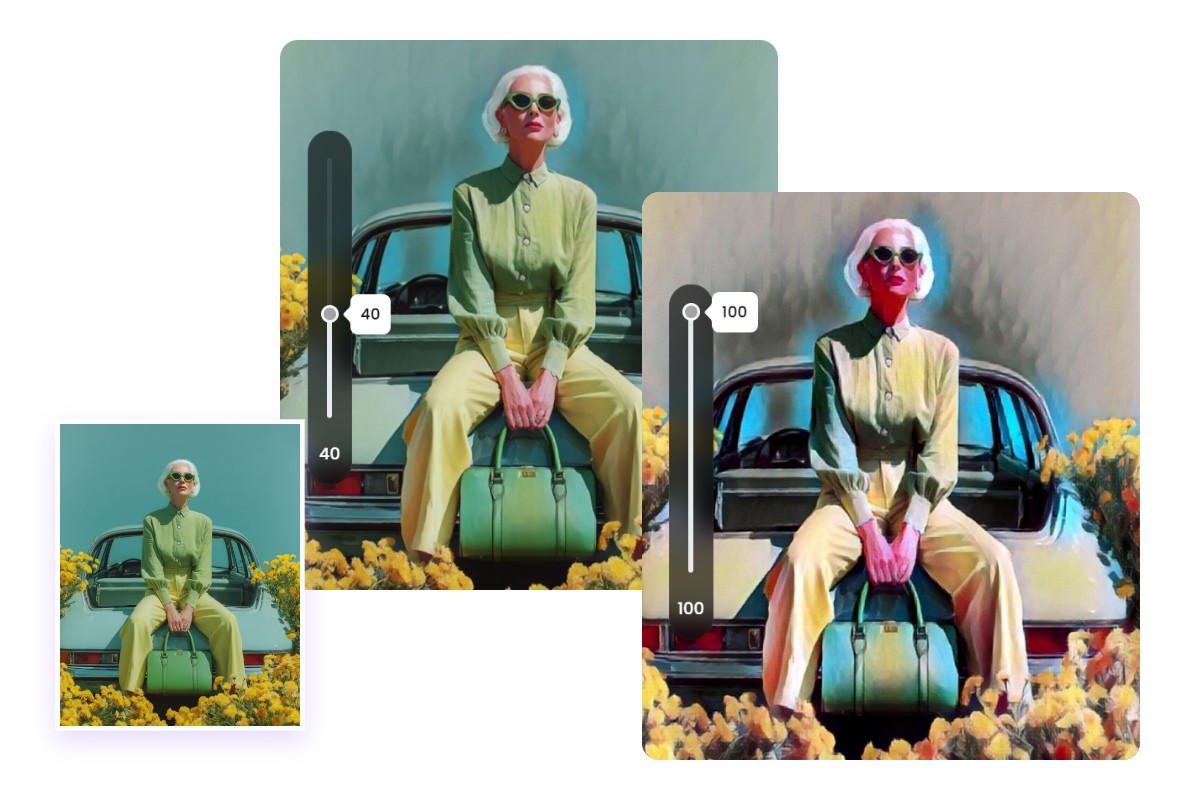
Photo to Watercolor with Adjustable Intensity
Fotor's AI watercolor filter uses neural style transfer to analyze color transitions, brushstroke patterns, and textures from real watercolor paintings, then applies them to your image.
You can adjust the effect intensity to create anything from a subtle artistic touch to a more stylized watercolor look.
Explore Real Use Cases of Fotor’s Watercolor Filter
Fotor’s photo-to-watercolor tool is suitable for a wide range of creative needs. Even beginners can create visually appealing watercolor-style images in seconds.

Convert Landscape Photos into Watercolor Art
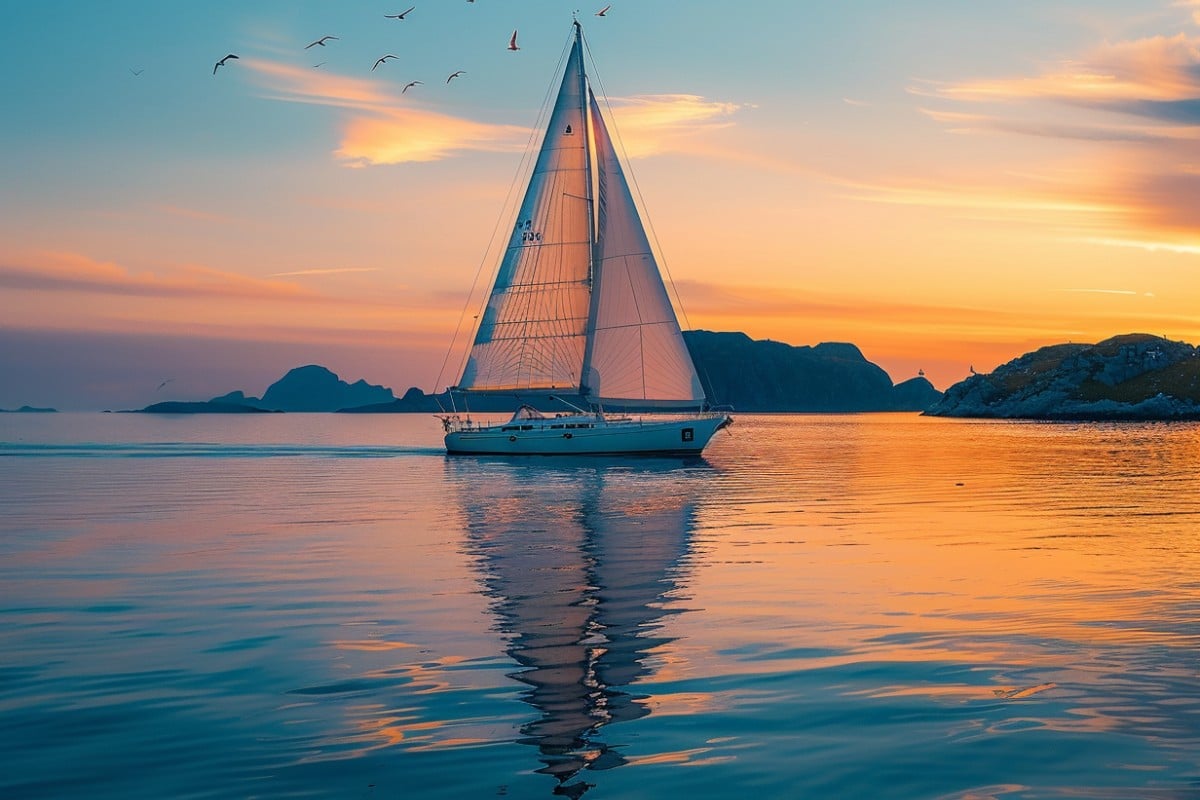
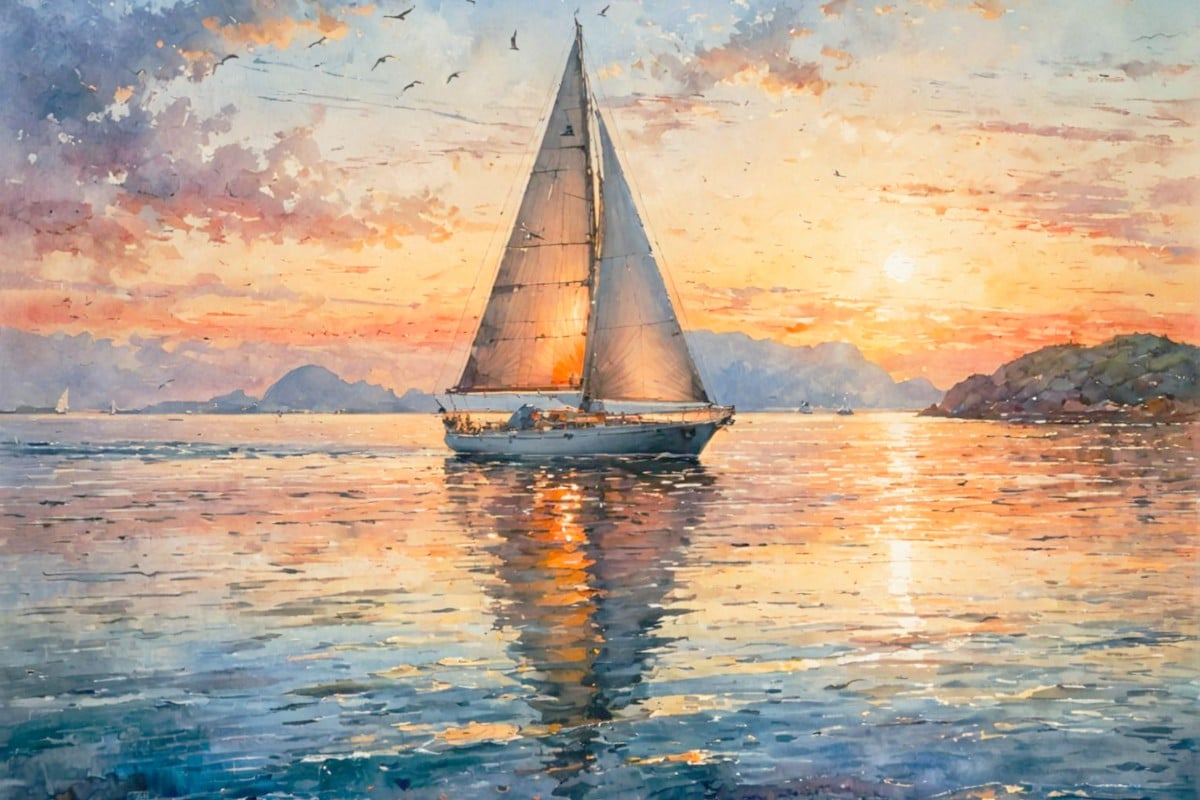
Want to turn your travel photos into appealing watercolor art? Fotor helps you reimagine your traveling memories in just a few clicks.
Our watercolor filter works especially well for landscapes with natural light, skies, and scenery, helping you present your memories in a more artistic format.
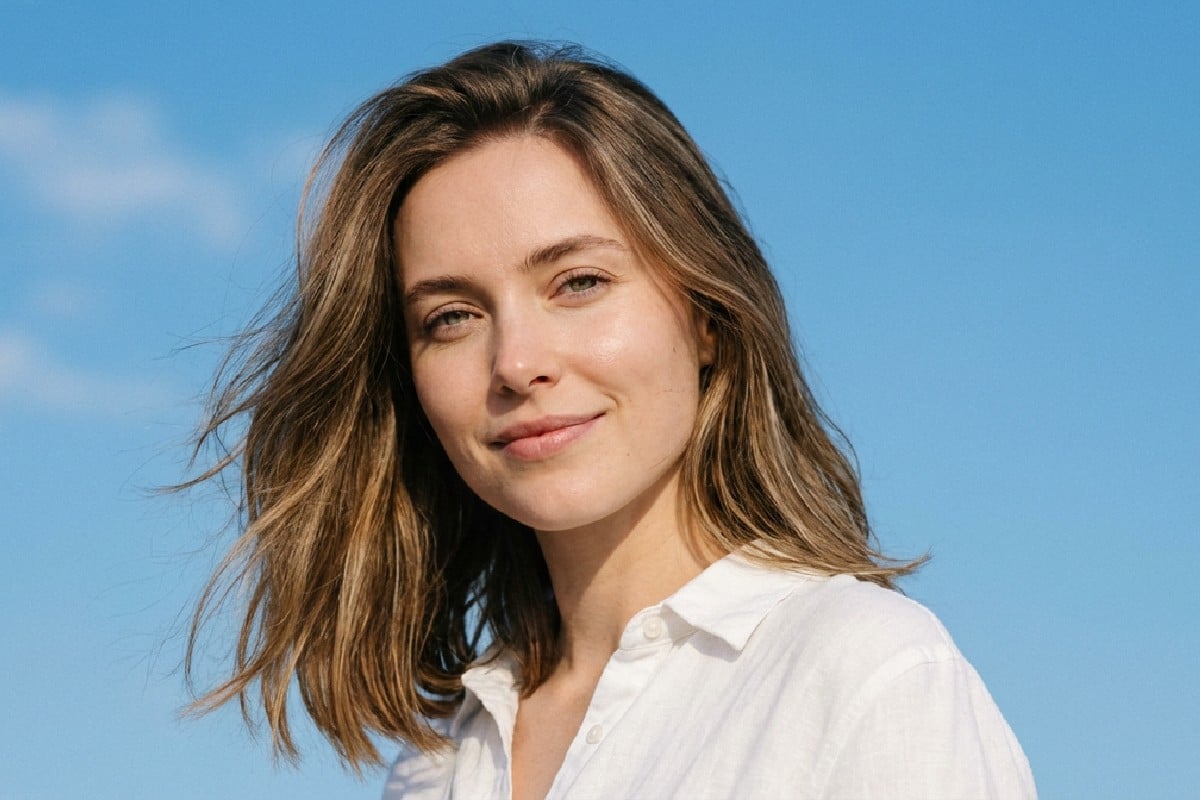
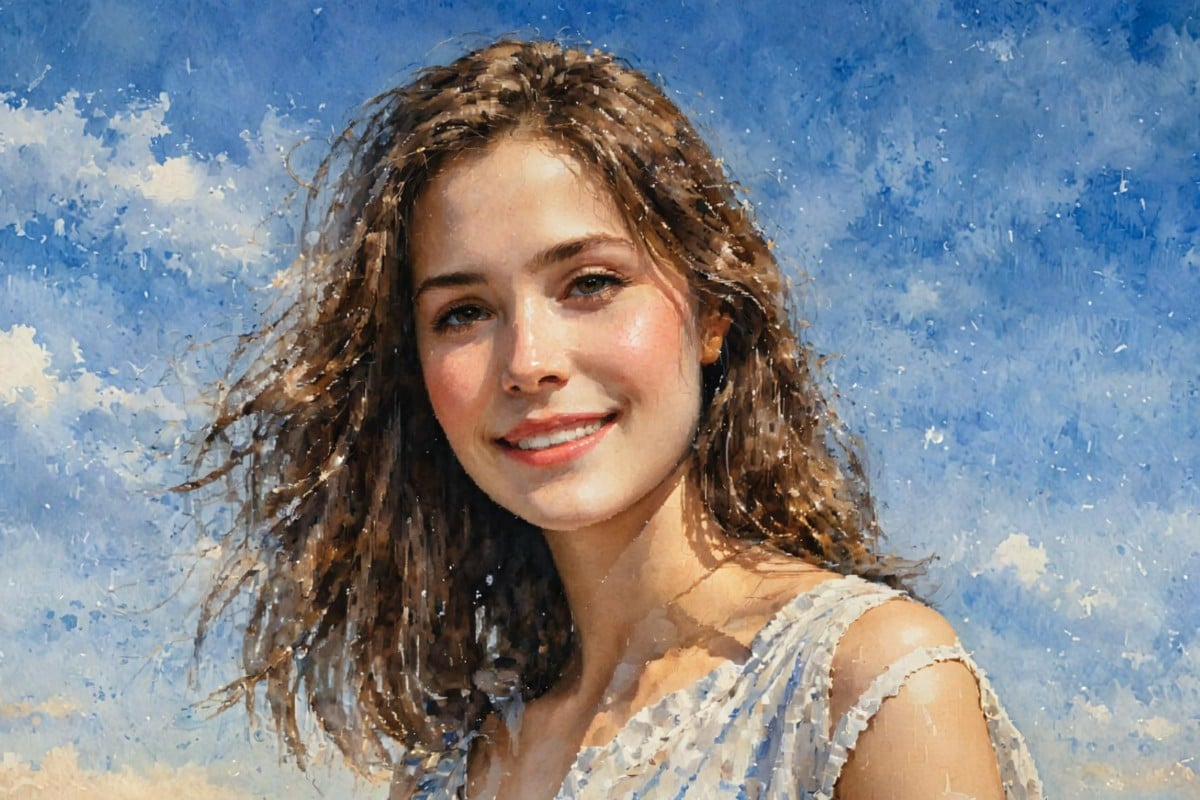
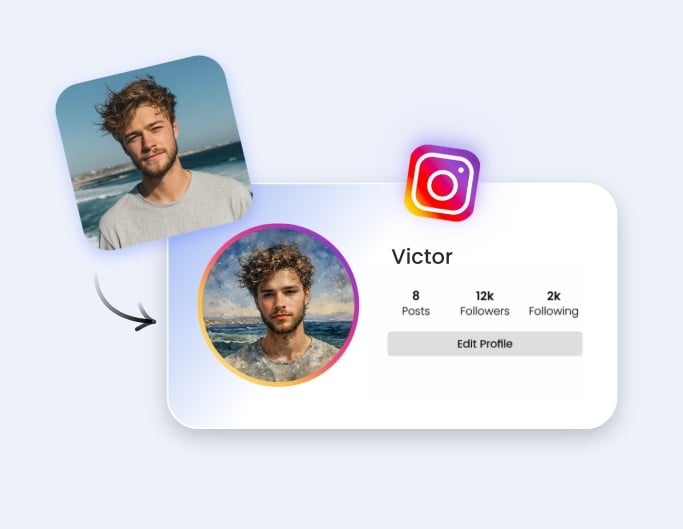
Enhance Portraits with a Watercolor Effect
Looking for a more distinctive profile picture? A watercolor-style portrait offers a softer, more artistic alternative to standard photos.
It works well for social media, personal branding, or creative projects where a unique visual style helps you stand out.
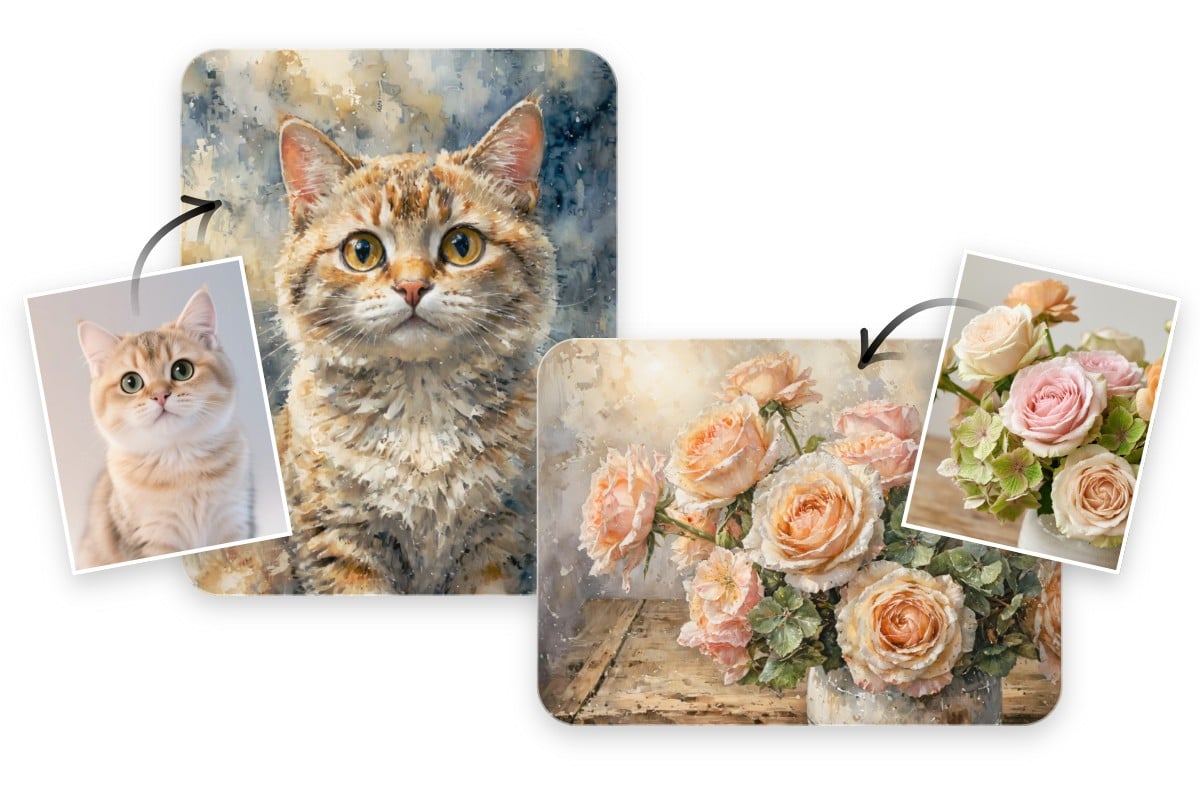
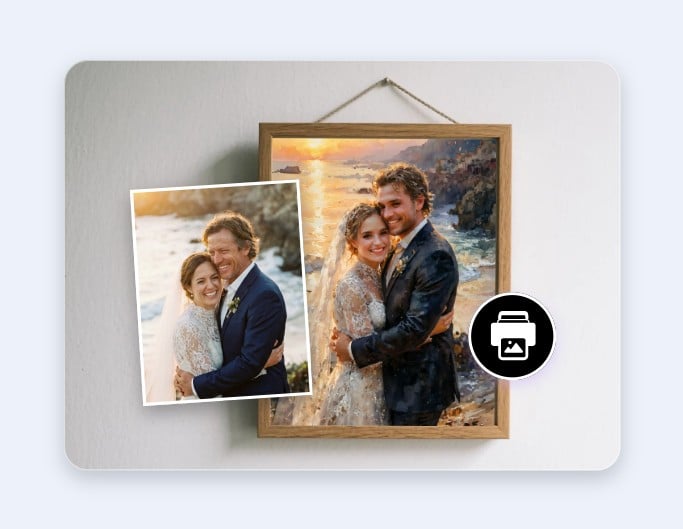
Apply Watercolor Effects to Various Photo Types
Fotor’s watercolor filter supports a wide range of images, including portraits, pets, flowers, and everyday scenes.
For best results, use clear, well-lit photos with defined subjects. Complex or low-resolution images may produce less consistent results.
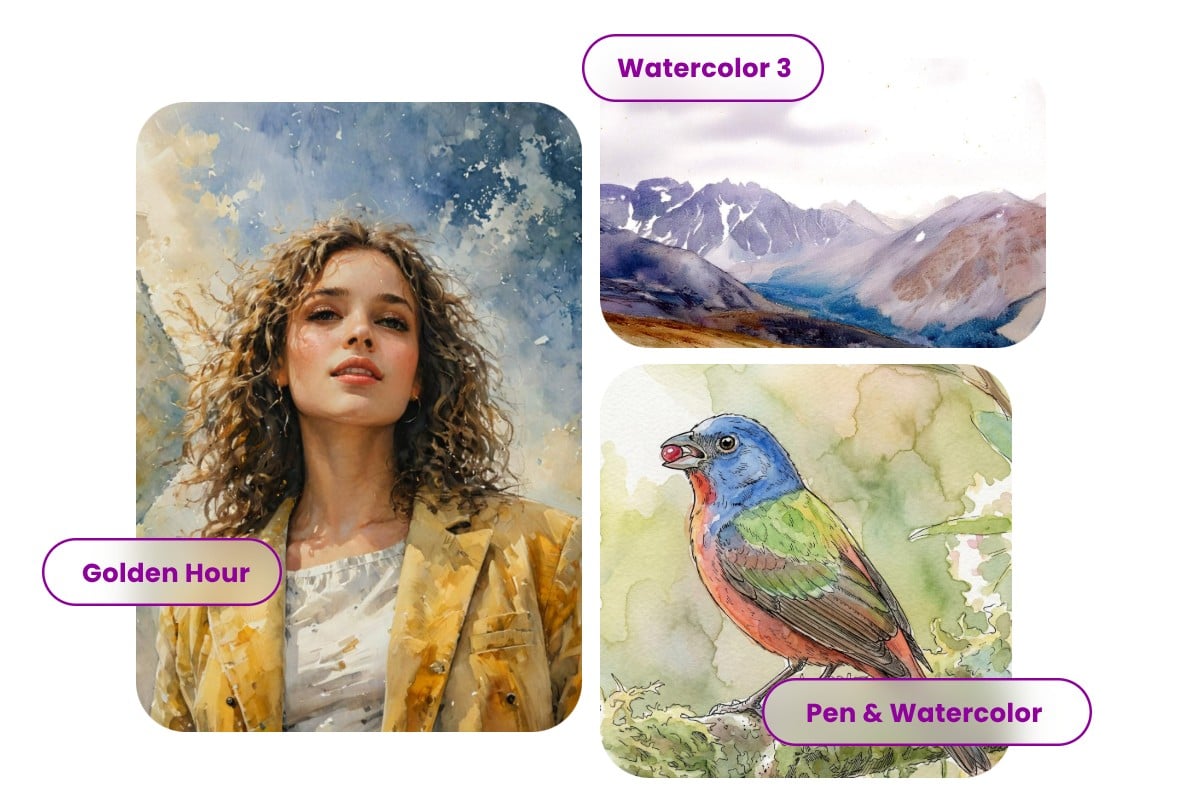
Explore Multiple Watercolor Styles
Choose from a variety of watercolor styles, from soft blended washes to more textured, detailed effects.
Each preset is designed to simulate different artistic directions, allowing you to experiment and find a look that fits your image.
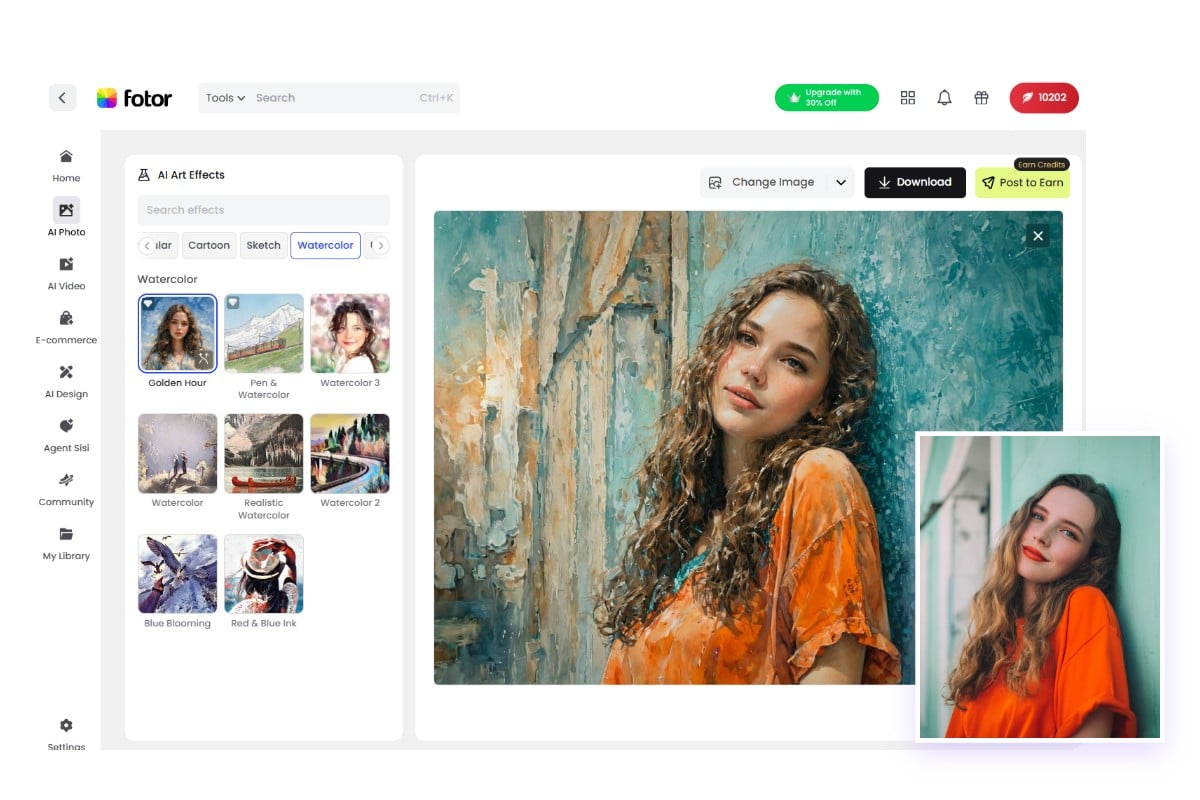
How to Turn a Photo into a Watercolor?
- Click the “Upload Image” button to get started.
- Upload or drag and drop your photo into the watercolor filter editor.
- Choose a watercolor style and adjust the effect intensity as needed.
- Preview the result and download your image in JPG format.
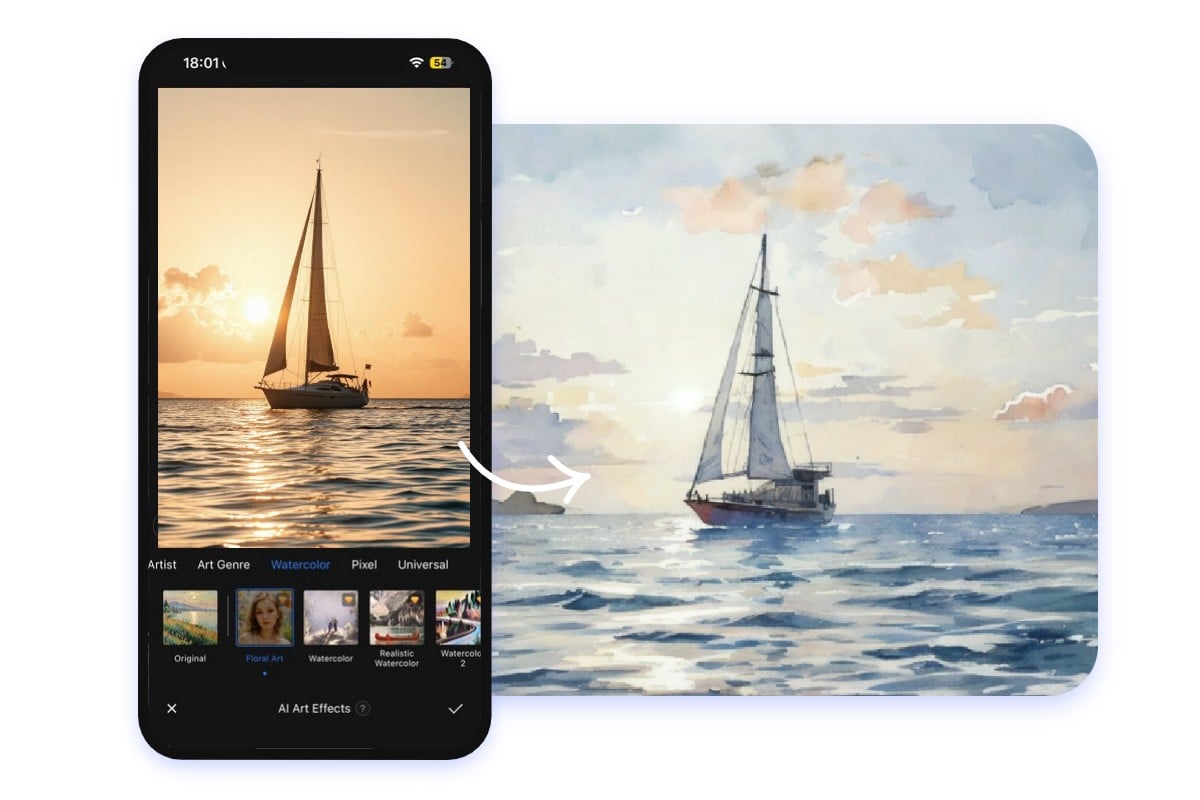
Free Photo to Watercolor App
Fotor's image-to-watercolor app is available on both Android and iOS, allowing you to convert photos to watercolor paintings anytime, anywhere. It boasts the same styles and features as the online watercolor website. Experience our diverse watercolor effects now!
Highlights of Fotor Watercolor Filter
![Advanced AI generation models]()
Fast Processing
Powered by advanced AI style transfer technology, Fotor turns pictures into watercolor paintings within 3 seconds.
![High quality output]()
High-quality Output
Export images while preserving key details and clarity. High-resolution downloads are available for digital use or printing.
![Cross devices icon]()
Cross-Device Support
Our watercolor generator turns photos into watercolor paintings anytime, anywhere on desktop, tablet, or mobile.
![All in one AI background generator]()
Multiple Watercolor Styles
We provide multiple watercolor painting styles from soft washes to detailed brushstroke effects. Each offers a distinct artistic look.