Photo Edits in Seconds with AI
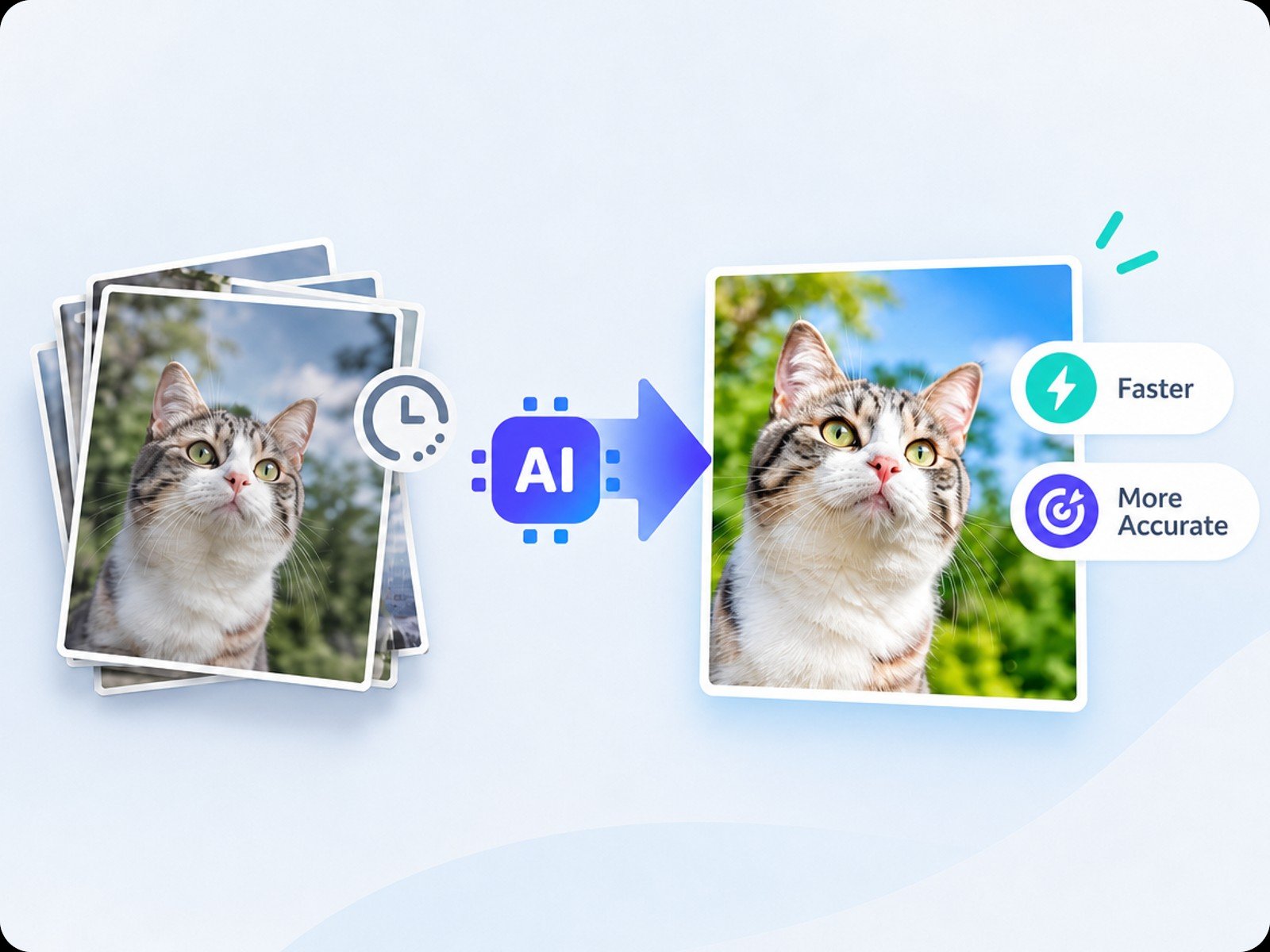
Choose a tool, click once, and let AI process your photo in seconds without complex manual adjustments.


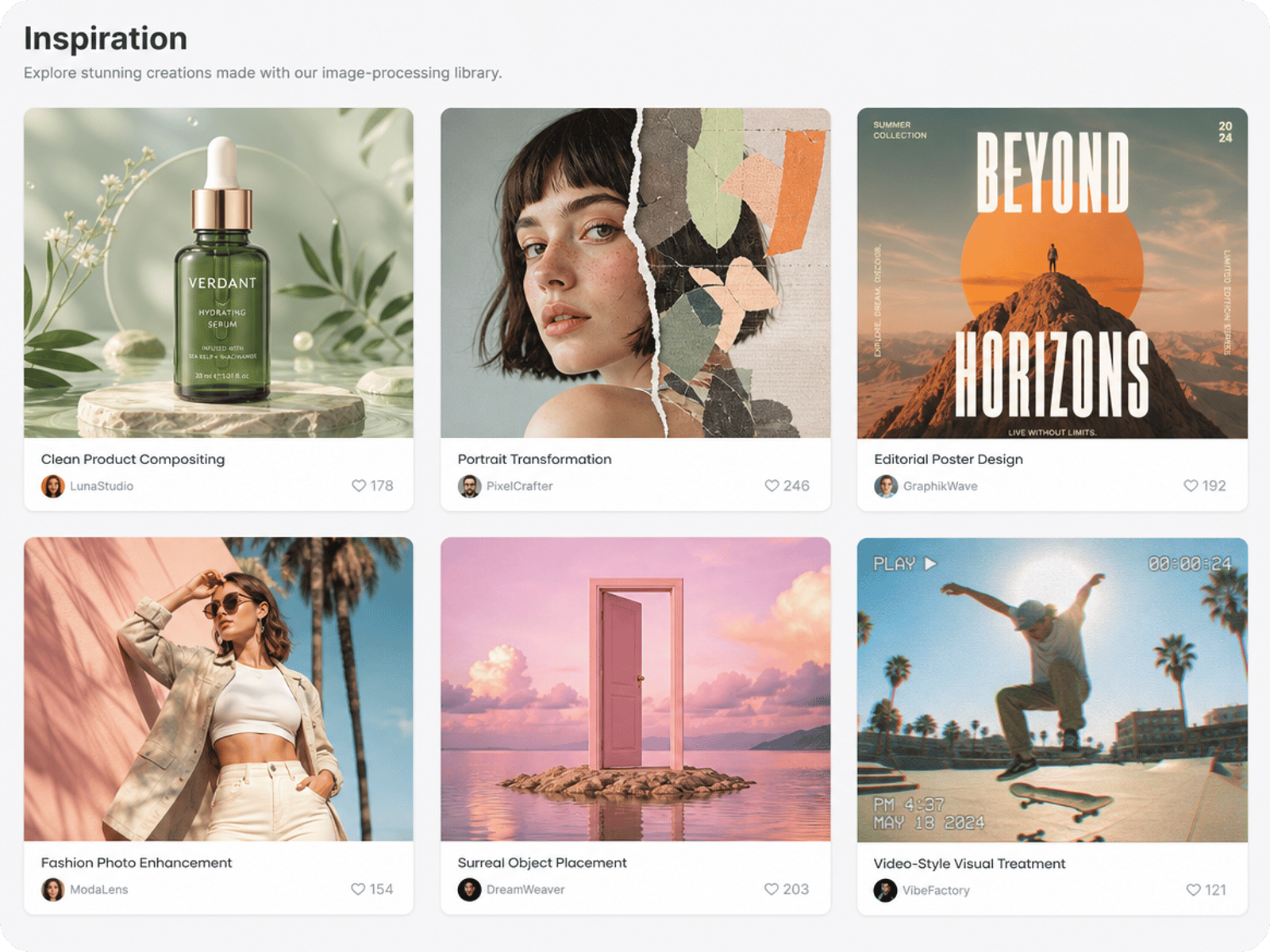
Edit photos with AI in fewer steps, from quick fixes to more detailed adjustments. Fotor helps you refine images and prepare them for sharing, publishing, or next creative project, all online.
Choose a tool, click once, and let AI process your photo in seconds without complex manual adjustments.
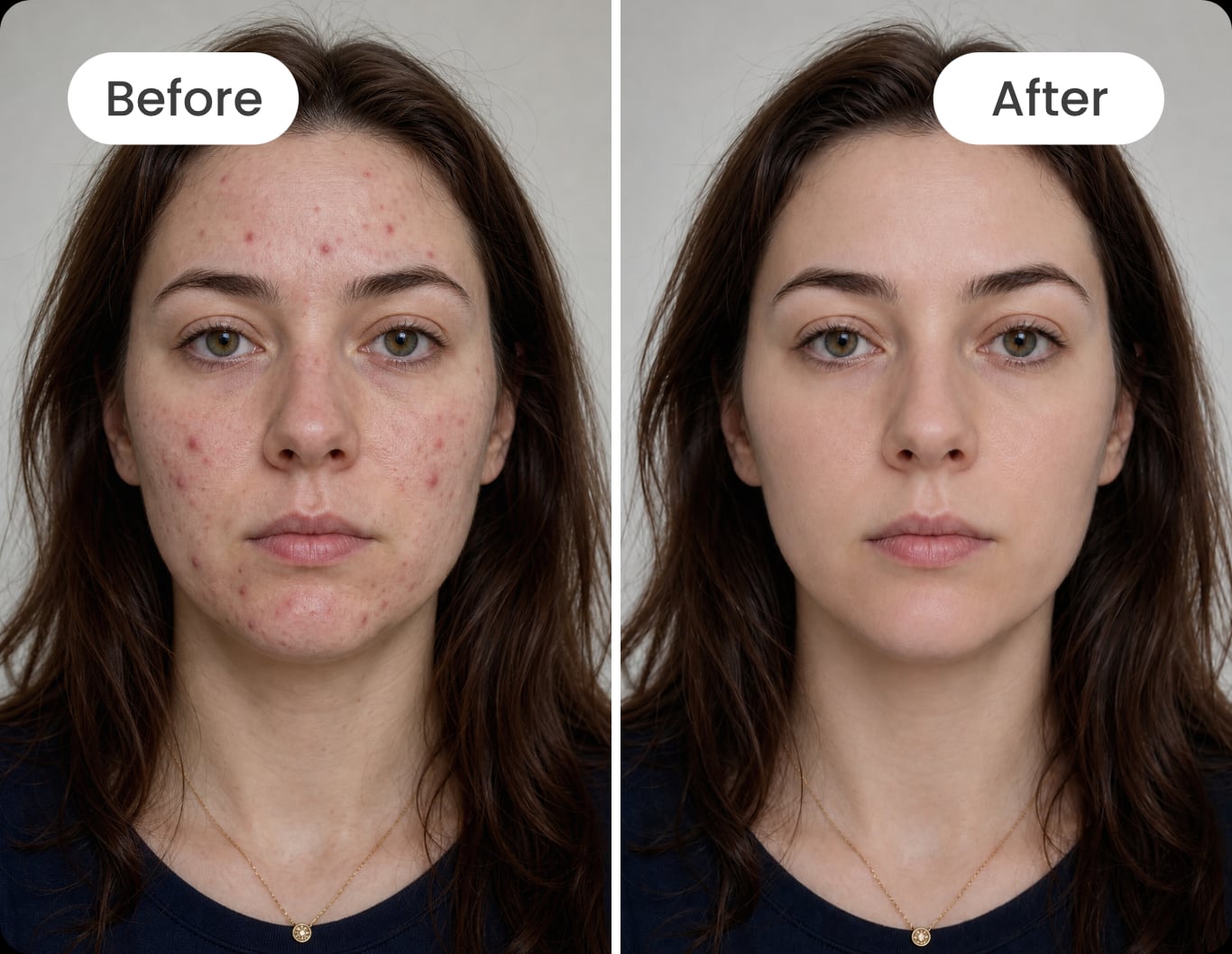
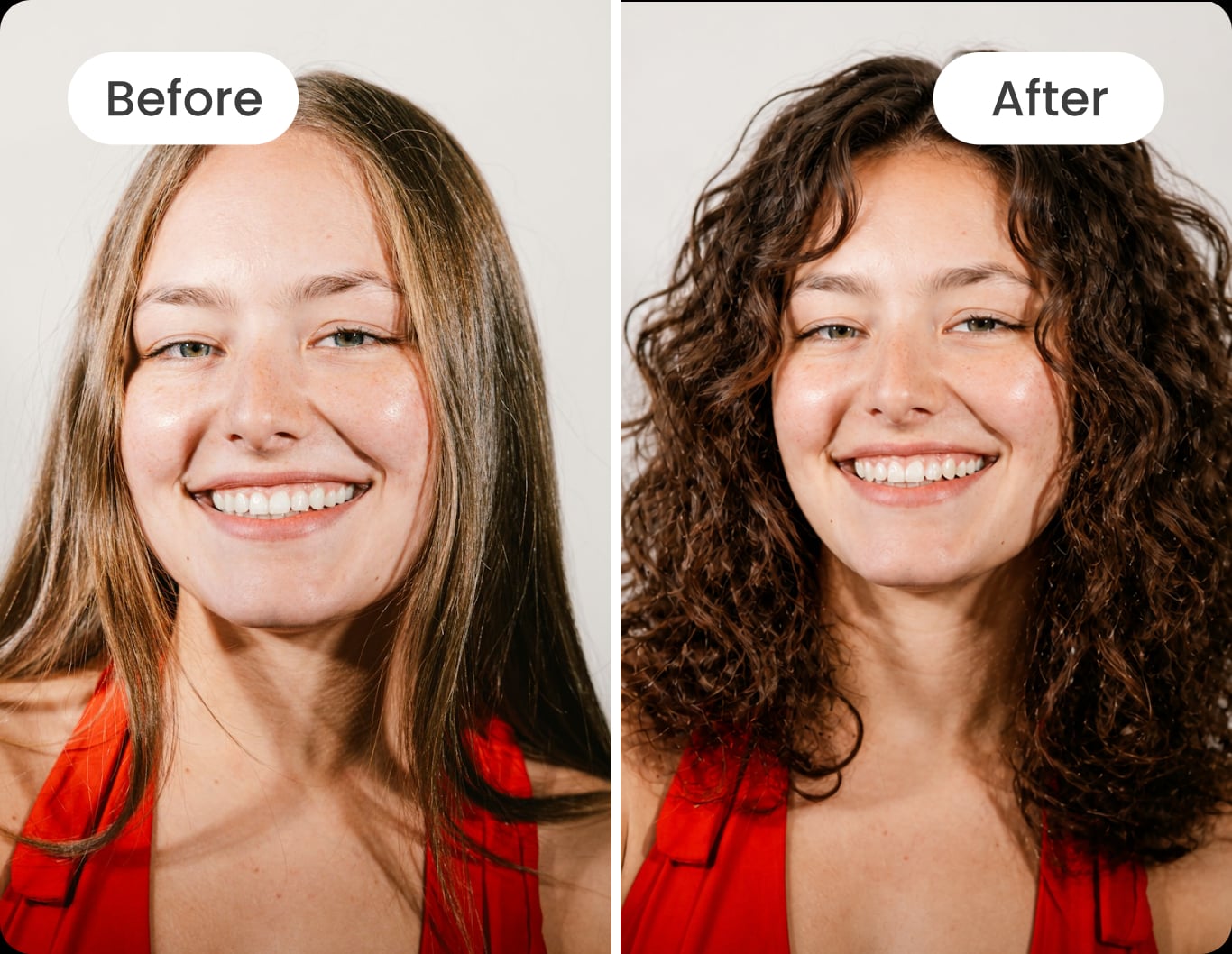
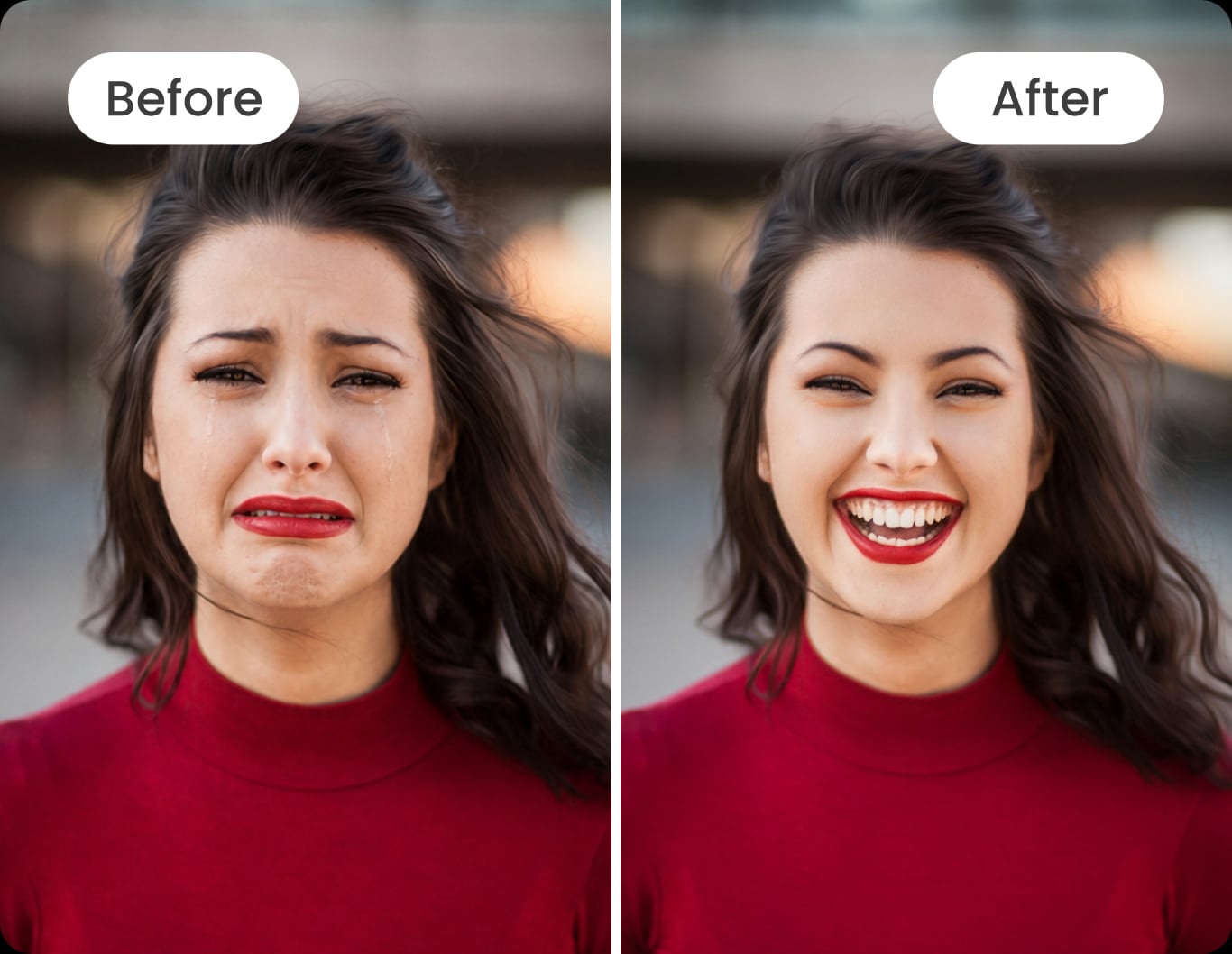
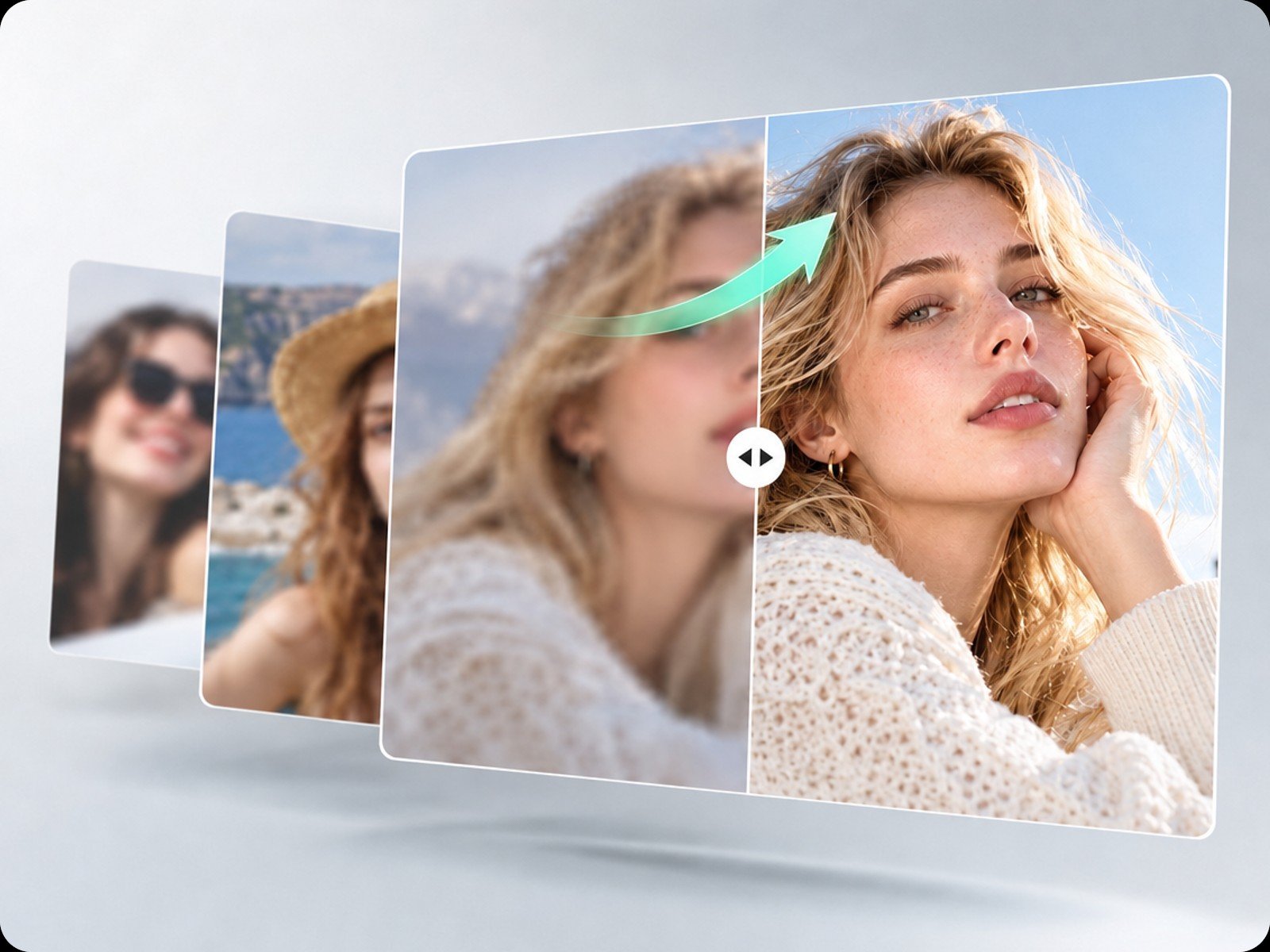
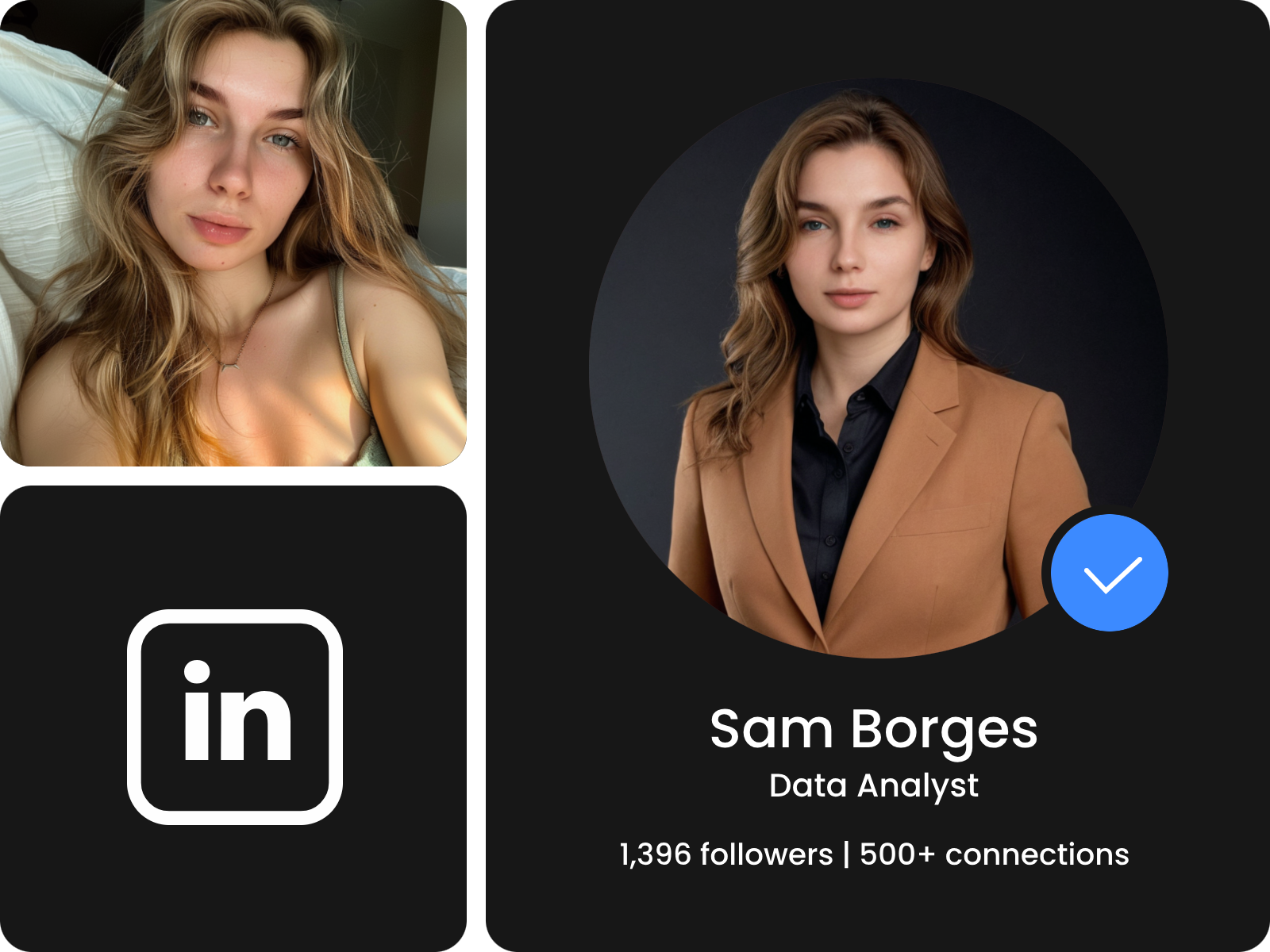
Get realistic edits with natural-looking results and clear details, down to individual strands of hair.
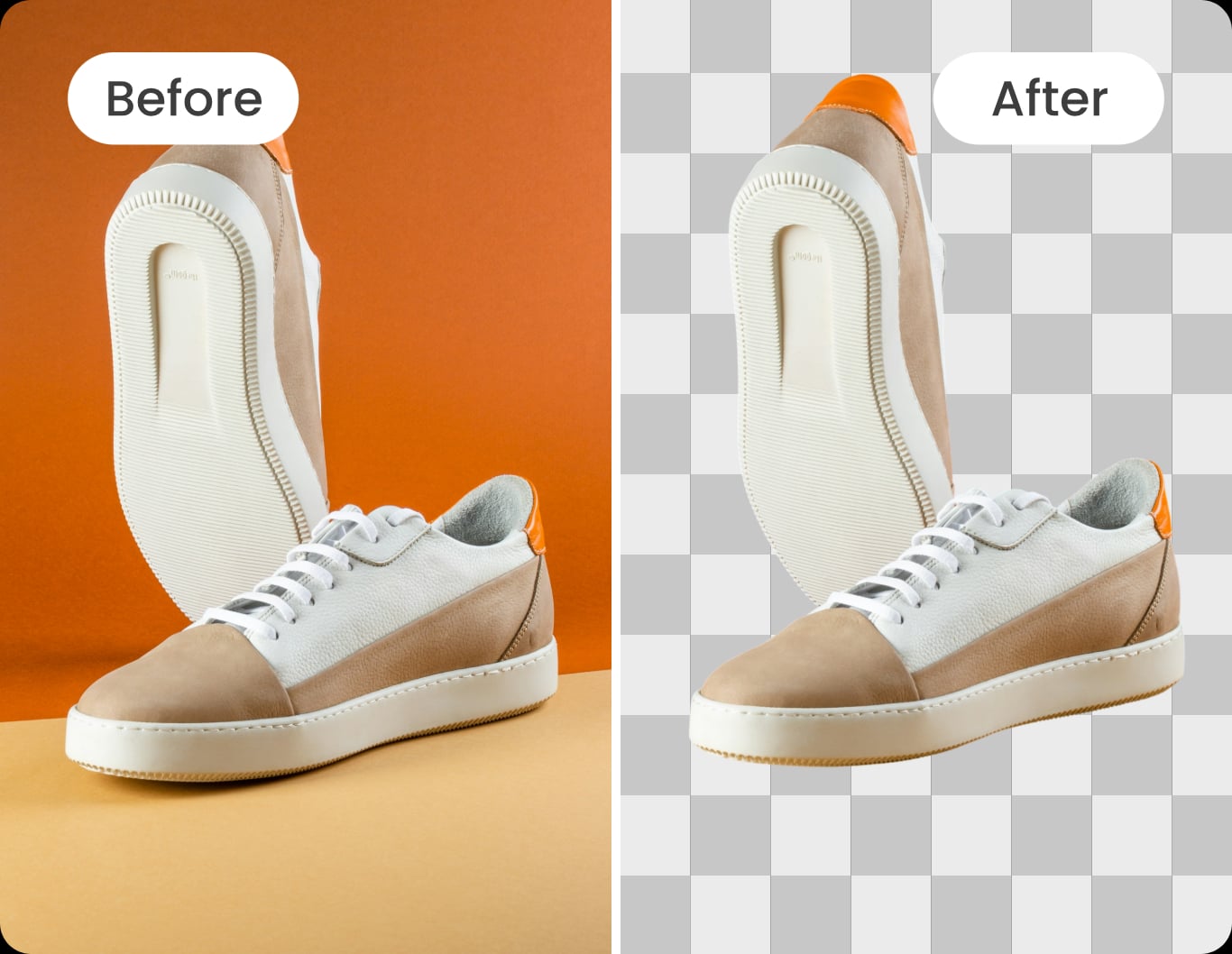
Enhance, retouch, remove backgrounds, and restore images and more features in one place.
Upload an image or drag and drop it into Fotor’s AI photo editor to get started.
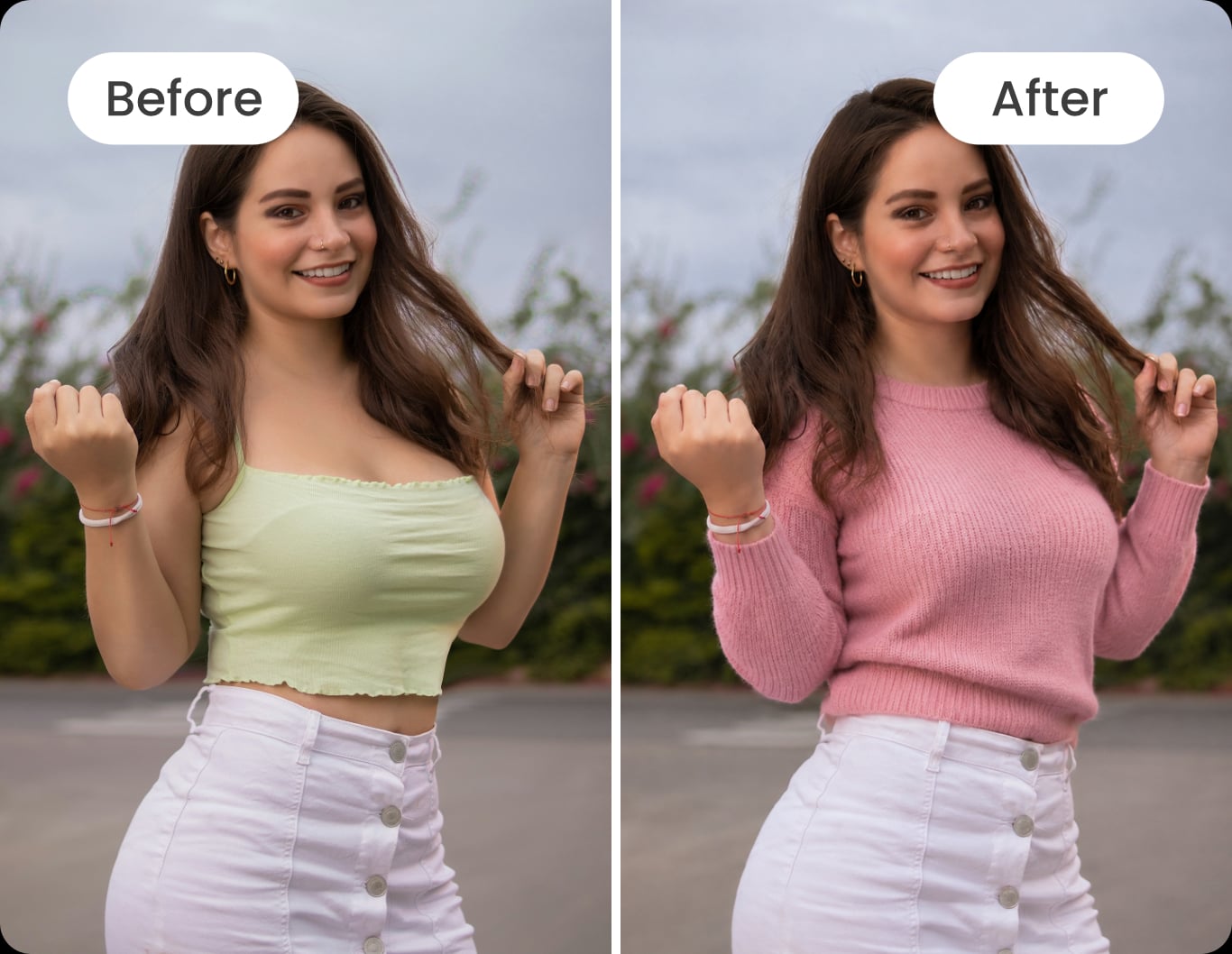
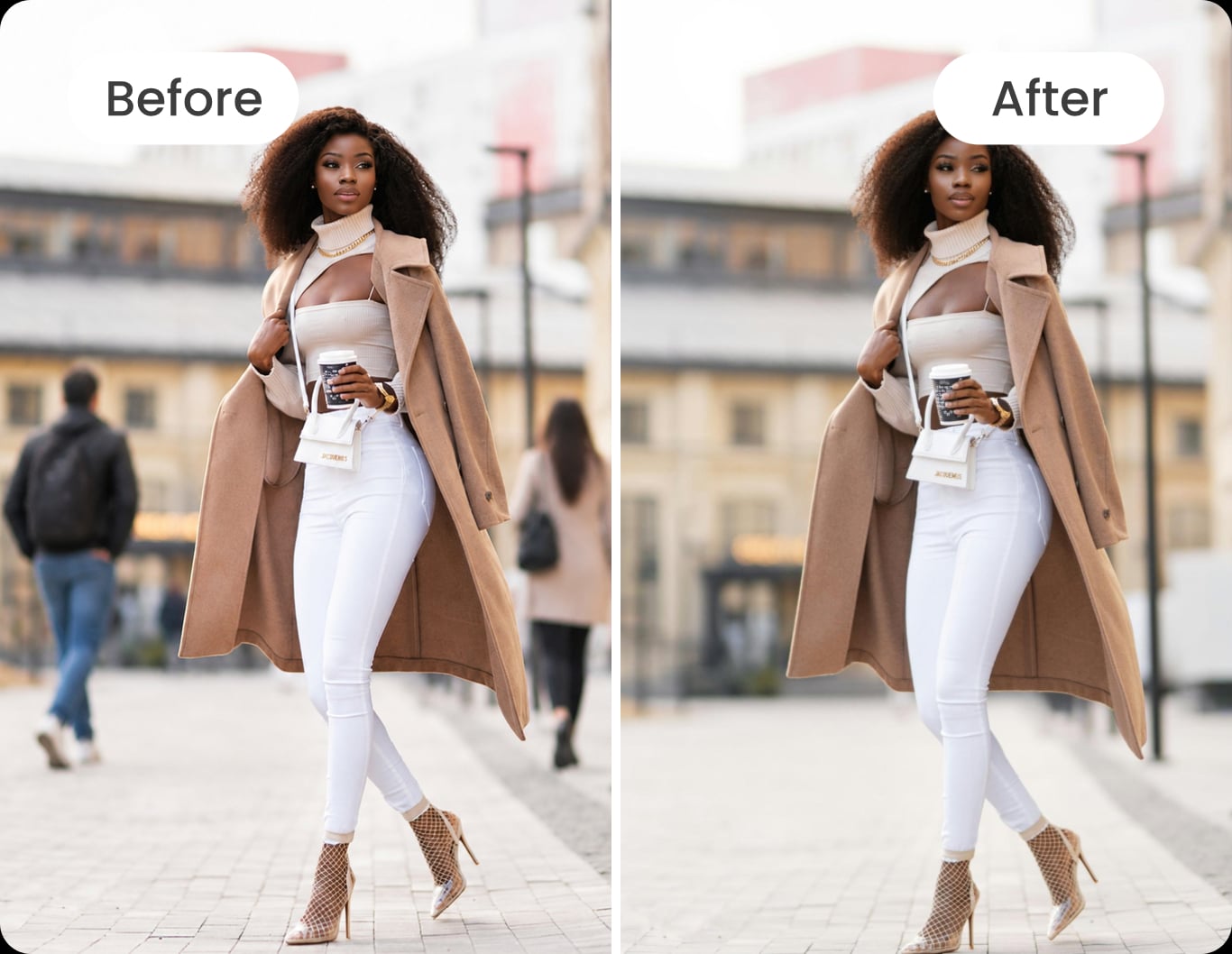
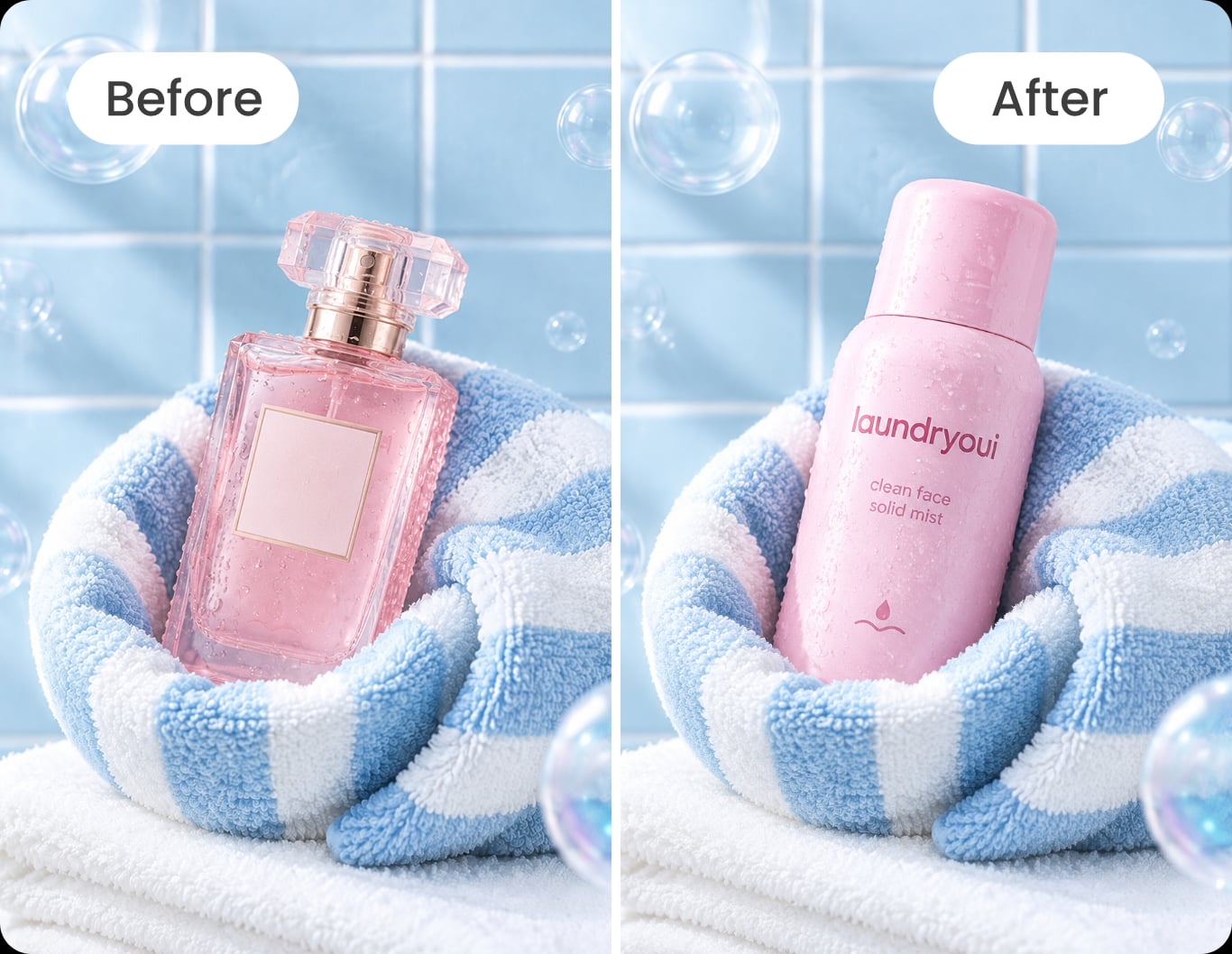
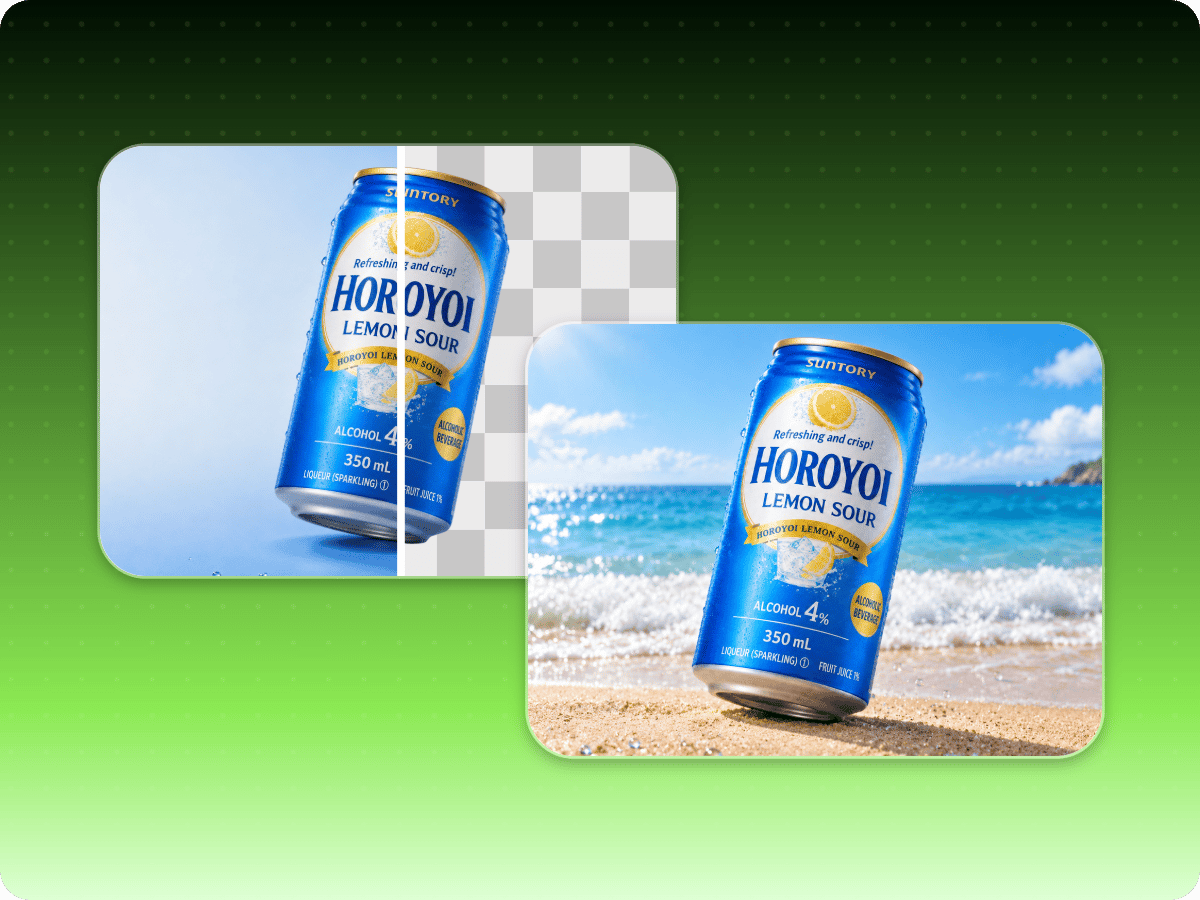
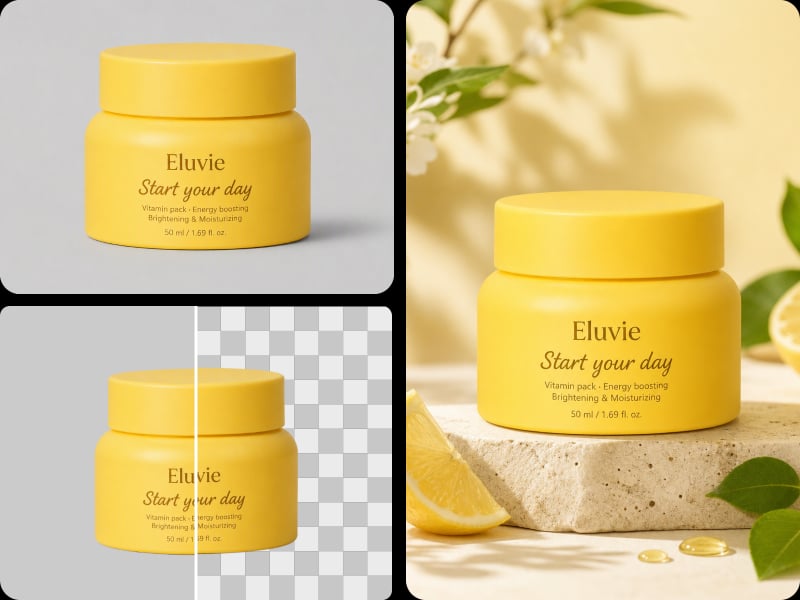
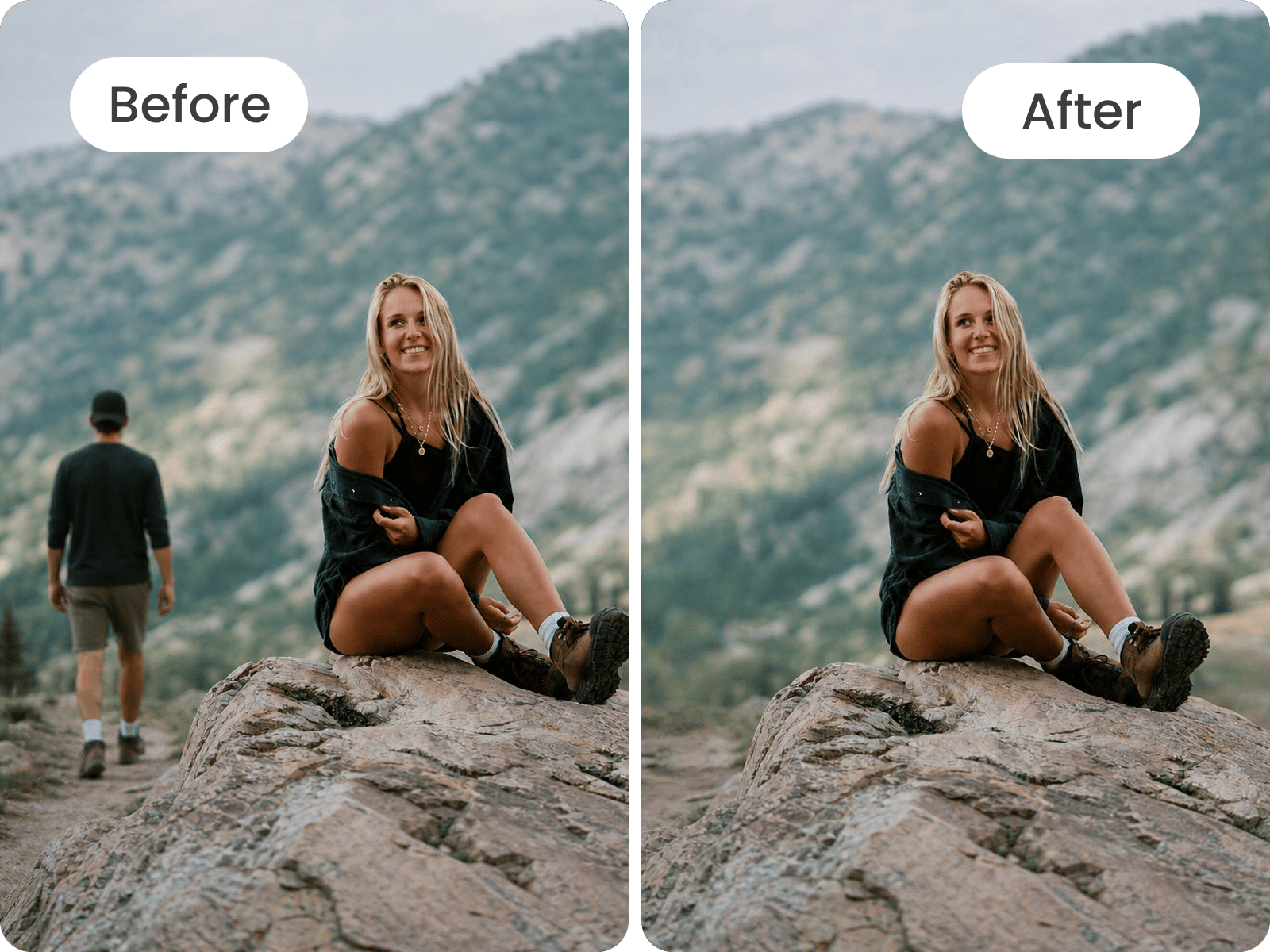
Fotor’s AI photo editor automatically detects the main subject and applies edits with precision, helping preserve fine edges and image details while keeping results consistent with the original scene. This helps reduce visible cutout edges and mismatched details. For more control over specific areas, AI Replace lets you select part of an image and make the change you want.
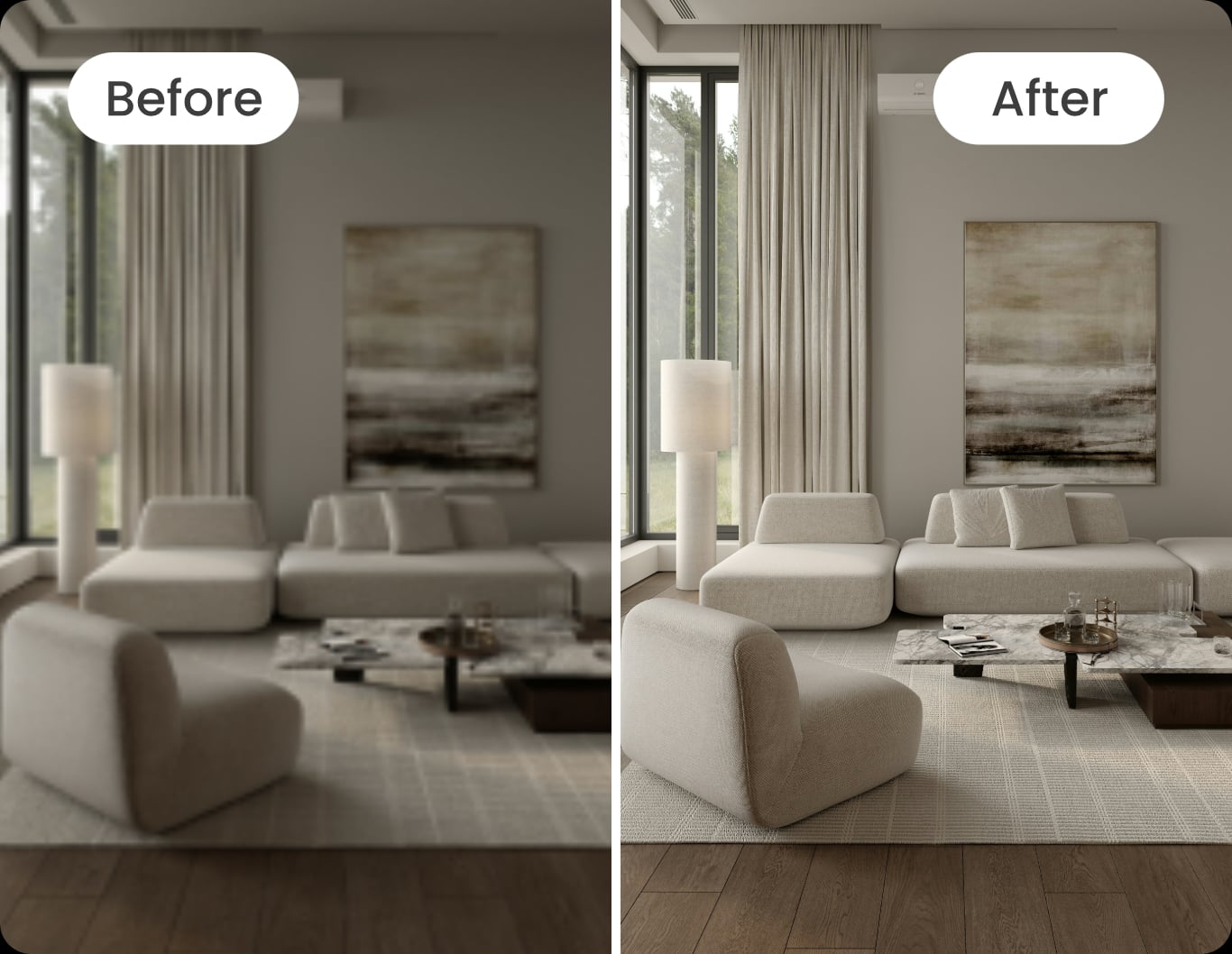
With 30+ AI tools, Fotor covers a broad range of photo editing needs, from enhancing image quality and removing backgrounds to erasing unwanted objects, adjusting colors, applying creative filters, and more editing. This variety lets you choose the right tool for each image, whether you’re making simple corrections or more targeted changes.
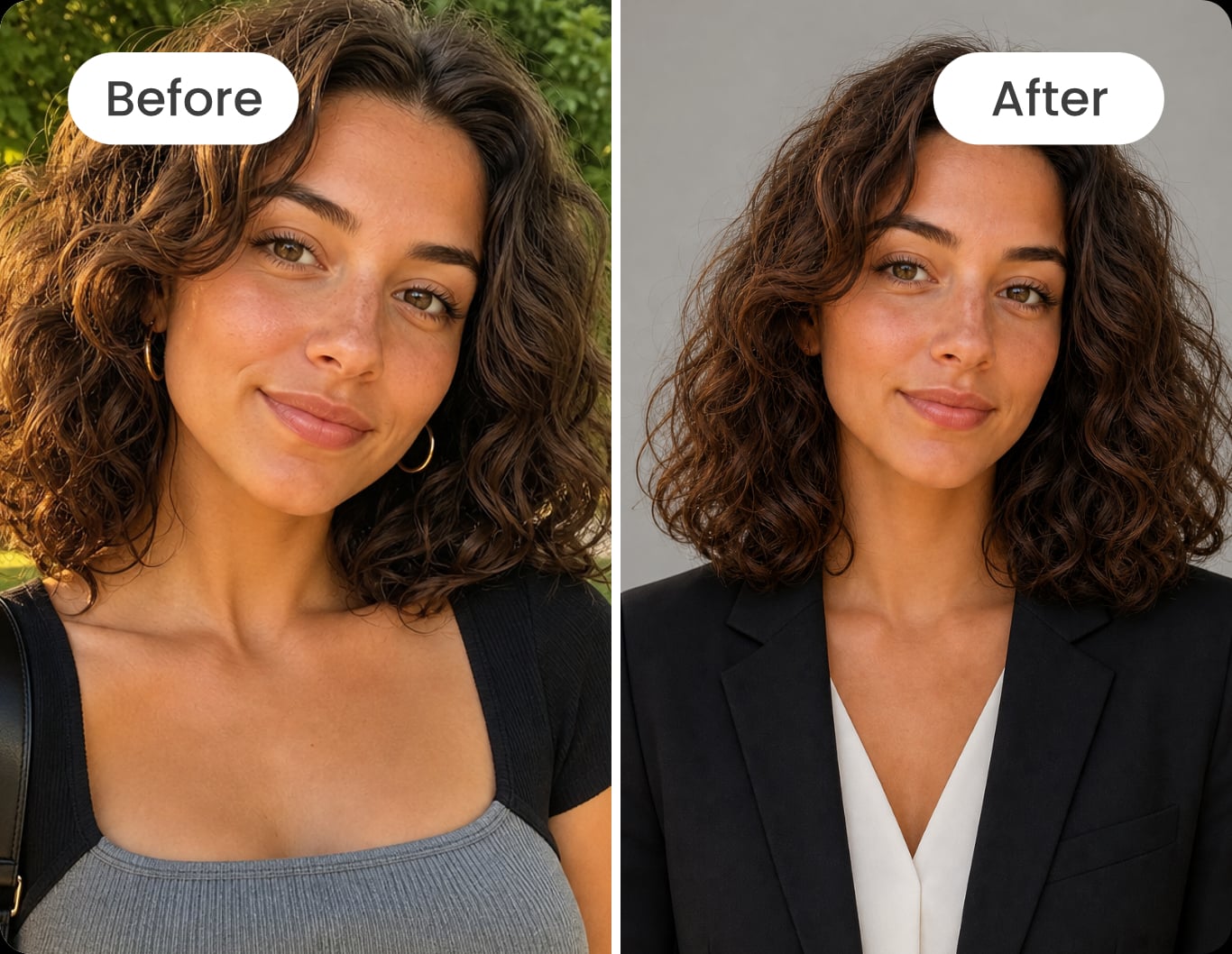
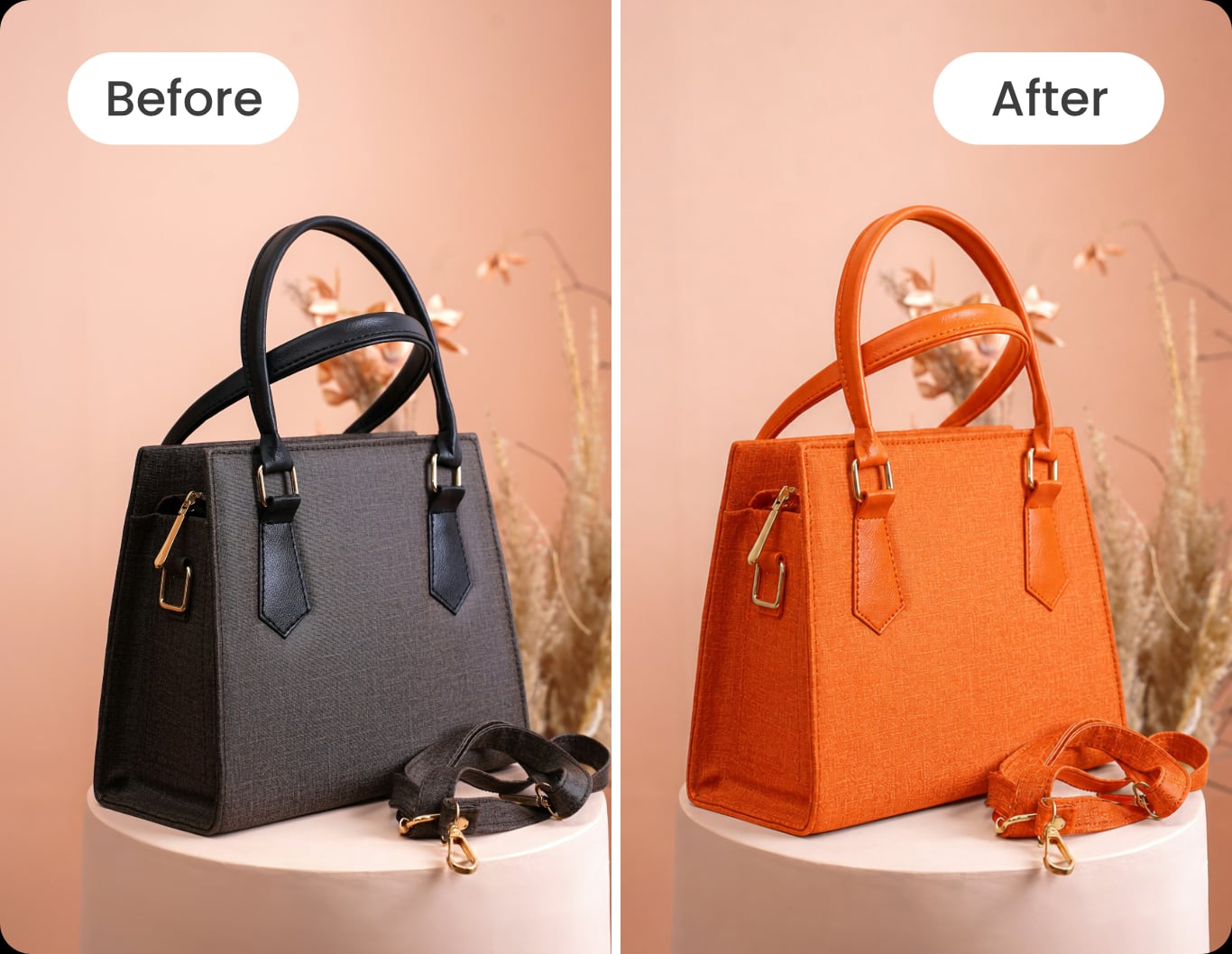
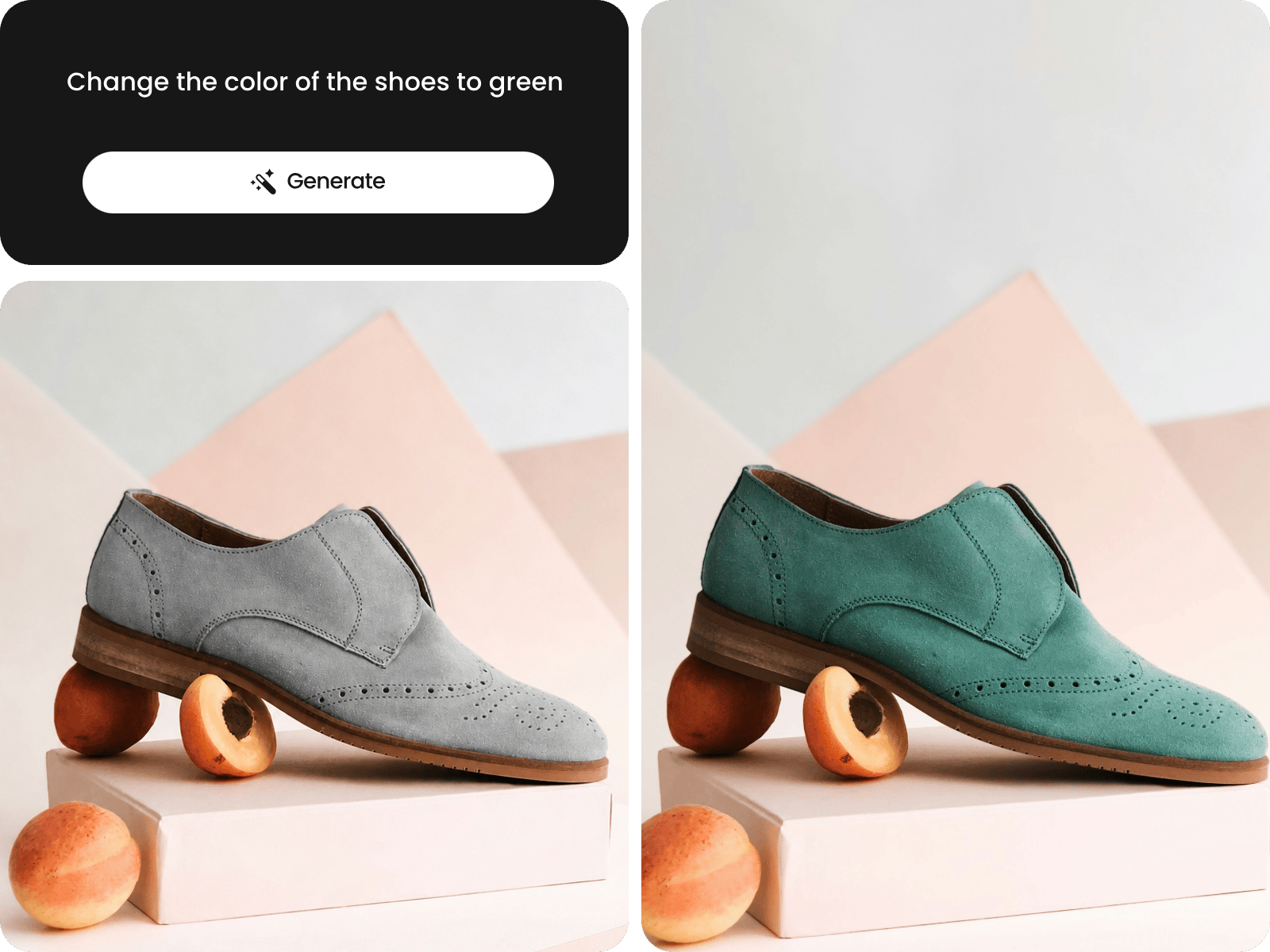
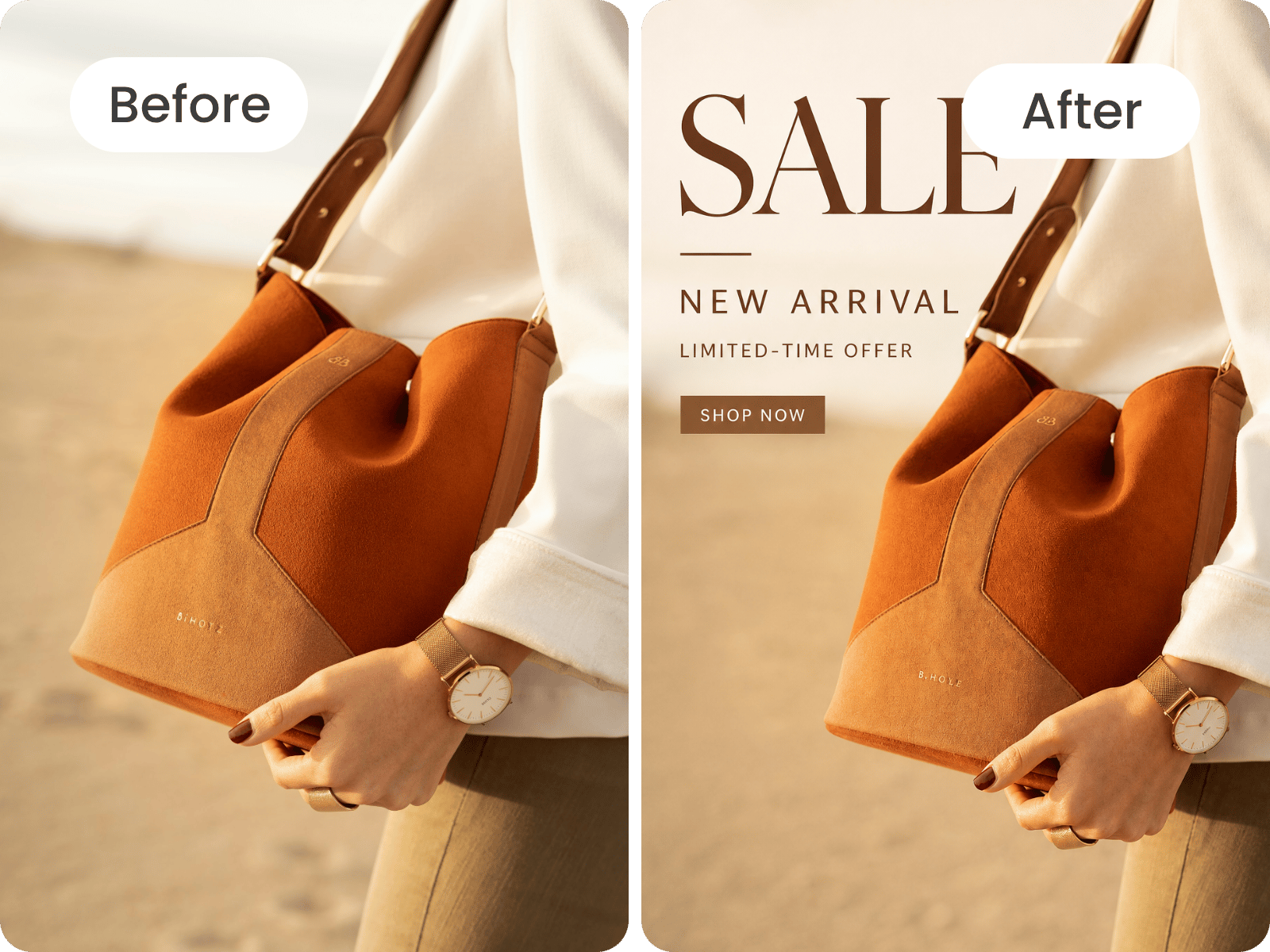
Describe the changes you want in natural language, and use Fotor AI image generator to interpret your instructions and apply them to your image. From changing an image’s background to adjusting its style or adding new elements, you can make a wide range of edits simply by describing what you want. Enter your prompt to start your photo editing.
Working with a large batch of photos? Upload up to 50 images at once and apply supported AI edits in bulk, including photo enhancement, background removal, and image cropping. Instead of editing each image individually, process multiple photos together and download your results more efficiently with Fotor’s batch photo editor.
AI photo editing is the first step in a larger creative project. Start by improving your product photo with the AI Photo Enhancer, then crop or resize it to maintain a consistent look across your product listings. Once your image is ready, turn the image into a short video for social media or product promotions. Take one image from initial editing to content ready for different channels.
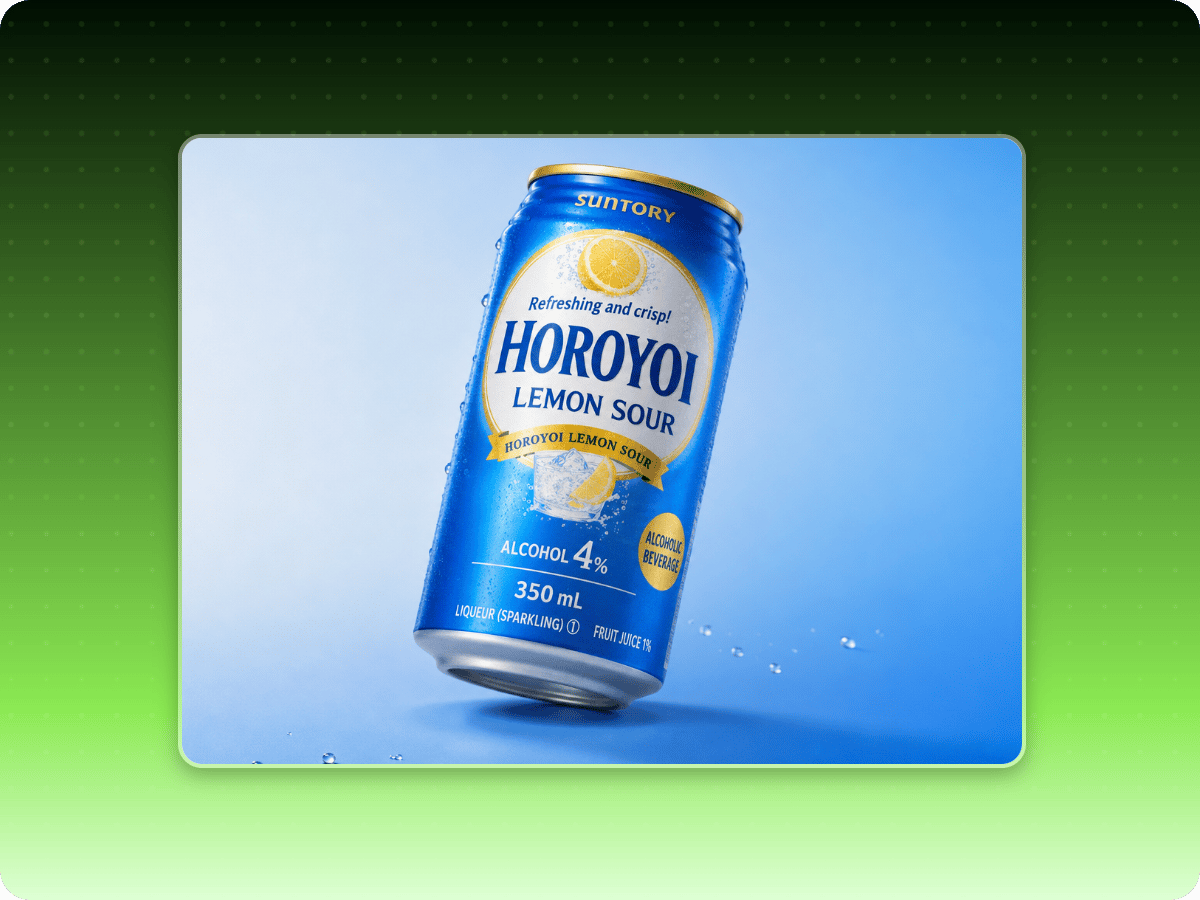
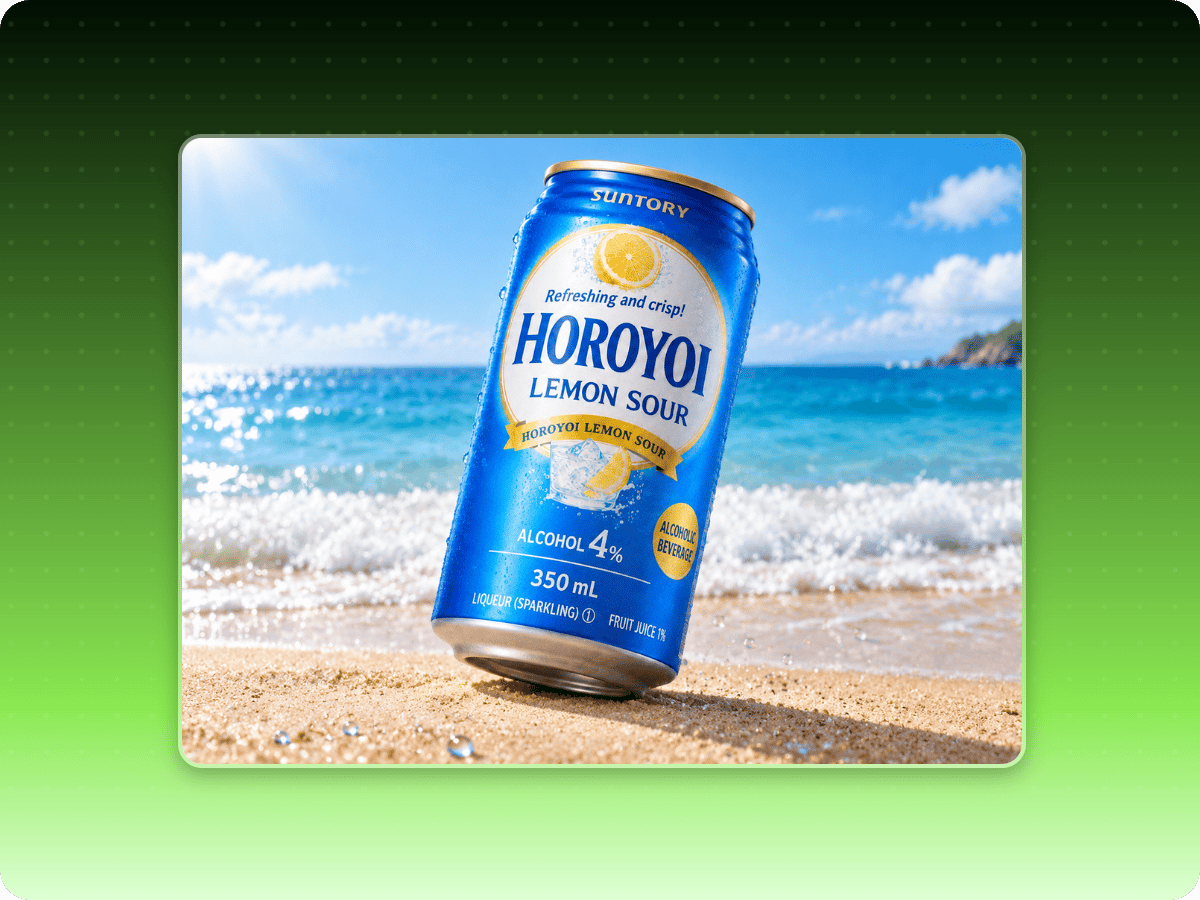
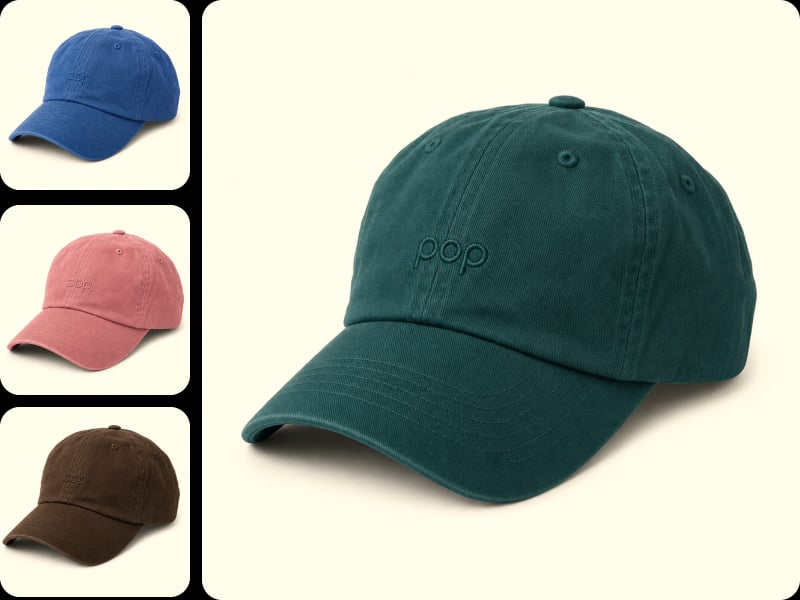
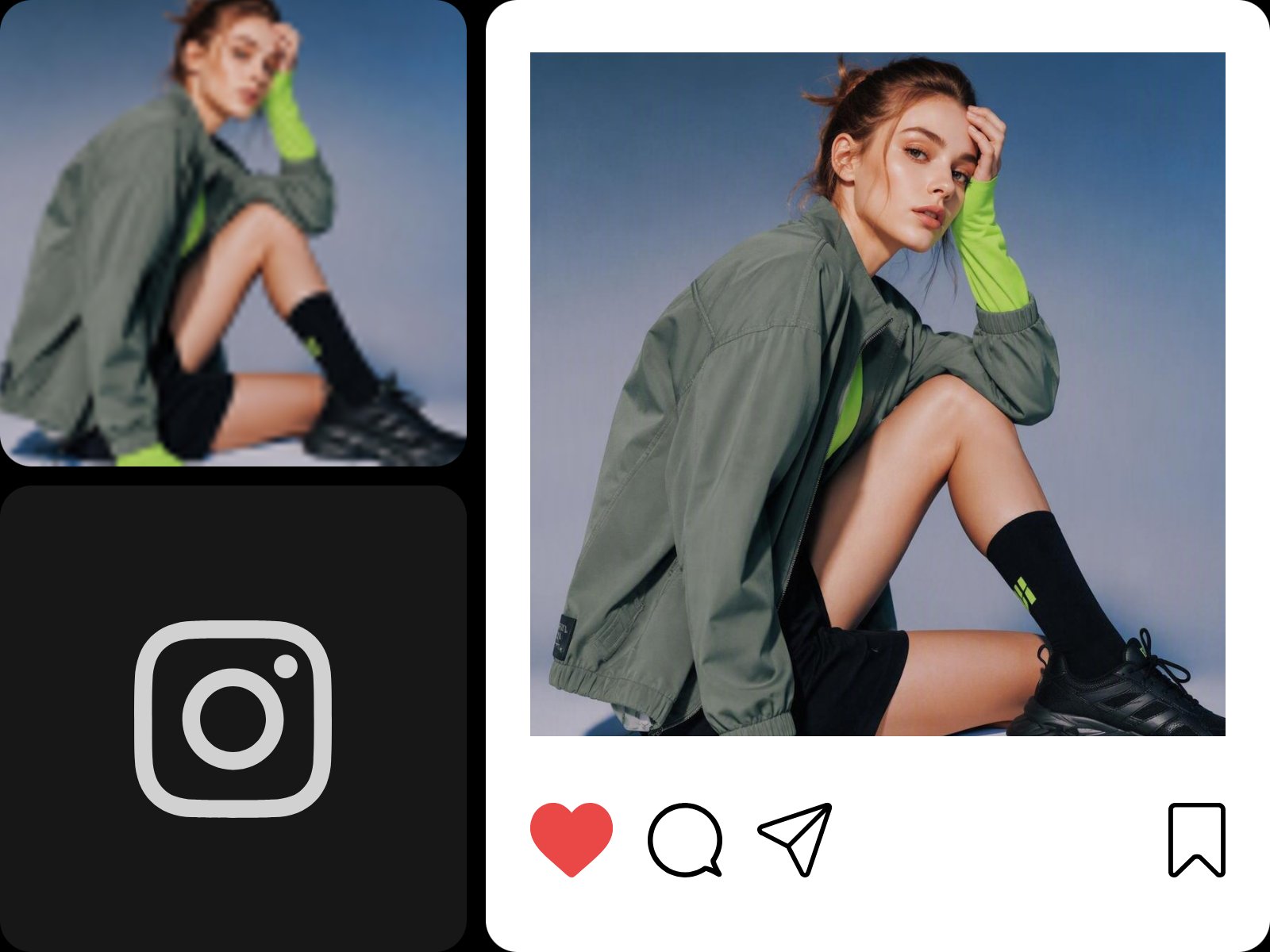
Present product photos with a clean, consistent look across your online store. Fotor helps you refine product images, remove visual distractions, and improve the presentation of each item. A cohesive set of photos makes listings easier to browse and helps shoppers focus on product details, giving your store a more professional appearance.
I specifically love how well it works for improving product images, model photos and general graphics for my e-commerce websites and applications, whether it is for cosmetics clothing , food or games. It makes everything look much more professional. I frequently use this tool in my daily life.

Fotor is one of my favorite tools for working with photos and artificial intelligence. I use it for photo editing as well as creating AI-powered photo animations.
Easy to use, fast AI editing, and all-in-one tools for photo editing and design
Yes. Fotor offers free access to basic photo editing features, so you can edit and download images without a paid subscription. Some advanced tools also offer limited free uses for new users, with availability and usage limits varying by feature.
Your downloaded image may look different because export dimensions, file format, or compression can affect its appearance and sharpness. Check the output size and format before downloading. JPG uses lossy compression, while PNG avoids lossy compression. If the downloaded image has unexpected color or content changes, contact Fotor Support for assistance.
Yes. In Fotor Photo Editor, you can select JPG or PNG in the download settings. JPG is generally suitable for smaller file sizes, while PNG avoids lossy compression and supports transparent backgrounds when the editing workflow preserves transparency. Available export formats may vary depending on the tool you're using.
Fotor's AI editing prompt box supports up to 3,000 characters, including text entered manually or pasted from another source. If your prompt exceeds this limit, shorten it before submitting. For better results, keep your instructions clear and focused on the changes you want the AI to make.
Fotor's AI filters don't provide a direct control for adjusting how closely the result follows your original photo. To guide the strength of an AI edit, use the prompt box to describe the changes you want and how subtle or pronounced they should be. You can also specify which details you'd like the AI to preserve.
No. Fotor's AI Image Upscaler does not preserve the transparent background of a PNG image after upscaling. To restore transparency, upload the upscaled image to Fotor's Background Remover, remove the background, and download the result as a PNG file.
It depends on the photo you upload and what you want to improve. Use Face Unblur when facial details are your main concern, such as blurry eyes or indistinct facial features. Choose whole-image Unblur when blur affects the overall picture, including backgrounds and other objects. Select the tool that best matches the area you want to improve.
Yes. You can apply multiple edits and save your work several times during the process, or make several edits in succession and save the image once you're finished. This lets you choose the workflow that suits your needs without having to download and reopen the image after every edit.
Fotor processes your uploaded images and prompts to provide its editing features. According to Fotor's Privacy Policy, AI-generated content inputs and outputs are generally stored on Fotor's servers until you delete them. Some AI features may also transfer the content you submit to a third-party model provider when you explicitly select that service. Review the Privacy Policy for details about data storage, deletion, and sharing.
Commercial usage rights depend on the original image, the Fotor assets used, and the applicable license. Fotor's Commercial Use Policy states that AI-generated images can be used for personal and commercial purposes, while the commercial use of Fotor's stock materials depends on your subscription plan. Make sure you have the necessary rights to your original images and any third-party content included in your final work.
You can use Fotor's AI Image Generator with reference images and text prompts to guide the colors, patterns, or visual style of your result. Describe which elements you want to incorporate and which details you want to retain. Since AI-generated results may differ from the reference, preserving every detail of the original image exactly is not guaranteed.
Choose a tool based on the result you want to achieve. Use an image enhancer to improve photo quality, a background remover to isolate a subject, or an object remover to clean up unwanted details. Portrait retouching tools are suitable for facial adjustments, while AI filters can transform a photo's visual style. Start with the tool that best matches your editing goal.
An AI photo editor uses artificial intelligence to automate or assist with image editing. Depending on the tool, it can improve image quality, remove backgrounds or unwanted objects, retouch portraits, adjust visual styles, and make other changes to existing photos. Fotor combines these capabilities in an online editing environment, allowing users to handle many common photo editing tasks without relying entirely on manual adjustments.
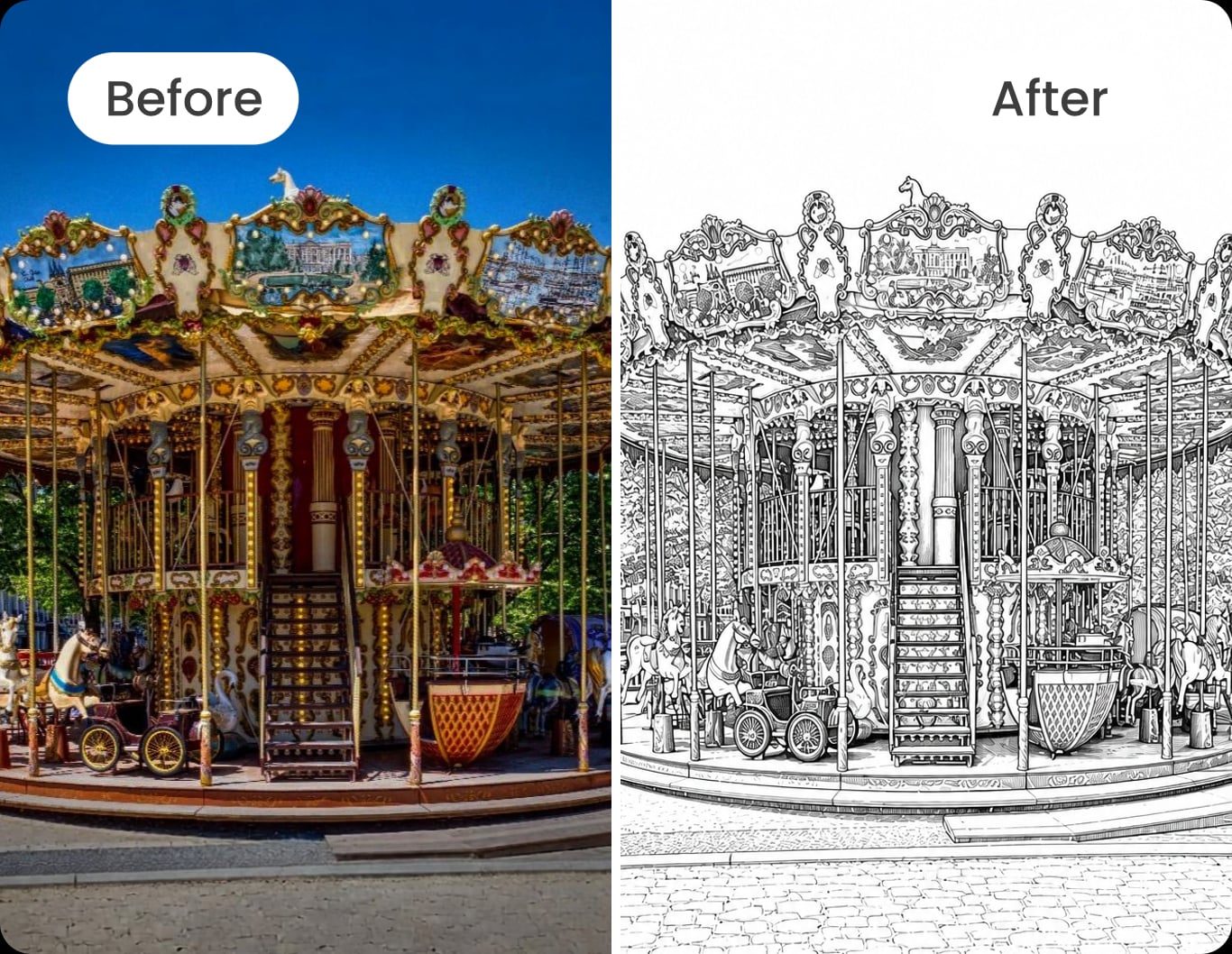
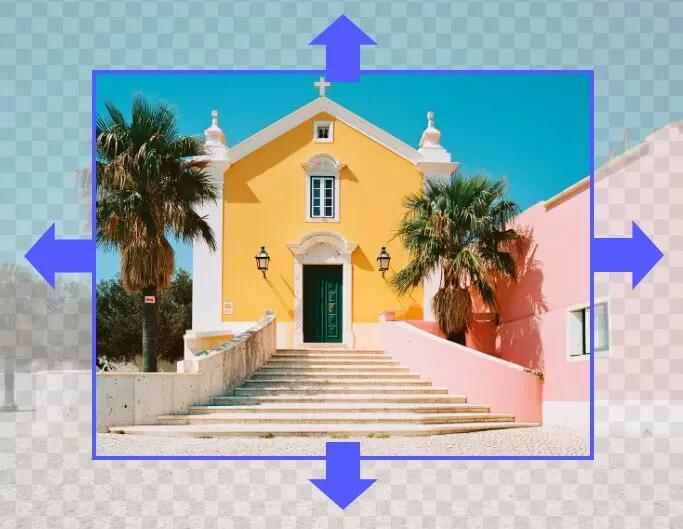
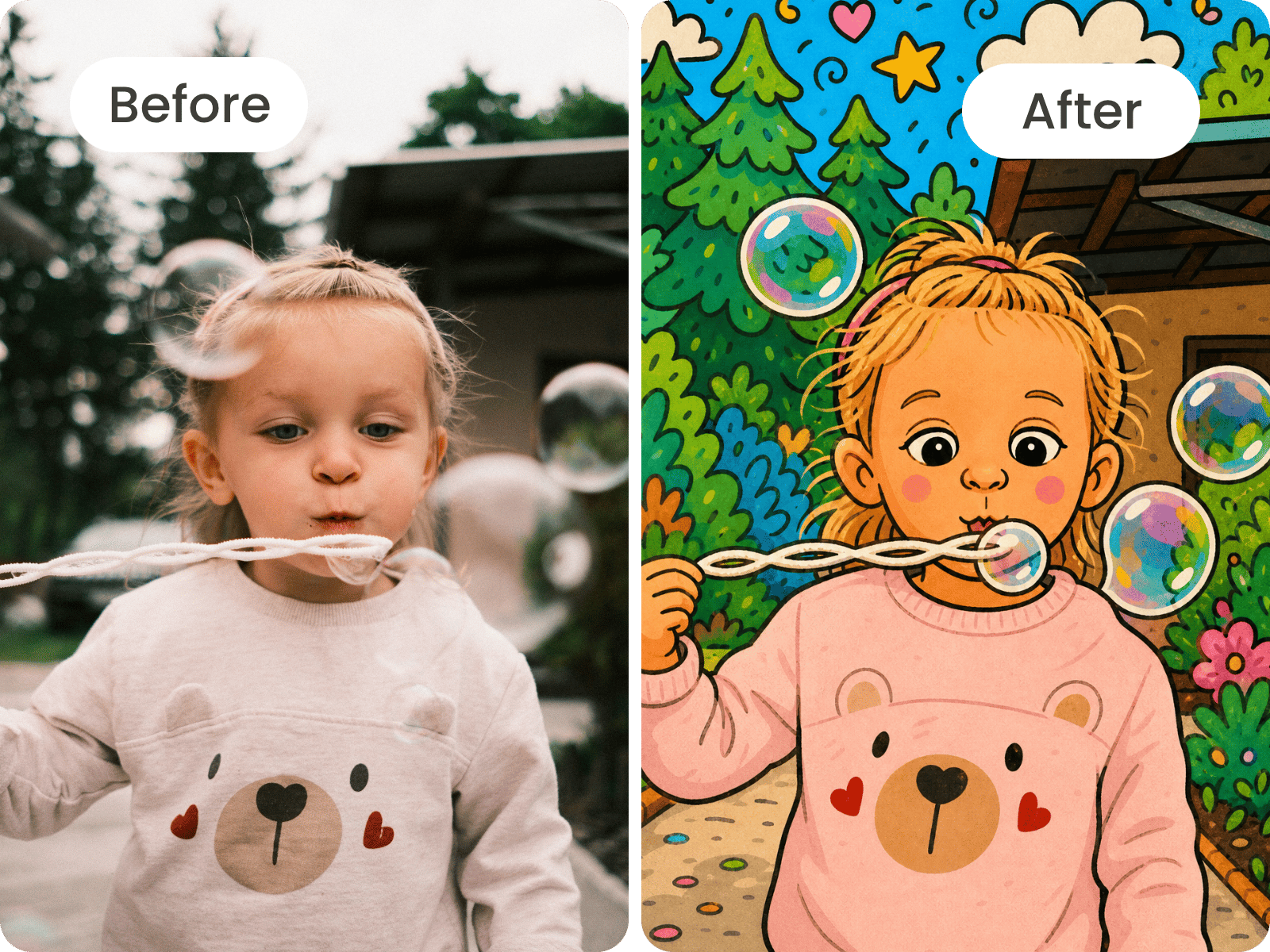
AI can help you improve image quality, remove or replace objects, change backgrounds, retouch portraits, expand the frame, restore old photos, and apply artistic styles. The available edits depend on the tool you choose. Some tools focus on specific areas of an image, while others transform the overall appearance. Results may vary depending on the original photo and the type of edit.
Yes. In Fotor Photo Editor, you can use the Undo option to reverse an edit or choose Original to return to the source image. This allows you to correct unwanted changes without having to upload the photo again and restart the editing process.
Yes. Fotor's Background Remover includes Retain and Erase tools to help refine the result. Use the Retain brush to restore parts of your subject that were removed by mistake, and use the Erase brush to clear any remaining background around the edges. Apply your changes once the cutout looks right.
The best free AI photo editor depends on your editing needs, the features available at no cost, and the export options you require. Fotor offers online tools for image enhancement, background removal, object removal, portrait retouching, and other AI-powered edits. Review the free usage limits and feature requirements to determine whether Fotor is the right fit for your workflow.