


AI Image Inpainting Online Free
Experience an easy and fast image creation & recreation process with AI. Use our free online inpainting AI tool to replace any part of your photos to whatever you want in no time. No technical skills are needed at all.
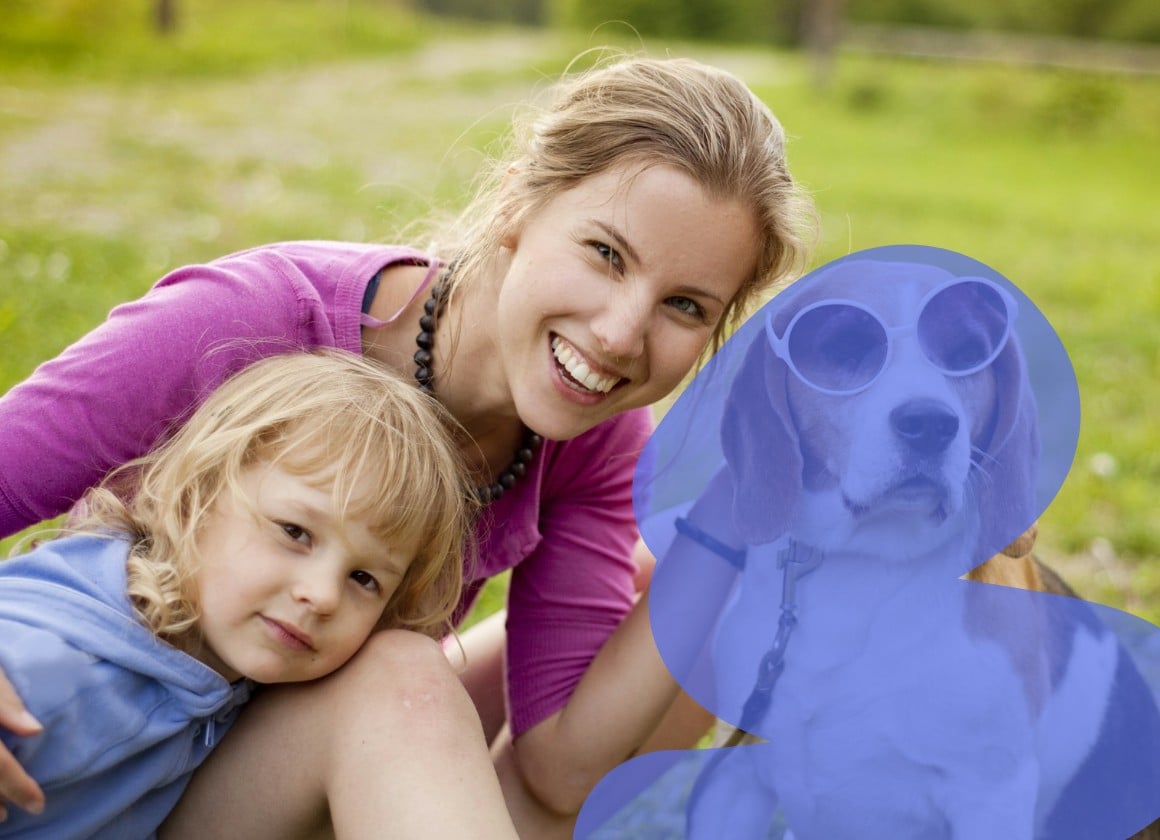
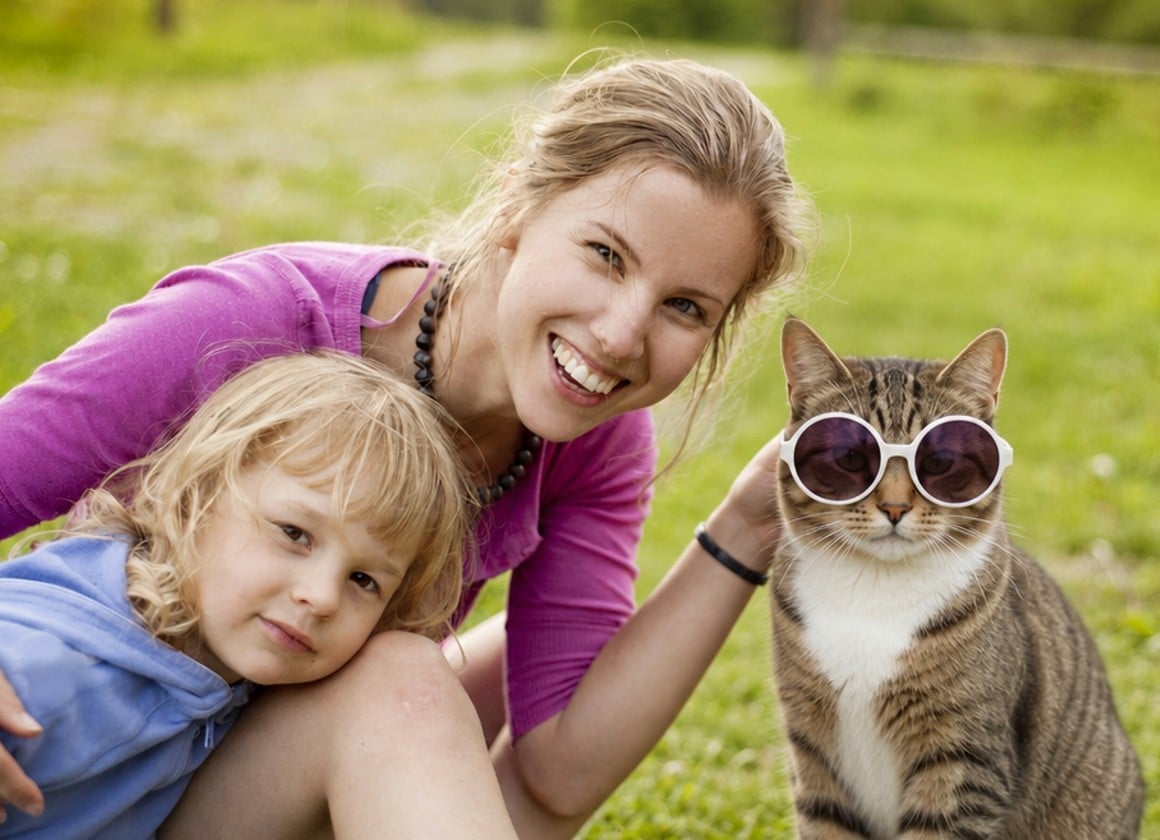
Drag your image here or click to upload
How to Inpaint Images with AI?
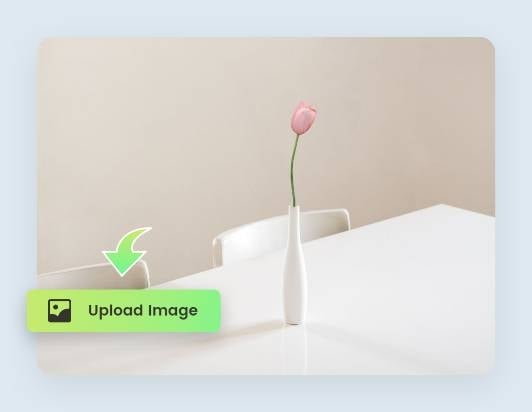
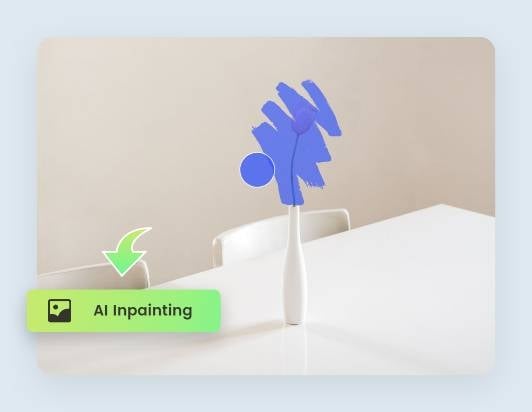
Step One: Upload Your Image
Drag and drop to upload the image you want to recreate to the Fotor inpainting AI tool.
Step Two: Inpaint with AI
Step Three: Apply & Download
Fast AI Inpainting for Image Creation
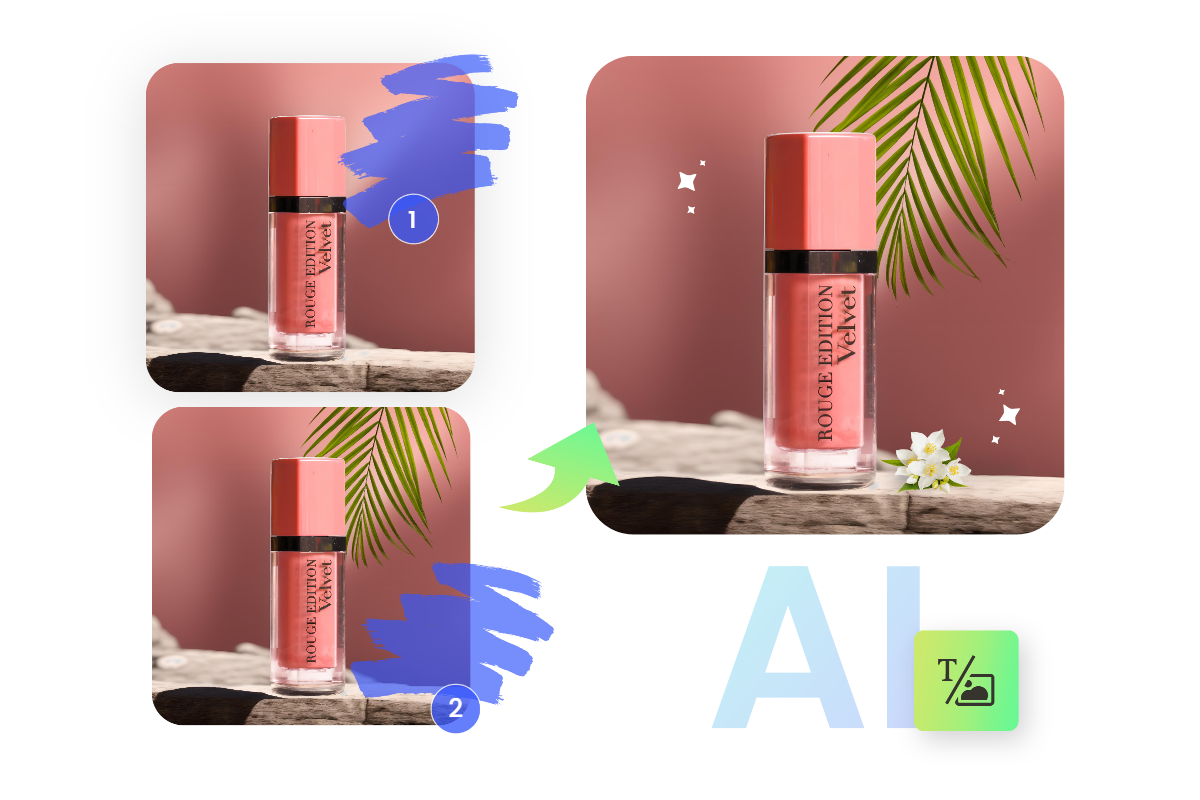
Backed up by cutting-edge inpainting stable diffusion, you can create new objects for your images from text prompts. From nothing to perfection, all you need is our AI image inpainting tool to erase the gap. Just brush over the part you want to create and input your customized prompts, and our AI inpainter will generate what you want. You can inpaint online and extend images with AI for products, portraits, and landscapes!
Inpaint & Replace for AI Image Recreation
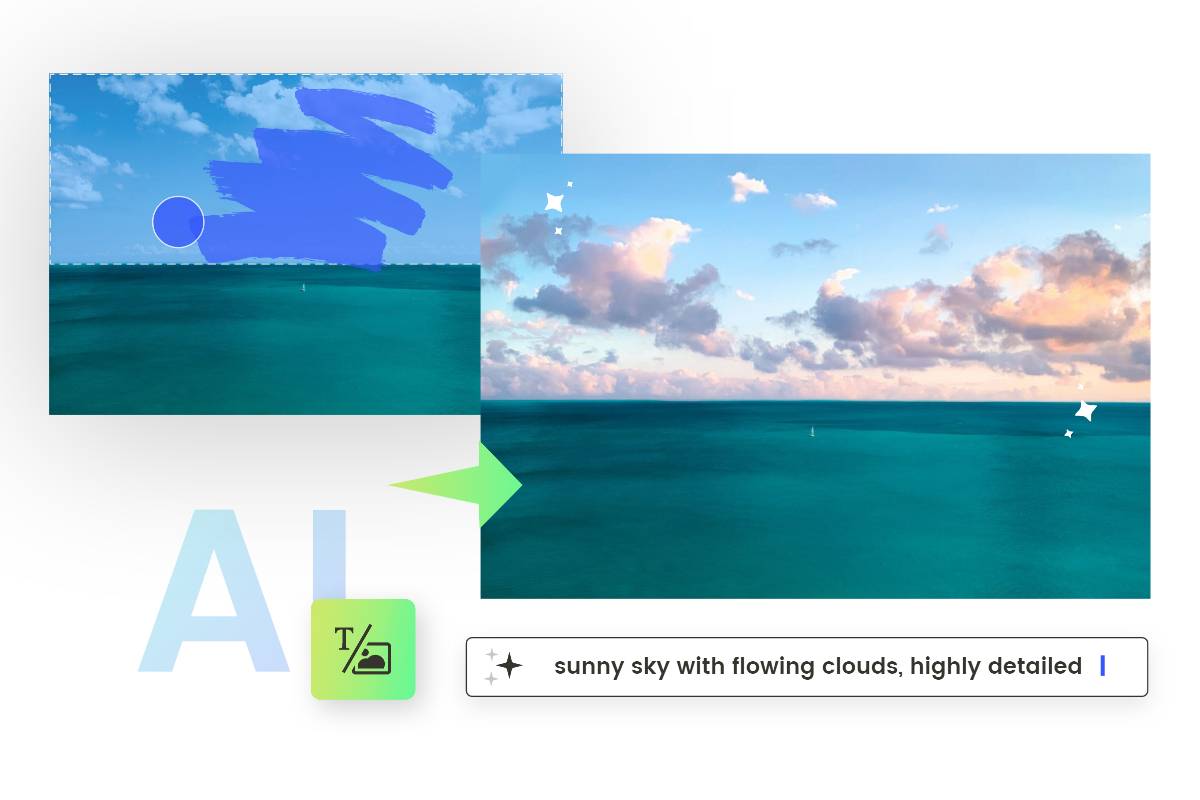
Instead of removing parts of images or just tossing out dissatisfied images, you are given chances to recreate and redesign in Fotor's AI image inpainting tool! Use the magic AI inpainting brush to wipe out the unwanted parts & repaint it as you like, and a brand-new photorealistic image is right here within a few seconds. With our AI image inpainter, you can replace sky or anything that shades your images and repaint to highlight it. Try it out now to replace objects in photos and recreate your images easily!
Use Image Filler for Fun
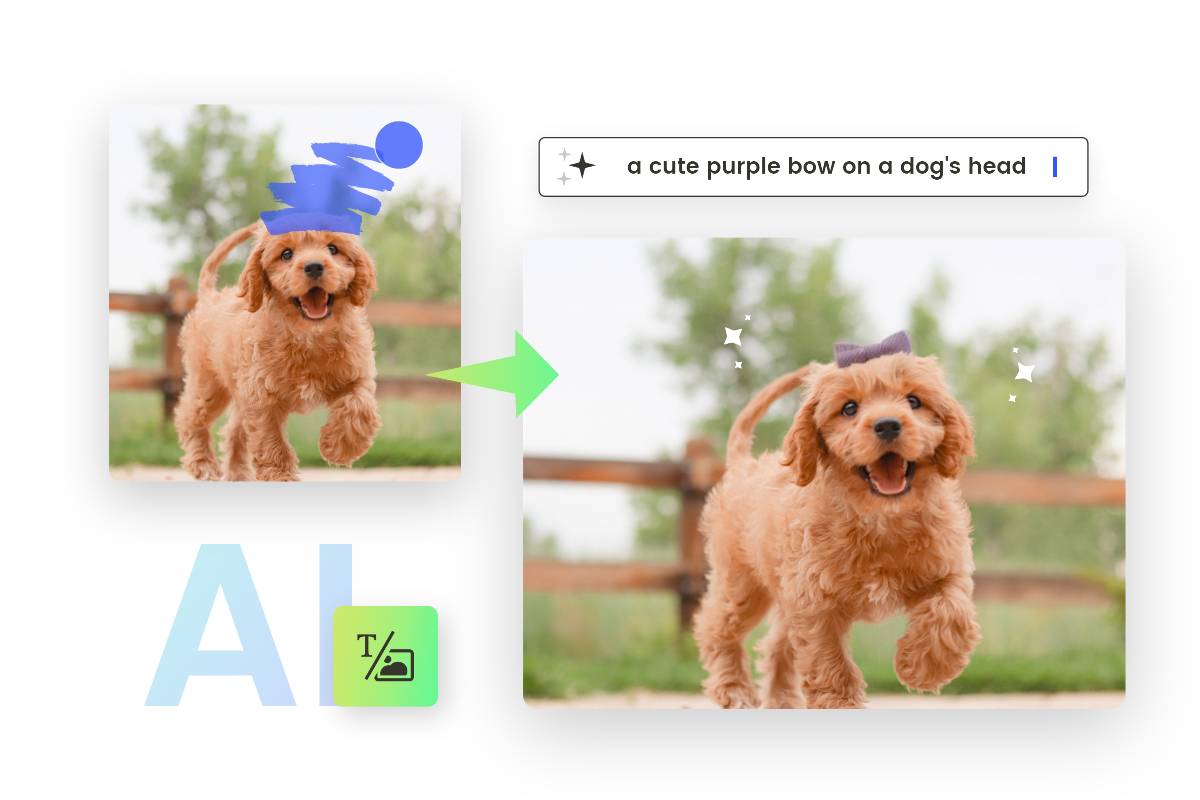
Explore possibilities and add fun for your pets with our AI image inpainter! Use it to draw realistic AI head ornaments for your dogs and cats by brushing over their heads and entering your preferred prompts. In an instant, you can get funny pet images with Fotor’s AI photo filler!
Free Onnline AI Image Recreator for Endless Artistic Possibilities
Try Fotor AI image inpainting tool to get more possibilities and creativity for your images. Effortlessly turn any empty or removed part into AI art in no time. Free to use it for creation, recreation and fun! Explore our AI image recreator now!
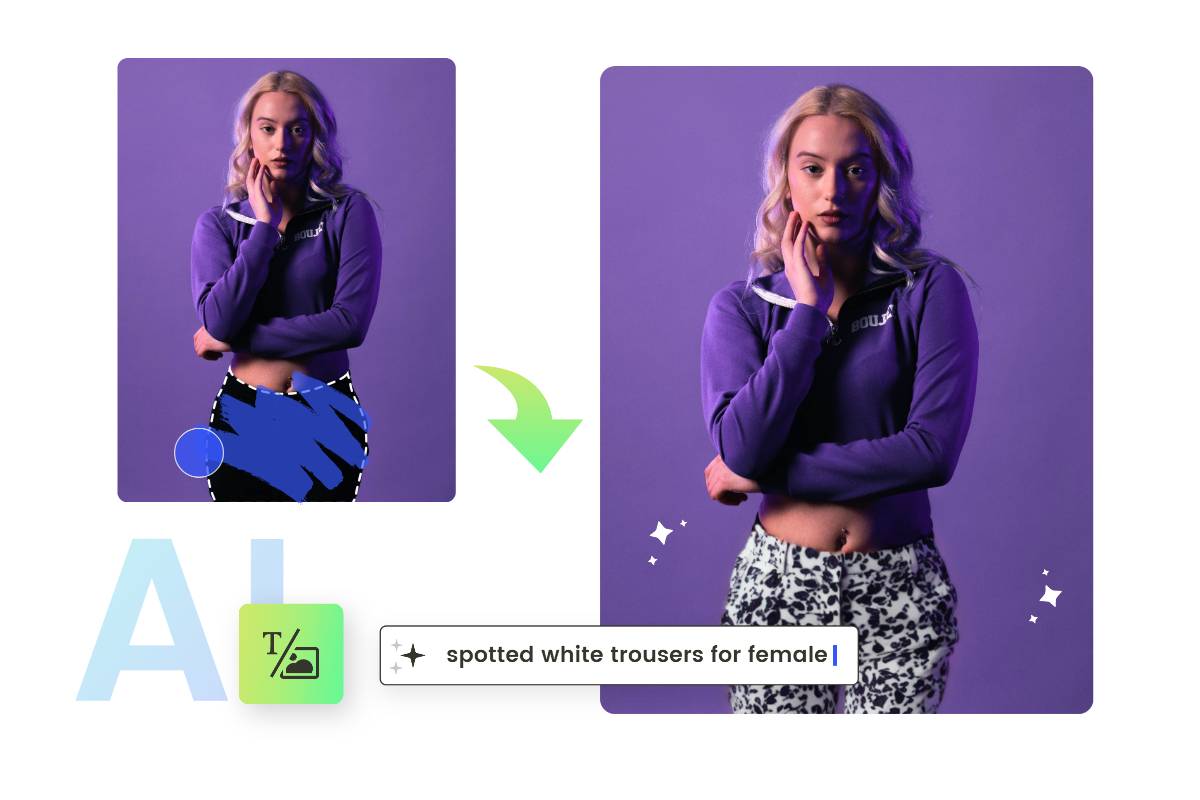
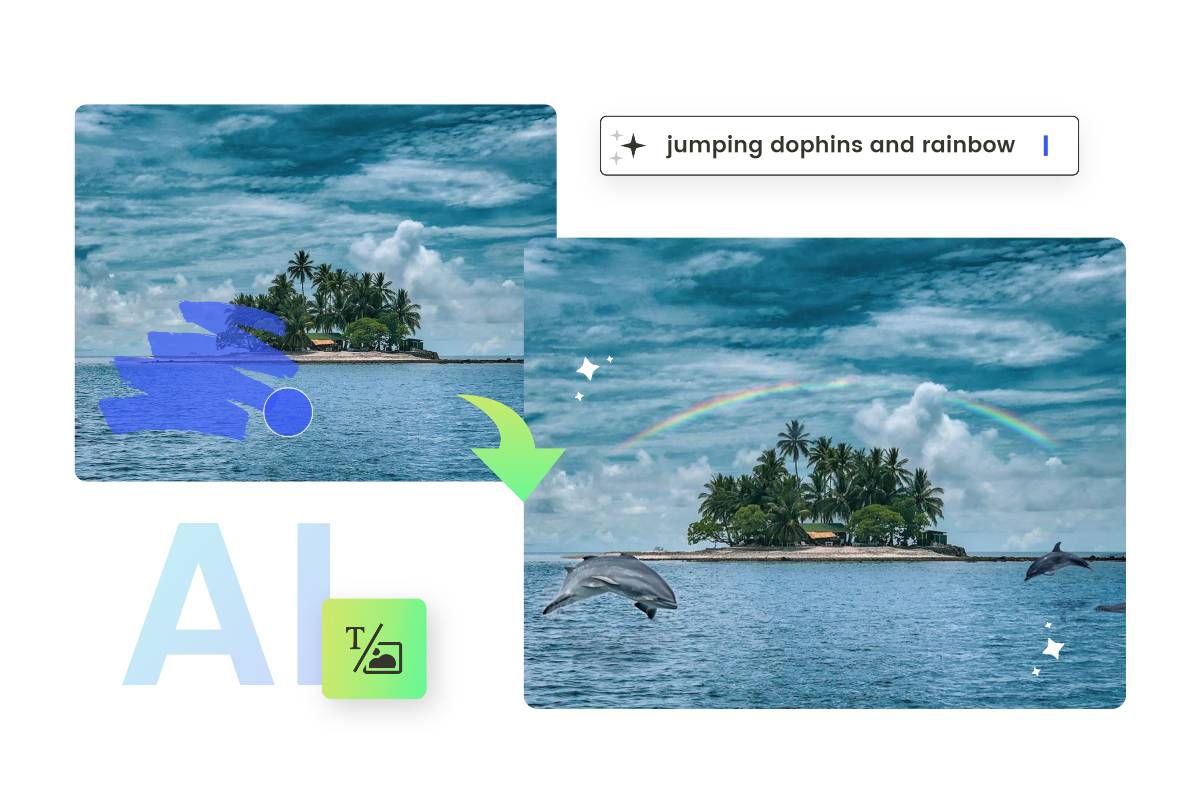
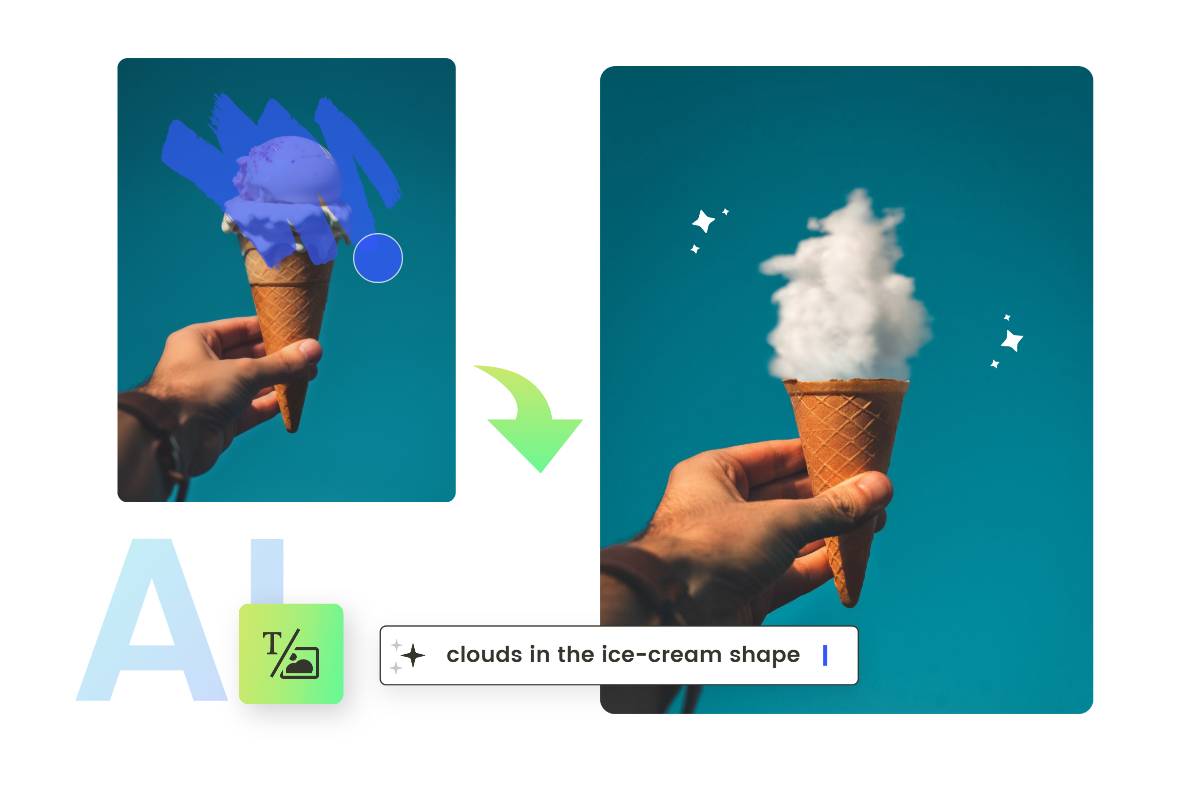
Image Inpainting AI FAQs
What is inpainting AI?
Inpainting AI means using artificial intelligence and machine learning techniques to restore or fill in missing or damaged parts of an image. This technology can be used to reconstruct lost or corrupted areas, remove unwanted objects and replace them with new AI-generated ones or even extend the boundaries of an image seamlessly. The AI model analyzes the surrounding pixels and context to generate plausible content that blends naturally with the existing image.
What is the difference between image inpainting and outpainting?
Image Inpainting is the process of filling in missing or damaged parts of an image by analyzing the surrounding pixels and context to generate plausible content that blends seamlessly with the existing image.
Example:
Imagine you have a photo of a landscape with a small tear in the middle. Inpainting AI would analyze the surrounding area (trees, grass, sky) and fill the tear with content that matches the landscape.
Image outpainting, also known as image extrapolation, means generating new content beyond its original borders and making it coherent with the existing one to extend its boundaries.
Example:
Consider a portrait photo that you want to use as a banner, but the original image is too narrow. Outpainting AI can extend the sides of the image, adding a new background that matches the original scene, making the photo suitable for the banner format.