





















Add Person to Photo Online Free
Fotor can offer you a smooth and seamless exprience to add person in photo in a few clicks. Effortlessly appear in photos you weren't in and recreate the moments you missed. It’s fast, intuitive, and beginner-friendly.
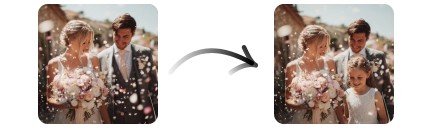
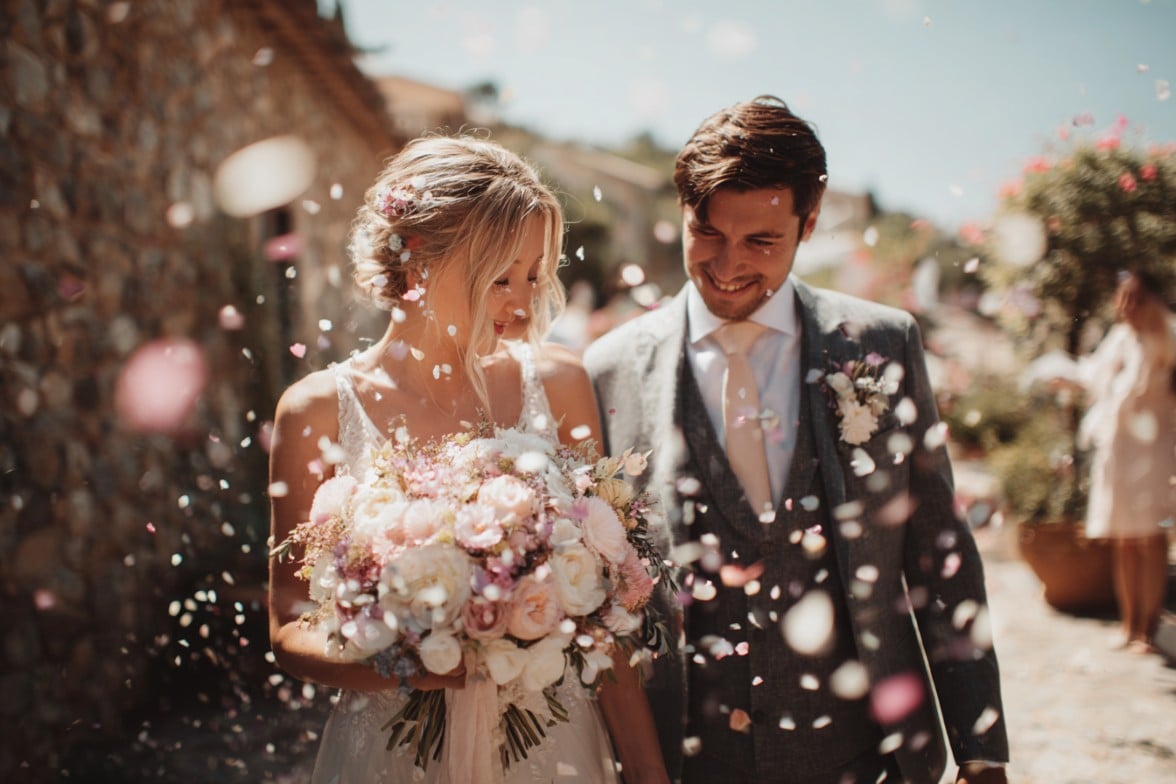
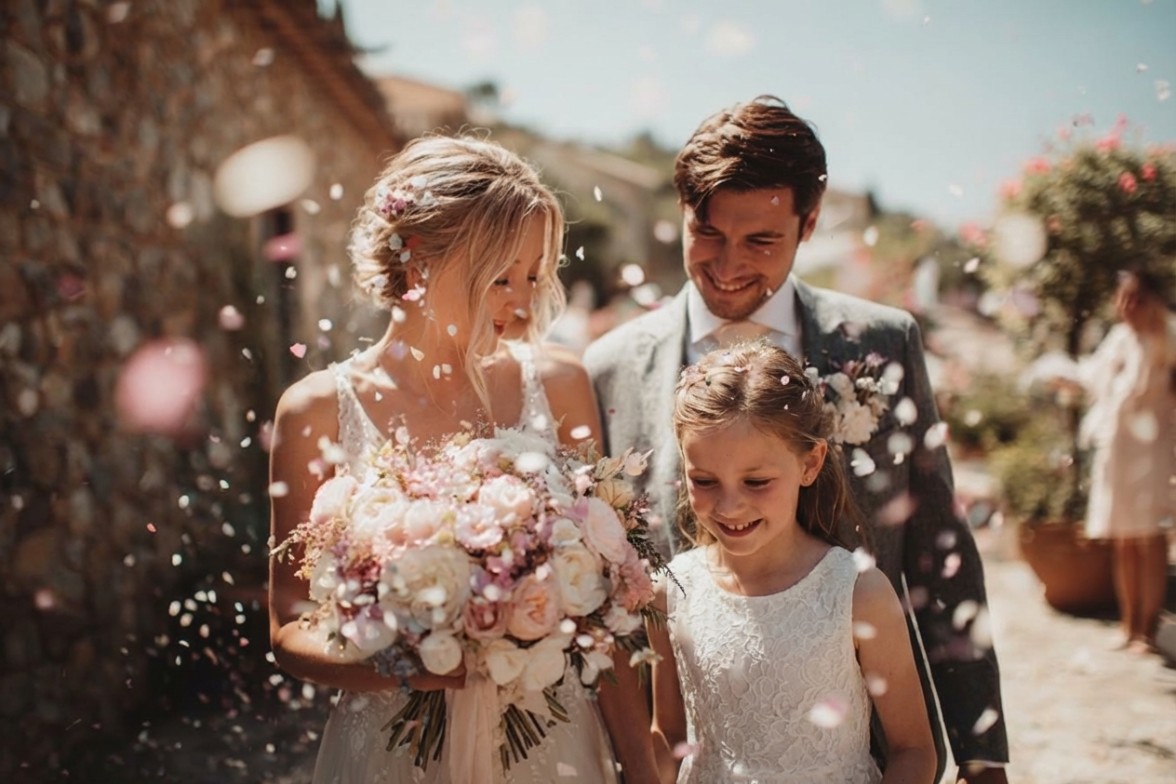
Click or drag an image here to edit
Click or drag an image here to edit
Trusted by creators and loved by millions





Learn about Fotor's upload formats and requirements. See how we use your content in our Privacy Policy.
Why Users Use Fotor to Add Person to Photo?
![AI enhancement icon]()
Watermark-free
After adding people to the photo, save it without any watermarks. It's perfect for posting and printing.
![Free to use icon]()
Free to Use
Fotor offers free background remover and diverse backdrops, allowing you to crop out persons and insert them into photos at no cost.
![Blue icon refine color and lighting of photos]()
Flexible Cutomization
You can freely adjust the added person's size, orientation, and position to better fit your scene.
![Data security guaranteed]()
100% Secure
Your images are processed securely with encryption. We prioritize your privacy and do not use your data beyond providing the service.




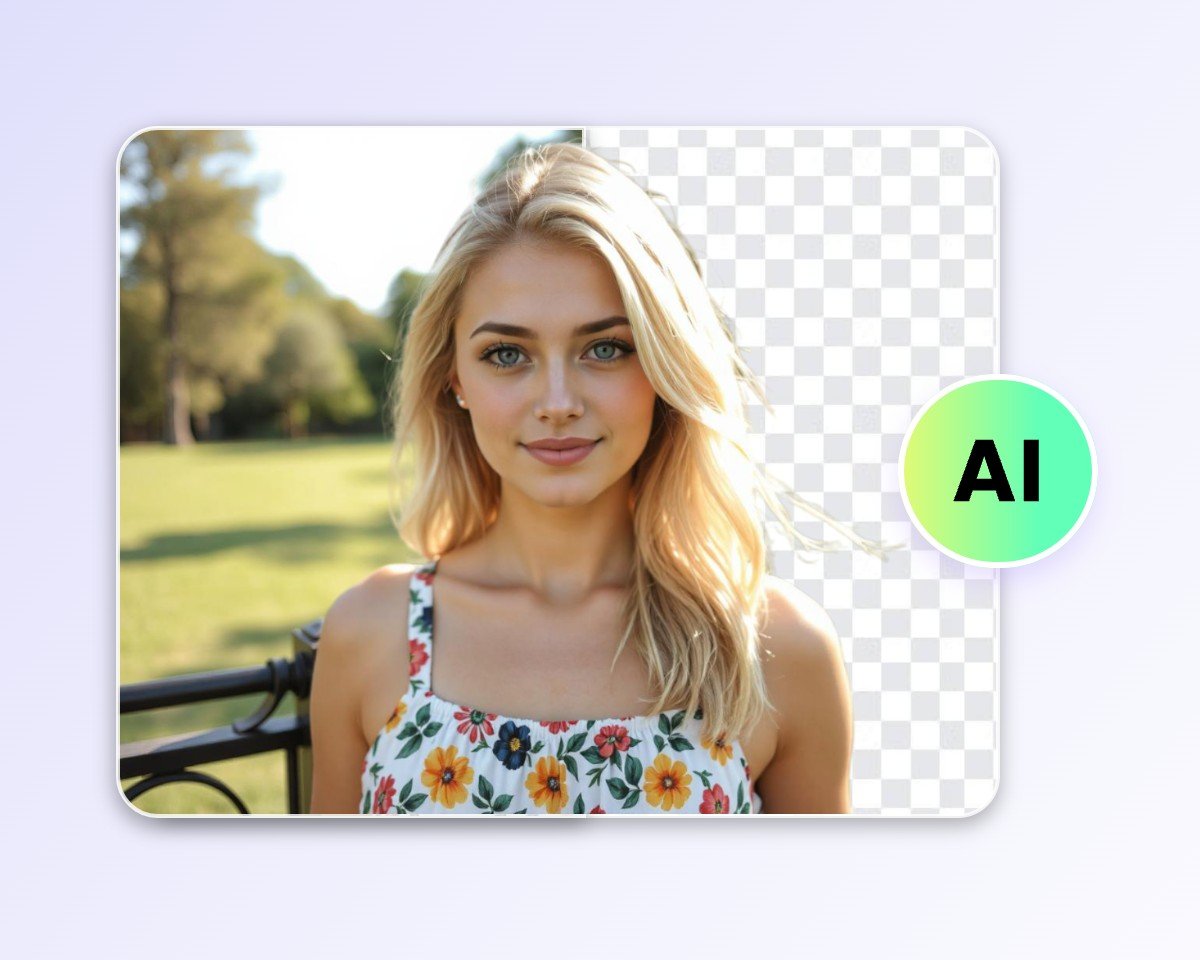
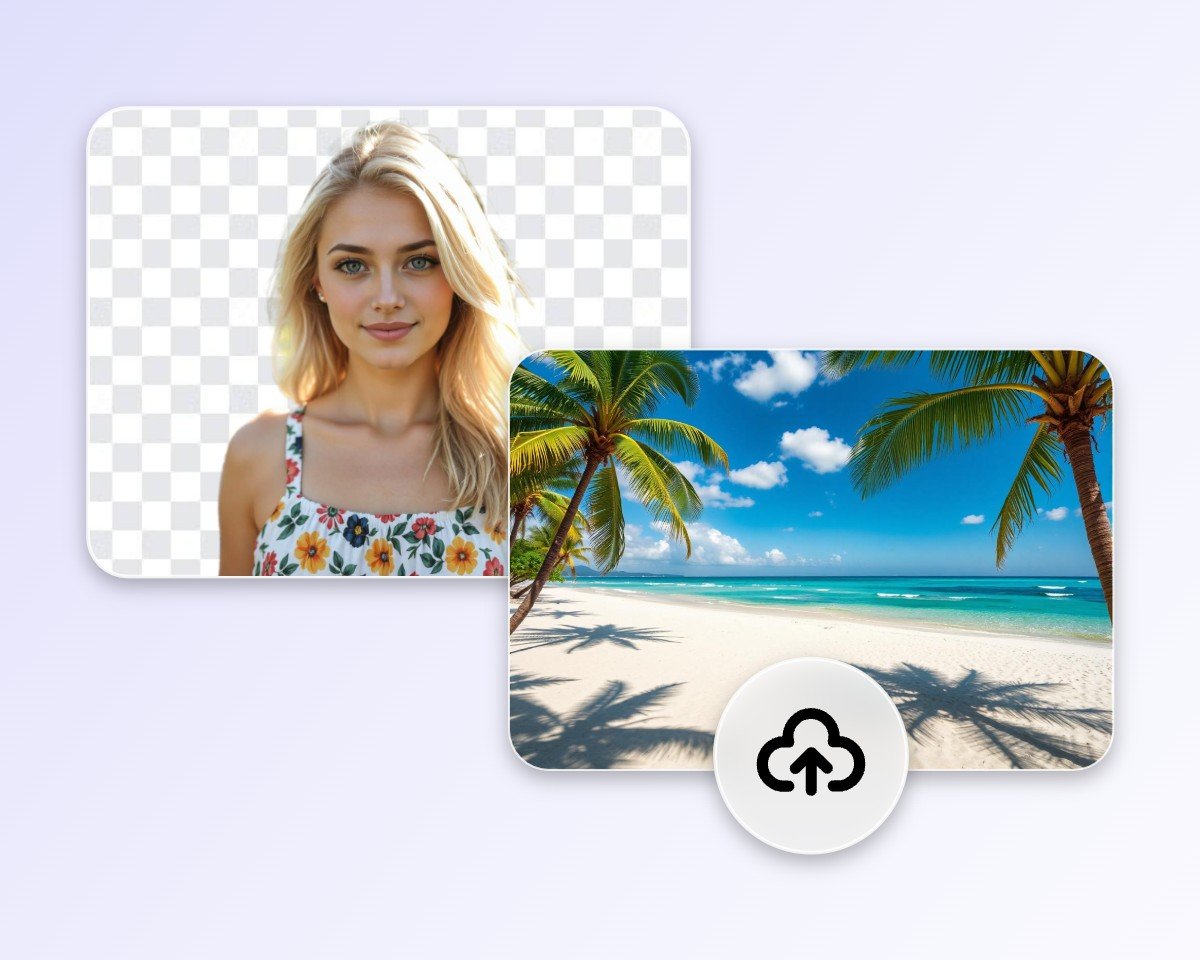
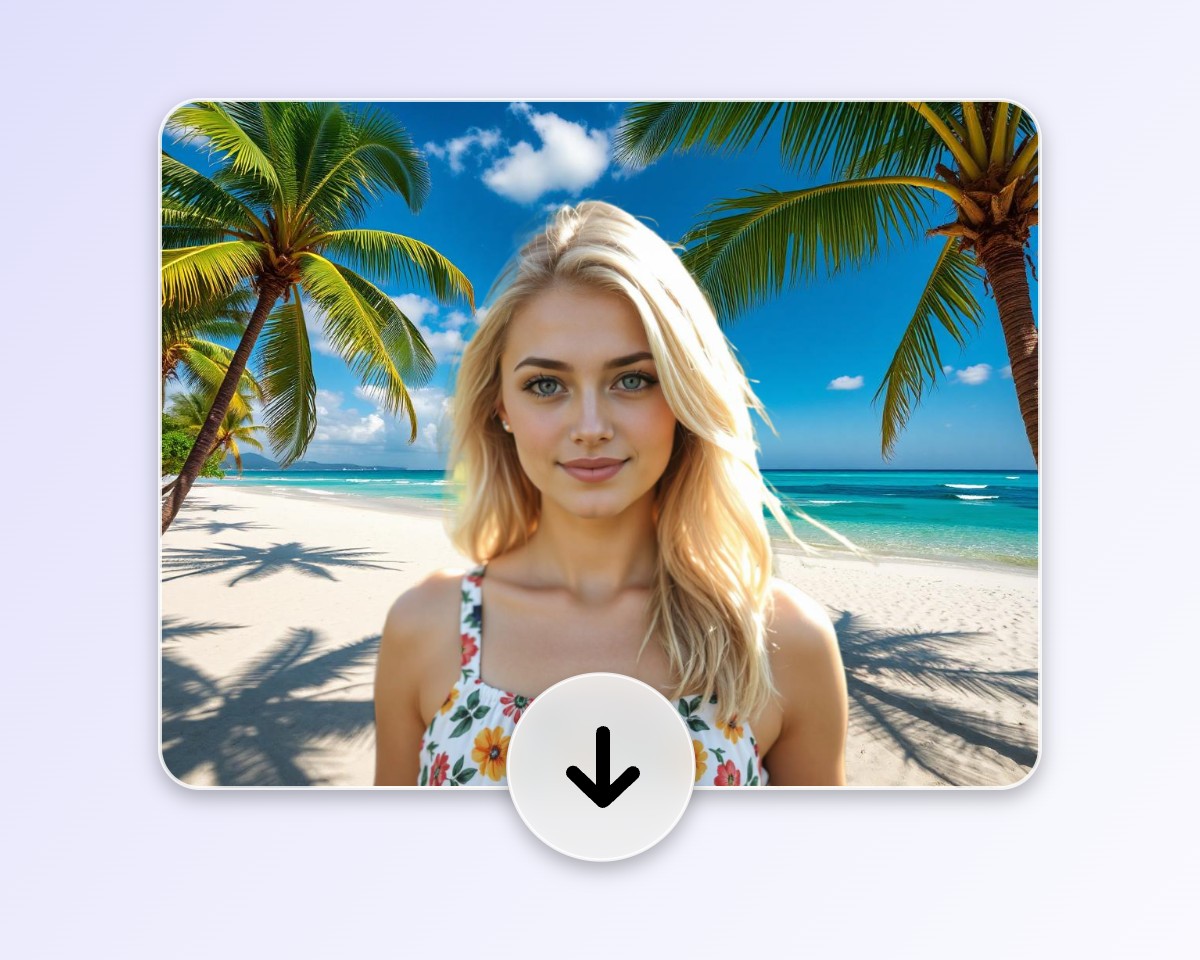
How to Add a Person to a Photo?
Upload a picture
Upload a picture of a person, an object, a group, or whatever you want to edit.
Let AI crop out the person automatically
Upload your background
Download the picture
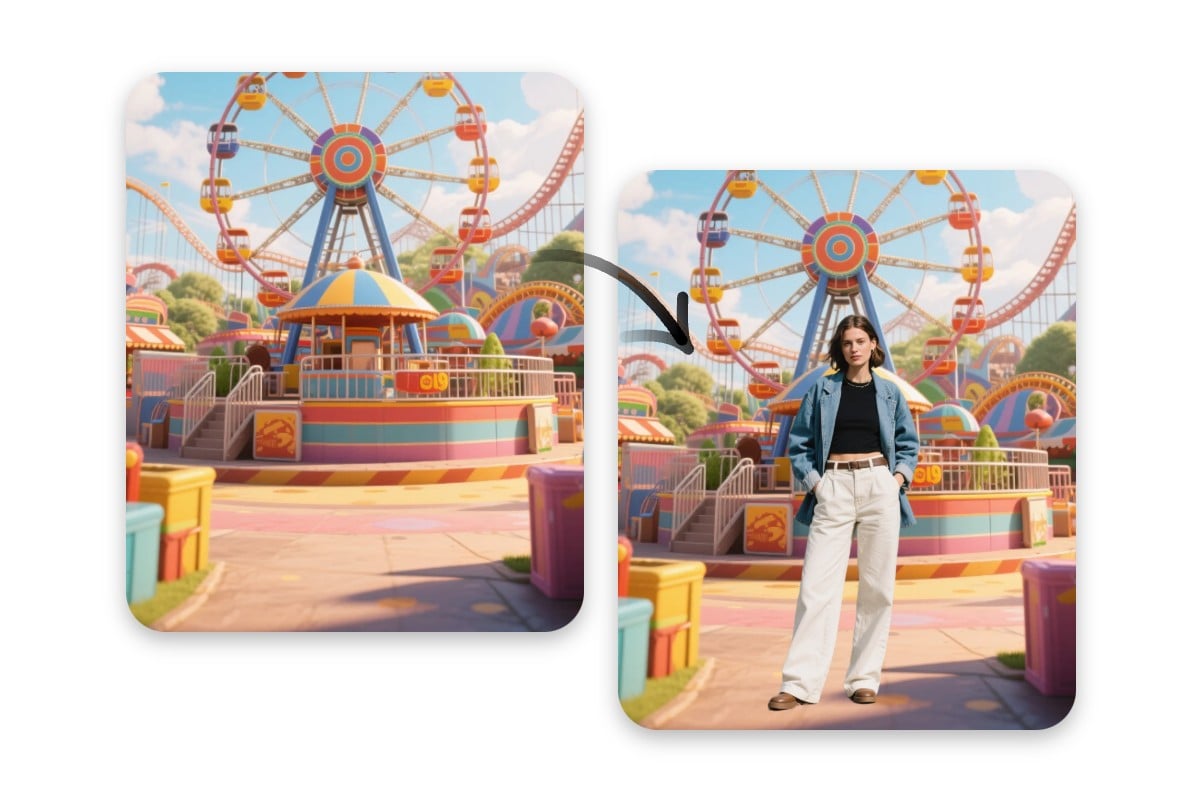
Add Person to Photo Online with Unmatched Ease
In the past, cropping out and putting someone in a photo required advanced Photoshop skills. But now, with Fotor’s AI photo editor, you can do it in just a few clicks. Simply upload, click, and download. The person’s outline is sharp and clean, blending naturally into the new background. The output is high-quality or even HD, and the entire process takes only seconds. Click to try for free.
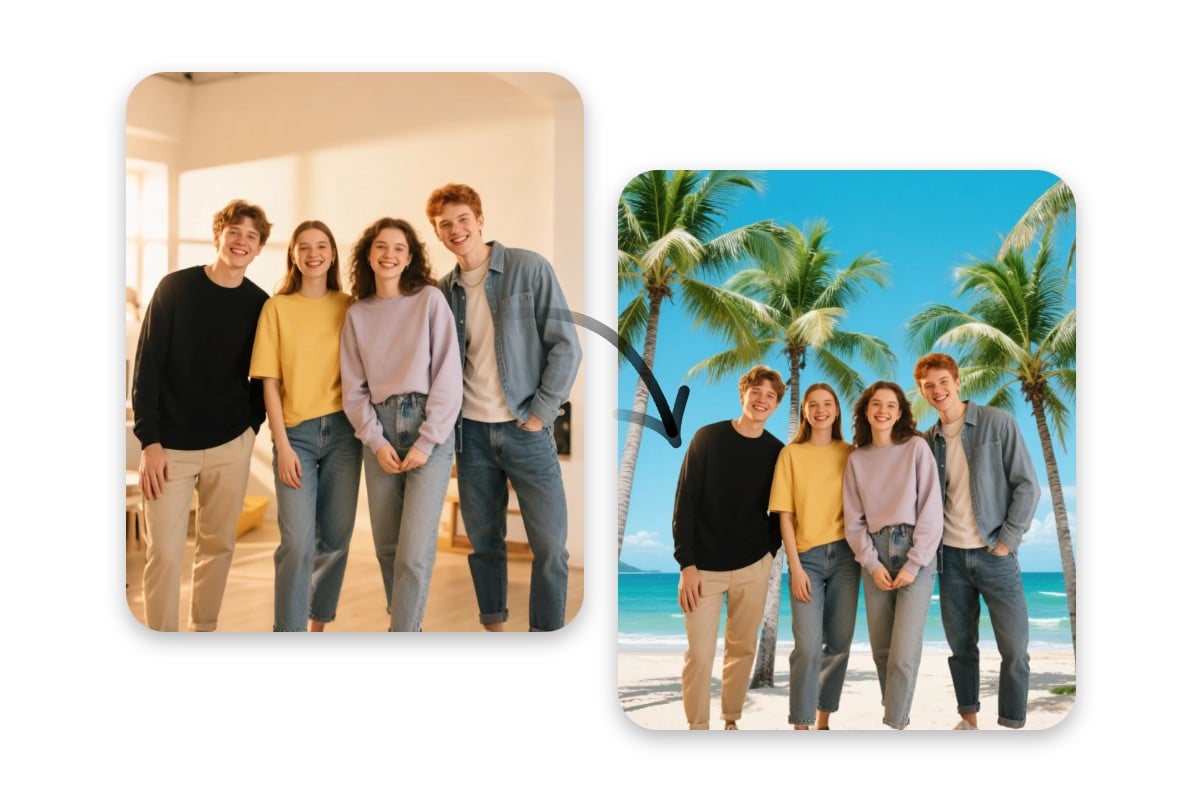
Insert Multiple People into a Custom Picture
Fotor doesn't just let you add a person to a photo; it also allows you to insert multiple people at once. Our AI-driven image editor automatically detects and cuts out individuals from your images with precision. You can use the preset backgrounds, upload your own, or create a new one with our background generator. From backyard picnic to Hawaii beach, you can place yourself and your friends anywhere you like.
Add Anyone to Photos—For Memories, Fun, and Creativity
With Fotor, you can bring anyone into your photos to relive missed moments, honor loved ones, create fun edits, try new styles, or bring imaginative ideas to life, whether for memories, social posts, or pure creativity.
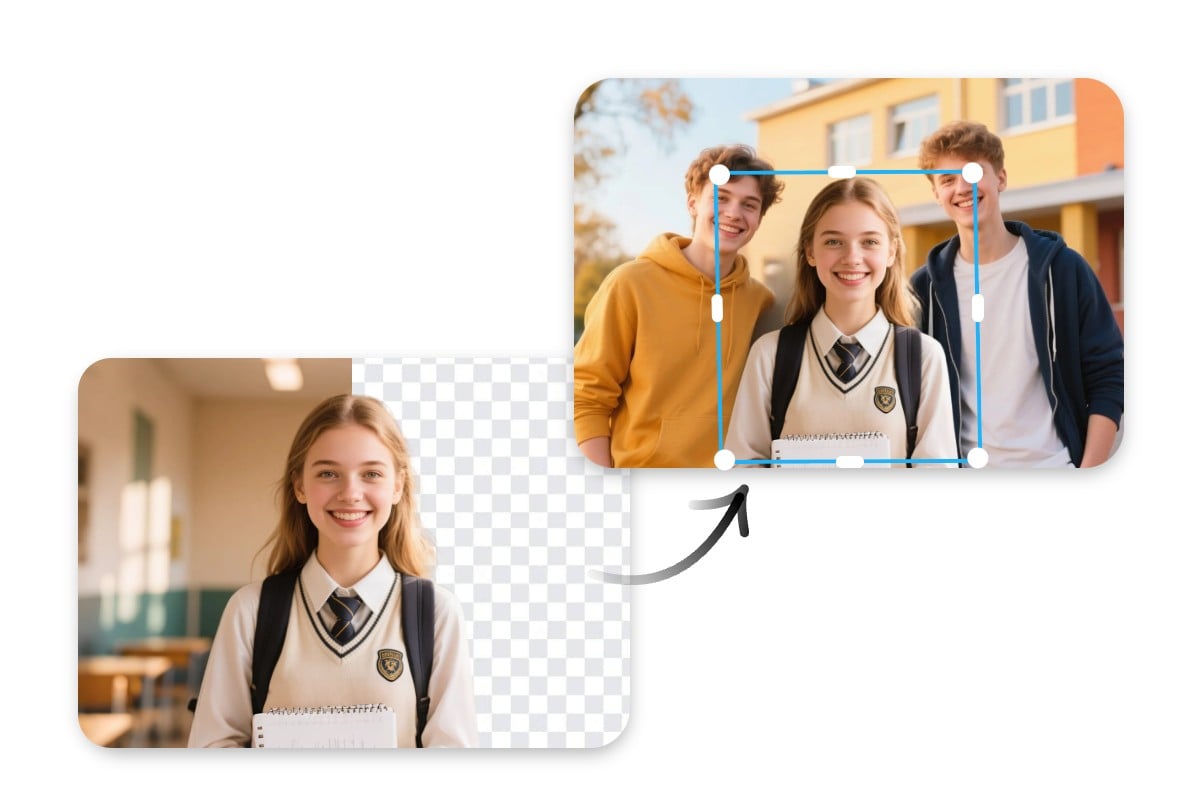
Insert Yourself to Pictures for Missed Special Moments
If you've ever wished you could be in the shot you missed, use Fotor to add person to photo online for free. Whether you are looking to add people to a family portrait, a party snapshot, or a graduation ceremony scene, we can help you relive those cherished moments. Insert yourself into the scene and feel like you were truly there, because your place in the picture and the memory matters.
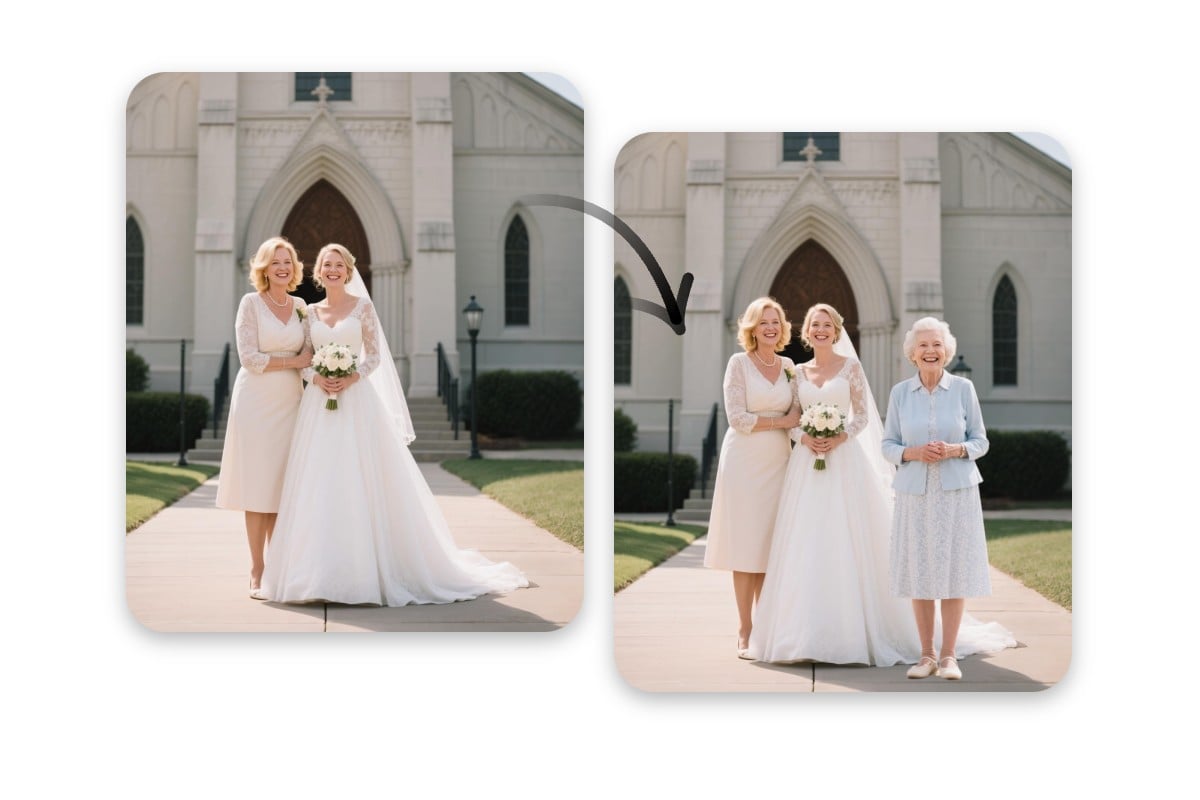
Add Deceased Loved One to Photo to Honor Memories
Even though your loved ones may no longer be here, their memory lives on. Use our tool to put someone in photo with AI magic, letting your deceased beloved appear in life’s big moments, like wedding, graduation, holidays, or family gatherings. The output is high-quality and natural, as if they were actually there, standing beside you, witnessing and sharing your happiness and sorrows.
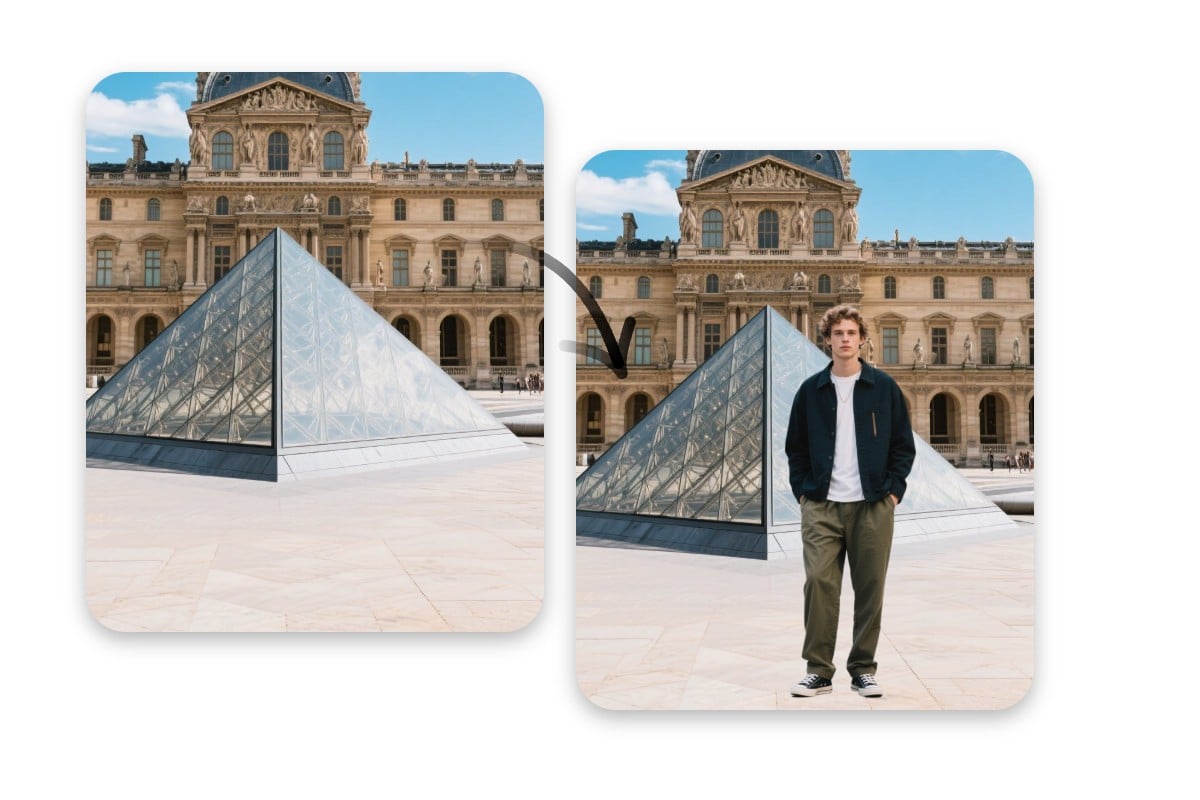
Put a Person in Photo to Take Anyone Anywhere
Wanna "travel" the world without leaving your home? Use Fotor to put a person in a picture online for free. Our advanced AI photo editor can crop you out and place you into any destination you choose, from the Louvre to the White House. The result is natural, with your photo and the scenic backdrop fitting perfectly. Click to start your trip in your slippers.
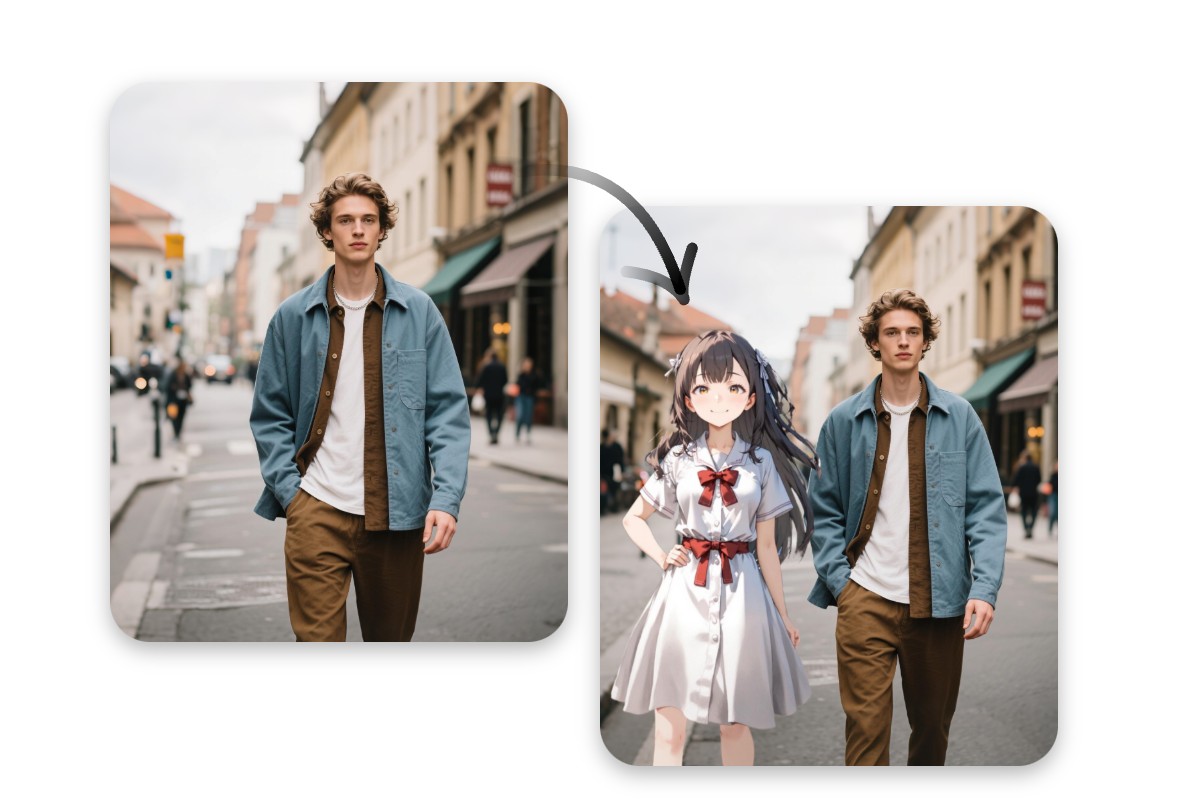
Insert Your Dream Partner into Your Photo
Walking hand in hand with your dream boyfriend or girlfriend may sound like a fantasy. But with Fotor, it's possible. Our tool allows you to add person to photo online for free. So you can snap a selfie with your ideal partner as if they were really there. They could be anime characters, celebrities, or anyone you like. Let us help you bring your imagination to life.
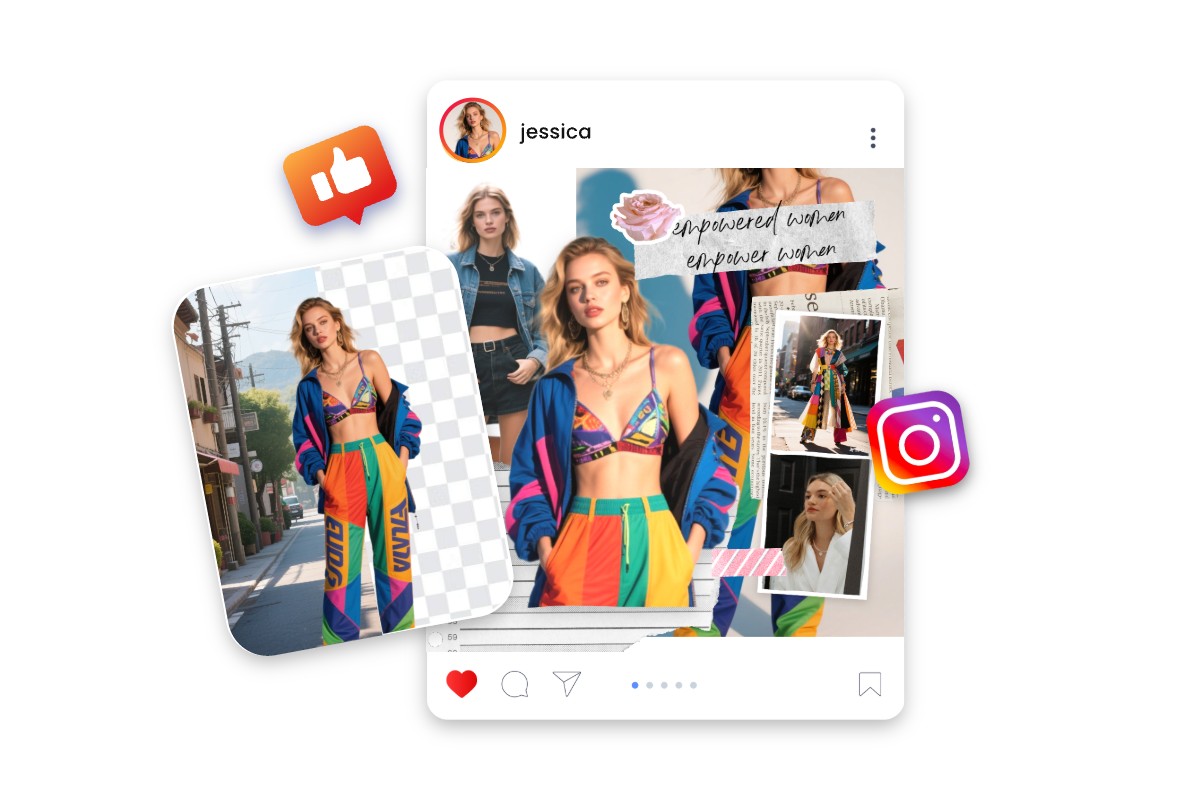
Add Your Outfit to Pictures for Eye-Catching Posts
Fotor is a useful tool if you want to show off your outfit of the week on social media. Just crop out yourself in different looks and combine them in an image. It's as simple as placing stickers. What's more, you can not only put a person into a photo, but also insert objects like accessories, bags, or hats. So you can further showcase every detail of your fashion creativity.
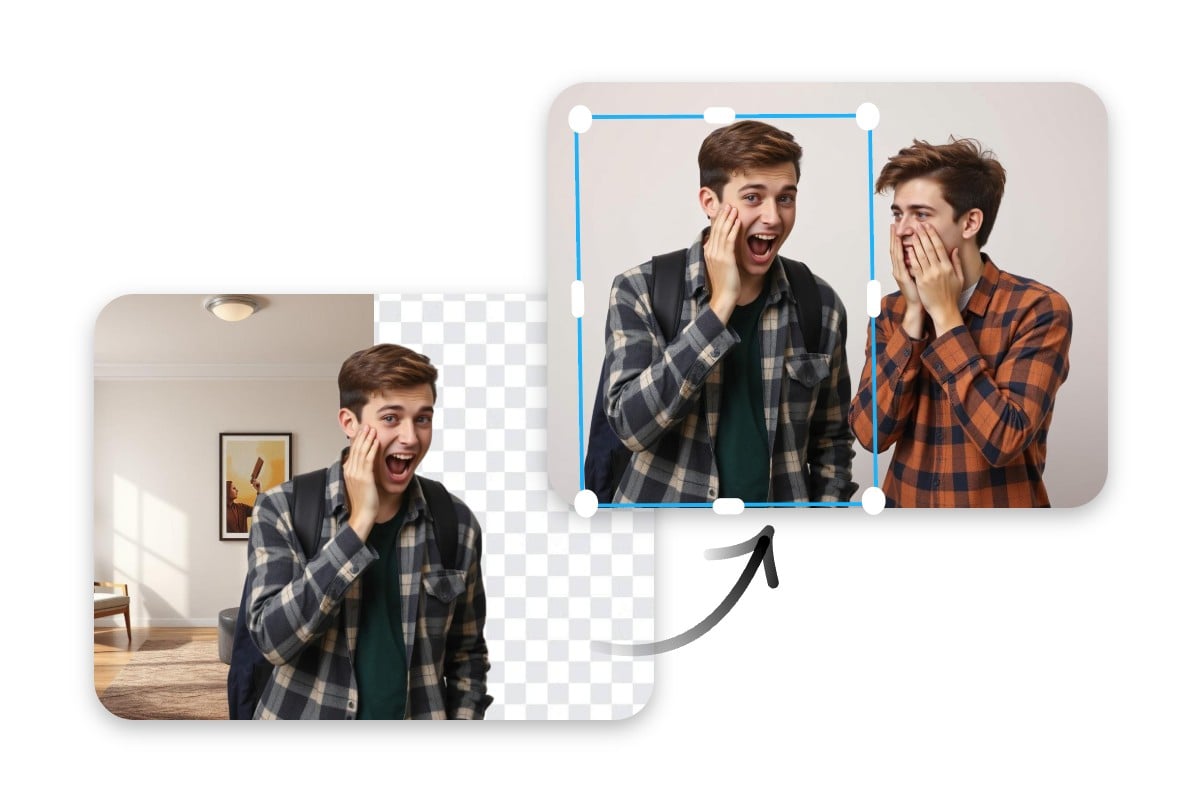
Add Someone to Photo for Fun & Entertainment
Turn ordinary pictures into hilarious pictures by using our editing tool to add someone to a photo. Whether you’re pranking friends by placing them in a wild setting or combining your photos to make memes, Fotor can help you spark laughter in group chats. You can even use our tool to get a face cut out and use it as stickers, attaching your friend's face anywhere you like.
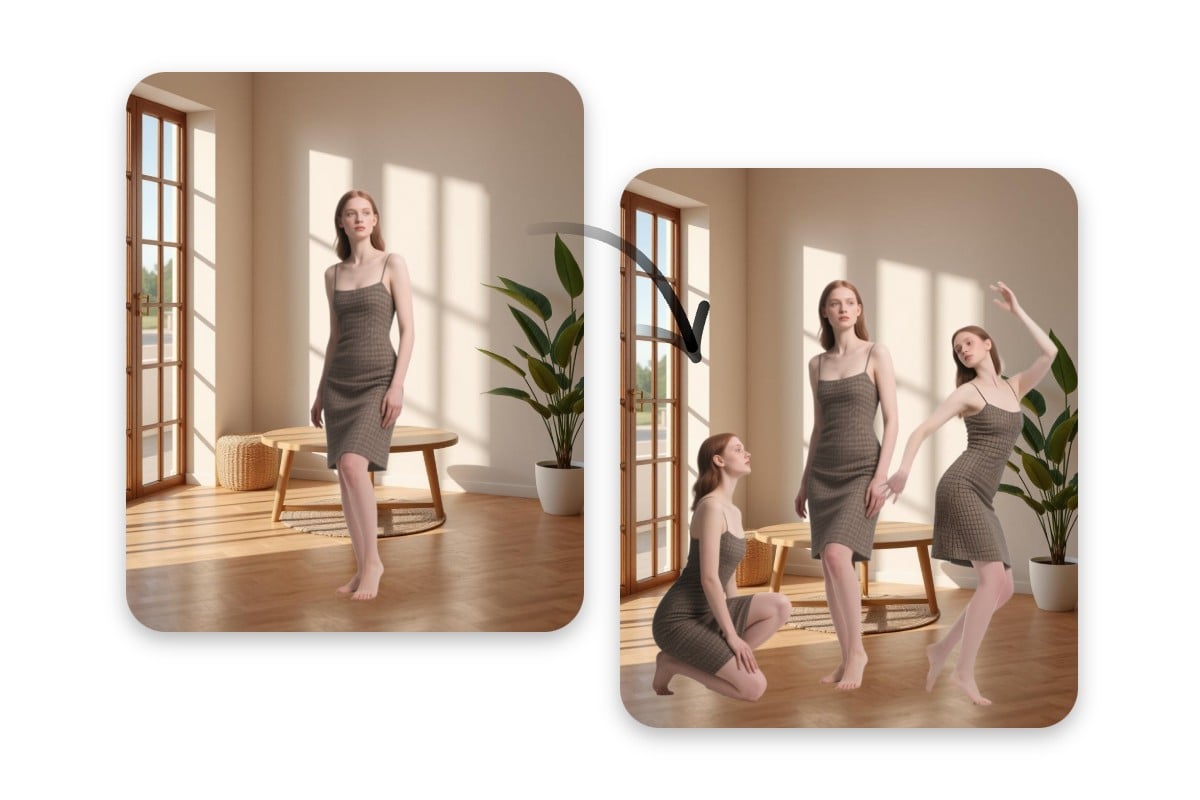
Clone Yourself in One Photo for a Creative Design
Duplicate yourself in various positions to unleash your creativity to add person in photo with AI photo editor. Try this feature to create surreal images with multiple versions of yourself interacting in one frame. Or you can show yourself in different actions to tell a story of time-lapse. This tool can also be used to create "group" photos of you having a solo party. We can't wait to see you explore more possibilities.
Fotor's Add Person to Photo in Numbers
See What Creators Say About Fotor AI for Adding Person to Photo?


Free Background Changer swapped my balcony view for a clean studio setting, ready for LinkedIn instantly. The attention to detail and the smooth flow of my photo into the background were amazing.

Fotor’s Background Remover is designed to quickly and accurately remove backgrounds from images, allowing users to isolate subjects or switch out backgrounds with ease. This tool is highly effective for individuals who need clean, polished results without spending hours on manual editing.

Users love the simple and powerful photo editing capabilities of Fotor, enhancing their images with ease.