



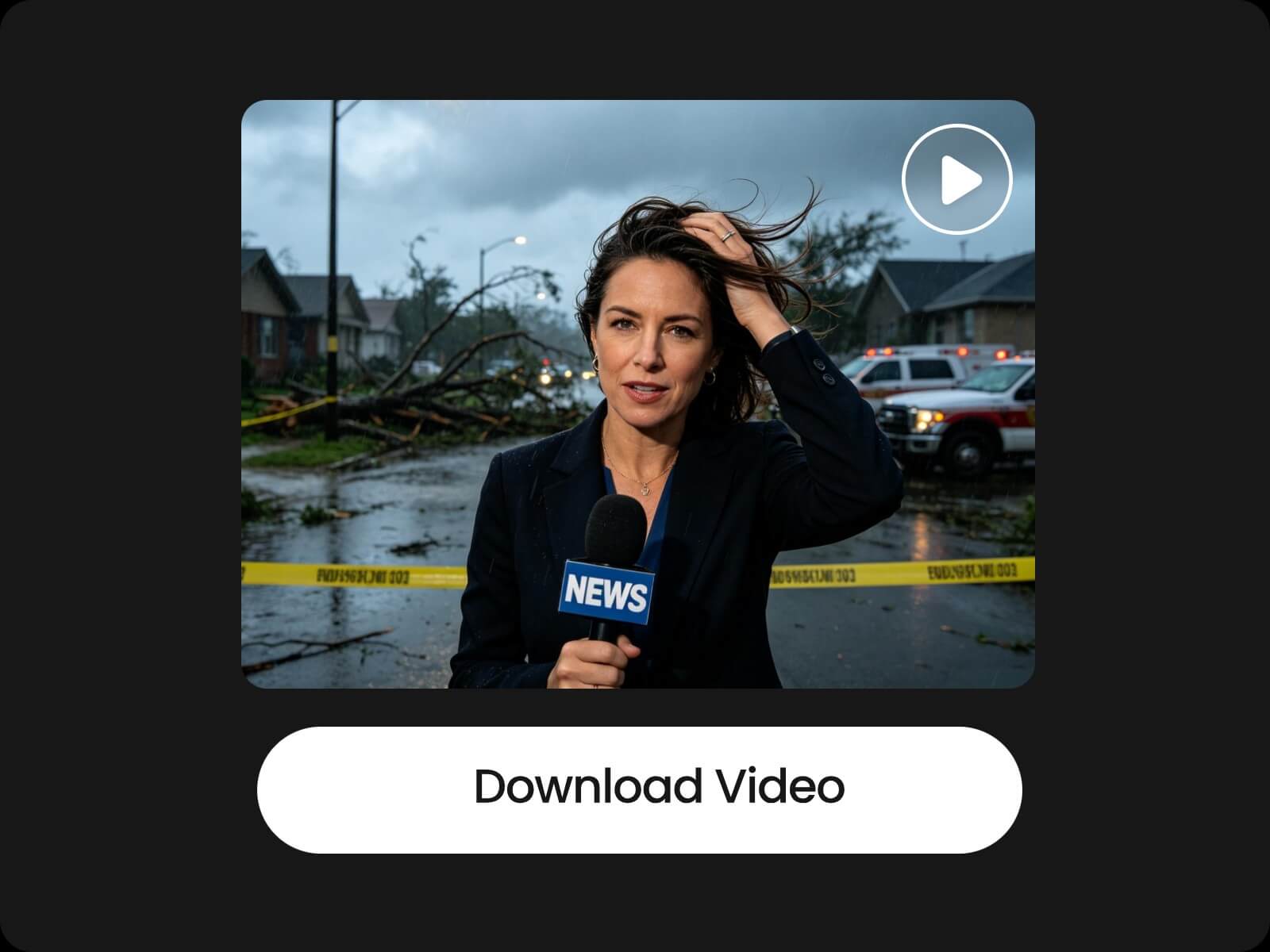

Easy & Fast
Create videos quickly with AI, without requiring video editing skills. Simply chat with AI to turn your written content into videos.


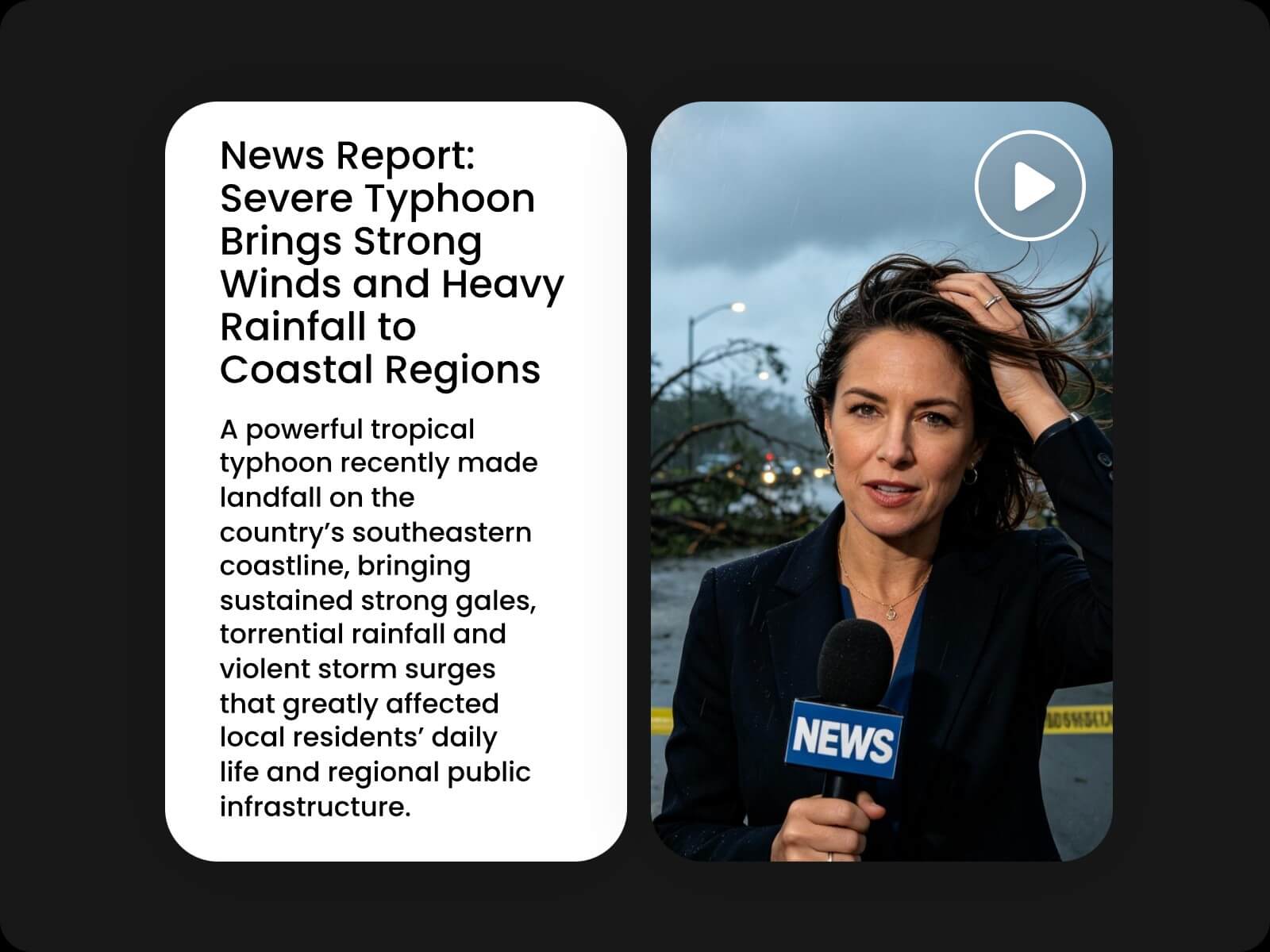
Turn blog posts, news articles, and article links into engaging videos with Fotor's AI article to video creator. Chat with AI to shape the story, plan scenes, and create videos with AI-generated scripts and visuals.
Our article to video AI creator is built on Fotor Agent, helping you turn written content into complete videos through AI conversation. It can understand your article, develop a video script, plan scenes, and generate visuals that bring the content to life.
🎬 Chat with an AI agent to create videos
🎬 Turn articles into structured video scripts
🎬 Create videos from AI-generated scripts
🎬 Convert article links into videos without copying content
🎬 Create videos in multiple languages
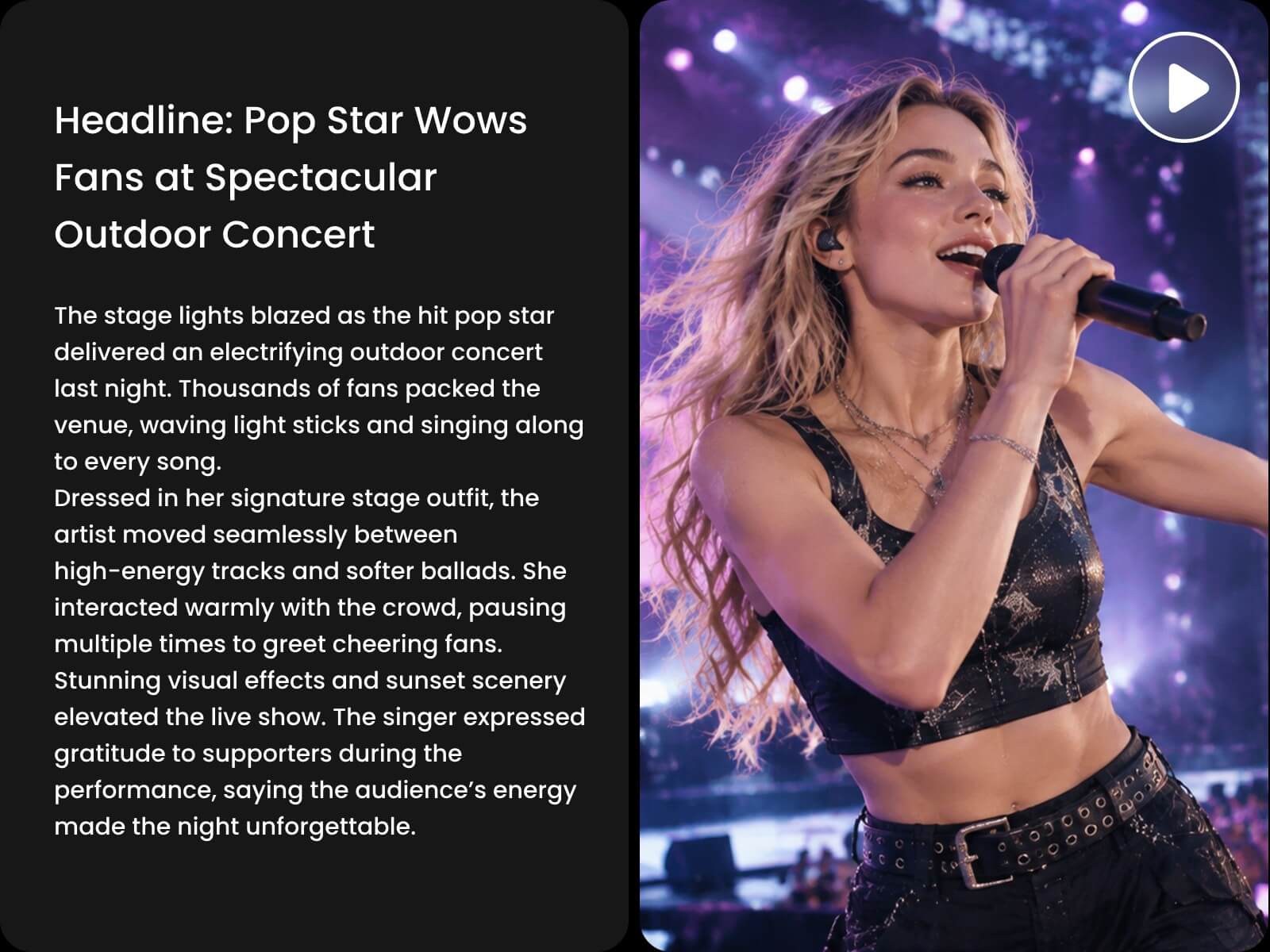
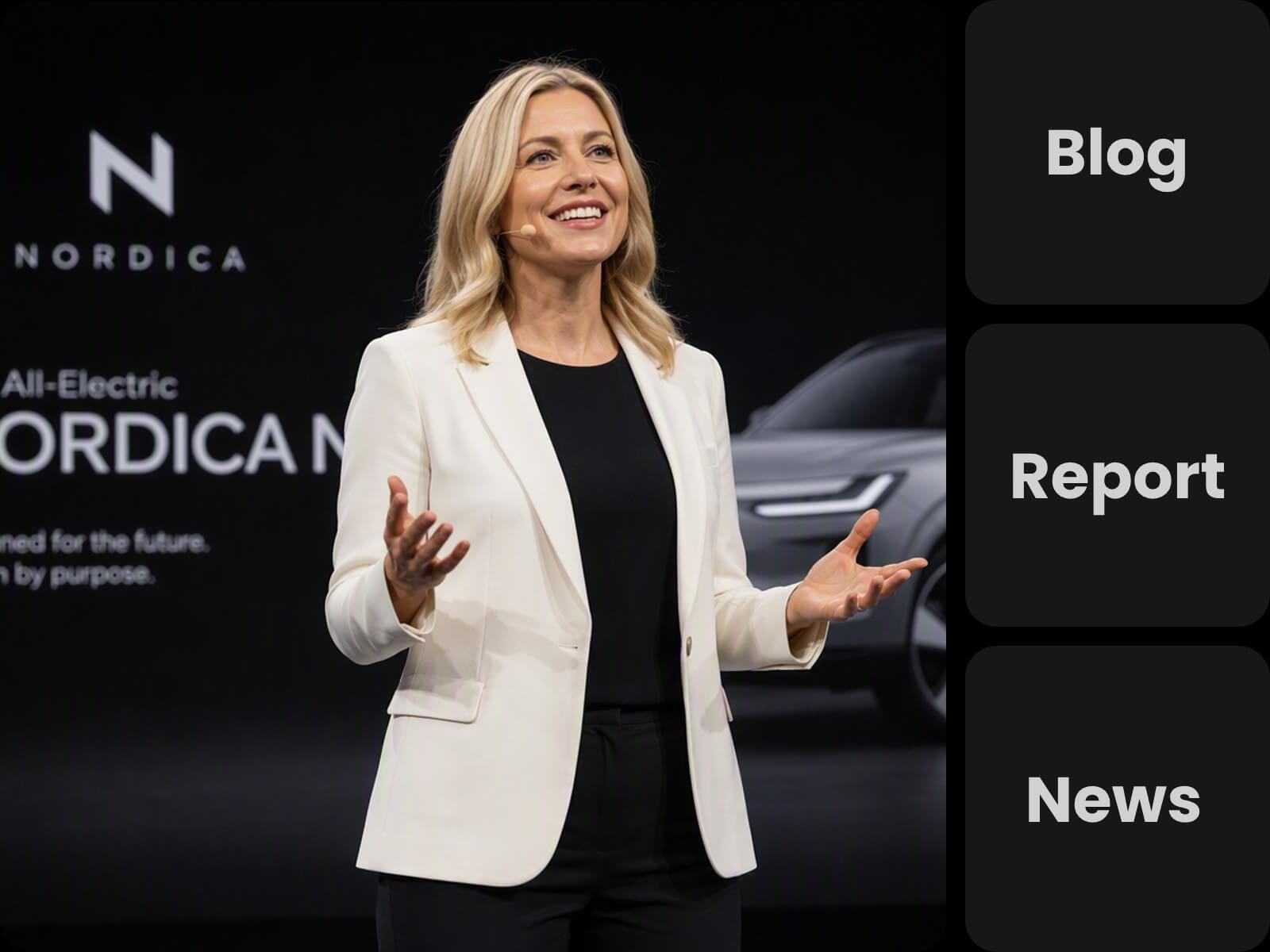
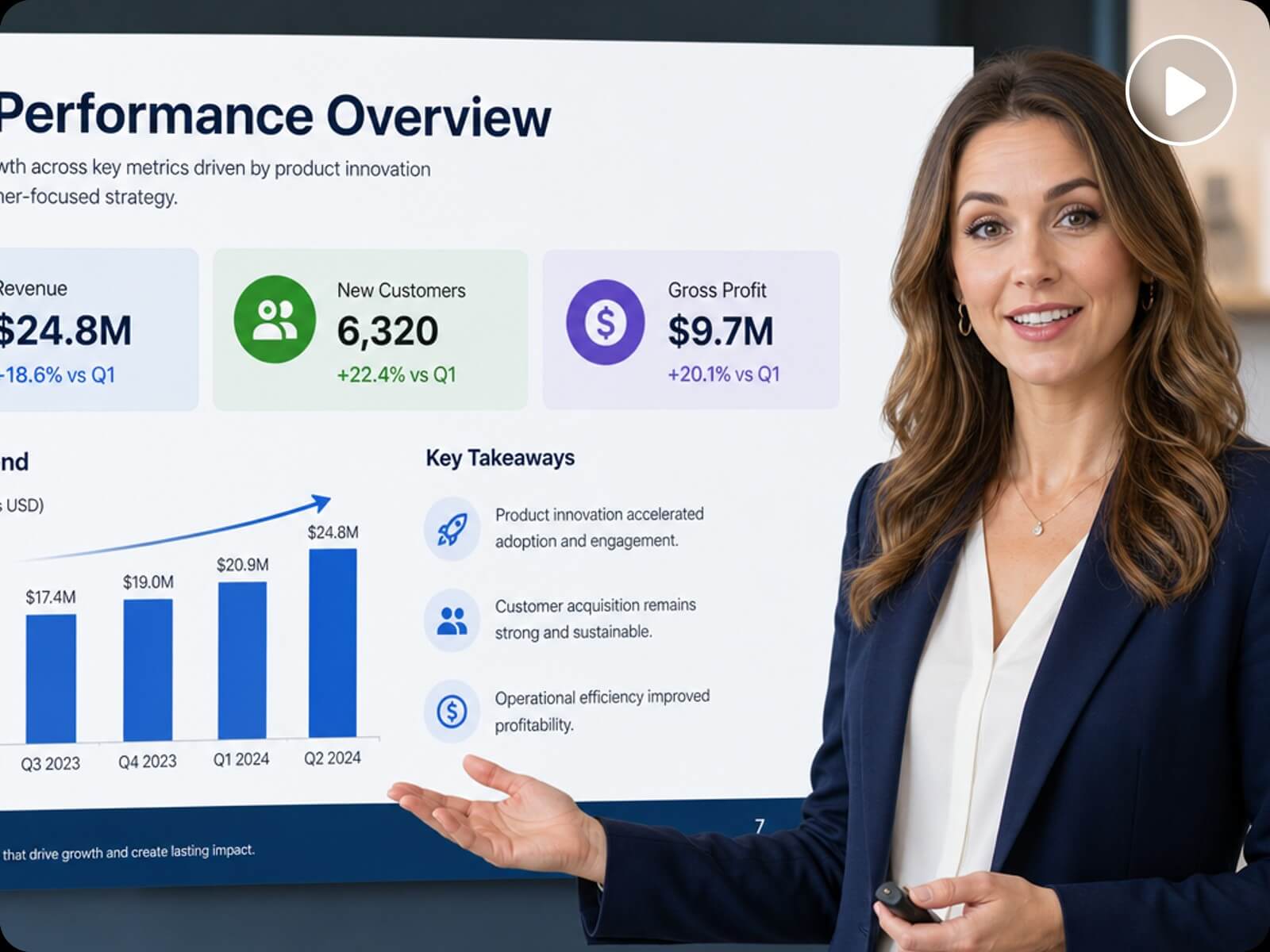
Turn blog posts, news articles, tutorials, how-to guides, product reviews, case studies, reports, research summaries, educational materials, and marketing content into videos. From short articles and informative posts to long-form content and detailed reports, Fotor’s AI article to video converter can work with a wide range of written content and transform it into videos based on the original information.
Before turning your article into a video, chat with AI to explore ideas, define the direction, and shape the video around your goals. Once generated, you can share new ideas with AI and continue generating until the video better matches your vision.
🎬 Customize the video direction, style, scenes, and visual concepts
🎬 Keep refining your ideas through AI conversation
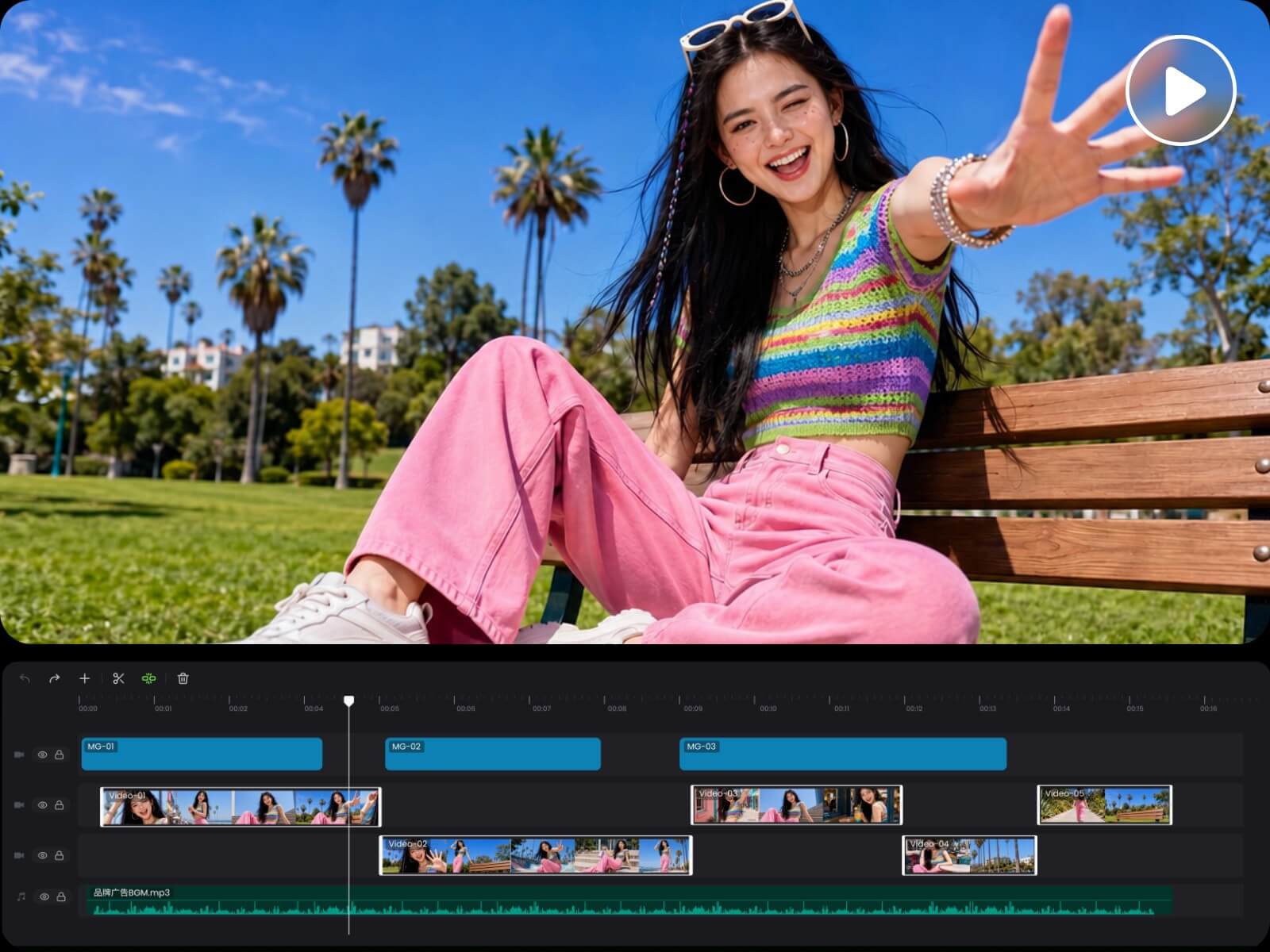
Our article to video AI generator does more than turn your articles into videos. After generation, you can continue editing your video with AI or make manual adjustments.
🎬 Edit with AI or make manual adjustments
🎬 Combine your own images and video clips with AI-generated content
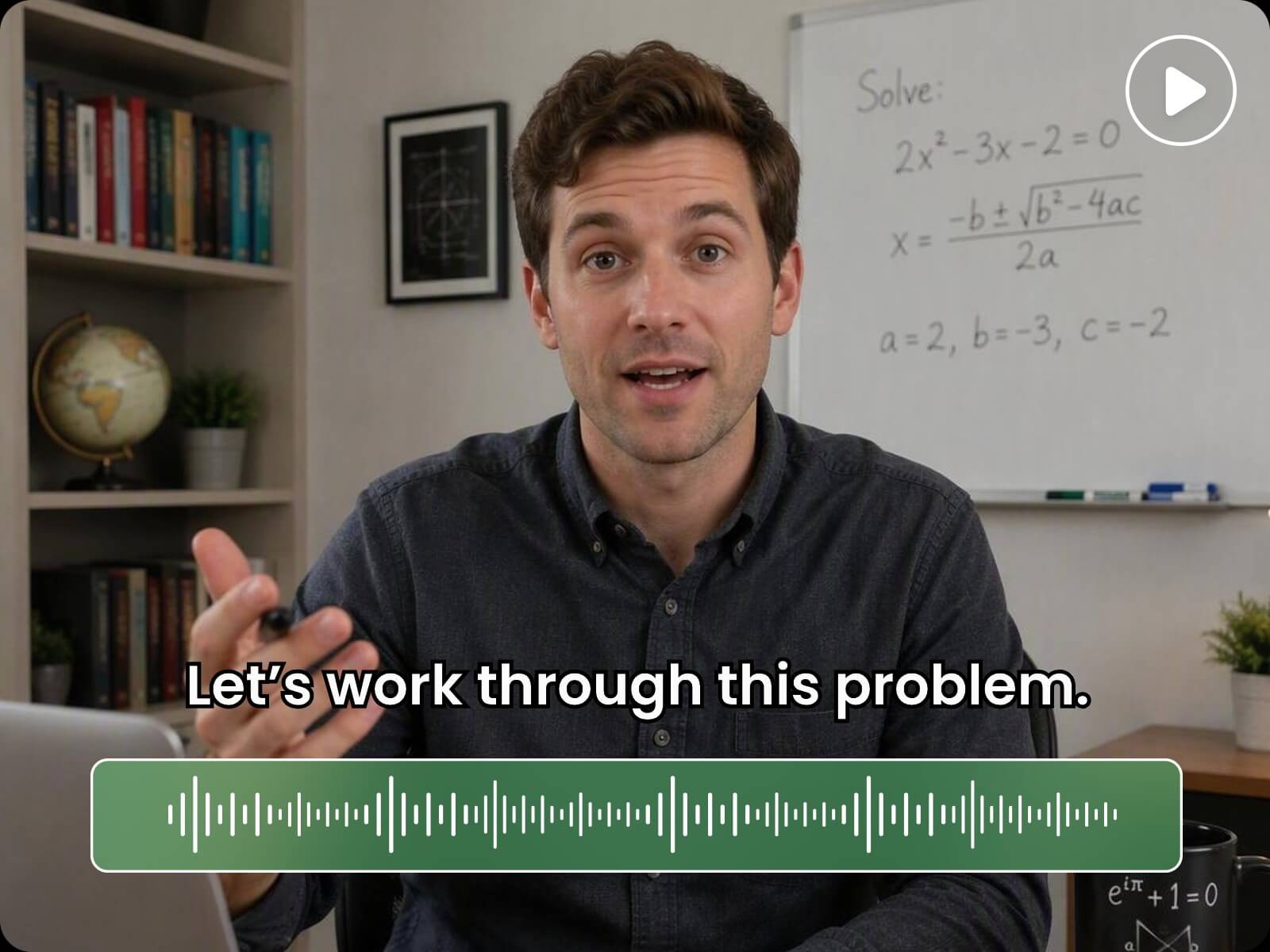
🎬 Add and customize captions and audio
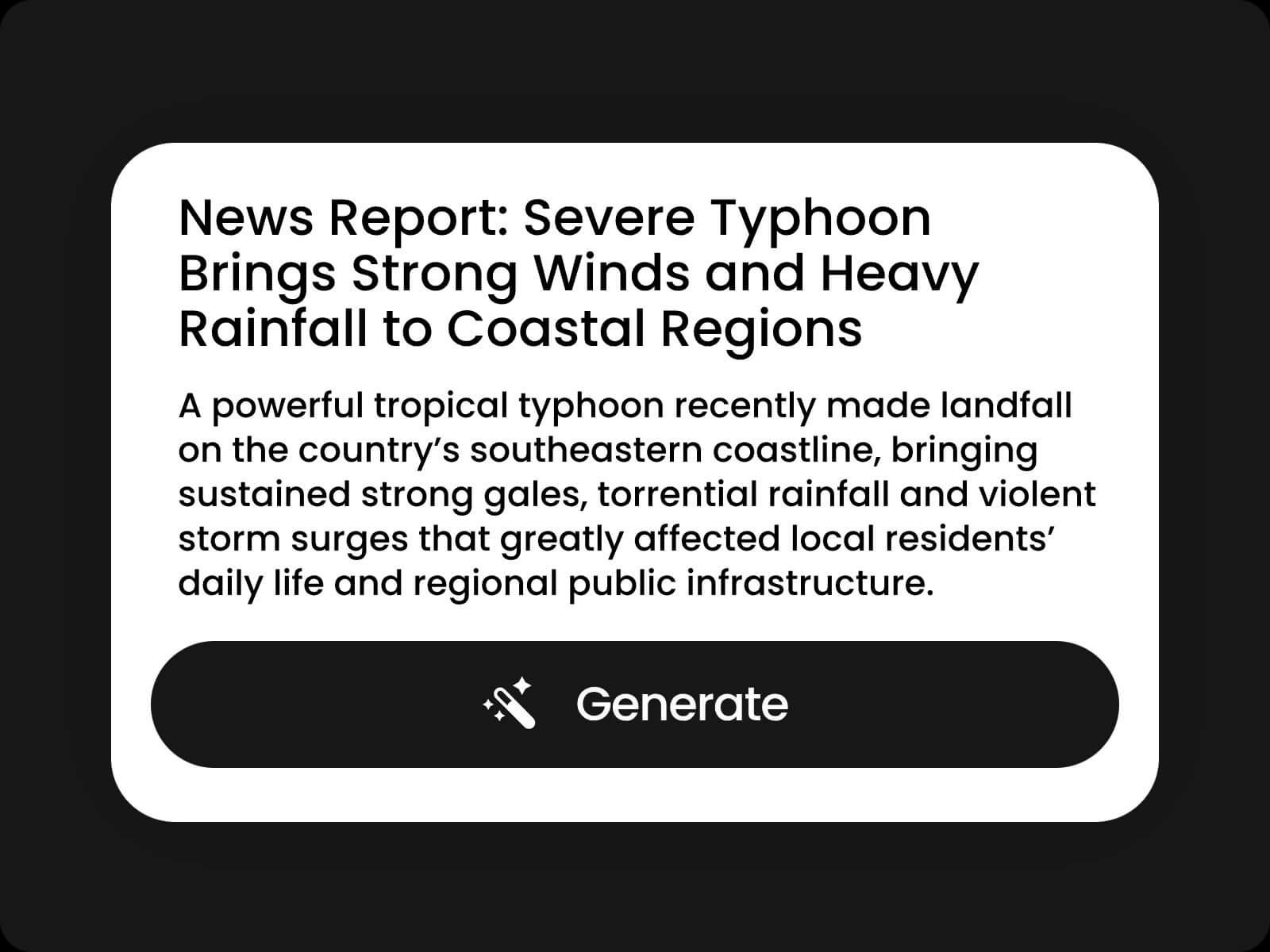
Upload your article, paste the content, or enter an article link into Fotor’s article to video AI.
Create videos quickly with AI, without requiring video editing skills. Simply chat with AI to turn your written content into videos.
Turn your article into high-quality videos with polished visuals, cohesive scenes, and engaging storytelling.
Create and edit videos from your article directly from your browser on desktop, mobile, and other devices.
Your uploaded article is securely processed and protected throughout the video creation process.
Fotor’s article to video AI uses Fotor Agent to turn written content into videos. It can understand your content, create a video script, plan scenes, generate visuals, and help you edit the video.
Upload your article, paste the content, or enter an article URL. Then chat with AI to shape the video, generate it, and make edits before downloading.
You can turn blog posts, news articles, tutorials, how-to guides, reports, case studies, research content, product reviews, and marketing materials into videos.
Yes. Paste the URL of a supported article, and our AI can extract the content and use it to create a video without requiring you to copy and paste the full text.
Fotor supports multiple languages, so you can use written content in different languages to create videos.
Yes. After your video is generated, you can continue editing it with AI or make manual adjustments. You can also share new ideas with AI and regenerate the video.
You can get free credits by signing up and logging in for the first time. You can also subscribe to a membership plan to get more credits and access advanced features.
Fotor supports a wide range of file formats:
Images: PNG, JPG, JPEG, WEBP, BMP, TIFF, GIF, HEIC, HEIF, AVIF, and more
Videos: MP4, WEBM, MOV, AVI, MKV, FLV, and more
Audio: MP3, AAC, WAV, OGG, FLAC, M4A, and more
Documents: DOCX, XLSX, XLS, PPTX, PDF, TXT, Markdown, CSV, JSON, and more
Yes. You can batch generate multiple videos from multiple articles, helping you create content at scale.