

Cinematic Precision
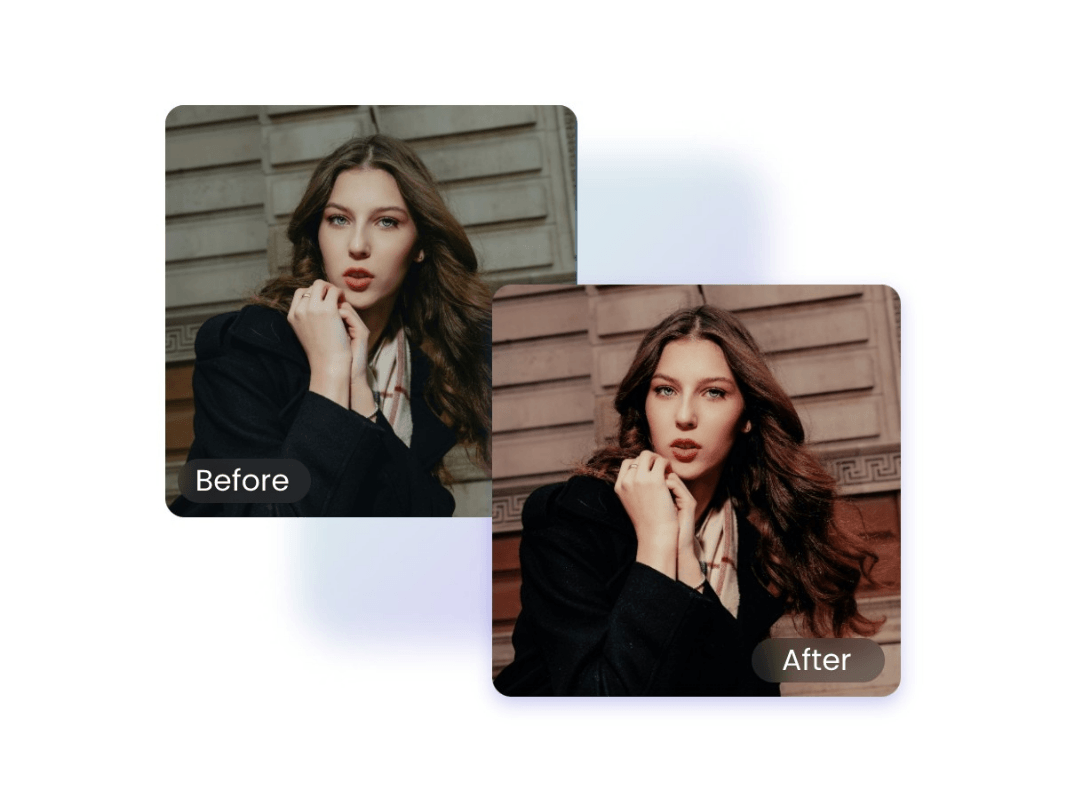
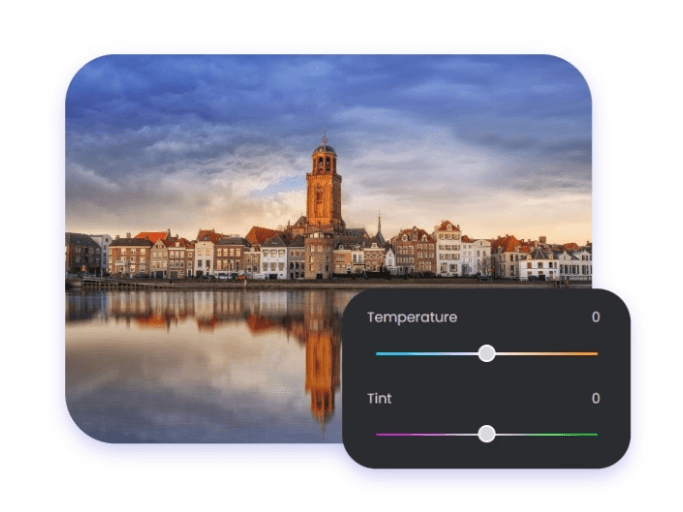
Replicate 35mm film textures with sophisticated color grading. Perfect for dramatic, movie-like storytelling.


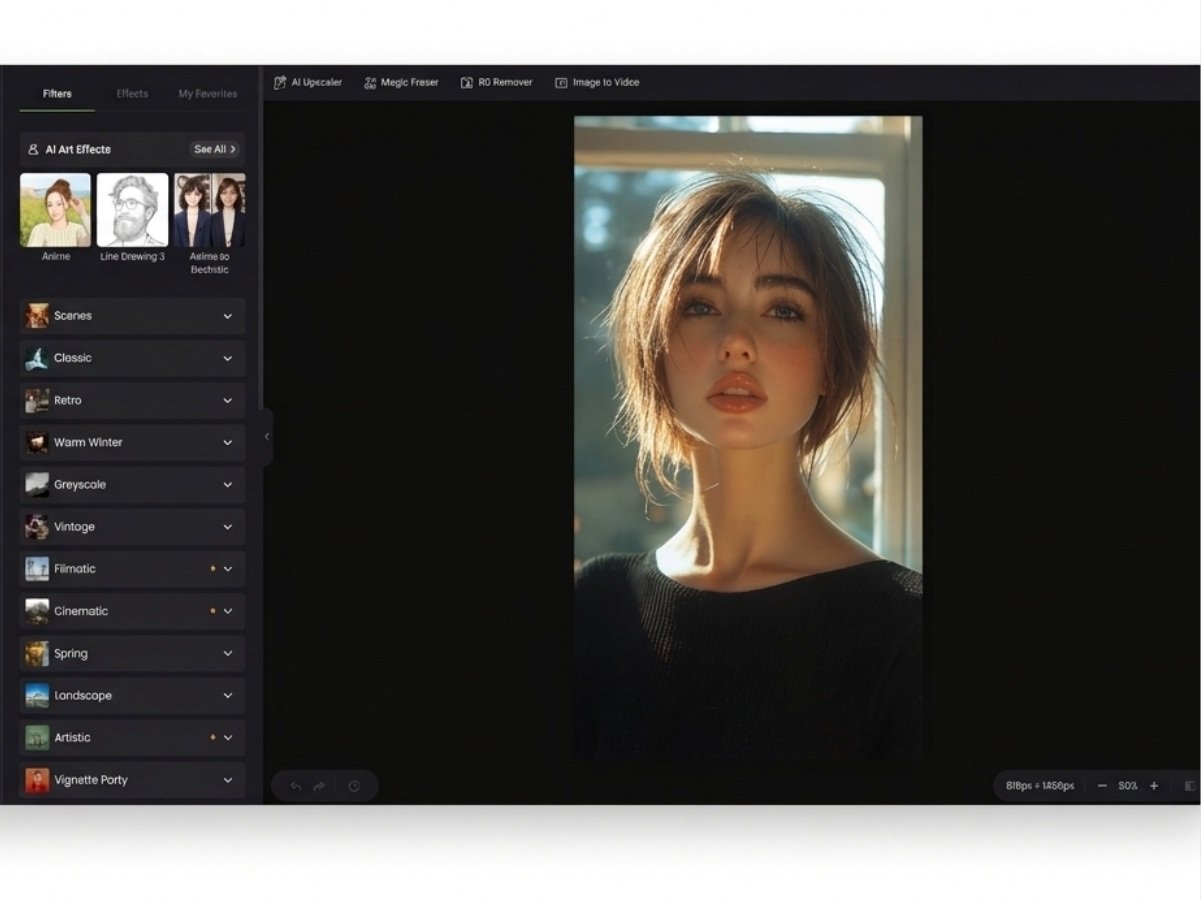
Easily add photo effects to photos with our photo filters online free. Apply cinematic filters and vintage textures, updated for 2026 trends in one click.
Click or drop an image here to upload.
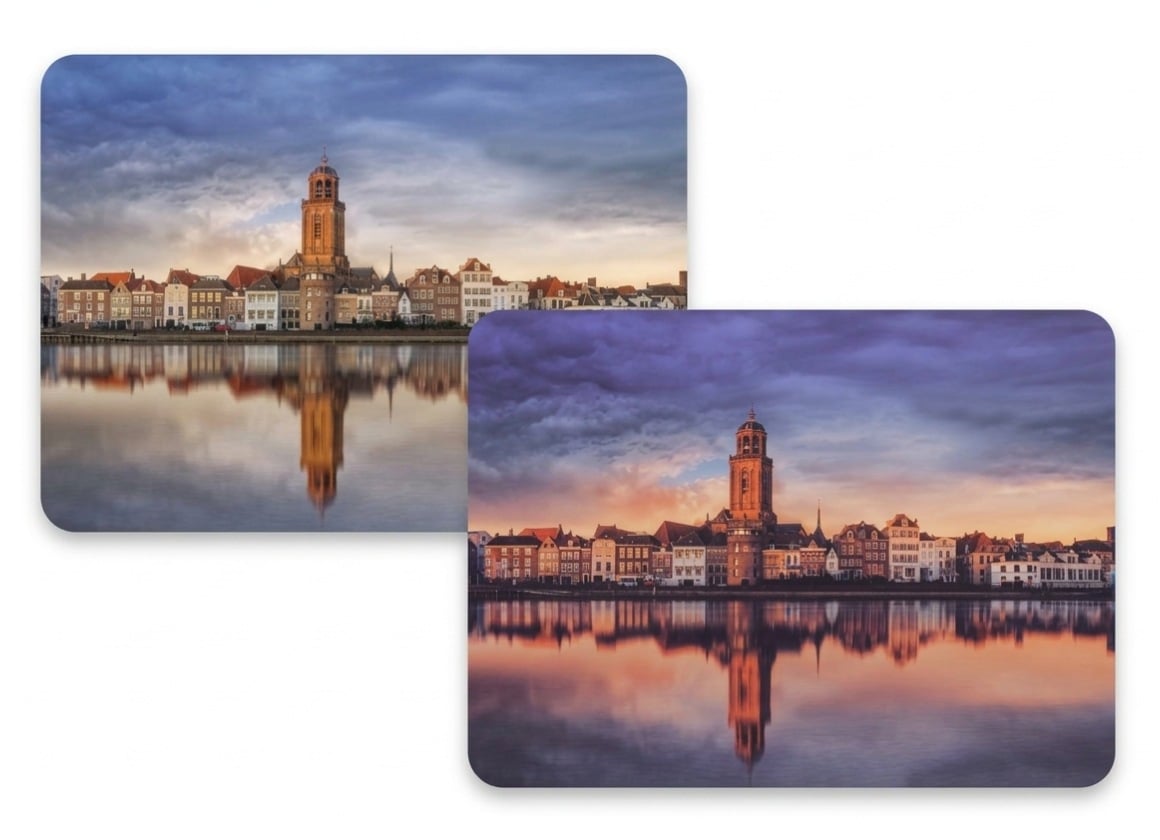
Cinematic Color Grades: Professional-grade palettes designed for dramatic storytelling. Ideal for YouTube thumbnails and portrait photography.
Analog Film Emulation: Authentic textures that replicate the soul of 35mm classic film, including organic grain and light leaks.
Vintage & Retro: Retro photo filters from the 70s, 80s, and 90s to give your modern shots a nostalgic soul.
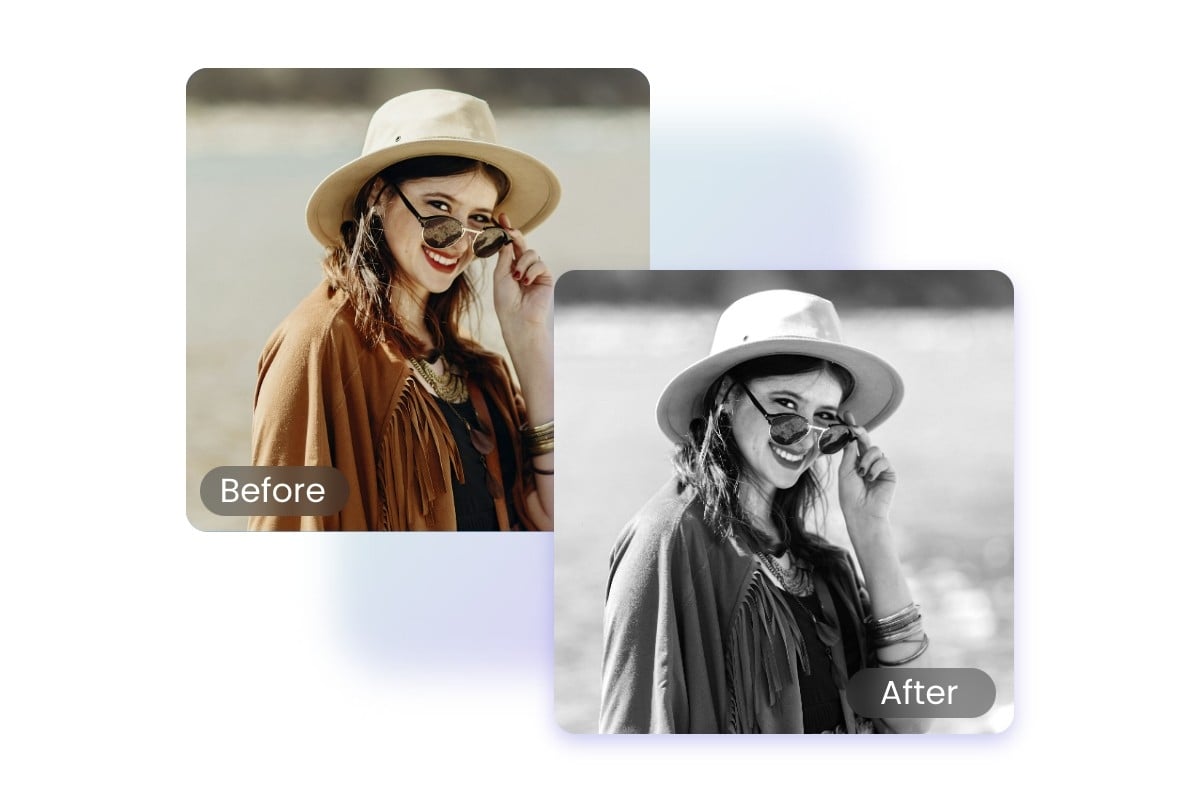
Sepia & Monochrome: High-contrast black and white filters that focus on texture, light, and pure emotion.
HDR Pro: Expand your dynamic range to recover hidden details in shadows and highlights for a striking, real-world look.
Lens Flare & Glow: Add realistic atmospheric halos and warm sunlight. Perfect for enhancing photos to illuminate subjects.
Tilt-Shift & Depth: Direct the viewer’s eye by simulating high-end lens blur and miniature-scale focus.
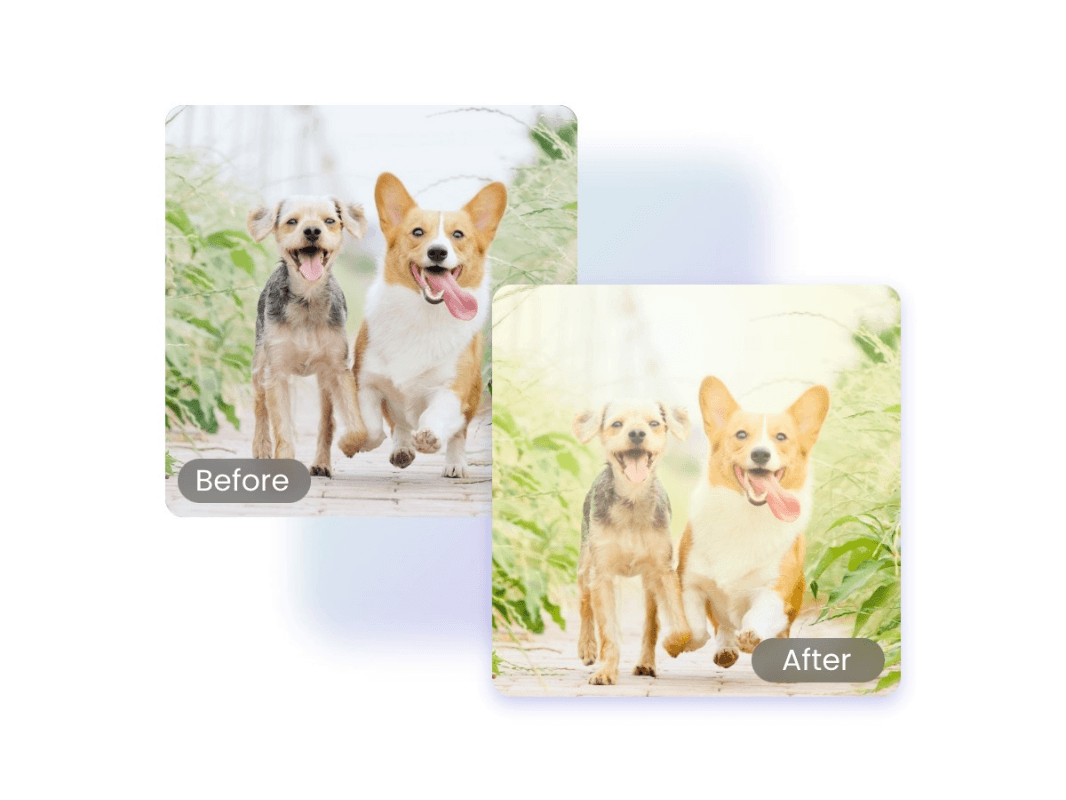
Soft Focus: Achieve a dreamy, ethereal glow perfect photo effects for portraits and romantic aesthetics.
Glitch & Digital Art: Edgy, contemporary distortion effects like pixelation and color shifting for a futuristic vibe.
Duotone & Pop: Bold, two-tone color schemes designed for high-impact social media branding and graphic design.
Aesthetic Presets: One-tap solutions curated for Instagram and TikTok trends, ensuring a consistent visual feed.
Texture Overlays: Add grit, dust, or paper textures to give digital images a tactile, handcrafted feel.
Refine every detail of your workflow with our suite of precision tools. From cinema-standard color grading to online portrait retouching, achieve a cohesive look for all your visual projects.
Add your photo to our secure online photo editor. Pro Tip: Raw or high-resolution images yield the best cinematic color grading results.
Replicate 35mm film textures with sophisticated color grading. Perfect for dramatic, movie-like storytelling.
Curated filters for modern trends, from clean minimalist looks to authentic Polaroid styles.
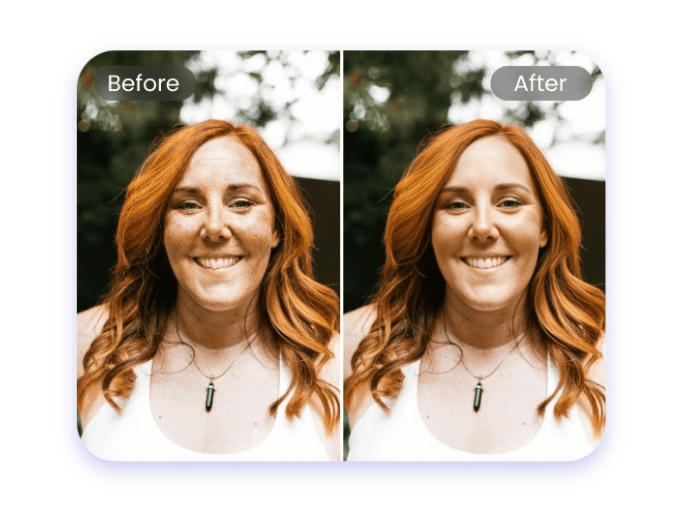
Maintain 100% skin tone accuracy with our non-destructive intensity slider. High-end results without complexity.
We understand the frustration with "flat" filters. Fotor’s analog film emulation goes beyond a simple grain overlay. We analyze the color science of classic stocks (like Kodak and Fujifilm) to replicate specific shadow tints and highlight roll-off. For the most authentic look, we suggest using our intensity slider to blend the texture naturally with your original light source.
This is a common challenge in color grading. To protect natural skin tones, Fotor’s engine is designed to prioritize mid-tone clarity. If an effect feels too aggressive, use our Portrait Refinement tools afterward to restore skin luminance. Our goal is to give you a "movie-like" vibe while maintaining 100% skin texture accuracy.
Your image quality is our priority. Fotor utilizes non-destructive editing technology. Whether you apply a lens flare or a glitch effect, we process the changes as high-fidelity layers. You can export your final work in HD formats (JPG/PNG) without sacrificing the sharpness needed for large-scale printing or high-res social feeds.
Most filters just "stamp" a static image on top. Fotor’s Lens Flare & Glow effects use optical simulation to mimic how light actually hits a camera lens. We recommend placing the effect's center near your photo’s actual light source to create a realistic, atmospheric halo that feels like it was captured in-camera.
For the 2026 minimalist trend, less is more. We’ve curated a specific Aesthetic Presets category that focuses on brightening whites and softening shadows.
While filters can't create light where there is none, our HDR Pro effect is specifically designed to recover hidden details in shadows. By expanding the dynamic range digitally, you can bring back clarity to underexposed areas before applying a creative color grade to unify the mood.
Consistency is key for brand identity. Once you find a visual narrative you love, we recommend noting the specific photo effects for Instagram and its intensity percentage. By applying the same "recipe" across your set, you’ll achieve a cohesive aesthetic. Many of our users stick to the Cinematic & Analog collection for a unified, high-end portfolio look.
High-end Monochrome editing is about more than just removing color. Fotor’s black and white effects allow you to emphasize texture and luminance. Our "High Contrast" and "Noir" filters are engineered to mimic darkroom techniques, pushing the blacks and pulling the highlights to create a deep, soulful impression.
Access a library of 300+ curated effects and advanced color grading tools that are updated for March 2026 trends. Whether you are replicating classic film textures or building a modern aesthetic, Fotor provides the precision you need to transform your imagery instantly.