


GTA 6 Filter: Turn Photos into GTA 6 Style
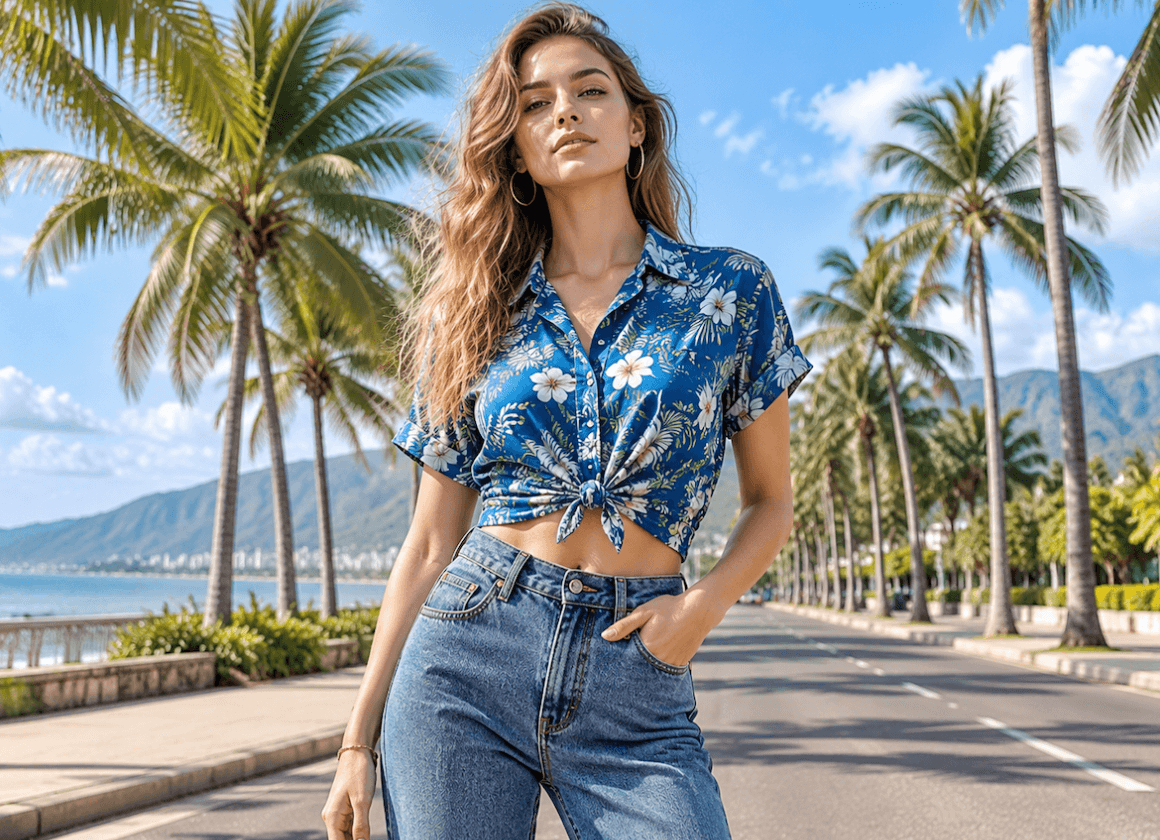
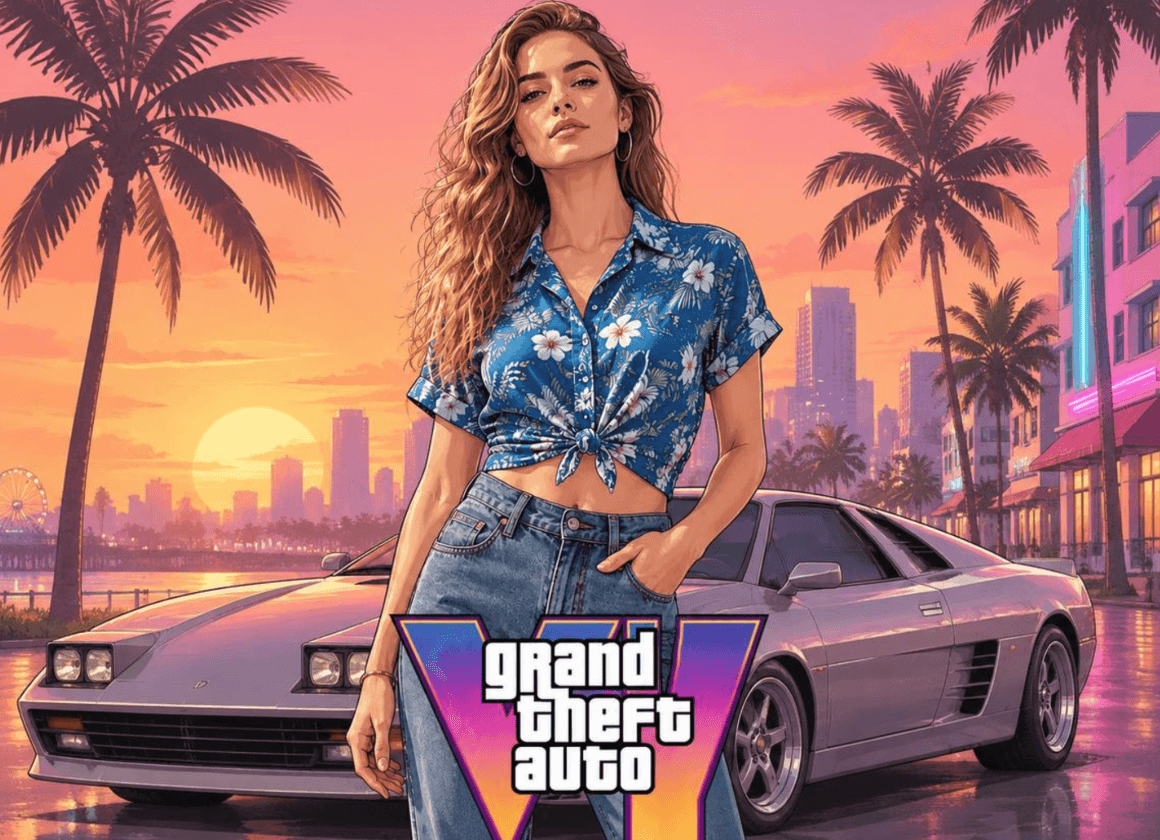
AI GTA Filter lets you transform ordinary selfies and portraits into eye-catching game-style artwork. GTA 6 photo filter gives your photos a bold illustrated look inspired by GTA 6. Upload a picture and create your own GTA 6 style character portrait online with Fotor's Grand Theft Auto 6 AI Filter.
Drag your image here or click to upload
See Yourself and Your Pets in GTA Effect
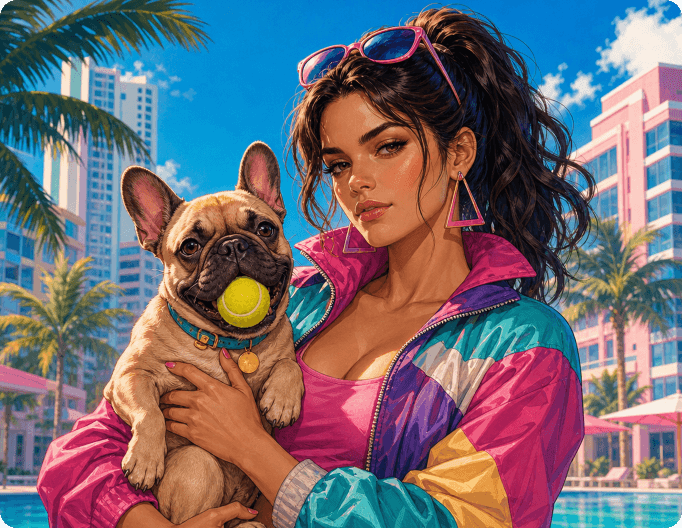
How to Use the GTA VI Photo Filter in Fotor?
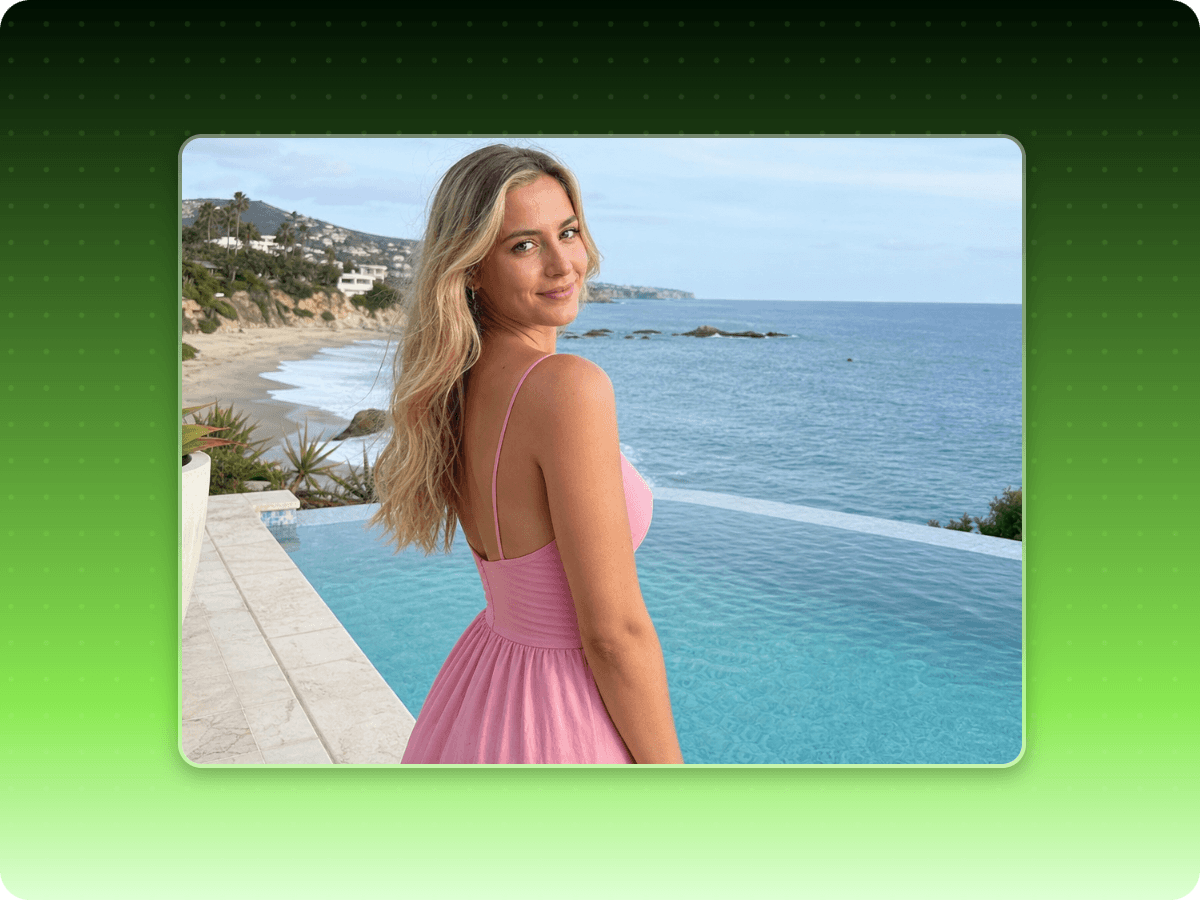
1. Upload Your Photo
Upload a clear selfie, portrait, or group photo that you want to transform into the GTA 6 artwork.
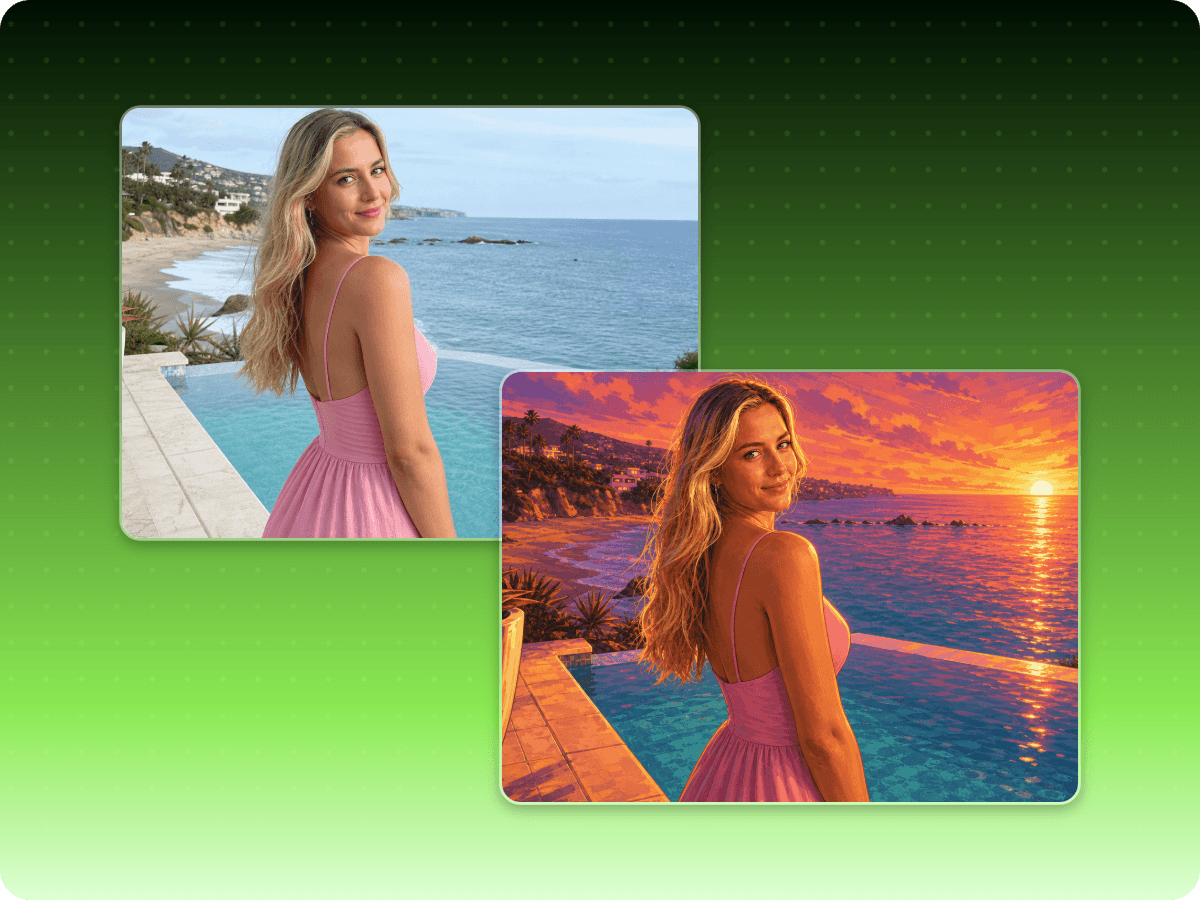
2. Apply the GTA Filter
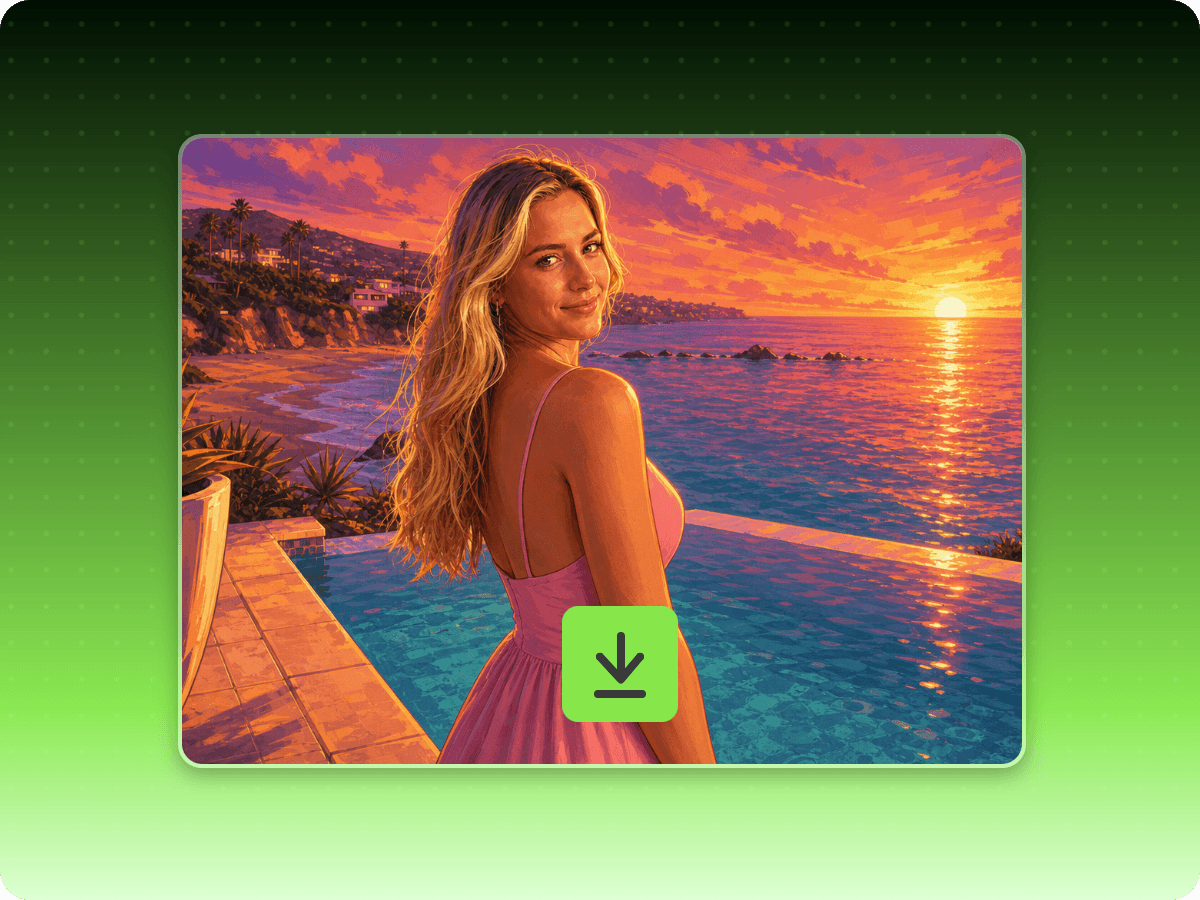
3. Preview and Download
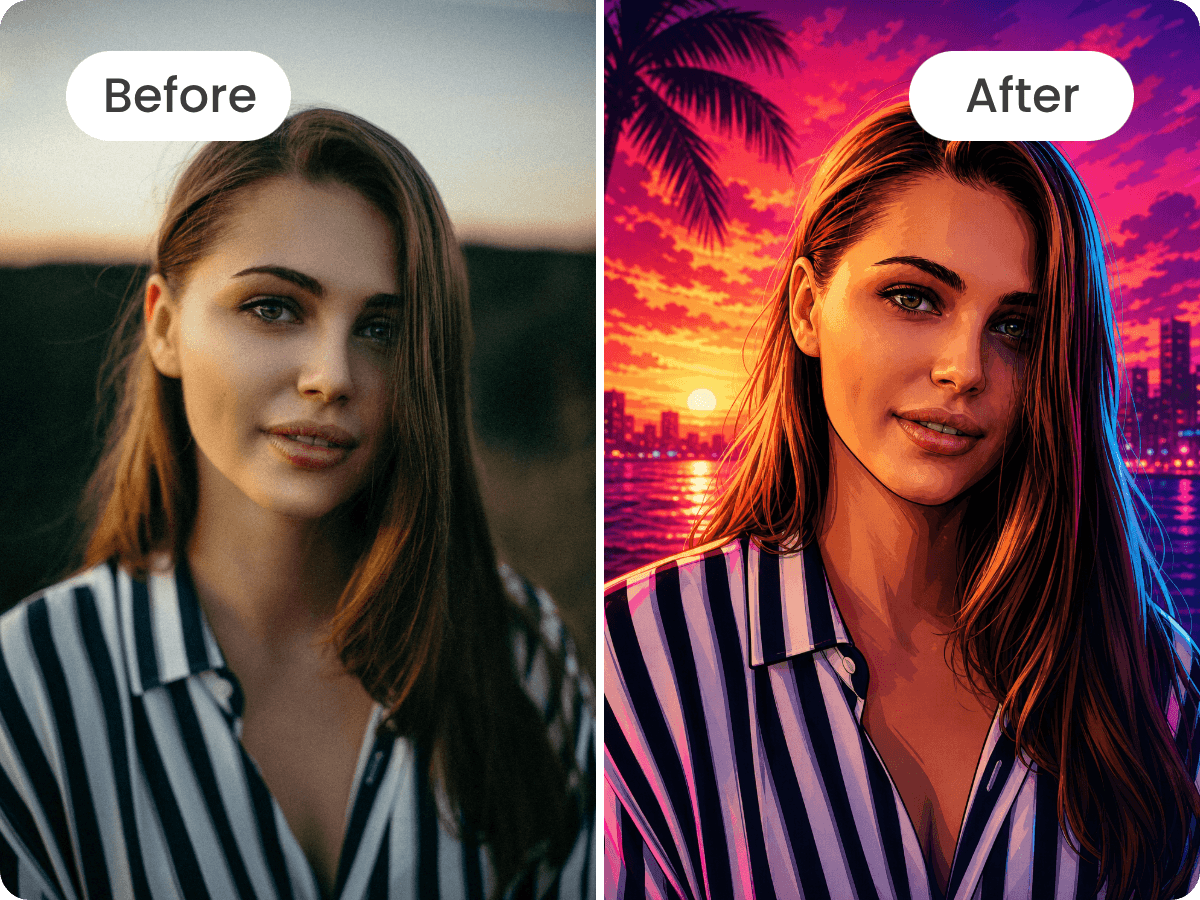
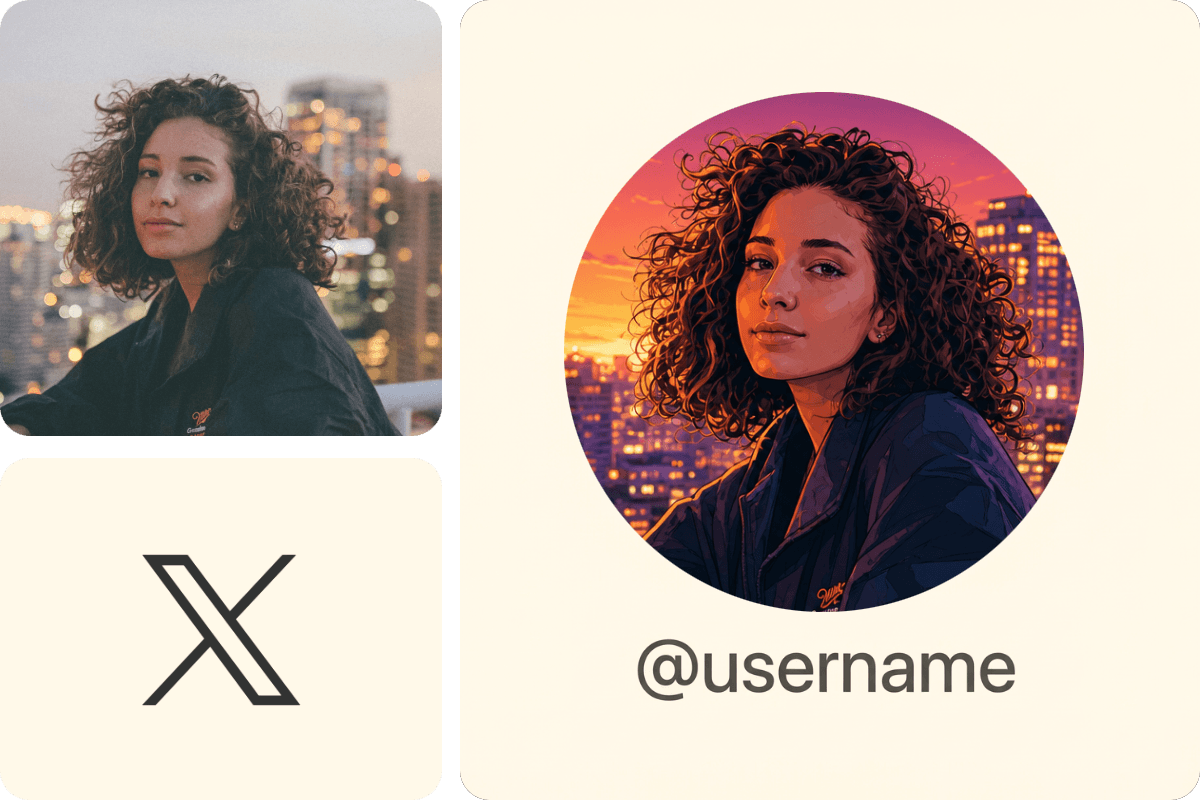
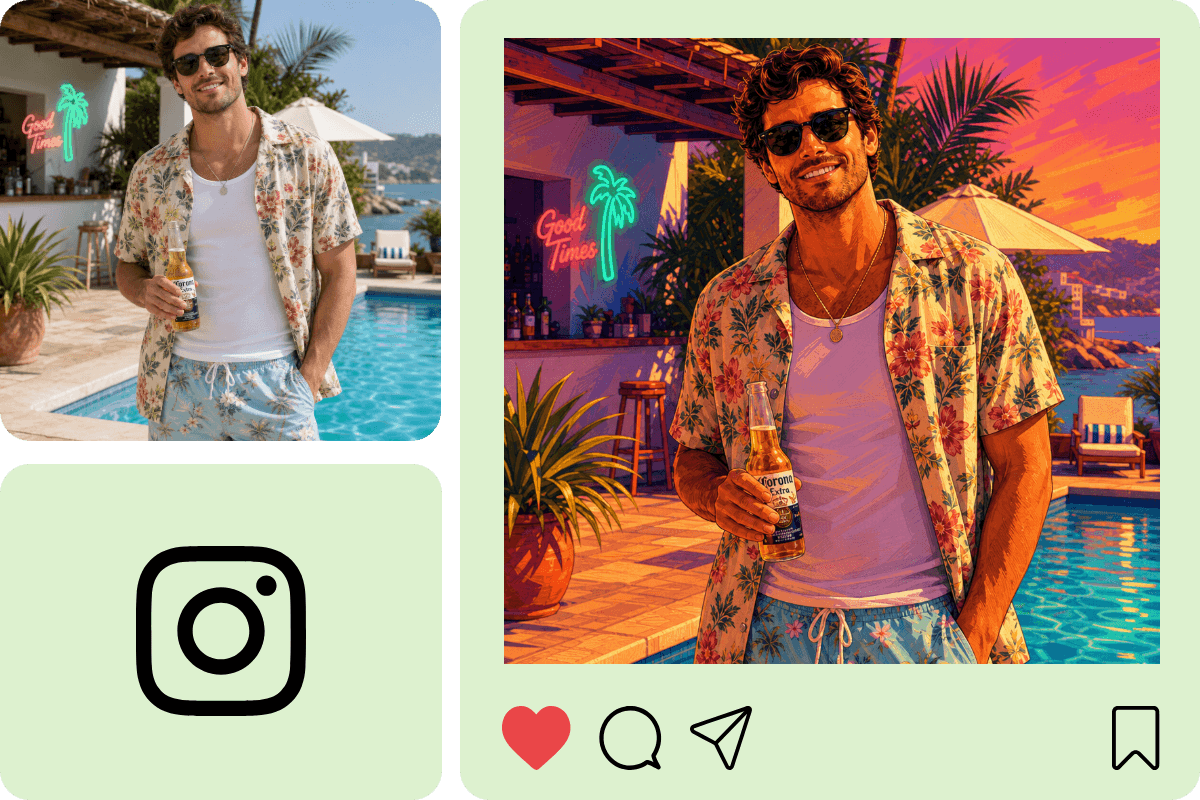
Turn Photos into GTA 6 Characters
Upload a selfie or portrait, and Fotor's GTA 6 Filter turns it into an illustrated character portrait with rich colors and defined outlines. You can start with a close-up or a full-body photo. After creating your image, explore Fotor's AI photo filters for other looks.
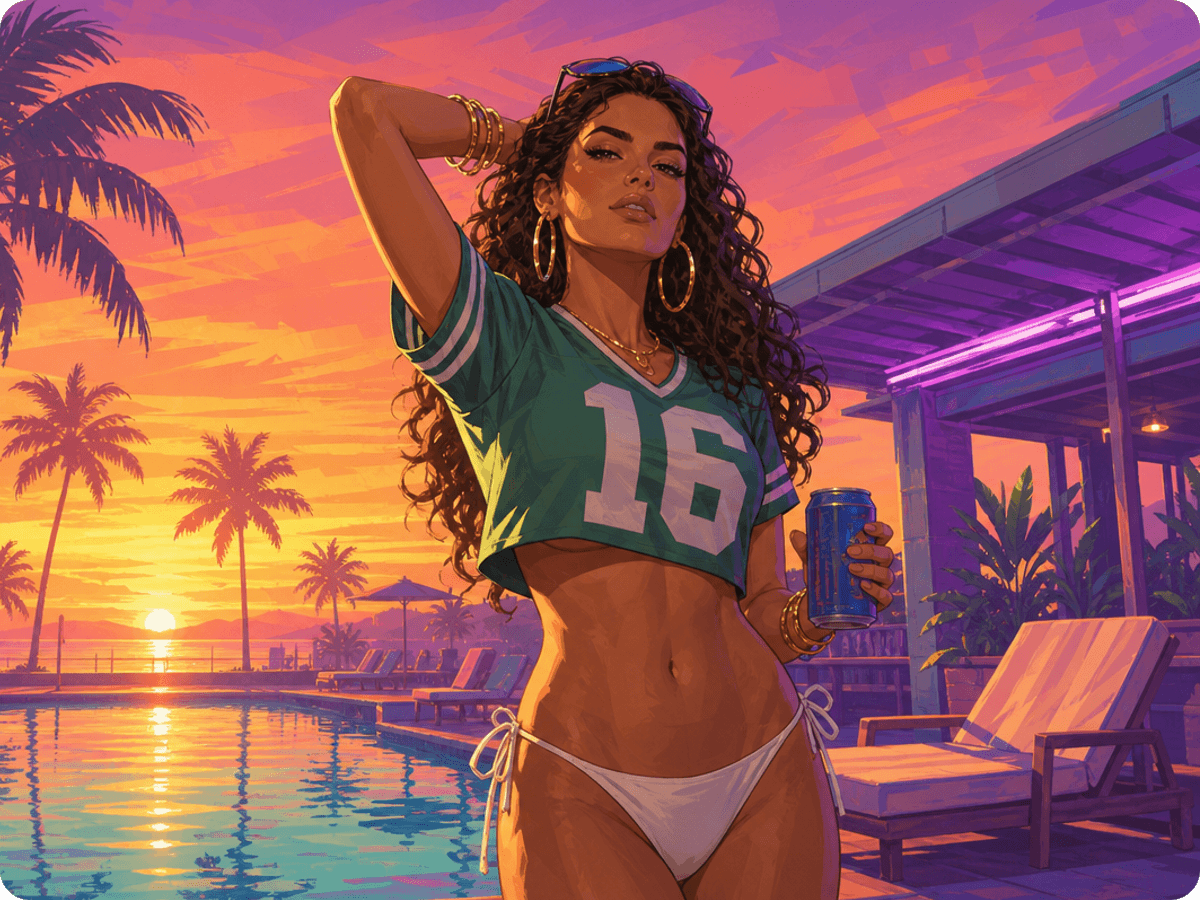
Create GTA 6 Loading Screen Art
Give your portrait the look of a GTA 6 Loading Screen, with a clear focal point, vivid color, and a cinematic backdrop. Start with a photo, then use Fotor's AI Image Generator to explore a new background or composition. Bring the visual mood of the GTA 6 trailer to your own photos as a profile visual, fan poster, or social post.
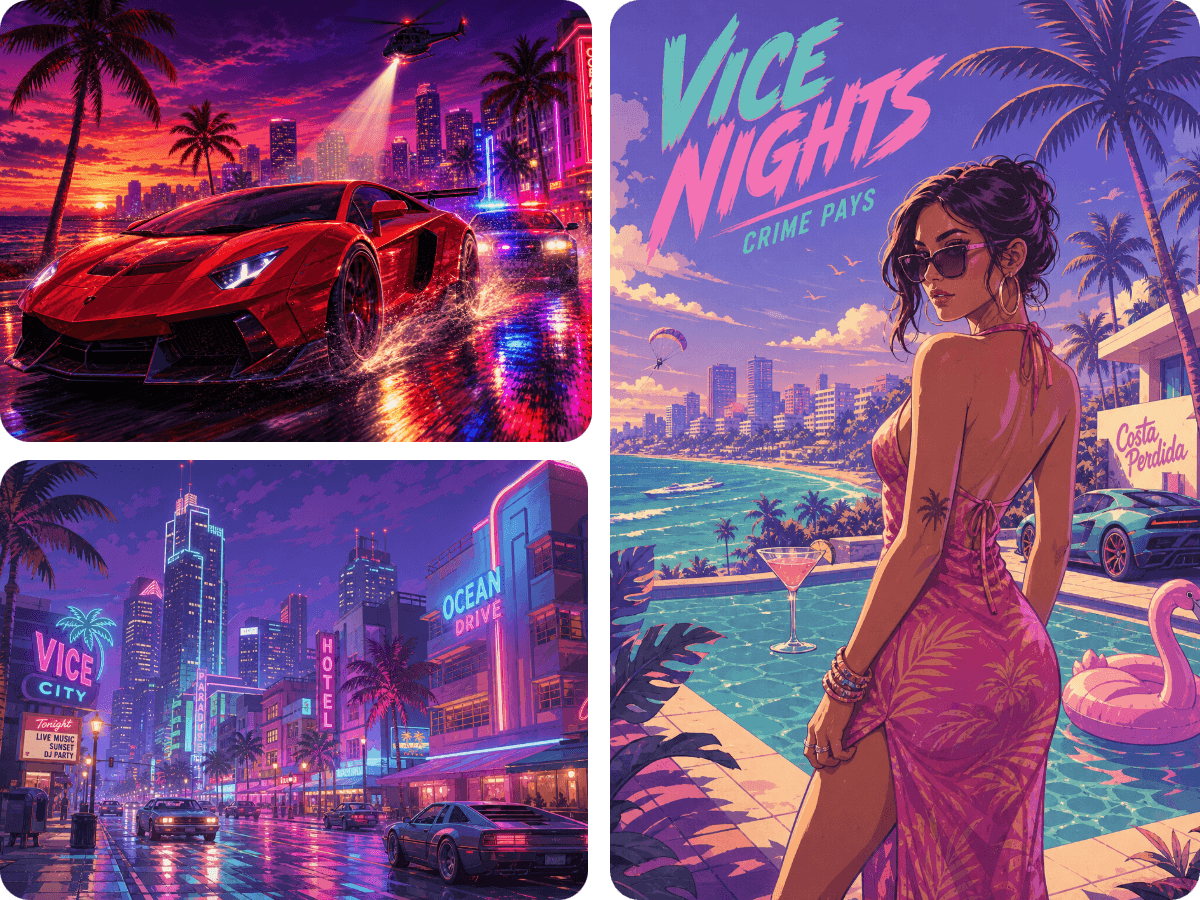
Explore Different Scenes with the GTA 6 Photo Filter
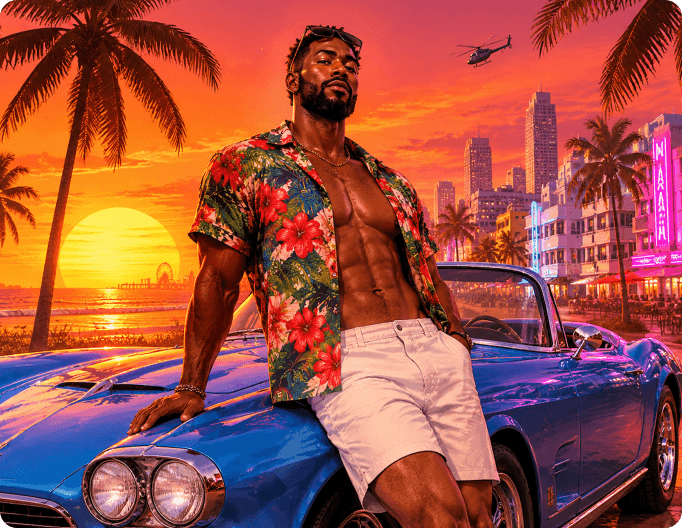
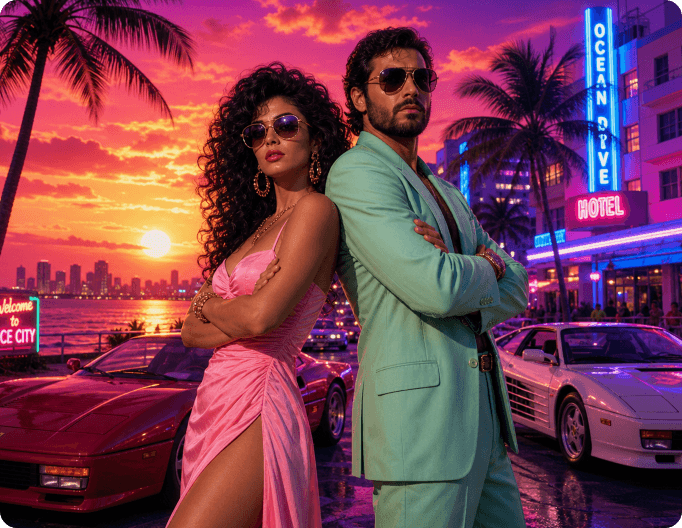
Fotor provides multiple background scenes to give each photo a different setting and mood. Fotor's GTA VI Filter makes it easy to move from an urban backdrop to a coastal view without taking another picture. You can also fine-tune the setting with Fotor's Background Changer if you want more control over the background.
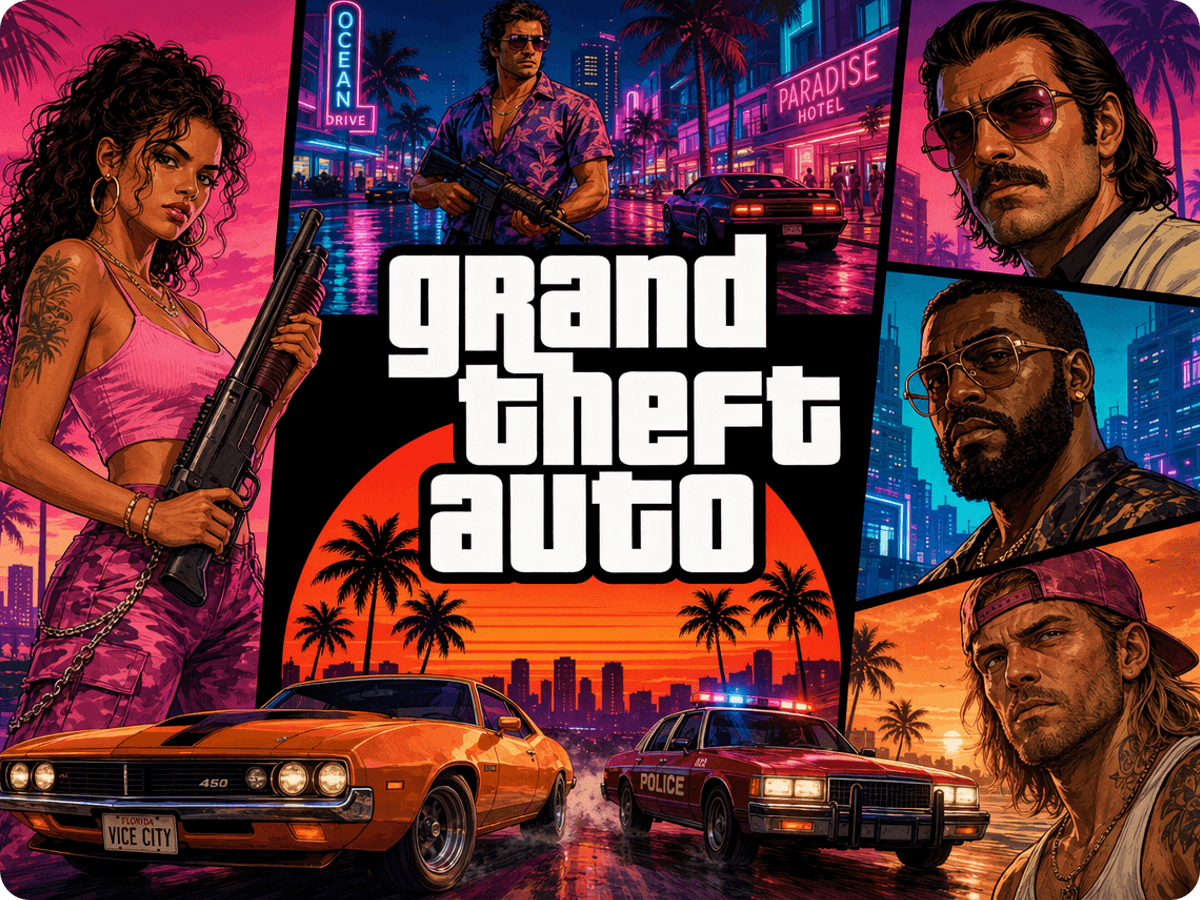
Make Custom GTA 6 Game Covers
Turn your finished photo into a custom GTA 6 cover, fan poster, or social post. Add a big Grand Theft Auto title, arrange visual elements, and choose a layout that suits your idea. Fotor's Poster Maker gives you editable templates, fonts, and design assets, so you can build a polished cover without starting from a blank canvas.
What Can You Create with the GTA Filter?
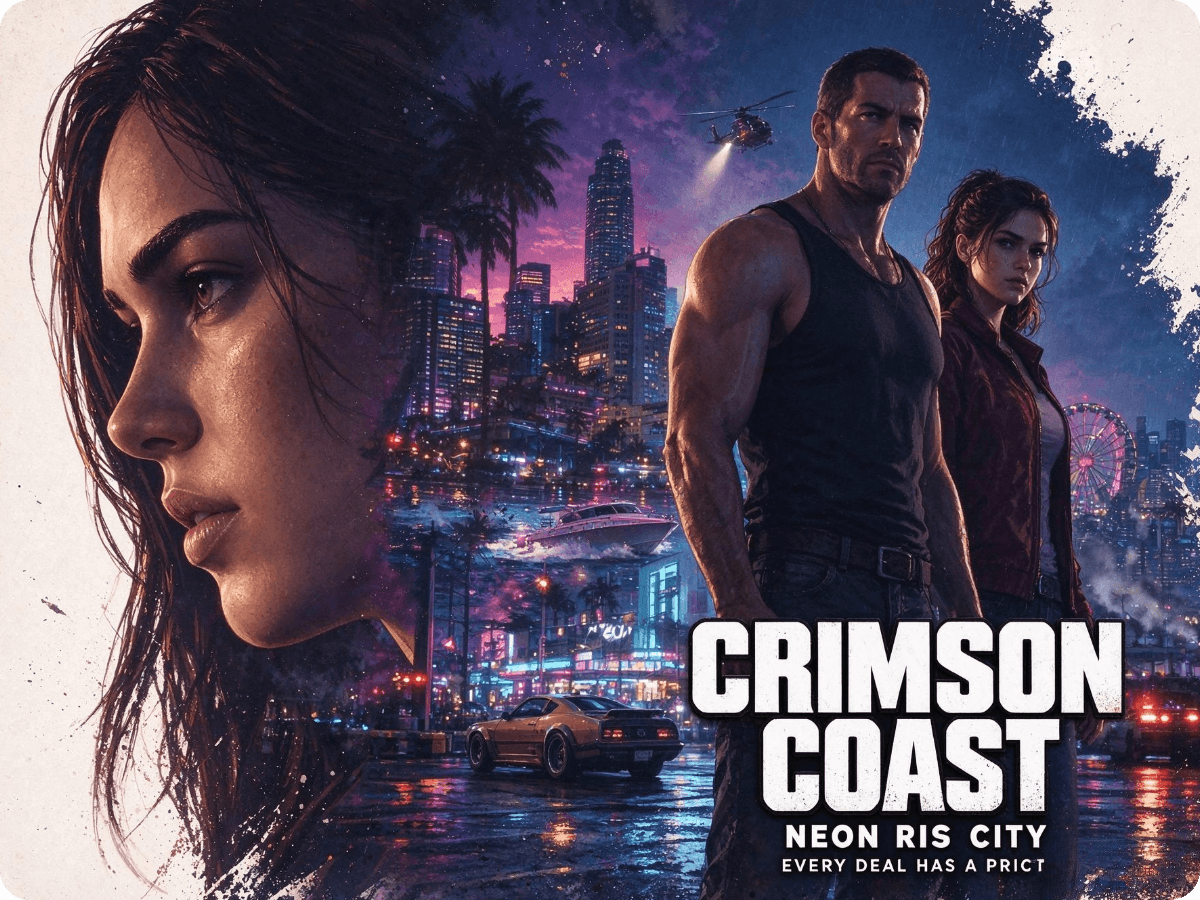
Design Your Own GTA Poster
Turn your finished image into a Grand Theft Auto poster for your room, desk setup, or gaming space. Add a headline, choose a layout, and bring in other design elements with Fotor’s editing tools. It’s a simple way to give your favorite GTA Filter result a place beyond your camera roll.
FAQs
1. Is Fotor's GTA Filter free?
Yes. You can use Fotor's GTA Filter with daily free credits. The available credits determine how many images you can generate.
2. Will the GTA Filter preserve my original facial features?
Fotor's AI aims to retain recognizable facial features while changing the overall look of your photo. However, small details such as facial expressions, hairstyles, and clothing may look different in the final result.
3. Can the GTA Filter recreate specific GTA 6 characters or scenes?
The filter transforms your uploaded photo into a new image with a GTA game look. It doesn't guarantee an exact recreation of specific characters, locations, vehicles, or scenes from the game.
4. What Type of Photos Work Best with the GTA Filter?
Clear, well-lit photos with visible faces usually produce better results. Try to avoid heavy shadows, motion blur, or objects covering the face. A photo with the subject in focus gives the AI more visual details to work with.
5. Can I Use a Black-and-White Photo with the GTA Filter?
Yes. You can upload a black-and-white photo and let the AI give it a fresh visual treatment. The final image may include new colors and lighting effects, so it doesn't have to retain the original photo's monochrome appearance.
6. Can I Generate Different Results from the Same Photo?
Yes. You can run the filter again using your available credits to get another result. Different generations may vary in color, composition, and visual details, giving you more options to choose from.