
Fast Image Vectorization
Convert JPG and PNG images into vector graphics quickly with Fotor's AI online vectorization tool.


Use Fotor's AI image vectorizer to convert JPG and PNG images into scalable vector graphics. Turn logos, icons, and illustrations into vector artwork for digital designs and print projects.
Drag your image here or click to upload
Convert JPG and PNG images into vector graphics quickly with Fotor's AI online vectorization tool.
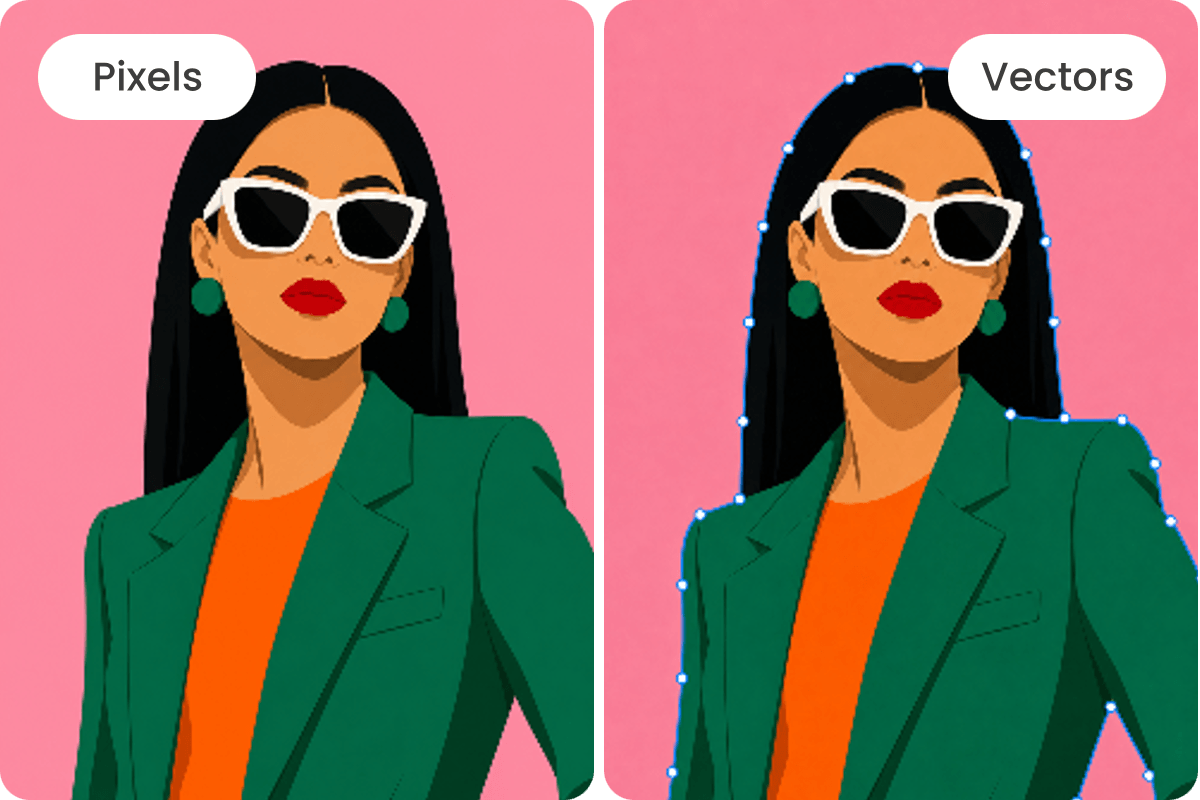
Scale vector graphics freely without pixelation, keeping logos, icons, and illustrations clear at different sizes.
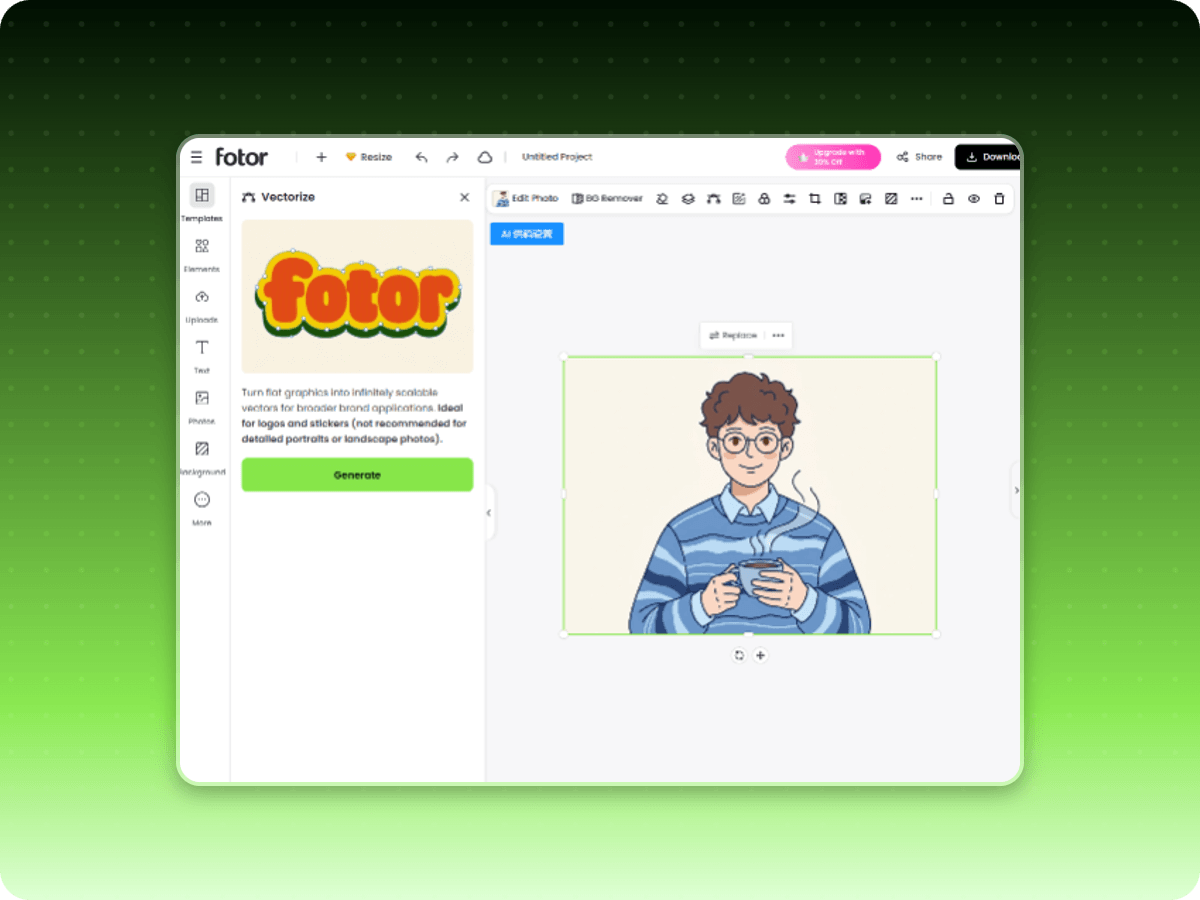
Upload an image and vectorize it in your browser, with no desktop software installation required.
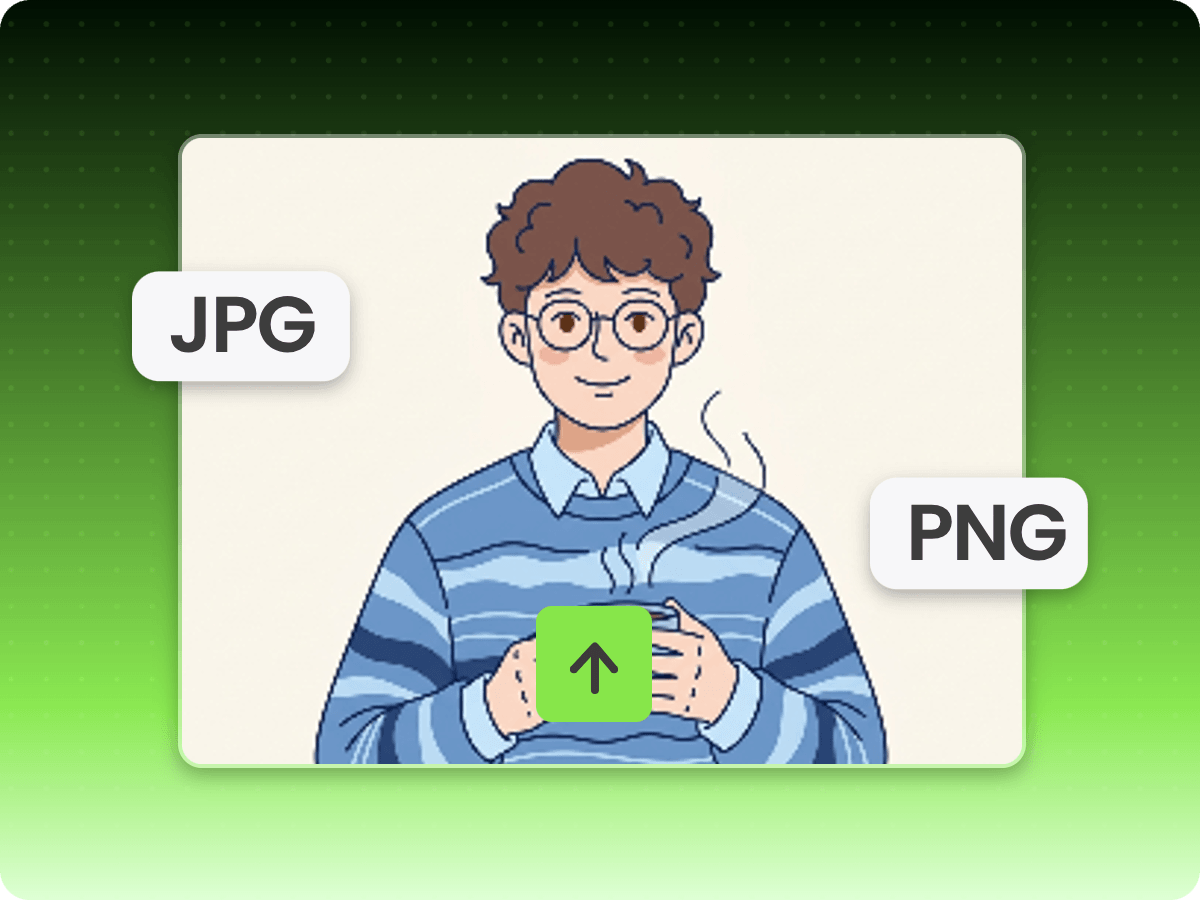
Upload a JPG or PNG image you want to convert into vector graphics.
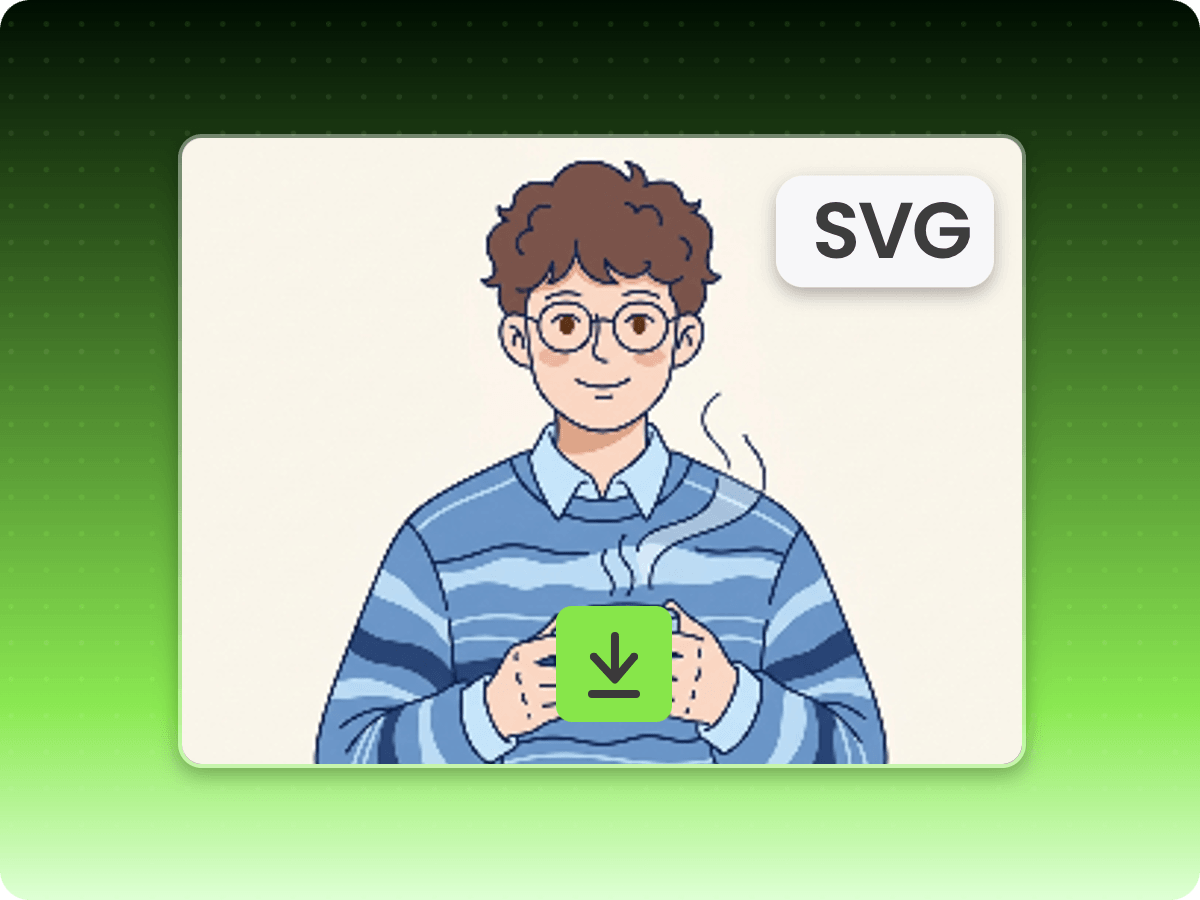
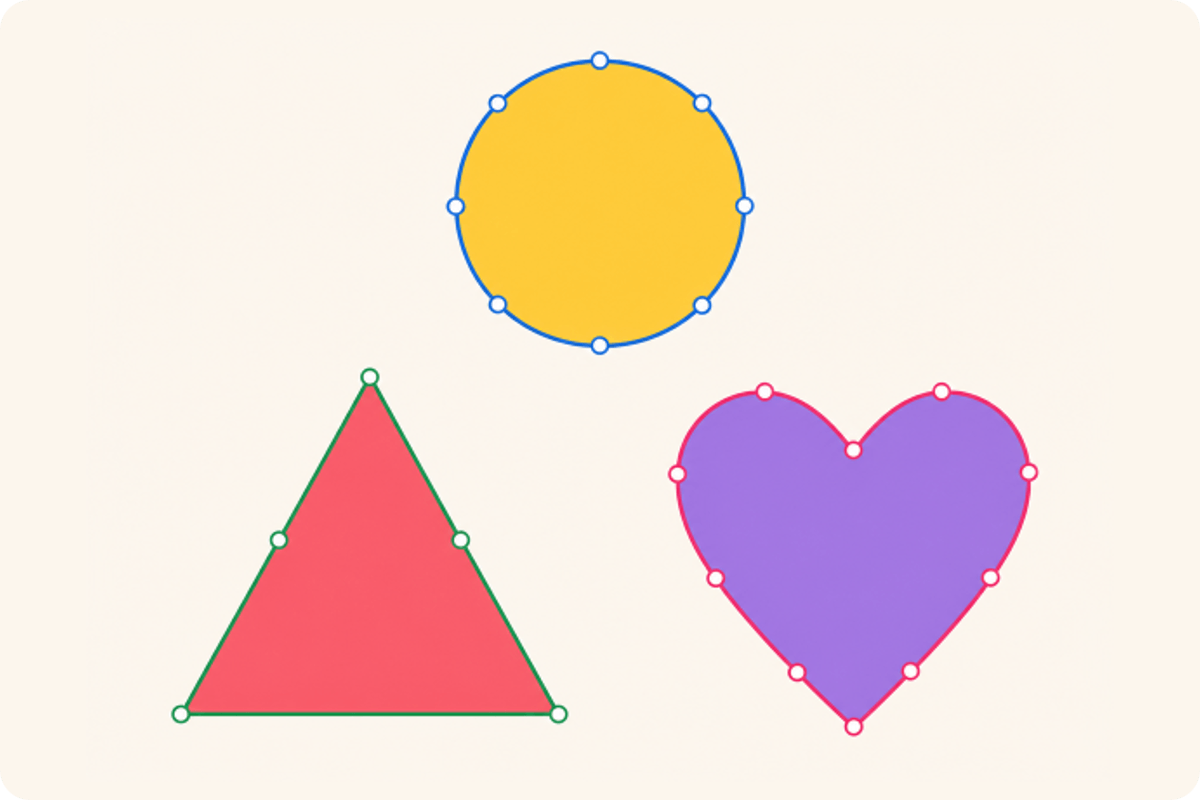
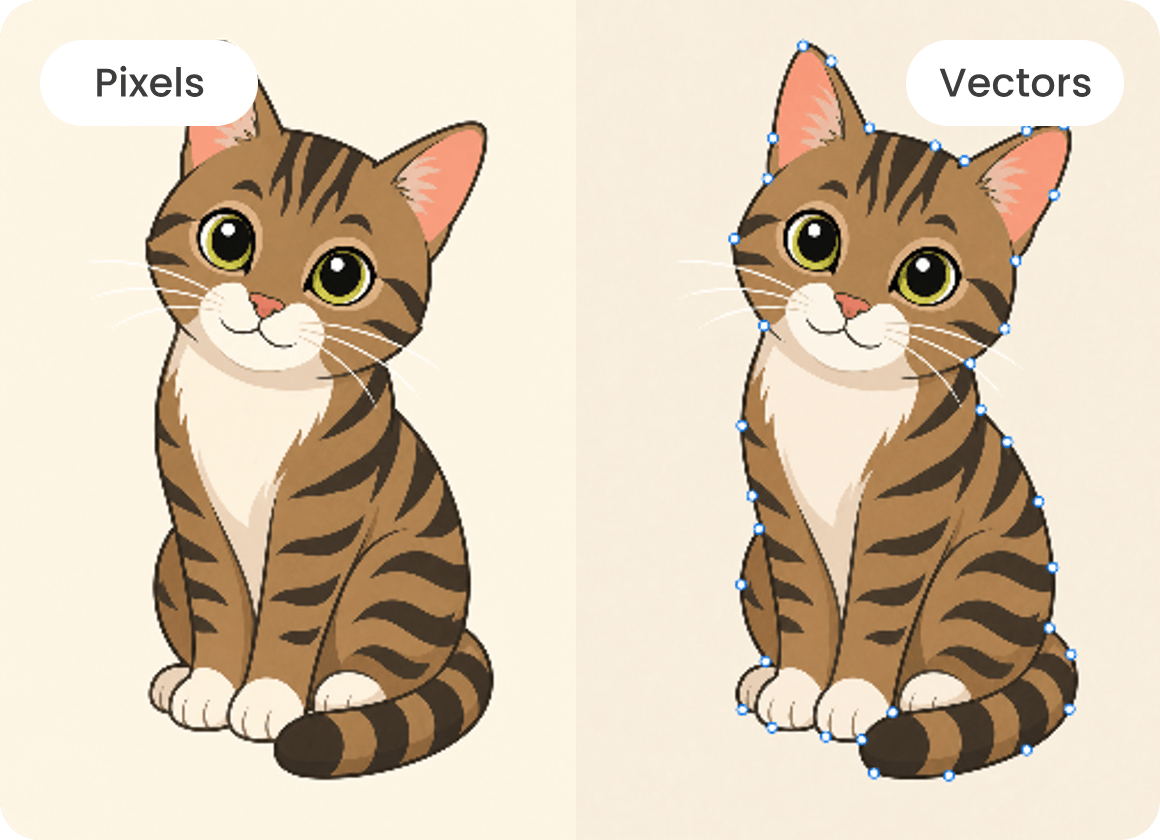
Upload a JPG or PNG and turn the image into vector artwork rather than keeping it as a fixed grid of pixels. Fotor's AI image vectorizer traces the artwork's visible contours to create a vector-based version you can use in different design projects. It's a practical way to convert existing logos, icons, and illustrations.
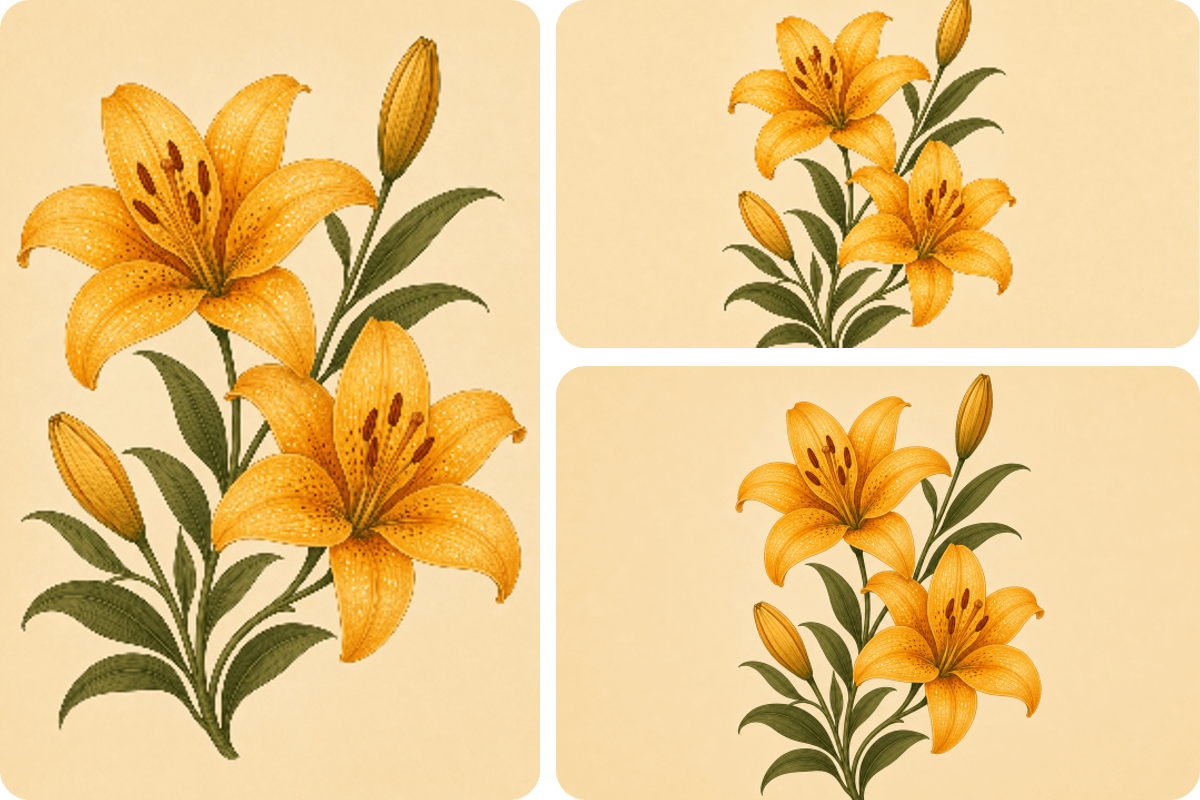
Once converted into a vector file, artwork can be enlarged or reduced for different layouts without the pixelated edges associated with raster images. Reuse the same logo, icon, or illustration across websites, presentations, posters, and product designs. If you only need a larger, clearer JPG or PNG, try Fotor's AI Image Upscaler instead.
Vectorization traces visible outlines and color areas in an image, turning them into shapes that define the artwork. Clean, high-contrast graphics usually provide a better starting point than photos with complex textures or gradients. Need to remove a distracting backdrop first? Use Fotor's Background Remover to prepare the image before conversion.
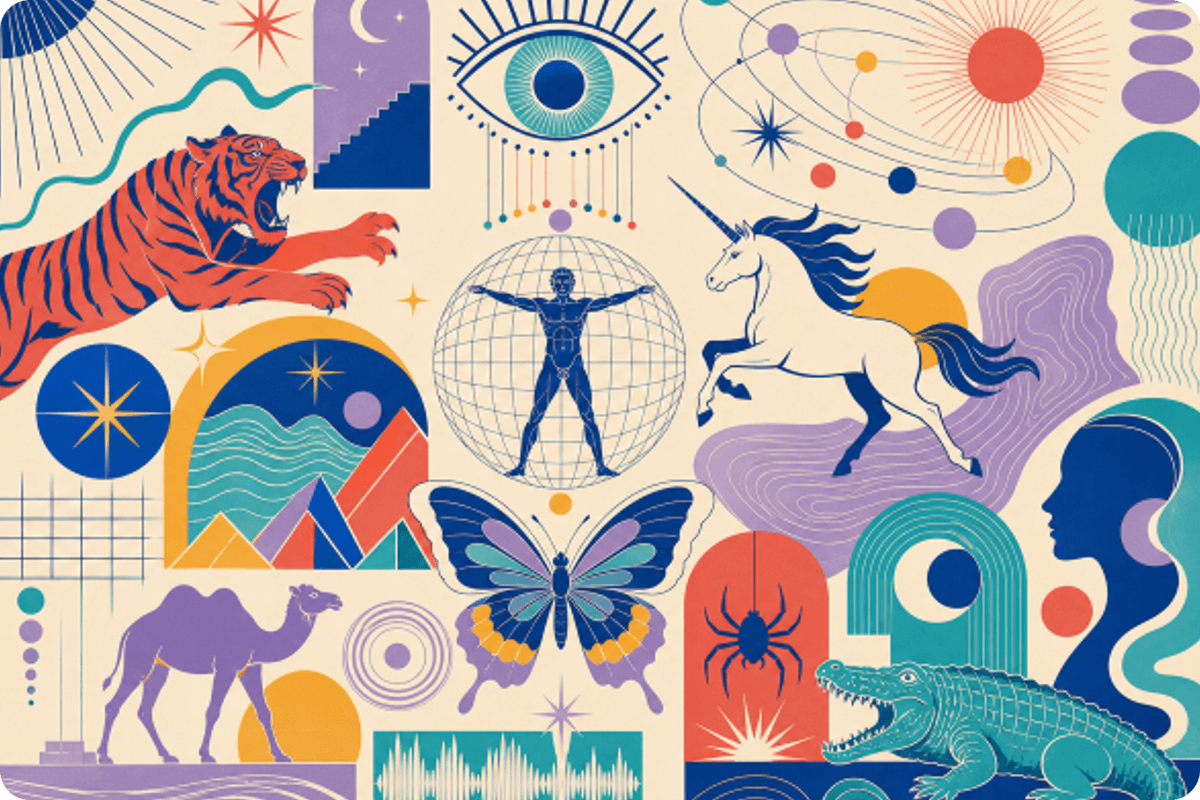
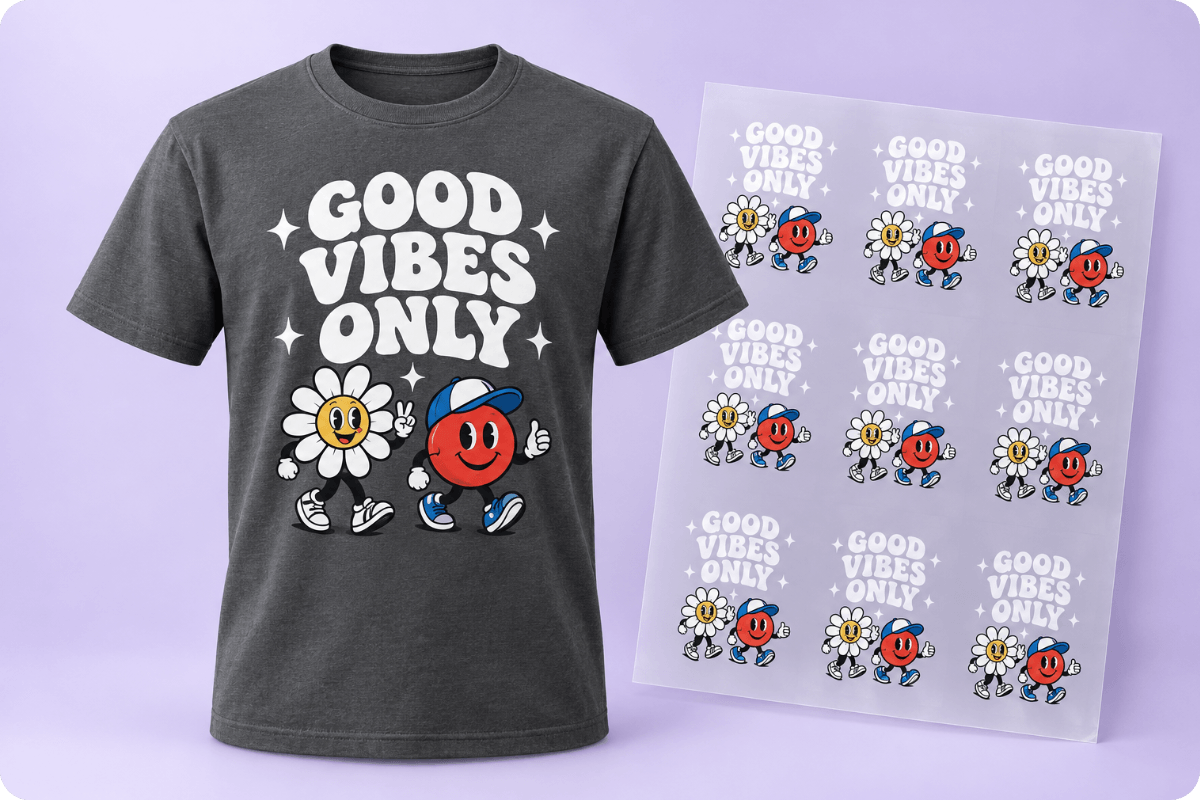
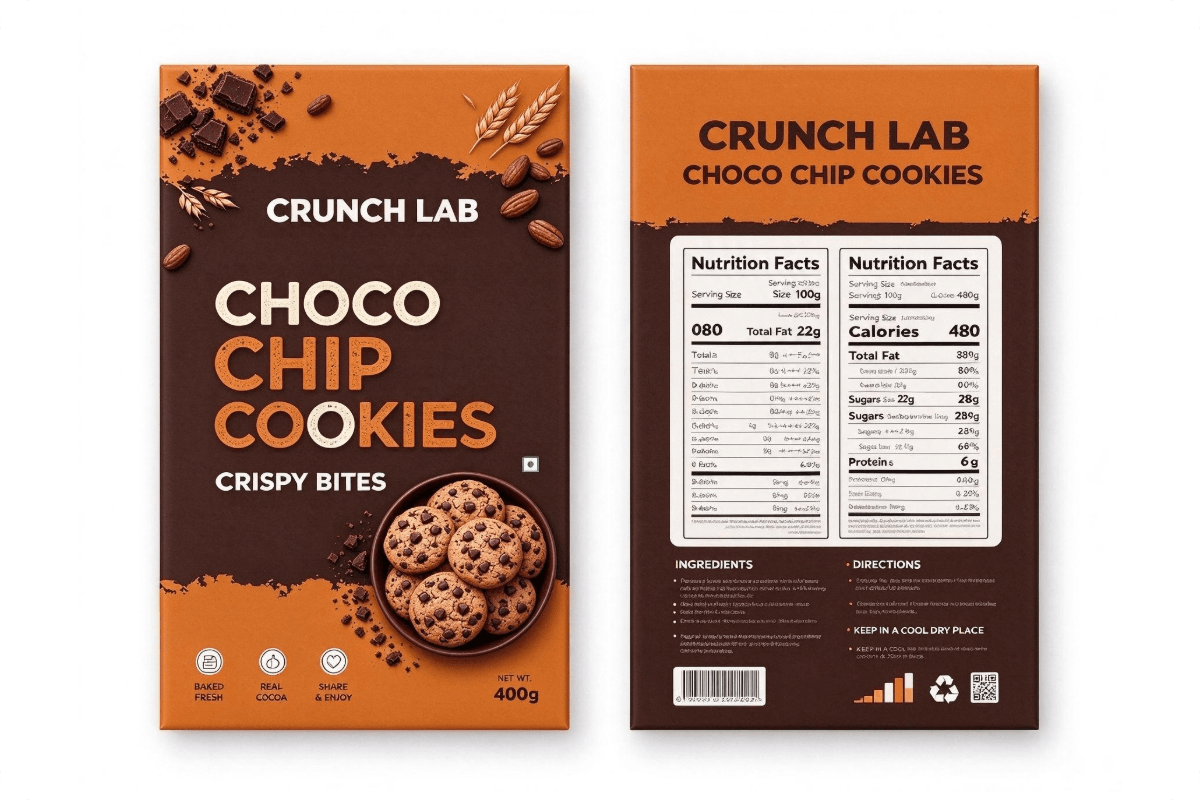
A vector file gives you a reusable asset for website graphics, social posts, packaging, merchandise, and print layouts. Instead of rebuilding the artwork for every new size, keep one scalable version ready for different projects. Starting a new brand identity rather than converting an existing logo? Explore Fotor's Logo Maker for customizable logo designs.
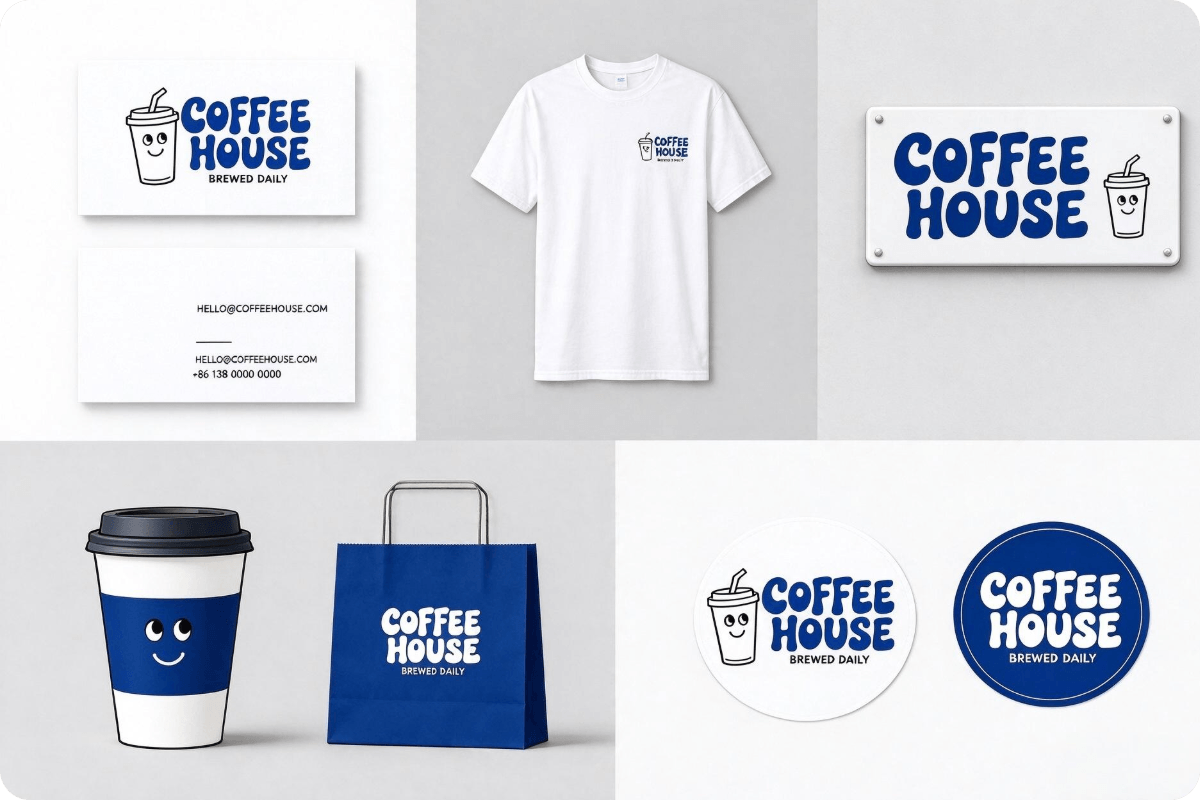
A logo may look sharp on a website but become pixelated when enlarged for signage, business cards, or event displays. Vectorize a logo from an existing JPG or PNG to create artwork that can scale across different brand materials. This image-to-vector workflow is especially useful when the original design file is missing or only a small raster copy is available.
Yes. Fotor offers free image vectorization. You can convert one image for free without signing in. After logging in, you can access daily free credits for additional conversions, making it easy to vectorize images regularly without an immediate subscription.
Yes, but the quality of the original image affects the vectorization result. Low-resolution or blurry logos may have unclear edges, making it harder to create accurate vector outlines. For better results, use the clearest available version of your logo before starting the conversion.
The results depend on the source image and its complexity. Simple graphics with solid colors and defined outlines are generally easier to trace accurately. Photos with gradients, shadows, textures, or intricate details may be simplified during vectorization, so the result may not look exactly like the original.
Not necessarily. Image vectorization converts visual elements into vector graphics, but it does not automatically mean the background will be removed. If you need a transparent background, remove the unwanted background separately before vectorizing your image.
Vectorizing converts raster artwork into vector-based shapes and paths, allowing it to scale without pixelation. Image upscaling, on the other hand, increases the pixel dimensions of a raster image to improve its resolution and appearance. Choose vectorization for scalable graphics and upscaling when you need to retain a photo or image in JPG or PNG format.
Yes, provided you have the necessary rights to use the original image and comply with the applicable licensing terms. Vectorization changes the image format and representation, but it does not remove existing copyright restrictions. Check the source image's license and Fotor's terms before using the result commercially.
Check with your print provider to confirm its accepted file formats, color requirements, and production specifications. Depending on the project, you may also need to prepare bleed settings, closed paths, or cutting outlines. A scalable vector file is a useful starting point, but it does not automatically meet every printing or manufacturing requirement.