

Precision Clone Stamp Tool Online Free (No Sign up)
Conveniently copy the content from the desired source point and paste it on any area to precisely fine-tune or repair the details of your image with Fotor's clone stamp, such as texture repair, background fill, object removal and more. No Photoshop or GIMP skills required.


Drag image here or click to upload
Drag image here or click to upload


Fotor trusted and loved by





Learn about Fotor's upload formats and requirements. See how we use your content in our Privacy Policy.


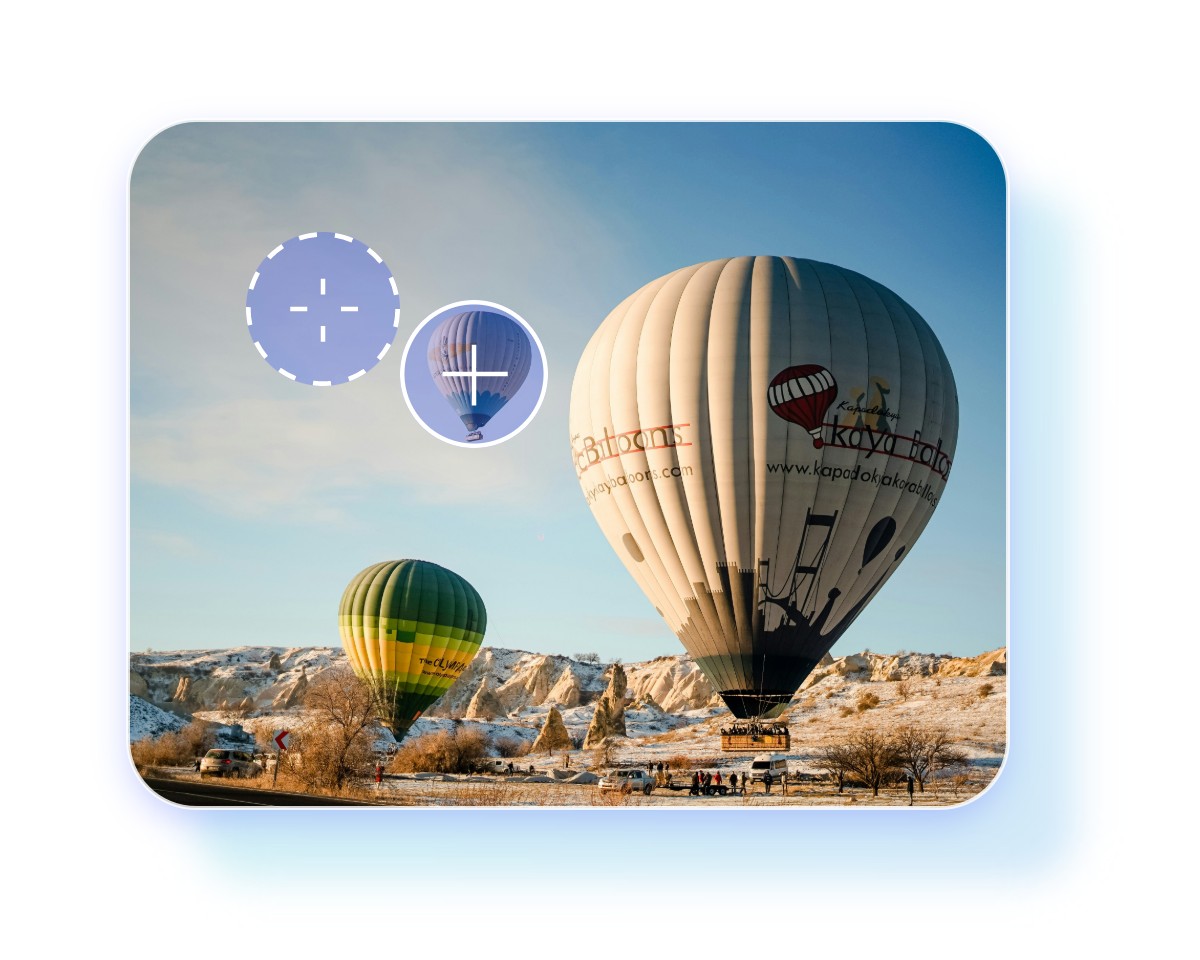

How to Use The Clone Stamp Tool of Fotor?
Upload Image
Upload your picture to Fotor’s photo editor with the clone tool.
Use The Clone Stamp
Apply Cloning Effect
Preview and Download
What We Have Accomplished
What Does The Clone Stamp Tool Do?
Our clone tool can achieve the same effects as Photoshop does, but will be more convenient to use. Take advantage of our tool to conveniently repair texture, fill the background, restore old photos, remove unwanted objects and more.
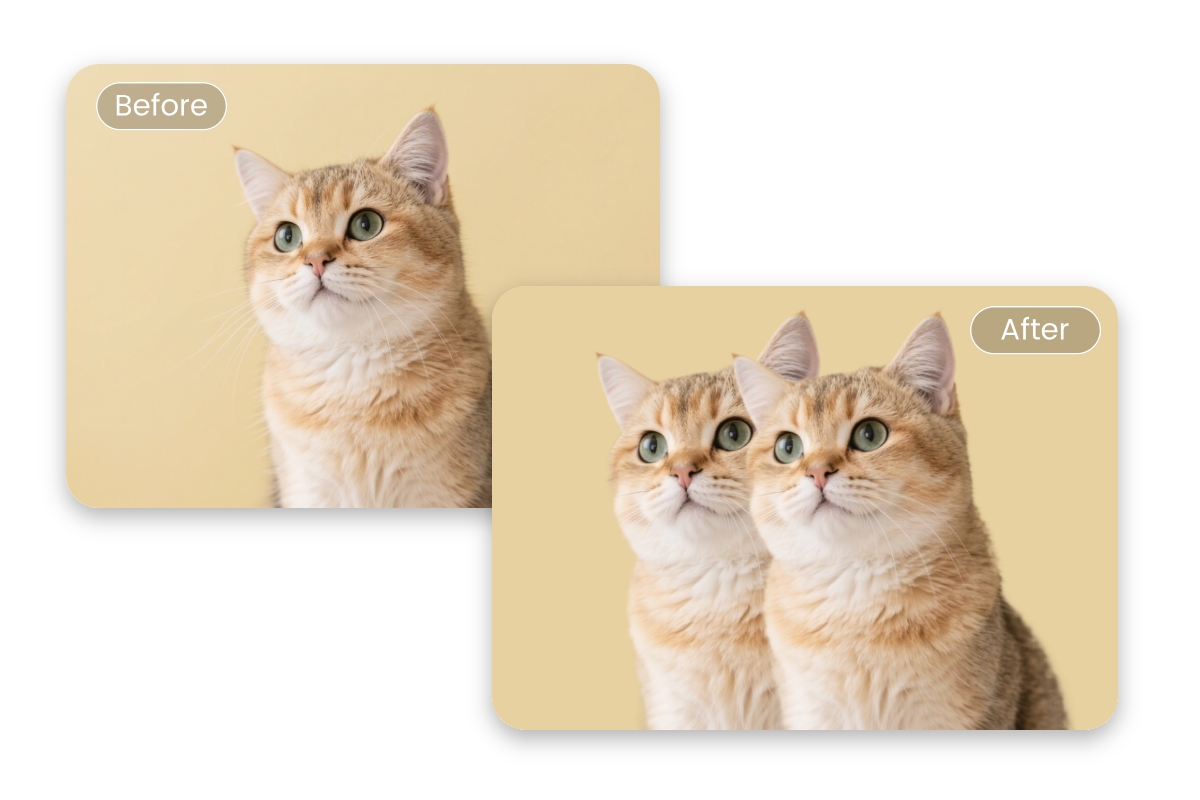
Achieve Seamless Texture Duplication & Paste Online
Our clone stamp uses a source-to-target pixel replication. It allows you to copy the pixels or texture from the sample point or cloning area with a replicate brush. Then, click it again to apply the effect to the designated area to seamlessly repair any texture in your photos. No software and complex editing skills are required to achieve non-destructive editing.
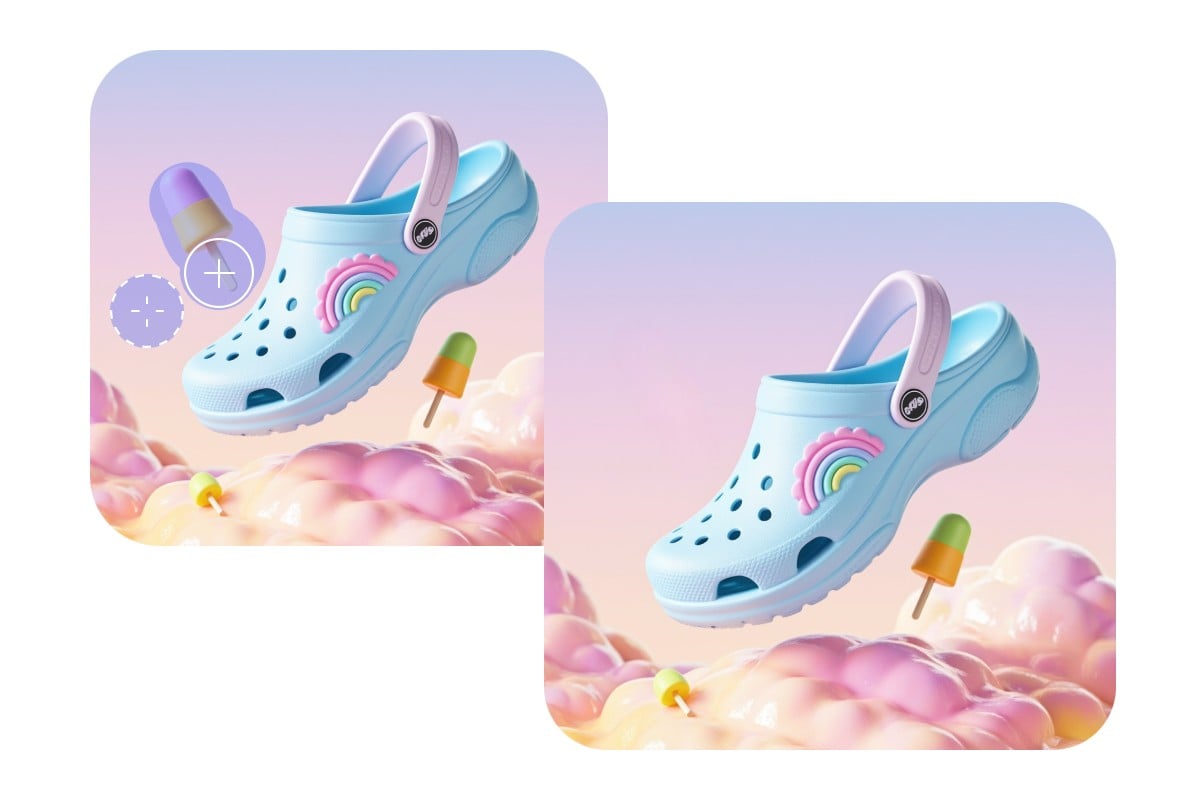
Remove Unwanted Object from Photo
Cover up unnecessary elements or distractions with our clone photo editor. For example, copy and paste the non-distracting area to remove text from image without blurring or erase people from photo without leaving artifacts or smudges.
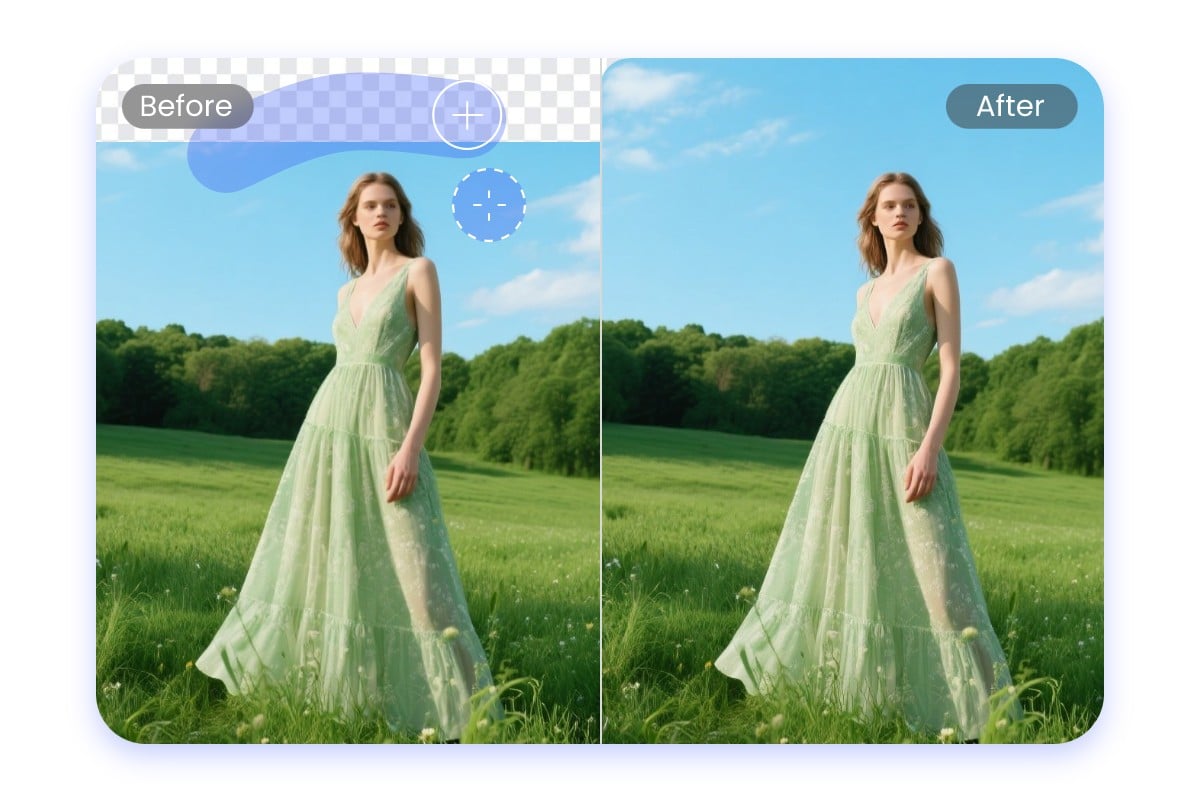
Fill, Extend or Fix the Patchy Background
Duplicate the pixels of the source point and then apply the copied effect to extend the original background or fix the damaged or missing areas of your photo, especially your product photography.
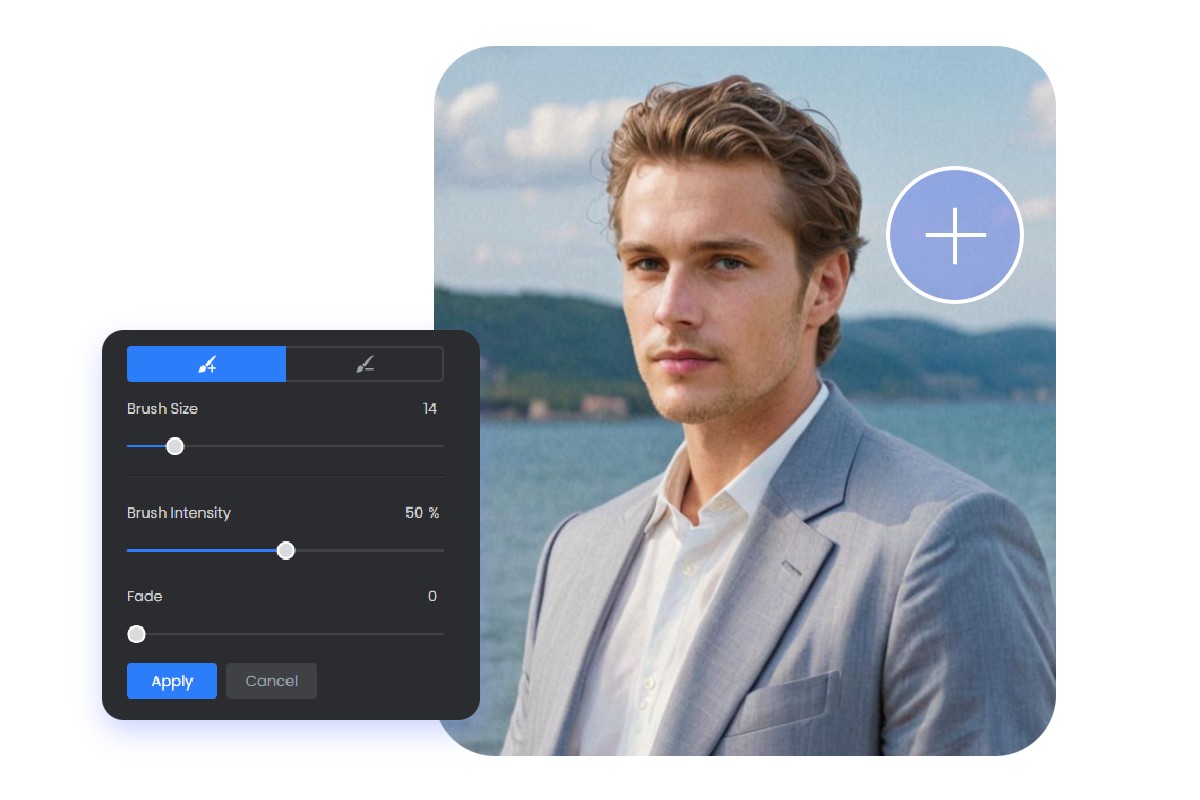
Customizable Clone Tool for Precise Adjustments
Our clone brush can be flexibly adjusted to help you with diverse requests, including its size and intensity. For example, you can make our copy stamp smaller to cover up the blemishes on a portrait and make it bigger to duplicate a large area to fill the background. Also, you can customize its intensity to decide how strong the final cloning effect is.
Discover More Usages of Our Clone Tool
In addition to the aforementioned functionalities, our clone stamp can do more to help you with your photo editing.
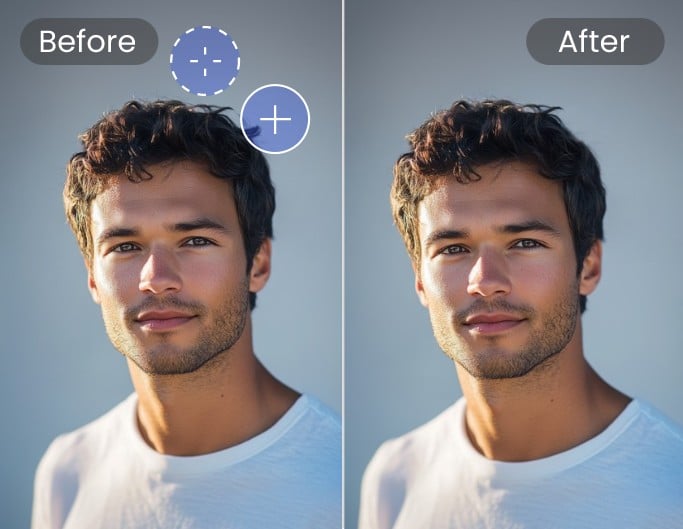
Repair Small Flaws
Clone the pixels near the flaw area and apply the copied content to repair the designated flaws. Also, duplicate certain textures in your photo to reconstruct incomplete patterns to maintain the visual flow.
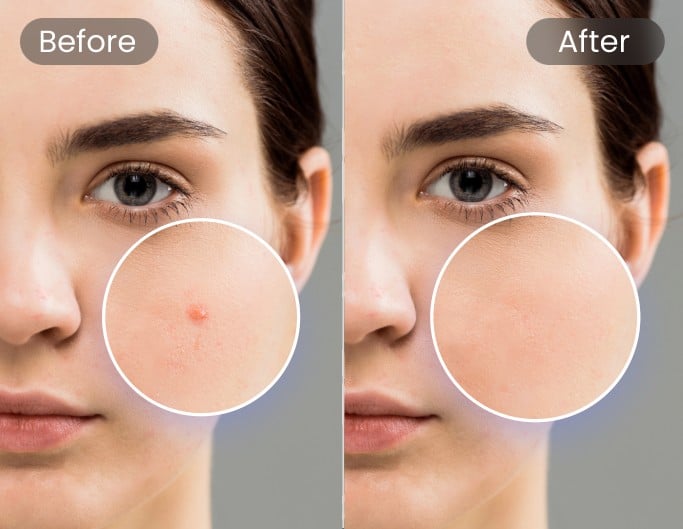
Retouch Your Portrait
Clone the healthy skin texture to cover up the imperfections of your portrait, such as blemishes, spots, scars, wrinkles, etc.
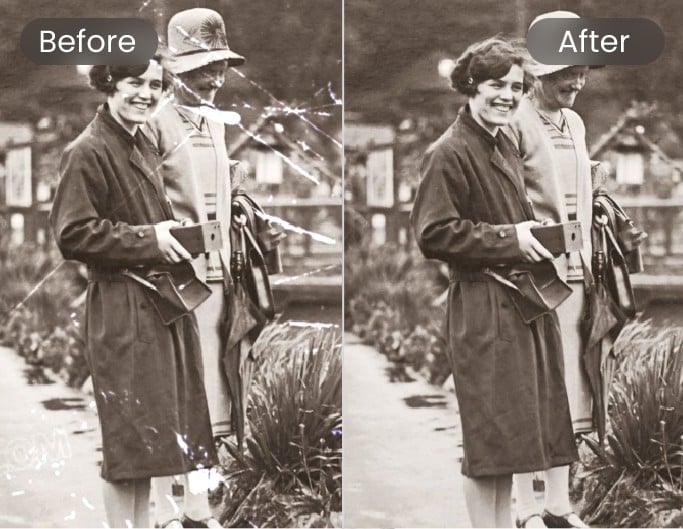
Restore Old Photos
Duplicate undamaged texture and use it to restore old photos, such as fixing the folds, stains, scratches, cracks, faded areas or creases.