AI Thumbnail Maker Free Online
Create high-click, on-brand YouTube thumbnails from simple text or images with AI. Fotor AI thumbnail maker helps you generate visually consistent, eye-catching designs for single videos or entire series, fast, editable, and click-worthy.

Templates for Versatile Channel Content
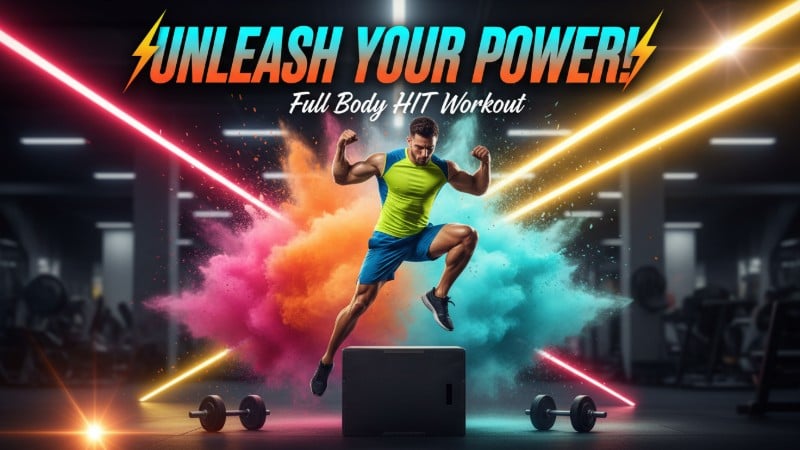
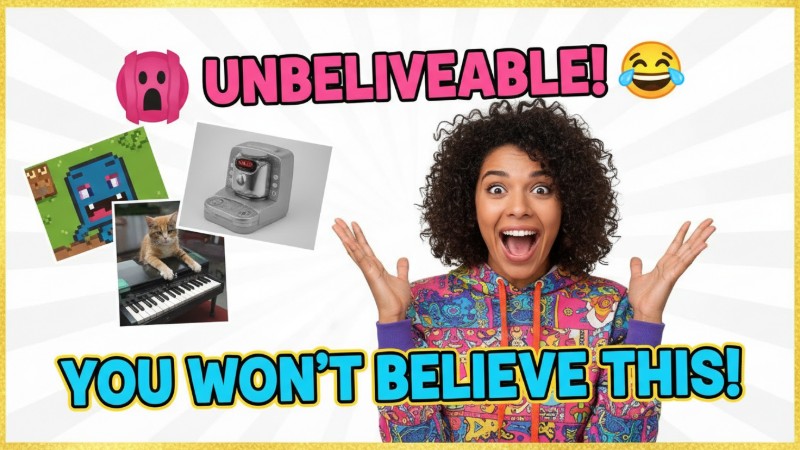
Looking for eye-catching YouTube thumbnail templates for your channel? No design skills needed. Our AI thumbnail generator lets you instantly create thumbnails online for any content—gaming highlights, concert reaction videos, beauty tutorials, product reviews, travel vlogs, and more. Just pick a template below to generate a professional YouTube thumbnail in one click.
👇Pick a Template, Create Yours👇

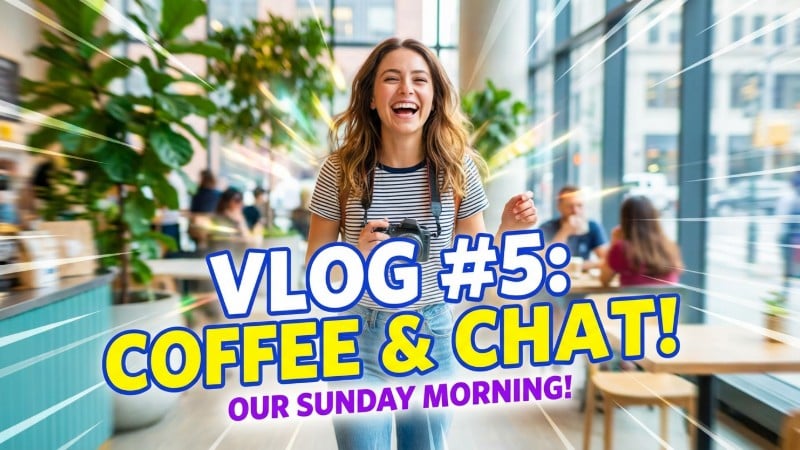
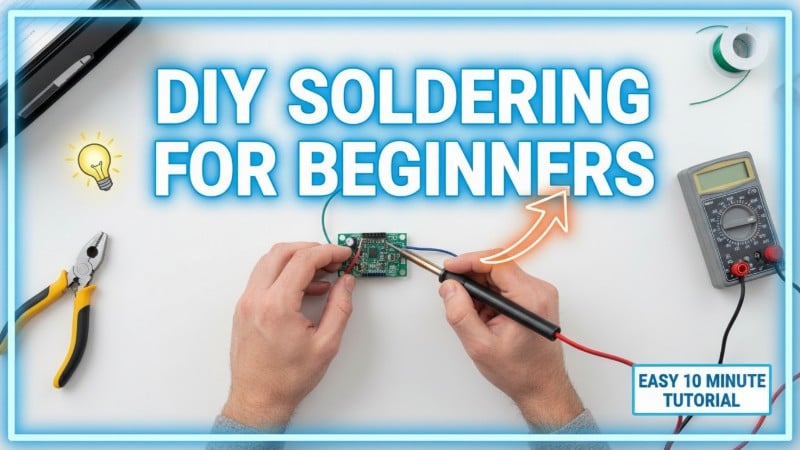
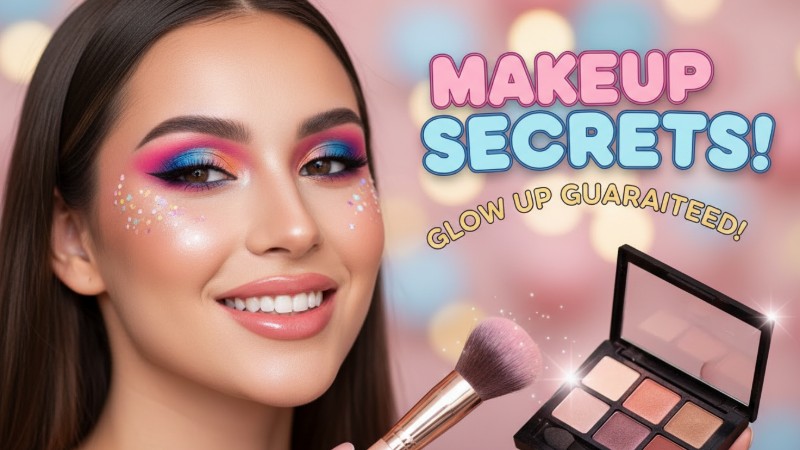
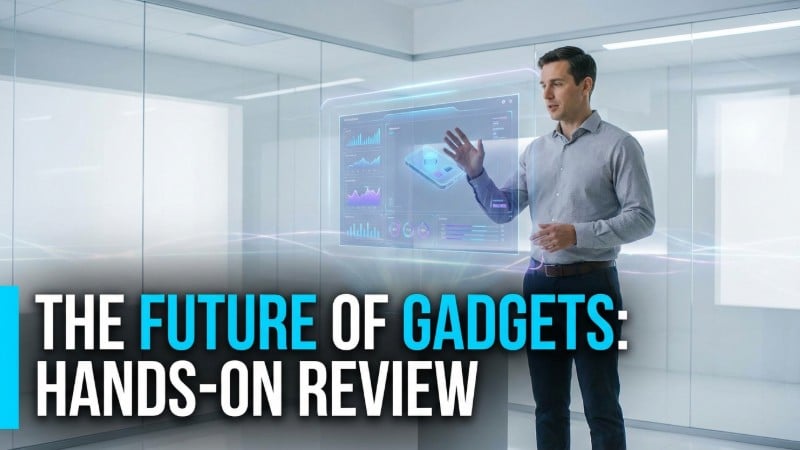


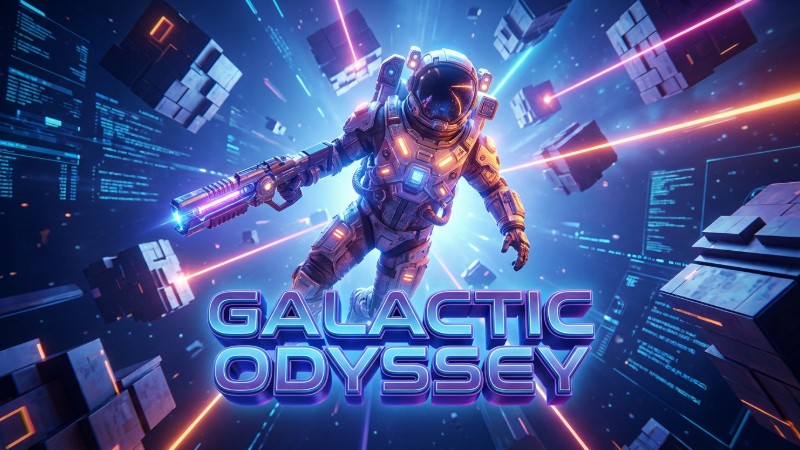
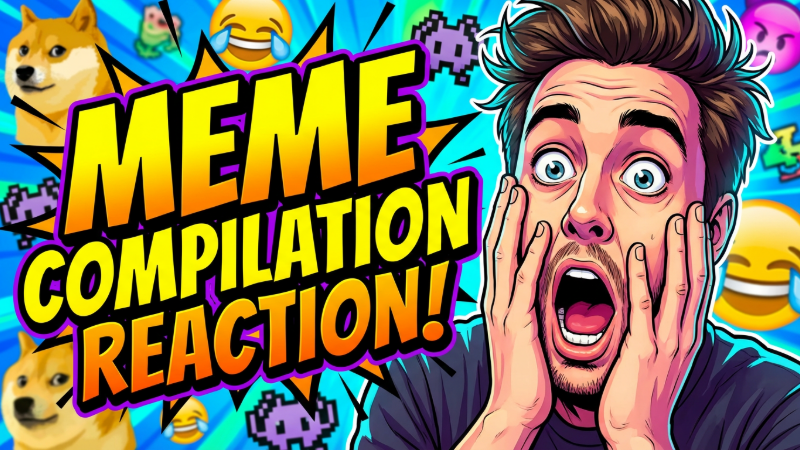
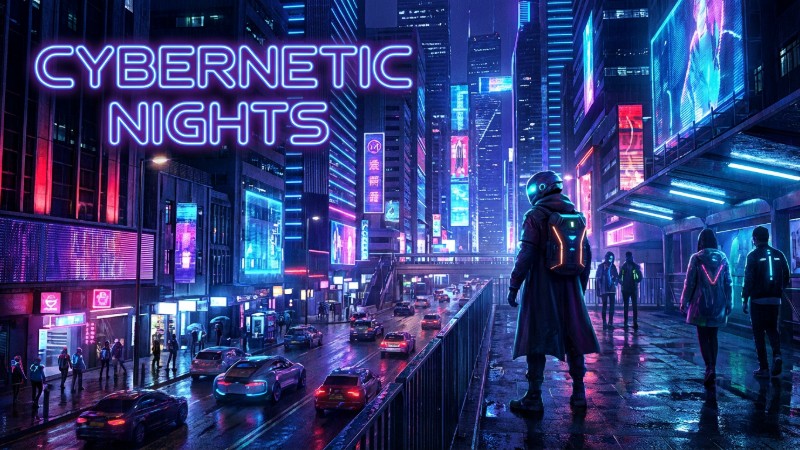
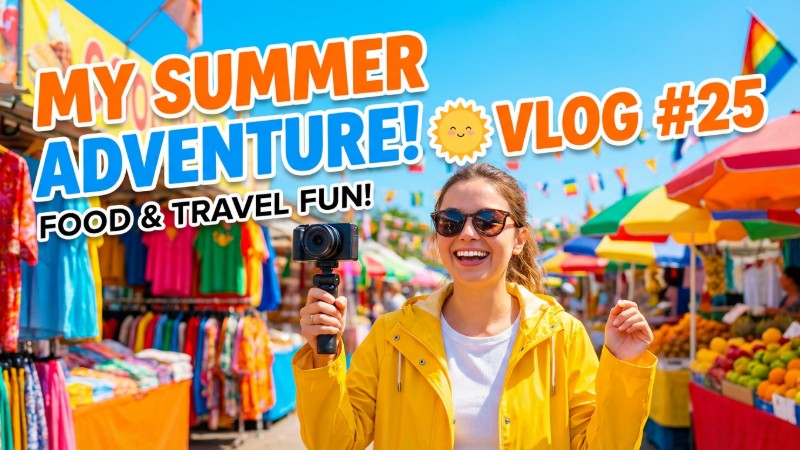
Templates for Diverse Thumbnail Styles
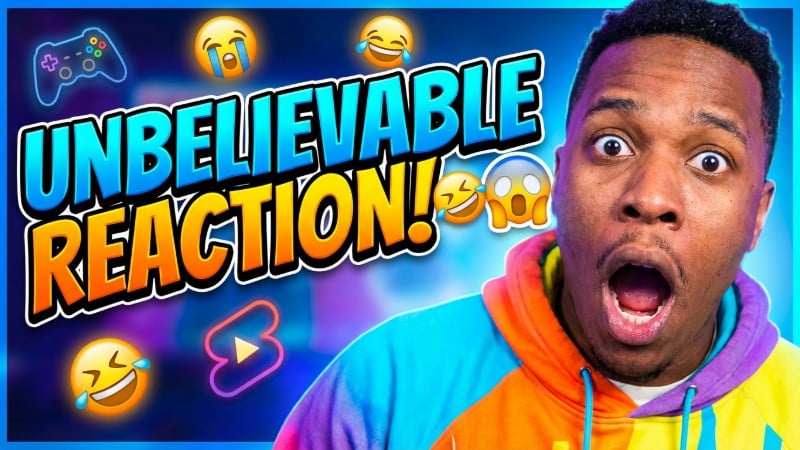
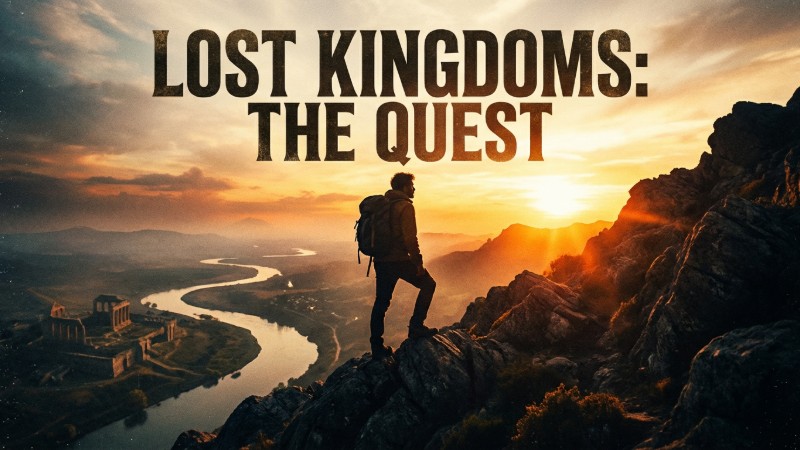
These are popular thumbnail styles used by YouTube and TikTok creators. You can also tell the AI exactly what style you want and create a unique, consistent look for your channel. Whether you’re into cartoon looks, realistic visuals, futuristic tech, bright colors, or cinematic vibes, Fotor’s AI thumbnail maker has you covered.
👇 Pick a Template, Create Yours 👇

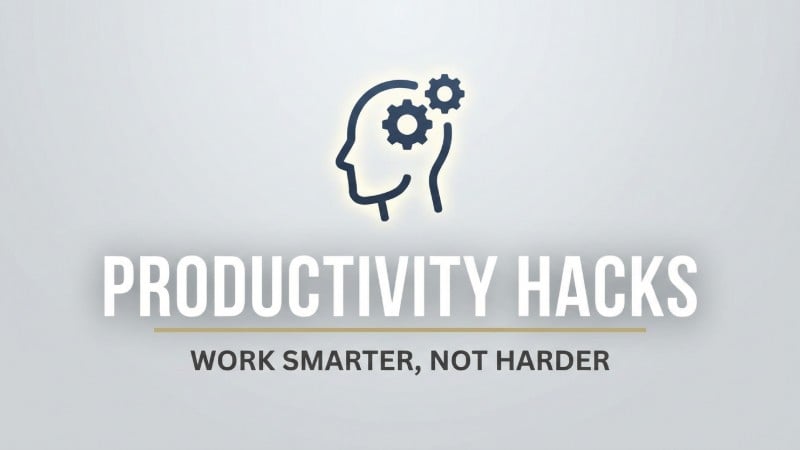

Generate High-CTR Thumbnails from Text
No design experience needed. Just tell our AI image generator your channel theme, style, and what you want to show in the thumbnail. In seconds, you’ll get an eye-catching, click-worthy thumbnail for YouTube and TikTok.
Describe the scene or main subject, text and font style, and the overall vibe—then let AI handle the rest so you can focus on creating.
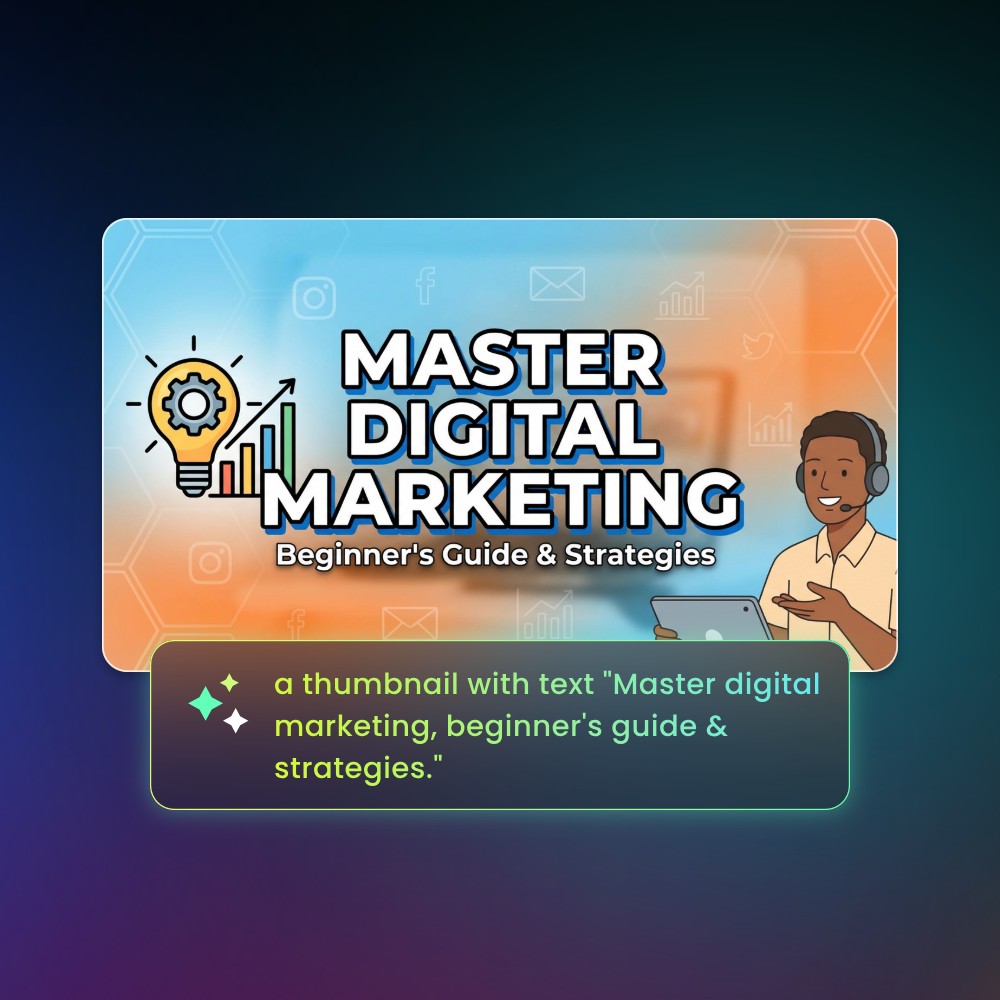
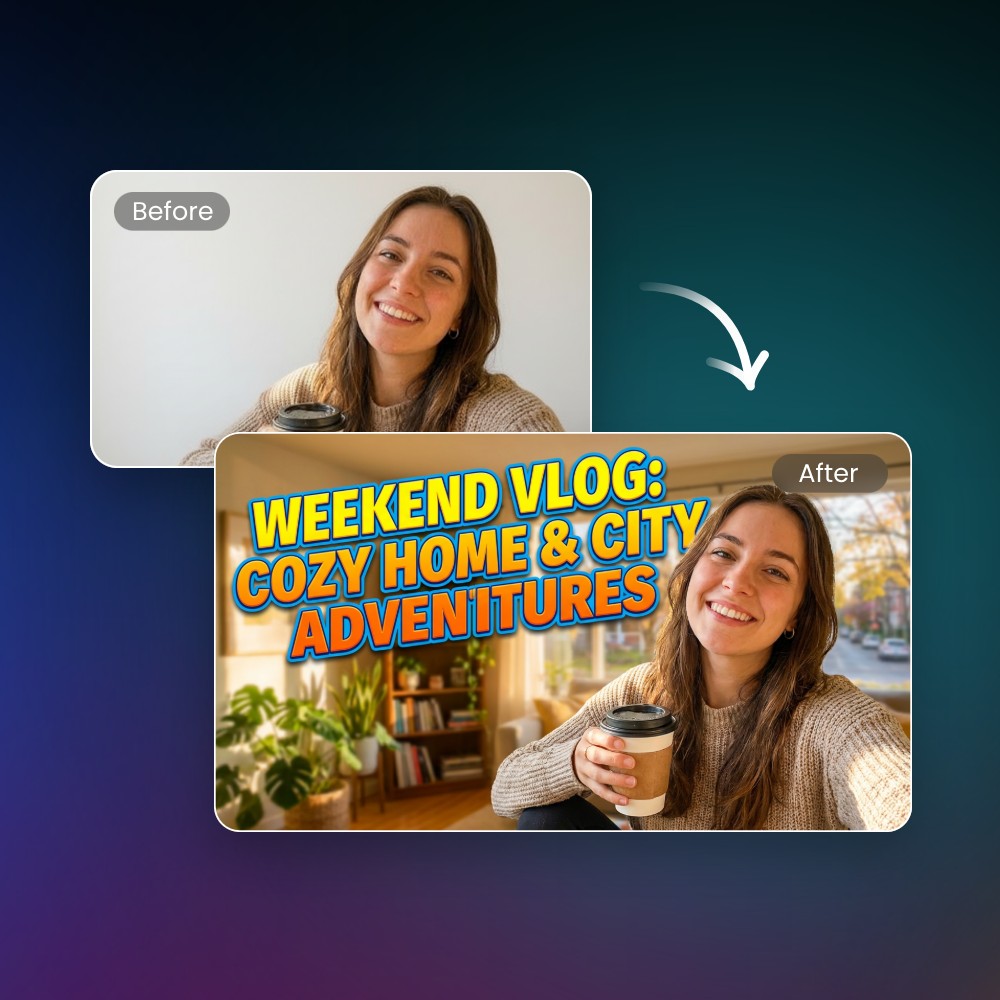
Convert Your Photo to Striking Thumbnails
Upload your photo and let AI turn it into a high-impact thumbnail. Fotor AI can automatically cut out the main subject and combine it into a new scene, improve image layout, add text, and match the right style and colors for your thumbnail—no manual design needed.
Want more attention? Tell AI to change facial expressions and create bold close-ups, making your thumbnails more expressive, emotional, and click-worthy.
How to Use Fotor AI Thumbnail Maker?
Customize Text, Expression, and Every Detail
Fotor enables you to accurately modify every detail of the AI-generated thumbnails. You can adjust text in the image to be bigger and bolder, enhance facial expressions, enlarge the main subject, tweak contrast for more impact, or match your brand colors perfectly.
With Fotor, creating thumbnails full of emotion, contrast, and irresistible hooks has never been easier.
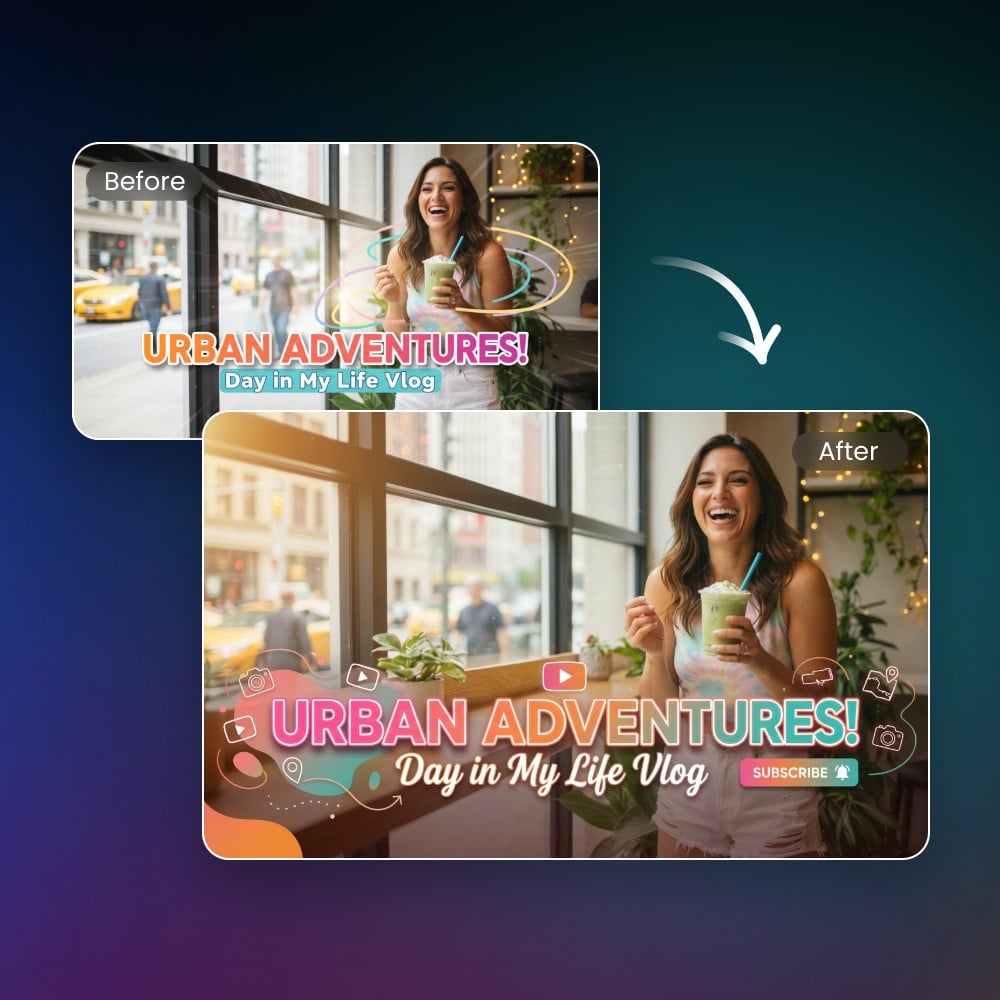
Keep Consistent YouTube Thumbnail Style Across Series Videos
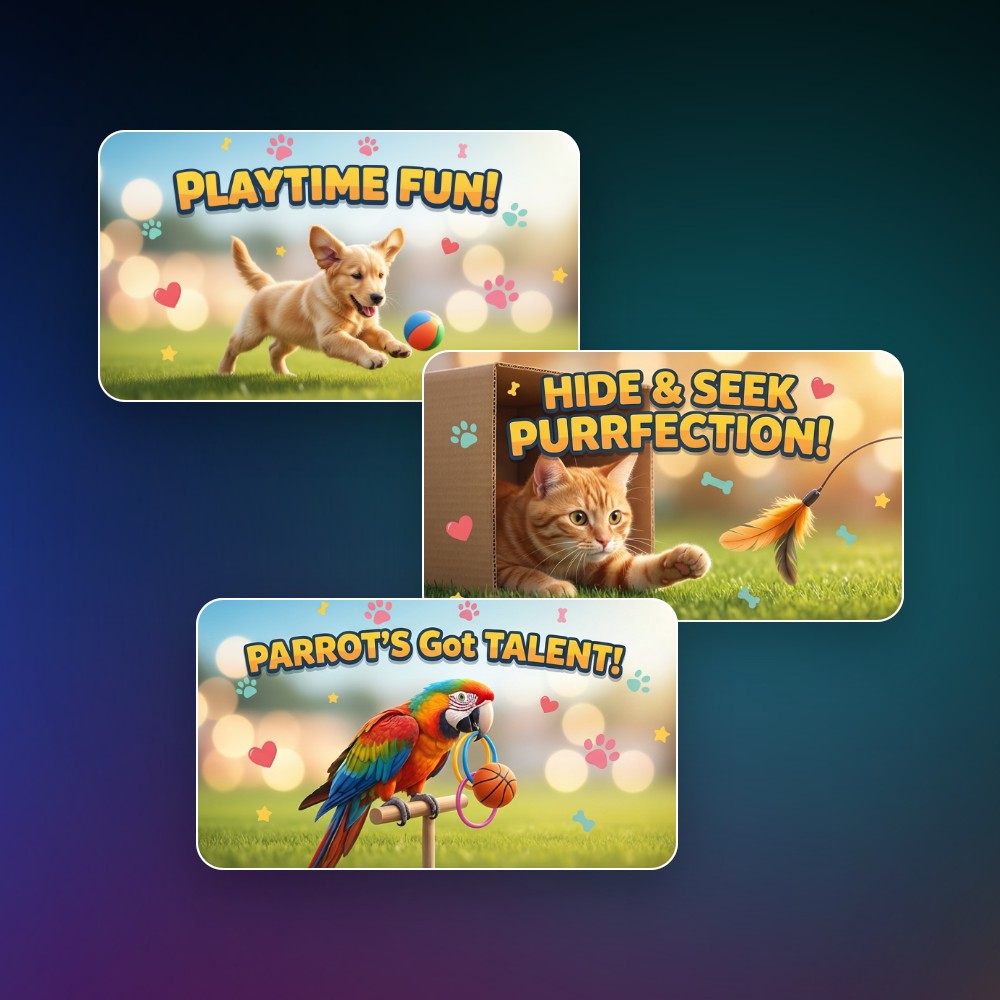
For series video creators, maintaining an on-brand visual consistency across your channel thumbnails is crucial.
Fotor’s thumbnail templates let you keep a consistent style across all your videos. You can also remix images or reuse prompts to continuously create a unified visual style, always matching your brand identity and making your video series instantly recognizable—helping viewers know it’s yours at a glance.
AI Thumbnail Maker for YouTube and Any Platform
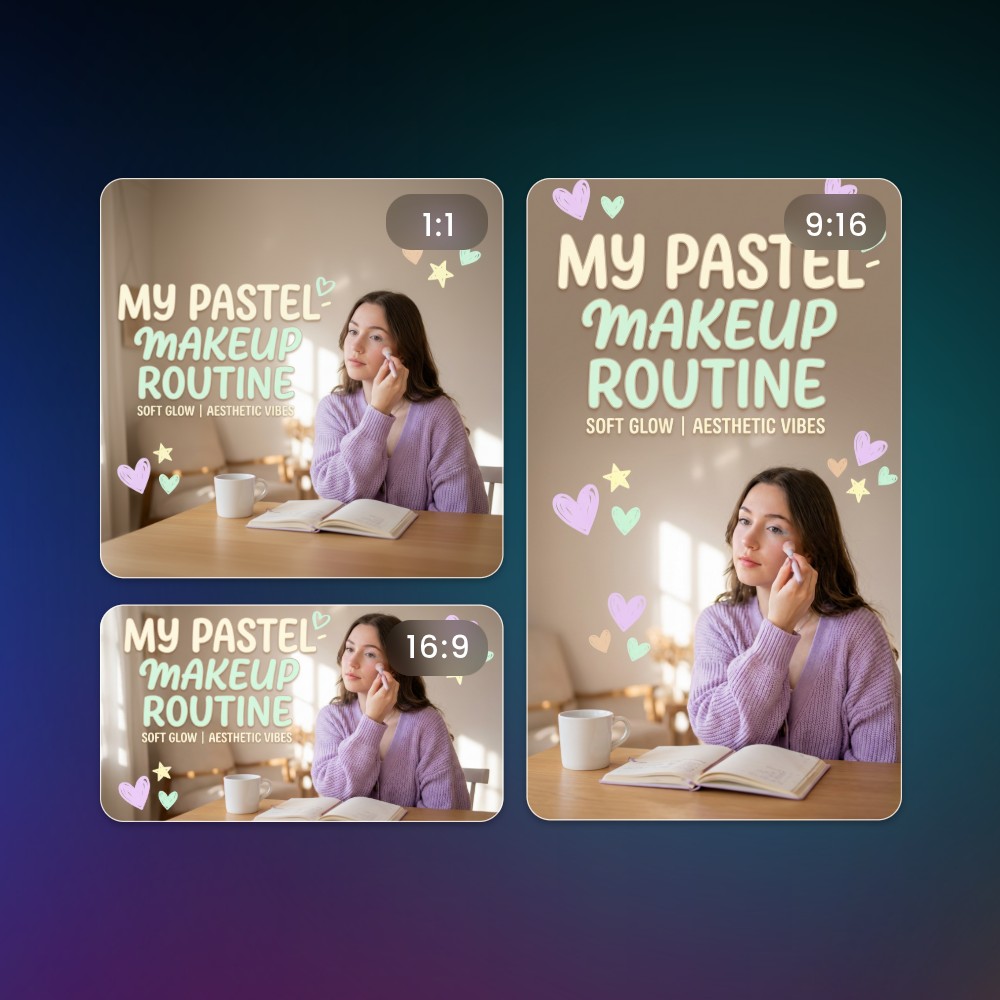
We offer a variety of image size options. Whether you want 16:9 thumbnails for YouTube, 9:16 covers for TikTok, or thumbnails for Instagram, Facebook, Twitch, LinkedIn, and more, Fotor makes it easy to create the perfect size for any platform. Your content will always look professional and optimized wherever it’s shared.
Why Choose Fotor AI Thumbnail Generator?
![Easy and fast generation icon]()
Easy to Use
No design experience? No problem. Fotor’s AI thumbnail maker's ready-to-use templates and intuitive interface let anyone create professional, attention-grabbing thumbnails in seconds.
![Gradient green AI icon]()
Fast and Automatic
Generate thumbnails instantly with Fotor's advanced AI image generation and editing model. Let it handle the layout, style, and effects automatically, saving you hours of manual work.
![Customization icon]()
Customize Style and Content
Easily tweak colors, fonts, text, and visual elements to match your brand or channel vibe, making each thumbnail uniquely yours.
![Batch generation icon]()
Batch Generation
Create multiple thumbnails at once—perfect for testing click-through rates, scaling your content, or producing different variations with unique emotions, text, or styles in one go.
![Diverse editable option icon]()
Editable Designs
Remix your thumbnails anytime with Fotor AI by changing text, expressions, layout, or visual elements, keeping full control over the final look.
![High quality thumbnail export icon]()
High-Quality Thumbnails
Every thumbnail comes out polished with accurate text, natural effects, and eye-catching special effects, ensuring your videos always stand out.