AI Video Extender
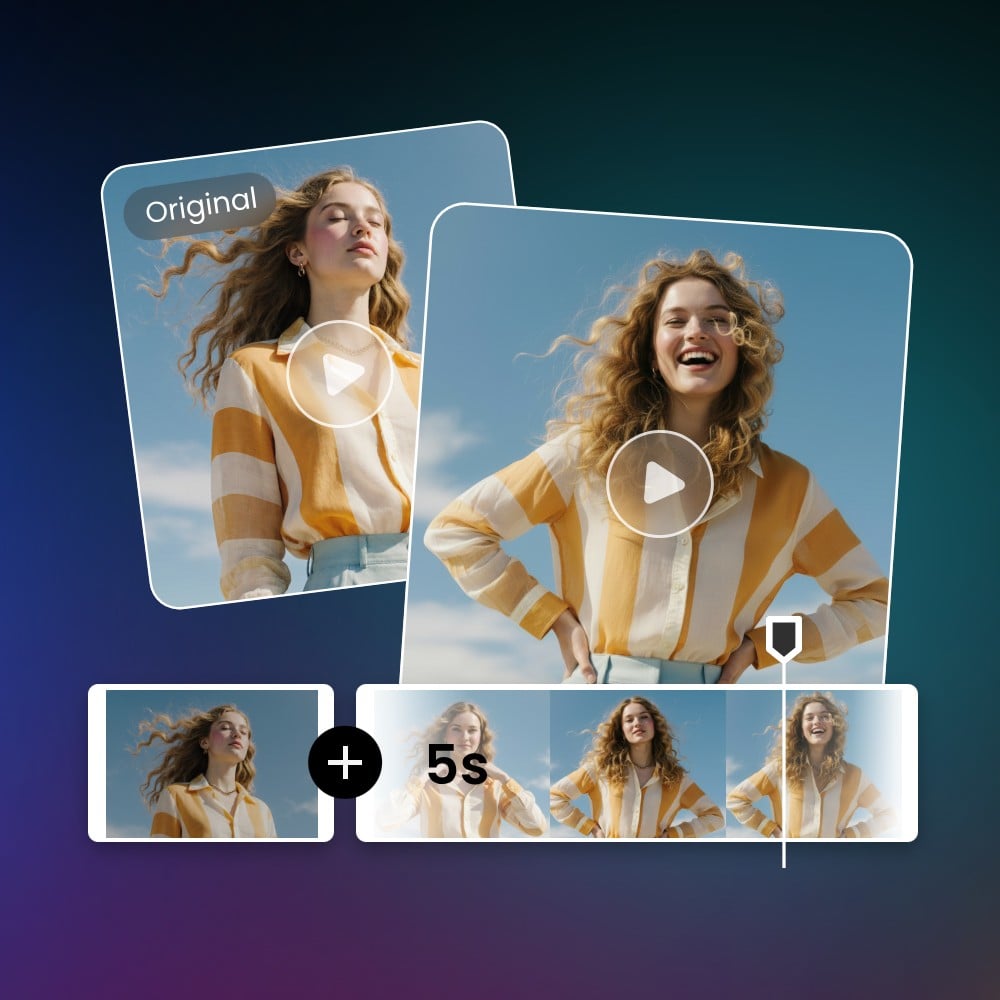
Fotor AI video extender adds extra content that feels organically connected to your final scene. No loops, no awkward freezes, only smooth, brand-new frames that expand your story and give your clip a polished, complete finish.
Powered by the Best AI Model for Video Expansion





Powered by advanced AI models for video expansion, Fotor’s video extender can smoothly add extra seconds to the end of your clip without looping or hard cuts. Upload your video, choose how long you want to extend it, and let the AI build clean, natural-looking frames that blend perfectly with your original footage.
Experience the Cinematic Smoothness with Fotor AI Video Extender
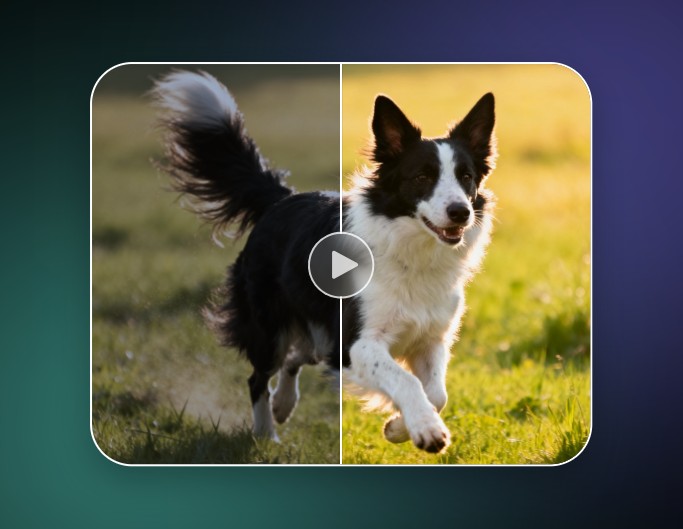
Fotor online video extender adds extra seconds that feel genuinely connected to the original shot. The AI video generator model creates new motion and detail frame by frame, keeping the style, lighting, and pacing consistent, with no looping artifacts or forced repeats.
From live-action scenes to animation and landscape footage, the AI video expander free delivers a clean, fluid extension that upgrades the entire viewing experience. Explore how refined your video can look with AI expansion.
Extend Video Length in Seconds, No Editing Needed
With Fotor AI video extender online, you only need to upload your clip and hit one button, no manual cuts, no timeline juggling. The tool handles everything. It analyzes your video, extends the ending by 4s or 8s, and delivers a polished result. It’s a simple, intuitive way to extend video length. All video creators can expand their content with minimal effort.
Smooth Frame Transition for Natural, Non-Looped Flow
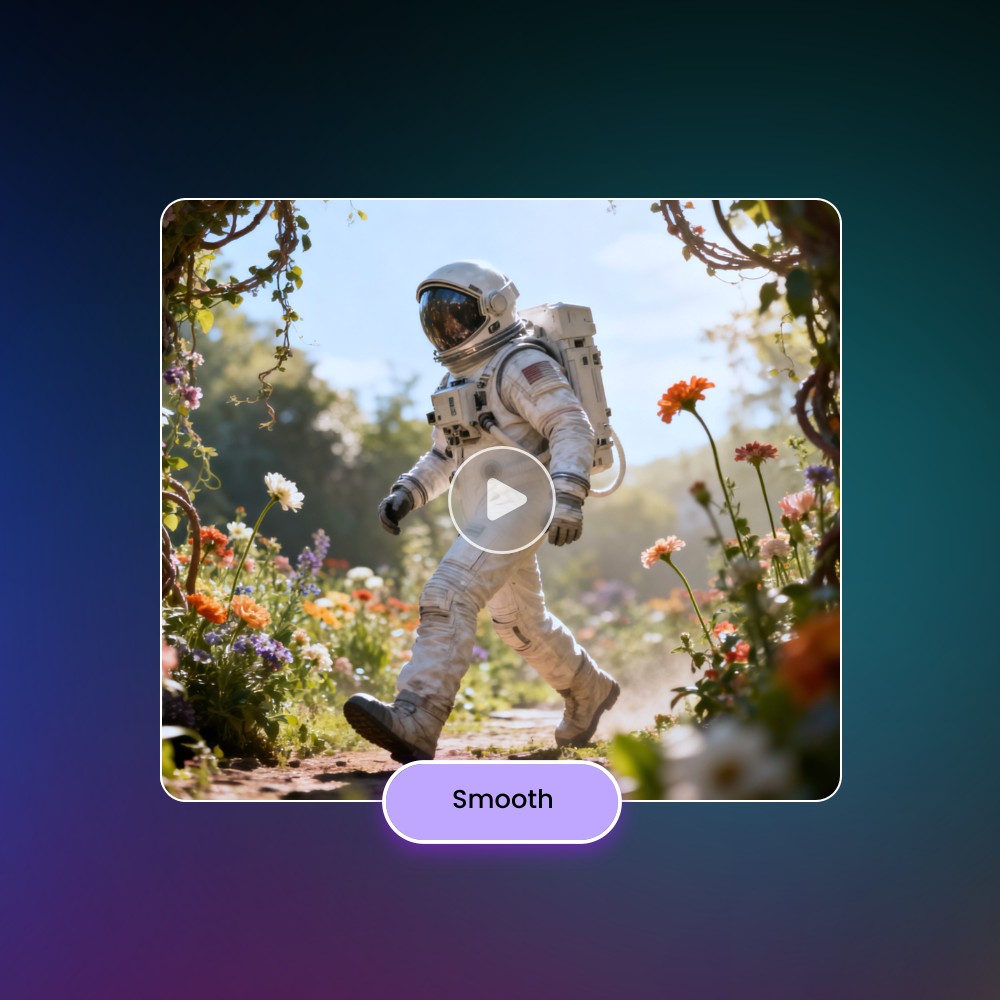
No more looping the ending or abruptly repeating frames, Fotor AI extend video tool generates brand-new frames that match motion, lighting and style. The extension merges seamlessly, viewers won’t notice where the original ends and the new part begins. That smooth, natural flow looks professional and avoids the stale feel of a video repeater.
Choose Your Extension Time and Keep the Quality You Want
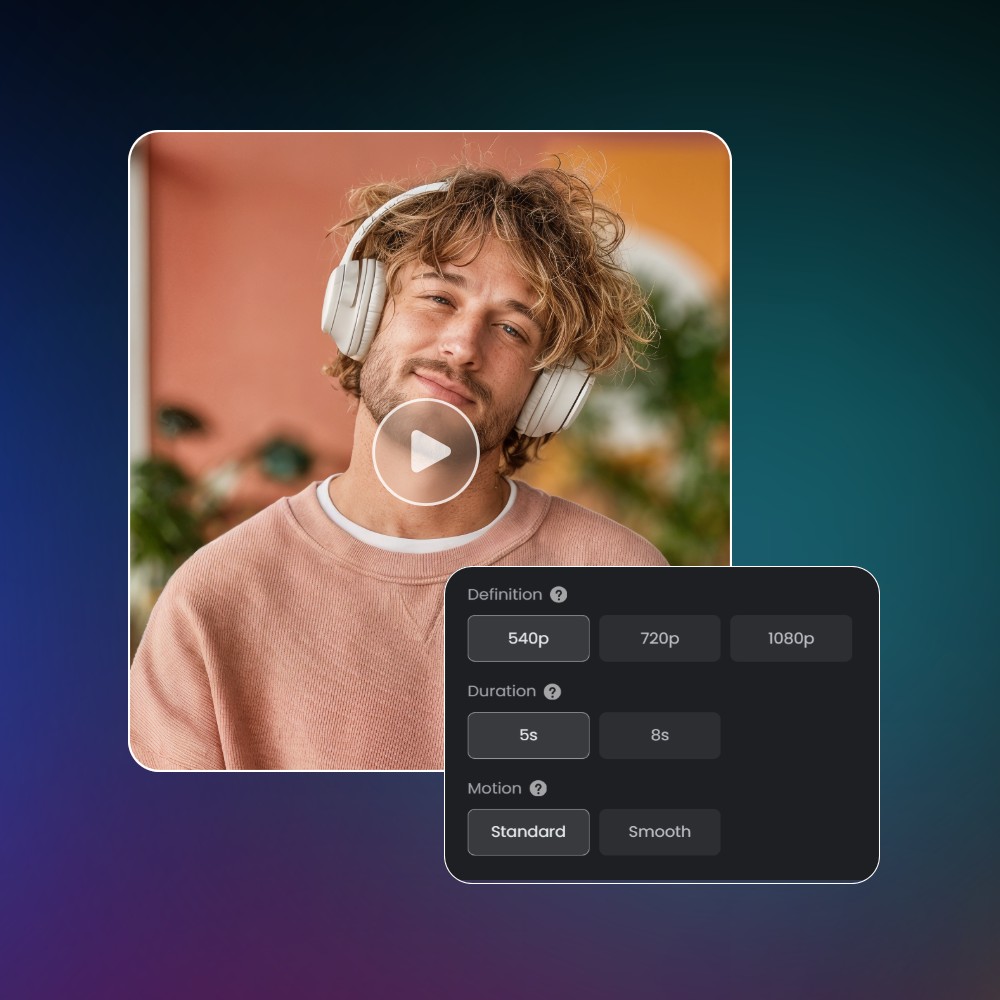
You decide how long you want to extend for 4s or 8s, and keep full control over output clarity. The AI video length extender lets you choose your video’s resolution and detail to enhance. That flexibility makes this AI video expander online suitable for quick social clips or longer content that still looks sharp and consistent.
Keep Your Original Sound or Let AI Build New Background Audio
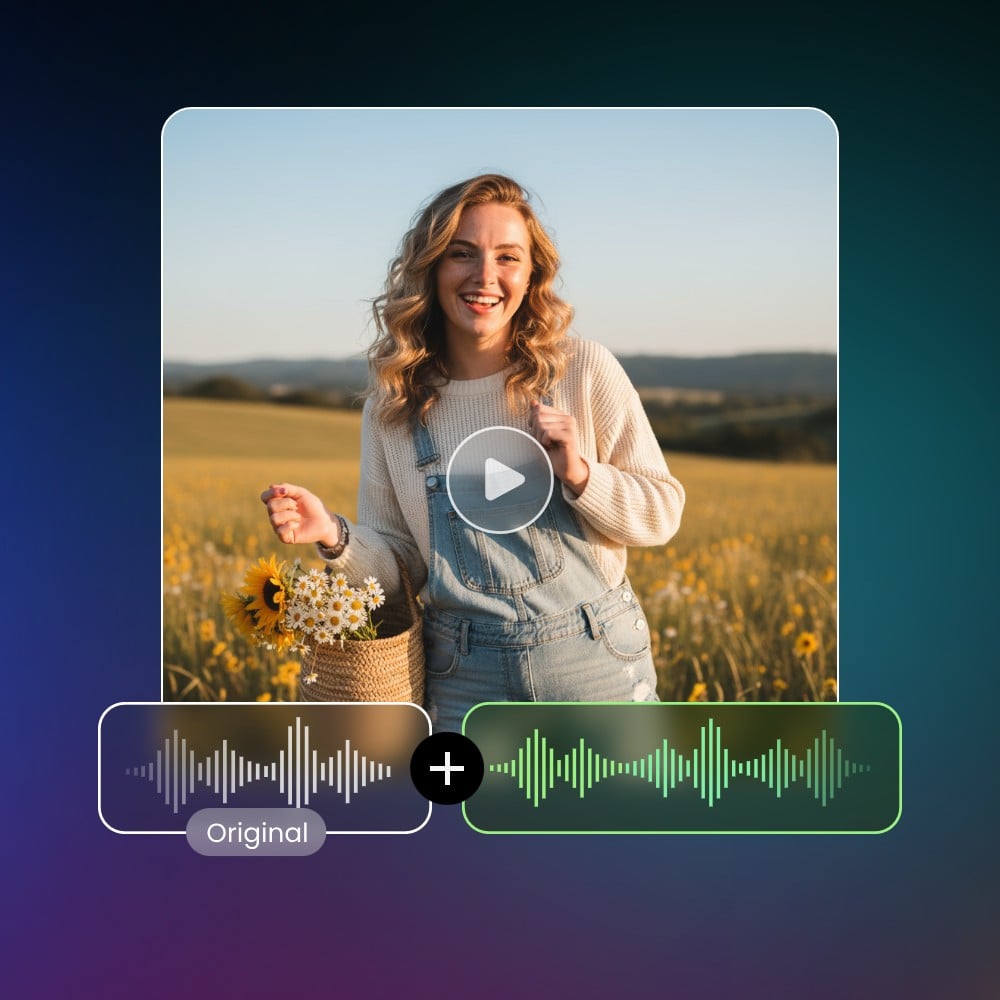
When you want to add video length, you can choose to keep the original audio track or let this video lengthener tool generate fresh background music or sound. The AI video extender supports audio extension as well, so your extended video feels cohesive, either continuing the same audio or blending in a new vibe that fits naturally.
Works for Every Kind of Footage—People, Animation, Nature, and More
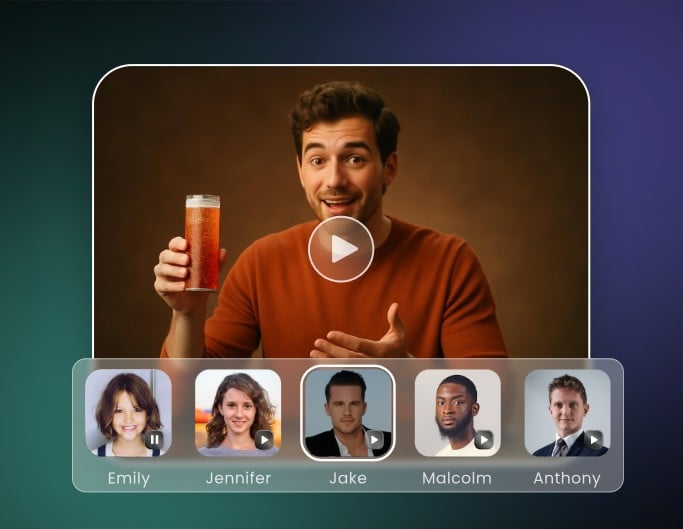
No matter whether the video is a vlog, animated clip, landscape timelapse, or wildlife scene, Fotor AI clip extender online handles it. Its generative model understands different video styles, so you can extend video length regardless of content type. This makes the extender versatile and useful for creators across genres.

Ready for All Major Video Format and Platforms
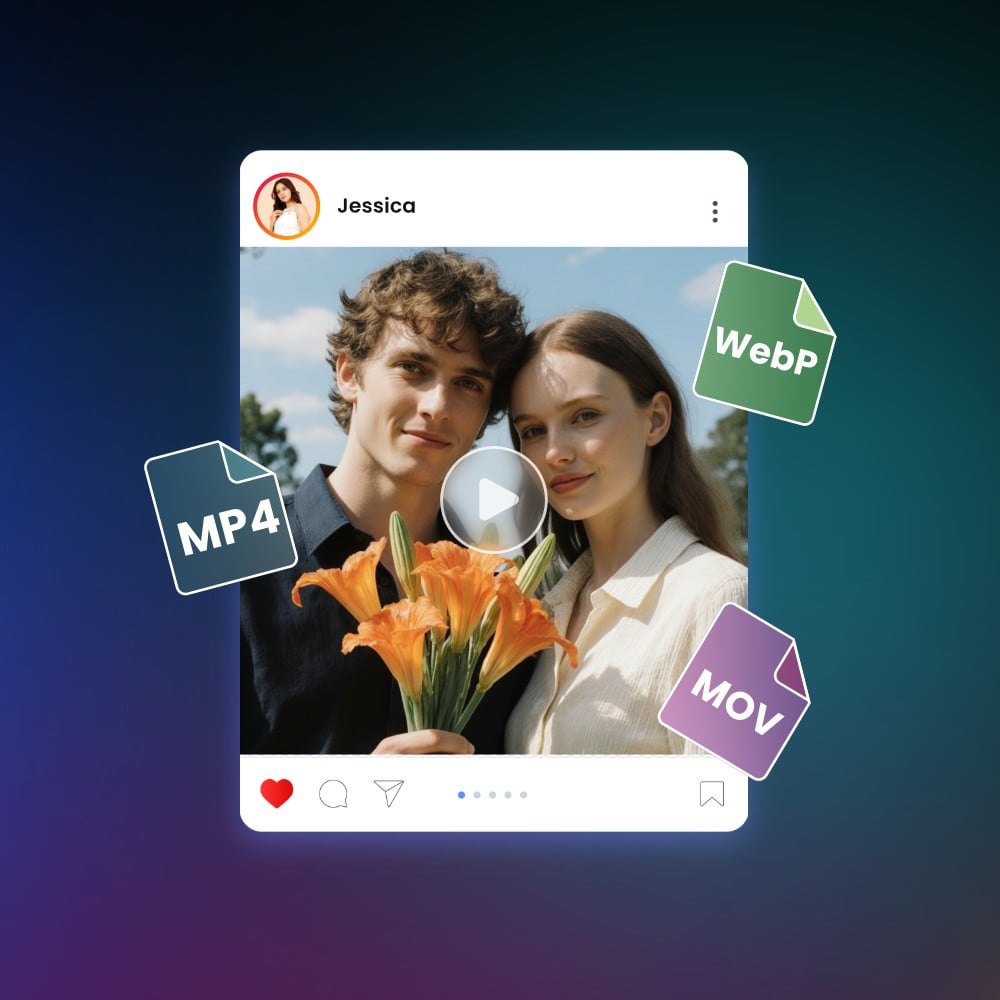
Fotor AI extend video tool online accepts most common video formats, including MP4, MOV, WebP. It works smoothly across devices. After video length extension, you can export files ready for YouTube, Instagram, TikTok or any platform you choose. That means no extra format conversion, just upload, extend video, and you’re ready to share.
Explore Free Community Clips You Can Use and Extend
Fotor offers a free art community library where users share clips that you can reuse and extend. Want a beautiful landscape as a background or a dynamic animation to build on? Just pick the video from the library, use the AI extend video tool to expand it, and make it your own. It’s a handy shortcut for storytellers and creators, saving time and resources.

How to Extend a Video Length with AI?
1. Upload your video clip to the AI video extender and wait for it to load. The video length adder reads your last frames so it knows how to extend video length smoothly without manual editing.
2. Type a short prompt to guide how the extended ending should look or move. This helps the AI video extender generate new frames that match the original style instead of turning into a video repeater.
3. Choose a 4s or 8s extension and tweak clarity or FPS if needed. These options give you control so the AI extend video result fit your platform or workflow
4. Click to create the video expansion and watch the preview to make sure everything flows naturally. If it looks right, download the final clip directly from the video extender online and use it anywhere you need.

See Why Extend Your Ends with Fotor
![Easy and fast generation icon]()
Simple for Anyone to Use
Upload your clip, choose the extra seconds, and you’re done.
![Free AI video generator icon]()
Free to Use with No Watermark
Your extended video stays clean without a hidden watermark or login.
![Create videos from text and images with Fotor]()
Smooth, Natural Results from AI
Fresh frames that blend into your ending, delivering a steady extension.