Find the Best Moments
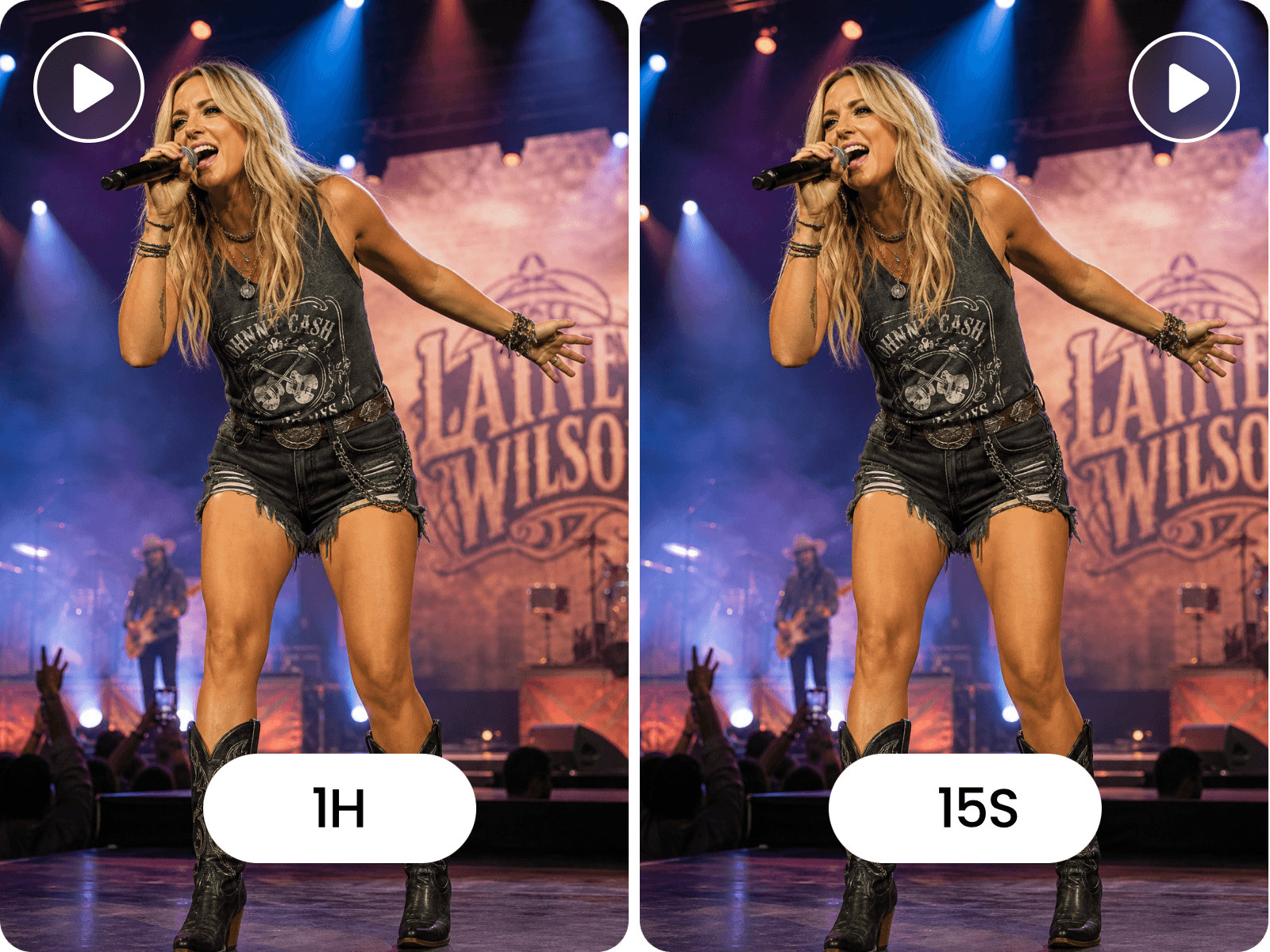
Fotor identifies useful moments in long YouTube videos, making them easier to turn into short clips.


Turn a YouTube video into Instagram-ready clips without downloading the source file first. Paste a YouTube URL, let Fotor find shareable moments, then reframe the footage, add captions, and export for Reels, Stories, or Feed.
Fotor identifies useful moments in long YouTube videos, making them easier to turn into short clips.
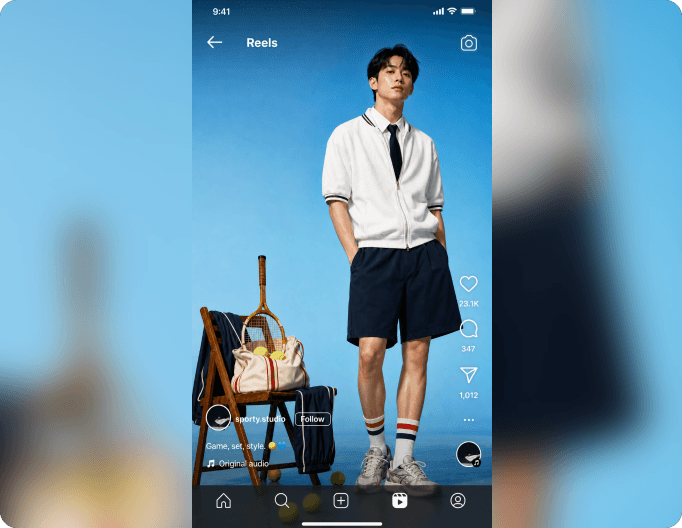
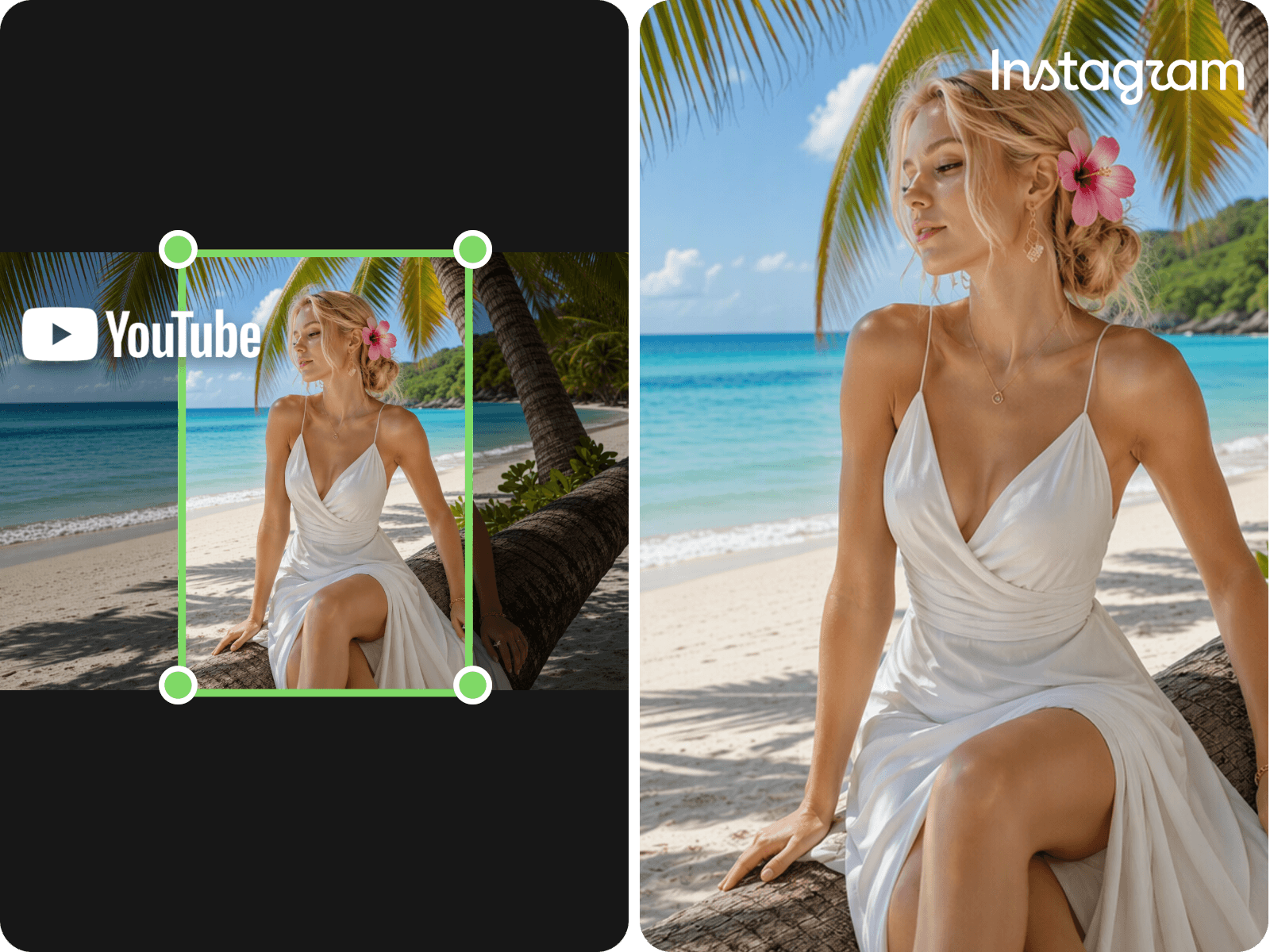
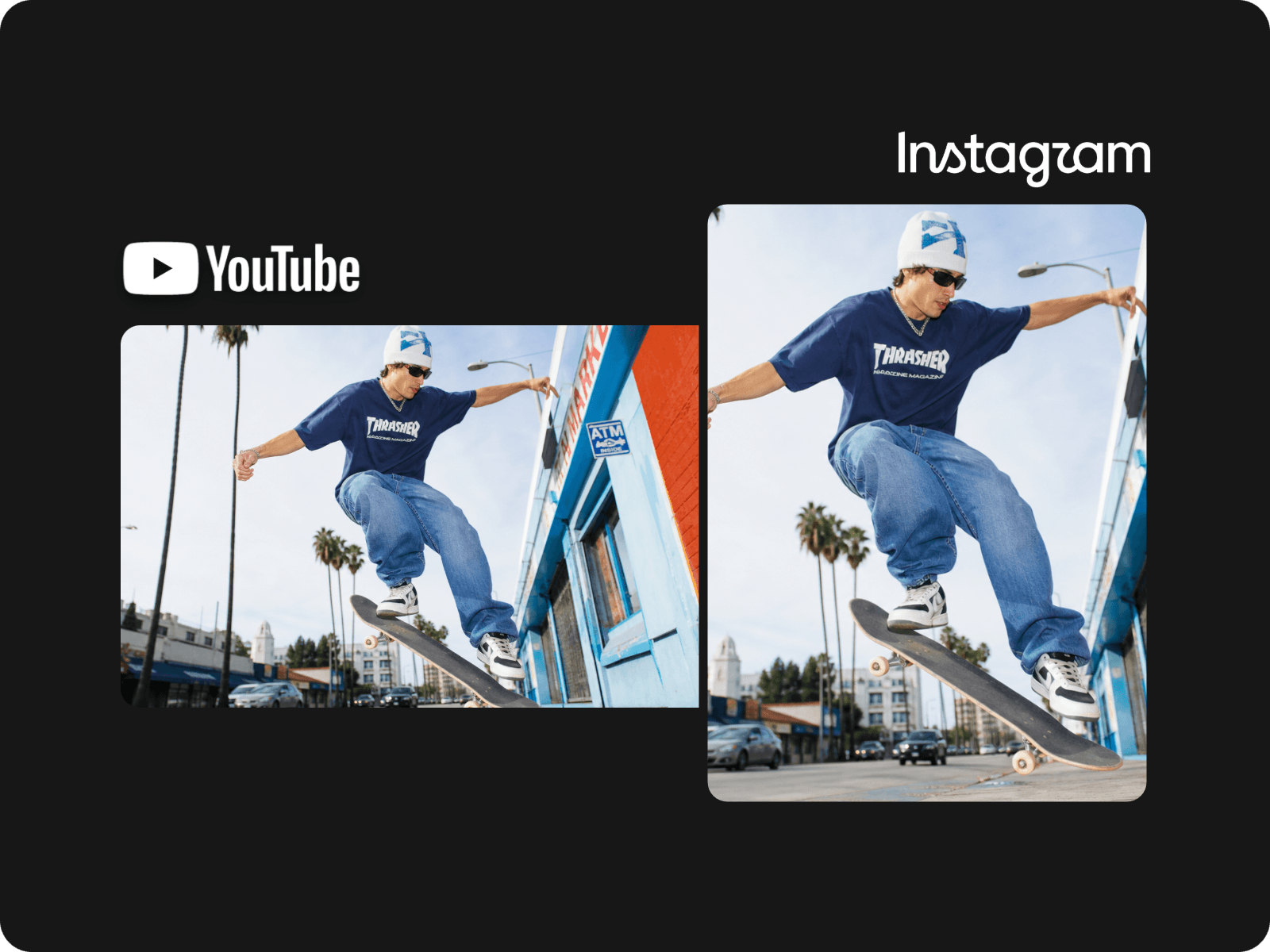
Reframe landscape YouTube videos for vertical Instagram formats while keeping important subjects and details visible.
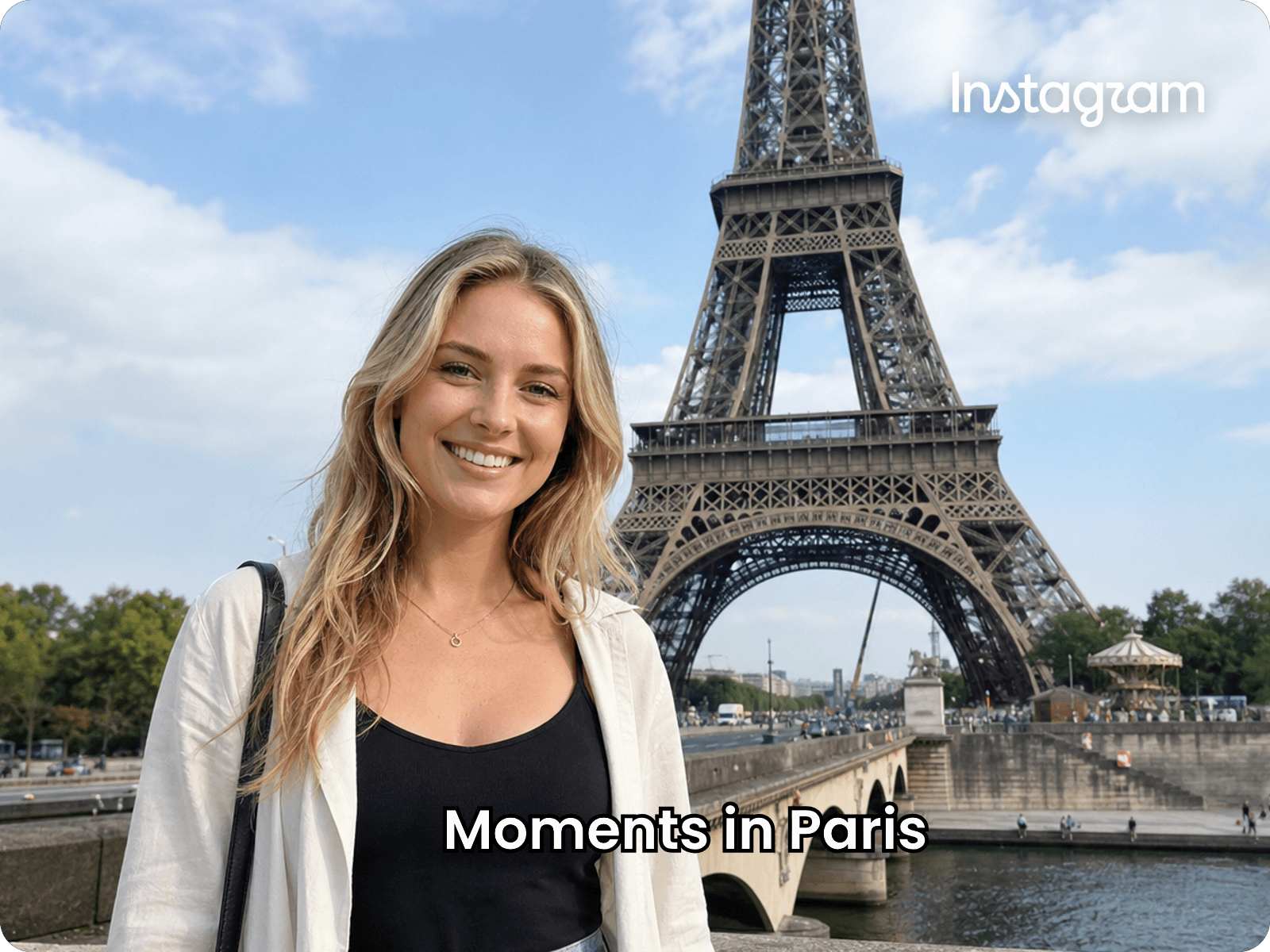
Add synced captions to your clips and adjust the text before exporting them for Instagram.
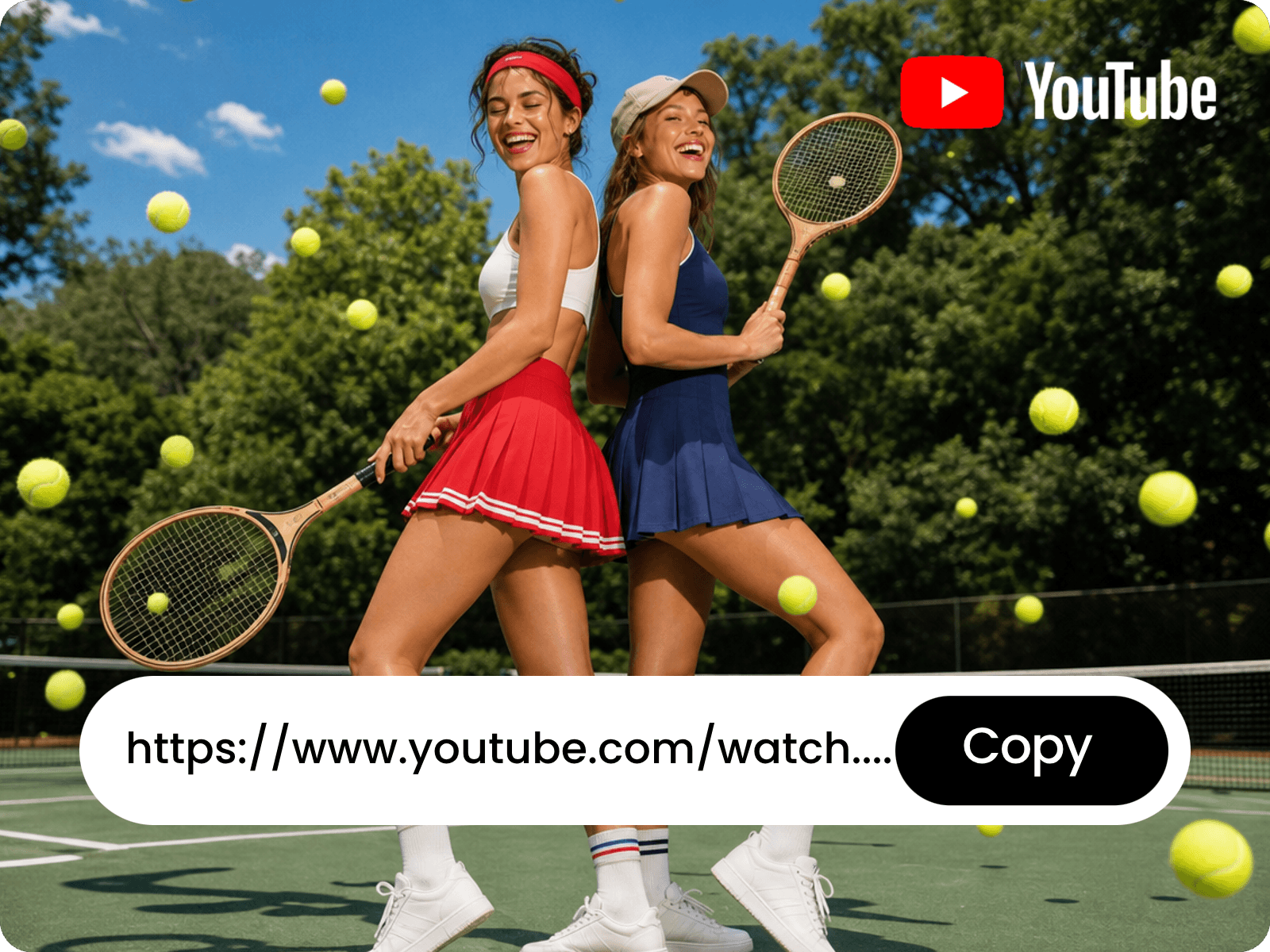
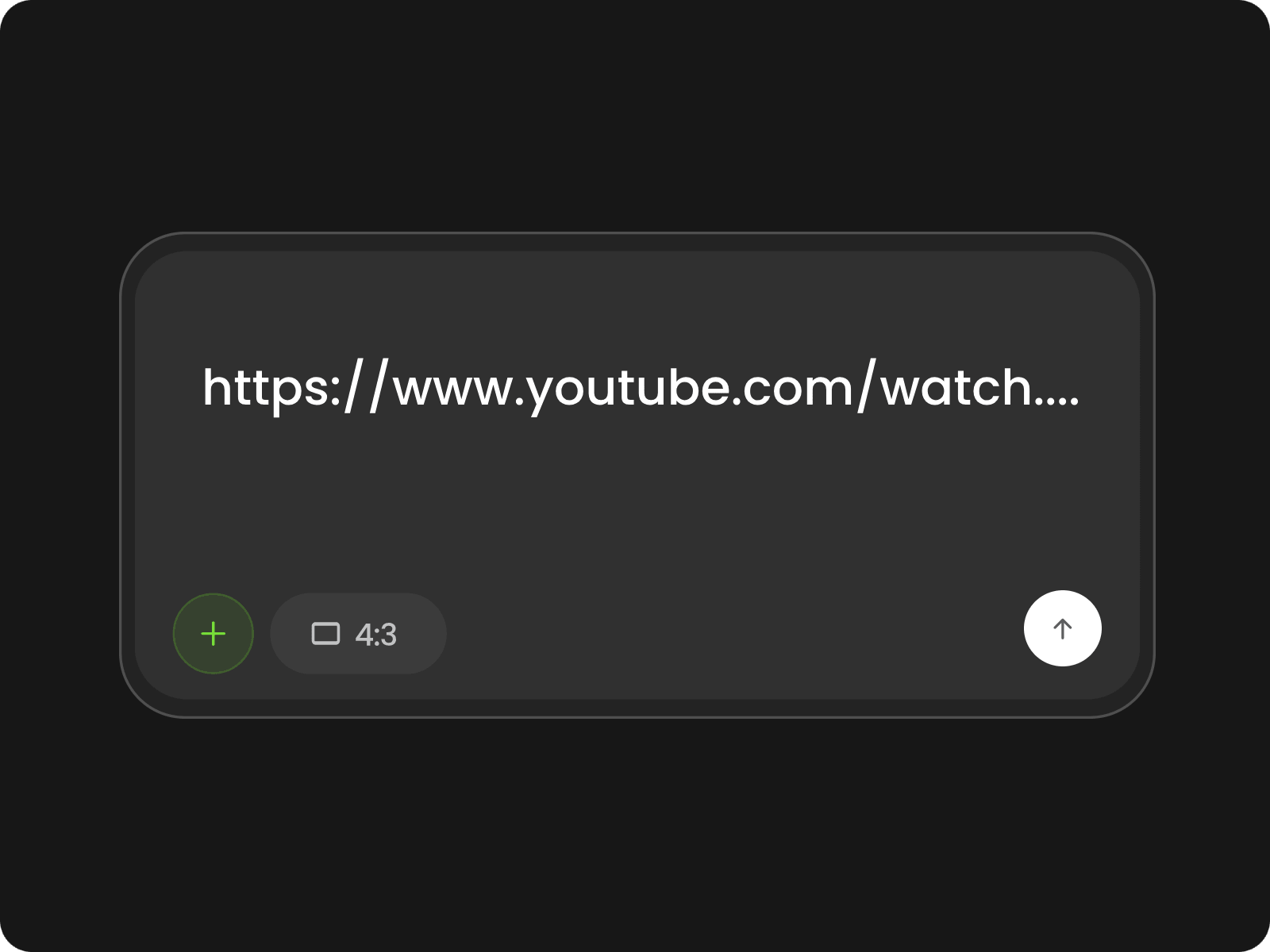
Skip the extra download step. Paste a YouTube video URL into Fotor and start turning the source footage into Instagram content. There’s no need to save the video to your device first, making it easier to move from an existing YouTube upload to editing, reframing, and short-form content creation.
Turn long-form YouTube videos into shorter clips built around the parts worth sharing. Fotor can identify useful moments from your footage, helping you create focused clips for Instagram without manually searching through the entire timeline or editing a long video from beginning to end.
Adapt landscape YouTube footage to Instagram-friendly dimensions without rebuilding the video. Resize and crop your footage for formats such as 9:16 Reels and Stories or 4:5 Feed videos, while adjusting the framing to keep the main subject, product, or other important details visible.
Make your Instagram clips easier to follow with captions and on-screen text. Add synced subtitles, edit the wording, and adjust the text styling and placement in Fotor’s AI video editor before exporting. This works especially well for interviews, podcasts, tutorials, and other YouTube videos where spoken content carries the main message.
Copy the YouTube video link and paste it into Fotor to import your source video directly.
Yes. Fotor can identify different highlights from a long YouTube video and turn them into multiple short clips, so one source video can provide several pieces of Instagram content.
Yes. You can specify the preferred length of your clips when creating short-form content, which is useful when you need shorter cuts for different Instagram publishing needs.
Yes. Your original audio can remain the primary audio track while Fotor creates and edits your clips, so dialogue, interviews, and other spoken content can stay intact.
Fotor can analyze visual content and reframe videos around the main subject. For interviews or multi-person footage, review the generated framing to make sure both speakers remain visible where needed.
Fotor analyzes the video's transcript and visual content to find distinct highlight moments. This can help separate a longer recording into focused clips instead of treating the entire video as one continuous edit.
Yes. Fotor supports importing public video URLs directly, so you can start with the YouTube link instead of downloading the source video to your device first.
Yes. You can continue refining the generated clip by trimming the timeline, repositioning elements, editing captions, or making other adjustments before exporting.
You can review the generated result and make further edits before exporting. This gives you a chance to remove unwanted sections or adjust the final clip to better match the moment you want to share.