


AI YouTube Clipper: Auto Create Short YT Clips
Upload your long-form footage or paste your YouTube link, and let our AI YouTube clipper automatically identify key moments and turn long YT videos into short, captioned clips.
What Types of YouTube Videos Can You Clip?
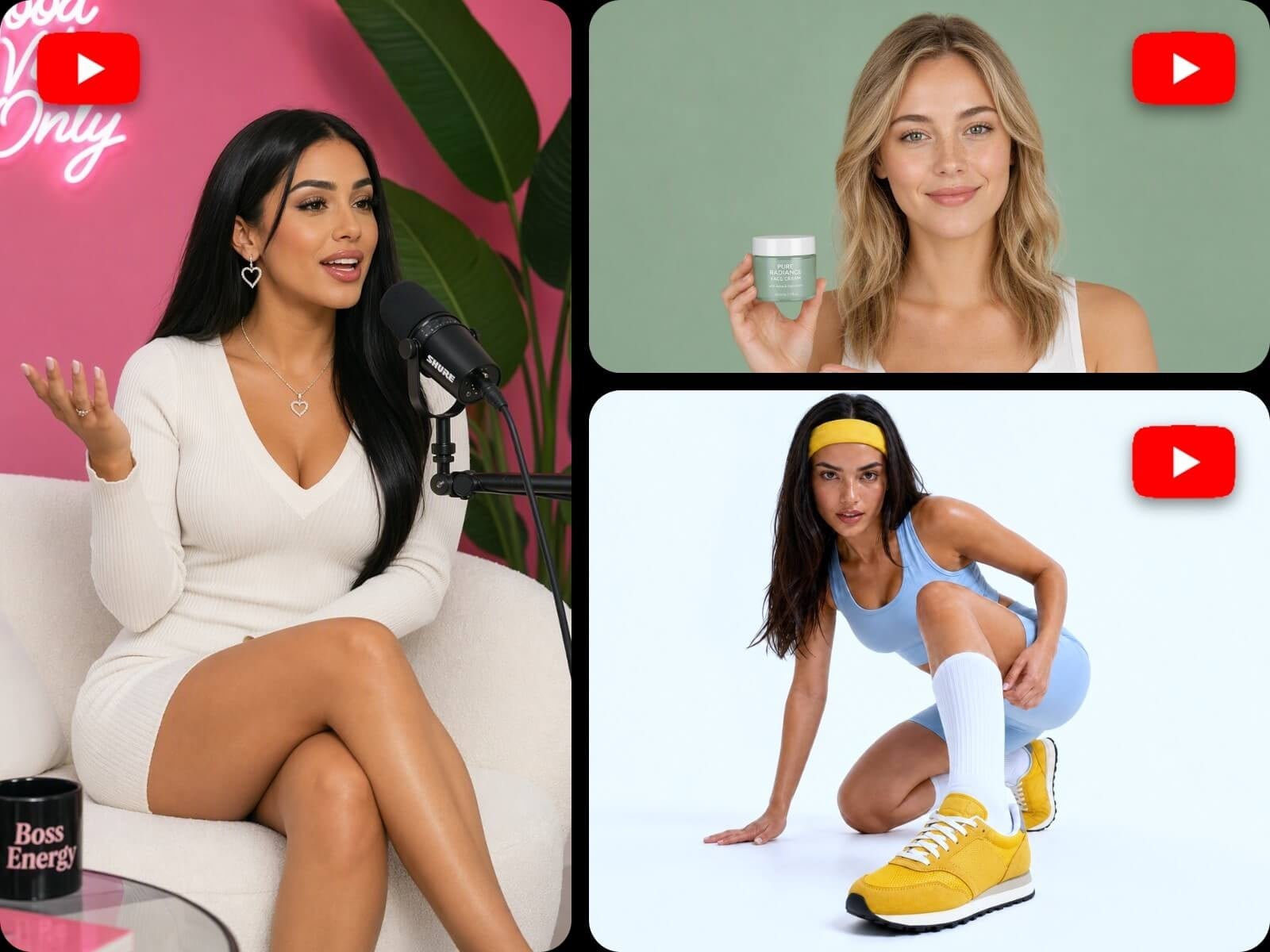
Whether you want to get engaging YouTube clips from your podcast, interview, livestream, Vlog, tutorial, product video, brand story and more, our AI YT video clipper is your ideal solution.
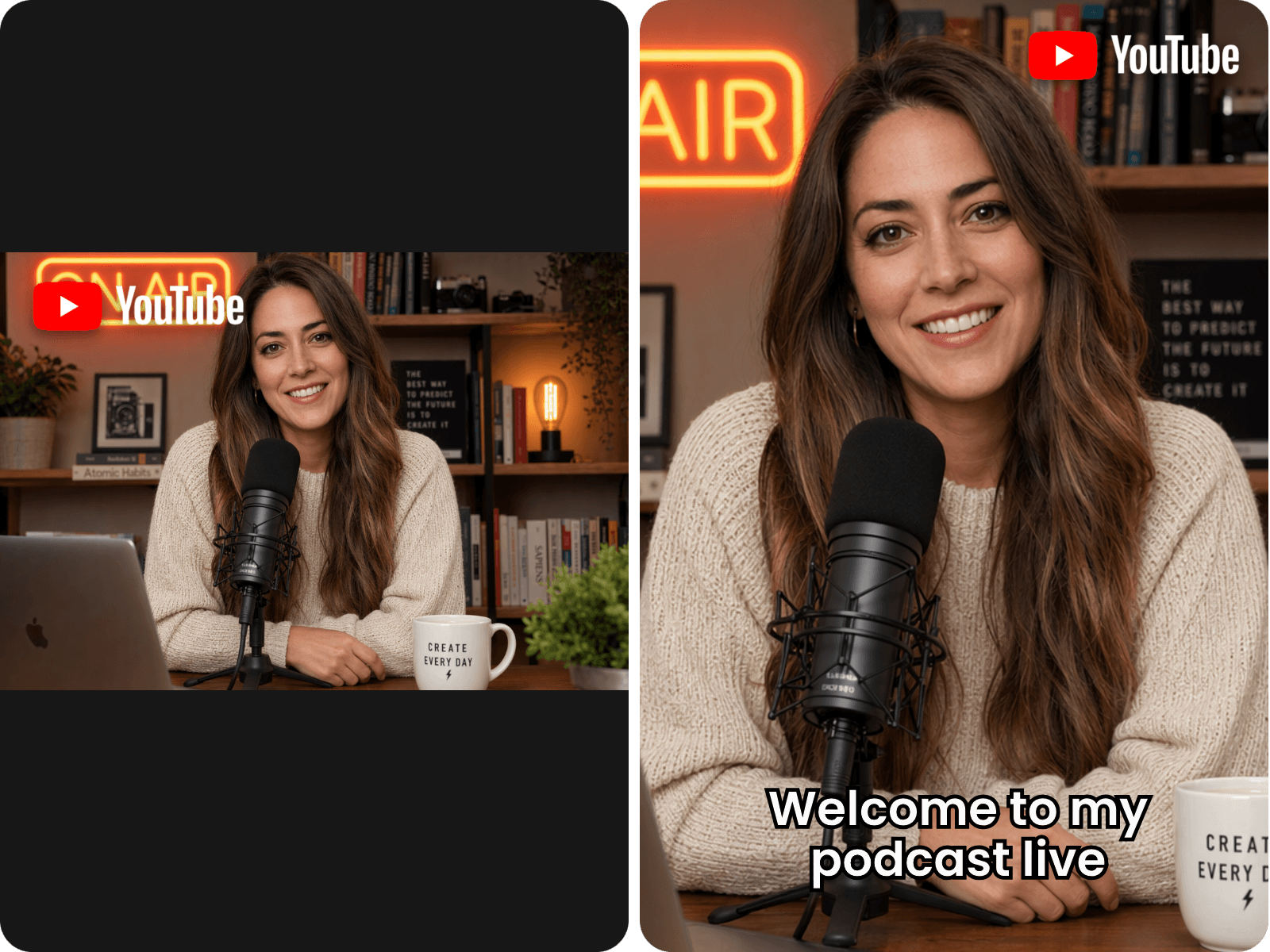
Highlight Clips
Use our AI YouTube clip generator to automatically find standout moments packed with insights, humor, emotional shifts or conversation-worthy topics, and create engaging short videos that could win more likes and go viral.
Ideal for: Podcasts, interview videos, commentary videos, etc.
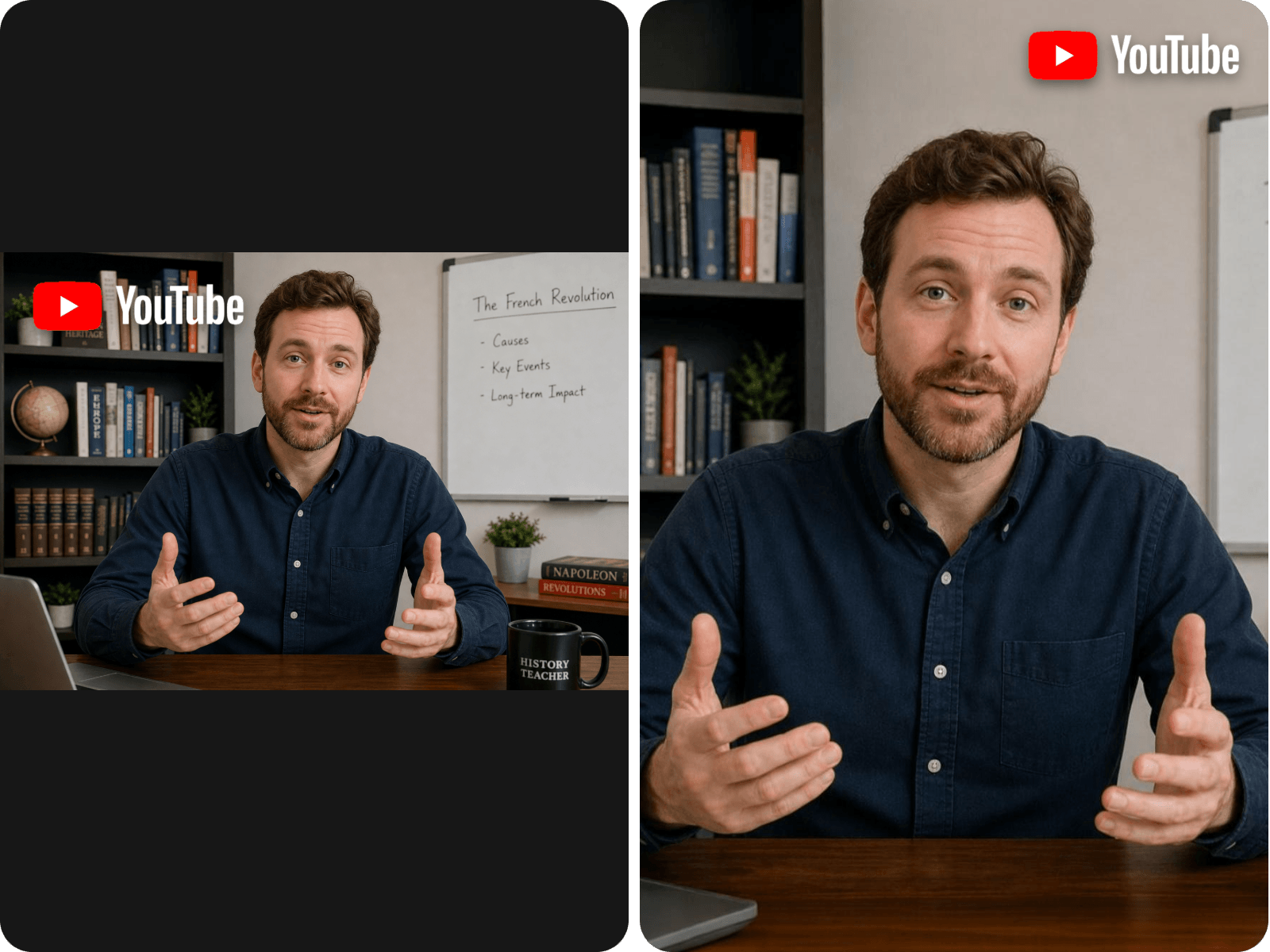
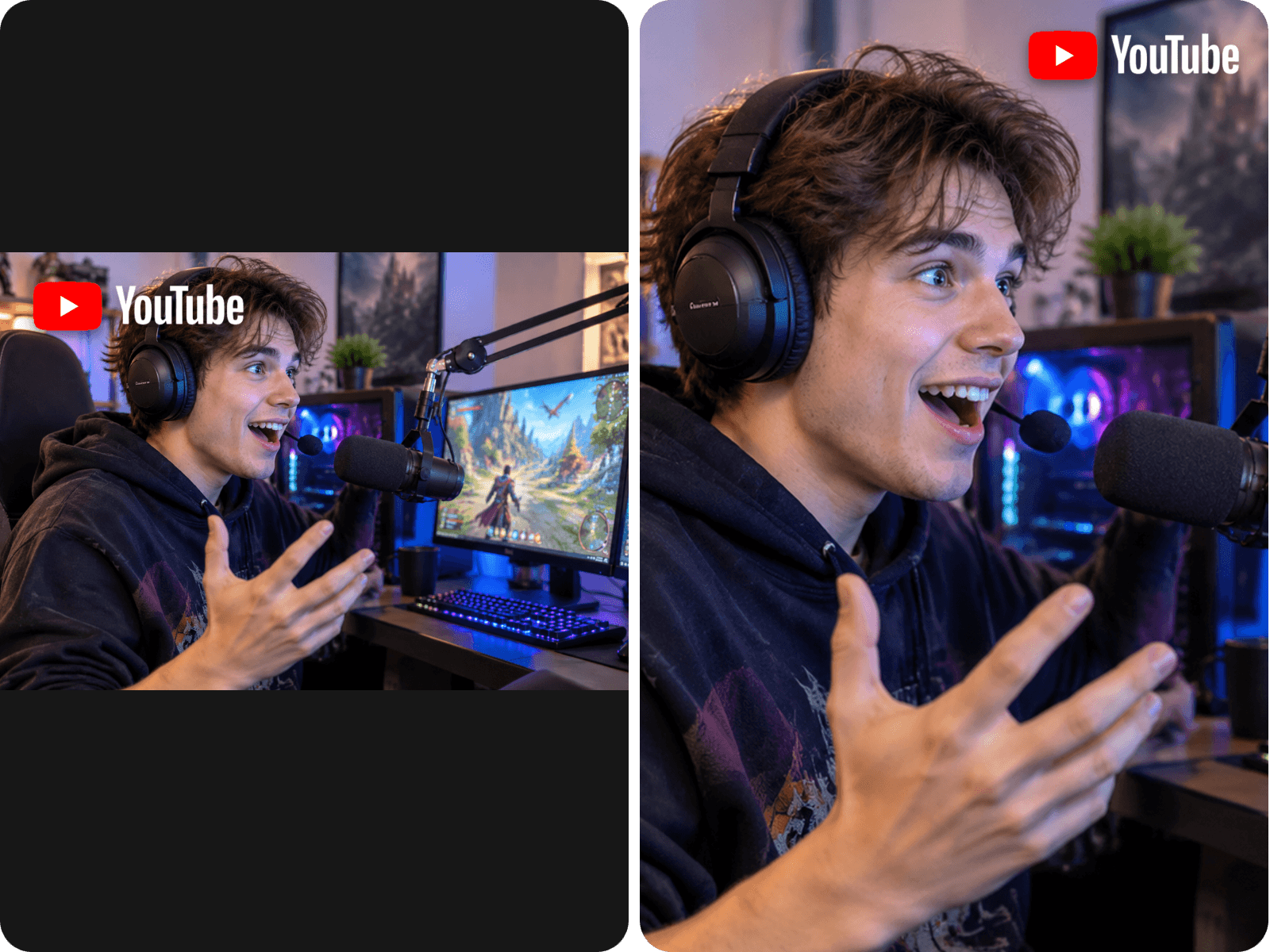
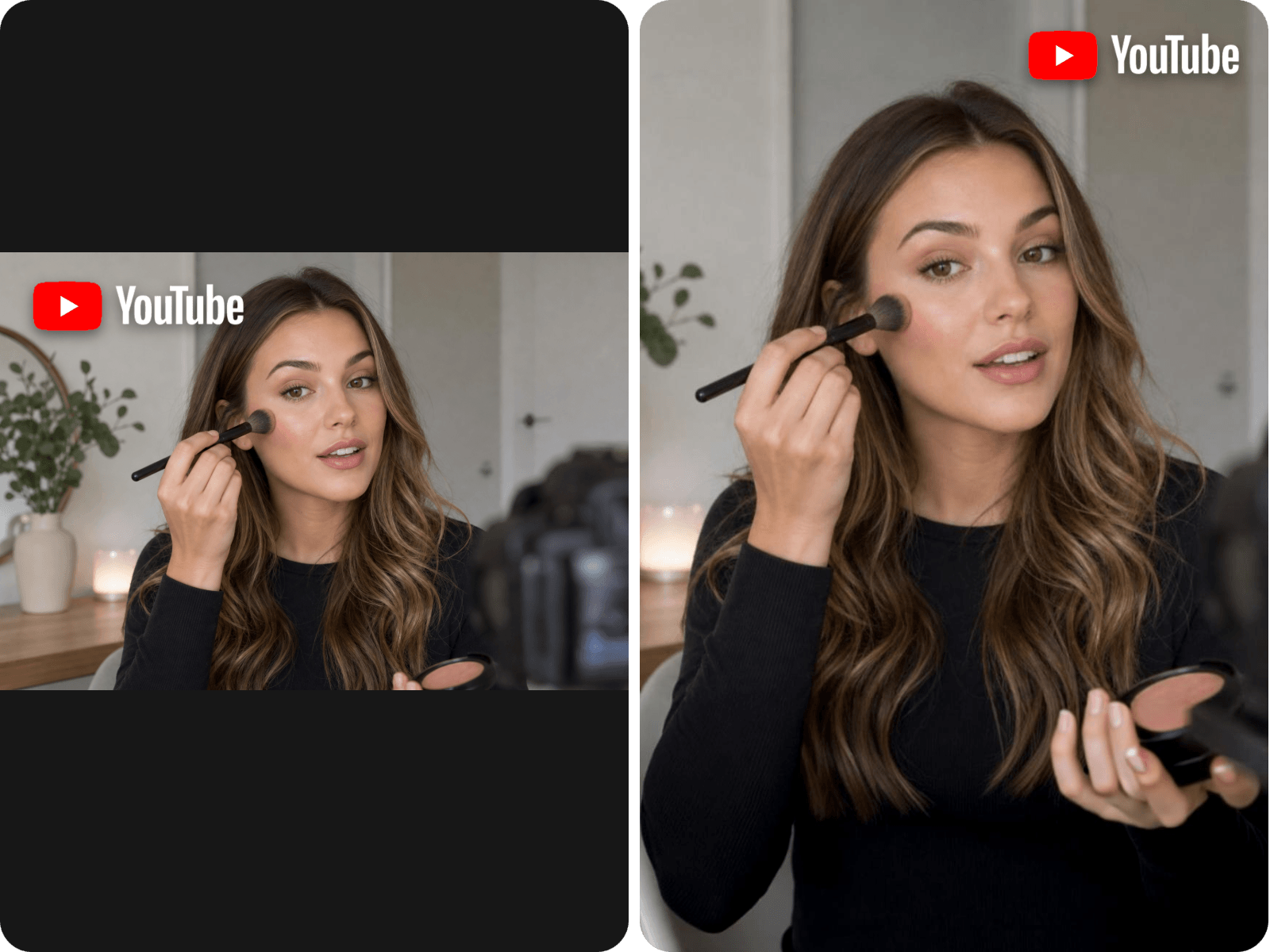
How to Clip YouTube Videos With AI?
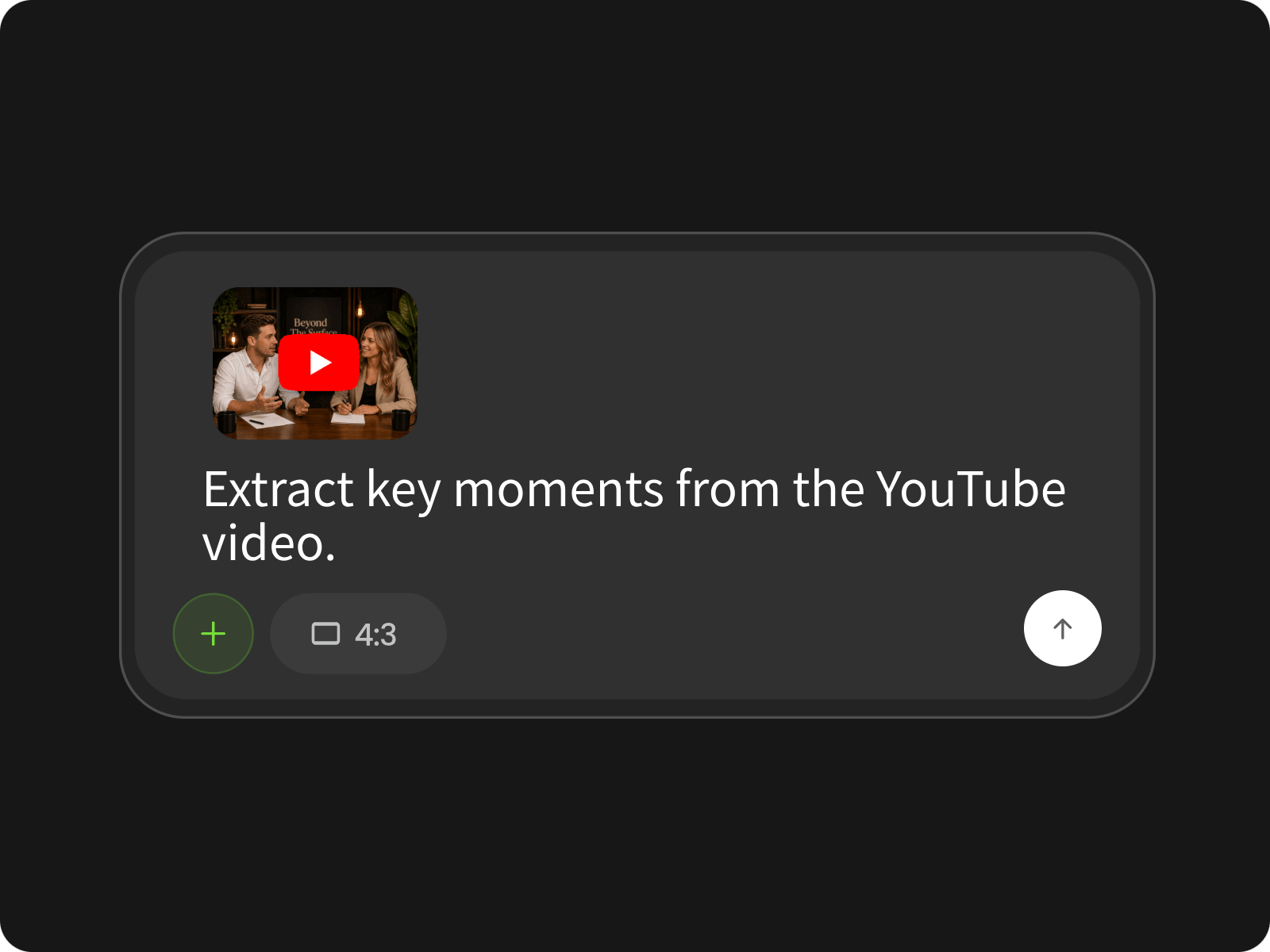
Step 1. Upload Video or Paste Link
Paste your YouTube video link or upload your existing footage to our video agent, and enter the prompt to describe your short clip ideas. Set the aspect ratio to 9:16 if you want to share your clip on YouTube Shorts, TikTok or Instagram Reels.
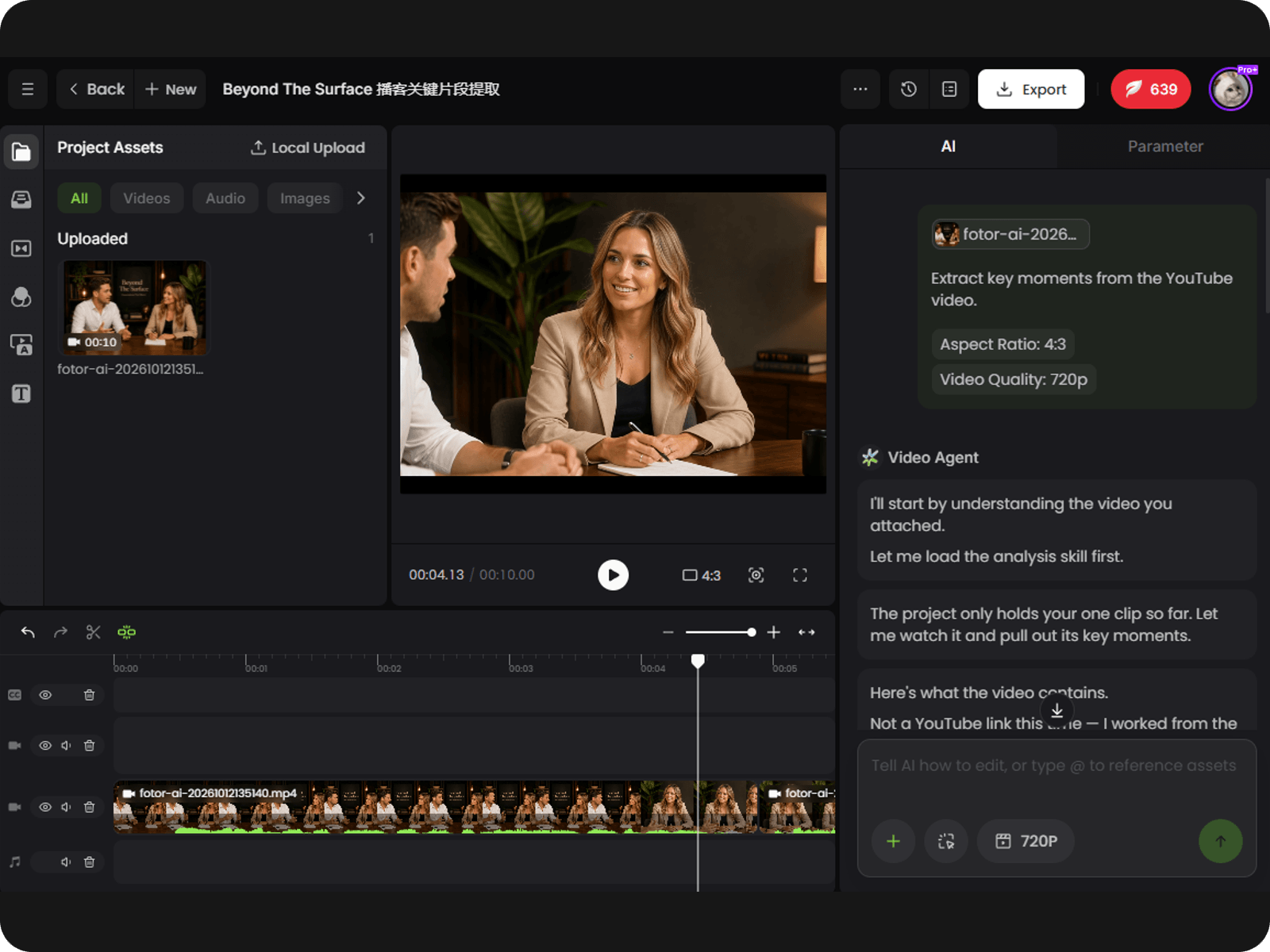
Step 2. Plan and Create Your Shorts
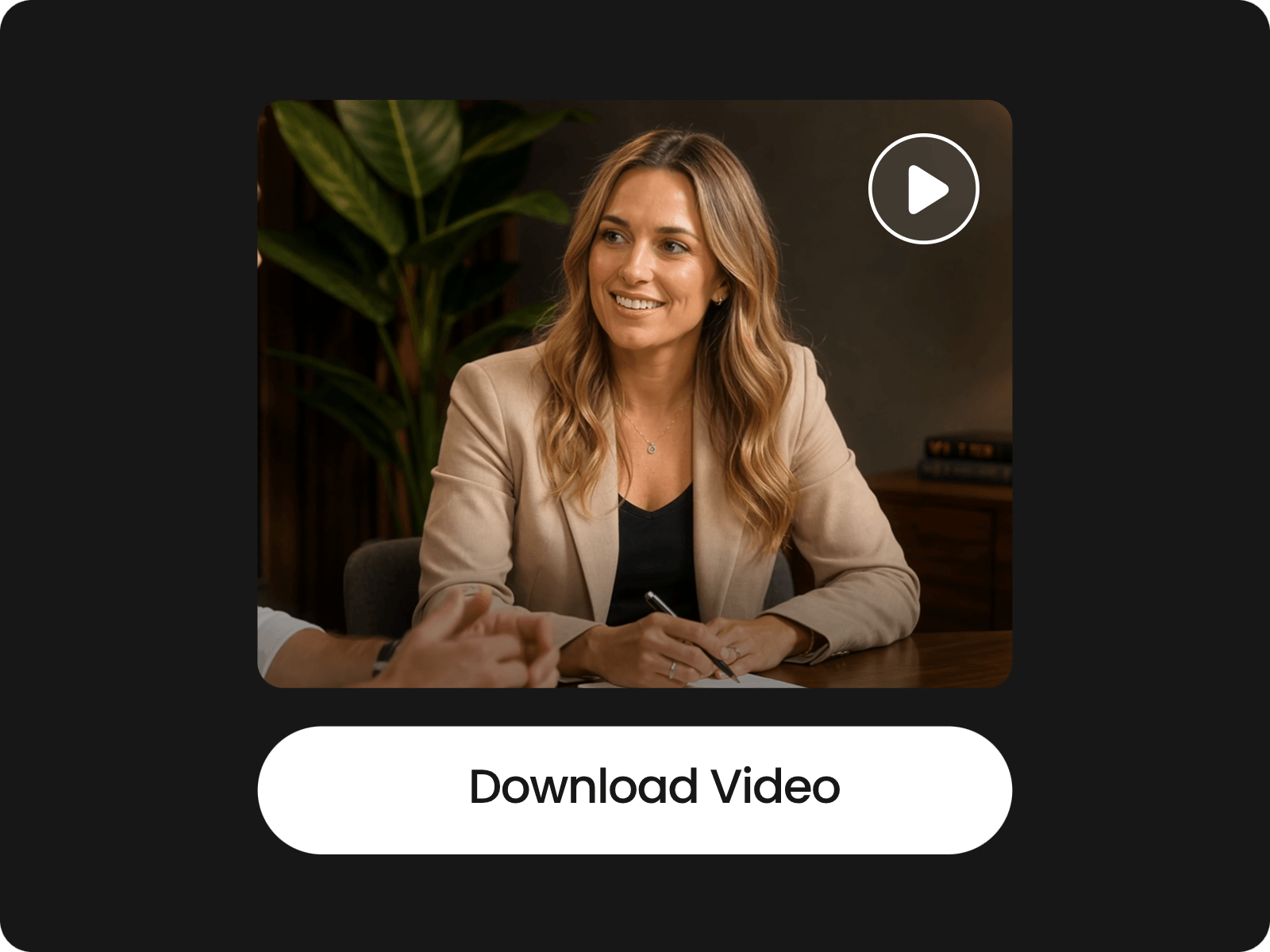
Step 3. Preview, Edit and Download
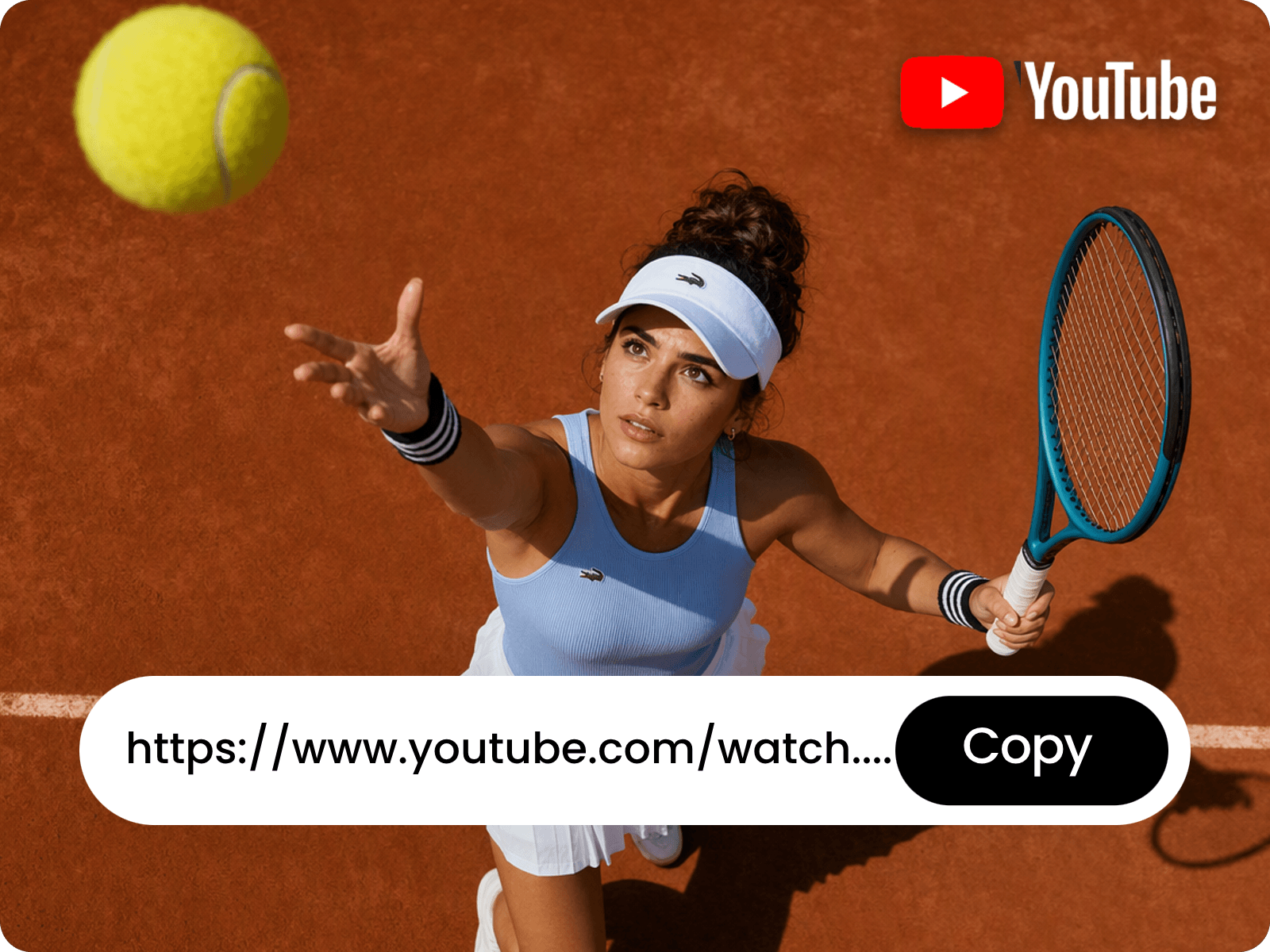
Turn YouTube Video Links into Engaging Short Clips
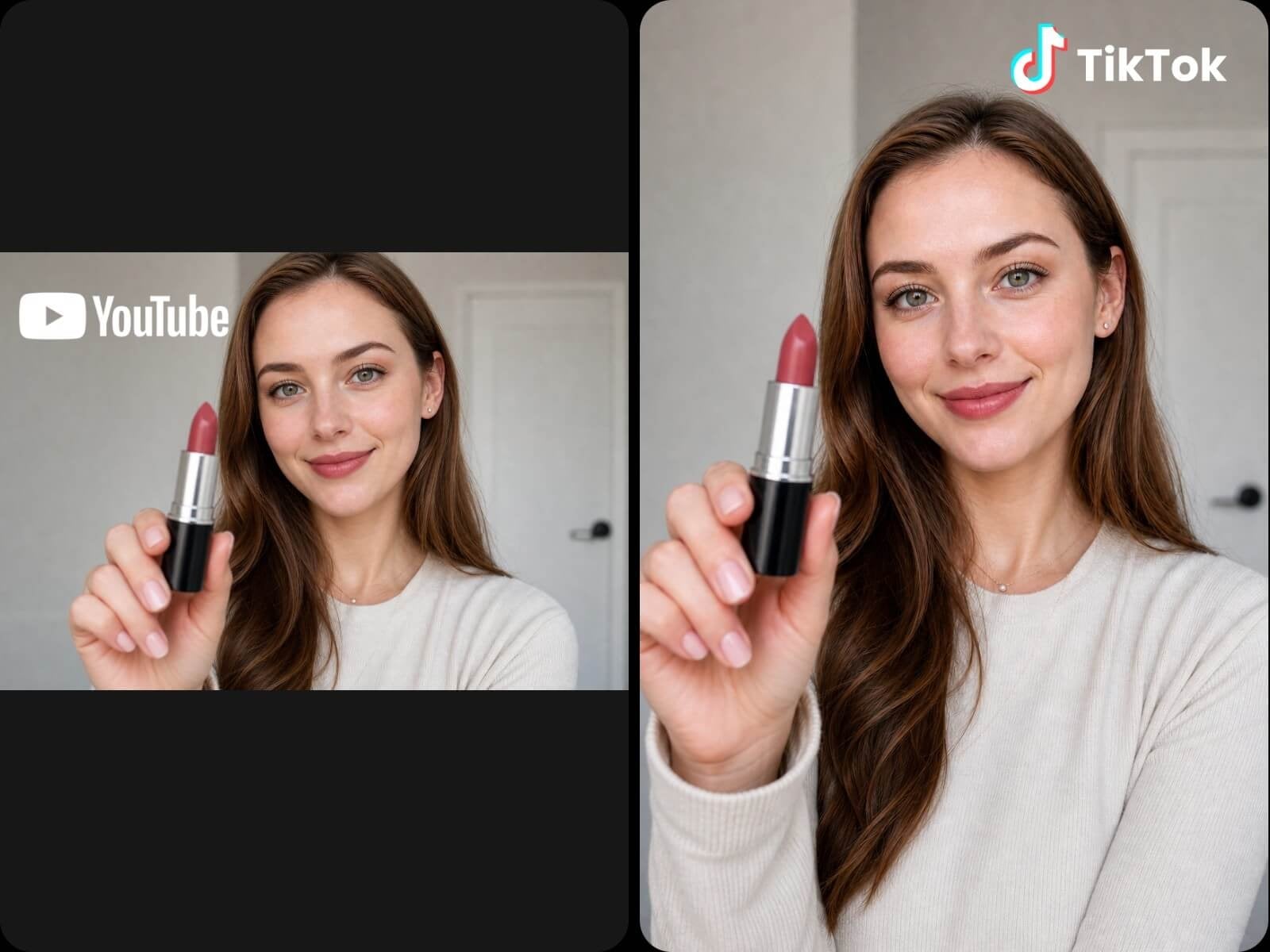
Simply paste a YouTube link and let our AI YouTube clipper analyze the content to identify compelling moments, key insights and memorable highlights. Automatically transform selected segments into bite-sized videos with smart cuts, synchronized captions, speaker tracking, and vertical reframing for YouTube Shorts, TikTok and Instagram Reels. Save time and money to get more value from your existing content.
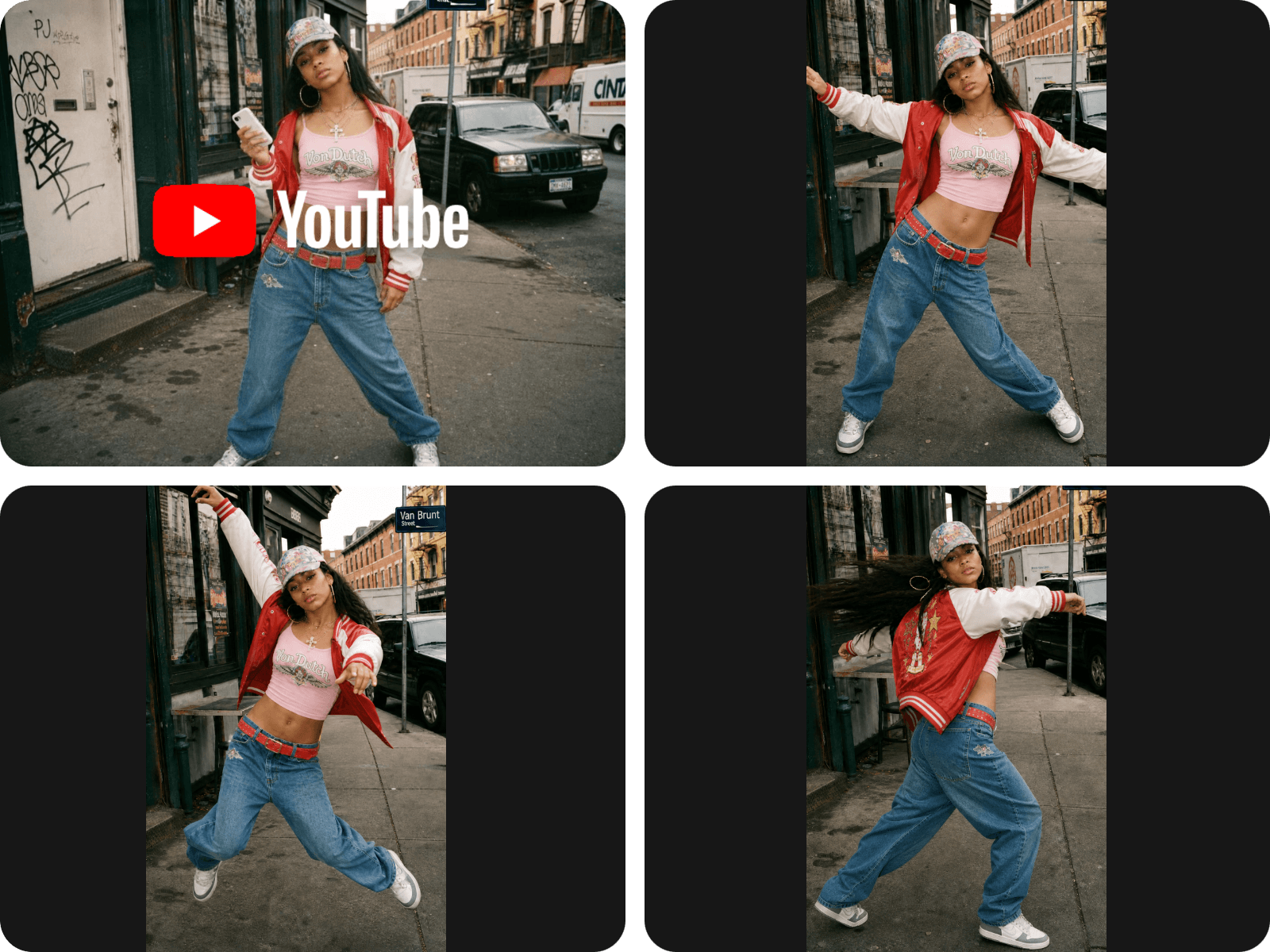
Convert Existing Long Videos to Unique YouTube Shorts
Get fresh YouTube Shorts from your existing long-form videos without starting from scratch. Just upload your video and input your prompt, and our tool can understand them and present you with concise, ready-to-share vertical clips with the compelling moments you desire. Say goodbye to the cumbersome process of manual editing to convert long videos to short videos and reach more viewers.
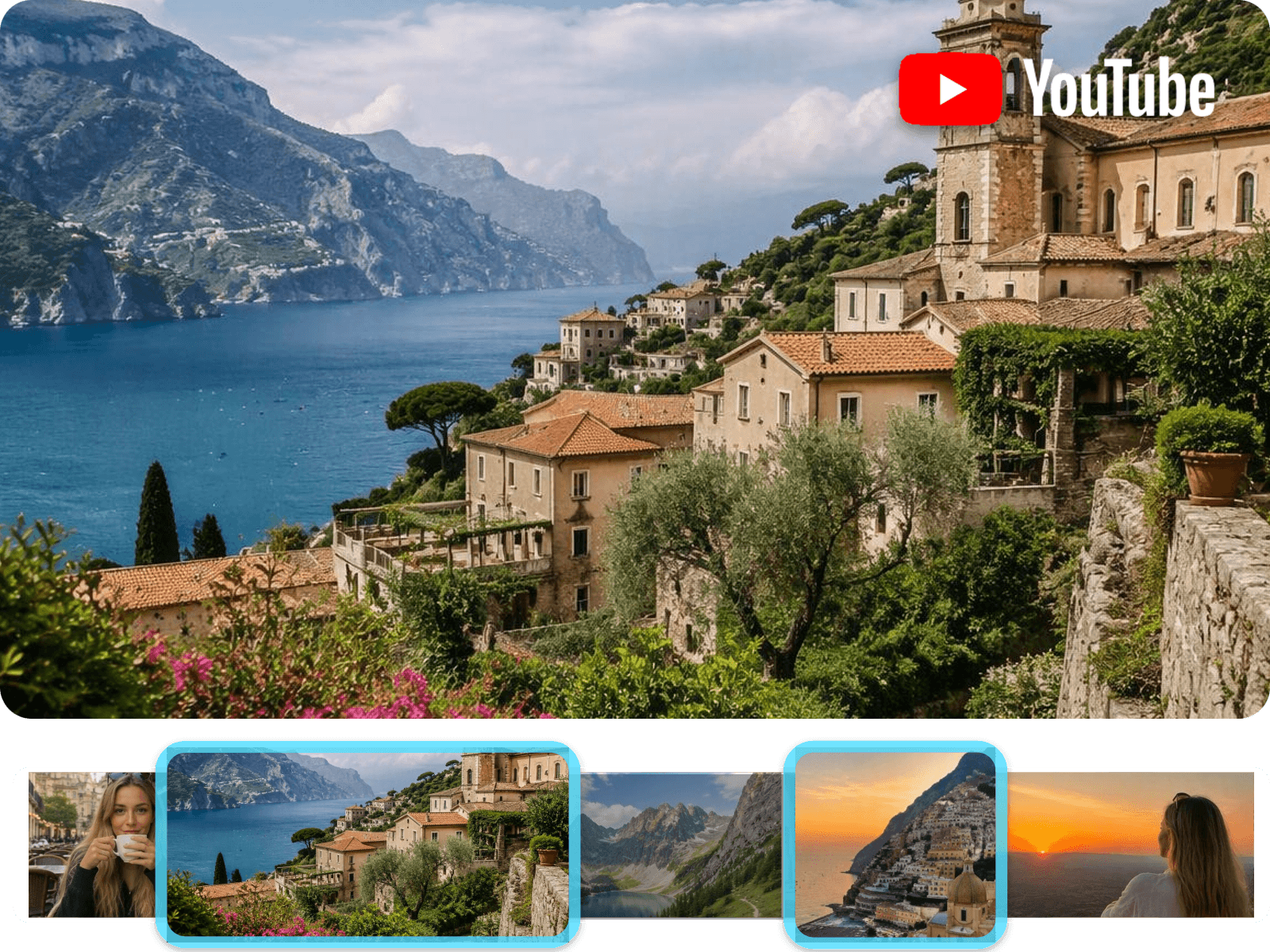
YouTube Highlight Clipper to Auto Find the Best Moments
Feel annoyed at the process of watching hours of footage or searching through clips manually to find the best moments for your YouTube Shorts? Fotor has you covered. Whether you are looking for engaging highlights, memorable quotes, key insights or exciting scenes, our AI YouTube clip maker can quickly dig them out based on your descriptions and change them to captivating short videos.
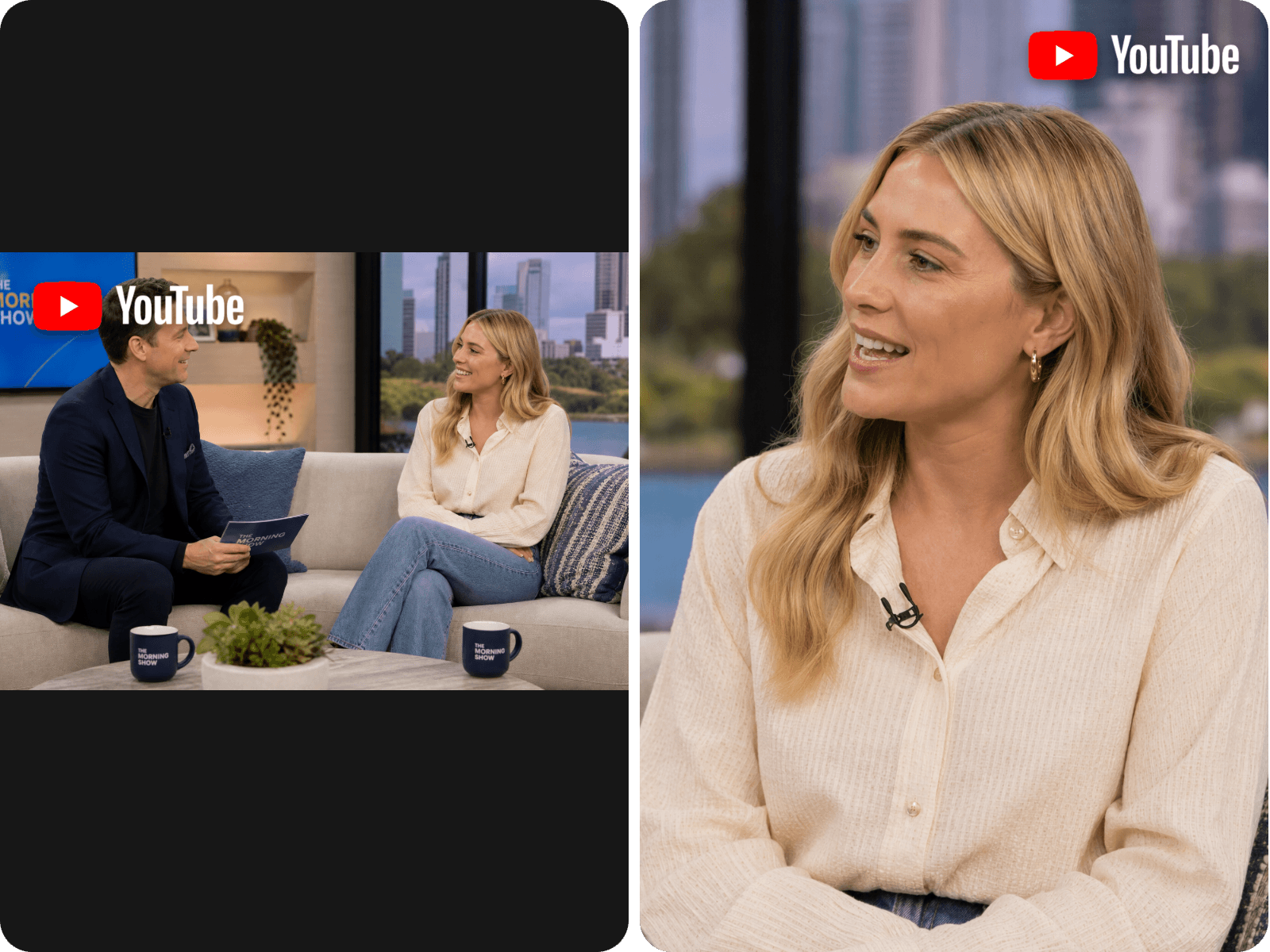
Get Vivid YouTube Clips with Auto Captions and Smart Reframing
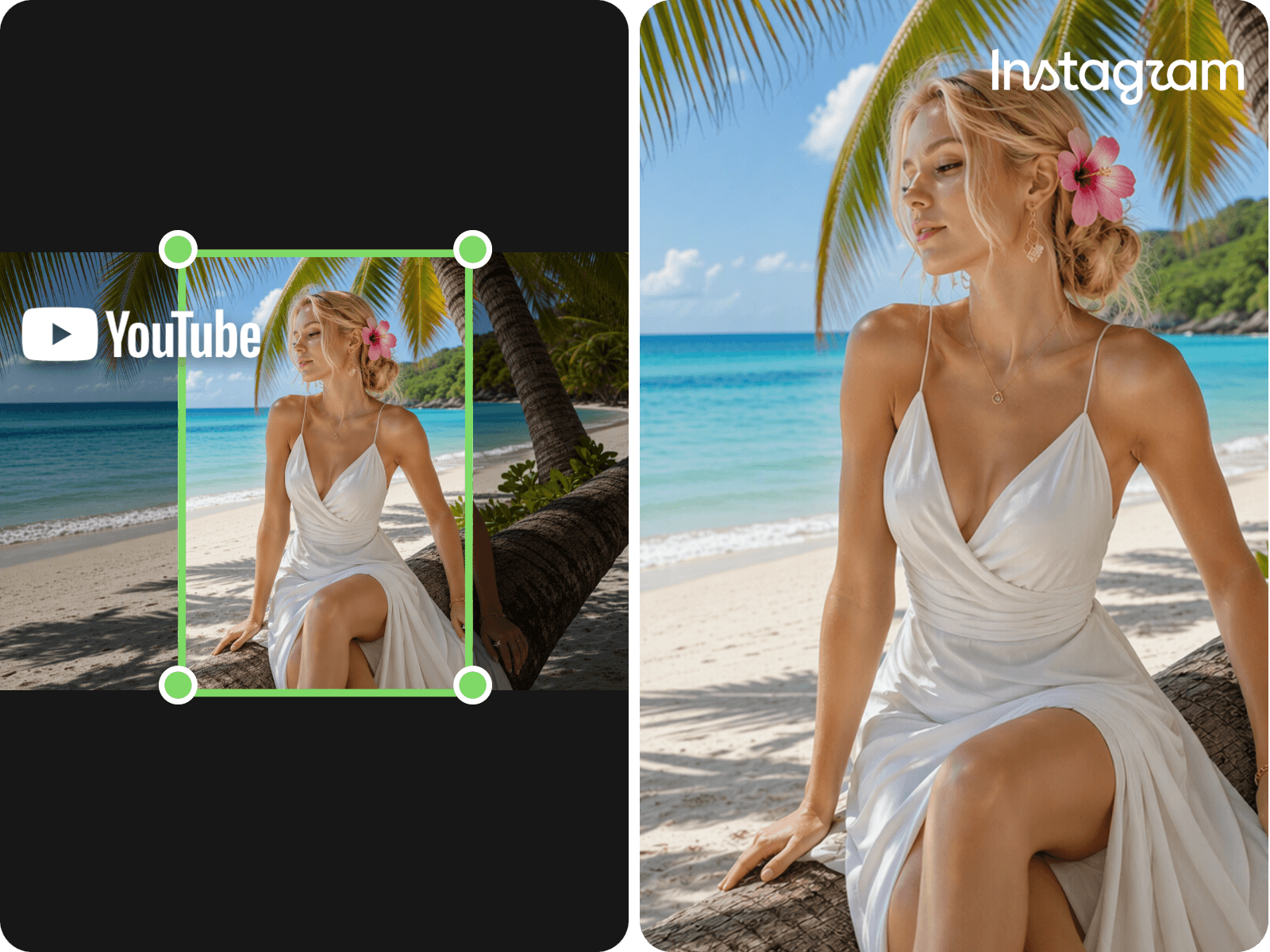
Automatically generate synchronized subtitles, highlight key spoken words and intelligently adjust the framing to keep speakers and important on-screen action in focus. Also, conveniently transform horizontal footage into vertical clips optimized for YouTube Shorts, TikTok and Instagram Reels without manually cropping every scene. Whether repurposing videos like podcasts, interviews, tutorials or livestreams, you can try Fotor to create polished, easy-to-follow clips that capture attention and keep your content looking great on any screen.
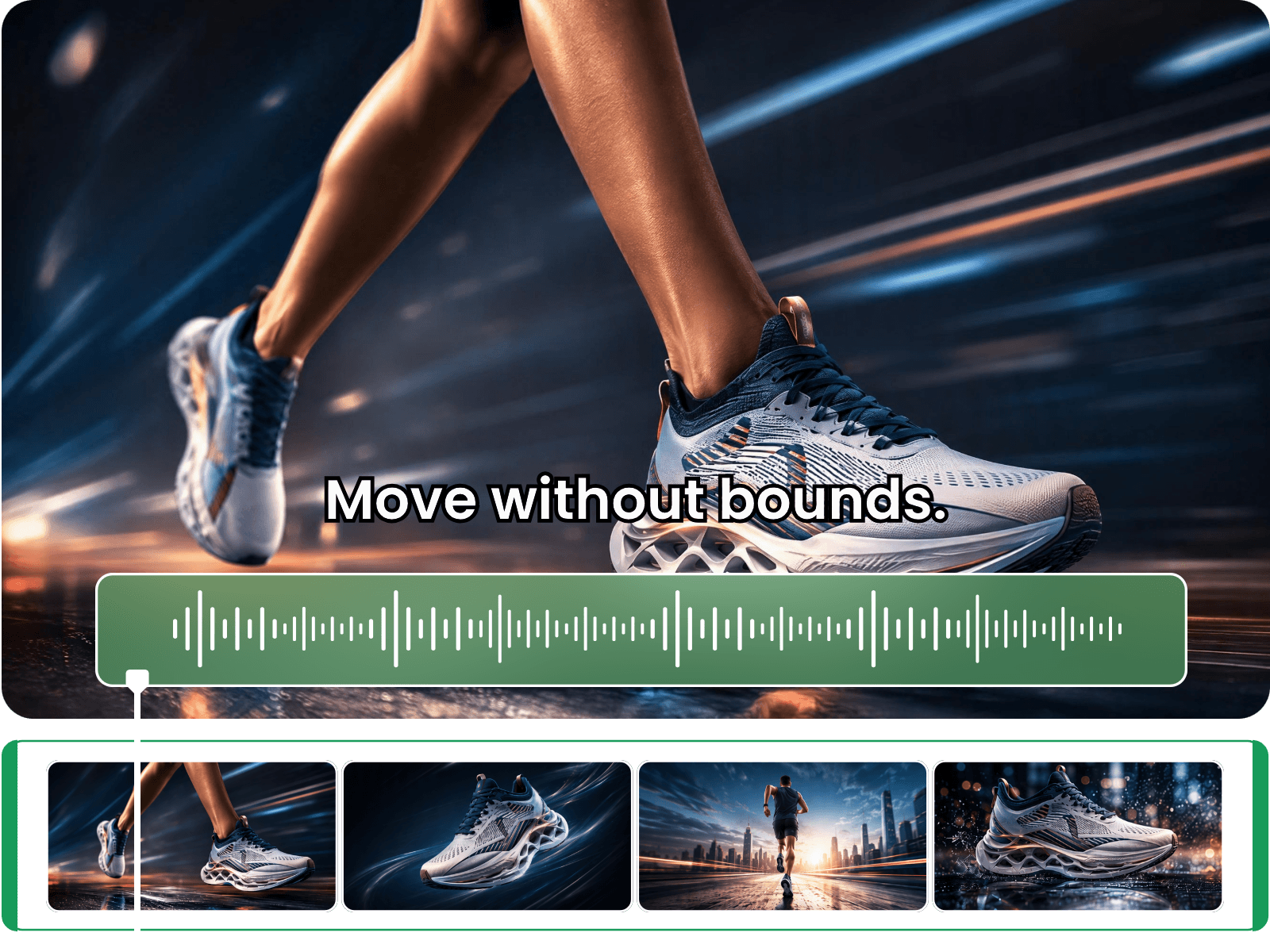
Optional Manual YouTube Clip Editing in One Workflow
Want more control over your YouTube clips even when they are finished? No problem. Fine-tune your YT clips with optional manual editing in our built-in AI video editor. Adjust clip lengths, trim scenes, add new text, change framing, add music or tweak transitions to match your preferences. Keep the best parts of AI automation while having the freedom to make creative decisions yourself.
Enjoy Convenient YouTube Video Creation & Editing
More than just an AI YouTube video clip maker, Fotor offers plenty of convenient ways to help you create or edit your YouTube videos.
FAQs
What is a YouTube clipper?
A YouTube clipper is a digital tool that adopts artificial intelligence technology to automatically identify and extract specific parts of a YouTube video based on your requirements, such as highlights, key moments and more. Then, it will create one or several YouTube short clips for you.
The main difference between an AI YouTube clipper and a YouTube clipper is that the former boasts an automatic workflow that needs little manual editing, while the latter requires manual clip finding, extraction and editing.
How does an AI YouTube clipper work?
An AI YouTube clipper, like Fotor, usually analyzes video content to identify relevant moments, suggest clip boundaries and create short-form videos. Besides, Fotor’s AI YouTube clip maker can also generate captions, reframe the video for vertical viewing and let you refine the result through an AI video editor.
What Makes a Good YouTube Clip?
A good YouTube clip grabs viewers' attention in the first few seconds and keeps them watching with engaging, relevant content. It should focus on the following metrics:
Complete Context: The core information should be included to help viewers understand your points without watching the full video.
Clear Payoff: A clear conclusion or result should be shown to the viewers.
Natural Pacing: No awkward cuts should be presented in the short clip.
Good Framing: The main subject needs to be clearly shown on the screen if you want to reframe the video into a vertical one.
Accurate Captions: The captions should be consistent with the conversations or audio.
Can I turn a long YouTube video into multiple Shorts automatically?
Yes. Our tool can intelligently identify multiple moments in a longer video based on your requirements and automatically turn them into ready-to-share short clips. You can still review each clip and chat with our video agent to make sure each one has a clear beginning, enough context and a useful ending before publishing.
Can I clip a specific part of a YouTube video by timestamp?
Yes. After pasting your YouTube link, you can specify the exact start and end times in your prompt to let our tool clip the specific part of a YouTube video at the given timestamps. Also, your AI-generated YouTube clip will be displayed in a built-in video editor. Then, you can further trim it in the timeline manually.
Can I paste a YouTube link into an AI clipper?
Yes. Fotor accepts a YouTube URL directly and can repurpose it into your desired clip without the need to download the full video.
How do I make YouTube clips without awkward cuts or missing context?
Simply include the main information you want to convey in your prompt. Then, our AI YouTube clip generator can smartly identify and extract the key moments according to your requirements and present you with a ready-to-share YouTube clip that ensures all the core information is included and the visuals are displayed smoothly.
Can an AI YouTube clipper add captions and make vertical videos?
Some AI clipping tools generate captions and automatically reframe horizontal footage for vertical formats. The results should still be reviewed to check subtitle accuracy, text placement, and whether the important subjects remain visible.
What types of YouTube videos work best with an AI clipper?
You can clip all kinds of YouTube videos with Fotor, including podcasts, interviews, tutorials, commentary, livestreams, gaming videos, product ads, UGC videos and more.
Which formats does Fotor’s AI YouTube clipper support?
For input formats, Fotor supports MP4, WEBM, MOV, AVI, MKV, FLV and more.
For output formats, only MP4 is currently exportable. We are working to make more formats savable.
Is there a free AI YouTube clipper without watermarks?
Fotor offers free credits (from 30 to 100) to every new user to try the AI YouTube clipper at no cost, based on their region. When the free credits run out, you can either earn more by visiting our “Credit Reward” page or subscribe to our Pro+ or Pro Max plan. No watermark will be added to your video result.
Can I monetize or repost clips made from other YouTube videos?
Usually, no. Unless you have the copyright to these YouTube videos or get written consent from the creators, you may face several legal consequences for monetizing or reposting clips made from other YouTube videos.
It is strongly advised not to do that, even if you include the creator’s information and the original video link, since you might still violate local intellectual property laws. So, please refer to the relevant laws and regulations carefully before doing so.