Plan YouTube Content Ideas
Explore video topics, develop content ideas, and build YouTube content plans around your channel goals with AI.


Automate your YouTube content creation with Fotor’s AI YouTube automation tool, from planning topics and writing scripts to creating videos and repurposing existing content. Produce more YouTube videos with less manual work, keep your channel active, and focus more on growing your audience.
Explore video topics, develop content ideas, and build YouTube content plans around your channel goals with AI.
Turn content plans and scripts into YouTube videos with scenes, visuals, and other video elements generated by AI.
Reuse existing videos, YouTube links, and other content to create new videos and extend the value of your content.
Connect content planning, video creation, and content repurposing in one AI-assisted workflow for ongoing YouTube production.
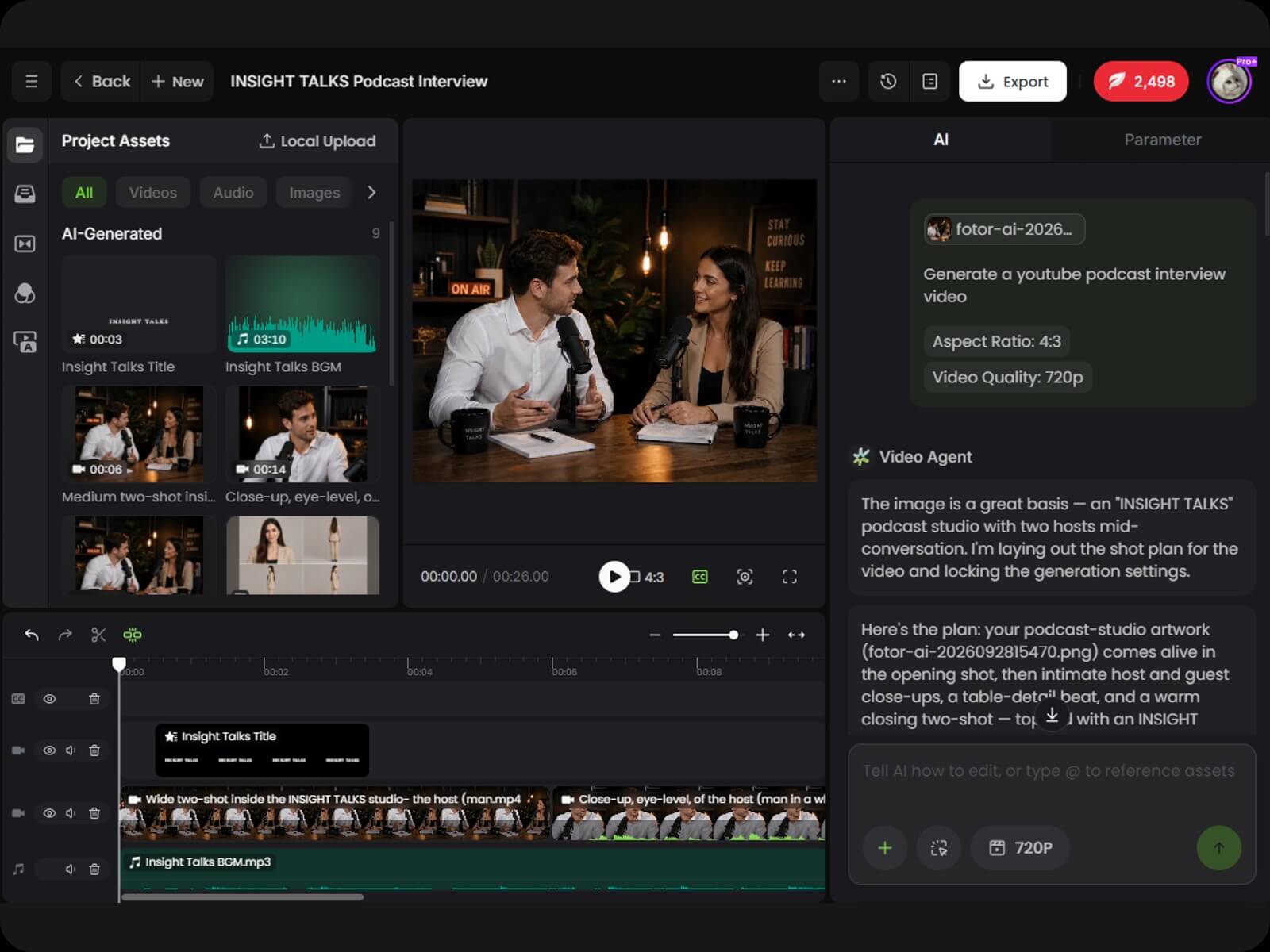
Built around Fotor Agent, our YouTube automation tool keeps the creative process in one conversation. Start with a rough idea, add details as your needs become clearer, and develop your video concept step by step.
▶️ Describe your channel goals, video ideas, and content needs
▶️ Develop your video direction, script, and scene ideas through conversation
▶️ Build a clear creative plan for your YouTube video
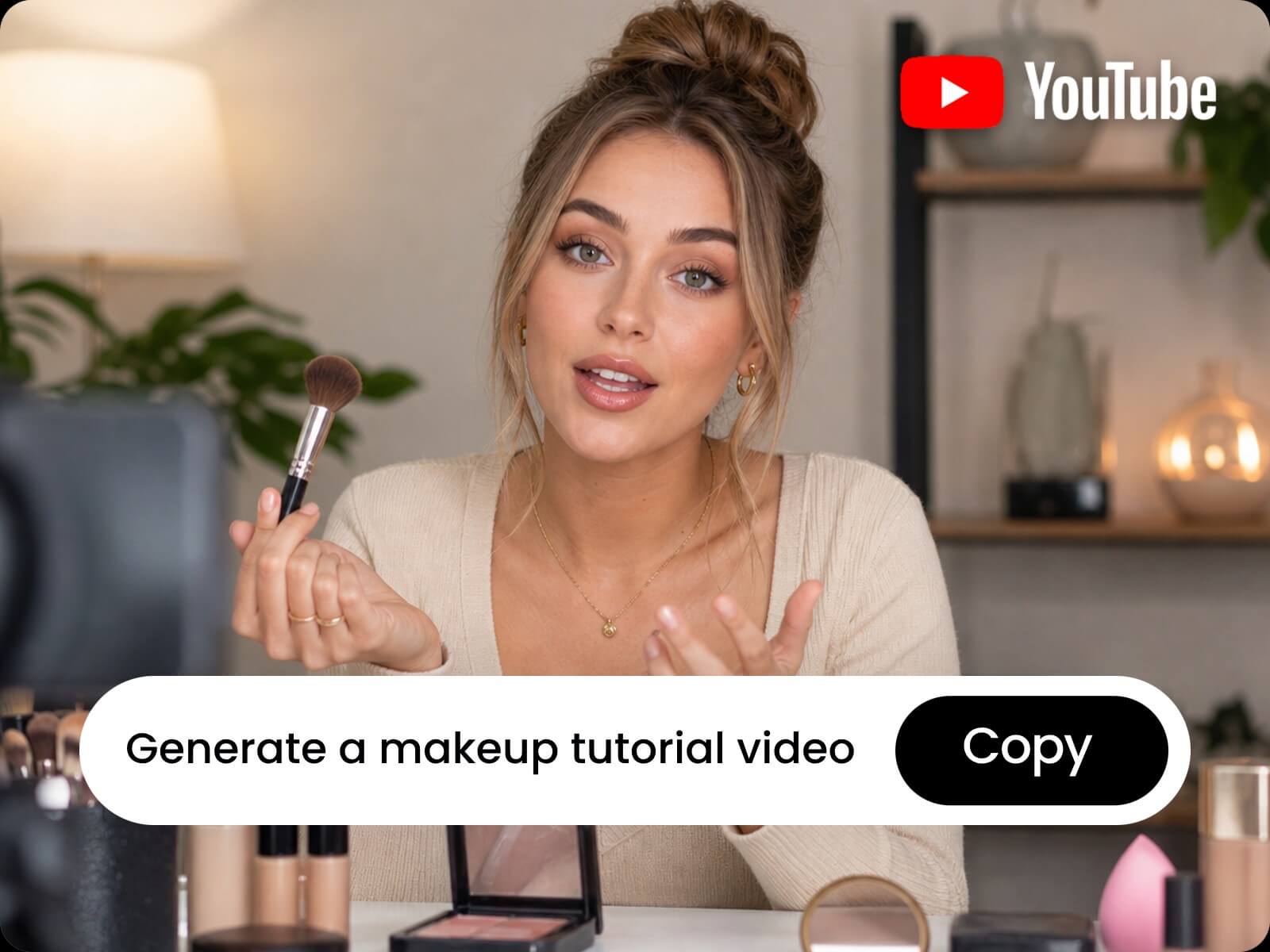
A good YouTube idea is only the starting point. Without a clear direction, structure, and way to present it, even a strong topic can be difficult to turn into a video worth making. Develop your ideas into focused YouTube video plans with the right content direction and structure.
▶️ Turn your ideas into clear video directions
▶️ Plan the script, scenes, and content structure for YouTube
▶️ Prepare a complete production plan for your video
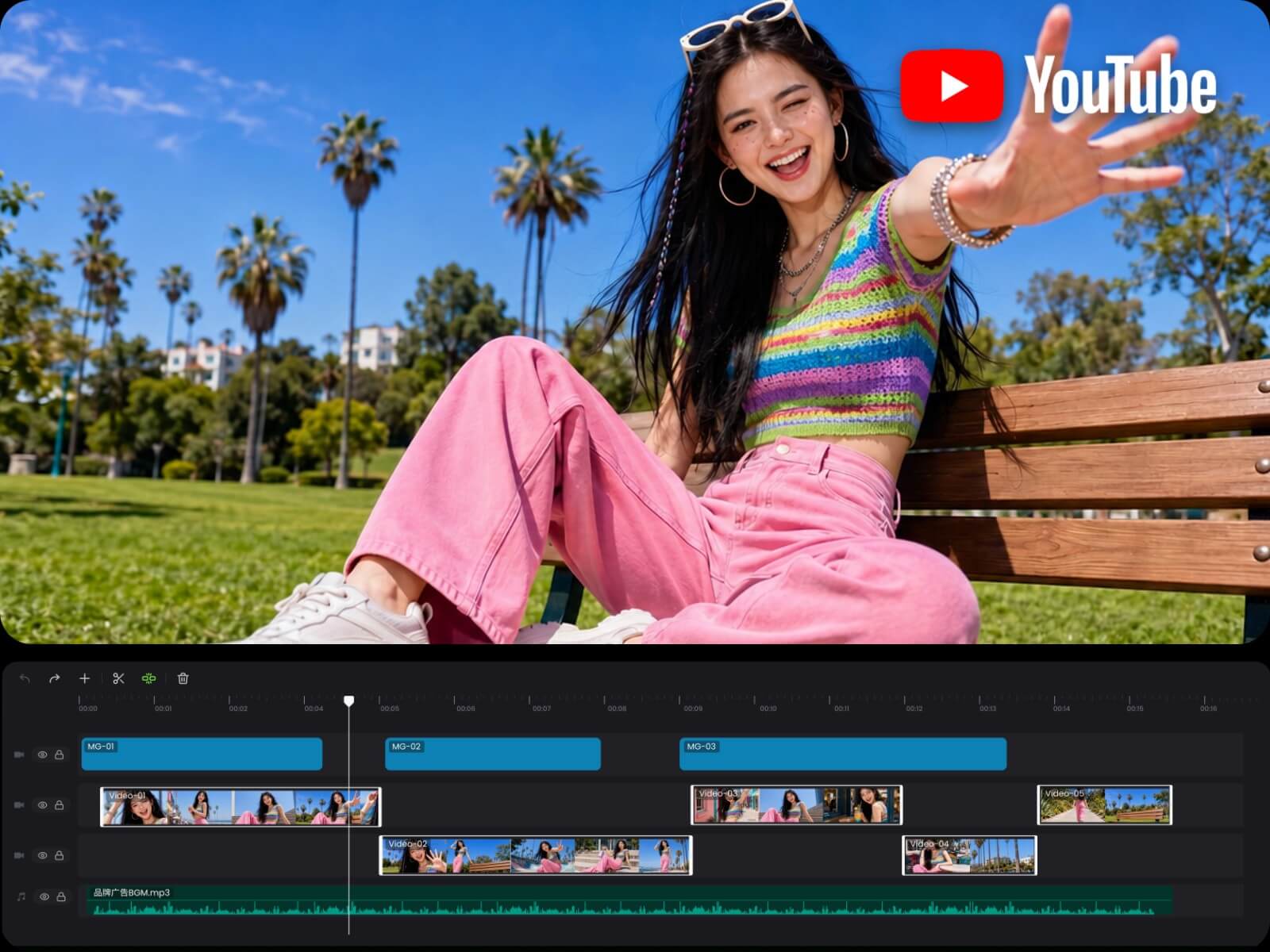
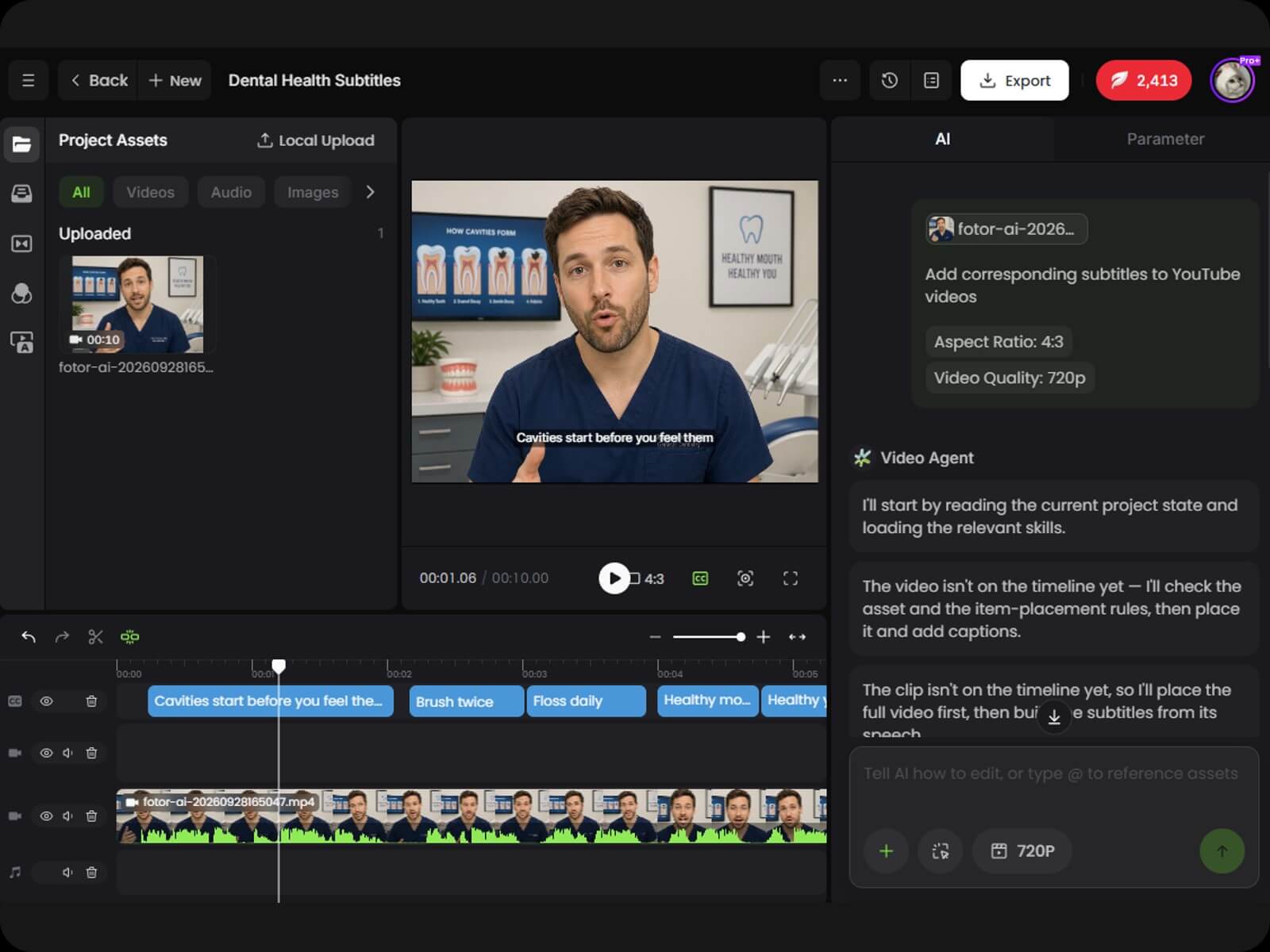
A well-planned YouTube video still needs scenes, visuals, and a clear structure to bring the idea together. Turn your content plan into a complete YouTube video with automatically generated and arranged visuals, voiceovers, subtitles, music, and other video elements.
▶️ Turn your content plan into scenes and visual content
▶️ Automatically arrange visuals, voiceovers, subtitles, music, and other elements
▶️ Adapt videos to different YouTube formats and aspect ratios
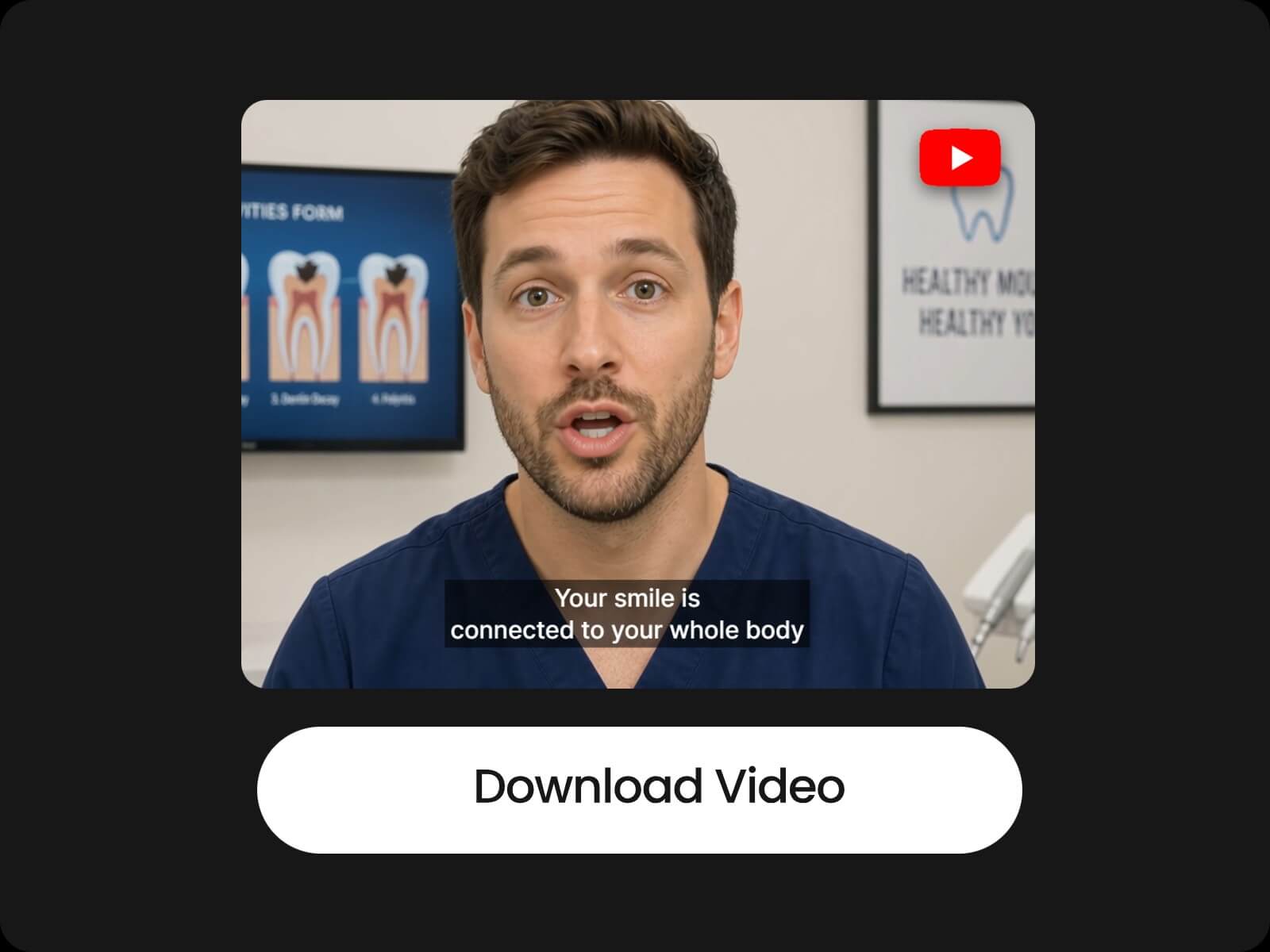
▶️ Create complete videos ready for YouTube publishing
Creating one YouTube video is only part of running a channel. Keeping your channel active requires a steady flow of content, which can be difficult when every video starts from scratch. Reuse existing content and streamline production to create more YouTube videos with less repeated work.
▶️ Reuse existing videos, YouTube links, and other content to create new videos
▶️ Turn long-form videos into more YouTube-ready content
▶️ Batch-create content to keep your YouTube channel active
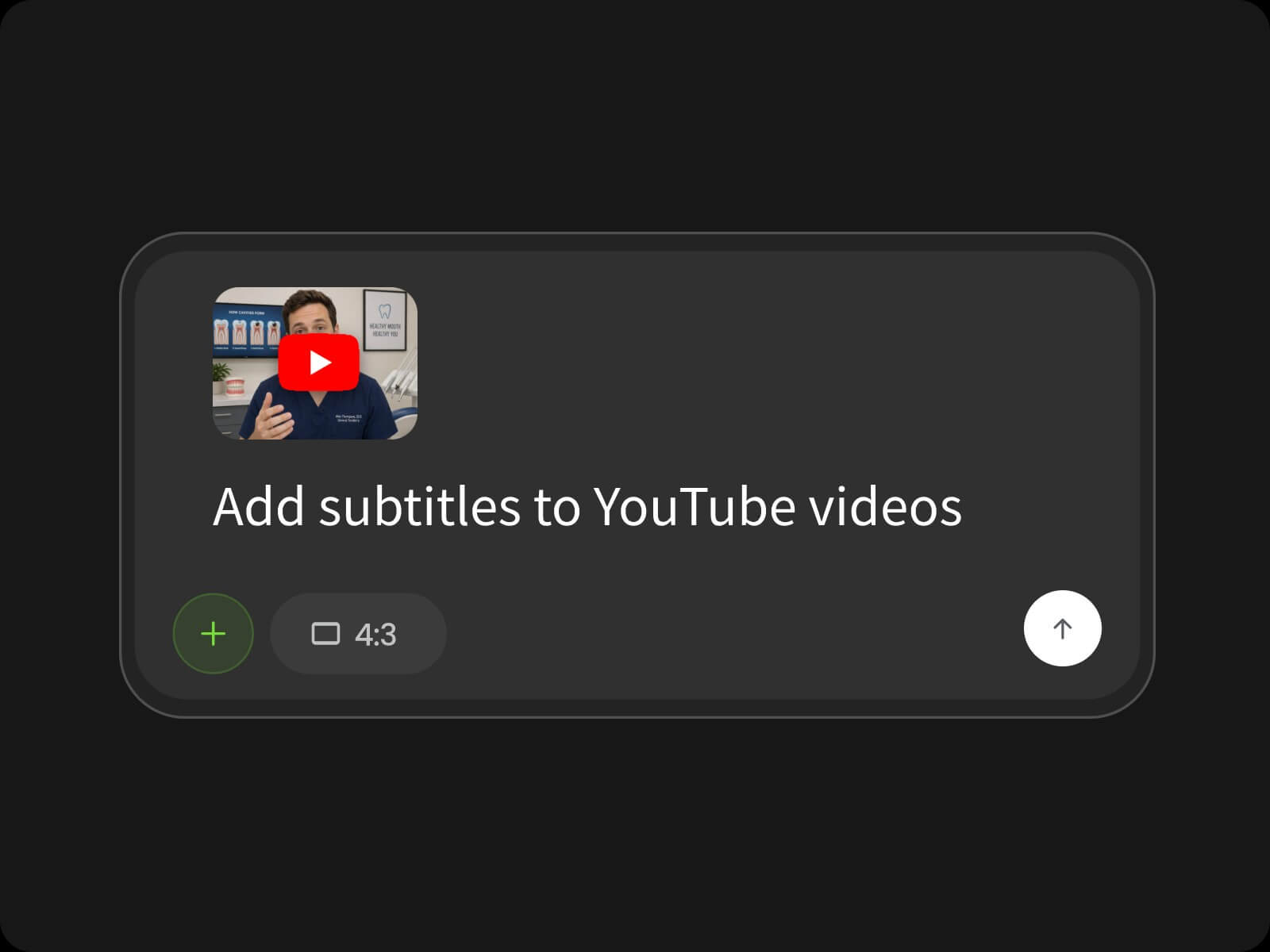
Upload a video, paste a YouTube link, or describe what you want to create. Share your channel goals, video ideas, or other content needs to give the AI the context it needs.
Create YouTube content with an intuitive workflow that’s easy to get started with, even without professional video-making skills.
Generate rich, high-quality YouTube videos with detailed visuals, engaging scenes, and well-developed content.
Plan, create, and manage your YouTube content online across devices whenever inspiration strikes.
Handle your YouTube content planning, video creation, editing, and repurposing in one tool.
Export your videos without a watermark and publish them to your YouTube channel whenever and wherever you want.
Keep your uploaded videos and creative materials protected throughout the YouTube content creation process.
YouTube automation is a way of running a YouTube channel by systemizing, delegating, or automating different parts of the content creation process. These may include topic research, scripting, voiceovers, video production, thumbnails, publishing, and other repetitive channel tasks, allowing creators to manage content production without handling every step themselves.
Fotor's AI YouTube automation tool is an AI-powered content creation tool built around Fotor Agent. It helps creators plan and produce YouTube content through a conversational workflow, from initial ideas to complete videos.
You can start with an idea, script, existing video, or other content. The AI analyzes your input, develops the content and scene plan, then generates and organizes the visuals, audio, and other elements into a complete YouTube video. You can review and adjust the video through conversation before exporting.
Yes. You can use existing YouTube videos as source content for creating new videos. The AI analyzes the original content and uses it to help develop new video content.
Yes. Paste a public YouTube link into Fotor, and AI will extract and understand its video content to help create new videos from it.
Yes. You can continue chatting with AI to make changes or manually edit your YouTube video after it’s generated.
Yes. Upload your own images, videos, audio, or voice recordings and use them as source materials for creating YouTube videos with AI.
Yes. Fotor can help you create faceless YouTube videos from your ideas or uploaded content, including both long-form videos and Shorts.
Yes. You can create both long-form YouTube videos and YouTube Shorts, depending on the type of content you want to produce.
Yes. You can repurpose a single piece of content into multiple videos, such as turning a long-form video into several shorter videos for your YouTube channel.
Fotor supports a wide range of file formats:
Images: PNG, JPG, JPEG, WEBP, BMP, TIFF, GIF, HEIC, HEIF, AVIF, and more
Videos: MP4, WEBM, MOV, AVI, MKV, FLV, and more
Audio: MP3, AAC, WAV, OGG, FLAC, M4A, and more
Documents: DOCX, XLSX, XLS, PPTX, PDF, TXT, Markdown, CSV, JSON, and more
Yes. You can use Fotor directly in your mobile browser to automate YouTube videos.