Automatically Detect Filler Words
Find filler words automatically in spoken video so you can remove them without timeline scrubbing.


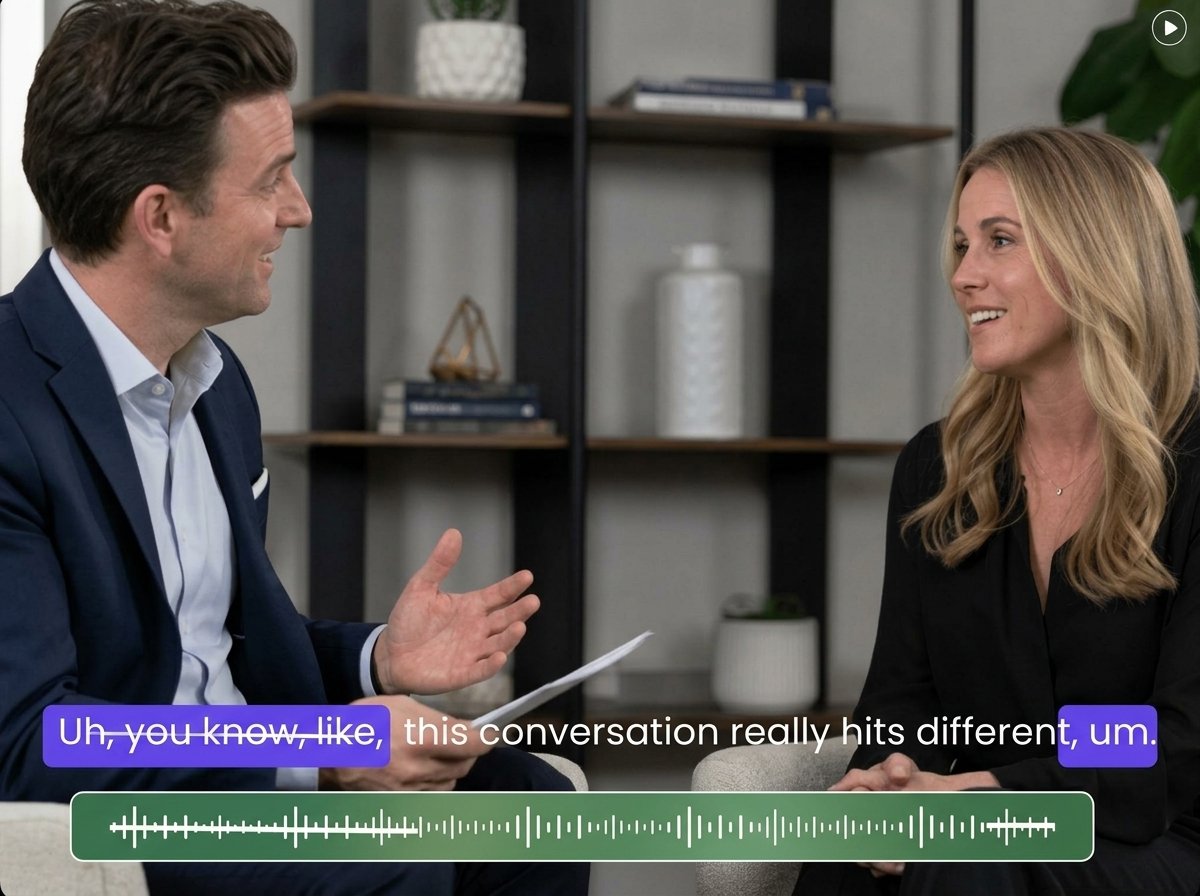
Clean up spoken videos by detecting and removing unnecessary filler words like “um,” “uh,” and “you know.” Fotor helps you tighten your speech without manually searching through the timeline.
Find filler words automatically in spoken video so you can remove them without timeline scrubbing.
Cut um, uh, like, and verbal fillers without manually locating each one in your timeline.
Check detected cuts before exporting to keep important words, pauses, and natural speech flow intact.
Fotor analyzes the spoken content in your video to identify common filler words such as “um,” “uh,” “like,” and “you know.” Instead of listening through the entire recording yourself, you can quickly find the parts that contain verbal fillers and focus your editing where it matters.
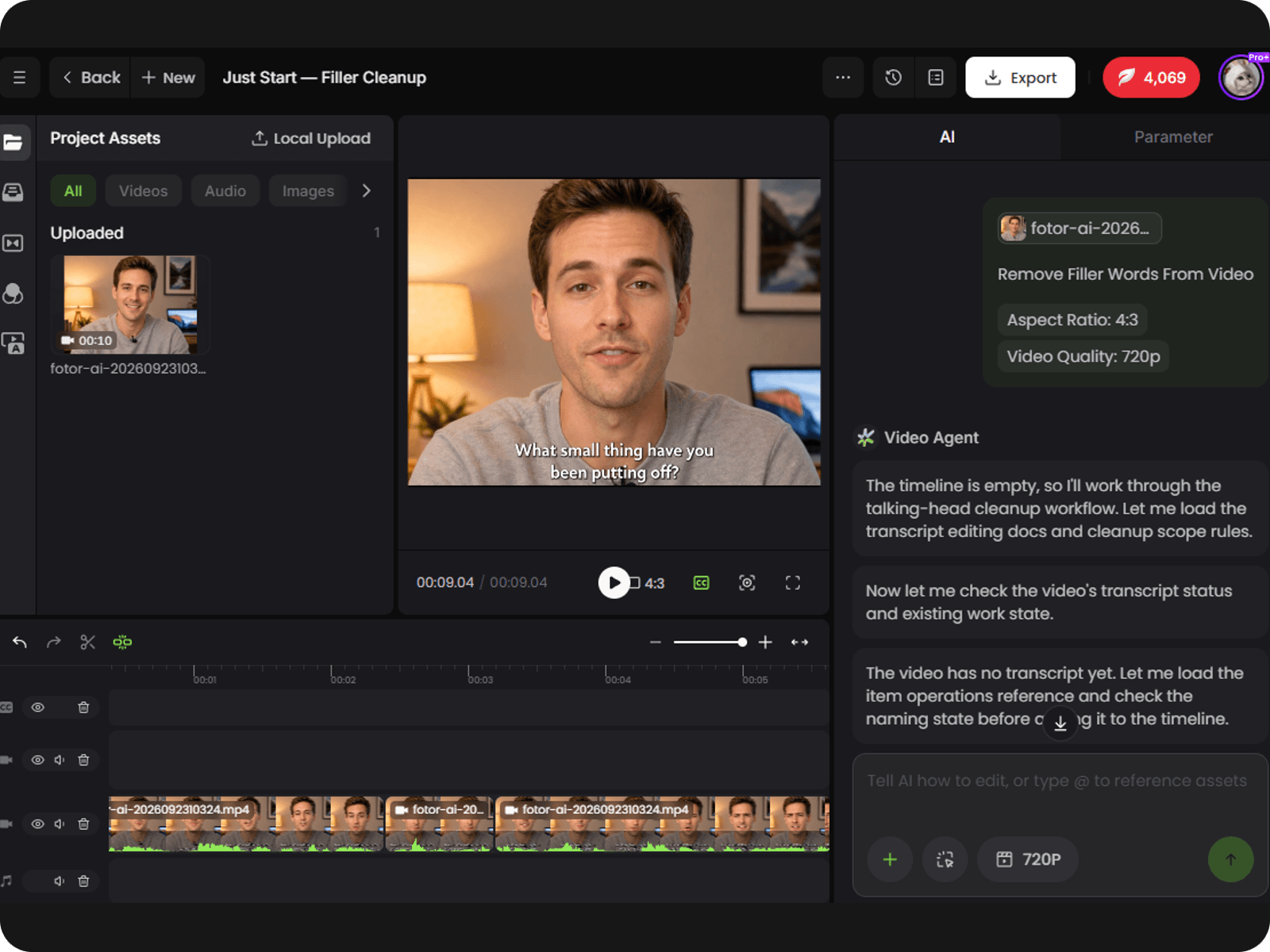
Remove unnecessary filler words from your video without manually searching the timeline for every filler word. Fotor cuts detected filler words from the corresponding sections. You can then turn long videos into short clips when repurposing longer recordings for short-form content.
Check the detected filler-word edits before you export the final video. Some words, such as “like,” can carry meaning depending on the sentence, so reviewing the results in Fotor’s AI video editor helps you keep useful speech and adjust any edits that do not fit the original delivery.
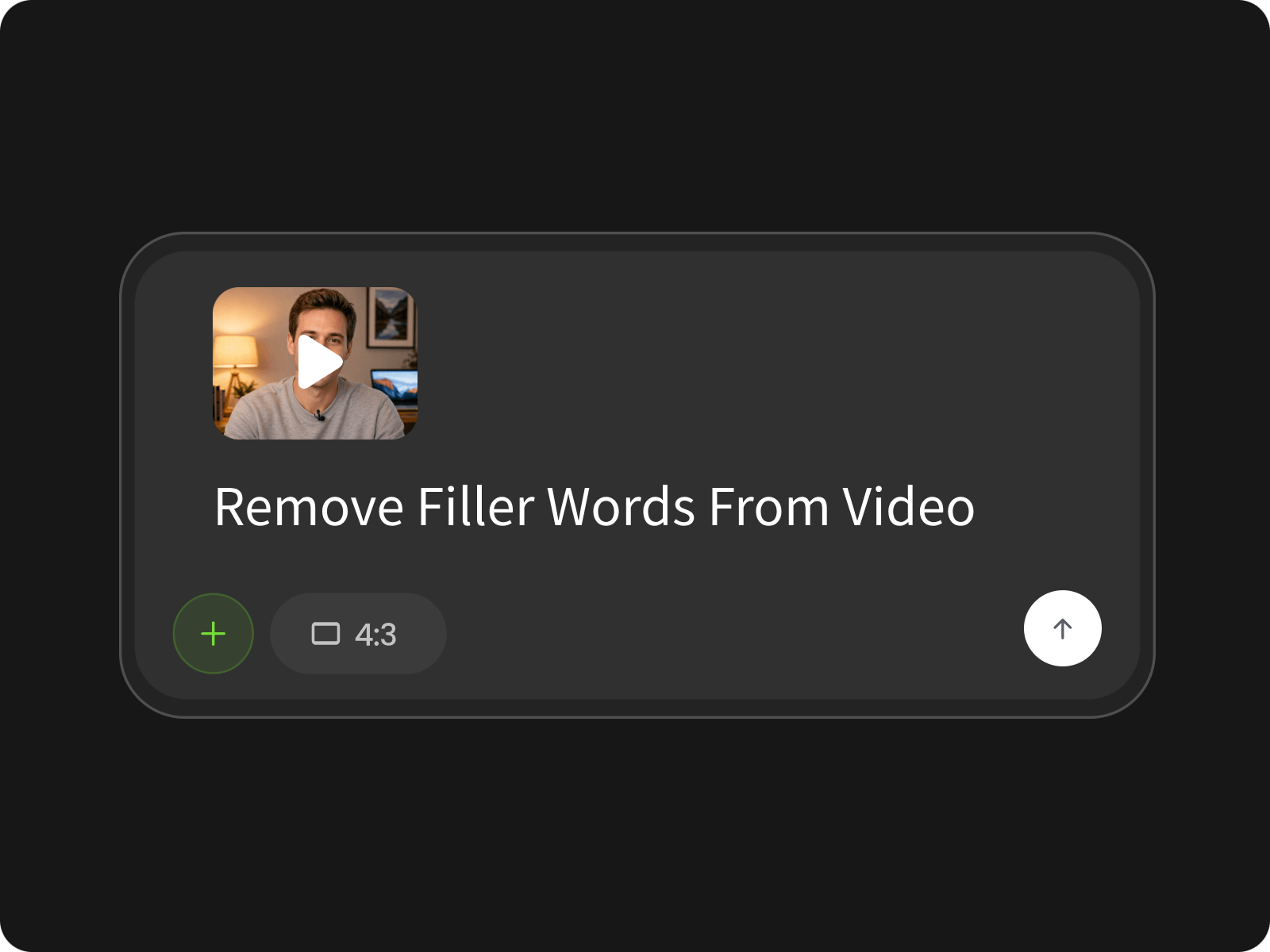
Upload your video to Fotor and let the tool analyze the spoken content for filler words.
Words such as “like” can be used as either a filler or part of the sentence. Review the detected edits before exporting and adjust any cuts that do not fit the intended meaning.
AI detection may not catch every filler word, especially when speech is unclear or a word blends into surrounding dialogue. Check the result after processing and make additional edits where needed.
Yes. Review the detected edits and refine the video before downloading. This gives you control over which sections stay in the final cut instead of relying entirely on automatic detection.
Removing spoken fillers can create visible cuts in talking-head or interview videos. Review the edited sections and refine any transitions that feel too abrupt for the way the speaker is presented.
Yes. Filler word removal can help clean up recorded conversations, interviews, and podcasts where speakers may use “um,” “uh,” or other verbal fillers repeatedly during unscripted speech.
Yes. Fotor can also remove unwanted pauses from your video. For more accurate results, specify the pause timestamps before processing, especially when certain pauses need to be removed or preserved. Review the edited video afterward to check the timing and speech flow.
Filler word detection can be useful for interview and conversation footage, but review the edits carefully when multiple people are speaking. Speaker changes and overlapping dialogue can make automatic editing less predictable.
The goal is to remove unnecessary verbal fillers rather than the main message. Review the edited video before downloading to make sure the remaining speech still matches the speaker’s original meaning and delivery.