


Work for Any Product Shot
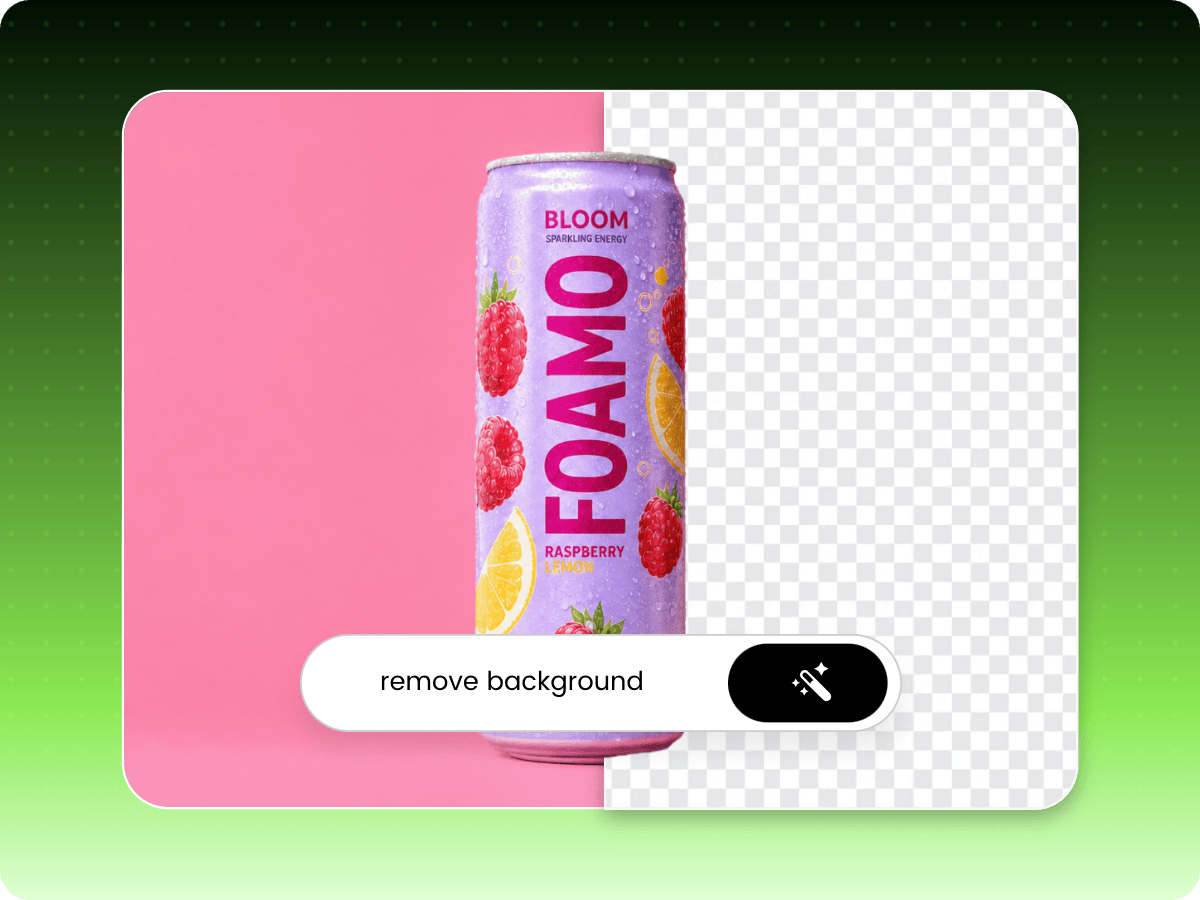
No tracing or manual editing needed. Upload your photos and let AI remove image backgrounds automatically with professional-looking results.


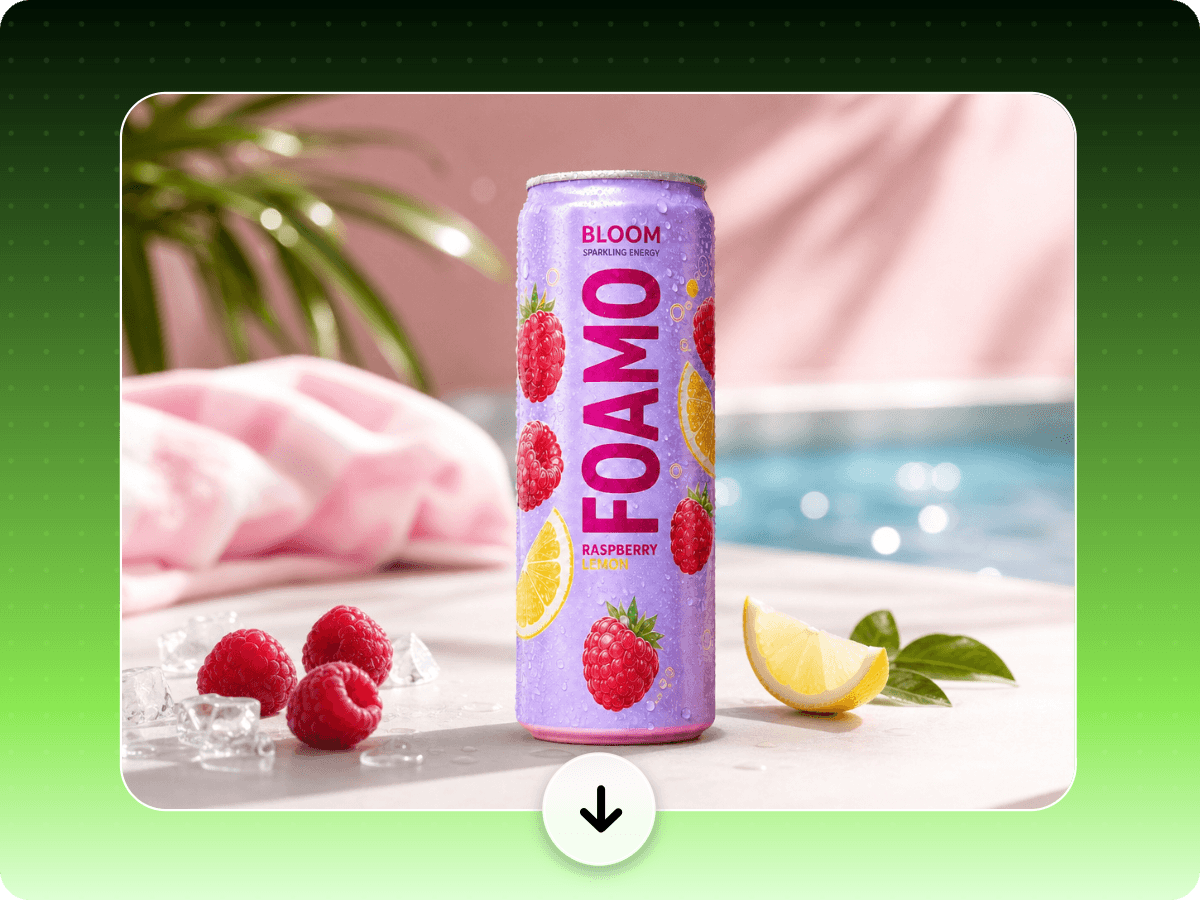
Remove product background with AI in one click. Upload your photo and get professional, transparent product visuals or optimize them with pure white, stunning lifestyle and other custom backgrounds that are ready for any marketplace, ad or social post in seconds.
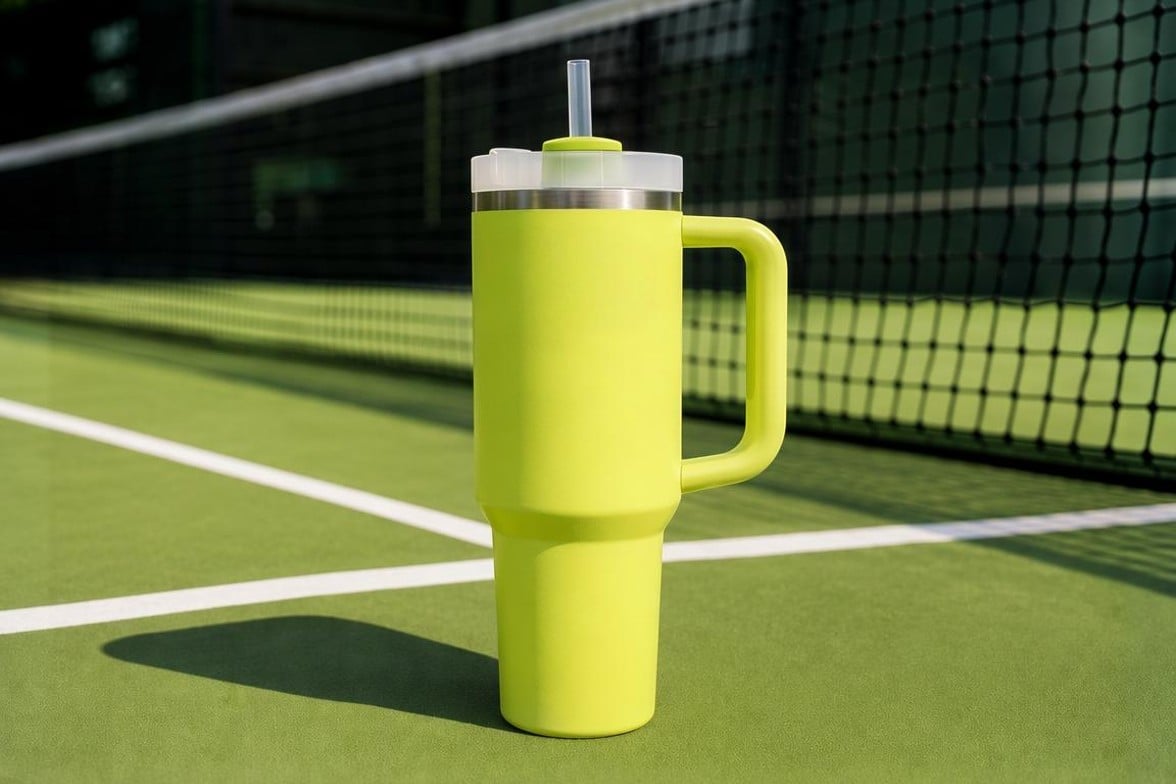
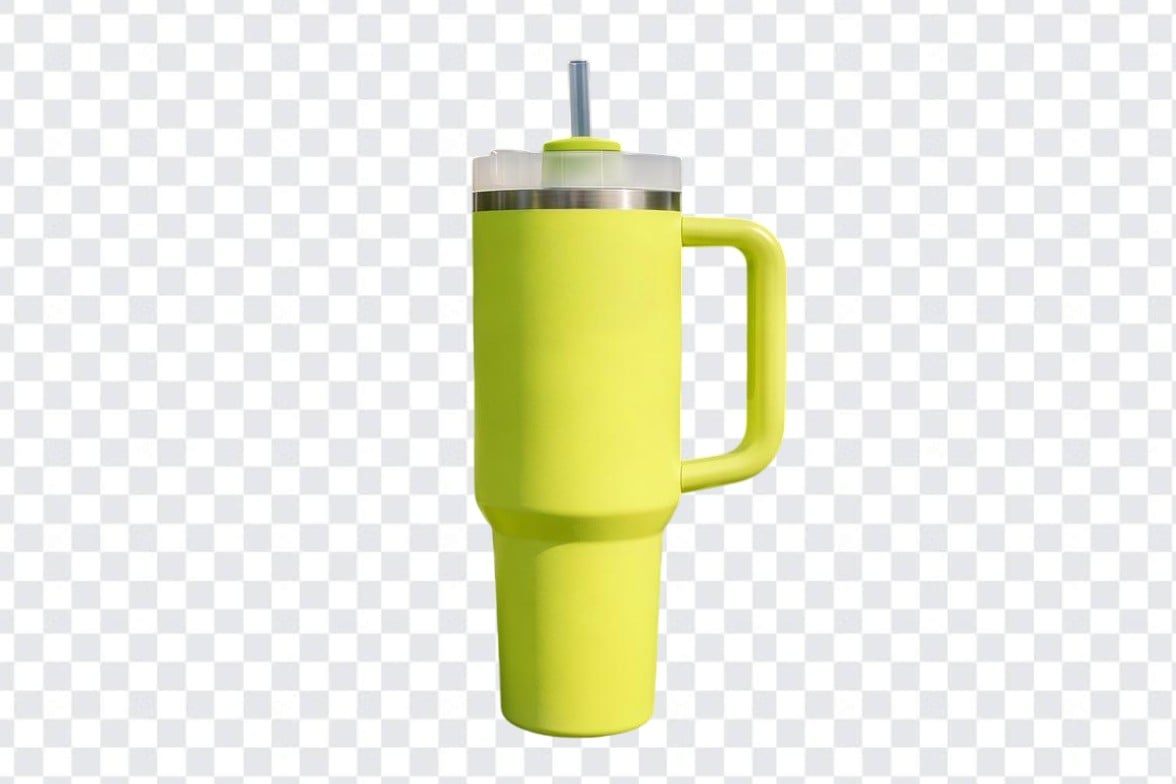
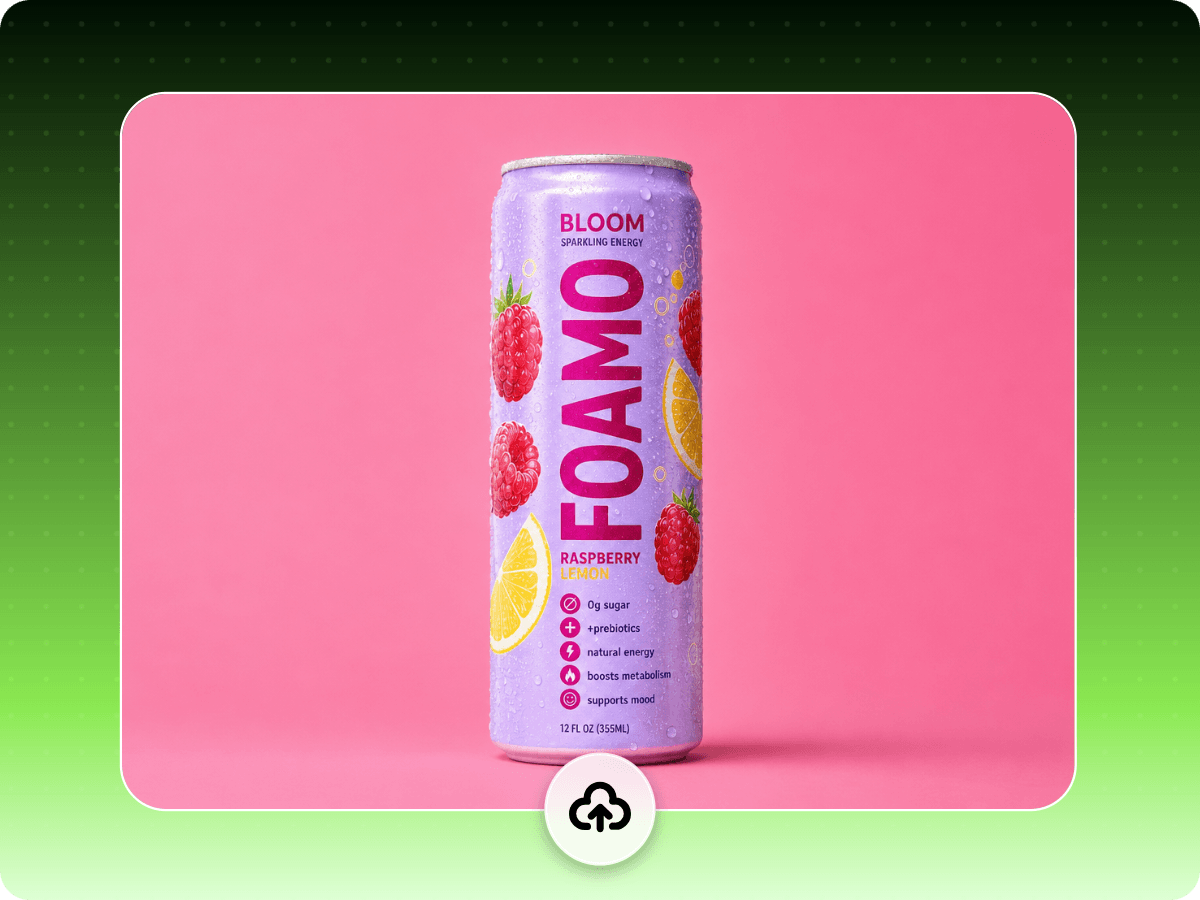
Upload or drop your image here

Upload or drop your image here
No tracing or manual editing needed. Upload your photos and let AI remove image backgrounds automatically with professional-looking results.
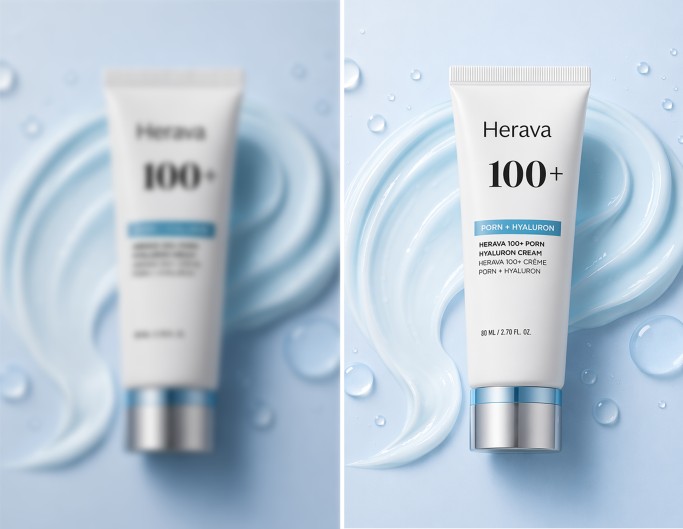
Our AI-powered product BG remover lets you enjoy one-click background removal from product photos without damaging their key features, totally automatic and intelligent.
Effortlessly and instantly cut out backgrounds from product images by yourself. No need to spend a fortune on a photography studio and tolerate a time-consuming editing workflow.
Go to our background remover and upload your product image.
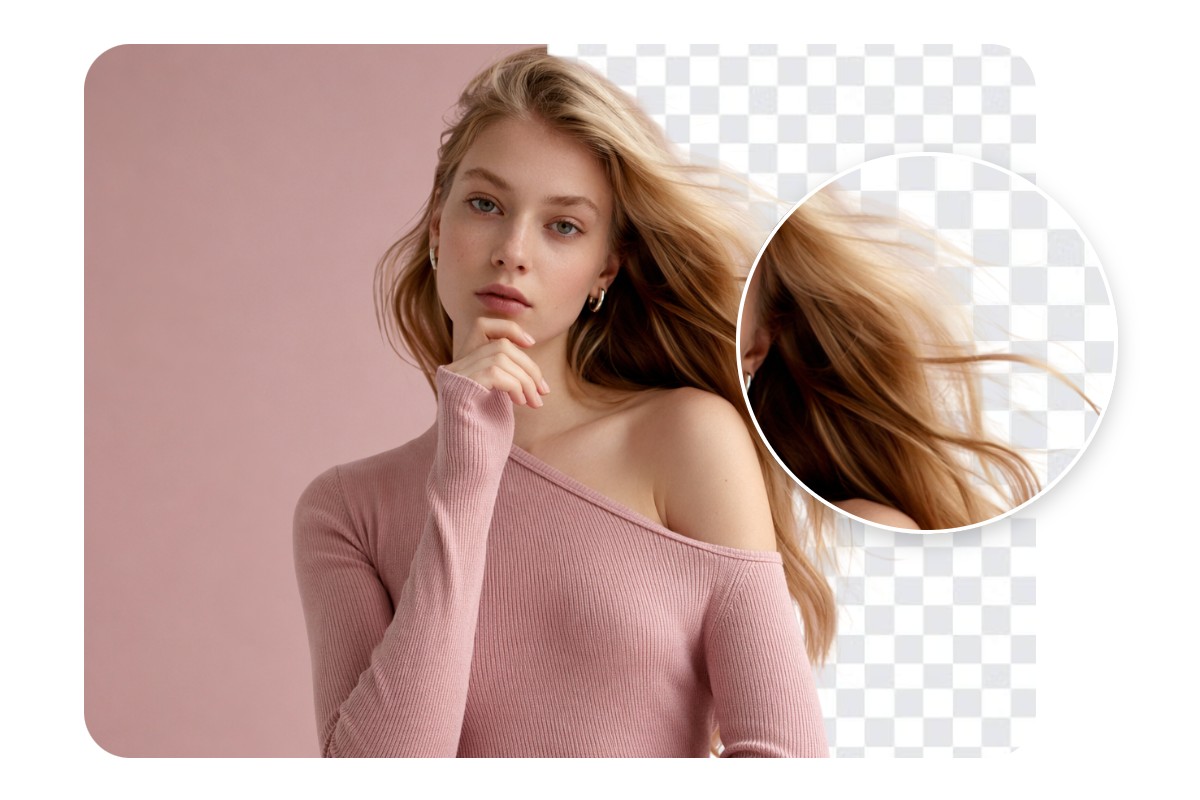
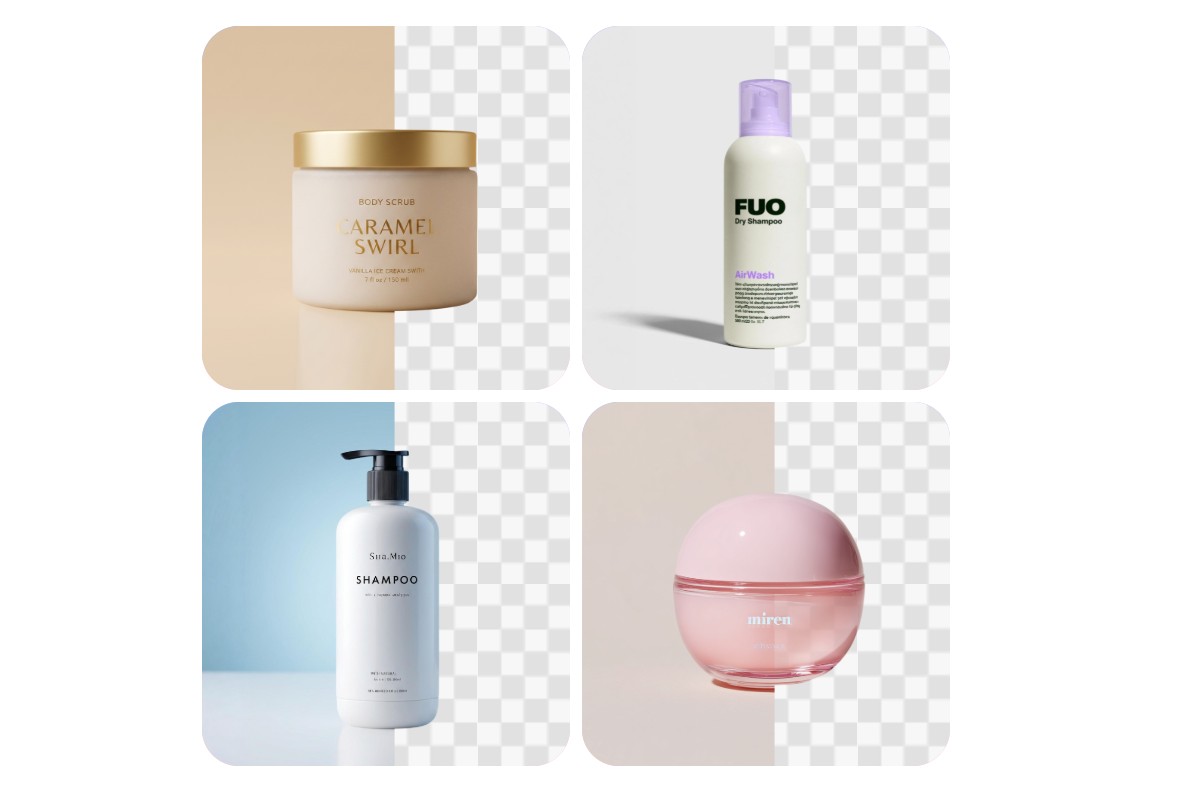
Whether you're selling clothing, jewelry, electronics, furniture, or skincare, our AI background remover for product photos can accurately detect your product and erase the background while preserving every detail, including thin straps, metallic frames, fine jewelry chains, mesh fabric, and complex edges without manual editing. The result is a sharp, professional cutout with no jagged borders. No complex editing skills required.
Processing product photos one by one is the biggest bottleneck in any catalog workflow. Fotor's bulk image background remover handles up to 50 images in a single run, delivering results with the same edge quality, background fill and output format for every image. It can be quite useful when you launch new product lines, refresh seasonal catalogs or prepare bulk inventory for marketplace listings. What used to take hours now takes minutes.
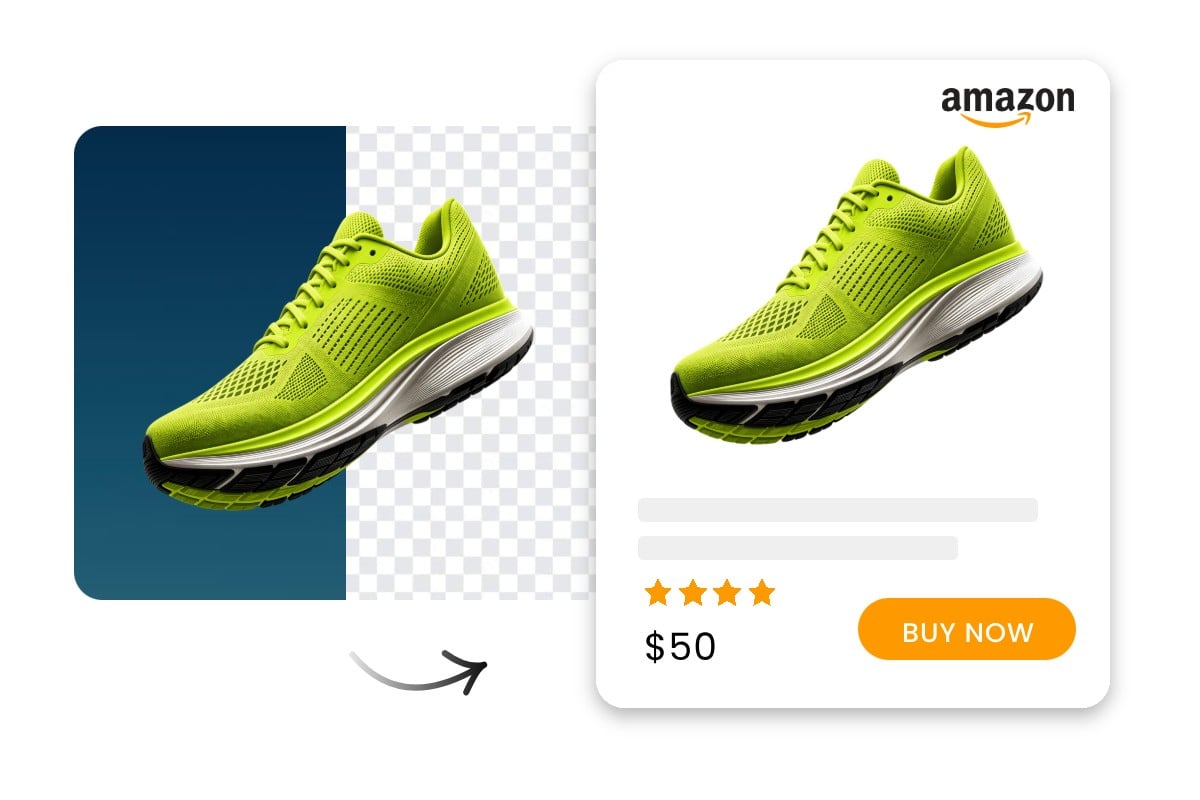
A clean white background removes visual noise and puts the focus entirely on your product, which is accepted by most marketplaces like Amazon. eBay, Shopify, Etsy, etc. Fotor’s eCommerce background remover lets you erase the distracting BG and apply a pure white background to your product photo in one click, giving your store a polished, catalog-quality look without a photography studio. Build consistent-looking product pages that shoppers trust and impact their decisions for any online store.
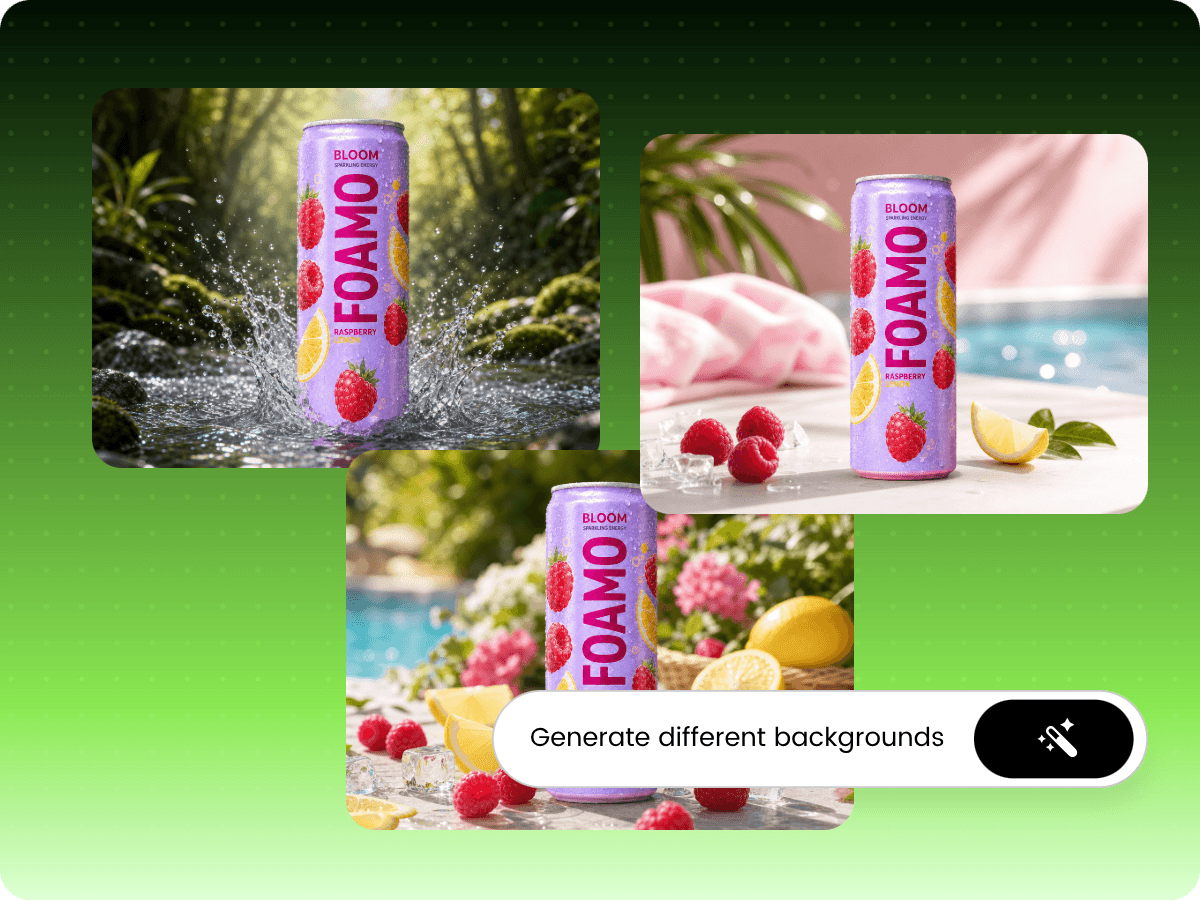
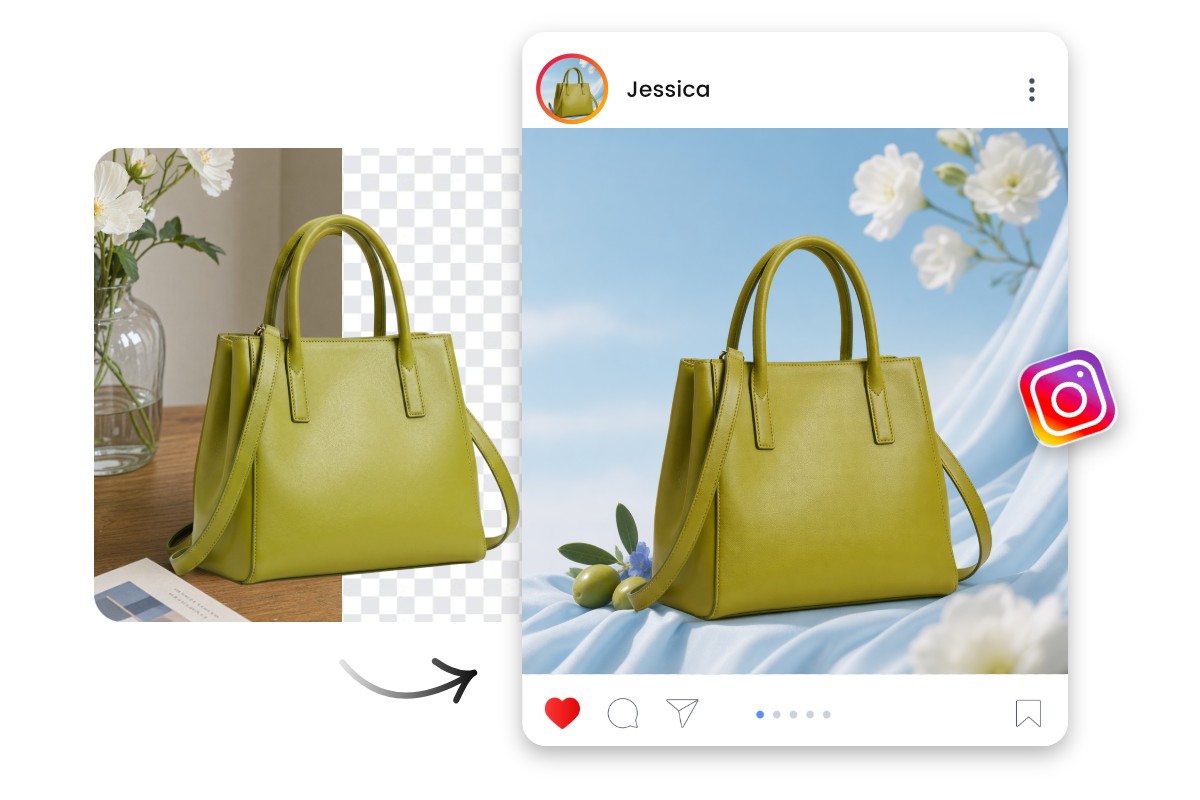
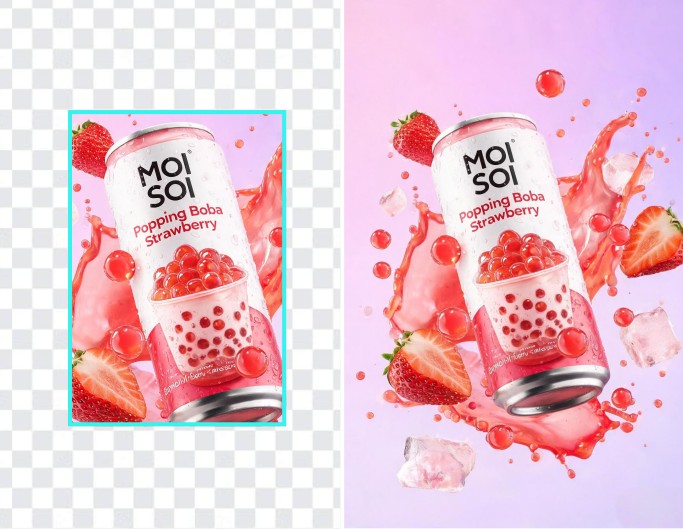
With Fotor, you can quickly reimagine your existing product photo, making it displayed in diverse trending aesthetic backdrops, AI backgrounds or your prepared scenes, such as seasonal, mood-driven or luxury environments, without starting from scratch. You can share these visuals that align with the latest social trends on your social media to capture attention, win followers and boost engagement.
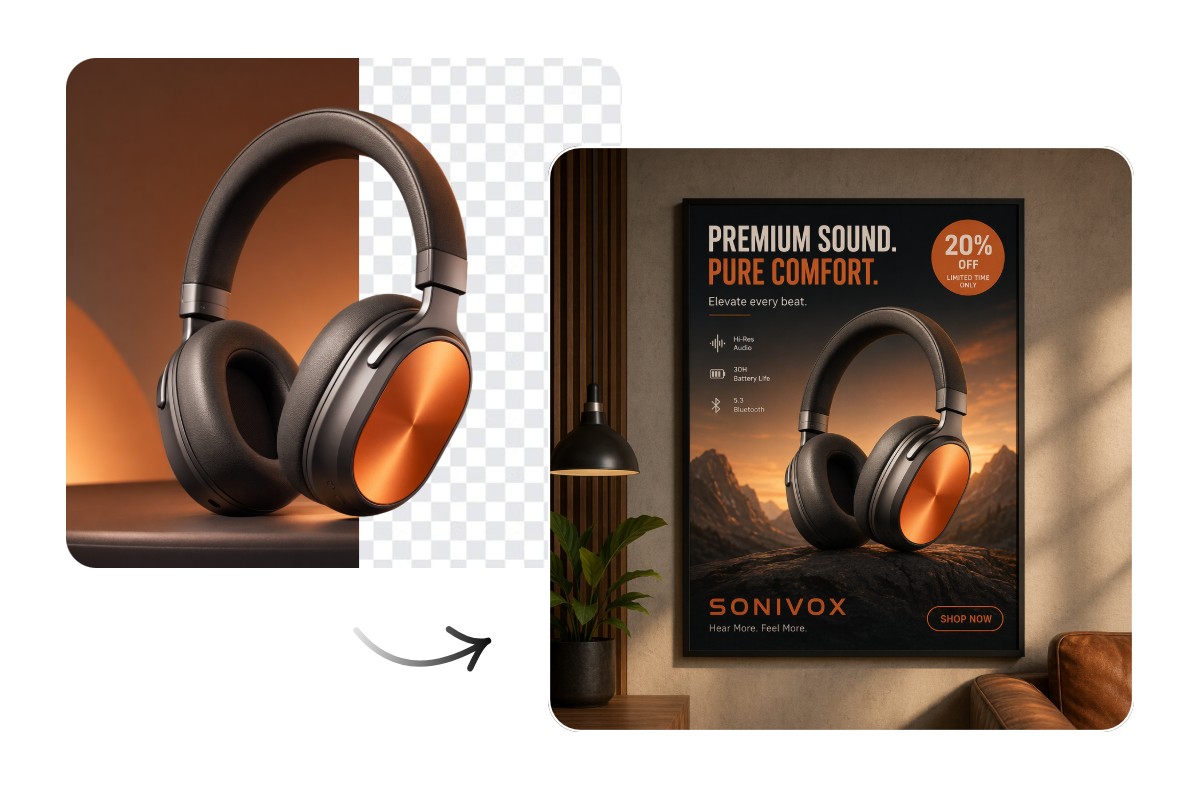
Terrified by the expensive and cumbersome process of printing product visual design and editing? Fotor helps you remove BG from your product image and enables you to conveniently add its transparent version to our category-based, customizable design templates. So, you can generate your own design from your BG-free product photo, such as posters, flyers, banners, product mockups, etc., at a low cost and in a reduced time.
It is just the first step to remove product background for eCommerce. Fotor gives you a complete image workflow to take a raw product photo all the way to a publish-ready asset without switching platforms.
The AI background removal is a fantastic feature that allows me to easily remove and change backgrounds, saving me time and making my edits more creative.

The AI background removal tool "does a good job, even with flying hair, and lets you instantly add a background color or stock photo.

Fotor doesn't behave like a traditional blank canvas; it functions like an agile production counter. Small business teams can bring a flat, messy product photo to the workspace, apply the automated service, and pull a polished asset in seconds.
Major marketplaces, such as Amazon, eBay and Google Shopping, usually require pure white backgrounds to minimize visual noise, eliminate distractions and maintain a uniform catalog aesthetic. Therefore, you need to standardize your product catalogs based on the requirements before listing them.
Amazon: Pure white, product fills ≥85% of frame, no props or watermarks on main image
eBay: White or light neutral background recommended for main listing image
Shopify: No enforced rule, but consistent white or light backgrounds are standard for professional storefronts
Etsy: No strict requirement, but clean backgrounds improve thumbnail visibility in search
TikTok Shop / Shopee / Temu: Pure white or light background required for main product image; lifestyle backgrounds permitted for secondary images
Fotor gives free credits to users so that they can try this service at no cost. However, a paid subscription is required to continue using this tool when they run out. Otherwise, you can earn more free credits by completing tasks on our "Credit Reward" page.
Normally, no if the uploaded image is of high quality. The output will preserve the original resolution and our tool will support HD export.
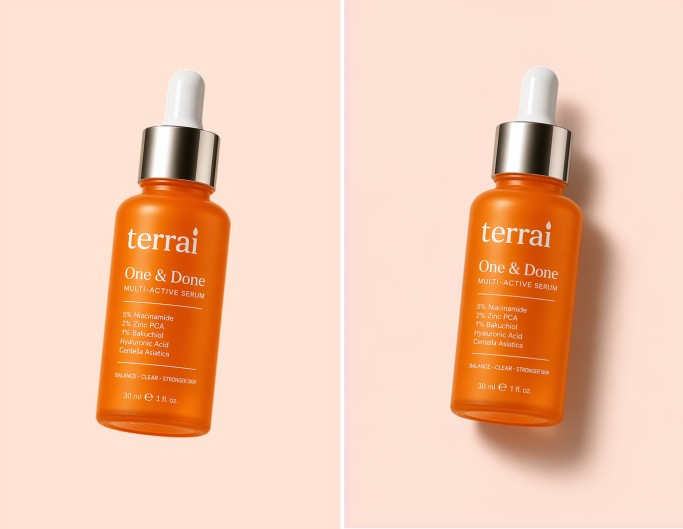
Yes. As an all-in-one AI editing tool, Fotor provides a wide variety of features to help you polish your photos. For example, you can change backgrounds, enhance lighting, and add shadows.
For input formats, we accept JPG, PNG, WebP, HEIC and more.
For output formats, you can export your results in JPGs or PNGs.
It is advisable that you save your output as a transparent PNG if you want to further edit it. However, export the finalized image as a high-quality JPG if you intend to upload it to the desired marketplace directly.
Usually, Fotor’s advanced AI technology can handle complex edges like hair, fur and more. However, if there is a product with too complex edges, such as clothing with frayed edges, plush toys or models with wispy hair, you may get a disappointing result. However, we have an object remover to help you get rid of these tiny flaws manually.
Yes. Once the background is removed from your product image, you can choose from our preset lifestyle scenes or create your own through our built-in AI image generator.
However, please use detailed prompts to ensure the generated background matches the original lighting angle and color temperature of your physical product photo to keep it looking authentic.