
AI-Powered Makeup
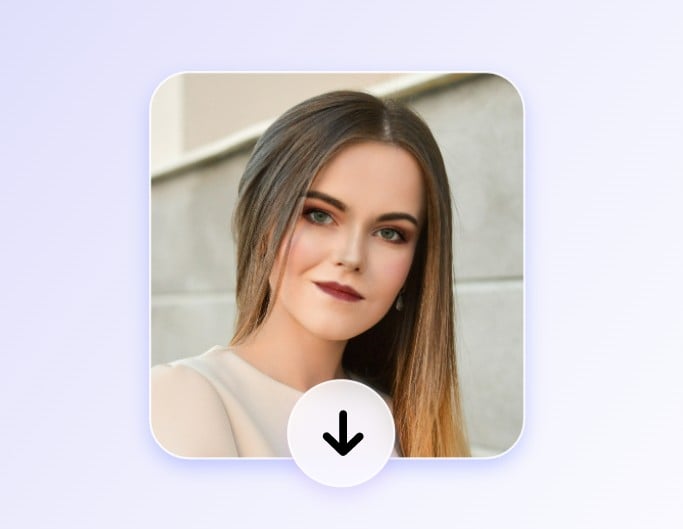
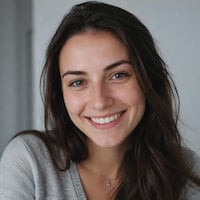
Use AI to analyze your facial features and automatically apply your selected makeup filter to your photo.


Use Fotor’s AI makeup generator to virtually try on makeup looks and apply realistic face makeup to your photos. Explore different styles and find the look that suits you best before trying it in real life.
Drag and drop an image here to upload

Drag and drop an image here to upload
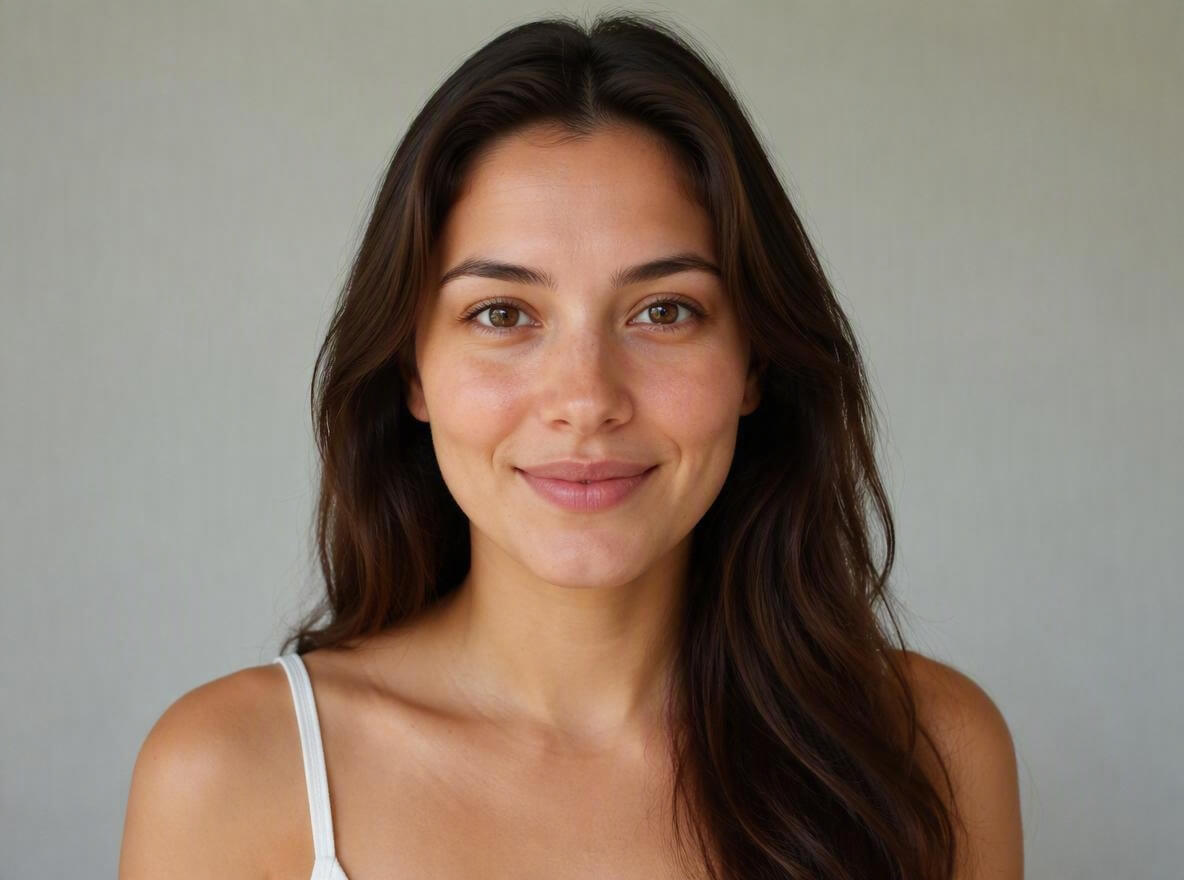
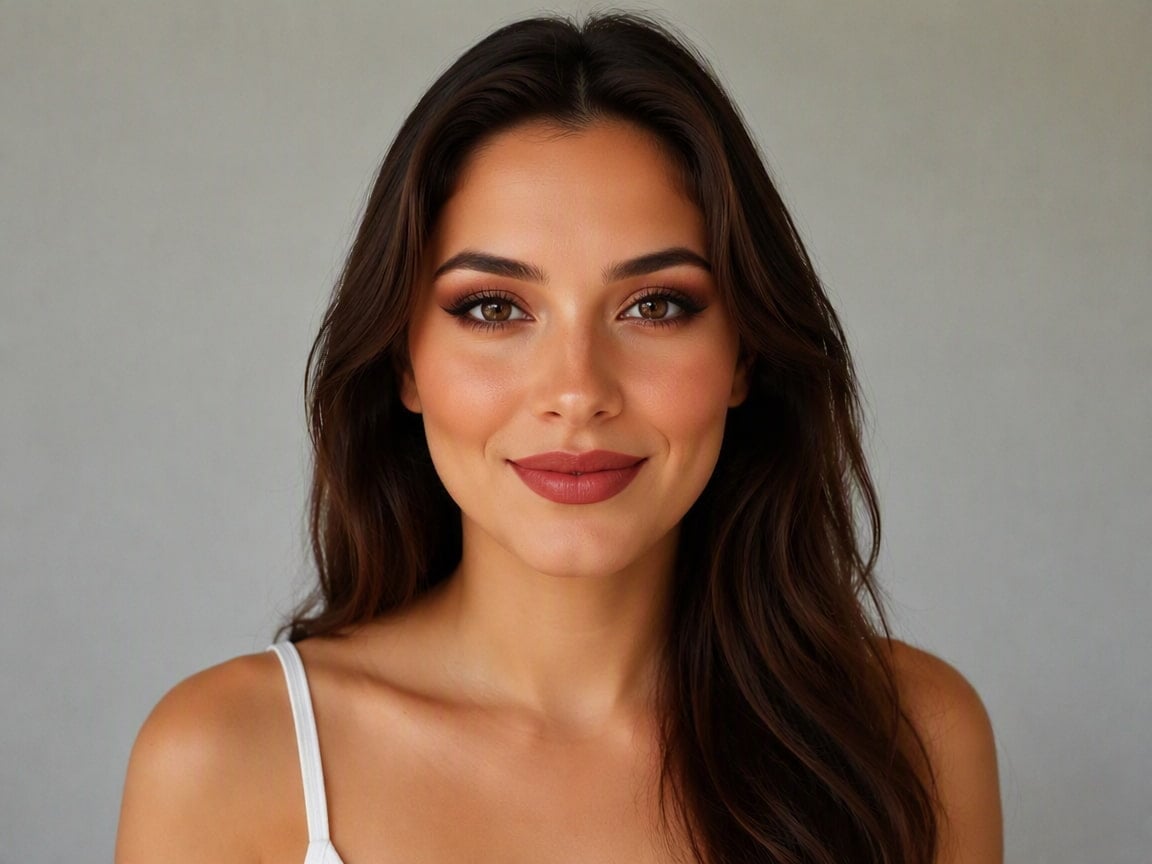
Use AI to analyze your facial features and automatically apply your selected makeup filter to your photo.
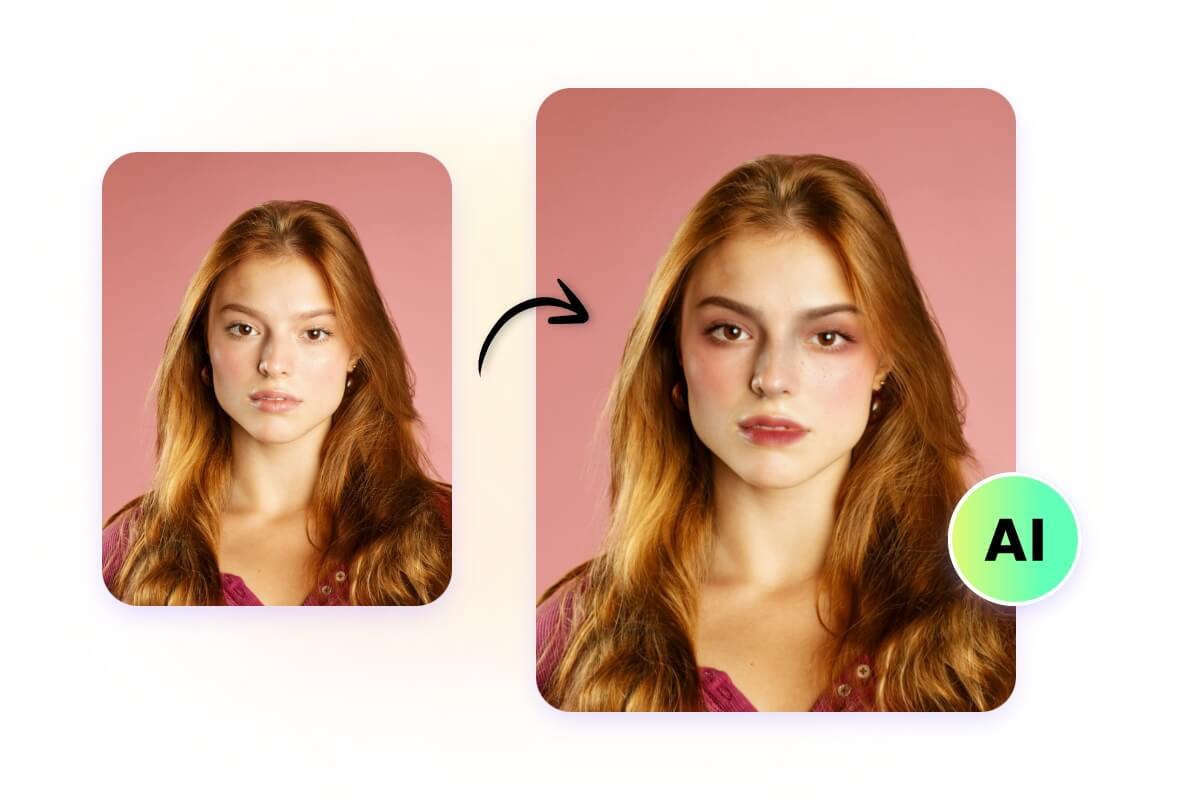
Get natural-looking makeup results with realistic details that blend seamlessly with your facial features.
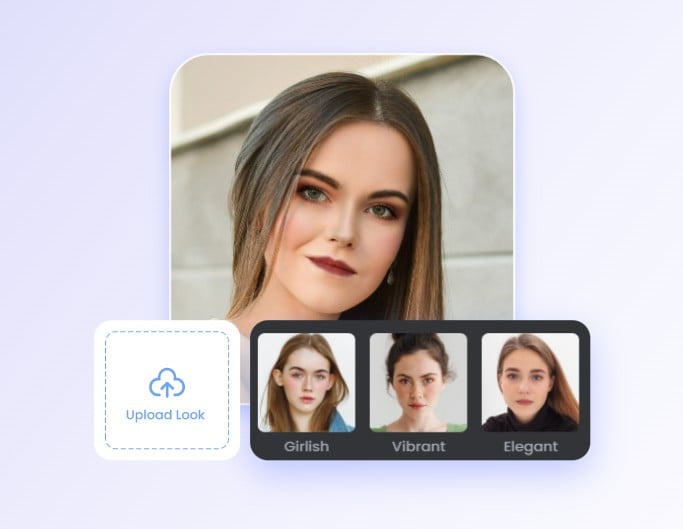
Choose from multiple makeup styles or upload a reference image to recreate your favorite looks.
Preserve your facial features, expressions, and identity while trying on makeup for a realistic transformation.
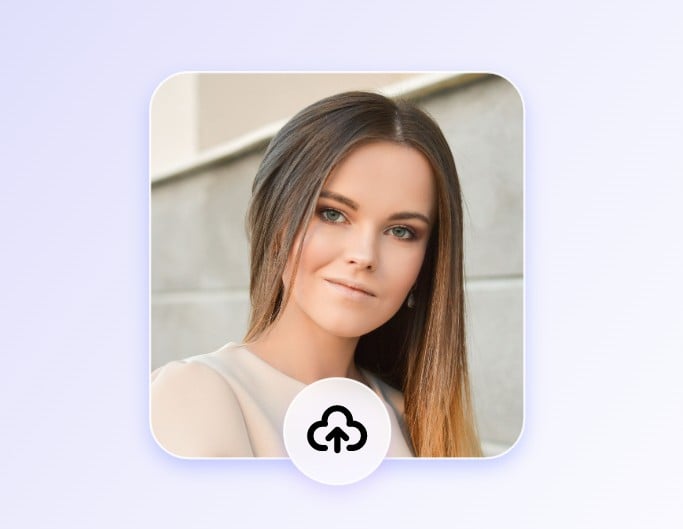
Click “Upload Image” or drag and drop your photo to get started with AI makeup. Use a clear selfie or front-facing portrait for a better makeup effect.
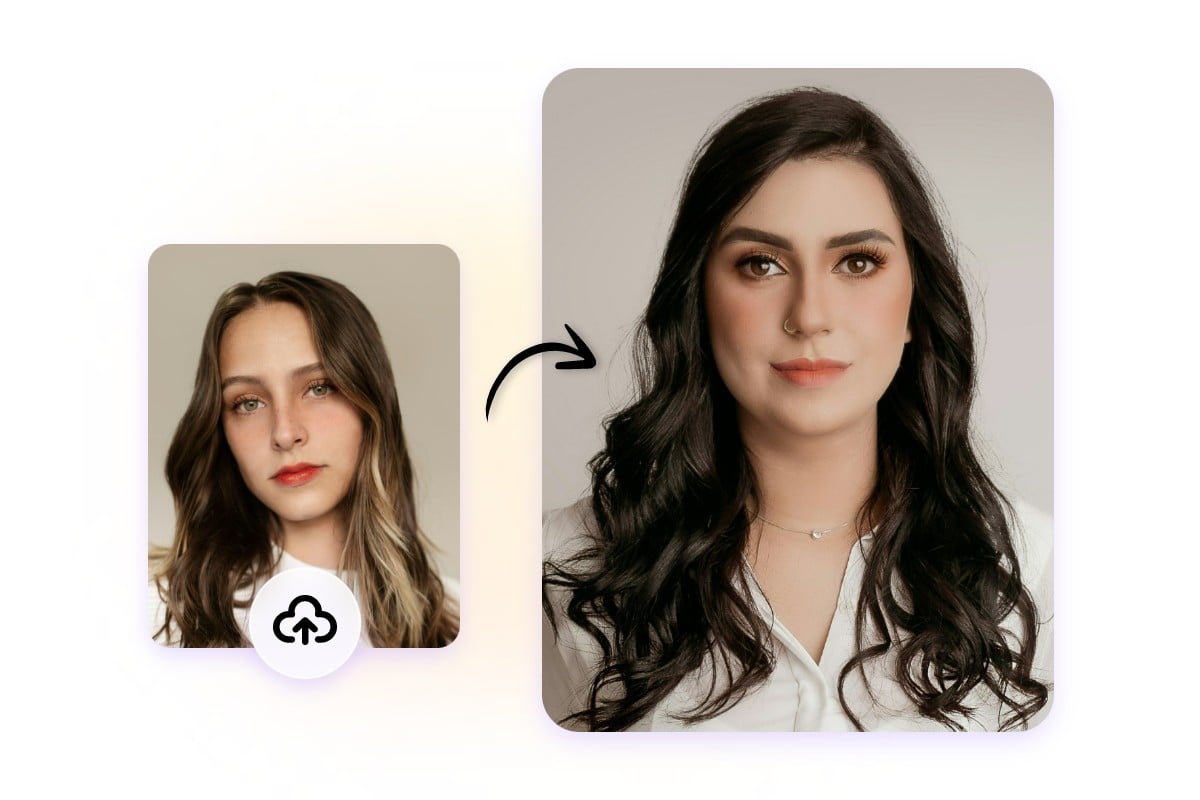
Wondering what makeup suits your face? Use Fotor’s AI makeup generator without applying real makeup. Simply upload your photo, and AI will analyze your facial features to create a natural makeup look that fits you. Preview the makeup effect and find your ideal style.
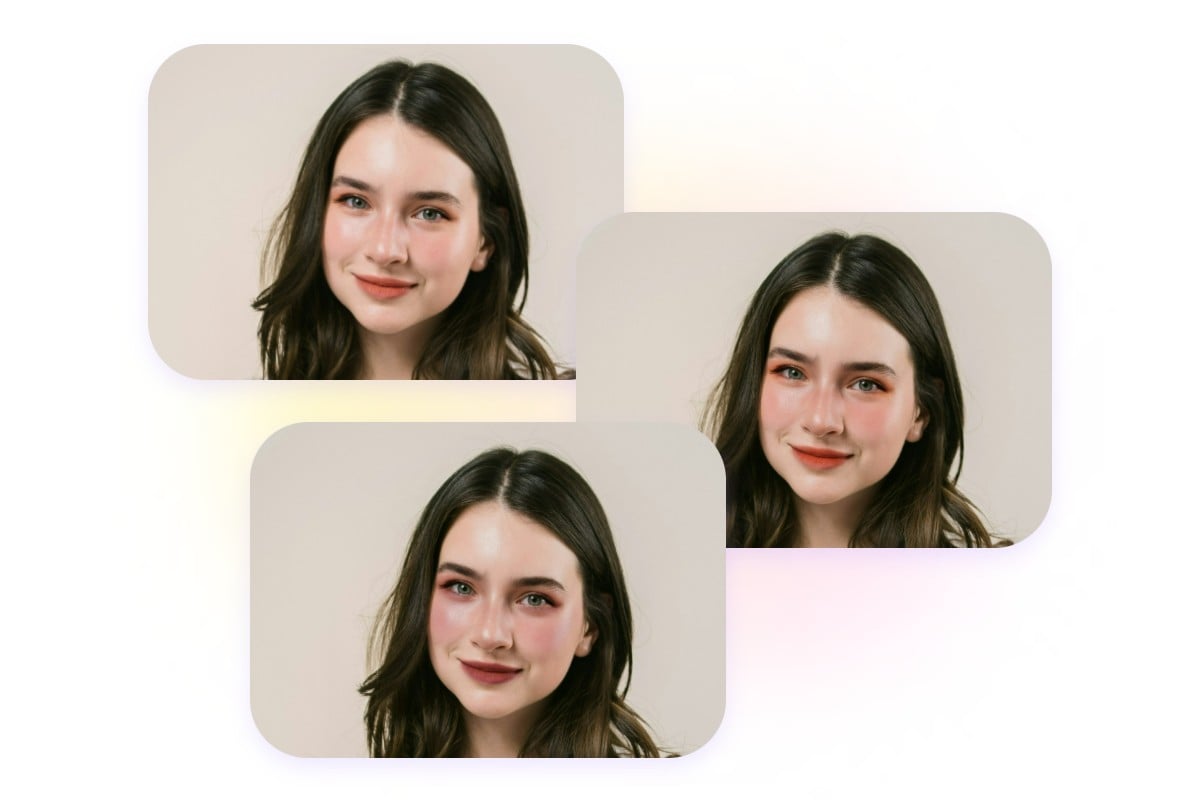
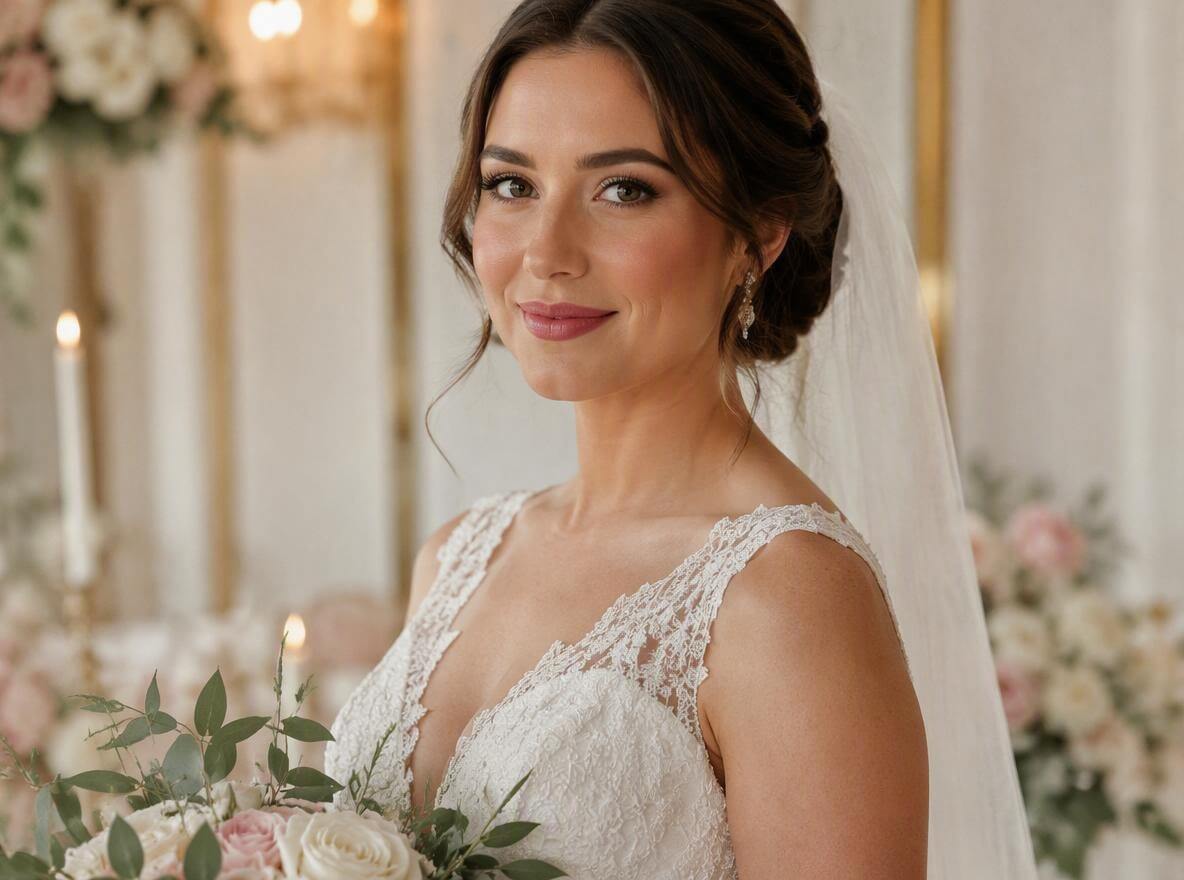
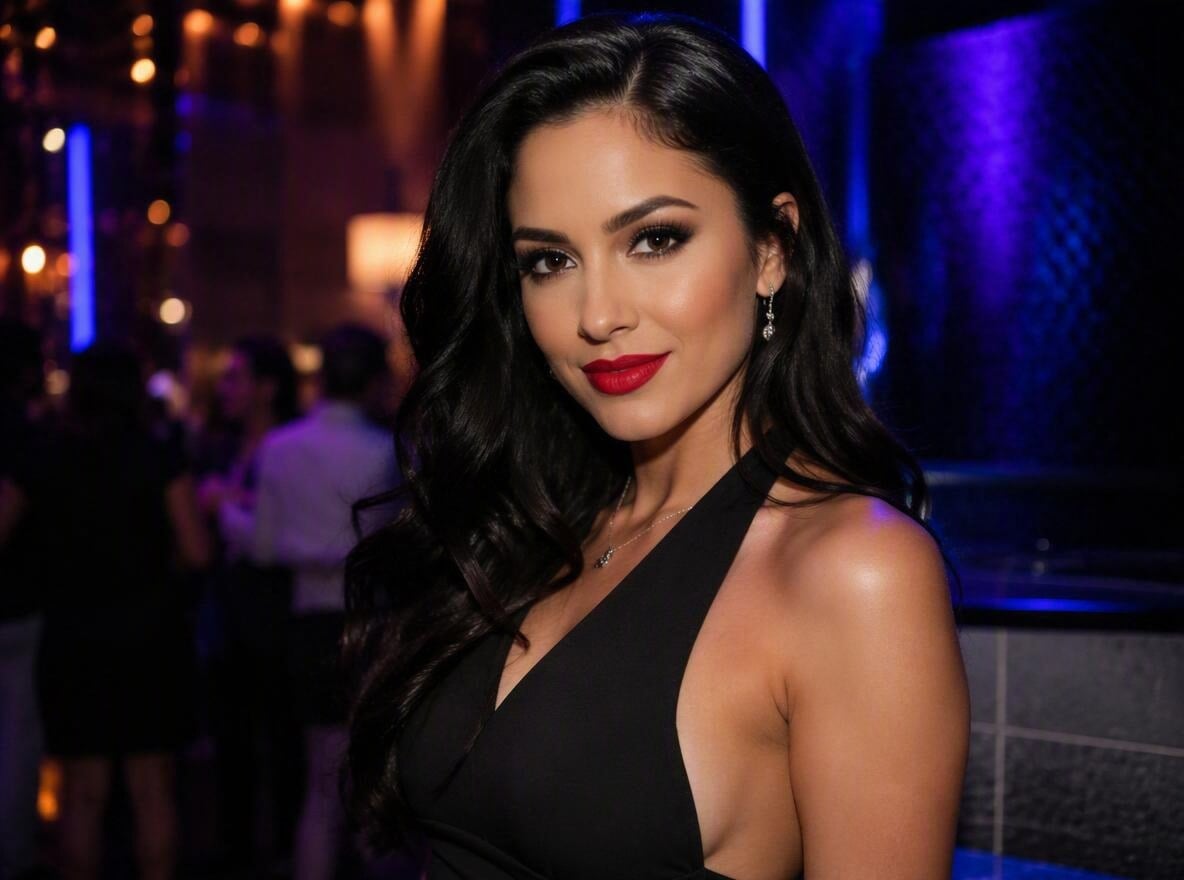
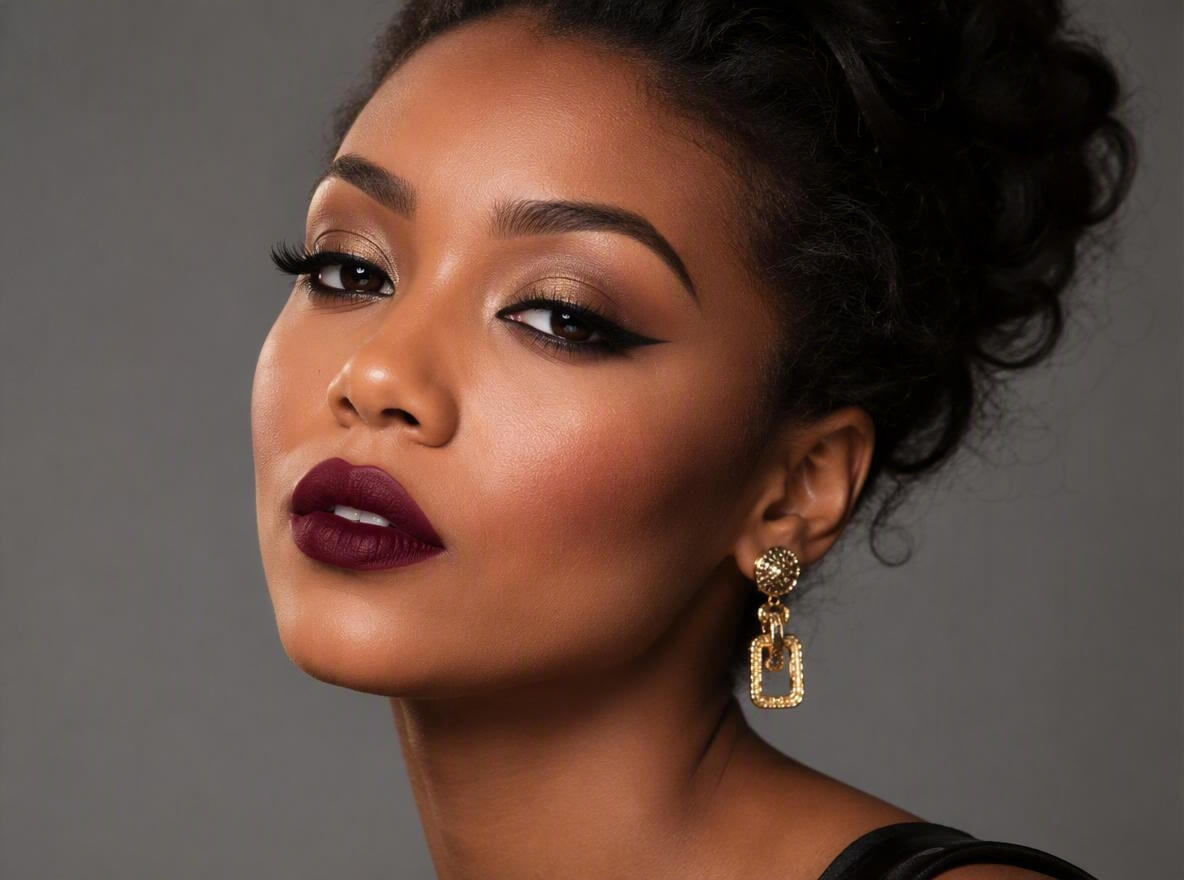
Explore different makeup styles with our AI makeover tool. Choose from a variety of makeup filters, from natural everyday looks and glamorous styles to bold goth, punk, and creative looks, then apply your chosen look to your photo.
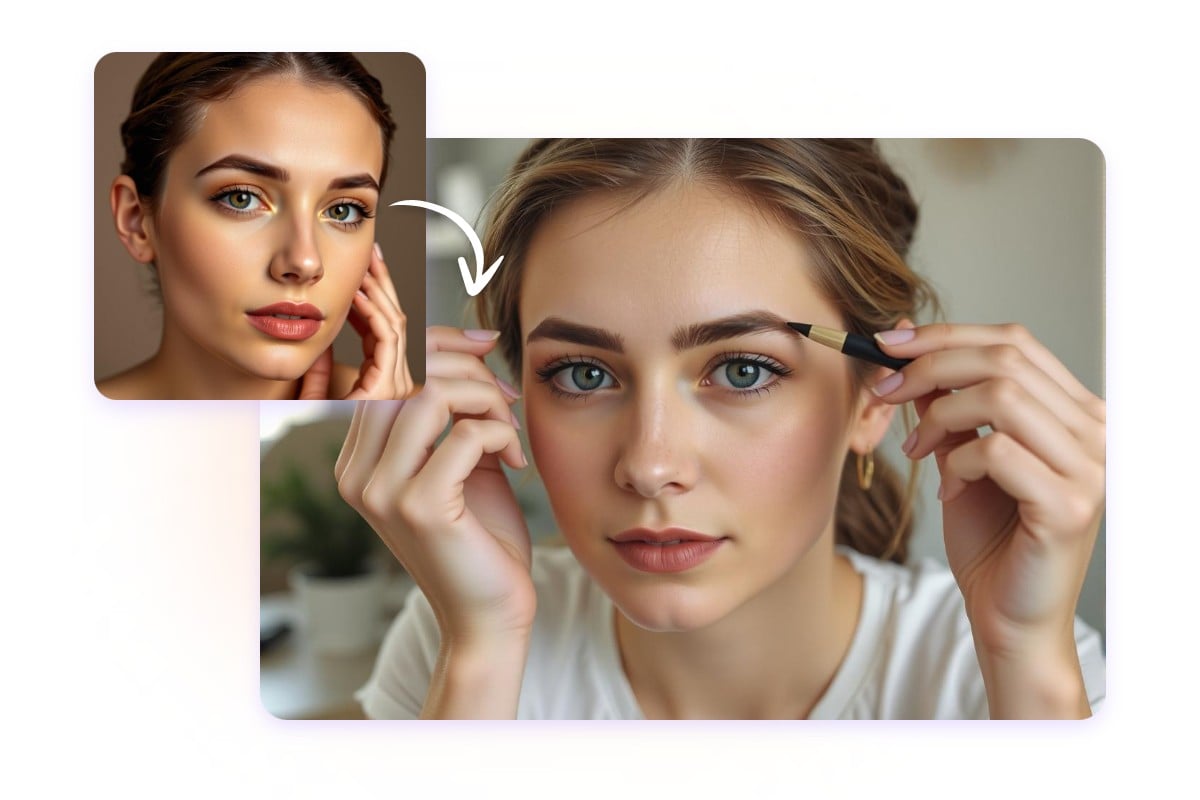
Have a makeup look you love? Upload a reference image to our AI makeup transfer and let it recreate the style in your photo. Whether it’s a beauty inspiration, a specific makeup look, or your own design, easily apply your favorite makeup style without starting from scratch.
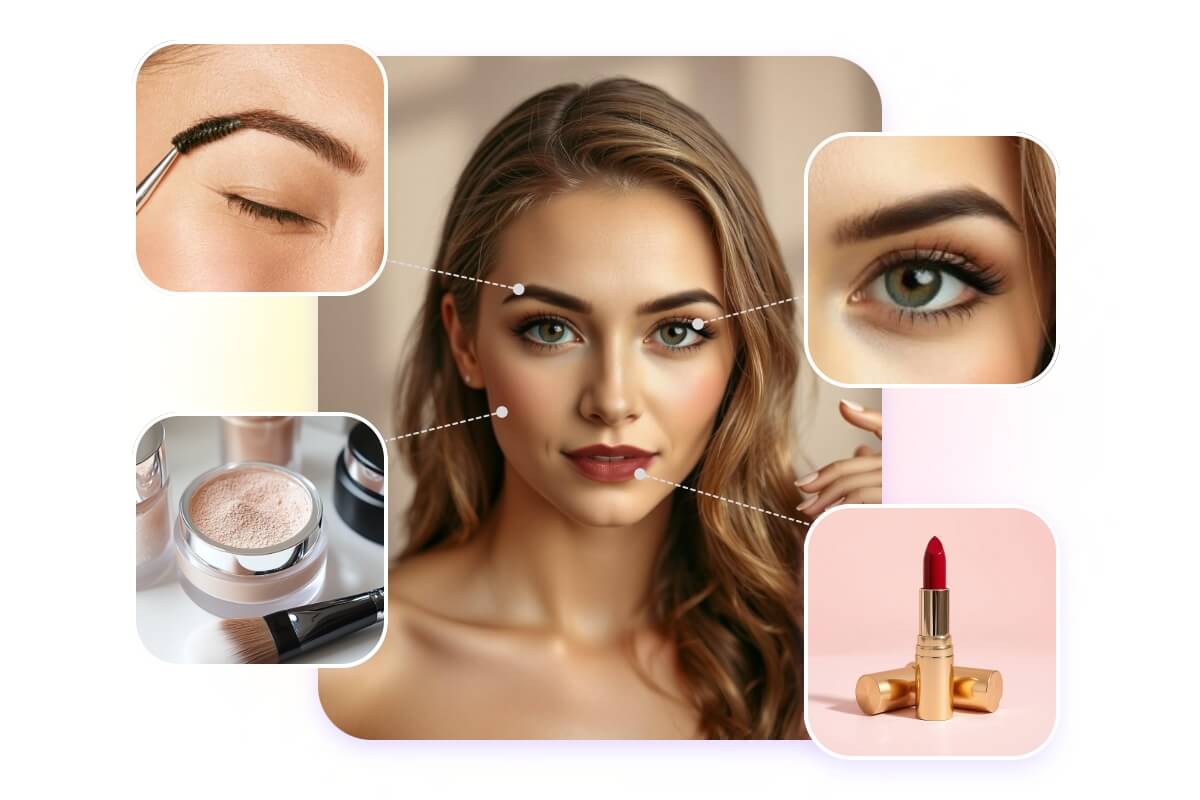
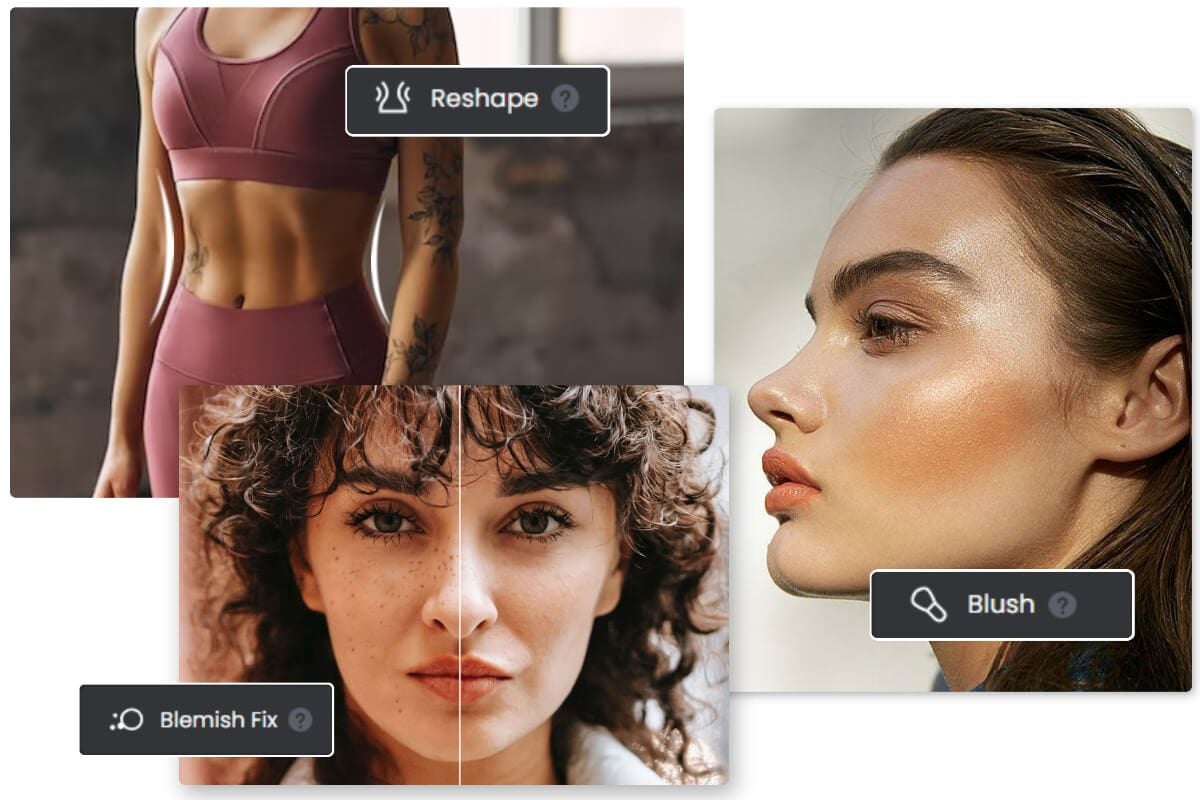
Customize specific areas of your face with our AI makeup photo editor. Adjust your base makeup, eye makeup, eyebrows, and lips to create a more personalized makeup look.
Face: Apply foundation, concealer, and BB cream to even out your skin tone and create a natural-looking base makeup.
Eyes: Add eyeshadow, eyeliner, and mascara to customize your eye makeup.
Eyebrows: Adjust your eyebrow shape and color with our eyebrow filter.
Lips: Create different lip looks with various shades and finishes.
Find inspiration for your next makeup look and discover styles that match different moments. Explore how different makeup choices can help you create the right look for any occasion.
With our virtual makeup try-on, you can switch between different makeup looks on your photo and preview how each style looks on you. Whether you enjoy experimenting with makeup, are learning new styles, or are just starting out, it helps you discover new ideas and find inspiration for your next look.
After creating your makeup look, continue editing your photo with Fotor’s AI photo editor. Adjust your portrait with tools for skin retouching, wrinkle removal, teeth whitening, face reshaping, and more to create a more polished image.
You can also explore new makeup ideas with our AI image generator. Upload your photo, describe your desired makeup style with prompts, or combine your image with a reference makeup photo to create unique makeup visuals.
Create makeup looks in seconds without any editing skills. Let AI automatically apply makeup to your photos with just a few clicks.
Apply makeup filters to your photos online from any device. No software download is required.
Your uploaded photos are protected and automatically deleted within 24 hours.
Download your makeup photos without watermarks for personal or commercial use.
Fotor’s AI makeup generator uses AI technology to analyze facial features and apply different makeup styles to your photos. It helps you create realistic makeup looks without manually applying makeup or visiting a makeup artist.
Upload your photo, choose a makeup style or upload a reference look, and let AI apply the makeup effect to your image. You can preview different looks before trying them in real life.
With our virtual makeup try-on tool, you can test different makeup looks online and see how they appear on your face. Explore styles that match your facial features and get inspiration from AI-generated makeup photos.
Yes. Upload a makeup reference image, and AI can analyze the style and apply a similar look to your photo, helping you recreate your favorite makeup inspiration.
Yes. You can use Fotor’s AI makeup generator for free with limited usage. Create an account to access more daily experiences, or subscribe to Fotor Pro to unlock more AI features and services.
Yes. Your uploaded photos are protected and automatically deleted within 24 hours. Fotor takes privacy and security seriously when processing your images.
Fotor’s AI makeover generator supports JPG, JPEG, PNG, WEBP, HEIF, and HEIC image formats.