

Makeup Photo Editor: Add Makeup to Photos
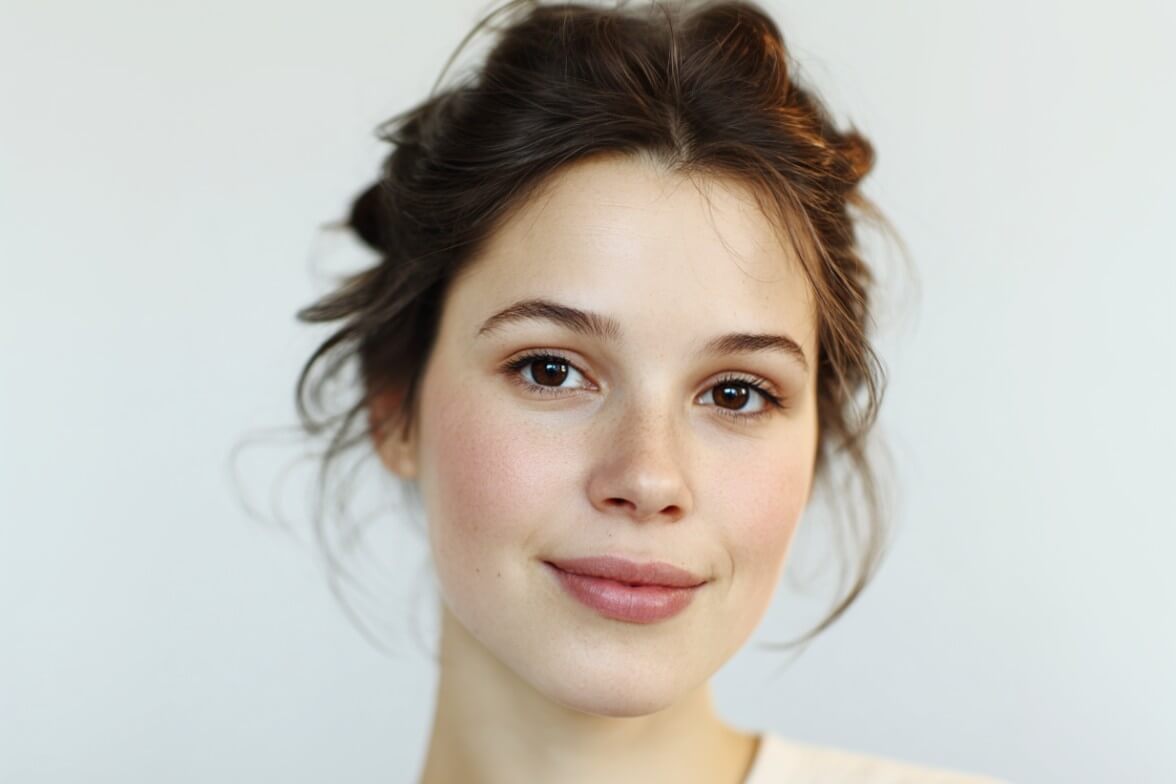
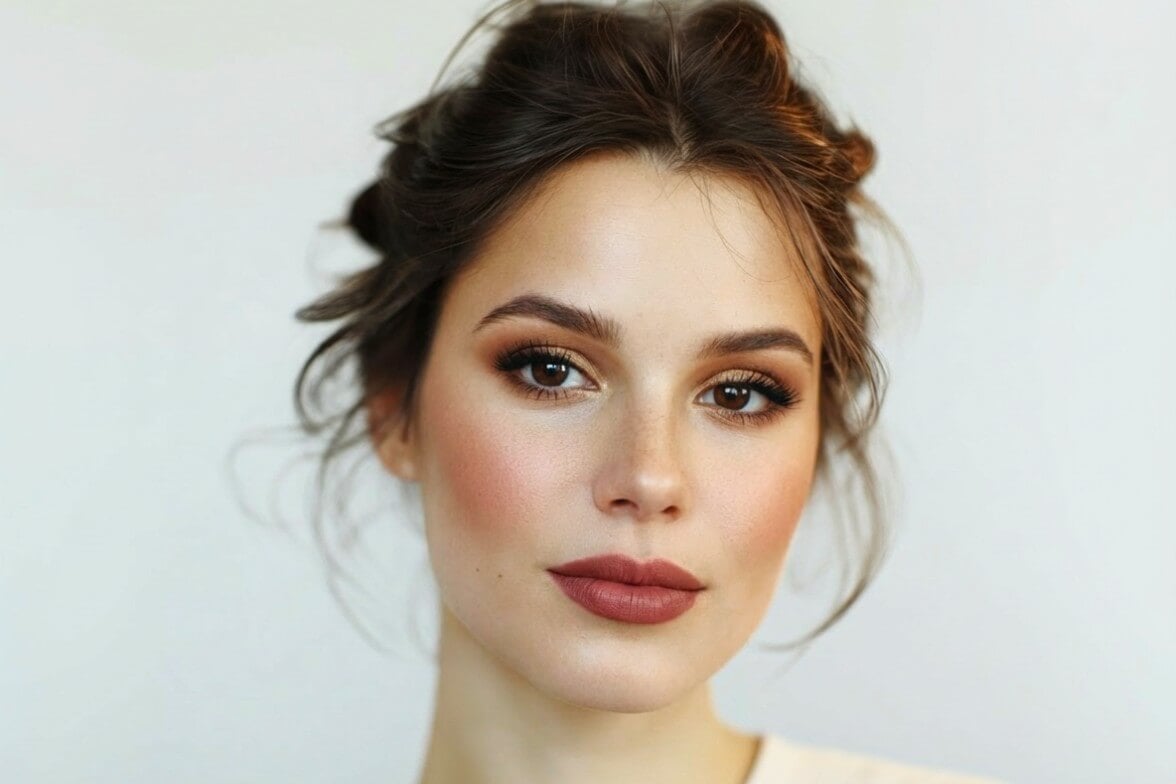
Add makeup to your photos online for free with Fotor’s makeup photo editor. Try different looks instantly with AI virtual makeup, or use built-in tools to apply makeup manually.
Drag image here or click to upload
Drag image here or click to upload


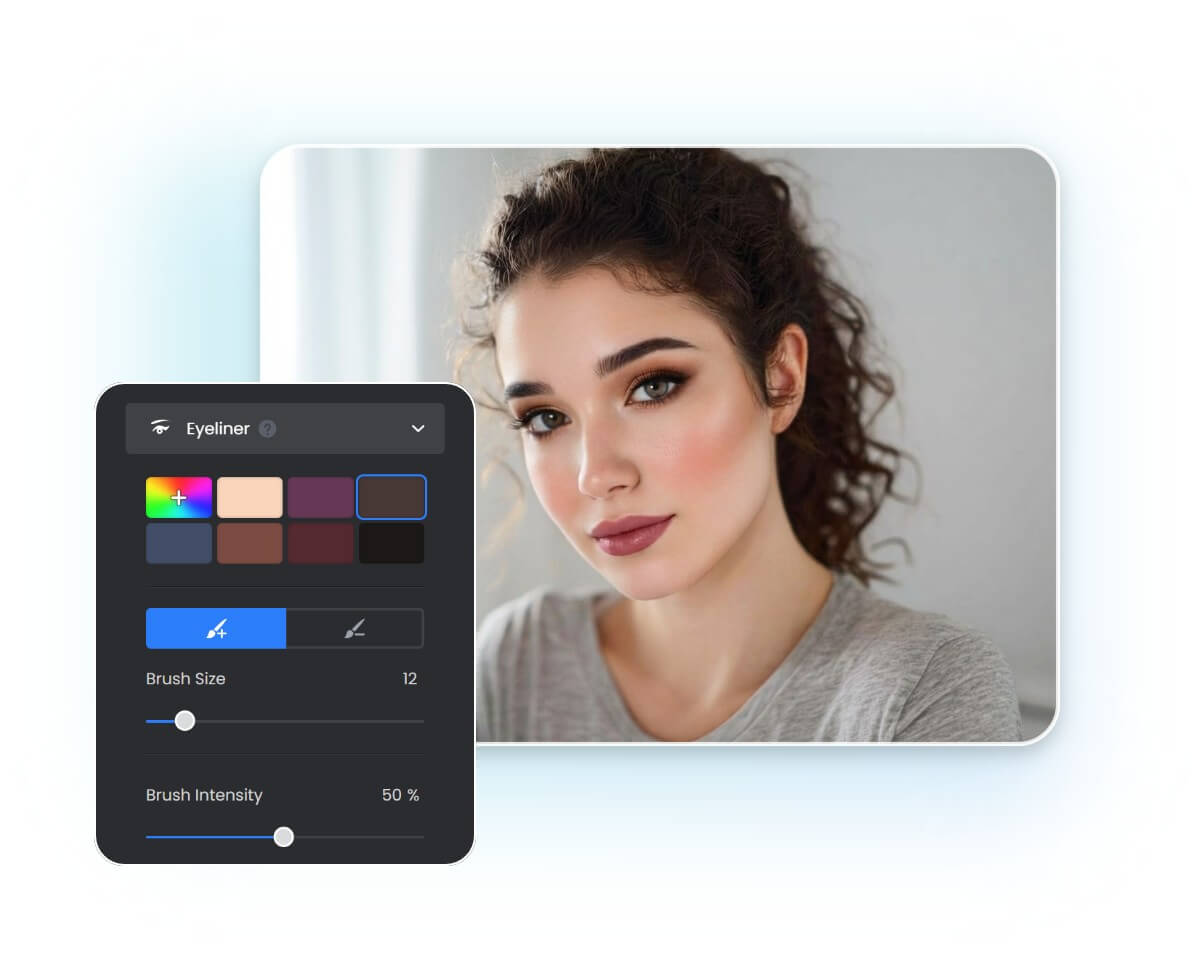
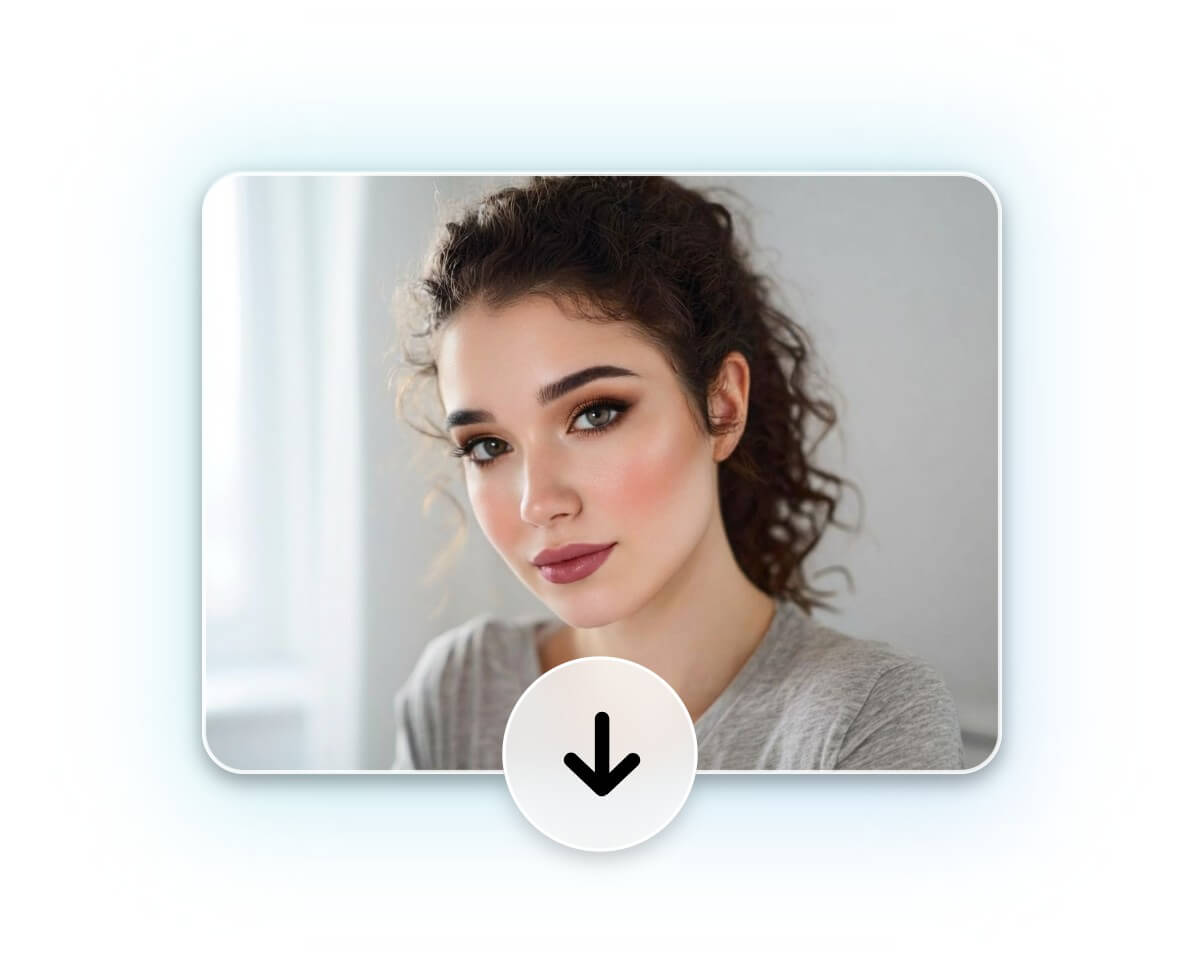
How to Apply Photo Makeup in Easy Steps
Upload Your Photo
Upload your photo for makeup, ensuring your face is clearly visible.
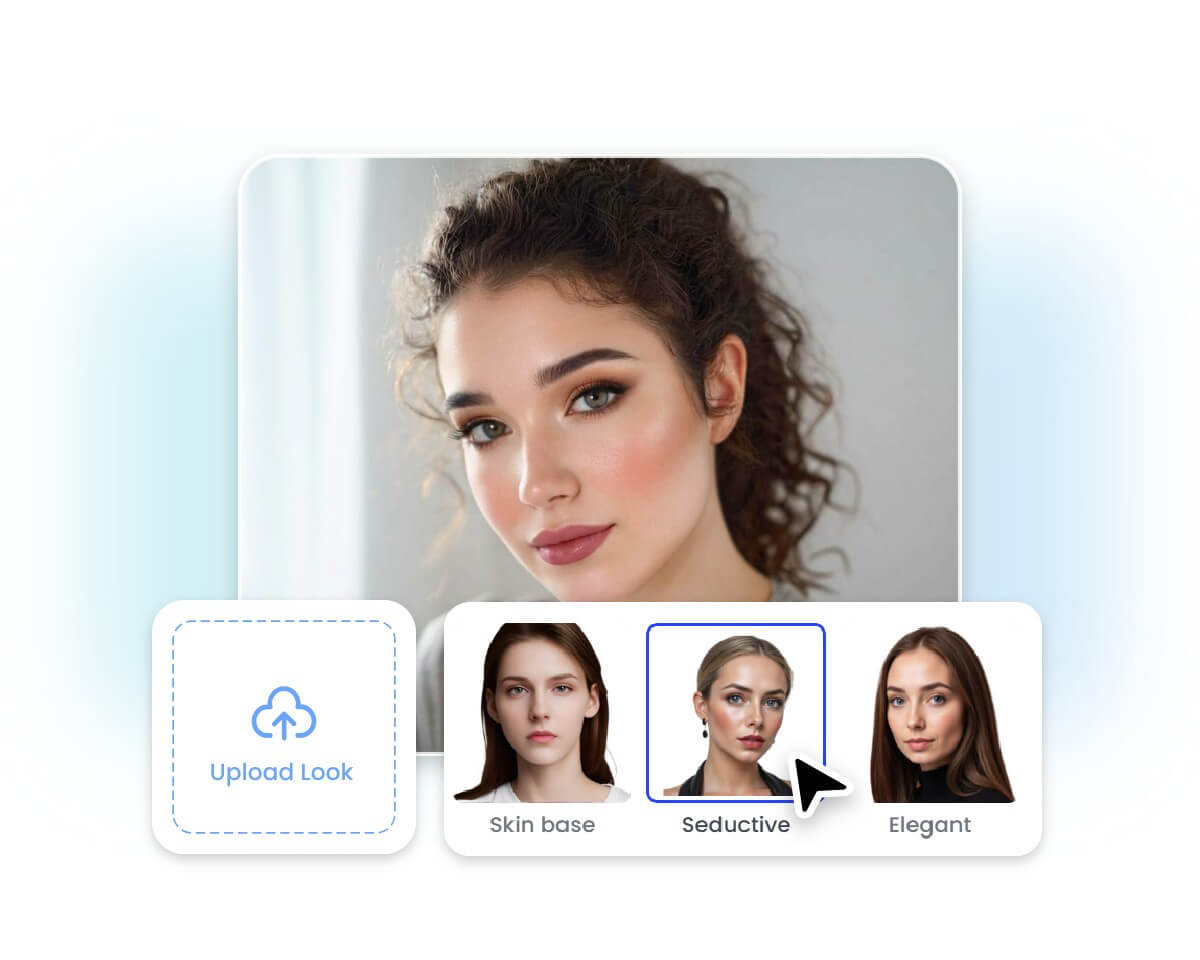
Apply AI Makeup
Use Manual Makeup Tools
Download Your Makeup Photo
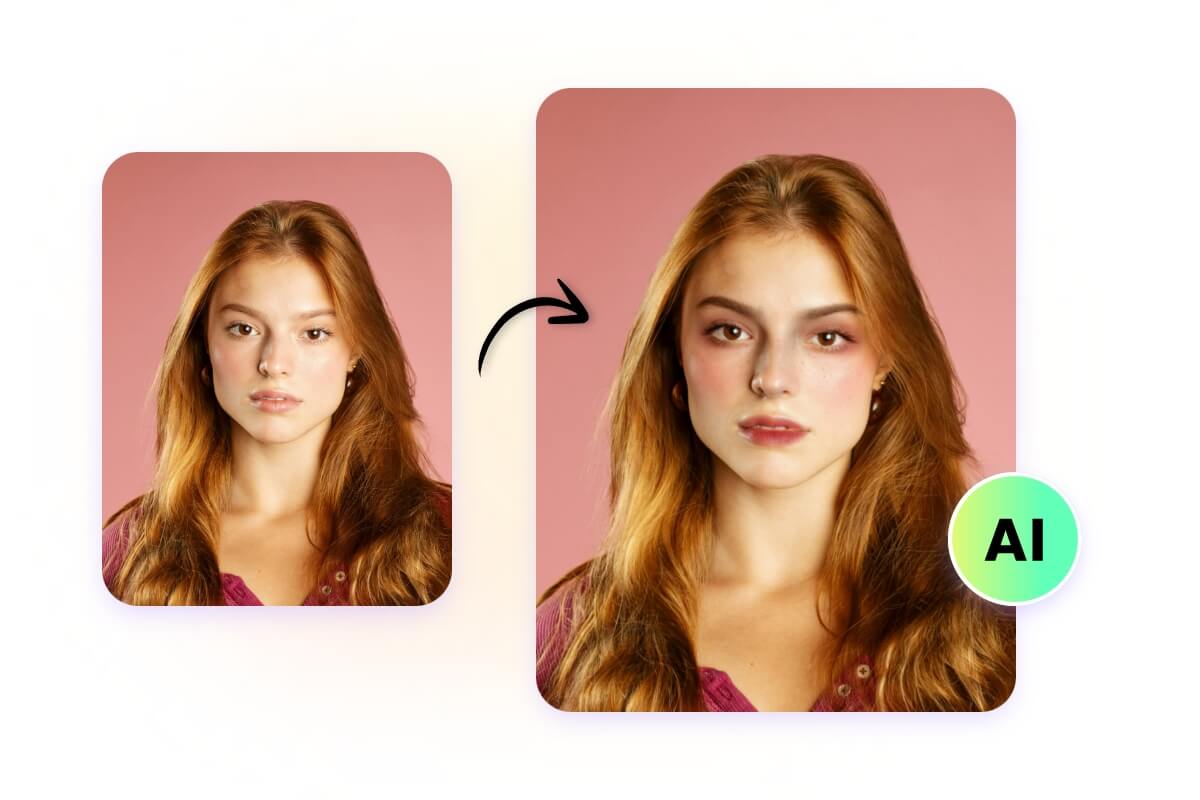
Try Virtual Makeup with AI
In addition to manual makeup, Fotor’s AI makeup editor lets you virtually try on makeup. Select your favorite style, and with just a few clicks, AI will generate the perfect makeup for your photo.
For a specific look, you can also upload a reference makeup image, and AI will apply its style to your photo, bringing your favorite beauty inspirations to life.
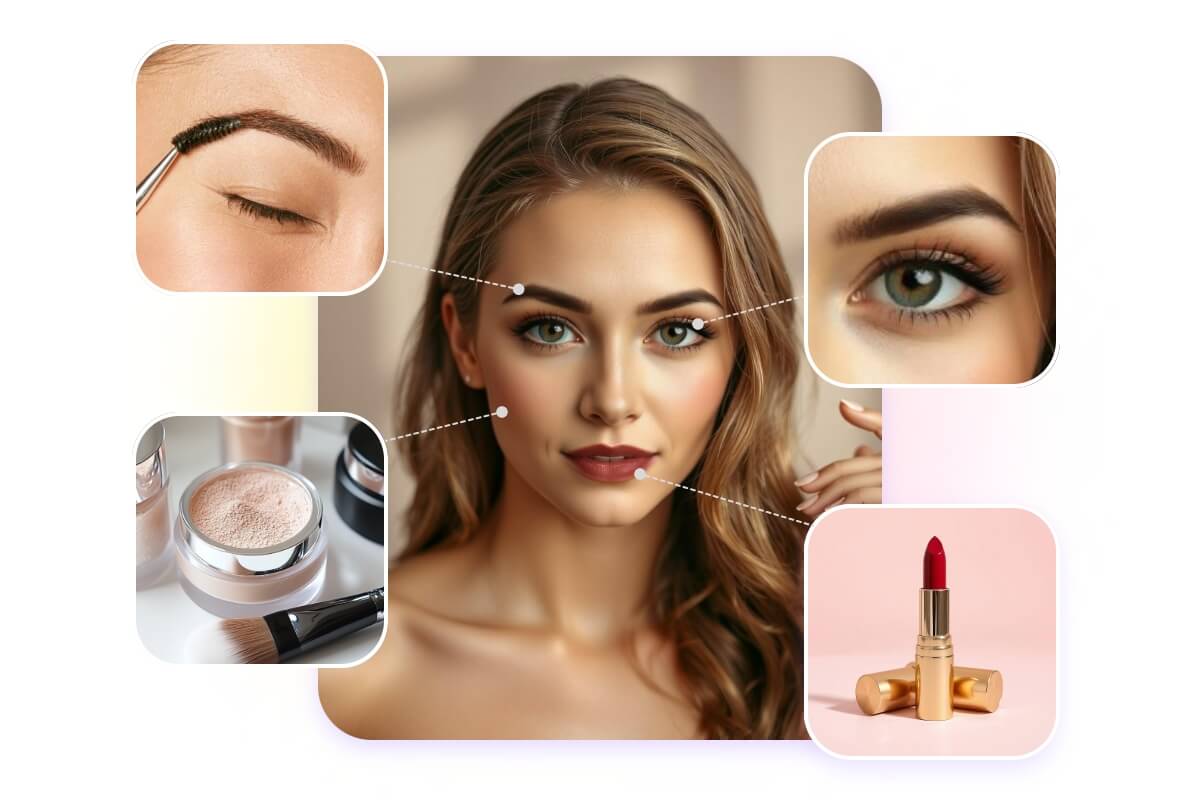
Manually Apply Makeup to Your Face
Fotor’s makeup photo editor provides a variety of manual makeup tools, allowing you to precisely customize your makeup on different face areas:
Eyes: Customize your eye color and add eyeshadow, eyeliner, and eyebrows.
Lips: Change your lip color and try different shades and styles of lipstick.
Skin: Smooth your skin and remove wrinkles or blemishes, add blush, or use AI to retouch your skin.
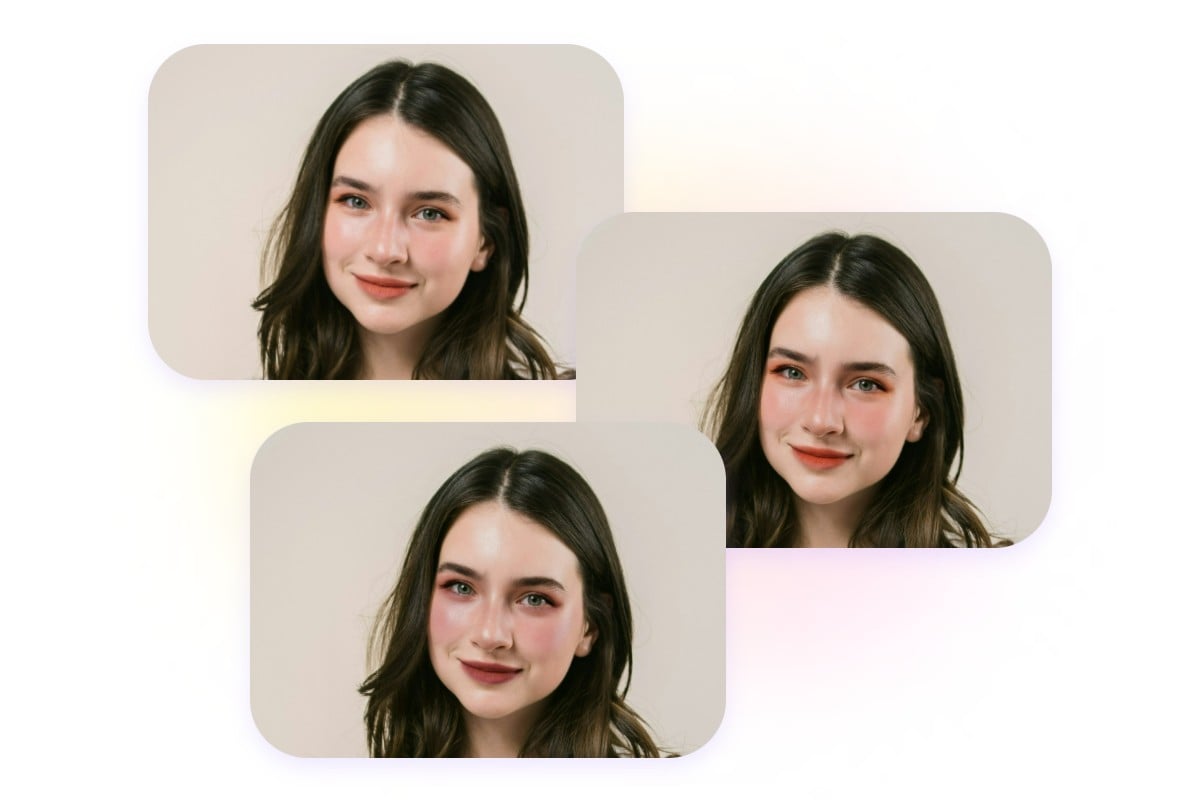
Explore Different AI Makeup Filters
Fotor’s best makeup photo editor offers a variety of AI makeup filters to quickly transform your photos. From basic and full makeup to fresh, cute, sexy, punk, or Y2K styles, it helps you find the look that suits you best.
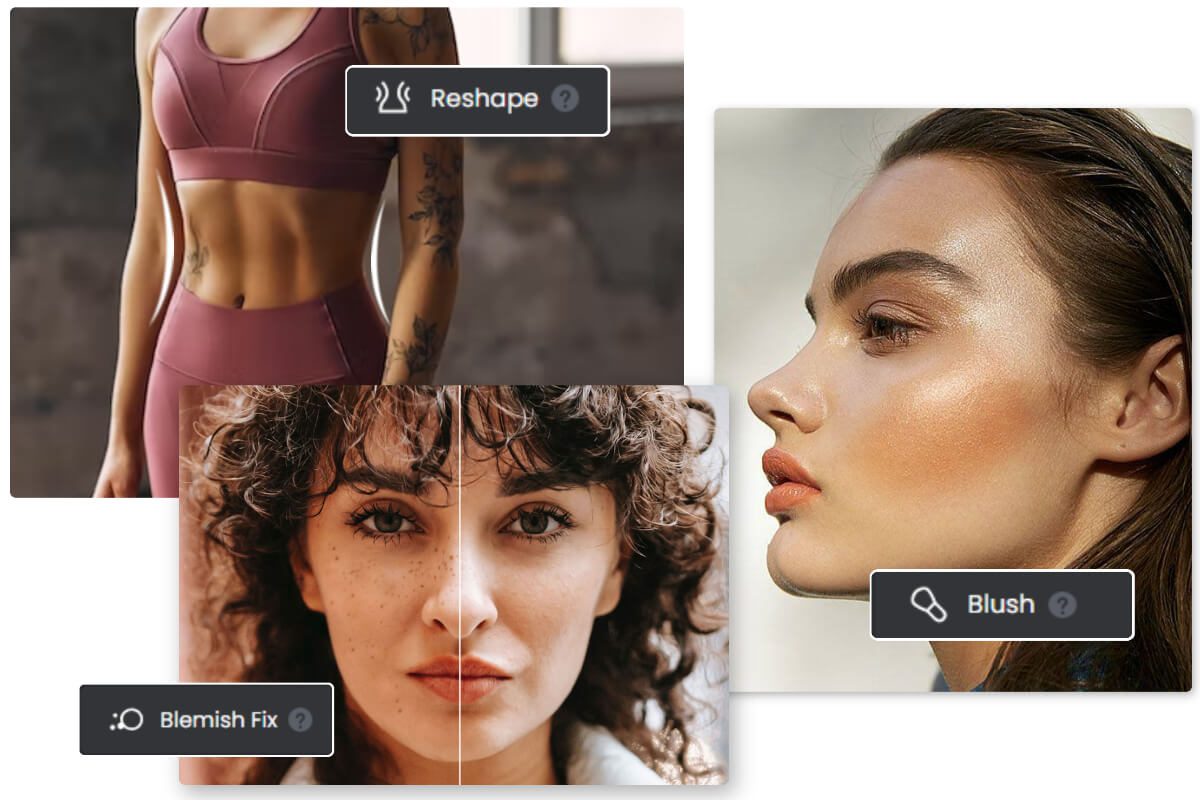
Do More with Face Editing Tools
Not just for makeup, Fotor’s photo editor lets you perform everything from face reshaping, red-eye removal, teeth whitening, skin enhancement, and blemish correction to expression adjustment, eye opening, and facial enhancement, providing an all-in-one solution for complete face editing without switching to other tools.
Why Users Choose Fotor’s Makeup Editor
![Customize icon]()
Flexible Customization
Freely select makeup tools and adjust intensity, coverage, and areas with full control.
![easy to use icon]()
Natural Makeup Effects
Achieve realistic makeup results with AI while preserving natural textures and tones.
![studio quality icon]()
Lossless Details
Add makeup to your photos without losing image quality or detail.
![No watermarks icon]()
No Watermarks
No watermarks on your makeup photos, ensuring clear and professional results
![Secure icon]()
Privacy & Security
Your photos and personal data are protected with secure processing and privacy.
![Crossplatform]()
Cross-Device Support
Access Fotor’s AI makeup editor across online, desktop software, and mobile app.






Brands That Trust Fotor




