Whiten Teeth in Photos Online Free
Try Fotor's teeth whitening photo editor to remove yellow stains and whiten teeth in photo in seconds. Upload a portrait image and use the teeth whitening brush to brighten tooth color naturally without affecting the rest of the image.
Drag image here or click to upload
Drag image here or click to upload


Whiten Teeth in Photo Without Quality Loss
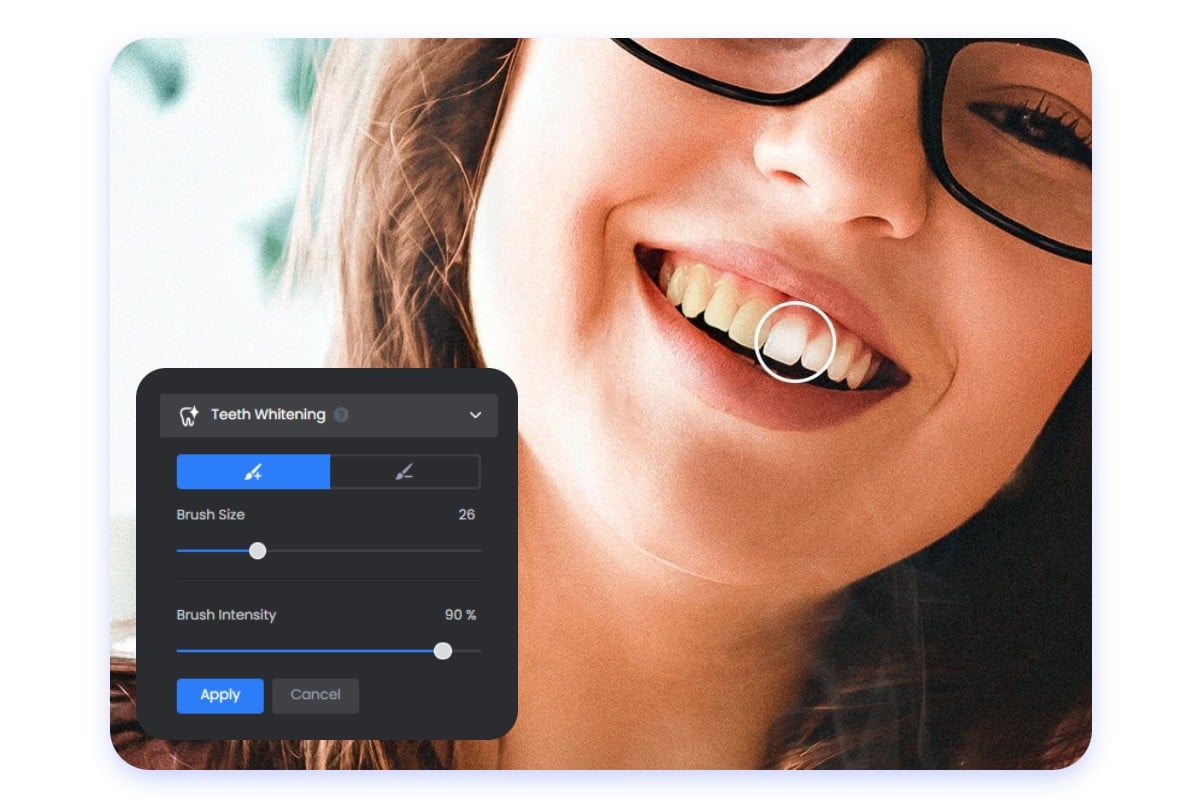
Remove yellow and other stains and make your teeth pearly white with Fotor’s online teeth whitener. It allows you to manually brush over the teeth area and adjust the whitening intensity to achieve a natural result without affecting other areas, including skin, lips, eyes and more. No professional skills are needed.
Teeth Whitening Editor to Meet Your Every Need
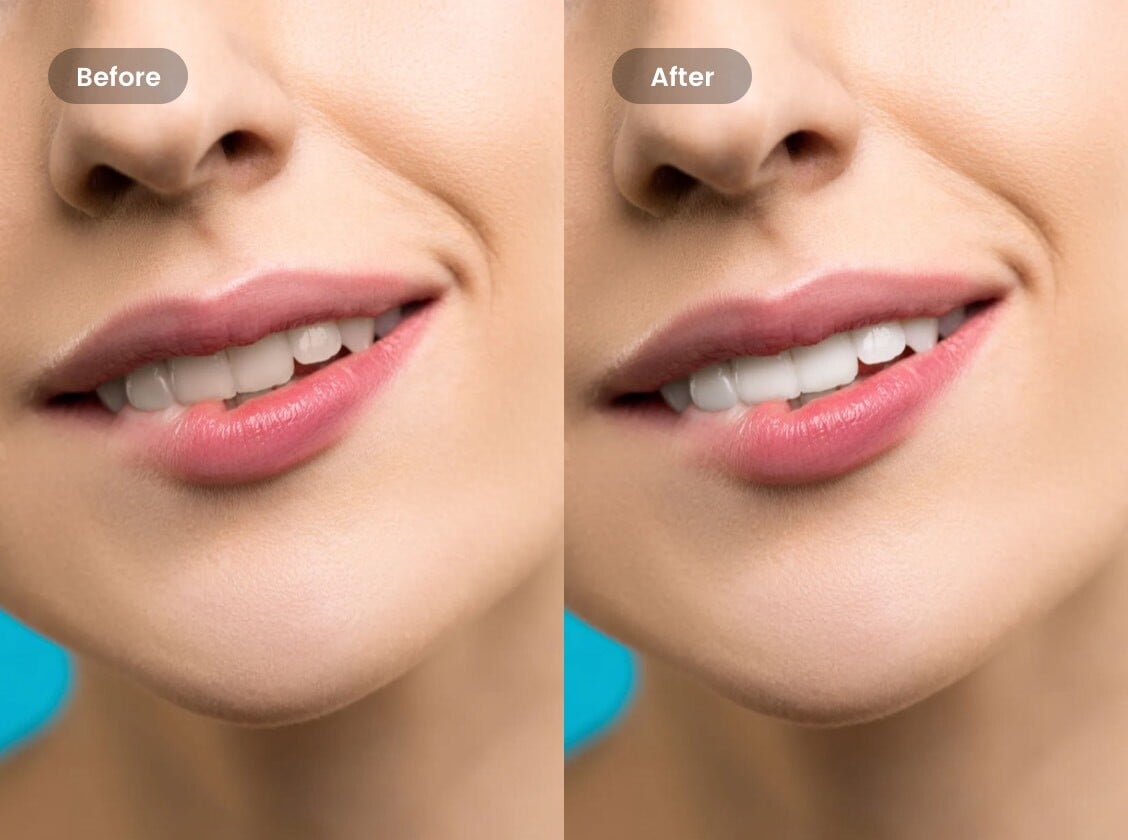
Whether you intend to retouch your portrait in special events (wedding, birthday party, etc.), fix social media selfies or group photos, or correct professional headshots or profile pictures, our white teeth editor can quickly and consistently apply a perfect teeth whitening filter across different images.
Beautify the Overlook with Fotor’s Photo Retouch Suite
Discover a range of Fotor's useful editing and AI tools and experience super easy photo retouching ways.
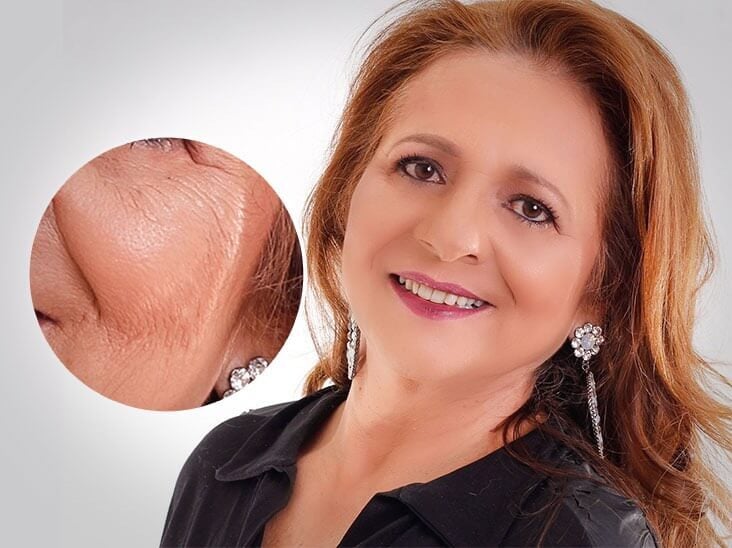
Wrinkle Remover
Our wrinkle remover helps you remove wrinkles in your portrait photo easily without professional editing skills.
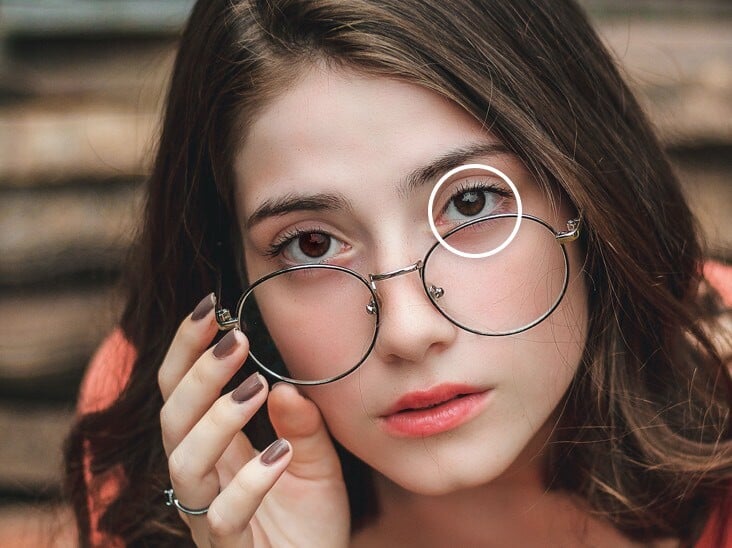
Red-Eye Remover
Simply select the red eye area in your portrait picture and our red-eye remover will automatically analyze and correct the redness for you.
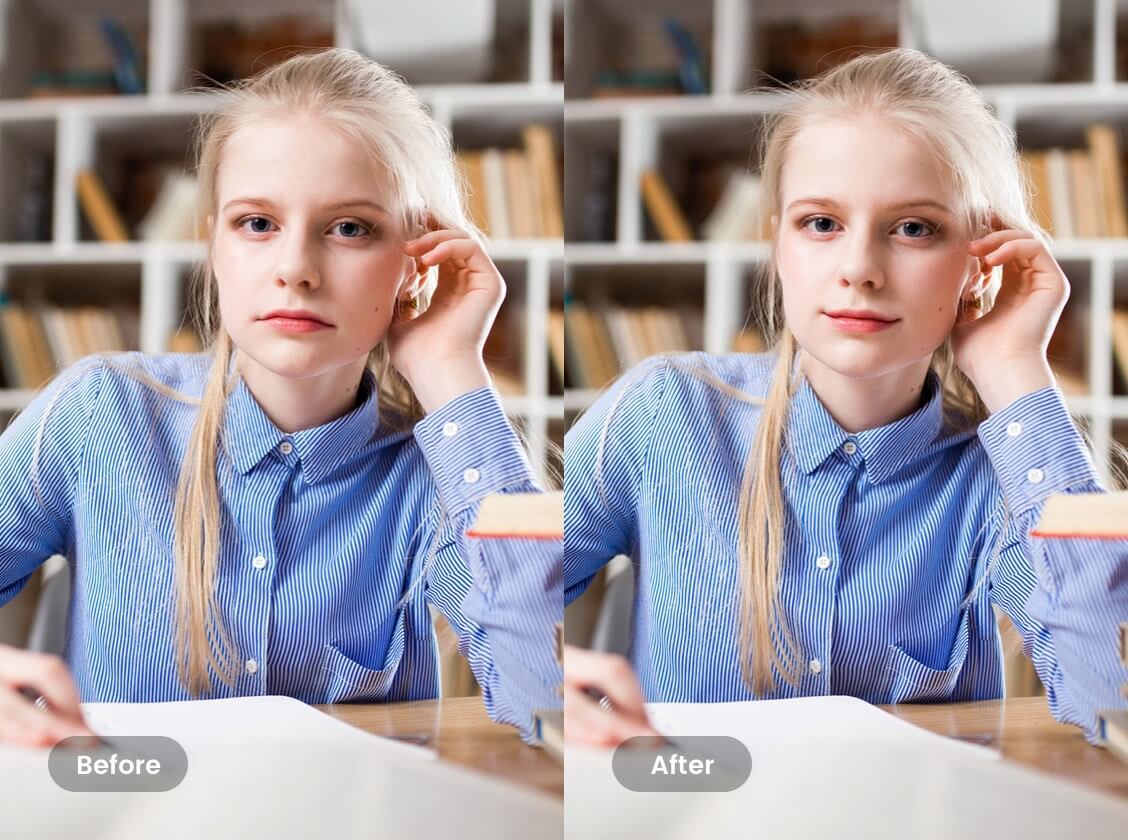
Photo Reshaping
With Fotor's photo reshaping tool, you can give your face or body the desired shape with minimal effort.

Photo Effects
Explore Fotor's wide variety of unique photo effects and filters to give your photo different styles and vibes, whether it is an old-school vintage style, a timeless black and white effect or a creative cartoon filter.
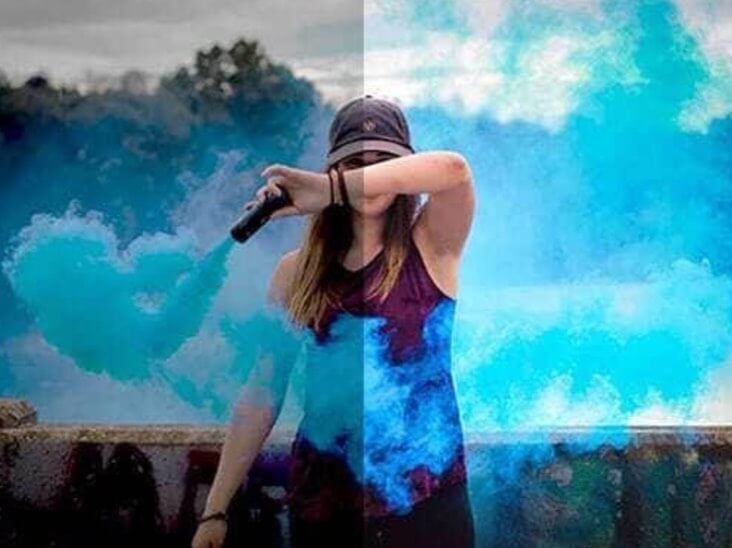
1-Tap Enhance
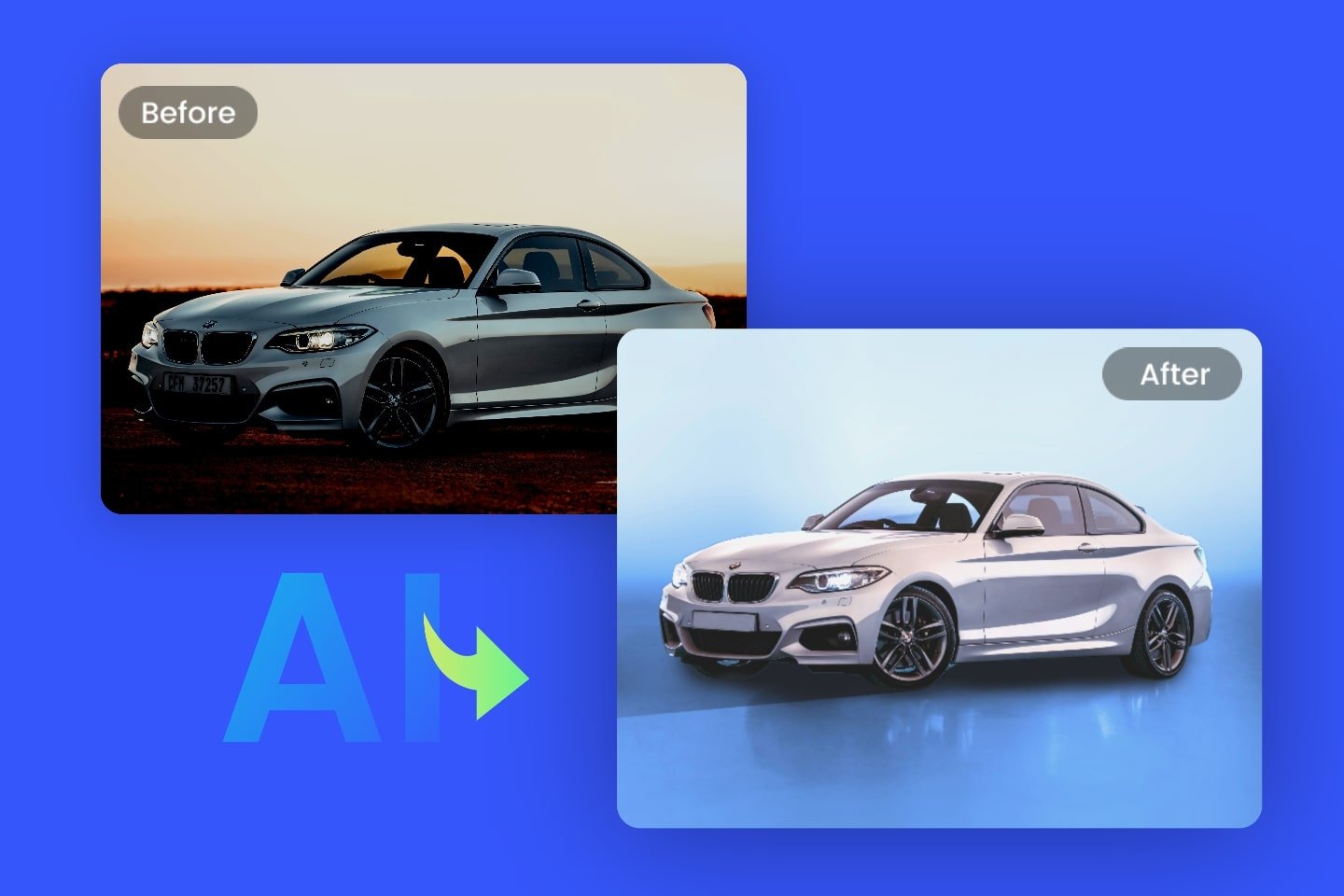
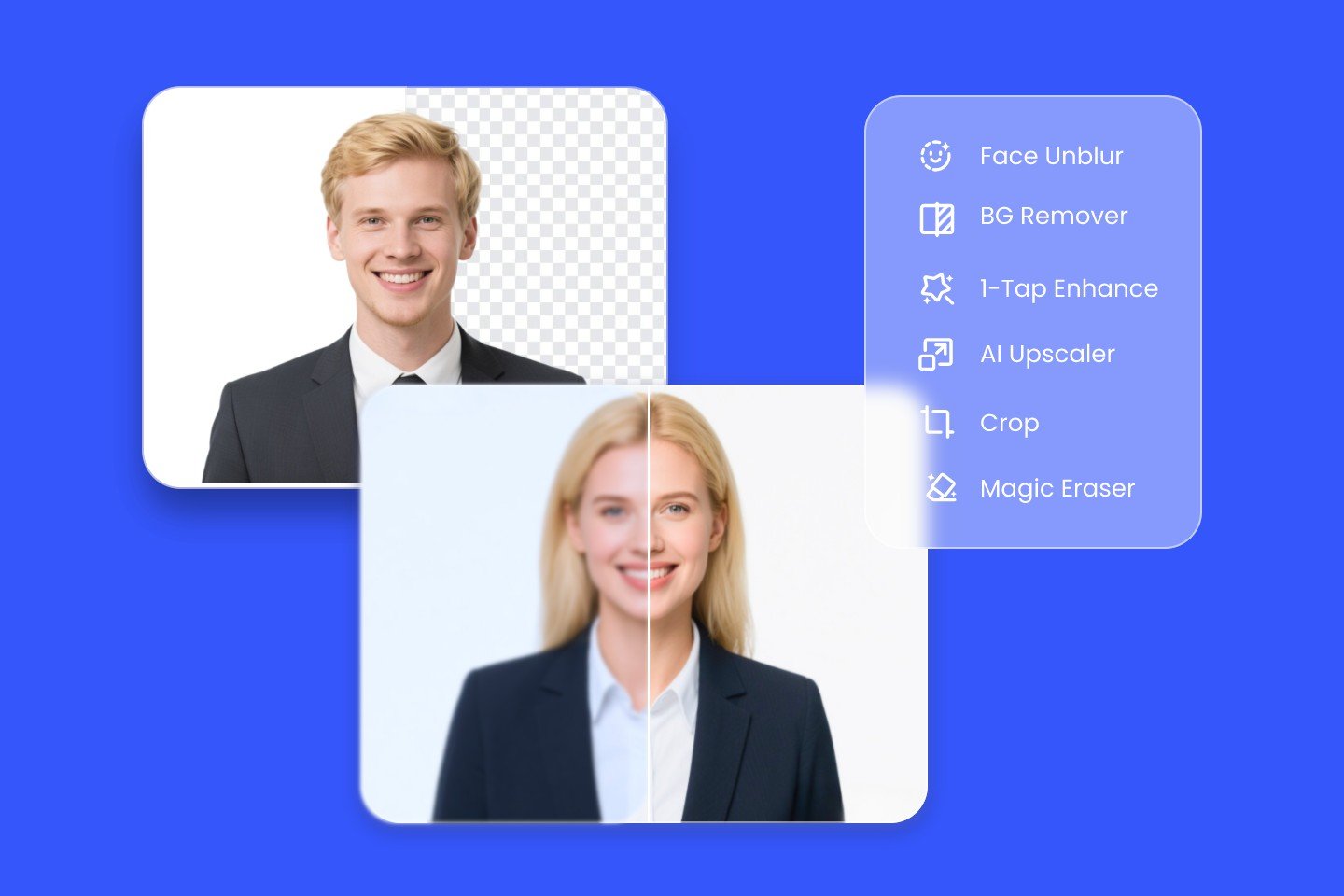
Our AI image enhancer can improve the quality of your image automatically in just one click, such as, color correction, blurriness removal, detail sharpening, resolution enhancement and more.

Collage Maker
Our collage maker provides hundreds of templates for you to achieve creative matching.
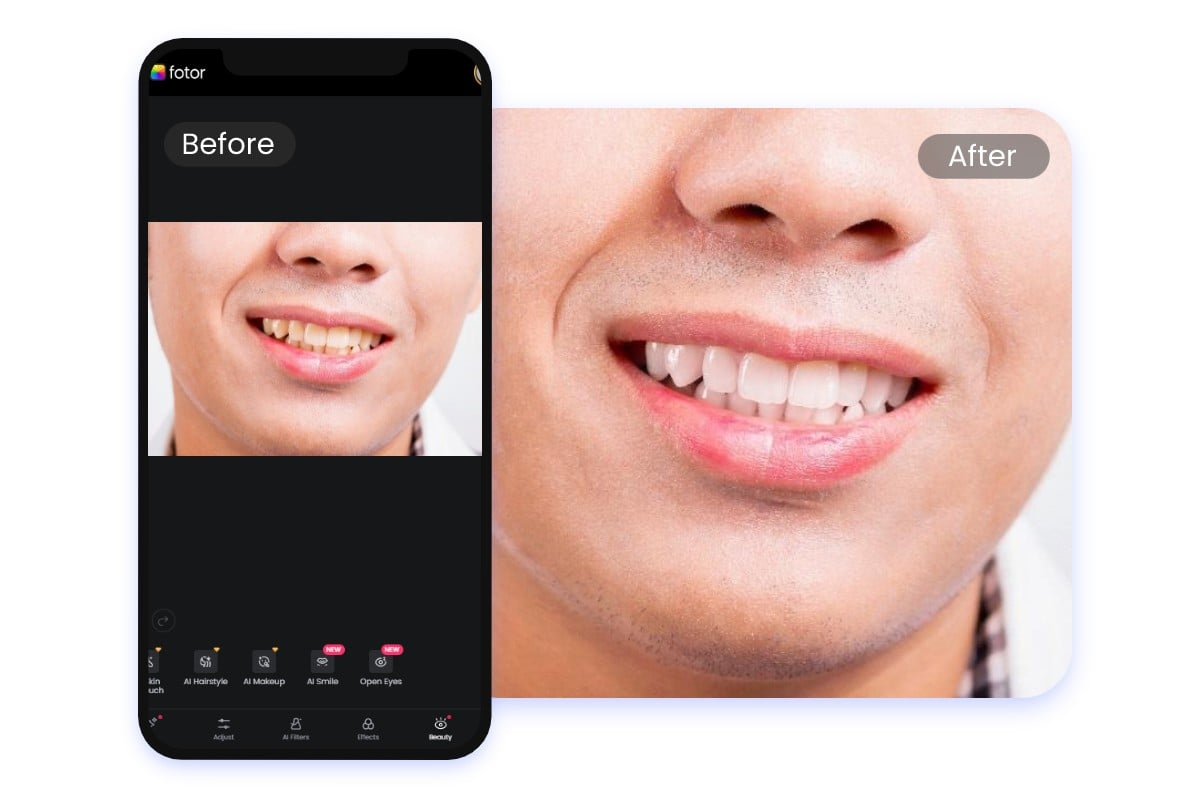
Teeth Whitening App Available
Fotor can appear as a mobile app equipped with a practical teeth whitener. With only a few taps, you can effortlessly and instantly turn your teeth white on your Android device or iPhone. Also, with Fotor on your phone, you will unlock a range of useful editing and AI features to facilitate your photo creation.
Why Choose Fotor’s Teeth-Whitening Photo Editor?
![Easy to use icon]()
Easy to Use
Our teeth whitener offers a simple brush-based workflow. No complex settings and adjustments are needed.
![Teeth whitening icon]()
Automatic Teeth Whitening
When using our brush to cover yellow teeth or stains, you will expect our tool to automatically and intelligently remove them and bring back the natural white color to your teeth.
![Fully customizable]()
Flexible Whitening Control
You have full control over how white your teeth can be with our whitening brush whose size and intensity can be flexibly adjusted.
![No watermark icon]()
No Watermark
Much as our AI teeth fixer is free to use, no watermark or brand logo will be added to your results.