Free AI Logo Generator
Enter your text or upload an image to instantly create custom AI logo designs for your brand or business. Start free with Fotor’s AI logo generator.


800M+
Users Worldwide
4.6★
Rating on Capterra
3s
Average Generation Speed
Brands That Trust Fotor





This site is protected by reCAPTCHA, and the Google Privacy Policy and Terms of Service apply.
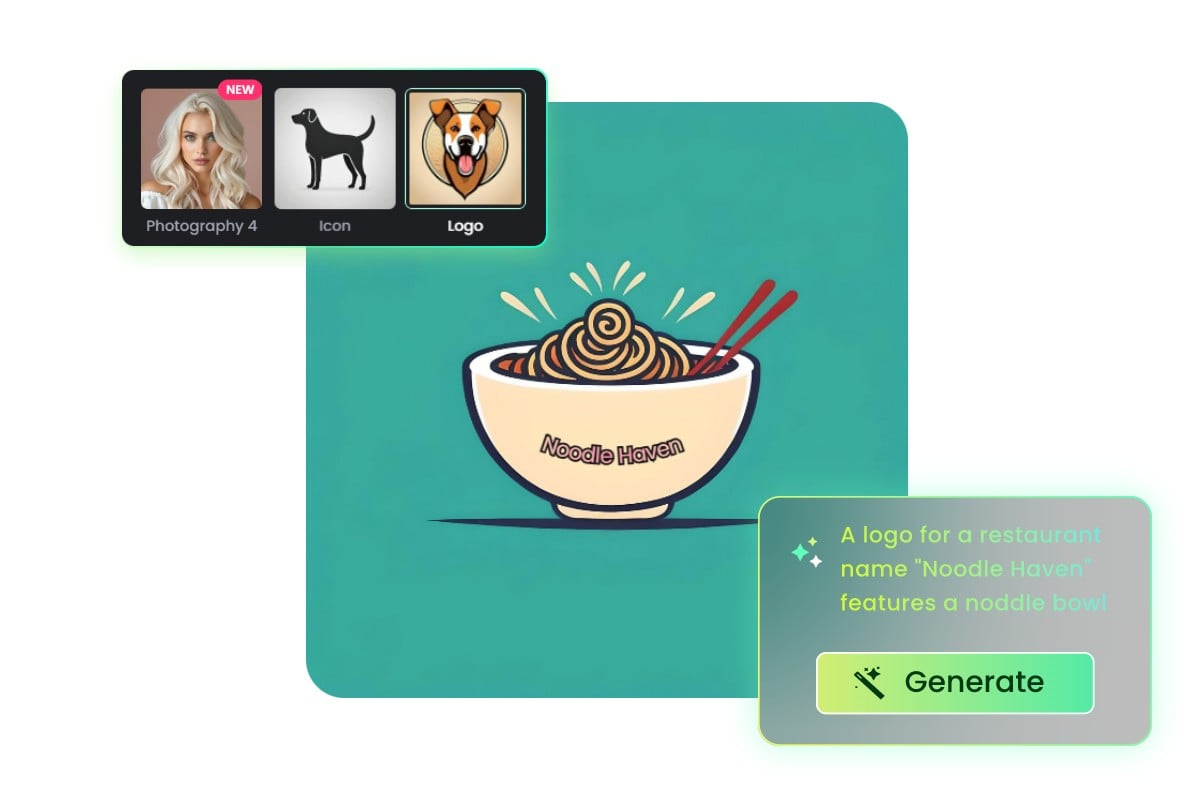
Create Logos from Text with AI
Still designing logos the traditional way? With Fotor’s AI logo maker, simply enter a text prompt to instantly generate unique logo designs based on your ideas, style, and brand identity, and bring your brand vision to life in seconds.
Turn Images into AI Logo Designs
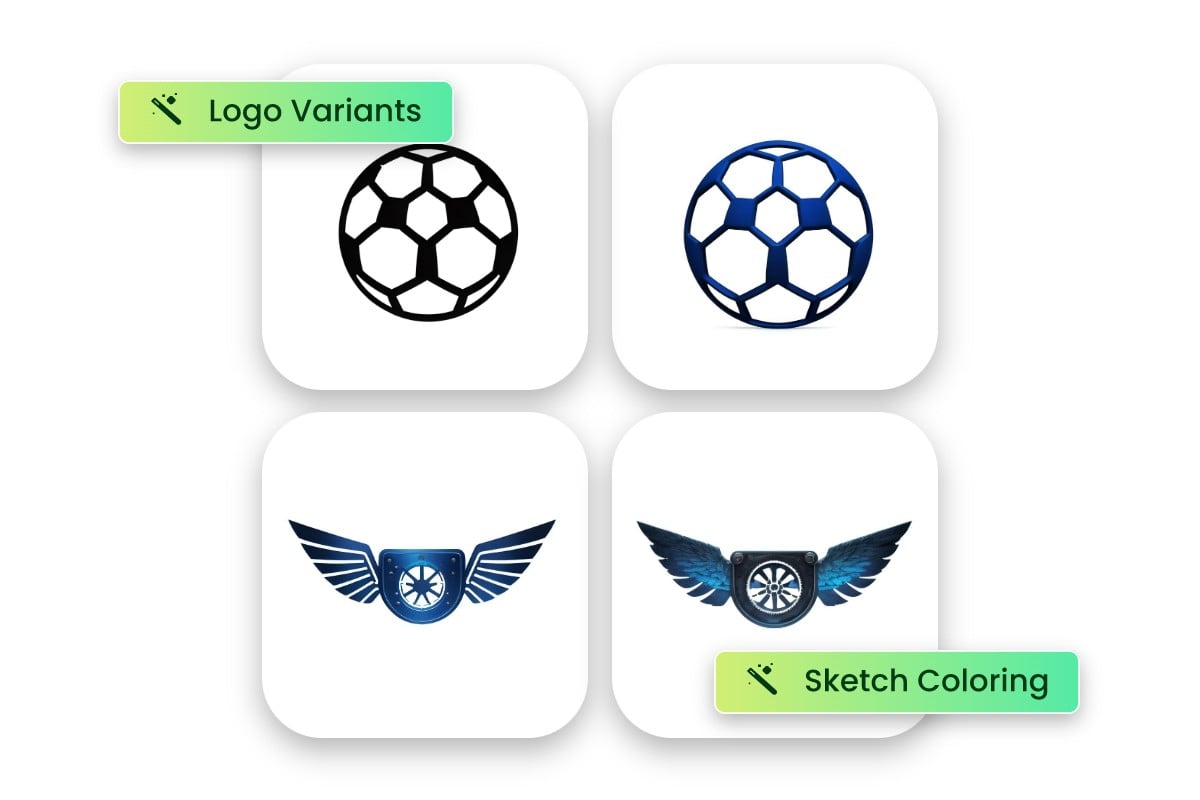
Not just text can be used to create logos. With Fotor’s AI image generator, you can first transform a single reference image into a unique AI logo design that keeps its core style while adapting it for branding.
You can also combine multiple images to generate a completely new AI logo design, blending different visual elements into a creative logo tailored to your brand.
Customize and Edit Your Logo Designs
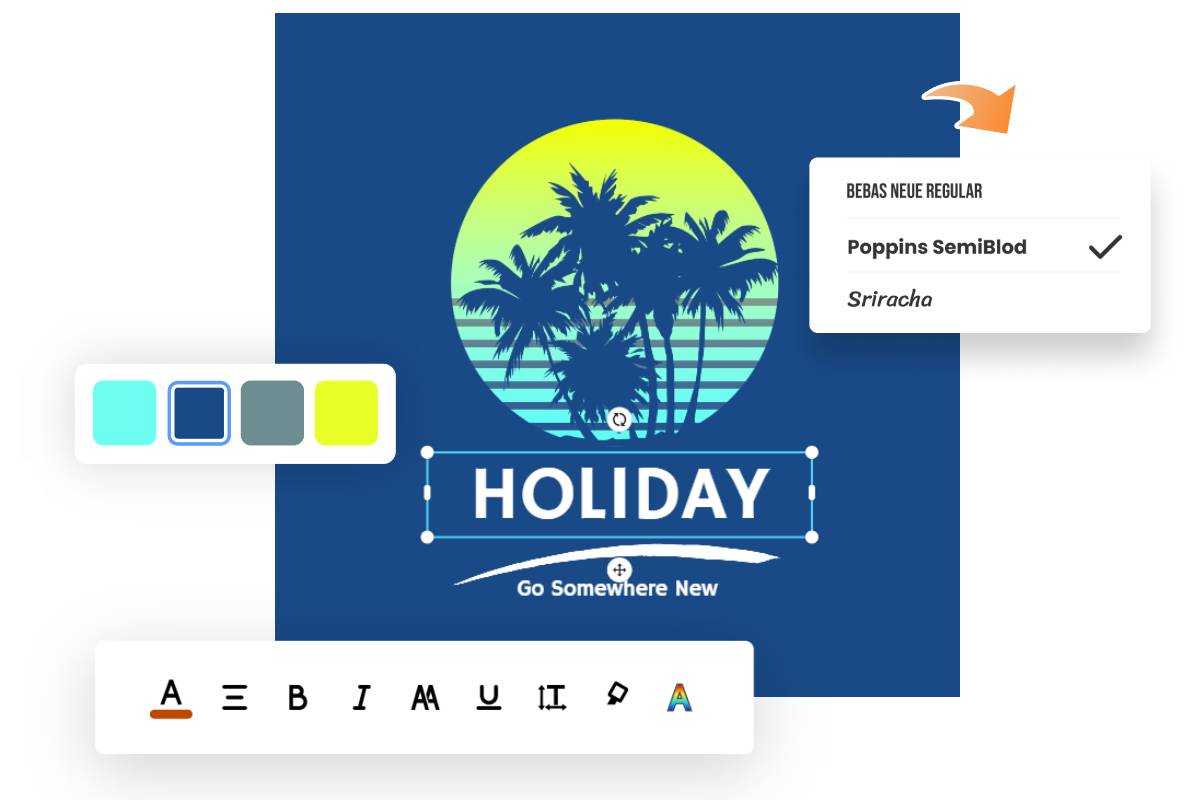
Maybe the AI-generated logo isn’t exactly what you expected. With Fotor’s logo maker, you can easily customize and refine your generated logo designs by adjusting text, fonts, colors, icons, layouts, and other design elements to match your brand style better, and even add your logo to photos for real-world branding use.
Where You Can Use Your AI-Generated Logos
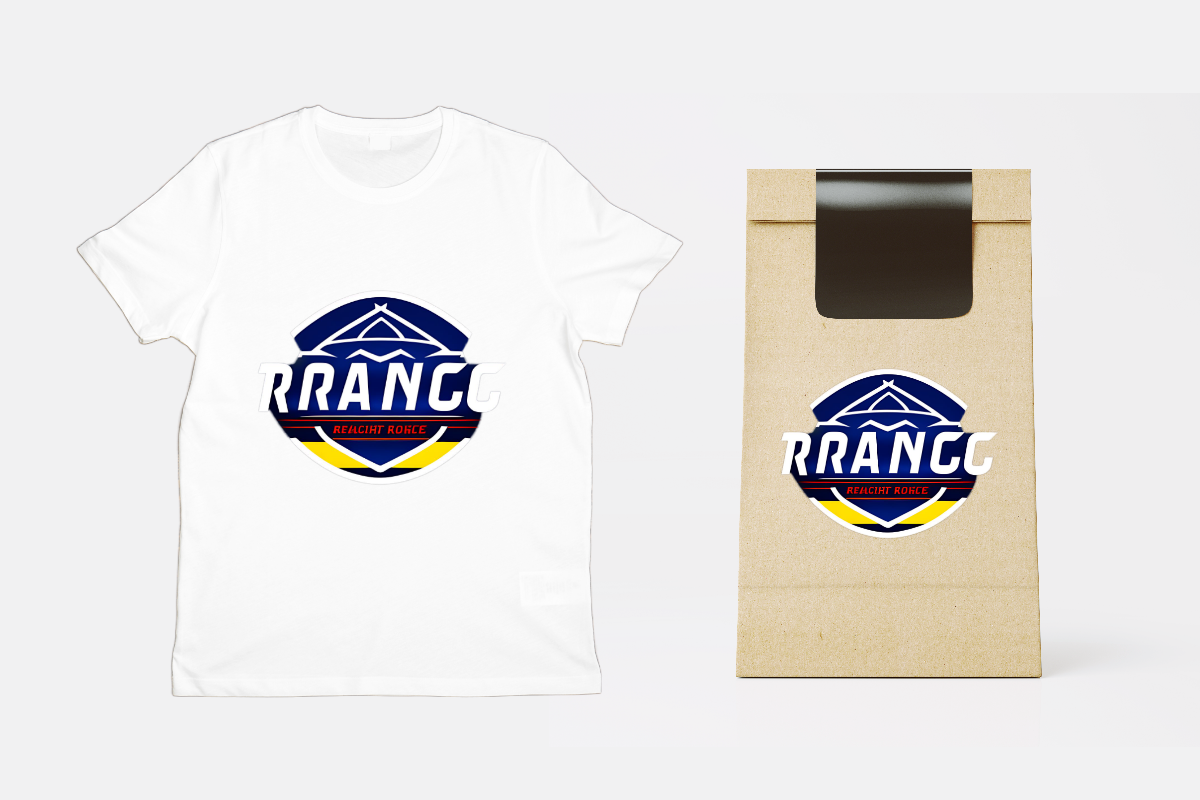
You can use your AI-generated logo across your website homepage, brand landing pages, and blog headers, as well as on social media profiles like Instagram, Facebook, and X. It also works well for business cards, product packaging, presentations, and marketing materials, helping you maintain a consistent brand identity across both digital and physical touchpoints.
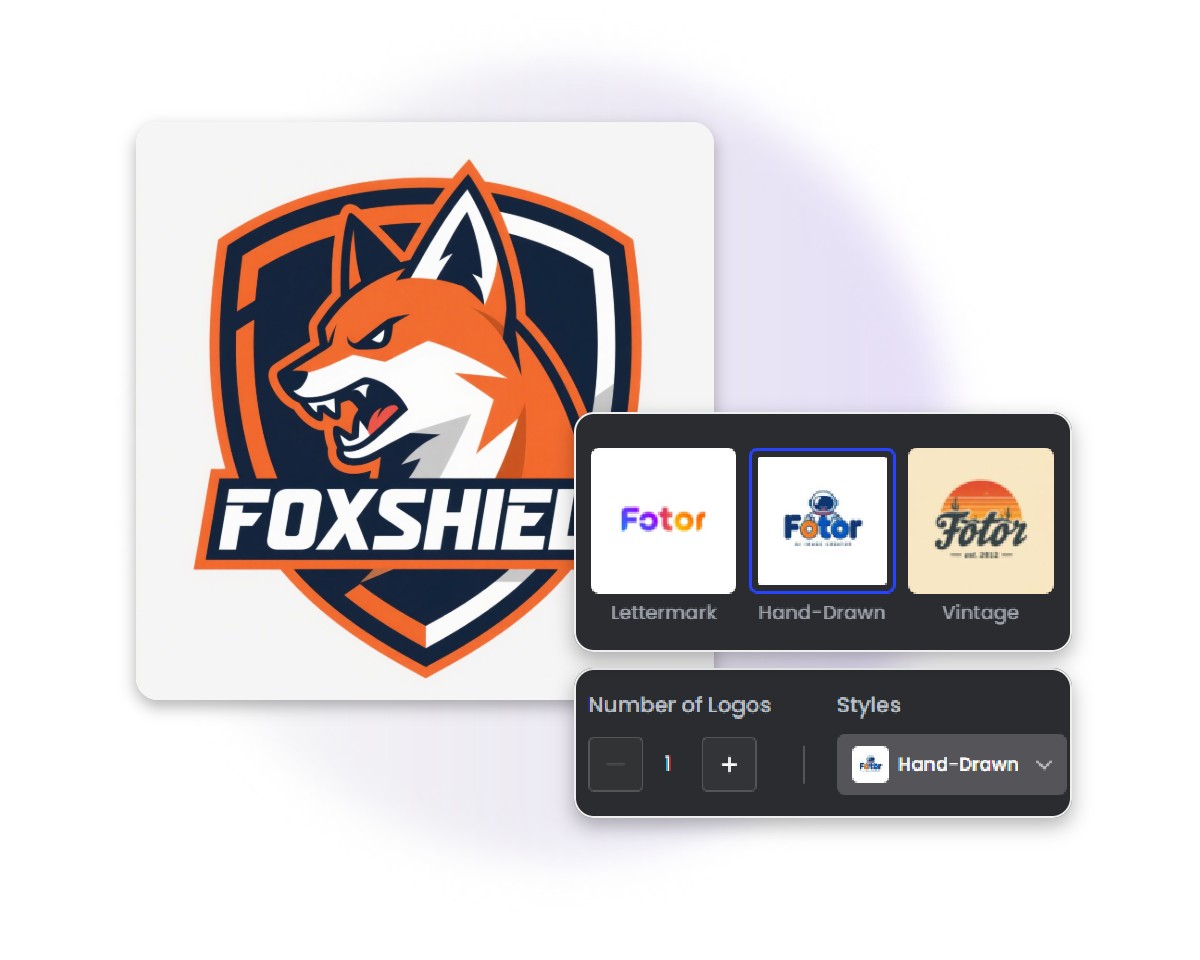
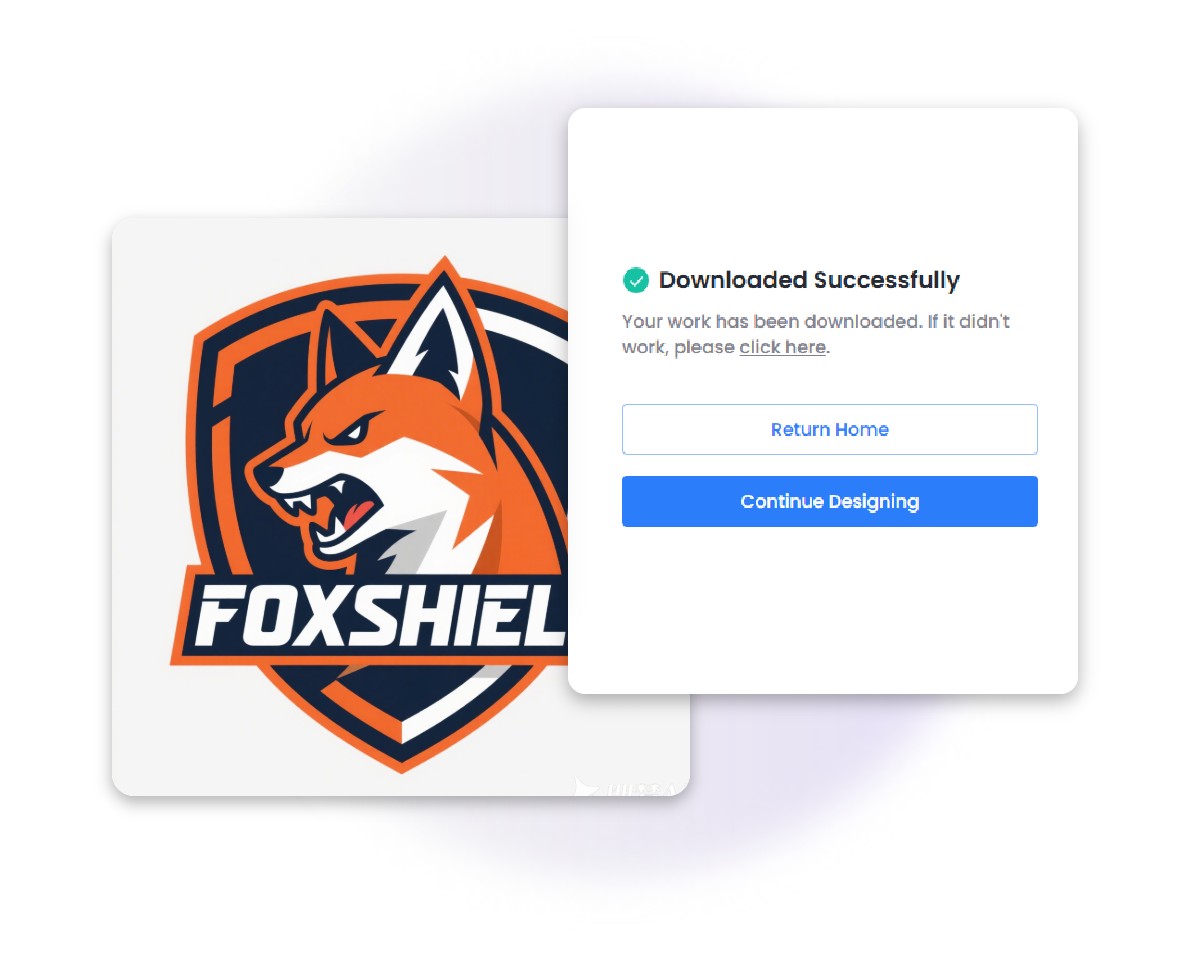
How to Generate a Logo with AI in 3 Steps
Enter Prompt or Upload Image
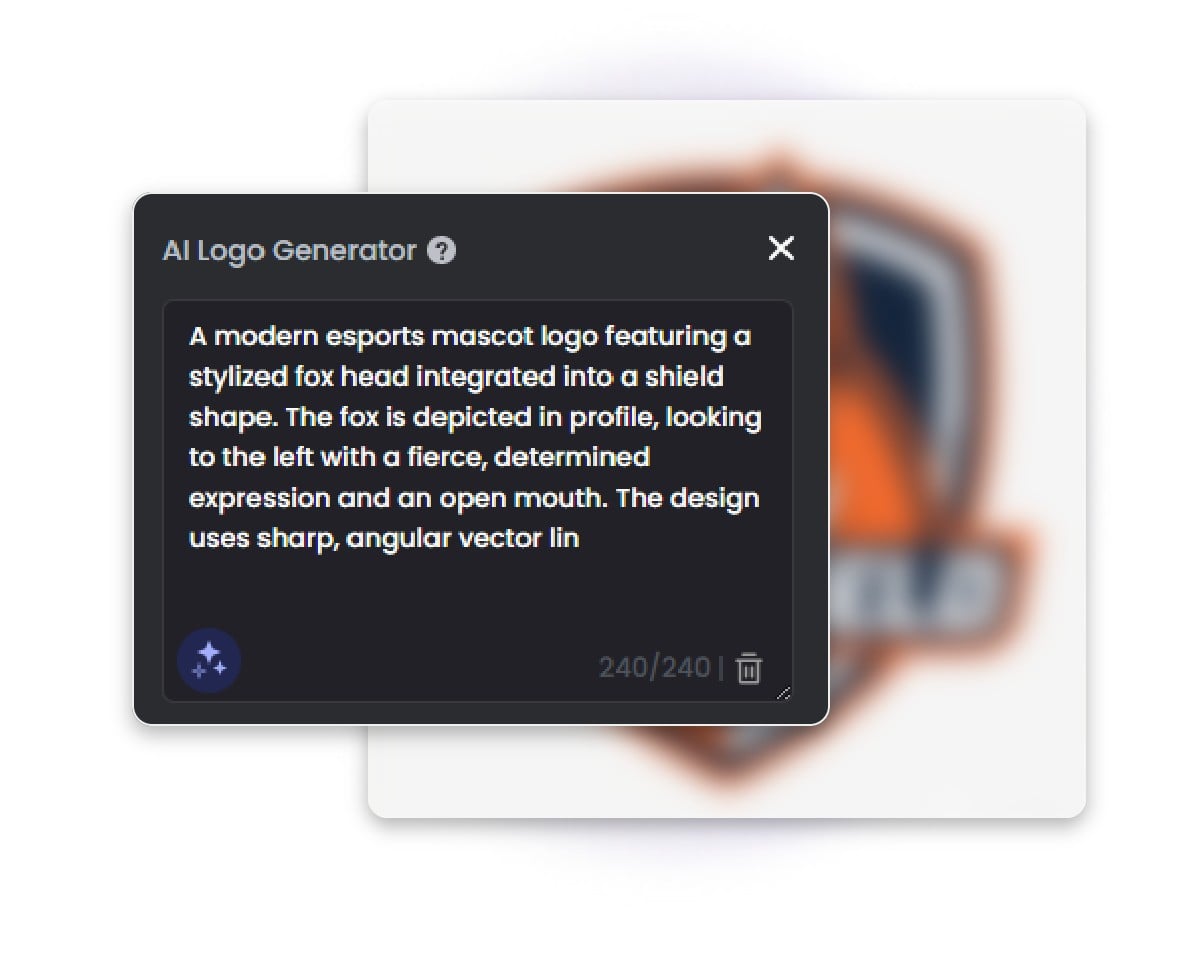
Enter a text prompt describing your logo (you can use Prompt Enhancer for better results), or upload an image as a reference.
Customize Settings & Generate
Download or Continue Design
Explore Ready-Made Logo Templates in Fotor
Fotor offers thousands of ready-made logo templates for you to explore. Simply browse the collection, choose a design you like, and customize it to create a logo that matches your visual identity.
Blue And Red Modern Game Center

Central Hospital Business
Beige Minimalist Circle
Simple Grace Medical

Red And Green Crown Flag
Yummy Burger

Orange Simple Fast Food Restaurant
Online Training School Logo
Pink Gradient Circle Fashion

Red Fire Football Club

Blue Modern Gradient Music Studio
Lightsaber
Blue Consulting Company Logo
Blue Football Sports Badge

Comic Books

Fitness Club

Design Zone

Furniture
Soft Green Circle Personal Branding
Handmade Soap Store

White Quote Logo
Beige Curve Text Photography Studio

Business Consultancy Logo

Blue Air Travel Agency Travel
Skincare Business

White Beauty Collection Logo
Yellow Voice Tech Logo
Cute Cat Icon Logo

Cool Game Player Logo
Donna Baccarin
Why Choose Fotor’s AI Logo Maker
![AI icon]()
Powerful AI Tool
Advanced AI technology helps you generate unique and creative logo designs in seconds.
![easy to use icon]()
Easy to Use
No design skills required—just enter your ideas and get professional logos.
![high quality icon]()
High-Quality AI Logo
Create sharp, professional-grade logos suitable for both digital and print use.
![cross-device support icon]()
Cross-Device Access
Generate and edit your logos anytime on web browsers, desktop software, or mobile apps.
![No watermark icon]()
No Watermark
Download watermark-free AI logo designs ready for immediate personal or commercial use.