





















Tips to Create an Invite with AI
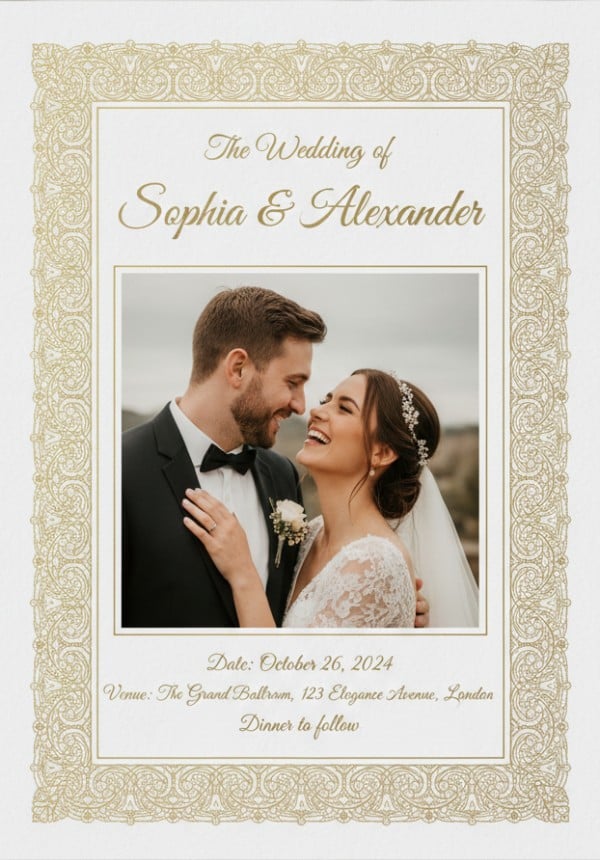
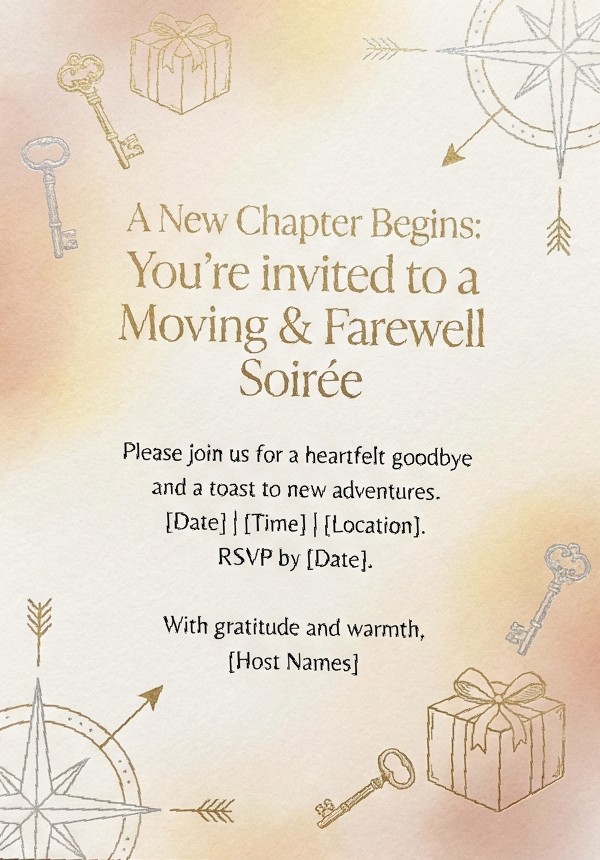
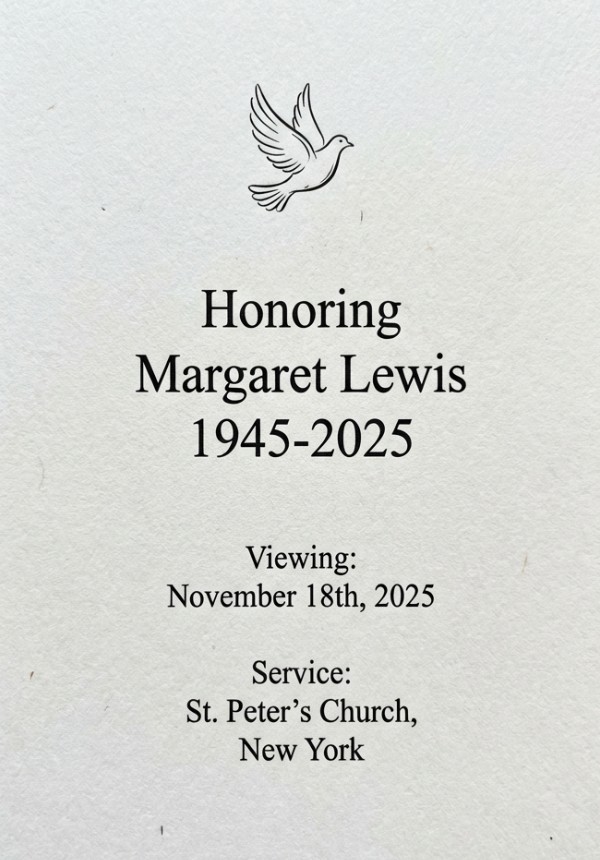
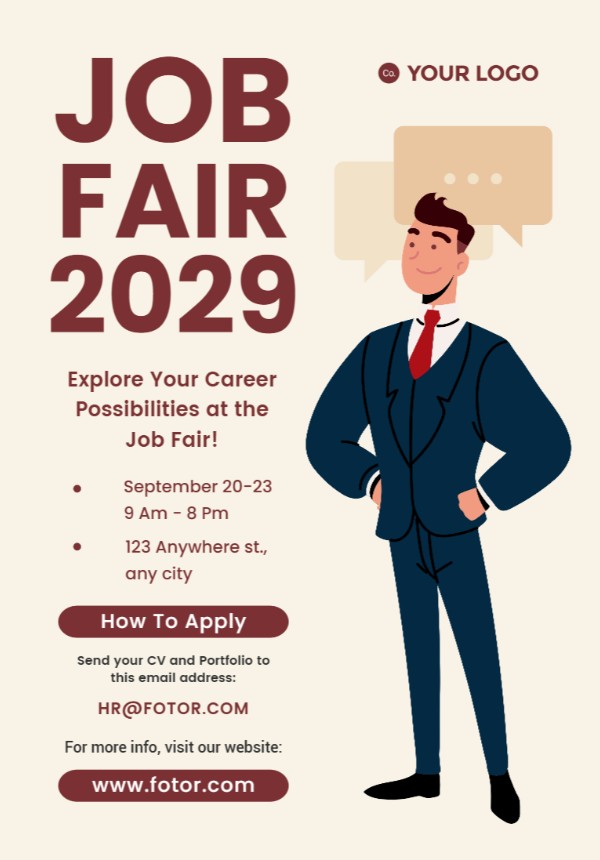
Creating a digital invitation with our AI invitation maker is simple when you know what to include in your prompt. Follow these quick tips to DIY a personalized invite that looks professional and fits your event perfectly.
- Add Clear Event Details
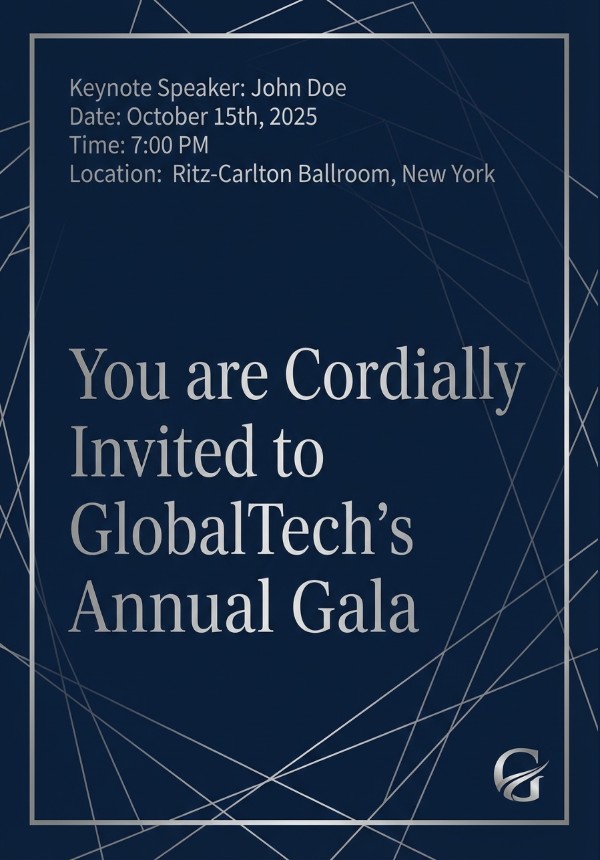
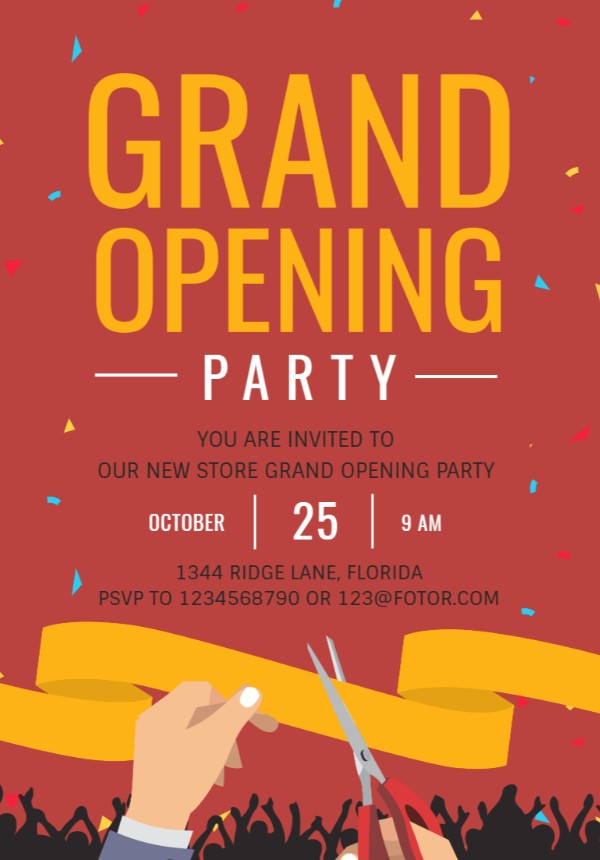
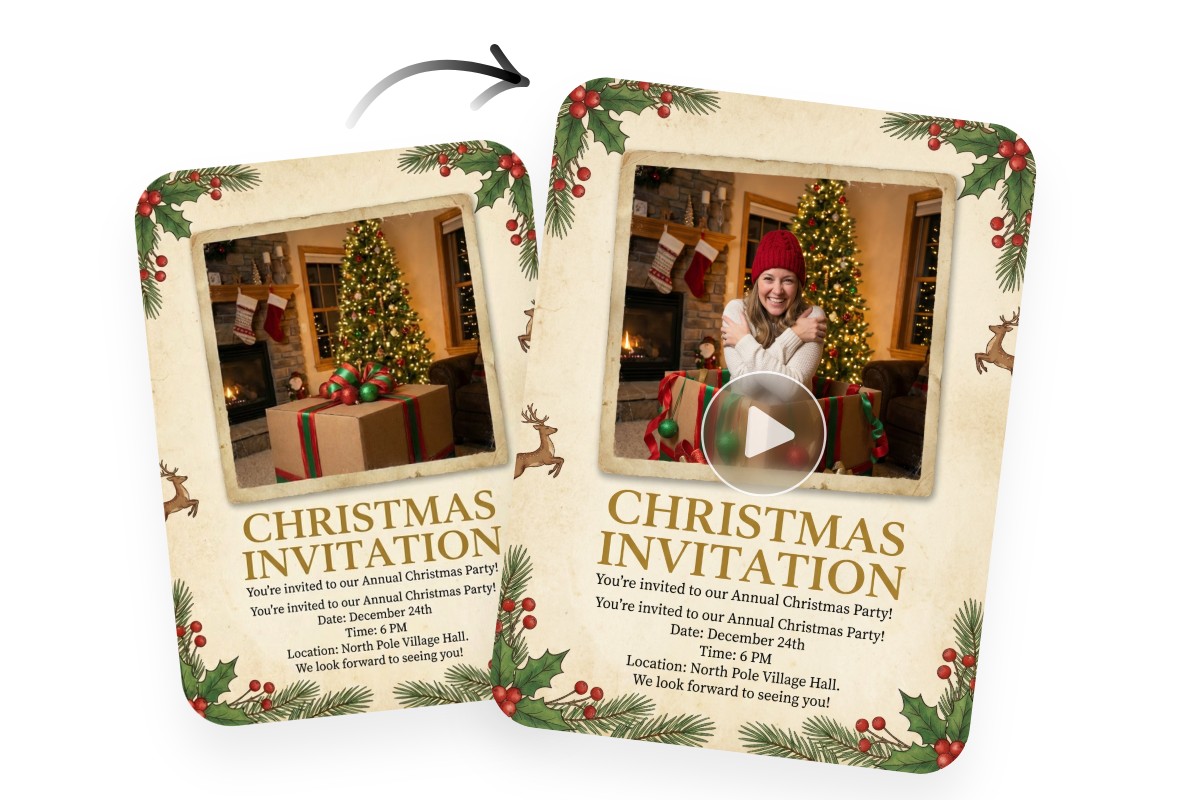
Always include the event type, date, time, location, and RSVP info. Clear details help the AI invite generator create a complete and accurate invitation without missing key information.
- Describe the Style and Mood
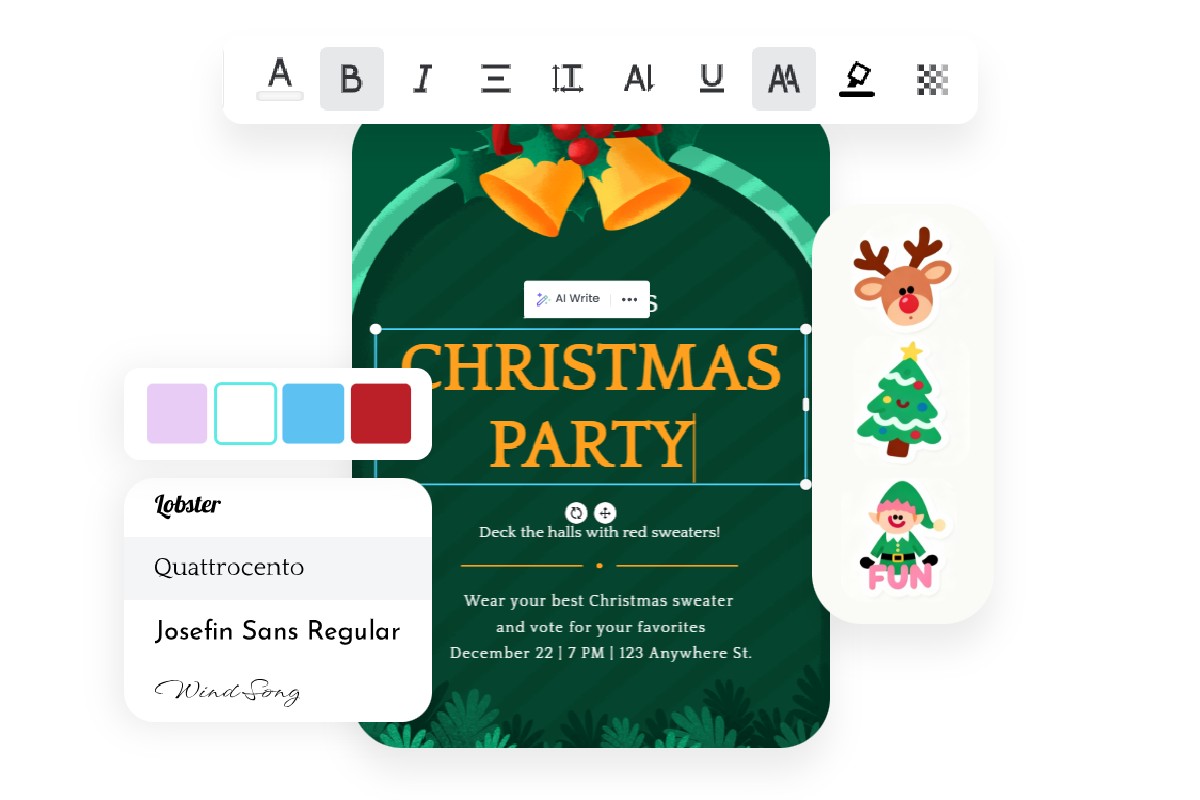
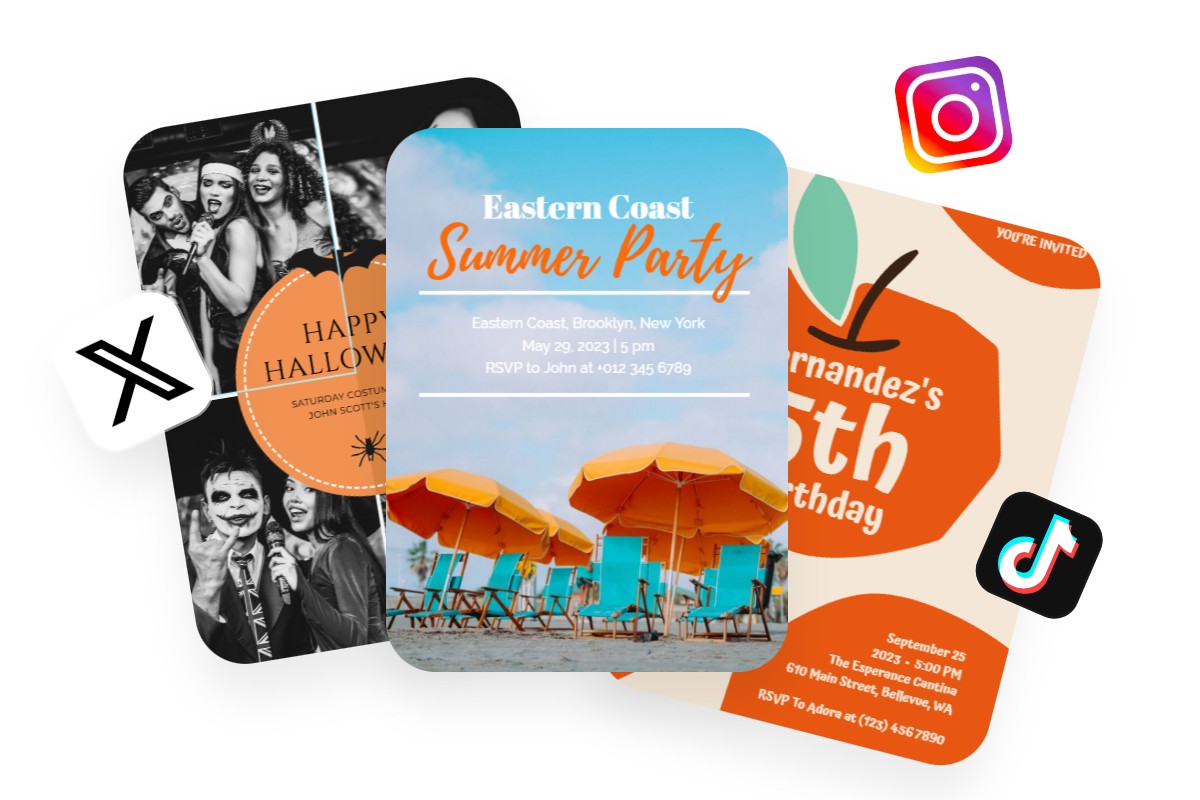
Use descriptive keywords such as elegant, modern, or formal to establish the tone. Specify colors, themes, or target audience to help the AI invitation card maker align the design with your event.
- Specify Layout and Sections
Tell the AI what sections you need, such as title, host name, event details, and notes. You can also request a clean layout, bold headings, or balanced spacing.
- Personalize and Refine
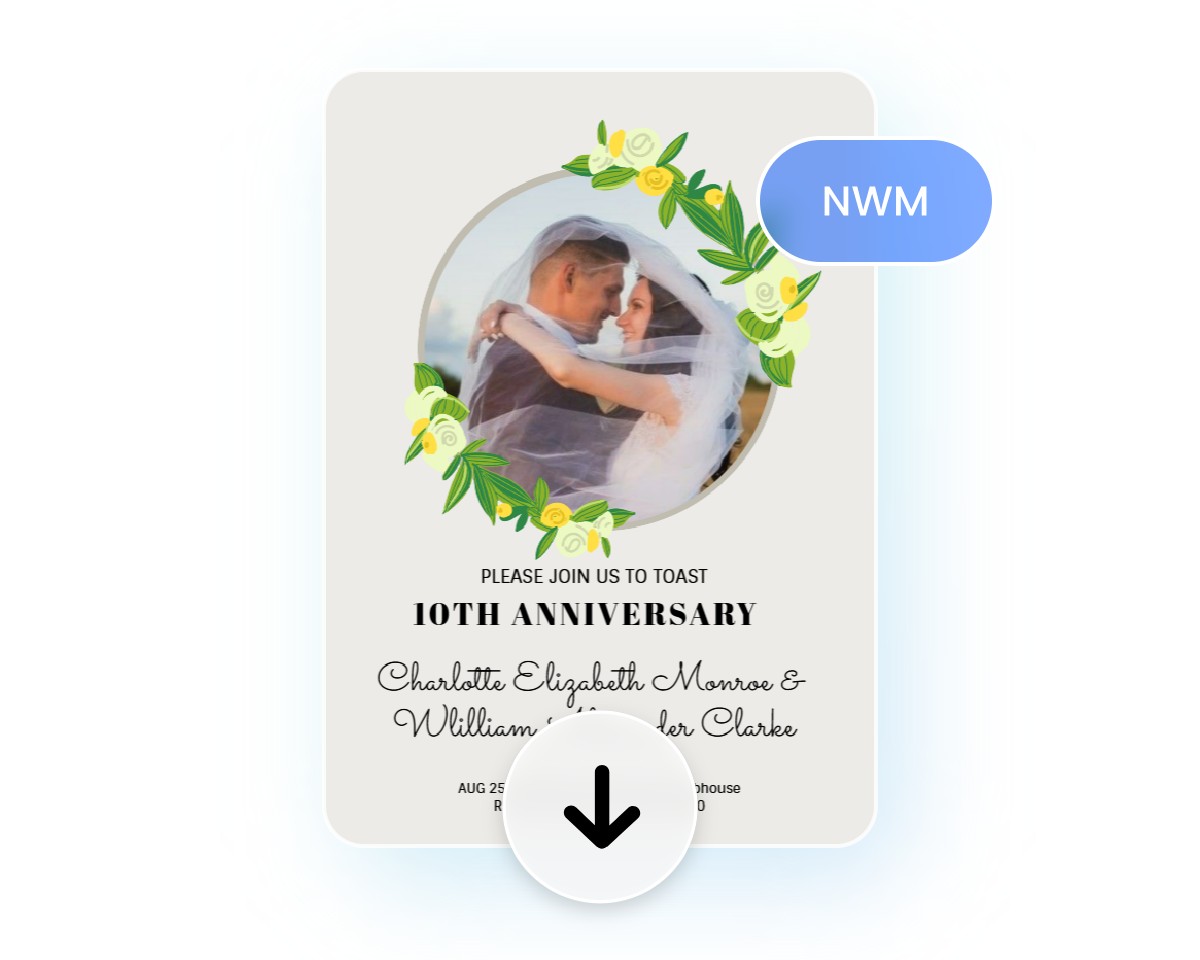
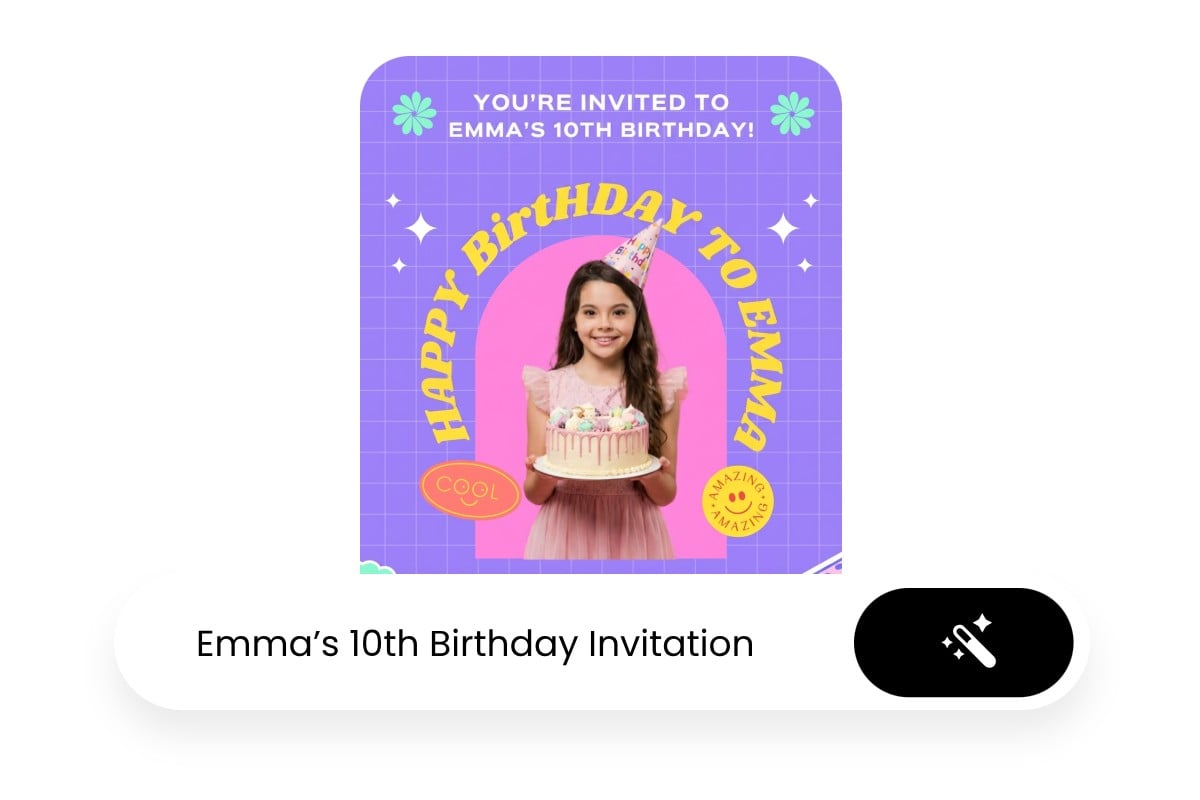
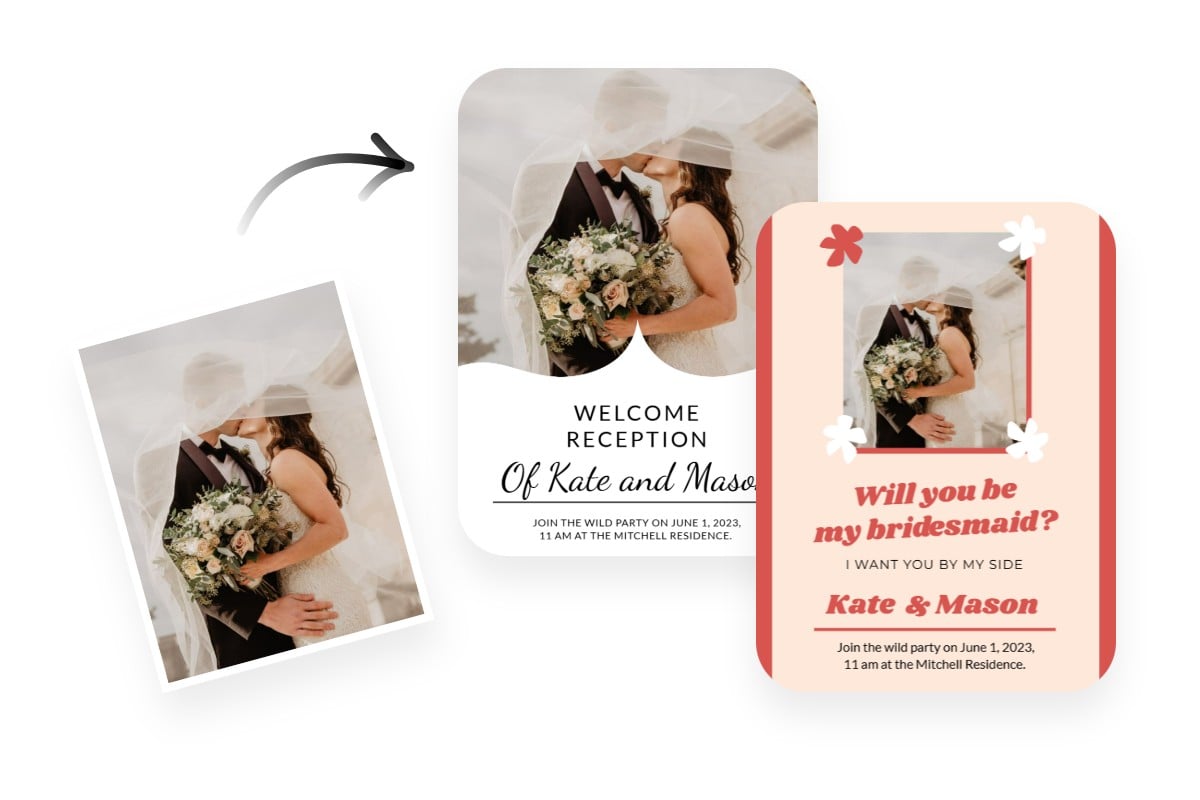
Upload photos or add custom elements to make your invitation unique. Adjust your prompt and regenerate until the digital invitation looks just right.