

Free Online Christmas Photo Editor
Decorate and enhance your Christmas photos with our free online Christmas photo editor. Add Christmas filters, backgrounds, frames & stickers, and create beautiful Xmas-themed collages and photo cards. Effortlessly make your photos Christmassy to share the holiday spirit.
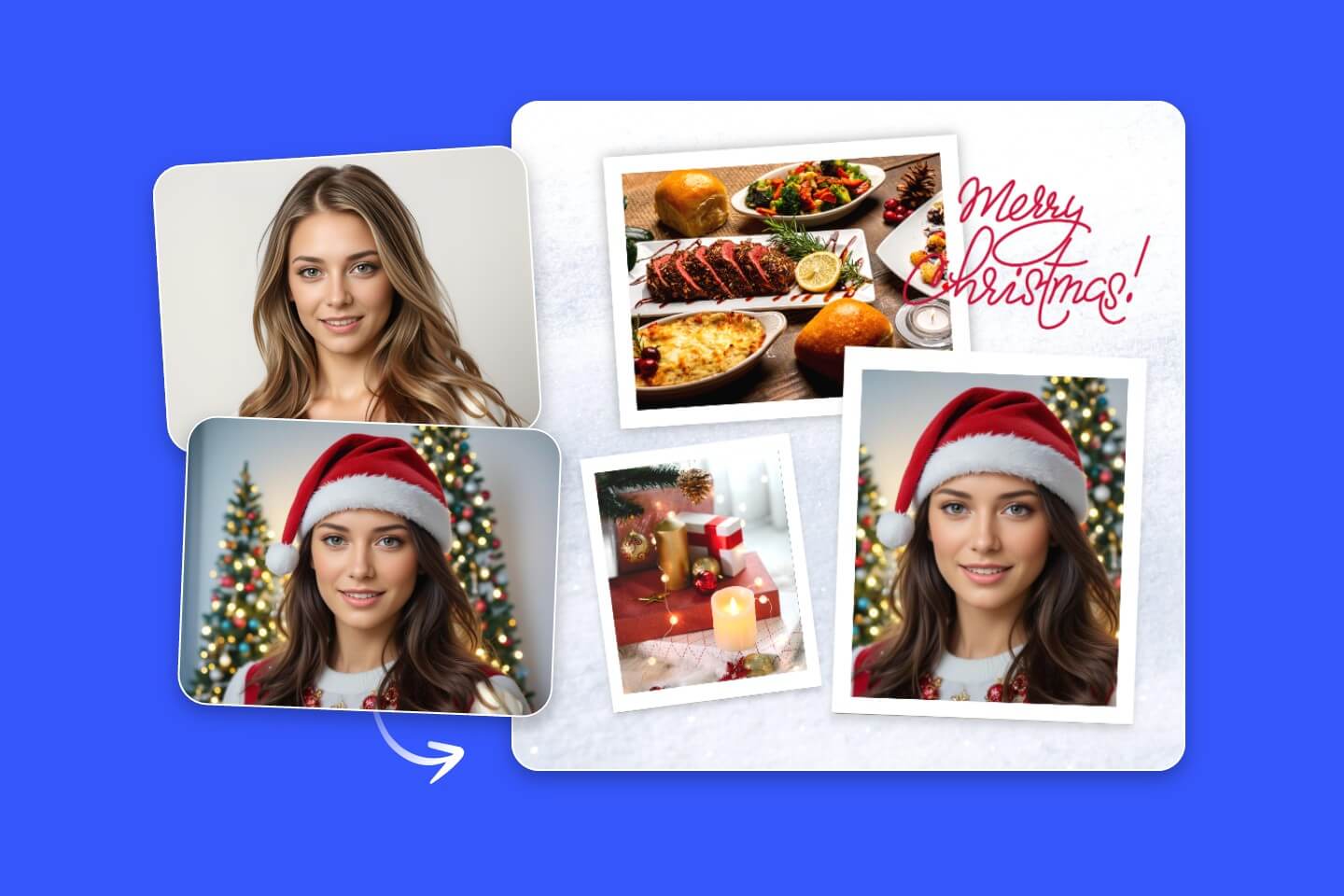
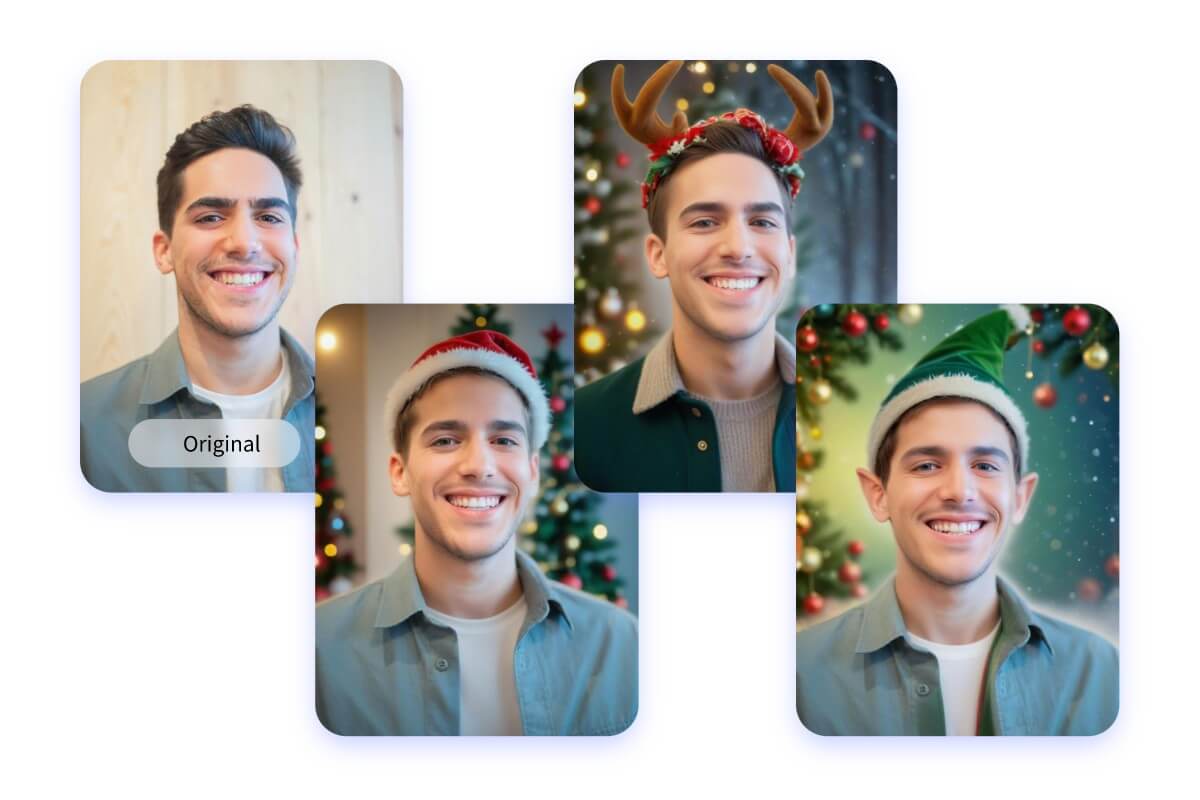
Transform Your Photos with Christmas Filters
Make a photo Christmassy in no time with our Christmas filters! With just one click, you can transform yourself into Santa Claus, an elf, a reindeer, the Grinch, or even a nutcracker. And that’s not all! Upload any indoor or outdoor photo and instantly transform it into a magical Christmas scene. Try our free online Christmas photo editor today and spread some festive cheer!
Easy to Use Christmas Photo Editor
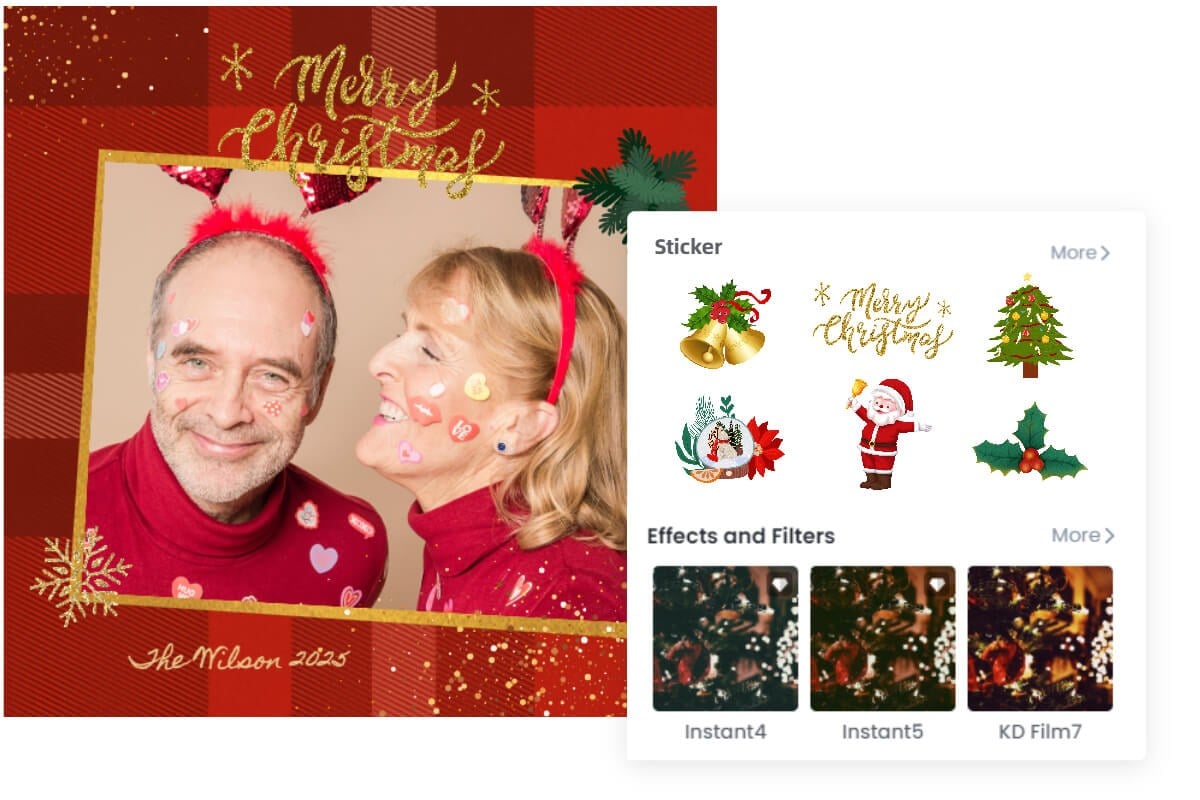
It is super easy to edit Christmas photos with Fotor's Christmas photo editor. You can decorate your pictures with our Christmas-themed elements created by professional designers. Spread holiday cheer with styles of creative illustrations, Christmas frames, cute Christmas clip art, and unique Christmas filters! You can design your own personalized Christmas images from scratch, or browse and choose a free Christmas theme design template, no design experience or skills are required. Enriching your Christmas photos has never been easier!
Decorate Your Christmas Images with Christmas Frames
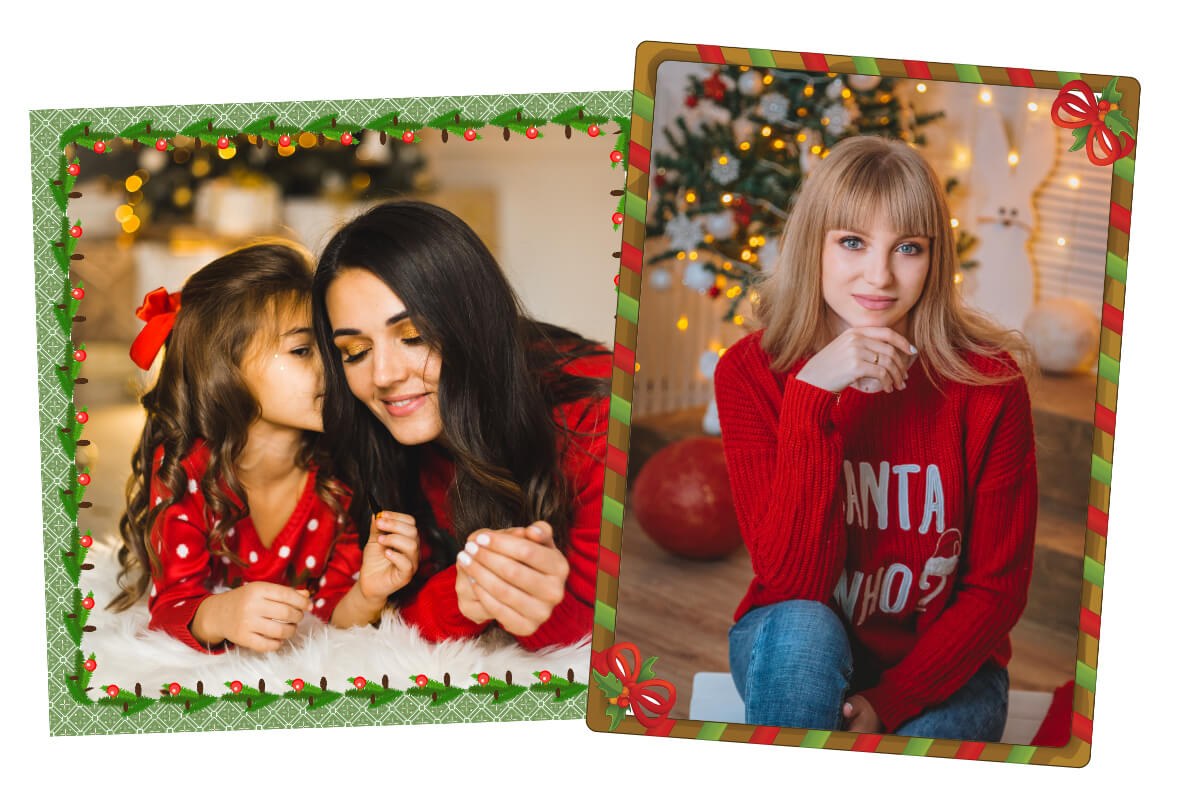
Convey the holiday vibe by adding a beautiful Christmas picture frame to your photo. Whether you want to add a solid color photo frame, a lace frame, or a vintage Polaroid frame to your Christmas photo, Fotor has you covered. Or you can design your own Christmas photo border from scratch with the cartoon Christmas sticker tool and text tool, and add a Santa hat and fancy Merry Christmas quotes to your photos online. Create good-looking funny Christmas photos with Fotor's Christmas photo editor in just a few minutes!
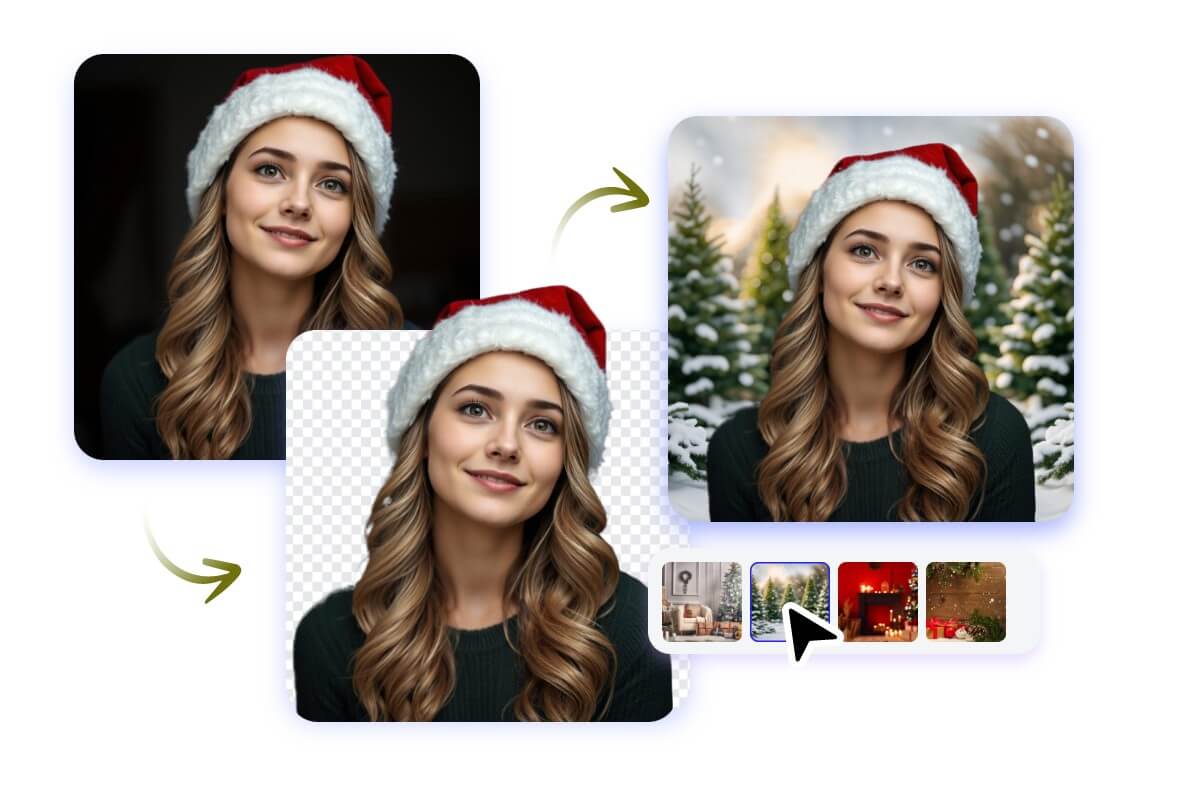
Add Christmas Backgrounds to Photos in Seconds
Instantly add Christmas backgrounds to bring a festive touch to your photos. Want a snowy winter wonderland? A cozy fireplace scene? Or a beautifully decorated Christmas tree backdrop? Our Christmas photo editor has tons of HD Christmas backgrounds to choose from. Simply upload your photo, choose your favorite Christmas background, and our tool will handle the rest! It's 100% automatic. It has never been easier to add Christmas backgrounds to photos!
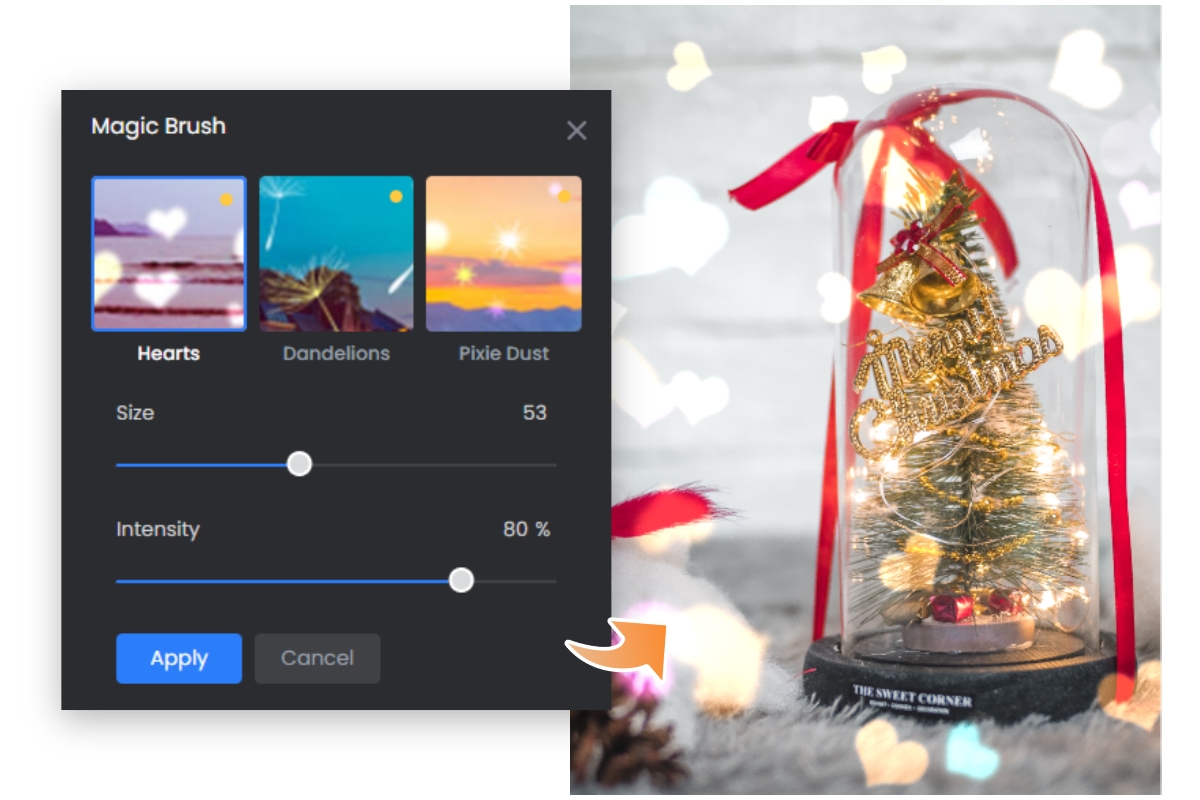
Boost the Holiday Spirit With Christmas Effects
Looking to add Christmas effects to photos? Our Christmas photo editor makes it a breeze! Add sparkling string lights to give your photos a warm and festive glow. Add falling snow to photos to create a cozy winter wonderland atmosphere. Apply bokeh light effects to create a dreamy mood. The possibilities are endless. Easily make your photos Christmassy this season and capture the holiday magic!
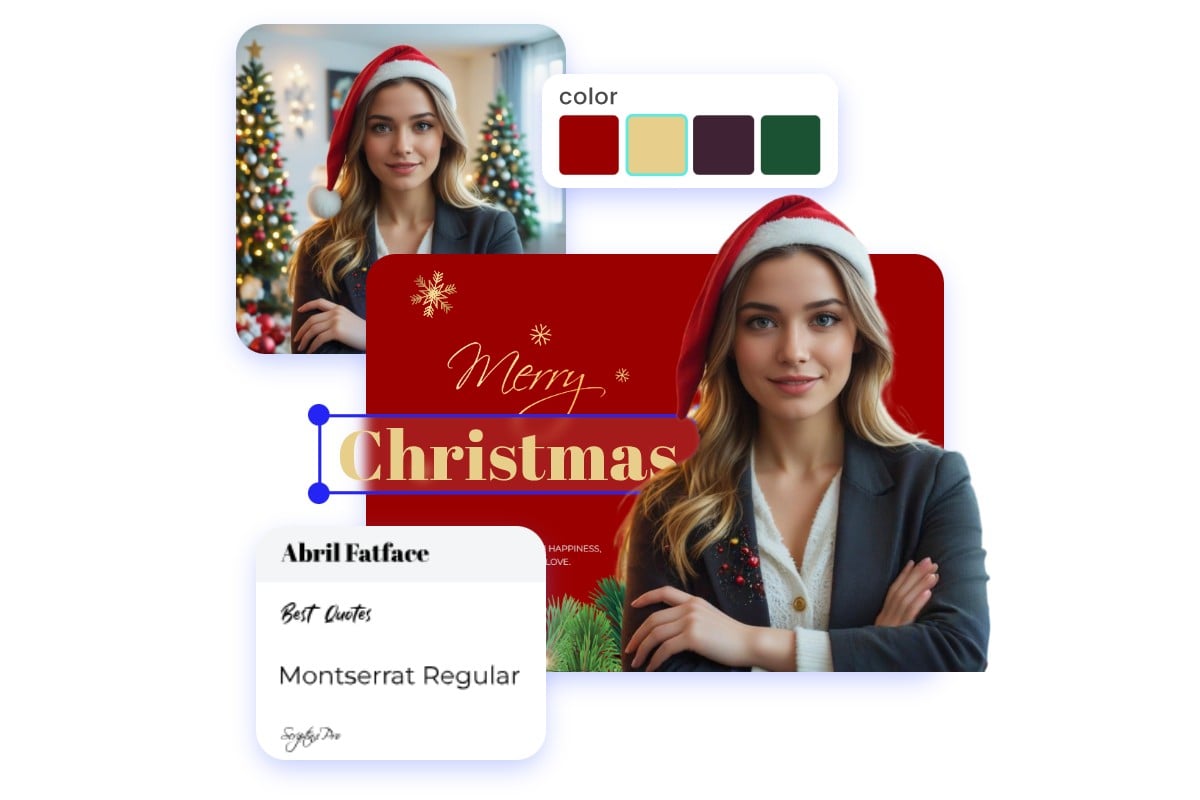
Make Your Own Christmas Cards
Create and customize your own Christmas cards with Fotor's free Christmas card templates. You can easily make a personalized Christmas card without any design experience. Just browse and choose from Fotor's hundreds of well-designed Christmas templates to match your Christmas mood, and brainstorm ways to customize your cards. You have full control over the Christmas card design, whether you want to change the font, color, or add a Christmas sticker or filter. Share your wishes with your family and friends with Fotor's Christmas photo creator now!
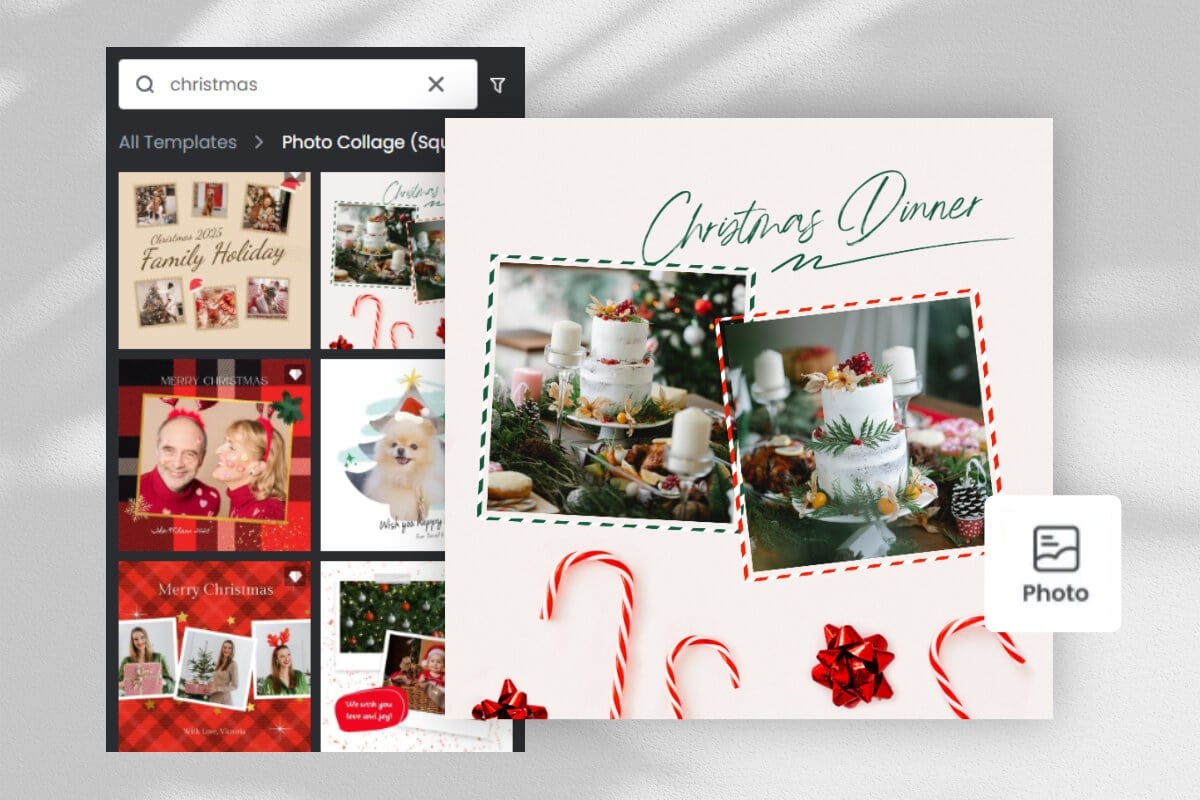
Make a Christmas Photo Collage
Preserve your happy holiday memories with aesthetic Christmas photo collages! Our Christmas photo editor offers a library of preset Christmas collage templates. Just pick a collage template you like, drag and drop your photos into the template, and that’s it! Try it out to turn your Christmas photos into a beautiful keepsake.

Christmas Photo Editor App
With the Christmas photo editor app for mobile and desktop devices, you can edit your Christmas pictures anytime, anywhere without the limitations of location and space. Download the app for iOS or Android for free, try it out now!
How to Edit Christmas Photos?
Fotor makes it easy to edit your Christmas photo like a pro.

Upload an image
Click the button "Edit Christmas Photo Now", and upload your image.

Select a feature
Select a feature at the left tool menu as needed and apply it.

Adjust and preview
Enhance your photo with Fotor's powerful edit tools and design elements, and preview your amazing photo.

Download and share
Download your Christmas photo in the desired file format and share it on social media.