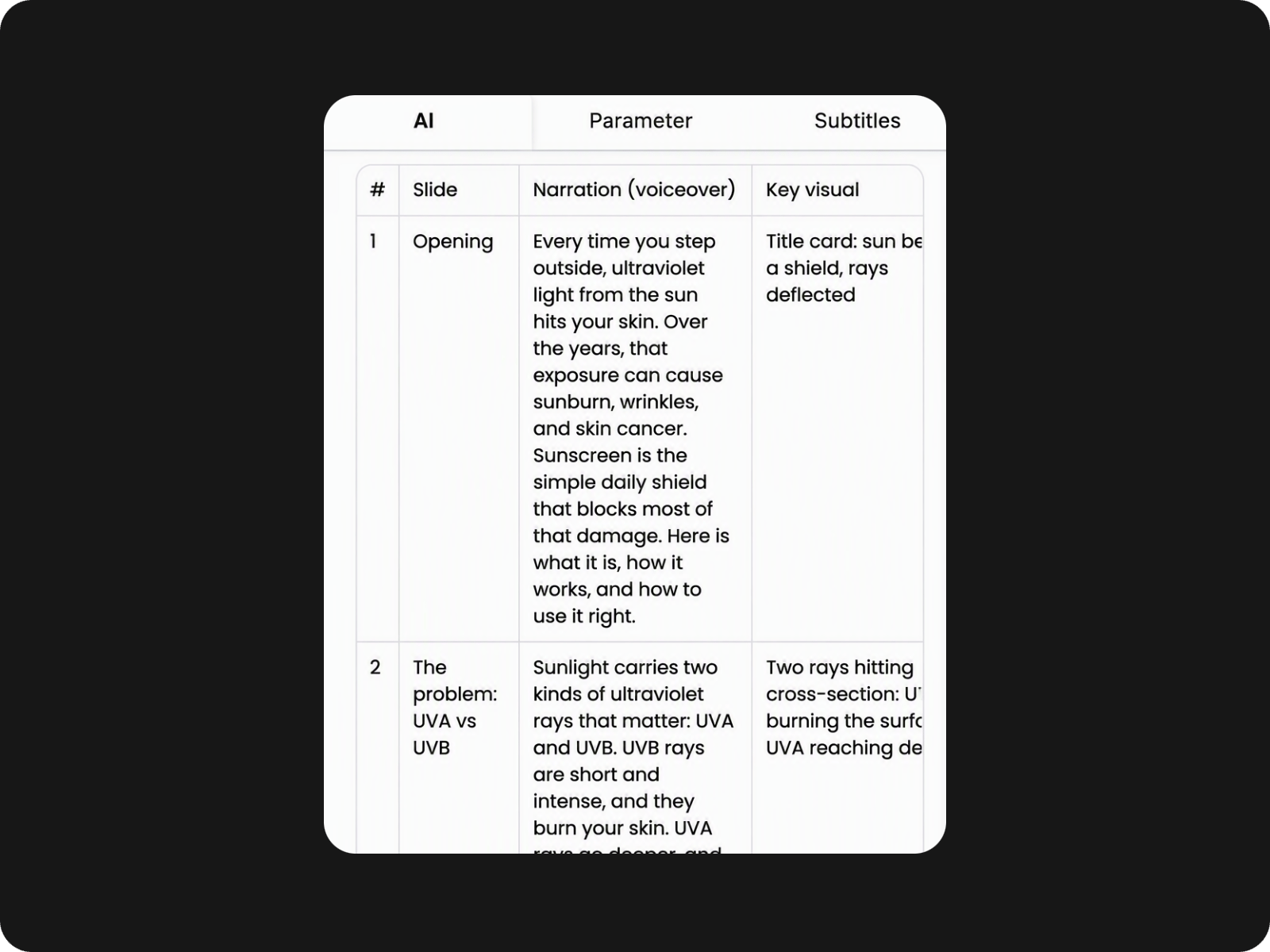
AI Script Generation
Generate a clear presentation script from your prompt, then refine it your way.


Create video presentations from prompts, images, or PowerPoint files. Refine your AI script, then turn it into a narrated video with Fotor.
Generate a clear presentation script from your prompt, then refine it your way.
Create a video presentation from a prompt, script, image, or PowerPoint.
Turn your final script into a narrated video without recording yourself.
Fotor's AI video presentation maker turns your topic into a structured presentation video. The video presentation maker organizes your key points into a clear flow, giving you a strong starting point for creating video presentations without writing every line from scratch.
Review and edit your AI-generated script before making your video presentation. Change or remove the text, add details, or adjust the flow to fit your message. You stay in control of the content while Fotor handles the presentation video creation once your script is ready.
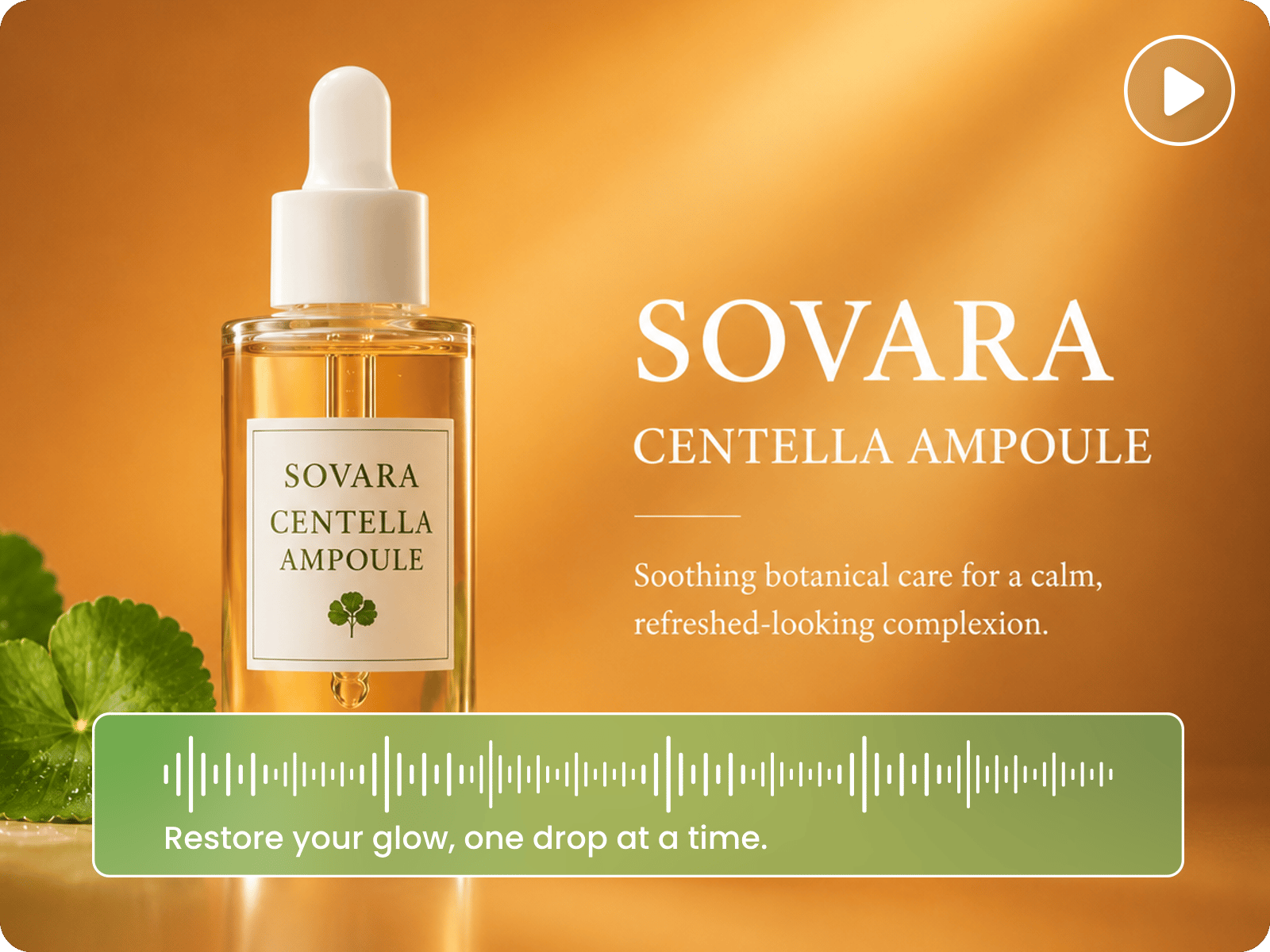
Turn your approved script into a complete video presentation with matching content, visuals, scenes, and audio. Fotor connects each part of the presentation to the AI storyboard, so you can create a presentation video without manually building scenes or matching every visual and audio element.
Turn your presentation script into an AI video with a digital presenter and natural voiceover. Generate an avtar to your video presentations with an AI presenter that delivers your message on screen, while the generated voice brings your script to life without requiring you to record yourself.
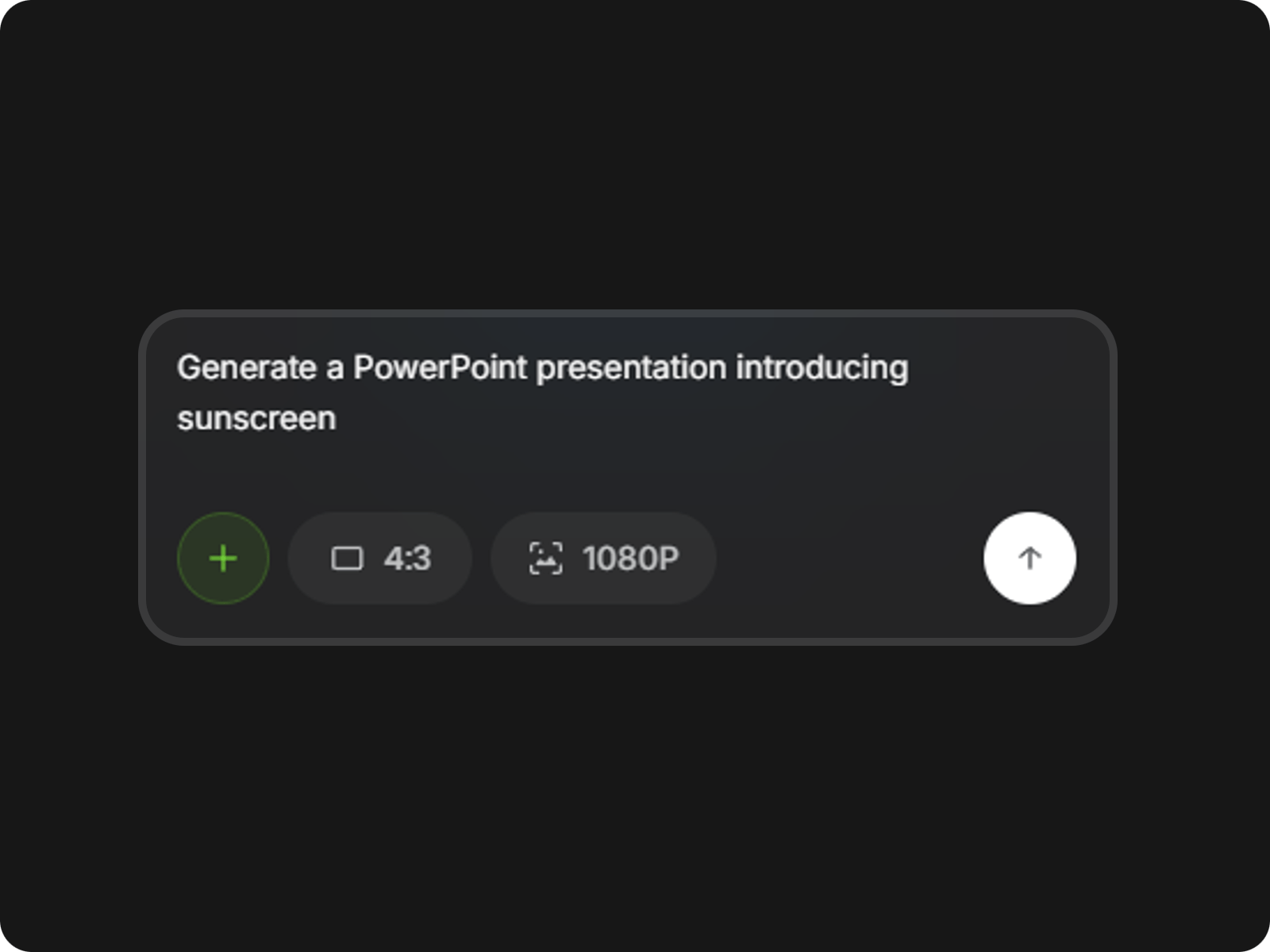
Upload your PowerPoint and enter a clear prompt describing the topic, style, and key points you want in your video presentation.
Yes. Fotor lets you review and edit the AI-generated script before creating your video presentation. Rewrite sections, add important details, or change the wording to make sure the final presentation matches your message.
Yes. If you already have a presentation script, you can use your own content instead of starting with an AI-generated draft. This is useful when your presentation includes specific product details, brand messaging, data, or wording that needs to stay exactly as written.
Fotor generates the voiceover from your final presentation script, so the narration follows the content you approve before generating the video. Reviewing the script first also gives you a chance to fix wording or timing that may affect the finished presentation.
Yes. Fotor generates the voiceover from your approved presentation script, so you don't need to record yourself. This is useful when you want to share a presentation asynchronously, create training content, or send a narrated presentation to people who cannot attend live.
Yes. You can select from the available voice options when creating your video presentation. Choose a voice that fits the tone and audience of your presentation before generating the final video.
You can review the AI-generated script before creating the video and correct any details that need to be accurate. Check names, product specifications, statistics, and other important information before generating the final presentation.
Yes. If your presentation content changes, you can update the script and generate a new version of the video presentation instead of starting the entire project from scratch. This is useful for product updates, reports, training materials, and presentations that need regular revisions.
Yes. Fotor isn't a separate paid tool just for making video presentations. You can use the daily credits provided by Fotor to create video presentations, and you can get more credits with a Fotor plan when you need more generation capacity.