
Explain Ideas Visually
Use text, images, and graphics to make key points easier to understand.


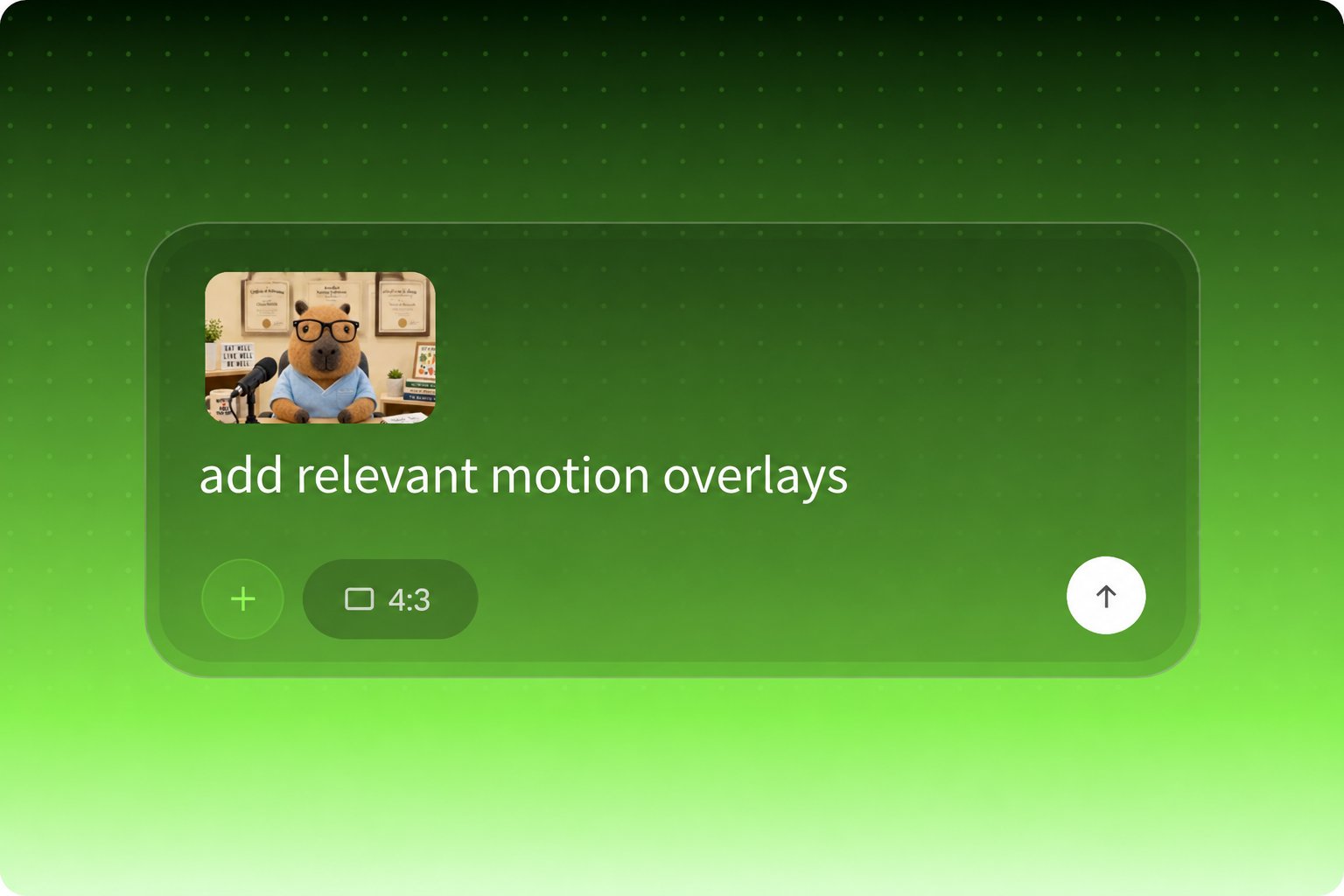
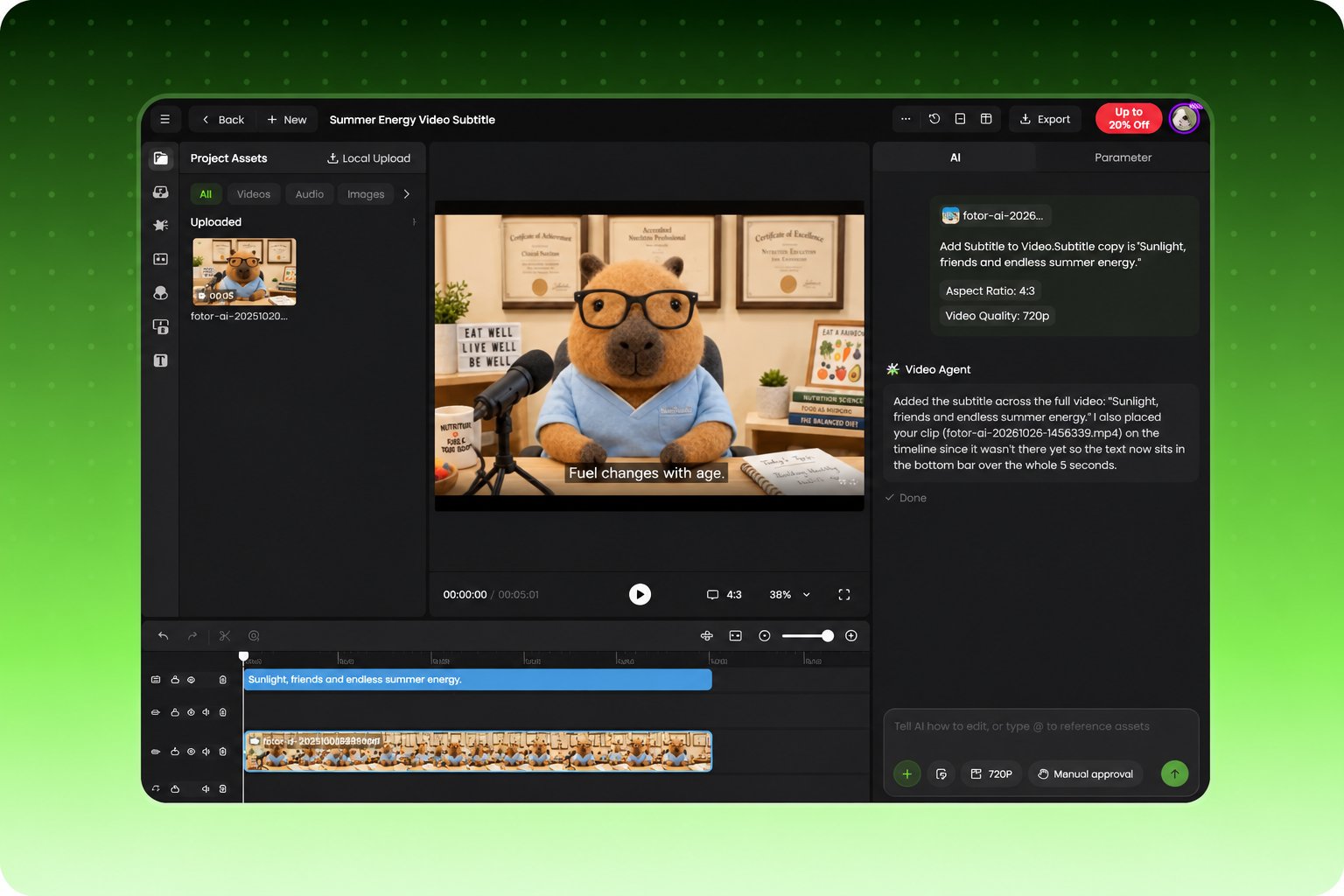
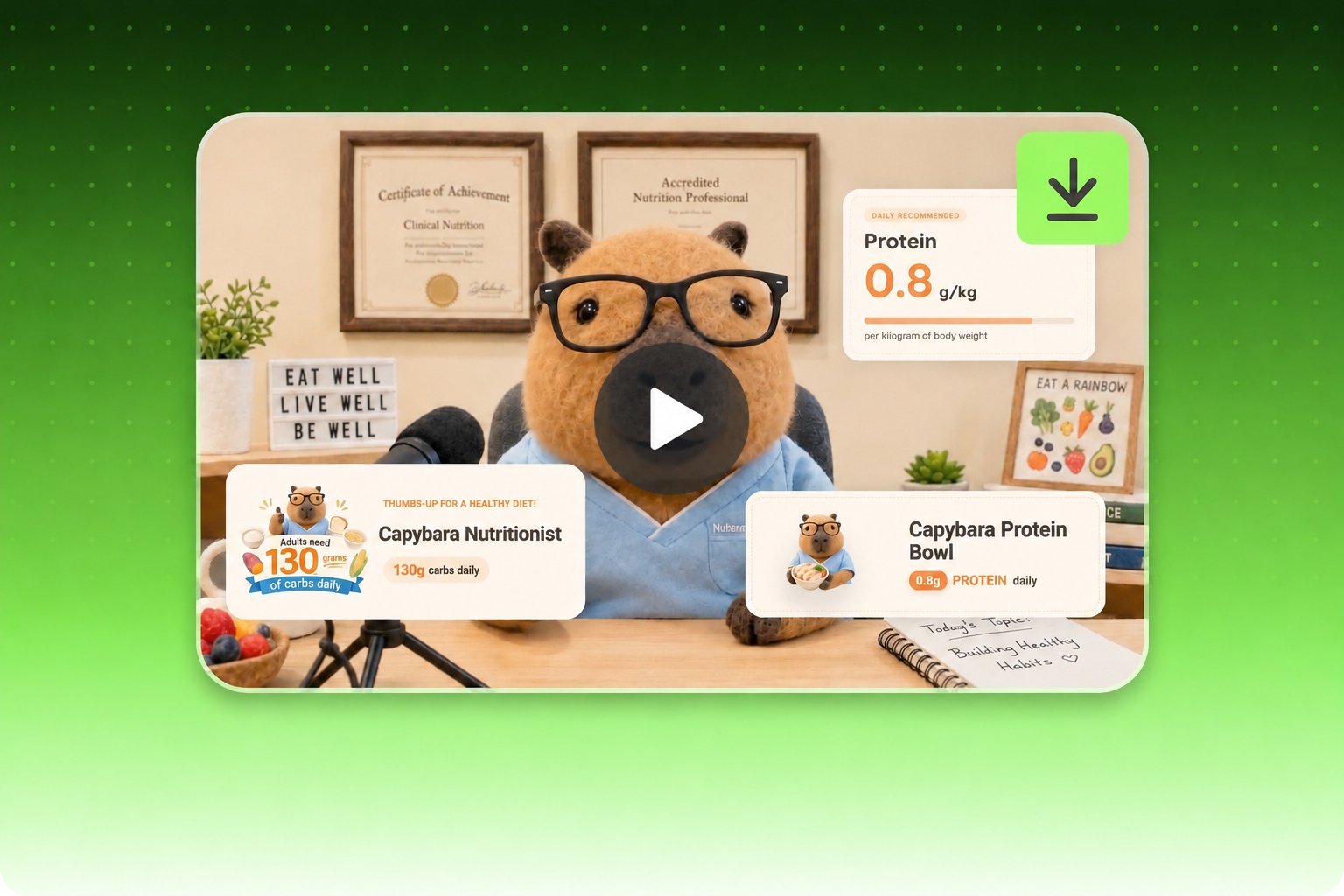
Add animated titles, labels, callouts, and other motion overlays to your video with a simple prompt. Upload your footage, describe what you want, and let Fotor add overlays that help you explain ideas and highlight what matters.
Upload the video you want to improve, whether it's an explainer, lesson, or talking-head clip.
Add animated graphics, dynamic text, and visual effects to your video in one go. Just upload your clip, tell our AI video overlay generator what to include, and get polished overlay graphics fast. Titles, key points, charts and data panels, flow graphics, callouts, and more. Give your footage a polished look without complex editing.
A video overlay is more than just moving text or stickers. Different videos need different overlays. In a product walkthrough, add animated headlines, short labels, and key takeaways as the speaker introduces them. In an explainer tutorial, direct viewers’ attention with animated callouts, feature labels, and dynamic charts. Give viewers more to see, not just more to read.
Use text, images, and graphics to make key points easier to understand.
Add animated diagrams, charts, callouts, and more to make your videos more engaging and informative
Upload your logo, color palettes, and reference images to guide the visual style.
Create professional animated video overlays from a simple prompt. No manual keyframing needed.
Upload a clip, describe the look, and let the AI do the rest. Add video overlays that bring your message into focus.