
B-Roll Insertion & Generation
Upload your own B-roll footage or let AI weave it into your video or let AI generate B-roll clips based on your video's context, tightening pacing while keeping your main footage focused and engaging.


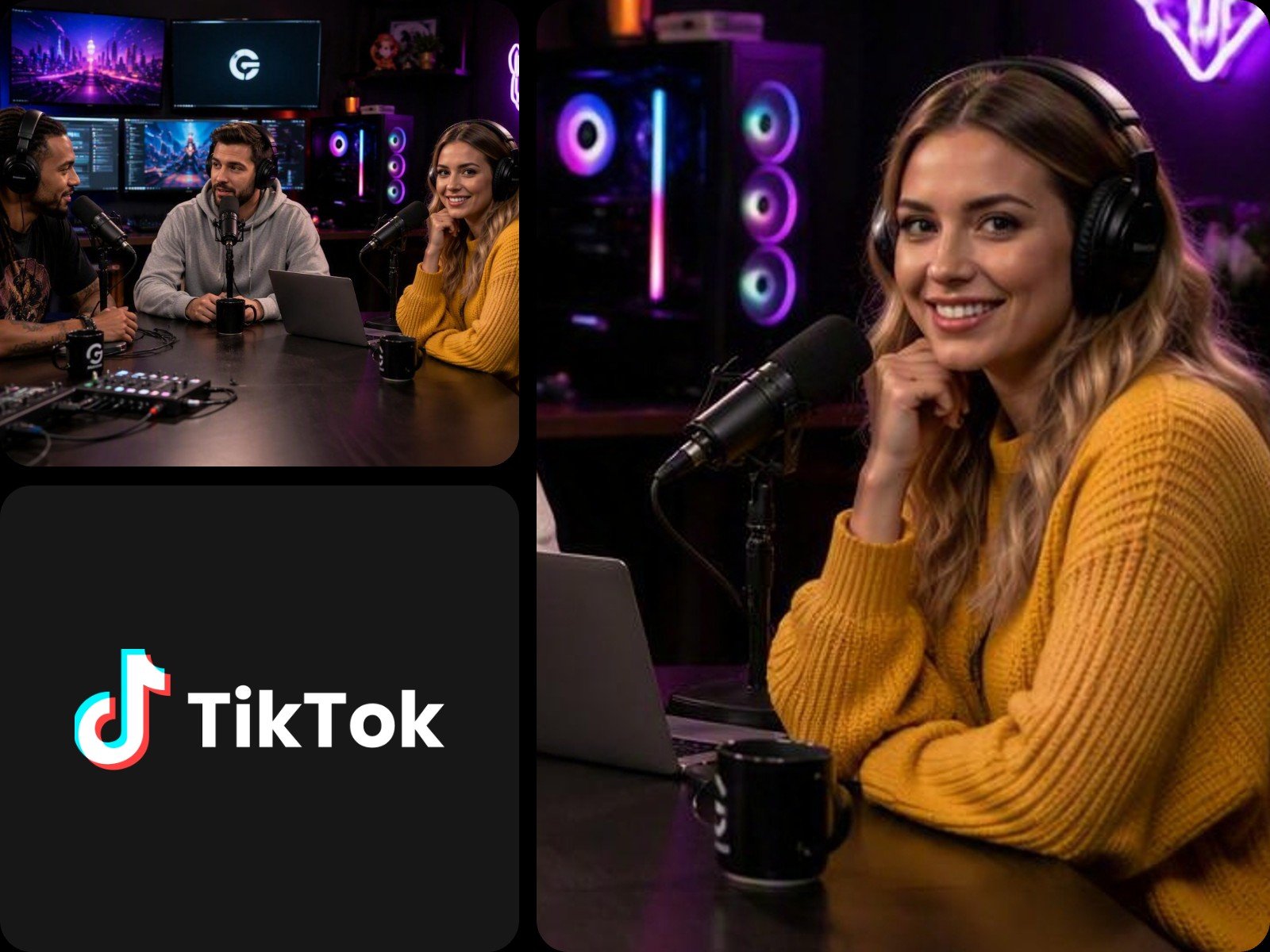
Turn a long video into a short video on Fotor effortlessly. Let AI detect and extract highlights, auto-reframe for any social ratio, cut filler words, and add animated captions. Try our video-to-shorts converter on podcasts, streams, and talking heads, then publish them directly on YouTube Shorts, Instagram Reels, and TikTok.
Turn long video to shorts with AI effortlessly. Our tool scans transcripts and visuals to find hooks, key insights, and emotional peaks, and then converts them into ready-to-post clips.
This video to reel converter understands natural speech, extracts the highlight clips while avoiding breaking mid-sentence. Use each clip or auto-stitch them into one cohesive story. You can a enter simple prompt to customize the video length, pacing, and focus you want.
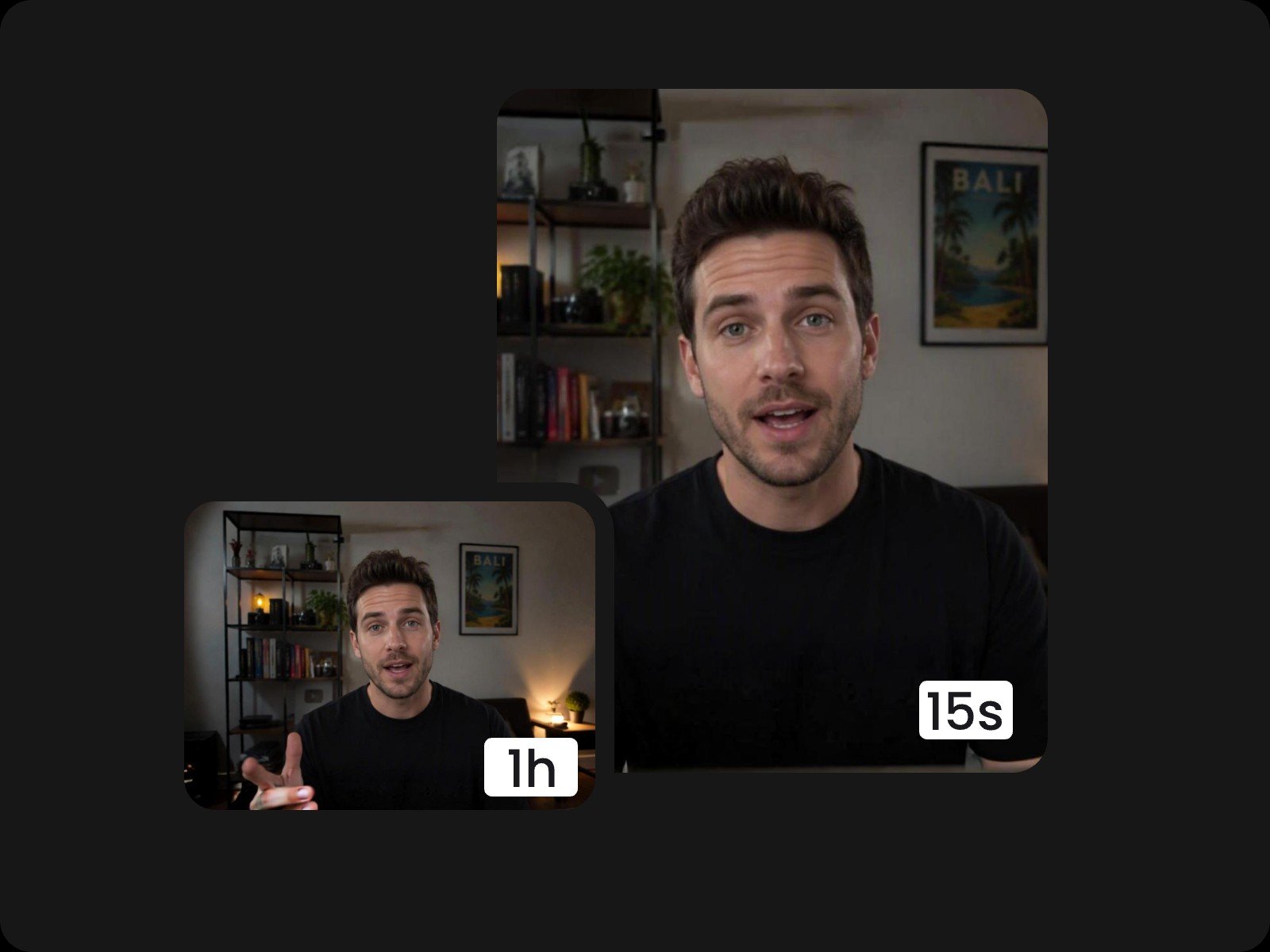
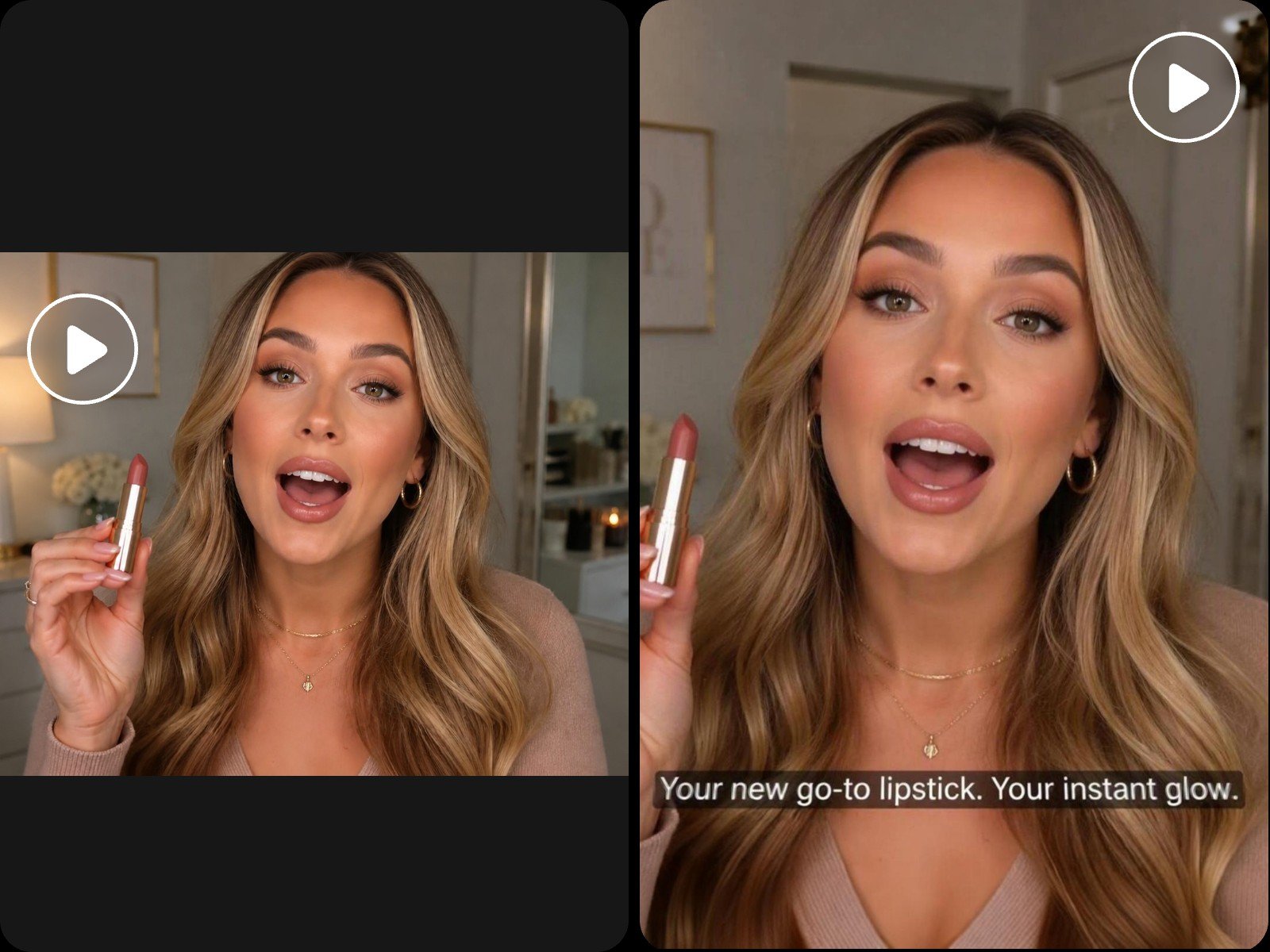
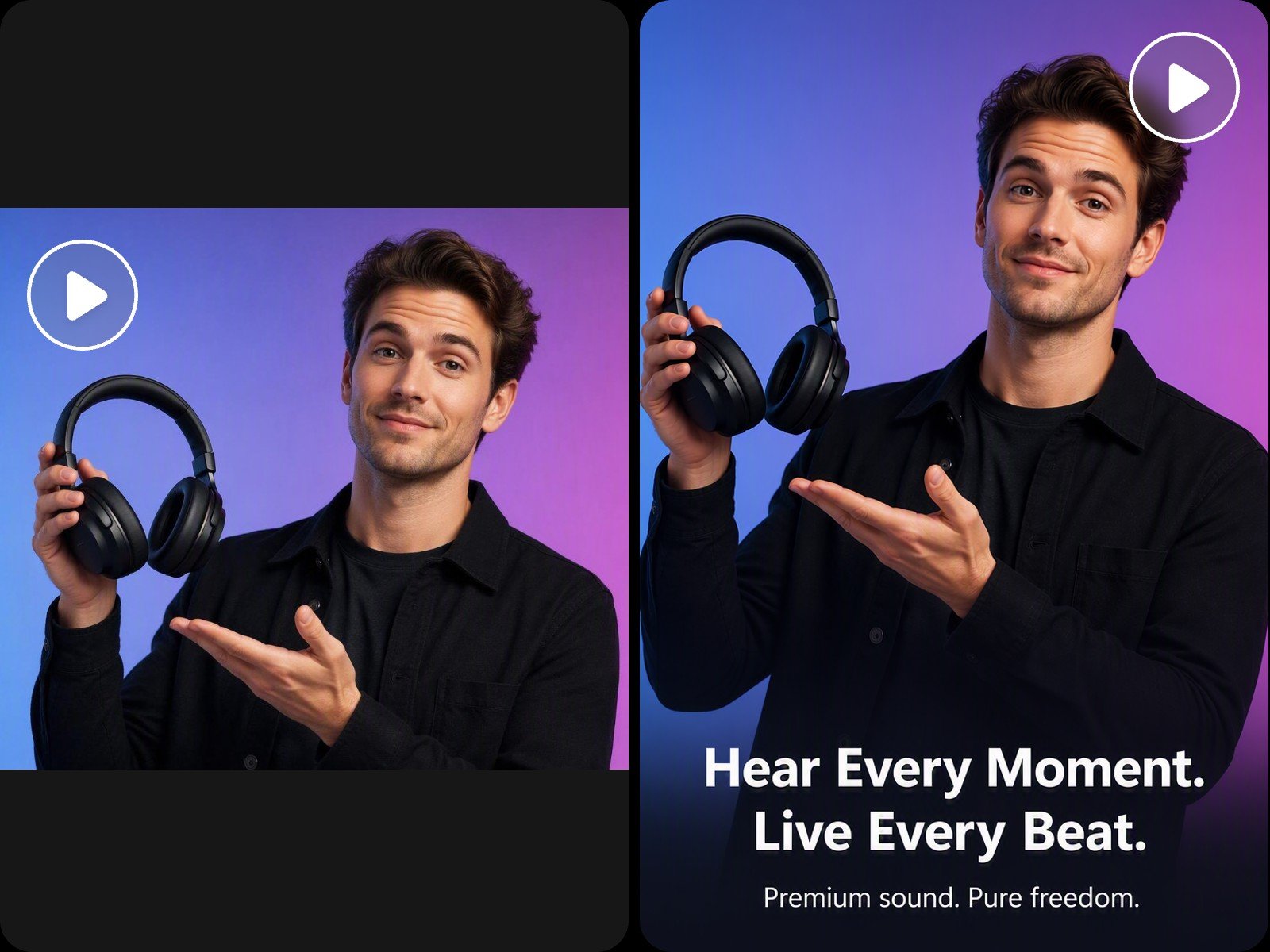
Fotor's long video to short video converter reframes your video while intelligently keeping your subject centered. Instantly convert video to shorts for every platform. 9:16, 4:5, and 1:1 for YouTube Shorts, TikTok, and Instagram.
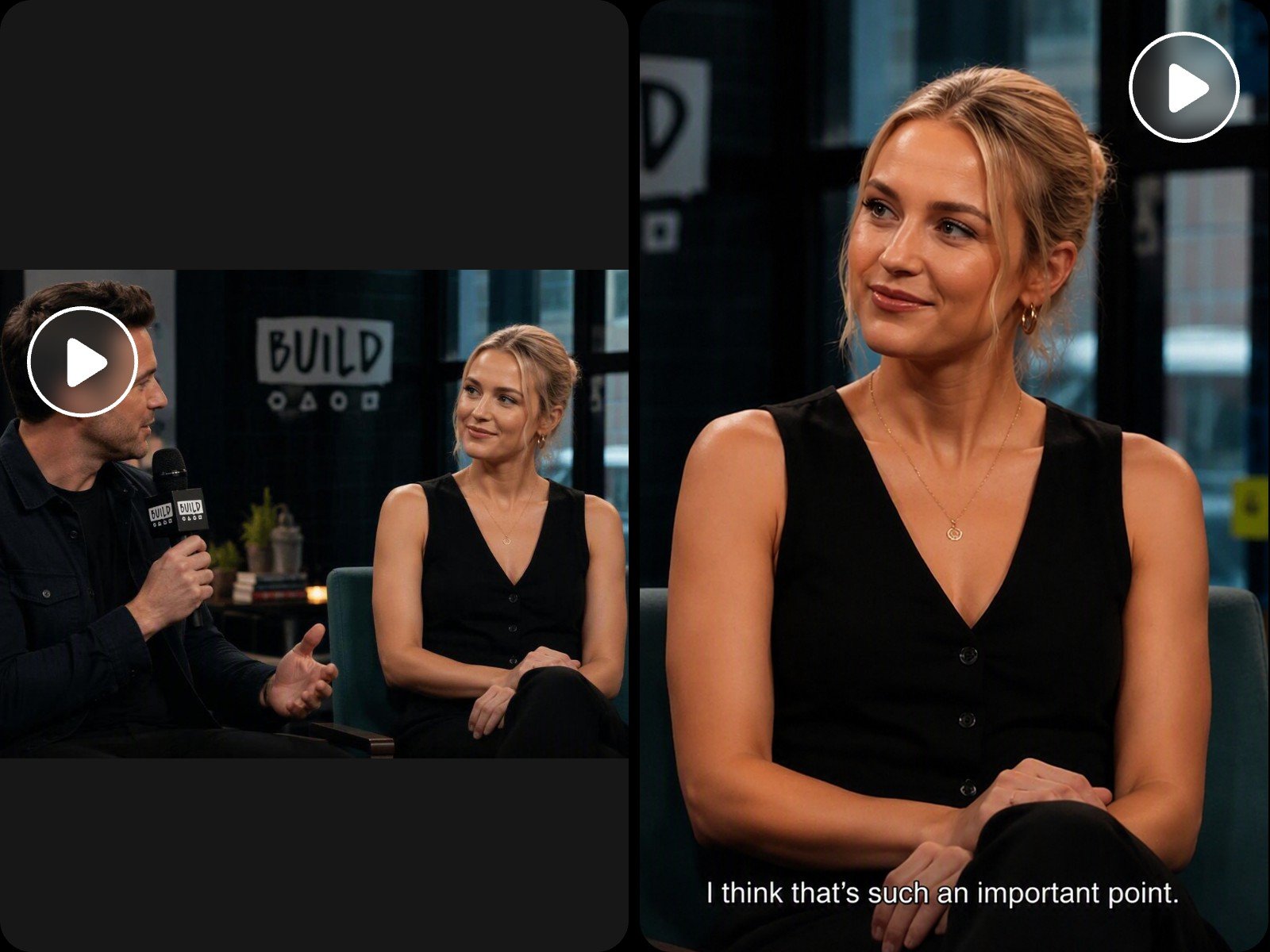
Our dynamic auto reframing technology repurposes your video with smart follow-focus, so nothing gets cropped out. And the speaker detection feature automatically zooms and cuts to whoever's talking, creating dedicated close-ups for multi-speaker podcasts and interviews.
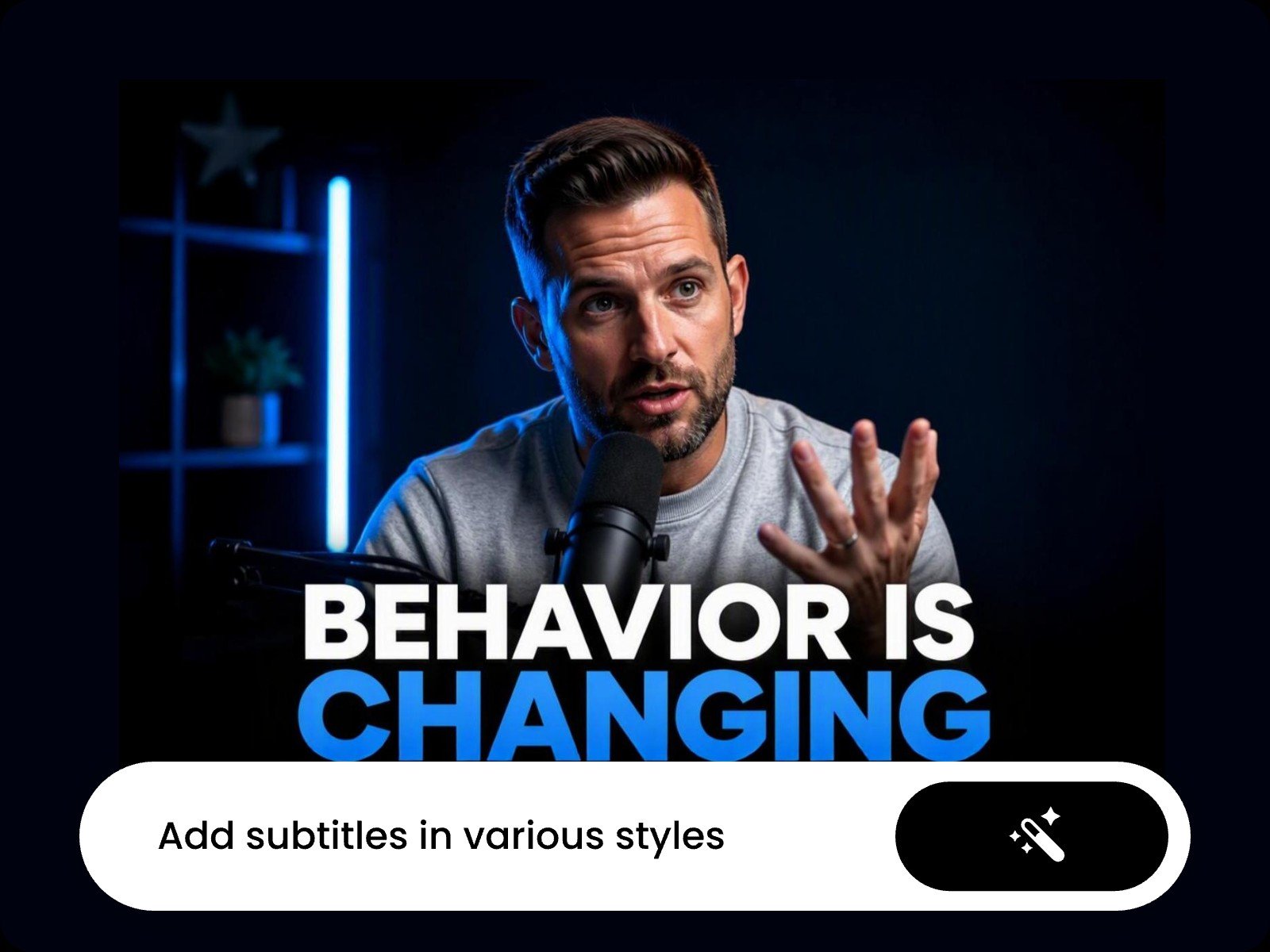
Use our long video to shorts converter to generate auto-sync animated captions. Customize caption styles and animation through simple prompts to boost watch time and engagement.
The generated subtitles are fully editable on an interactive canvas. Click to edit text, adjust fonts and sizes, or drag elements to reposition and resize them exactly how you want.
Whether you're working with finished long form videos or raw footage, this tool helps you repurpose long videos to short clips tailored for different platforms. Reach viewers across all major social networks and maximize exposure without filming anything new.
Turn lengthy talking head recordings into short, focused clips. The long to short video converter analyzes the transcript to surface key insights while keeping natural speech intact, then pairs each clip with accurate, automatically synced captions for instant publishing. Ideal for editing reviews, testimony, tutorials, or UGC videos.
Upload your own B-roll footage or let AI weave it into your video or let AI generate B-roll clips based on your video's context, tightening pacing while keeping your main footage focused and engaging.
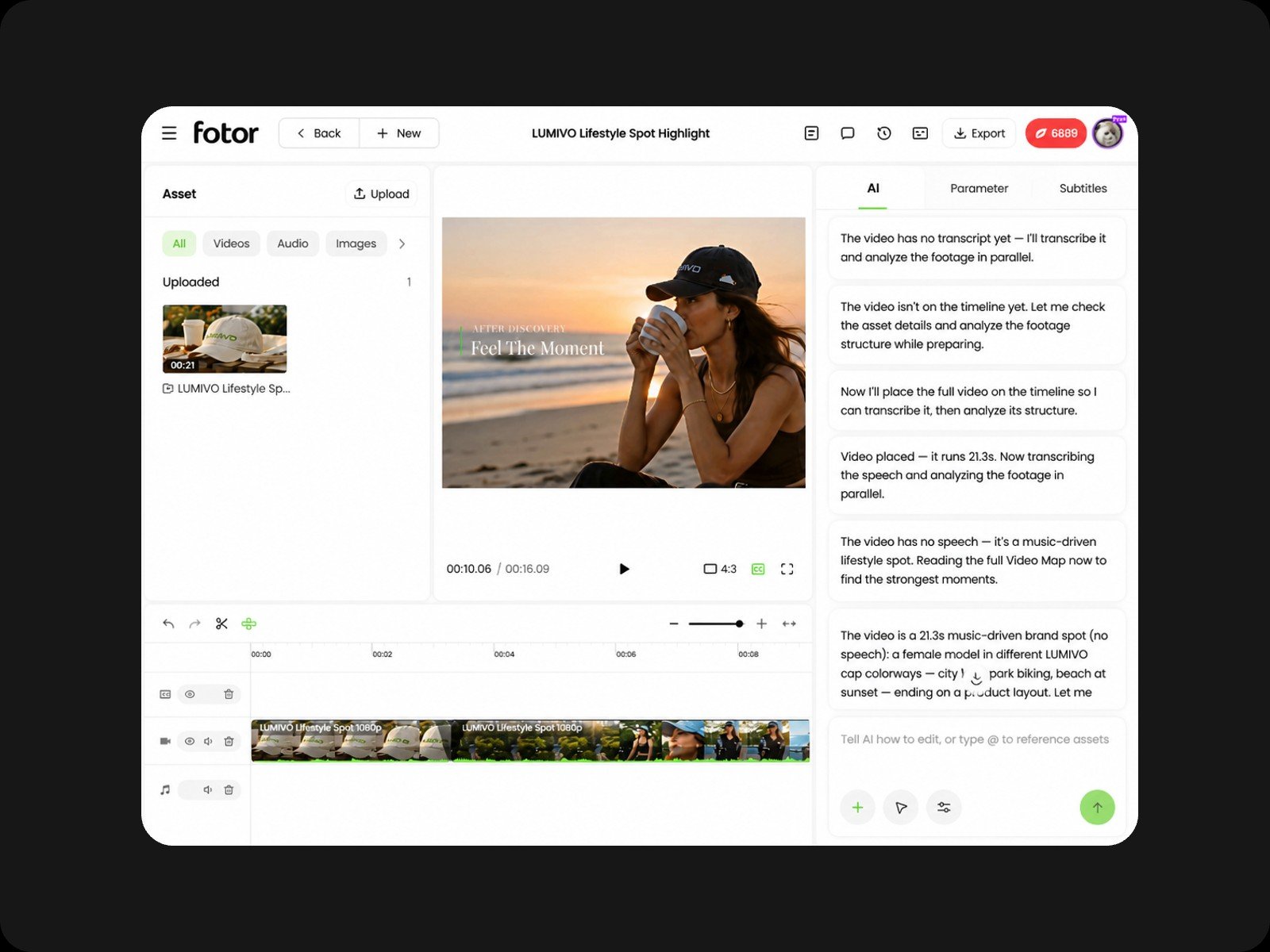
Our full video to short video converter features a multi-track timeline where video, audio, and subtitle assets sit on independent layers. You can mute a single audio clip, reposition overlay text, or adjust one element, all without disturbing anything else in your project.
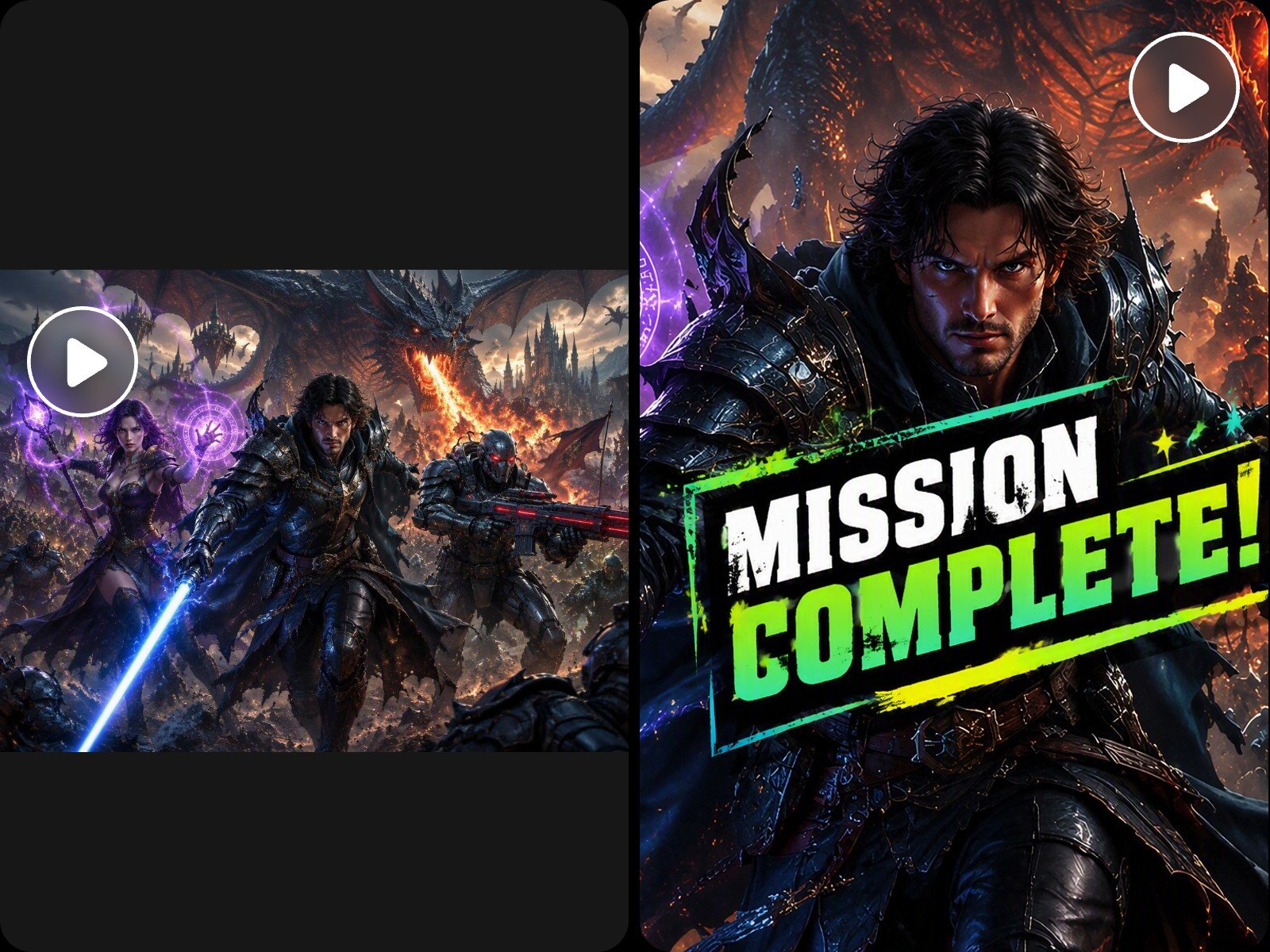
Apply dynamic motion graphics to any frame with a prompt. These visual accents, paired with animated captions, keep viewers engaged longer, driving stronger retention and helping every clip earn more views across platforms.
Use our YouTube video to shorts converter to select any clip or element and edit it using a simple text prompt, no full project re-render required, saving processing time and credits.
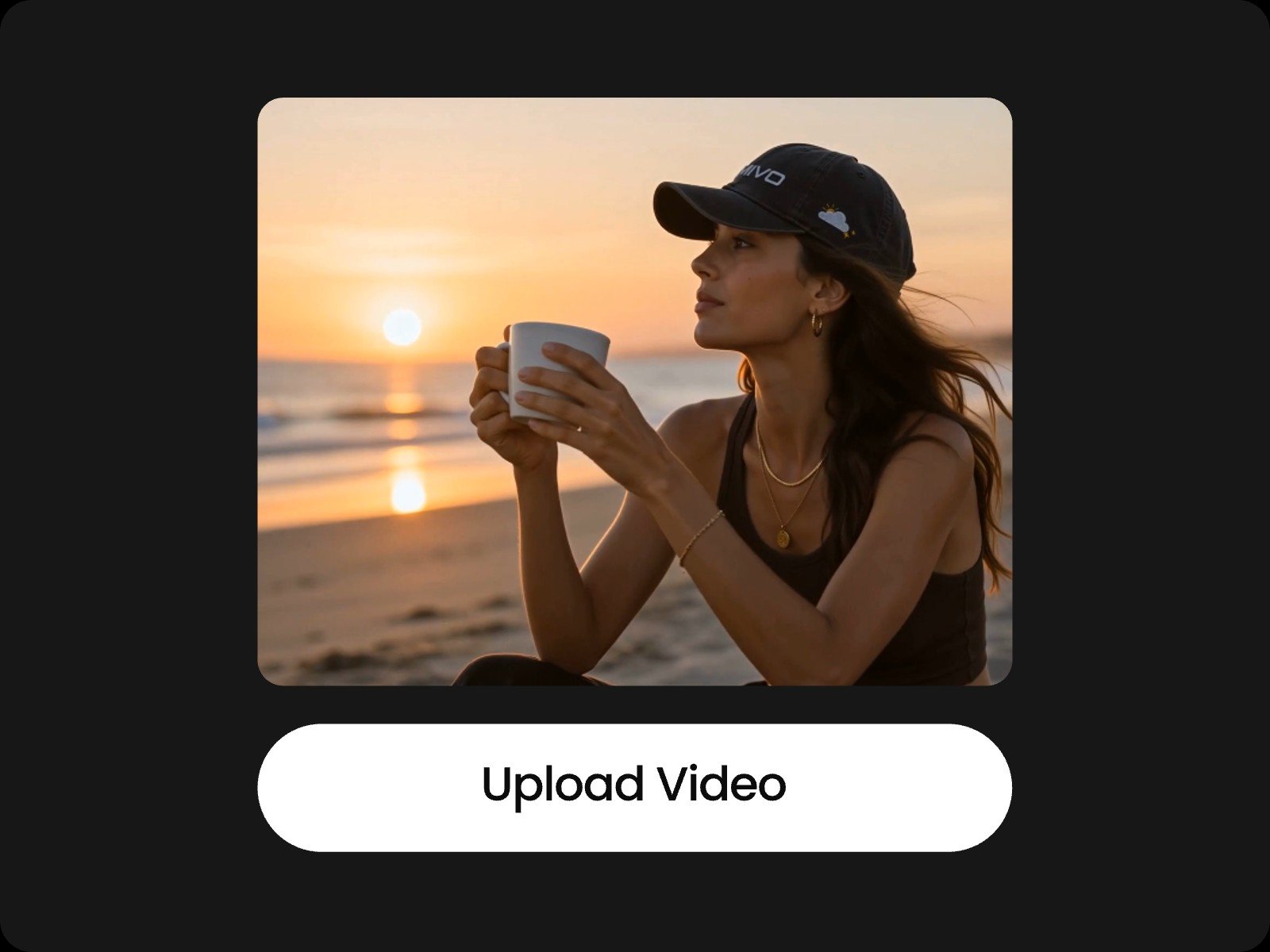
Upload your video (up to 5GB) using the prompt box or select the "Long Video to Shorts" preset. Describe what you want to keep or cut directly in your prompt.
Yes. You can refine your content using the multi-track timeline to edit individual assets or adjust elements directly on the interactive canvas. You can also type text prompts to describe desired changes and let AI update specific sections.
Start by uploading a single video to launch a project, then add up to 30 files inside the workspace. Single video uploads support up to 5GB, with total project assets capped at 10GB. Document attachments can be up to 50MB each.
The tool supports major media formats, including MP4, MOV, WEBM, AVI, MKV, and FLV for video. Supported audio files include MP3, WAV, AAC, and FLAC, alongside image formats like PNG, JPG, WEBP, and standard document files such as PDF and Word.
The AI processes the transcript of your video to evaluate context, core arguments, key insights, and emotional peaks. It accurately pinpoints engaging moments while preserving complete sentences to prevent awkward cuts.
Yes. Your uploaded files and generated assets remain confidential and are never shared with unauthorized third parties. For full details on data encryption and retention policies, please review our privacy policy.
Yes. Navigate to the Subtitle panel on the right sidebar and click the download icon. You can instantly export your generated captions in standard SRT or TXT formats for external use.
It depends on your source material's length and content. Typically, the AI turns a 30-minute video into 10 to 20 short clips. You can also specify the exact number and preferred length of output clips using simple text instructions.
Yes. The platform operates directly in mobile browsers. However, for the best editing experience and full timeline functionality, using a desktop browser is recommended.
Yes. You can paste public video URLs directly into the AI chat prompt box. The tool supports direct link imports from platforms like YouTube and Twitch, enabling quick clipping without downloading files locally first.
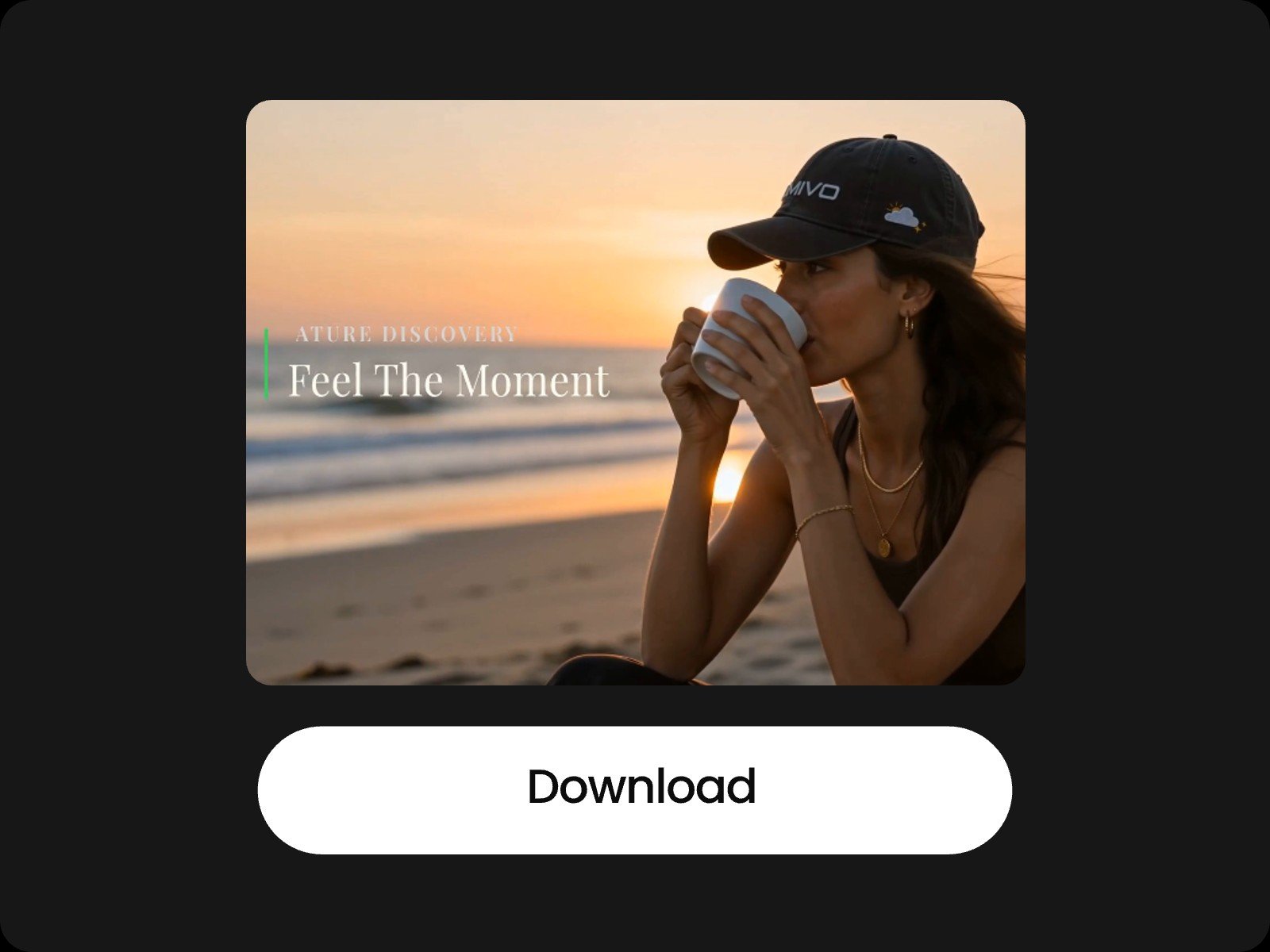
Upload your source file or input a platform link to let AI analyze the transcript and visual cues. The system automatically extracts peak moments, crops frames for your target platform ratio, adds synced subtitles, and generates a polished, ready-to-share clip.