AI Video Clipping
Automatically turn long videos into short clips by trimming and cutting unnecessary parts while keeping the most valuable moments.


Create engaging clips from your videos with Fotor's AI clip maker. Automatically find the best moments and turn them into share-ready videos for YouTube Shorts, TikTok, Instagram Reels, and more without complex editing.
Automatically turn long videos into short clips by trimming and cutting unnecessary parts while keeping the most valuable moments.
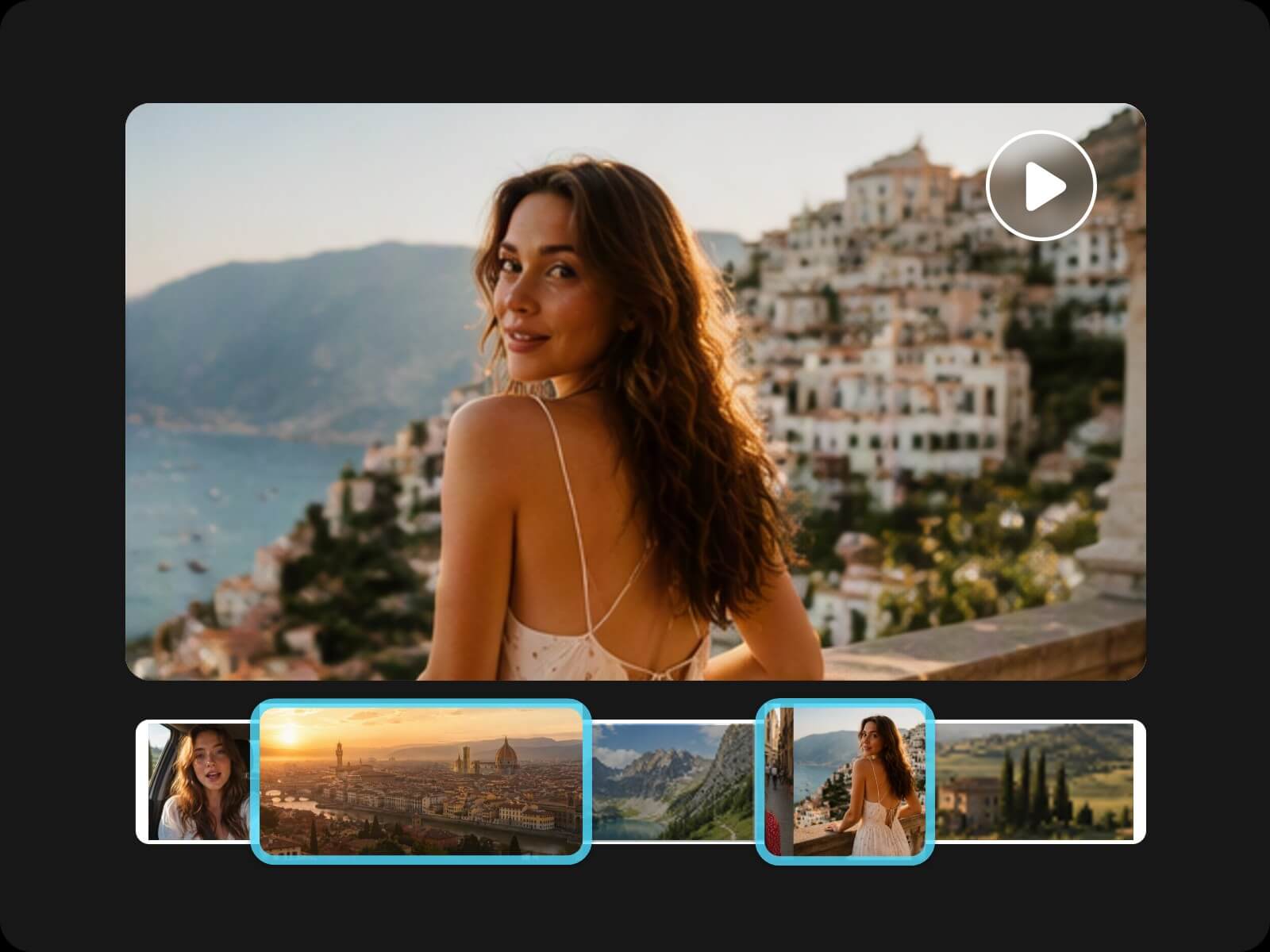
Detect and extract key moments from videos to create engaging clips with the most valuable content.
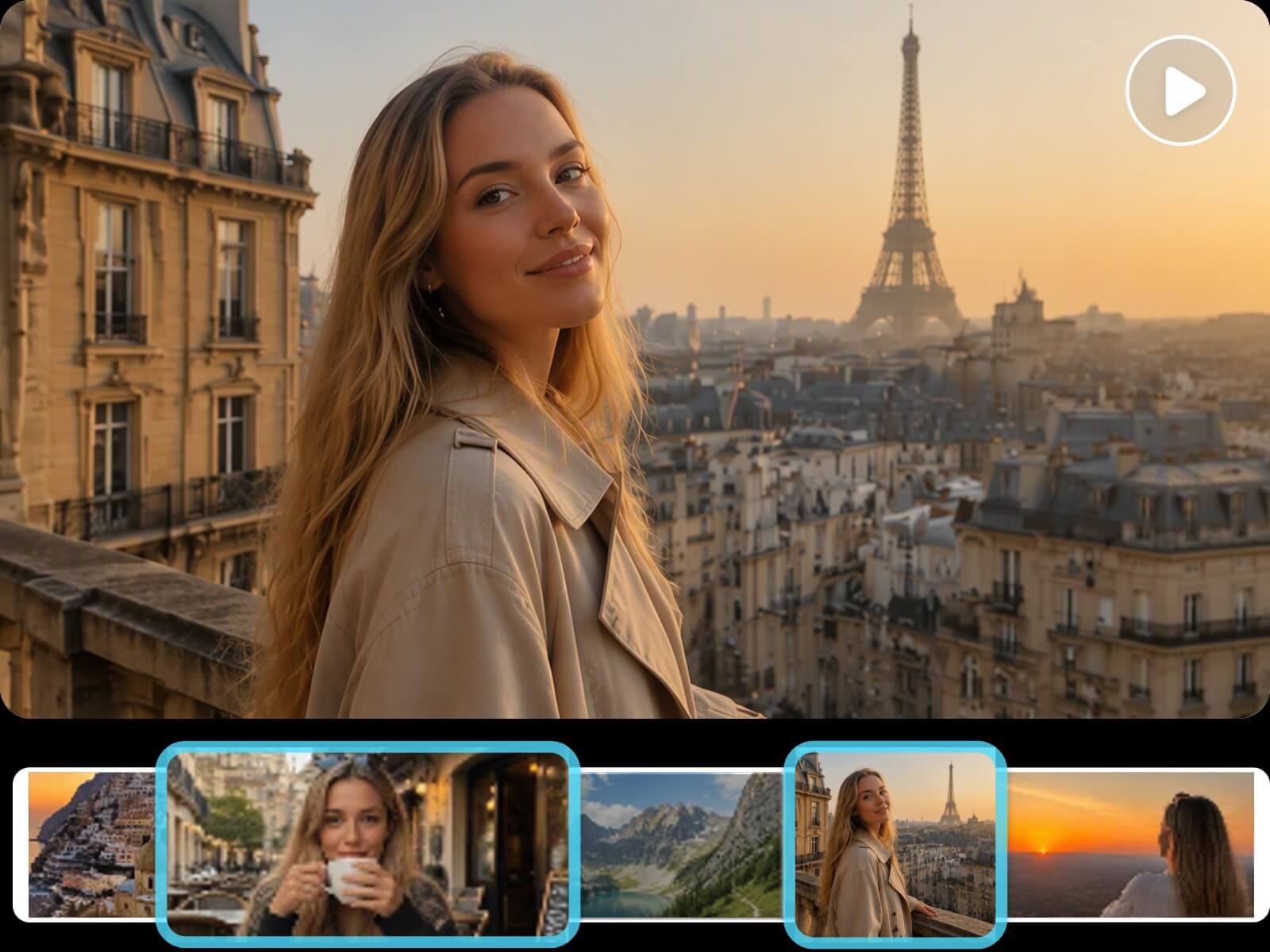
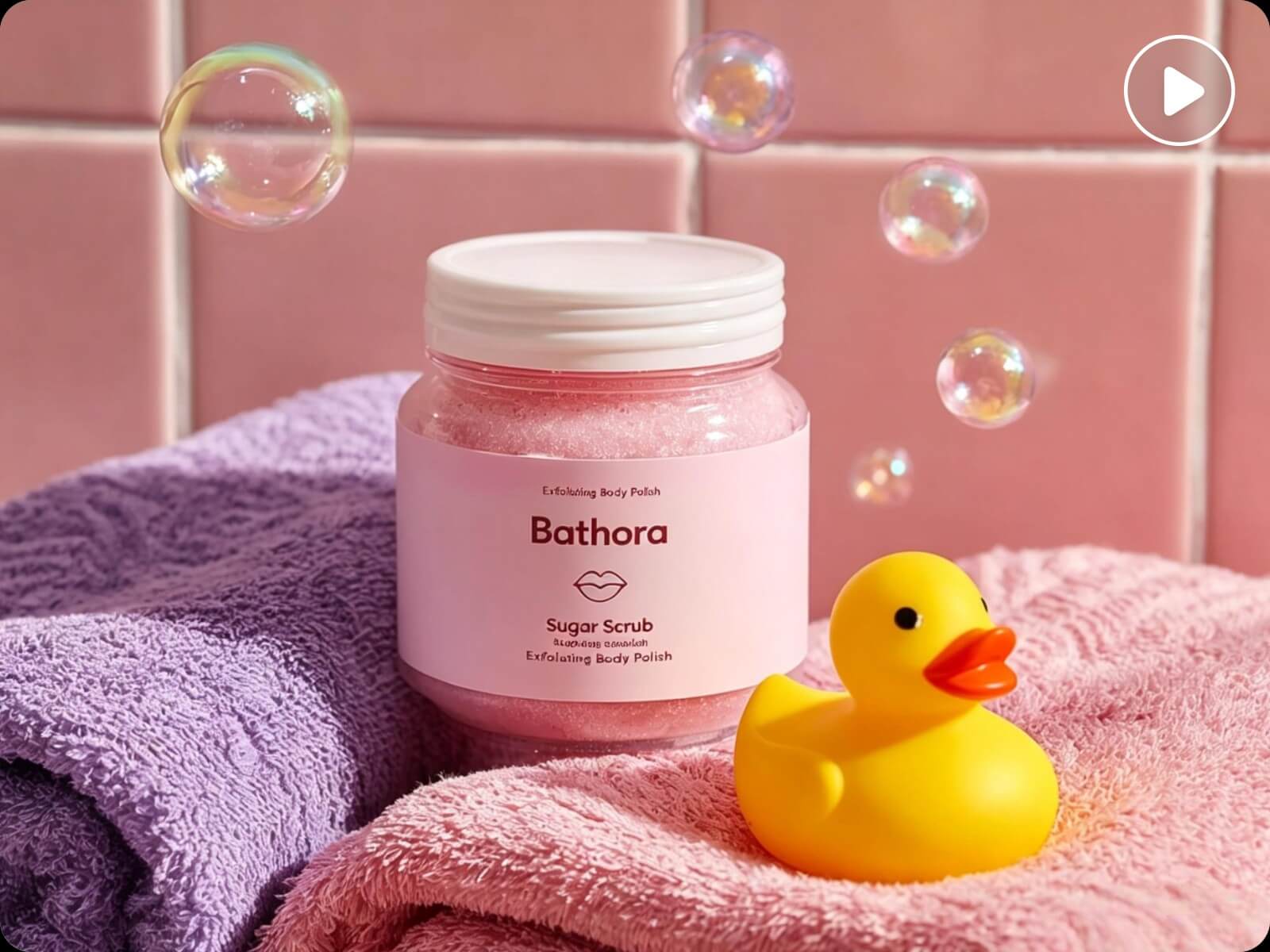
Generate short clips from text prompts, images, or creative ideas to bring your video concepts to life.
Create clips optimized for YouTube Shorts, TikTok, Instagram Reels, and other social platforms with suitable formats.
Add accurate captions and generate suitable audio based on your content needs to enhance your clips.
Customize your clips with text prompts by adjusting styles, camera movements, scene layouts, and visual effects.
Manually reviewing, selecting, and editing video clips takes time. Fotor's AI clip maker is powered by video agent, making it easier to create engaging clips from your videos. Simply tell AI what you want through conversation. It analyzes your video based on your needs, identifies valuable moments, and creates a smart clipping plan. Continue refining with AI until you get share-worthy short videos.
Creating engaging video clips can be challenging when you don't have the right footage or enough content to start with. Fotor's AI clip generator helps turn your ideas into video clips. Create AI video assets from text prompts, transform images into dynamic scenes with image-to-video, or bring a simple idea to life with AI. You can also combine different images and video assets to build unique clips that match your vision.
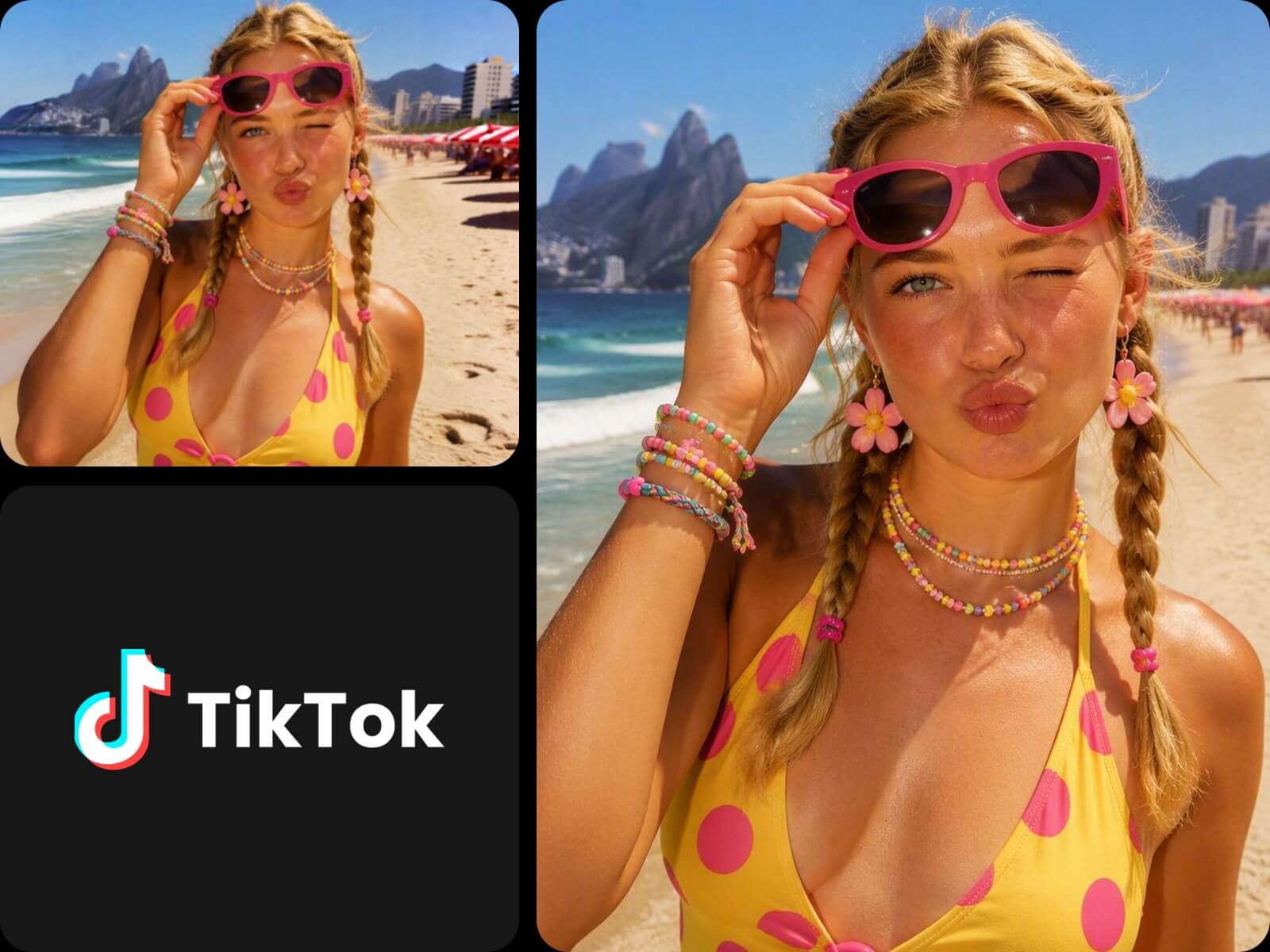
Not every video clip is ready for social sharing. Fotor's AI video clip maker helps optimize and reshape your clips for YouTube Shorts, TikTok, Instagram Reels, and other platforms with suitable aspect ratios, layouts, and formats. Create platform-ready content that helps you stand out on social media and better engage your audience.
Beyond creating and clipping videos, Fotor's AI short clip maker lets you refine both generated and existing video clips through simple conversations. Just describe the changes you want, and AI can adjust your videos based on your ideas, from changing styles and scenes to adding captions, audio, effects, transitions, and more. AI understands your instructions and helps you edit videos with greater flexibility, turning your creative ideas into polished clips without complicated manual editing.
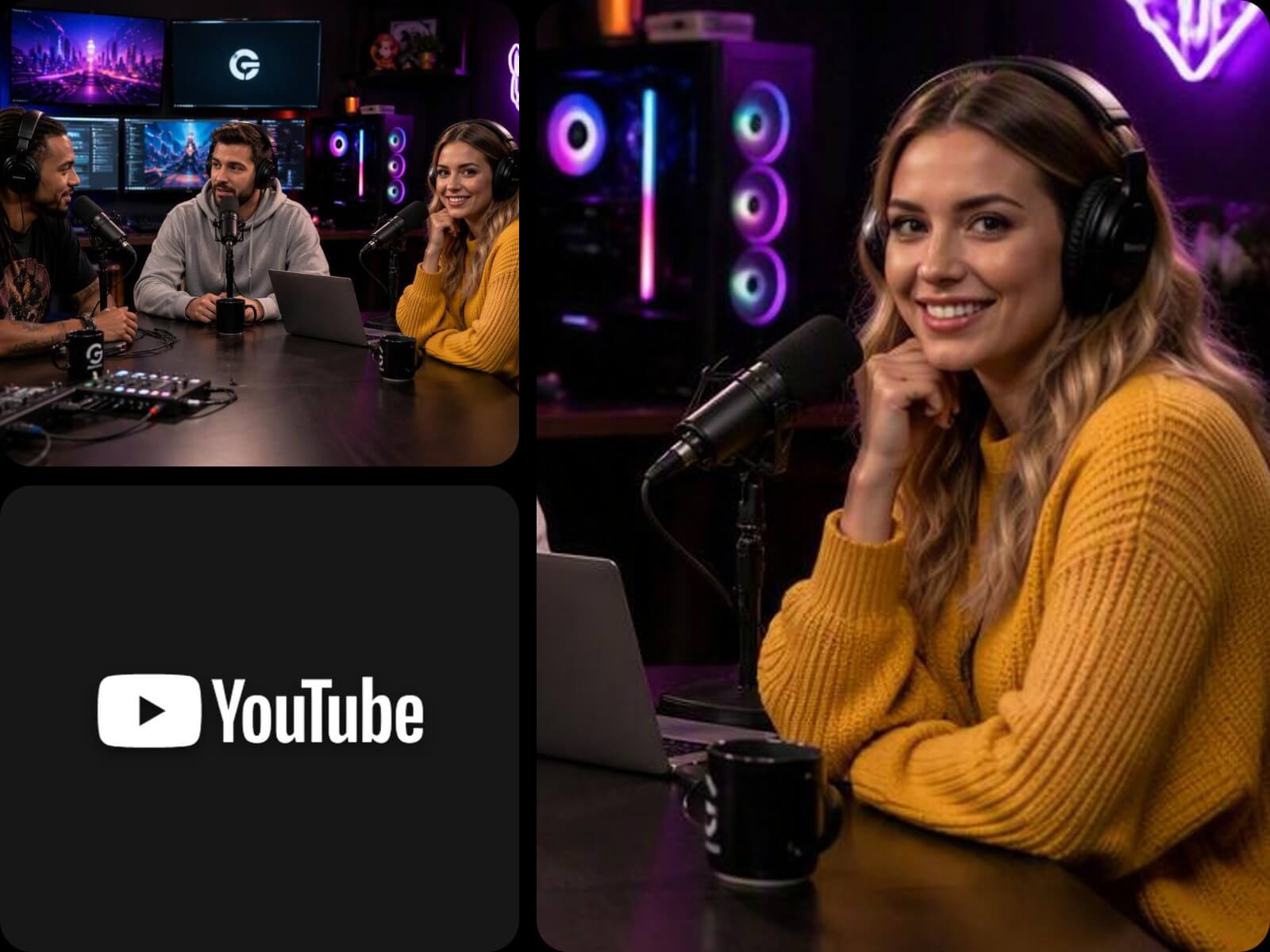
Turn your existing YouTube content into more opportunities to reach your audience. Repurpose videos like podcasts, interviews, tutorials, and vlogs into engaging YouTube Shorts that capture key moments and keep viewers connected with your channel. Create more content from every upload and make the most of your existing videos.
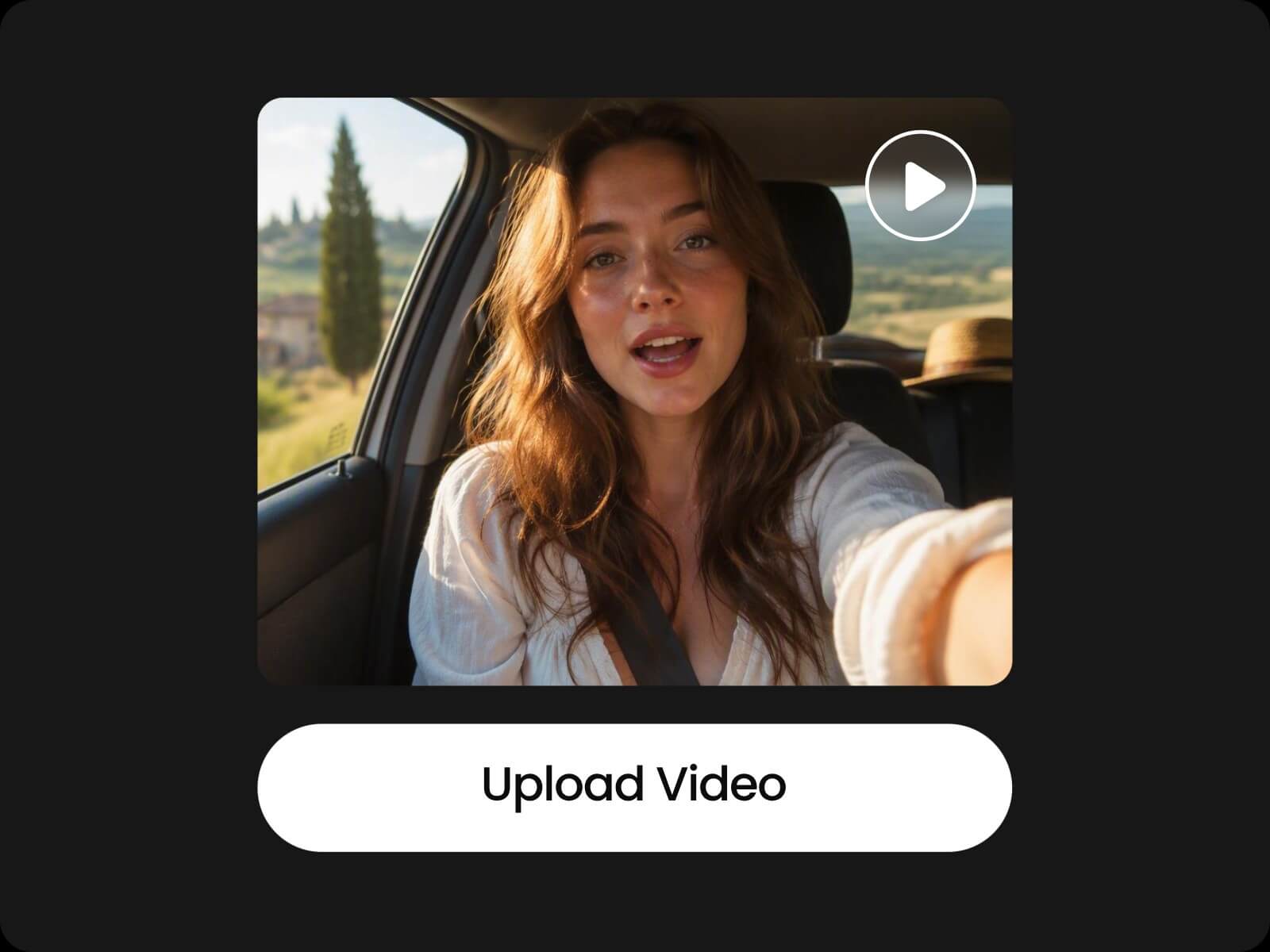
Upload any long videos, multiple video clips, or short video materials to Fotor's AI clip creator.
Create clips through simple conversations with AI without manual editing or professional video editing skills. Anyone can turn ideas into videos with ease.
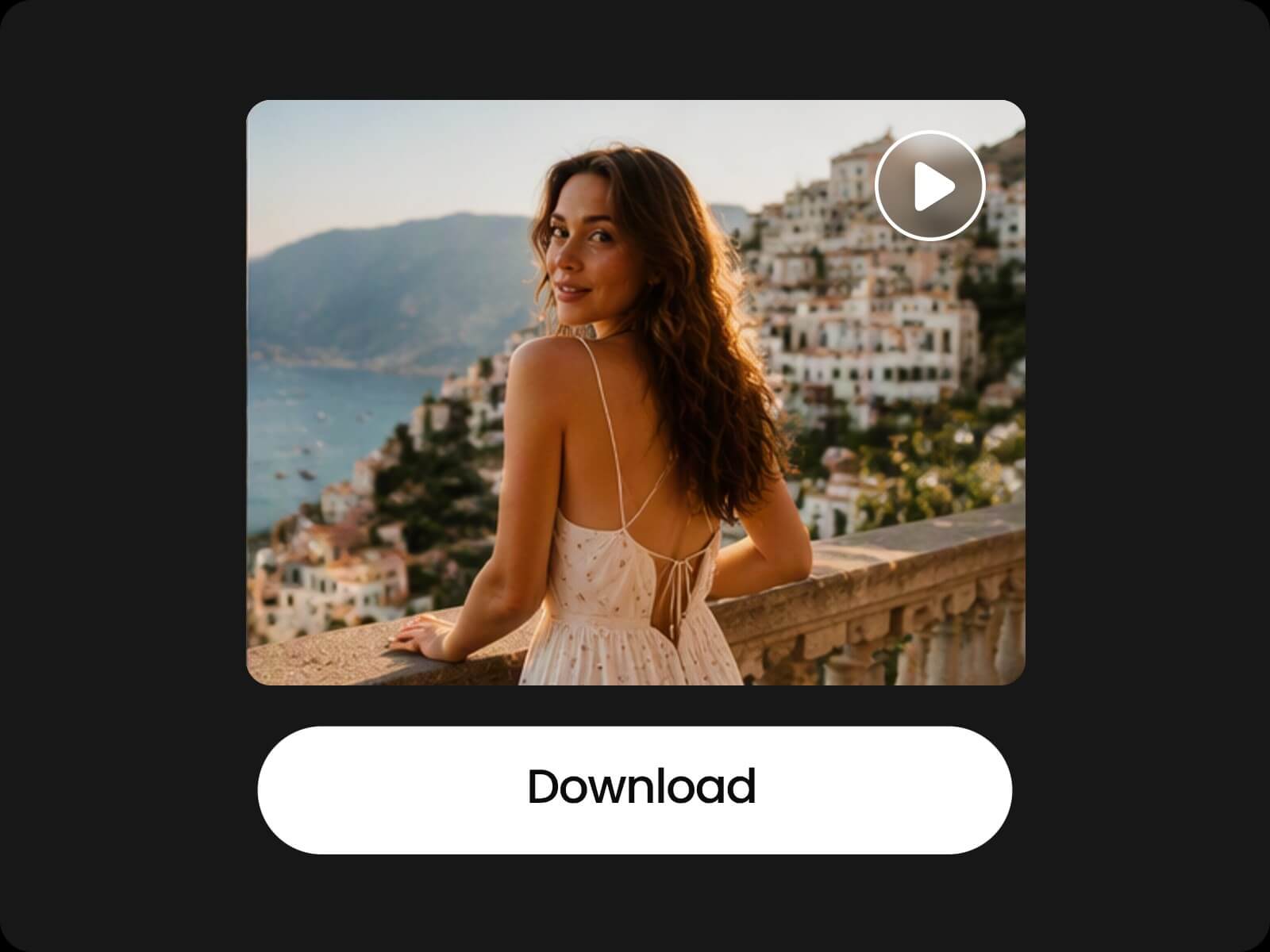
Generate polished video clips with smooth visuals and download your finished videos in high quality for sharing or further use.
Create your desired clips in seconds and quickly turn video ideas into ready-to-share content.
Create and edit clips directly in your browser from any device, whenever and wherever inspiration strikes.
Fotor's AI clip maker is an AI-powered tool that helps you turn long videos, video footage, and creative ideas into short video clips. It can analyze your content, identify valuable moments, and create share-ready clips for platforms like YouTube Shorts, TikTok, and Instagram Reels.
Fotor's AI video clip maker works by combining video analysis and AI conversation. Upload your video, describe the clips you want, and the AI analyzes your footage to create clips based on your needs.
No. You don't need professional editing skills to create clips. Just describe your ideas in natural language, and the AI handles the complex editing process for you.
You can turn long videos, interviews, podcasts, livestreams, tutorials, and other video footage into short clips. Fotor helps transform different types of content into share-ready videos.
Yes. Fotor's AI short clip maker analyzes your videos based on your instructions, identifies important moments, and extracts highlights that fit your goals.
Yes. Fotor's AI clip generator can create video clips from text prompts, images, or creative ideas. You can also combine generated assets with your existing footage to create unique clips.
Yes. You can refine AI-generated clips or existing videos through simple AI commands. Adjust elements like style, subtitles, audio, and effects, or make manual edits for more control.
Yes. Fotor's AI video clip maker helps create clips optimized for different platforms with suitable aspect ratios, layouts, and formats.
Fotor's AI clip maker supports popular video formats, including MP4, MOV, AVI, and WebM. You can upload your video footage directly and create clips online.
Fotor's AI clip maker offers free options to help you try AI-powered video clipping. Some advanced features or usage limits may require a paid plan.