



Generates native 30s clips with 50 multimodal references and timestamp-level precision for maximum visual stability.
Best for: Long-take storytelling, complex multi-shot narrative films, and studio workflows.


Use Seedance 2.5 AI video model on Fotor for longer video duration and more creative control. Generate up to 30-second videos in a single pass and extend them multiple times for richer narrative. Guide the AI video generation with 50 multimodal references and timestamp-level prompt control.
Limited video length hinders continuous storytelling. Even advanced models like Kling 3.0 and Veo 3 cap single generations at 15 and 8 seconds. Seedance 2.5 AI video model solves this by generating continuous 30-second audio-video clips in one pass.
Moreover, creators can run multi-round video extension to produce longer narratives and as runtime grows, consistency improves. So the videos maintain subject identity, lighting, and pacing across shots without visual drift.
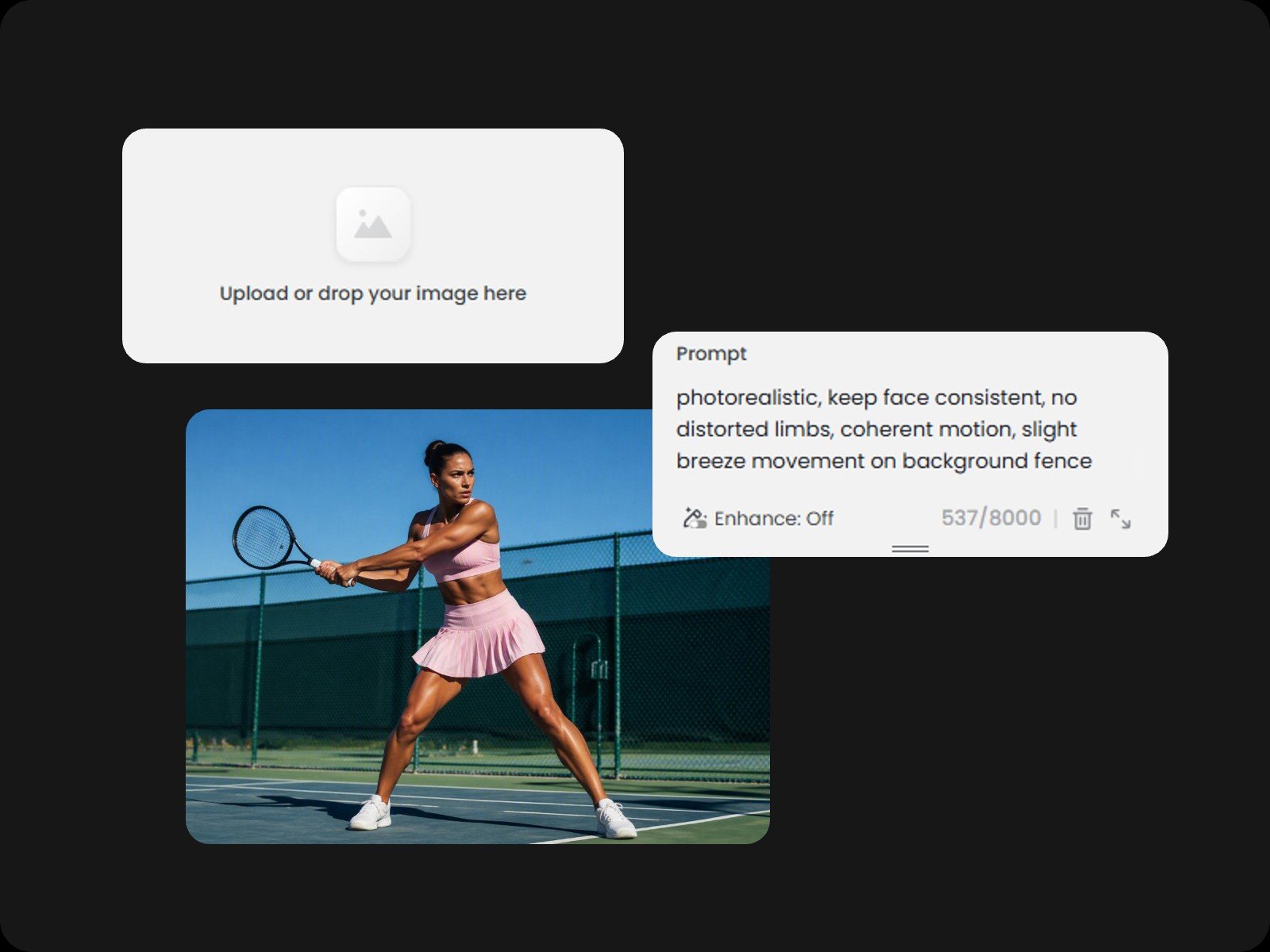
More reference inputs mean tighter creative control and less random guessing. Seedance 2.5 AI video generator accepts up to 30 images, 10 video clips, and 10 audio clips in one pass. Creators can use images to define characters and style, videos to guide camera movement and motion control, or audio to set the pace.
Beyond supporting higher reference capacity, Seedance 2.5 AI enhances multimodal comprehension, natively handling white-model control and green-screen editing for studio-level production.
Seedance 2.5 AI video generation offers timestamp-level control, allowing creators to dictate narrative plot, camera angles, and character actions at exact second marks. This precise control applies to both video generation and video editing, letting users modify specific frames or regions instead of regenerating the entire clip.
Generates native 30s clips with 50 multimodal references and timestamp-level precision for maximum visual stability.
Best for: Long-take storytelling, complex multi-shot narrative films, and studio workflows.
Offers native audio-video generation with strong character consistency and smooth motion control across scenes.
Best for: Cinematic short clips, engaging social media hooks, and character-driven videos.
Provides fast, lightweight video rendering while maintaining reliable visual quality and baseline motion fidelity.
Best for: Rapid idea testing, high-volume drafting, and cost-efficient social media content.
Delivers 15s cinematic scenes with realistic physics, native bilingual audio, and multi-camera motion control.
Best for: High-action commercial ads, dialogue-heavy scenes, and dynamic product shots.
Natively processes text, image, and audio inputs for flexible, conversational video editing and instant iterations.
Best for: Quick video modifications, background swaps, and localized creative edits.
Google's flagship model excels at hyper-realistic light physics, lifelike textures, and frame-accurate audio sync.
Best for: Photorealistic product reveals, broadcast-ready visuals, and high-end artistic shorts.
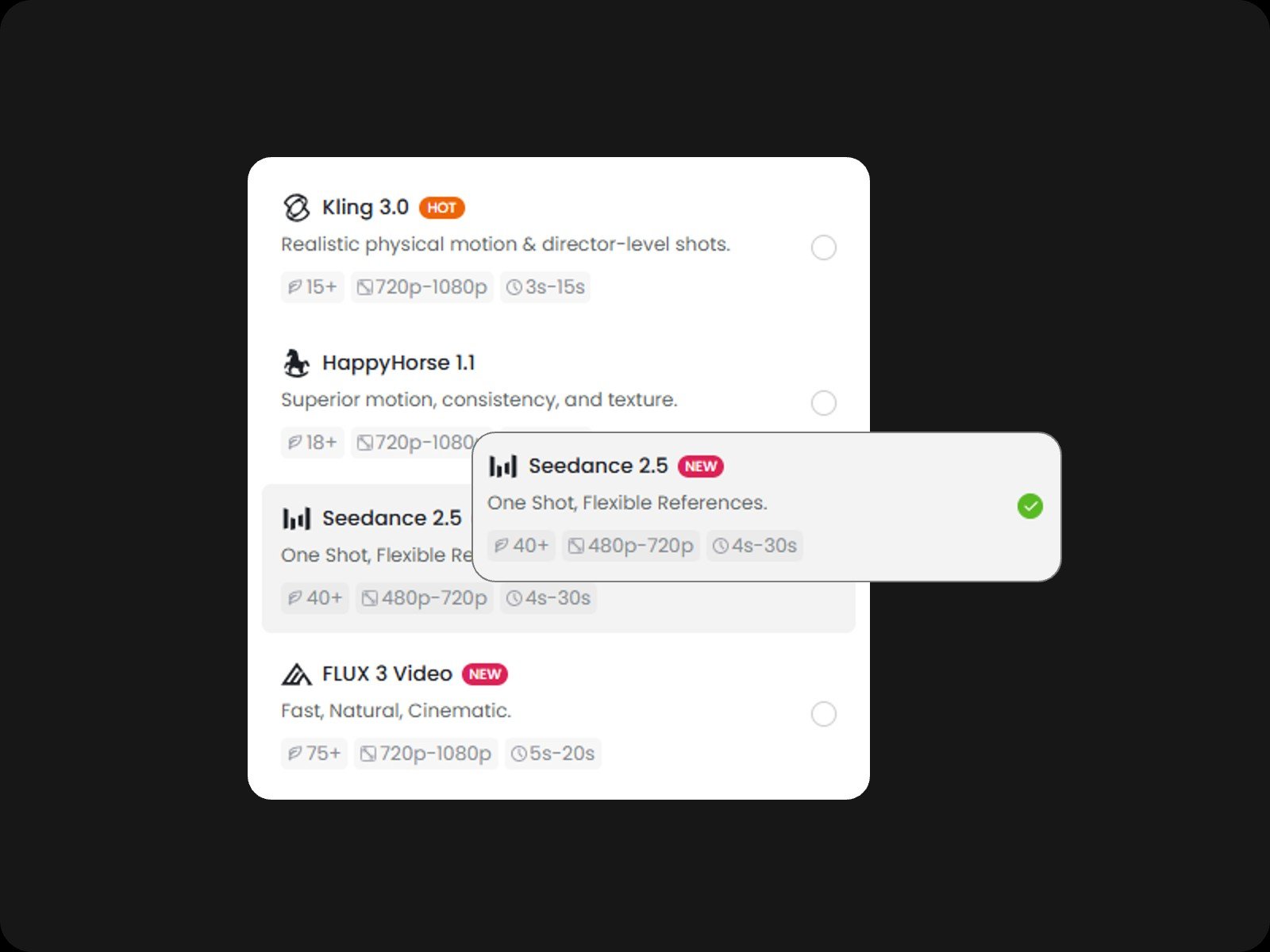
Open Fotor's AI video generator and choose Seedance 2.5. Select the video aspect ratio, audio settings, and duration up to 30 seconds.
Seedance 2.5 is ByteDance's AI video generation model designed for professional storytelling. Available on Fotor, it delivers continuous 30-second single-shot video generation with native audio, supports up to 50 multimodal reference inputs, and features precise timestamp-level editing.
Yes. Seedance 2.5 features unified audio-video co-generation, creating synchronized sound effects, ambient noise, and matched dialogue directly within the same pass, eliminating the need for post-production audio syncing.
Seedance 2.5 supports single-pass video generation for up to 30 seconds and outputs in 480p or 720p resolution.
Compared with Seedance 2.0, Seedance 2.5 doubles the single-shot runway from 15s to 30s, upgrades multimodal reference capacity from 12 (or 15) up to 50 inputs, and introduces timestamp-level prompting for targeted frame and region editing.
Yes. You can use generated videos for commercial projects, including social media ads, product launches, and client deliverables, provided you have legal rights to all uploaded reference materials.
To maximize output quality with Seedance 2.5, assign explicit roles to uploaded reference materials using tags like @Image for character identity and @Video for camera movement to prevent visual bleeding. Structure prompts chronologically using timestamp ranges (such as 0–10s or 10–30s) to direct pacing, scene transitions, and camera angles. For post-generation adjustments, use targeted region editing at specific timestamps rather than regenerating the entire clip.
Seedance 2.5 is ideal for multi-scene storytelling, short films, e-commerce product advertisements, cinematic social media content, and storyboard pre-visualization.