

Make Your Next GIF from a Still Image
Give an original character a wave or add a gentle motion to a product scene. Describe what should move, how it should move, and what should stay still. Use GPT Image 2.6 to create a short loop for a reaction, a community mascot, or a small animated moment in your content.
Targeted Image Editing with Consistent Detail
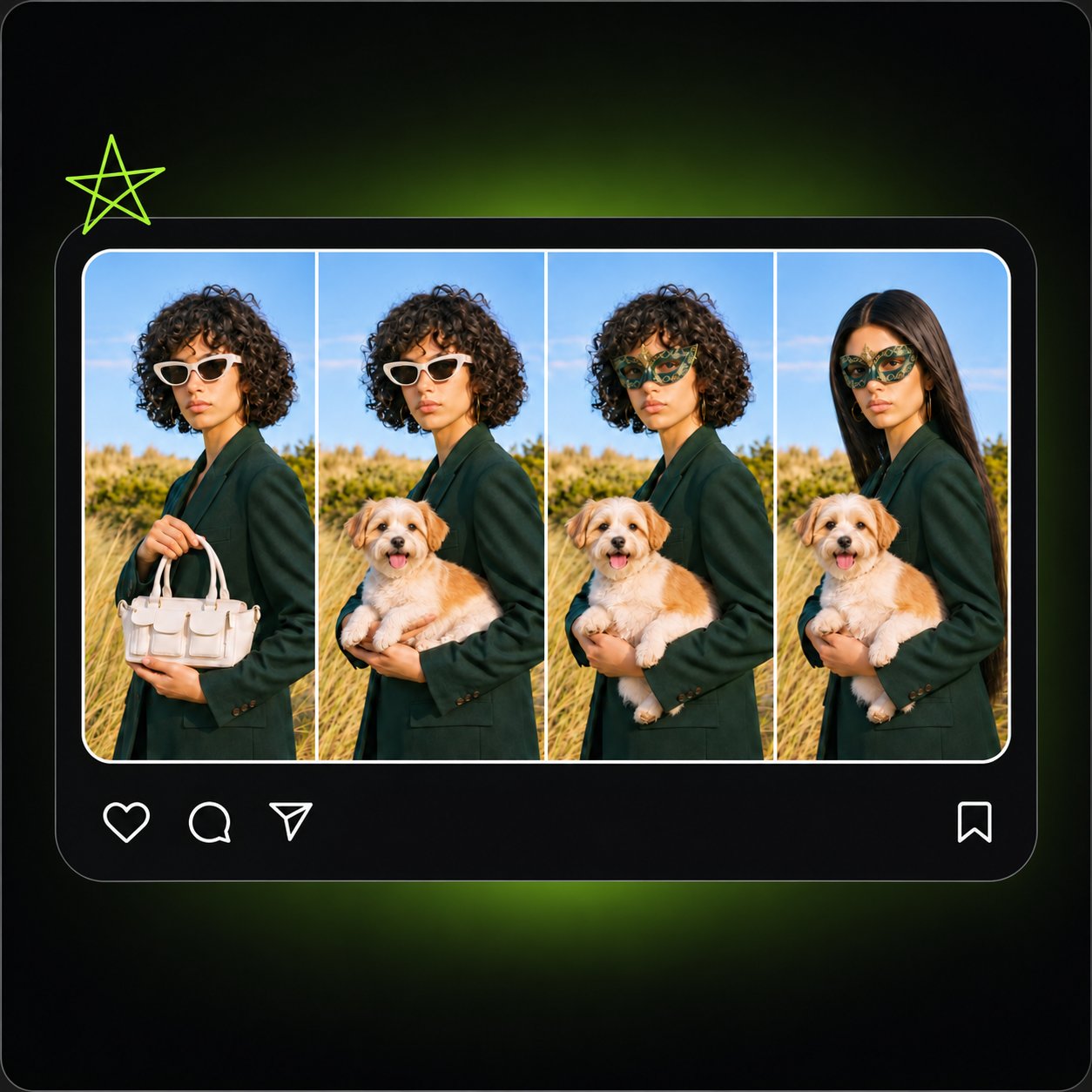
Upload your image, mark the detail to change, and describe the desired result. Whether recoloring an object or replacing background elements, work directly on existing compositions with instant full-result previews. Powered by GPT Image 2.6, maintain precise consistency across revisions—preserving key character traits, product shapes, and labels as your ideas evolve.
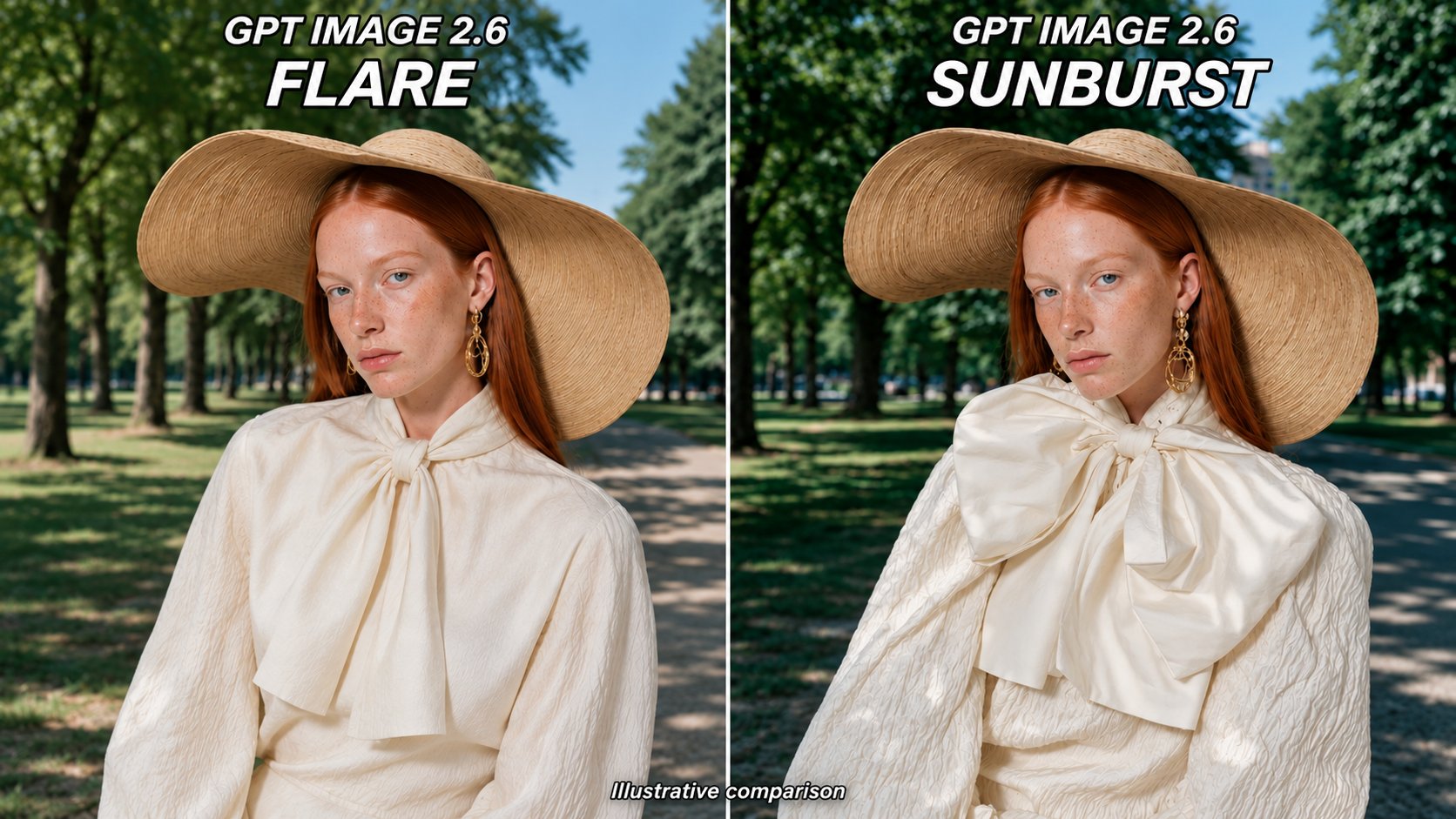
Choose Flare or Sunburst for Your Task
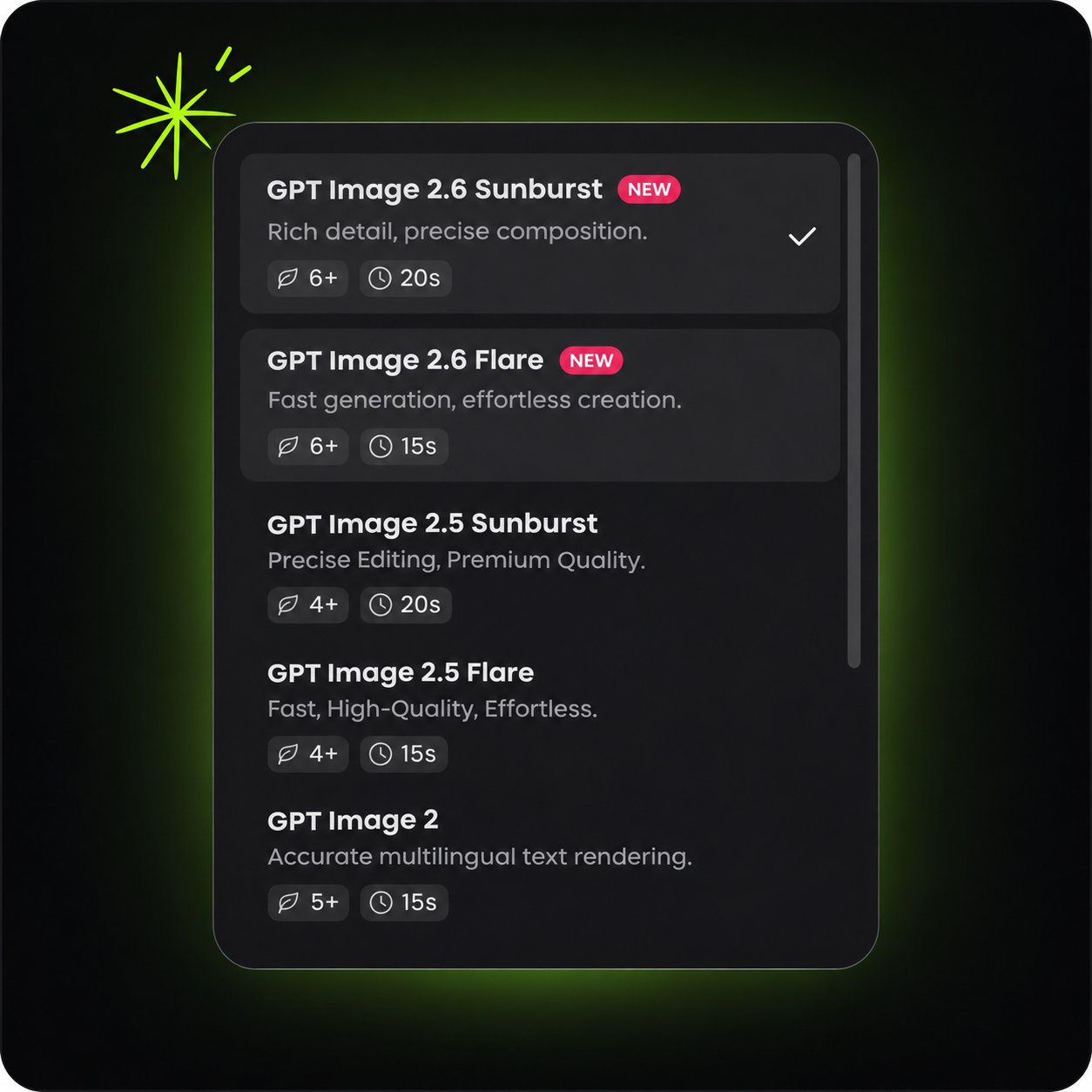
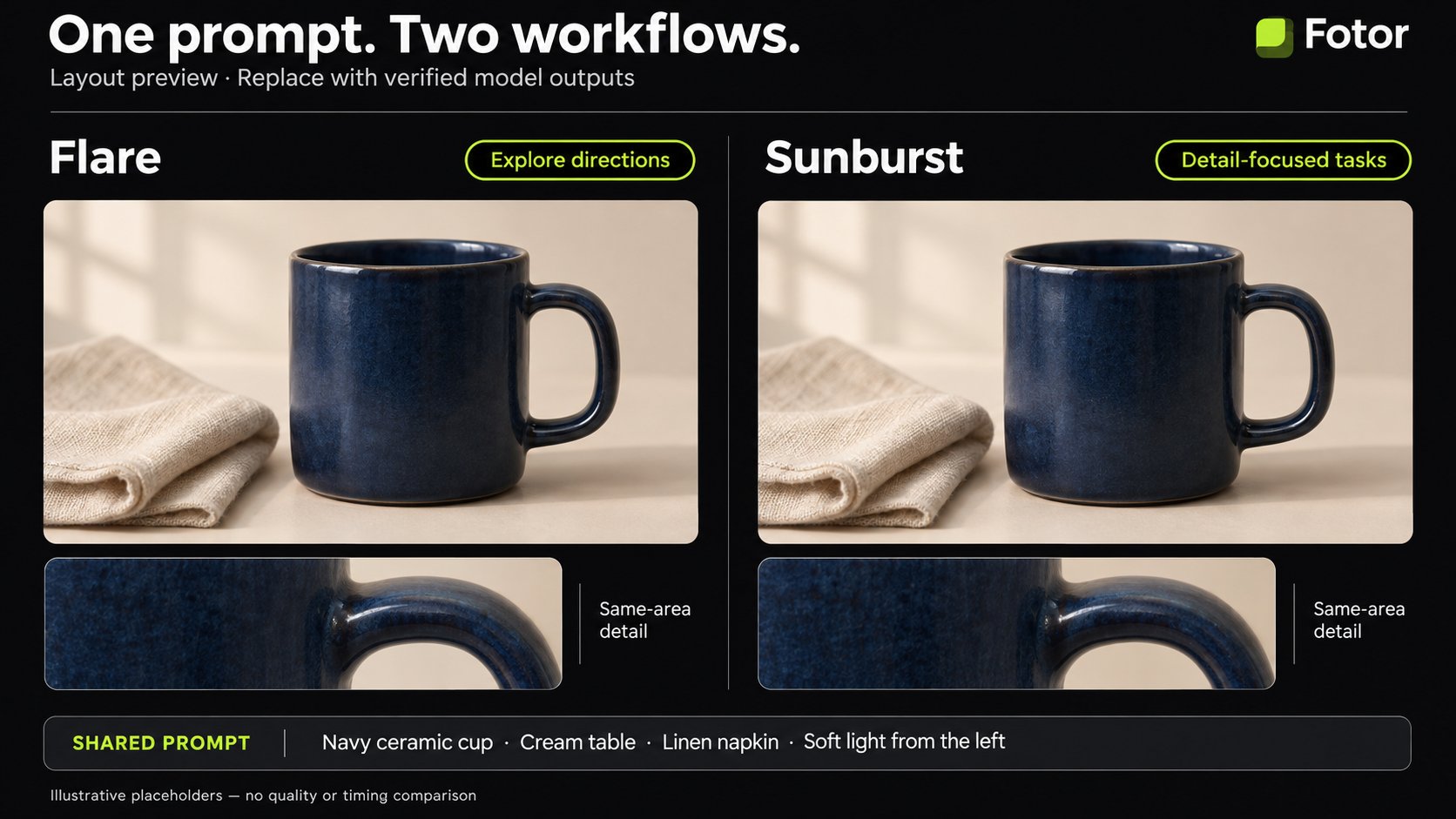
Explore concepts with GPT Image 2.6 Flare when you want faster iteration. Choose GPT Image 2.6 Sunburst for detailed compositions and image editing work. Match the model to your task as you develop a portrait, a product scene, or a campaign visual.
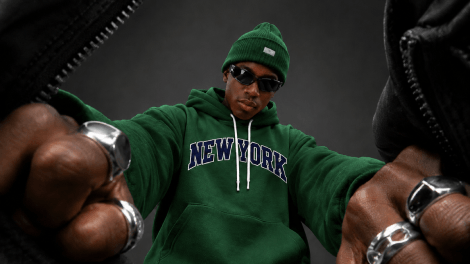
Adjust Planning for the Image You Need
A small edit and a complex poster call for different amounts of planning. Choose a lower complexity level for a focused change, or explore more planning for a scene with several subjects and layout requirements. Set image quality separately to control visual detail. Try the options on your own prompt and compare the results.
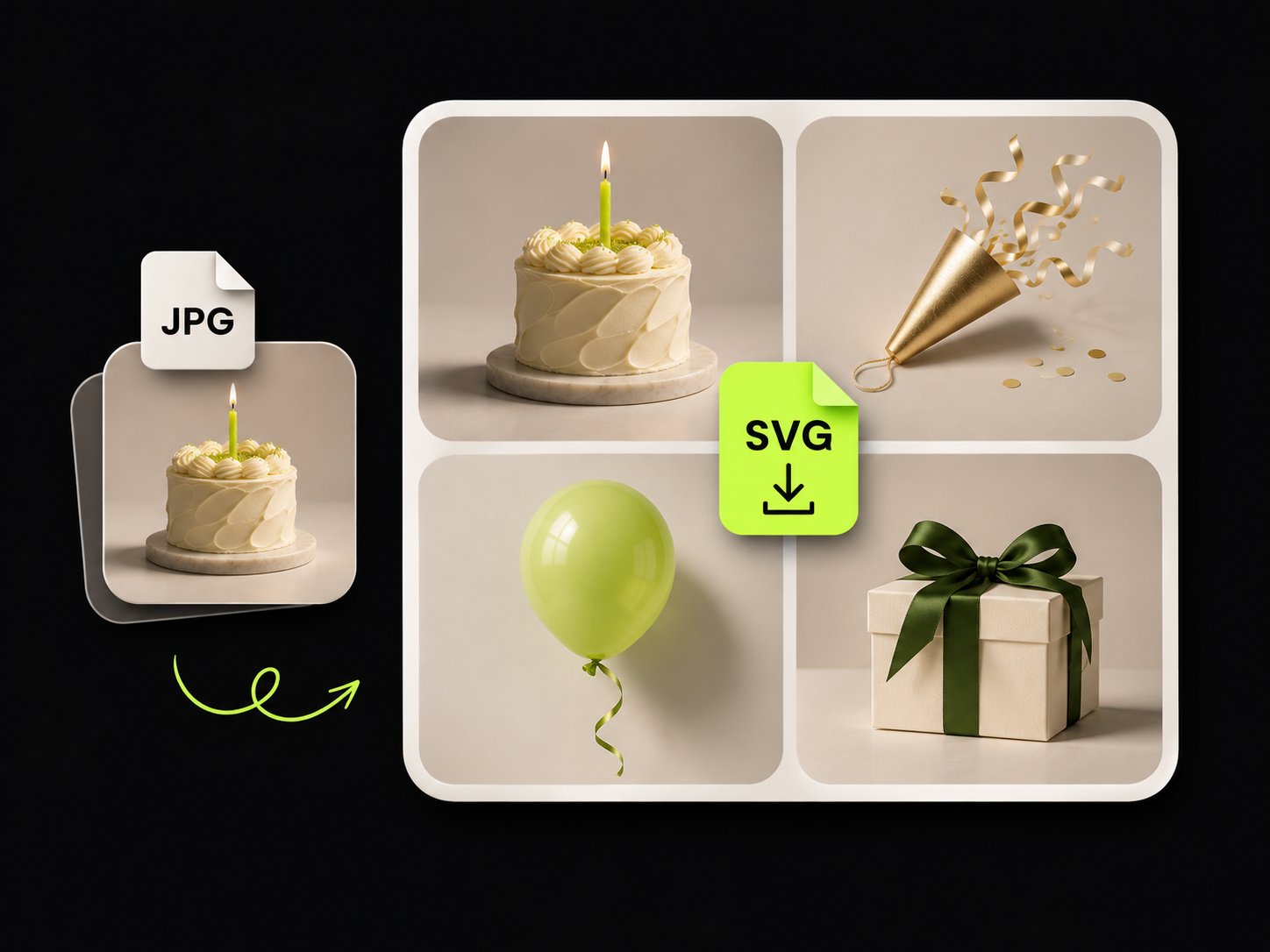
Create SVG Graphics for Your Next Design
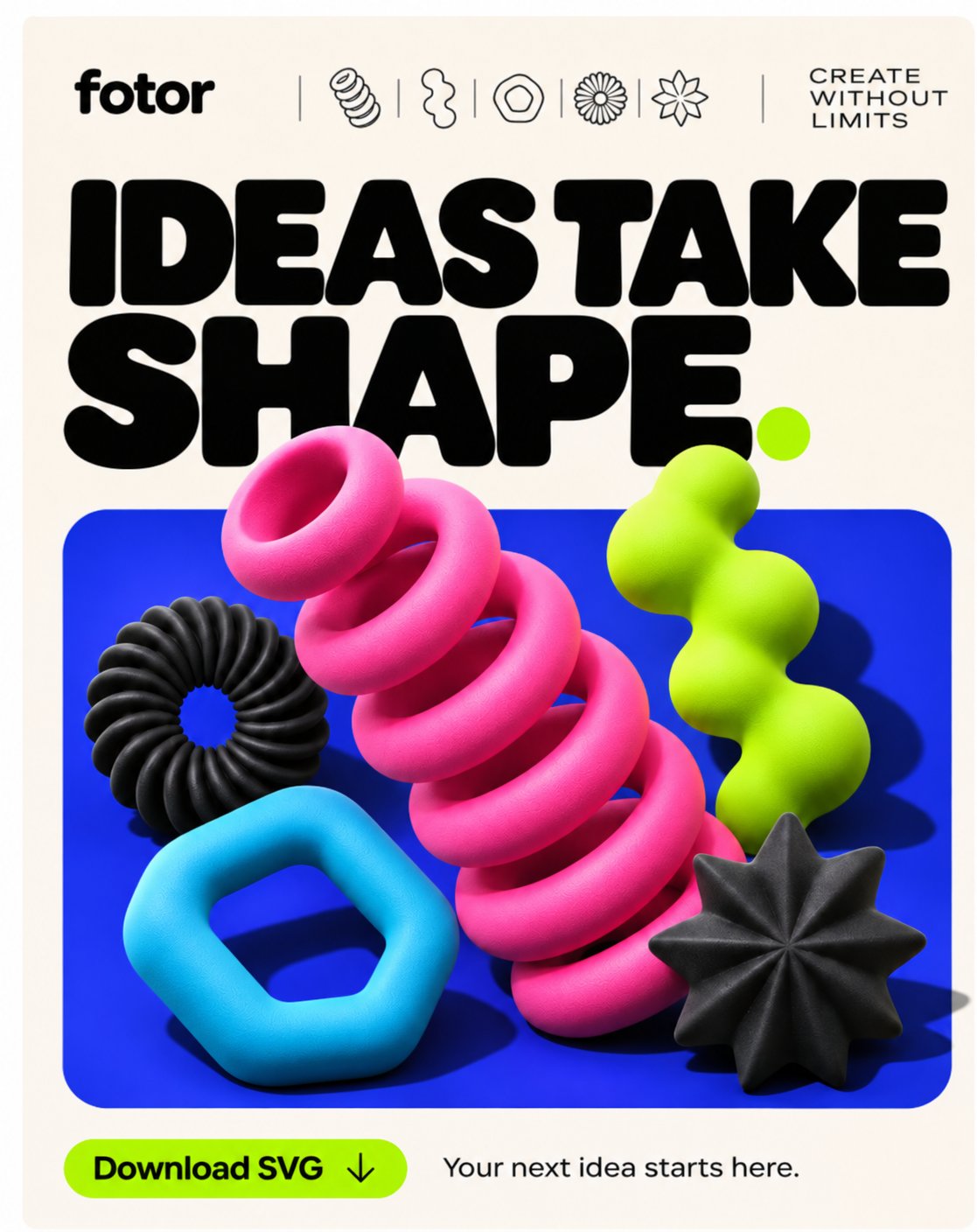
Develop a simple icon or an illustration as an SVG graphic. Use scalable shapes and colors in a design that needs to work at several sizes. Start with a focused brief, then inspect the exported SVG in your design tool before adding it to a website or a presentation.
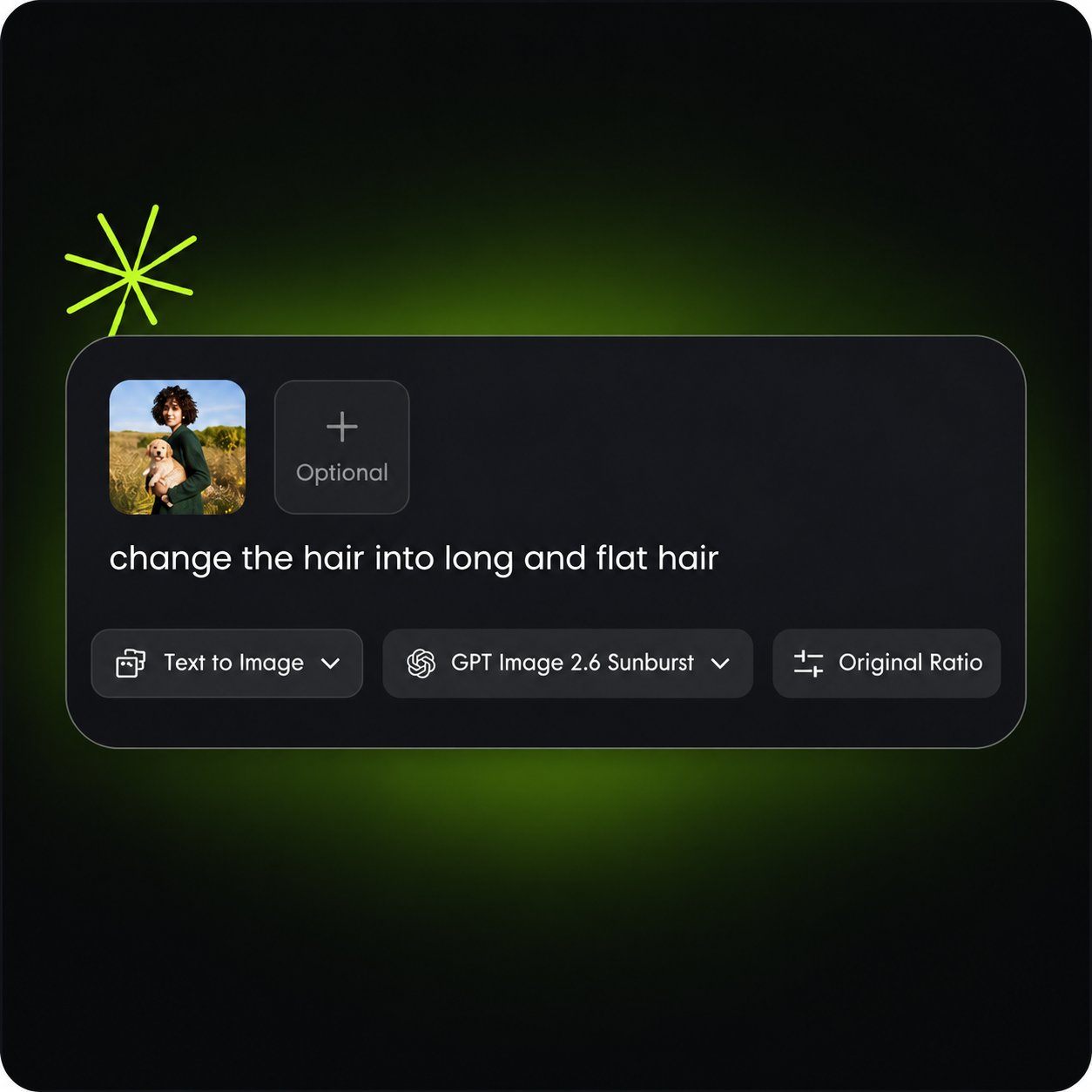
How to Use GPT Image 2.6 on Fotor
Choose Your Starting Point
Open GPT Image 2.6 in Fotor. Enter a prompt for a new image, or upload a reference photo to guide your result. Describe the subject, composition, and details that matter to you.
Describe the Result
Generate Review and Download
Ideas for Your Next GPT Image 2.6 Project
Original Reactions and Community Mascots
Create a recognizable character and explore a few simple expressions or motions. A wave, a blink, or a small nod gives you a clear starting point for a reaction GIF. Keep the camera fixed so the action stays easy to follow.
Product Scenes for Seasonal Campaigns
Start with your product photo and explore a new setting. Develop a cozy winter scene or a bright summer composition, then compare the product’s shape and label with the reference. Add a small motion when a loop suits the placement.
Campaign Visuals You Can Revise
Develop a poster concept, then try a different color or a revised background. Show your team the versions side by side to discuss the creative direction. Make one clear change at a time when you want an easier comparison.